
7 Business Support Assistant - Adult Services Cover Letter Templates with Example
This guide helps you write a Business Support Assistant - Adult Services cover letter, with seven layouts to compare and adapt.
What Makes a Great Business Support Assistant - Adult Services Cover Letter in 2026
A strong letter links your interest in the role to the careful support it provides for residents and service teams. Show how clear communication, sound judgement and accurate administration help work meet deadlines.
Use relevant evidence, such as coordinating enquiries, checking case records or using Excel to flag incomplete information. Connect your examples to the Council’s adult and neighbourhood services, and explain why this work matters to you.
The featured Business Support Assistant - Adult Services example follows a focused progression from role interest to relevant evidence and a clear close. Adapt that flow while choosing a presentation that suits the employer and communication context.
#1 Simple One Column Format Cover Letter Example
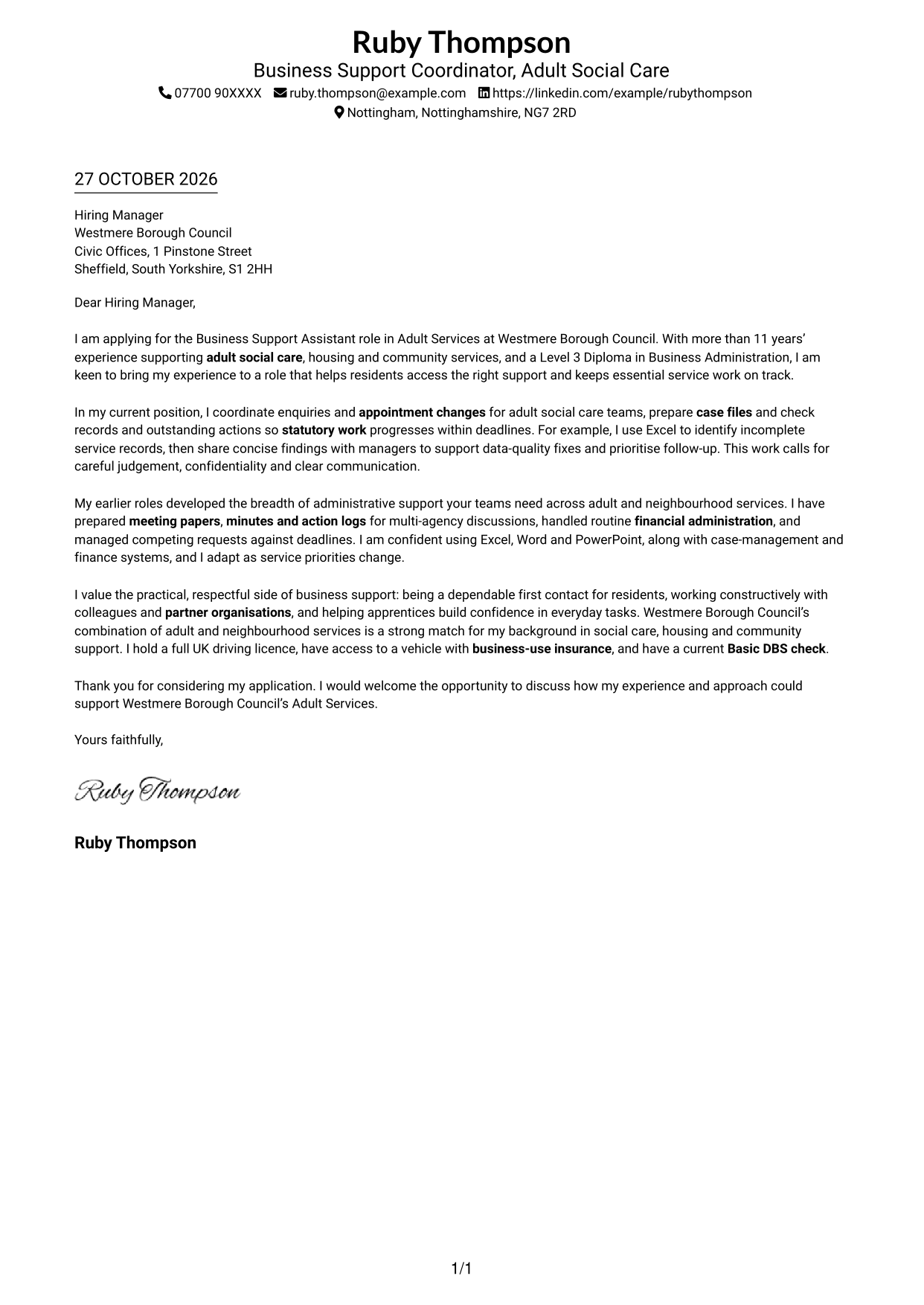
A single-column layout keeps sender details in the header and the cover letter in one continuous body, giving the message a direct reading path.
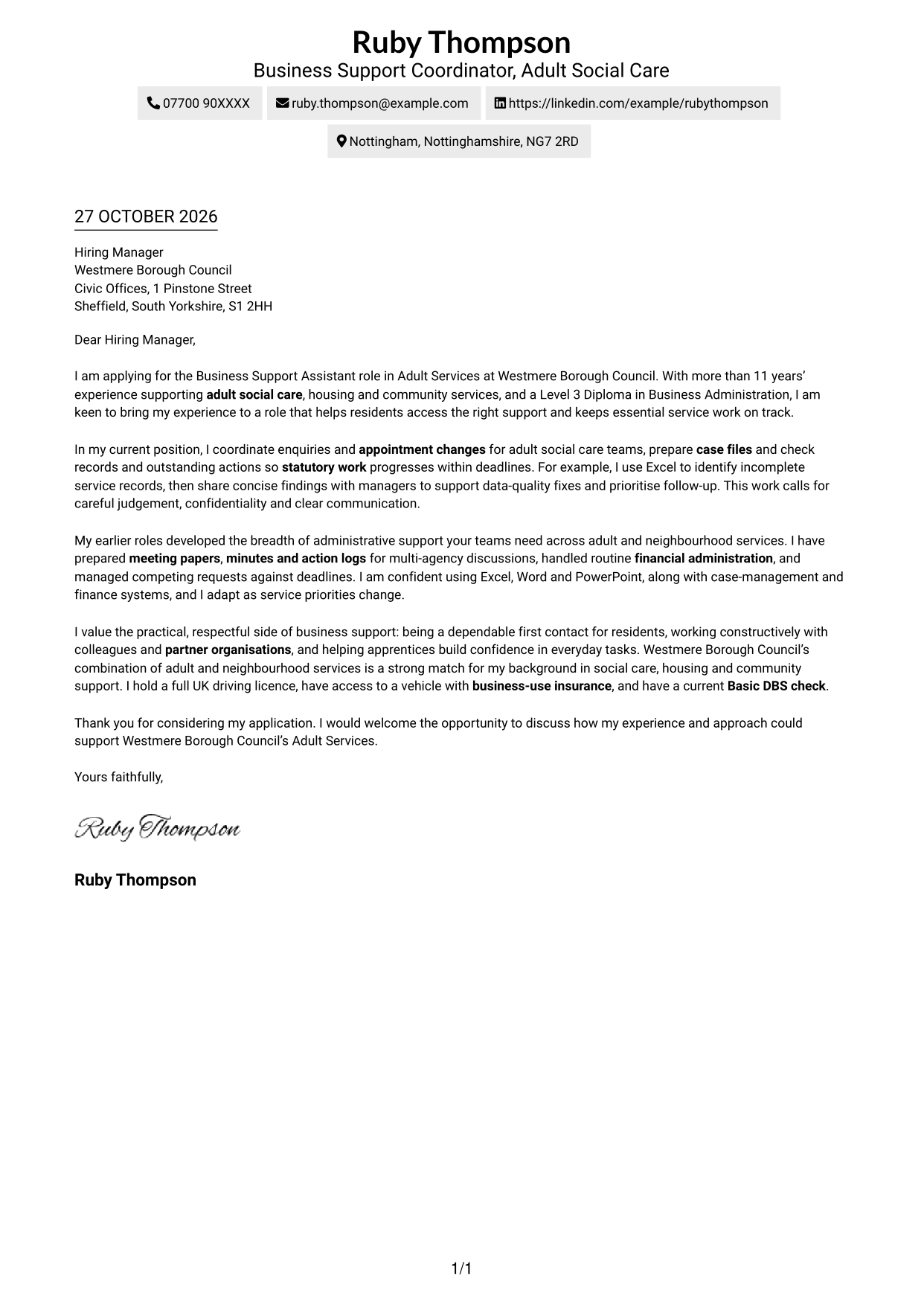
Why This Format Works
- Header contact details stay apart from the message, so reviewers can find them quickly.
- Connected paragraphs let the application move naturally from interest to evidence and closing.
- A simple vertical reading order keeps attention on the letter’s wording.
Best For
- Straightforward application letters
- Paragraph-led case building
- Header-based contact details
- Connected motivation and evidence
- Readers who prefer a simple layout
#2 Two Column Format Cover Letter Example
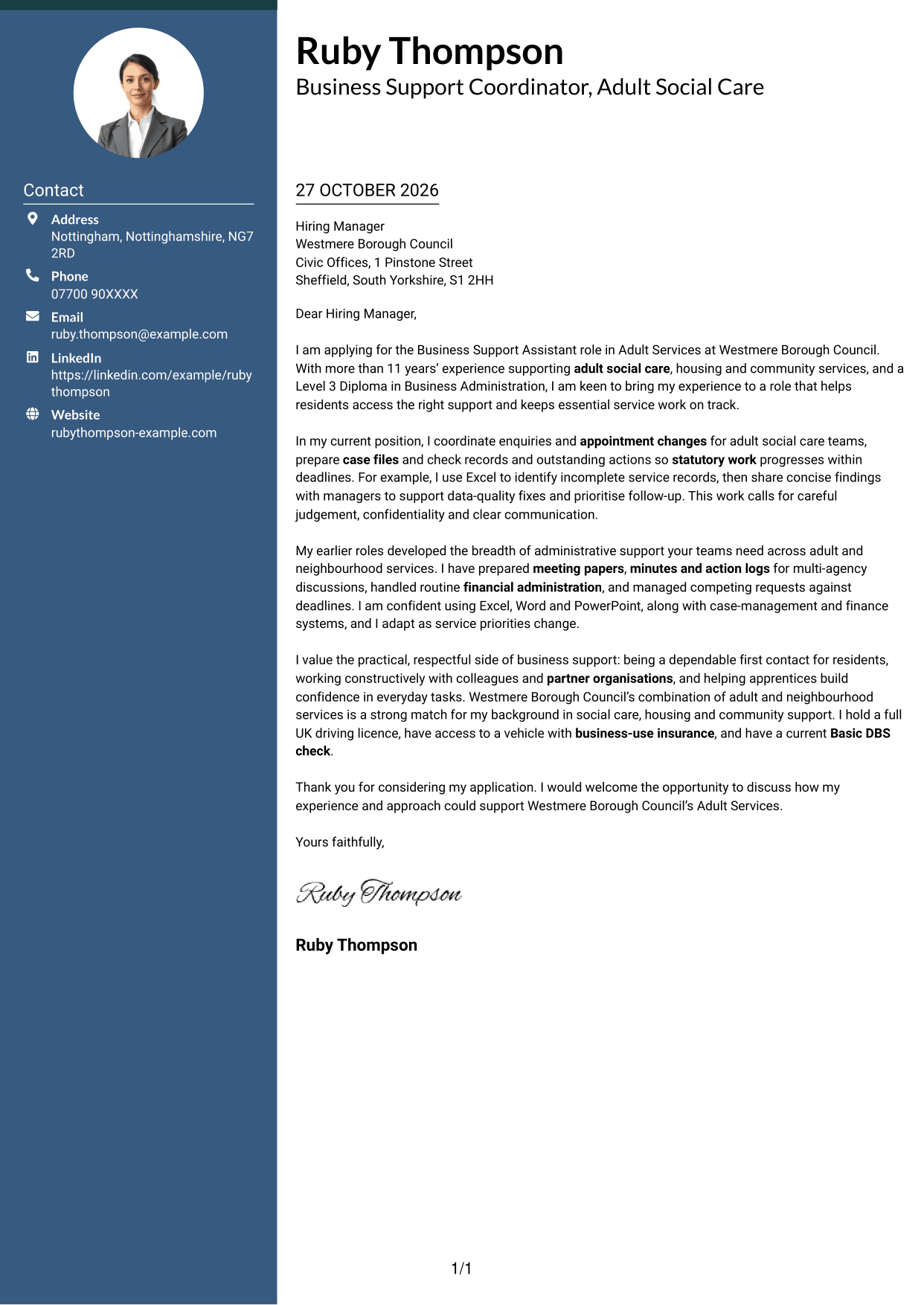
A contact sidebar sits beside the single continuous letter body, keeping sender information separate from the application’s argument.
Why This Format Works
- The sidebar makes sender details easy to locate without searching through the message.
- A continuous body lets the application develop from motivation to evidence and closing.
- The letter stays in normal paragraph order rather than splitting its case across columns.
Best For
- Contact details beside the message
- Letters with a clear argument sequence
- Quick access to sender information
- Paragraph-based application writing
- Readers who prefer a divided layout
#3 Photo Header Two Column Format Cover Letter Example
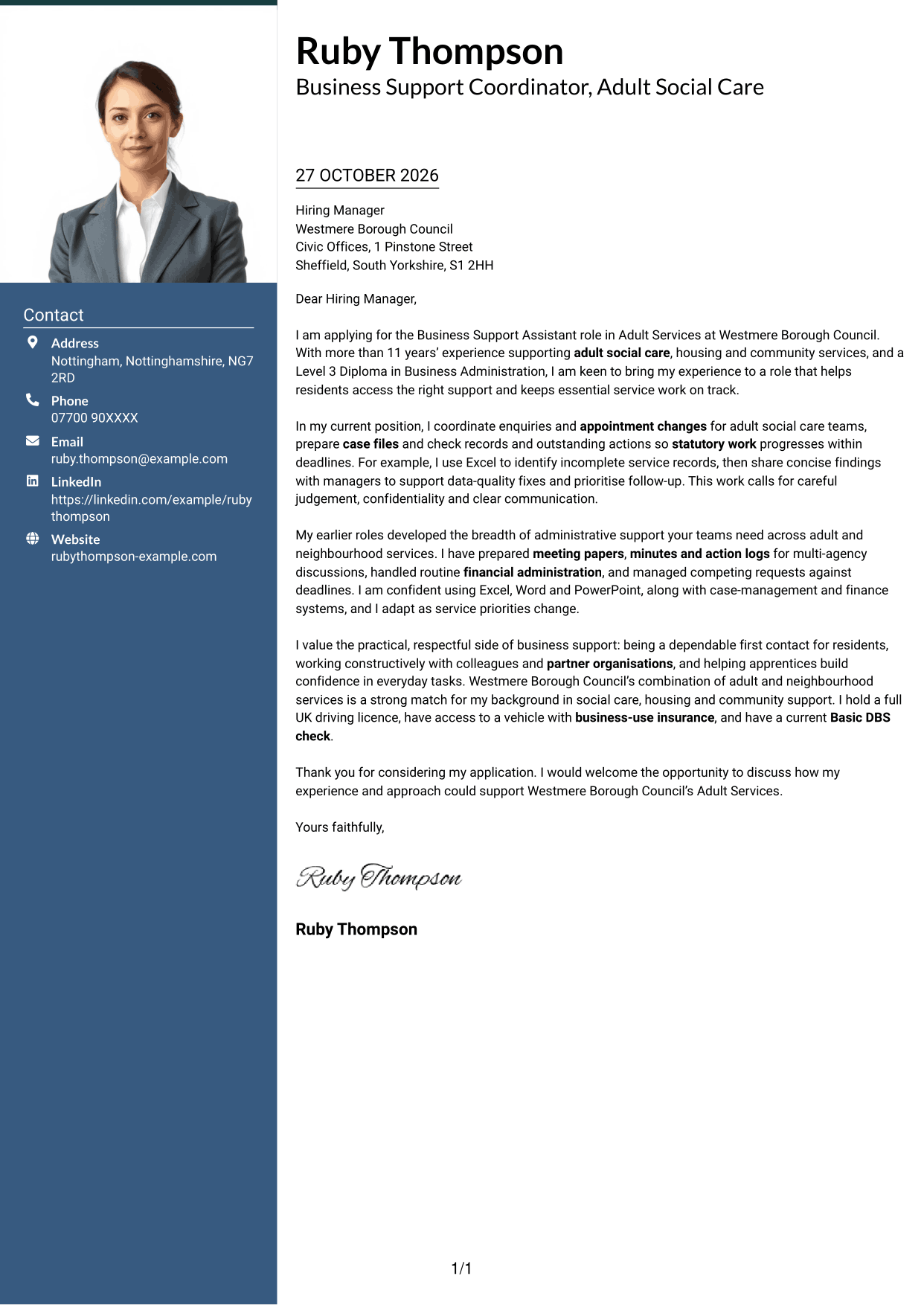
A photo in the header adds a personal visual element, while the contact sidebar sits beside one continuous letter body.
Why This Format Works
- The photo offers a visual choice for applications where a portrait is appropriate.
- The contact sidebar keeps sender details apart from the letter’s persuasive message.
- The continuous body carries the application from its opening through to the closing.
Best For
- Applications suited to a portrait
- Sender details beside the letter
- A continuous persuasive message
- Paragraph-led role alignment
- Readers who favour a photo header
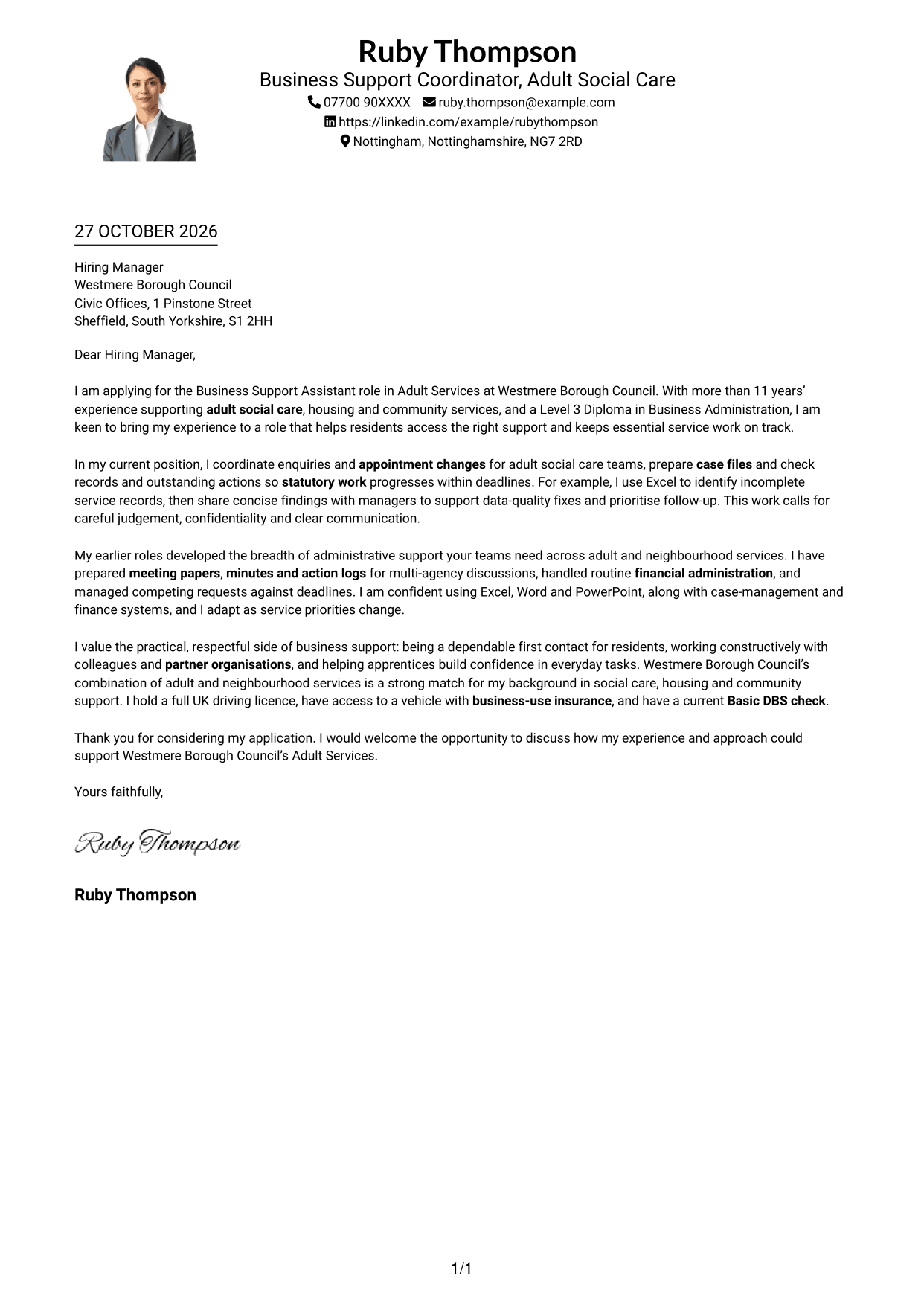
#4 One Column Format with Photo Cover Letter Example
The one-column format pairs a photo with a continuous letter body, offering a personal visual element without splitting the message.
Why This Format Works
- The photo adds a personal visual feature while the letter remains the main focus.
- One continuous body keeps motivation, supporting details and closing in paragraph order.
- A single reading path suits applications built around a connected written case.
Best For
- Applications suited to a portrait
- One-path letter reading
- Connected motivation and evidence
- Paragraph-led application writing
- Readers who prefer a photo and one column
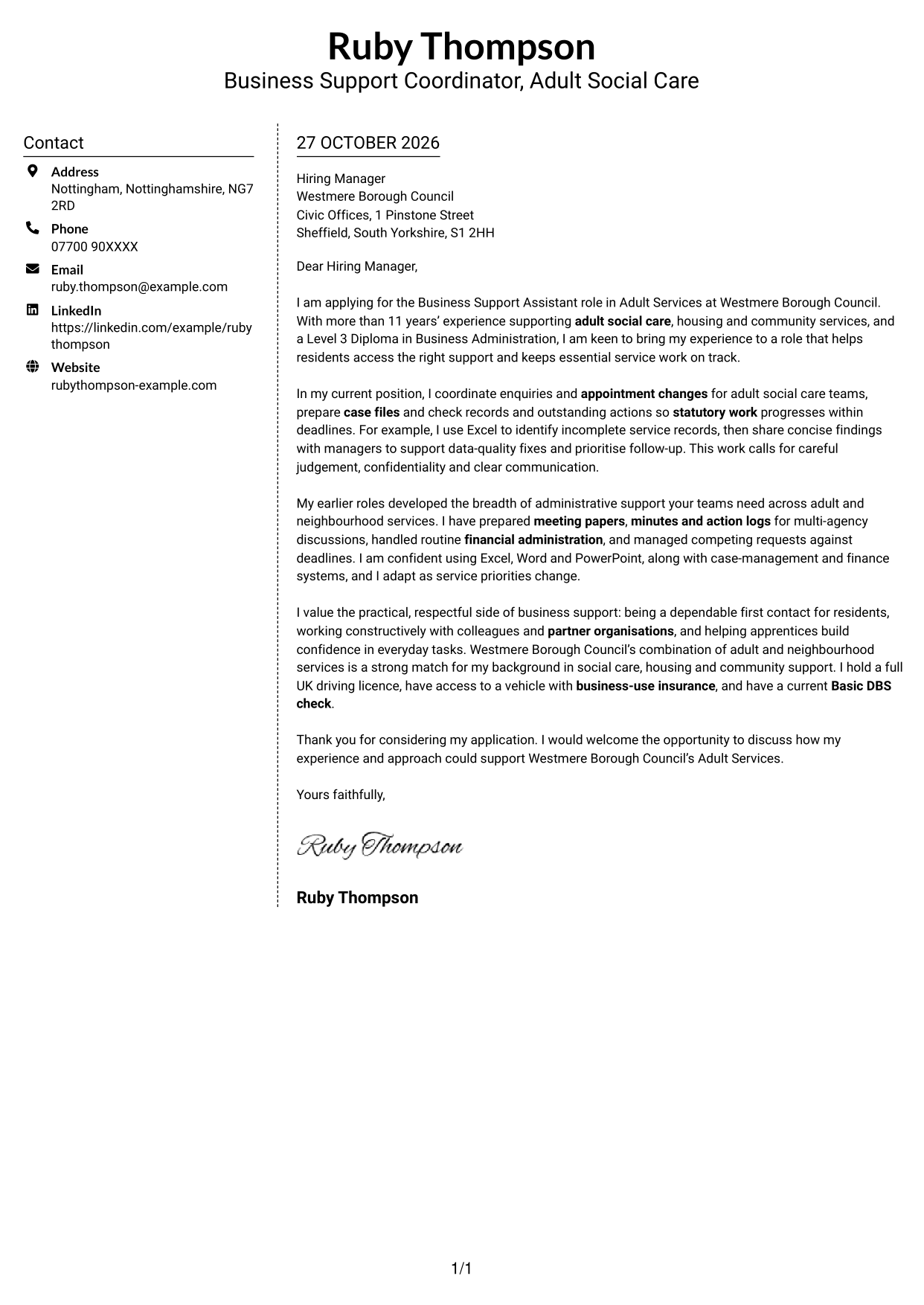
#5 Simple Two Column Format Cover Letter Example
The contact sidebar sits alongside a single letter body, giving sender details a separate place without interrupting the message.
Why This Format Works
- The sidebar separates sender details from the paragraphs making the case for the role.
- The letter remains a continuous sequence, so its opening and closing stay connected.
- The straightforward arrangement keeps contact information and letter text easy to distinguish.
Best For
- Separate sender and letter details
- Continuous application arguments
- Simple contact information access
- Paragraph-led evidence
- Readers who prefer a clear two-column layout
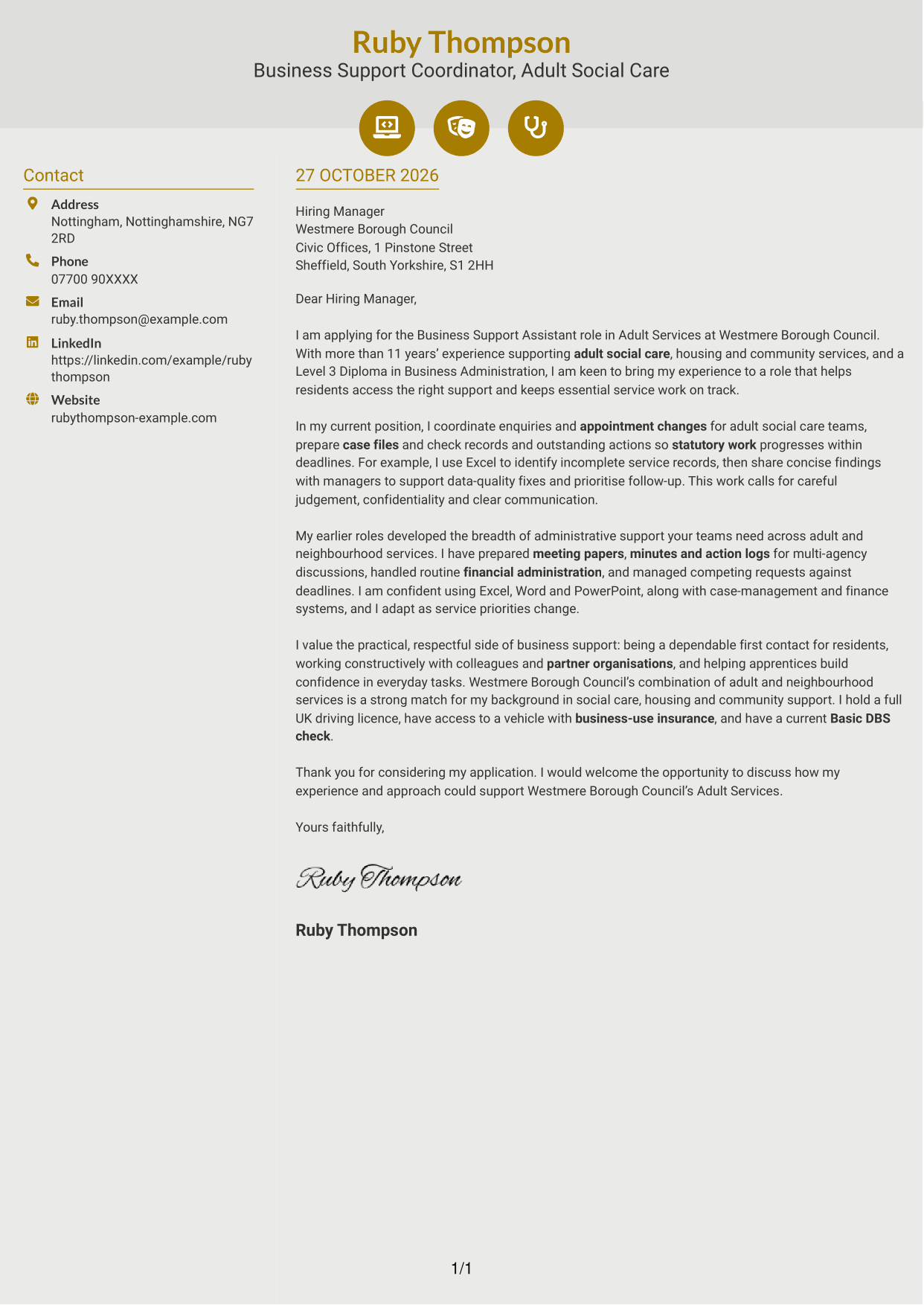
#6 Modern Icon Format Cover Letter Example
Contact icons and decorative header accents add visual cues beside a contact sidebar and one continuous letter body.
Why This Format Works
- Contact icons help distinguish contact details from the letter’s main message.
- The separate sidebar keeps sender information outside the continuous letter body.
- Decorative accents add visual character without dividing the application’s argument.
Best For
- Icon-led contact details
- Sender information beside the message
- A continuous letter argument
- Readers who like visual contact cues
- Applications with connected paragraphs
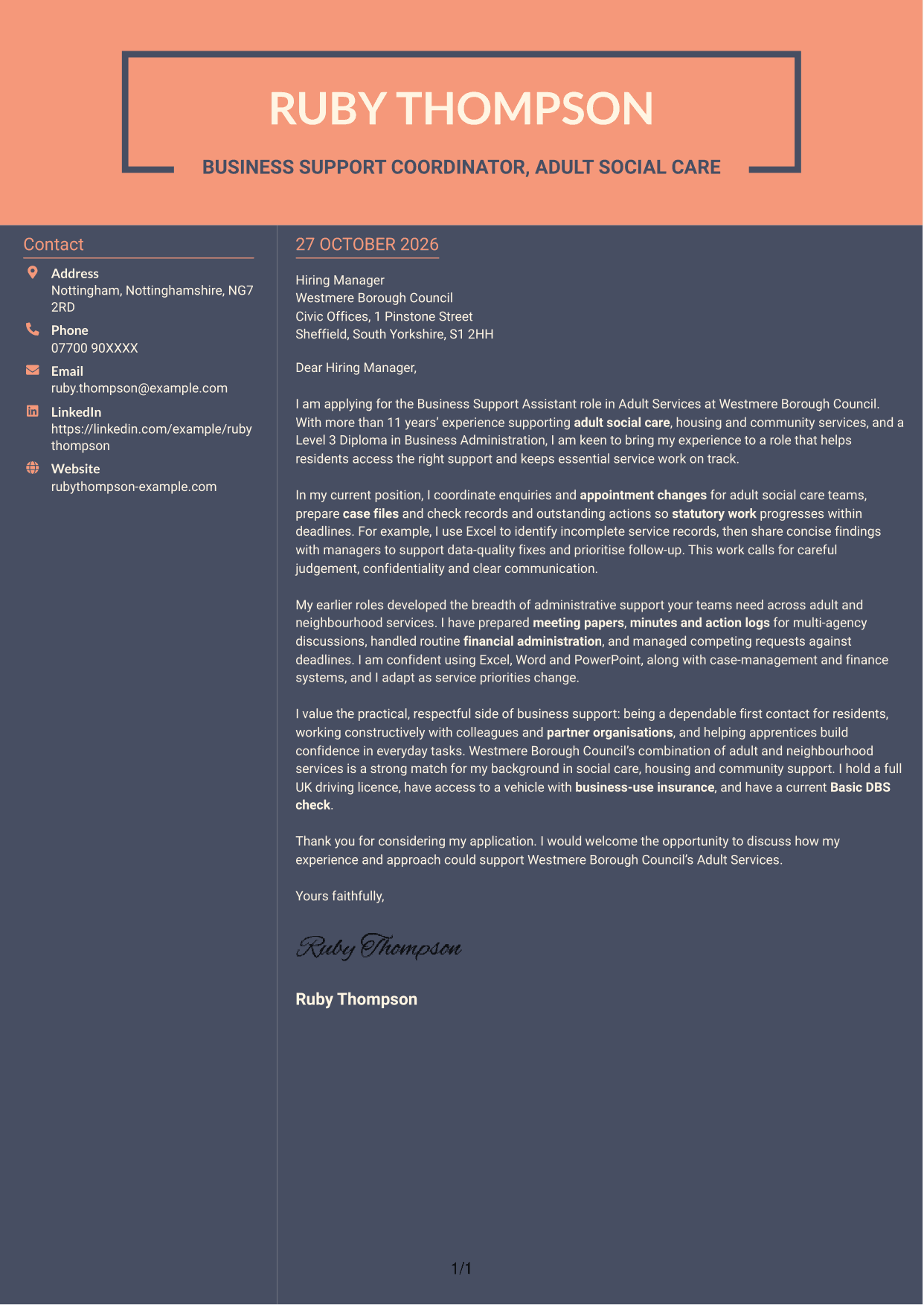
#7 Creative Two Tone Format Cover Letter Example
A two-tone colour treatment gives this two-column letter a more expressive look, while the body remains continuous.
Why This Format Works
- The colour contrast offers a more expressive visual style for the application.
- A separate contact sidebar keeps sender details distinct from the letter text.
- The continuous body lets motivation, evidence and closing read in sequence.
Best For
- Expressive colour preferences
- Contact details beside the letter
- A connected paragraph sequence
- Applications with several linked points
- Readers seeking a less traditional look
See Also
- 7 Business Support Assistant - Adult Services CV Templates with Example
- 7 Team Assistant - Executive and Office Support CV Templates with Example
- 7 Housekeeping Assistant - Hotel Guest Services CV Templates with Example
- 7 Accounts Assistant - Accounts Payable and Accounts Receivable CV Templates with Example
- 7 Accounts Assistant - Accounts Payable and Receivable CV Templates with Example
- 7 Accounts Assistant - Accounts Payable and Reconciliation CV Templates with Example
- 7 Accounts Assistant Apprentice CV Templates with Example
- 7 Accounts Assistant - Purchase and Sales Ledger CV Templates with Example
- 7 Team Assistant - Executive and Office Support Cover Letter Templates with Example
- 7 Housekeeping Assistant - Hotel Guest Services Cover Letter Templates with Example
Frequently Asked Questions
What should a Business Support Assistant - Adult Services cover letter highlight?
Show how your approach fits the role’s resident-facing and administrative work. You could discuss handling enquiries respectfully, coordinating appointments, keeping confidential case records accurate and helping statutory work meet deadlines.
How can I give strong evidence of my suitability?
Choose a clear example that shows what you did and how it helped the service. The featured letter, for instance, describes using Excel to find incomplete records and share findings so managers can plan follow-up.
How can I explain my interest in Westmere Borough Council?
Use a genuine reason linked to the Council’s work. The example connects its adult and neighbourhood services with experience in social care, housing and community support, without claiming a personal local connection.
What is a clear way to structure this cover letter?
Open by naming the role and explaining your interest. Use the body to show relevant experience, such as enquiry handling, accurate records and meeting support, then close by restating your interest and welcoming a discussion.
Should I include every part of my work history?
No. Select the examples that best show your fit for this position. A focused account of your relevant support work is easier to follow than a full list of past duties.




