
7 Business Support Assistant - Adult Services CV Templates with Example
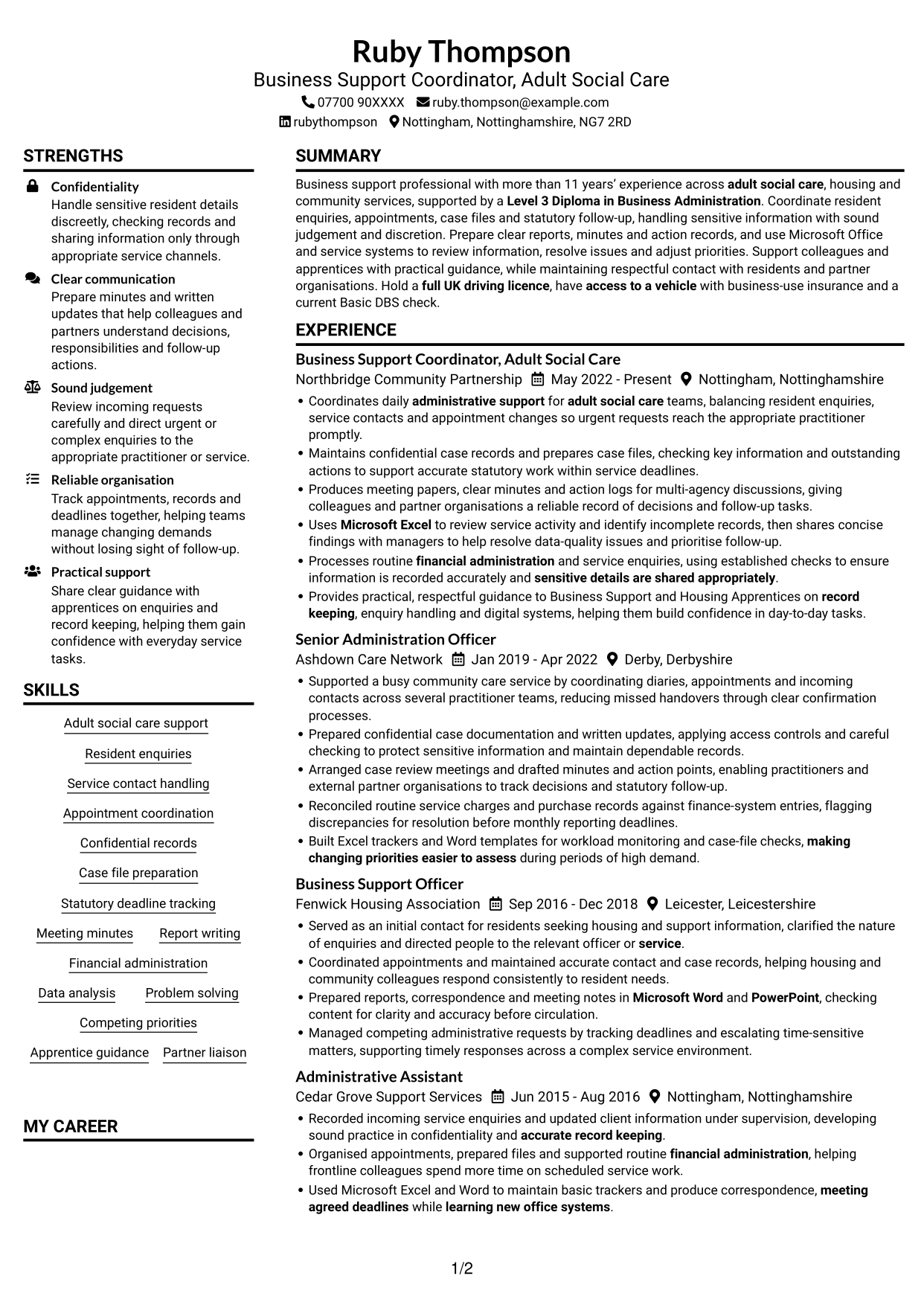
This practical guide shows you how to create a Business Support Assistant - Adult Services CV that is clear, focused and easy to review. You will learn how to organise relevant evidence and choose a format that helps readers find key details.
For this role, your CV should show how you handle resident enquiries, case files, appointments and confidential information. It should also make your meeting records, reports, financial administration and work to statutory deadlines easy to understand.
Compare the example presented in 7 layouts through the PNG image previews, then open one in the editor to customise it. The guide also covers ATS readability, useful CV sections and terms such as adult social care, case records, Microsoft Excel and apprentice guidance.
What Makes a Great Business Support Assistant - Adult Services CV in 2026
A strong CV makes your support work easy to scan. Show how you manage enquiries, records, meetings and deadlines, while handling sensitive details with care.
Use clear bullet points with relevant terms such as case files, statutory follow-up, meeting minutes and Microsoft Office. Add results only when you can support them with accurate evidence.
Note: CV examples are for educational purposes only. Use only information that accurately reflects your experience and qualifications. References to real organisations do not imply affiliation or endorsement.
#1 Plain Two Column Format CV Example
The Plain Two Column Format places CV content in two columns, helping reviewers find career history and supporting details in a compact layout.
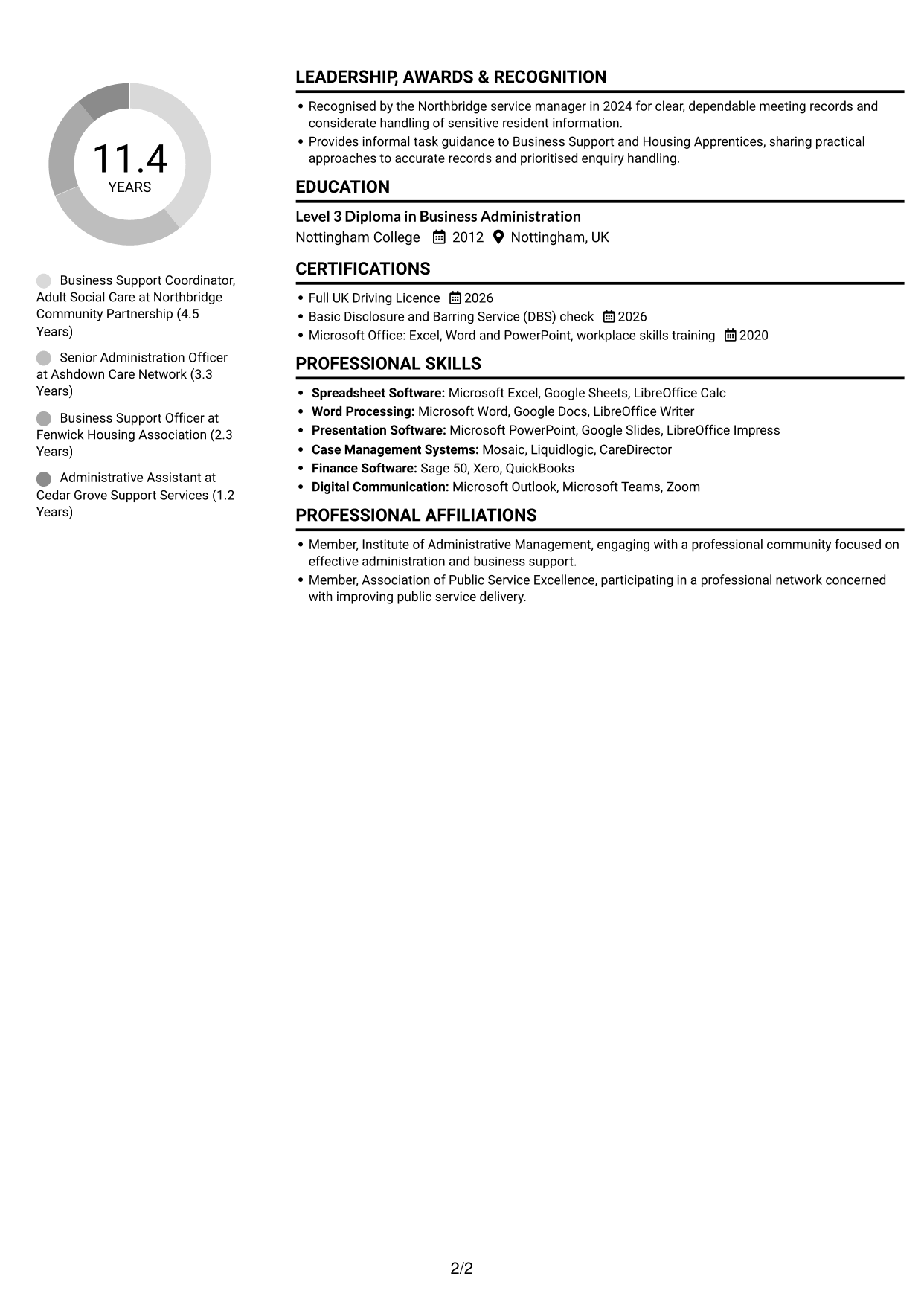
CV Snapshot
- Current role: Business Support Coordinator, Adult Social Care
- More than 11 years’ experience across adult social care, housing and community services
- Level 3 Diploma in Business Administration
- Full UK driving licence, business-use vehicle insurance and current Basic DBS check
Why This Format Works
- Career history and supporting sections occupy distinct columns, helping reviewers locate key information.
- Experience entries can sit apart from education and credentials, easing section-by-section review.
- Compact two-column reading suits a CV with varied administrative evidence.
Best For
- Two-column information grouping
- Detailed career histories
- Experience with supporting qualifications
- Section-by-section review
- Administrative roles with varied evidence
CV Keywords
- Level 3 Diploma in Business Administration
- Supported a busy community care service
- Microsoft Excel
- Microsoft Word
- Microsoft PowerPoint
- Prepared reports, correspondence and meeting notes in Microsoft Word and PowerPoint
- Prepare clear reports, minutes and action records
- Report writing
- learning new office systems
- Track appointments, records and deadlines together
- meeting agreed deadlines
- Sound judgement
- sensitive details are shared appropriately
- Statutory deadline tracking
- Served as an initial contact for residents seeking housing and support information
#2 Simple One Column Format CV Example
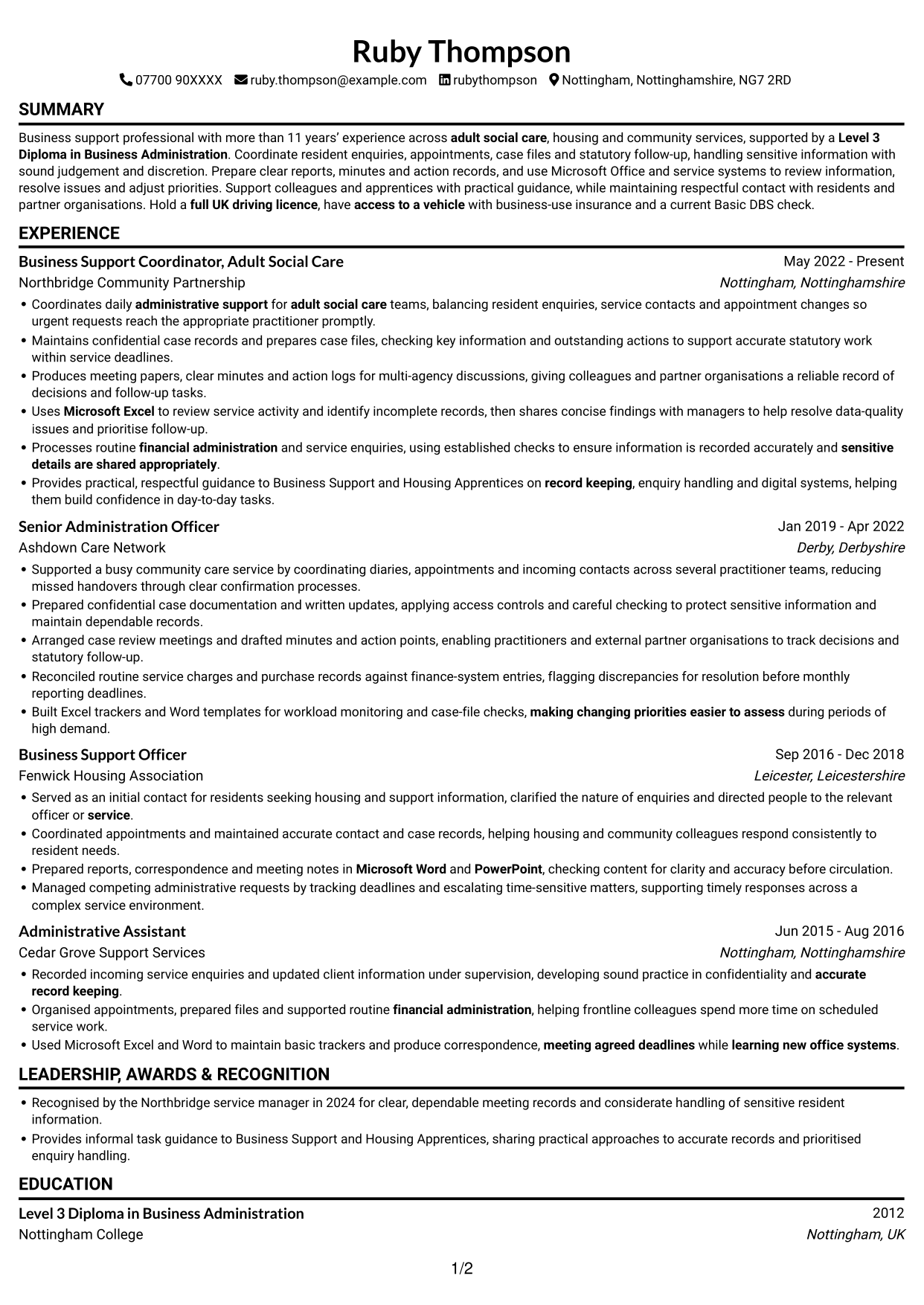
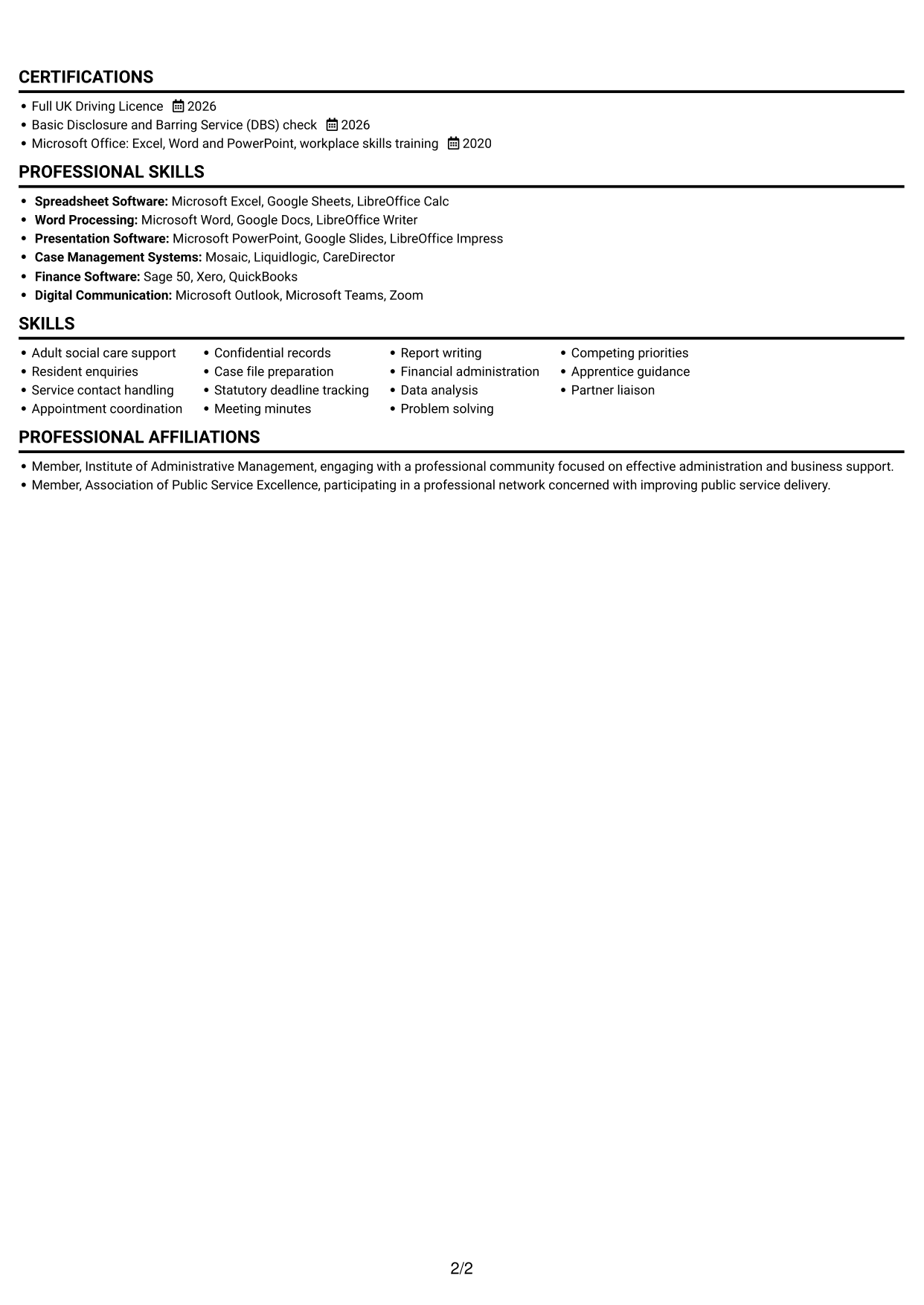
The Simple One Column Format keeps the CV body in a single reading path, making career history and supporting sections straightforward to follow.
Why This Format Works
- A single reading path lets reviewers follow experience from role to role.
- Full-width text gives detailed work history room to read without parallel columns.
- Section breaks help readers find skills, education and credentials in sequence.
Best For
- Single-column reading
- Detailed work history
- Sequential career progression
- Full-width text
- Traditional CV structure
#3 Clean Two Column Sidebar Format CV Example
The Clean Two Column Sidebar Format uses two columns to give experience and supporting sections separate areas for a compact review.
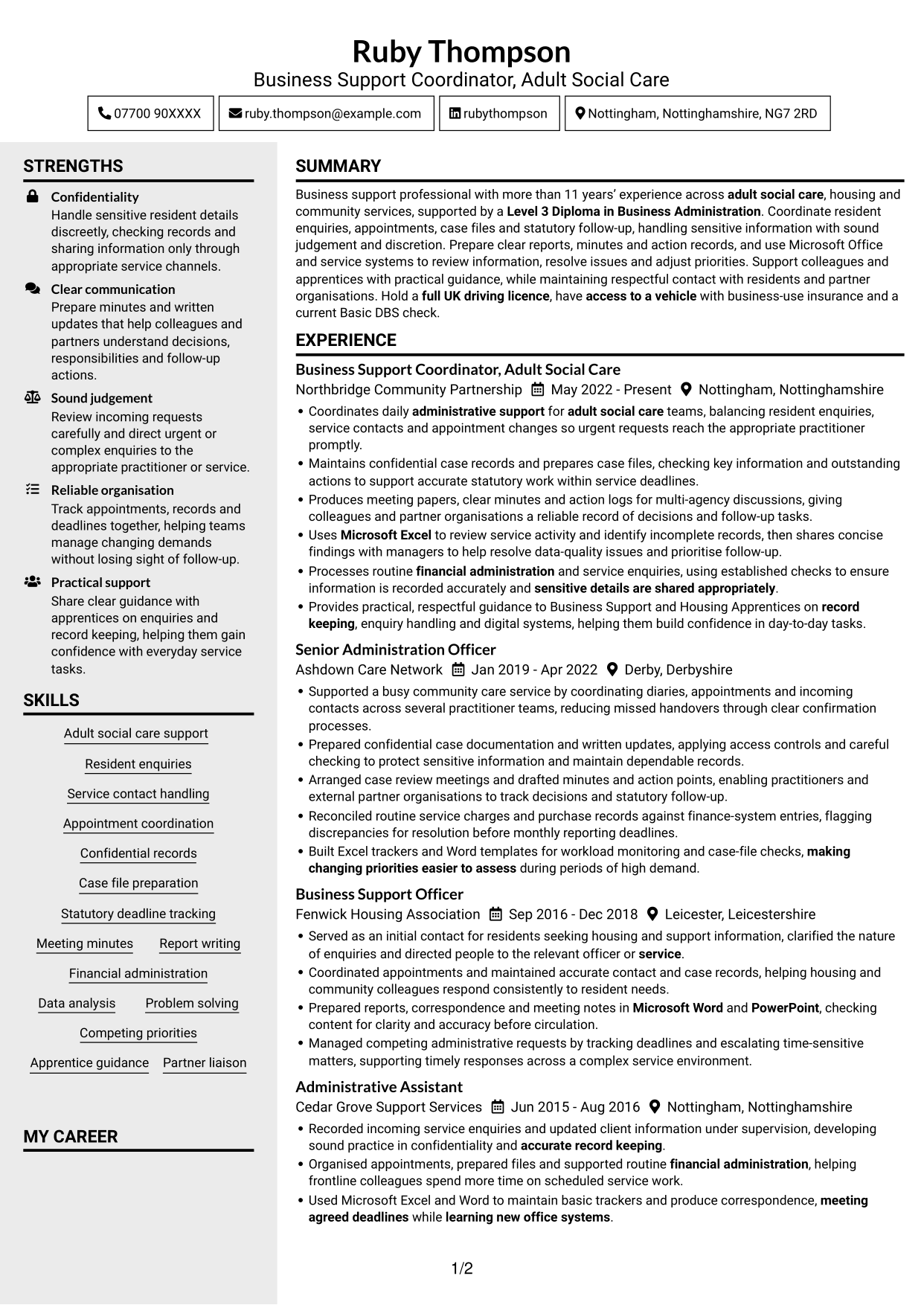
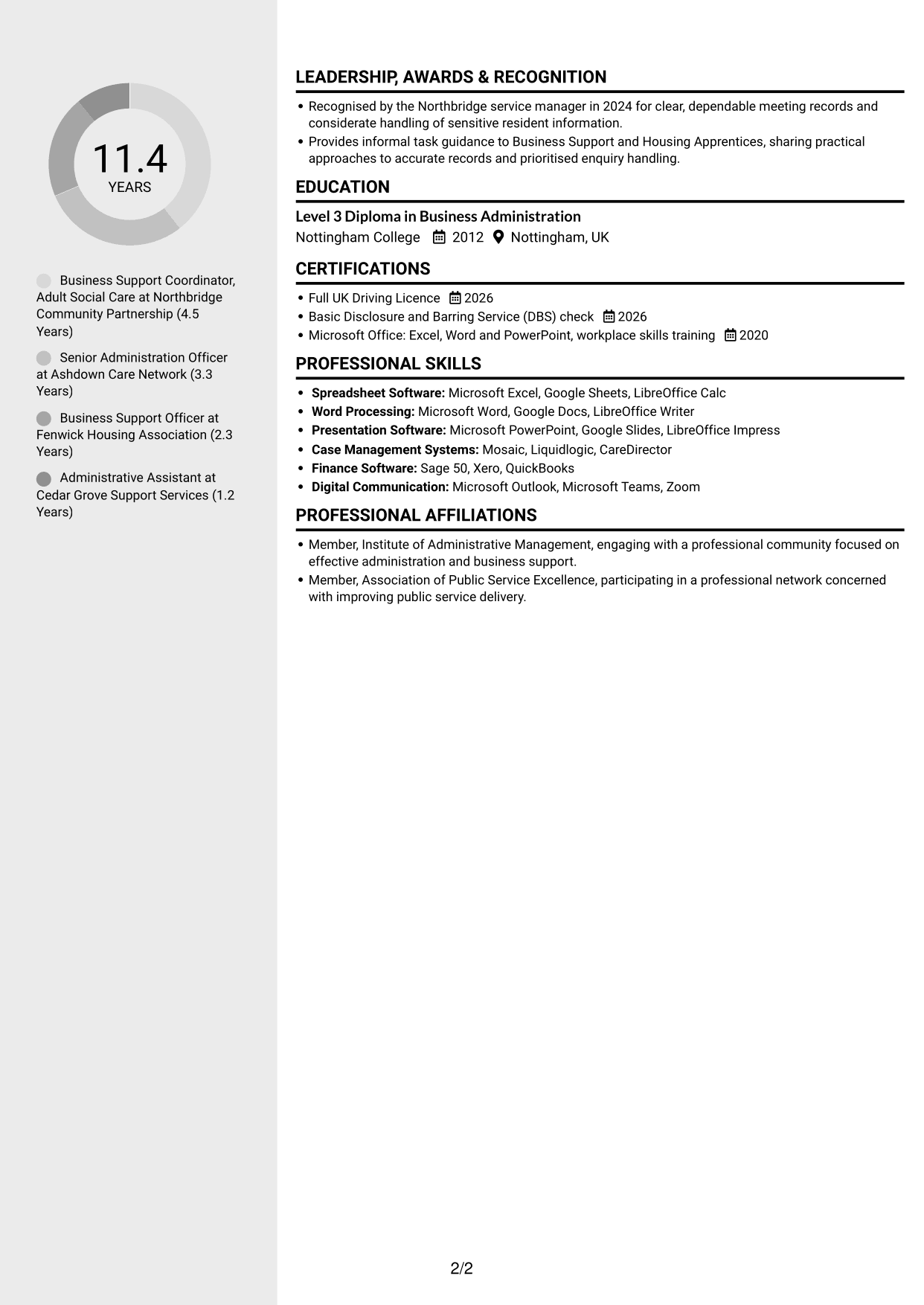
Why This Format Works
- Experience bullets are easier to scan when grouped apart from skills and education.
- Distinct content areas help reviewers move between career history and credentials.
- Two-column organisation gives varied CV sections a shared structure.
Best For
- Separate content areas
- Experience beside supporting details
- Quick checks of skills and education
- Compact CV organisation
- Career history with credentials
#4 Two Column Format CV Example
The Two Column Format places CV information in parallel columns, helping reviewers compare career history with supporting details.
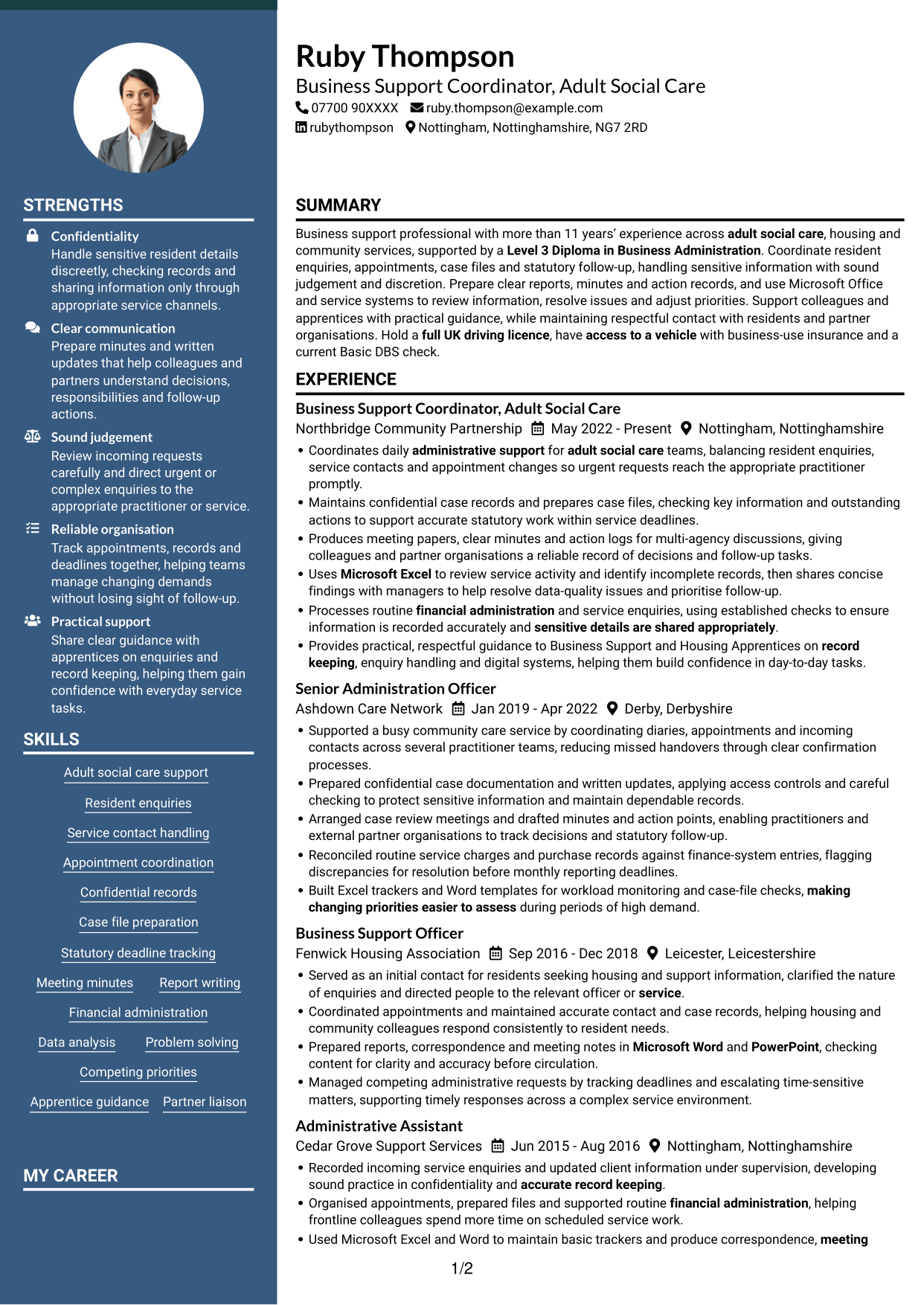
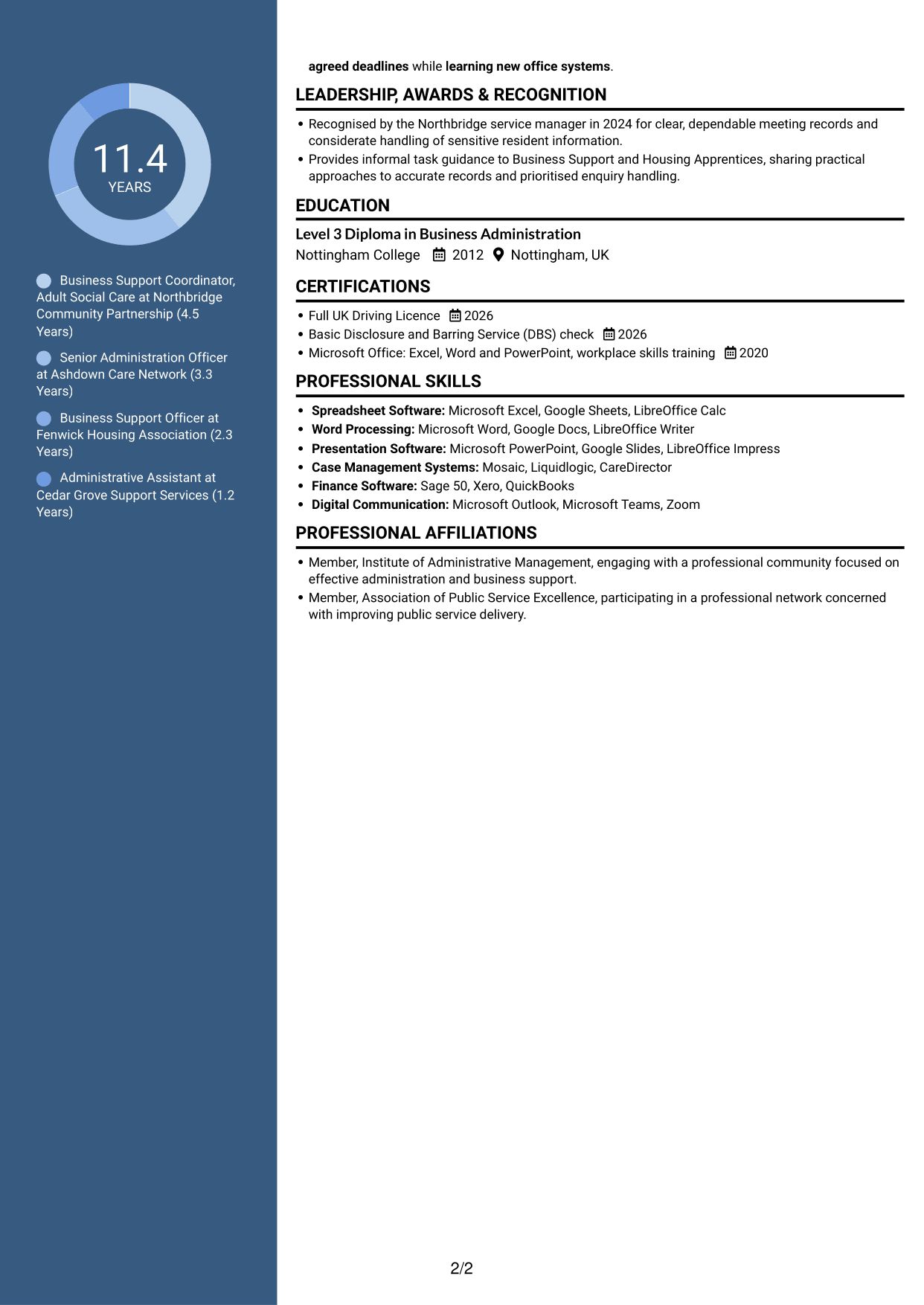
Why This Format Works
- Separate areas let reviewers locate experience and skills without searching every section.
- Education and credentials can remain distinct from the work history.
- Two-column organisation gives varied CV sections a clear shared structure.
Best For
- Parallel content areas
- Career history with related details
- Quick access to qualifications
- CVs with varied sections
- Side-by-side information review
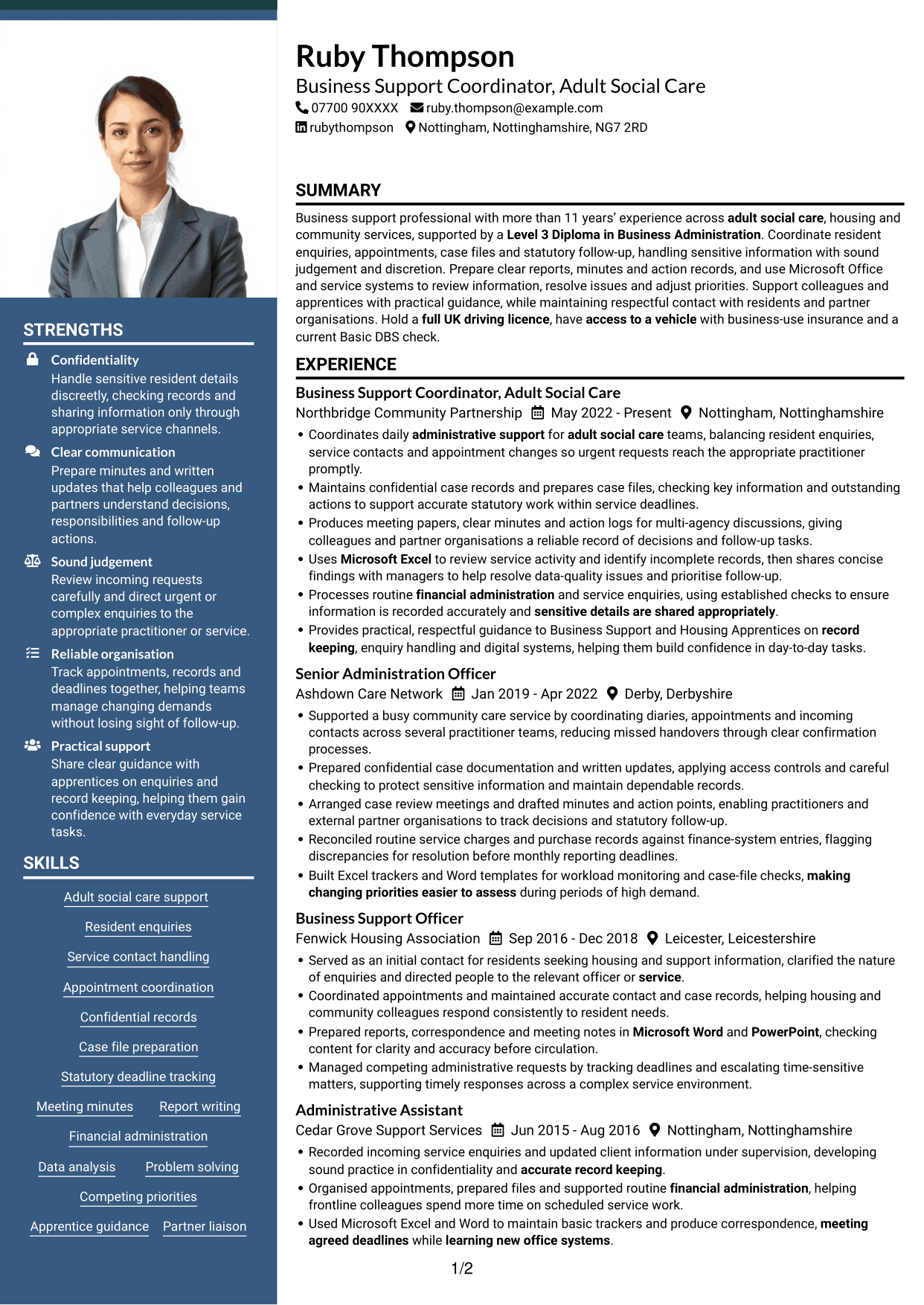
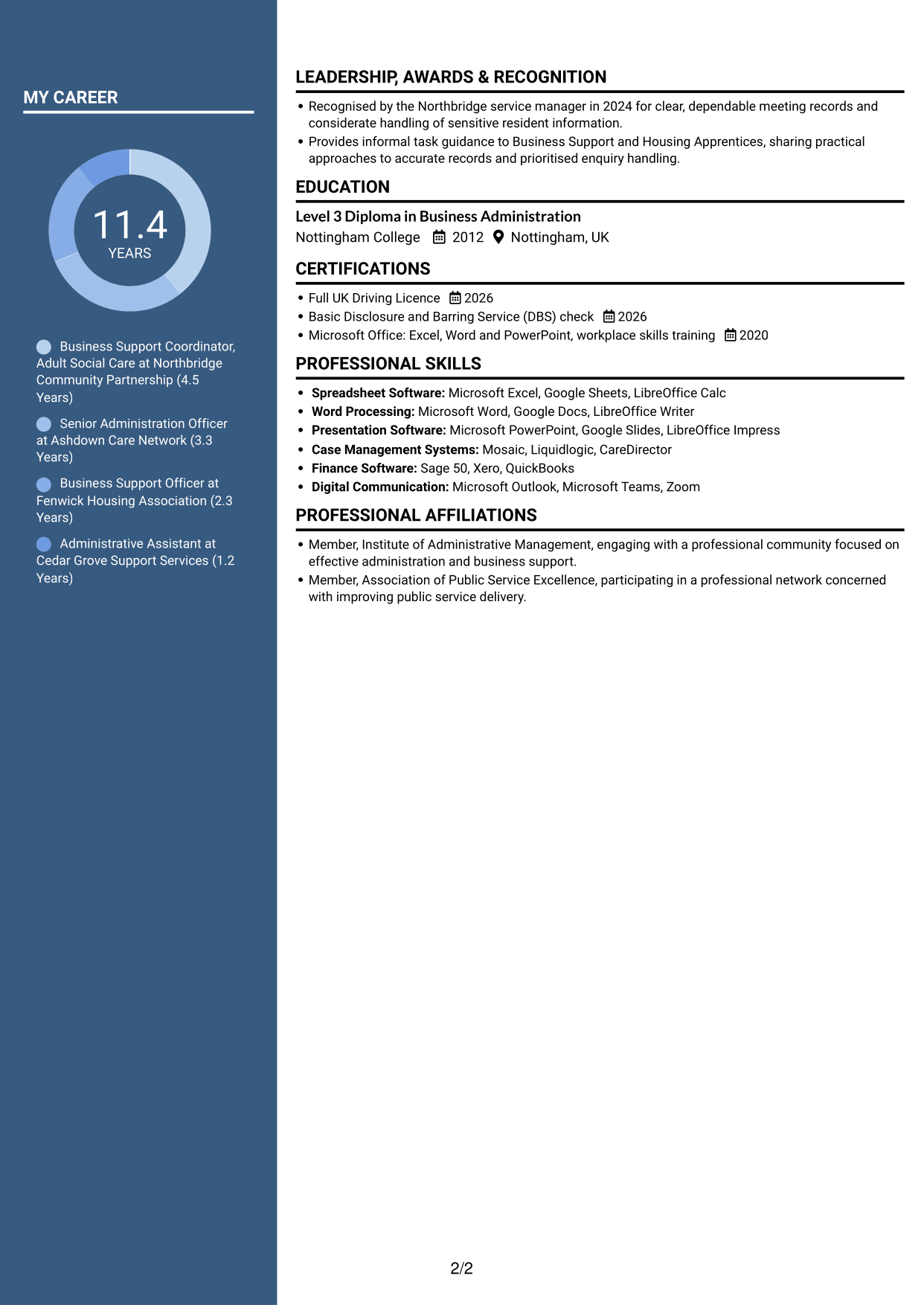
#5 Photo Header Two Column Format CV Example
A portrait in the header gives the Photo Header Two Column Format a clear visual identity, while its two-column body keeps CV sections organised.
Why This Format Works
- Two body columns let reviewers move between work history and supporting sections.
- Career entries and education can be checked without following one long text block.
- The header portrait provides a visible identity cue, separate from the CV’s evidence.
Best For
- CVs using a header portrait
- Two-column content review
- Section-by-section scanning
- Career history with credentials
- Portrait alongside written evidence
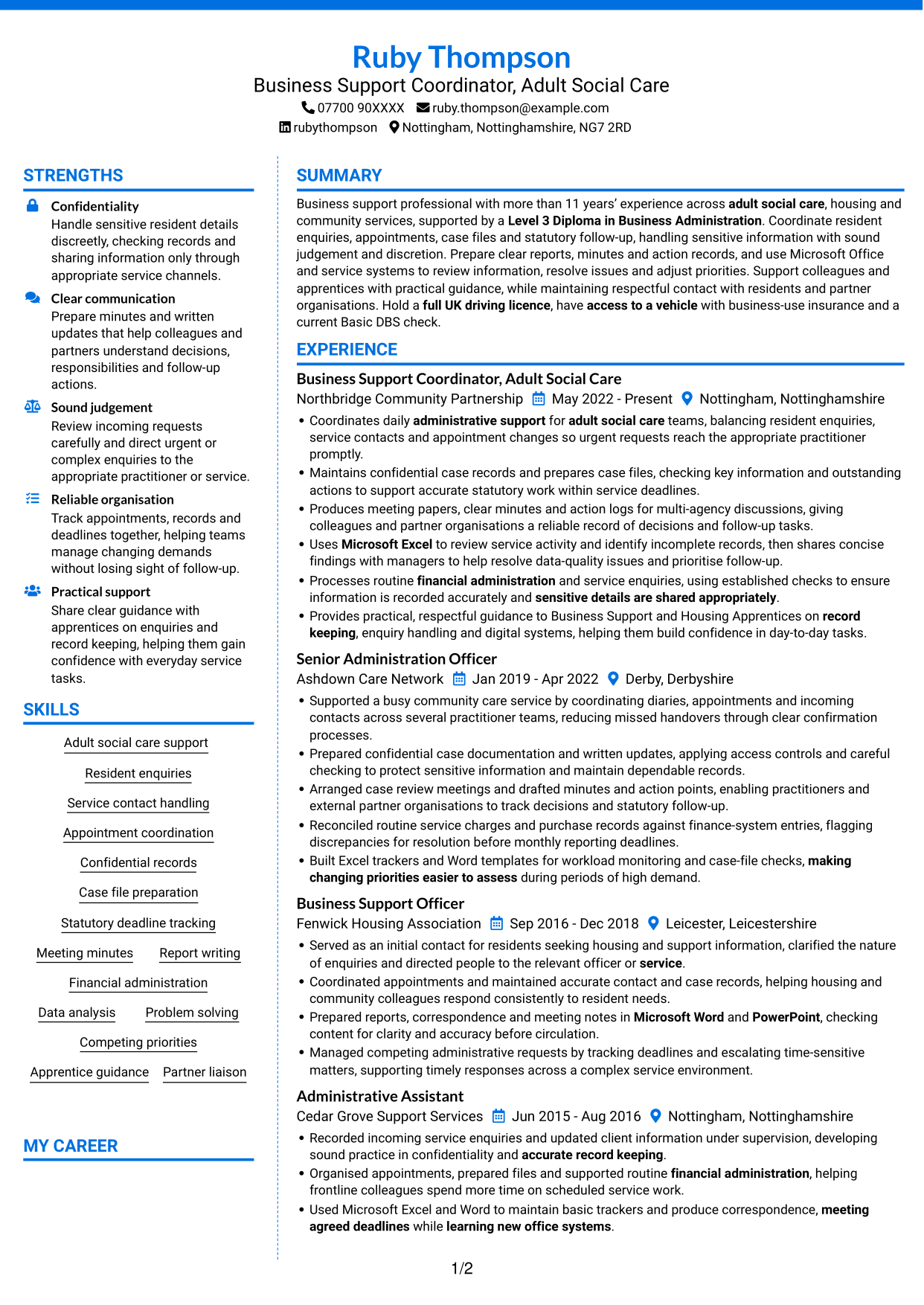
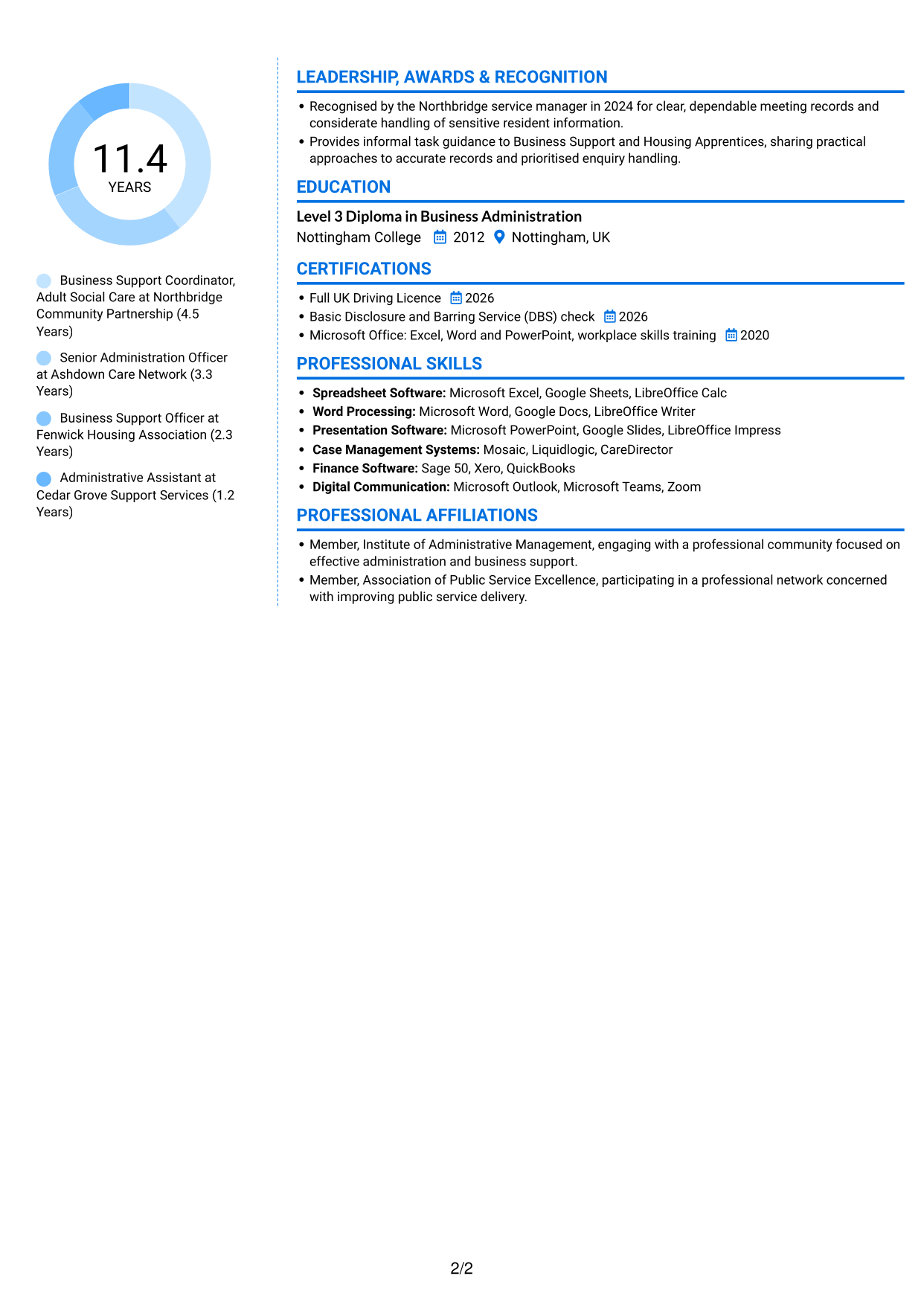
#6 Coloured Two Column Format CV Example
With two columns, the Coloured Two Column Format gives reviewers a compact route through experience and supporting CV sections.
Why This Format Works
- Separate columns help reviewers locate career history and skills without losing the wider CV context.
- Education and credentials can be checked apart from experience entries.
- The two-column arrangement suits CVs that balance work history with supporting information.
Best For
- Compact two-column reading
- Career history with supporting information
- Separate skills and education sections
- CVs with varied evidence
- Quick section navigation
#7 Stylish Two Column Designer Format CV Example
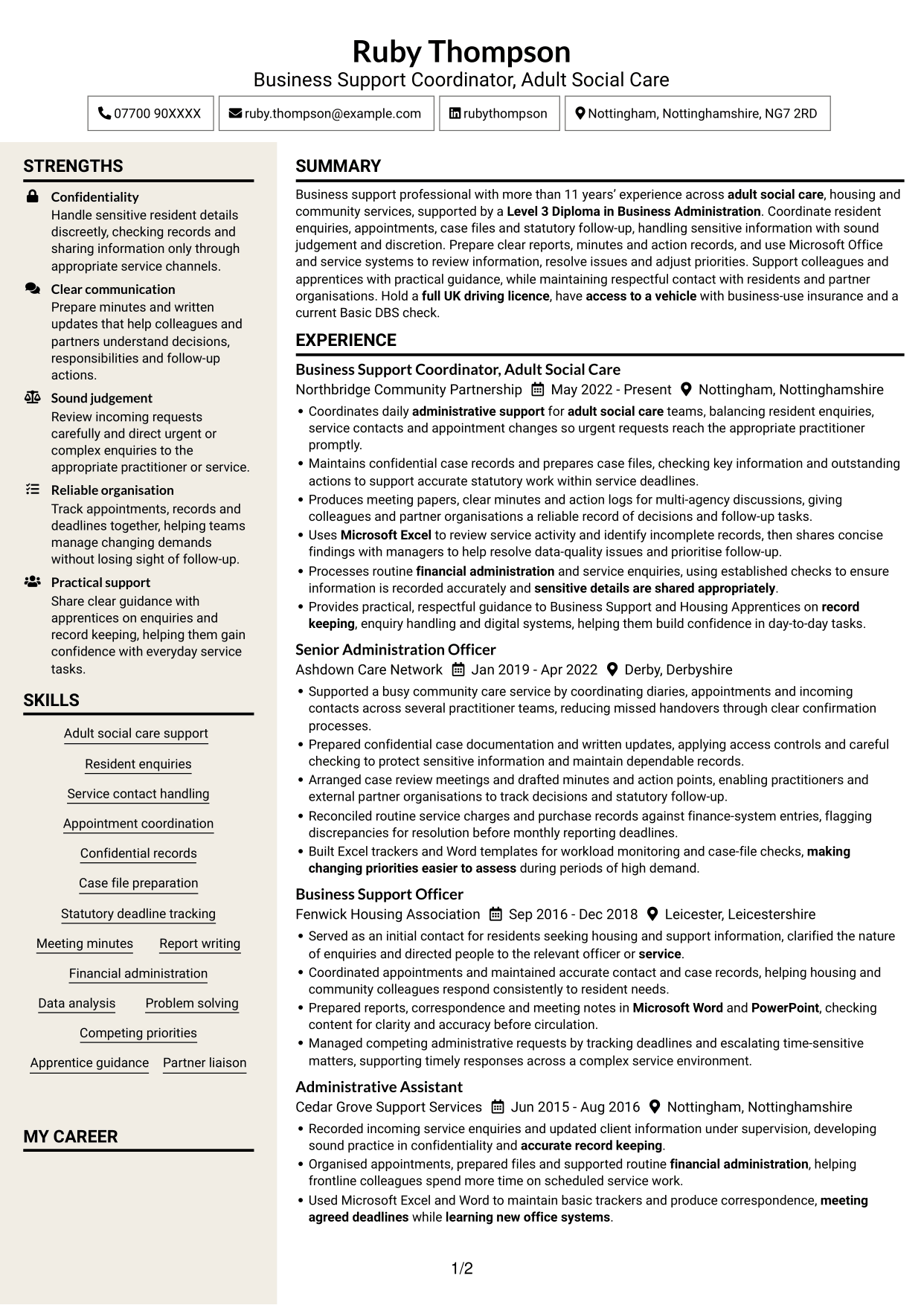
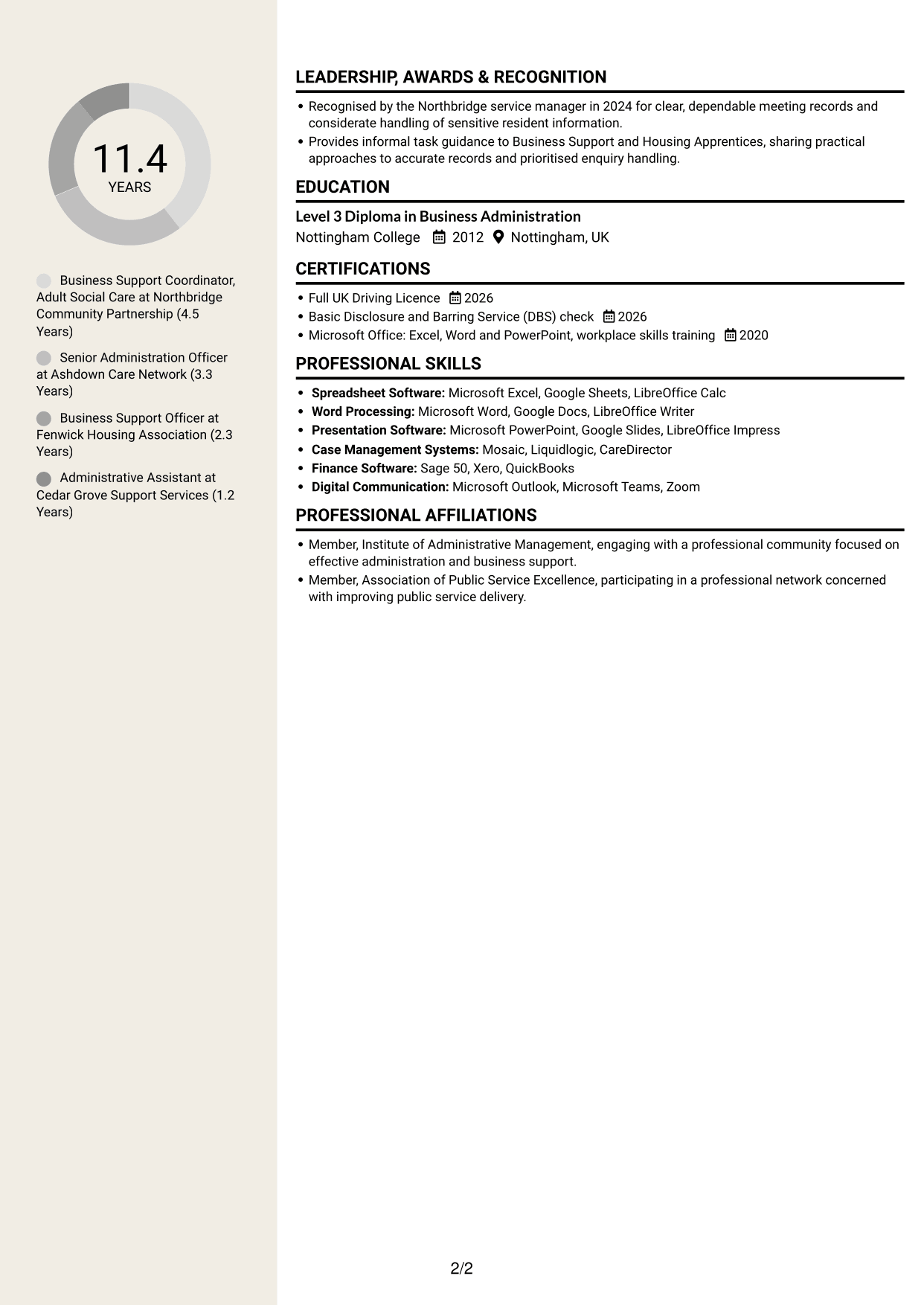
The Stylish Two Column Designer Format sets CV content in two columns, giving reviewers a concise way to move between experience and related sections.
Why This Format Works
- The two-column reading path lets reviewers move between experience and supporting details.
- Separate content areas make skills, education and credentials easier to find.
- Career history can be reviewed alongside other CV sections in a compact layout.
Best For
- Two-column section navigation
- Experience with related details
- Compact career history
- Skills and education alongside experience
- CVs with several content areas
Why Build Your Business Support Assistant - Adult Services CV with ResumeInMinutes
ResumeInMinutes helps you arrange your experience, skills and education in a clear CV. Compare PNG image previews, then open an example in the editor to customise its content and layout.
- Different CV layouts
- Clear, readable section structure
- Space for role-specific keywords
- Organised skills and experience
- PNG image previews
- CV customisation in the editor
Choose the format that makes your administrative work easiest to follow. Keep the focus on resident enquiries, accurate records, meeting actions and support for adult services.
See Also
- 7 Team Assistant - Executive and Office Support CV Templates with Example
- 7 Housekeeping Assistant - Hotel Guest Services CV Templates with Example
- 7 Accounts Assistant - Accounts Payable and Accounts Receivable CV Templates with Example
- 7 Accounts Assistant - Accounts Payable and Receivable CV Templates with Example
- 7 Accounts Assistant - Accounts Payable and Reconciliation CV Templates with Example
- 7 Accounts Assistant Apprentice CV Templates with Example
- 7 Accounts Assistant - Purchase and Sales Ledger CV Templates with Example
- 7 Accounts Assistant - Purchase Ledger and Reconciliations CV Templates with Example
- 7 Business Support Assistant - Adult Services Cover Letter Templates with Example
- 7 Team Assistant - Executive and Office Support Cover Letter Templates with Example
Frequently Asked Questions
Are these Business Support Assistant - Adult Services CV templates ATS-friendly?
The examples use clear headings and sections that are easy to scan. Include relevant terms naturally, such as resident enquiries, case files, confidential records, statutory deadlines and Microsoft Office.
Are these separate CV examples or different layouts of one example?
This page shows one role-focused CV example in different layouts. Compare the PNG image previews, then open an example in the editor to customise it.
What should a Business Support Assistant - Adult Services CV include?
Include a focused summary, relevant work experience, education and skills. Give clear evidence of enquiry handling, appointment coordination, case records, meeting minutes, financial administration and deadline tracking.
Which CV layout works well for this role?
Choose a layout with clear headings and an easy-to-follow order for experience, skills and education. A simple structure helps recruiters and applicant tracking systems find important details.
How can I show business support achievements on my CV?
Use concise bullet points to explain the task, your contribution and the result. For example, describe how you improved record checks, helped track follow-up actions or supported timely handling of enquiries. Use figures only when they are accurate.
Should I include a photo on my CV?
For UK applications, a photo is usually not needed. Use the space for relevant experience, skills and clear evidence of your work instead.




