
7 Business Support Officer - Operations Support Cover Letter Templates with Example
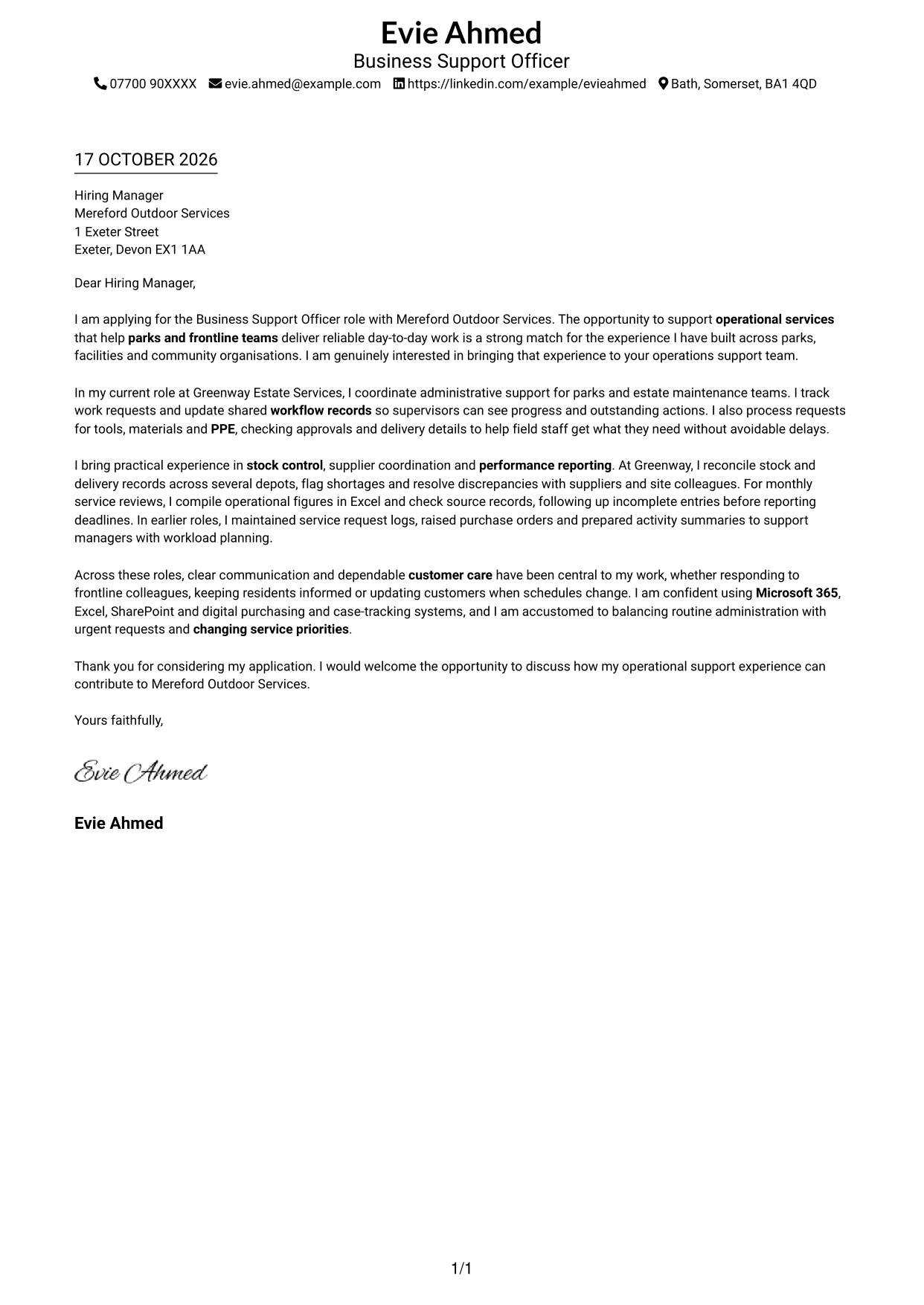
This practical guide helps you write a Business Support Officer - Operations Support cover letter and compare its seven layouts.
What Makes a Great Business Support Officer - Operations Support Cover Letter in 2026
A strong letter shows how you can support operational services through accurate records, responsive help for frontline teams and clear service information. Start with your interest in the role and the value of dependable support.
Use relevant examples, such as tracking work requests, arranging materials or PPE, coordinating stock and preparing performance figures. Link your evidence to the employer’s needs and explain why this operational support work interests you.
The featured example follows a focused progression from interest in the role to practical evidence and a clear close; adapt this approach while choosing a presentation that suits the employer and communication context.
#1 Simple One Column Format Cover Letter Example
The Simple One Column Format keeps sender details in the header and presents the letter as one continuous column, giving the correspondence a direct reading path.
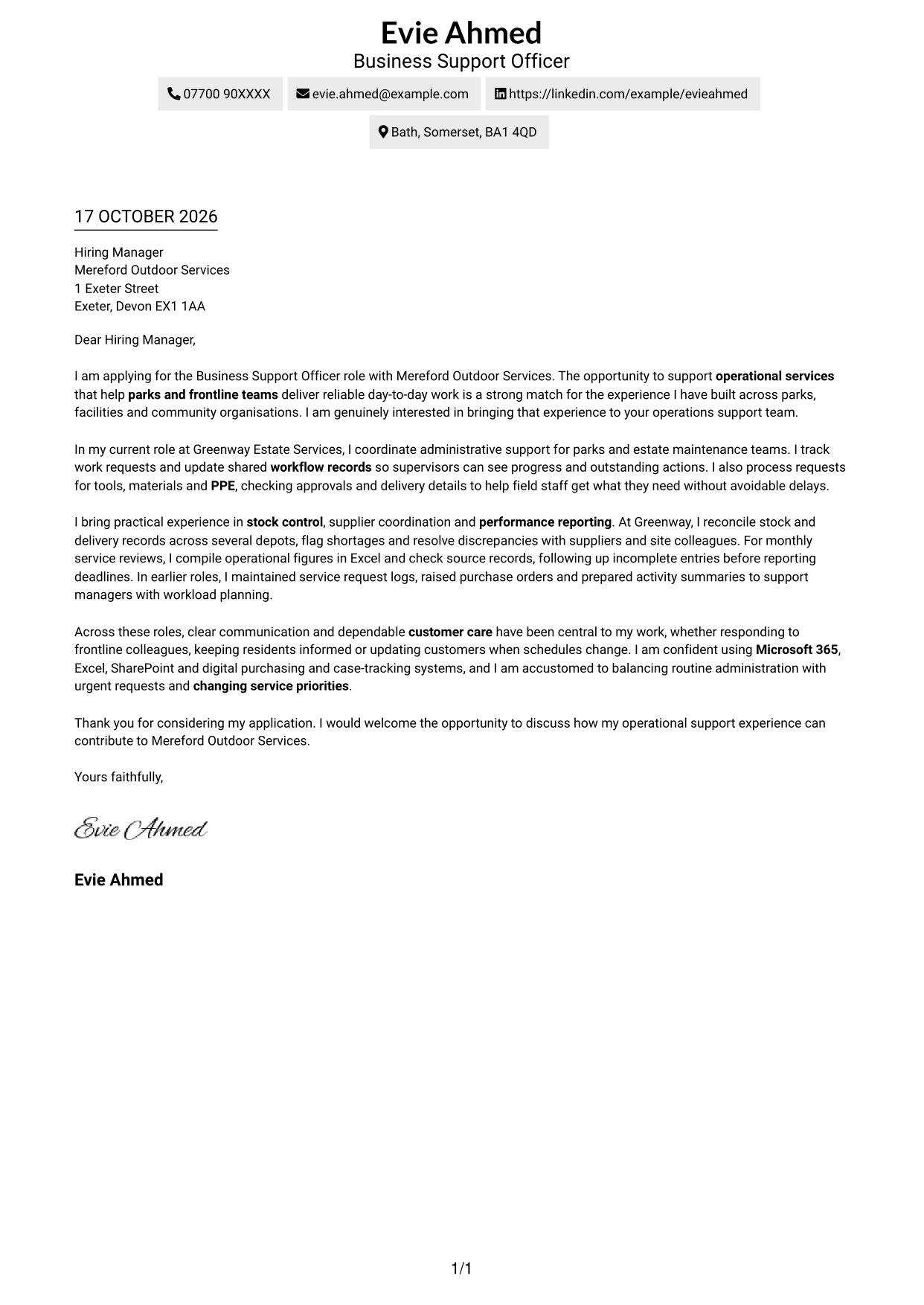
Why This Format Works
- Contact details in the header remain easy to find without a separate sidebar.
- One reading column lets reviewers follow the message from opening to close.
- Paragraphs make room for motivation and evidence without adding argument headings.
Best For
- Single-column correspondence
- Header-based contact details
- Continuous paragraph letters
- Applications with clear motivation and evidence
- Readers who prefer direct reading order
#2 Two Column Format Cover Letter Example
The Two Column Format places contact details in a sidebar beside one continuous letter body, separating practical information from the application message.
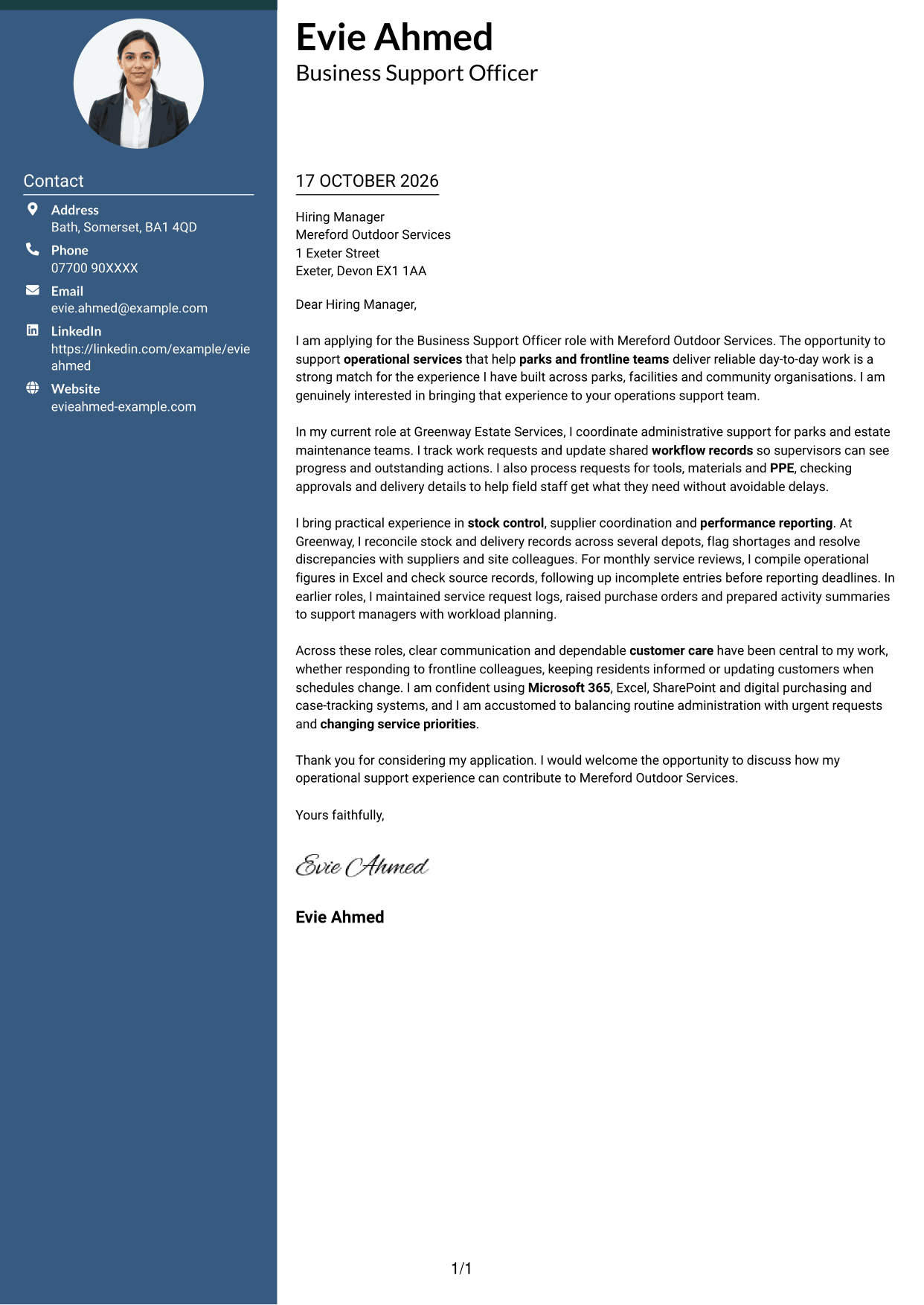
Why This Format Works
- Contact details sit apart from the message, so reviewers can locate them quickly.
- The letter body stays in one column, preserving the intended order of its paragraphs.
- A text-led page suits readers who prefer correspondence without a portrait.
Best For
- Contact details beside correspondence
- A continuous letter body
- Applications with detailed supporting paragraphs
- Readers who scan sender information first
- Text-led application pages
#3 Photo Header Two Column Format Cover Letter Example
The Photo Header Two Column Format combines a portrait with a contact sidebar, while the letter itself remains one continuous body.
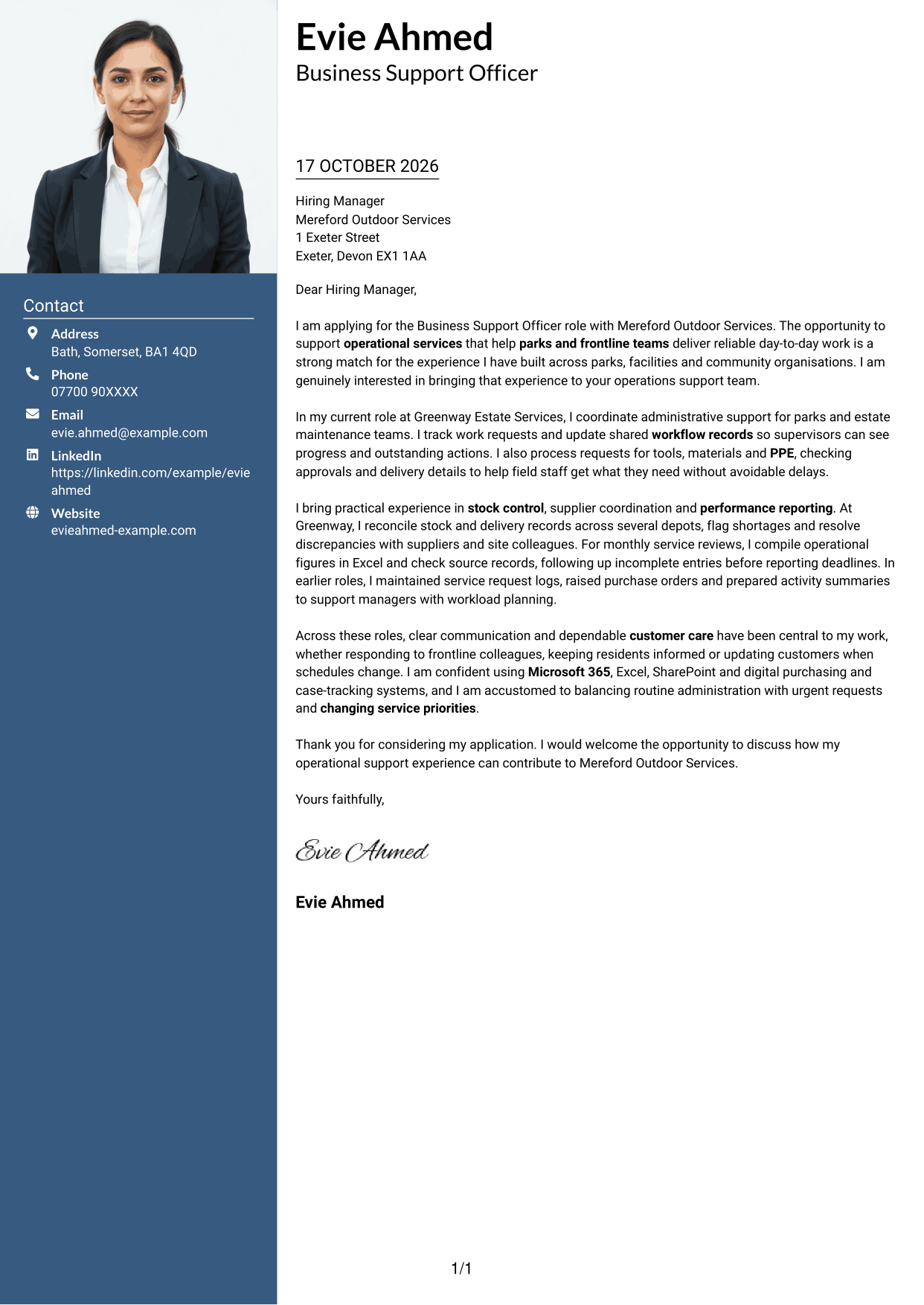
Why This Format Works
- Contact details have a dedicated sidebar, separate from the main correspondence.
- The single body column keeps the opening, evidence and closing in sequence.
- A portrait adds a personal visual element without breaking the letter into sections.
Best For
- Photo-led contact layouts
- Sidebar contact details
- Continuous body paragraphs
- Applications with extended supporting detail
- Readers who value a visible portrait
#4 One Column Format with Photo Cover Letter Example
The One Column Format with Photo adds a portrait to a single-column letter layout, with sender details presented in the header.
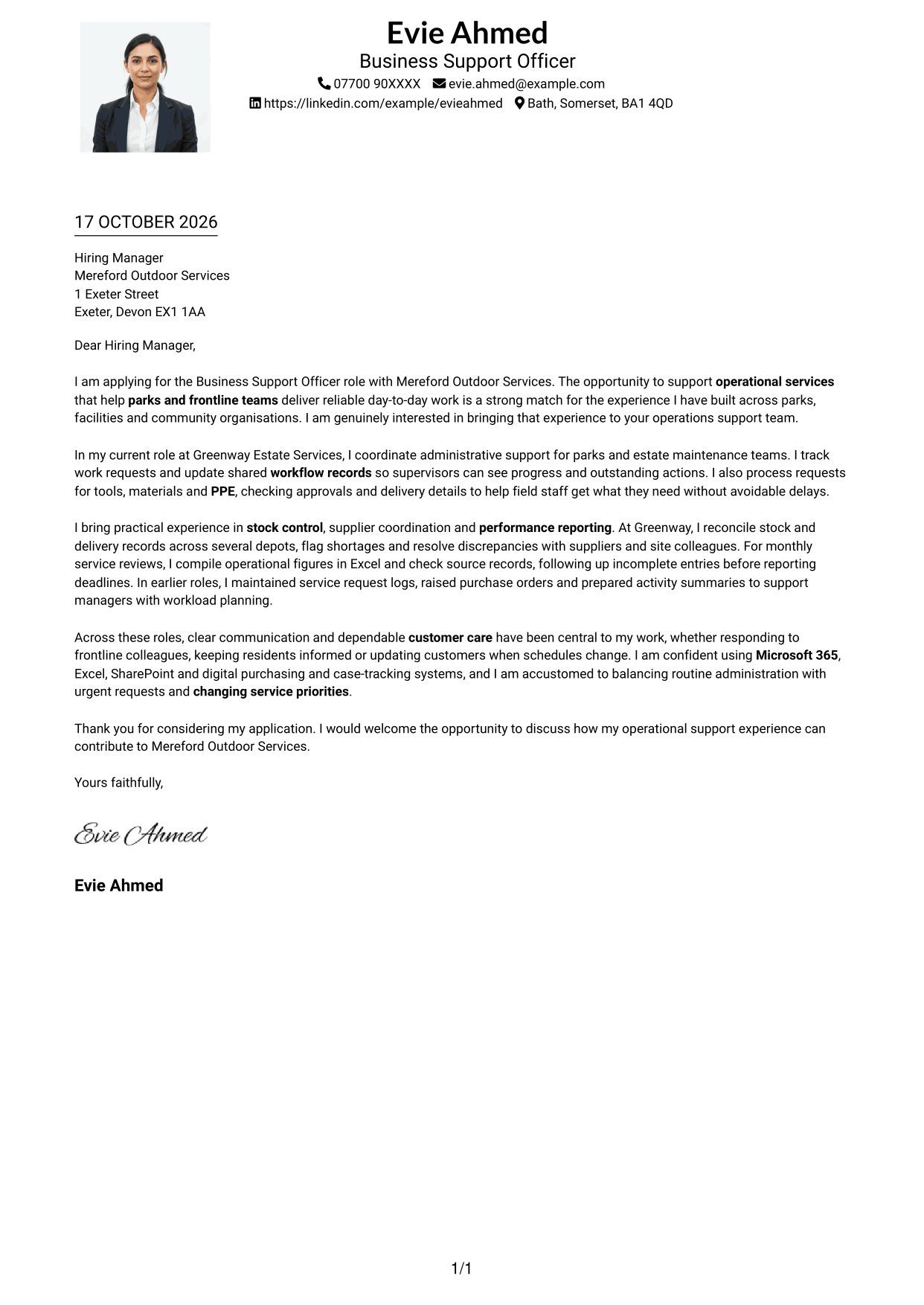
Why This Format Works
- Sender details stay in the header, keeping practical information easy to locate.
- The one-column body lets reviewers follow the letter without switching between areas.
- The portrait offers a visible personal touch while leaving the argument in paragraphs.
Best For
- One-column letter reading
- Header-based contact information
- Photo-inclusive applications
- Continuous persuasive correspondence
- Readers who value a portrait
#5 Simple Two Column Format Cover Letter Example
The Simple Two Column Format places contact details beside one continuous letter body, keeping practical information distinct from the correspondence.
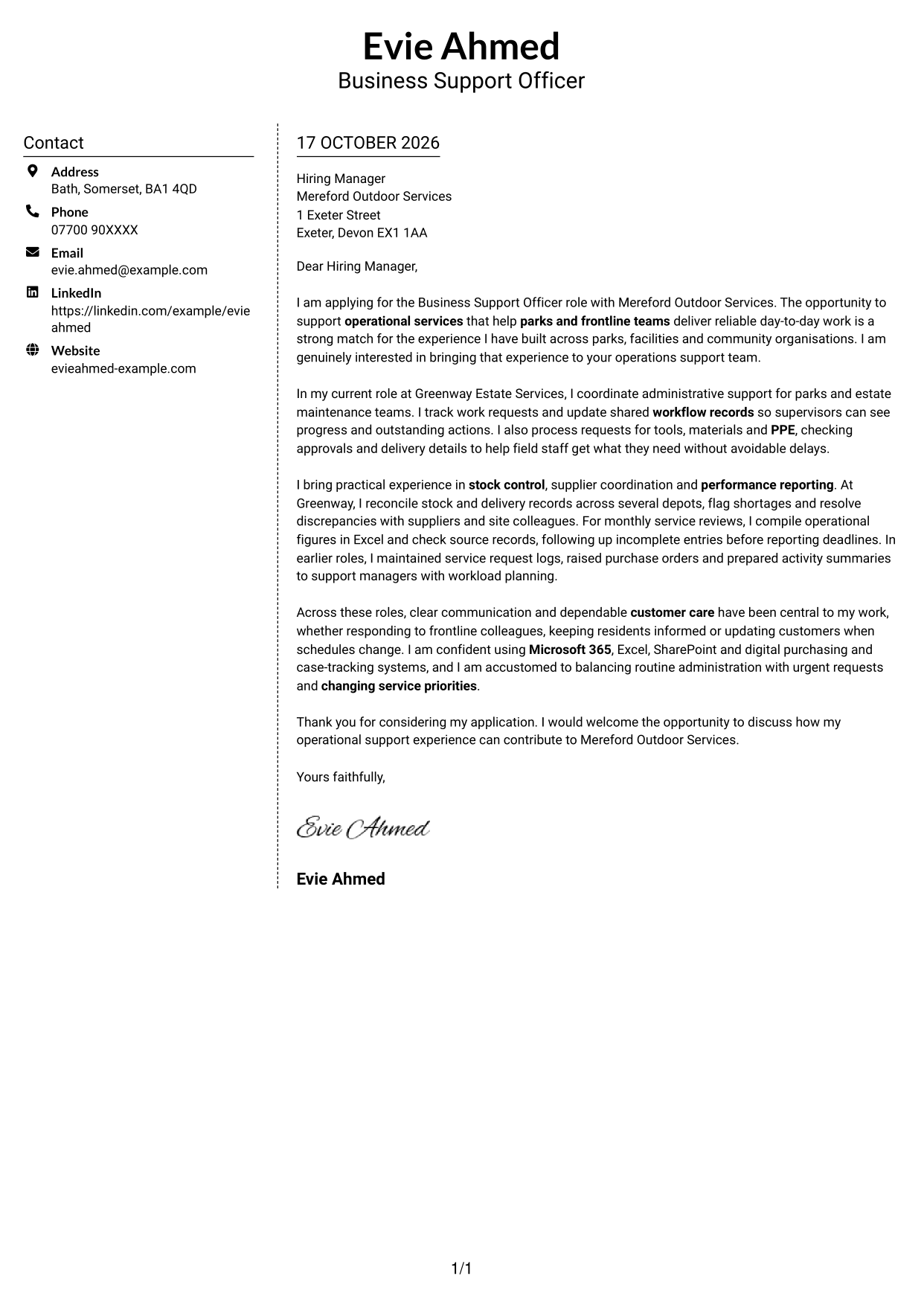
Why This Format Works
- Contact information has a clear place beside, not within, the correspondence.
- One continuous body keeps each paragraph in the writer's intended order.
- Without a portrait, the page keeps attention on the written application.
Best For
- Sidebar contact organisation
- Uninterrupted letter paragraphs
- Applications with several supporting points
- Readers preferring text-led layouts
- A separate contact reference
#6 Modern Icon Format Cover Letter Example
The Modern Icon Format uses a two-column layout, with contact cues in the sidebar and the letter in one continuous body.
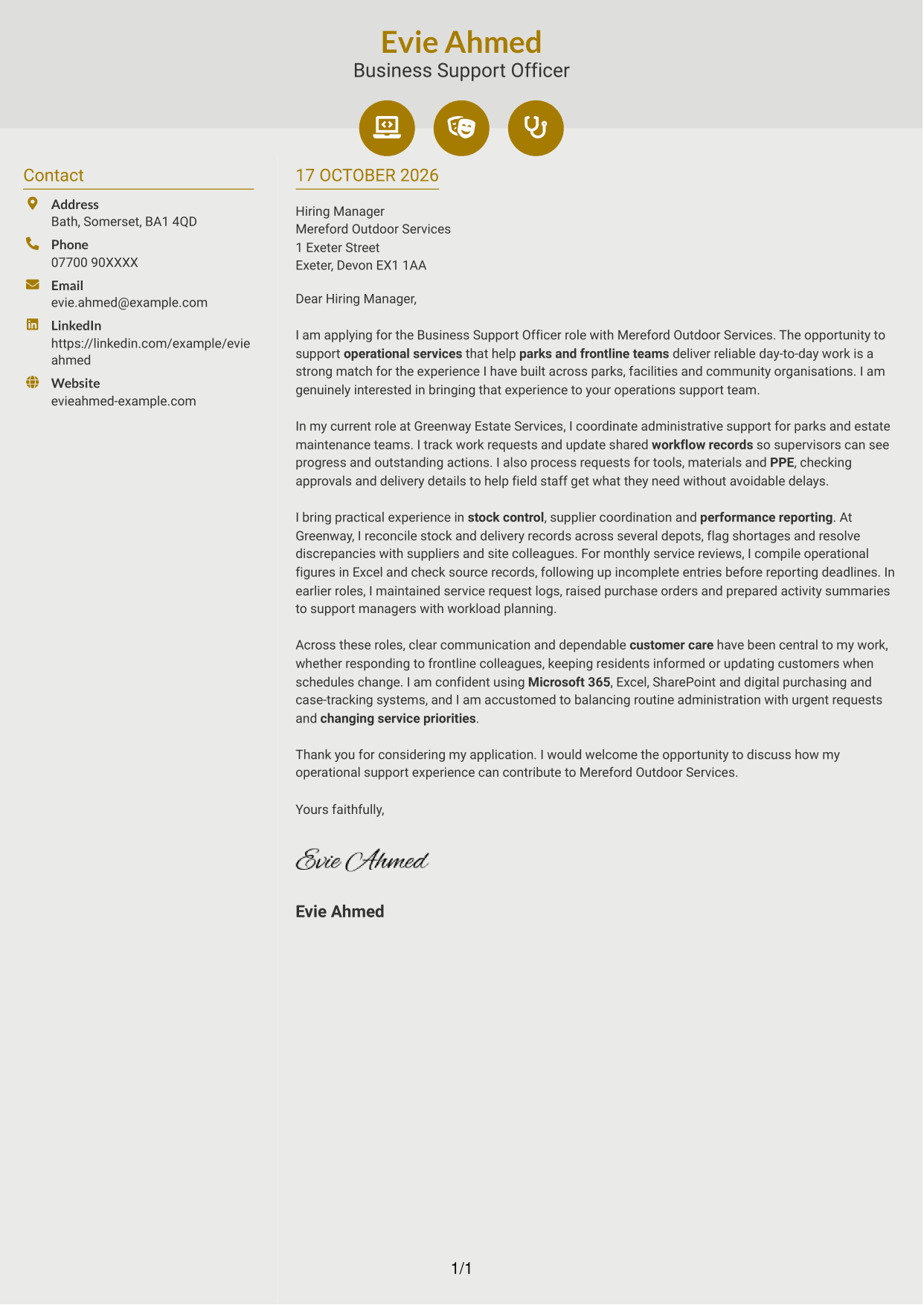
Why This Format Works
- Contact icons act as cues for practical details, not parts of the argument.
- The letter's paragraphs remain together, so its message reads in a clear sequence.
- Small visual cues can make contact information easier to identify.
Best For
- Icon-marked contact details
- Two-column letter layouts
- Continuous persuasive paragraphs
- Readers who use visual contact cues
- Applications without a portrait
#7 Creative Two Tone Format Cover Letter Example
The Creative Two Tone Format places contact details in a sidebar beside one continuous letter body, keeping the correspondence in a single reading sequence.
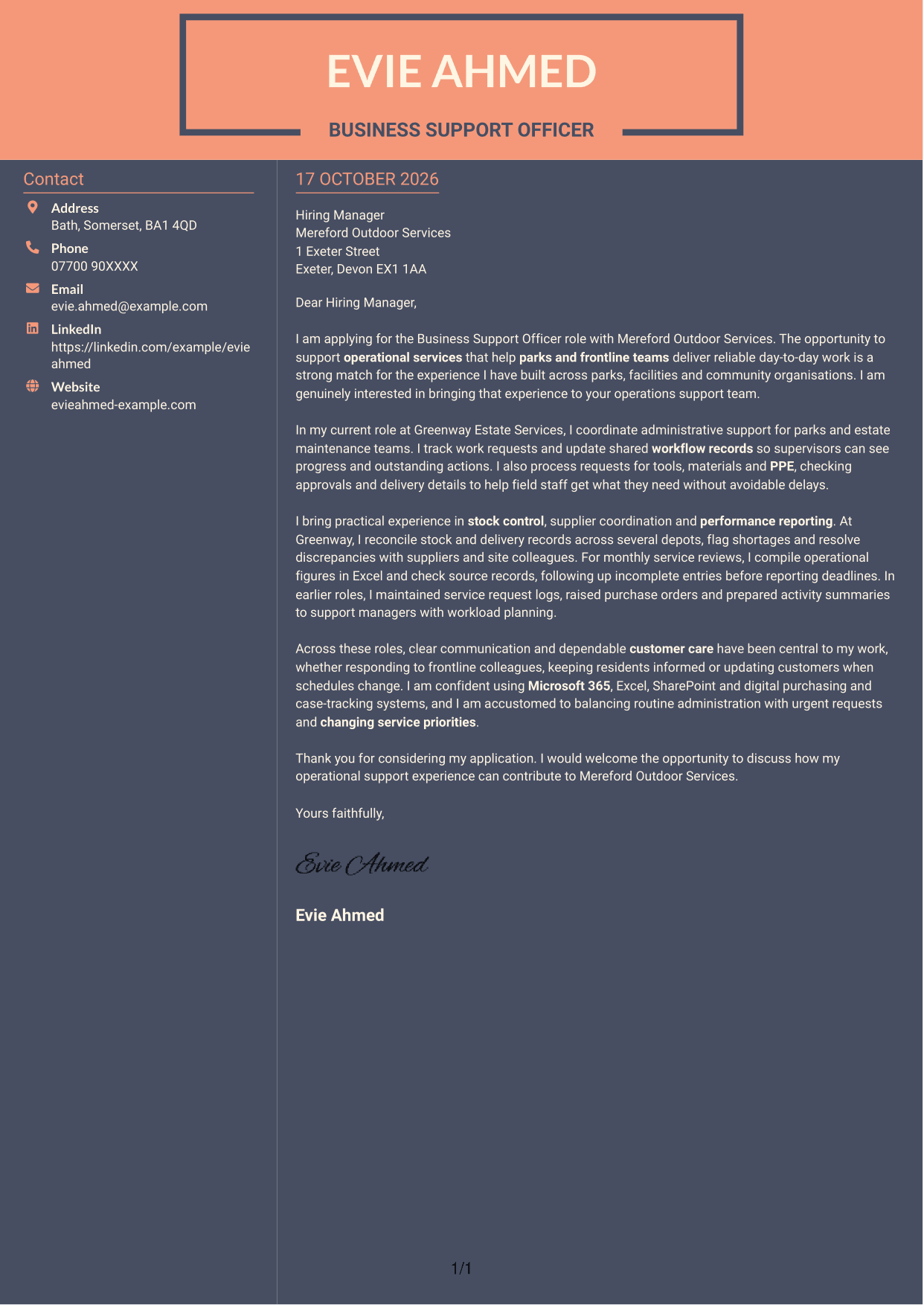
Why This Format Works
- The sidebar keeps contact information separate from the letter's persuasive content.
- Reviewers can follow the message without moving between separate argument columns.
- A text-led format suits applications where the written case should take priority.
Best For
- Sidebar contact separation
- Single-body correspondence
- Applications with a clear argument sequence
- Text-led letter presentation
- Readers choosing a two-column layout
See Also
- 7 Business Support Officer - Operations Support CV Templates with Example
- 7 UK Student Recruitment Officer - Higher Education Outreach CV Templates with Example
- 7 Operations Planning Manager - Rail Maintenance CV Templates with Example
- 7 Postgraduate Administrator - Admissions and Student Support CV Templates with Example
- 7 Cash Reconciliation Assistant - Retail and Wholesale Accounts CV Templates with Example
- 7 Associate, US Funds Tax CV Templates with Example
- 7 Associate - Export, Trade and Commodity Finance CV Templates with Example
- 7 Clinical Trainer - Robotic-Assisted Knee Surgery CV Templates with Example
- 7 Retail Assistant - Fashion Retail CV Templates with Example
- 7 UK Student Recruitment Officer - Higher Education Outreach Cover Letter Templates with Example
Frequently Asked Questions
What should a Business Support Officer - Operations Support cover letter highlight?
Show how your experience relates to accurate workflow records, requests from frontline colleagues, stock and delivery coordination, and performance reporting. Clear customer care and communication can also help explain how you support reliable services.
How can I make my experience relevant to this role?
Choose a specific example of operational support and explain what you did and how it helped the team. You could describe keeping work records up to date, checking a delivery or preparing figures for a service review, if these reflect your experience.
How should I explain my interest in the employer?
Connect your interest to the role’s support for operational services and frontline teams. If you have a genuine reason for choosing the employer, include it and show how it relates to the work.
What is a clear way to structure this cover letter?
Open by naming the role and giving your reason for applying. Use the body to explain relevant operational support experience, then close by restating your interest and thanking the reader for considering your application.
Should I include every part of my work history?
No. Focus on the experience that best shows your fit for this position. A small number of clear examples can make your letter easier to follow and more persuasive.




