
US English


7 Business Support Officer - Operations Support CV Templates with Example
By Ria · Last Updated On 16 October 2026
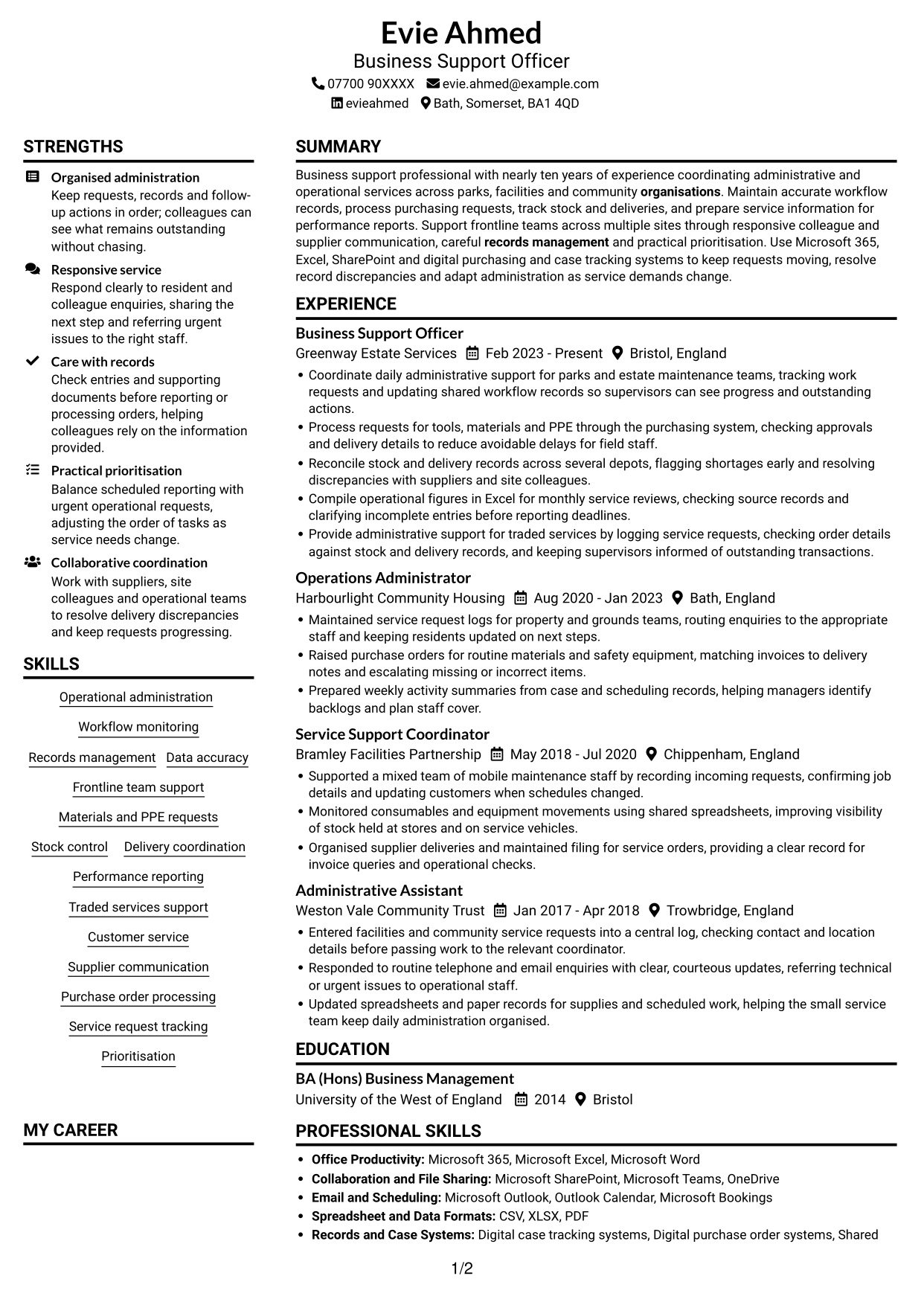
CV example — page 1

This guide shows you how to create a clear, focused Business Support Officer - Operations Support CV. You will learn how to organise your evidence so readers can quickly see how you support operational services.

A strong CV for this role makes workflow records, purchasing, stock and delivery coordination, and performance reporting easy to find. Use concise bullet points to show how you keep requests moving, support frontline colleagues and maintain accurate information.

Compare the example presented in 7 layouts through the PNG image previews, then open a preferred example in the editor to customise it. The guide also covers ATS-friendly structure, useful CV sections and role terms such as purchase orders, PPE, traded services and service request tracking.

What Makes a Great Business Support Officer - Operations Support CV in 2026

A strong CV uses clear sections and focused bullet points to show how you support operational workflows. Make your experience with records, purchasing, stock and reporting easy to scan.

Use role-related terms such as purchase order processing, PPE requests, delivery coordination and performance reporting where they match your experience. Add figures only when you can support them.

Note: CV examples are for educational purposes only. Use only information that accurately reflects your experience and qualifications. References to real organisations do not imply affiliation or endorsement.

#1 Plain Two Column Format CV Example

The Plain Two Column Format presents CV content in two reading areas, allowing reviewers to scan career history and supporting information side by side.
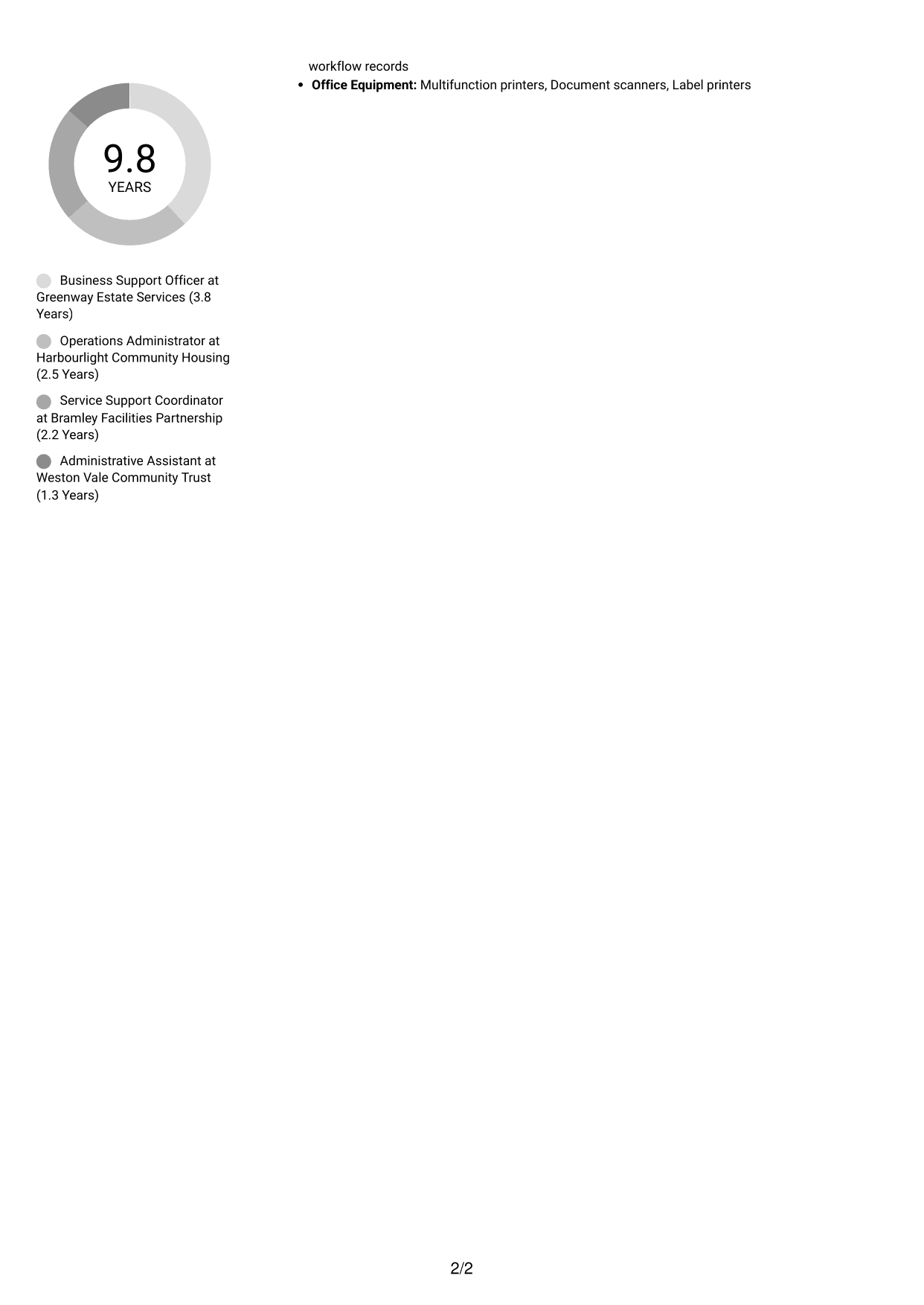
 
CV example — page 1   CV example — page 2

CV Snapshot

  • Nearly ten years of business support experience
  • BA (Hons) Business Management
  • Microsoft 365, Excel and SharePoint
  • Workflow records, purchasing, stock and reporting

Why This Format Works

  • Two reading areas help reviewers distinguish career history from supporting CV information.
  • Skills and education can be located without following one long vertical sequence.
  • The split layout can present detailed work history alongside other relevant sections.

Best For

  • CVs with several work entries
  • Career histories with supporting qualifications
  • Readers comparing experience and skills
  • Documents with varied section content
  • Side-by-side information review

CV Keywords

  • Operational administration
  • Workflow monitoring
  • Records management
  • Data accuracy
  • Frontline team support
  • Delivery coordination
  • organisations
 

#2 Simple One Column Format CV Example

The Simple One Column Format keeps the CV in one vertical reading path, a useful choice for following sections in sequence.
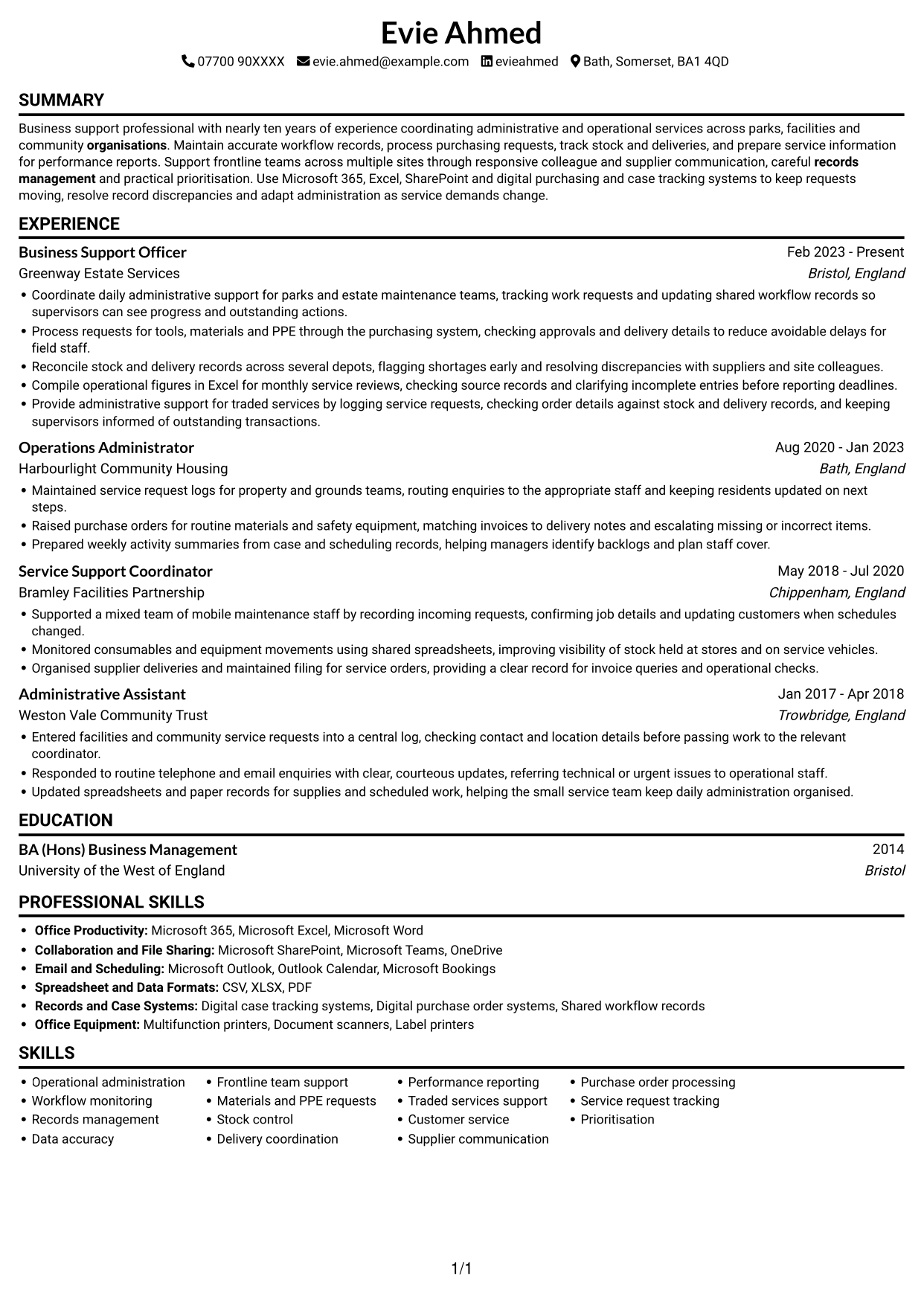
 
CV example — page 1

Why This Format Works

  • A single reading path lets reviewers follow career progression from one role to the next.
  • Skills, education and tools can be reviewed within the same continuous sequence.
  • Section changes are easy to follow without moving between parallel content areas.

Best For

  • Straight-through section review
  • Chronological career histories
  • CVs with several work entries
  • A single reading path
  • Readers preferring a simple structure
 

#3 Clean Two Column Sidebar Format CV Example

The Clean Two Column Sidebar Format uses two columns to let reviewers move between career history and other CV information.
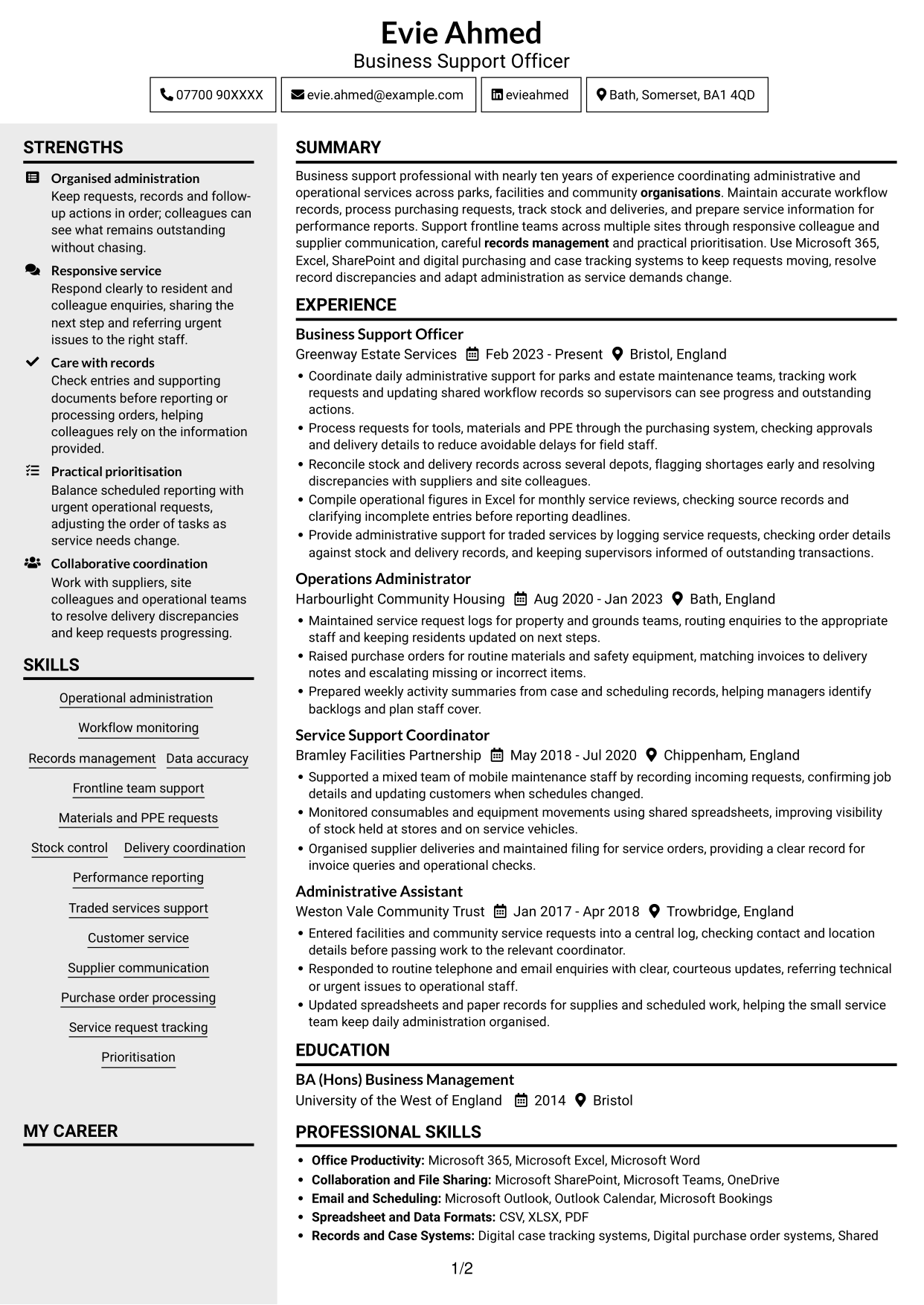
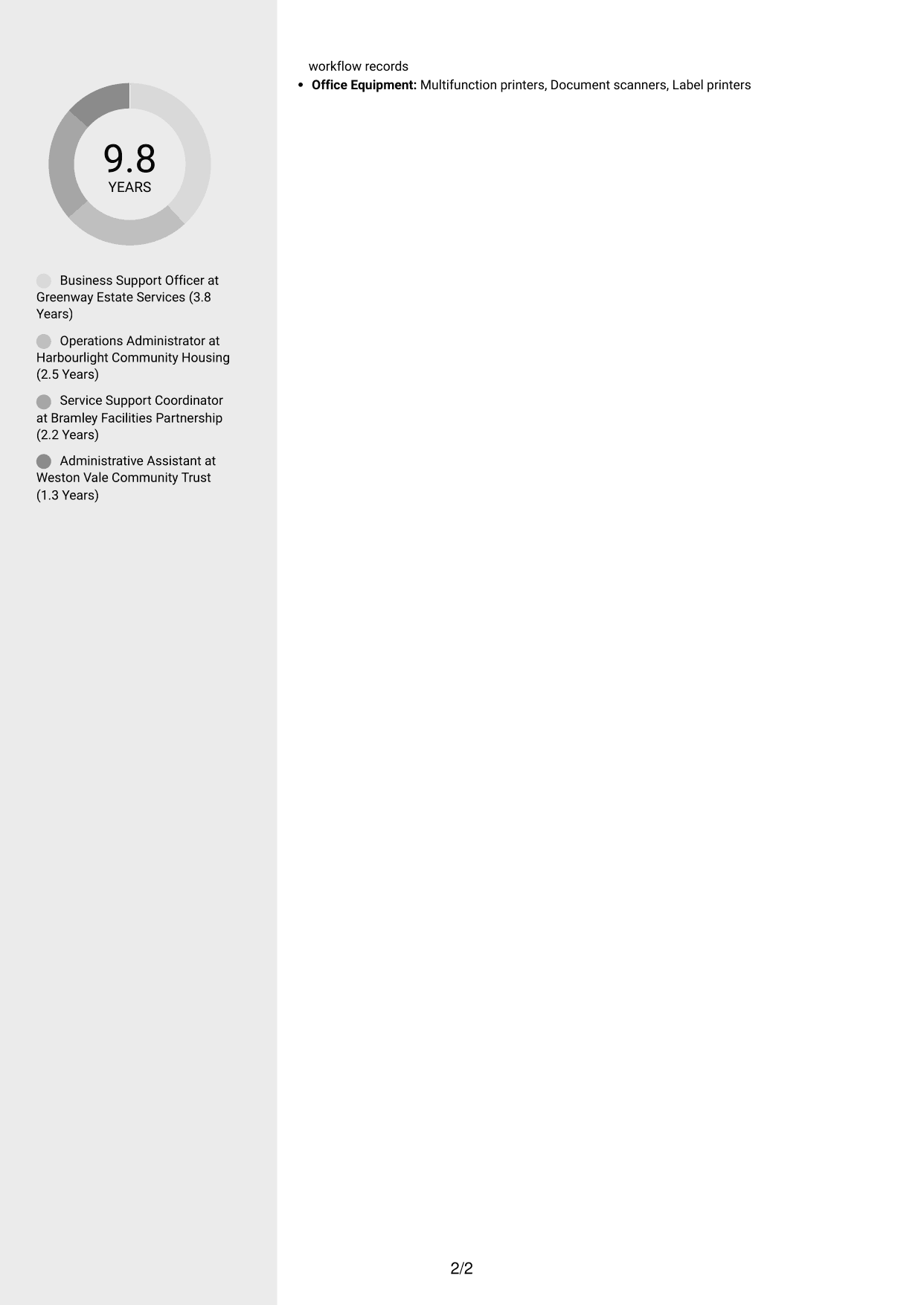
 
CV example — page 1   CV example — page 2

Why This Format Works

  • Two columns give career history and supporting sections separate routes through the document.
  • Reviewers can locate skills and education without reading every experience detail first.
  • Parallel content areas help balance a detailed work history with concise supporting information.

Best For

  • CVs pairing experience with qualifications
  • Readers seeking key details quickly
  • Career histories with varied responsibilities
  • Documents with skills and education sections
  • Review across separate content areas
 

#4 Two Column Format CV Example

The Two Column Format sets CV information in parallel columns, giving reviewers more than one clear route through the content.
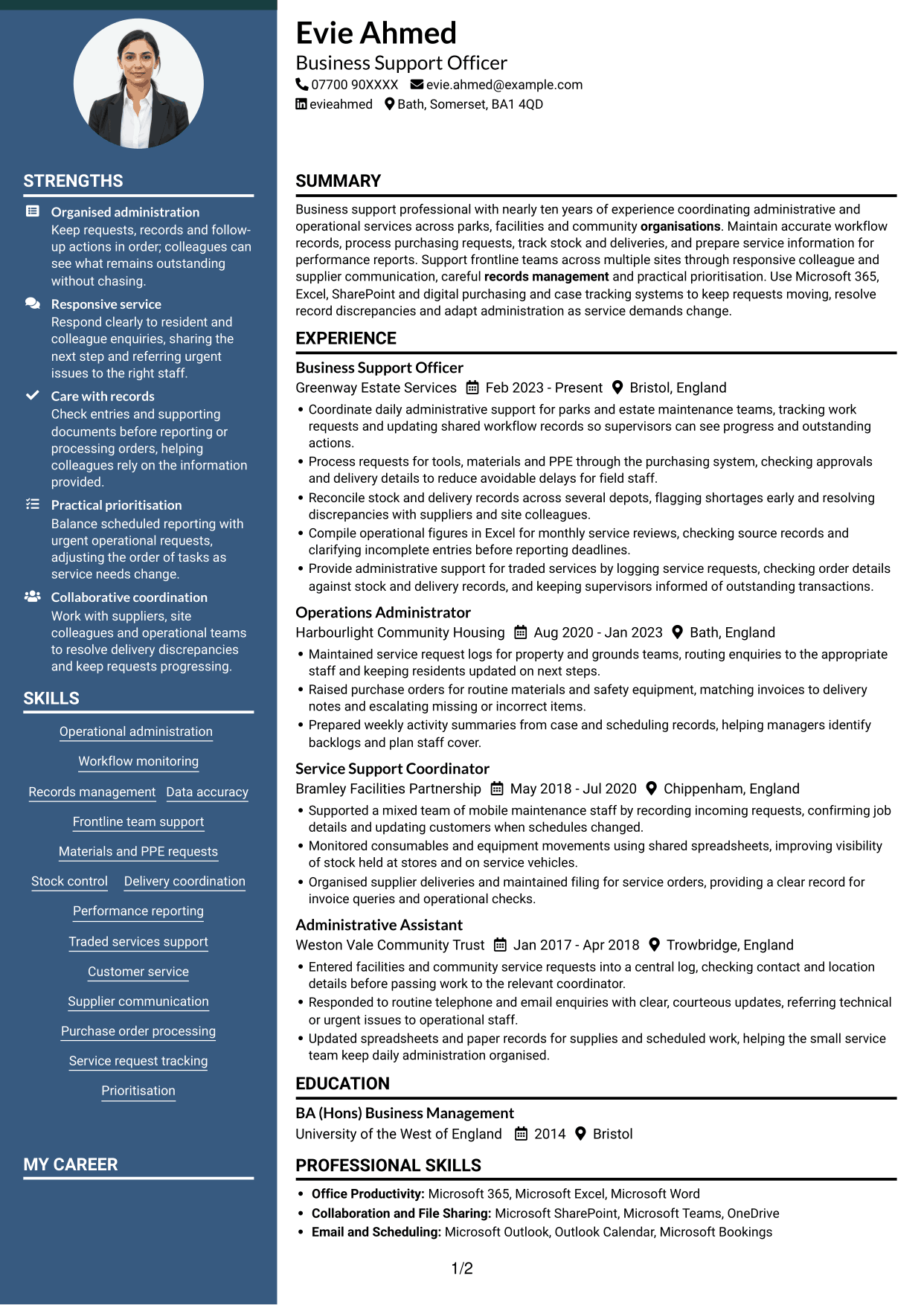
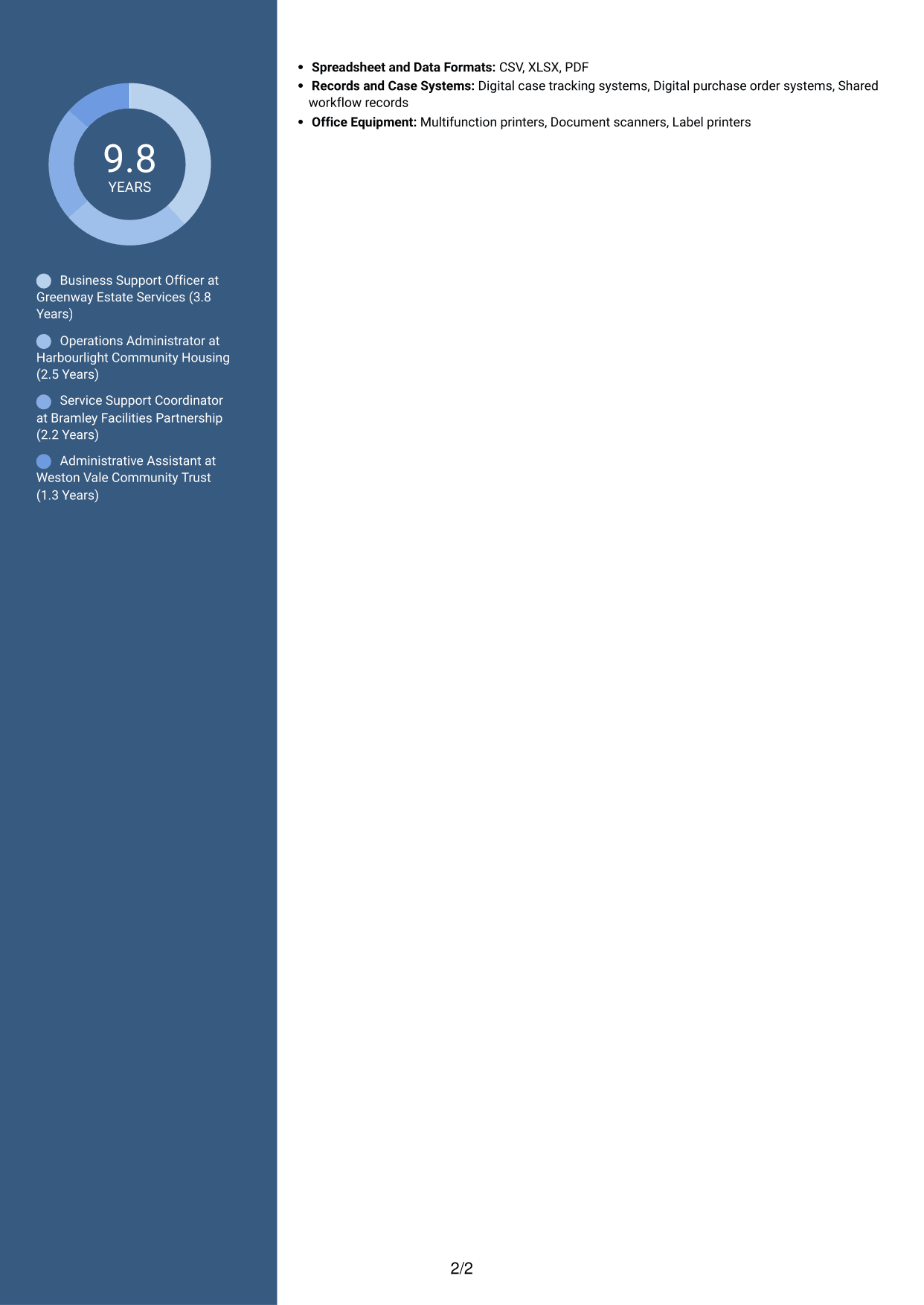
 
CV example — page 1   CV example — page 2

Why This Format Works

  • Parallel columns let reviewers move between experience and supporting sections with ease.
  • Career details and qualifications can be viewed without one long vertical scroll.
  • The two-part layout offers distinct space for different CV content categories.

Best For

  • CVs with detailed experience
  • Separate review of skills and education
  • Readers who scan for key sections
  • Documents with varied content
  • Parallel information review


#5 Photo Header Two Column Format CV Example

The Photo Header Two Column Format combines a photo with a two-column CV body for readers who want both features in one layout.
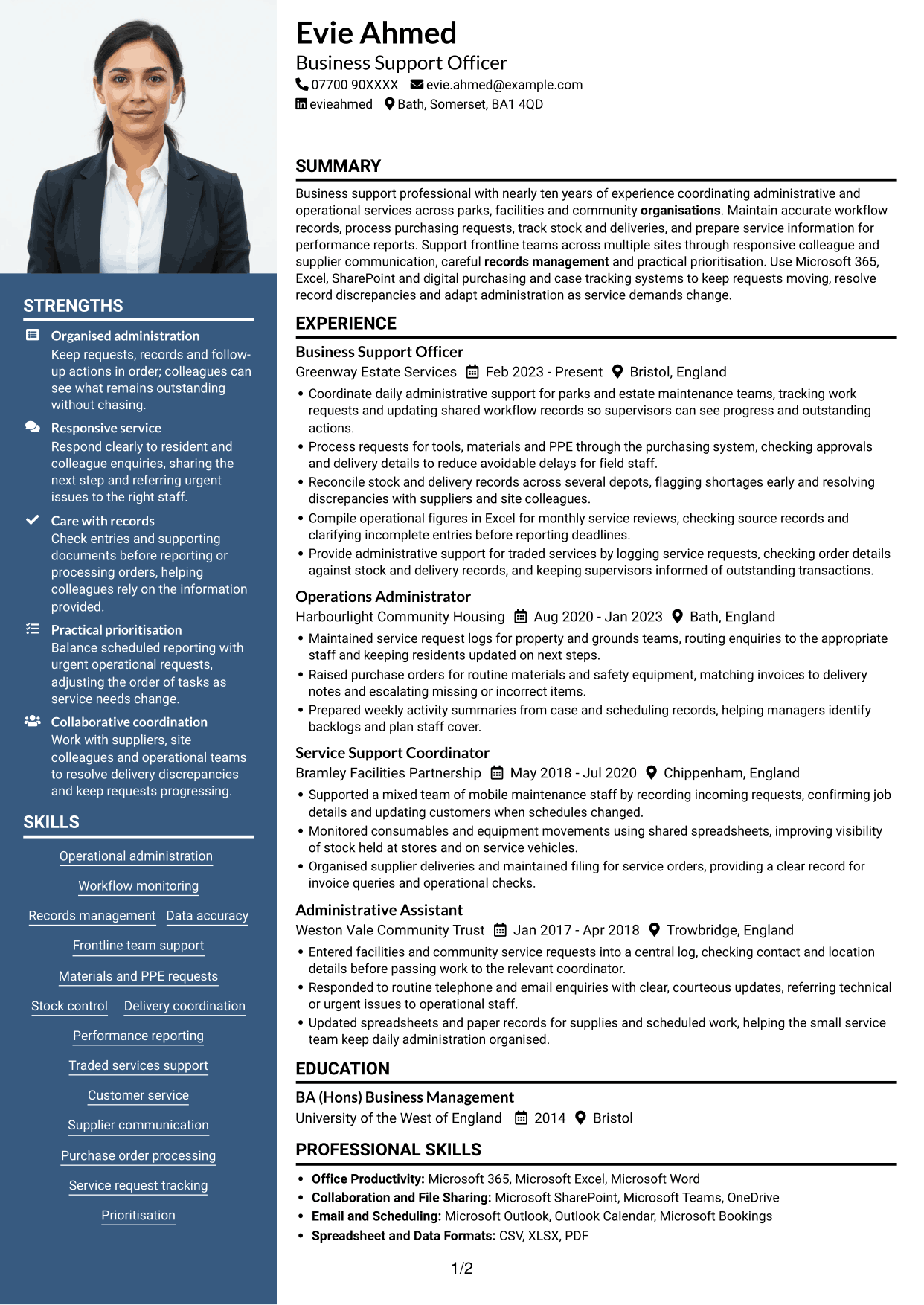
 
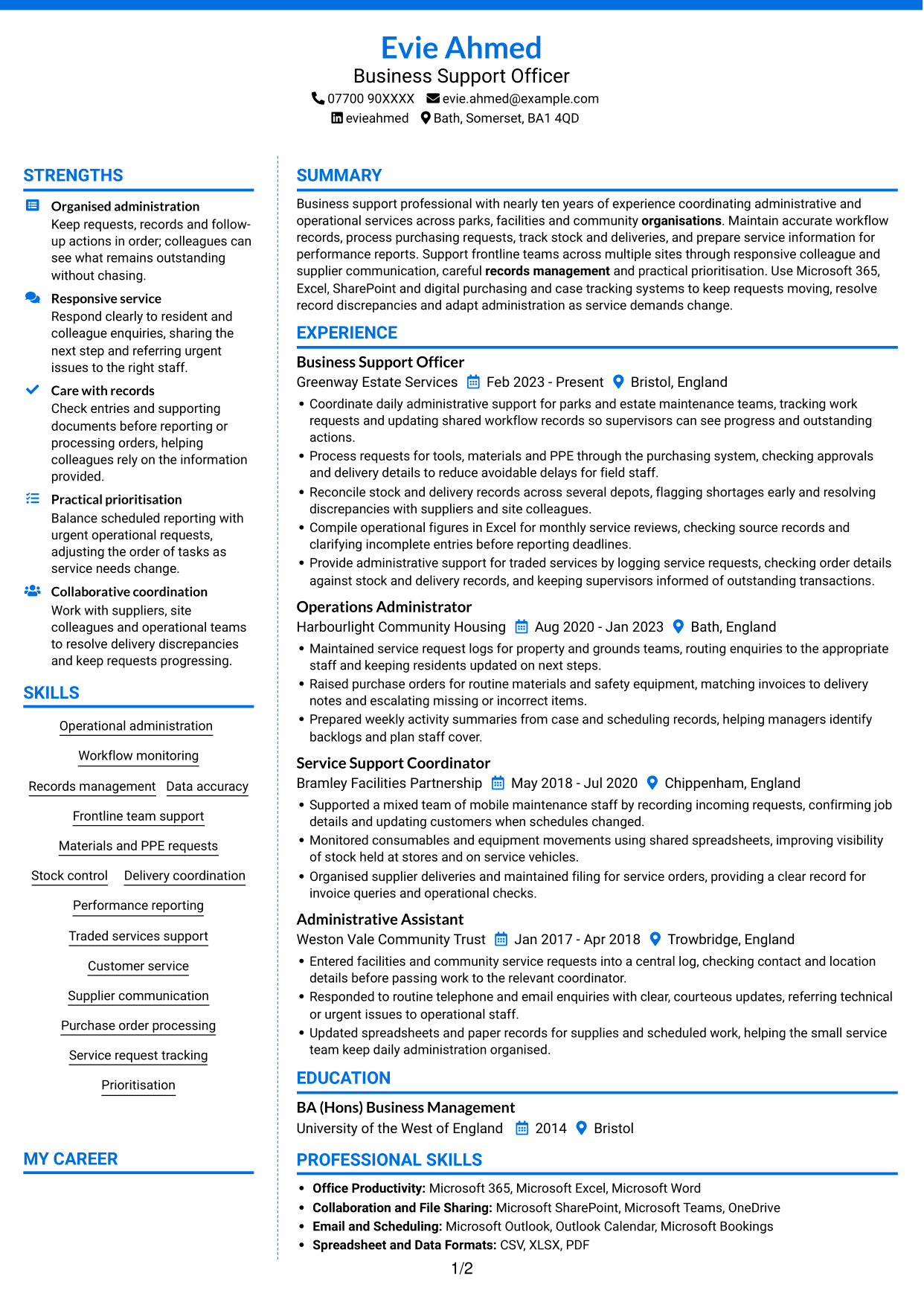
CV example — page 1   CV example — page 2

Why This Format Works

  • Two columns let reviewers navigate career history and supporting sections through separate areas.
  • The photo offers a visible personal identifier without changing the order of CV content.
  • Skills and education can be located without passing through every experience entry.

Best For

  • CVs that include a profile photo
  • Two-column reading preferences
  • Experience paired with supporting sections
  • Readers seeking clear section access
  • Documents with several content areas
 

#6 Coloured Two Column Format CV Example

The Coloured Two Column Format arranges CV content in two columns, helping reviewers scan experience and supporting information in parallel.
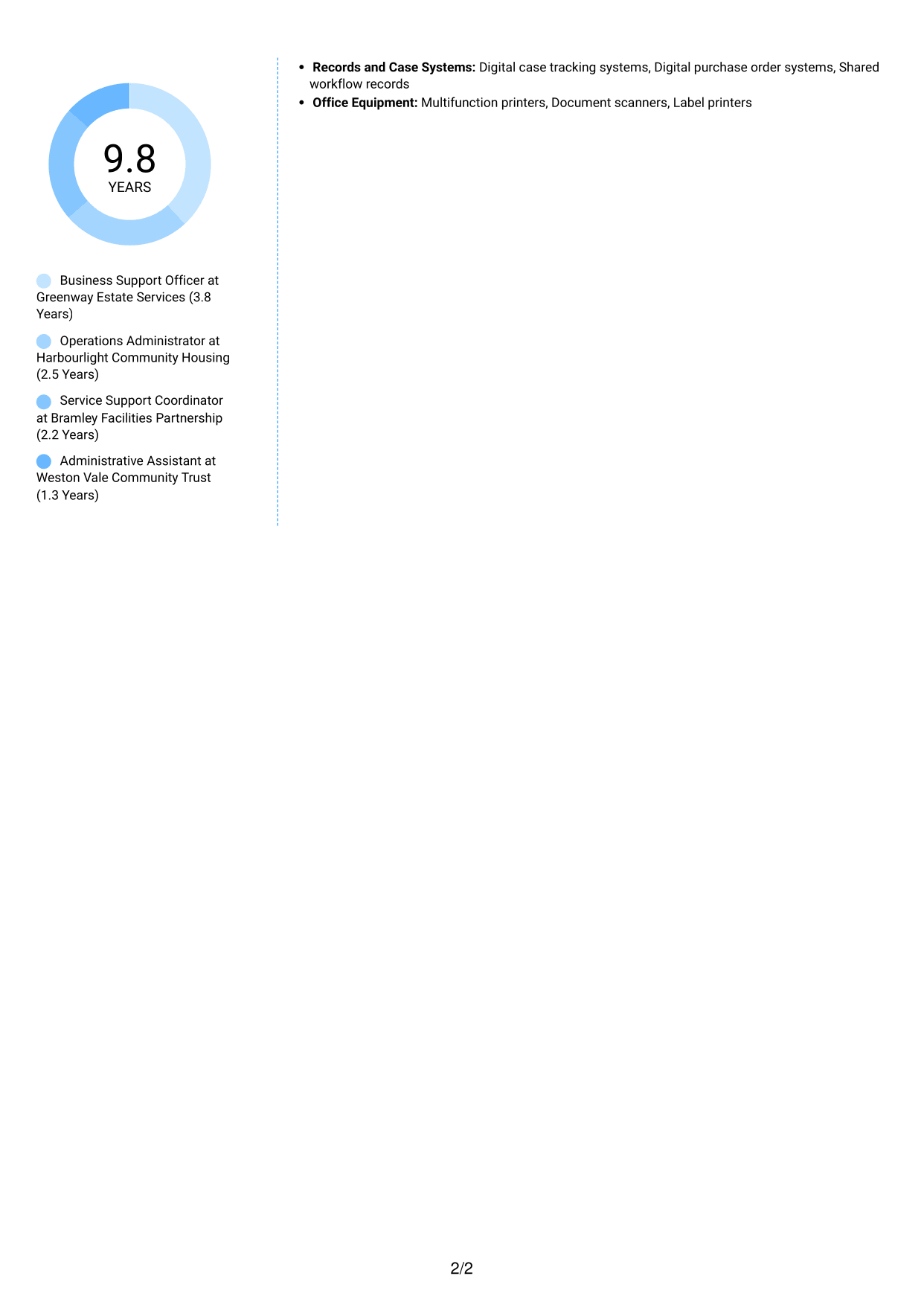
 
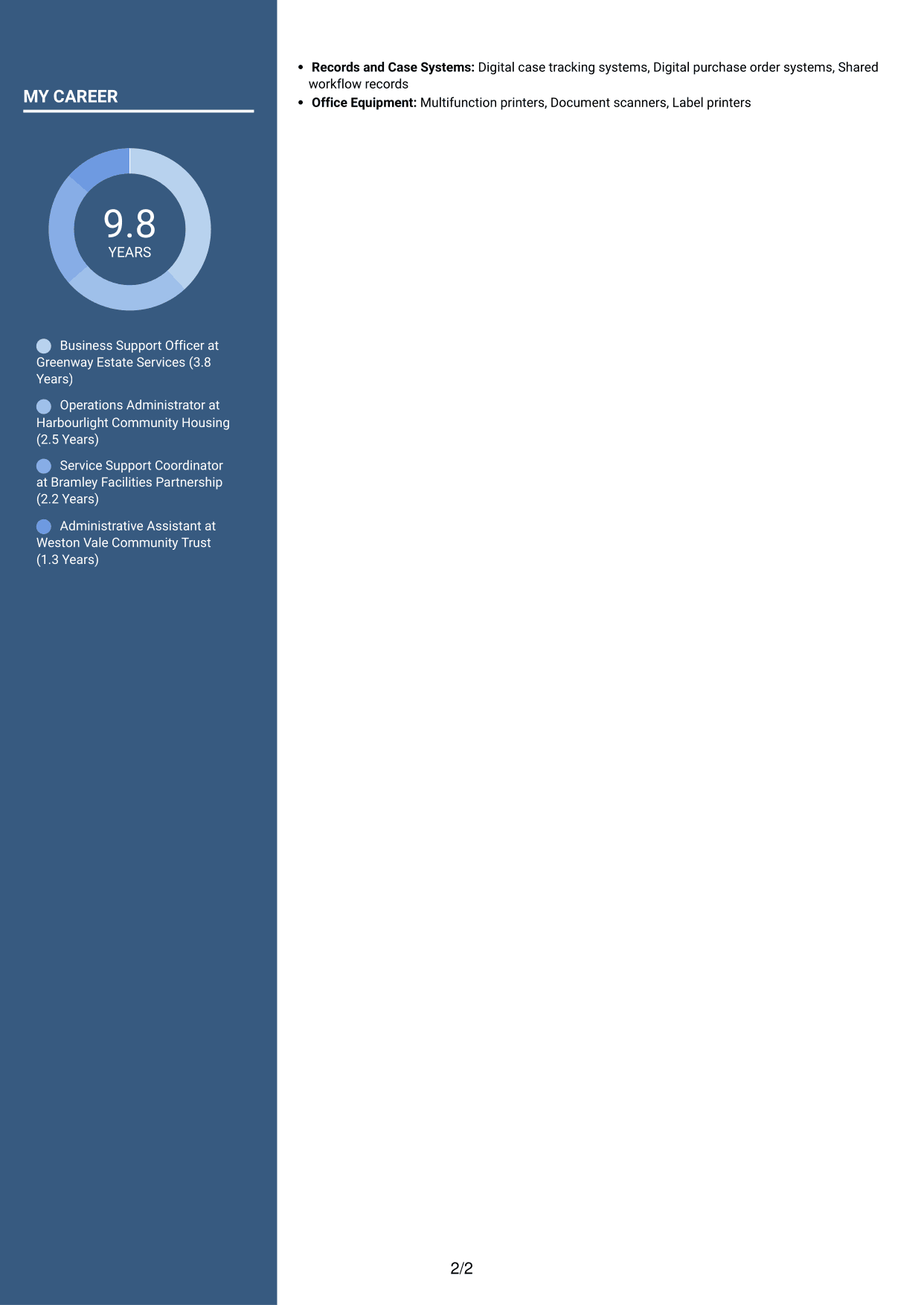
CV example — page 1   CV example — page 2

Why This Format Works

  • The two-column reading order separates career history from other CV information.
  • Reviewers can find supporting sections without tracing every experience detail.
  • Parallel areas allow work history and qualifications to be read in turn.

Best For

  • CVs with a substantial work history
  • Readers scanning for qualifications
  • Experience alongside supporting details
  • Documents with several section types
  • Parallel review of CV content
 

#7 Stylish Two Column Designer Format CV Example

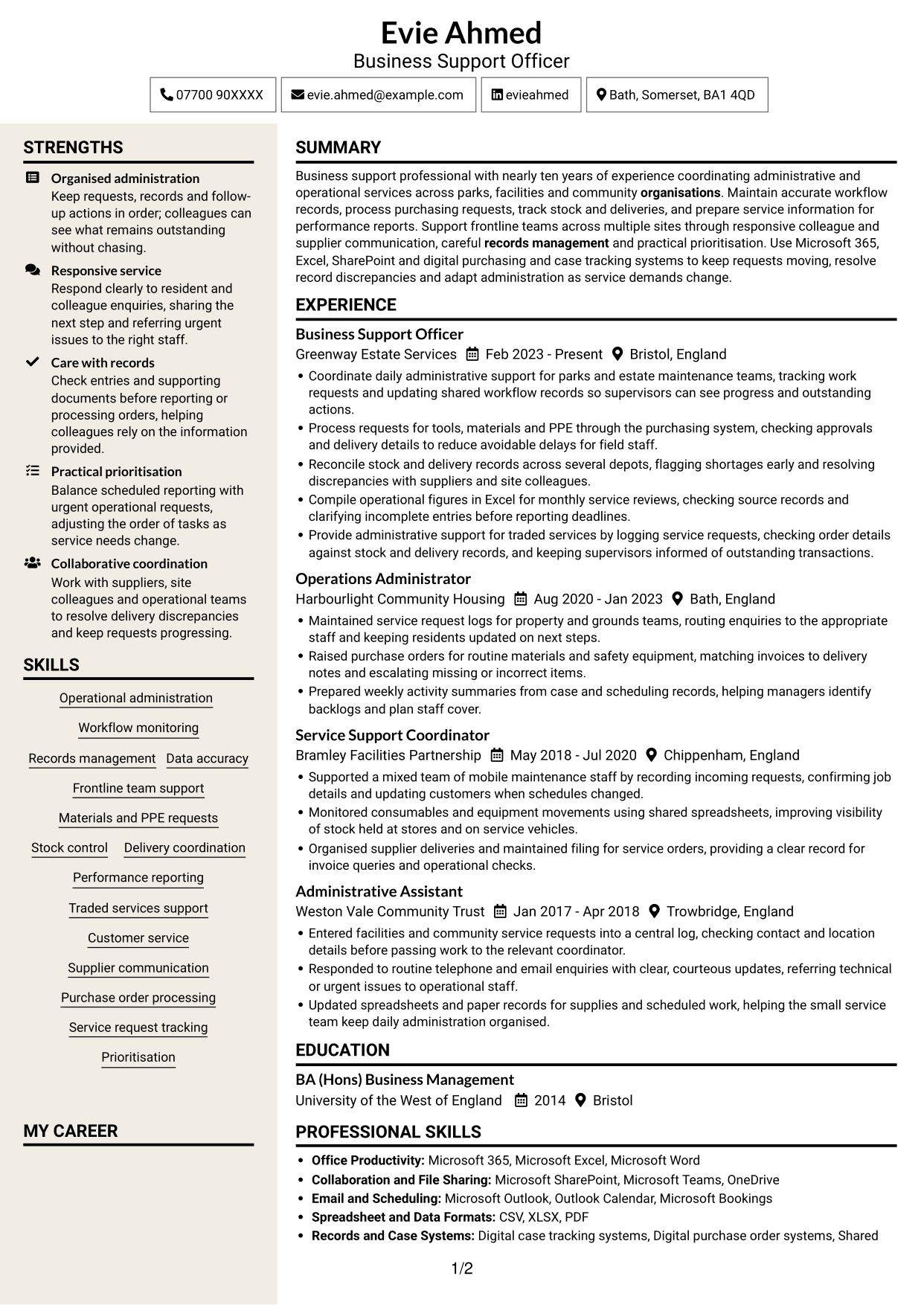
The Stylish Two Column Designer Format uses two columns to give reviewers parallel ways to read career history and other CV sections.
 
CV example — page 1   CV example — page 2

Why This Format Works

  • Two reading areas help reviewers move between career progression and supporting information.
  • The layout keeps skills and education accessible alongside experience details.
  • Distinct columns give different CV sections room without a single long sequence.

Best For

  • CVs with varied section content
  • Readers switching between experience and skills
  • Career histories with supporting details
  • Documents needing parallel reading areas
  • Reviewers locating education quickly


Why Build Your Business Support Officer - Operations Support CV with ResumeInMinutes

ResumeInMinutes helps you arrange your operational administration, skills and education in a clear CV. Compare PNG image previews, then open an example in the editor to customise its content and layout.

  • Different CV layouts
  • Clear, readable section structure
  • Space for role-related keywords
  • Organised skills and experience
  • PNG image previews
  • CV customisation in the editor

Choose a format that makes your records, team support and operational tasks easy to follow. Keep each section focused on relevant evidence, tools and results.


See Also


Frequently Asked Questions

Are these Business Support Officer - Operations Support CV templates ATS-friendly?

The examples use clear headings and sections to support scanning. Include relevant terms naturally, such as workflow monitoring, purchase orders, stock control, performance reporting and delivery coordination.

Are these separate CV examples or different layouts of one example?

This page shows one role-focused CV example in different layouts. Compare the PNG image previews, then open an example in the editor to customise it.

What should a Business Support Officer - Operations Support CV include?

Include a clear summary, relevant experience, skills and education. Show evidence of accurate records, frontline team support, purchasing, stock and delivery coordination, and preparation of service information for reports.

Which CV layout works well for this role?

Choose a layout with clear headings and an easy-to-follow order for experience, skills and education. A simple structure helps recruiters and applicant tracking systems find key details.

How can I show operational support achievements on my CV?

Use concise bullet points to explain the task, your contribution and the result. Where you have reliable figures, include measures such as request volumes, stock records checked or reporting deadlines met.

Should I include a photo on my CV?

For UK applications, a photo is usually not needed. Use the space for relevant experience, skills and measurable results instead.


ATS Score 79%

How we calculate this score

  • Keywords: 60% of the total. AI extracts keywords from your job description. If you do not provide one, a standard job description for the title matching your CV is used. This is not a match to a specific vacancy.
  • Text-based CV: 20%. The text CV assessed here receives 100 for this part.
  • CV quality: 20%. We start at 100 and subtract points for issues found by our CV checks, down to a minimum of zero.
  • Keyword coverage = 100 × (confirmed matches + 0.8 × possible matches) ÷ total keywords, rounded and capped at 100. Possible matches still need checking. Saved generation audits use their saved keyword percentage.
  • Final score = 60% of keyword coverage + 20% of the text score + 20% of the quality score, rounded to a whole number. Without keywords, no overall ATS score is available.

What this score means

Our scores are estimates, not employer ratings. They may contain errors and do not guarantee accurate parsing, a ranking, an interview, or a job. Check your document against the employer’s requirements. You are responsible for relying on this score.

Terms and Conditions

Score weights: Keywords 60% · Text based CV 20% · CV quality 20%

Keywords: 7 matched + 5 possible of 16 (69%) · CV quality: 90%

CV quality 90% · Weight 20% · Issues (1)

Details
  • ✓Name present: Evie Ahmed
  • ✓Email format: evie.ahmed@example.com
  • ✗Phone format: 07700 90XXXX
  • ✓Experience 1: Job title: Business Support Officer
  • ✓Experience 1: Company name: Greenway Estate Services
  • ✓Experience 1: Work location: Bristol, England
  • ✓Experience 1: Employment dates: Feb 2023 - Present
  • ✓Experience 1: Description or achievements: Present
  • ✓Experience 2: Job title: Operations Administrator
  • ✓Experience 2: Company name: Harbourlight Community Housing
  • ✓Experience 2: Work location: Bath, England
  • ✓Experience 2: Employment dates: Aug 2020 - Jan 2023
  • ✓Experience 2: Description or achievements: Present
  • ✓Experience 3: Job title: Service Support Coordinator
  • ✓Experience 3: Company name: Bramley Facilities Partnership
  • ✓Experience 3: Work location: Chippenham, England
  • ✓Experience 3: Employment dates: May 2018 - Jul 2020
  • ✓Experience 3: Description or achievements: Present
  • ✓Experience 4: Job title: Administrative Assistant
  • ✓Experience 4: Company name: Weston Vale Community Trust
  • ✓Experience 4: Work location: Trowbridge, England
  • ✓Experience 4: Employment dates: Jan 2017 - Apr 2018
  • ✓Experience 4: Description or achievements: Present
  • ✓No placeholder fields
  • ✓No repeated achievement bullets
  • ✓No empty bullets

Header: Check the phone number: “07700 90XXXX”. Use 7–15 digits, with an optional country code.

Expand details to review the checks.

Text Based CV 100% · Weight 20%

Parsed text
Evie Ahmed
Business Support Officer
07700 90XXXX
evieahmed
Bath, Somerset, BA1 4QD
evie.ahmed@example.com
STRENGTHS
Organised administration
Keep requests, records and follow-up actions in order; colleagues can see what remains outstanding without chasing.
Responsive service
Respond clearly to resident and colleague enquiries, sharing the next step and referring urgent issues to the right staff.
Care with records
Check entries and supporting documents before reporting or processing orders, helping colleagues rely on the information provided.
Practical prioritisation
Balance scheduled reporting with urgent operational requests, adjusting the order of tasks as service needs change.
Collaborative coordination
Work with suppliers, site colleagues and operational teams to resolve delivery discrepancies and keep requests progressing.
SUMMARY
Business support professional with nearly ten years of experience coordinating administrative and operational services across parks, facilities and community organisations. Maintain accurate workflow records, process purchasing requests, track stock and deliveries, and prepare service information for performance reports. Support frontline teams across multiple sites through responsive colleague and supplier communication, careful records management and practical prioritisation. Use Microsoft 365, Excel, SharePoint and digital purchasing and case tracking systems to keep requests moving, resolve record discrepancies and adapt administration as service demands change.
EXPERIENCE
Business Support Officer
Greenway Estate Services
Feb 2023 - Present
Bristol, England
Coordinate daily administrative support for parks and estate maintenance teams, tracking work requests and updating shared workflow records so supervisors can see progress and outstanding actions.
Process requests for tools, materials and PPE through the purchasing system, checking approvals and delivery details to reduce avoidable delays for field staff.
Reconcile stock and delivery records across several depots, flagging shortages early and resolving discrepancies with suppliers and site colleagues.
Compile operational figures in Excel for monthly service reviews, checking source records and clarifying incomplete entries before reporting deadlines.
Provide administrative support for traded services by logging service requests, checking order details against stock and delivery records, and keeping supervisors informed of outstanding transactions.
Operations Administrator
Harbourlight Community Housing
Aug 2020 - Jan 2023
Bath, England
Maintained service request logs for property and grounds teams, routing enquiries to the appropriate staff and keeping residents updated on next steps.
Raised purchase orders for routine materials and safety equipment, matching invoices to delivery notes and escalating missing or incorrect items.
Prepared weekly activity summaries from case and scheduling records, helping managers identify backlogs and plan staff cover.
Service Support Coordinator
Bramley Facilities Partnership
May 2018 - Jul 2020
Chippenham, England
Supported a mixed team of mobile maintenance staff by recording incoming requests, confirming job details and updating customers when schedules changed.
Monitored consumables and equipment movements using shared spreadsheets, improving visibility of stock held at stores and on service vehicles.
Organised supplier deliveries and maintained filing for service orders, providing a clear record for invoice queries and operational checks.
Administrative Assistant
Weston Vale Community Trust
Jan 2017 - Apr 2018
Trowbridge, England
Entered facilities and community service requests into a central log, checking contact and location details before passing work to the relevant coordinator.
Responded to routine telephone and email enquiries with clear, courteous updates, referring technical or urgent issues to operational staff.
Updated spreadsheets and paper records for supplies and scheduled work, helping the small service team keep daily administration organised.
SKILLS
Records management
Stock control
Materials and PPE requests
Operational administration
Purchase order processing
Supplier communication
Traded services support
Service request tracking
Frontline team support
Performance reporting
Workflow monitoring
Customer service
Prioritisation
Delivery coordination
Data accuracy
EDUCATION
BA (Hons) Business Management
University of the West of England
2014
Bristol
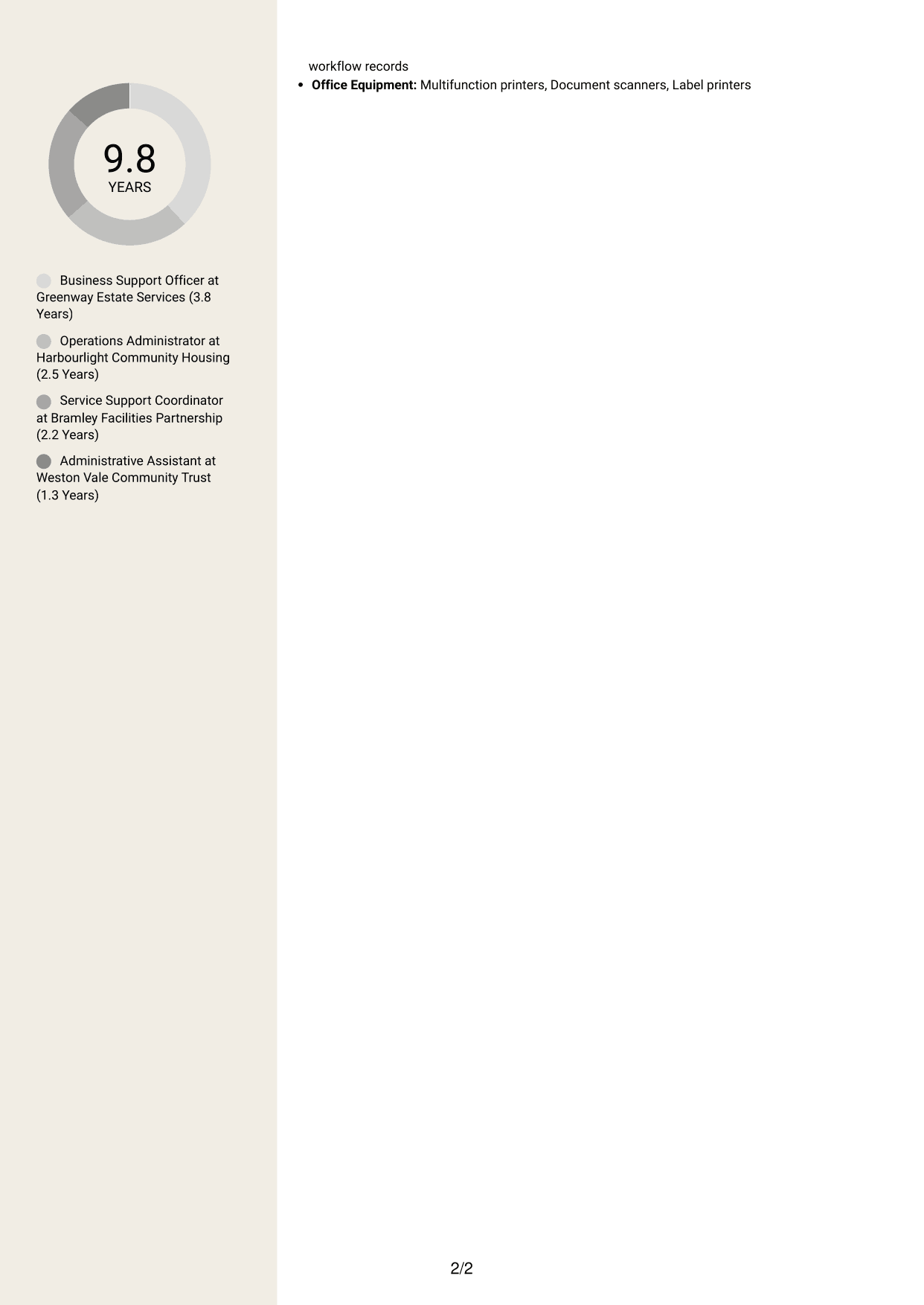
MY CAREER
9.8Years
Business Support Officer at Greenway Estate Services (3.8 Years)
Operations Administrator at Harbourlight Community Housing (2.5 Years)
Service Support Coordinator at Bramley Facilities Partnership (2.2 Years)
Administrative Assistant at Weston Vale Community Trust (1.3 Years)
PROFESSIONAL SKILLS
Office Productivity: Microsoft 365, Microsoft Excel, Microsoft Word
Collaboration and File Sharing: Microsoft SharePoint, Microsoft Teams, OneDrive
Email and Scheduling: Microsoft Outlook, Outlook Calendar, Microsoft Bookings
Spreadsheet and Data Formats: CSV, XLSX, PDF
Records and Case Systems: Digital case tracking systems, Digital purchase order systems, Shared workflow records
Office Equipment: Multifunction printers, Document scanners, Label printers

Matched keywords (7)

  • Operational administration
  • Workflow monitoring
  • Records management
  • Data accuracy
  • Frontline team support
  • Delivery coordination
  • organisationsOriginal keyword in JD: Organisation

Missing keywords (4)

  • IT skills
  • Communication skills
  • Teamwork
  • Adapting to changing priorities

Possible matches (5)

  • Materials, equipment and PPE requests80% credit: 5.00 percentage points of 6.25 possible.
  • Stock control and replenishment80% credit: 5.00 percentage points of 6.25 possible.
  • Performance monitoring reports80% credit: 5.00 percentage points of 6.25 possible.
  • Traded services administration80% credit: 5.00 percentage points of 6.25 possible.
  • Customer-focused service80% credit: 5.00 percentage points of 6.25 possible.
Disclaimer: All names, images, contact information, employment histories, achievements, security clearances, military credentials, and other qualifications shown in this content are fictional and used for illustrative purposes only. Any resemblance to actual persons, living or deceased, is purely coincidental.

CV and cover letter examples and recommendations in this article reflect general best practices and professional experience and are provided for guidance only. Results may vary based on role, industry, region, and hiring organisation.

Content Accuracy and Verification: To the fullest extent permitted by applicable law, we do not represent or warrant that CV or cover letter guidance, examples, recommendations, or related information are accurate, complete, current, error-free, or suitable for any particular purpose. You are responsible for independently reviewing and verifying the information before relying on it.

ATS and Cover Letter Scores: ATS scores are estimates calculated using our own formula, informed by publicly available guidance on CV formatting and keyword matching. They are not scores issued or endorsed by an ATS provider or employer. Cover letter scores are also our own assessments. Parsing, weighting, screening criteria, and results vary between systems, employers, job descriptions, and document formats. No score guarantees successful parsing, a particular ranking, an interview, or employment. Use scores as general guidance and independently check your documents against the employer’s requirements. To the fullest extent permitted by applicable law, we accept no liability for errors in scores or parsing, or losses arising from reliance on these assessments. Nothing in this notice excludes liability or limits consumer rights that cannot lawfully be excluded or limited.

Terms and Conditions
 
> JP 1 1
PDF Footer and Margins Setup
The margins are applied to the document, and the footer appears in both the preview and the PDF

Footer Font Settings

Are you applying for a specific job
so we can tailor your CV to it?
Are you applying for a specific job
so we can tailor your cover letter to it?

Your data stays private and is never used for training.Privacy Policy

Type your details as text to generate a personalised CV Type your details as text to generate a personalised cover letter
Website link found! Ready to create CV from:

Your data stays private and is never used for training.Privacy Policy

Drag the into the box to verify you're human.
Drop here

My CVs

Showing {number_of_files} files (out of {total_of_all_files} total)
Name File Type Last Modified: Description:

Rename File

Filename already exists!

Delete Files

Warning: This action is irreversible. Once you click submit, the files will be permanently deleted.

Heading text
Upload From Computer Upload
Select From Existing
LinkedIn
Drag & Drop files anywhere in this tab, or

Uploaded Files

Delete Name Last Updated Use This File
Select this to use the file for generating your CV and cover letter. Only one source—uploaded file, selected file, or LinkedIn text—can be used.

My Files

CVs or cover letters you create will appear here. No files available yet.
Delete Name Last Updated Use This File
Select this to use the file for generating your CV and cover letter. Only one source—uploaded file, selected file, or LinkedIn text—can be used.

Add LinkedIn Profile PDF

You can download your LinkedIn profile as a PDF by opening linkedin.com in a web browser, clicking your profile photo, selecting the “More” or “Resources” button, and choosing “Save to PDF.” You can then attach the PDF using the Upload From Computer tab.

Paste Your LinkedIn Profile Text

If you have copied the LinkedIn profile text, paste it below. See how to copy your profile from LinkedIn

Select this to use the LinkedIn profile text for generating your CV and covering letter. Only one source—uploaded file, selected file, or LinkedIn text—can be used.

Try these controls

<
>


