
7 Civil Design Engineer - Water and Wastewater Infrastructure Cover Letter Templates with Example
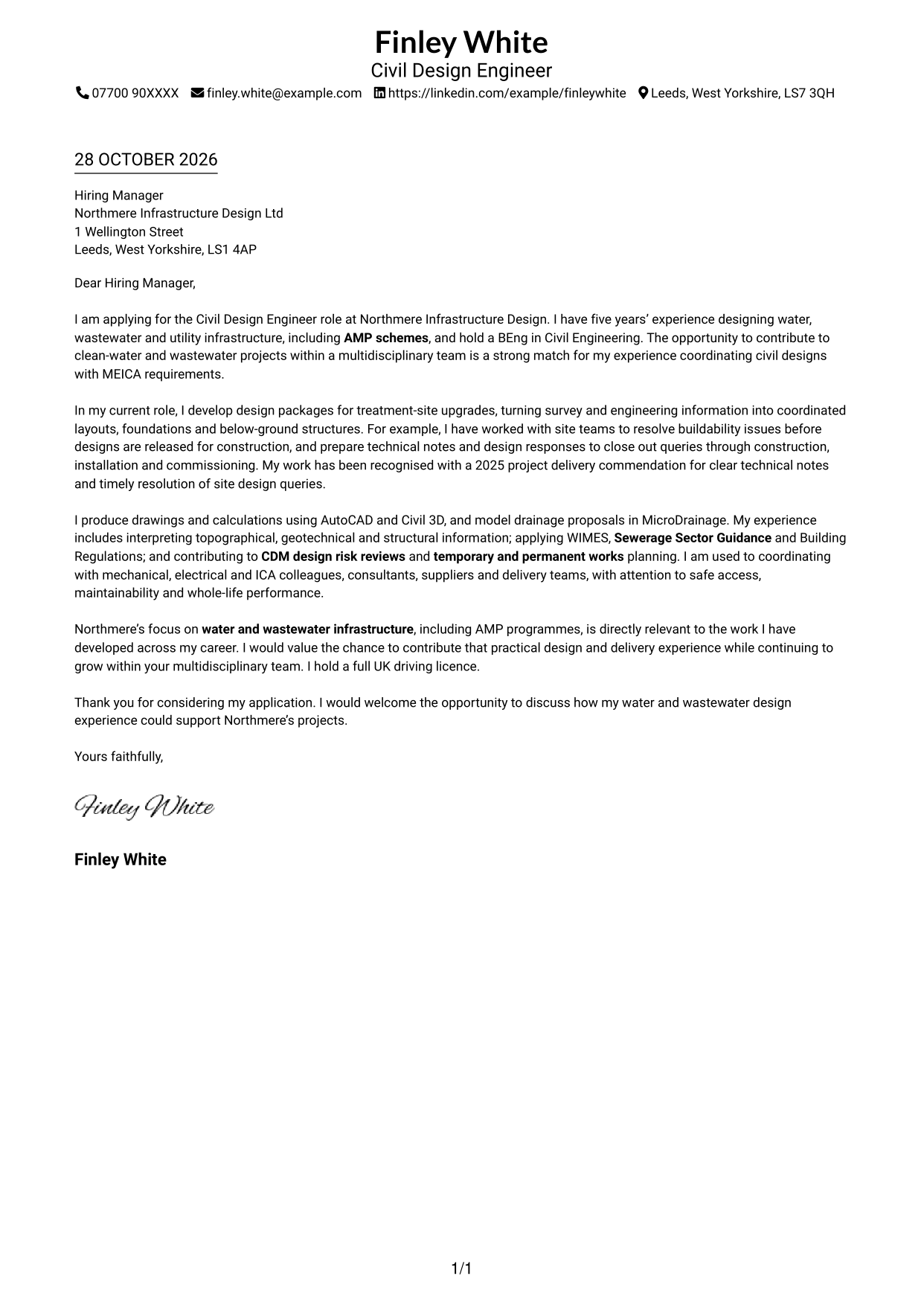
This guide helps you create a focused cover letter for the Civil Design Engineer - Water and Wastewater Infrastructure role, with seven layouts to compare.
What Makes a Great Civil Design Engineer - Water and Wastewater Infrastructure Cover Letter in 2026
A strong letter links your civil design experience to water and wastewater projects, showing how you support safe, buildable work from design through delivery. Make your interest in the role clear from the opening.
Use specific evidence, such as coordinating MEICA interfaces, resolving buildability issues or preparing clear technical notes. Connect that evidence to the employer’s AMP work and multidisciplinary approach.
The featured example moves from role interest to practical design evidence, technical fit and a clear close; adapt this focused progression while choosing a presentation suited to the employer and communication context.
#1 Simple One Column Format Cover Letter Example
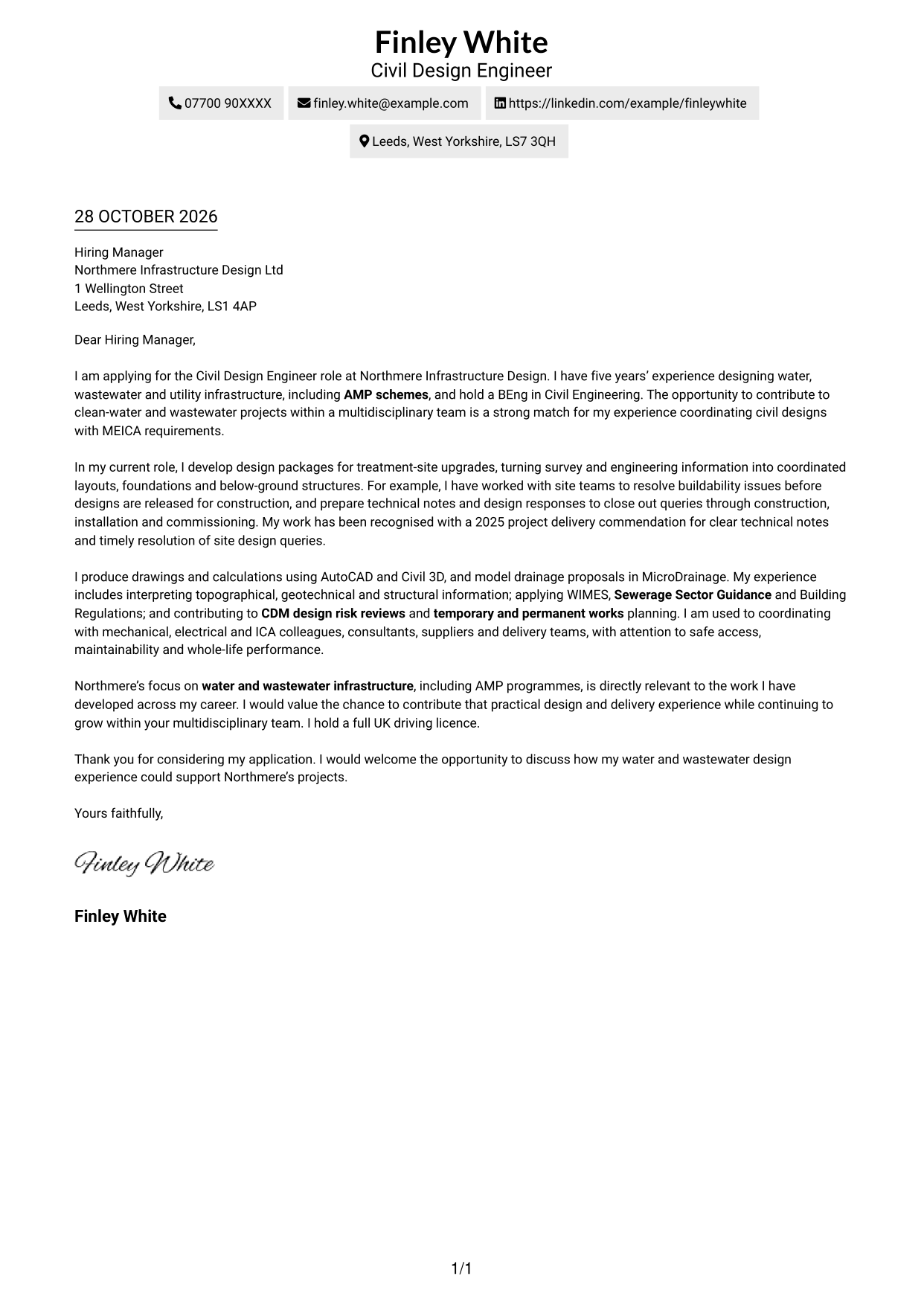
Simple One Column Format keeps sender details in the header and the complete letter in one body column, a practical choice for a direct reading path.
Why This Format Works
- One body column lets the application, evidence and closing follow a direct reading order.
- Sender details stay in the header, separate from the letter’s main message.
- Readers who prefer text without a portrait can focus on the written case.
Best For
- Single-column letter reading
- Header-based contact details
- Continuous paragraph arguments
- Text-led application materials
- Technical explanations in prose
#2 Two Column Format Cover Letter Example
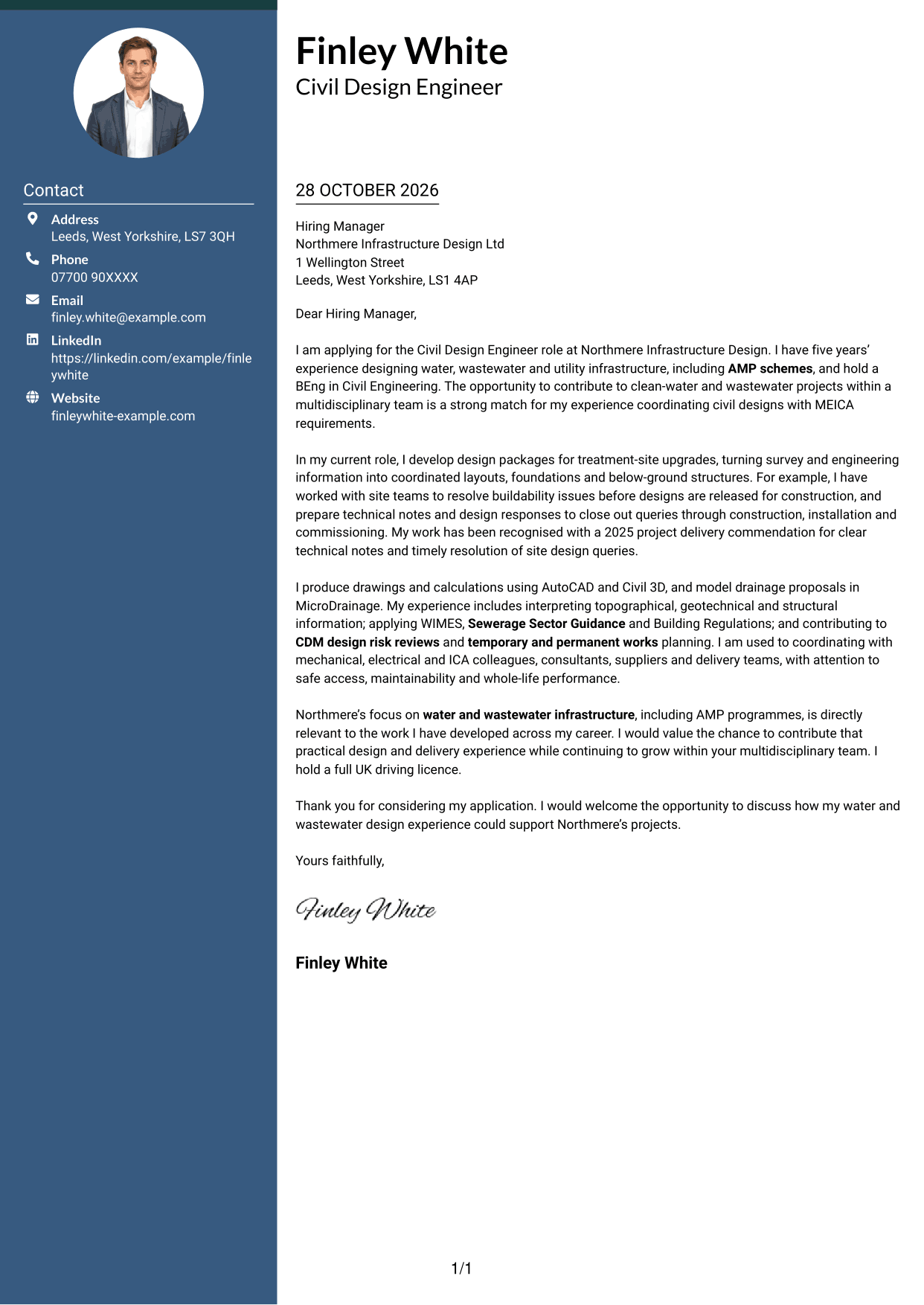
Two Column Format places contact details in a sidebar beside one continuous letter body, making sender information distinct from the message.
Why This Format Works
- A contact sidebar keeps sender information separate from the letter’s continuous body.
- One body column preserves the sequence from application through evidence to closing.
- The layout keeps attention on written communication without a portrait.
Best For
- Separate contact and message areas
- Continuous letter paragraphs
- Quick access to sender details
- No-photo application documents
- Paragraph-led technical explanations
#3 Photo Header Two Column Format Cover Letter Example
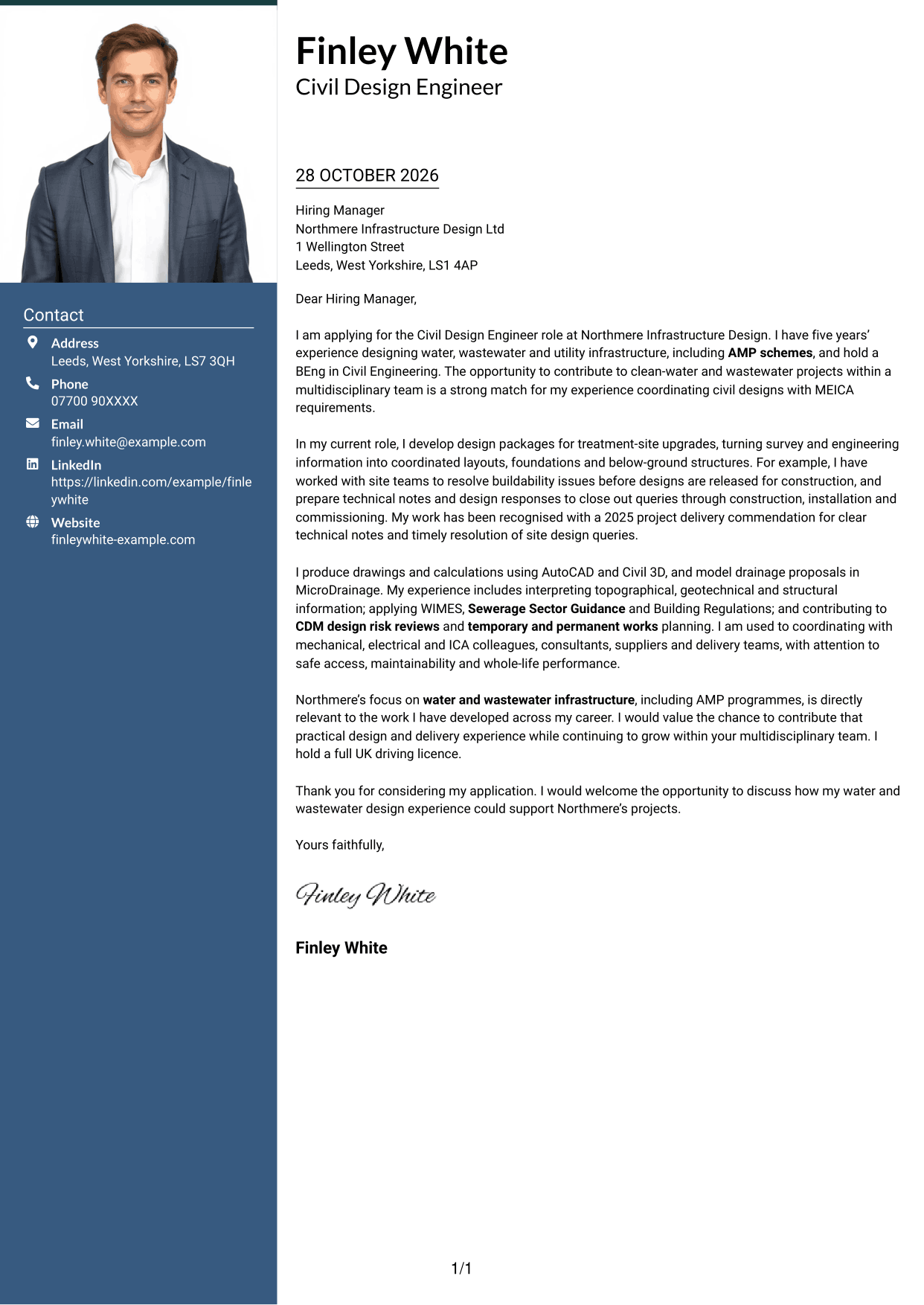
Photo Header Two Column Format combines a contact sidebar and one continuous letter body with a portrait, for correspondence that includes a personal image.
Why This Format Works
- Contact details have a dedicated sidebar, leaving the letter in one uninterrupted body.
- One body column keeps the opening, supporting case and close in sequence.
- A portrait offers a visual point of identification alongside the written application.
Best For
- Portrait-inclusive correspondence
- Contact sidebar layouts
- Paragraph-based technical evidence
- One-column letter body
- Applications with a personal image
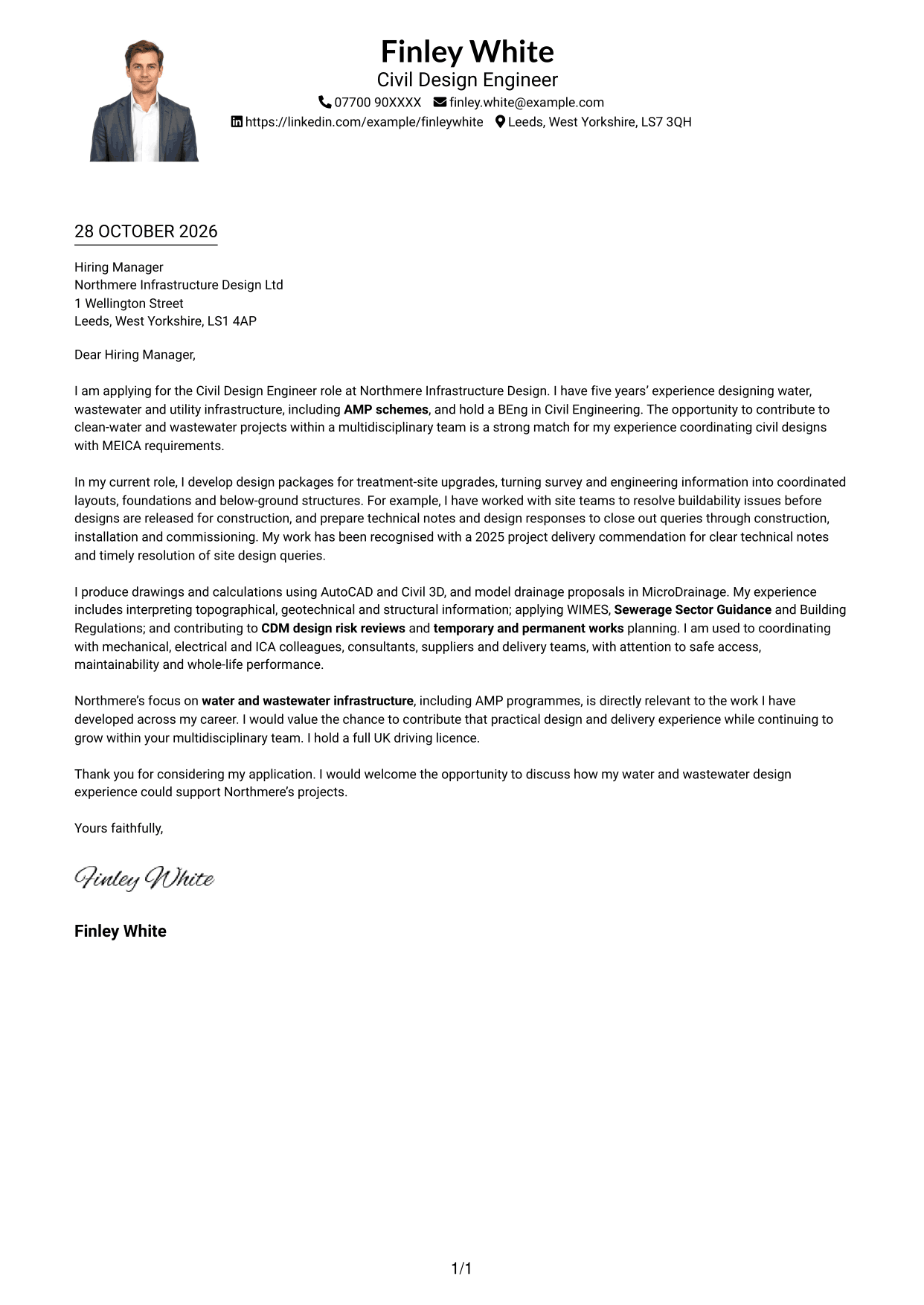
#4 One Column Format with Photo Cover Letter Example
One Column Format with Photo keeps the letter in one body column and includes a portrait, suiting readers who want a personal image with a direct reading path.
Why This Format Works
- The continuous body carries the opening, evidence and close down one reading path.
- Sender details stay in the header, not in a side column.
- The portrait gives the header a visual point of identification.
Best For
- One-column letter reading
- Portrait in the header
- Sender details above the message
- Continuous written arguments
- Personal-image correspondence
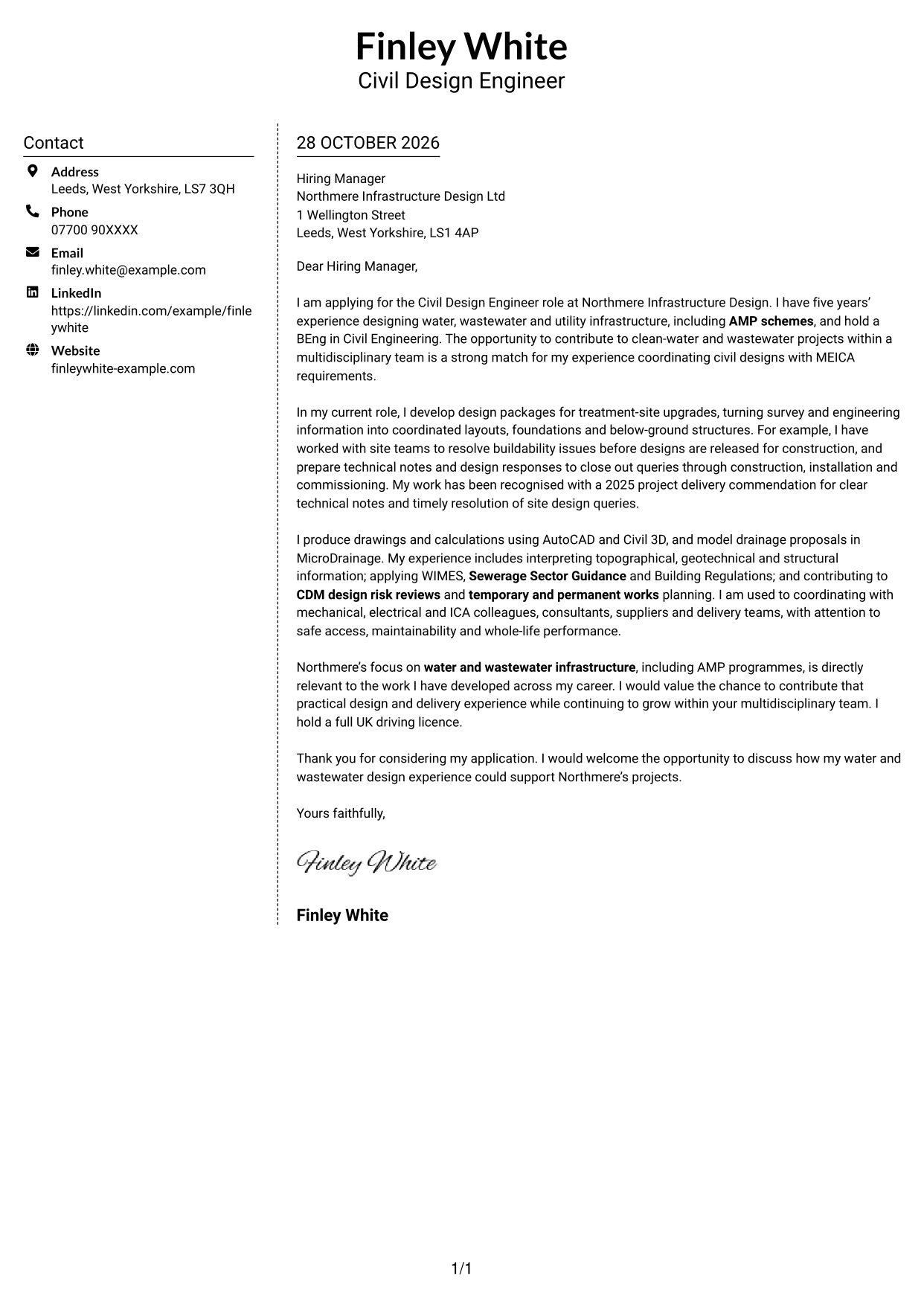
#5 Simple Two Column Format Cover Letter Example
Simple Two Column Format separates the contact sidebar from the continuous letter body, useful when sender details and the written case need distinct places.
Why This Format Works
- The contact sidebar sets sender information apart while the letter remains continuous.
- One body column keeps the opening and supporting case in a natural order.
- The unpictured layout suits applications where the written message should lead.
Best For
- Distinct contact and message areas
- Continuous letter paragraphs
- Applications led by written evidence
- No-photo correspondence
- Technical explanations in letter form
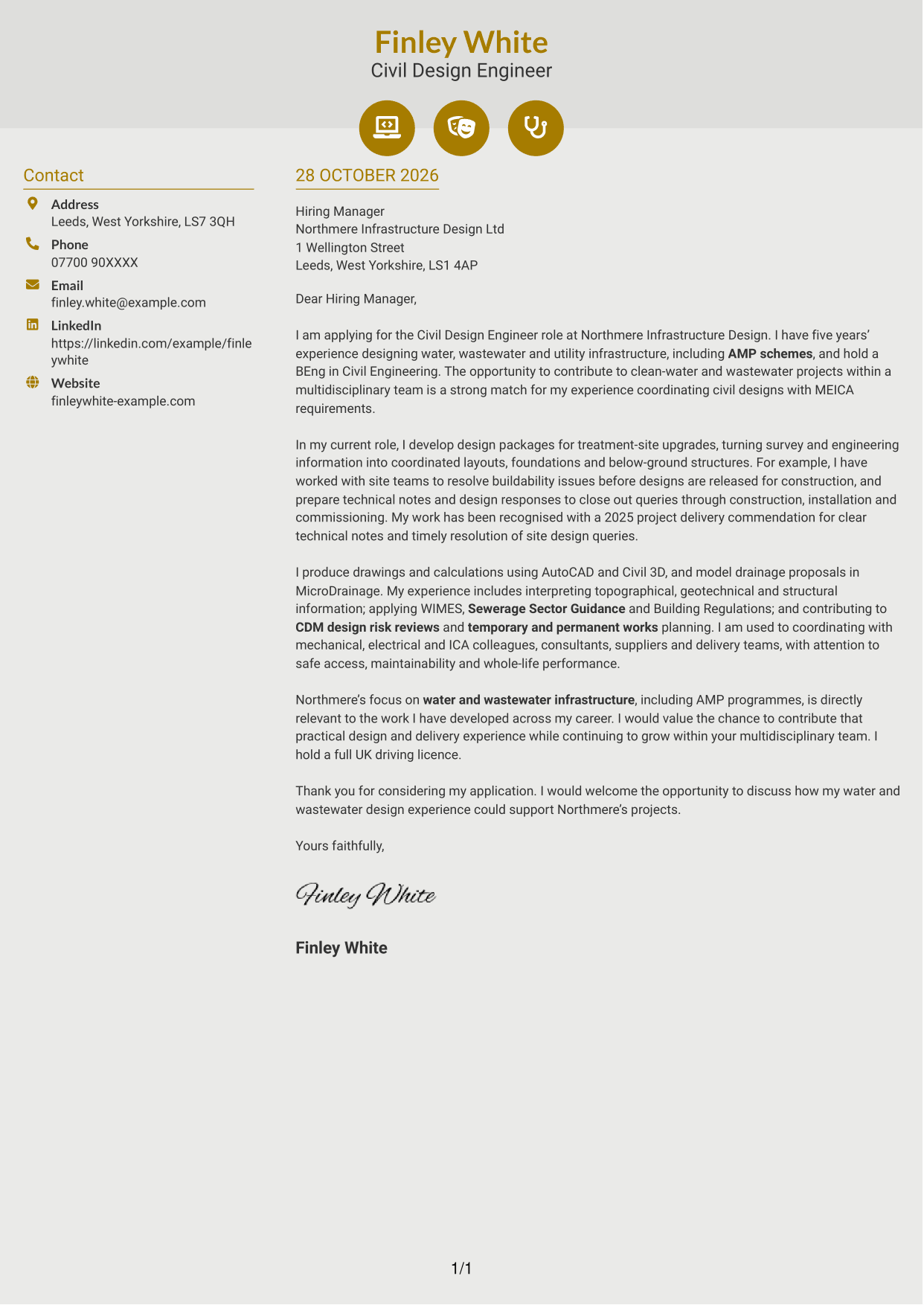
#6 Modern Icon Format Cover Letter Example
Modern Icon Format pairs a contact sidebar with one continuous letter body, using icons for contact cues and decorative header details.
Why This Format Works
- Contact icons cue sender details in the sidebar beside the continuous letter body.
- Decorative header icons add a visual cue without labelling letter paragraphs.
- The separate body column keeps motivation and evidence together as one letter.
Best For
- Icon-led contact details
- Continuous letter arguments
- Separate sender and message areas
- No-photo application materials
- Paragraph-based technical evidence
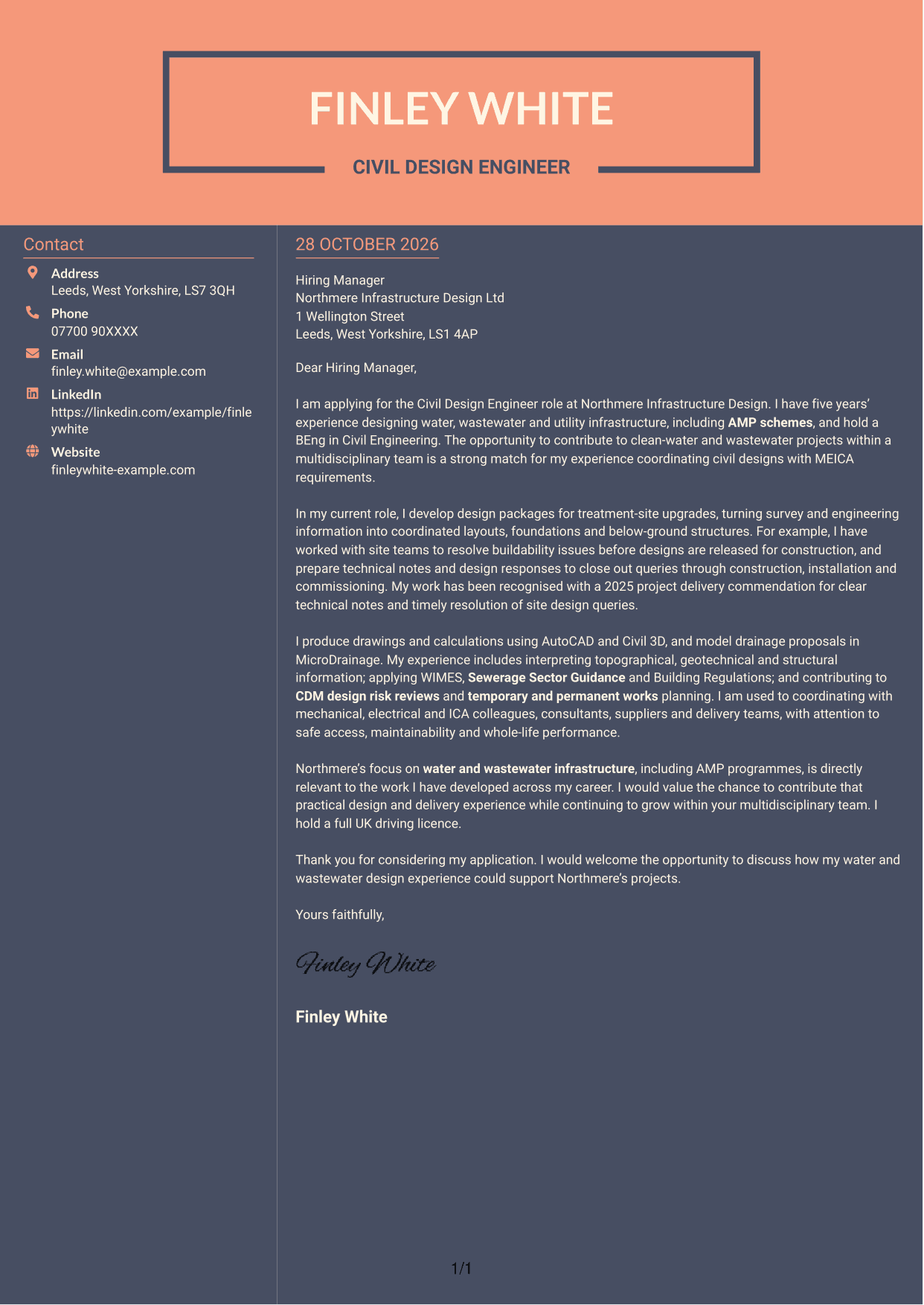
#7 Creative Two Tone Format Cover Letter Example
Creative Two Tone Format places a contact sidebar beside a continuous letter body, giving sender details a separate place from the message.
Why This Format Works
- The contact sidebar keeps sender details apart from the continuous letter body.
- One body column lets readers follow the case from opening through to closing.
- Without a portrait, the format keeps its visual focus on the written application.
Best For
- Separate contact and message areas
- Continuous letter reading
- Written evidence in paragraphs
- No-photo correspondence
- Technical application letters
See Also
- 7 Civil Design Engineer - Water and Wastewater Infrastructure CV Templates with Example
- 7 Civil Engineer Lead - Drainage and Infrastructure Design CV Templates with Example
- 7 Graduate Civil Engineer - Rail Infrastructure Design CV Templates with Example
- 7 Senior Civil Engineer - Infrastructure Design CV Templates with Example
- 7 Assistant Civil Engineer - Highways and Drainage Design CV Templates with Example
- 7 Graduate Civil Engineer - Residential Design CV Templates with Example
- 7 Associate Director Civil Engineer - Water and Wastewater CV Templates with Example
- 7 Civil and Structural Engineer - Refinery Infrastructure CV Templates with Example
- 7 Civil Engineer Lead - Drainage and Infrastructure Design Cover Letter Templates with Example
- 7 Graduate Civil Engineer - Rail Infrastructure Design Cover Letter Templates with Example
Frequently Asked Questions
What should a Civil Design Engineer - Water and Wastewater Infrastructure cover letter highlight?
Show how your design experience supports water and wastewater infrastructure work. Relevant evidence may include civil drawings and calculations, interpreting engineering information, coordinating MEICA interfaces and considering buildability.
How can I show my fit for this civil design role?
Choose one or two examples that explain what you handled and why it mattered. You could describe how you resolved a site buildability issue or coordinated a design with mechanical, electrical and ICA colleagues.
How can I connect my experience to the employer?
Refer to the employer’s water and wastewater projects or AMP programmes, then explain how your related design and delivery experience could support that work. Keep the reason specific and genuine.
What is a clear structure for this cover letter?
Open with the role and your reason for applying. Use the body to share relevant design evidence and explain your technical fit, then close by restating your interest and inviting a discussion.
Which technical details should I include?
Choose details that support your points rather than listing everything. Depending on your experience, you may mention AutoCAD, Civil 3D, MicroDrainage, relevant standards, CDM design risk reviews or temporary and permanent works.




