
7 Civil Engineer - Development Infrastructure Cover Letter Templates with Example
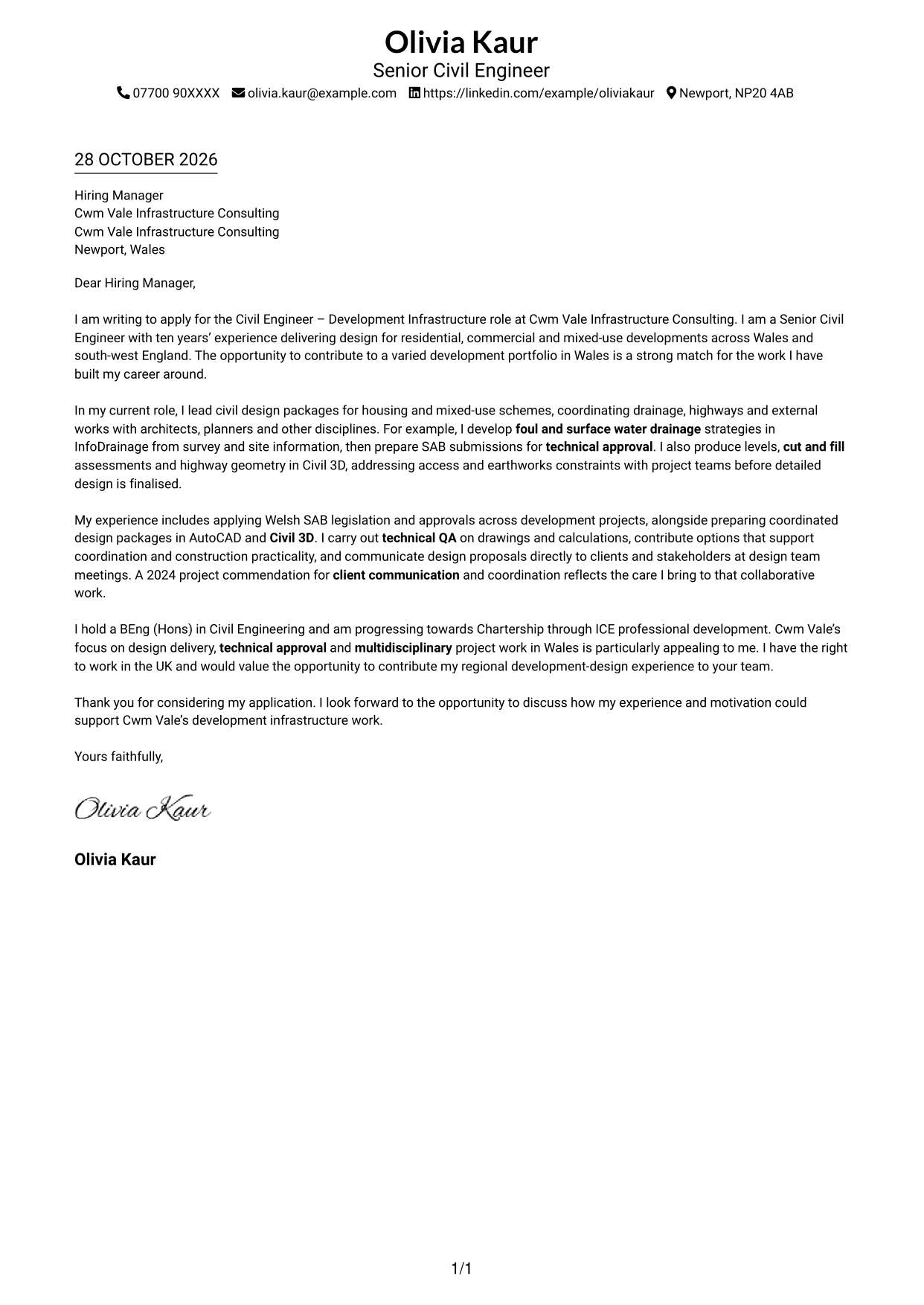
This guide to the Civil Engineer - Development Infrastructure cover letter shows how to present relevant design evidence across seven layouts.
What Makes a Great Civil Engineer - Development Infrastructure Cover Letter in 2026
A strong letter connects your interest in the role with clear evidence of development design work. Show how your drainage, highways and external works experience can support coordinated project delivery.
Choose examples such as preparing drainage strategies and SAB submissions, or resolving levels and access constraints with Civil 3D. Explain how your work supports technical approval, then link your approach to the employer’s project needs.
The featured Civil Engineer - Development Infrastructure example follows a focused progression from role interest to design evidence and a clear close; adapt that flow while choosing a presentation suited to the employer and communication context.
#1 Simple One Column Format Cover Letter Example
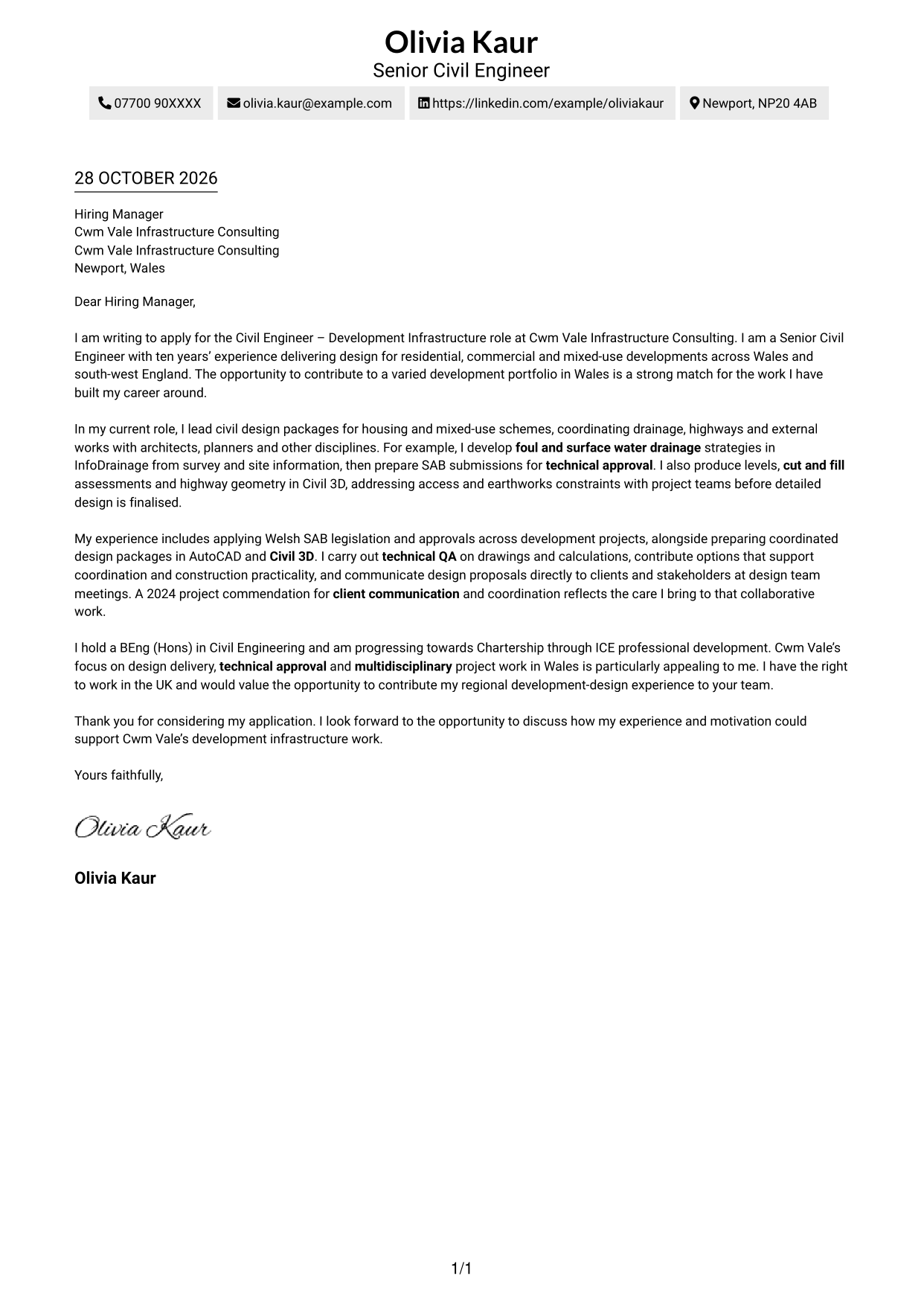
The Simple One Column Format keeps sender details in the header above a single-column layout for the letter body.
Why This Format Works
- Header placement keeps contact details separate from the letter’s persuasive paragraphs.
- One vertical reading path carries the greeting, case for fit and closing in order.
- Without a portrait, the page keeps its visual focus on the written message.
Best For
- Single-column letter reading
- Header-based contact details
- Written-message-first presentation
- Photo-free applications
- Letters with a clear opening and close
#2 Two Column Format Cover Letter Example
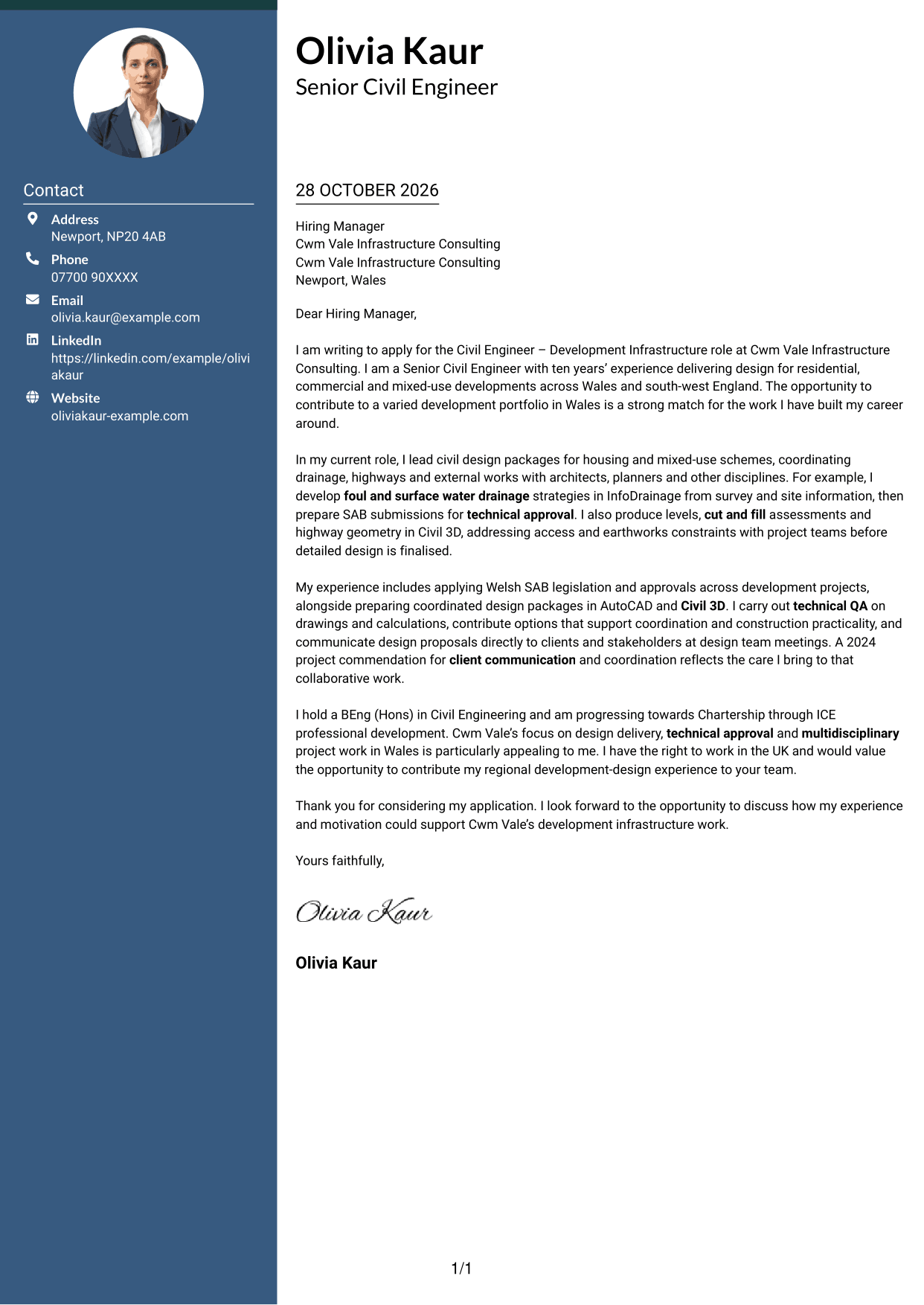
The Two Column Format places a contact sidebar beside one continuous letter body, keeping the correspondence details apart from the message.
Why This Format Works
- A separate contact sidebar keeps sender details apart from persuasive paragraphs.
- The uninterrupted body carries motivation, supporting evidence and the closing in sequence.
- Its photo-free presentation suits applications where written content should lead.
Best For
- Contact details beside the letter
- Continuous prose without body headings
- Photo-free document layouts
- Letters with several evidence paragraphs
- Side-by-side contact and message areas
#3 Photo Header Two Column Format Cover Letter Example
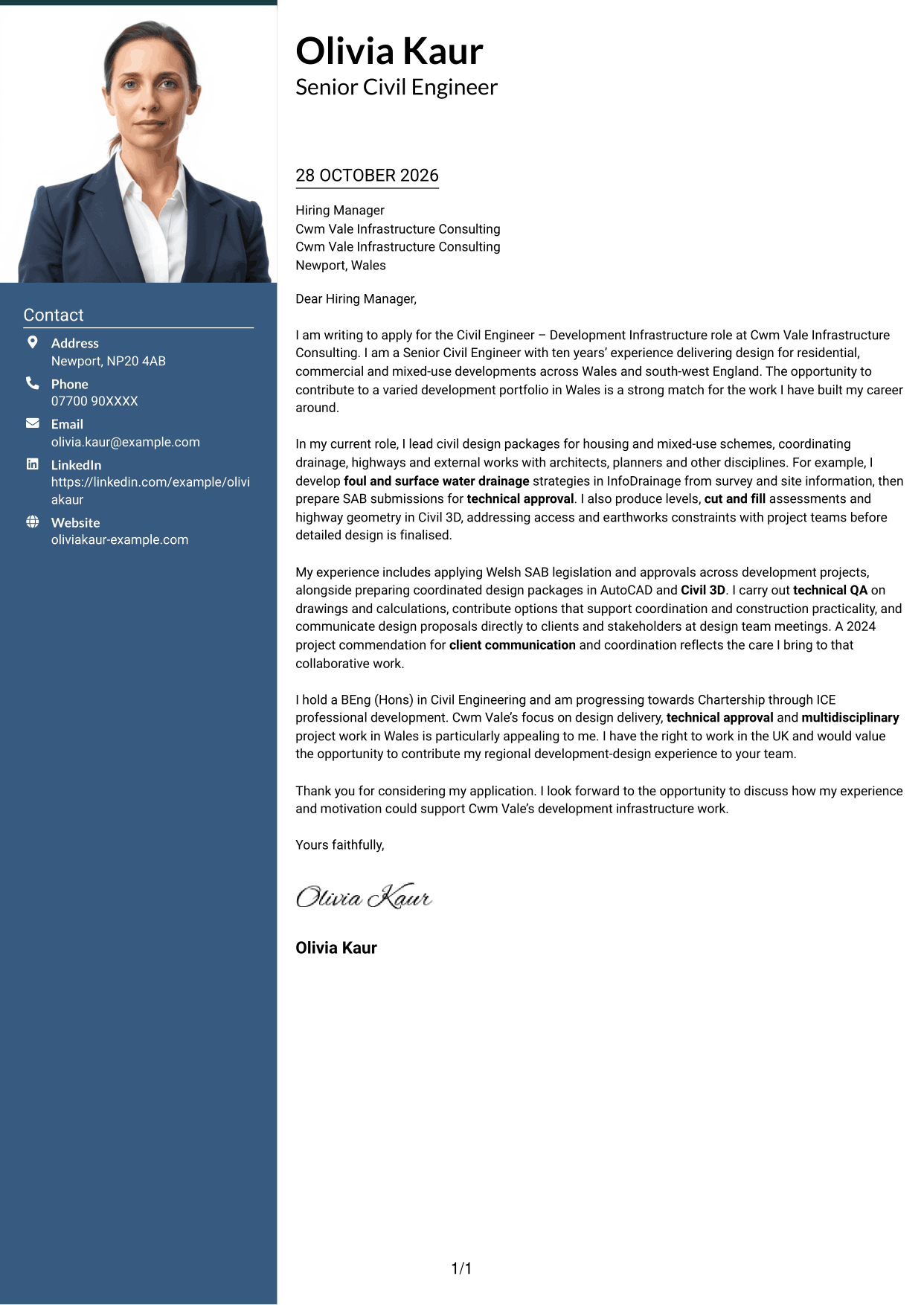
The Photo Header Two Column Format pairs a portrait with a contact sidebar beside one continuous letter body.
Why This Format Works
- The portrait adds a personal visual element without dividing the letter’s argument.
- A contact sidebar separates correspondence details from the continuous body text.
- The opening, supporting case and closing remain in one letter column.
Best For
- Portrait-inclusive applications
- Contact details beside the message
- Continuous letter-body reading
- Personal visual presentation
- Letters with a clear case for fit
#4 One Column Format with Photo Cover Letter Example
The One Column Format with Photo includes a portrait while keeping sender details in the header and the letter body in one column.
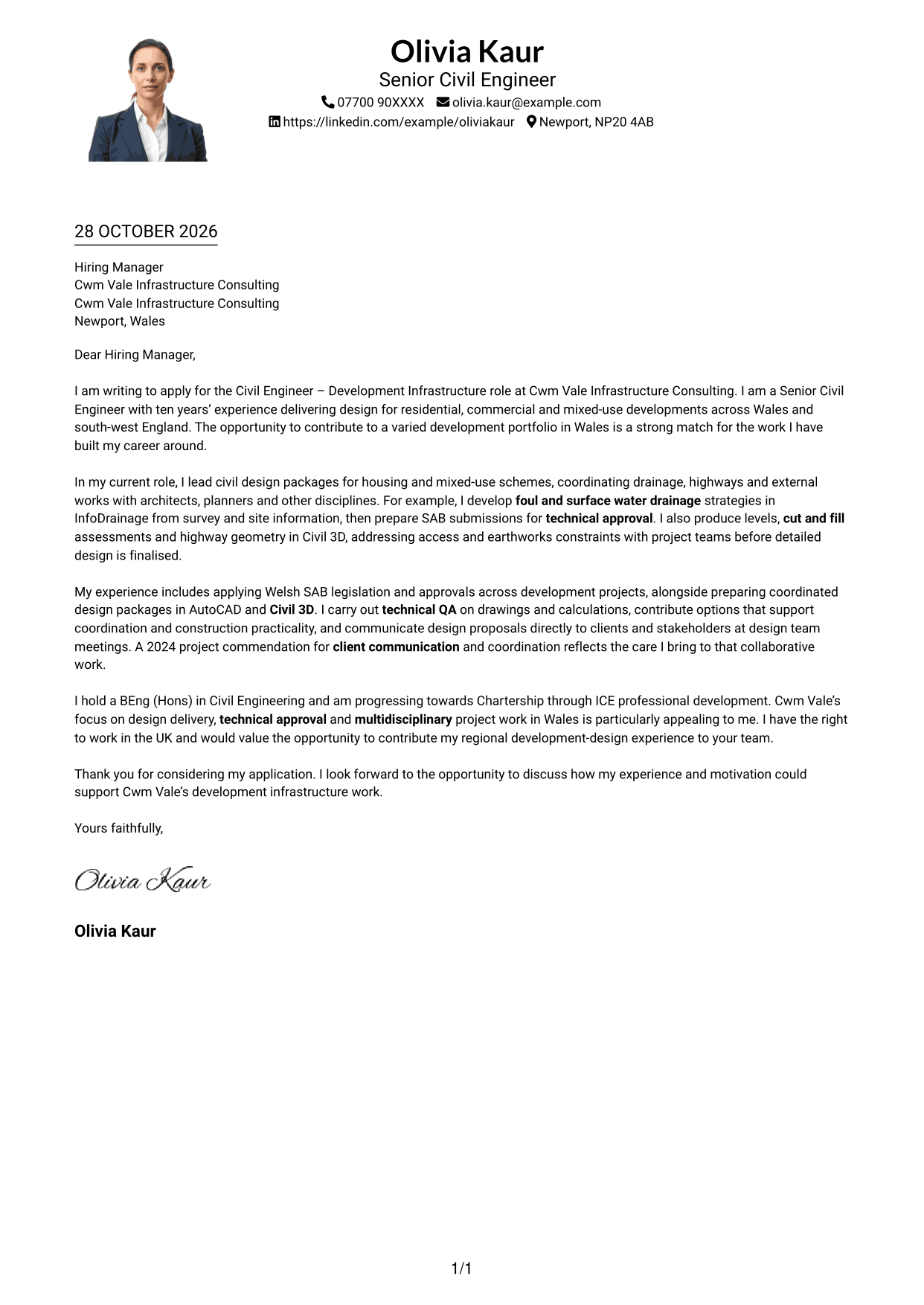
Why This Format Works
- The single-column body keeps the greeting, main case and closing in one reading path.
- A portrait adds a visual point of personal presentation without splitting the message.
- Header-based contact details stay distinct from the letter’s persuasive paragraphs.
Best For
- One-column letter flow
- Portrait-inclusive presentation
- Header-based contact details
- Letters without body headings
- Written applications with a personal image
#5 Simple Two Column Format Cover Letter Example
The Simple Two Column Format sets contact details in a sidebar alongside a continuous letter body, with no photo.
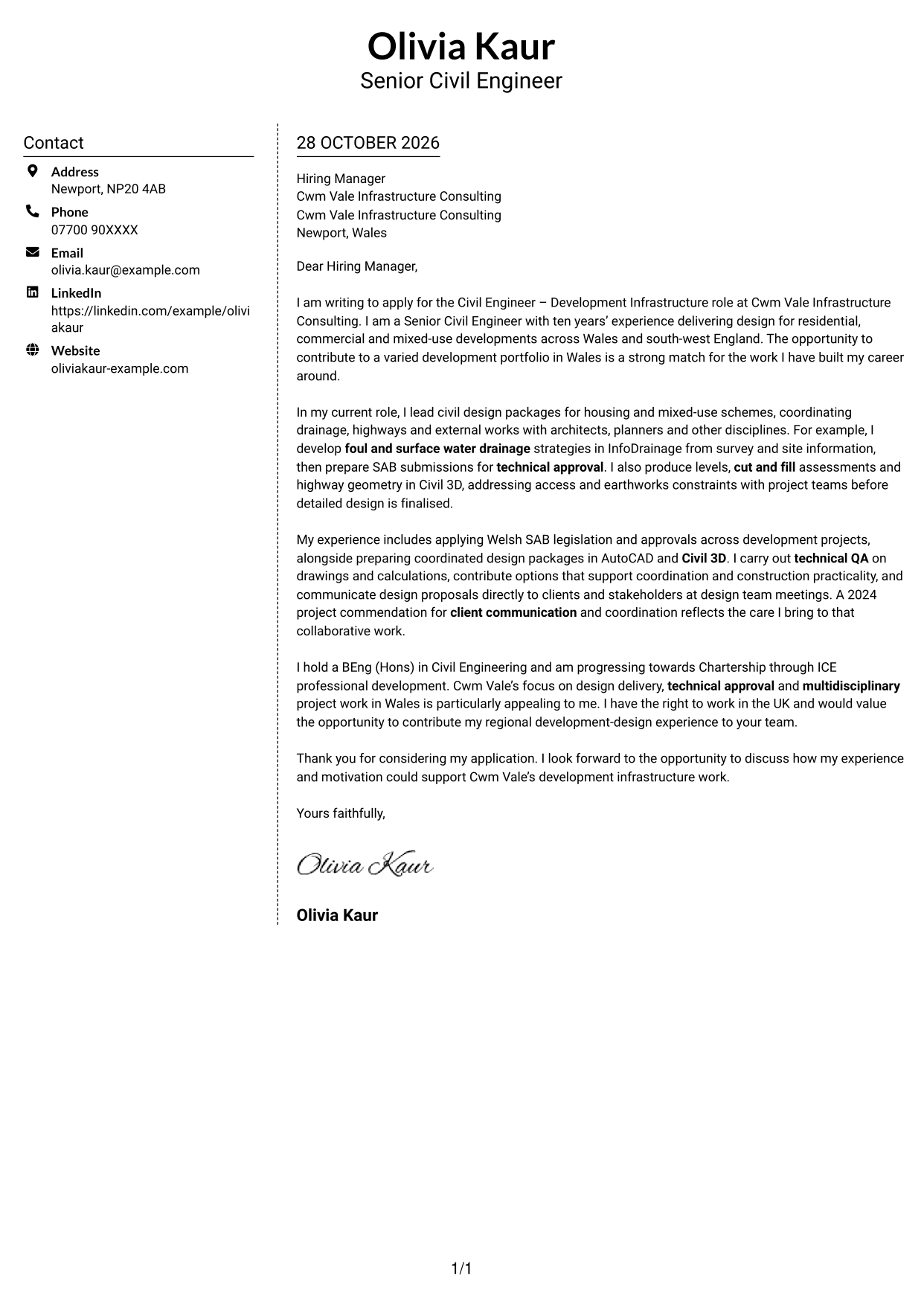
Why This Format Works
- Sender details have a distinct place beside the letter’s main message.
- The body stays as continuous prose rather than separate argument sections.
- The photo-free layout gives the written application the visual focus.
Best For
- Sidebar contact information
- Continuous letter prose
- Photo-free applications
- Clear separation of contact and message
- Letters with a direct closing
#6 Modern Icon Format Cover Letter Example
The Modern Icon Format uses two columns, with contact details beside one continuous letter body and icons serving as contact cues or header accents.
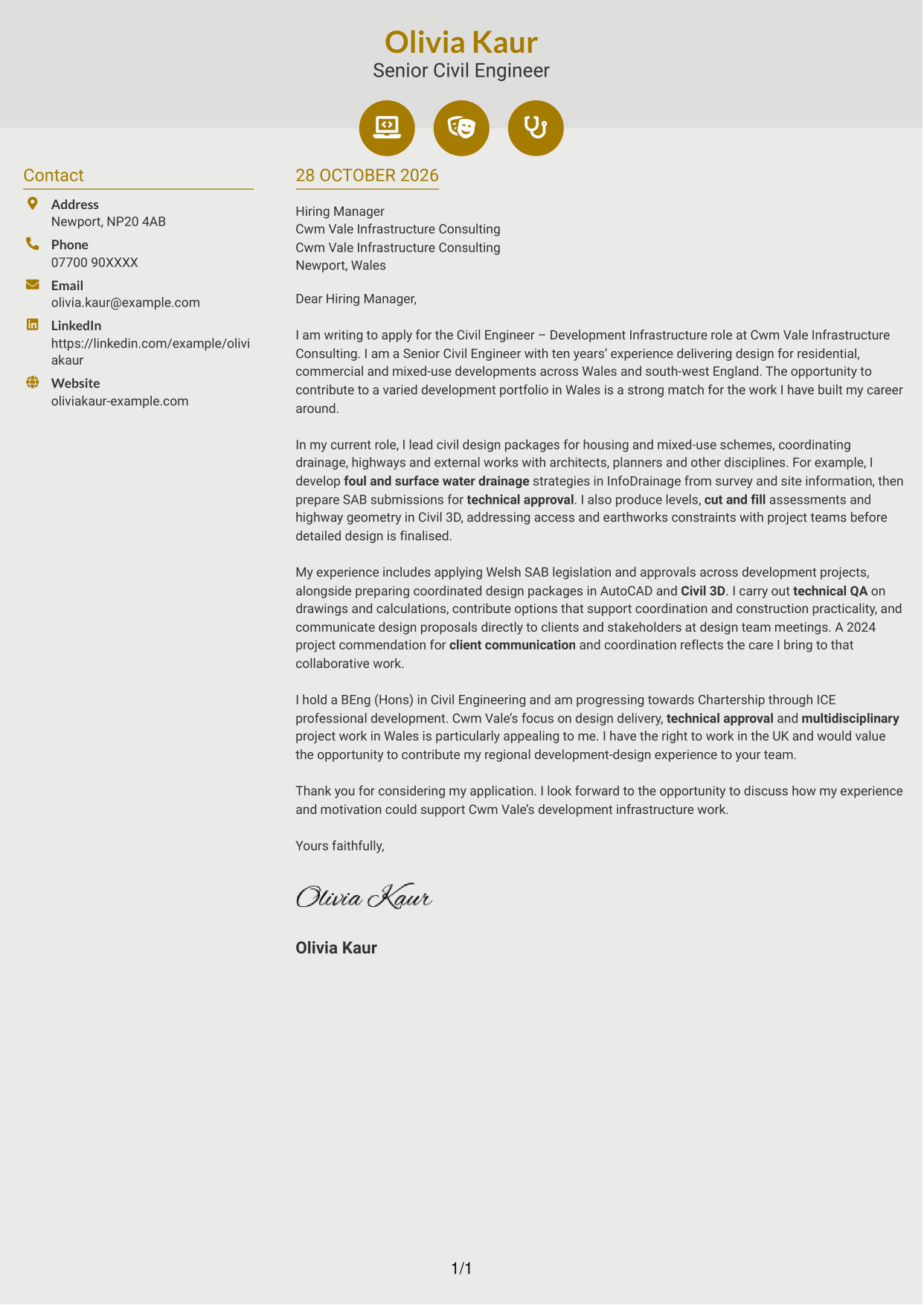
Why This Format Works
- Icons cue contact details or add decoration to the header, not to argument stages.
- A contact sidebar keeps correspondence information apart from the letter’s case for fit.
- The single body column carries motivation, evidence and closing as continuous prose.
Best For
- Icon-led contact details
- Two-column letter layouts
- Continuous prose without argument headings
- Decorative header accents
- Contact information beside the message
#7 Creative Two Tone Format Cover Letter Example
The Creative Two Tone Format places a contact sidebar beside one continuous letter body, keeping contact details and the message in separate columns.
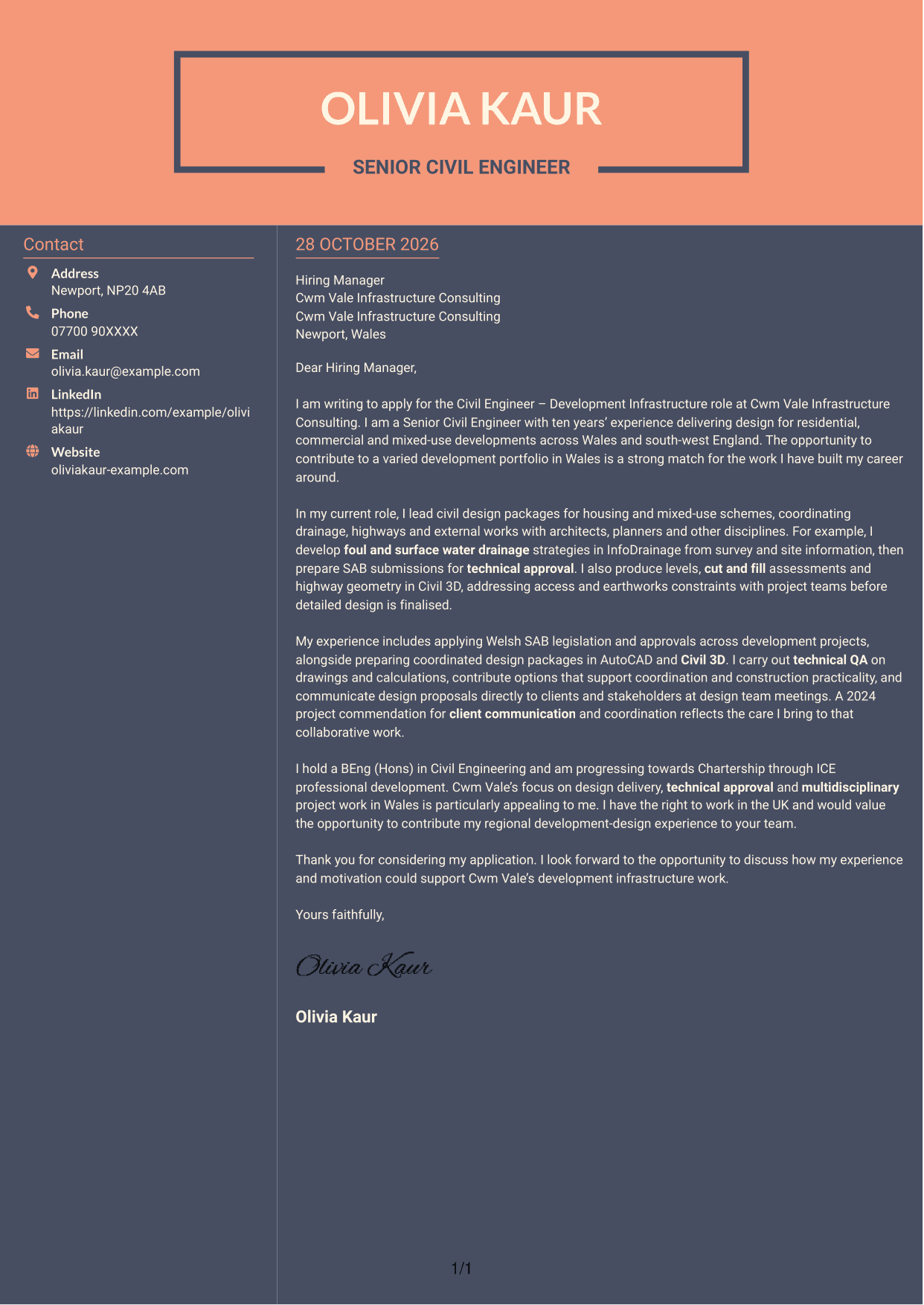
Why This Format Works
- The sidebar gives sender details a separate place beside the letter text.
- One continuous body keeps the argument together from greeting through closing.
- Without a photo, the page relies on its written message for personal introduction.
Best For
- Separate contact and message areas
- Continuous letter-body reading
- Photo-free presentation
- Letters with a clear motivation paragraph
- Side-by-side document organisation
See Also
- 7 Civil Engineer - Development Infrastructure CV Templates with Example
- 7 Civil and Structural Engineer - Refinery Infrastructure CV Templates with Example
- 7 Civil Design Engineer - Water and Wastewater Infrastructure CV Templates with Example
- 7 Civil Engineer - HV Infrastructure CV Templates with Example
- 7 Civil Engineer Lead - Drainage and Infrastructure Design CV Templates with Example
- 7 Civil Infrastructure Engineer - Nuclear New-Build CV Templates with Example
- 7 Graduate Civil Engineer - Rail Infrastructure Design CV Templates with Example
- 7 Senior Civil Engineer - Infrastructure Design CV Templates with Example
- 7 Civil and Structural Engineer - Refinery Infrastructure Cover Letter Templates with Example
- 7 Civil Design Engineer - Water and Wastewater Infrastructure Cover Letter Templates with Example
Frequently Asked Questions
What should a Civil Engineer - Development Infrastructure cover letter highlight?
Show how your design experience relates to development projects. Useful evidence may include foul and surface water drainage, SAB submissions, highways, external works, levels design and work towards technical approval.
How can I show relevant design experience?
Choose a clear example and explain your contribution. You could describe how you developed a drainage strategy in InfoDrainage, prepared a SAB submission, or used Civil 3D to assess levels and cut and fill.
How should I explain my interest in the employer?
Refer to a genuine part of the consultancy’s work, such as its development projects in Wales. Explain why that work interests you and how your approach to design coordination and client communication could support the team.
How should I structure this cover letter?
Use the opening to name the role and explain your interest. In the body, give focused evidence of design work and collaboration, then close by restating your interest and inviting further discussion.
Should I include every part of my work history?
No. Select the examples that best support your fit for this role. A few relevant details about design delivery, technical approval and working with clients will make your message easier to follow.




