
7 Civil Planning Engineer - Highways and Drainage Infrastructure CV Templates with Example
This guide shows you how to create a Civil Planning Engineer - Highways and Drainage Infrastructure CV that is clear, focused and easy to review. You will learn how to organise relevant evidence and choose a format that presents your work well.
For this role, a strong CV connects highways and drainage design with design coordination, site query resolution and technical approvals. Use clear examples to show your work with AutoCAD, Civil 3D, MicroDrainage and S38, S278 and S104 agreements.
Compare the example in 7 layouts using the PNG image previews, then open a preferred version in the editor to customise it. The guide also covers ATS readability, useful CV sections and role-specific keywords, including the Highways Act 1980 and adopting-authority liaison.
What Makes a Great Civil Planning Engineer - Highways and Drainage Infrastructure CV in 2026
A strong CV makes highways and drainage work, design reviews and statutory approvals easy to scan. Clear bullet points show how you support buildable designs and project delivery.
Include relevant software and agreement terms, such as AutoCAD, Civil 3D, MicroDrainage, S38, S278 and S104. Add figures only when you can support them.
Note: CV examples are for educational purposes only. Use only information that accurately reflects your experience and qualifications. References to real organisations do not imply affiliation or endorsement.
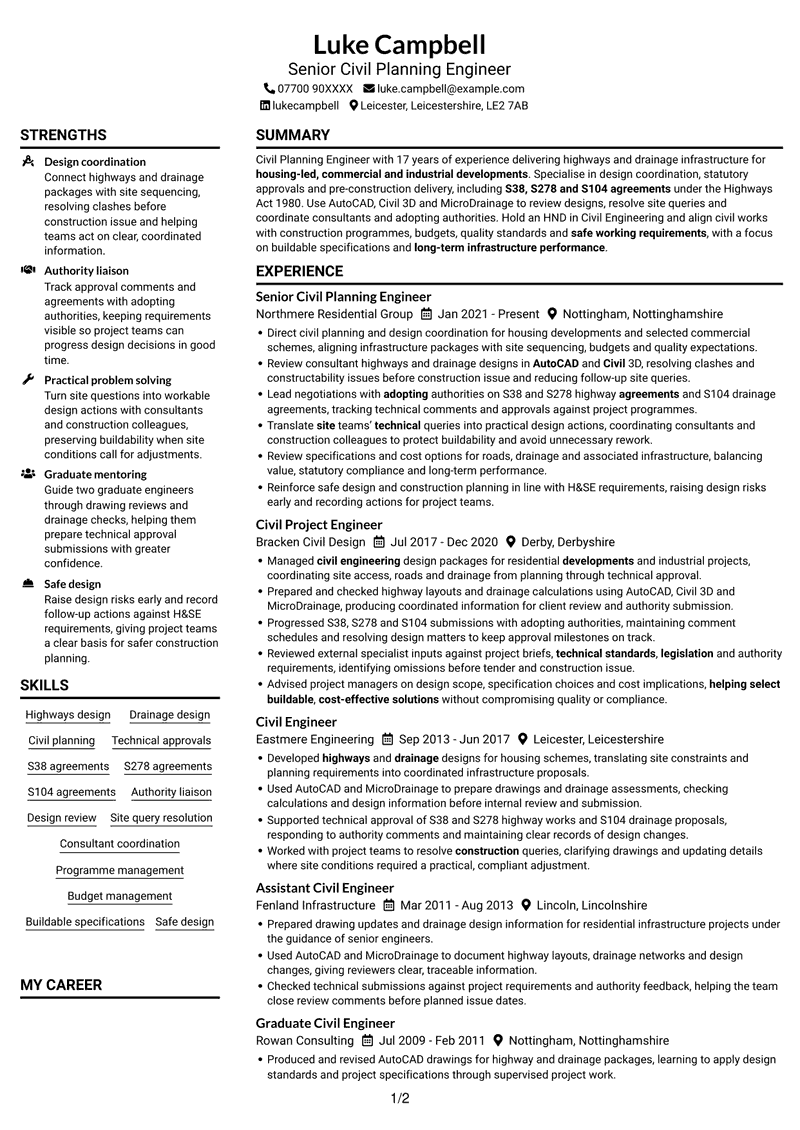
#1 Plain Two Column Format CV Example
Plain Two Column Format places CV information in two columns, giving career history and supporting details distinct reading areas.
CV Snapshot
- 17 years of civil engineering experience
- HND in Civil Engineering
- AutoCAD, Civil 3D and MicroDrainage
- S38, S278 and S104 agreements
Why This Format Works
- Distinct columns let reviewers separate career history from supporting information at a glance.
- Clear section divisions help locate education and technical skills without interrupting experience.
- Separate information areas suit a CV balancing detailed project work with qualifications and approvals.
Best For
- Detailed career histories
- Experience with supporting credentials
- CVs balancing technical and project details
- Separate information areas
- Quick recruiter reviews
CV Keywords
- Developed highways and drainage designs for housing schemes
- Technical approvals
- S38, S278 and S104 agreements
- Managed civil engineering design packages for residential developments and industrial projects, coordinating site access, roads and drainage from planning through technical approval.
- statutory approvals
- AutoCAD
- Use AutoCAD, Civil 3D and MicroDrainage to review designs
- Lead negotiations with adopting authorities on S38 and S278 highway agreements and S104 drainage agreements
- Review consultant highways and drainage designs in AutoCAD and Civil 3D
- Reviewed external specialist inputs against project briefs, technical standards, legislation and authority requirements
- Consultant coordination
- housing-led, commercial and industrial developments
- Translate site teams’ technical queries into practical design actions
- helping select buildable, cost-effective solutions
- Review specifications
#2 Simple One Column Format CV Example
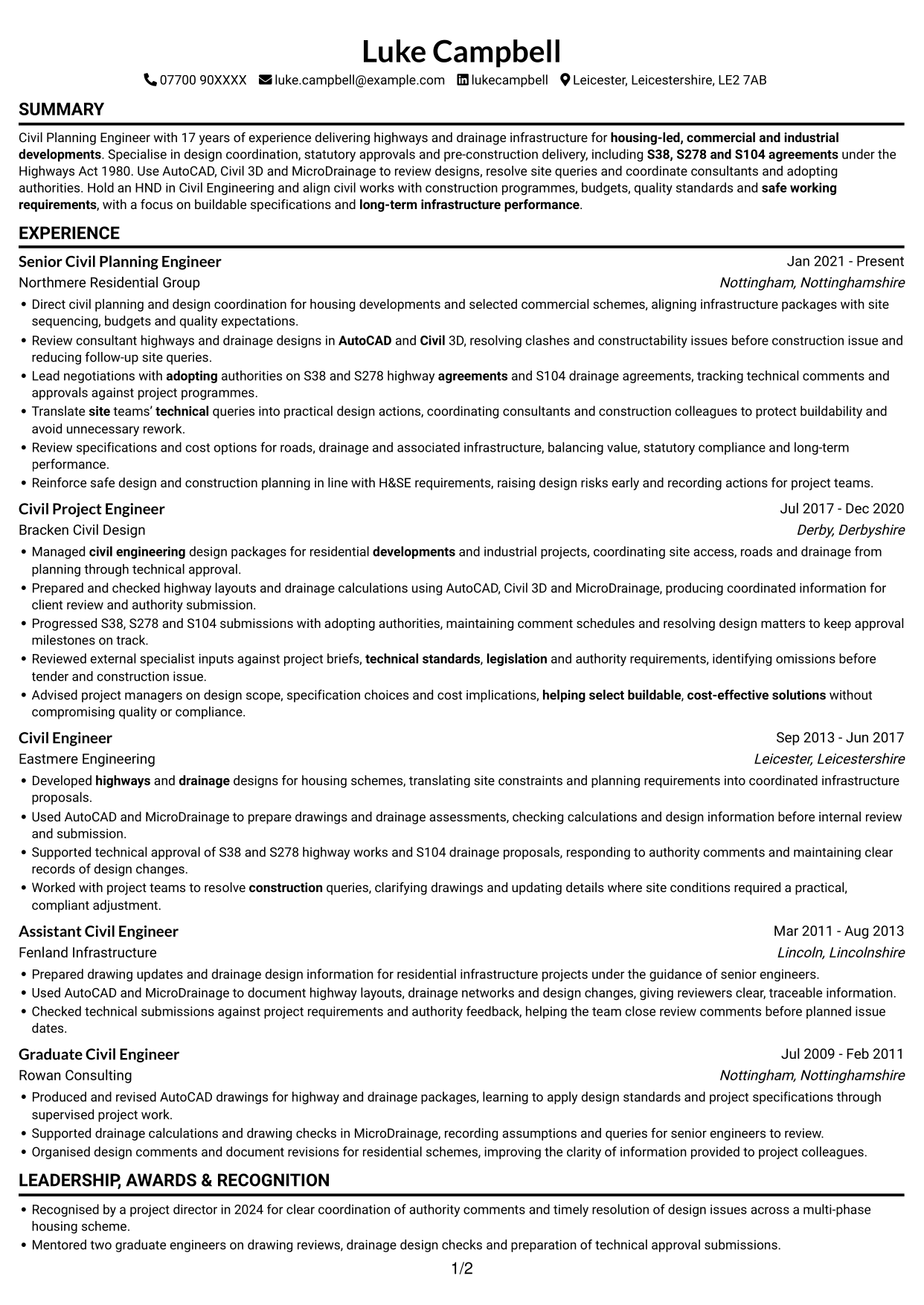
Simple One Column Format keeps the CV in a single column, creating a direct reading path through each section.
Why This Format Works
- One continuous column gives recruiters a clear route through roles, education and credentials.
- Each section follows the last, making a detailed career history easier to track.
- Technical skills and approval experience remain part of one consistent reading sequence.
Best For
- Chronological career accounts
- Long employment histories
- Linear section-by-section reading
- Technical details in one stream
- Traditional CV structure
#3 Clean Two Column Sidebar Format CV Example
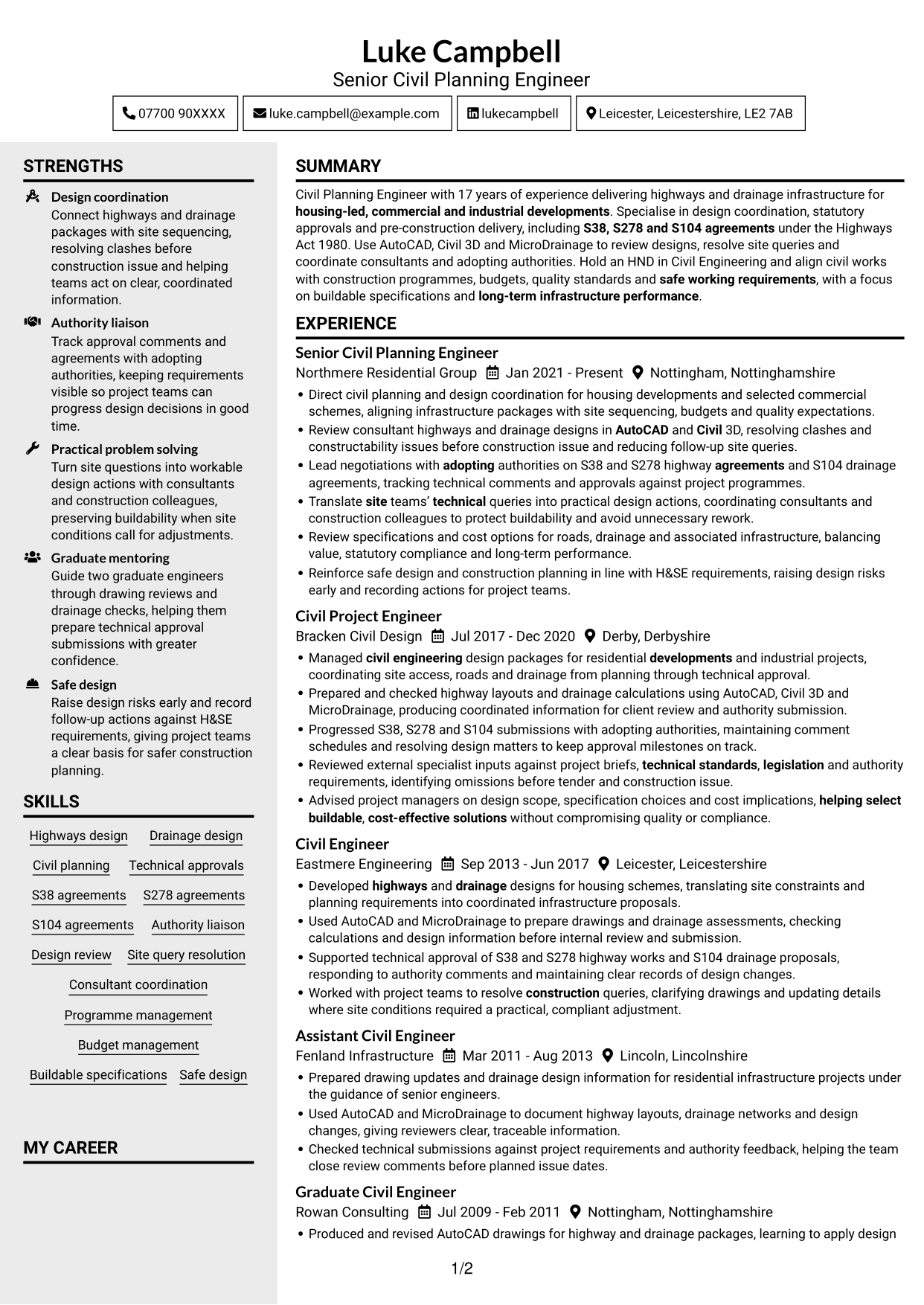
Clean Two Column Sidebar Format uses two columns to give experience and other CV details separate reading areas.
Why This Format Works
- Two distinct columns help reviewers move between career history and supporting CV details.
- Separate information areas make education and technical skills easier to locate during a review.
- Experience can retain its chronology while qualifications and credentials stay easy to scan.
Best For
- CVs with several information categories
- Side-by-side content review
- Career histories with supporting qualifications
- Fast access to technical skills
- Clear separation of CV details
#4 Two Column Format CV Example
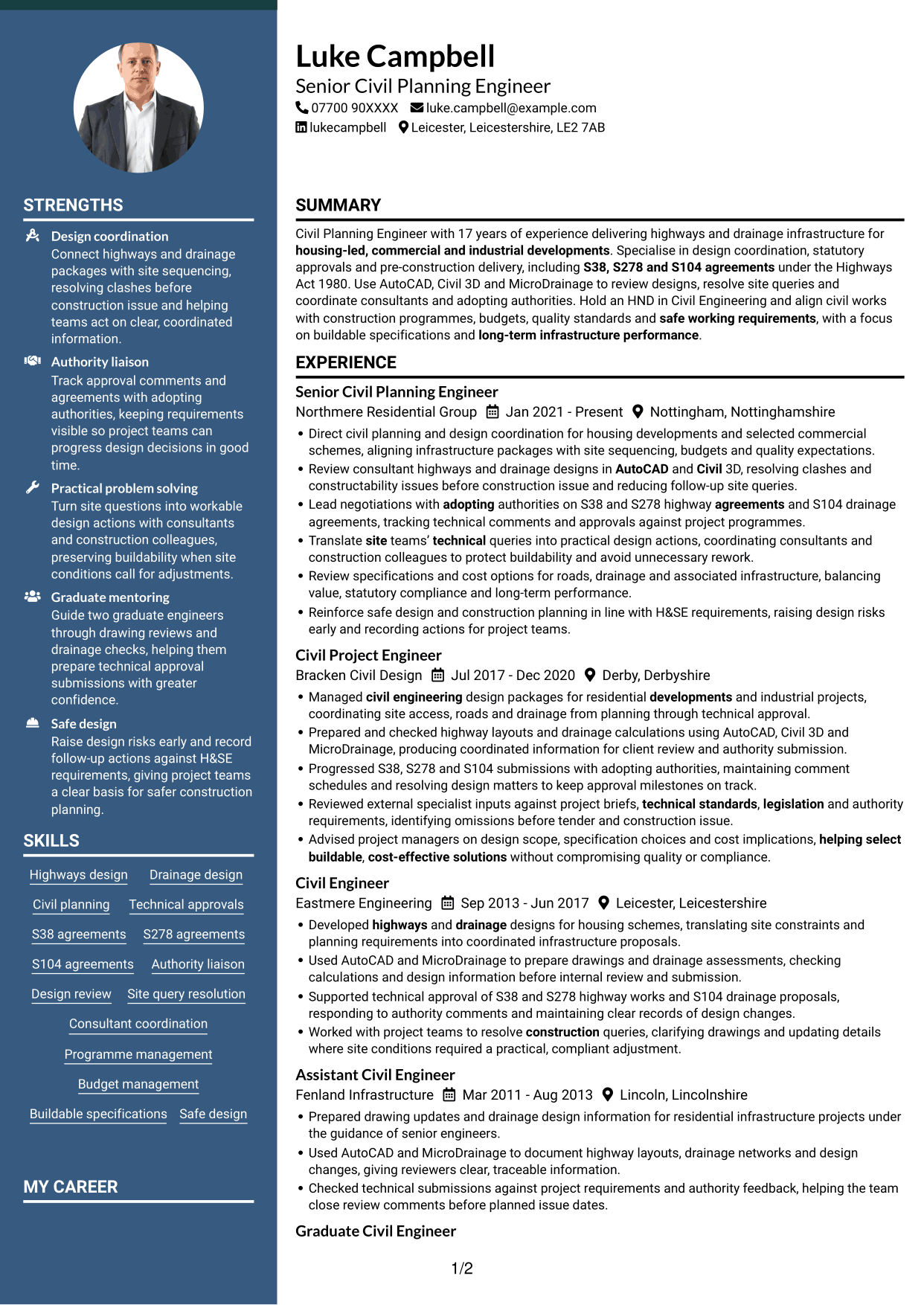
Two Column Format arranges CV content in two columns, giving reviewers separate areas for career history and supporting details.
Why This Format Works
- The two-column structure gives experience and supporting CV details their own reading areas.
- Reviewers can follow employment history while keeping education and credentials in view.
- Distinct sections help technical skills sit clearly alongside detailed project responsibilities.
Best For
- CVs with extensive work history
- Experience and education in balance
- Technical skills alongside project details
- Separate CV content areas
- Quick comparison of qualifications
#5 Photo Header Two Column Format CV Example
Photo Header Two Column Format places a photo in the header and organises CV content in two columns for a clear visual structure.
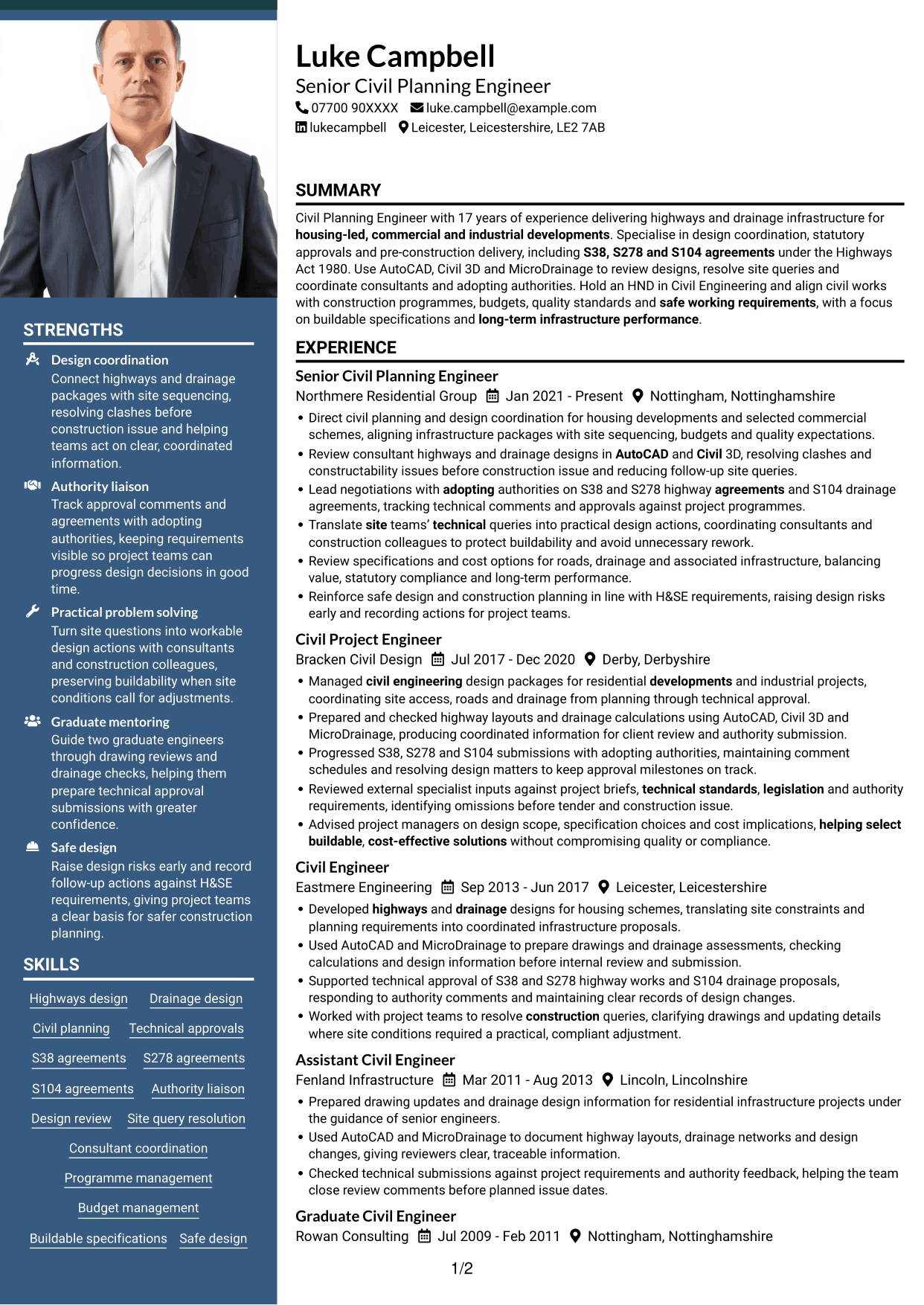
Why This Format Works
- The header photo provides a visual point of reference without replacing written qualifications.
- Two columns give career history and supporting details distinct areas for review.
- Clear section boundaries help readers find education and credentials within the CV.
Best For
- CVs where a header photo is preferred
- Two-area content organisation
- Career histories with supporting credentials
- Visual identification in the header
- Structured review of CV sections
#6 Coloured Two Column Format CV Example
Coloured Two Column Format arranges CV information in two columns, giving career history and supporting details distinct areas.
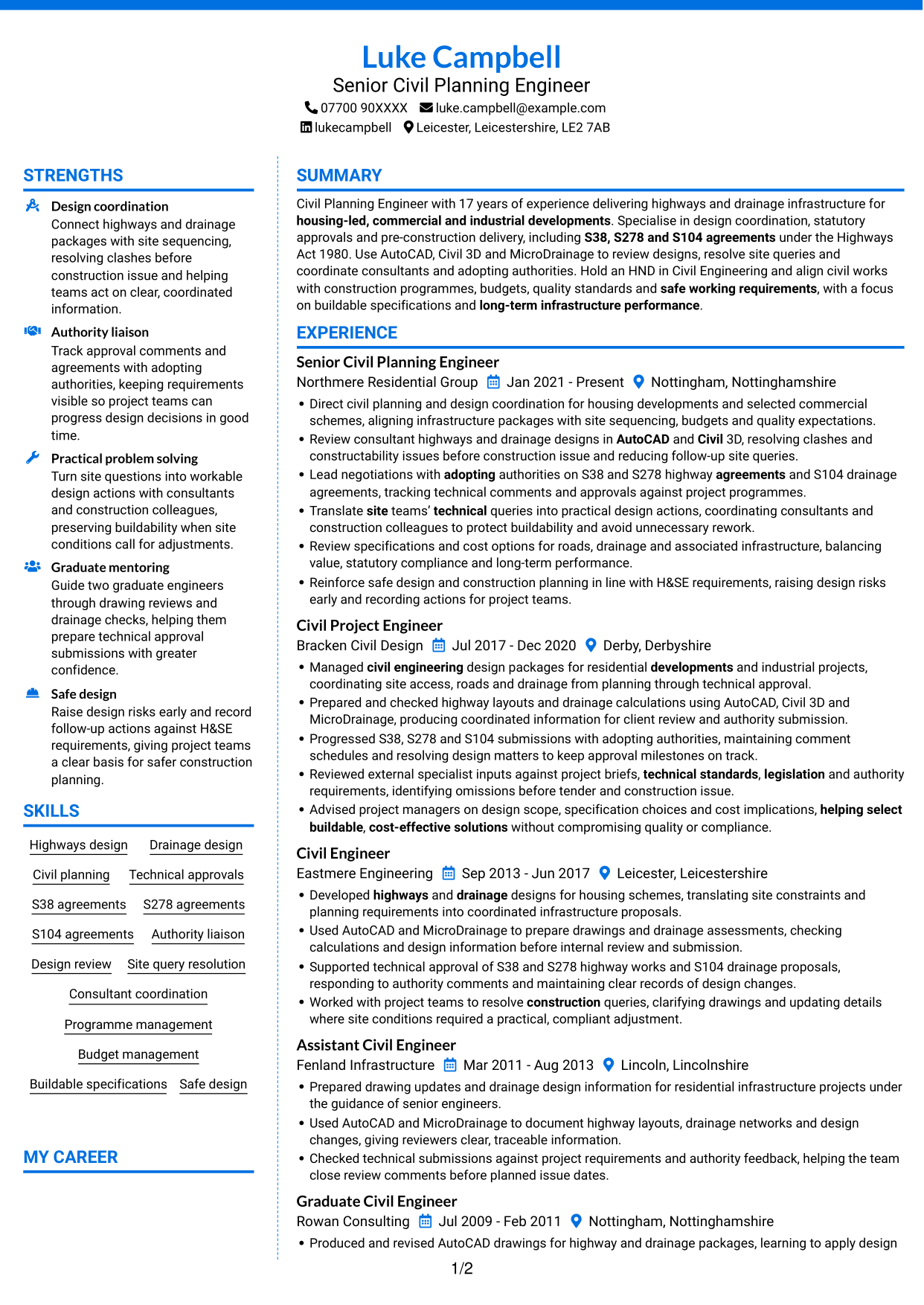
Why This Format Works
- Separate columns help reviewers move between work history and other CV information.
- Section divisions make education and credentials easier to find during a focused review.
- Technical skills remain easy to locate alongside the wider career record.
Best For
- CVs with varied information
- Career records with supporting credentials
- Separate areas for skills and experience
- Quick location of education details
- Side-by-side CV review
#7 Stylish Two Column Designer Format CV Example
Stylish Two Column Designer Format places CV content in two columns, helping reviewers navigate career history and supporting details.
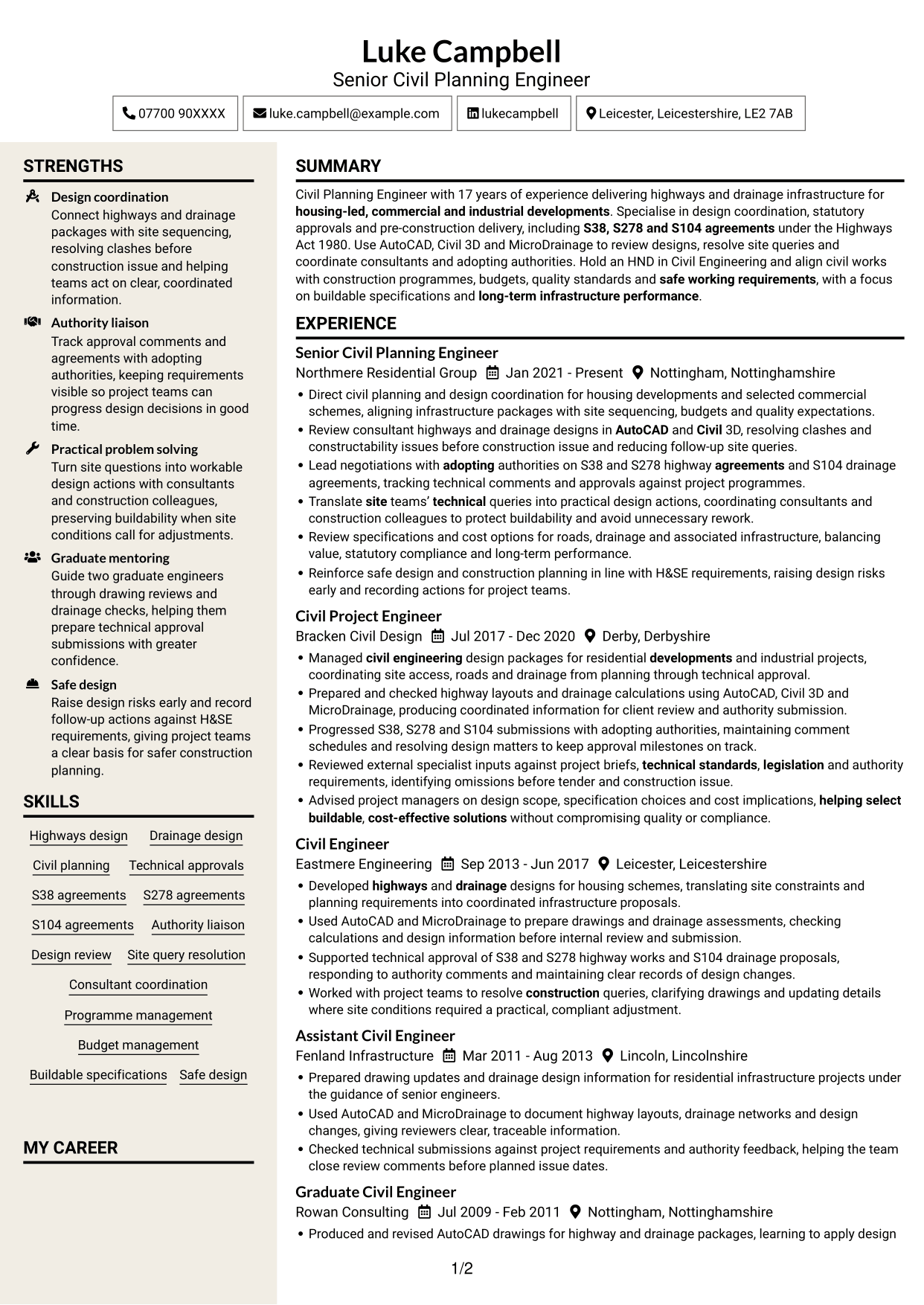
Why This Format Works
- Two reading areas help distinguish employment history from supporting CV information.
- Section separation gives education and professional credentials a clear place in the review.
- Technical skills can be found without losing the sequence of work experience.
Best For
- CVs with detailed career records
- Skills beside employment history
- Education and credentials in view
- Distinct sections for varied content
- Reviewers comparing CV information
Why Build Your Civil Planning Engineer - Highways and Drainage Infrastructure CV with ResumeInMinutes
ResumeInMinutes helps you organise civil engineering experience, skills and education in a clear CV. Compare PNG image previews, then open an example in the editor to customise its content and layout.
- Different CV layouts
- Clear, readable section structure
- Space for role-specific keywords
- Organised skills and experience
- PNG image previews
- CV customisation in the editor
Choose a format that makes your design work, approvals and project experience easy to follow. Keep the focus on highways, drainage, consultant coordination and practical outcomes.
See Also
- 7 Assistant Civil Engineer - Highways and Drainage Design CV Templates with Example
- 7 Chartered Civil Engineer - Highways, Drainage and Flood Risk CV Templates with Example
- 7 Civil Project Engineer - Highways and Drainage CV Templates with Example
- 7 Principal Civil Engineer - Drainage and Highways CV Templates with Example
- 7 Senior Civil Engineer - Drainage, Highways and SuDS CV Templates with Example
- 7 Civil Engineer Lead - Drainage and Infrastructure Design CV Templates with Example
- 7 Civil Drainage Engineer CV Templates with Example
- 7 Civil and Structural Engineer - Refinery Infrastructure CV Templates with Example
- 7 Civil Planning Engineer - Highways and Drainage Infrastructure Cover Letter Templates with Example
- 7 Assistant Civil Engineer - Highways and Drainage Design Cover Letter Templates with Example
Frequently Asked Questions
Are these Civil Planning Engineer - Highways and Drainage Infrastructure CV templates ATS-friendly?
The examples use clear headings and sections that are easy to scan. Include relevant terms naturally, such as highways and drainage design, AutoCAD, Civil 3D, MicroDrainage and S38, S278 and S104 agreements.
Are these separate CV examples or different layouts of one example?
This page shows one role-focused CV example in different layouts. Compare the PNG image previews, then open an example in the editor to customise it.
What should a Civil Planning Engineer - Highways and Drainage Infrastructure CV include?
Include a focused summary, relevant experience, education, skills and certifications. Show evidence of highways and drainage design, technical approvals, design reviews, consultant coordination and site query resolution.
Which CV layout works well for this role?
Choose a layout with clear headings and an easy-to-follow order for experience, skills and education. A simple structure helps readers find key details quickly.
How can I show civil planning achievements on my CV?
Use concise bullet points to explain the task, your contribution and the result. Where you have reliable figures, use them to show outcomes such as fewer site queries, timely approvals or reduced rework.
Should I include a photo on my CV?
For UK applications, a photo is usually not needed. Use the space for relevant experience, skills and results instead.




