
7 Client Services Administrator - Reception and Client Experience Cover Letter Templates with Example
This guide to a Client Services Administrator - Reception and Client Experience cover letter presents seven layouts to help you shape a clear, role-focused application.
What Makes a Great Client Services Administrator - Reception and Client Experience Cover Letter in 2026
A strong letter shows how you can create a welcoming reception, manage enquiries and bookings, and make each client visit straightforward. Keep the opening clear about your interest and the value you can bring to the role.
Use relevant evidence, such as coordinating appointments, guiding prospective clients around facilities, working with colleagues or preparing accurate monthly KPI reports. Link your examples to the employer’s service needs and explain why its health and wellbeing focus interests you.
The featured example moves from interest in the role to reception and booking experience, a specific example of considerate client communication, and a clear close; adapt this focused progression while choosing a presentation suited to the employer and communication context.
#1 Simple One Column Format Cover Letter Example
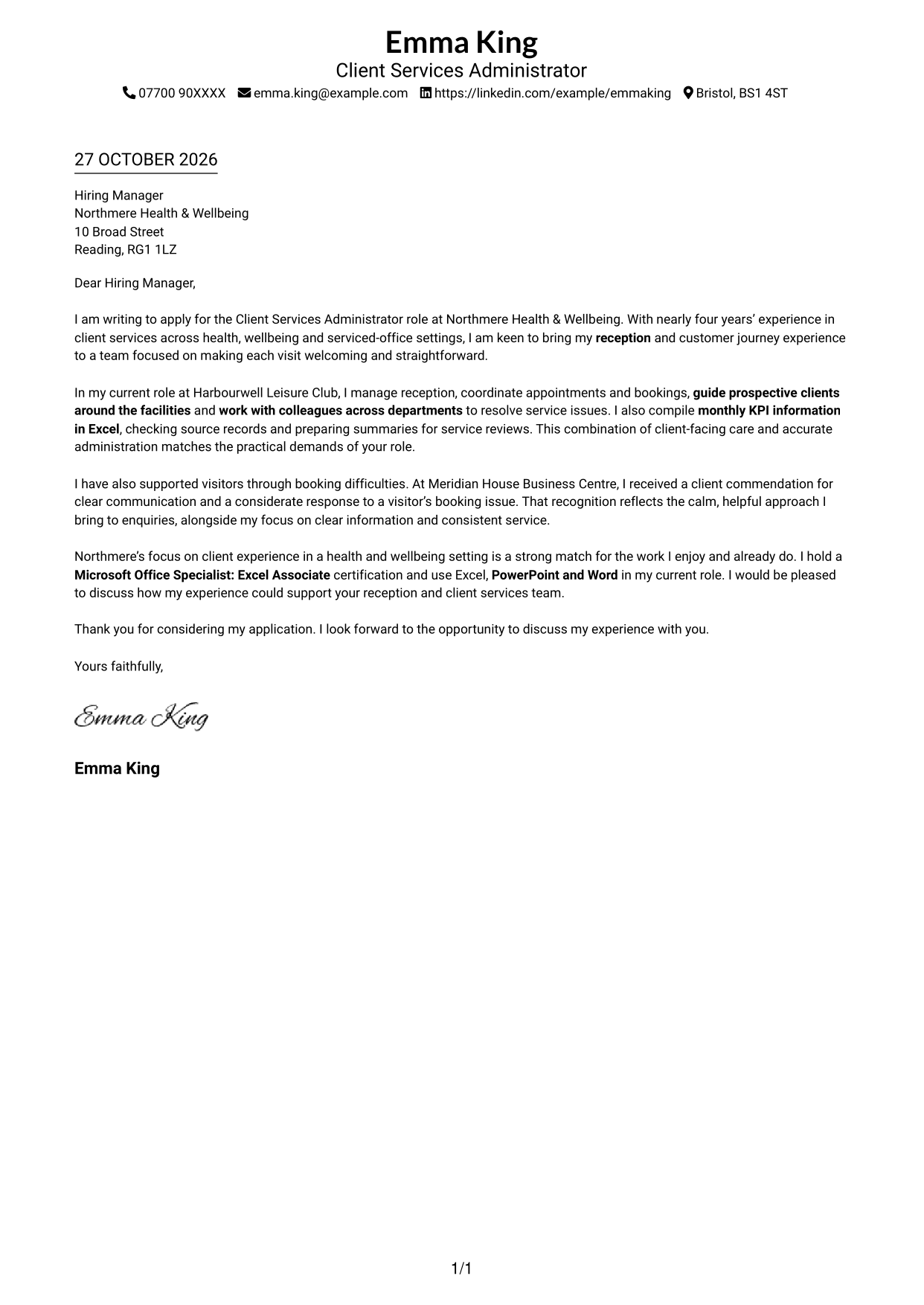
The single-column page keeps sender details in the header and lets the letter read from opening to close without a parallel body column.
Why This Format Works
- The header keeps sender contact details easy to locate before reading begins.
- One column gives the letter a direct route from opening to closing.
- Continuous paragraphs let motivation and supporting examples connect without section breaks.
Best For
- Single-column letter reading
- Sender details in the header
- Unheaded paragraphs from opening to close
- Letters with sender and recipient details
- Text-led application letters
#2 Two Column Format Cover Letter Example
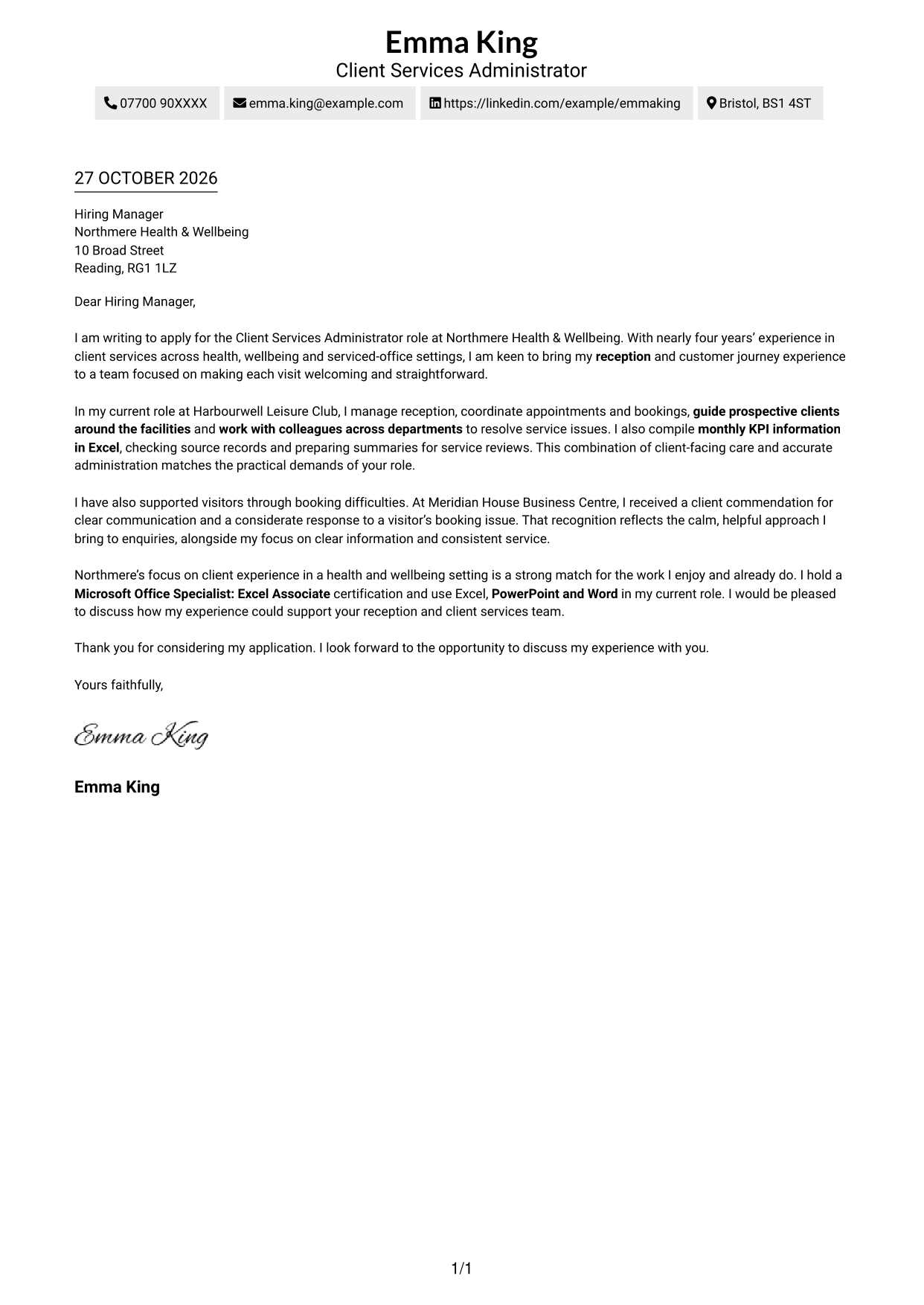
The two-column layout sets contact details in a sidebar beside the letter, while the message itself remains one continuous body.
Why This Format Works
- Sidebar contact details stay distinct from the message, helping readers find them quickly.
- One body column keeps the case for the role together.
- Continuous paragraphs carry the opening, supporting points and close in sequence.
Best For
- Contact details beside the message
- One uninterrupted letter body
- Letters with several supporting paragraphs
- Clear opening-to-close reading order
- Unheaded business correspondence
#3 Photo Header Two Column Format Cover Letter Example
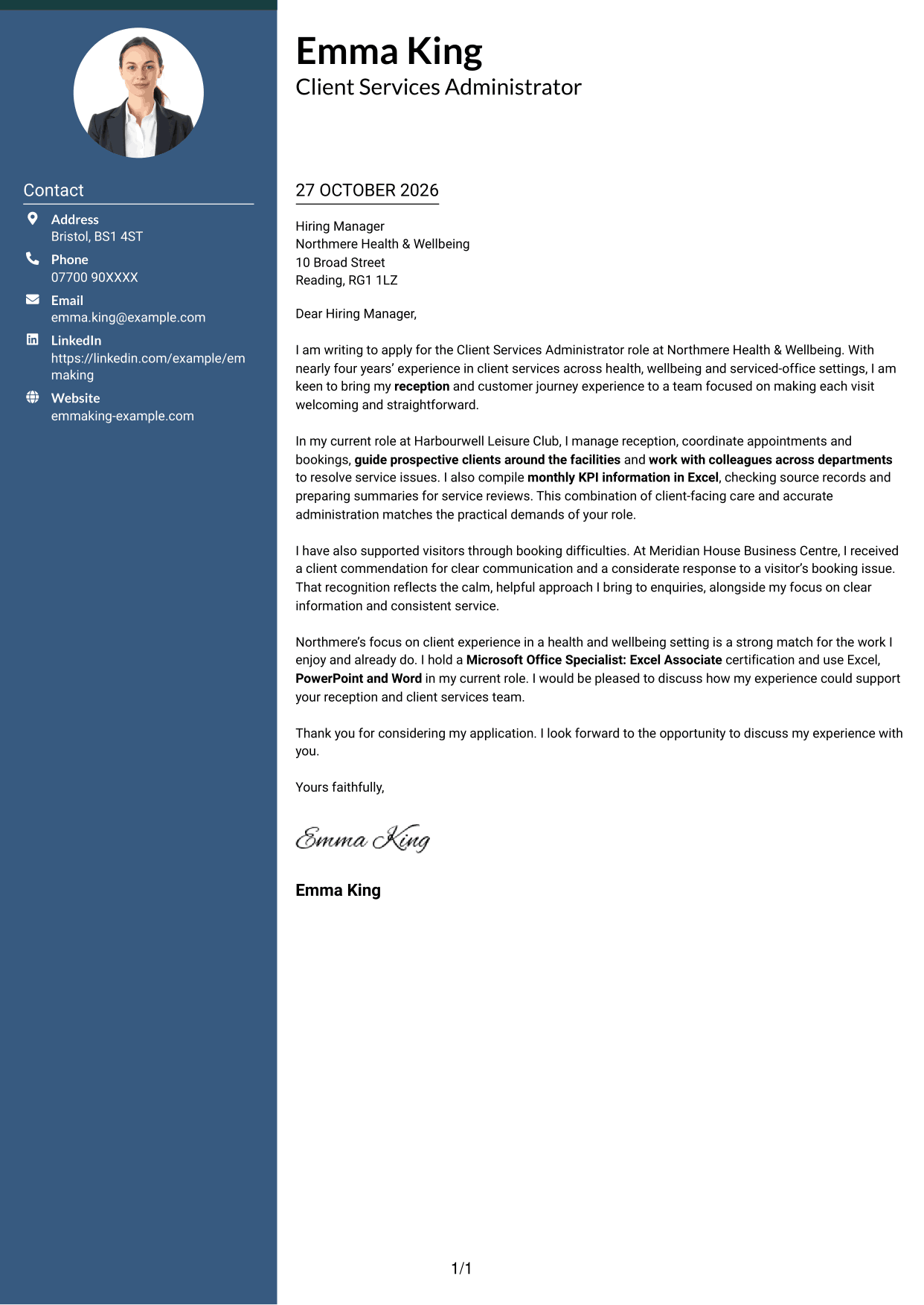
A portrait in the header gives this two-column format a personal visual point, while the letter stays continuous.
Why This Format Works
- Contact details remain separate from the letter body for easy reference.
- Portrait presentation offers a clear visual choice alongside the written message.
- One continuous body keeps the letter's opening and supporting points in sequence.
Best For
- A portrait in the header
- Two-column contact and message layout
- Easy reference to sender details
- Continuous letter text
- Applications with detailed supporting paragraphs
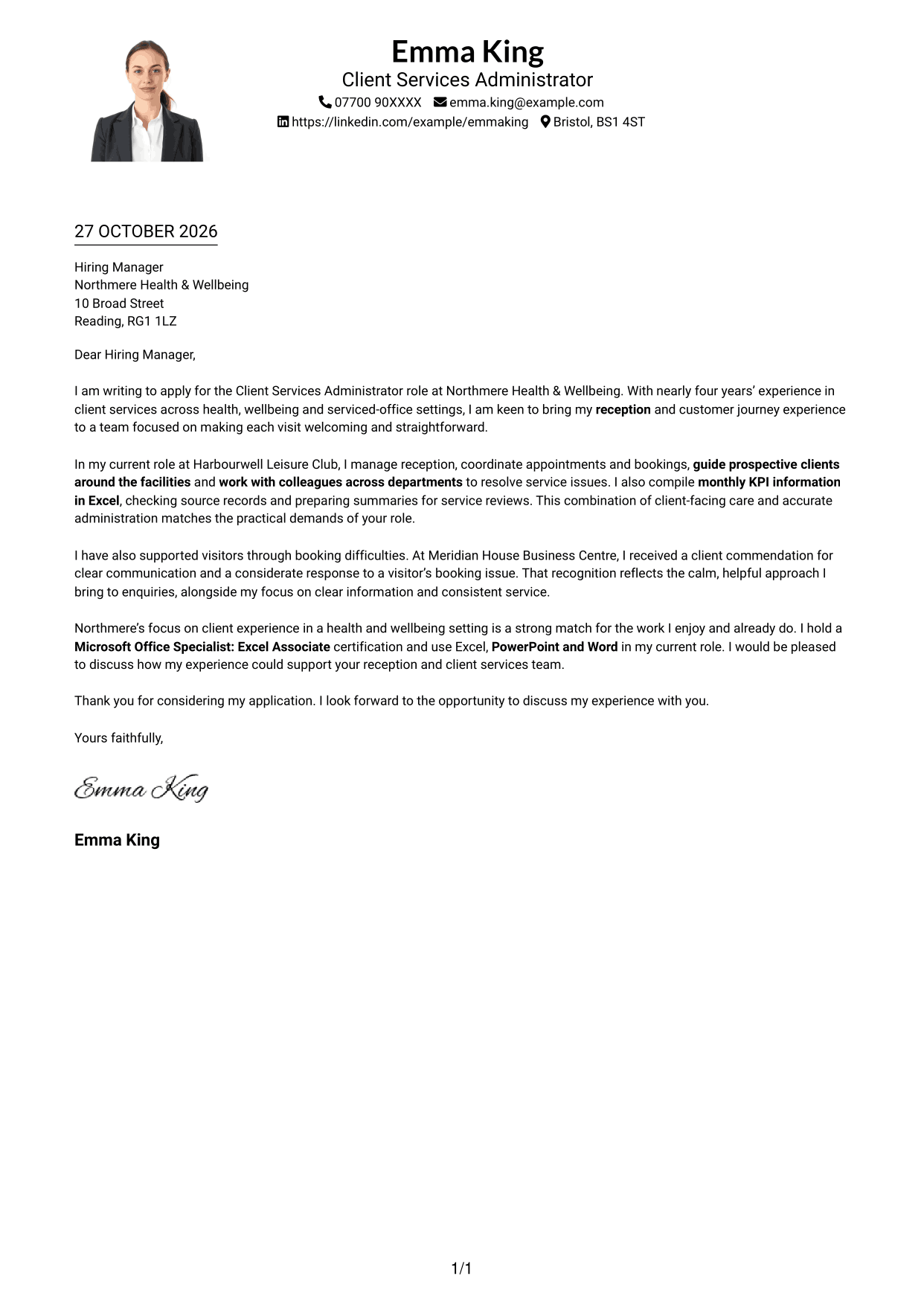
#4 One Column Format with Photo Cover Letter Example
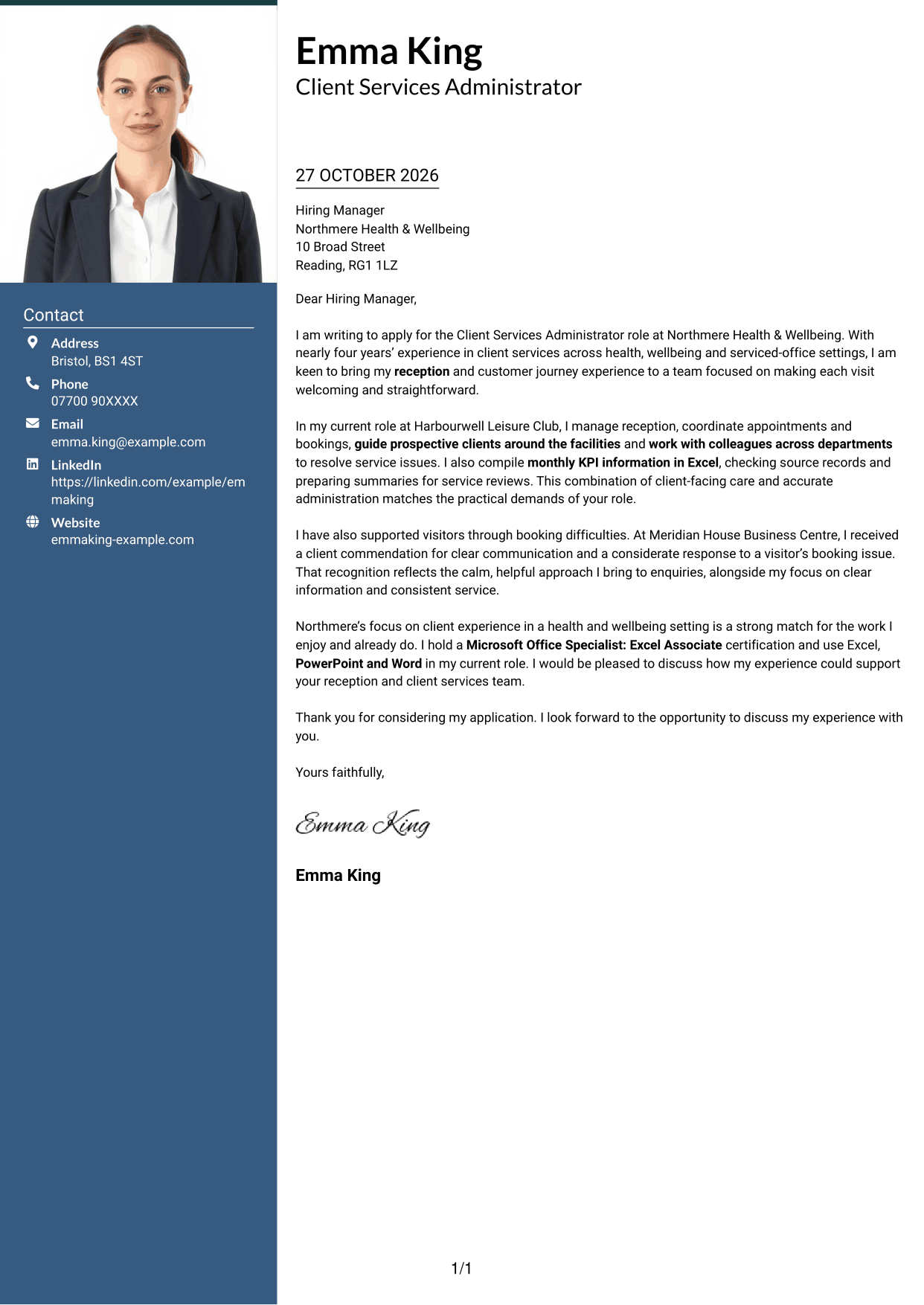
The one-column layout includes a photo, adding a personal visual element without dividing the letter body.
Why This Format Works
- The photo adds a visual element while the single column preserves a direct reading path.
- Sender details in the header remain easy to find before the message.
- Continuous paragraphs carry the application message without section headings.
Best For
- One-column letter reading
- A portrait with written correspondence
- Direct opening-to-close reading
- Unheaded application paragraphs
- A photo-inclusive page
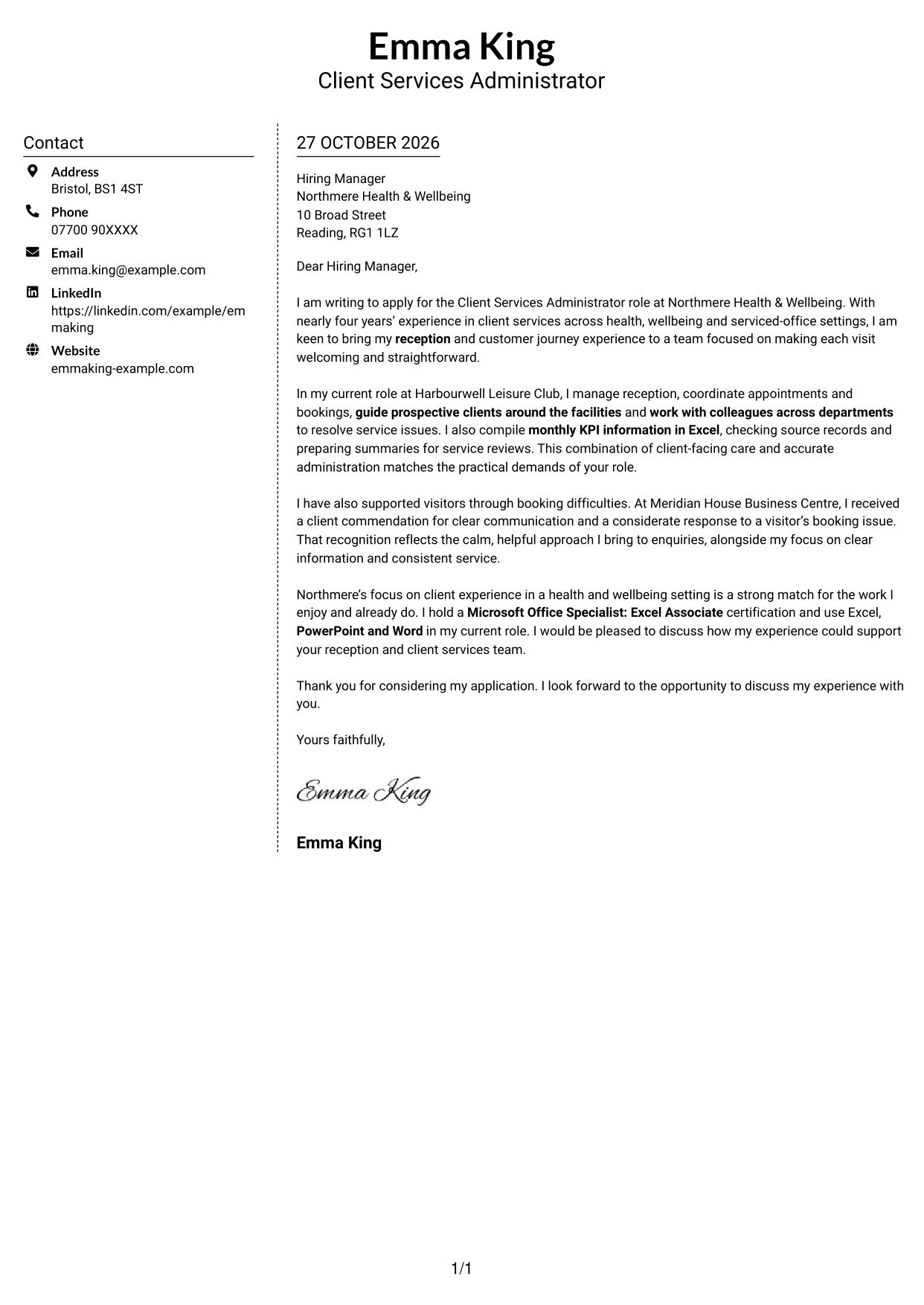
#5 Simple Two Column Format Cover Letter Example
A simple two-column arrangement places contact details alongside a single, uninterrupted letter body, keeping the message distinct from its contact sidebar.
Why This Format Works
- The contact sidebar gives sender details a separate place beside the letter.
- One text column keeps the written case together rather than splitting it across columns.
- Unheaded paragraphs suit a direct, familiar style of business correspondence.
Best For
- A separate contact sidebar
- One-column letter text
- Several connected letter paragraphs
- Familiar business correspondence
- Contact details kept outside the message
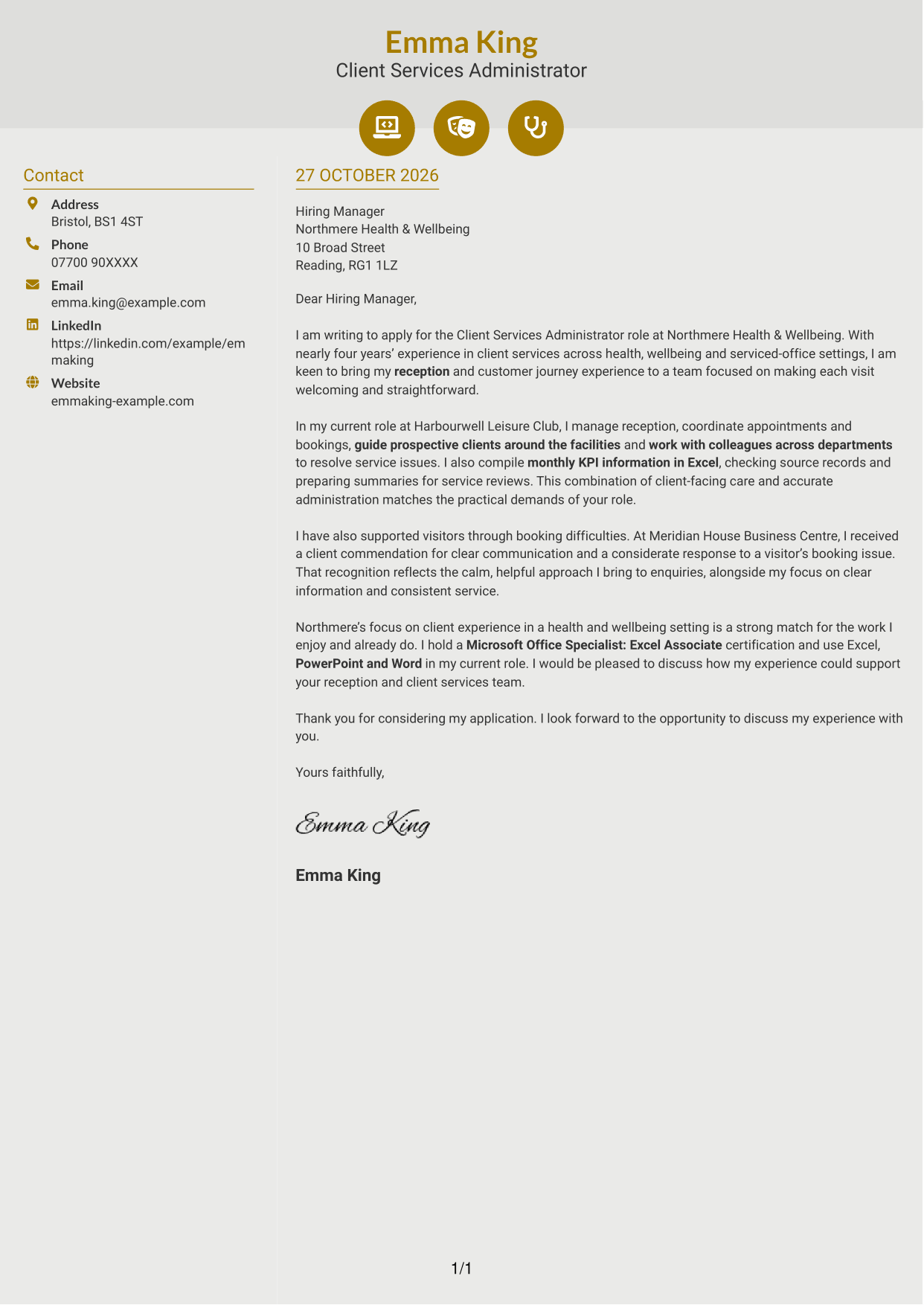
#6 Modern Icon Format Cover Letter Example
The two-column layout pairs a contact sidebar with one continuous letter body, and icons serve only as cues for contact details.
Why This Format Works
- Icons act as cues for contact details, not for the letter's argument.
- A separate sidebar keeps contact information apart from the continuous message.
- The body carries the opening, supporting points and close in one sequence.
Best For
- Icon cues for contact details
- A distinct contact sidebar
- One continuous letter body
- Unheaded professional correspondence
- A clear contact-and-message reading order
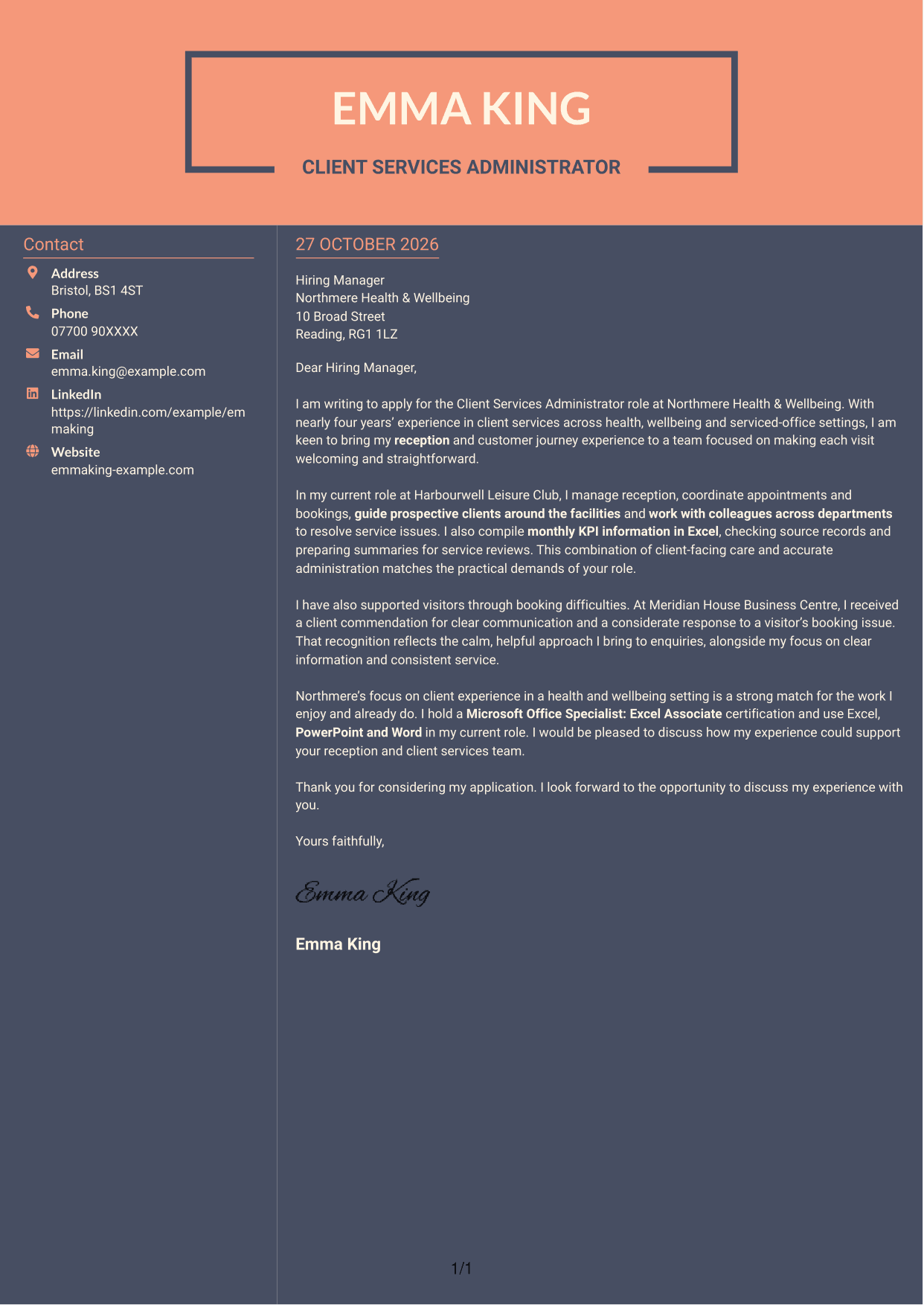
#7 Creative Two Tone Format Cover Letter Example
Creative Two Tone Format uses a two-column arrangement, keeping contact details beside rather than within the continuous letter body.
Why This Format Works
- Contact details have a dedicated sidebar, separate from the letter's argument.
- One uninterrupted text column preserves the sequence of the letter's paragraphs.
- A continuous message suits correspondence that relies on a natural, unheaded tone.
Best For
- Contact details beside the letter
- A single message column
- Natural, unheaded correspondence
- Applications with connected supporting points
- Two-column page reading
See Also
- 7 Client Services Administrator - Reception and Client Experience CV Templates with Example
- 7 Senior Manager, Private Client Services - Funds CV Templates with Example
- 7 Clinic Administrator - Customer Service CV Templates with Example
- 7 Office Administrator - Engineering Service Coordination CV Templates with Example
- 7 Service Administrator - Ophthalmology Patient Administration CV Templates with Example
- 7 Customer Experience Team Leader - Student Recruitment and Campus Services CV Templates with Example
- 7 Reception Administrator CV Templates with Example
- 7 Guest Services Ambassador - Corporate Reception CV Templates with Example
- 7 Senior Manager, Private Client Services - Funds Cover Letter Templates with Example
- 7 Clinic Administrator - Customer Service Cover Letter Templates with Example
Frequently Asked Questions
What should a Client Services Administrator - Reception and Client Experience cover letter highlight?
Show how your experience relates to a welcoming front desk, client enquiries, appointment and booking coordination, facility tours and accurate KPI reporting. Explain how you work with colleagues to provide a consistent service.
How can I make my experience relevant to this role?
Choose one or two clear examples that show what you did and how it helped clients. The featured letter links reception and booking work with monthly Excel reporting, and uses a client commendation to support its point about clear, considerate communication.
How should I explain my interest in Northmere Health & Wellbeing?
Give a genuine reason for your interest in Northmere’s health and wellbeing setting. Then connect that reason to the kind of welcoming, well-organised client experience the role is designed to provide.
What is a clear way to structure this cover letter?
Open by naming the role and your reason for applying. Use the body to connect your reception, booking and client communication experience to the job, then close with a concise expression of interest in discussing your fit.
Should I include every part of my work history?
No. Focus on the responsibilities and examples that best match this role, such as welcoming visitors, coordinating bookings, working across departments and keeping records accurate. A few relevant details make your case easier to follow.




