
7 Client Services Administrator - Reception and Client Experience CV Templates with Example
This guide shows you how to create a clear, focused Client Services Administrator - Reception and Client Experience CV. You will learn how to organise relevant evidence so recruiters can quickly see your service strengths and results.
For this role, show how you manage reception, client enquiries, appointments and bookings with care and accuracy. Use specific examples of facility tours, teamwork across departments, monthly KPI reporting and practical improvements to the customer journey.
The example is presented in 7 layouts. Compare the PNG image previews, then open an example in the editor to customise its content and layout. The guidance also covers ATS-friendly structure, useful CV sections and role-specific terms such as reception operations, booking coordination and Microsoft Excel, PowerPoint and Word.
What Makes a Great Client Services Administrator - Reception and Client Experience CV in 2026
A strong CV makes reception work, client support and booking coordination easy to scan. Show how you help people, work with colleagues and keep service organised.
Use concise bullets with relevant terms such as client enquiries, facility tours, monthly KPI reporting and accurate record-keeping. Include results you can support, such as a client commendation or a practical service improvement.
Note: CV examples are for educational purposes only. Use only information that accurately reflects your experience and qualifications. References to real organisations do not imply affiliation or endorsement.
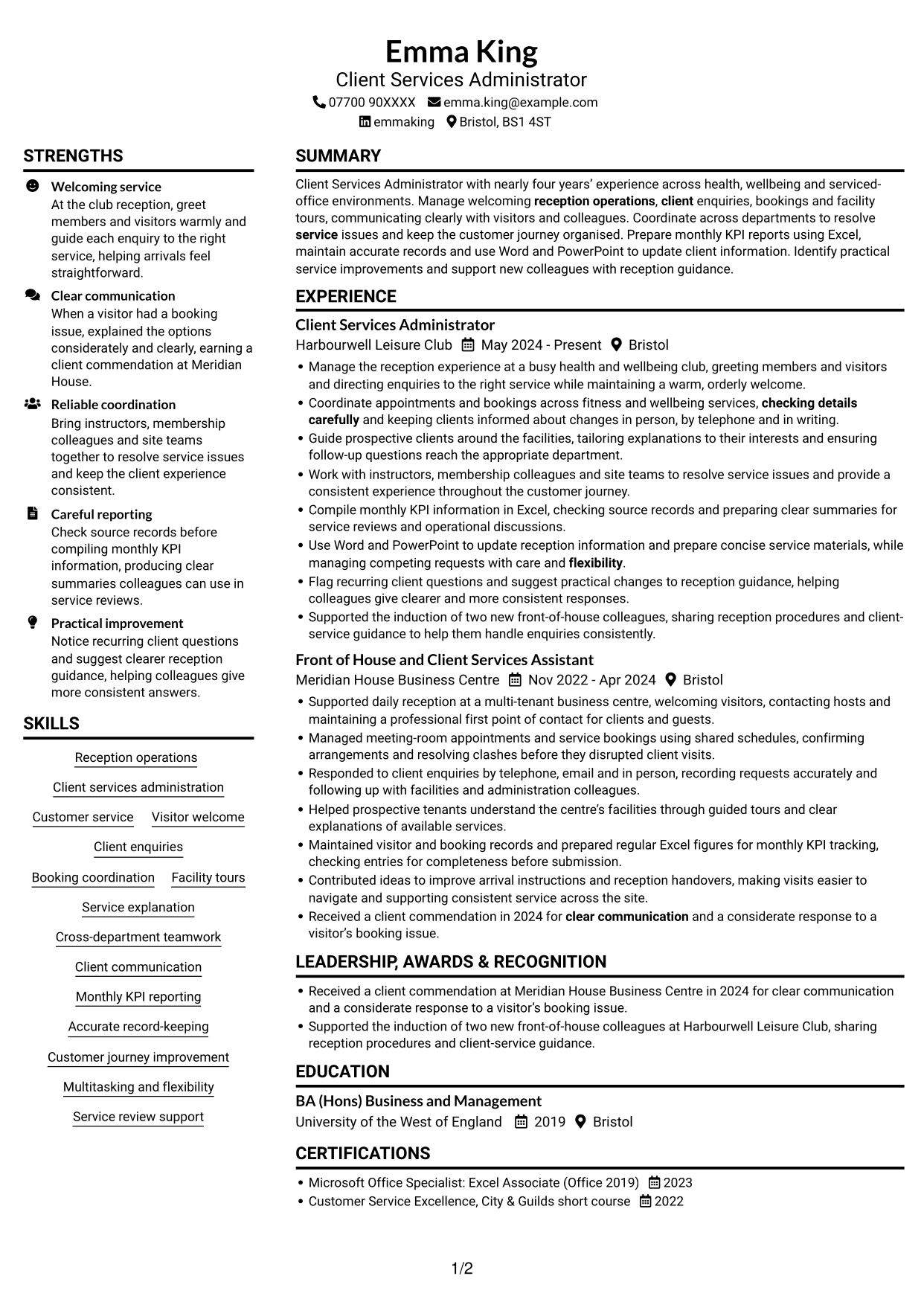
#1 Plain Two Column Format CV Example
The Plain Two Column Format separates CV content into two columns, giving reviewers a direct way to compare career history with supporting sections.
CV Snapshot
- Nearly four years’ client services experience across health, wellbeing and serviced-office settings.
- Reception operations, visitor welcome, enquiries, bookings and facility tours.
- Monthly KPI reporting and accurate records using Microsoft Office.
- BA (Hons) Business and Management, plus Excel and customer service credentials.
Why This Format Works
- Two content areas help reviewers separate career history from supporting sections.
- Skills and education can remain easy to locate alongside experience.
- Distinct areas help recruiters scan achievements without losing the career sequence.
Best For
- CVs with substantial experience detail
- Parallel content preferences
- Clearly grouped supporting sections
- Skills alongside career history
- Credential-rich applications
CV Keywords
- Manage welcoming reception operations, client enquiries, bookings and facility tours
- Reception operations
- Client services administration
- Clear communication
- Coordinate across departments to resolve service issues
- Guide prospective clients around the facilities
- Service explanation
- Monthly KPI reporting
- Accurate record-keeping
- checking details carefully
- Customer journey improvement
- Work with instructors, membership colleagues and site teams to resolve service issues
- Multitasking
- flexibility
- Microsoft Excel
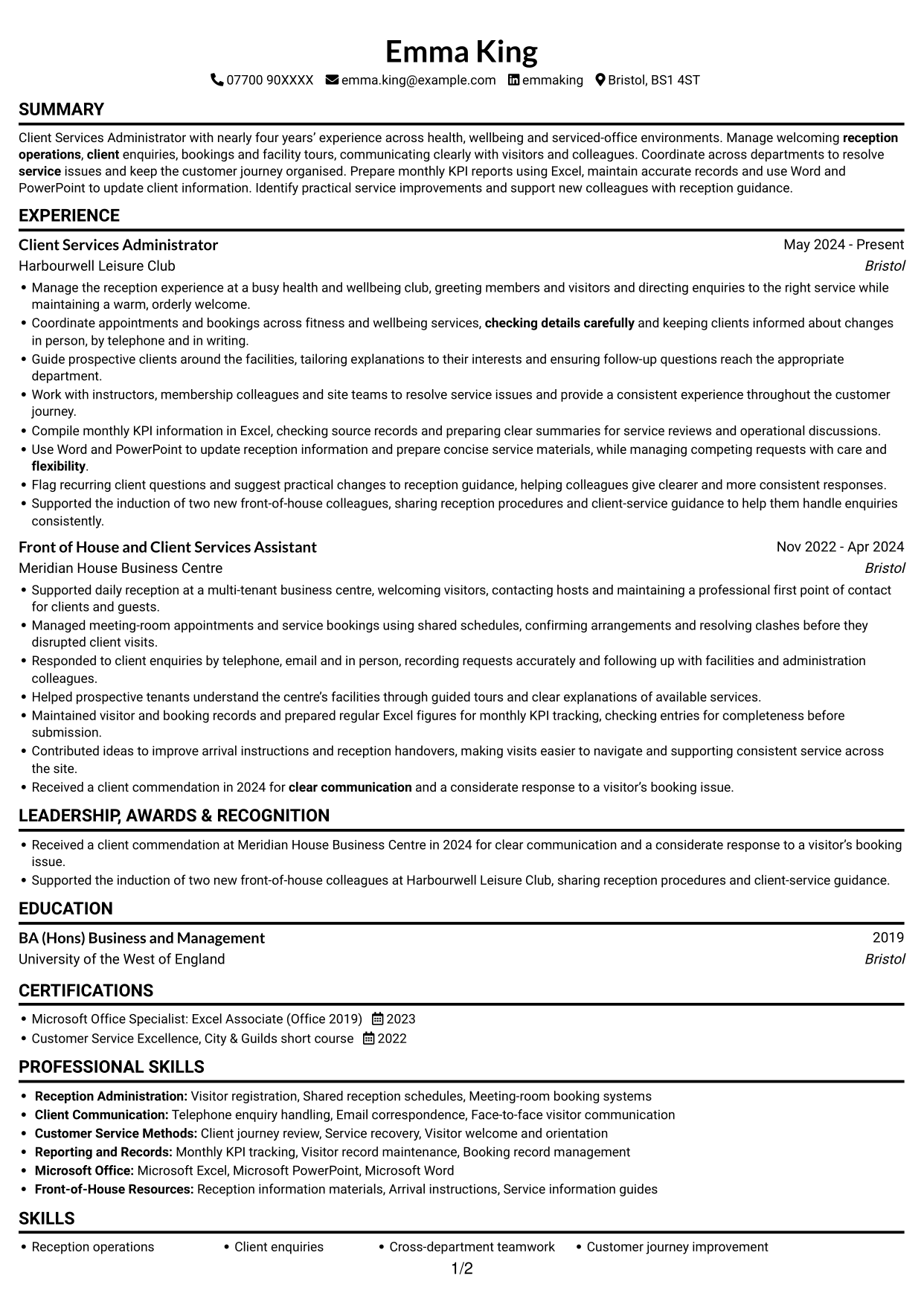
#2 Simple One Column Format CV Example
The Simple One Column Format keeps the CV in a single vertical sequence, a practical choice for readers who prefer to follow sections from top to bottom.
Why This Format Works
- A single vertical sequence lets reviewers follow experience and education without switching columns.
- Consistent section flow keeps detailed career entries easy to trace.
- Skills and credentials remain part of the same direct reading path.
Best For
- Single-path CV reading
- Detailed career narratives
- Section-by-section review
- CVs with varied supporting sections
- Readers avoiding column changes
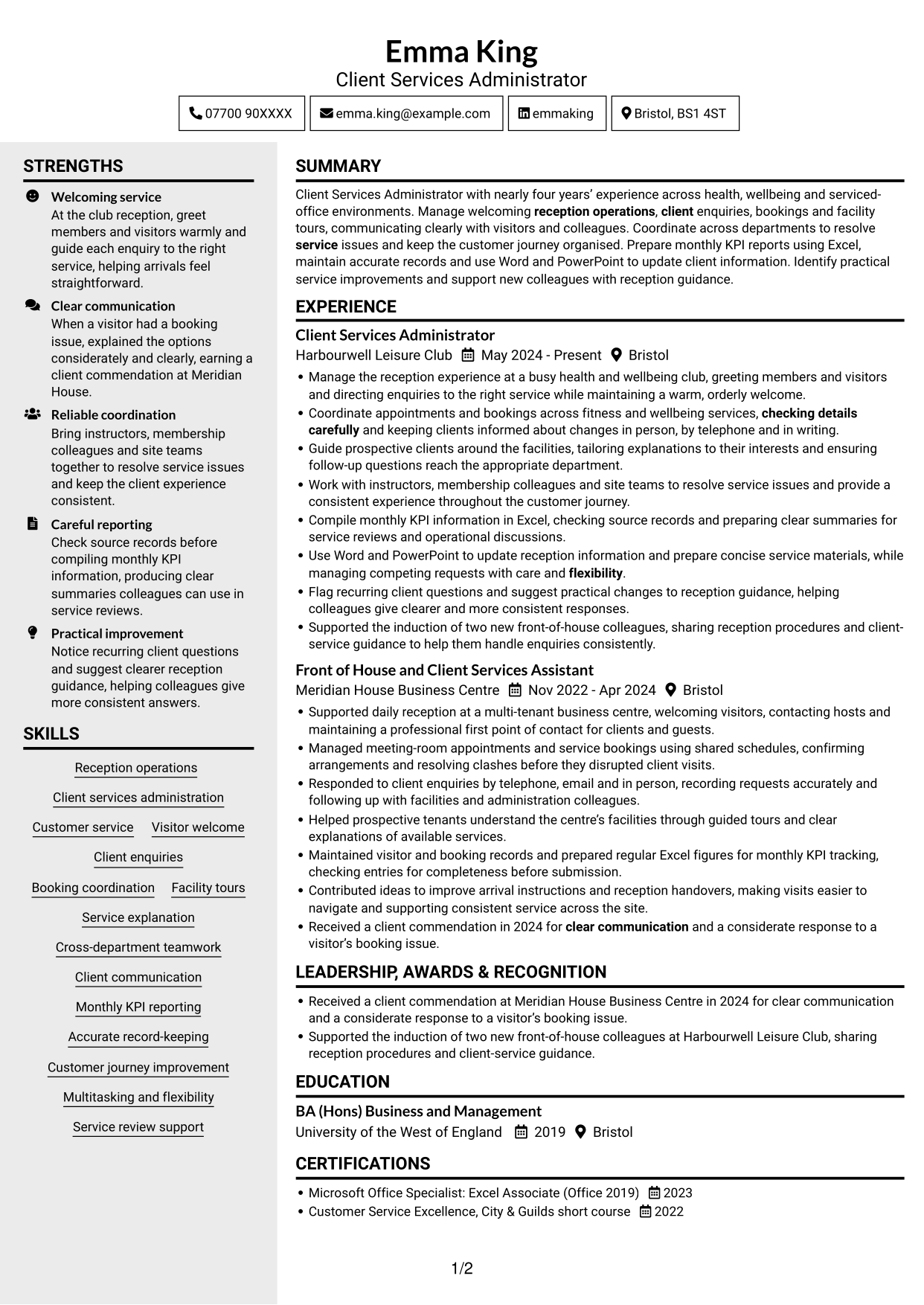
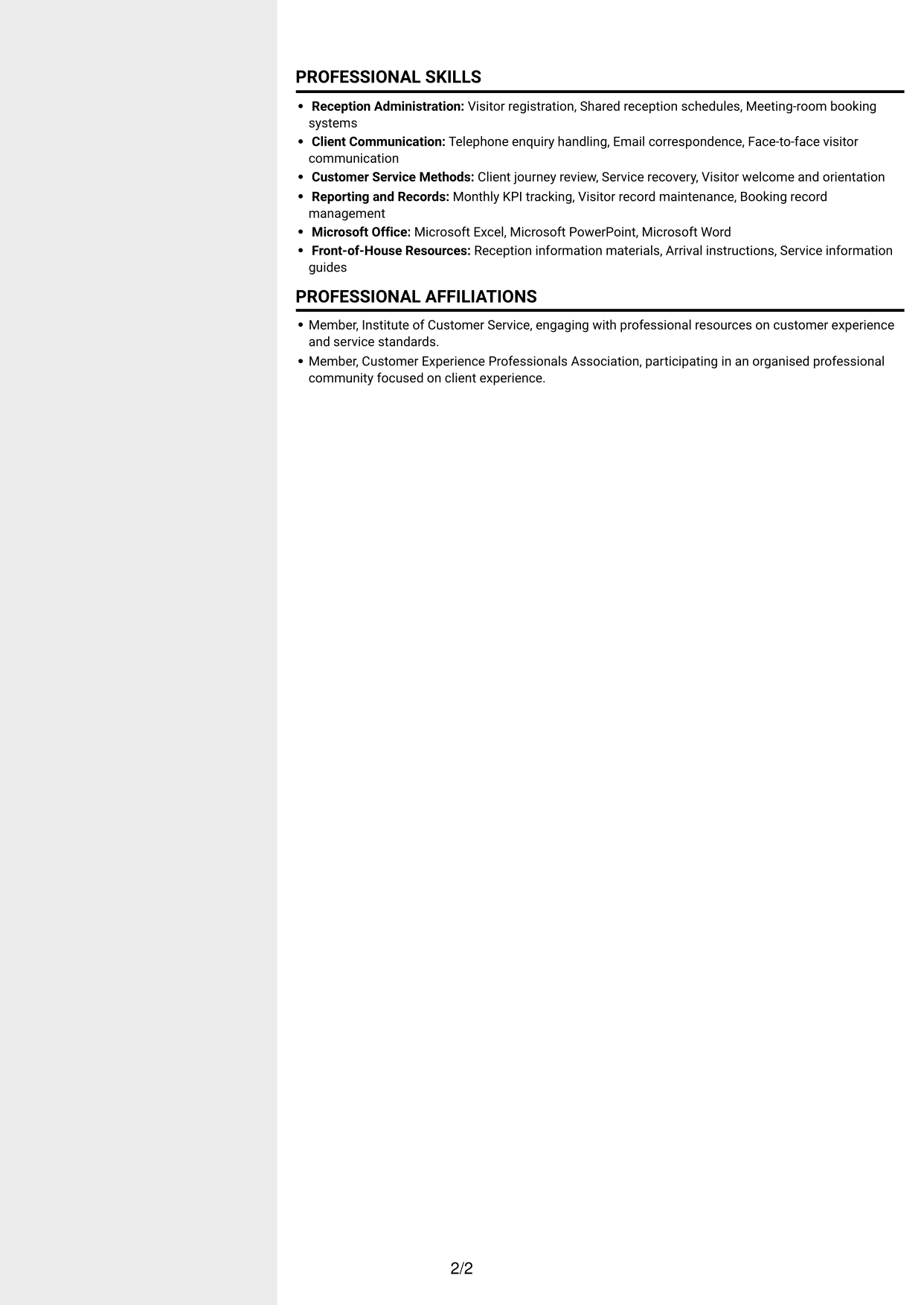
#3 Clean Two Column Sidebar Format CV Example
The Clean Two Column Sidebar Format divides the CV across two columns, helping reviewers move between career history and supporting details.
Why This Format Works
- Separate columns help reviewers distinguish experience from skills and education.
- Grouped supporting sections give credentials and achievements their own clear reading area.
- Reviewers can scan career history without losing access to other CV sections.
Best For
- Side-by-side information needs
- CVs combining work history and credentials
- Fast section-to-section review
- Compact supporting information
- Text-led CV presentation
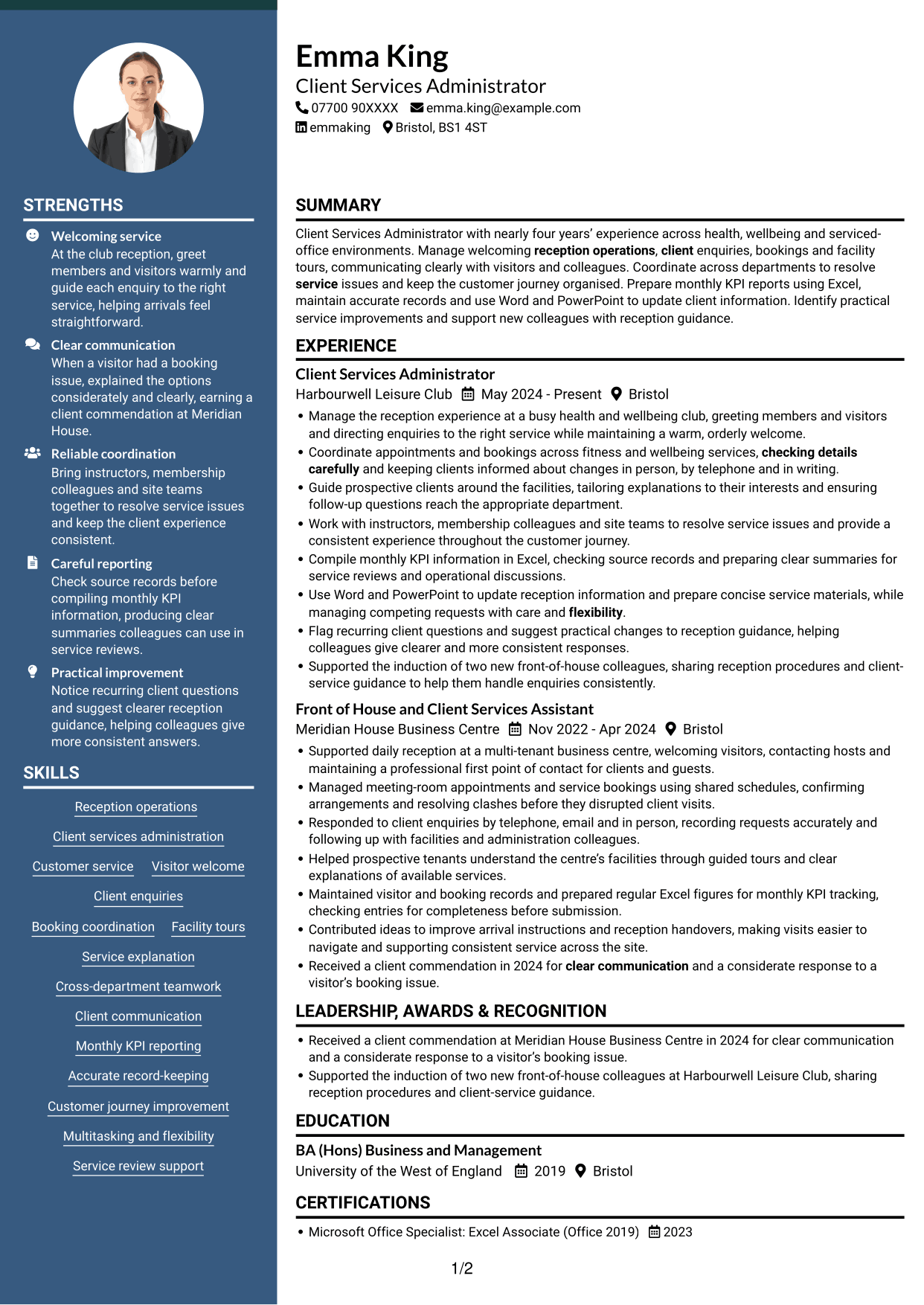
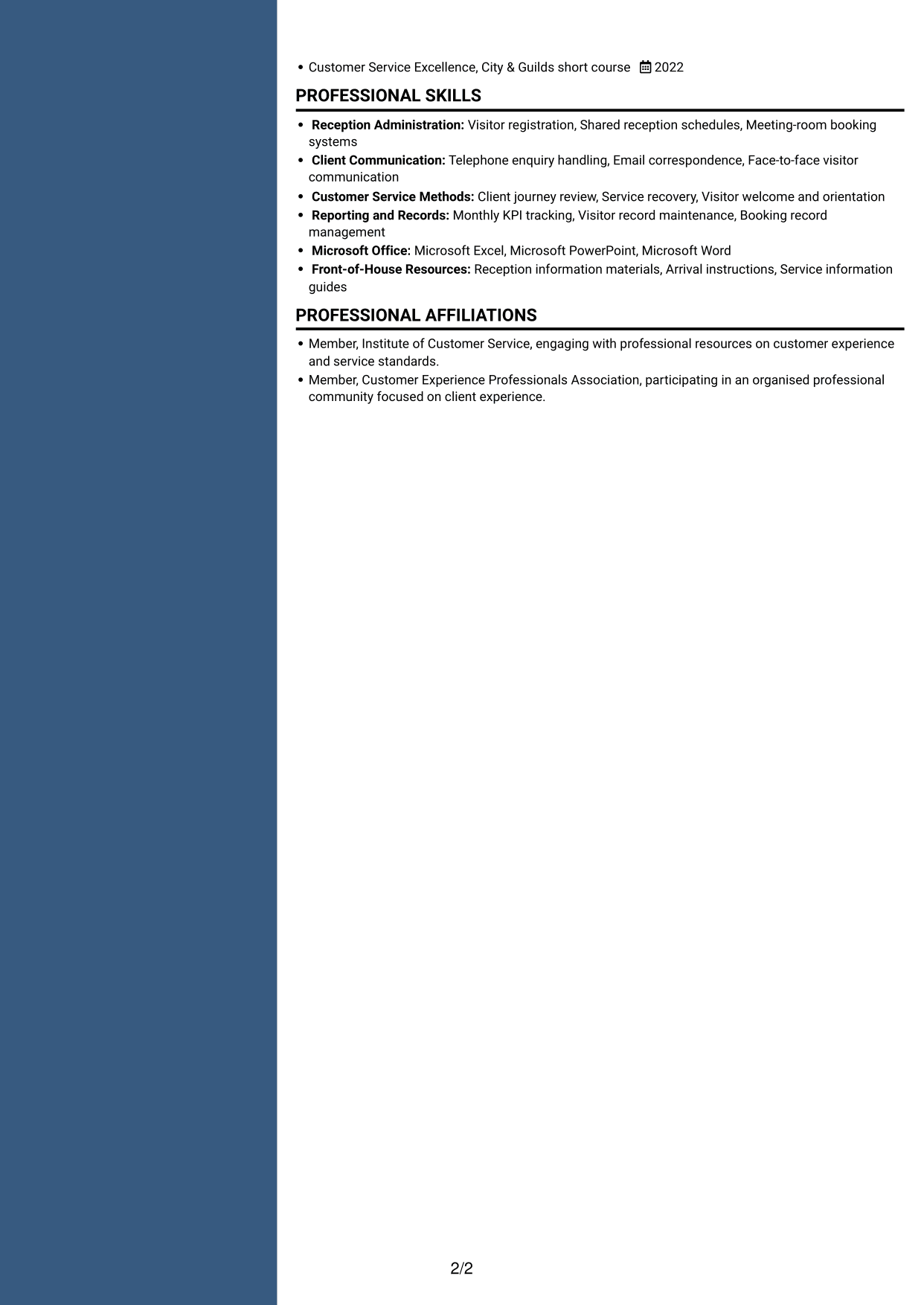
#4 Two Column Format CV Example
The Two Column Format sets CV content across two columns, suiting readers who want related sections visible side by side.
Why This Format Works
- Parallel content areas let experience and supporting information be read at a glance.
- Career entries remain distinct from education and other credentials.
- Section separation helps reviewers return to skills while checking work history.
Best For
- CVs with several content categories
- Side-by-side section review
- Detailed experience records
- Readers comparing career and education details
- Grouped skills and credentials
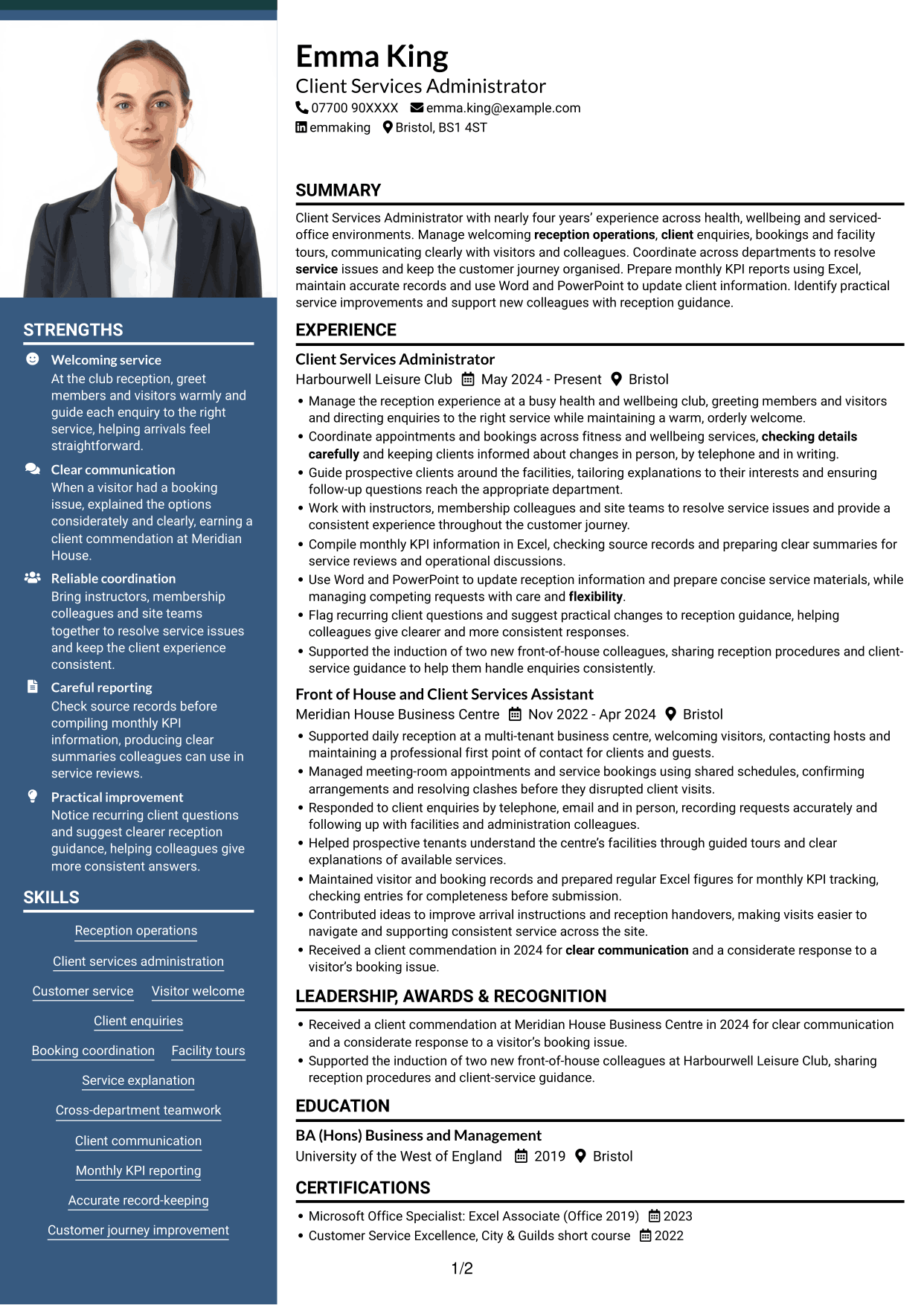
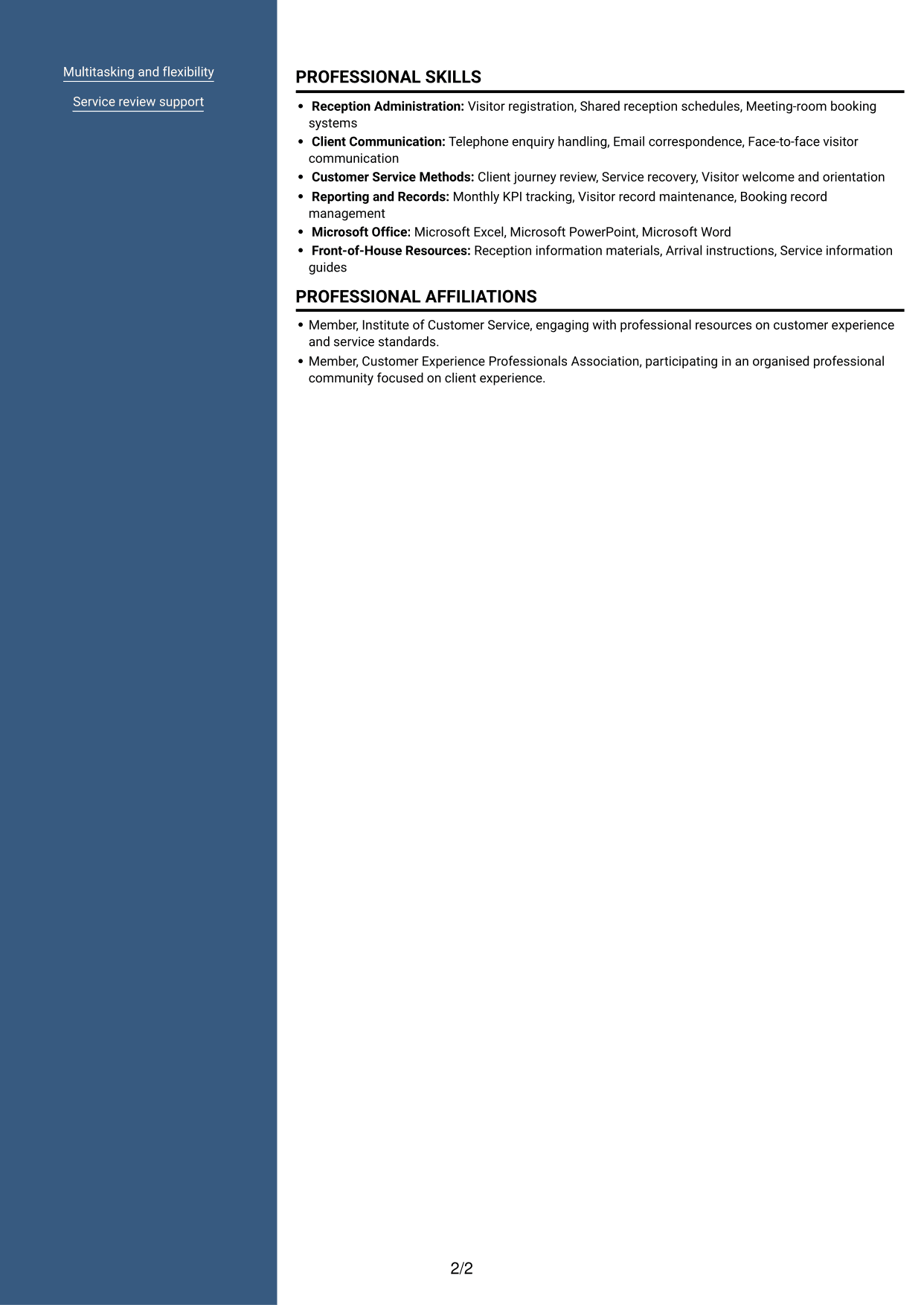
#5 Photo Header Two Column Format CV Example
The Photo Header Two Column Format pairs a photo header with a two-column CV body, creating a clear visual introduction alongside grouped content.
Why This Format Works
- Two body columns keep career history and supporting sections visually distinct.
- Skills and education are easier to distinguish from career entries.
- Separate content areas help recruiters revisit credentials without losing the experience sequence.
Best For
- Photo-led CV headers
- Two-column section review
- Portrait-based presentation preferences
- CVs with detailed experience and supporting information
- Applications needing a clear visual identifier
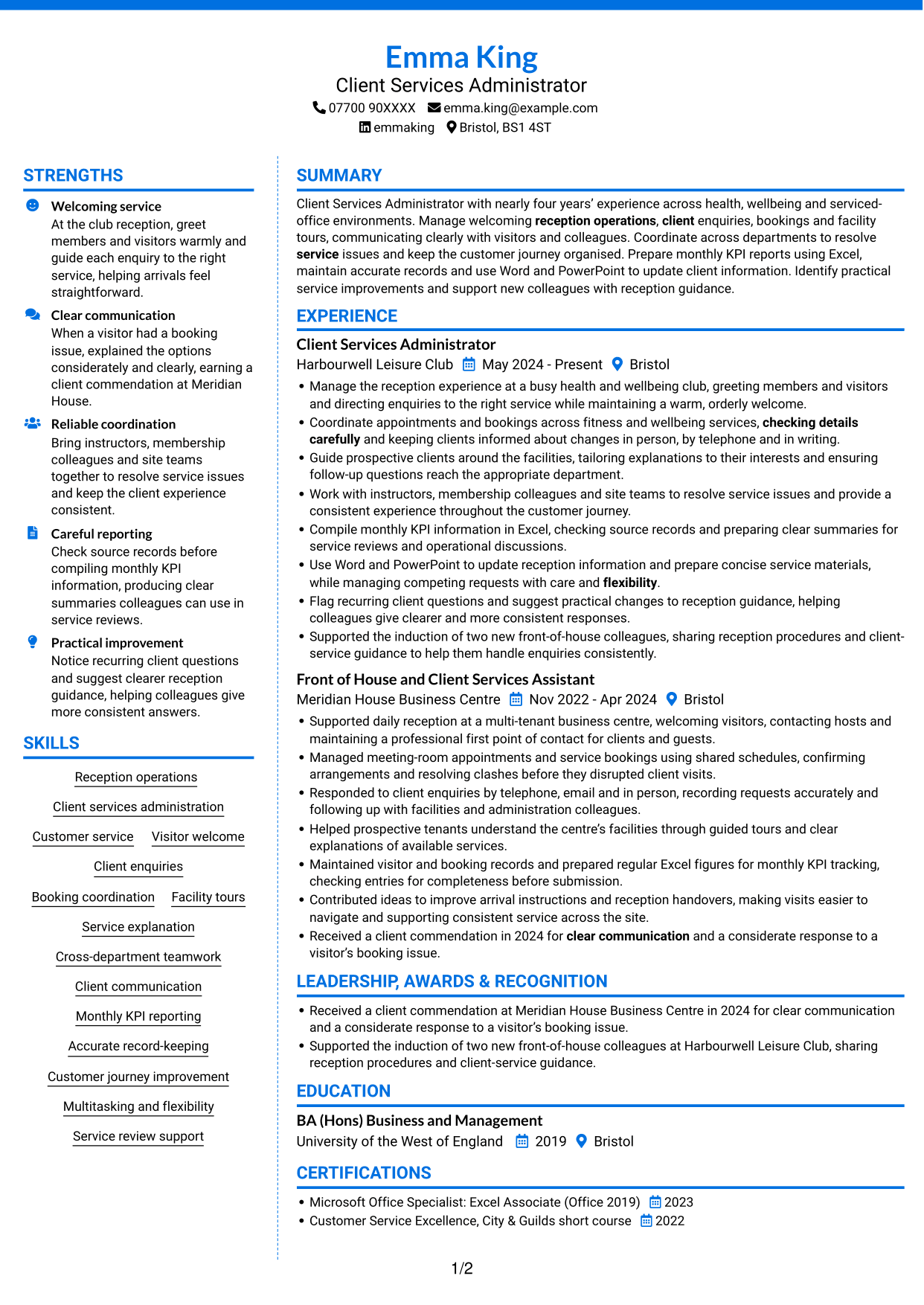
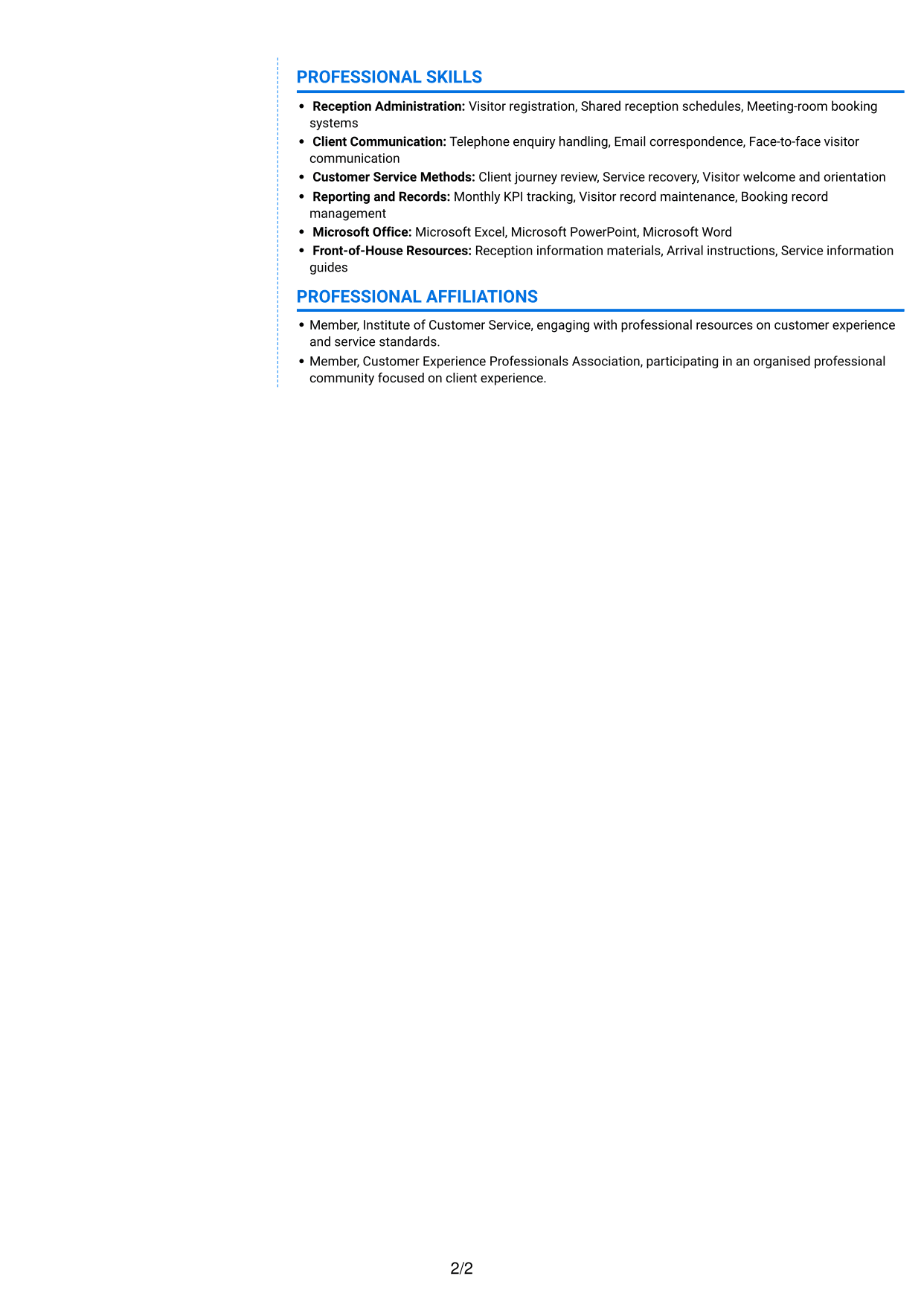
#6 Coloured Two Column Format CV Example
The Coloured Two Column Format arranges CV sections in two columns, helping readers scan career details alongside supporting information.
Why This Format Works
- Two columns give experience and supporting details distinct areas for quick review.
- Skills and education are easier to distinguish from career entries.
- Separate content areas help recruiters revisit credentials without losing the experience sequence.
Best For
- Parallel reading preferences
- CVs with distinct content groups
- Readers moving between related sections
- Experience-led document structures
- Applications with several supporting sections
#7 Stylish Two Column Designer Format CV Example
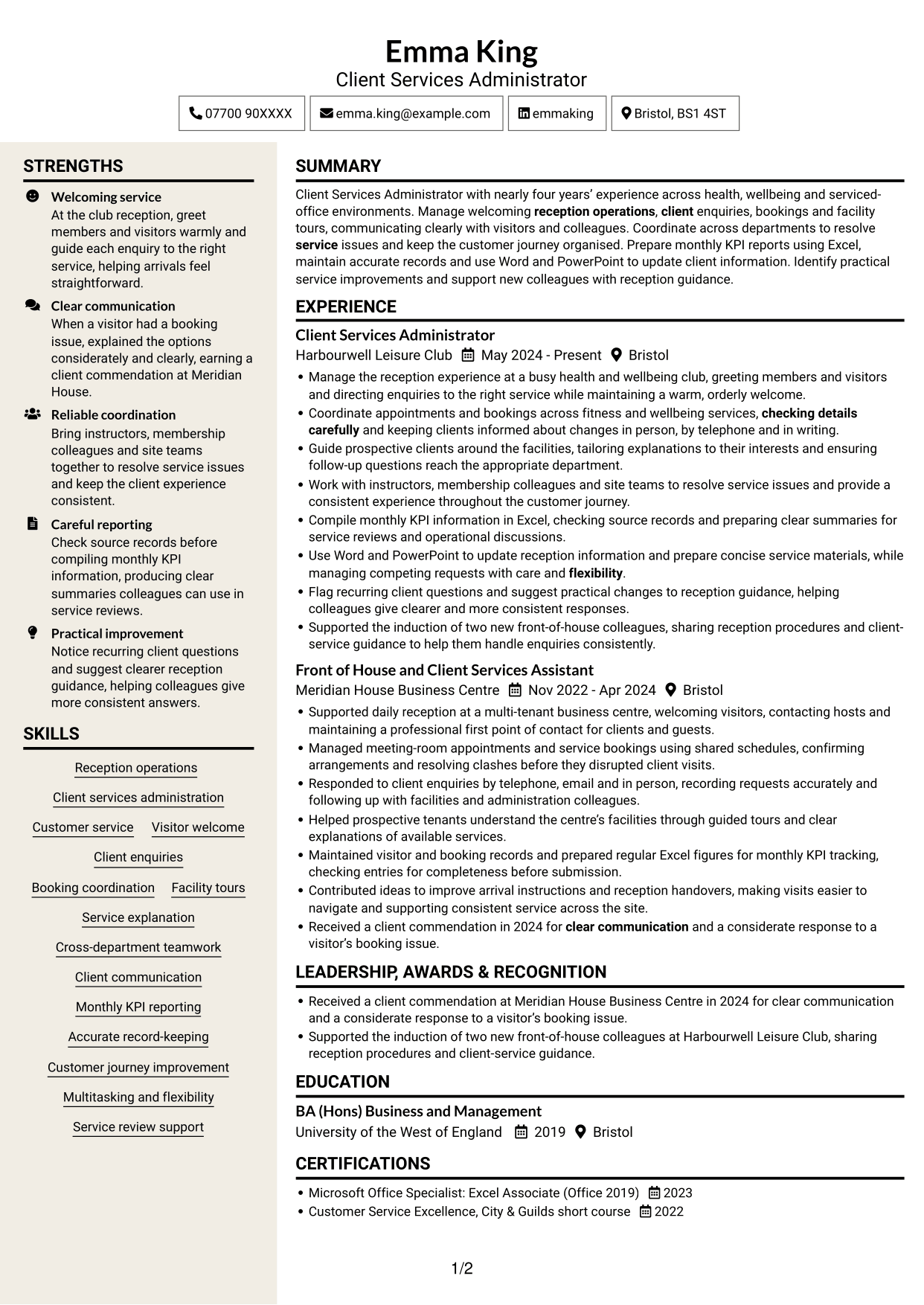
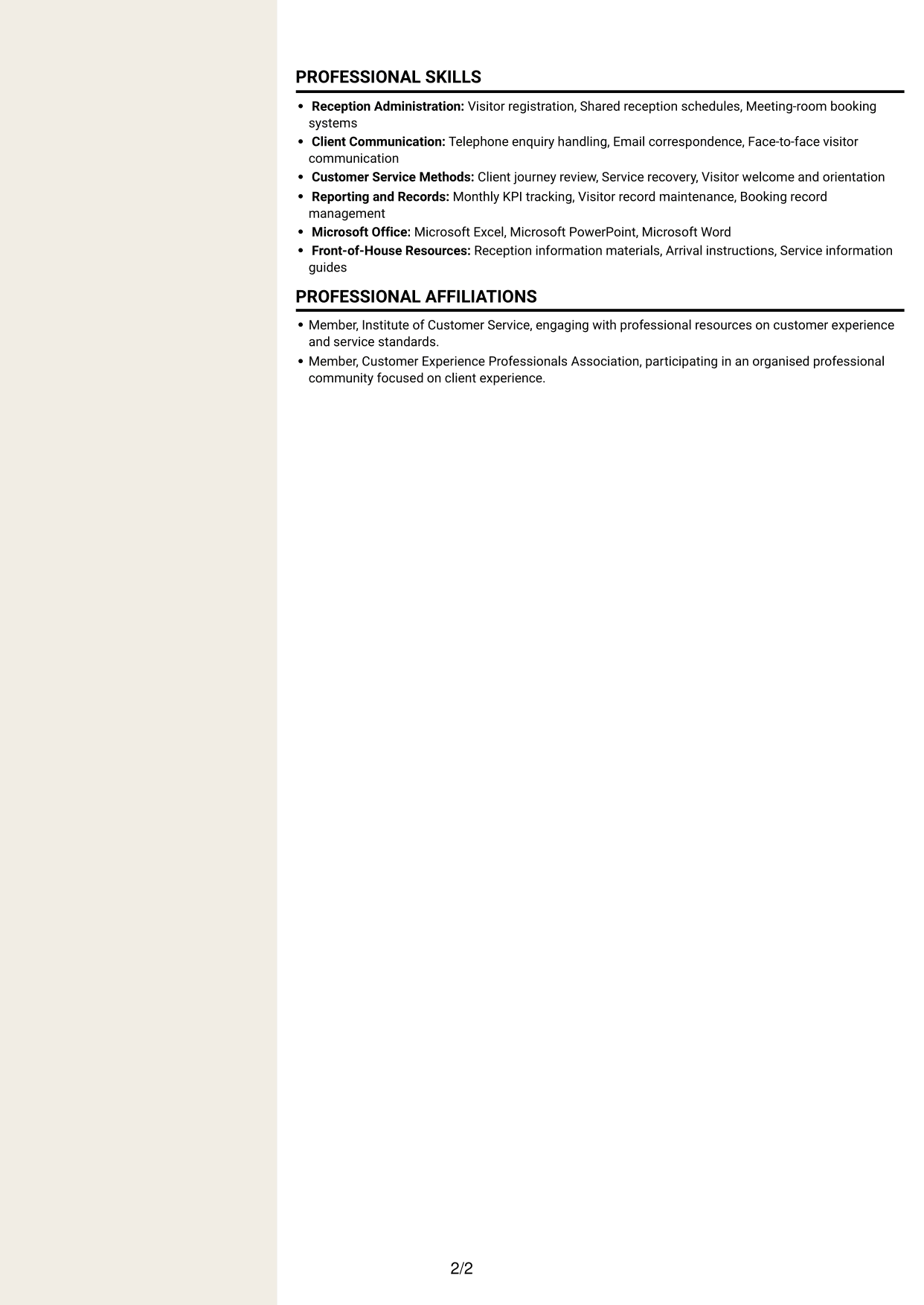
The Stylish Two Column Designer Format uses a two-column body to give reviewers a direct view of different CV sections.
Why This Format Works
- Two-column organisation lets reviewers move between career history and supporting sections.
- Experience and achievements can be considered apart from education and credentials.
- Clear division helps readers locate skills while tracing career development.
Best For
- Two-column navigation
- CVs with varied evidence
- Readers reviewing career development
- Separate experience and education details
- Skills and credentials in one document
Why Build Your Client Services Administrator CV with ResumeInMinutes
ResumeInMinutes helps you arrange client service experience, skills and education in a clear CV. Compare PNG image previews, then open an example in the editor to customise its content and layout.
- Clear CV layouts
- Readable section structure
- Space for role-specific keywords
- Well-organised skills and experience
- PNG image previews
- CV customisation in the editor
Choose a format that makes your reception and client service experience easy to follow. Keep the focus on accurate coordination, clear communication and evidence of a positive customer journey.
See Also
- 7 Senior Manager, Private Client Services - Funds CV Templates with Example
- 7 Clinic Administrator - Customer Service CV Templates with Example
- 7 Office Administrator - Engineering Service Coordination CV Templates with Example
- 7 Service Administrator - Ophthalmology Patient Administration CV Templates with Example
- 7 Customer Experience Team Leader - Student Recruitment and Campus Services CV Templates with Example
- 7 Reception Administrator CV Templates with Example
- 7 Guest Services Ambassador - Corporate Reception CV Templates with Example
- 7 Apprentice Bookkeeper & Accounts Assistant - Client Accounts CV Templates with Example
- 7 Client Services Administrator - Reception and Client Experience Cover Letter Templates with Example
- 7 Senior Manager, Private Client Services - Funds Cover Letter Templates with Example
Frequently Asked Questions
Are these Client Services Administrator CV templates ATS-friendly?
The examples use clear headings and sections that are easy to scan. Include relevant terms naturally, such as reception operations, booking coordination, client enquiries, monthly KPI reporting and Microsoft Office.
Are these separate CV examples or different layouts of one example?
This page shows one role-focused CV example in different layouts. Compare the PNG image previews, then open an example in the editor to customise it.
What should a Client Services Administrator CV include?
Include a focused summary, relevant experience, skills and education. Add evidence of reception operations, client communication, appointments and bookings, facility tours, KPI reporting and customer journey improvements.
Which CV layout works well for this role?
Choose a layout with clear headings and an easy-to-follow order for experience, skills and education. A simple structure helps recruiters and applicant tracking systems find key details.
How can I show client service achievements on my CV?
Use concise bullet points to explain what you did and why it mattered. You could describe accurate booking coordination, clear KPI reporting, improved reception guidance or a positive client response, using specific evidence you can support.
Should I include a photo on my CV?
For UK applications, a photo is usually not needed. Use the space for relevant experience, skills and supported results instead.




