
7 Clinic Administrator - Customer Service Cover Letter Templates with Example
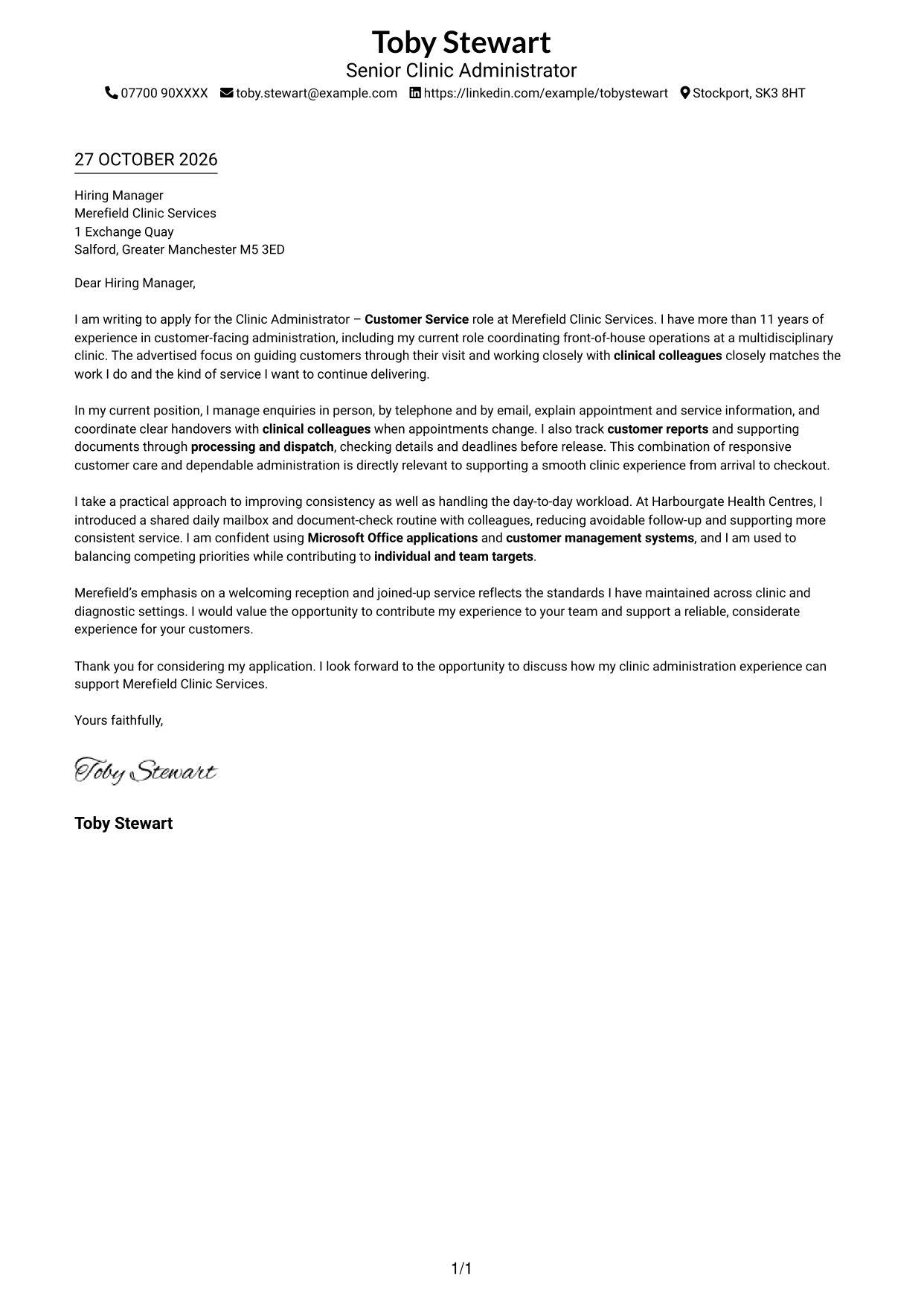
This practical guide to a Clinic Administrator - Customer Service cover letter presents seven layouts to help you show how you support a smooth, welcoming clinic visit.
What Makes a Great Clinic Administrator - Customer Service Cover Letter in 2026
A strong letter shows how you welcome customers, answer enquiries and help coordinate their clinic visit. Make your opening clear about the role and your interest in providing reliable service.
Use relevant evidence, such as managing shared mailboxes, coordinating customer reports or working with clinical colleagues. Link these examples to the employer’s needs and explain why its focus on a welcoming, joined-up clinic service appeals to you.
The featured example follows a focused progression from role interest to customer service evidence, a practical improvement and a clear close; adapt this approach while choosing a presentation suited to the employer and communication context.
#1 Simple One Column Format Cover Letter Example
The sender details sit in the header, while the letter follows a single-column reading path for a direct, connected message.
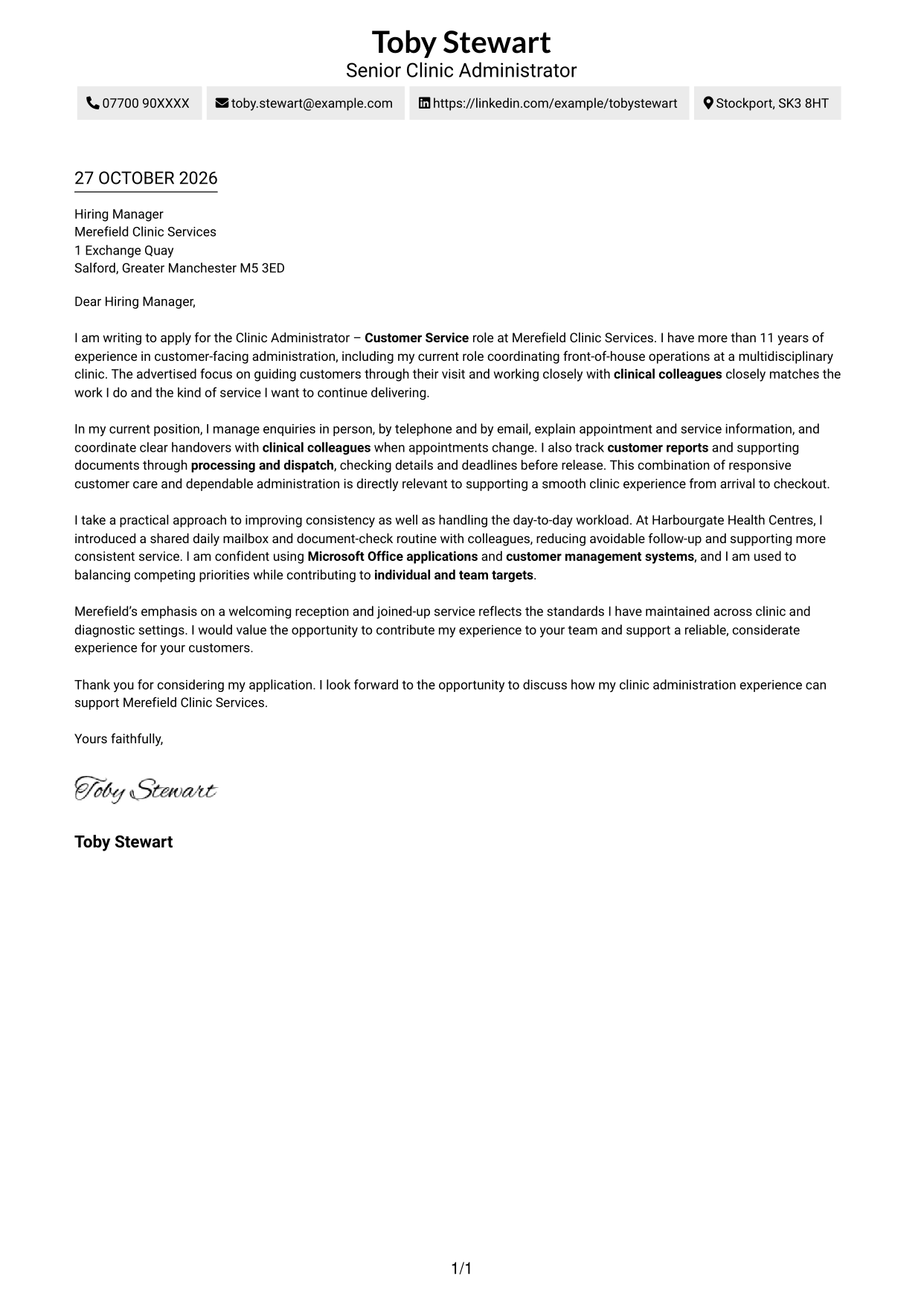
Why This Format Works
- One reading path keeps the opening, motivation, supporting points and close in sequence.
- Sender details remain separate from the message, making contact information easy to locate.
- Paragraph-based content lets each point develop without labels interrupting the letter.
Best For
- Single-column letter reading
- Paragraph-led persuasive writing
- Header-based sender details
- Direct employer correspondence
- Letters without section headings
#2 Two Column Format Cover Letter Example
A contact sidebar sits beside one uninterrupted letter body, keeping sender details apart from the employer-directed message.
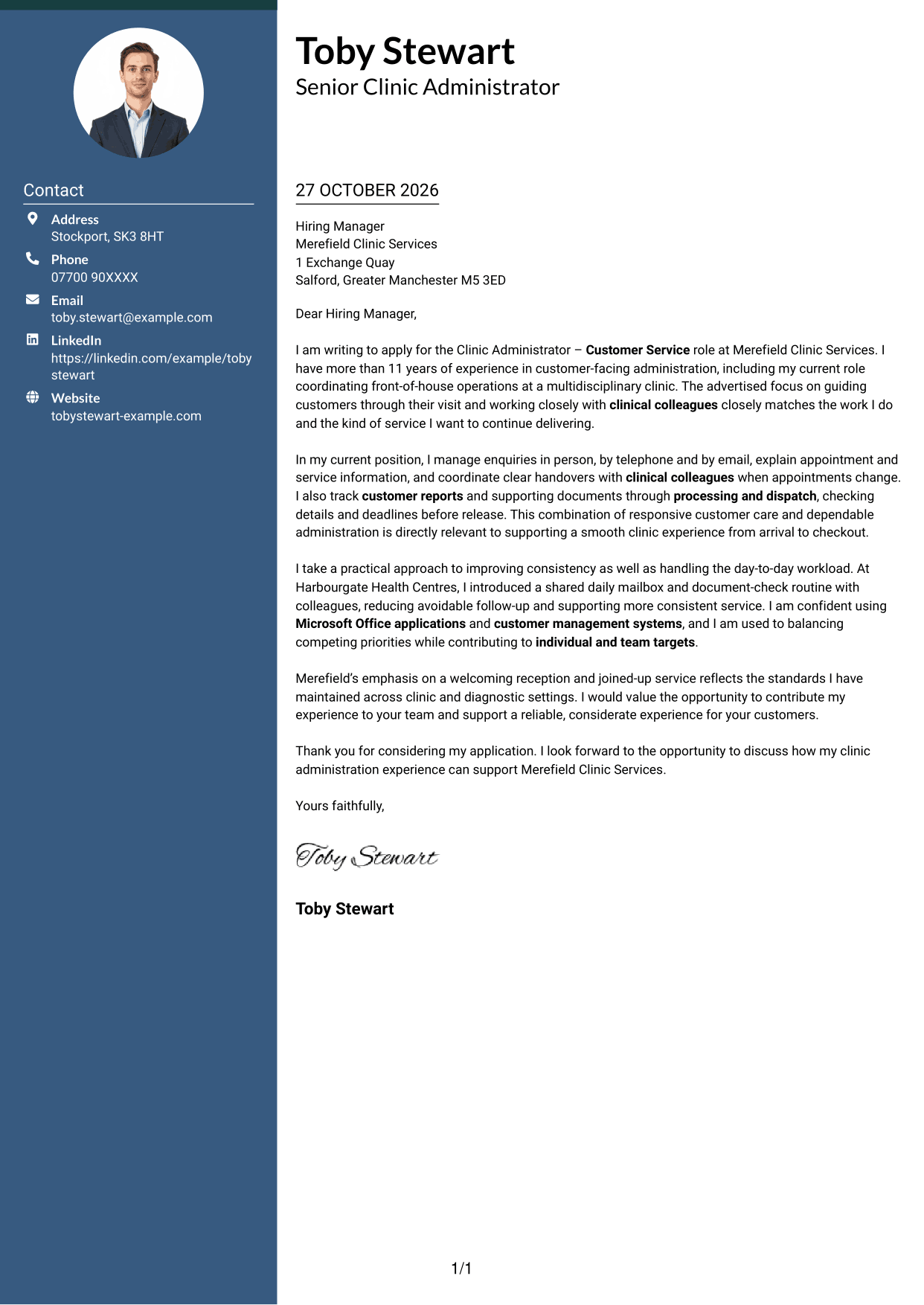
Why This Format Works
- Contact details have a dedicated place, apart from the application message.
- The main column keeps opening, motivation, evidence and closing in one sequence.
- With no argument headings, the letter reads as a connected personal message.
Best For
- Separate contact and message areas
- Side-by-side page organisation
- Continuous employer correspondence
- Letters with several evidence paragraphs
- Quick sender-detail reference
#3 Photo Header Two Column Format Cover Letter Example
A photograph accompanies the two-column layout, offering a personal visual element while the contact sidebar leaves the letter body continuous.
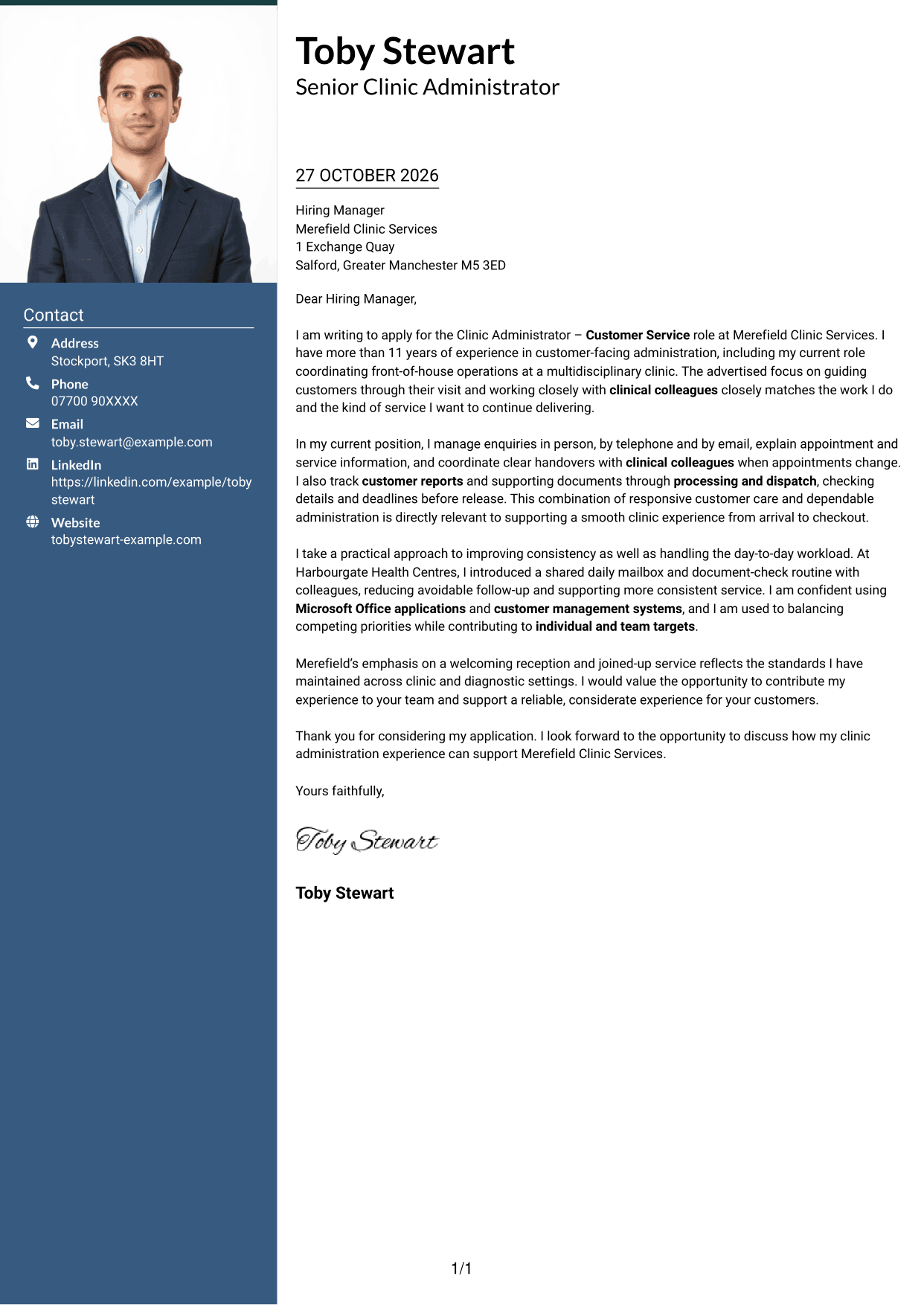
Why This Format Works
- The photograph adds a personal visual element while the letter's words carry the case.
- Contact details sit apart from the message, keeping the application text uncluttered.
- Opening, motivation, evidence and closing remain together in one letter column.
Best For
- Applications that include a portrait
- Two-column page organisation
- Continuous persuasive letter text
- Contact details beside the message
- Paragraph-led motivation and evidence
#4 One Column Format with Photo Cover Letter Example
The letter keeps a single-column reading order and includes a photograph, a useful choice for readers who want a direct message with a personal visual element.
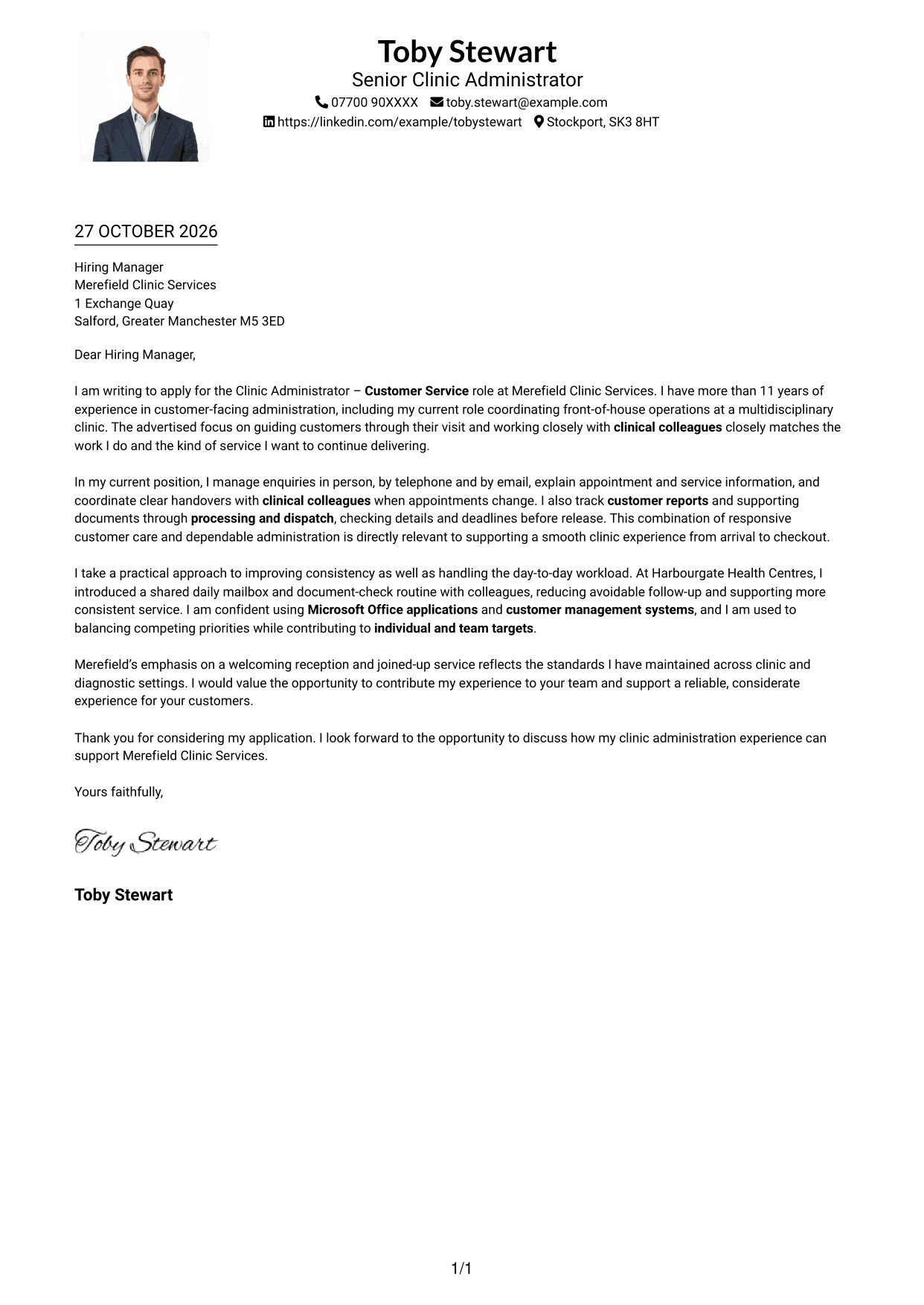
Why This Format Works
- One column gives the message a direct top-to-bottom reading order.
- The photograph provides a personal visual element without dividing the letter text.
- Sender details in the header remain distinct from the letter's main text.
Best For
- Photo-inclusive correspondence
- Single-column reading preference
- A direct opening-to-close message
- Header-based contact details
- Letters without parallel text columns
#5 Simple Two Column Format Cover Letter Example
The contact sidebar and letter body occupy separate columns, so the sender information has its own place beside the continuous message.
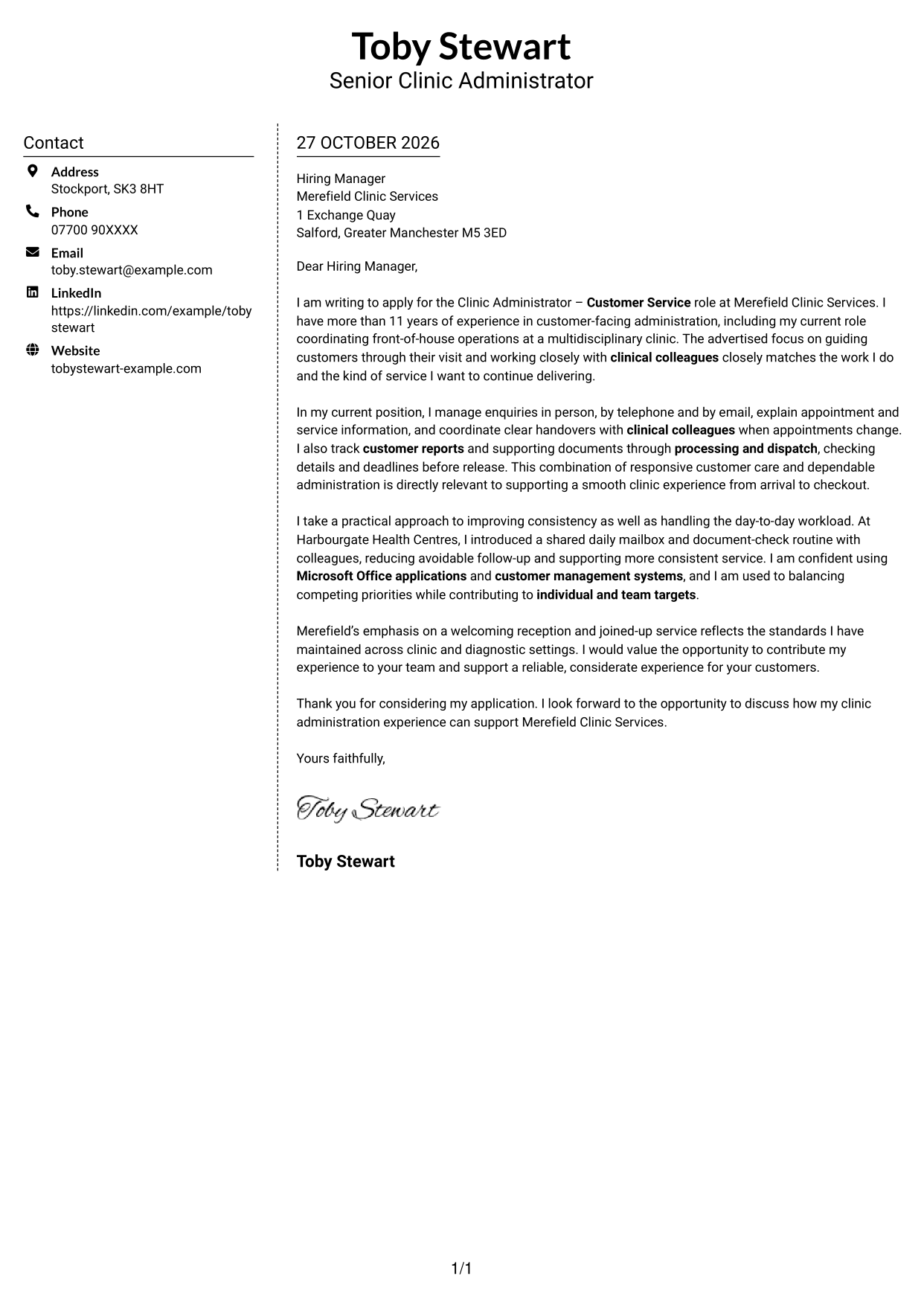
Why This Format Works
- Contact information occupies the sidebar rather than interrupting the letter paragraphs.
- The full argument stays in one column, preserving its opening-to-close order.
- Without section headings, the letter's paragraphs can keep a natural persuasive progression.
Best For
- Contact details beside the letter
- A continuous argument in one column
- Two-column page organisation
- Paragraph-based employer communication
- Letters without section headings
#6 Modern Icon Format Cover Letter Example
Contact icons add visual cues to the sidebar, while the letter itself remains a continuous body in the adjacent column.
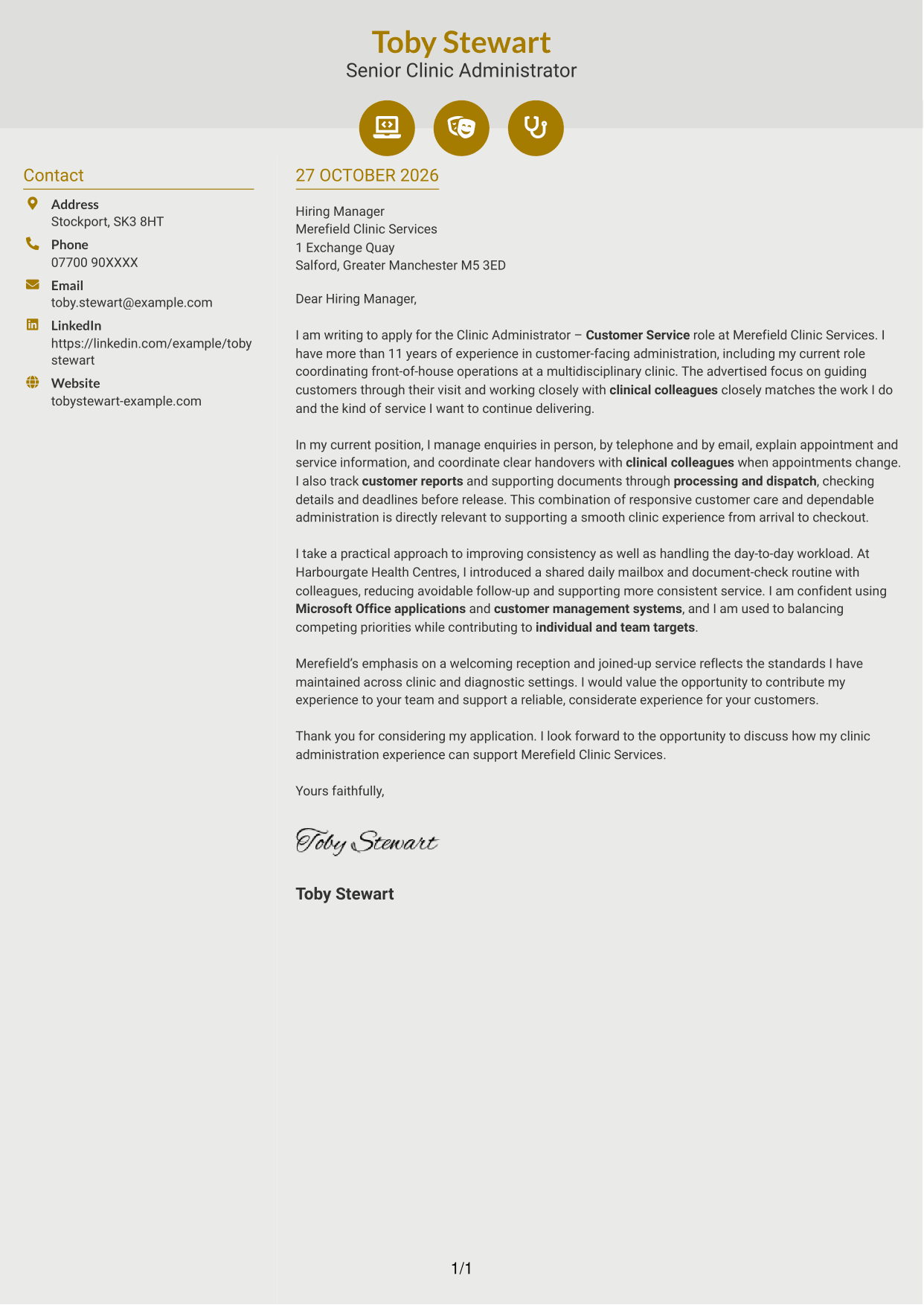
Why This Format Works
- Small icons cue contact details, not stages of the letter's argument.
- Contact information stays beside a single, continuous body of letter text.
- The contact cues add visual detail without presenting the argument as labelled sections.
Best For
- Icon cues for contact details
- A two-column page layout
- Uninterrupted letter paragraphs
- Sender details beside the message
- Letters without argument labels
#7 Creative Two Tone Format Cover Letter Example
The contact sidebar sits beside the letter body, giving sender details their own area while keeping the message in one continuous column.
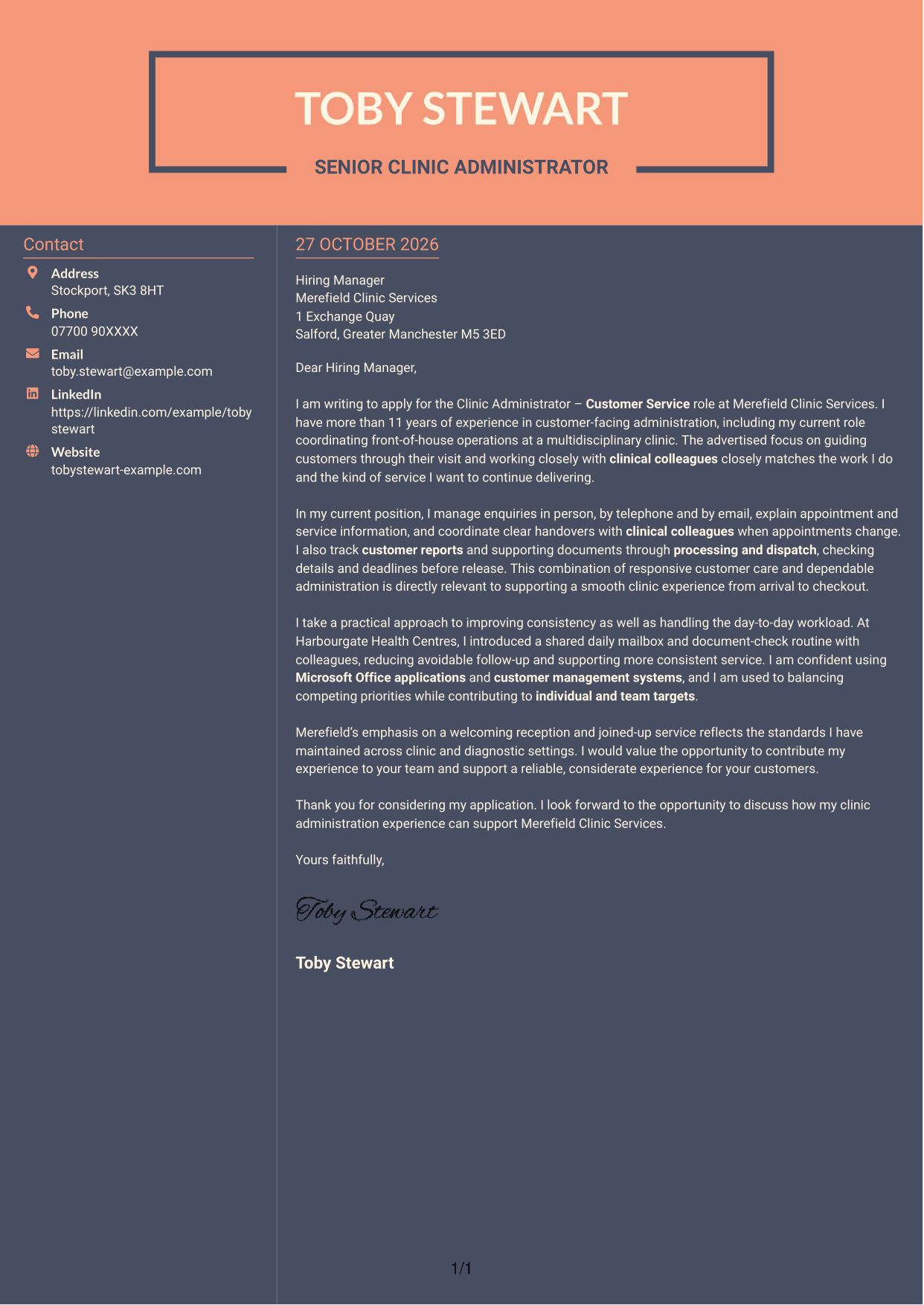
Why This Format Works
- The sidebar gives sender details a separate place beside the employer-facing letter.
- All argument paragraphs remain in one column, preserving the message's sequence.
- Contact information and the letter can be viewed together in the paired columns.
Best For
- Paired contact and message areas
- Continuous persuasive writing
- Side-by-side document reading
- Separate sender information
- Letters with paragraph-led evidence
See Also
- 7 Clinic Administrator - Customer Service CV Templates with Example
- 7 Law Clinics Administrator CV Templates with Example
- 7 Client Services Administrator - Reception and Client Experience CV Templates with Example
- 7 Office Administrator - Engineering Service Coordination CV Templates with Example
- 7 Service Administrator - Ophthalmology Patient Administration CV Templates with Example
- 7 Accounts Administrator - Accounts and Payroll CV Templates with Example
- 7 Accounts Administrator - Payroll and Finance CV Templates with Example
- 7 Accounts Payable Administrator - Supplier Payments CV Templates with Example
- 7 Law Clinics Administrator Cover Letter Templates with Example
- 7 Client Services Administrator - Reception and Client Experience Cover Letter Templates with Example
Frequently Asked Questions
What should a Clinic Administrator - Customer Service cover letter highlight?
Show how you support customers from arrival through to checkout. Relevant evidence may include answering enquiries in person, by telephone and by email, sharing clear information, and coordinating with clinical colleagues.
How can I show that my experience fits this clinic administrator role?
Choose specific examples that match the role’s day-to-day work. You could describe how you handled appointment queries, managed a shared mailbox or checked customer reports before dispatch, then explain how your actions supported timely and reliable service.
How should I explain my interest in the employer?
Refer to a genuine feature of the clinic’s customer service or its work with clinical teams. Connect that point to the kind of welcoming, joined-up service you want to help provide.
What is a clear way to structure this cover letter?
Open by naming the Clinic Administrator - Customer Service role and explaining your interest. Use the body to give focused evidence of customer care, administration and team coordination, then close by restating your interest and inviting a discussion.
Should I include every part of my work history?
No. Select the experience that best shows your fit for clinic customer service and administration. A small number of clear examples can make your interest and contribution easier to understand.




