
7 Clinical Trainer - Robotic-Assisted Knee Surgery Cover Letter Templates with Example
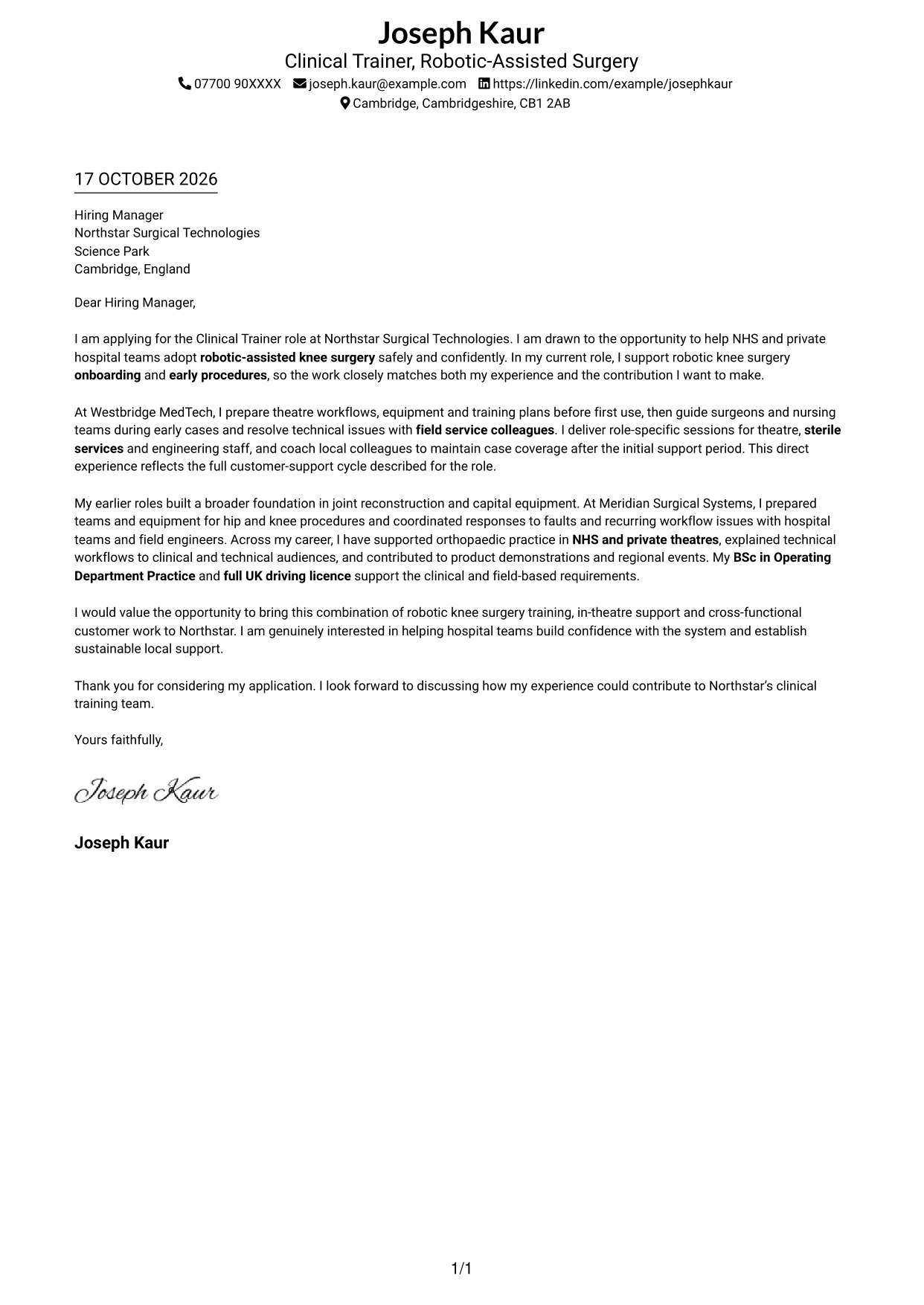
This practical guide to a Clinical Trainer - Robotic-Assisted Knee Surgery cover letter shows how to present your fit and motivation through seven layouts.
What Makes a Great Clinical Trainer - Robotic-Assisted Knee Surgery Cover Letter in 2026
A strong letter links your interest in robotic-assisted knee surgery to the work of preparing hospital teams and supporting early procedures. Make your opening clear about the role and the value you can bring.
Use relevant evidence, such as coordinating theatre workflows, guiding clinical teams during early cases, or training theatre, sterile services and engineering staff. Show how your approach fits the employer’s focus on confident system use and lasting local support.
The featured example moves from interest in the role to current training and in-theatre support, then broader joint reconstruction experience and a clear close. Adapt this focused progression while choosing a presentation that suits the employer and communication context.
#1 Simple One Column Format Cover Letter Example
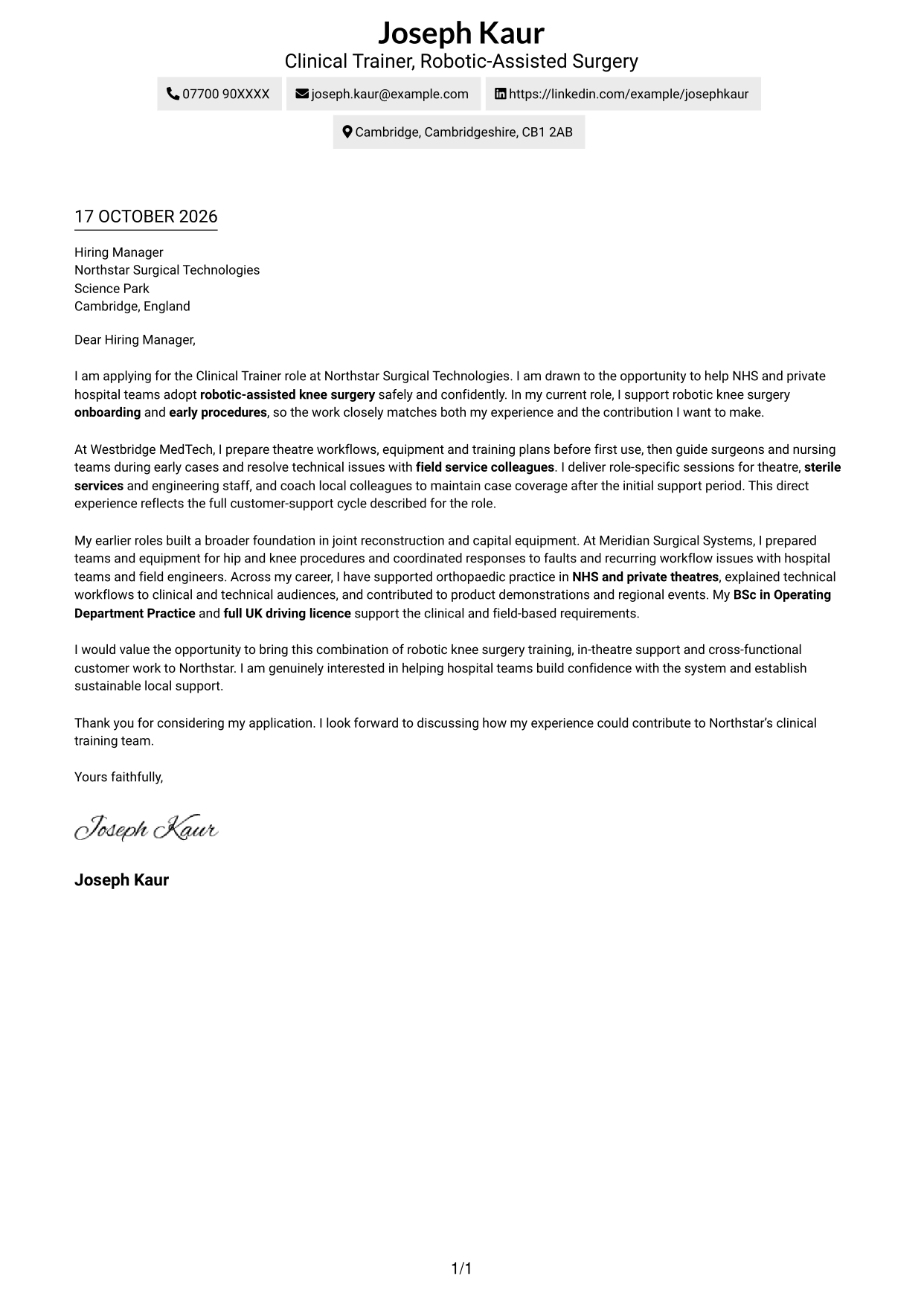
The Simple One Column Format keeps the letter body in one column, with sender details in the header and no photo.
Why This Format Works
- A single body column keeps the opening, supporting points and closing in reading order.
- Sender details stay in the header rather than interrupting the letter paragraphs.
- The layout avoids a photo, keeping attention on the written application.
Best For
- One-column letter reading
- A direct written introduction
- Applications focused on written communication
- Letters without a photo
- Simple contact details in the header
#2 Two Column Format Cover Letter Example
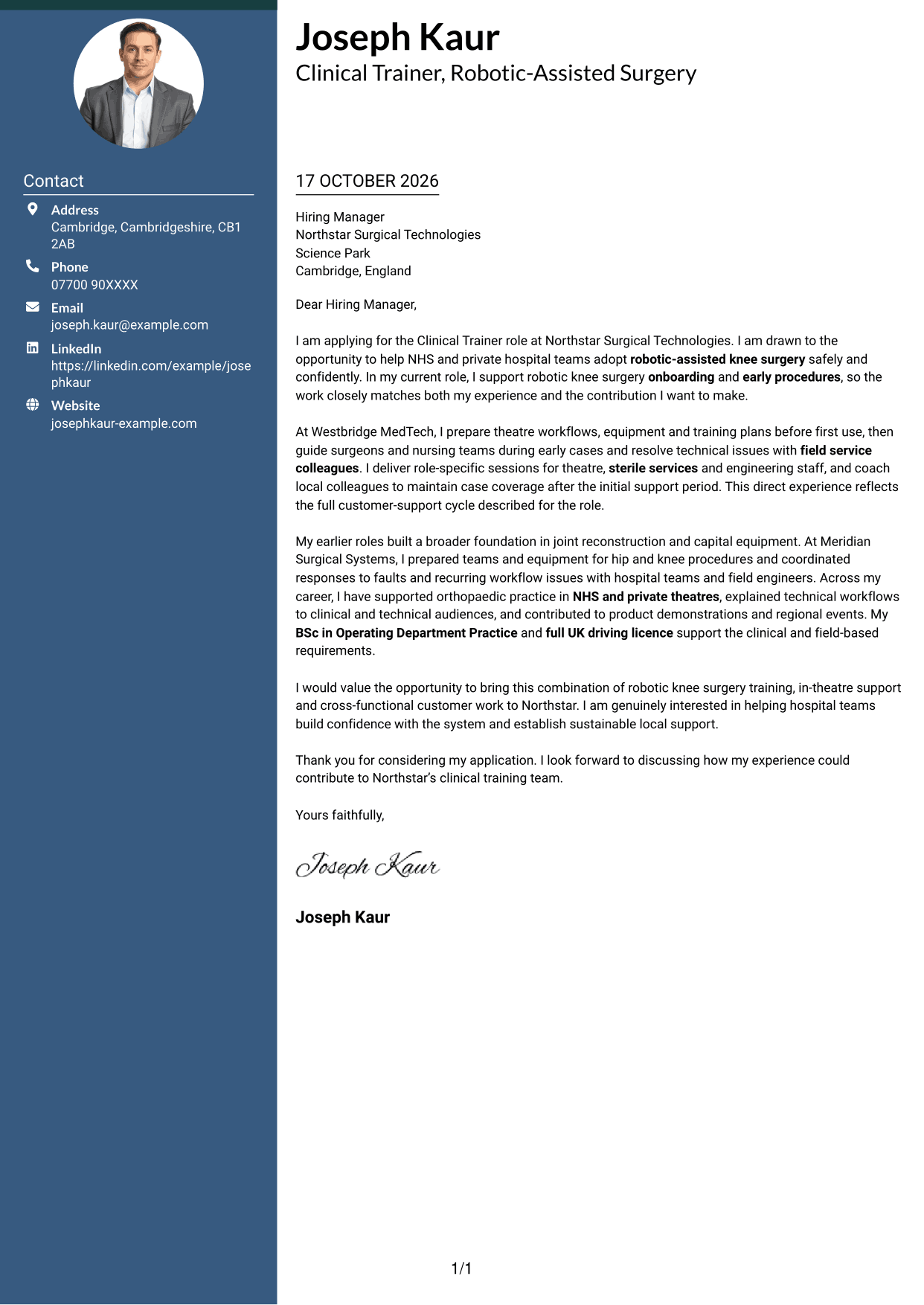
The Two Column Format places contact details in a sidebar beside one continuous letter body, without a photo.
Why This Format Works
- The contact sidebar separates sender details from the letter's persuasive message.
- One continuous body keeps motivation, evidence and closing together in reading order.
- The two-column arrangement gives contact information its own clear place.
Best For
- Contact details beside the letter
- A continuous written argument
- Quick access to sender information
- Applications without a photo
- Readers who prefer clear separation
#3 Photo Header Two Column Format Cover Letter Example
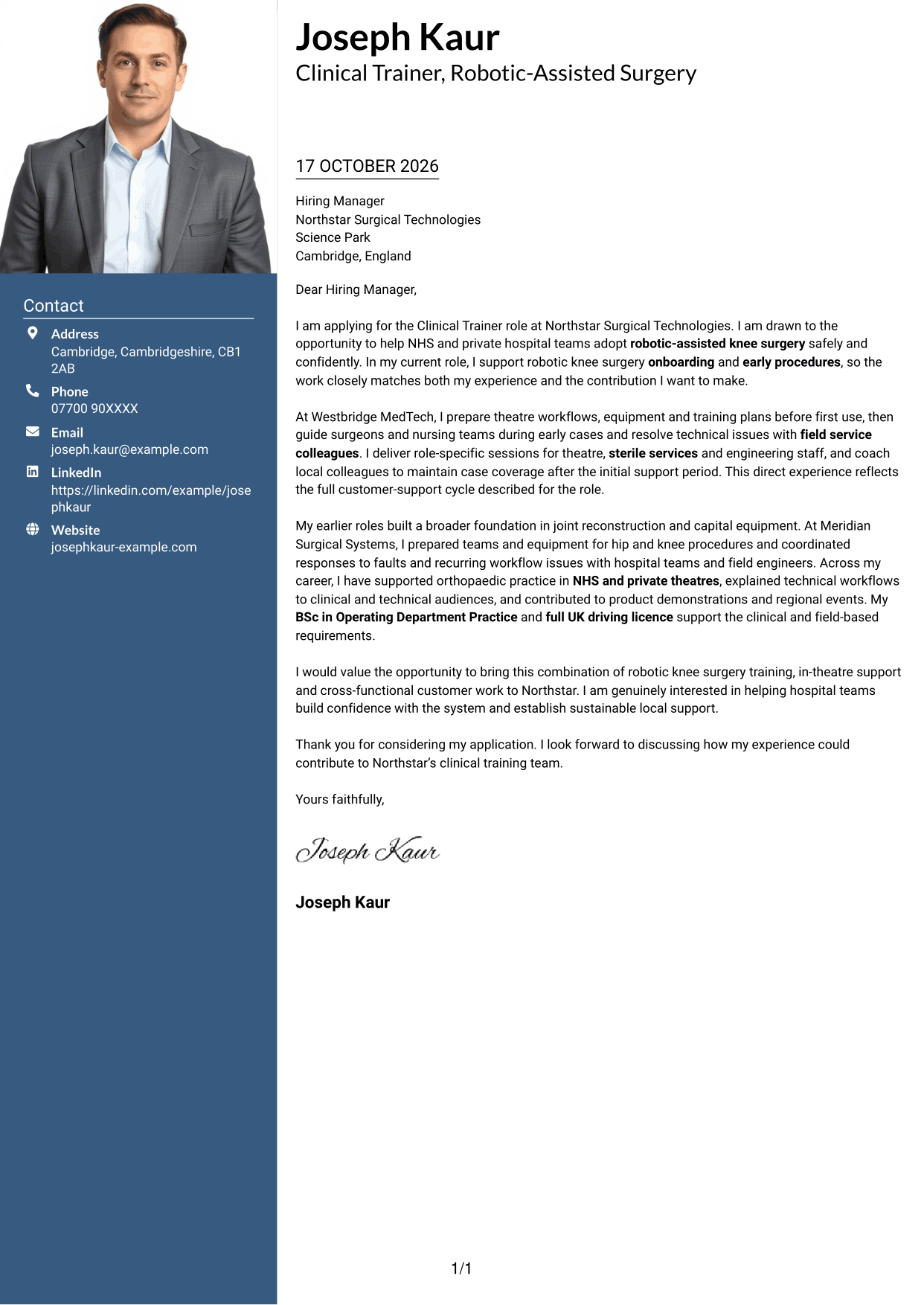
The Photo Header Two Column Format combines a photo and contact sidebar with one continuous letter body.
Why This Format Works
- A separate contact area keeps personal details apart from the letter paragraphs.
- The continuous body lets readers follow the message from opening to closing.
- Including a photo offers a clear visual point of personal identification.
Best For
- A letter with a photo
- Contact details set apart
- One continuous letter argument
- A visual point of identification
- Readers who favour a two-column layout
#4 One Column Format with Photo Cover Letter Example
The One Column Format with Photo presents the letter body in one column and includes a photo.
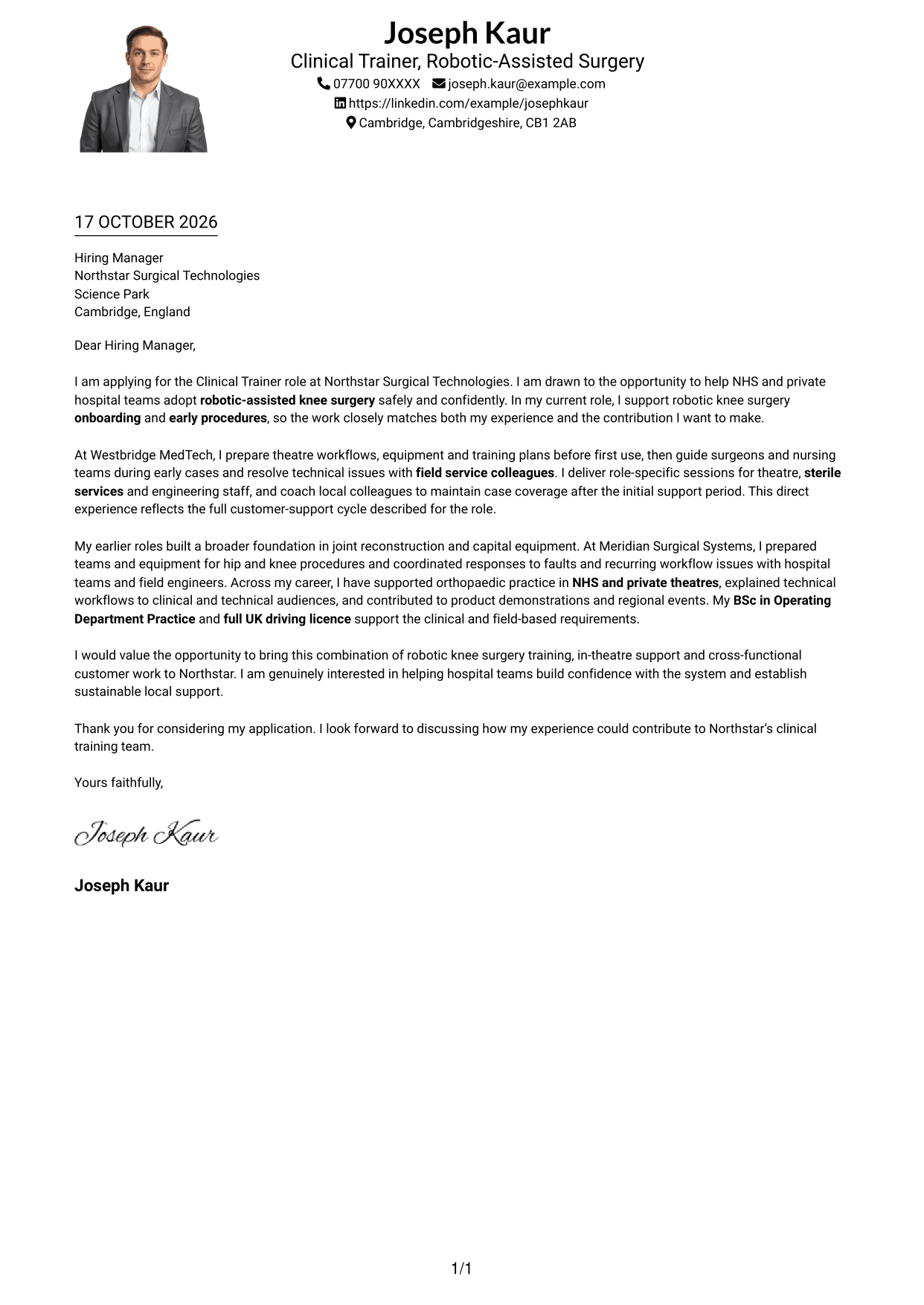
Why This Format Works
- One body column gives the letter paragraphs a straightforward reading order.
- The photo adds a visual point of identification without splitting the letter body.
- Sender details remain in the header, separate from the written message.
Best For
- A one-column letter with a photo
- A straightforward paragraph sequence
- A visual point of identification
- Sender details in the header
- Readers who favour a single body column
#5 Simple Two Column Format Cover Letter Example
The Simple Two Column Format sets contact details in a sidebar beside a continuous letter body, without a photo.
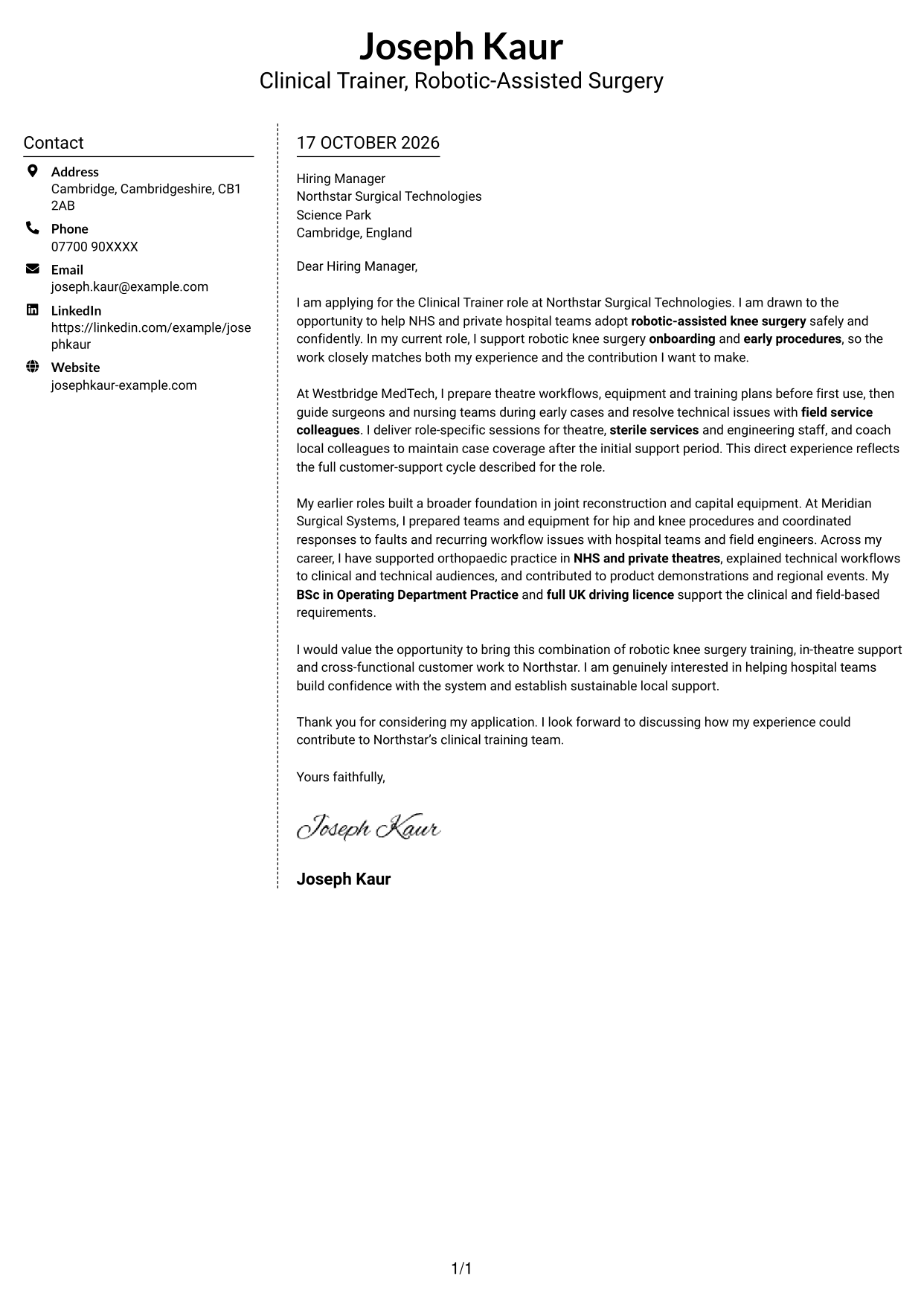
Why This Format Works
- The sidebar gives contact information a place separate from the letter text.
- A single letter body keeps the message together rather than splitting it across columns.
- The layout leaves the written paragraphs free of contact details.
Best For
- Contact details in a sidebar
- A letter that stays in one body column
- Applications without a photo
- A clear boundary between contact and message
- Readers who prefer separated contact information
#6 Modern Icon Format Cover Letter Example
The Modern Icon Format uses two columns for a contact sidebar and one continuous letter body, with icons for contact details or header accents.
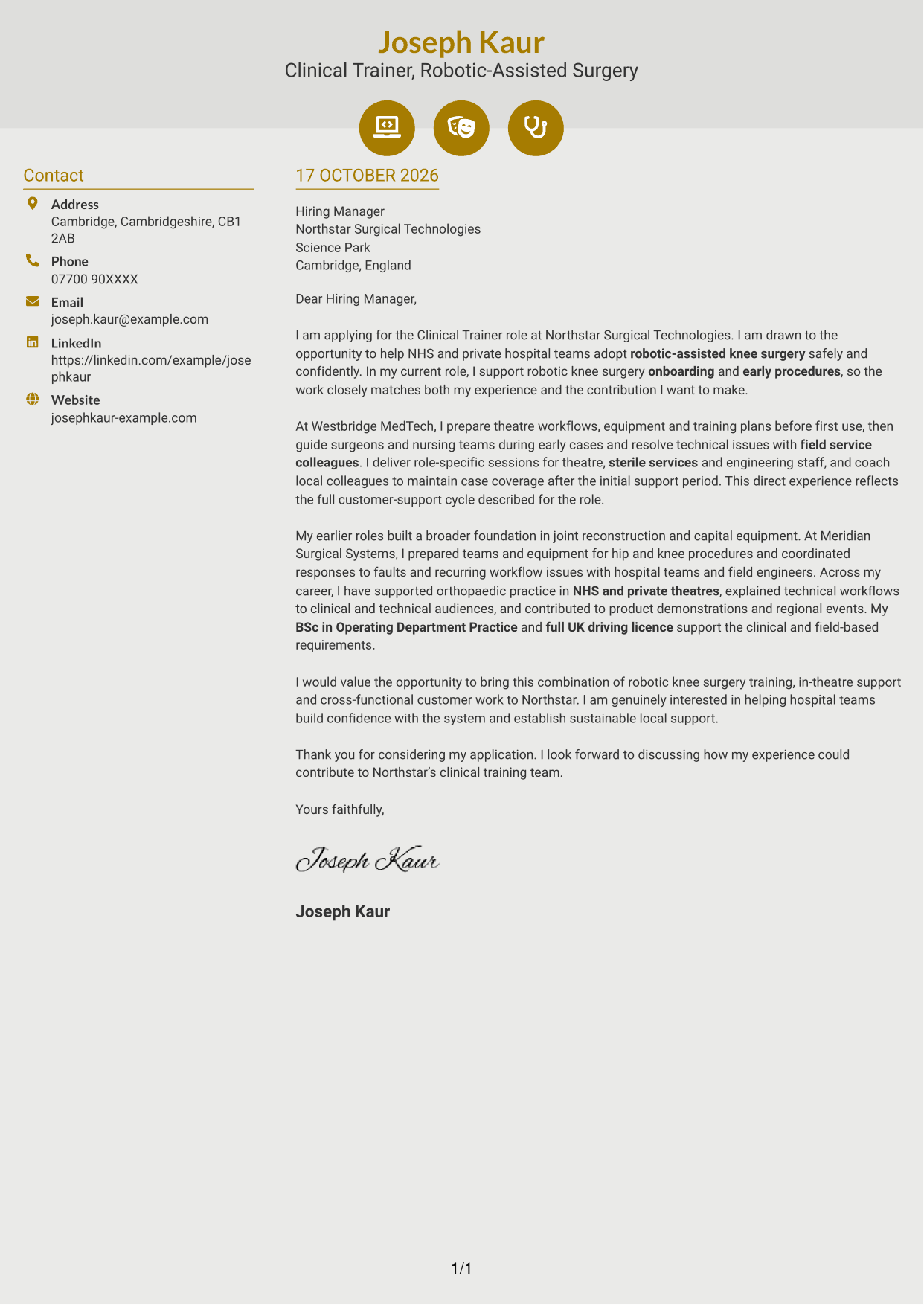
Why This Format Works
- Contact icons can help distinguish personal details from the letter paragraphs.
- The sidebar and body keep contact information separate from the written case.
- One continuous body lets readers follow the message without argument-section labels.
Best For
- Icon cues for contact details
- A separate contact sidebar
- One continuous letter body
- Applications without a photo
- Readers who value visual contact cues
#7 Creative Two Tone Format Cover Letter Example
The Creative Two Tone Format uses a two-column layout, placing contact details beside one continuous letter body, without a photo.
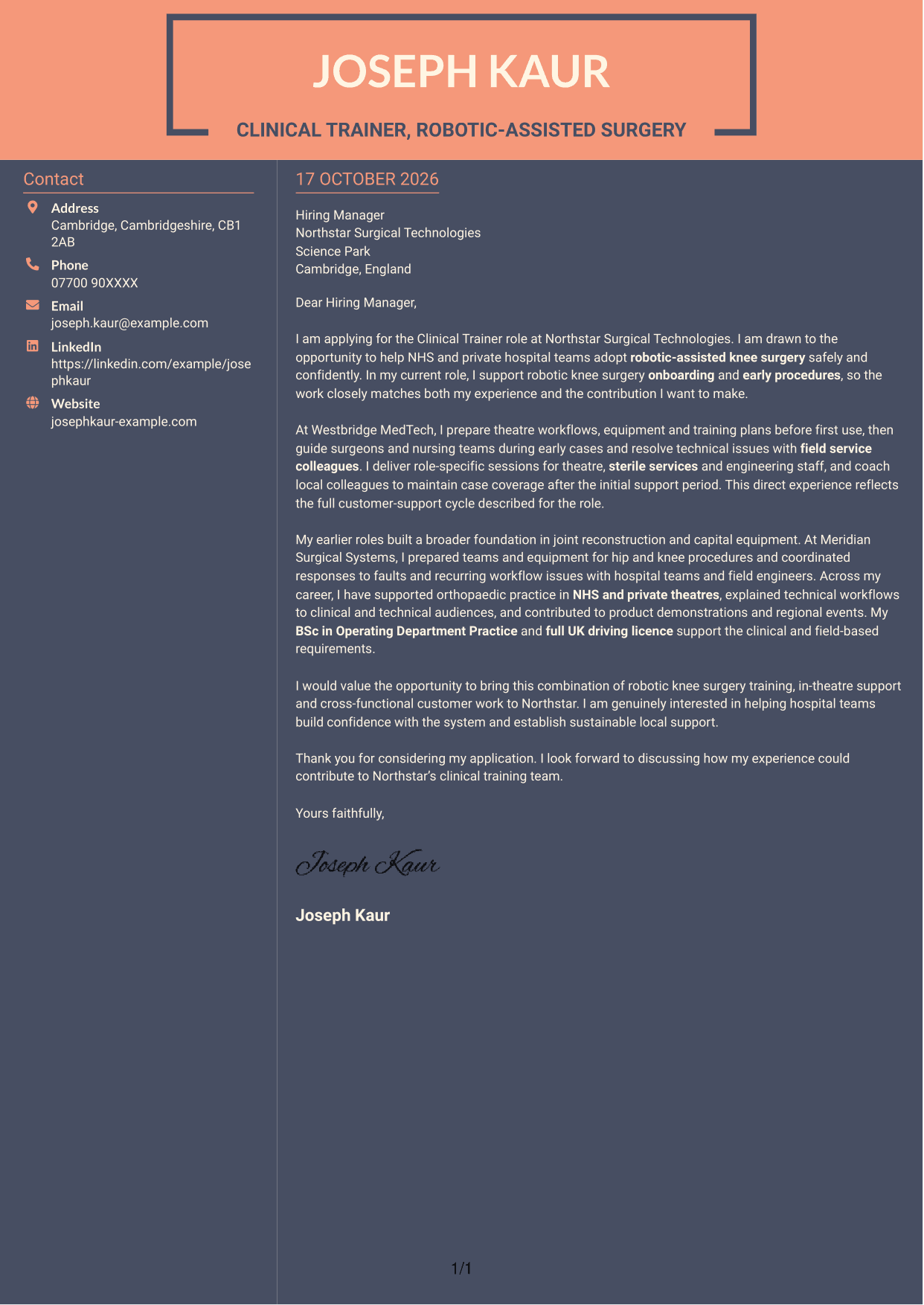
Why This Format Works
- A distinct contact column keeps sender details apart from the application message.
- The letter remains one continuous body, so its paragraphs stay in sequence.
- The two-column structure gives contact information a separate reading area.
Best For
- Two-column contact and letter layout
- A continuous paragraph sequence
- Applications without a photo
- Contact information separate from the message
- Readers who prefer a distinct sidebar
See Also
- 7 Clinical Trainer - Robotic-Assisted Knee Surgery CV Templates with Example
- 7 Operations Planning Manager - Rail Maintenance CV Templates with Example
- 7 Postgraduate Administrator - Admissions and Student Support CV Templates with Example
- 7 Cash Reconciliation Assistant - Retail and Wholesale Accounts CV Templates with Example
- 7 Associate, US Funds Tax CV Templates with Example
- 7 Associate - Export, Trade and Commodity Finance CV Templates with Example
- 7 Retail Assistant - Fashion Retail CV Templates with Example
- 7 Programme Coordinator - Adult English and Maths Projects CV Templates with Example
- 7 Audit Assistant Manager - Real Estate CV Templates with Example
- 7 Associate CV Templates with Example
Frequently Asked Questions
What should a Clinical Trainer - Robotic-Assisted Knee Surgery cover letter highlight?
Show how you can help hospital teams prepare for robotic-assisted knee surgery and use the system with confidence. Relevant evidence may include onboarding, support during early procedures, role-specific training and technical troubleshooting.
How can I make my experience relevant to this role?
Choose examples that show what you did and how it helped the clinical team. You might describe preparing theatre workflows and equipment, guiding teams during early cases, or working with field service colleagues to resolve an issue.
How should I explain my interest in Northstar Surgical Technologies?
Connect your interest to the work described for this role: helping NHS and private hospital teams adopt robotic-assisted knee surgery safely and confidently. Explain why that work matters to you and how you would support the teams involved.
What is a clear way to structure this cover letter?
Open with the role and your reason for applying. Use the body to show how your training, early-case support and related clinical work match the position, then close by restating your interest and inviting a discussion.
Should I include every part of my work history?
No. Focus on the experience that best supports this role, such as robotic knee surgery onboarding, joint reconstruction and work with hospital teams. A few clear examples are easier to follow than a full account of every duty.




