
7 Clinical Trainer - Robotic-Assisted Knee Surgery CV Templates with Example
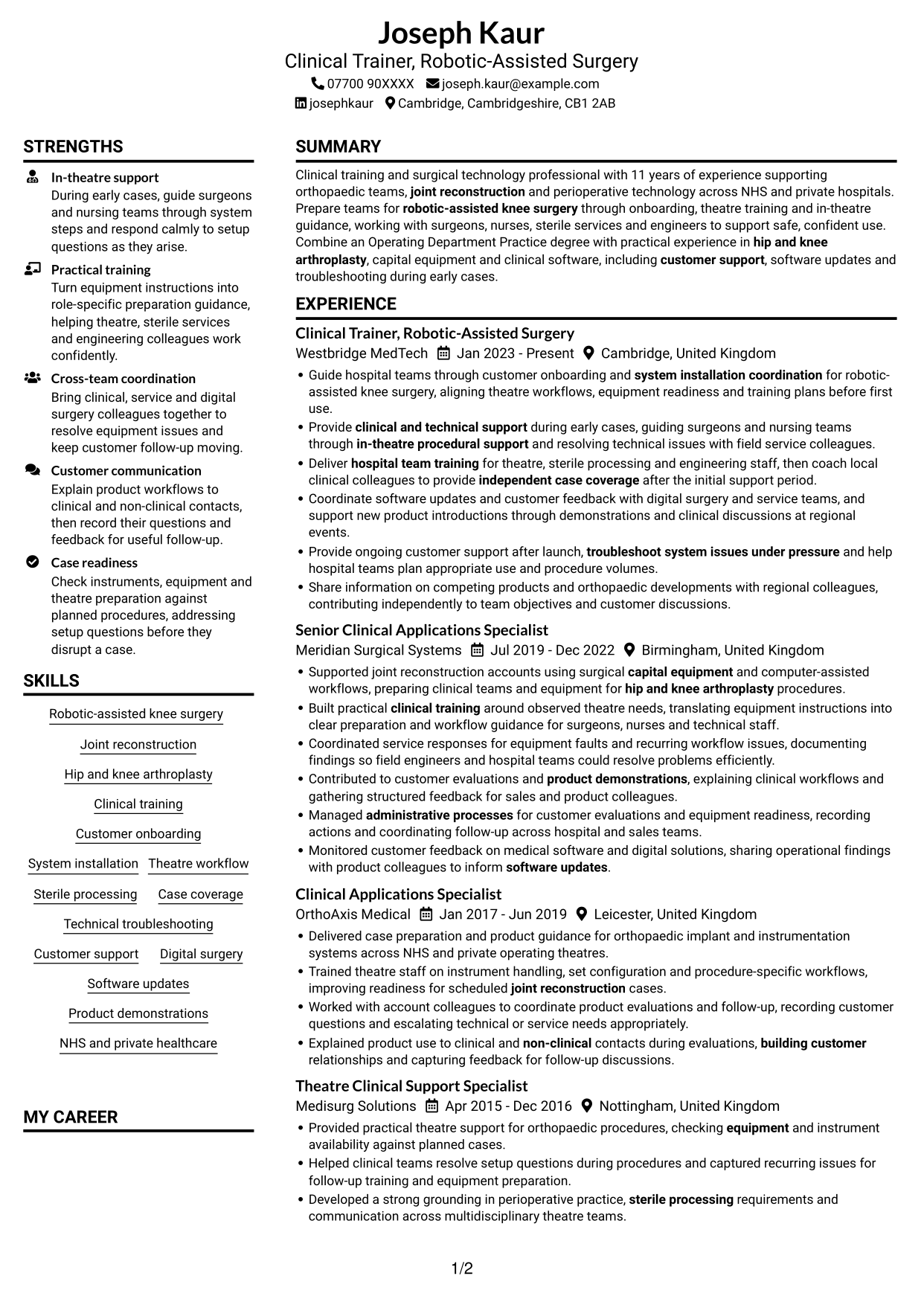
This guide shows you how to create a clear, focused CV for a Clinical Trainer - Robotic-Assisted Knee Surgery role. It helps you organise relevant evidence so readers can quickly understand your clinical training and technical support experience.
For this role, make the link between robotic-assisted knee surgery, theatre readiness and practical team training easy to see. Use concise examples to show how you support early cases, customer onboarding, system installation, troubleshooting and software updates.
Explore the example presented in 7 layouts, compare the PNG image previews, and open a preferred example in the editor to customise it. The guide also covers ATS readability, useful CV sections and role-specific terms such as joint reconstruction, hip and knee arthroplasty, sterile processing and capital equipment.
What Makes a Great Clinical Trainer - Robotic-Assisted Knee Surgery CV in 2026
A strong CV makes clinical training, in-theatre support and technical problem-solving easy to find. Show how your work helps hospital teams prepare for procedures and use systems with confidence.
Use clear bullet points and relevant terms such as customer onboarding, system installation coordination, sterile processing and digital surgery. Add figures only when you can support them.
Note: CV examples are for educational purposes only. Use only information that accurately reflects your experience and qualifications. References to real organisations do not imply affiliation or endorsement.
#1 Plain Two Column Format CV Example
The Plain Two Column Format uses two body columns to place work history and supporting sections in separate reading areas.
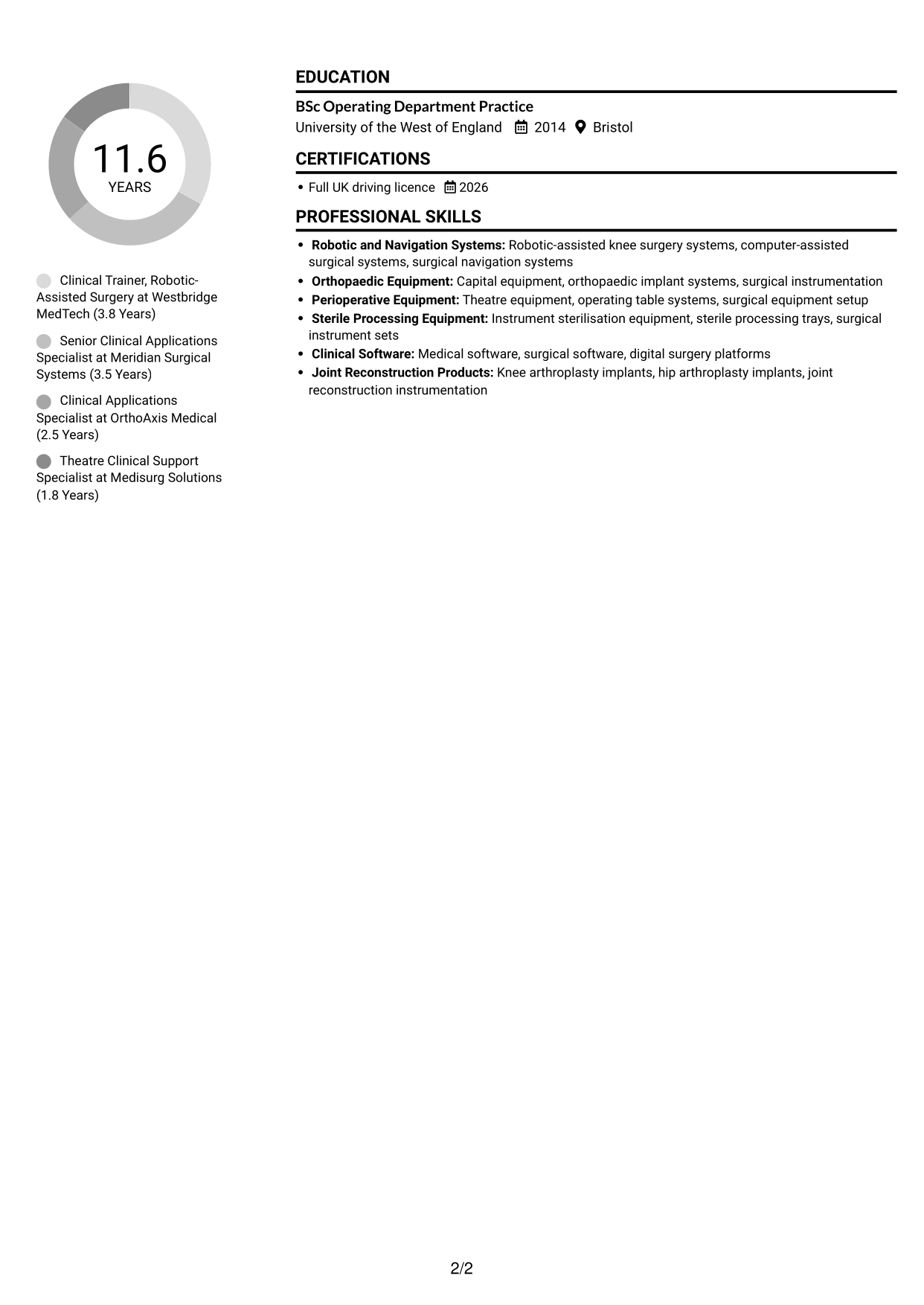
CV Snapshot
- 11 years in orthopaedic and surgical technology support
- BSc Operating Department Practice
- Experience across four clinical support and training roles
- Full UK driving licence
Why This Format Works
- Two reading areas help reviewers move between career history and supporting sections.
- Ordered role entries make progression through successive positions easy to follow.
- Skills and education remain accessible without interrupting detailed experience entries.
Best For
- CVs with several career entries
- Experience paired with education and skills
- Readers comparing roles and qualifications
- Section-based scanning preferences
- CVs needing a clear division of information
CV Keywords
- Robotic-assisted knee surgery
- Joint reconstruction
- Hip and knee arthroplasty
- clinical and technical support
- in-theatre procedural support
- Clinical training
- Customer onboarding
- system installation coordination
- hospital team training
- Theatre workflow
- Sterile processing
- independent case coverage
- Technical troubleshooting
- Customer support
- capital equipment
#2 Simple One Column Format CV Example
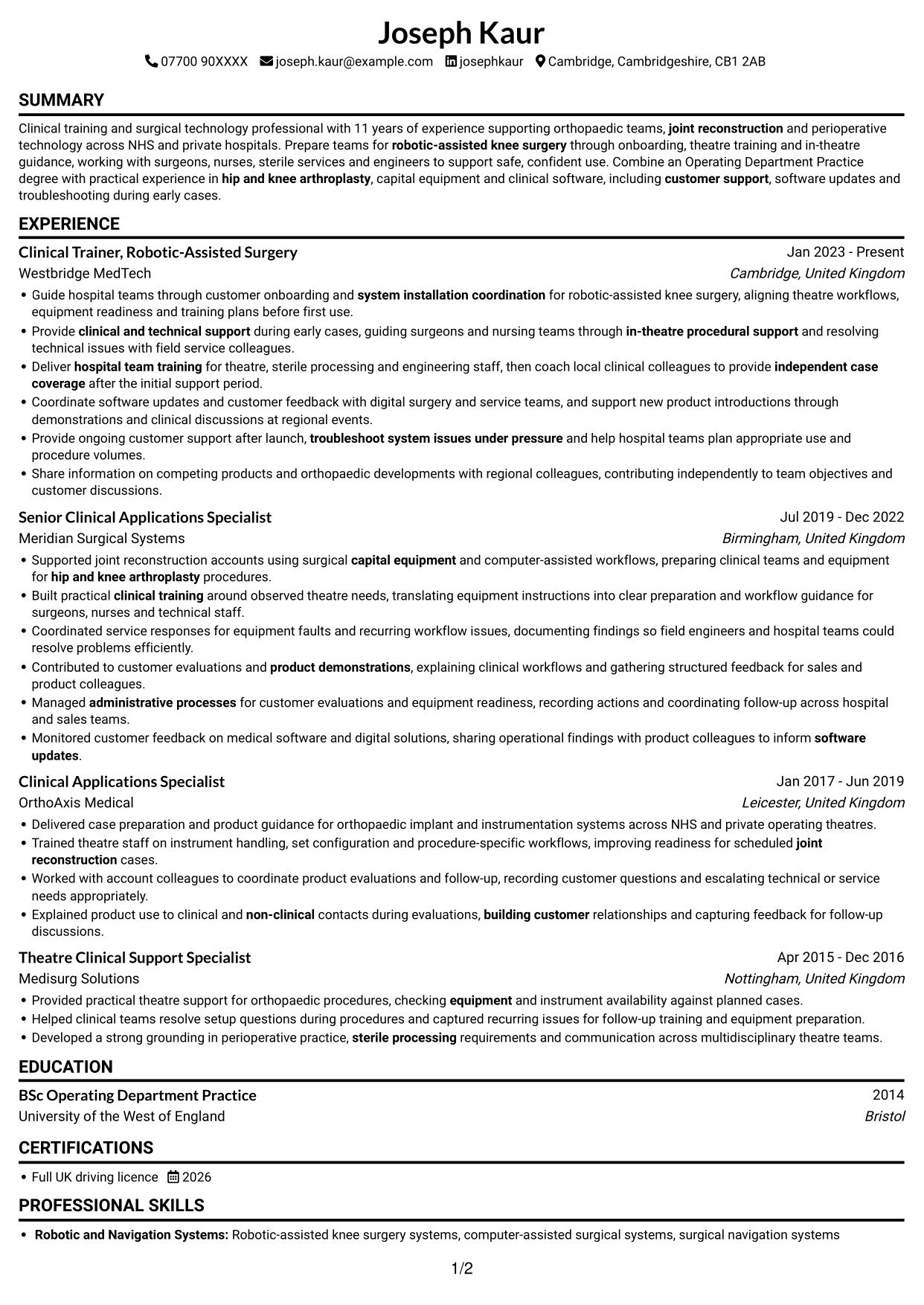
The Simple One Column Format presents the CV in one vertical sequence, giving readers a direct route through each section.

Why This Format Works
- One vertical sequence gives the work history a clear, familiar reading order.
- Chronological entries let reviewers trace progression from role to role.
- Skills and education fit within the same sequence as experience details.
Best For
- Top-to-bottom reading preferences
- Chronological career histories
- CVs with detailed role entries
- Familiar section sequences
- Applications needing a single reading path
#3 Clean Two Column Sidebar Format CV Example
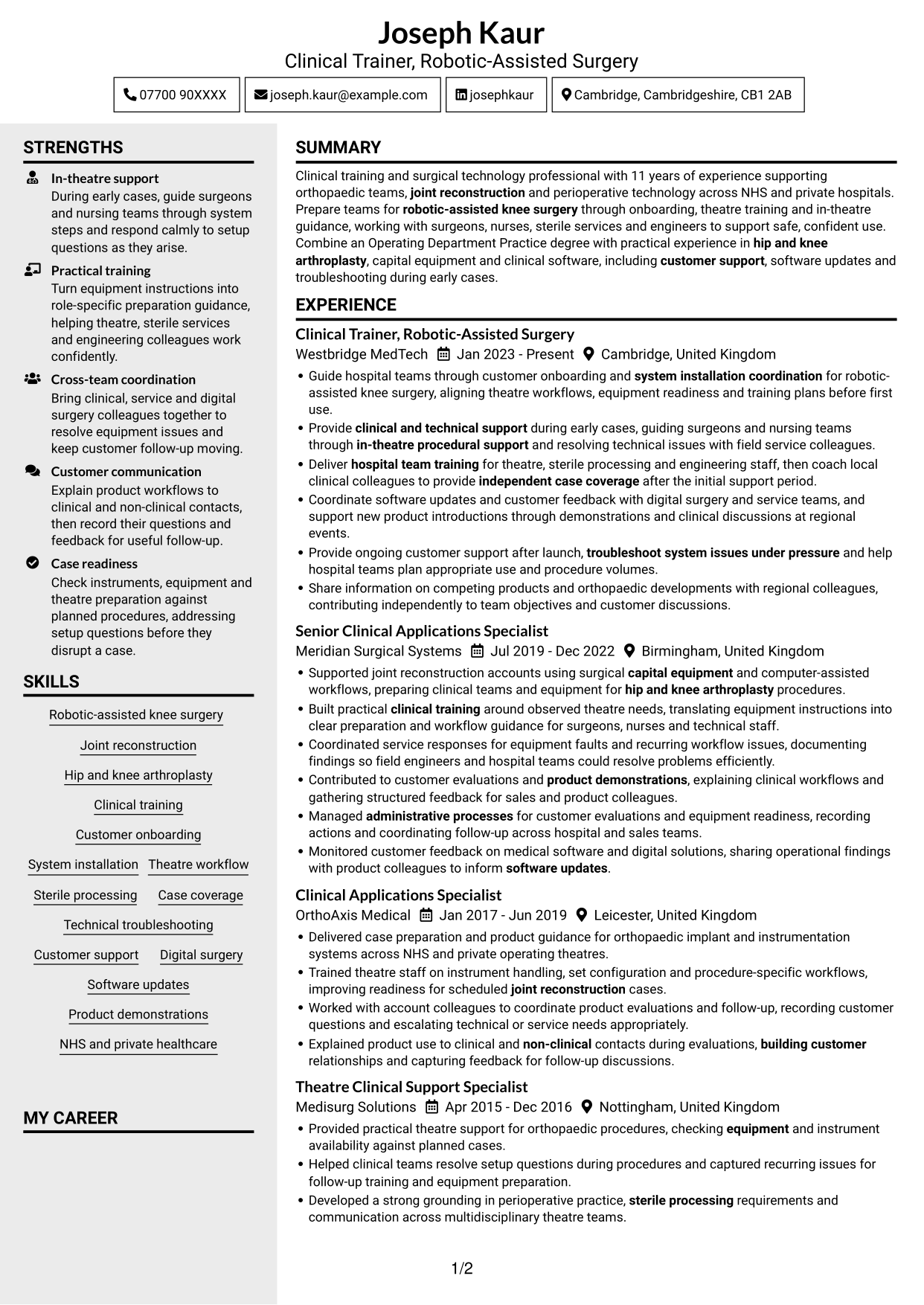
The Clean Two Column Sidebar Format arranges CV content in two columns, useful when readers need role history and supporting details in view.
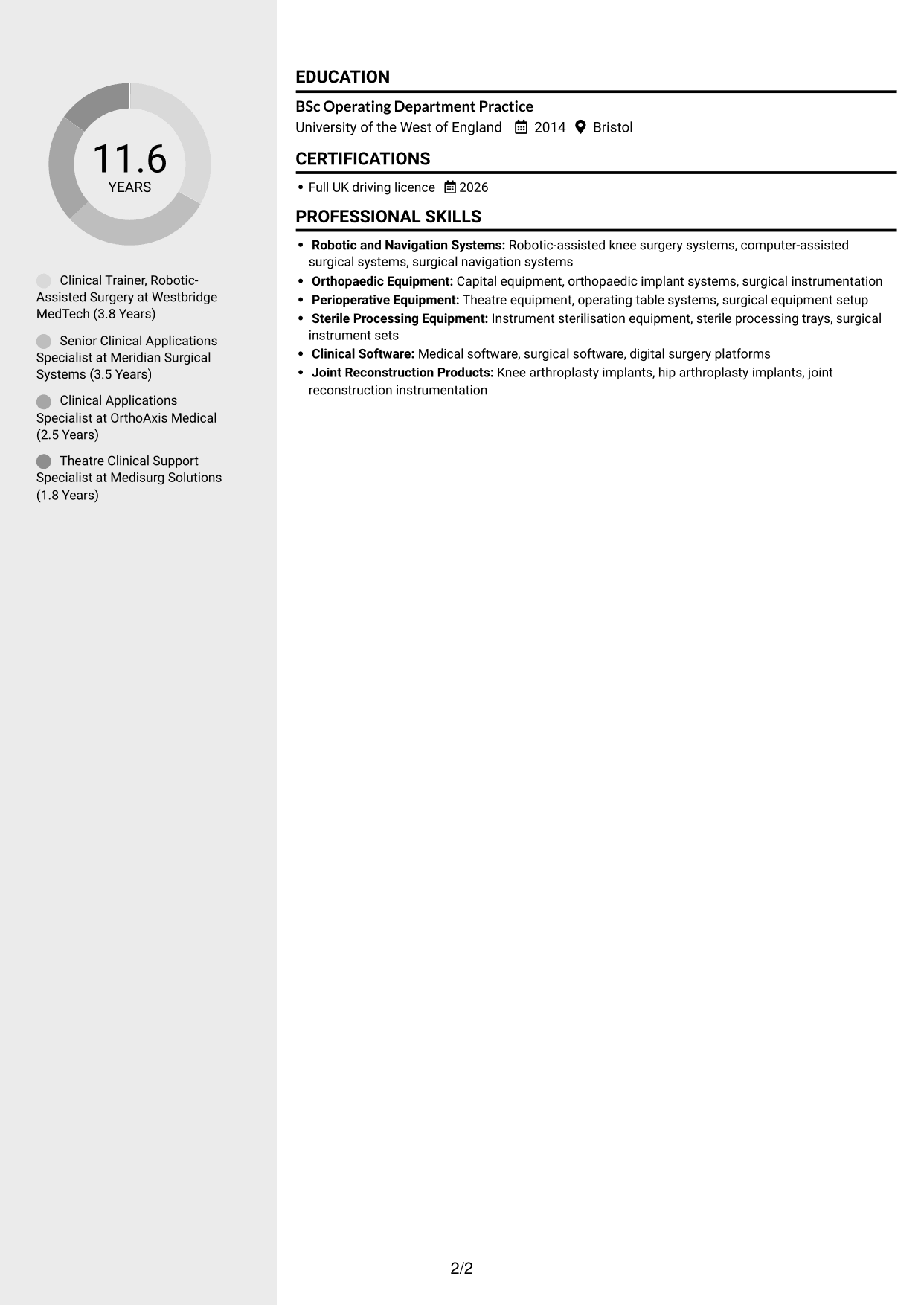
Why This Format Works
- Separate visual areas make experience and supporting sections easier to distinguish.
- Role-by-role ordering gives career progression a clear path through the CV.
- Reviewers can locate skills and education without moving through every work detail.
Best For
- Career histories with supporting sections
- Readers locating skills and education
- CVs needing distinct content areas
- Role progression requiring a clear sequence
- Clinical training applications
#4 Two Column Format CV Example
The Two Column Format divides the CV body into two reading areas, a practical choice for keeping several sections visible together.
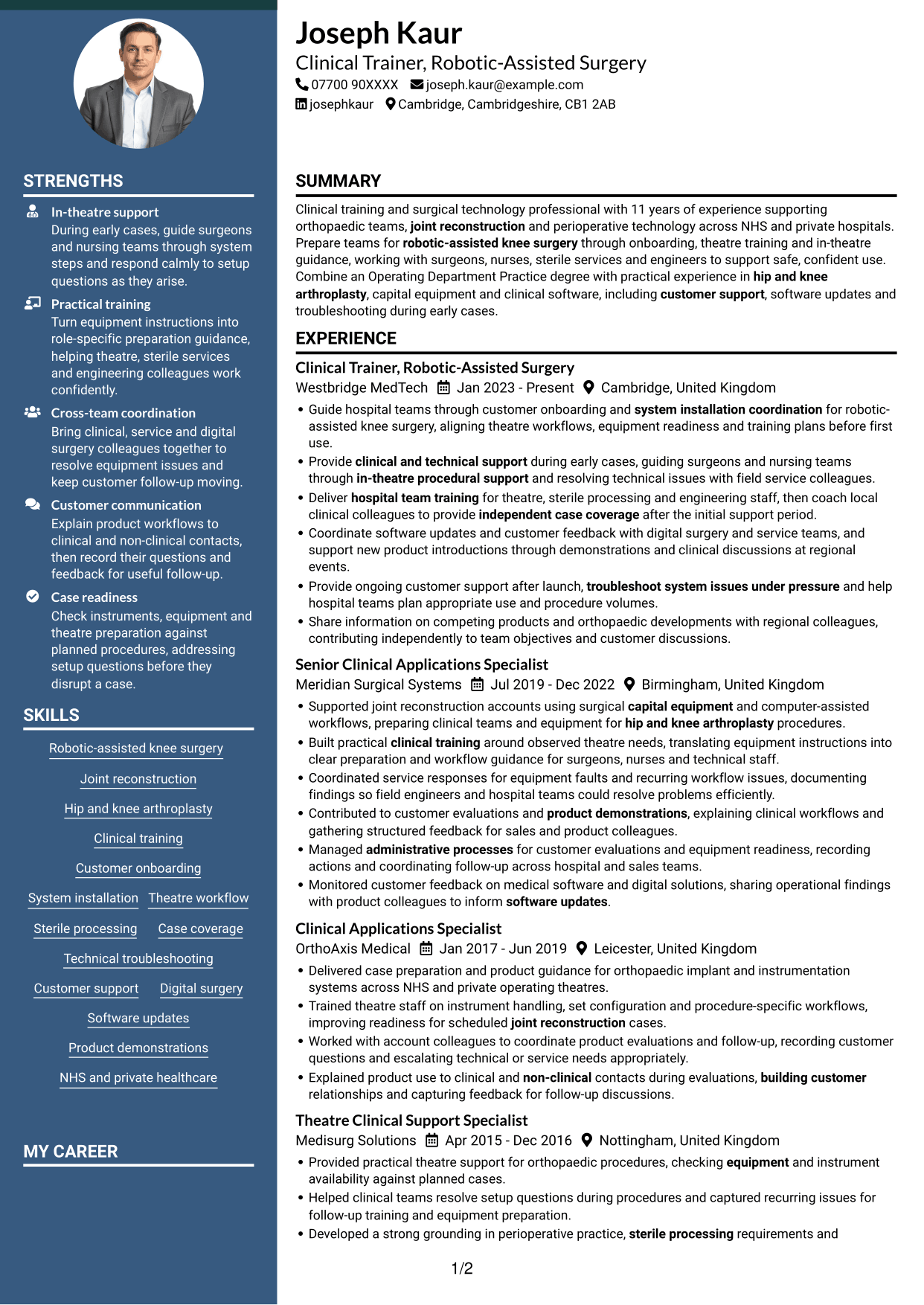
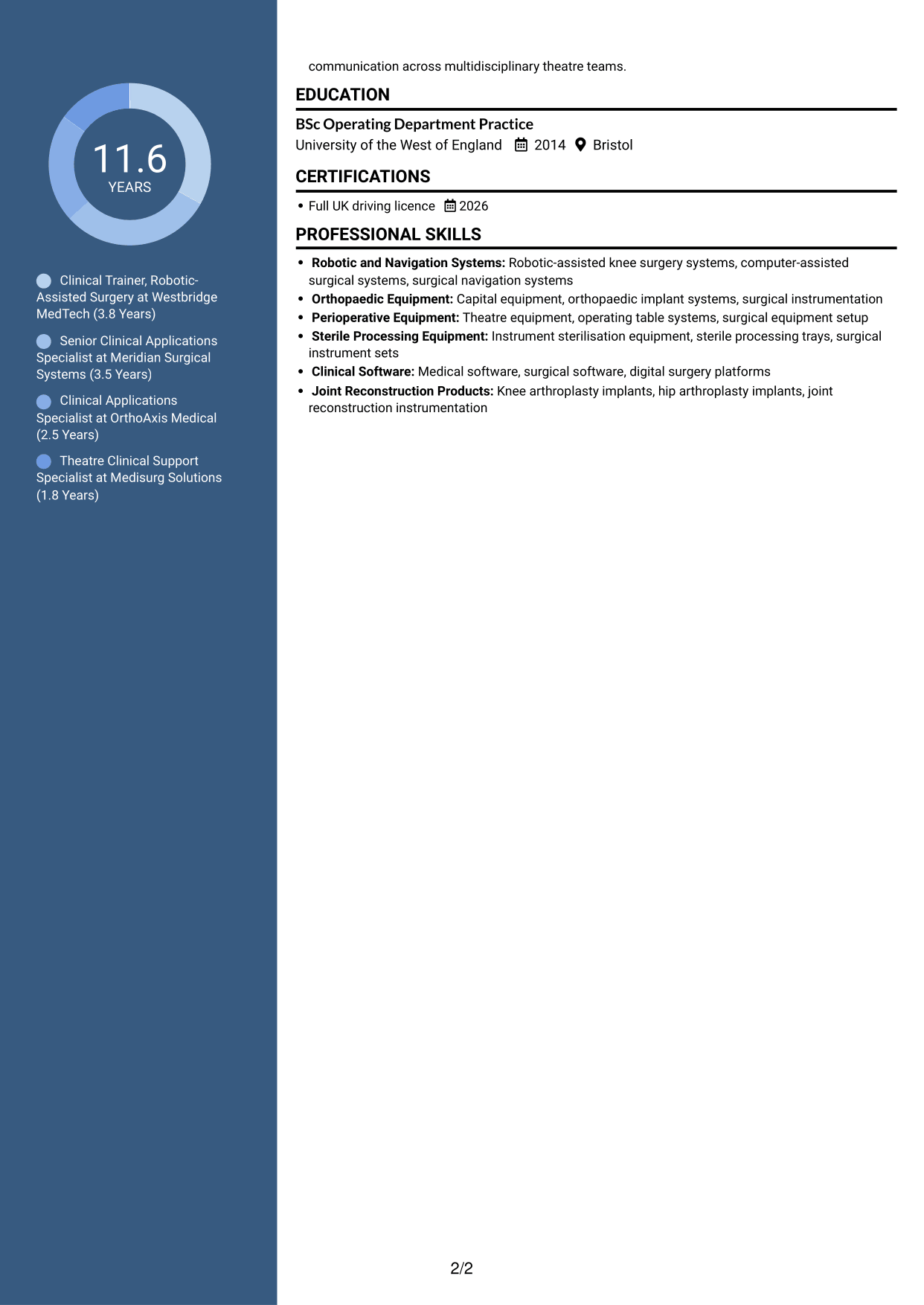
Why This Format Works
- The two columns let experience and qualifications occupy distinct content areas.
- Chronological role entries help readers follow changes in responsibility over time.
- Skills remain easy to reference alongside detailed employment information.
Best For
- CVs balancing experience and qualifications
- Several roles with distinct responsibilities
- Reviewers comparing career stages
- Skills and education alongside employment history
- Section-based document review
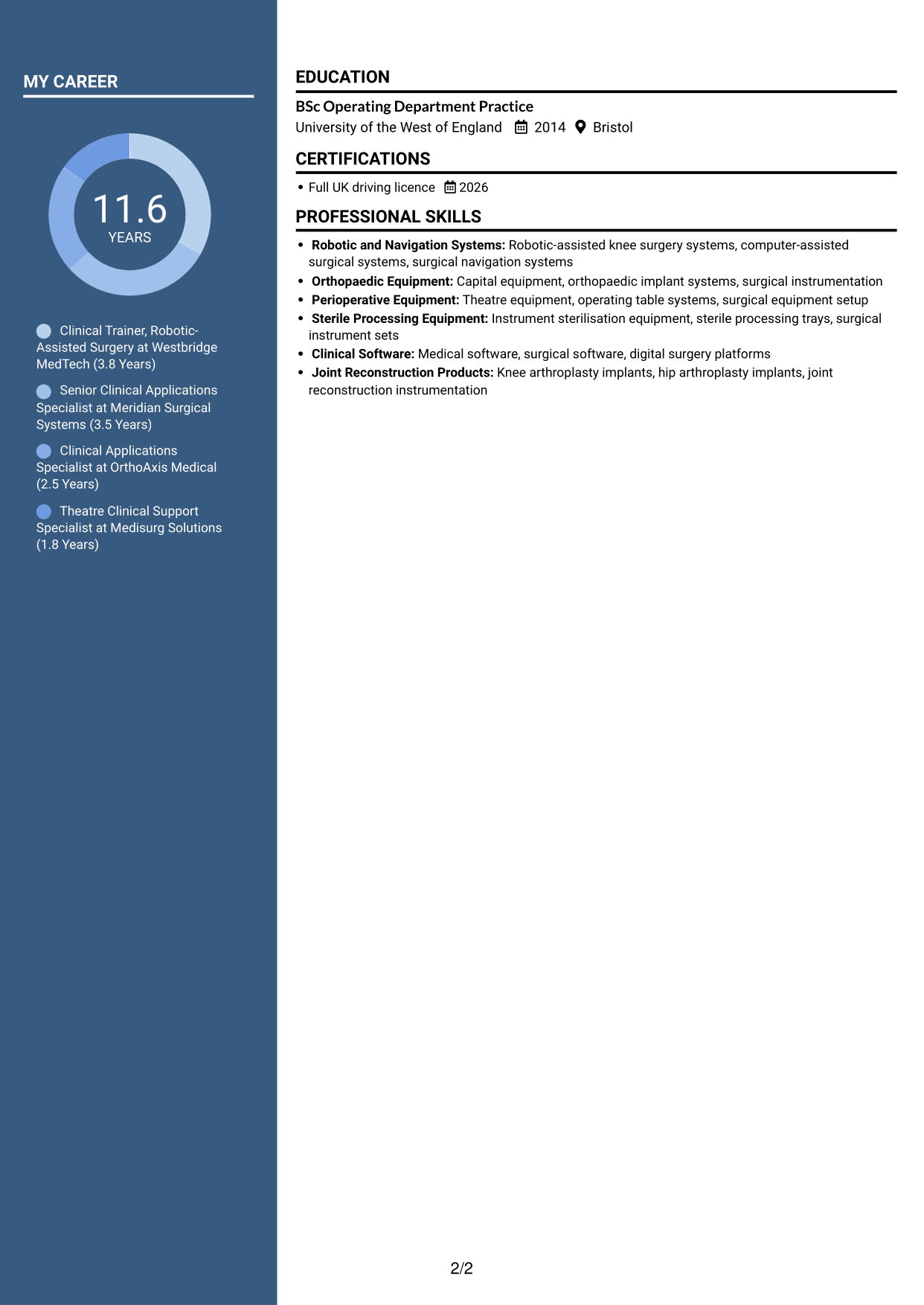
#5 Photo Header Two Column Format CV Example
The Photo Header Two Column Format places a profile photo in the header and uses two body columns to organise CV sections.
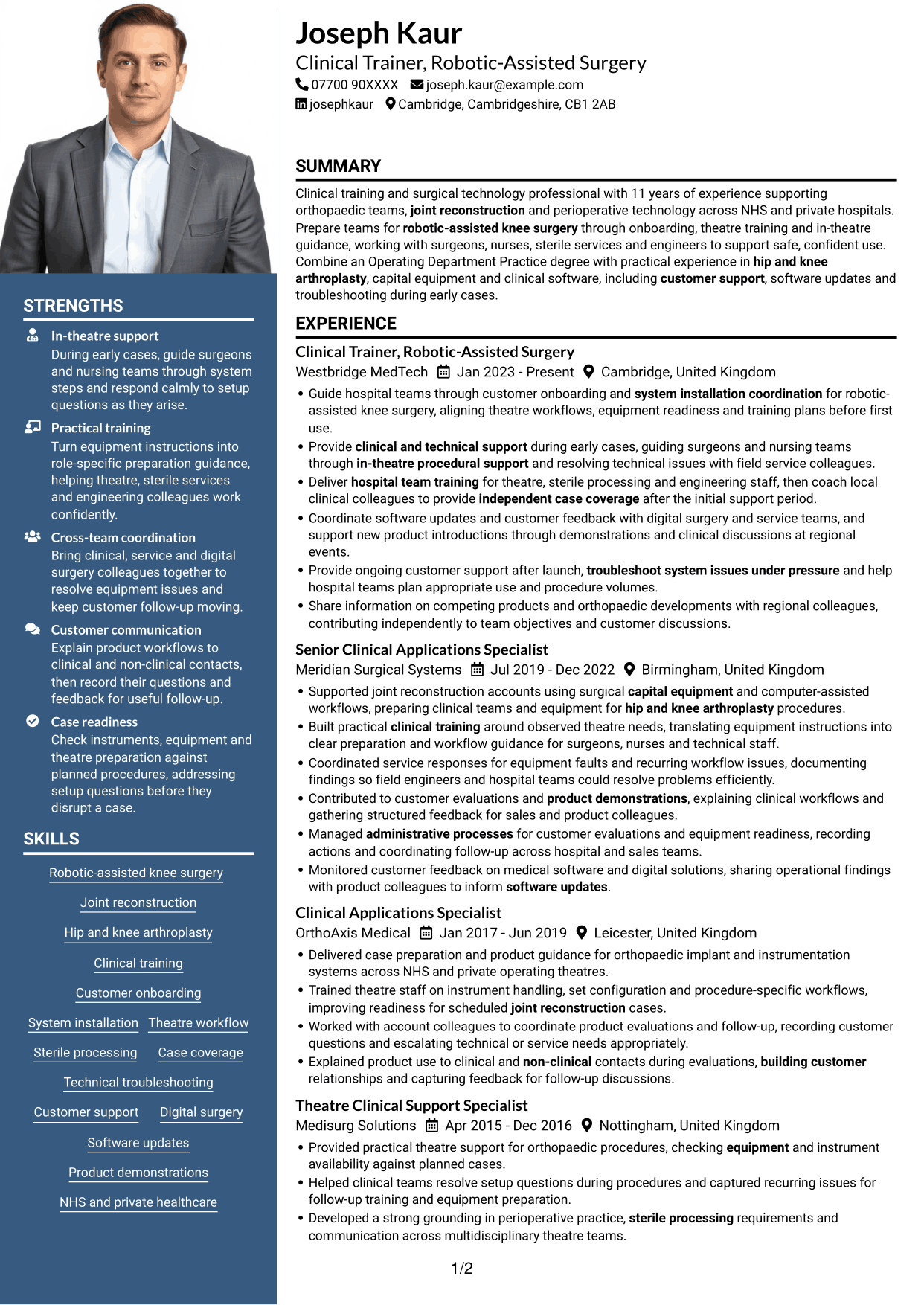
Why This Format Works
- Two body columns distinguish work history from supporting CV sections.
- Chronological role entries make career progression clear to reviewers.
- Skills and education can be found without scanning every experience detail.
Best For
- Applications requesting a profile photograph
- Two-column CVs with a header image
- Experience paired with supporting sections
- Readers who prefer a visual identity cue
- CVs with career history and credentials
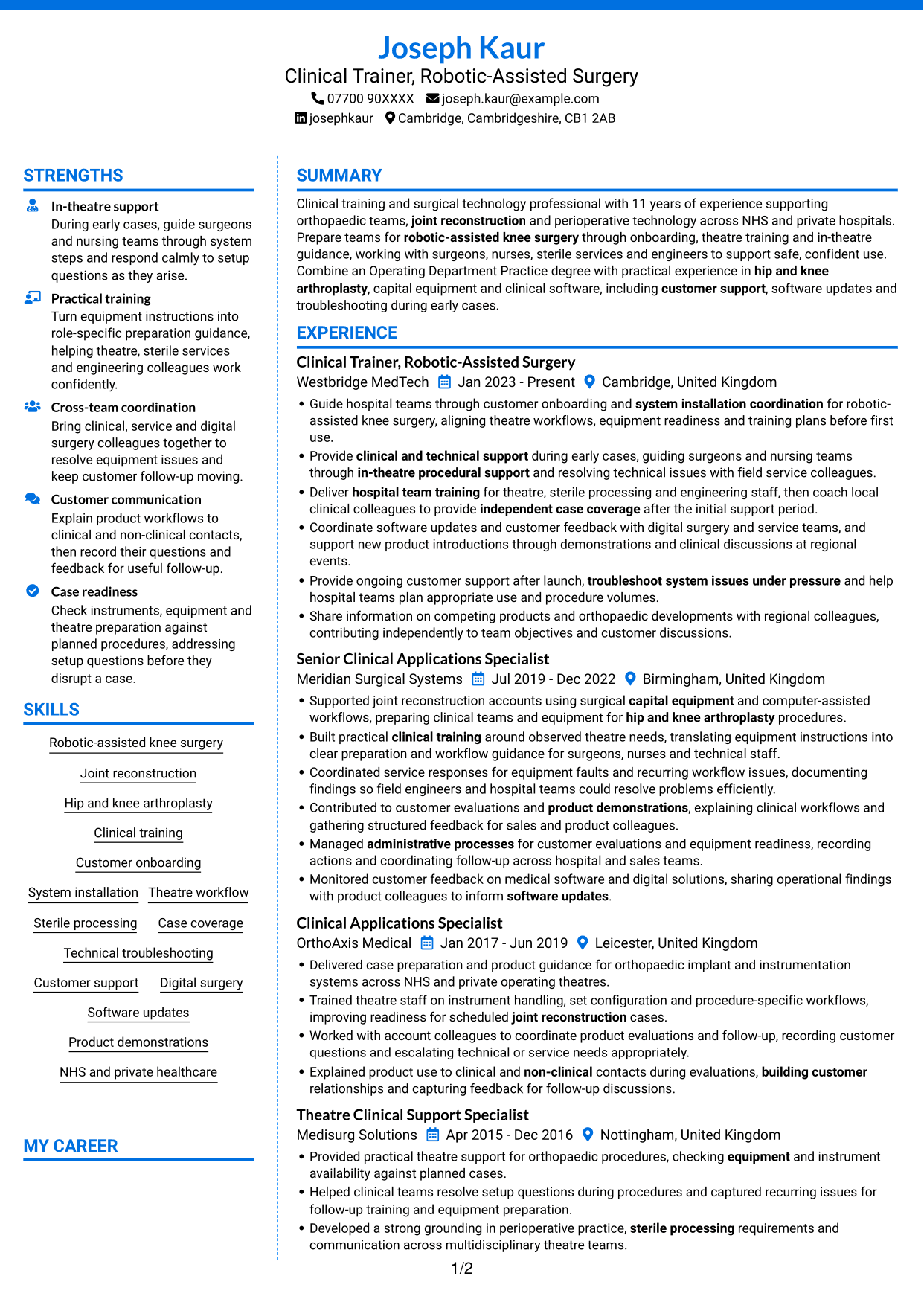
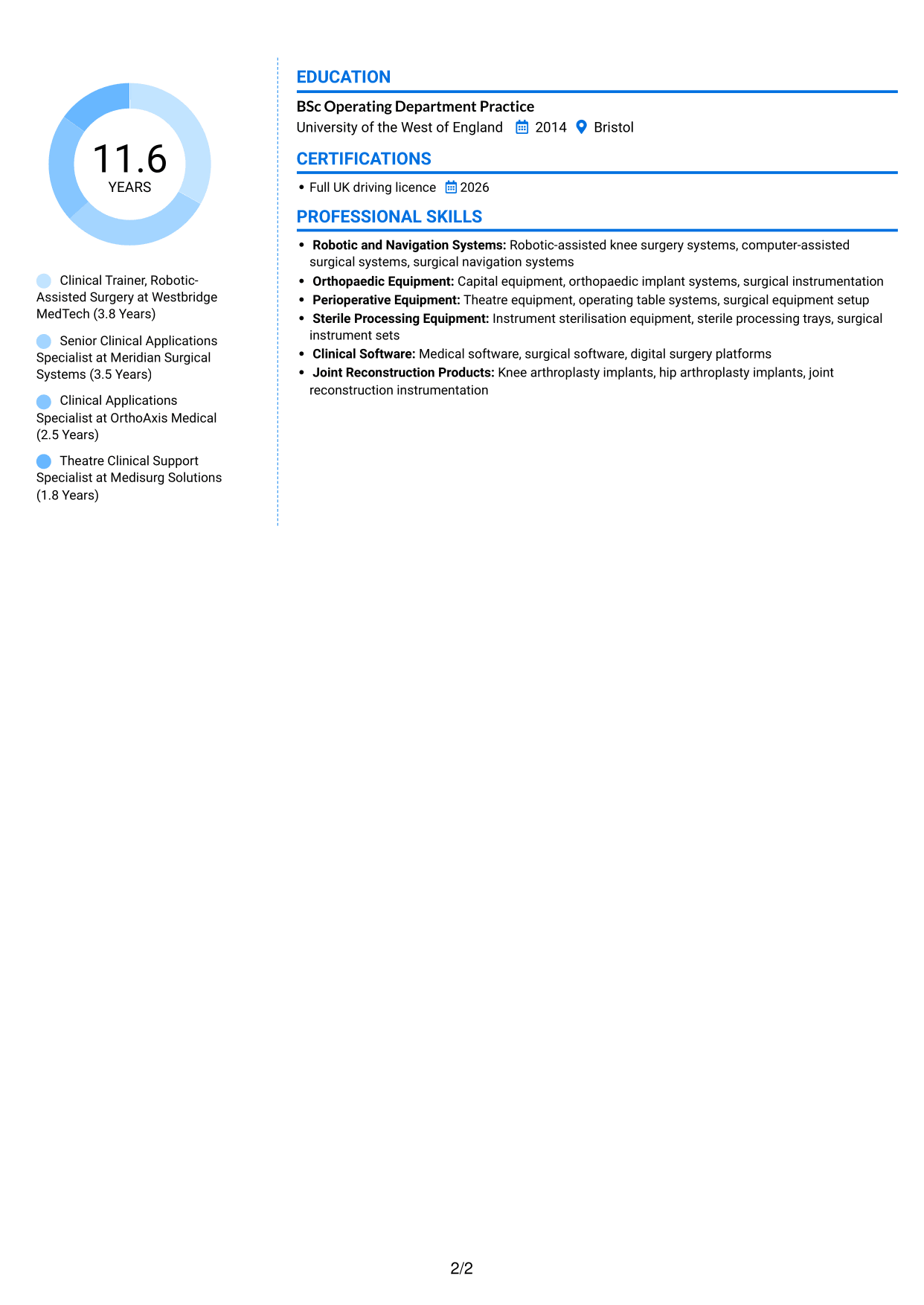
#6 Coloured Two Column Format CV Example
The Coloured Two Column Format keeps the CV body in two columns, giving work history and supporting details separate reading areas.
Why This Format Works
- Two columns give experience and related supporting sections separate visual areas.
- Ordered roles help recruiters see how responsibilities developed over time.
- Distinct section placement makes education and skills easier to find.
Best For
- Two-column section organisation
- CVs balancing experience and skills
- Readers locating education with work history
- Career records with multiple roles
- CVs with detailed training and employment records
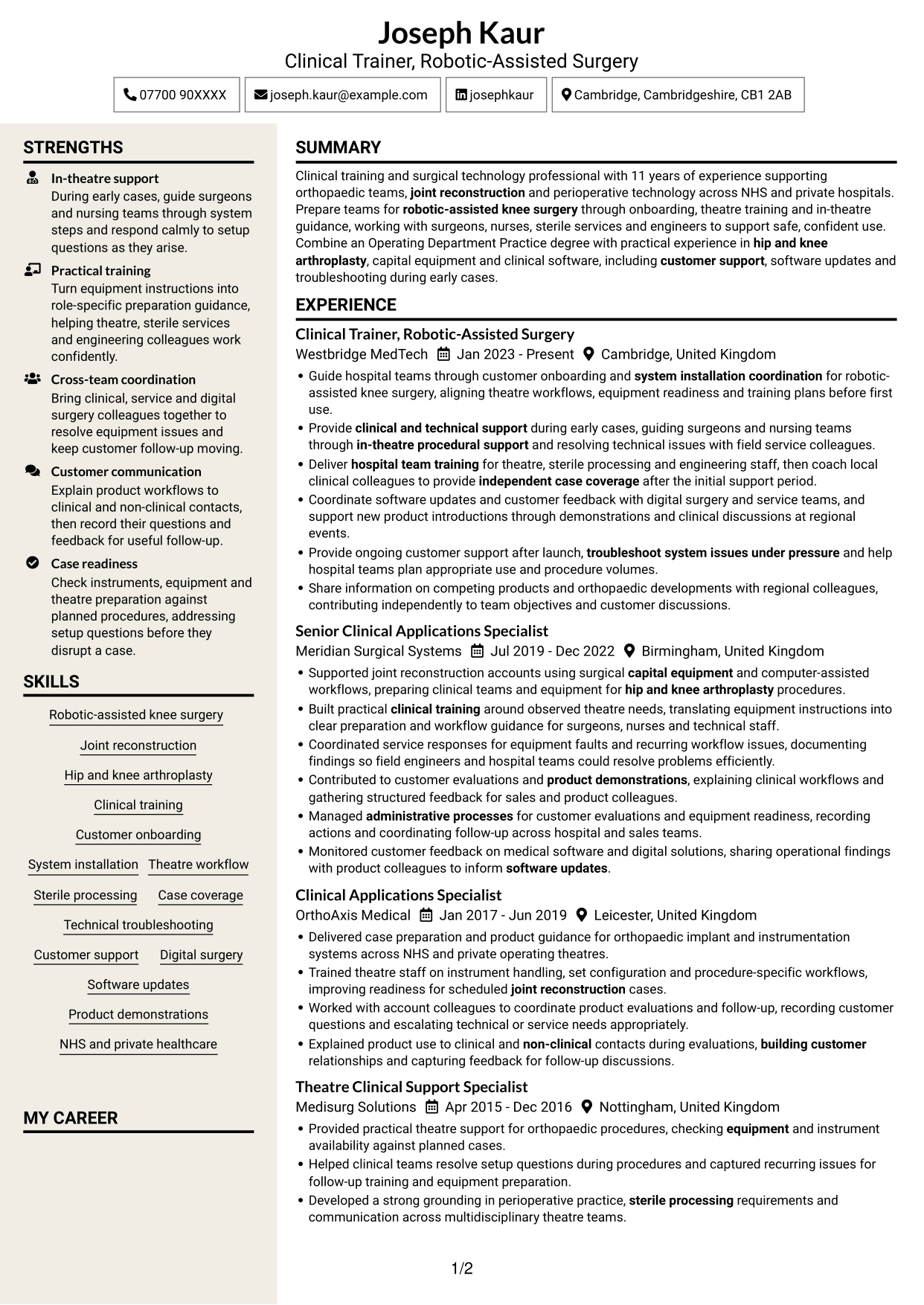
#7 Stylish Two Column Designer Format CV Example
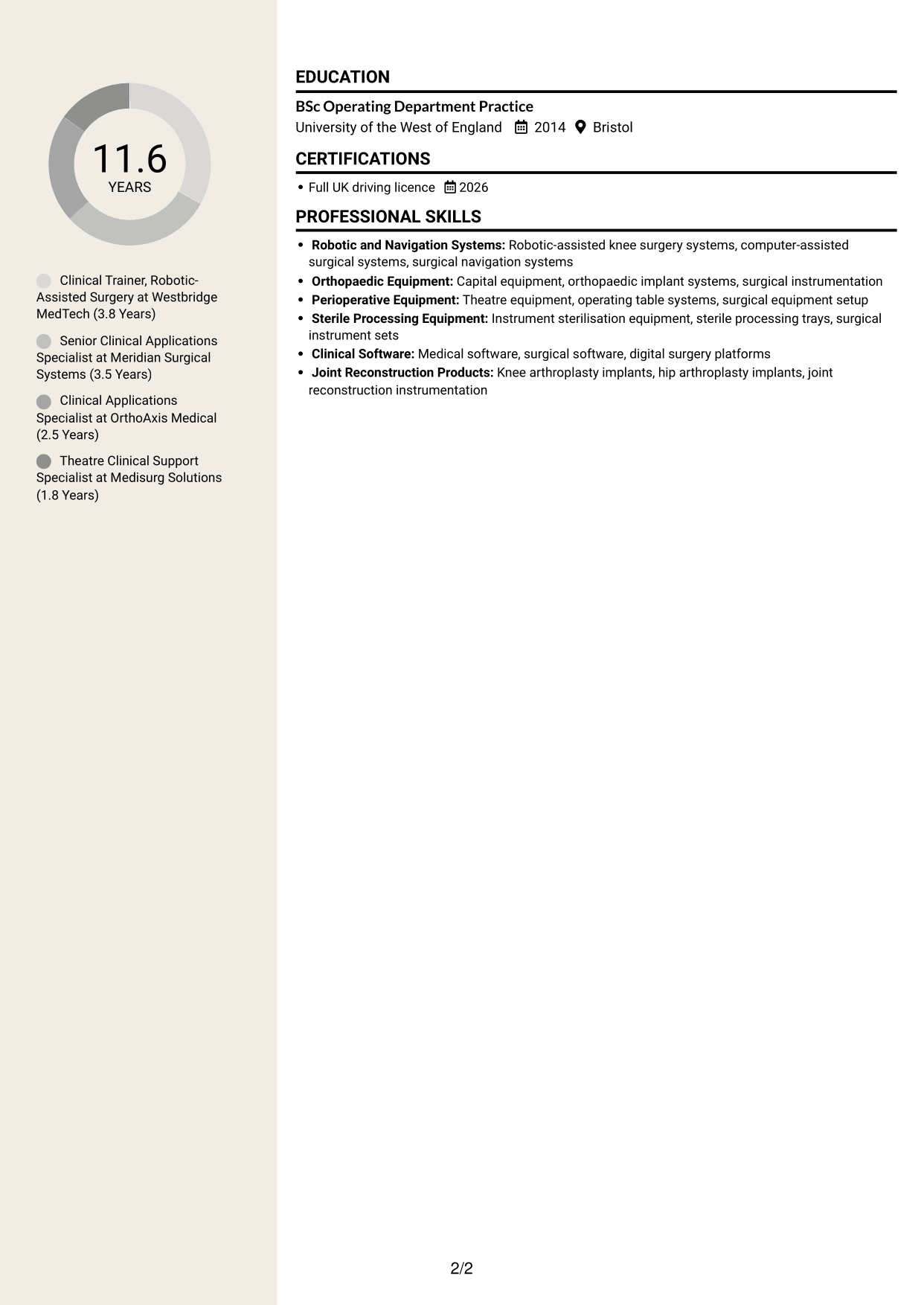
The Stylish Two Column Designer Format sets CV sections in two columns, suiting readers who prefer a divided layout over one vertical sequence.
Why This Format Works
- Two-column grouping helps readers compare the work history with supporting sections.
- Chronological entries keep the path through successive roles easy to follow.
- Skills and qualifications remain available without breaking up experience details.
Best For
- CVs with several employment entries
- Readers comparing experience and qualifications
- Skills and education alongside work history
- Section-led review preferences
- Applications needing an alternative to one vertical sequence
Why Build Your Clinical Trainer - Robotic-Assisted Knee Surgery CV with ResumeInMinutes
ResumeInMinutes helps you organise clinical training, technical support, skills and education in a clear CV. Compare PNG image previews, then open an example in the editor to customise its content and layout.
- Different CV layouts
- Clear, readable section structure
- Space for role-specific keywords
- Organised skills and experience
- PNG image previews
- CV customisation in the editor
Choose the format that makes your experience easiest to follow. Keep the focus on robotic-assisted knee surgery, theatre training, case support and work with clinical and technical teams.
See Also
- 7 Operations Planning Manager - Rail Maintenance CV Templates with Example
- 7 Postgraduate Administrator - Admissions and Student Support CV Templates with Example
- 7 Cash Reconciliation Assistant - Retail and Wholesale Accounts CV Templates with Example
- 7 Associate, US Funds Tax CV Templates with Example
- 7 Associate - Export, Trade and Commodity Finance CV Templates with Example
- 7 Retail Assistant - Fashion Retail CV Templates with Example
- 7 Programme Coordinator - Adult English and Maths Projects CV Templates with Example
- 7 Audit Assistant Manager - Real Estate CV Templates with Example
- 7 Associate CV Templates with Example
- 7 Clinical Trainer - Robotic-Assisted Knee Surgery Cover Letter Templates with Example
Frequently Asked Questions
Are these Clinical Trainer - Robotic-Assisted Knee Surgery CV templates ATS-friendly?
The examples use clear headings and sections that are easy to scan. Include relevant terms naturally, such as robotic-assisted knee surgery, clinical training, customer onboarding, sterile processing and technical troubleshooting.
Are these separate CV examples or different layouts of one example?
This page shows one role-focused CV example in different layouts. Compare the PNG image previews, then open an example in the editor to customise it.
What should a Clinical Trainer - Robotic-Assisted Knee Surgery CV include?
Include a focused summary, relevant experience, education and skills. Show evidence of training hospital teams, supporting early procedures, preparing equipment, coordinating software updates and resolving technical issues.
Which CV layout works well for this role?
Choose a layout with clear headings and an easy-to-follow order for experience, skills and education. A simple structure helps recruiters and applicant tracking systems find important details.
How can I show clinical training achievements on my CV?
Use concise bullet points to explain the task, your contribution and the result. Where you have reliable evidence, include figures about training, case readiness, customer support or system use.
Should I include a photo on my CV?
For UK applications, a photo is usually not needed. Use the space for relevant experience, skills and clear examples of your work instead.




