
7 Customer Experience Team Leader - Student Recruitment and Campus Services Cover Letter Templates with Example
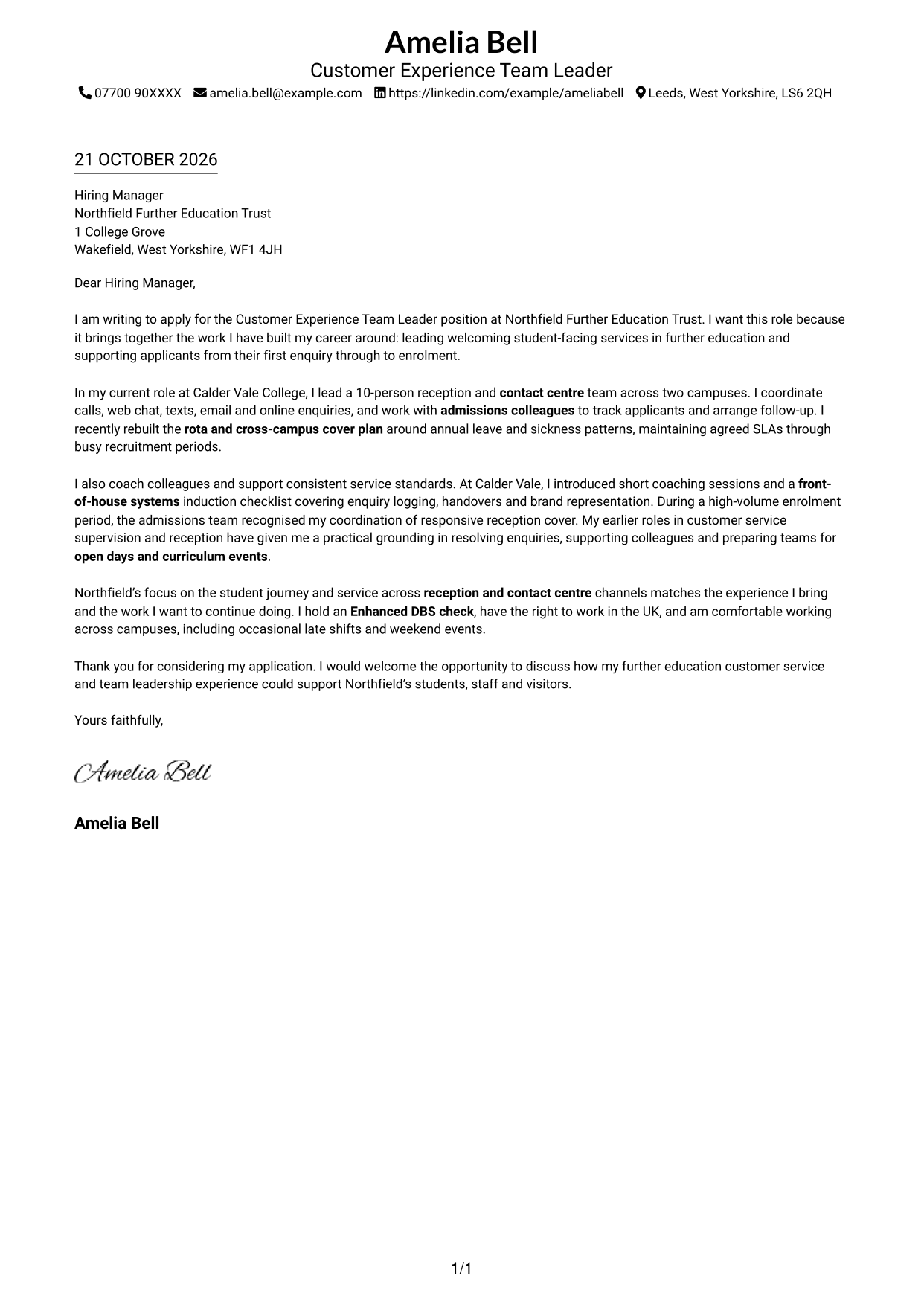
This practical guide helps you create a Customer Experience Team Leader - Student Recruitment and Campus Services cover letter, with seven layouts to compare.
What Makes a Great Customer Experience Team Leader - Student Recruitment and Campus Services Cover Letter in 2026
A strong letter shows how your leadership can support a welcoming service across reception and contact centre channels. Make your motivation clear and connect it to the student journey from enquiry to enrolment.
Choose brief evidence of coaching colleagues, planning cover or supporting admissions follow-up. Then explain how your approach can help the employer provide reliable service to students, staff and visitors.
For this Customer Experience Team Leader application, the featured example moves from clear role interest to evidence of multi-channel service, team leadership and student recruitment support, then closes with a direct next step. Adapt this focused progression and choose a presentation that suits the employer and communication context.
#1 Simple One Column Format Cover Letter Example
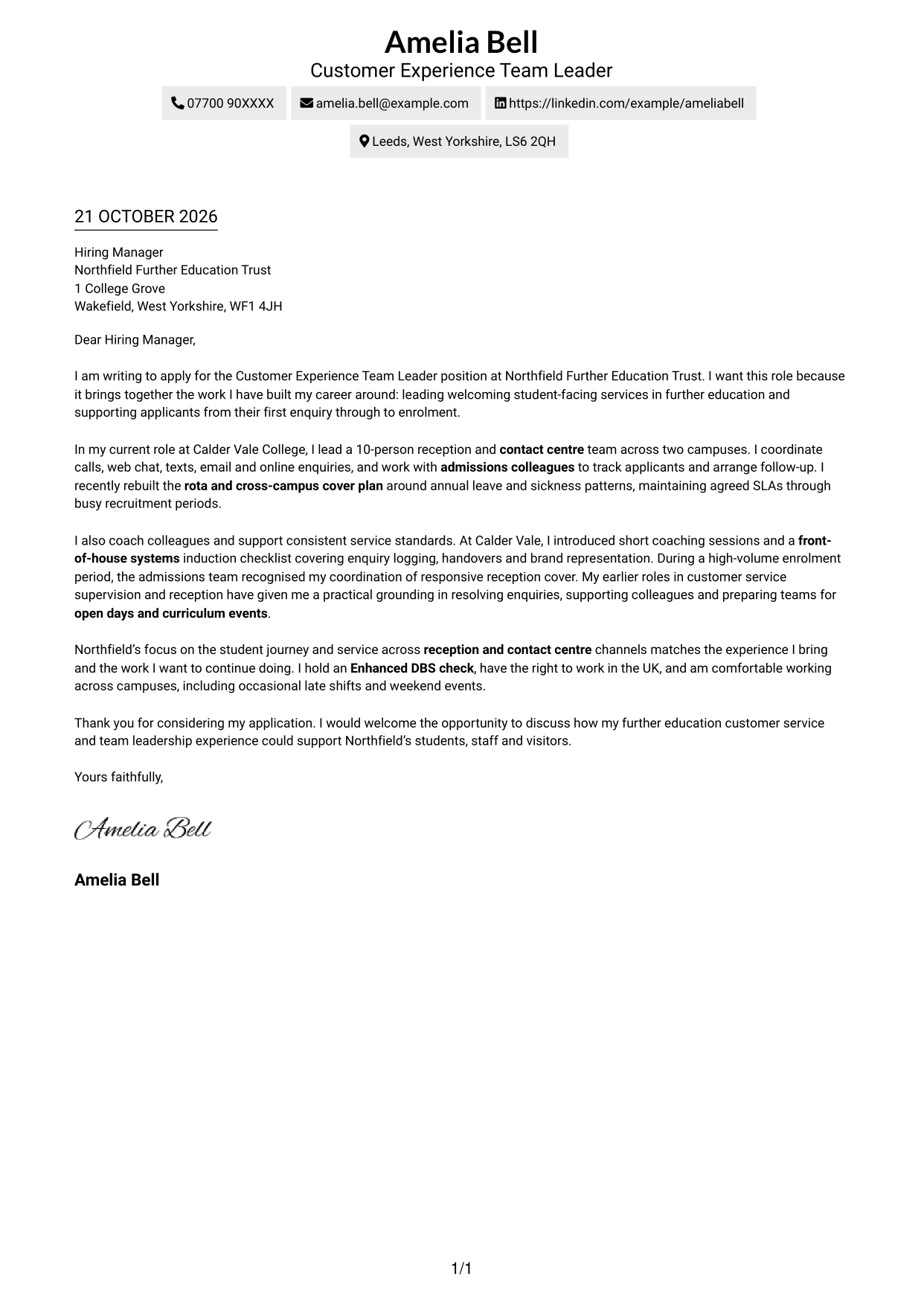
A single-column page keeps sender details in the header and the letter body on one clear reading path.
Why This Format Works
- Sender details in the header make contact information easy to find.
- One column carries the opening, supporting points and closing in sequence.
- Unlabelled paragraphs preserve the familiar form of a direct business letter.
Best For
- Single-column letter pages
- Header-based contact details
- Continuous persuasive prose
- Text-centred applications
- Letters with several paragraphs
#2 Two Column Format Cover Letter Example
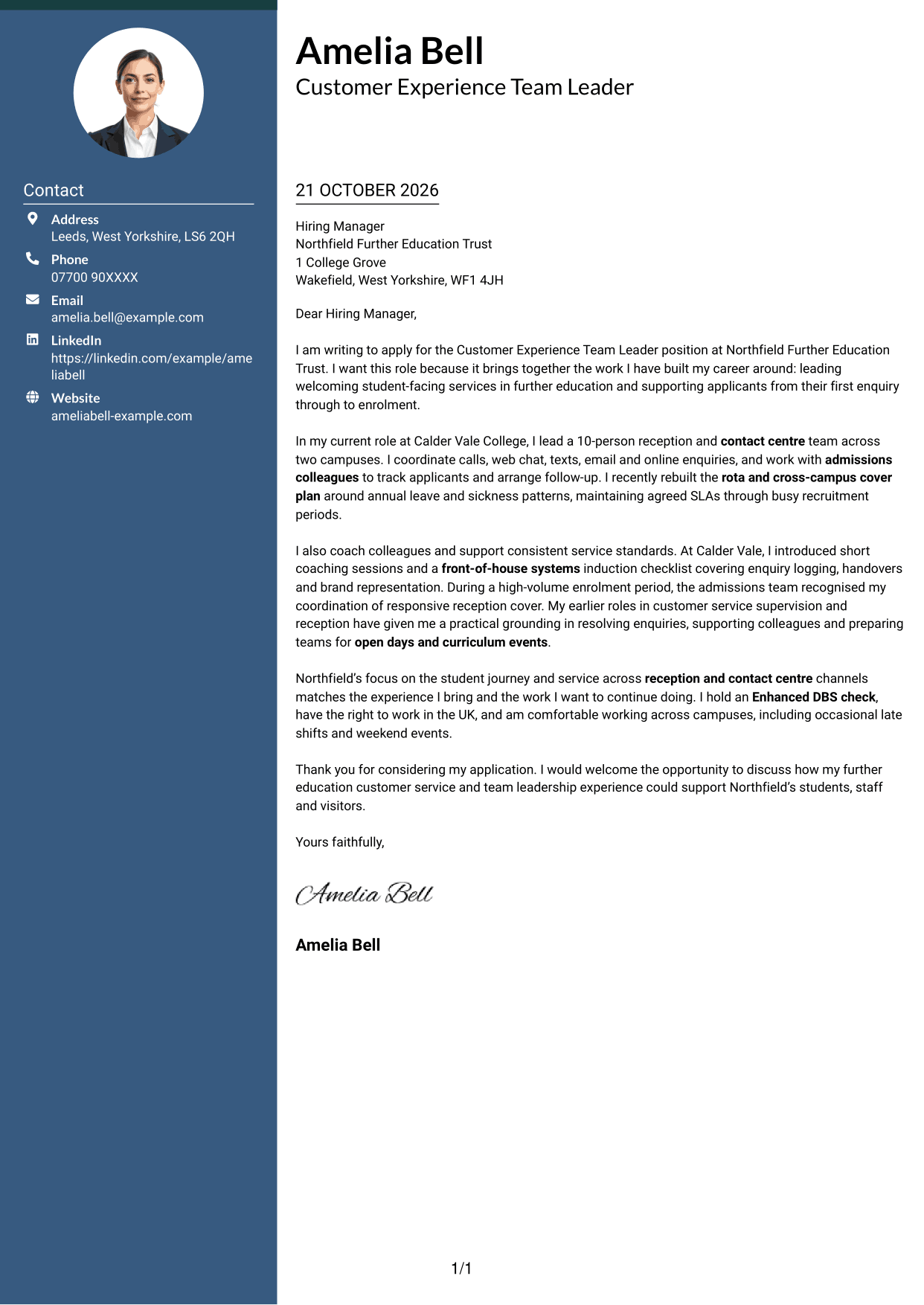
A contact sidebar sits beside one continuous letter body, separating contact details while keeping the case in a natural sequence.
Why This Format Works
- Contact details have their own sidebar, separate from the argument.
- One body column keeps motivation, evidence and closing in sequence.
- No headings divide the prose into labelled argument stages.
Best For
- Contact sidebar layouts
- Adjacent contact and correspondence
- Continuous letter arguments
- Applications needing clear contact access
- Letters with connected paragraphs
#3 Photo Header Two Column Format Cover Letter Example
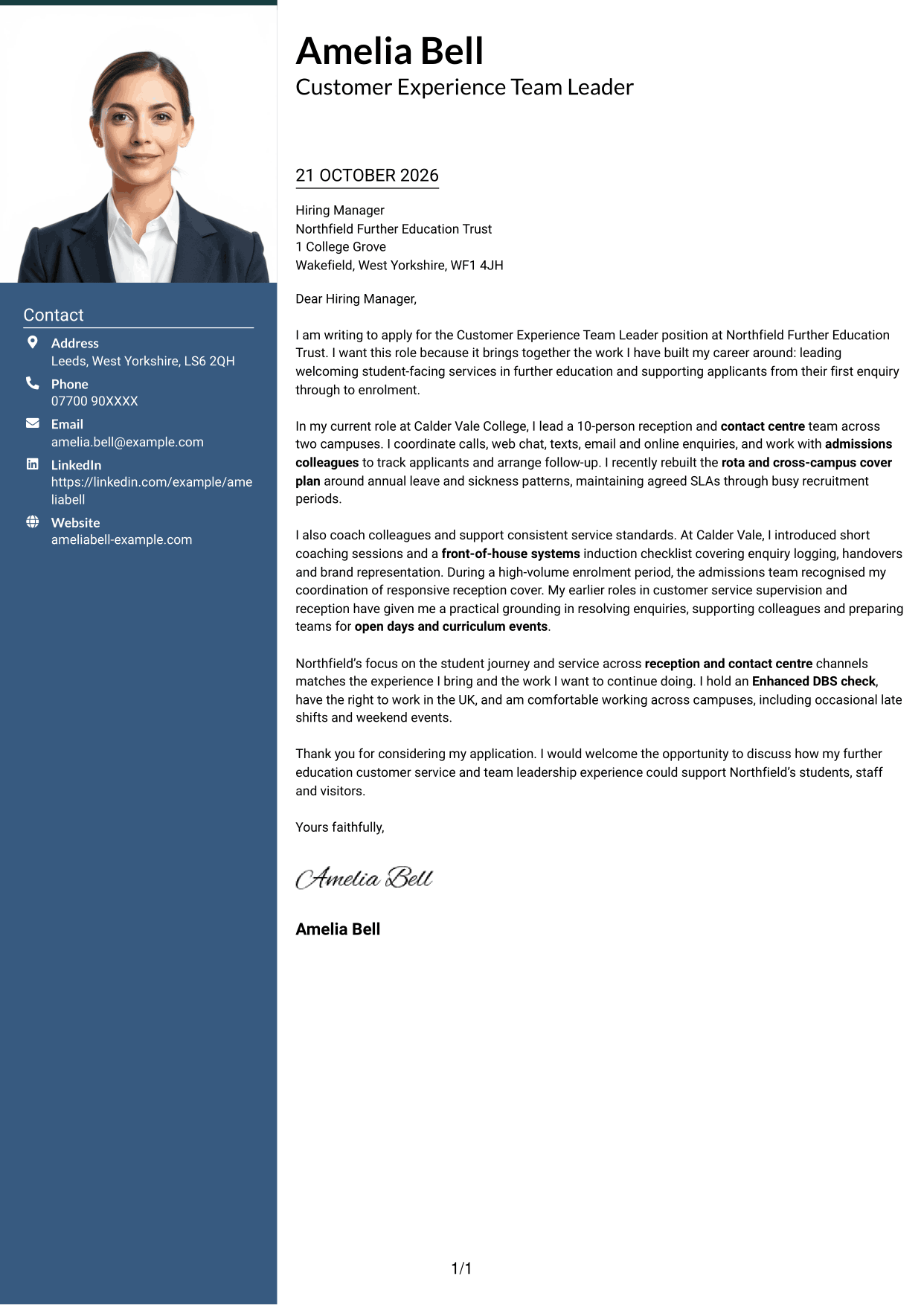
With a photo in the header and a contact sidebar beside the letter, this format adds a clear visual point of identification.
Why This Format Works
- The header photo adds personal identification without changing the letter's argument.
- A contact sidebar keeps sender details apart from the written message.
- One continuous body lets motivation, evidence and closing read in order.
Best For
- Photo-led letter headers
- Contact details beside correspondence
- Continuous letter prose
- Applications using a personal image
- Letters with several supporting points
#4 One Column Format with Photo Cover Letter Example
A photo accompanies the single-column letter body, adding a personal visual element while keeping the reading order simple.
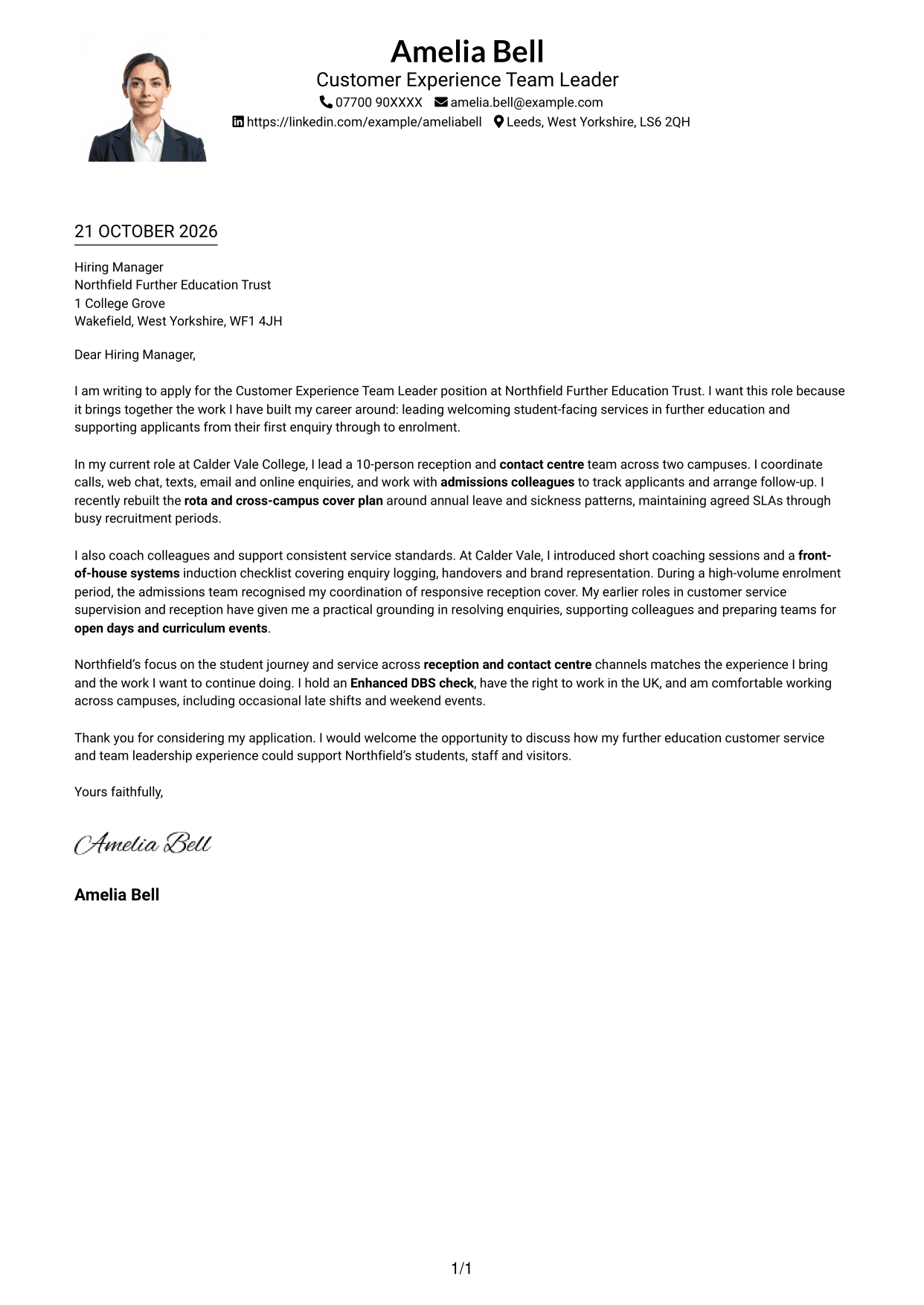
Why This Format Works
- The photo adds a personal visual element without dividing the letter's message.
- A single-column body keeps the opening, evidence and closing together.
- Sender details in the header are easy to locate before reading.
Best For
- Single-column letters with a photo
- Header-based sender information
- Connected persuasive paragraphs
- Personal visual introductions
- Text-led application letters
#5 Simple Two Column Format Cover Letter Example
A contact sidebar gives this two-column format a clear place for sender details, while the letter remains one continuous body.
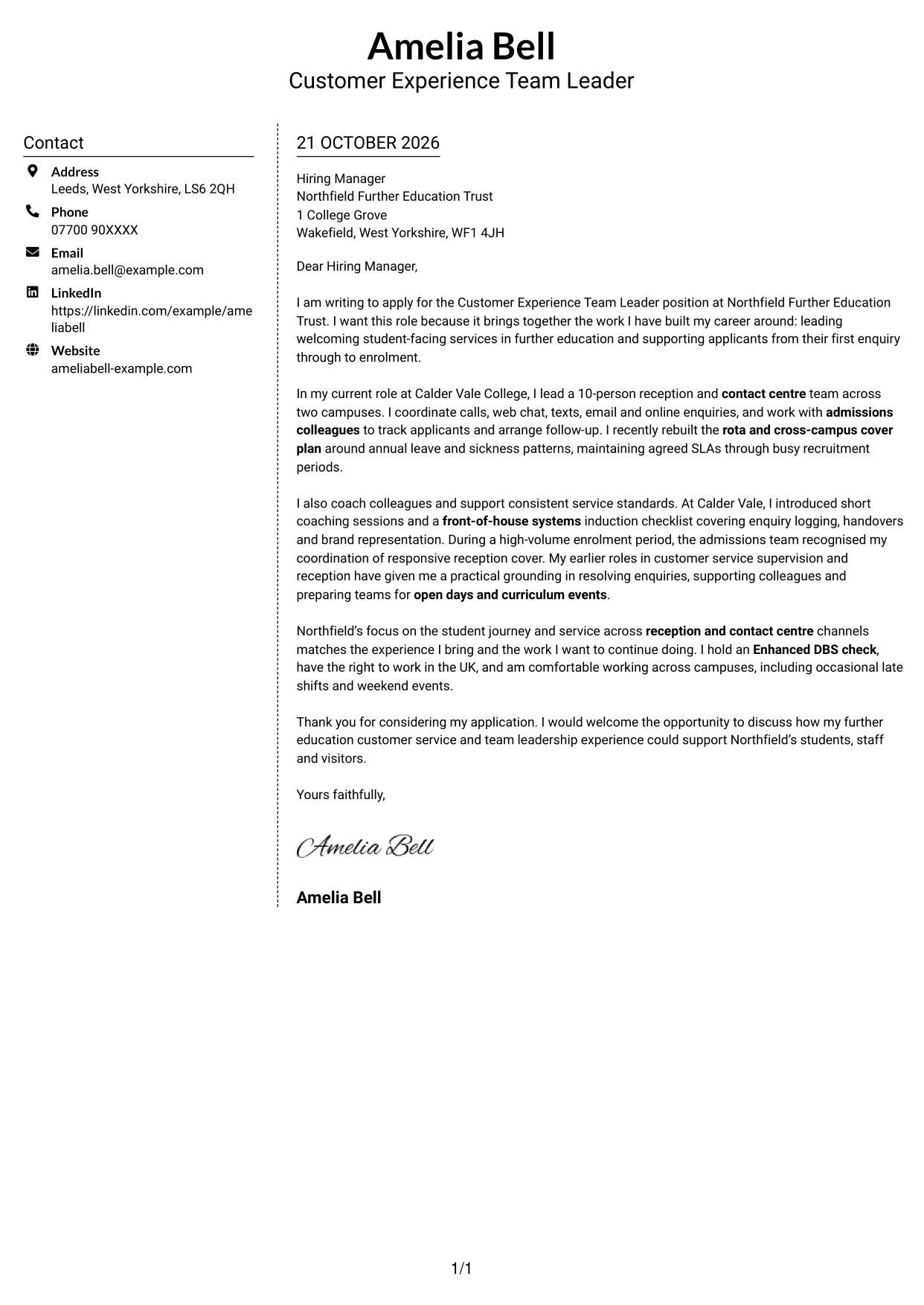
Why This Format Works
- The sidebar separates sender information from the letter's persuasive message.
- Opening, supporting paragraphs and closing remain together in a familiar sequence.
- No section headings interrupt the prose or turn the letter into a form.
Best For
- Two-column contact layouts
- Sender details beside correspondence
- Letters with connected paragraphs
- Applications without a photo
- Direct, text-led communication
#6 Modern Icon Format Cover Letter Example
Contact icons and a sidebar help distinguish sender details from the single, continuous letter body.
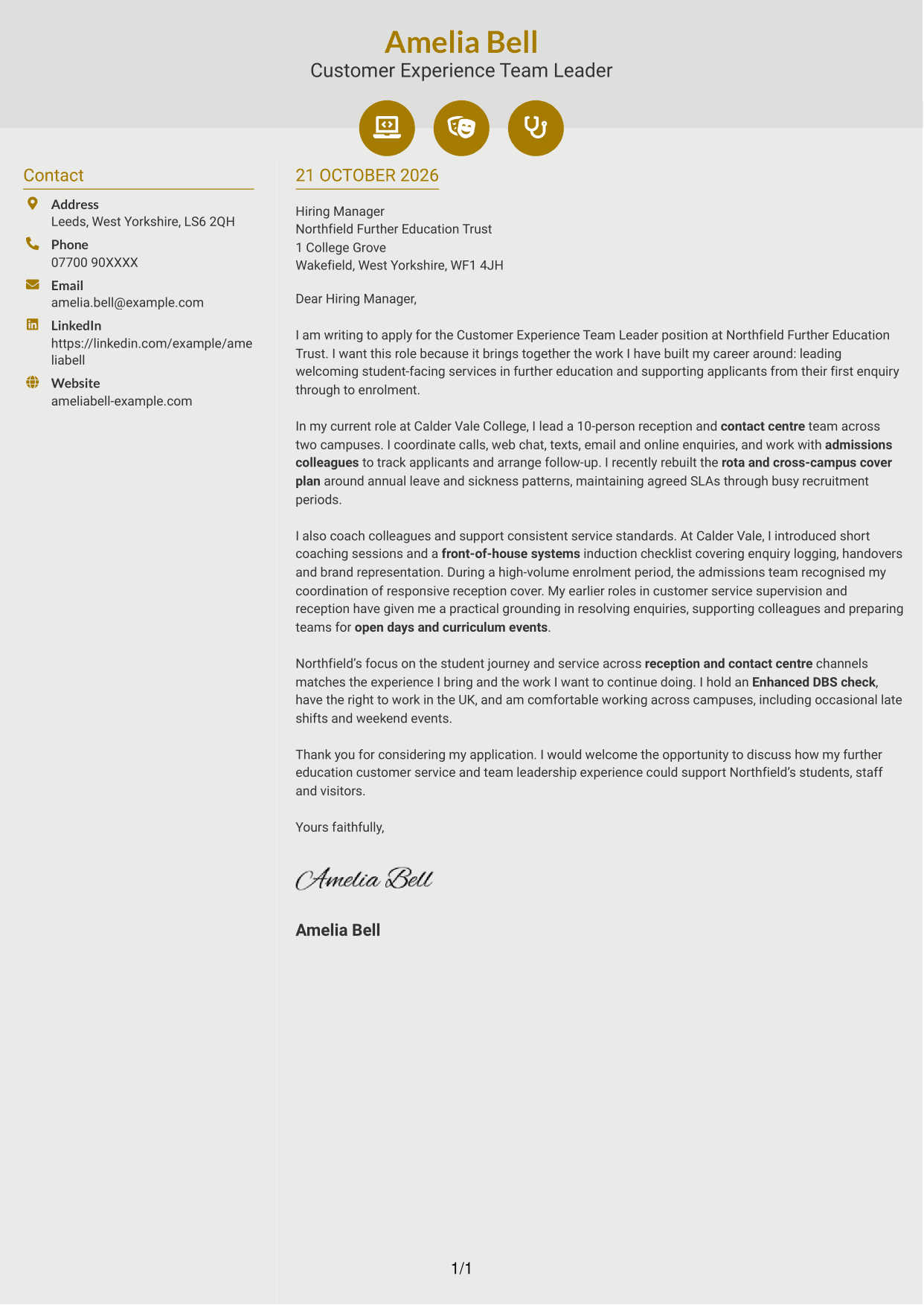
Why This Format Works
- Contact icons act as quick cues for sender details, not letter arguments.
- The sidebar keeps contact information distinct from the written case.
- A continuous body lets motivation and evidence read as connected paragraphs.
Best For
- Icon-led contact details
- Two-column correspondence
- Continuous letter arguments
- Quick access to sender information
- Applications without a photo
#7 Creative Two Tone Format Cover Letter Example
The two-column arrangement pairs a contact sidebar with one uninterrupted letter body, giving contact details a separate place beside the correspondence.
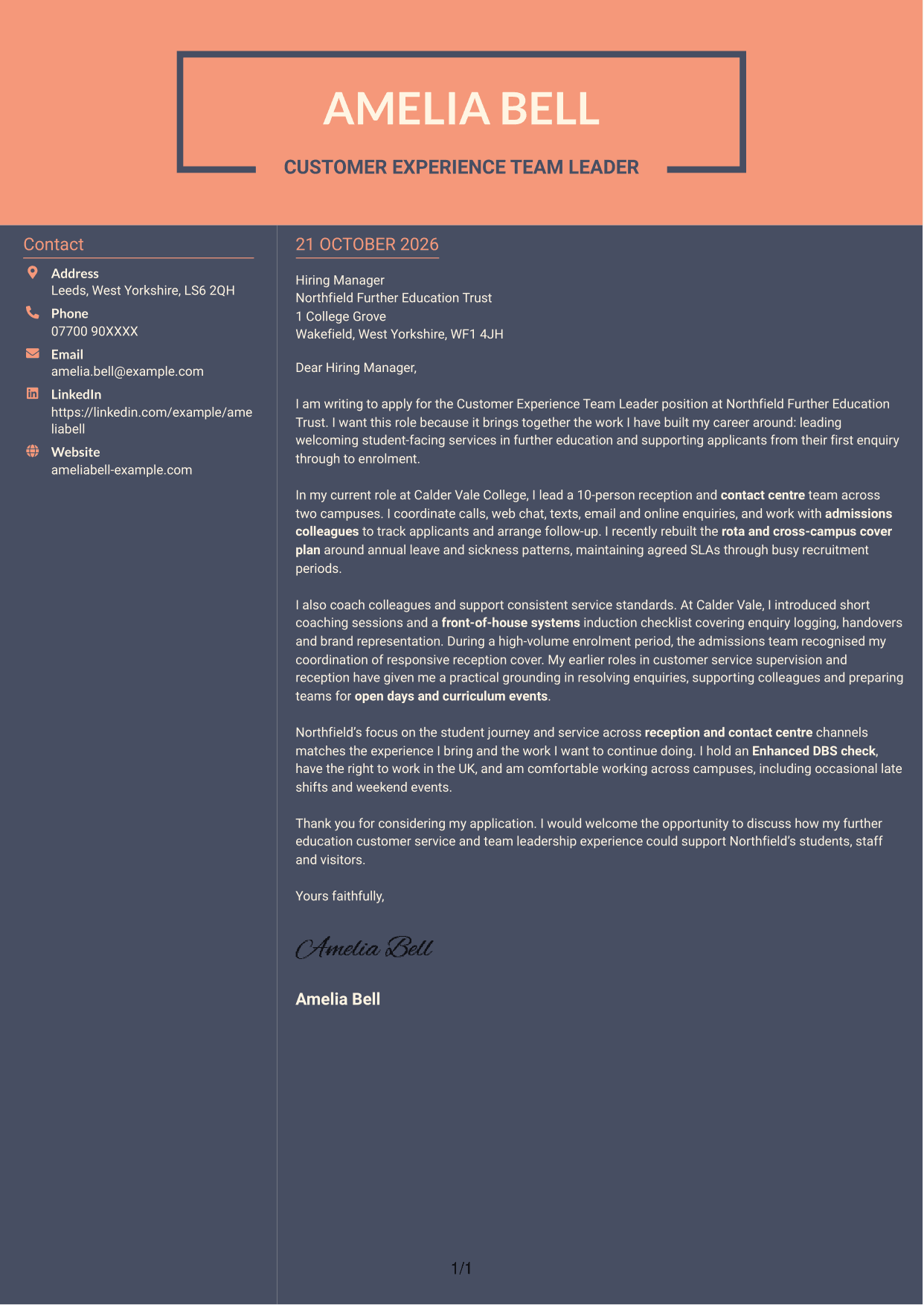
Why This Format Works
- Sender details in the sidebar stay distinct from the letter's argument.
- One uninterrupted body keeps the opening, supporting case and close in sequence.
- The photo-free design suits letters where written content should lead.
Best For
- Two-column contact presentation
- Letters without a portrait
- Continuous written arguments
- Contact details beside the letter
- Applications led by written content
See Also
- 7 Customer Experience Team Leader - Student Recruitment and Campus Services CV Templates with Example
- 7 Front of House Team Leader - Luxury Guest Services CV Templates with Example
- 7 Sales Team Member - Customer Service and Stock Operations CV Templates with Example
- 7 Engineering Team Leader - Food Manufacturing CV Templates with Example
- 7 Retail Team Leader - Beauty Retail CV Templates with Example
- 7 Team Leader - Beauty Retail CV Templates with Example
- 7 Internal Communications and Engagement Partner - Customer Services CV Templates with Example
- 7 Team Assistant - Executive and Office Support CV Templates with Example
- 7 Front of House Team Leader - Luxury Guest Services Cover Letter Templates with Example
- 7 Sales Team Member - Customer Service and Stock Operations Cover Letter Templates with Example
Frequently Asked Questions
What should a Customer Experience Team Leader - Student Recruitment and Campus Services cover letter highlight?
Show how you can lead a welcoming service across reception and contact centre channels. Useful examples may cover team coaching, rota planning, service-level agreements, admissions follow-up and support for recruitment events.
How can I make my experience relevant to this role?
Choose a clear example that shows what you did and why it mattered. You could describe how you arranged campus cover, supported applicants from application to enrolment or helped colleagues give consistent service.
How should I explain my interest in the employer?
Give a genuine reason for your interest in the organisation and its work with students. Link that reason to the service you hope to lead and the support you would offer students, staff and visitors.
What is a clear way to structure this cover letter?
Open with the role and your reason for applying. Use the body to show relevant service and leadership evidence, then close by restating your interest and inviting a discussion.
Should I include every part of my work history?
No. Focus on the experience that best shows your fit for this role. A small number of relevant examples can make your message clearer and more persuasive.




