
7 Data Scientist & Engineer - Legal Data Products Cover Letter Templates with Example
This guide helps you create a focused Data Scientist & Engineer - Legal Data Products cover letter, with seven layouts to compare and adapt.
What Makes a Great Data Scientist & Engineer - Legal Data Products Cover Letter in 2026
A strong letter connects your interest in the role with clear evidence of building reliable data products for legal services. Its opening should make your fit and motivation easy to understand.
Use specific examples, such as governed Fabric and Databricks pipelines, permission-aware data assets or careful evaluation of document analysis methods. Link this evidence to the employer’s focus on trusted data products and explain why that work matters to you.
The featured example follows a focused progression from role interest to relevant evidence, working approach and a clear close; adapt it to the employer while choosing a presentation suited to the communication context.
#1 Simple One Column Format Cover Letter Example
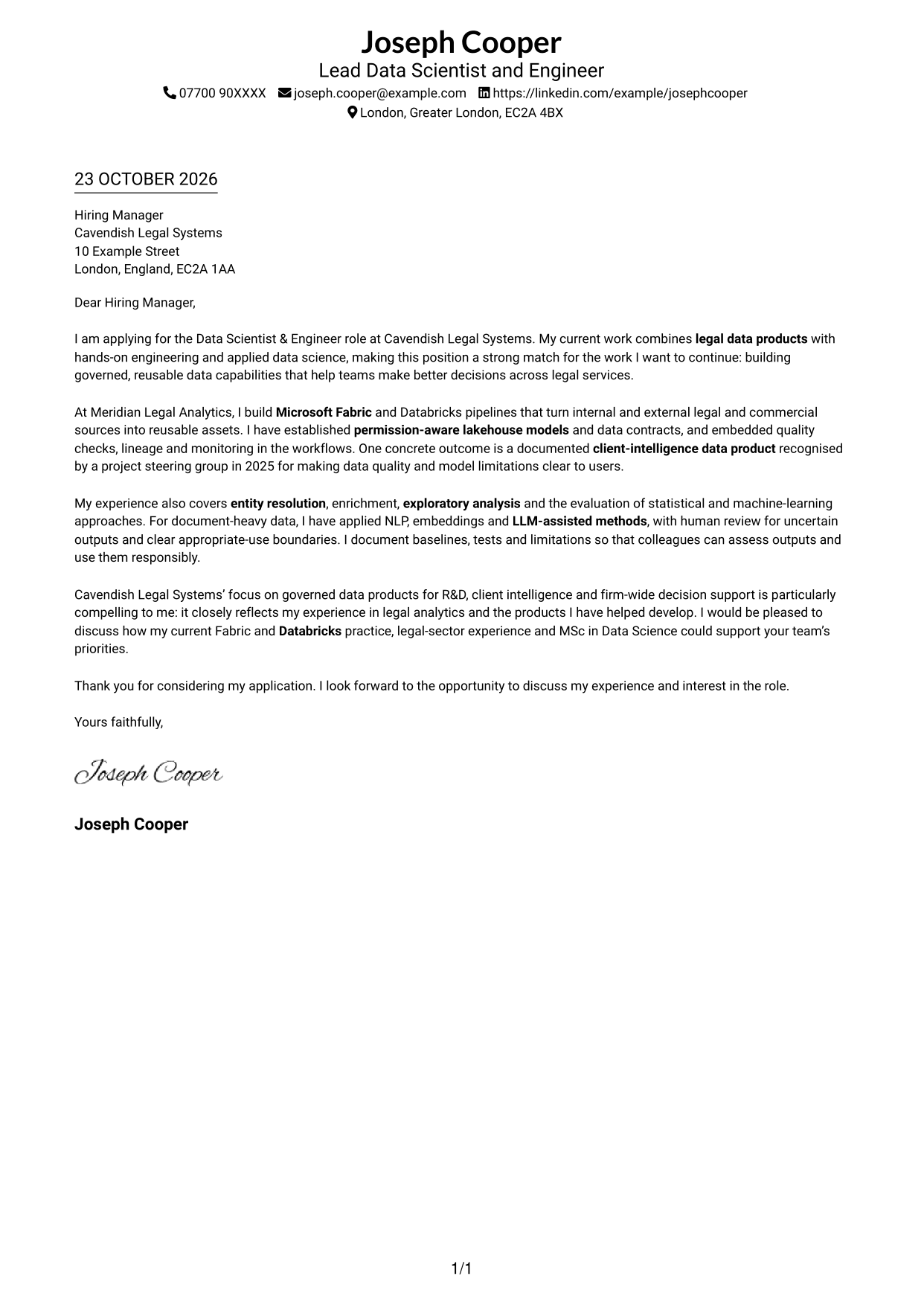
The Simple One Column Format keeps sender details in the header and presents the letter body in one column.
Why This Format Works
- A single reading path helps reviewers follow motivation, evidence and closing in sequence.
- Sender details stay in the header, separate from the letter’s main message.
- The one-column body keeps attention on the written case for the role.
Best For
- One-column reading preference
- Header-led contact details
- Text-centred applications
- Letters focused on role motivation
- Continuous paragraph flow
#2 Two Column Format Cover Letter Example
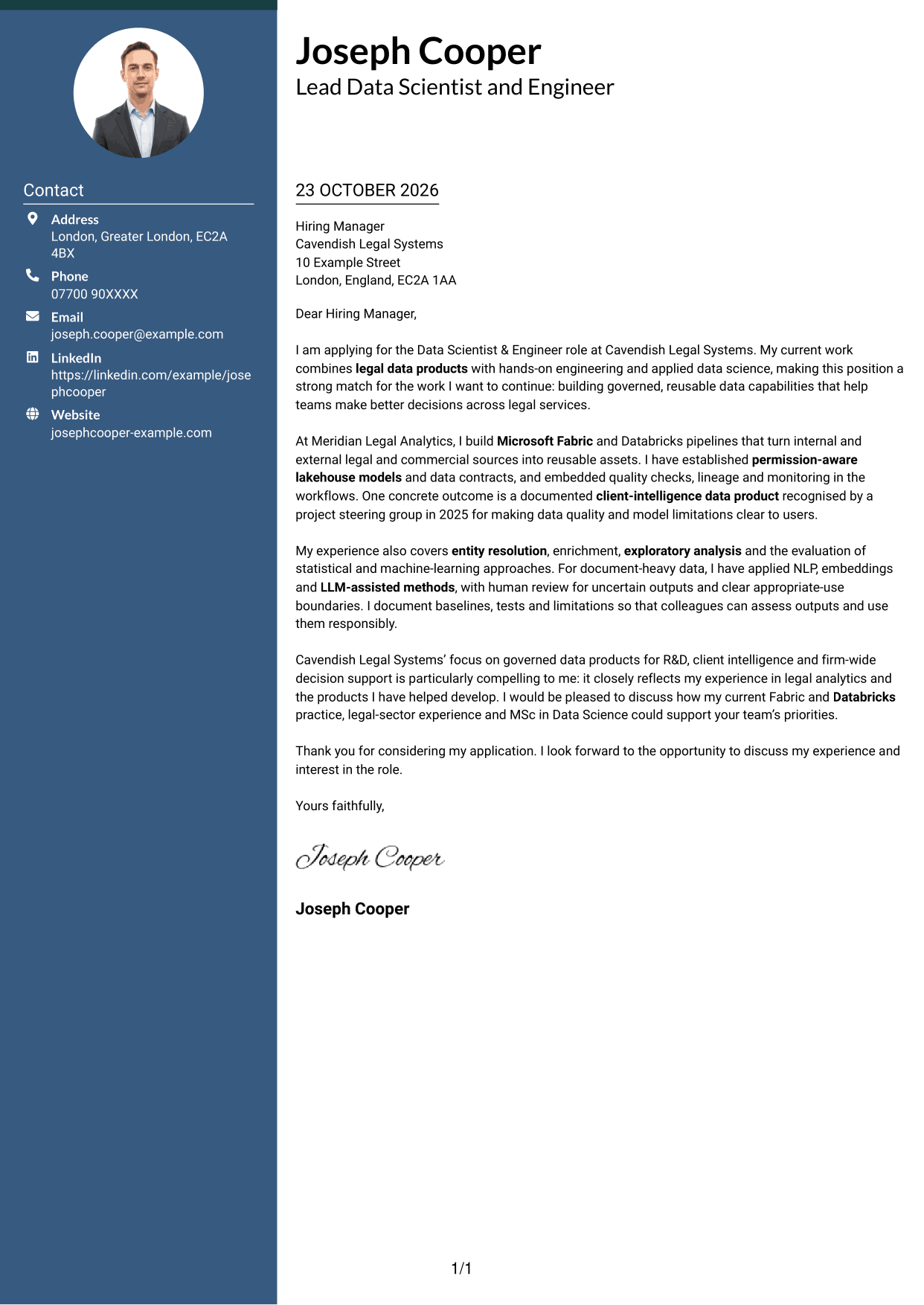
The Two Column Format places a contact sidebar beside one continuous letter body.
Why This Format Works
- The contact sidebar keeps sender information apart from the letter’s main argument.
- A continuous body lets readers follow the opening, evidence and closing in order.
- The separate areas make contact details easy to locate without dividing the letter.
Best For
- Contact details beside the letter
- A clear reading order
- Full-paragraph applications
- Evidence-led role introductions
- Separate sender information
#3 Photo Header Two Column Format Cover Letter Example
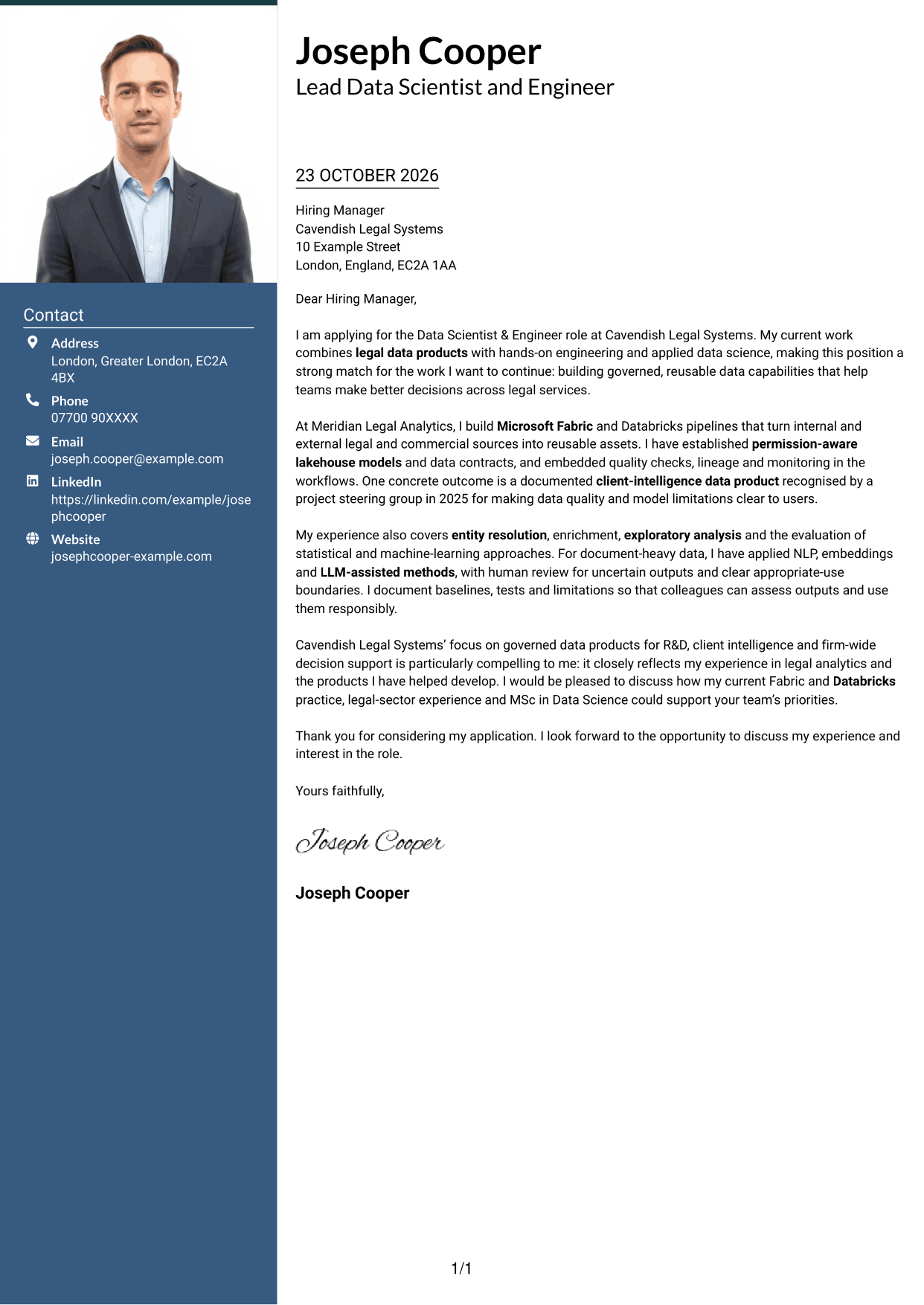
The Photo Header Two Column Format pairs a portrait and contact sidebar with one continuous letter body.
Why This Format Works
- The contact sidebar separates sender details from the uninterrupted letter argument.
- A portrait provides a visual point of identification alongside the contact information.
- The single body column preserves a clear sequence from opening to closing.
Best For
- Portrait-inclusive applications
- Contact details in a sidebar
- A continuous letter argument
- Visual identification with contact information
- Full-paragraph role applications
#4 One Column Format with Photo Cover Letter Example
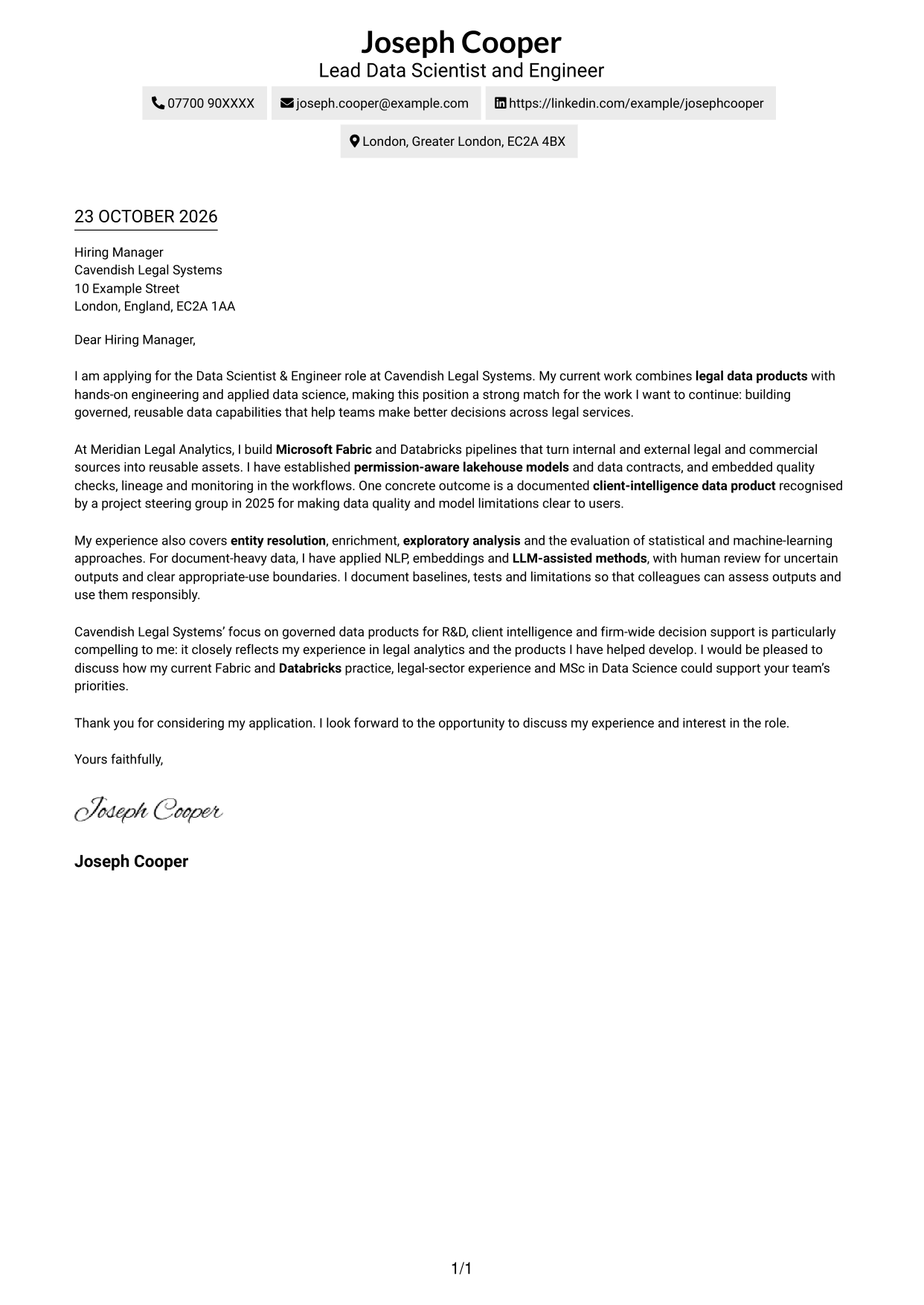
The One Column Format with Photo combines a portrait with a single-column letter body and header-based sender details.
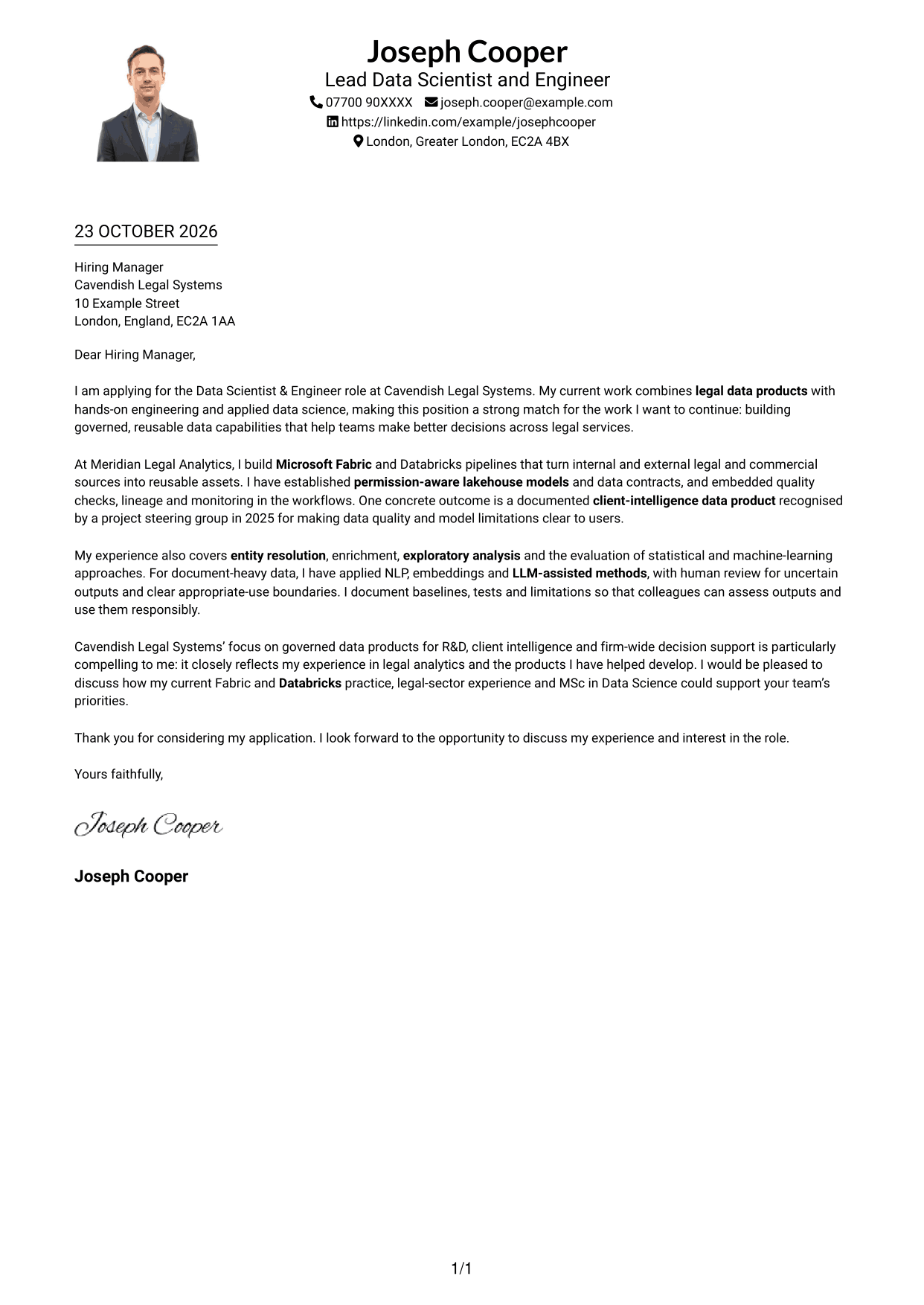
Why This Format Works
- The single-column body gives the letter a direct, consistent reading path.
- Header-based contact details remain distinct from the paragraphs making the case.
- The portrait adds a visual element without splitting the written message.
Best For
- One-column letter layouts
- Portrait-inclusive presentation
- Header-based contact information
- A direct reading path
- Applications built around letter prose
#5 Simple Two Column Format Cover Letter Example
The Simple Two Column Format sets contact details in a sidebar beside the continuous letter body.
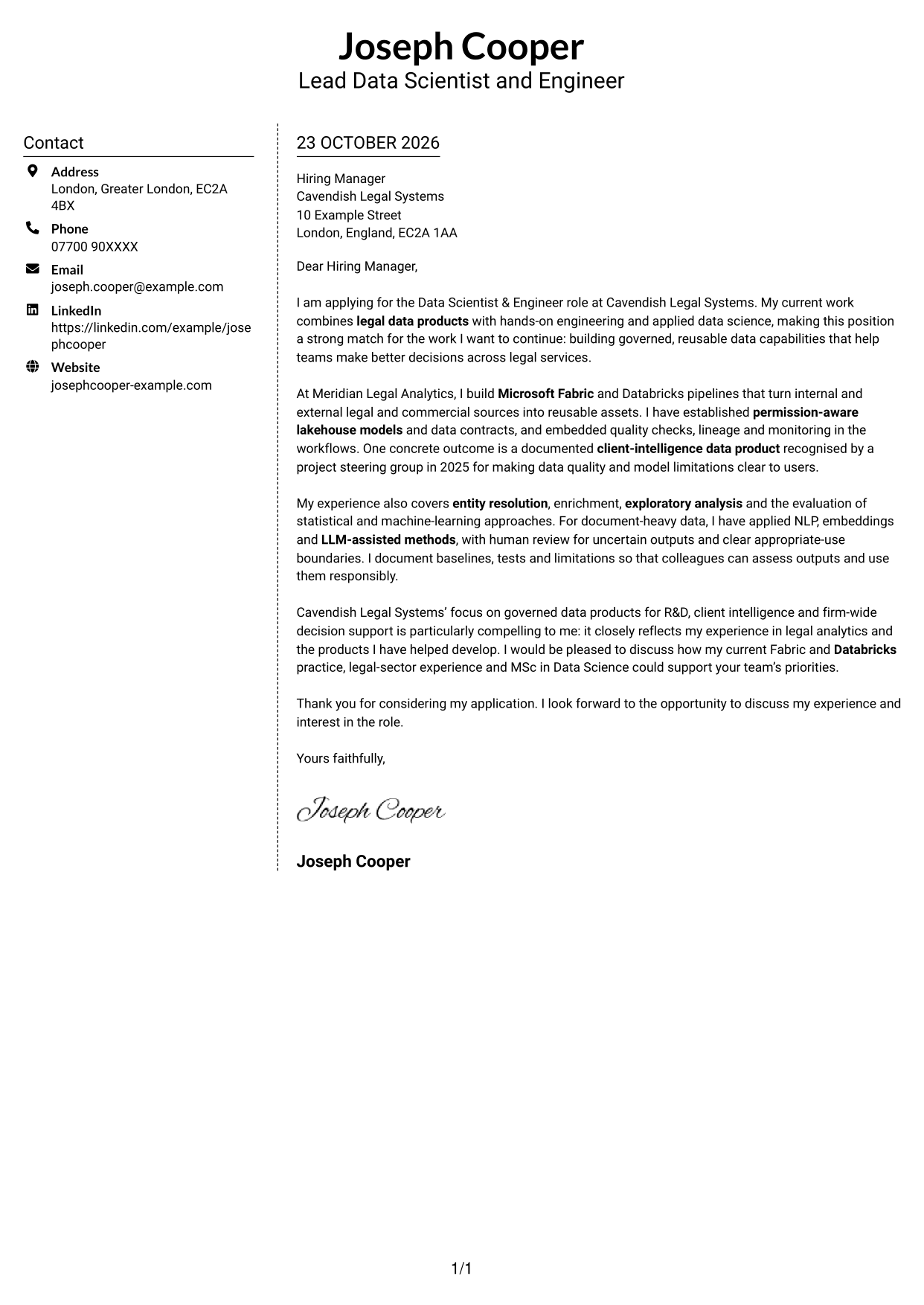
Why This Format Works
- The sidebar gives contact details a distinct place beside the letter text.
- Readers can follow the full argument in one body column, without parallel text.
- The layout keeps sender information available without interrupting the written appeal.
Best For
- Sidebar contact presentation
- A single-column letter body
- Straightforward written applications
- Separate contact and letter areas
- Continuous persuasive paragraphs
#6 Modern Icon Format Cover Letter Example
The Modern Icon Format uses a contact sidebar beside the letter body, with icons serving as contact cues or header accents.
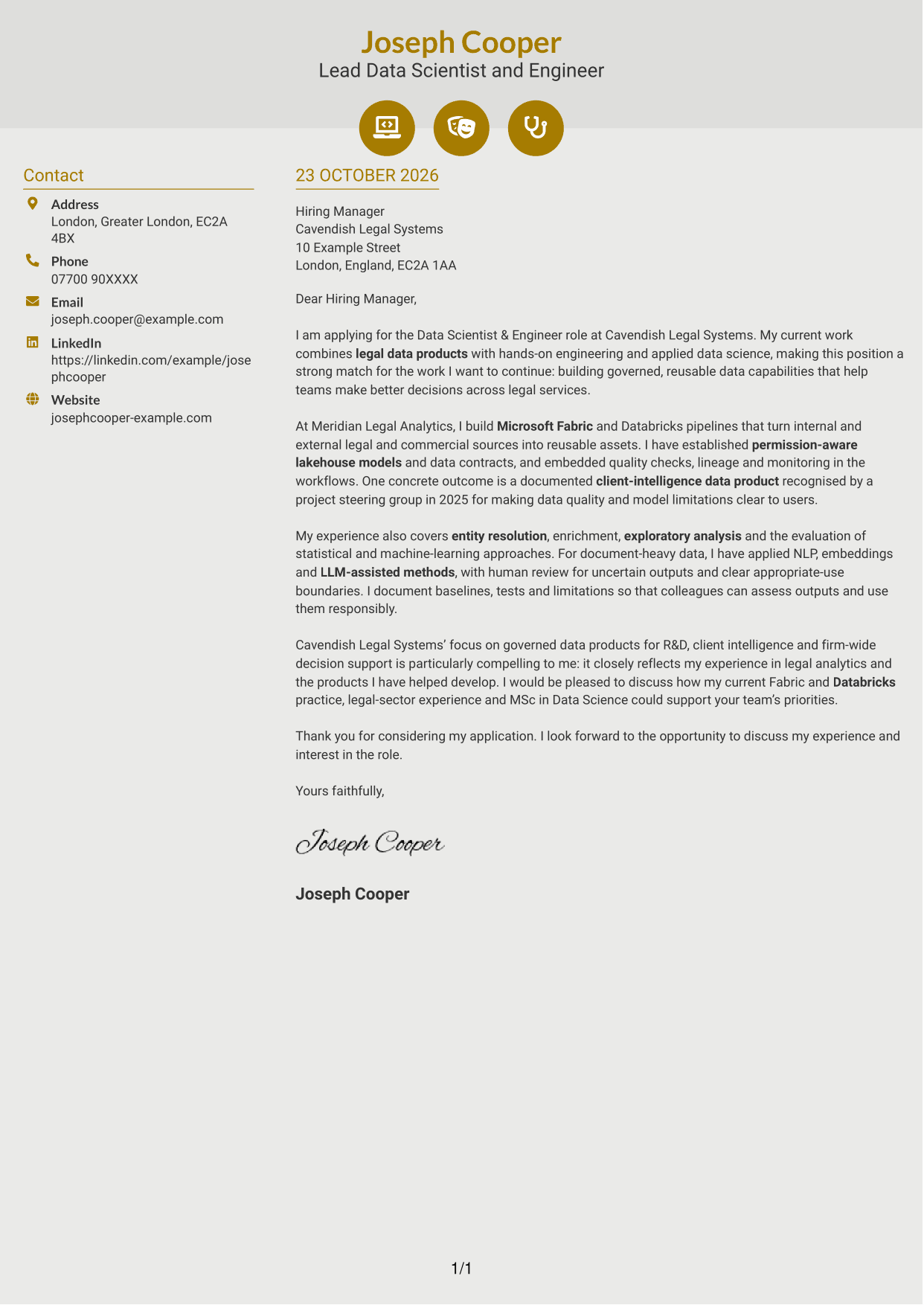
Why This Format Works
- Contact icons help distinguish contact details without labelling stages of the letter.
- The sidebar keeps sender information apart from the continuous written case.
- One body column lets readers follow motivation and evidence in their original order.
Best For
- Icon-supported contact details
- A separate contact sidebar
- One-column letter reading
- Continuous role-fit explanation
- A visually marked contact area
#7 Creative Two Tone Format Cover Letter Example
The Creative Two Tone Format places contact details in a sidebar beside one continuous letter body.
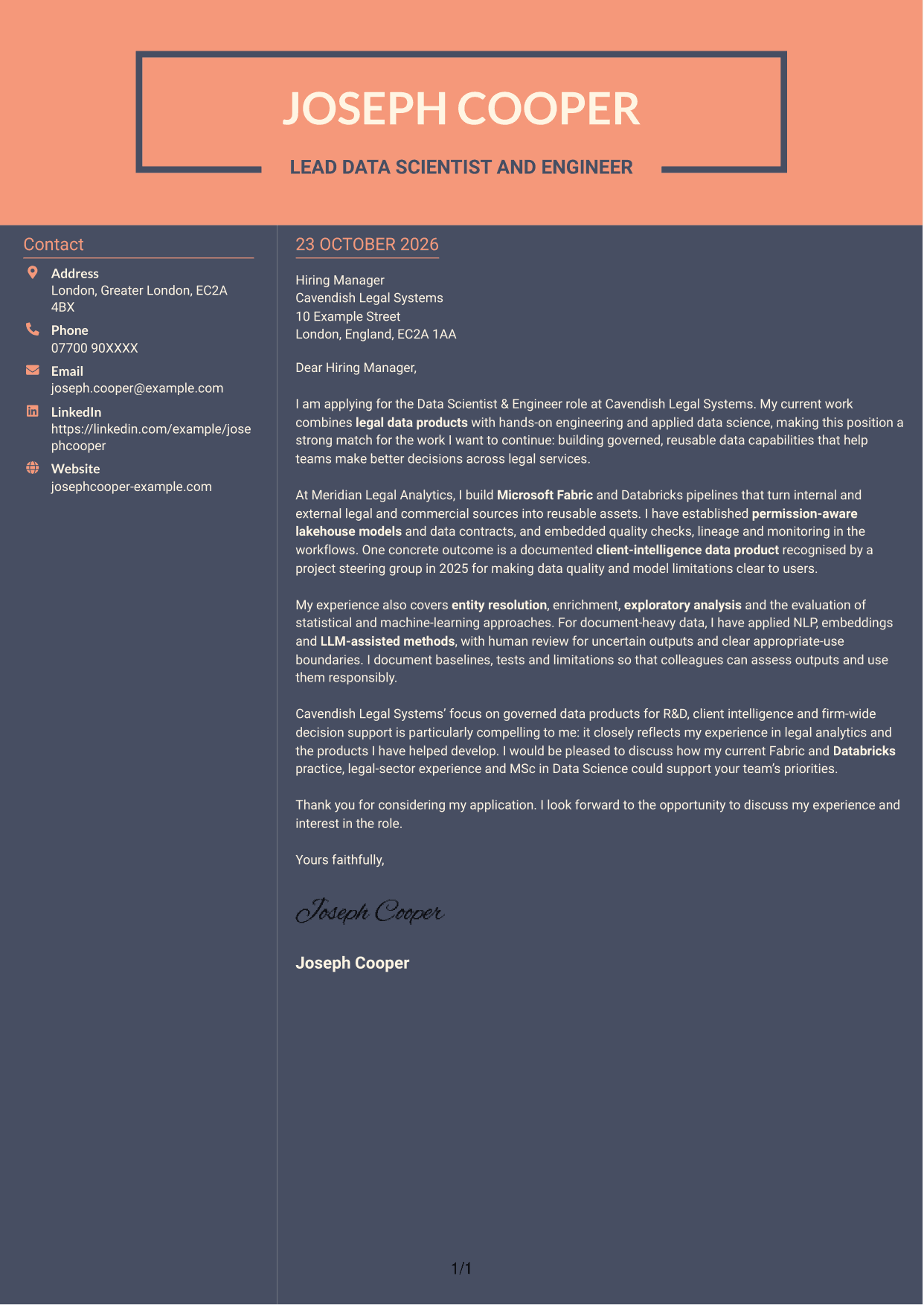
Why This Format Works
- The sidebar gives sender details a separate place beside the letter’s message.
- The body remains continuous, so readers can follow the appeal from start to finish.
- Contact information stays distinct while the written argument retains one reading path.
Best For
- Sidebar-based contact details
- A continuous letter argument
- Distinct sender information
- Full-paragraph applications
- One reading path for the appeal
See Also
- 7 Data Scientist & Engineer - Legal Data Products CV Templates with Example
- 7 Junior AI Engineer - AI and Data CV Templates with Example
- 7 Principal Full-Stack Software Engineer - Python, Data and AI CV Templates with Example
- 7 AI Engineer Apprentice - Generative AI CV Templates with Example
- 7 AI Solutions Engineer CV Templates with Example
- Full Stack Lead Software Engineer CV Guide (Java, Spring Boot, AWS) (Examples + Free PDF Downloads)
- Principal Software Engineer CV Guide (Java, AWS) (Examples + Free PDF Downloads)
- 7 Python Engineer - LLM Applications CV Templates with Example
- 7 Junior AI Engineer - AI and Data Cover Letter Templates with Example
- 7 Principal Full-Stack Software Engineer - Python, Data and AI Cover Letter Templates with Example
Frequently Asked Questions
What should a Data Scientist & Engineer - Legal Data Products cover letter highlight?
Show how your experience relates to governed legal data products and the role’s mix of engineering and applied data science. The featured example uses evidence of Fabric and Databricks pipelines, permission-aware data assets, model evaluation and client intelligence.
How can I make my experience relevant to this role?
Choose one or two examples that show what you built and why it was useful. You might explain how data contracts, quality checks or entity resolution helped make information more reliable and easier for colleagues to use.
How should I explain my interest in Cavendish Legal Systems?
Refer to its stated focus on governed data products for R&D, client intelligence and decision support. Explain how that work connects with your interest in legal analytics, using details that are true to your own experience.
What is a clear way to structure this cover letter?
Open with the role and your reason for applying. Use the body to give focused evidence of relevant data-product work and your approach to responsible analysis, then close by restating your interest and inviting a discussion.
Should I include every detail of my work history?
No. Select the details that best support your fit for this position. A small number of clear examples will make your message easier to follow and remember.




