
7 Diagnostic Imaging Administrator - Patient Coordination Cover Letter Templates with Example
This practical guide helps you create a Diagnostic Imaging Administrator - Patient Coordination cover letter and compare seven layouts for presenting your motivation and role fit clearly.
What Makes a Great Diagnostic Imaging Administrator - Patient Coordination Cover Letter in 2026
A strong letter opens with clear interest and shows how calm patient communication, accurate clinic coordination and dependable records support an effective imaging service.
Use specific evidence, such as arranging inpatient appointments, explaining preparation information or checking image exchanges, then link it to the employer’s multi-site service and patient needs.
The featured Diagnostic Imaging Administrator - Patient Coordination example moves from role interest to relevant patient coordination evidence and a clear close; adapt this focused progression while choosing a presentation suited to the employer and communication context.
#1 Simple One Column Format Cover Letter Example
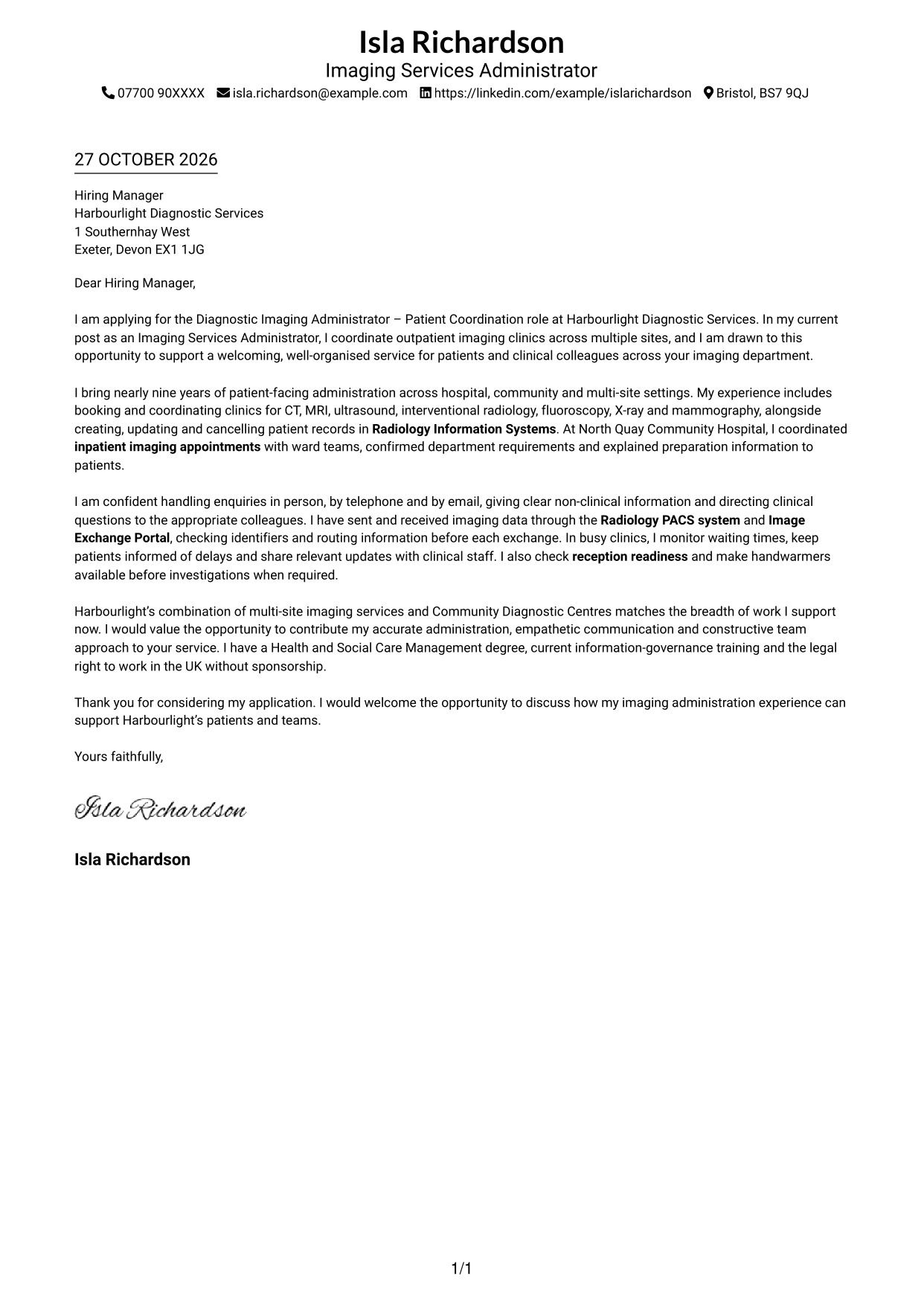
A single-column page places the sender details in the header and keeps the continuous letter body on one reading path.
Why This Format Works
- One reading path helps reviewers follow the opening, supporting points and close in order.
- Sender details stay in the header, apart from the letter's persuasive message.
- With no photo, attention stays on the written case and its tone.
Best For
- Single-column letter reading
- Text-first applications
- Header-based contact details
- Photo-free correspondence
- Letters with a clear opening and close
#2 Two Column Format Cover Letter Example
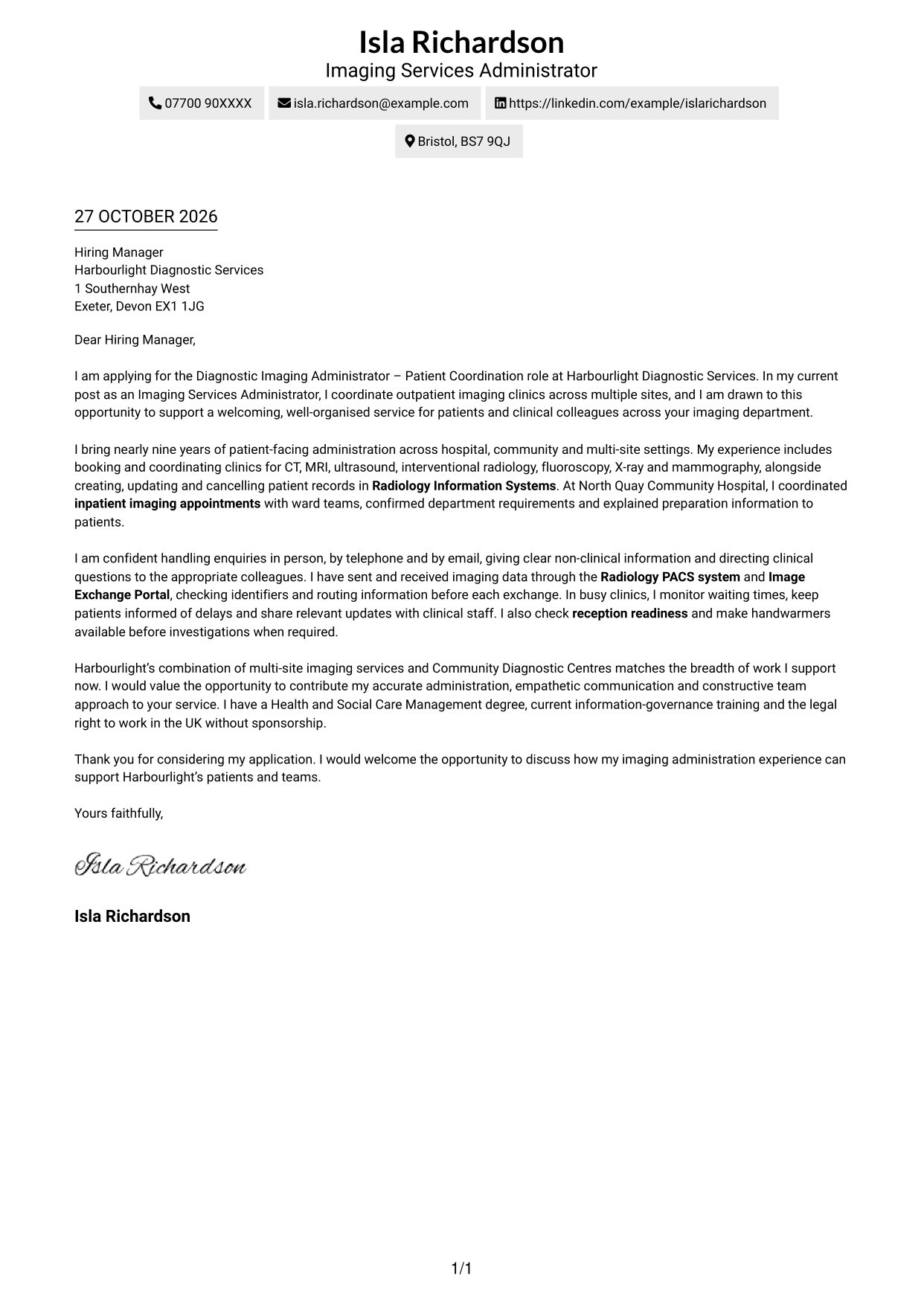
A contact sidebar sits beside one continuous letter body, separating practical details from the persuasive message.
Why This Format Works
- One continuous body carries the reader from motivation through evidence to the close.
- The sidebar gives contact details a clear place beside the letter.
- No photo keeps the focus on the written correspondence.
Best For
- Contact details beside the letter
- Applications needing a clear reading order
- Text-centred correspondence
- Letters with several body paragraphs
- Readers who prefer separate contact information
#3 Photo Header Two Column Format Cover Letter Example
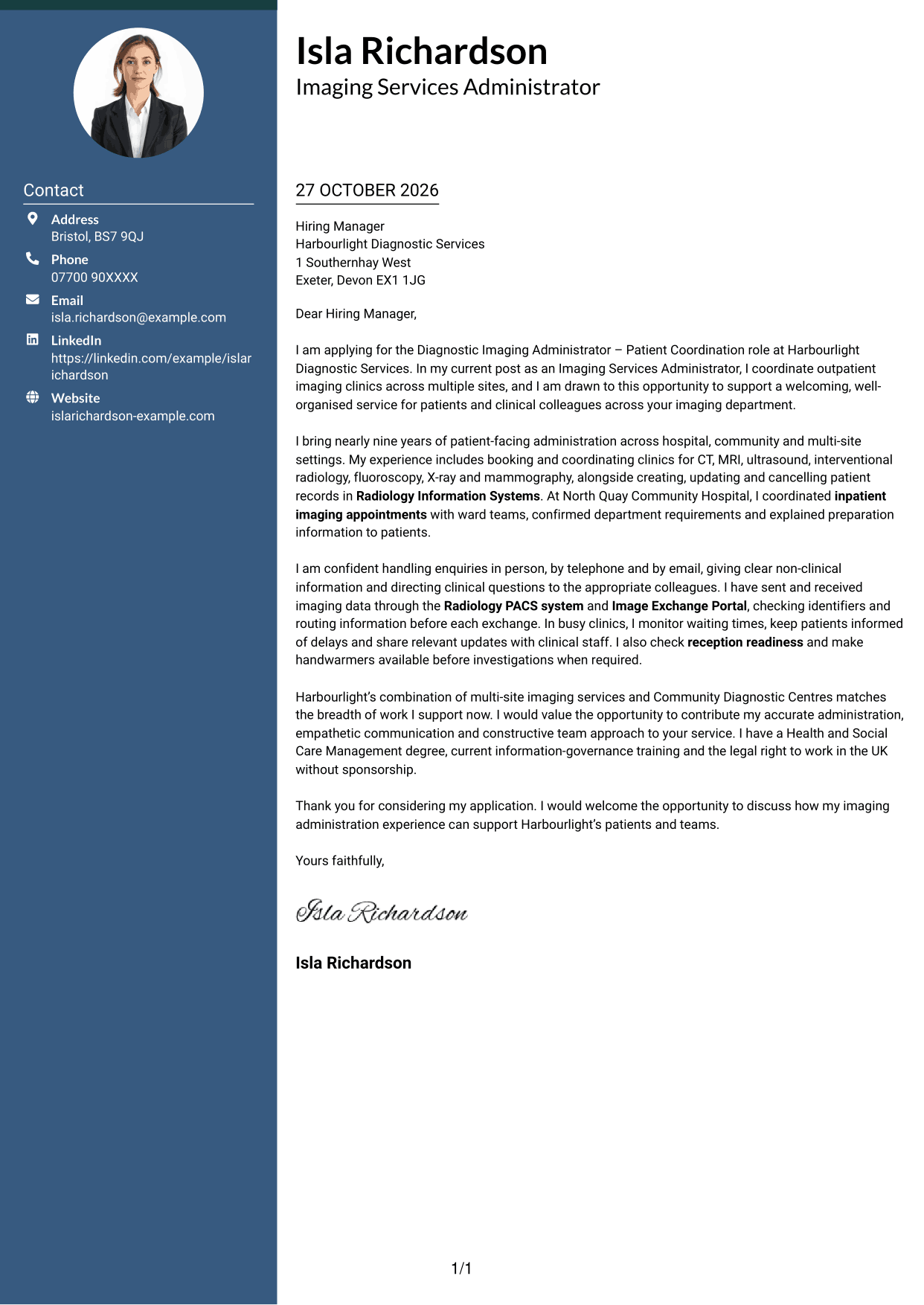
A photo adds a personal visual detail to this two-column letter, while the message remains one continuous body.
Why This Format Works
- The portrait offers a visual point of identification without changing the letter's reading order.
- Contact details remain apart from the paragraphs that make the case.
- A continuous body keeps motivation and supporting evidence together.
Best For
- Letters that include a portrait
- Contact details beside the message
- Continuous persuasive correspondence
- Applications with several body paragraphs
- Personal visual identification
#4 One Column Format with Photo Cover Letter Example
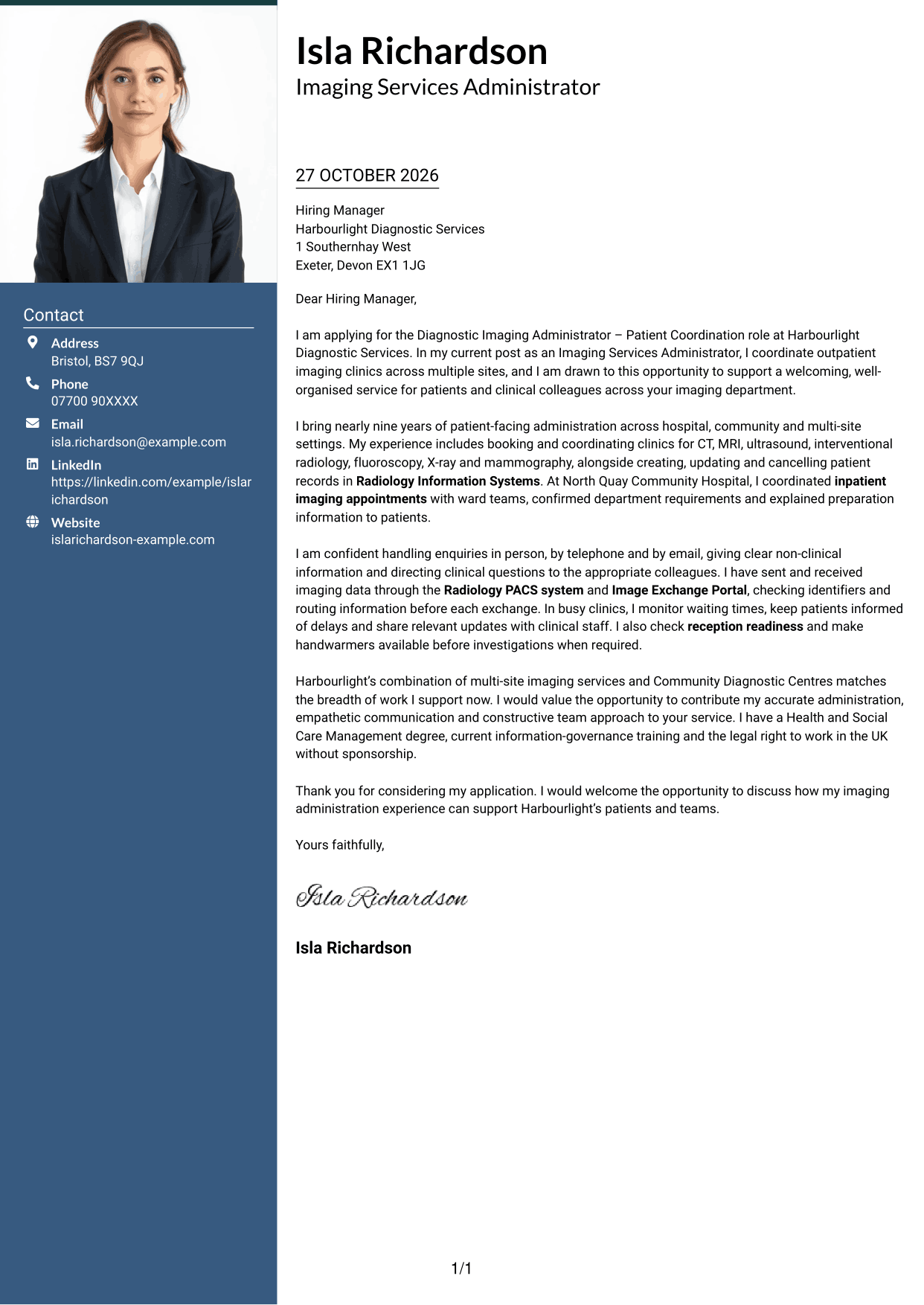
A photo accompanies the single-column letter, adding a personal visual element while keeping the message on one reading path.
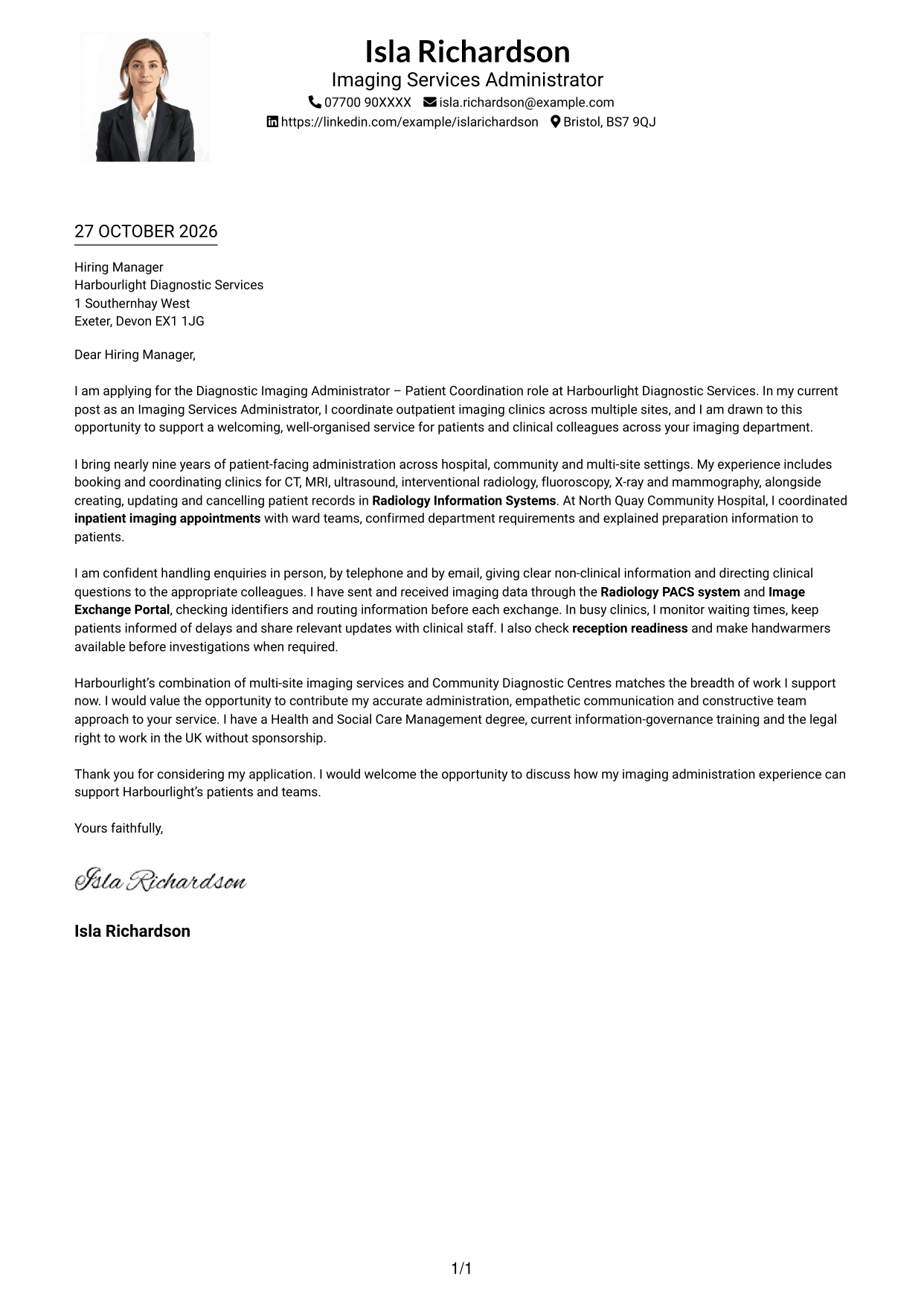
Why This Format Works
- The greeting, main paragraphs and close remain together in sequence.
- A portrait adds a visual identifier without changing the single-column structure.
- Sender details in the header stay distinct from the letter body.
Best For
- Single-column correspondence with a portrait
- Letters with a clear opening and close
- Text-led messages with personal identification
- Header-based contact details
- Readers who prefer one reading path
#5 Simple Two Column Format Cover Letter Example
The contact sidebar sits beside the letter body, giving practical details their own space without splitting the argument.
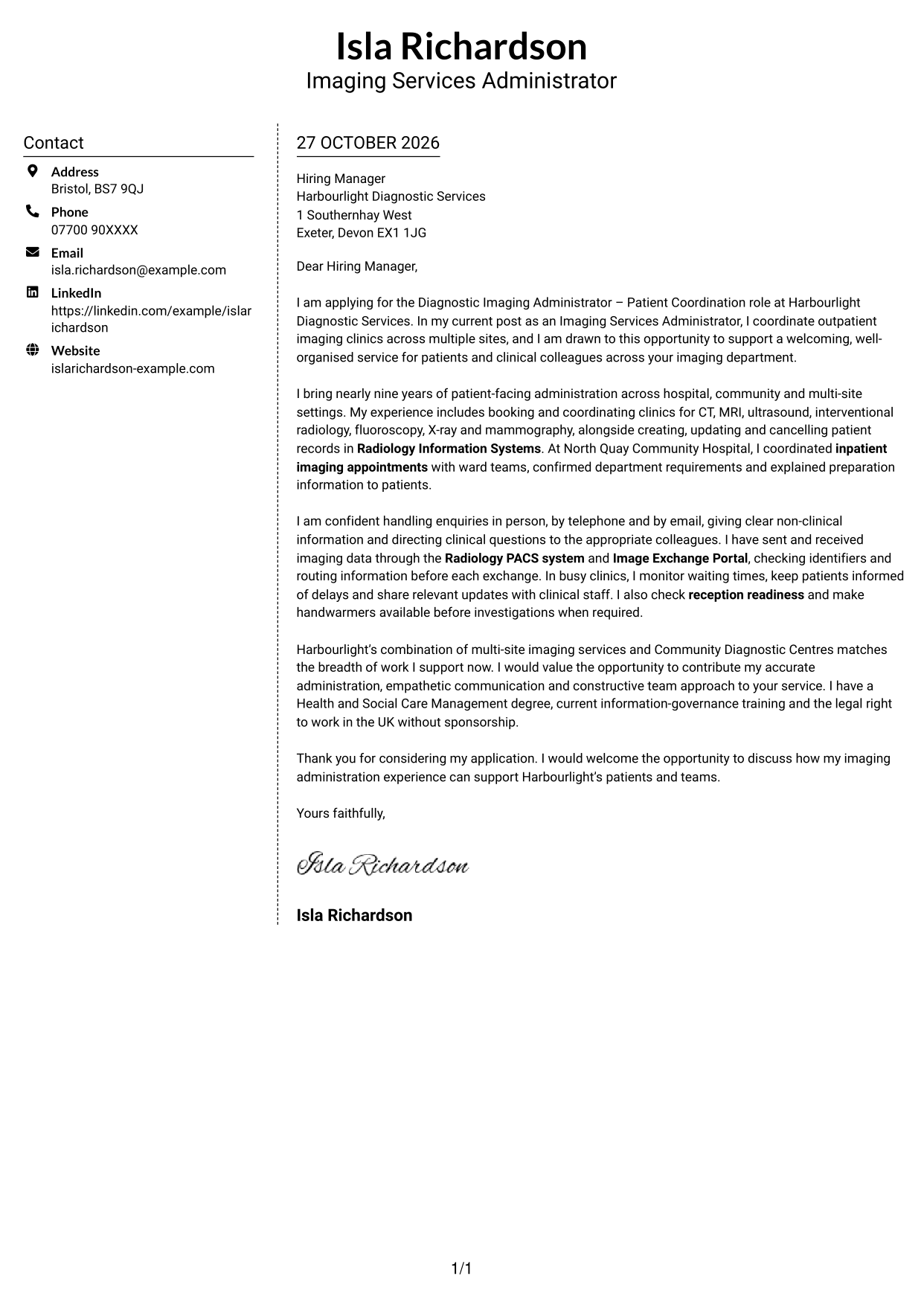
Why This Format Works
- The letter body presents motivation, evidence and closing paragraphs as one sequence.
- Contact information has a separate place for straightforward reference.
- The sidebar keeps practical details outside the persuasive message.
Best For
- Letters with a separate contact area
- Continuous written arguments
- Applications with multiple body paragraphs
- Quick reference to sender details
- Text-centred correspondence
#6 Modern Icon Format Cover Letter Example
Contact icons sit within a two-column layout, helping distinguish sender details while the letter body remains continuous.
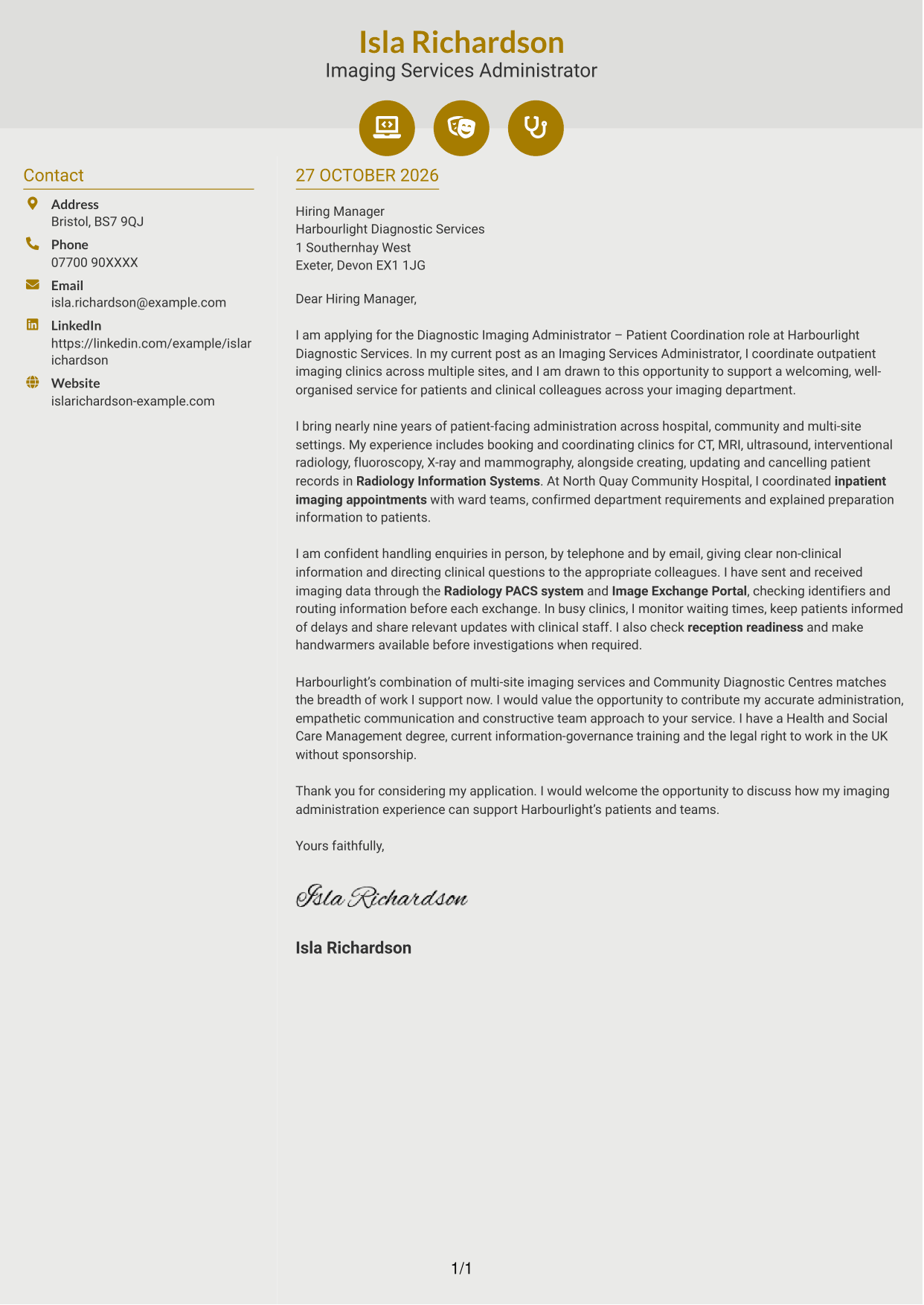
Why This Format Works
- Contact icons help reviewers recognise sender details without labelling letter content.
- The sidebar separates practical contact information from the paragraphs that make the case.
- One continuous body keeps motivation and supporting points in a single reading sequence.
Best For
- Icon-led contact details
- Letters with a continuous argument
- Separate contact and message areas
- Applications with several body paragraphs
- Readers who value quick contact cues
#7 Creative Two Tone Format Cover Letter Example
The two-column layout places contact details beside one uninterrupted letter body, keeping the message together.
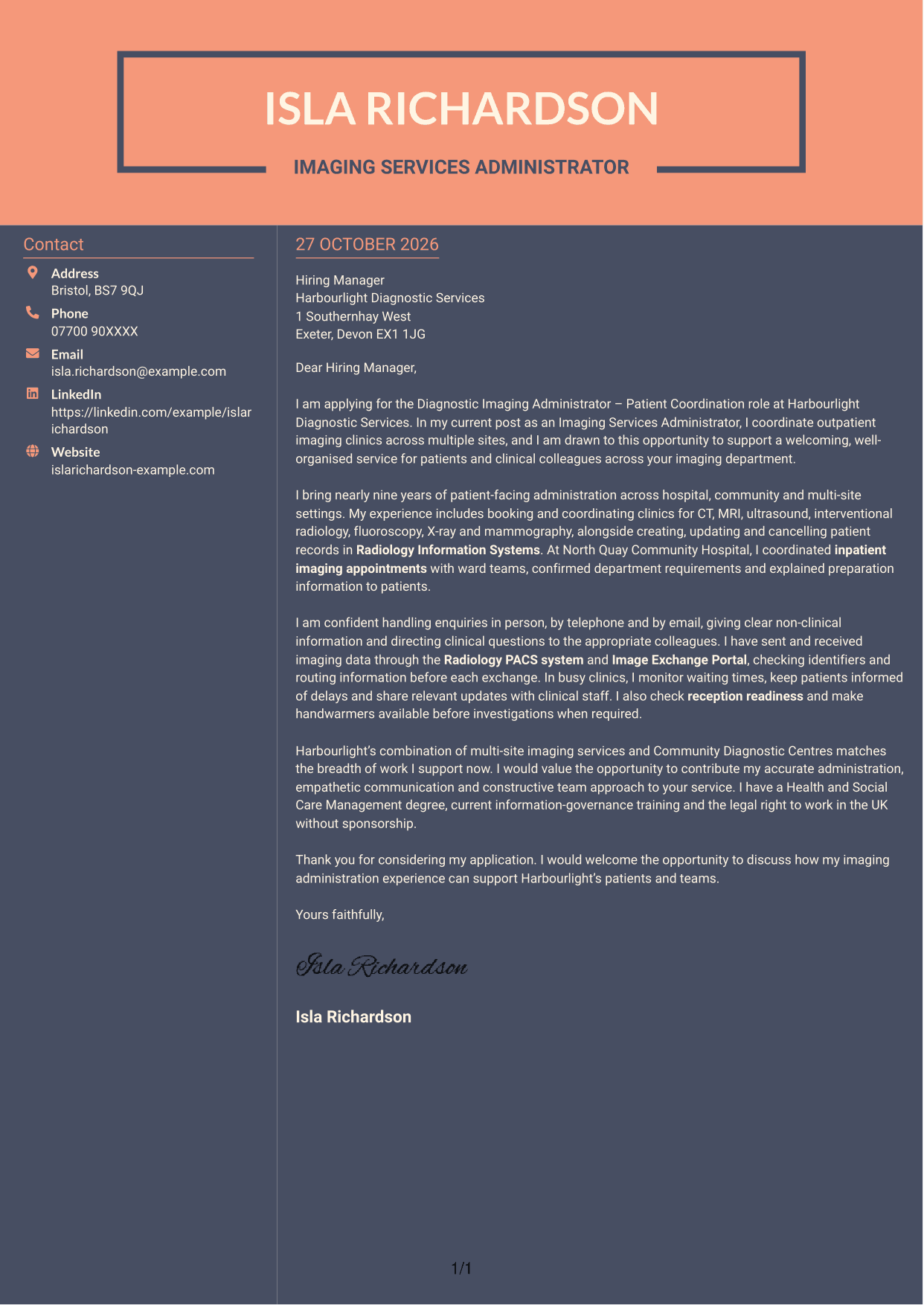
Why This Format Works
- The uninterrupted body keeps all persuasive paragraphs in one continuous reading path.
- Contact details sit outside the message, making practical information easy to locate.
- With no photo, the page presents the correspondence without a personal image.
Best For
- Separate contact and letter areas
- Continuous persuasive correspondence
- Photo-free applications
- Letters with a clear argument sequence
- Readers who want contact details easy to find
See Also
- 7 Diagnostic Imaging Administrator - Patient Coordination CV Templates with Example
- 7 Service Administrator - Ophthalmology Patient Administration CV Templates with Example
- 7 Administrator - Programme Coordination CV Templates with Example
- 7 Office Administrator - Engineering Service Coordination CV Templates with Example
- 7 Operations Administrator - Depot and Route Coordination CV Templates with Example
- 7 Accounts Administrator - Accounts and Payroll CV Templates with Example
- 7 Accounts Administrator - Payroll and Finance CV Templates with Example
- 7 Accounts Payable Administrator - Supplier Payments CV Templates with Example
- 7 Service Administrator - Ophthalmology Patient Administration Cover Letter Templates with Example
- 7 Administrator - Programme Coordination Cover Letter Templates with Example
Frequently Asked Questions
What should a Diagnostic Imaging Administrator - Patient Coordination cover letter highlight?
Show how you can support patients and colleagues through clear non-clinical information, careful appointment coordination and accurate records. Relevant examples may include inpatient liaison, image data exchanges and keeping patients informed about delays.
How can I show my patient coordination skills?
Choose a specific example of helping a patient through an appointment process. You could describe arranging an inpatient visit with a ward team, explaining preparation information or updating patients when clinic times change.
How should I explain my interest in the employer?
Refer to a genuine detail about the imaging service, such as its multi-site clinics or Community Diagnostic Centres. Explain why that work interests you and how your approach to patient communication and administration could support the team.
What is a clear way to structure this cover letter?
Open with the role and your reason for applying. Use the body to give focused examples of clinic coordination, patient communication and accurate administration, then close by restating your interest and inviting further discussion.
Should I include every part of my work history?
No. Select the experience that best shows your fit for this role. A few clear examples of patient coordination and reliable administration will make a stronger case than a full list of past duties.




