
7 Diagnostic Imaging Administrator - Patient Coordination CV Templates with Example
This guide shows you how to create a Diagnostic Imaging Administrator - Patient Coordination CV that is clear, focused and easy to review. You will learn how to organise relevant evidence and choose a format that presents your strengths well.
For this role, make appointment coordination, patient communication and accurate records easy to find. Show how you support outpatient and inpatient visits, manage waiting-time updates and use radiology systems with care.
Compare the PNG image previews of the CV in 7 layouts, then open an example in the editor to customise it. The guide also covers ATS-friendly structure and useful terms, including Radiology Information Systems, Radiology PACS system, Image Exchange Portal and the imaging modalities you support.
What Makes a Great Diagnostic Imaging Administrator - Patient Coordination CV in 2026
A strong CV brings patient service, clinic coordination and accurate administration into clear view. Use concise bullet points to show how you support appointments and keep teams informed.
Include relevant systems and imaging services, such as Radiology Information Systems, Radiology PACS, the Image Exchange Portal, CT and MRI. Add specific outcomes only when you can support them with evidence.
Note: CV examples are for educational purposes only. Use only information that accurately reflects your experience and qualifications. References to real organisations do not imply affiliation or endorsement.
#1 Plain Two Column Format CV Example
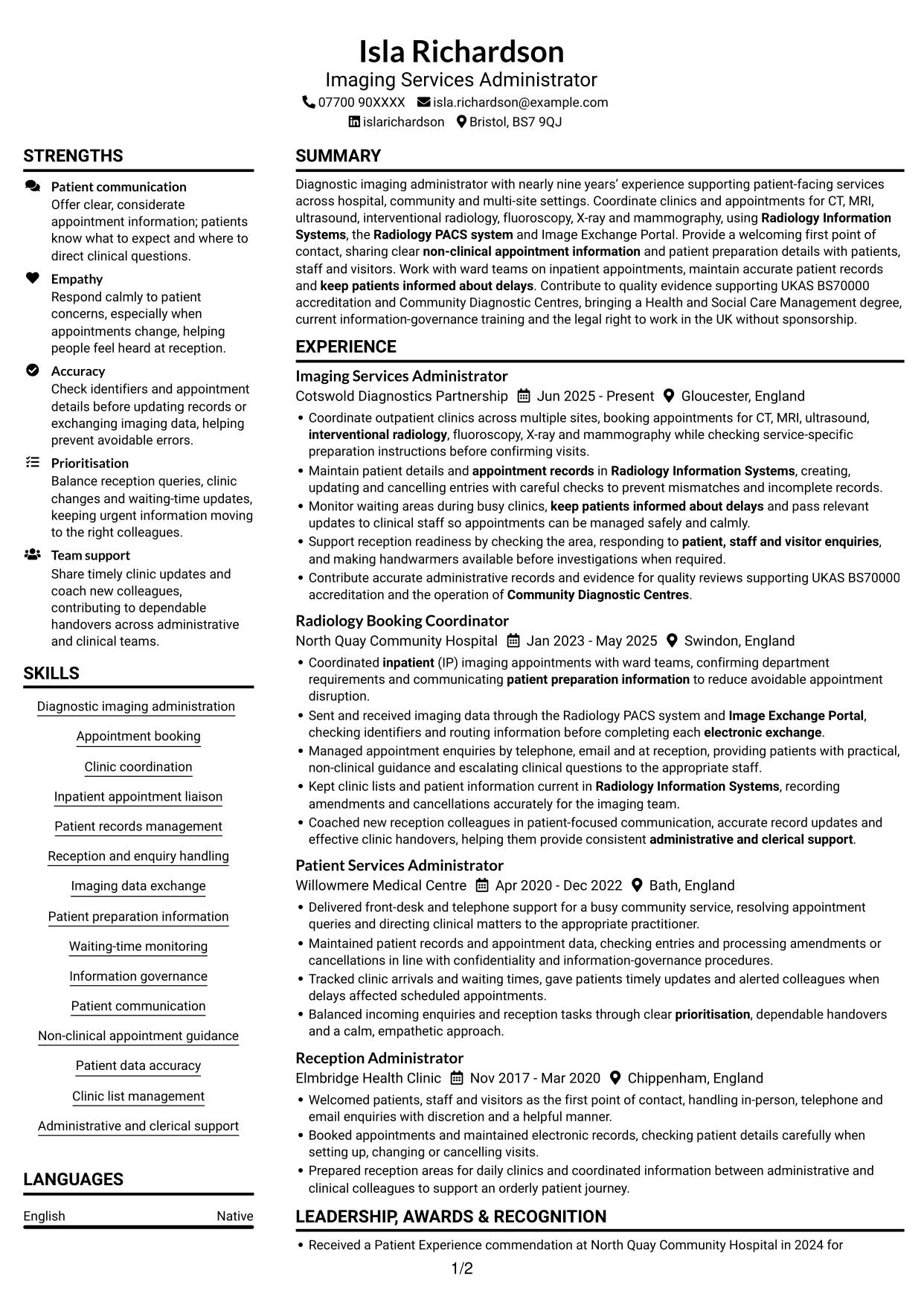
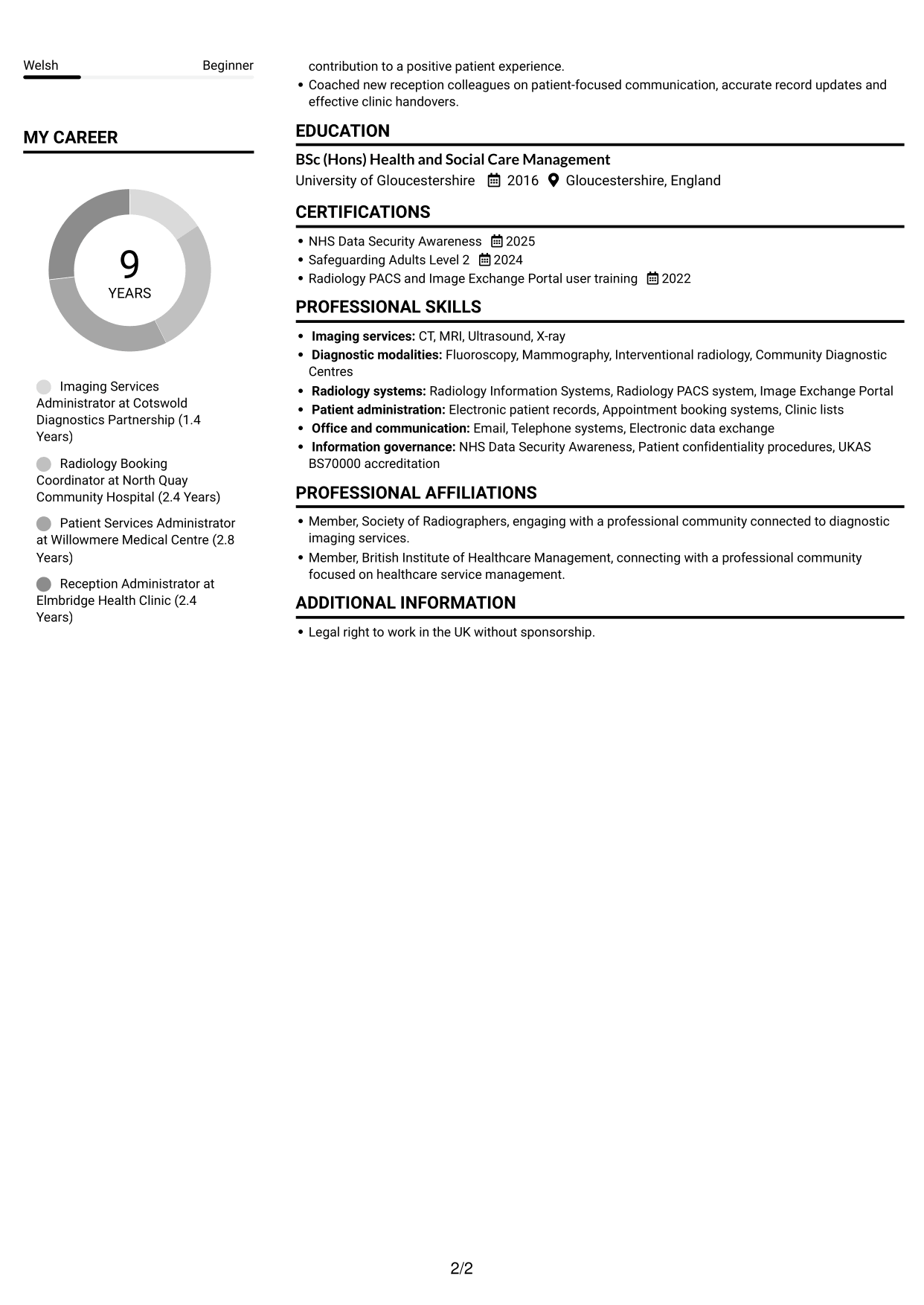
Plain Two Column Format uses two body columns to group information, giving recruiters a clear way to move between career history and supporting sections.
CV Snapshot
- Nearly nine years in patient-facing administration
- Clinic coordination across multiple sites
- Radiology systems and electronic image exchange
- Health and Social Care Management degree
Why This Format Works
- Two columns distinguish career history from supporting sections, making the document structure clear.
- Dated roles remain easy to scan across the work history.
- Skills, education and credentials are easy to locate during experience review.
Best For
- Career histories beside supporting sections
- CVs with several section types
- Readers comparing experience and qualifications
- Distinct skills and education summaries
- Quick navigation between content areas
CV Keywords
- Diagnostic imaging administration
- Appointment booking
- Clinic coordination
- Radiology Information Systems
- Radiology PACS system
- Image Exchange Portal
- Coordinated inpatient (IP) imaging appointments with ward teams
- Maintain patient details and appointment records in Radiology Information Systems, creating, updating and cancelling entries with careful checks to prevent mismatches and incomplete records.
- Patient records management
- Sent and received imaging data through the Radiology PACS system and Image Exchange Portal, checking identifiers and routing information before completing each electronic exchange.
- patient, staff and visitor enquiries
- Support reception readiness
- non-clinical appointment information
- Patient preparation information
- Waiting-time monitoring
#2 Simple One Column Format CV Example
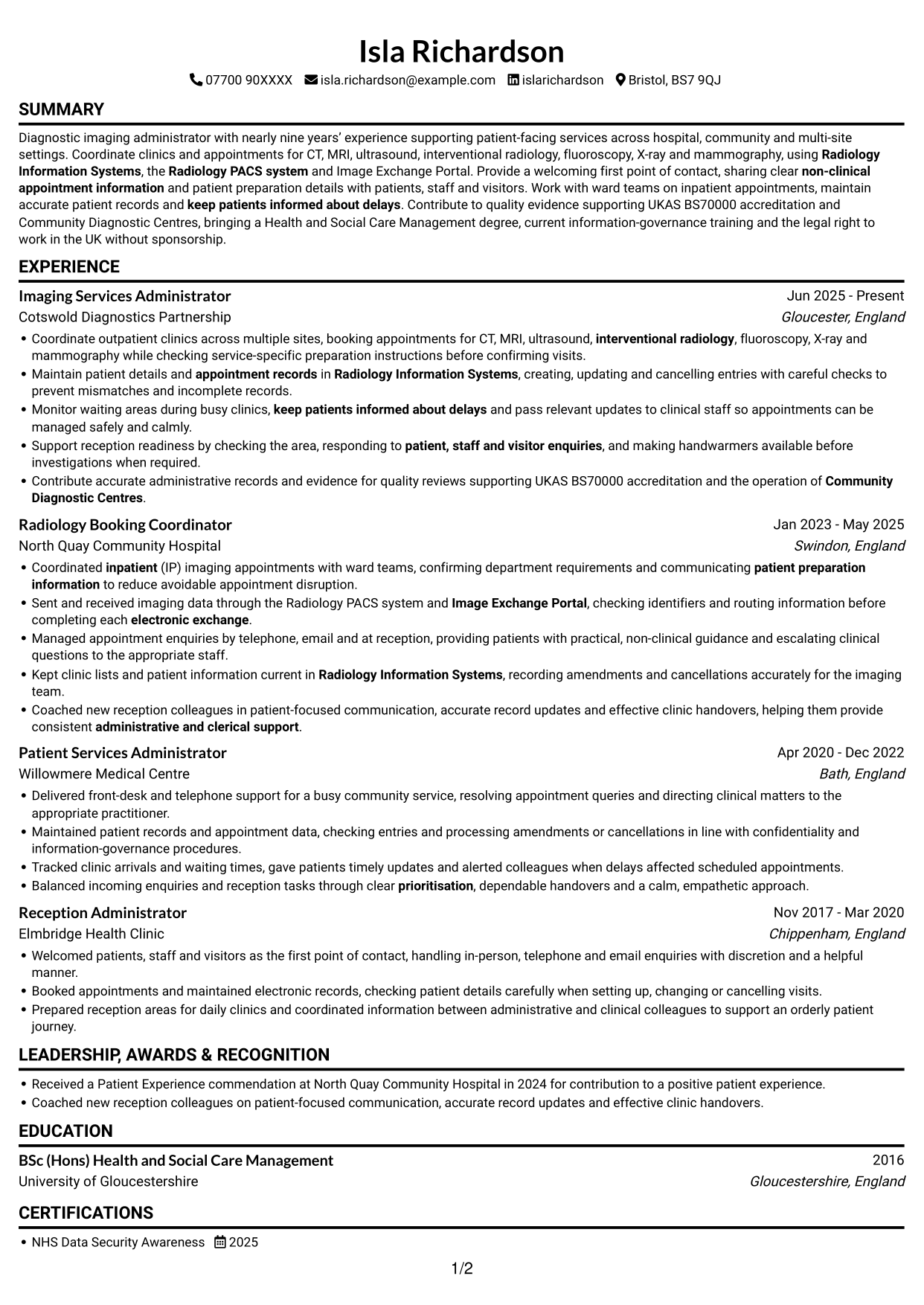
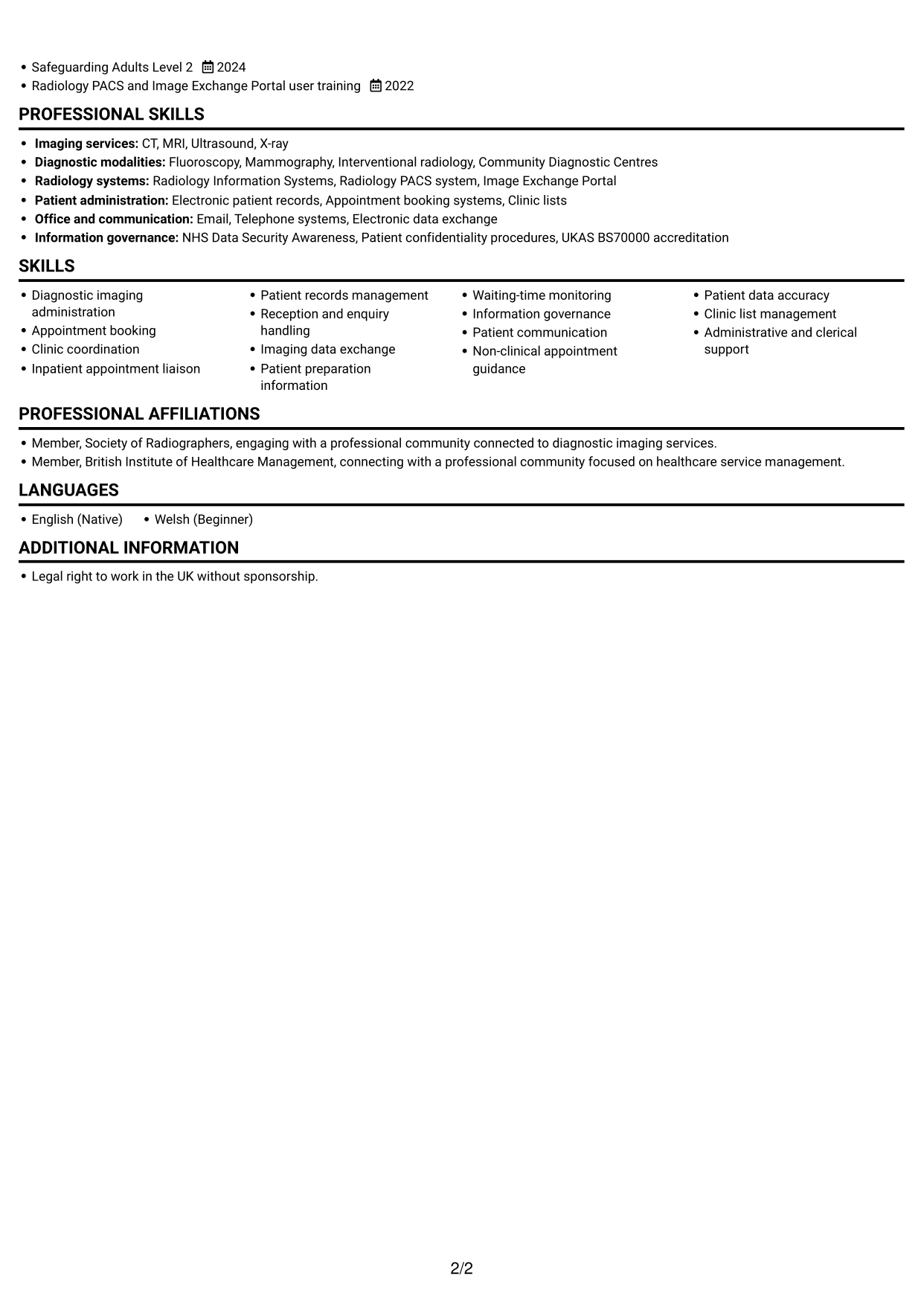
Simple One Column Format follows a single vertical reading path, which helps recruiters review each CV section in sequence.
Why This Format Works
- One vertical reading path keeps dated experience in a clear sequence.
- Each role can retain detail without competing with a second column.
- Skills, education and credentials follow the same straightforward section order.
Best For
- Chronological career histories
- CVs reviewed from top to bottom
- Detailed role-by-role information
- Sections best read in sequence
- A straightforward text-led layout
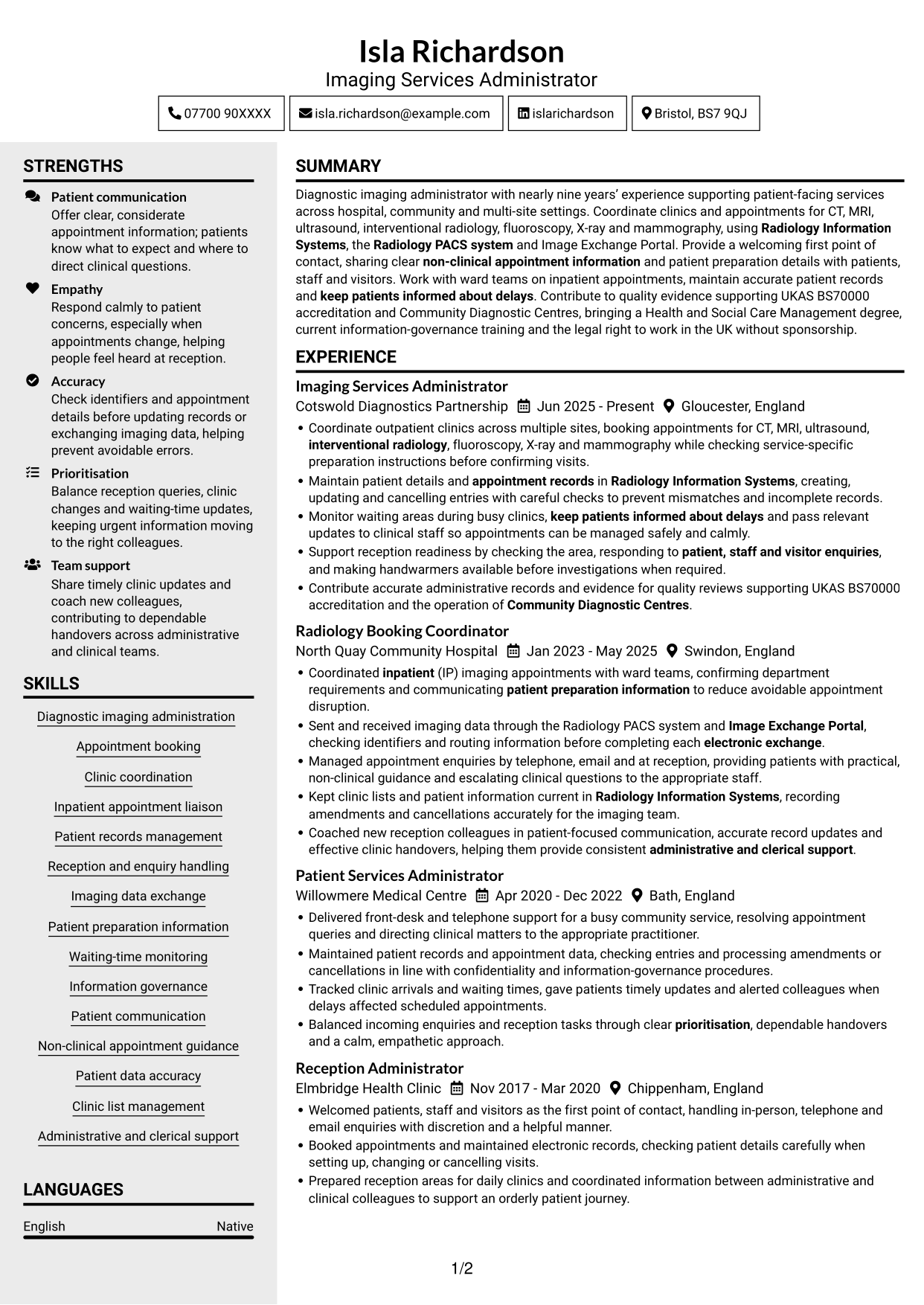
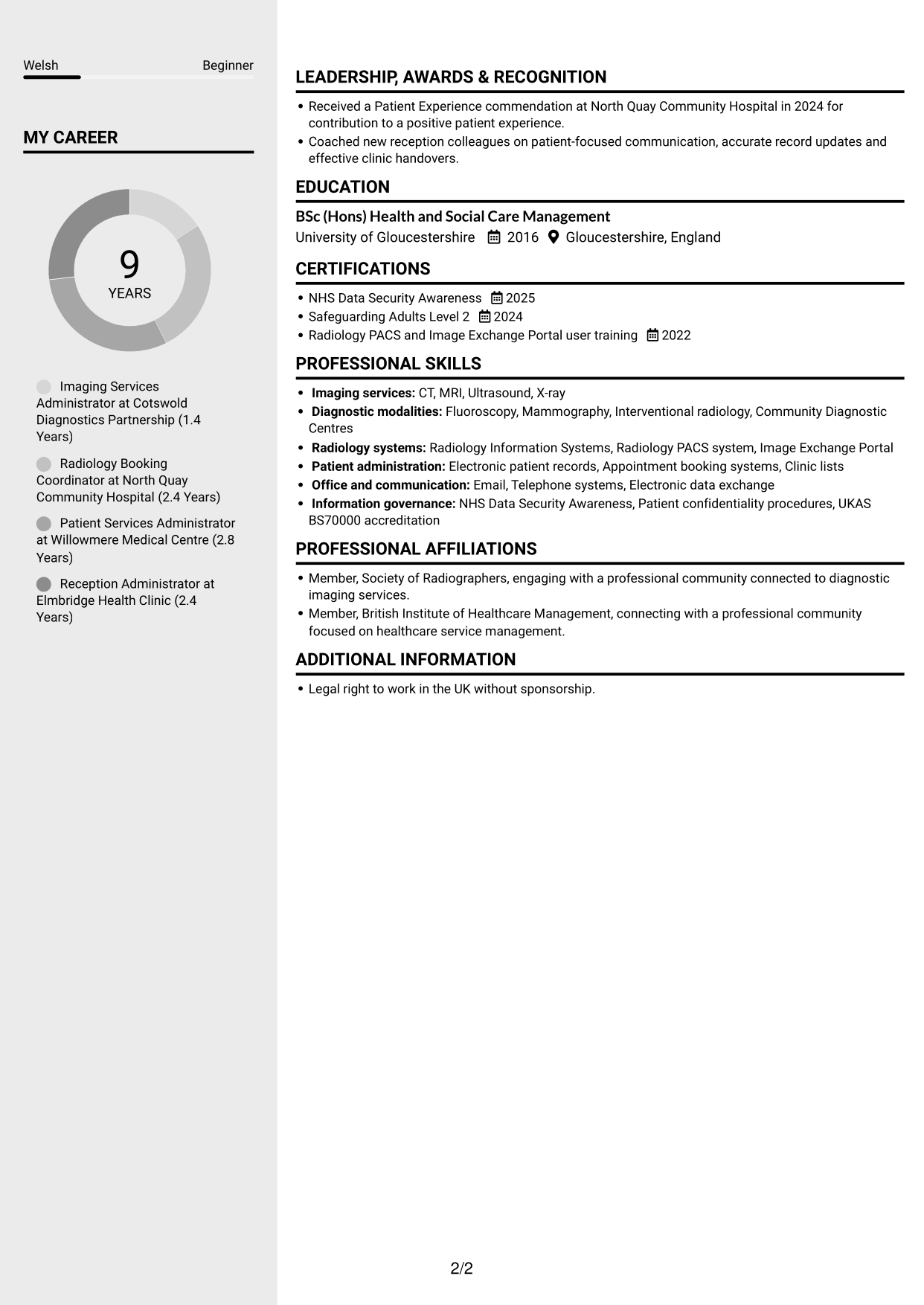
#3 Clean Two Column Sidebar Format CV Example
Clean Two Column Sidebar Format uses two body columns, helping reviewers distinguish experience from supporting information as they scan.
Why This Format Works
- The two-column structure keeps career history distinct from other CV sections.
- Reviewers can scan role details without losing sight of supporting information.
- Skills and education remain easy to find during a review of experience.
Best For
- Experience with several supporting sections
- CVs needing clear section separation
- Readers scanning career history and skills
- Applications with varied credentials
- A two-column reading preference
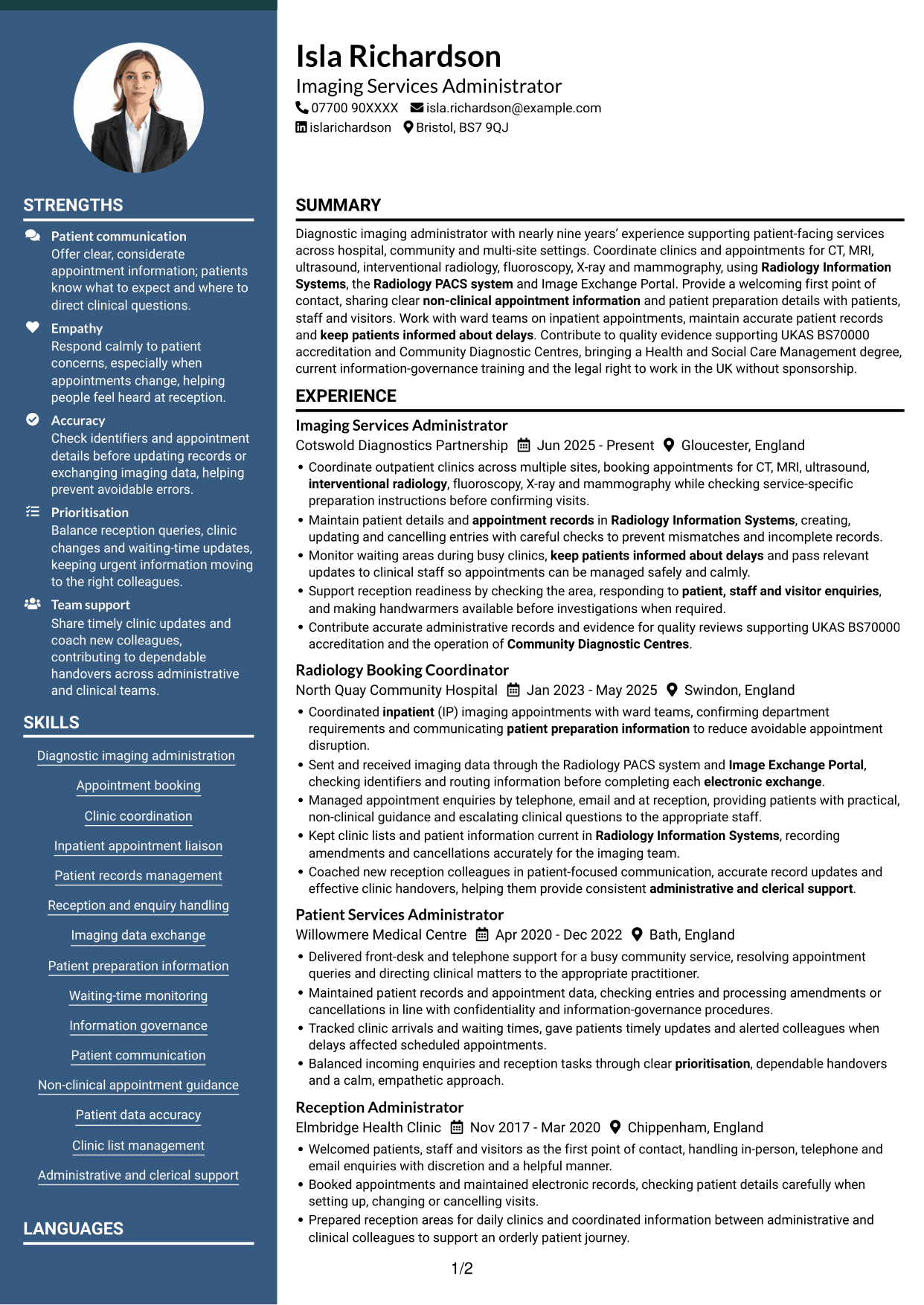
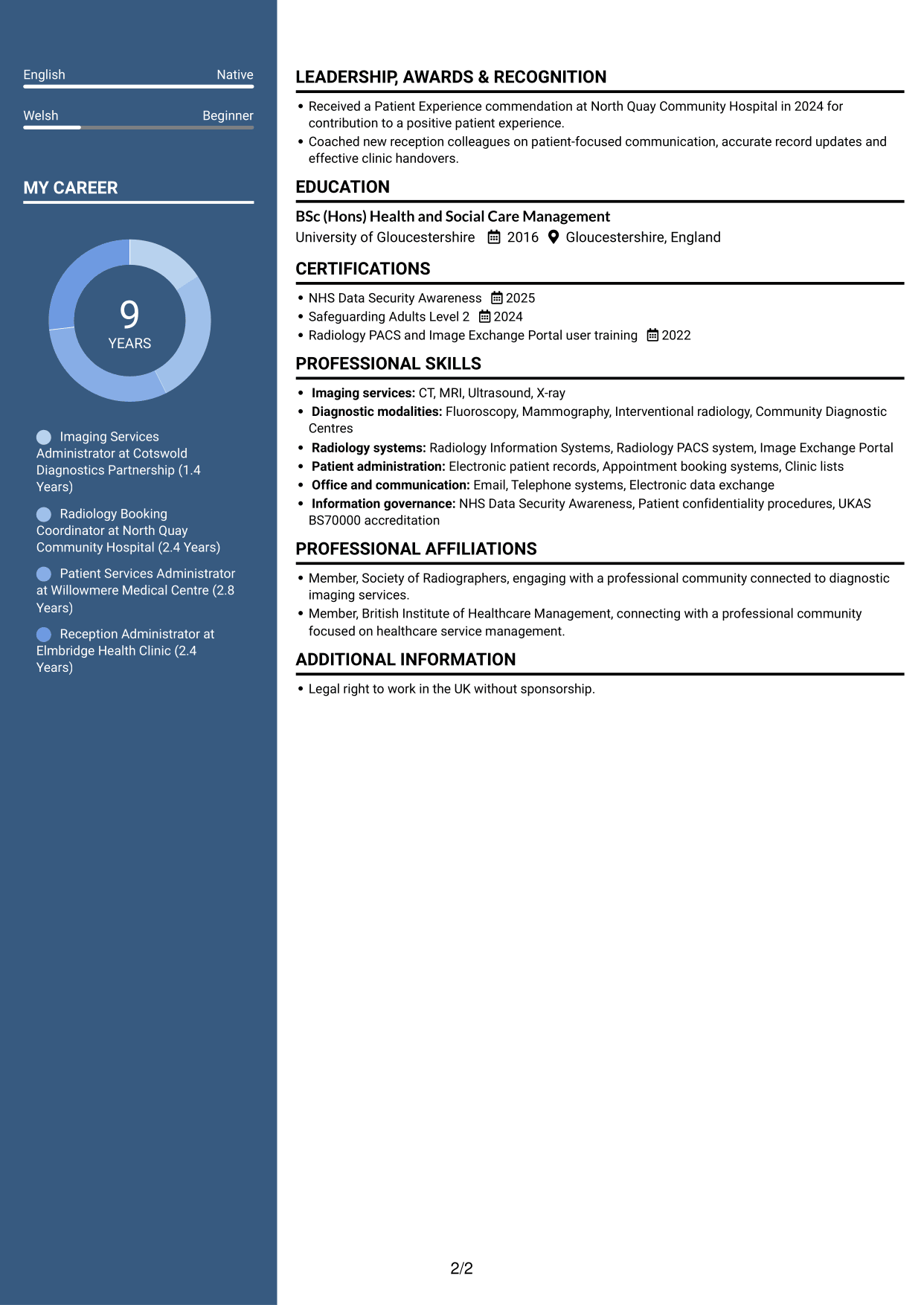
#4 Two Column Format CV Example
Two Column Format places CV content in two body columns, offering recruiters a clear route between career history and other sections.
Why This Format Works
- Career history and supporting sections have distinct areas in the two-column layout.
- The dated work record can be reviewed without a long vertical scan.
- Education and credentials are easier to locate alongside experience.
Best For
- Career records with multiple roles
- CVs combining experience and credentials
- Readers who prefer grouped sections
- Skills and education alongside work history
- A clear two-column reading route
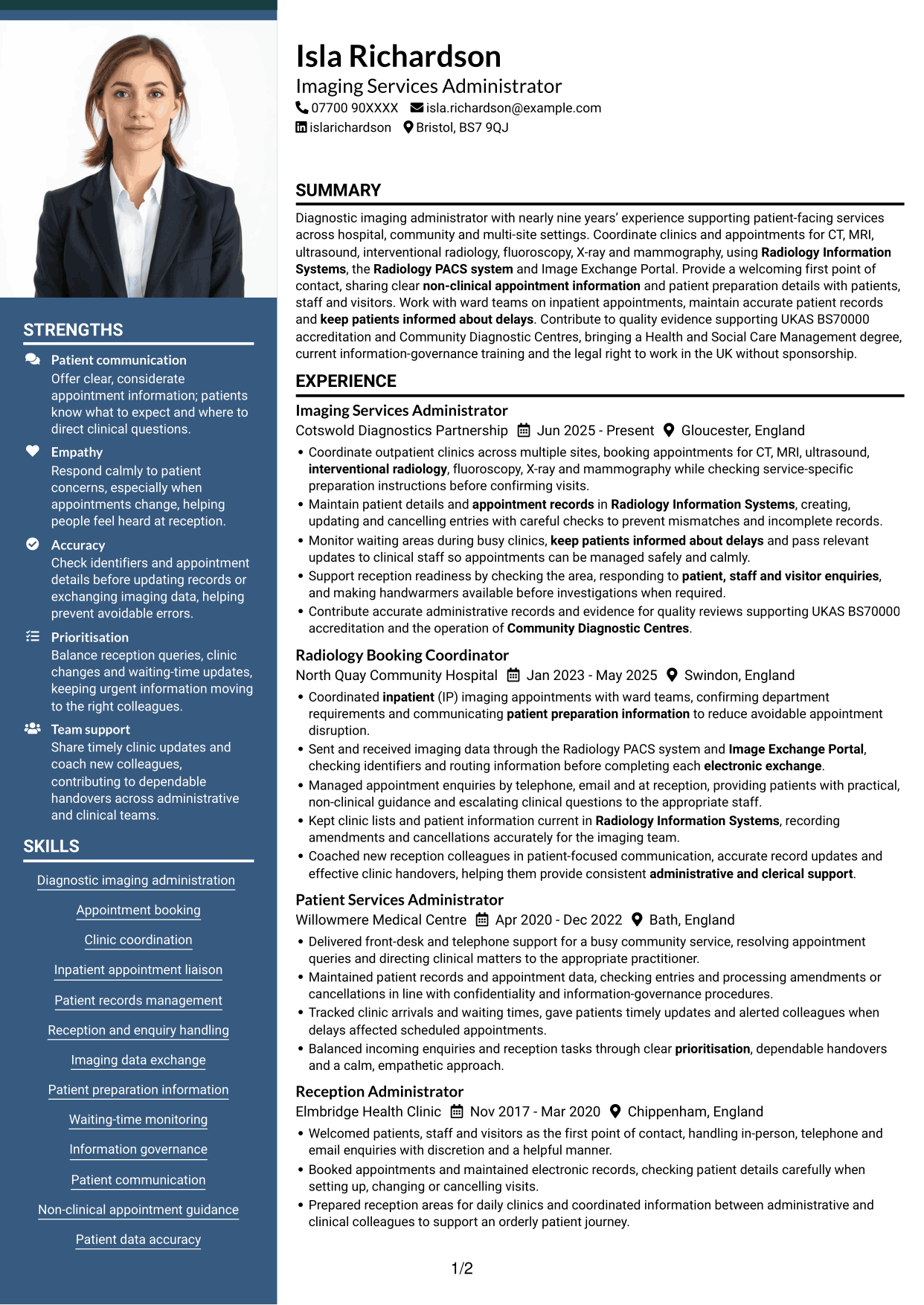
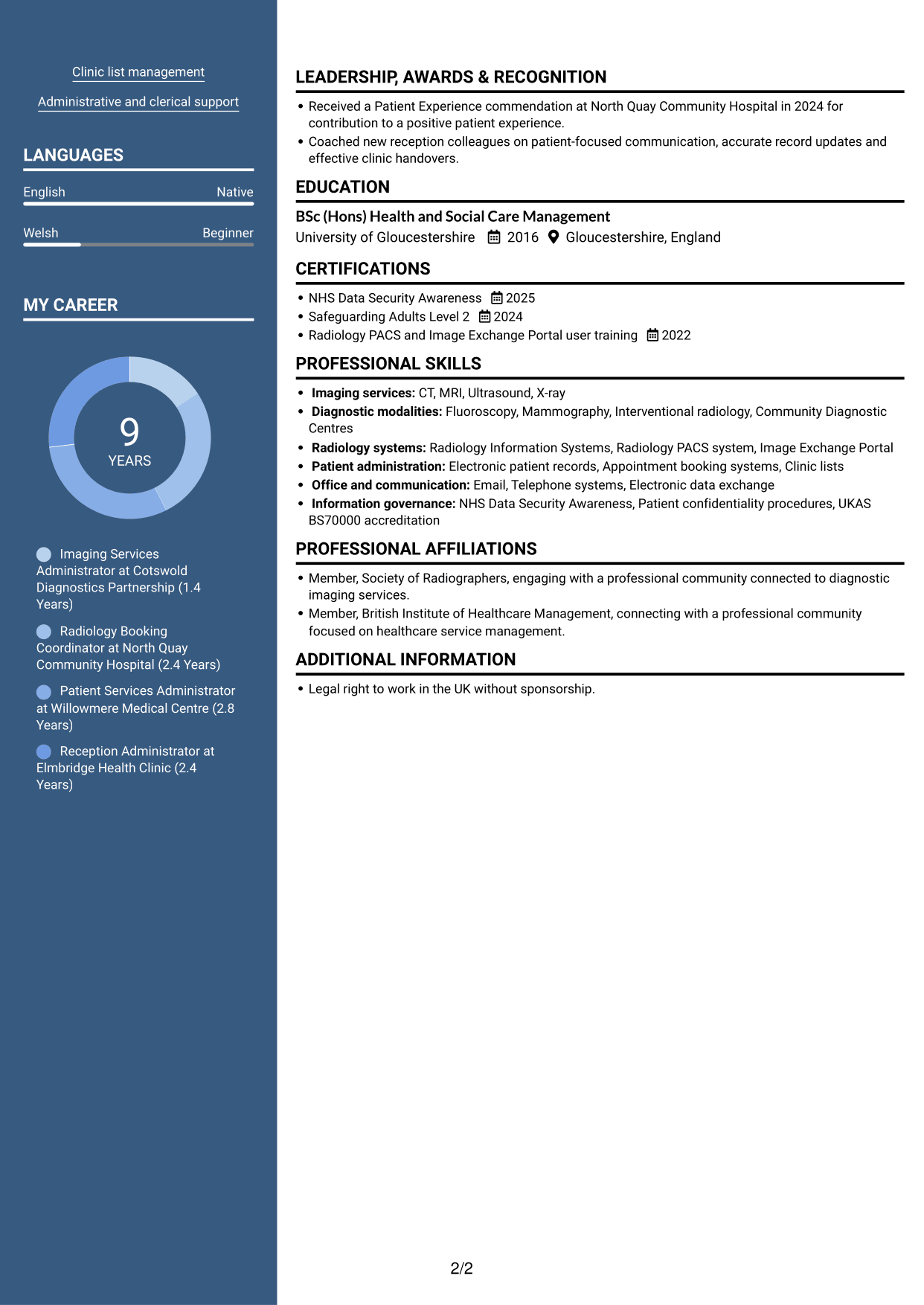
#5 Photo Header Two Column Format CV Example
Photo Header Two Column Format pairs a photo with two body columns, suiting readers who want a portrait alongside grouped CV content.
Why This Format Works
- Two columns keep career history and supporting sections visually distinct.
- The reviewer can follow dated roles without searching through one long column.
- Skills, education and credentials remain accessible beside the work record.
Best For
- CVs where a portrait is preferred
- Career histories with supporting sections
- Readers who value grouped information
- Several credentials alongside work history
- A two-column layout with a photo
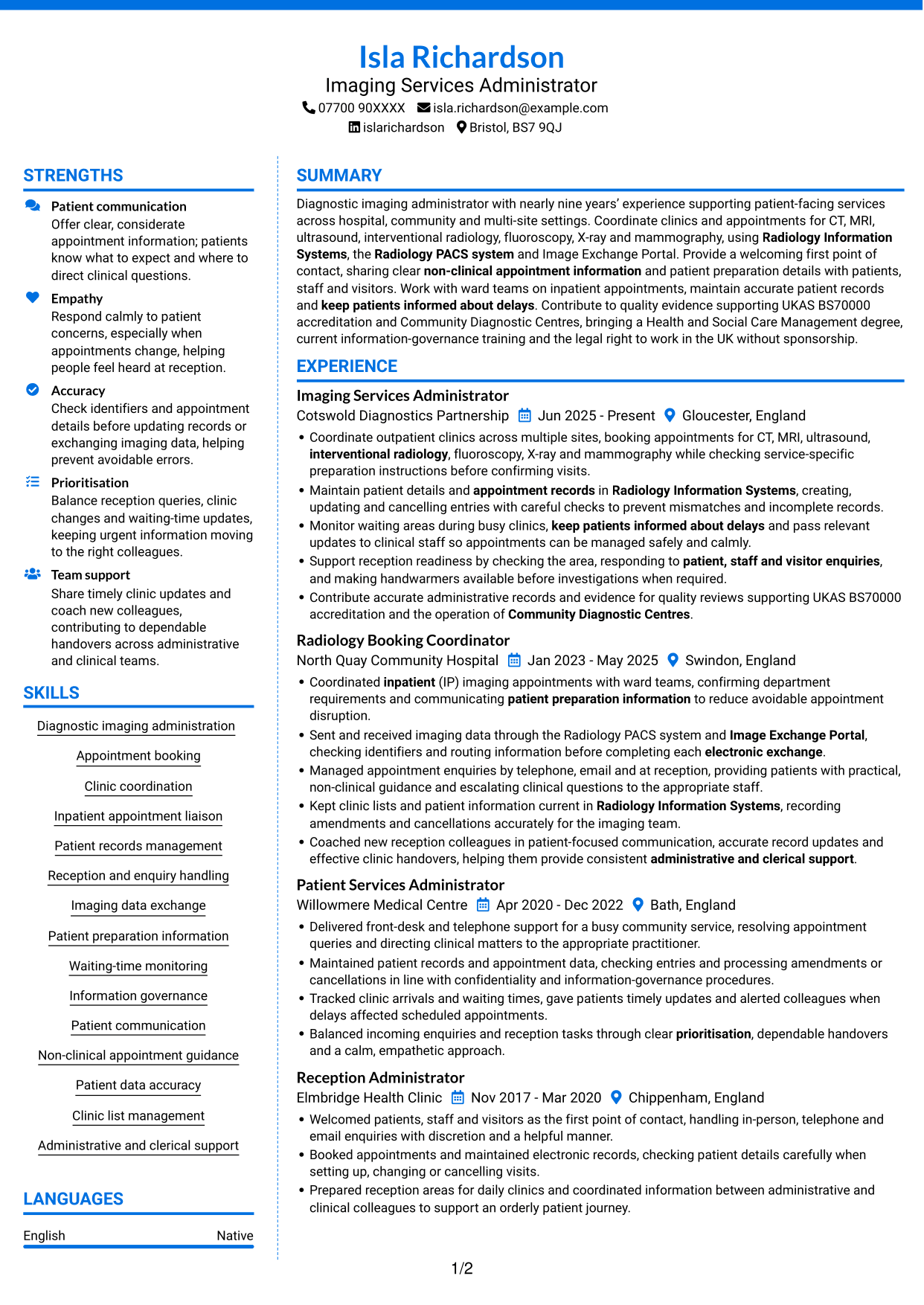
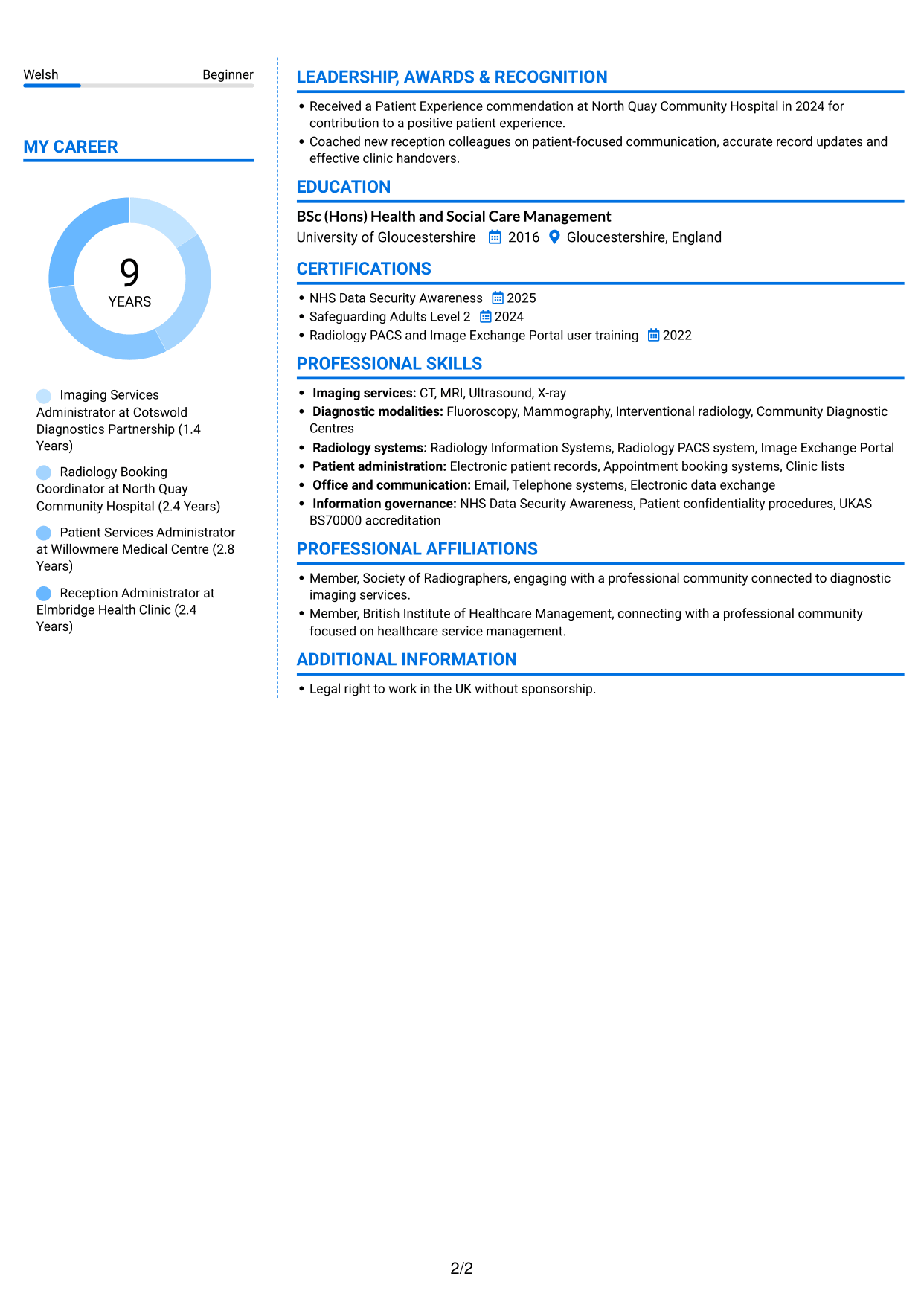
#6 Coloured Two Column Format CV Example
Coloured Two Column Format presents CV information in two body columns, helping reviewers move between career history and supporting sections.
Why This Format Works
- The two-column arrangement separates experience from the CV's supporting content.
- Dated roles are easy to scan as a distinct part of the document.
- Education and skills can be located without reading every experience entry.
Best For
- CVs with varied supporting sections
- Readers locating skills and education
- Career histories reviewed separately
- Experience and credentials in one document
- Preference for two body columns
#7 Stylish Two Column Designer Format CV Example
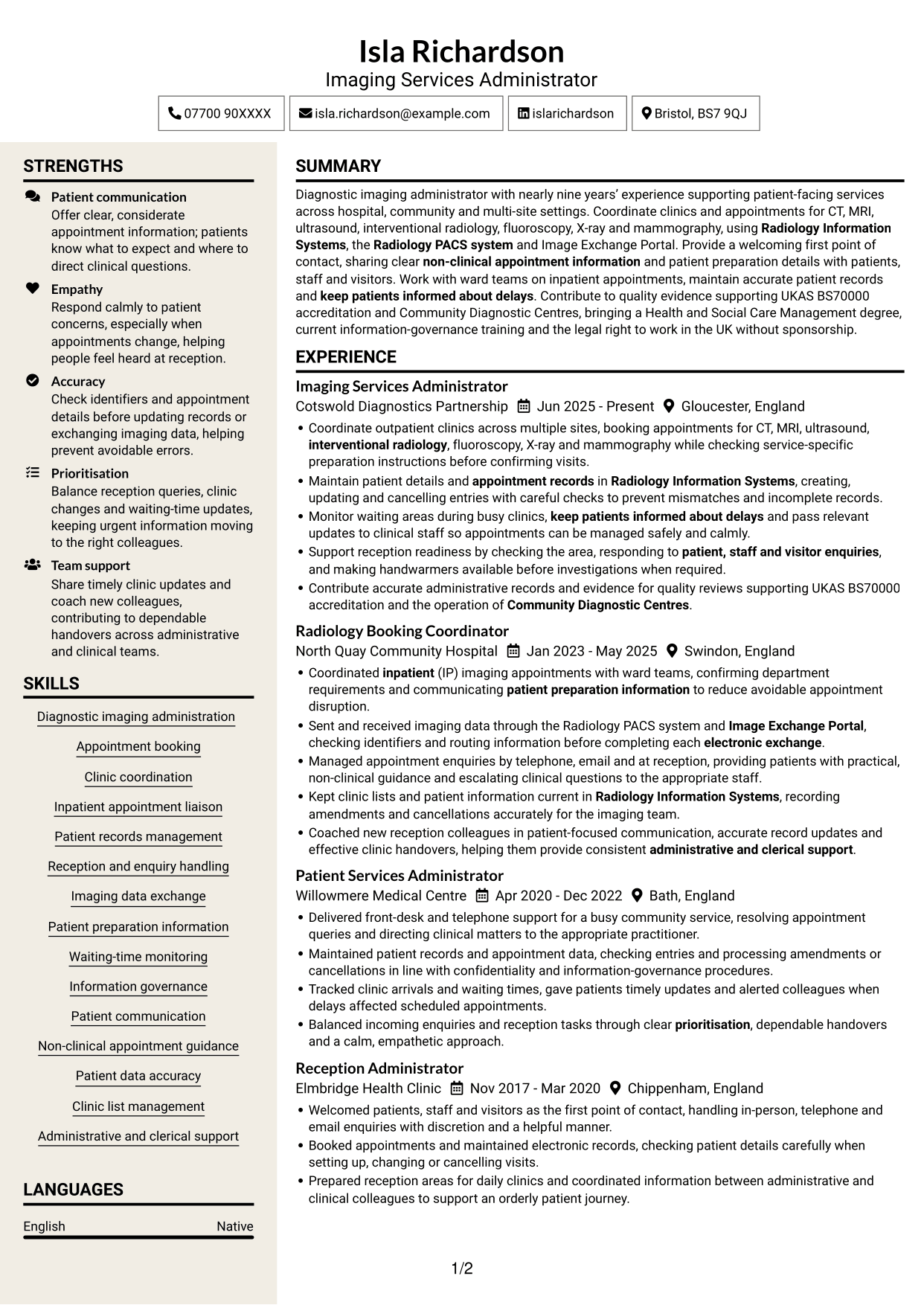
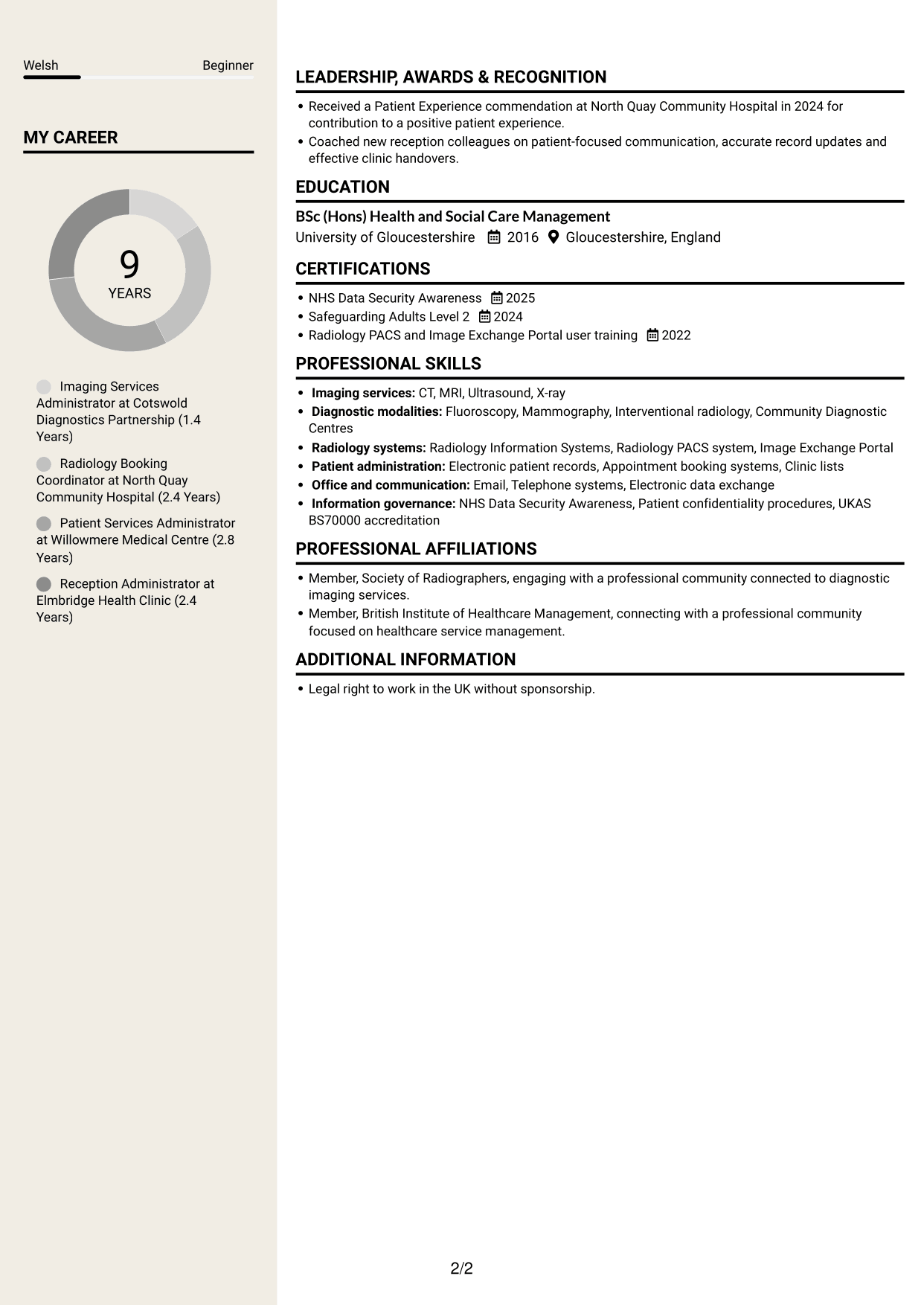
Stylish Two Column Designer Format sets CV information in two body columns, giving reviewers a divided route through experience and supporting details.
Why This Format Works
- Two columns give career history and supporting details separate areas.
- Reviewers can follow the dated work record without crossing a long page of text.
- Skills and credentials are easier to identify beyond the experience entries.
Best For
- Career history with varied supporting details
- Readers seeking grouped CV sections
- Skills and credentials beyond work history
- CVs with multiple information types
- A divided two-column reading path
Why Build Your Diagnostic Imaging Administrator - Patient Coordination CV with ResumeInMinutes
ResumeInMinutes helps you arrange imaging administration experience, skills and education in a clear CV. Compare PNG image previews, then open an example in the editor to customise its content and layout.
- Different CV layouts
- Clear, readable section structure
- Space for role-specific keywords
- Organised skills and experience
- PNG image previews
- CV customisation in the editor
Choose a format that makes your patient coordination work easy to follow. Give clear space to appointment booking, accurate records, radiology systems and communication with patients and clinical teams.
See Also
- 7 Service Administrator - Ophthalmology Patient Administration CV Templates with Example
- 7 Administrator - Programme Coordination CV Templates with Example
- 7 Office Administrator - Engineering Service Coordination CV Templates with Example
- 7 Operations Administrator - Depot and Route Coordination CV Templates with Example
- 7 Accounts Administrator - Accounts and Payroll CV Templates with Example
- 7 Accounts Administrator - Payroll and Finance CV Templates with Example
- 7 Accounts Payable Administrator - Supplier Payments CV Templates with Example
- 7 Apprenticeship Administrator - Compliance and Records CV Templates with Example
- 7 Diagnostic Imaging Administrator - Patient Coordination Cover Letter Templates with Example
- 7 Service Administrator - Ophthalmology Patient Administration Cover Letter Templates with Example
Frequently Asked Questions
Are these Diagnostic Imaging Administrator - Patient Coordination CV templates ATS-friendly?
The examples use clear headings and sections to support scanning. Include relevant terms naturally, such as clinic coordination, inpatient appointment liaison, Radiology Information Systems and accurate patient records.
Are these separate CV examples or different layouts of one example?
This page presents one role-focused CV example in different layouts. Compare the PNG image previews, then open an example in the editor to customise it.
What should a Diagnostic Imaging Administrator - Patient Coordination CV include?
Include a focused summary, relevant experience, education, skills and training. Show evidence of appointment booking, patient enquiries, ward liaison, record accuracy, waiting-time updates and electronic imaging data exchange.
Which CV layout works well for this role?
Choose a format with clear headings and an easy-to-follow order for experience, skills and education. A simple structure helps recruiters and applicant tracking systems find key details.
How can I show patient coordination achievements on my CV?
Use short bullet points to explain the task, your contribution and the result. Include supported details about appointment coordination, accurate records, patient updates or team handovers.
Should I include a photo on my CV?
For UK applications, a photo is usually not needed. Use the space for relevant experience, skills and evidence of your work instead.




