
7 Entry-Level Bookkeeper - Accounts Payable and Receivable Cover Letter Templates with Example
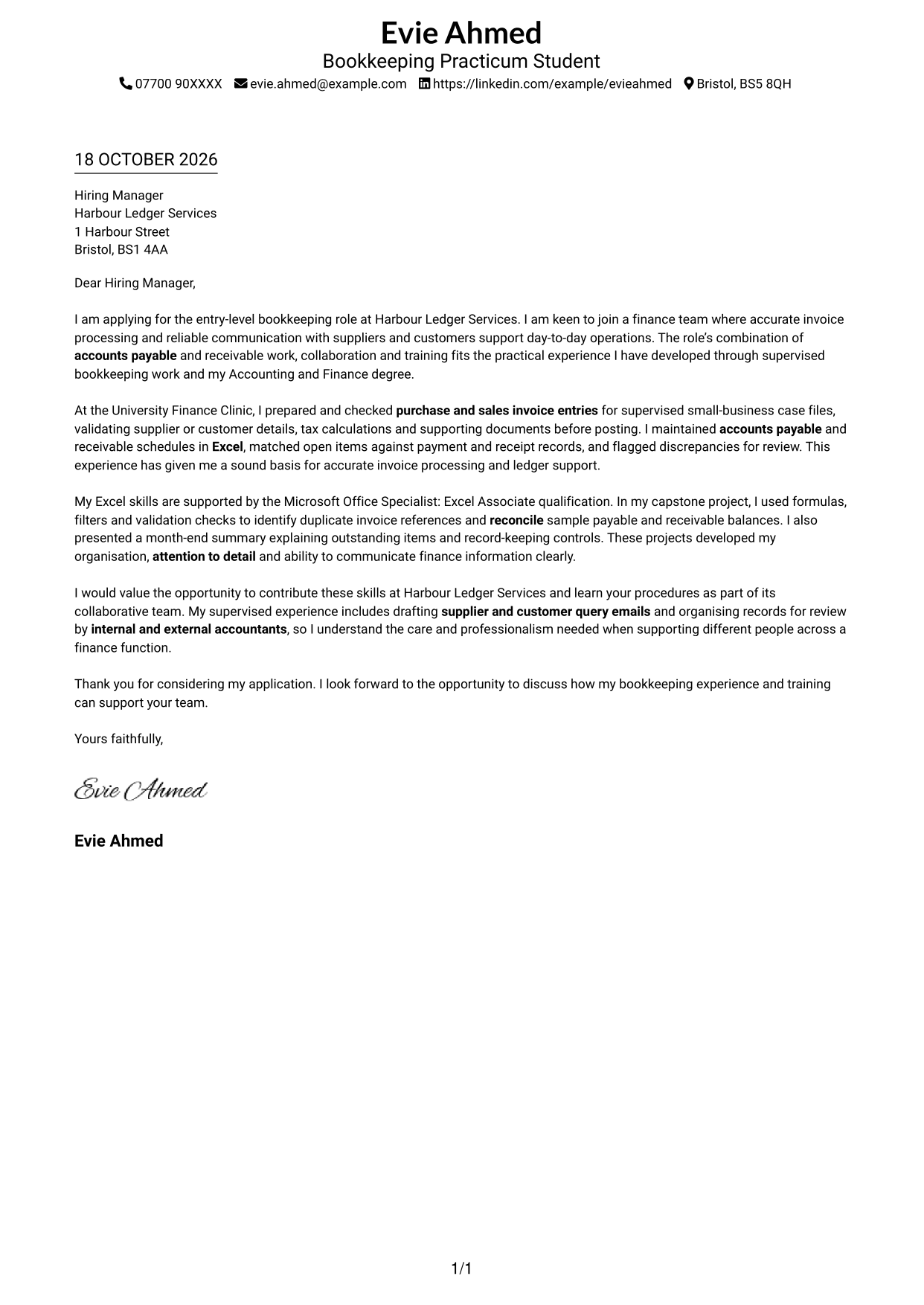
This practical guide to an Entry-Level Bookkeeper - Accounts Payable and Receivable cover letter shows how to present role fit across seven layouts.
What Makes a Great Entry-Level Bookkeeper - Accounts Payable and Receivable Cover Letter in 2026
A strong letter explains your interest in the role and shows how careful invoice processing, accurate records and clear communication support bookkeeping work. Keep the opening direct and link your motivation to the job.
Use relevant evidence, such as checking invoice details, maintaining payable and receivable schedules, or reconciling records in Excel. Show how your approach can support the employer’s finance team and its work with suppliers, customers and accountants.
The featured example moves from motivation to practical bookkeeping evidence, then to team contribution and a clear close; adapt this focused progression while choosing a presentation suited to the employer and communication context.
#1 Simple One Column Format Cover Letter Example
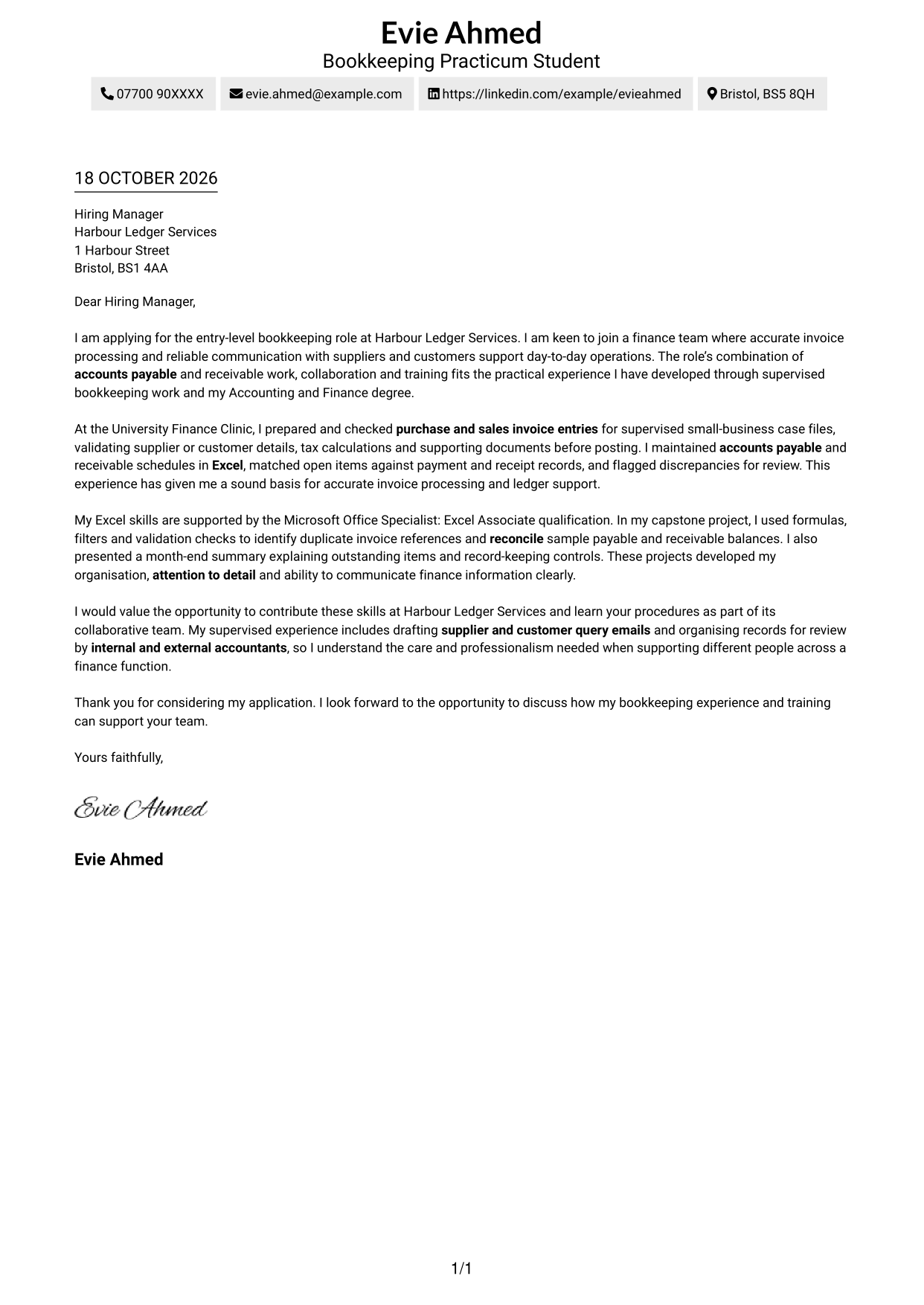
The Simple One Column Format places sender details in the header above a continuous letter body, giving the message a direct reading order.
Why This Format Works
- Sender details in the header give reviewers a clear place to find contact information.
- Opening, motivation, evidence and closing remain in one paragraph-led letter body.
- With no sidebar, the page gives the written message the full reading width.
Best For
- Single-column letter reading
- Header-based contact details
- Paragraph-led applications
- Text-first correspondence
- Letters without body headings
#2 Two Column Format Cover Letter Example
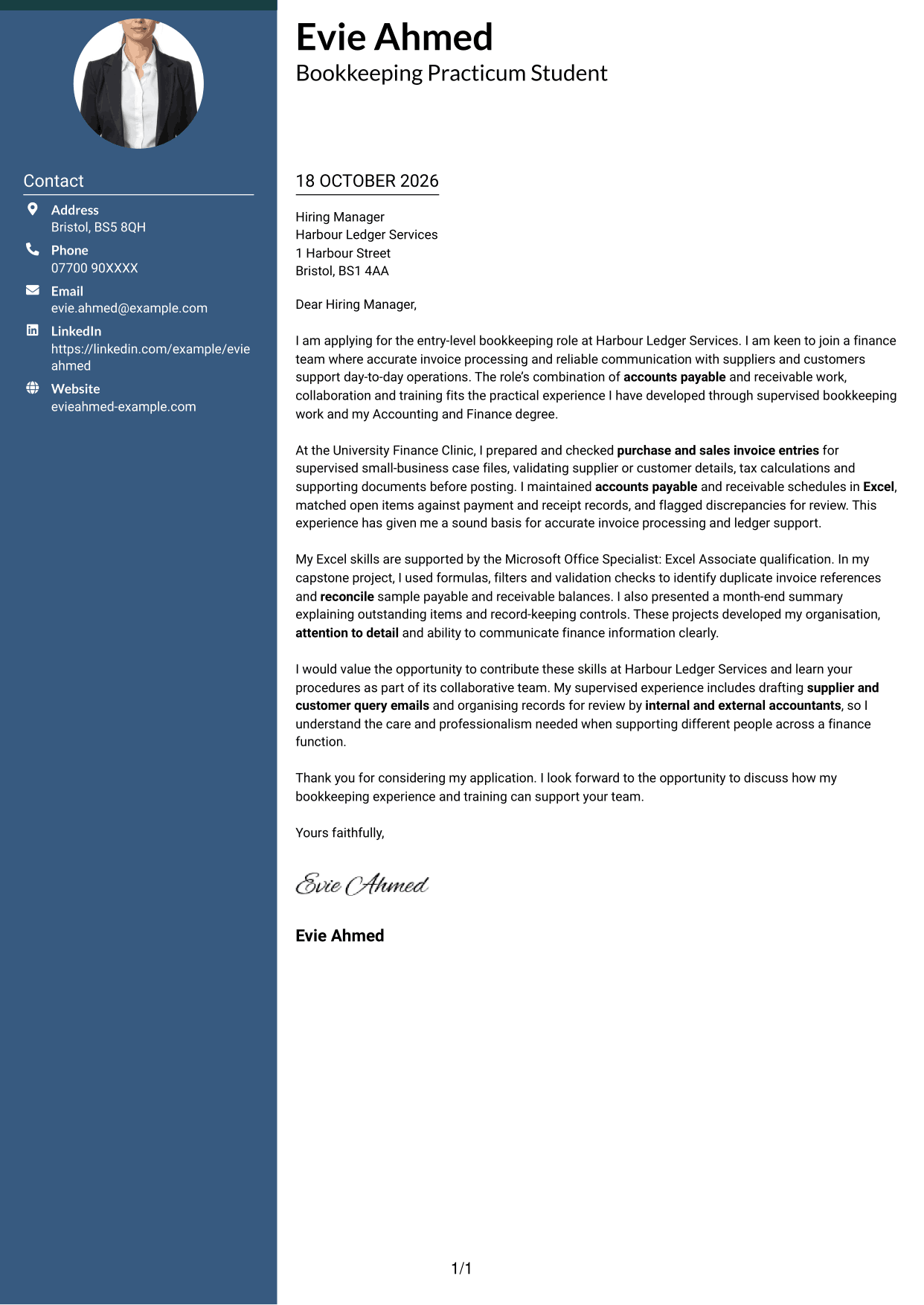
The Two Column Format places a contact sidebar beside one continuous letter body, keeping contact information separate from the application message.
Why This Format Works
- The contact sidebar separates correspondence details from the paragraphs carrying the application.
- One continuous body keeps motivation and supporting evidence in natural letter order.
- No portrait leaves the written message as the main visual focus.
Best For
- Side-by-side contact and message
- Quick access to sender details
- Applications with several supporting paragraphs
- Letters without body headings
- Photo-free correspondence
#3 Photo Header Two Column Format Cover Letter Example
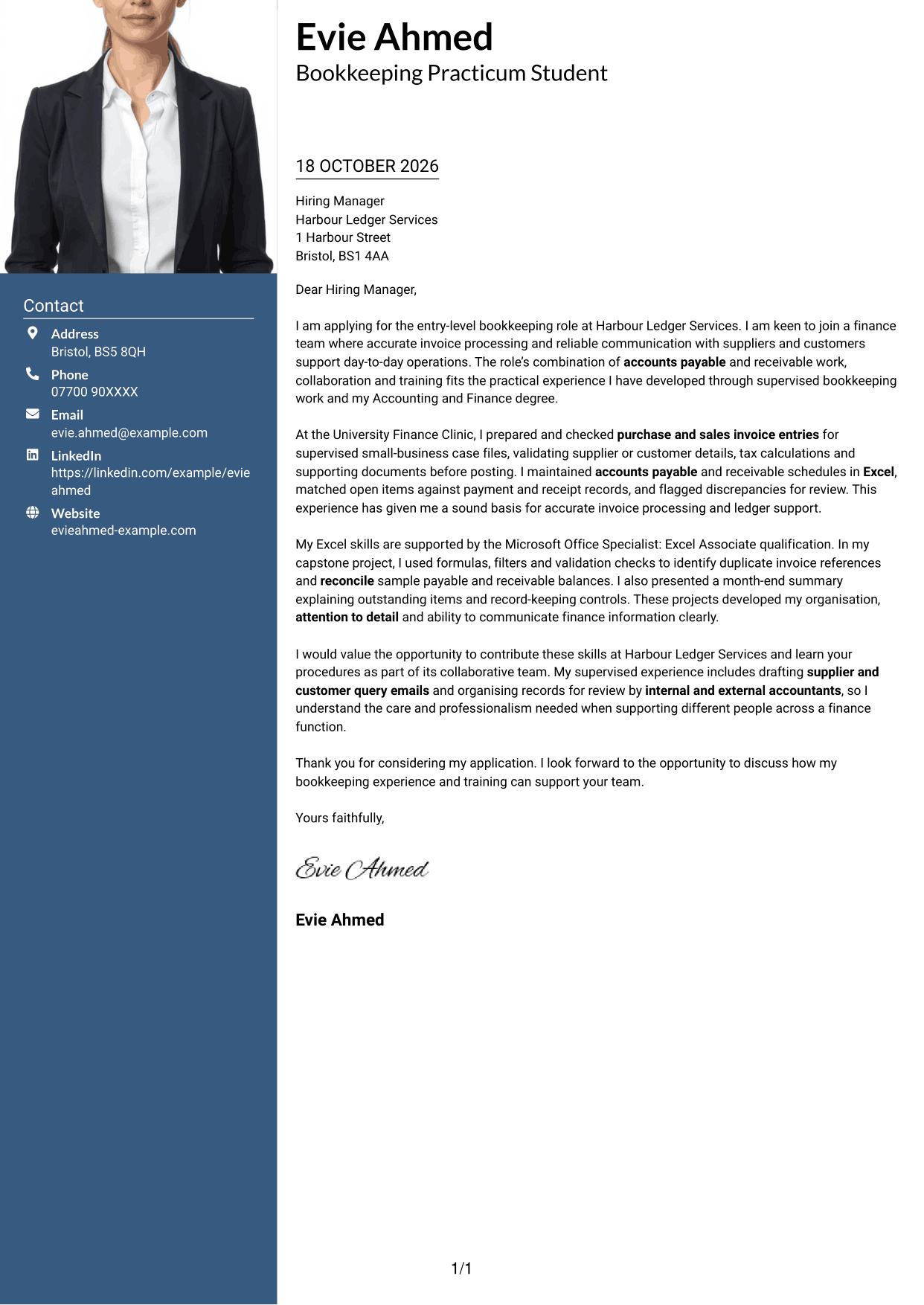
The Photo Header Two Column Format pairs a contact sidebar and continuous letter body with a photo, for readers who want a personal image alongside the message.
Why This Format Works
- Contact details stay apart from the letter while remaining beside its continuous body.
- Paragraphs keep the opening, reasons and evidence together as one complete message.
- The photo adds a personal visual element without dividing the letter's argument.
Best For
- Contact and letter shown side by side
- Applications with several supporting paragraphs
- A visible personal photo
- Separate sender and message areas
- Direct letter-body reading
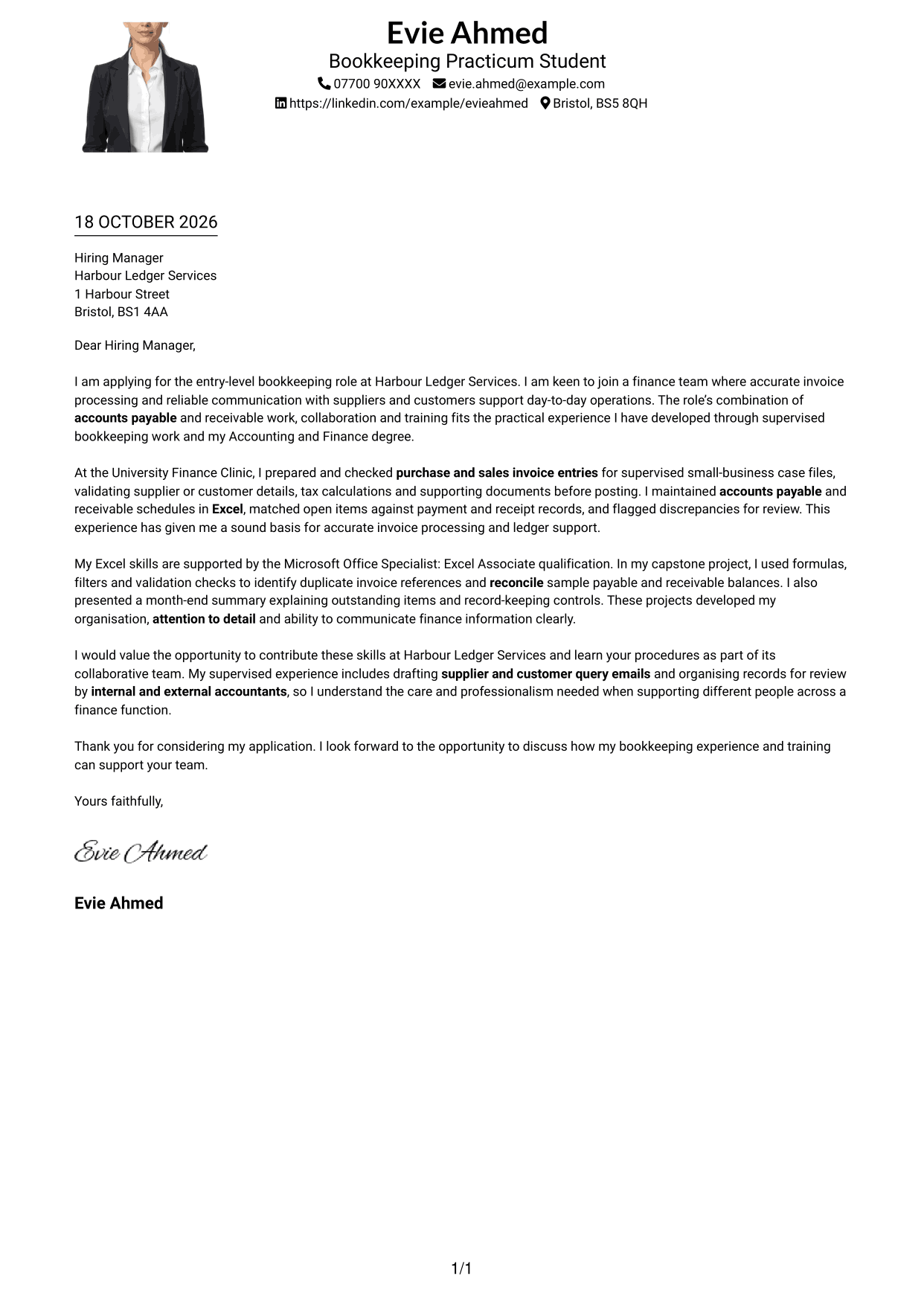
#4 One Column Format with Photo Cover Letter Example
The One Column Format with Photo keeps the letter body in one column and includes a photo, suiting readers who want a direct layout with a personal image.
Why This Format Works
- One body column keeps the letter's paragraphs in a direct reading sequence.
- Sender details remain in the header, separate from the message itself.
- The photo offers a personal visual choice while the letter stays text-led.
Best For
- One-column letter pages
- Header-led contact details
- Portrait-inclusive applications
- Text-led application messages
- Letters without body headings
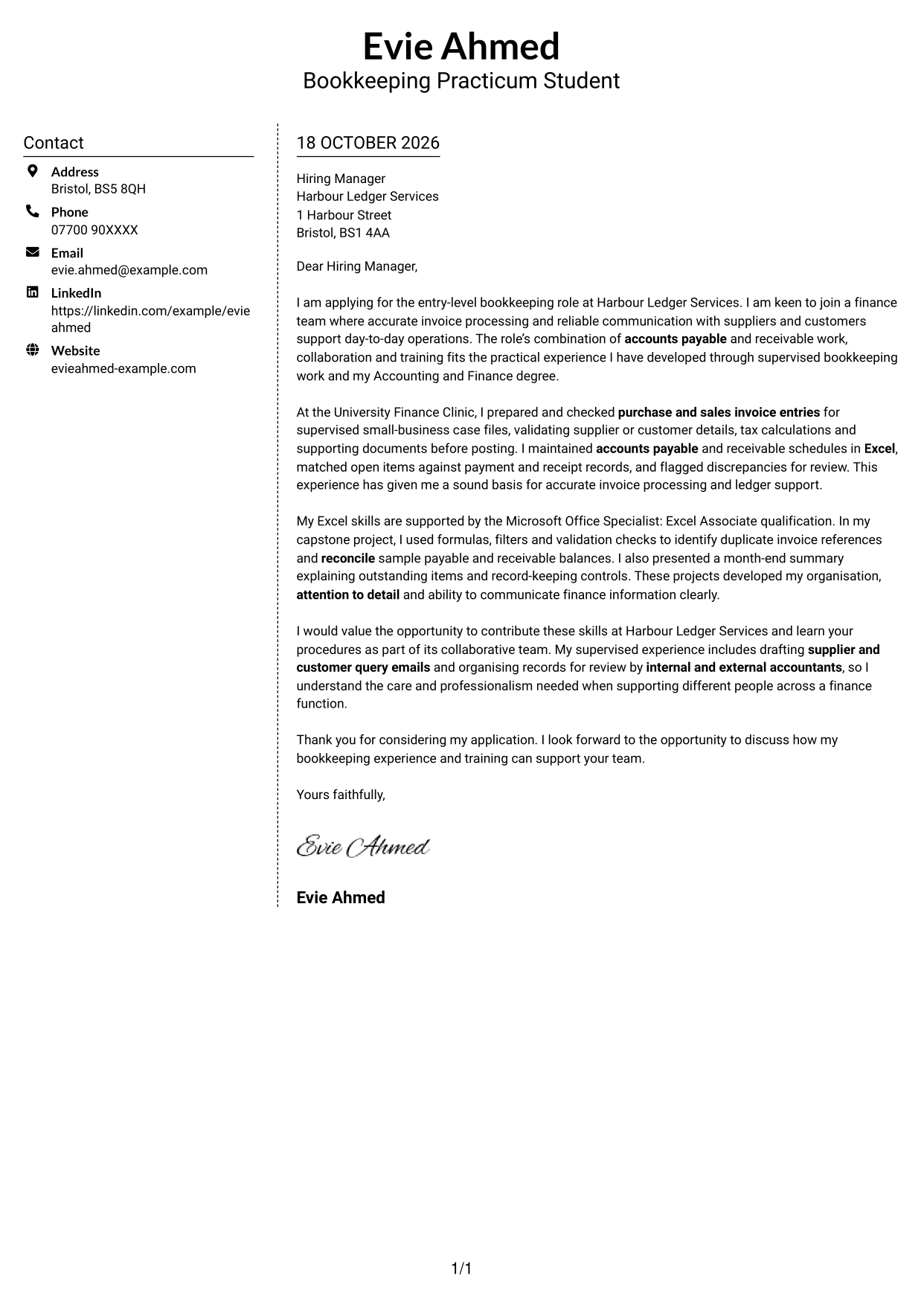
#5 Simple Two Column Format Cover Letter Example
The Simple Two Column Format keeps contact details in a sidebar beside the continuous letter body, giving each a distinct place on the page.
Why This Format Works
- Contact details have a distinct sidebar, apart from the letter paragraphs.
- The continuous body keeps the opening and supporting points within one message.
- The photo-free layout keeps attention on the written application.
Best For
- Separate contact and message areas
- Paragraph-based applications
- Photo-free correspondence
- Uninterrupted letter-body reading
- Letters with several supporting points
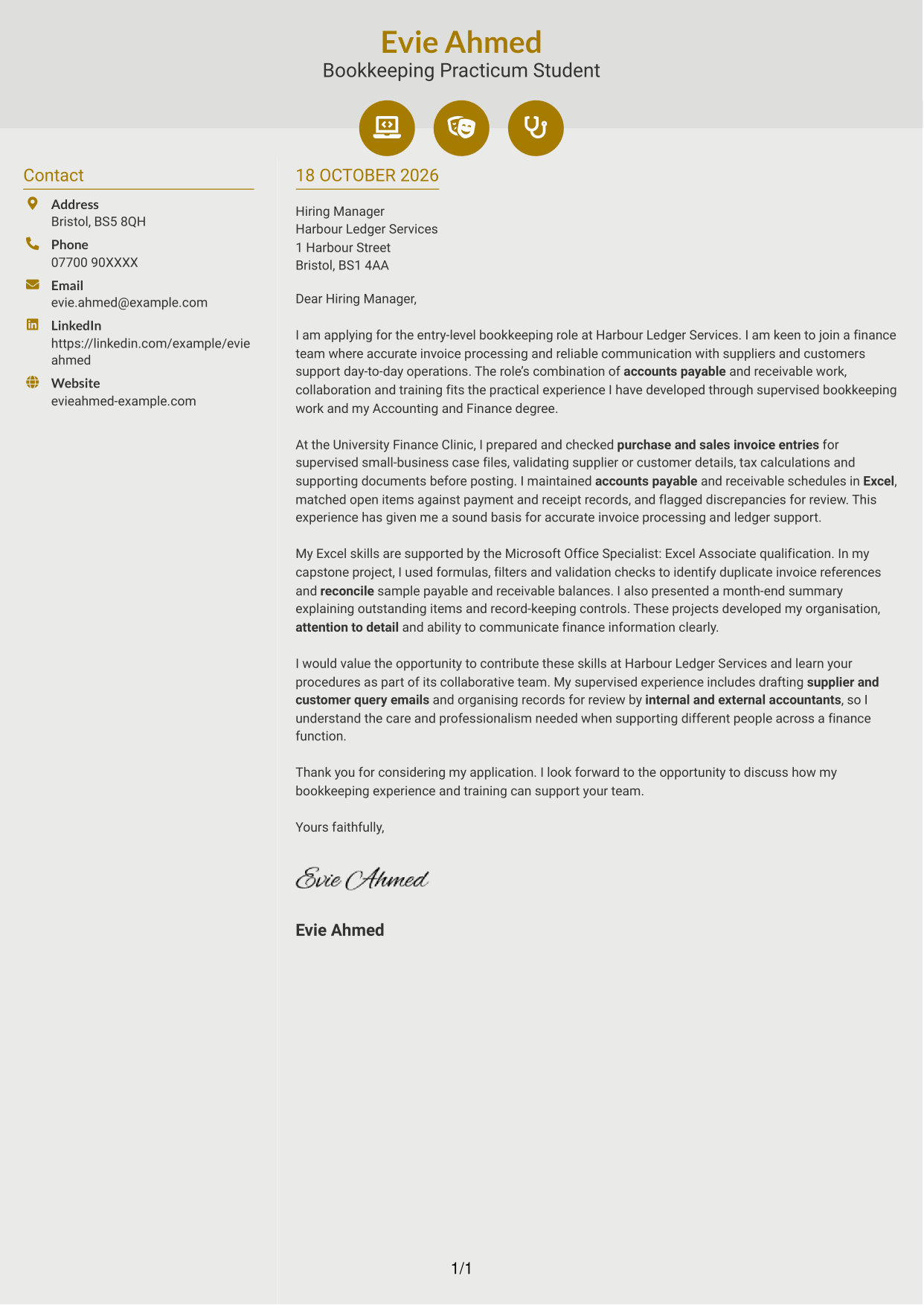
#6 Modern Icon Format Cover Letter Example
The Modern Icon Format uses two columns, with icons for contact details and a separate, continuous letter body that keeps visual cues apart from the argument.
Why This Format Works
- Contact details sit in a sidebar, separate from the continuous letter body.
- Icons cue contact information without labelling the letter's argument.
- The body remains one uninterrupted message from opening through closing.
Best For
- Contact details with visual cues
- Continuous letter messages
- Decorative header accents
- Two-area page organisation
- Photo-free applications
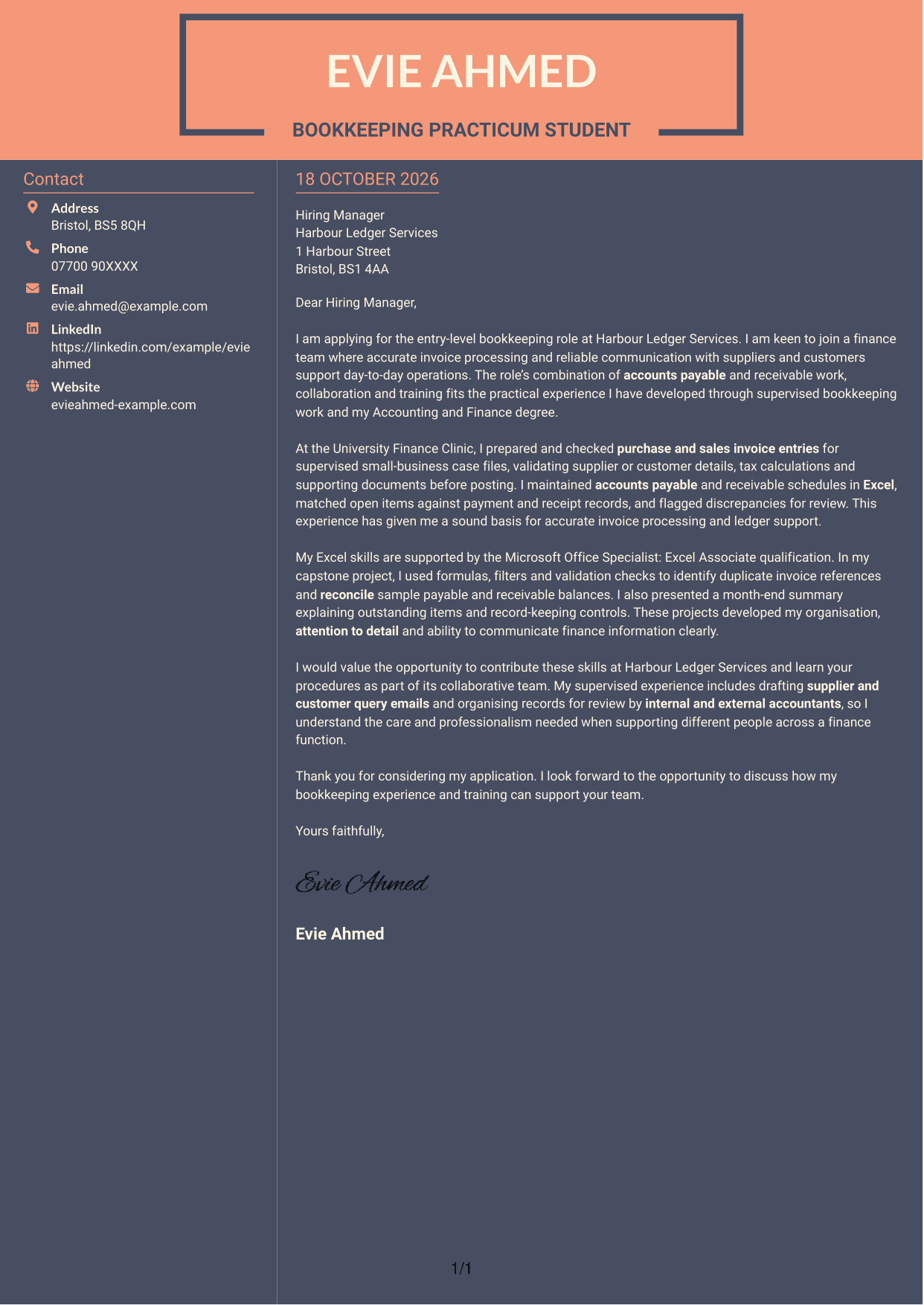
#7 Creative Two Tone Format Cover Letter Example
The Creative Two Tone Format places a contact sidebar beside a continuous letter body, separating the sender's details from the message while keeping the paragraphs together.
Why This Format Works
- Contact information has its own sidebar beside the continuous letter body.
- Separate columns distinguish correspondence details from the application message.
- The photo-free page gives the written message a text-led visual presentation.
Best For
- Sidebar-based contact details
- Letters with a continuous argument
- Text-led correspondence
- Applications without a portrait
- Clear separation of message and sender details
See Also
- 7 Entry-Level Bookkeeper - Accounts Payable and Receivable CV Templates with Example
- 7 Apprentice Bookkeeper & Accounts Assistant - Client Accounts CV Templates with Example
- 7 Bookkeeper Apprentice - Client Accounts CV Templates with Example
- 7 Bookkeeper - Property Finance CV Templates with Example
- 7 Bookkeeper - VAT and Cloud Bookkeeping CV Templates with Example
- 7 Senior Bookkeeper Media CV Templates with Example
- 7 Business Tax Manager - Corporate Tax Compliance CV Templates with Example
- 7 Employment Tax Manager - Client Advisory and Compliance CV Templates with Example
- 7 Apprentice Bookkeeper & Accounts Assistant - Client Accounts Cover Letter Templates with Example
- 7 Bookkeeper Apprentice - Client Accounts Cover Letter Templates with Example
Frequently Asked Questions
What should an Entry-Level Bookkeeper - Accounts Payable and Receivable cover letter highlight?
Show how your careful work can support purchase and sales invoice processing, accounts payable and receivable, and accurate financial records. You can also explain how you communicate with suppliers, customers and accountants.
How can I show relevant bookkeeping experience?
Choose a specific example and explain what you did. For instance, describe checking invoice details, matching open items to payment records, or flagging a discrepancy for review.
How can I show my Microsoft Excel skills in the letter?
Give a brief example of how you used Excel for bookkeeping. You might mention maintaining payable and receivable schedules, using validation checks to find duplicate invoice references, or reconciling sample balances.
How should I explain my interest in this bookkeeping role?
Connect your interest to the role’s mix of invoice work, accurate record keeping and communication with different people. You can also say that you value the chance to learn the employer’s procedures as part of a collaborative team.
What is a clear structure for this cover letter?
Open with the role and your reason for applying. Use the body to give focused evidence of invoice processing, Excel and communication, then close by restating your interest and inviting a conversation.




