
7 Faculty Undergraduate Courses Administrator - Medicine and Health Sciences Cover Letter Templates with Example
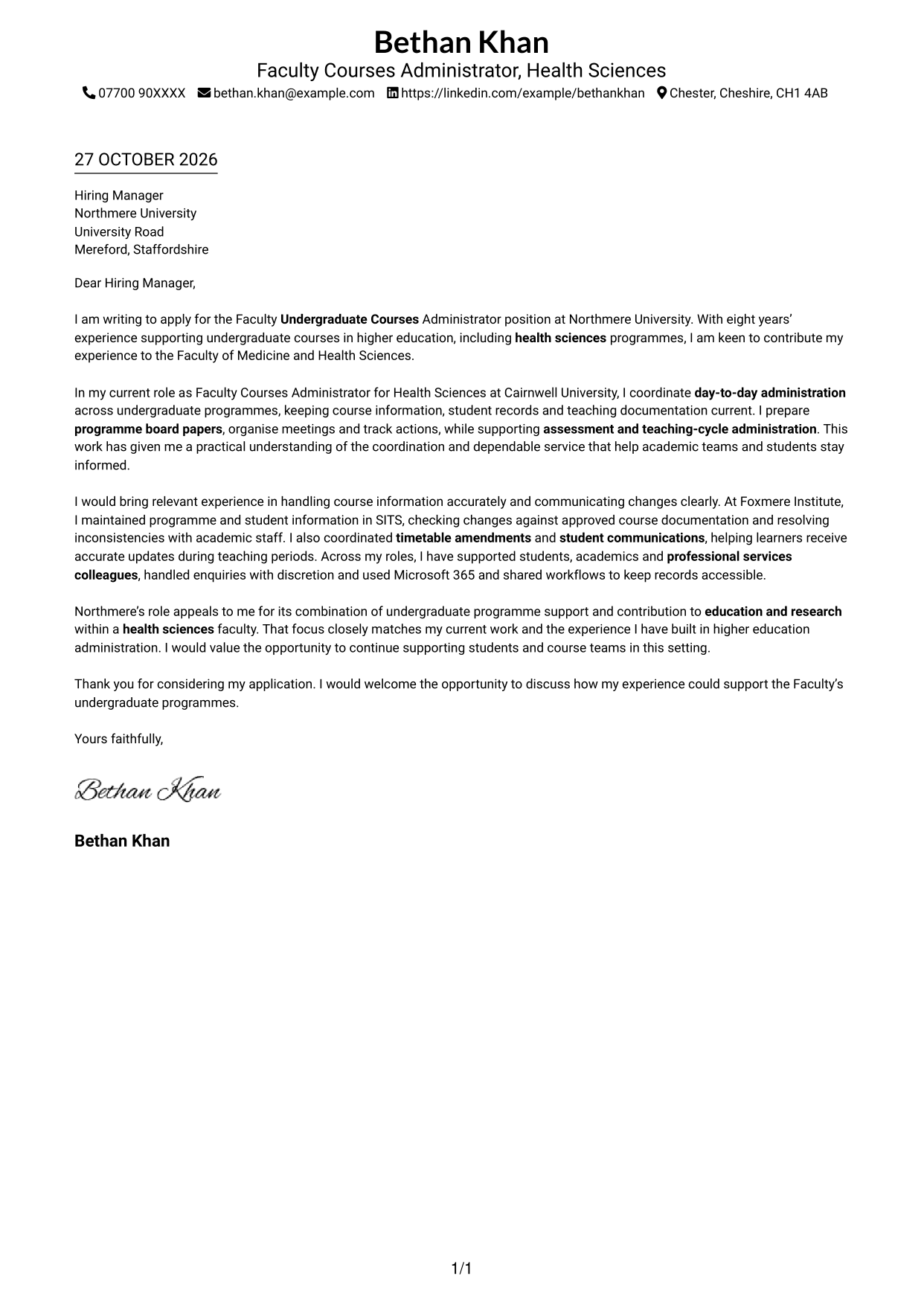
This guide to a Faculty Undergraduate Courses Administrator - Medicine and Health Sciences cover letter shows how to present relevant course administration experience across seven layouts.
What Makes a Great Faculty Undergraduate Courses Administrator - Medicine and Health Sciences Cover Letter in 2026
A strong letter makes a clear case for your fit with the role. Its opening states your interest, and its body shows how your course administration supports students and academic teams.
Use specific evidence, such as maintaining student records, preparing programme board papers or coordinating assessment and timetable updates. Then connect your experience and motivation to the faculty’s undergraduate programmes and its education and research work.
The featured example moves from interest in the role to current programme support, a focused example of relevant administration and a courteous close. Adapt this progression while choosing a presentation that suits the employer and communication context.
#1 Simple One Column Format Cover Letter Example
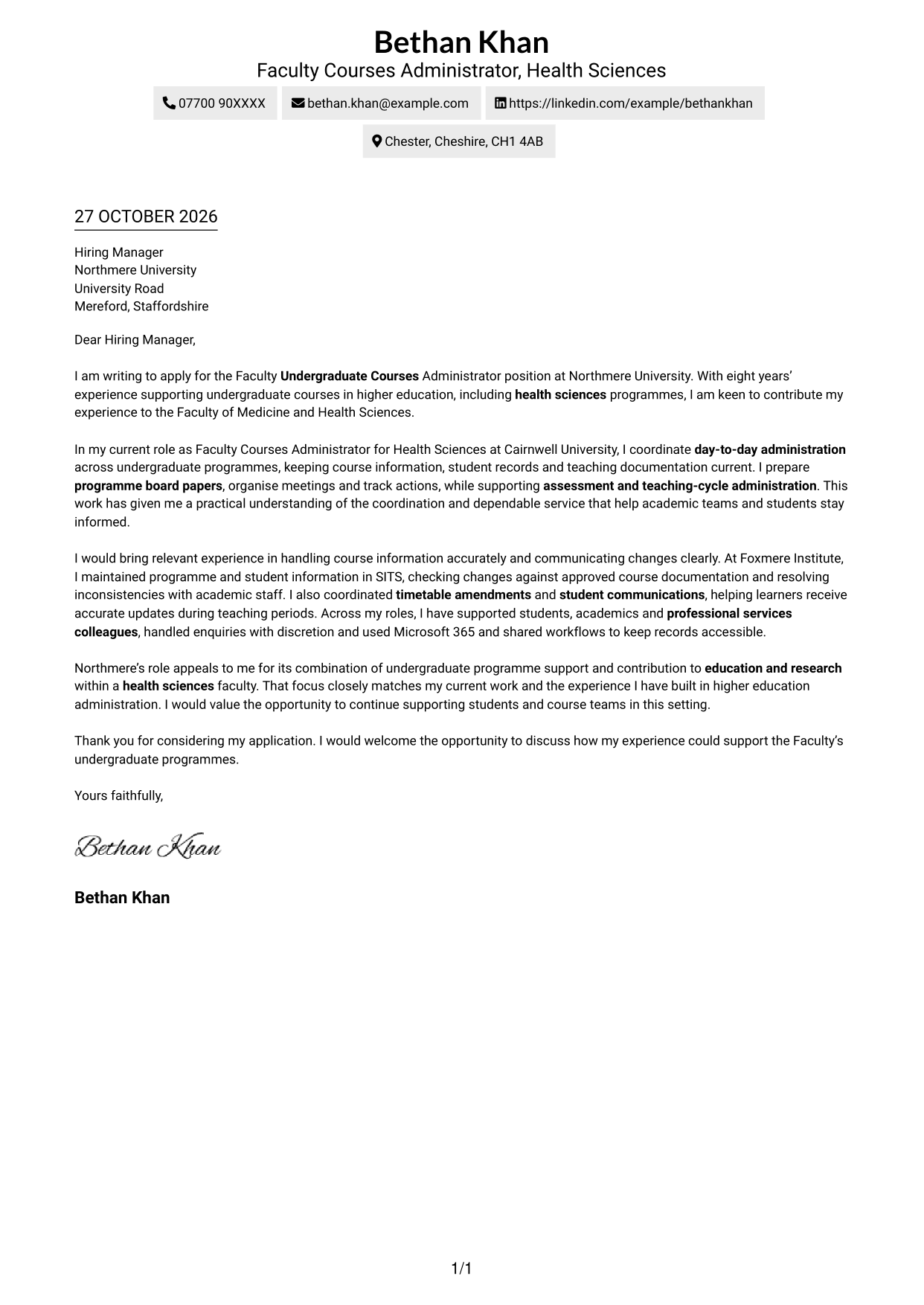
The Simple One Column Format keeps the letter body on a single page-wide track, giving the application a restrained, direct presentation.
Why This Format Works
- Sender details in the header remain separate from the letter’s main argument.
- Continuous paragraphs let the application, evidence and closing read as one connected message.
- One reading track gives reviewers a clear route through the letter.
Best For
- Direct letter reading
- Header-based contact details
- Uninterrupted letter narratives
- Restrained page presentation
- Text-led communication
#2 Two Column Format Cover Letter Example
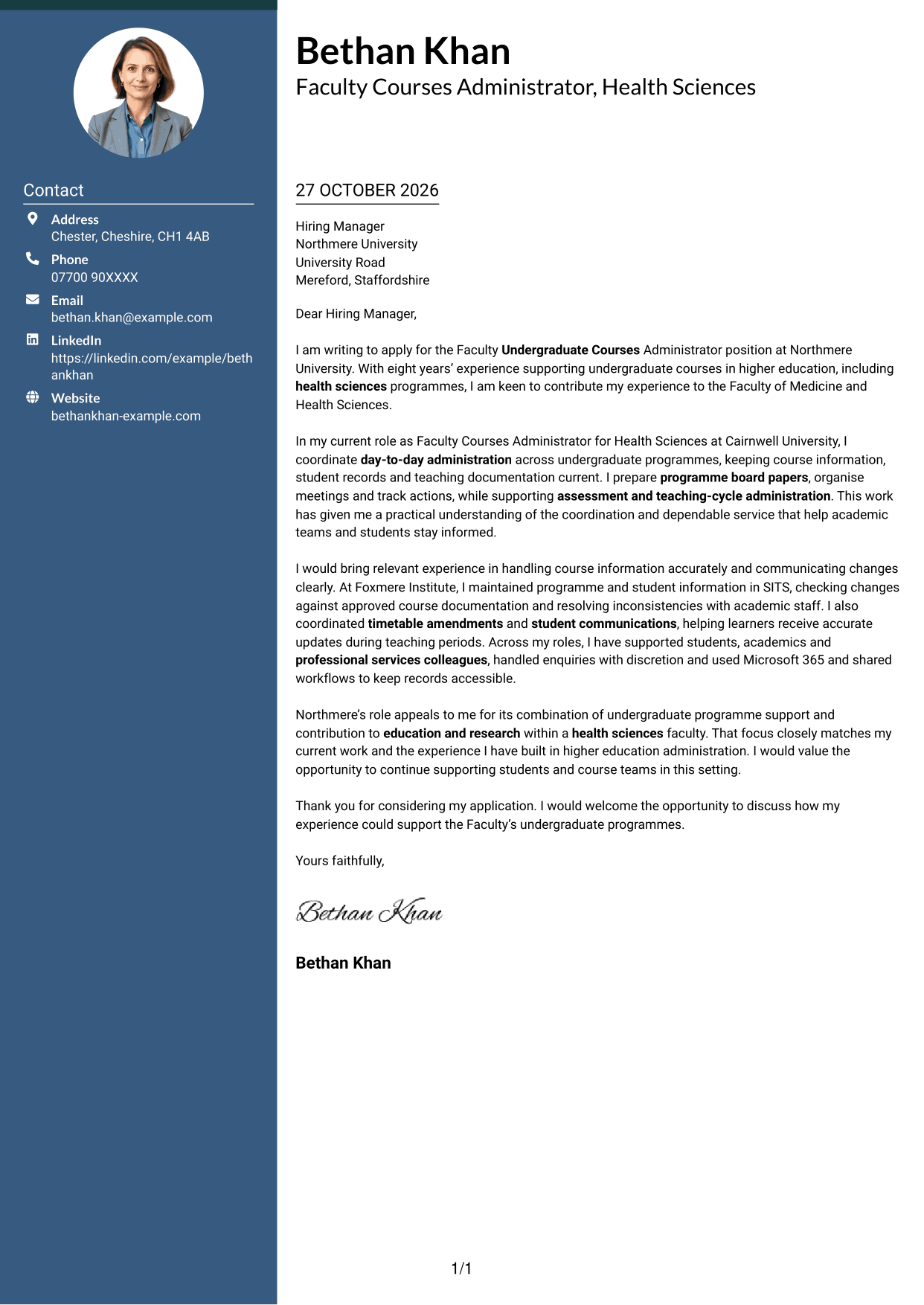
The Two Column Format places a contact sidebar beside one continuous letter body, keeping practical details apart from the application message.
Why This Format Works
- The contact sidebar gives reviewers a clear place to find sender information.
- The letter body keeps the application, supporting points and close in one sequence.
- A visible boundary separates practical contact details from the persuasive text.
Best For
- Side-by-side contact details
- A continuous argument
- Easy-to-find sender information
- Clear separation of message and contact details
- Letters with several supporting points
#3 Photo Header Two Column Format Cover Letter Example
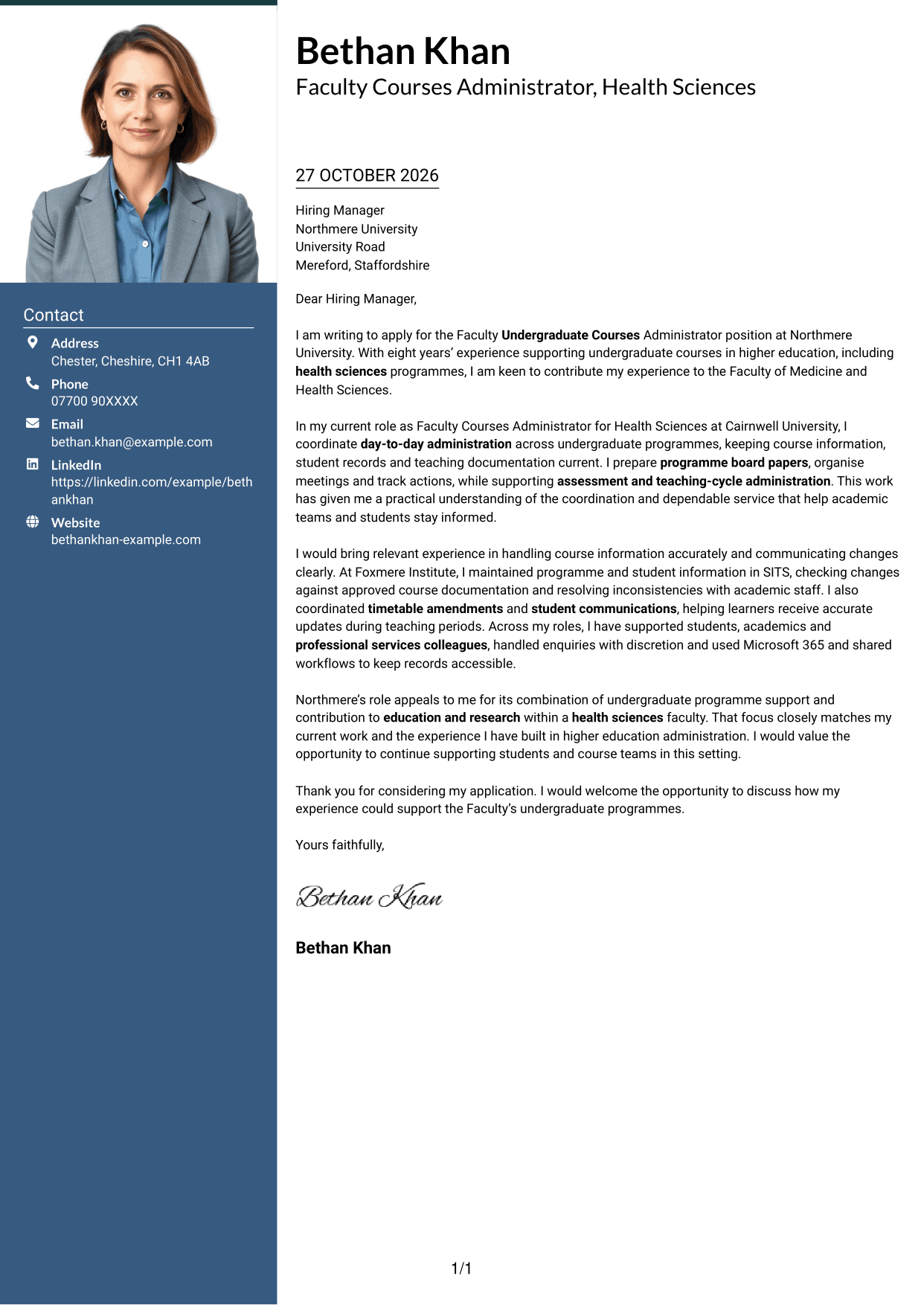
The Photo Header Two Column Format includes a portrait with contact details in a sidebar beside the continuous letter body.
Why This Format Works
- The portrait adds a clear visual feature to the contact presentation.
- Sidebar details remain distinct from the letter’s connected paragraphs.
- Reviewers can follow the application message in one continuous body.
Best For
- Portrait-led contact presentation
- Side-by-side contact and letter
- Continuous application messages
- A visible personal detail
- Letters with clear supporting points
#4 One Column Format with Photo Cover Letter Example
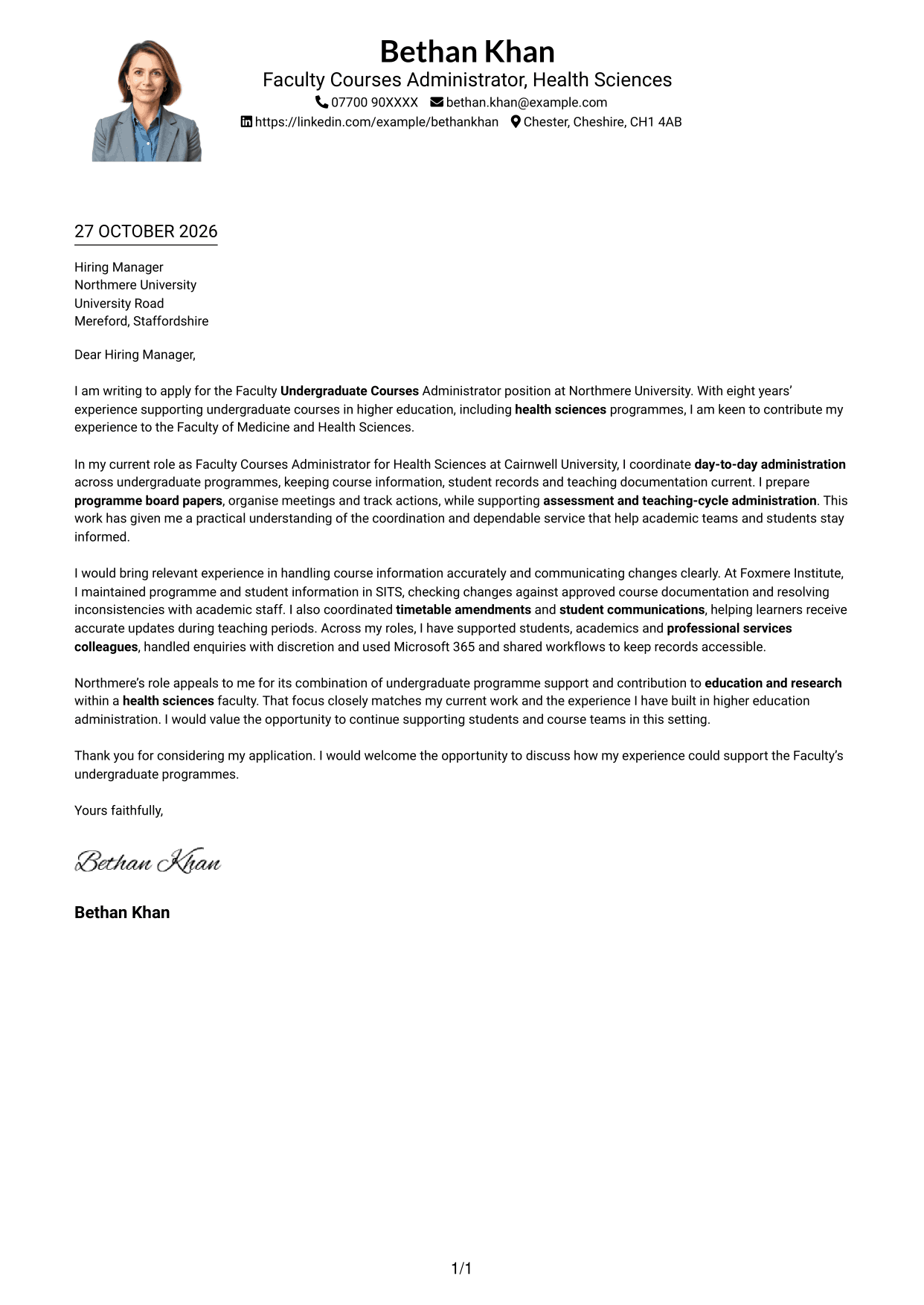
The One Column Format with Photo pairs a portrait with a single-column letter body for a direct reading path and a distinct visual presence.
Why This Format Works
- The single-column body presents the letter as one uninterrupted message.
- Sender details in the header stay apart from the letter paragraphs.
- The portrait offers a visible personal touch without dividing the argument.
Best For
- Single-column letter reading
- Portrait in the design
- A connected opening and close
- Header-based sender details
- Personal visual presentation
#5 Simple Two Column Format Cover Letter Example
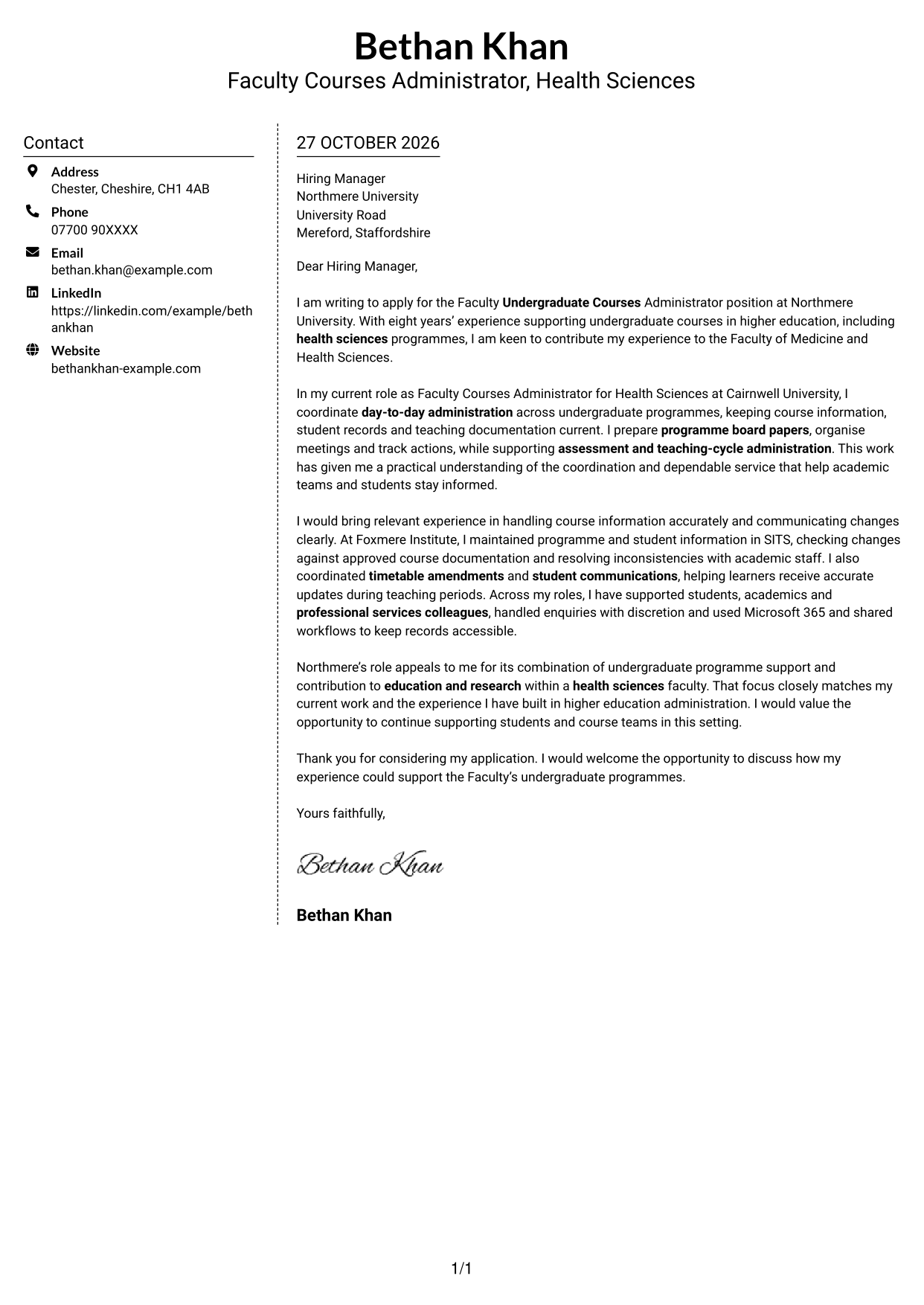
The Simple Two Column Format sets a contact sidebar beside the letter, offering a straightforward layout while keeping the body continuous.
Why This Format Works
- Contact details have a separate place beside the letter’s message.
- The body carries motivation, evidence and closing without parallel text columns.
- The simple arrangement keeps attention on the written application.
Best For
- Straightforward two-column reading
- Contact details beside the letter
- Continuous application prose
- A simple visual arrangement
- Text-focused cover letters
#6 Modern Icon Format Cover Letter Example
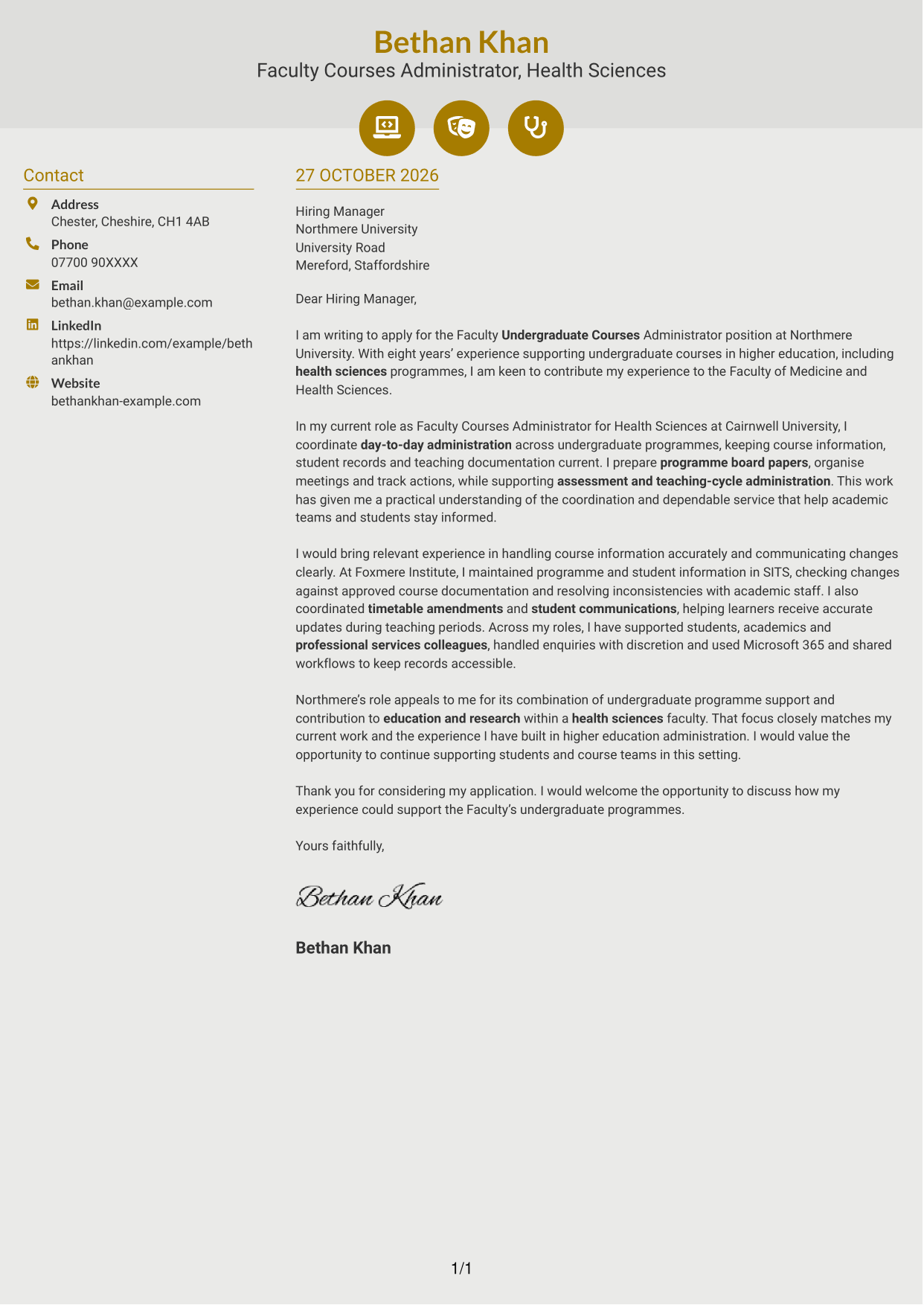
The Modern Icon Format uses two columns, with contact cues and decorative icons alongside a continuous letter body.
Why This Format Works
- Icons act as cues for contact details, not as labels for letter arguments.
- The sidebar keeps sender information distinct from the main message.
- One continuous body lets reviewers follow the letter without section breaks.
Best For
- Icon-led contact details
- A separate contact sidebar
- Unbroken letter paragraphs
- A modern visual preference
- Quick reference to sender information
#7 Creative Two Tone Format Cover Letter Example
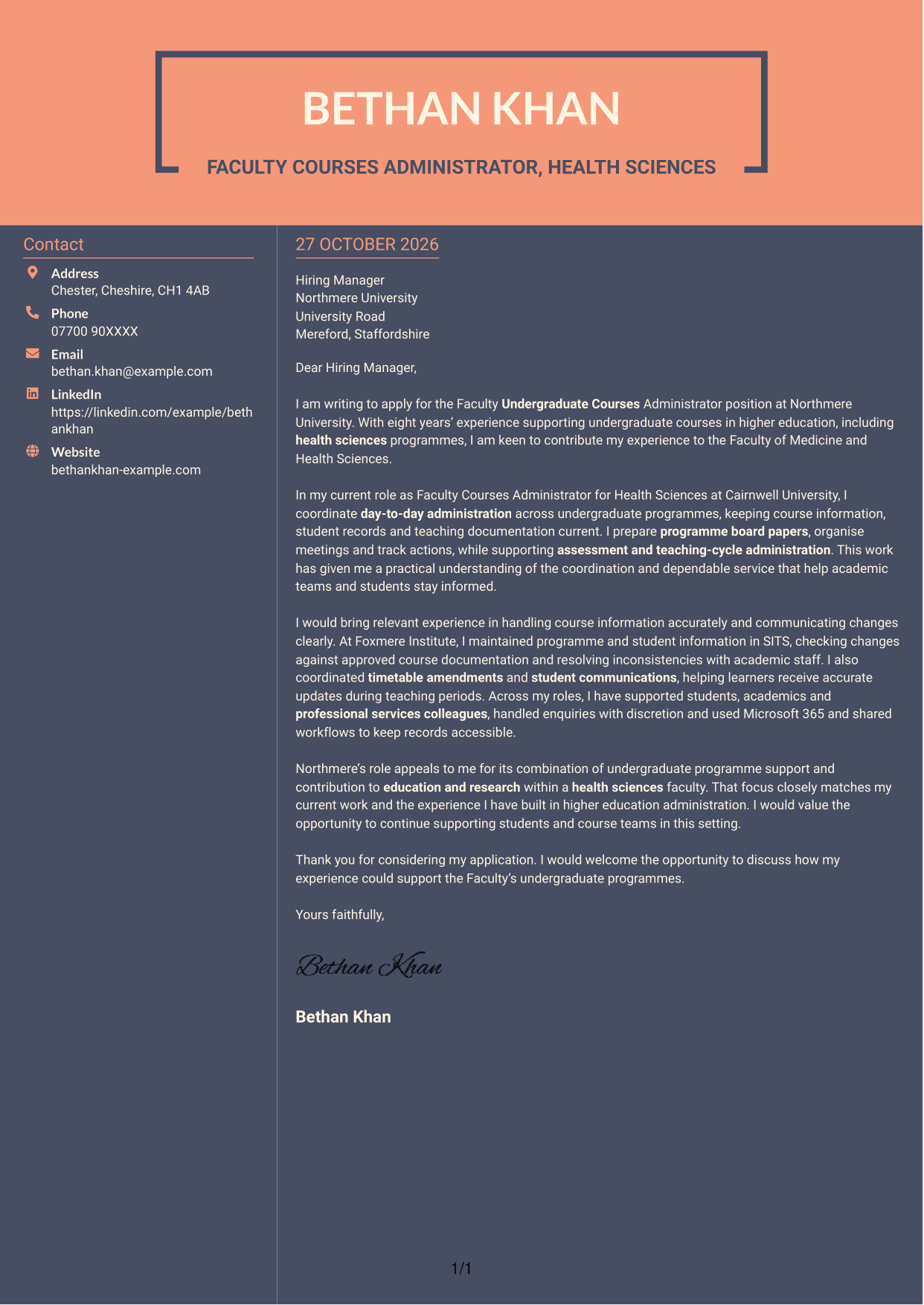
The Creative Two Tone Format uses a two-colour treatment across a contact sidebar and continuous letter body for a more distinctive visual presentation.
Why This Format Works
- The two-tone treatment gives the page a clear colour distinction.
- Contact details remain apart from the letter’s persuasive paragraphs.
- A continuous body keeps the opening, supporting points and close together.
Best For
- Two-colour visual styling
- Contact details beside the letter
- A connected letter narrative
- Distinctive colour preference
- Text-led application communication
See Also
- 7 Faculty Undergraduate Courses Administrator - Medicine and Health Sciences CV Templates with Example
- 7 Accounts Administrator - Accounts and Payroll CV Templates with Example
- 7 Accounts Administrator - Payroll and Finance CV Templates with Example
- 7 Accounts Payable Administrator - Supplier Payments CV Templates with Example
- 7 Administrator - Programme Coordination CV Templates with Example
- 7 Apprenticeship Administrator - Compliance and Records CV Templates with Example
- 7 Business Administrator Apprentice - Vehicle and Asset Finance CV Templates with Example
- 7 Client Services Administrator - Reception and Client Experience CV Templates with Example
- 7 Accounts Administrator - Payroll and Finance Cover Letter Templates with Example
- 7 Accounts Payable Administrator - Supplier Payments Cover Letter Templates with Example
Frequently Asked Questions
What should a Faculty Undergraduate Courses Administrator - Medicine and Health Sciences cover letter highlight?
Show how your experience supports undergraduate course delivery and clear communication with students and academic colleagues. Useful examples include maintaining accurate course information, preparing programme meeting papers, supporting assessment cycles and handling enquiries with care.
How can I show that my experience fits this role?
Choose a specific example and explain what you did and how it helped. For instance, describe how you checked student or programme information, coordinated a timetable change or kept course teams up to date.
How should I explain my interest in Northmere University?
Link your interest to the role’s support for undergraduate programmes in Medicine and Health Sciences and its contribution to education and research. Explain why that work matters to you and how your experience could support students and course teams.
What is a clear structure for this cover letter?
Use the opening to name the role and explain your interest. In the body, give relevant examples of programme administration and communication, then close by restating your interest and inviting a conversation.
Should I include every part of my work history?
No. Select the examples that best show your fit for this post. Focus on relevant course administration, student support and clear communication rather than listing every task you have done.




