
7 Graduate Business Analyst - Treasury Cover Letter Templates with Example
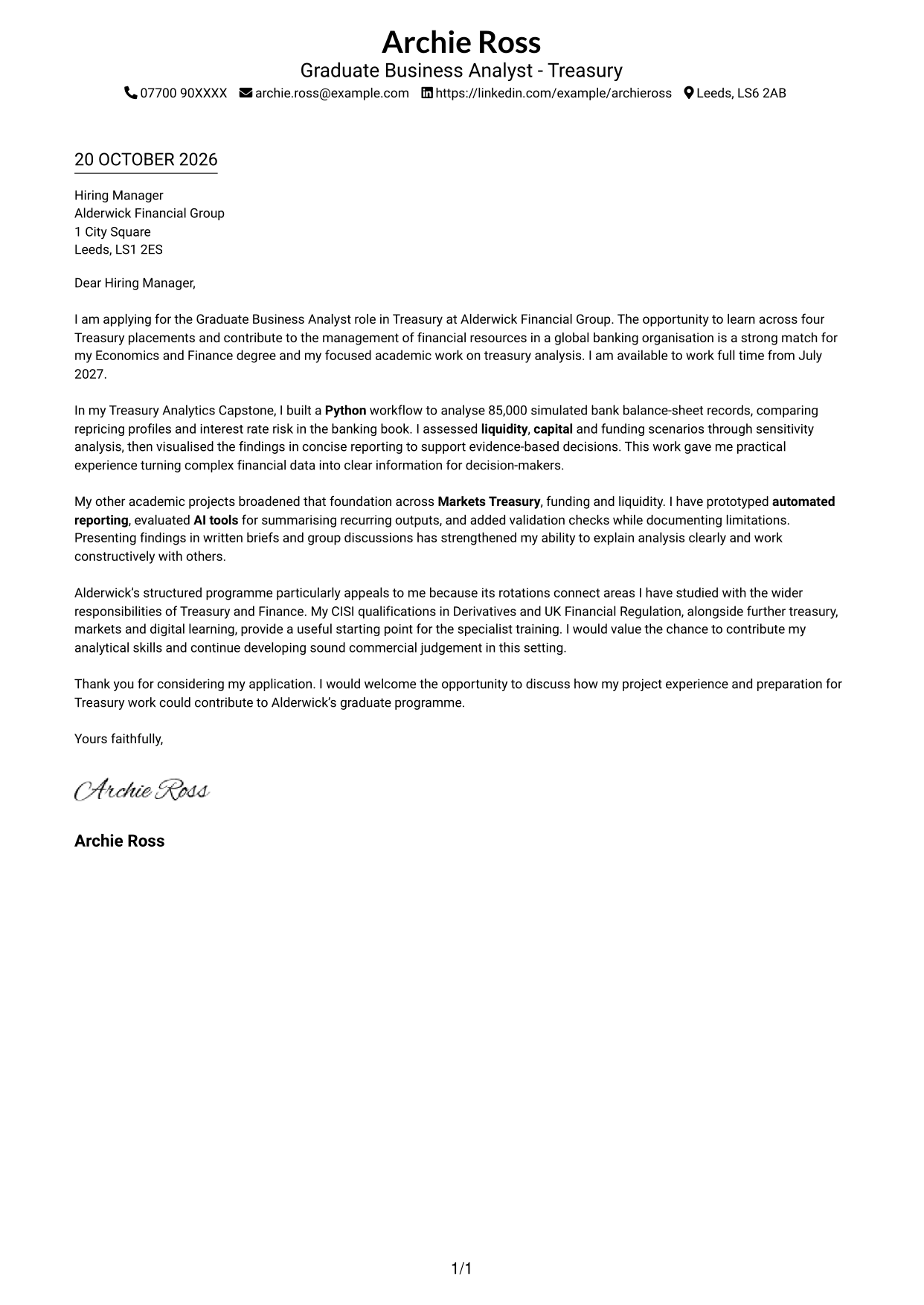
This guide to a Graduate Business Analyst - Treasury cover letter shows how to present role fit and motivation across seven layouts.
What Makes a Great Graduate Business Analyst - Treasury Cover Letter in 2026
A strong letter links your interest in Treasury with the analytical work of a Graduate Business Analyst. It should make clear why the programme and its responsibilities appeal to you.
Use relevant evidence, such as analysing financial data with Python, reviewing liquidity, capital and funding scenarios, or presenting clear findings. Connect that evidence to the employer’s Treasury programme and explain why its work interests you.
The featured example moves from motivation to evidence of Treasury analysis, then explains programme fit before closing with a clear request to discuss the application; adapt this focused progression while choosing a presentation suited to the employer and communication context.
#1 Simple One Column Format Cover Letter Example
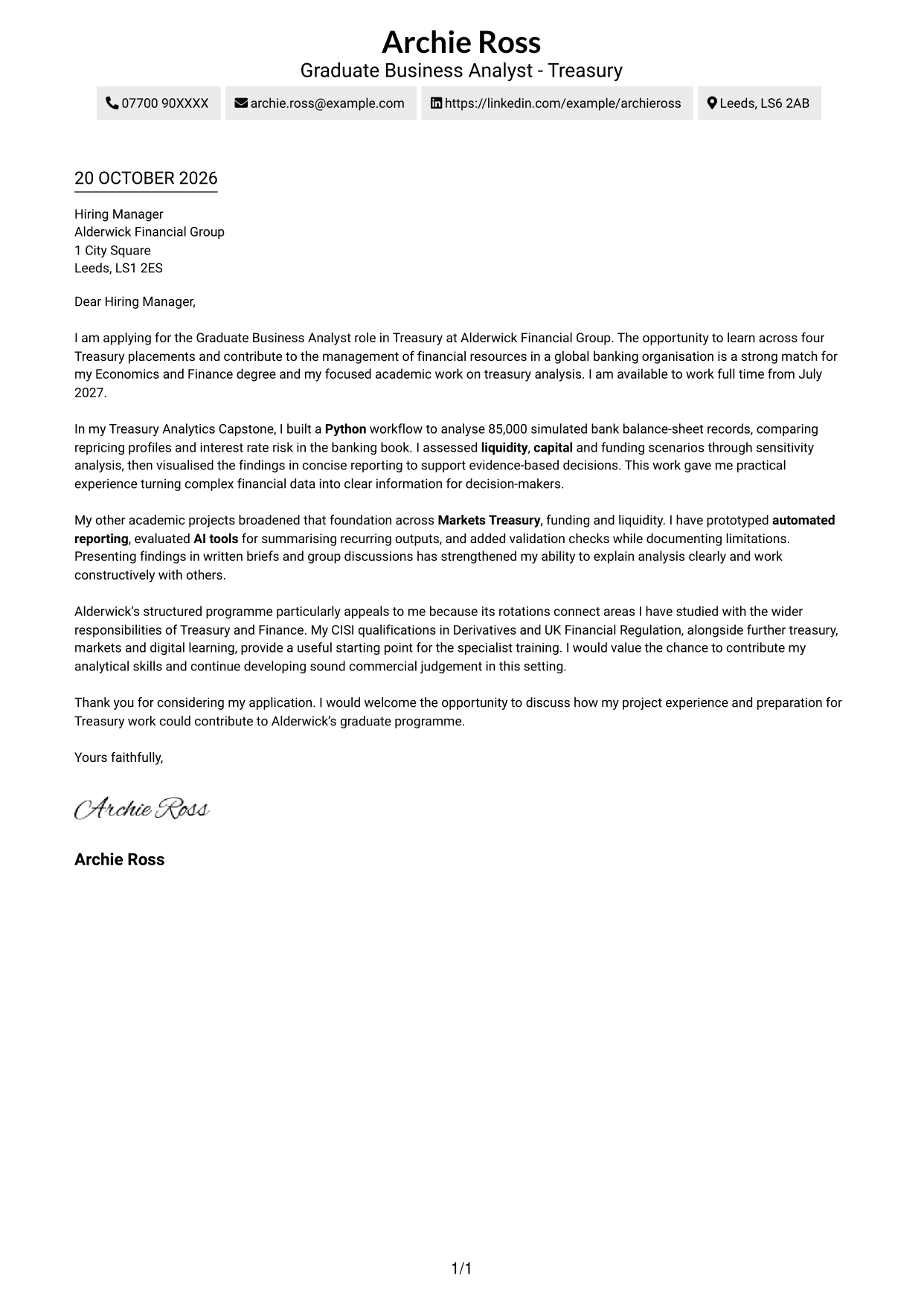
This one-column layout keeps sender details in the header and the letter body in one continuous column.
Why This Format Works
- Sender details stay in the header, separate from the application’s main message.
- One continuous column lets readers follow motivation, evidence and closing in order.
- Without argument headings, the letter’s paragraphs carry the message directly.
Best For
- Single-column reading preference
- Sender details in the header
- Tailored opening paragraphs
- Several supporting evidence paragraphs
- Direct paragraph-led correspondence
#2 Two Column Format Cover Letter Example
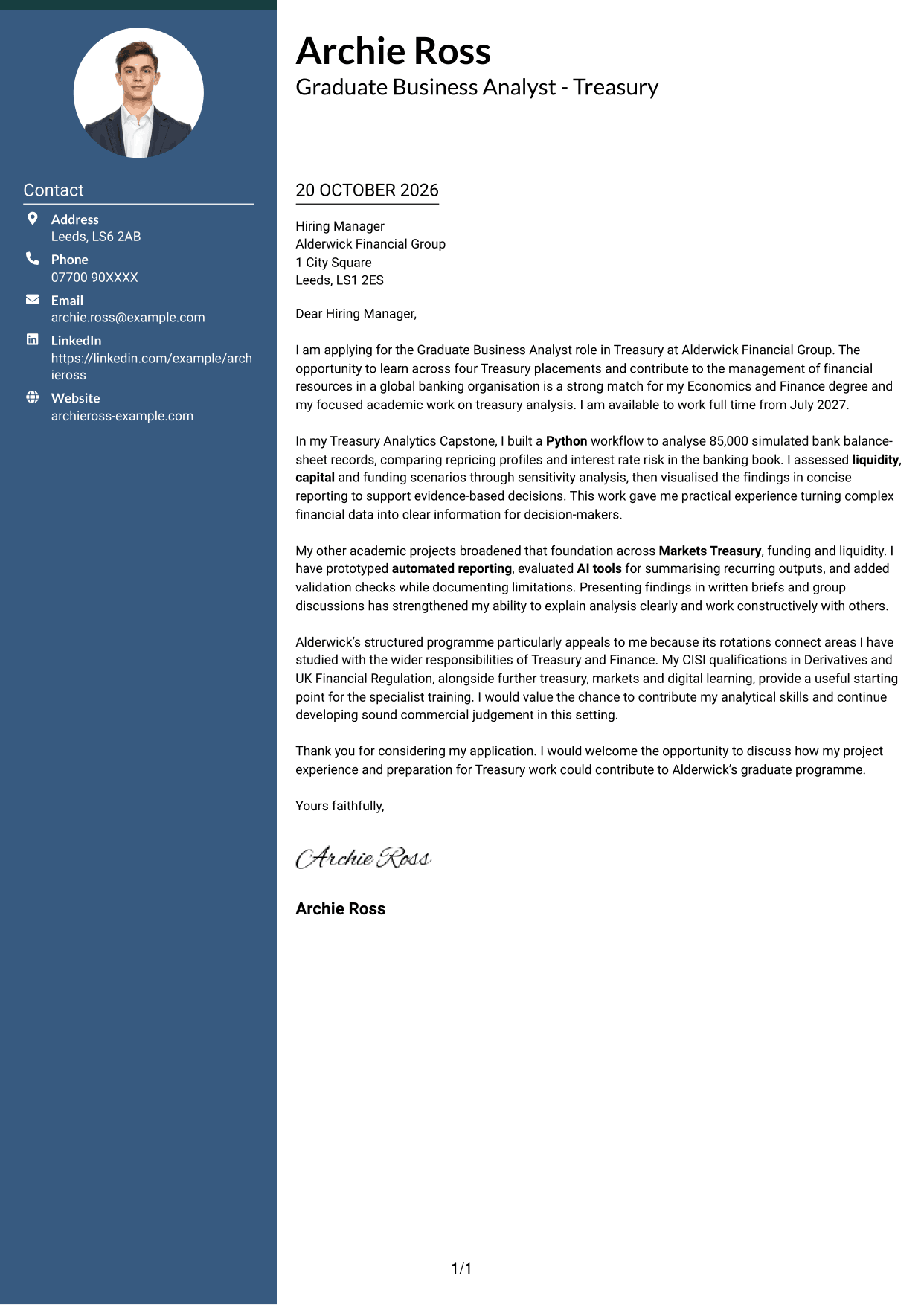
A contact sidebar sits beside one continuous letter body, keeping contact details apart from the application message.
Why This Format Works
- The sidebar gives contact details a defined place beside the letter.
- The opening, motivation, evidence and closing stay together in one body column.
- The letter uses paragraphs rather than headings to mark argument stages.
Best For
- Contact details beside letter text
- Continuous argument paragraphs
- Tailored motivation
- Several evidence paragraphs
- Letters with a direct closing request
#3 Photo Header Two Column Format Cover Letter Example
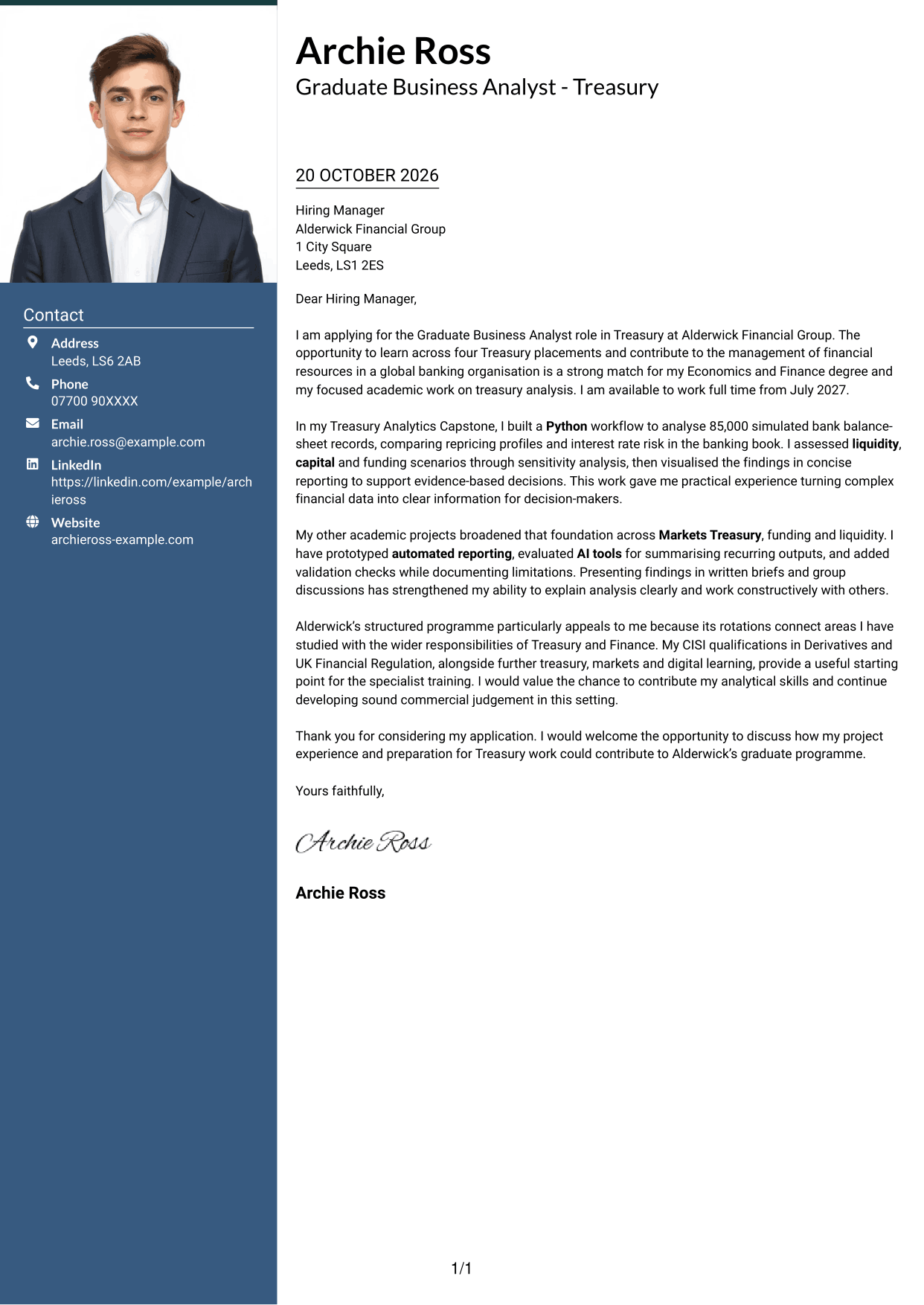
This two-column layout includes a photo and a contact sidebar, while the letter itself remains in one continuous body column.
Why This Format Works
- Contact details remain apart from the letter body in the sidebar.
- One body column keeps the opening, evidence and close in sequence.
- The photo adds a visual element without changing how the letter reads.
Best For
- Photo-inclusive applications
- Sidebar contact details
- Continuous letter-body reading
- Several evidence paragraphs
- Tailored programme motivation
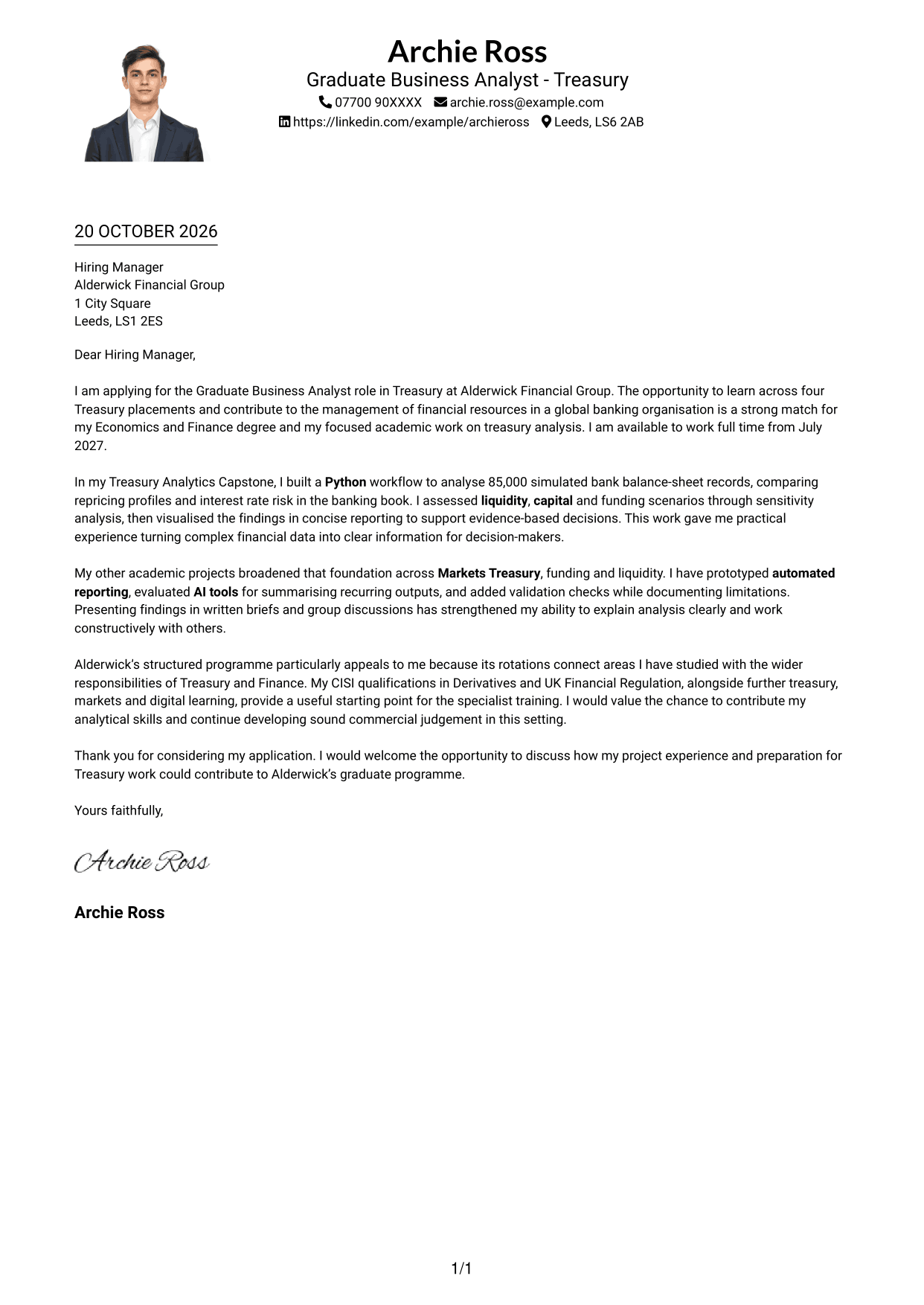
#4 One Column Format with Photo Cover Letter Example
The one-column layout includes a photo while keeping sender details in the header and the letter body continuous.
Why This Format Works
- One column keeps the argument in a single reading path from opening to close.
- Sender details remain in the header, apart from the letter paragraphs.
- The photo is a visual choice, not a marker for letter content.
Best For
- One-column letter reading
- Photo-inclusive application formats
- Header-based contact information
- Letters with several body paragraphs
- Opening-to-close argument flow
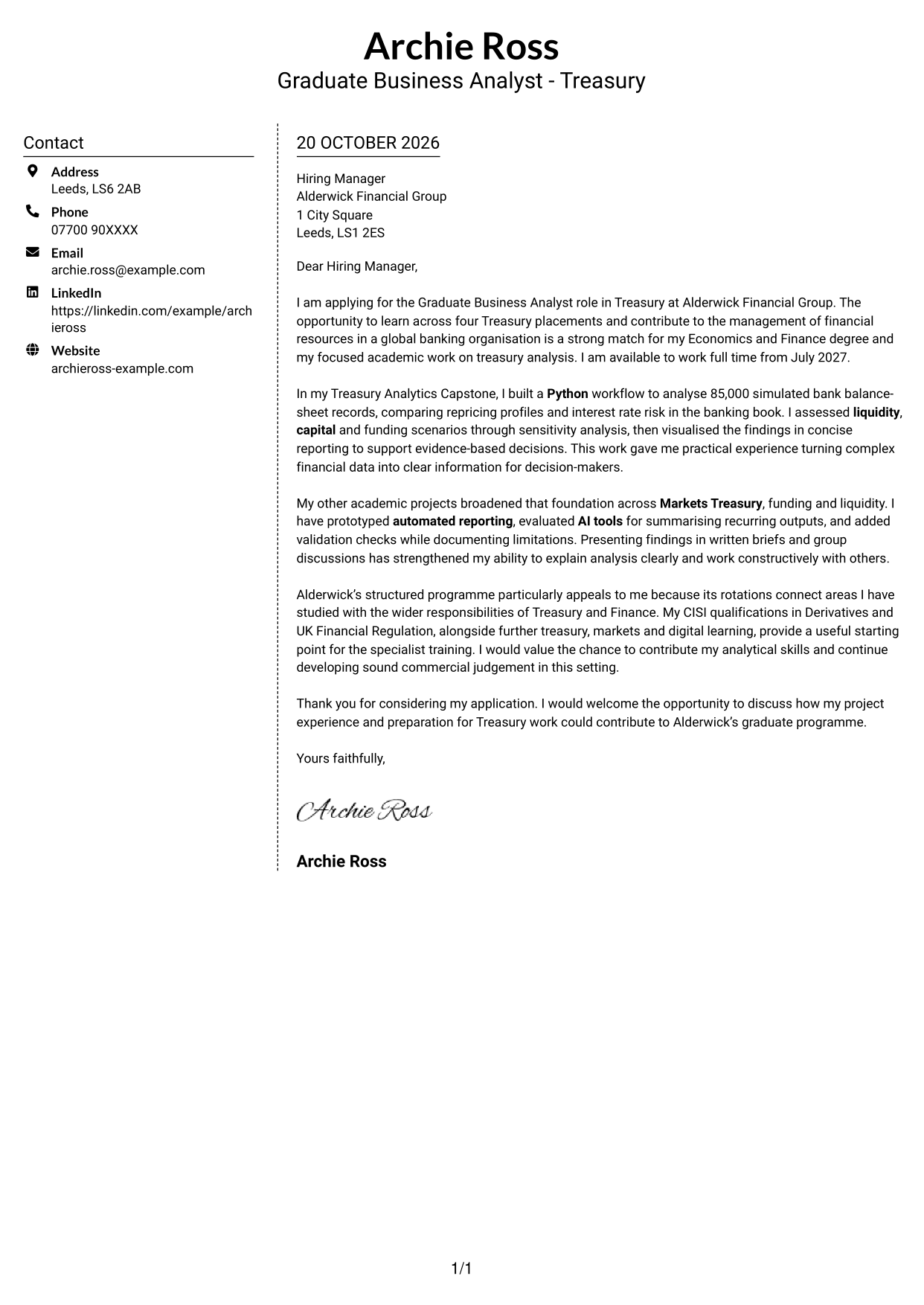
#5 Simple Two Column Format Cover Letter Example
A contact sidebar sits alongside the continuous letter body, giving contact details and the message separate areas.
Why This Format Works
- Contact information has its own sidebar beside the letter.
- The continuous body keeps persuasive paragraphs together in one column.
- The letter uses paragraphs, not headings, to present its argument.
Best For
- Contact sidebar beside the message
- Continuous paragraph-led letters
- Tailored opening and closing
- Letters with multiple evidence paragraphs
- Paragraph-focused application materials
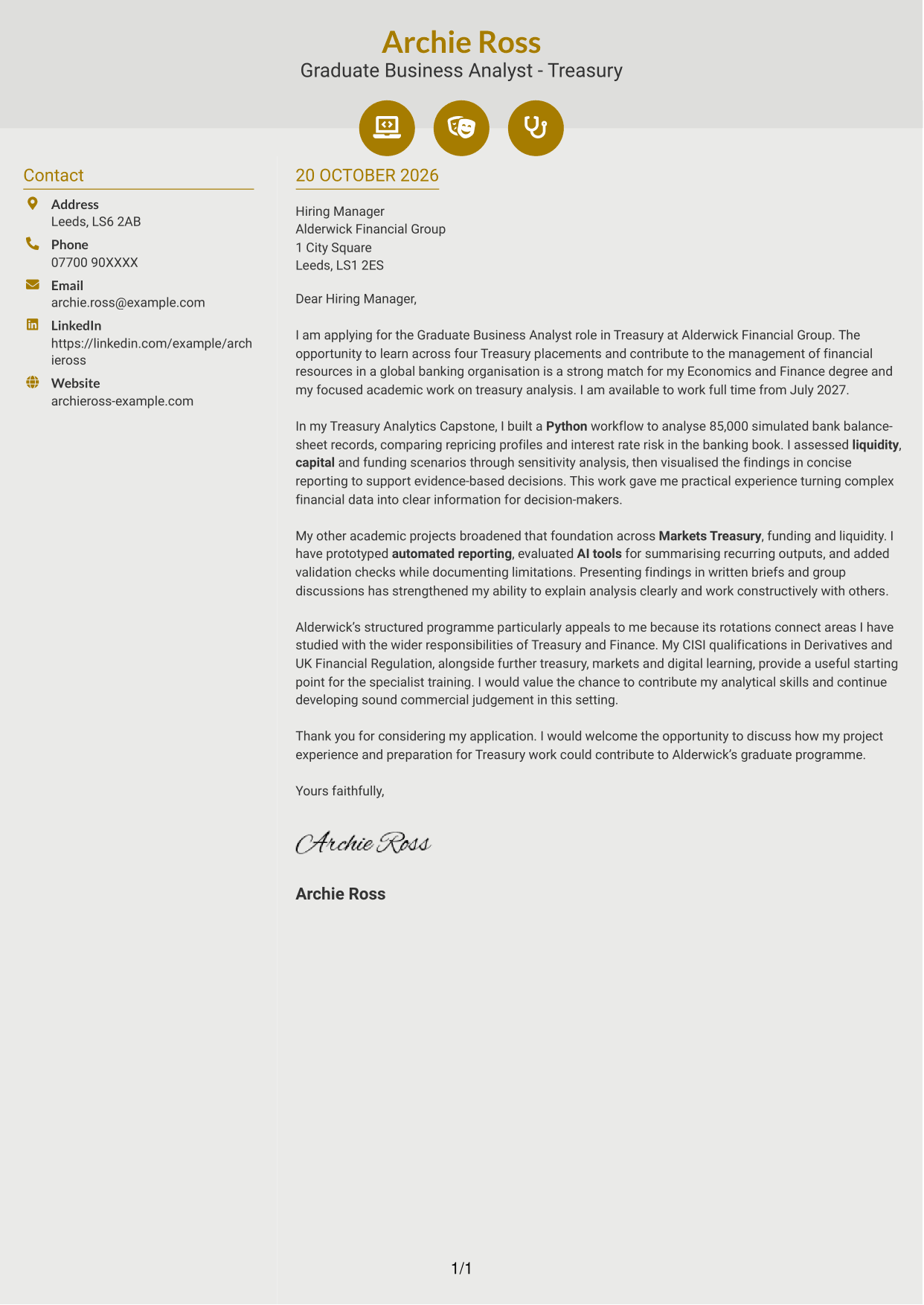
#6 Modern Icon Format Cover Letter Example
The two-column layout places contact details in a sidebar beside the letter, with icons used only as contact cues or header accents.
Why This Format Works
- Contact icons help distinguish contact details without labelling parts of the argument.
- The letter’s paragraphs stay together in one continuous body column.
- Header accents add visual interest without marking motivation, evidence or closing.
Best For
- Icon-led contact cues
- Two-column correspondence
- Continuous letter arguments
- Tailored programme applications
- Several persuasive paragraphs
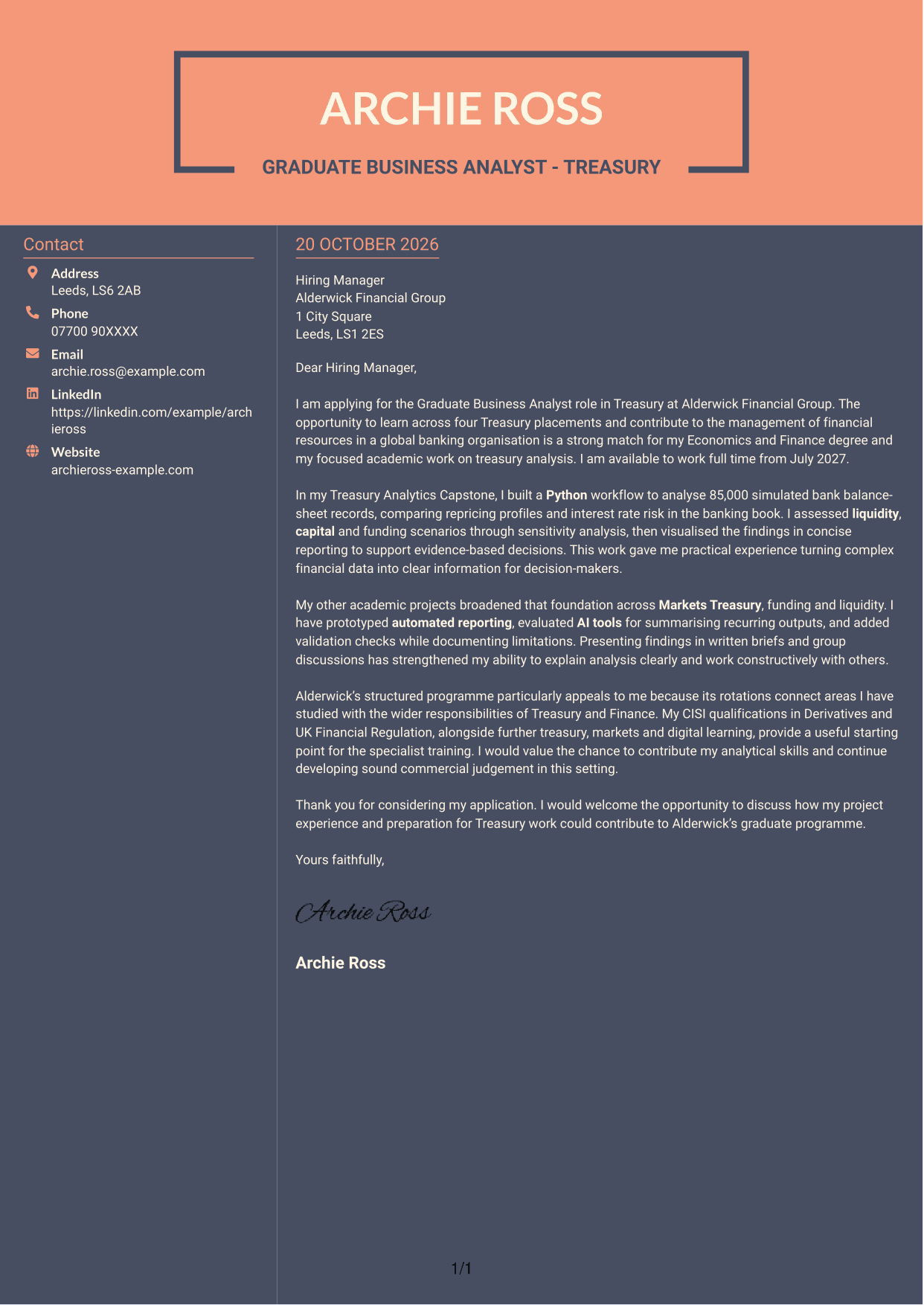
#7 Creative Two Tone Format Cover Letter Example
A contact sidebar sits beside one continuous letter body, keeping the correspondence details distinct from the message.
Why This Format Works
- The sidebar gives contact details a separate place beside the letter.
- One body column carries the opening, evidence and closing in sequence.
- The letter relies on paragraphs rather than headings to present its argument.
Best For
- Two-column letter layouts
- Contact details beside body text
- Continuous written arguments
- Applications with tailored motivation
- Several supporting paragraphs
See Also
- 7 Graduate Business Analyst - Treasury CV Templates with Example
- 7 Graduate Analyst - US Funds Tax CV Templates with Example
- 7 Implementation and Test Analyst - Finance CV Templates with Example
- 7 Insights Analyst - Customer and Marketing Insights CV Templates with Example
- 7 Director, US Funds Tax CV Templates with Example
- 7 Systems Engineer - Defence Training Systems CV Templates with Example
- 7 Branch Manager - Automotive Parts Distribution CV Templates with Example
- 7 Brand Specialist (Supervisor) - Menswear, Accessories CV Templates with Example
- 7 Graduate Analyst - US Funds Tax Cover Letter Templates with Example
- 7 Implementation and Test Analyst - Finance Cover Letter Templates with Example
Frequently Asked Questions
What should a Graduate Business Analyst - Treasury cover letter highlight?
Show why the role interests you and connect your evidence to its analytical work. Relevant examples may include Python analysis, financial data visualisation, reporting, or work involving liquidity, capital, funding and risk.
How can I show that my experience fits this Treasury role?
Choose a specific example and explain the task, your approach and the result. For instance, describe how you analysed balance-sheet data or compared financial scenarios, then show how your reporting helped others understand the findings.
How should I explain my interest in the programme?
Refer to the programme’s Treasury placements and explain how they connect with your interests. You could mention areas such as interest rate risk in the banking book, funding, liquidity, Markets Treasury or Finance.
What is a clear structure for this cover letter?
Open by naming the role and giving your main reason for applying. Use the body for focused analytical evidence and programme fit, then close by restating your interest and welcoming a discussion.
Should I include every part of my academic and work experience?
No. Select the examples that best support your fit for the role. A focused account of relevant analysis, reporting and communication is clearer than a full list of every activity.




