
7 Graduate Business Analyst - Treasury CV Templates with Example
This guide shows you how to create a Graduate Business Analyst - Treasury CV that is clear, focused and easy to review. You will learn how to organise relevant evidence so your analysis and business insight stand out.
A strong CV for this role links financial data analysis to useful findings for Treasury and Finance decisions. Clear sections and achievement-led bullet points can show how you have examined liquidity, capital, funding and interest rate risk.
Compare the example presented in 7 layouts through their PNG image previews, then open a preferred version in the editor to customise it. The guide also explains ATS-friendly structure and how to present relevant terms, such as Python, Markets Treasury, data visualisation, reporting and data validation.
What Makes a Great Graduate Business Analyst - Treasury CV in 2026
A strong CV makes your financial analysis easy to scan and connects it to business decisions. Use clear headings and focused bullet points to show your contribution and results.
Include relevant terms such as Python, liquidity, funding, interest rate risk in the banking book, Markets Treasury and data validation. Support achievements with evidence, such as analysing 85,000 simulated records, where relevant.
Note: CV examples are for educational purposes only. Use only information that accurately reflects your experience and qualifications. References to real organisations do not imply affiliation or endorsement.
#1 Simple One Column Format CV Example
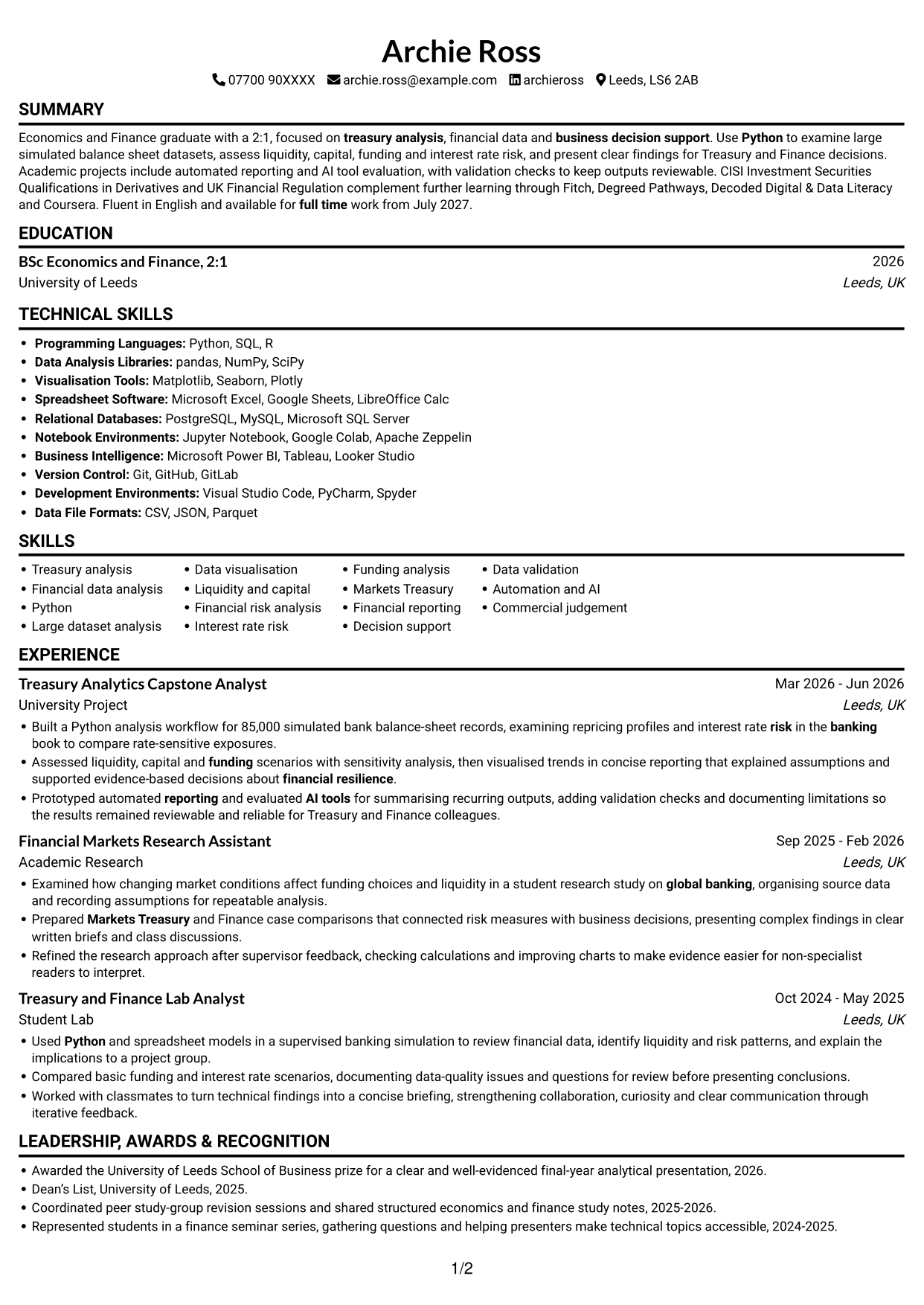
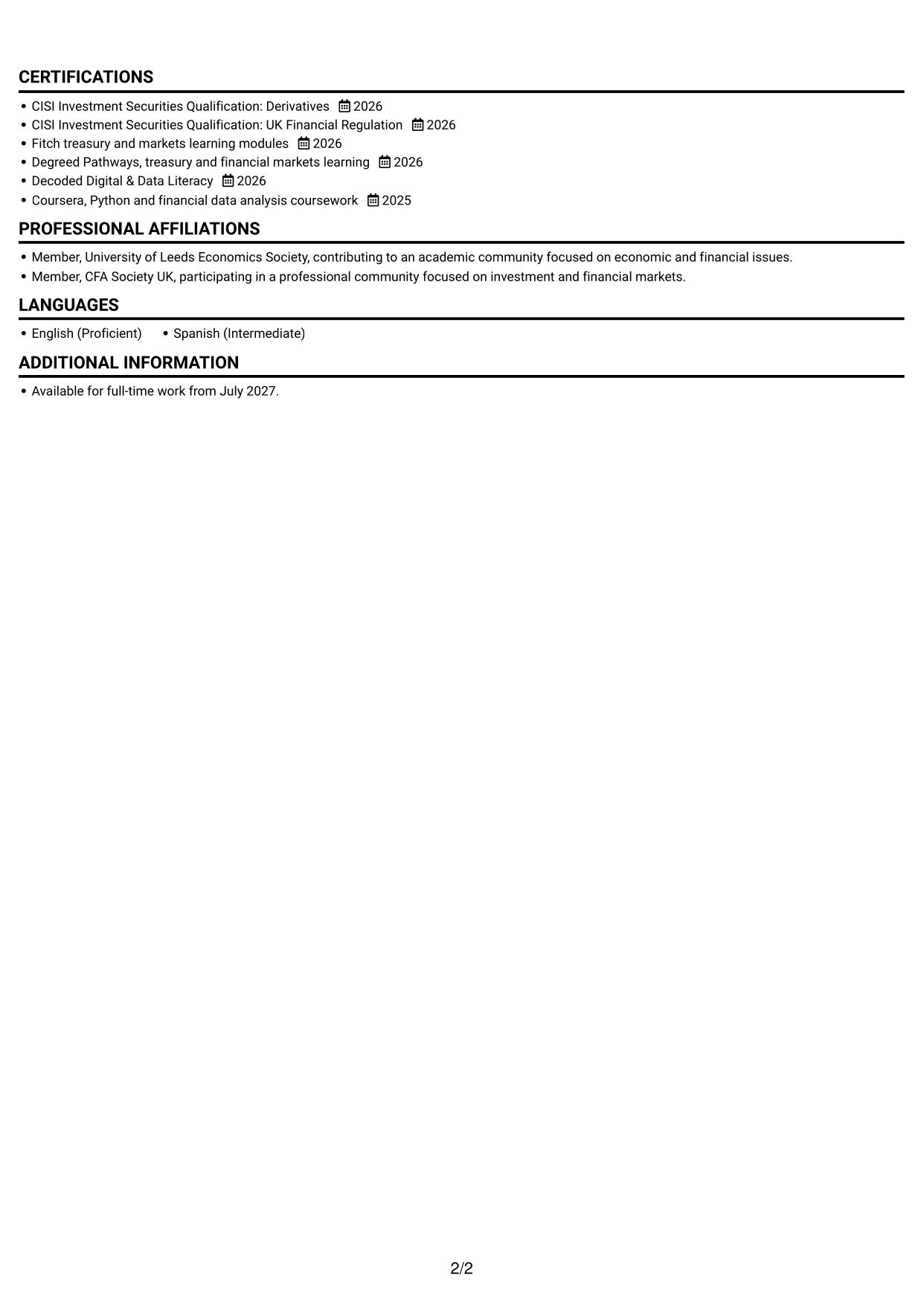
One continuous column keeps the CV in a familiar sequence, so recruiters can follow each section from top to bottom.
Why This Format Works
- Recruiters can follow experience, education and credentials in one clear sequence.
- Achievement bullets stay close to the roles and projects they describe.
- Full-width text gives detailed sections room without splitting them across columns.
Best For
- Sequential CV review
- Full-width experience details
- Related achievements by role
- Several supporting sections
- Simple reading order
CV Keywords
- treasury analysis
- Built a Python analysis workflow for 85,000 simulated bank balance-sheet records, examining repricing profiles and interest rate risk in the banking book to compare rate-sensitive exposures.
- Python
- Large dataset analysis
- Data visualisation
- Financial risk analysis
- interest rate risk in the banking book
- funding
- Markets Treasury
- Financial reporting
- business decision support
- Prototyped automated reporting and evaluated AI tools for summarising recurring outputs, adding validation checks and documenting limitations so the results remained reviewable and reliable for Treasury and Finance colleagues.
- Automation
- AI tools
- Assessed liquidity, capital and funding scenarios with sensitivity analysis
#2 Simple Two Column Format CV Example
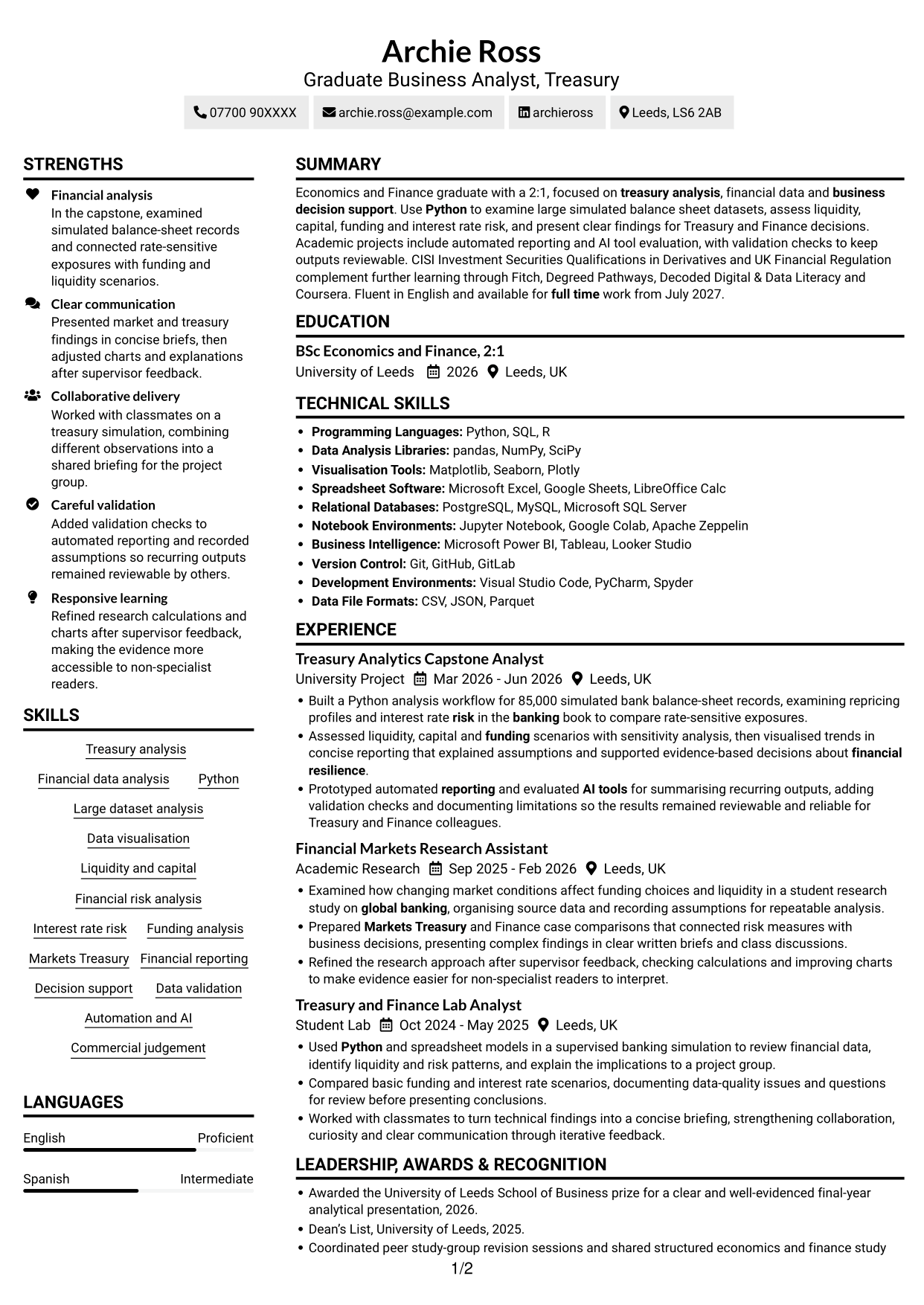
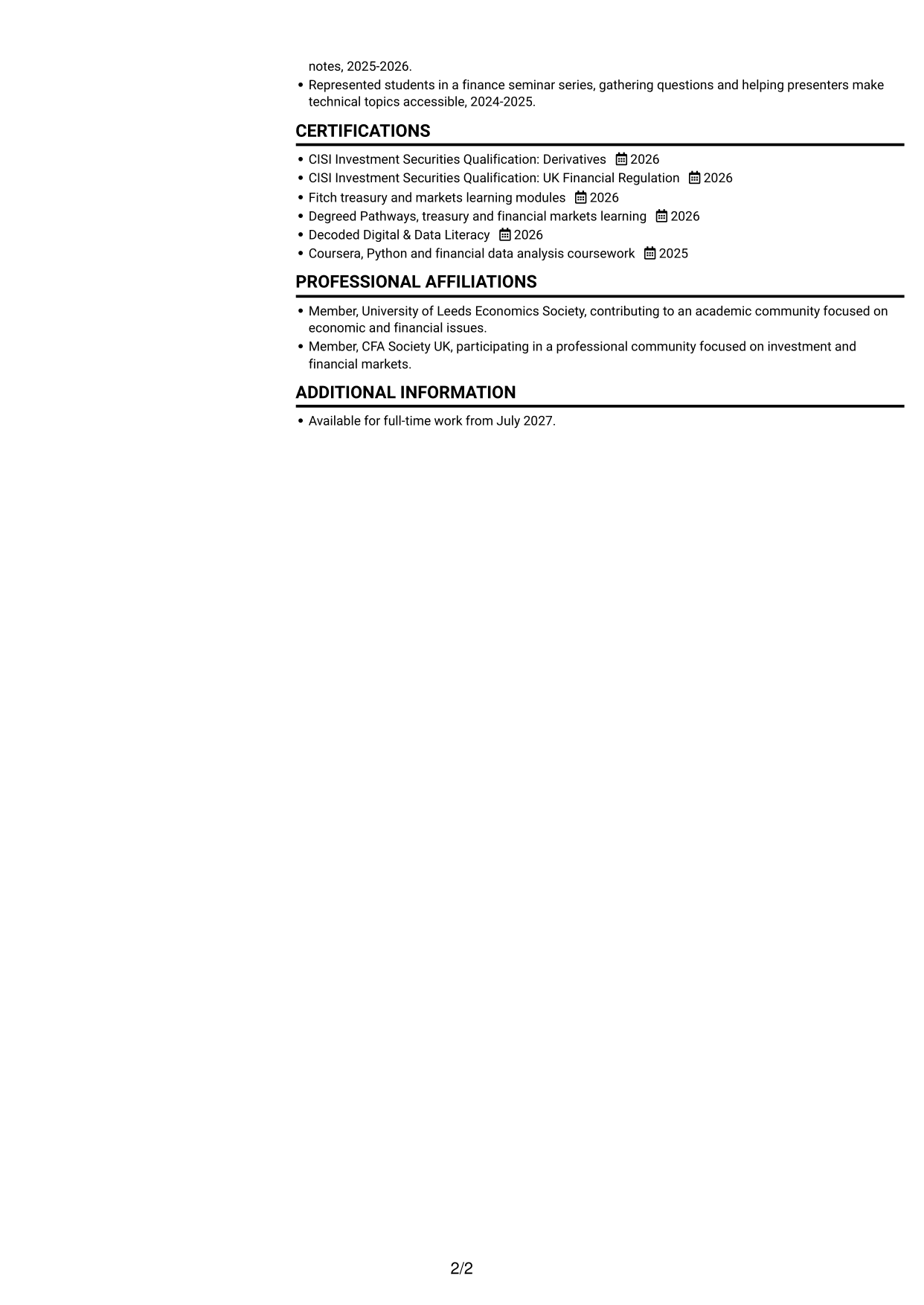
Two columns give the CV a compact structure, with separate areas that help recruiters scan its sections.
Why This Format Works
- Separate content areas help readers locate education, skills and credentials.
- Work history can be reviewed alongside other sections without a long vertical scan.
- The two-column structure accommodates varied content in a compact layout.
Best For
- Separate experience and supporting details
- Quick section navigation
- Mixed-length CV content
- Compact information layout
- Side-by-side section review
#3 Plain One Column with Shaded Labels CV Example
A single-column body keeps each CV section in sequence, making this a straightforward choice for top-to-bottom review.
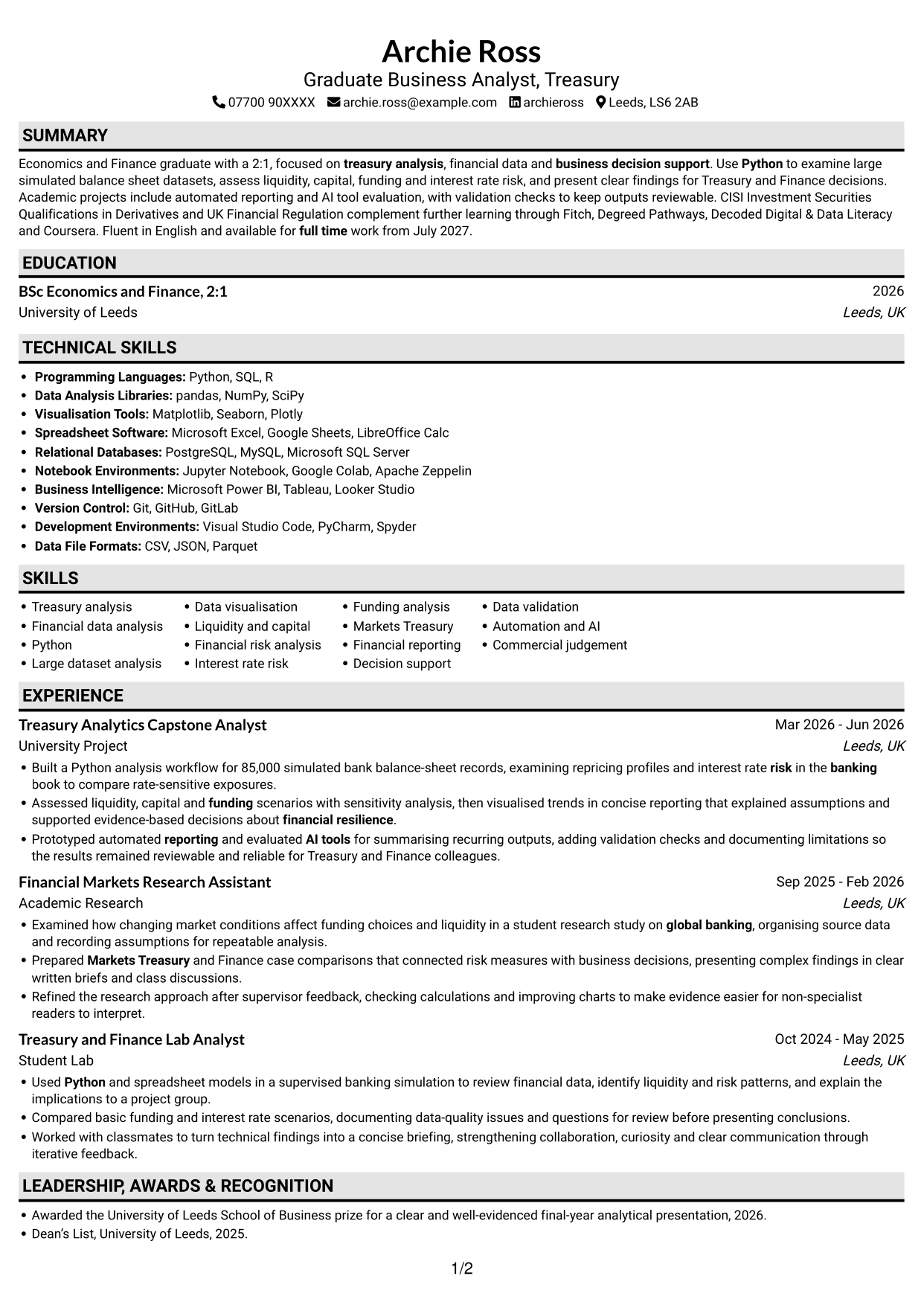
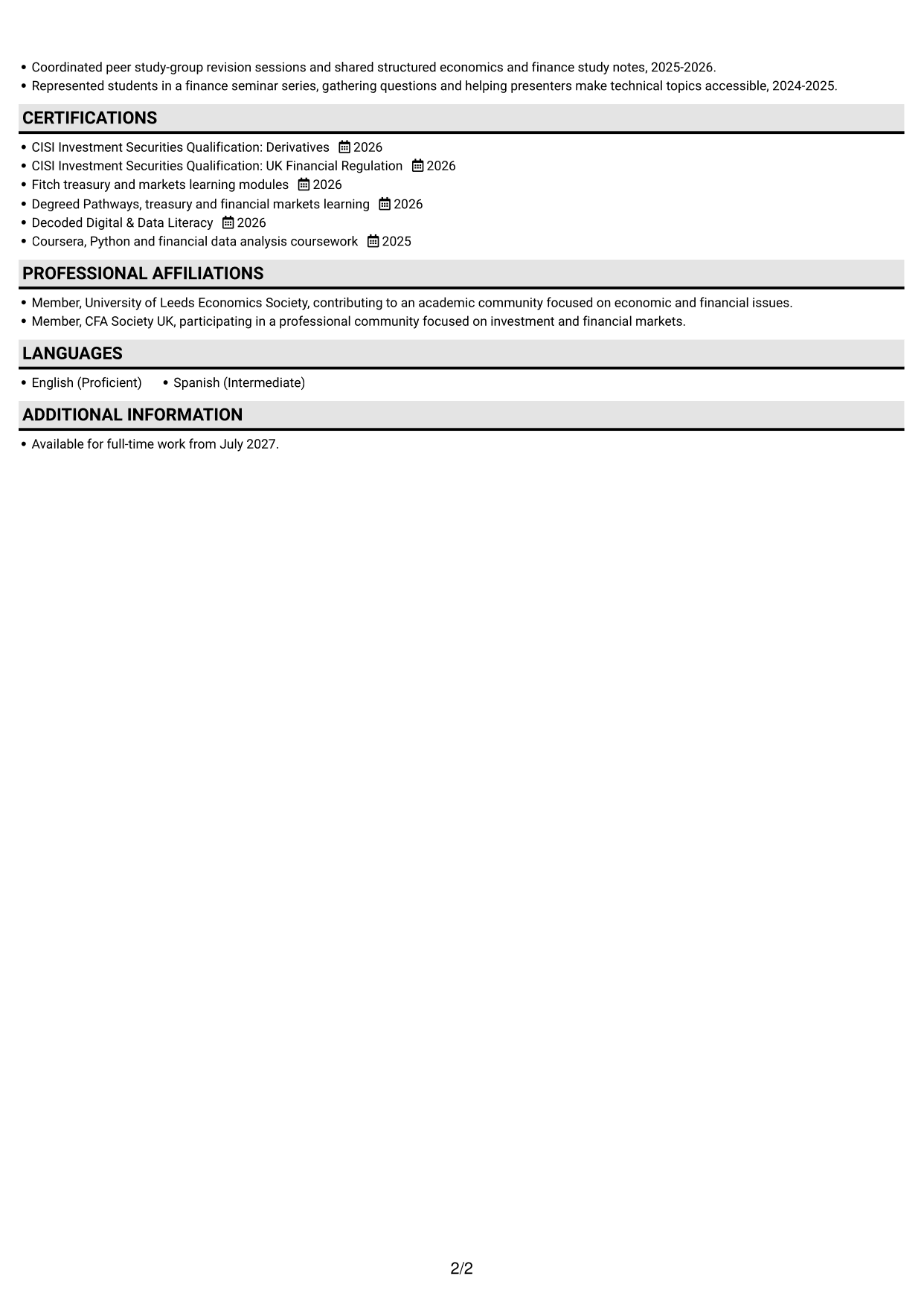
Why This Format Works
- A clear reading path keeps career history together from role to role.
- Education and credentials follow the same direct section-by-section order.
- Achievement details remain within the relevant experience entries.
Best For
- Top-to-bottom CV reading
- Continuous career history
- Role-based achievement details
- Direct section order
- Single-column content
#4 One Column Format with Photo Right CV Example
A portrait on the right adds a visual feature, while the one-column body keeps CV sections in a familiar sequence.
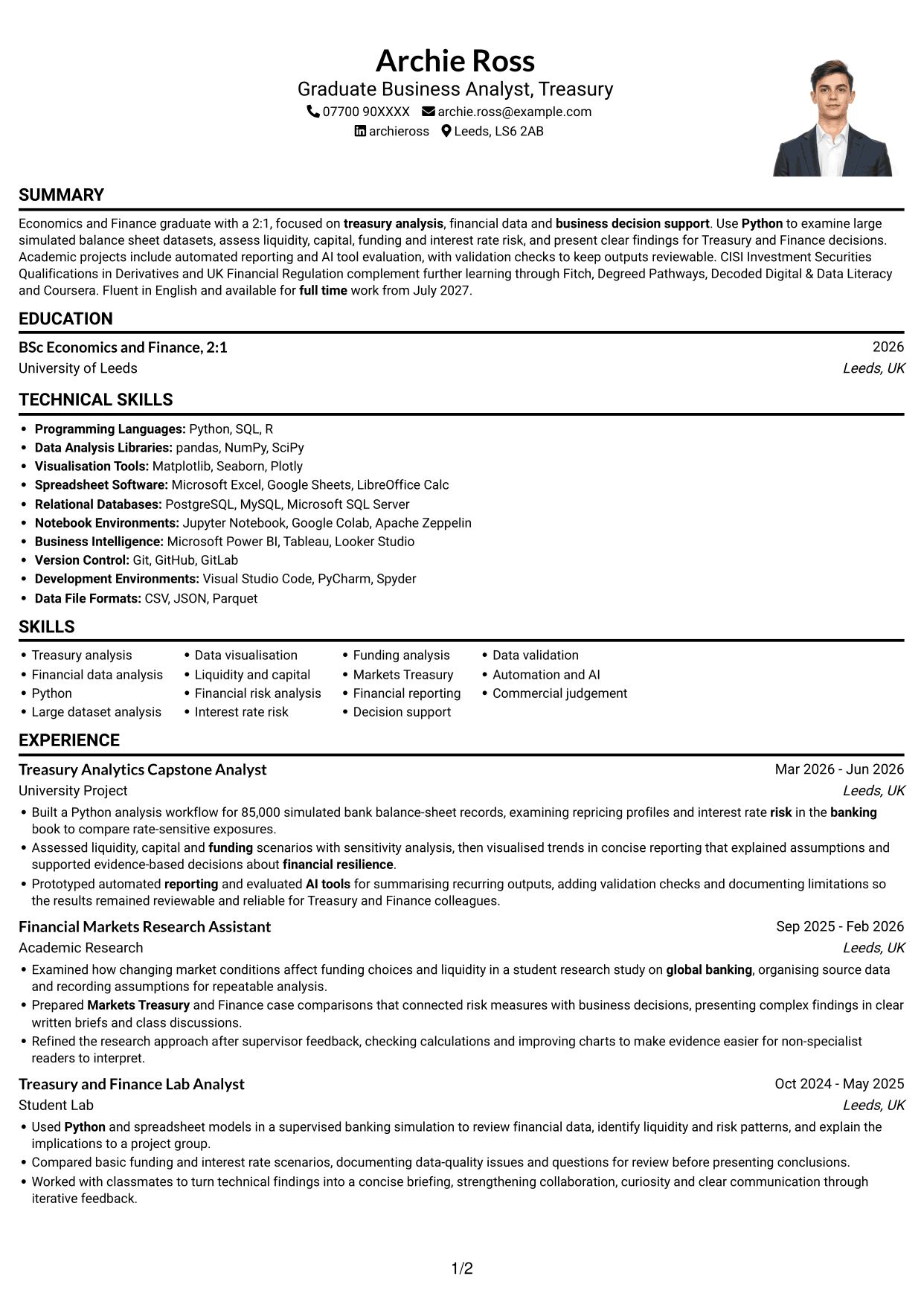
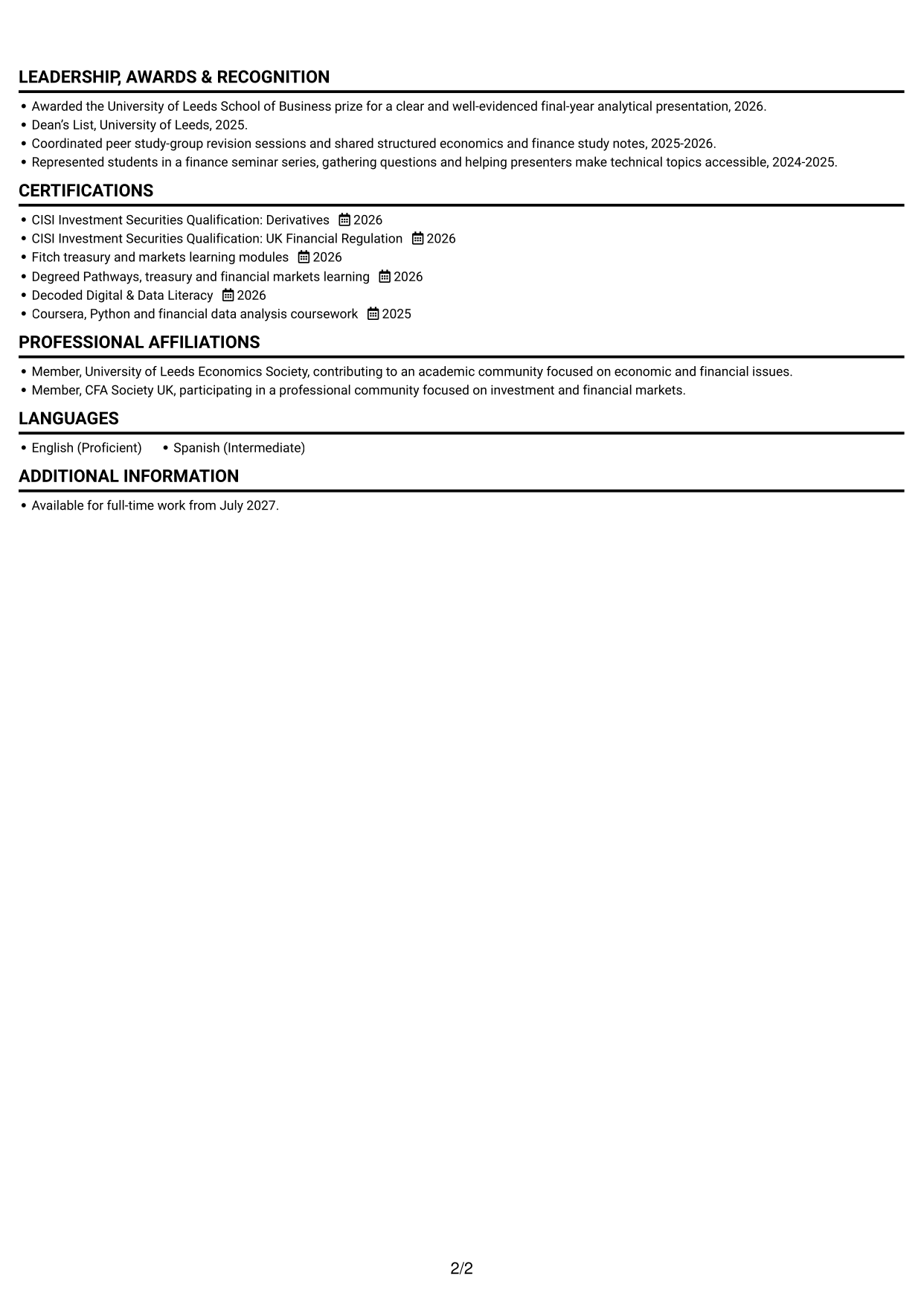
Why This Format Works
- The single-column reading path keeps experience and education in sequence.
- Role details and achievements remain together within each experience entry.
- A right-side portrait suits readers who prefer a photo on the CV.
Best For
- Photo-inclusive CV preference
- Sequential section review
- Experience grouped by role
- Direct education and credentials
- One-column reading
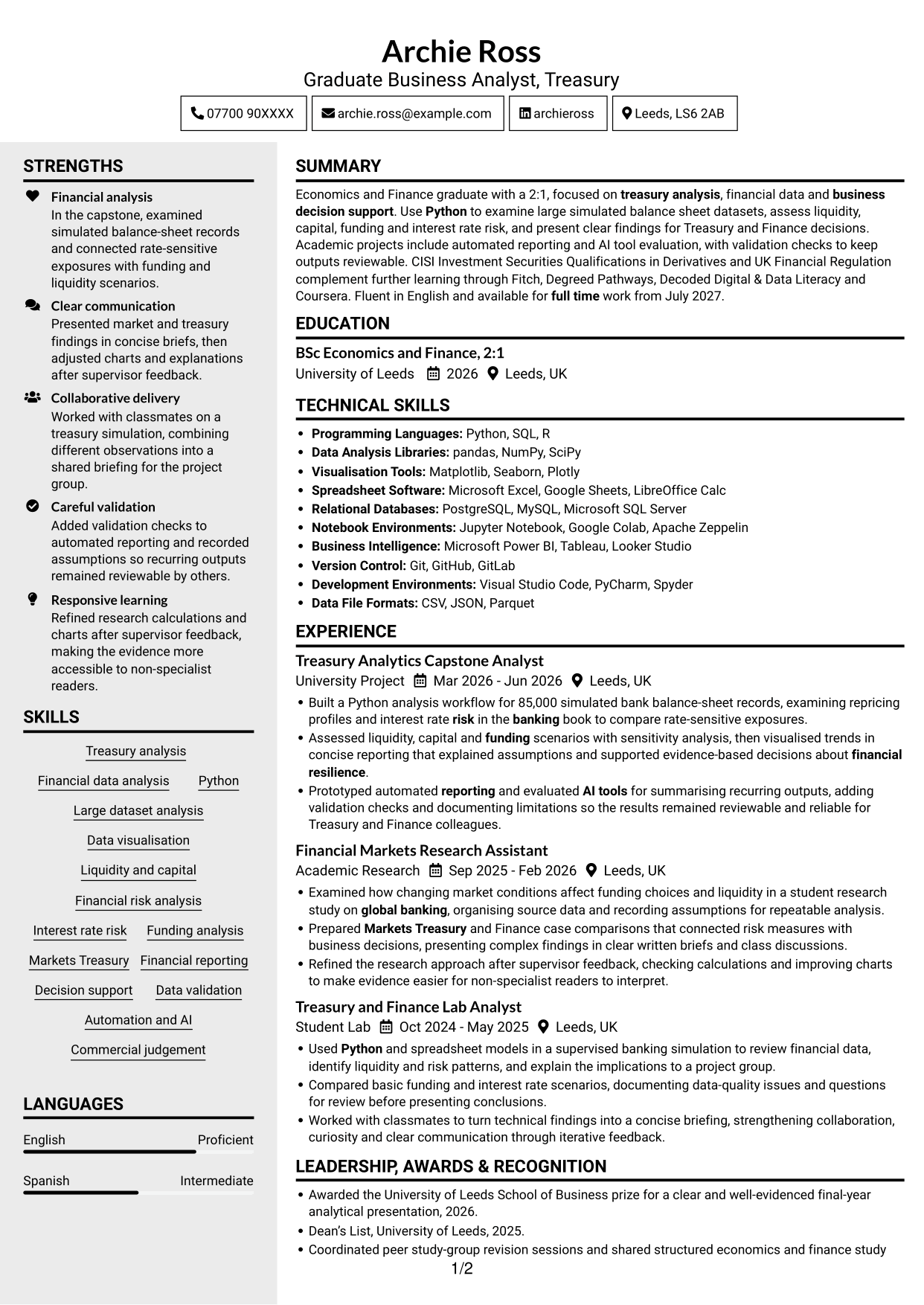
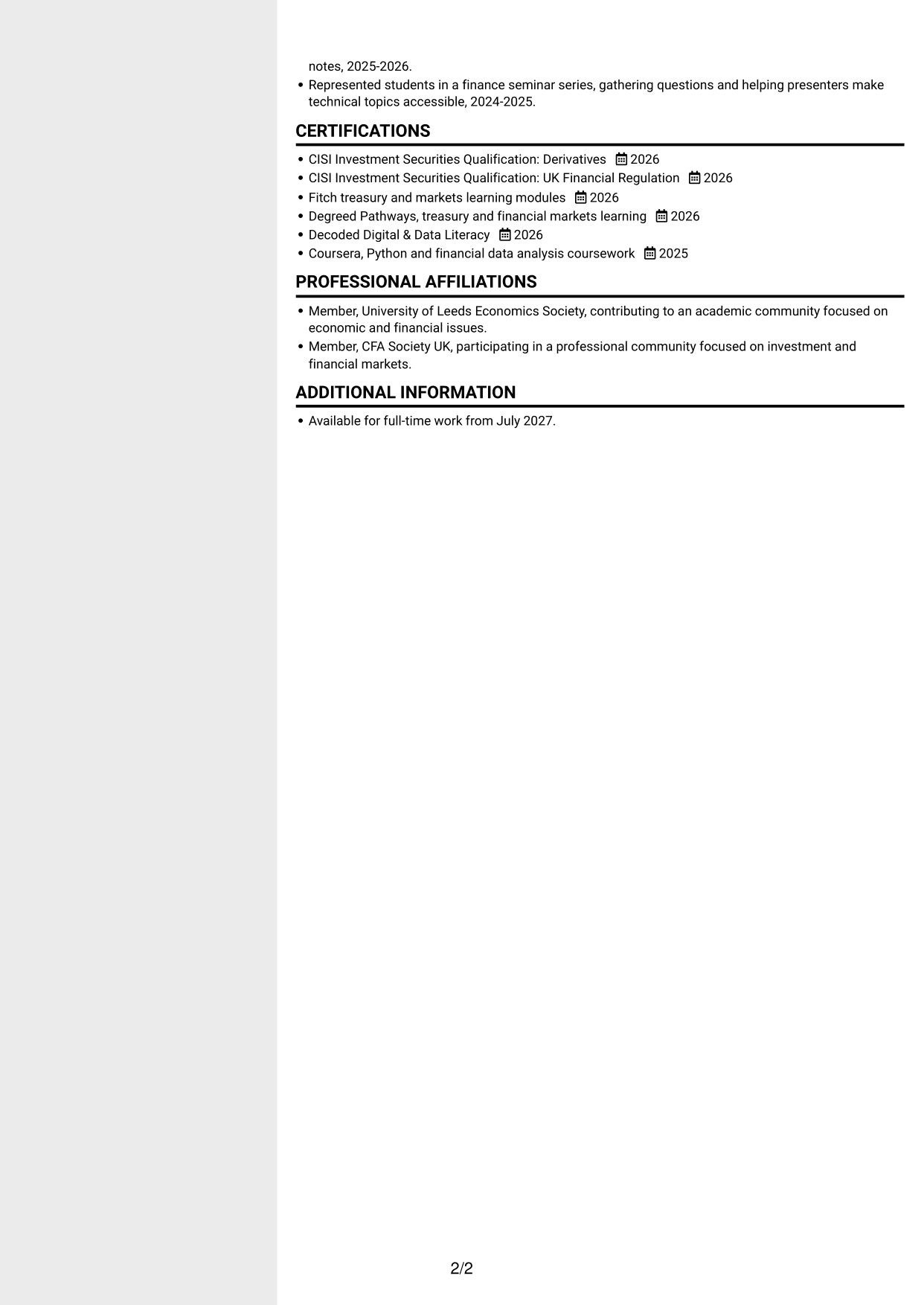
#5 Clean Two Column Sidebar Format CV Example
Two columns create a compact CV layout, with a sidebar-style arrangement for readers who want distinct content areas.
Why This Format Works
- Distinct areas help recruiters move between experience and supporting sections.
- Education and credentials can be found without reading every experience entry.
- The compact arrangement suits CVs with several types of information.
Best For
- Distinct content areas
- CVs with several sections
- Quick access to credentials
- Compact information display
- Separate supporting details
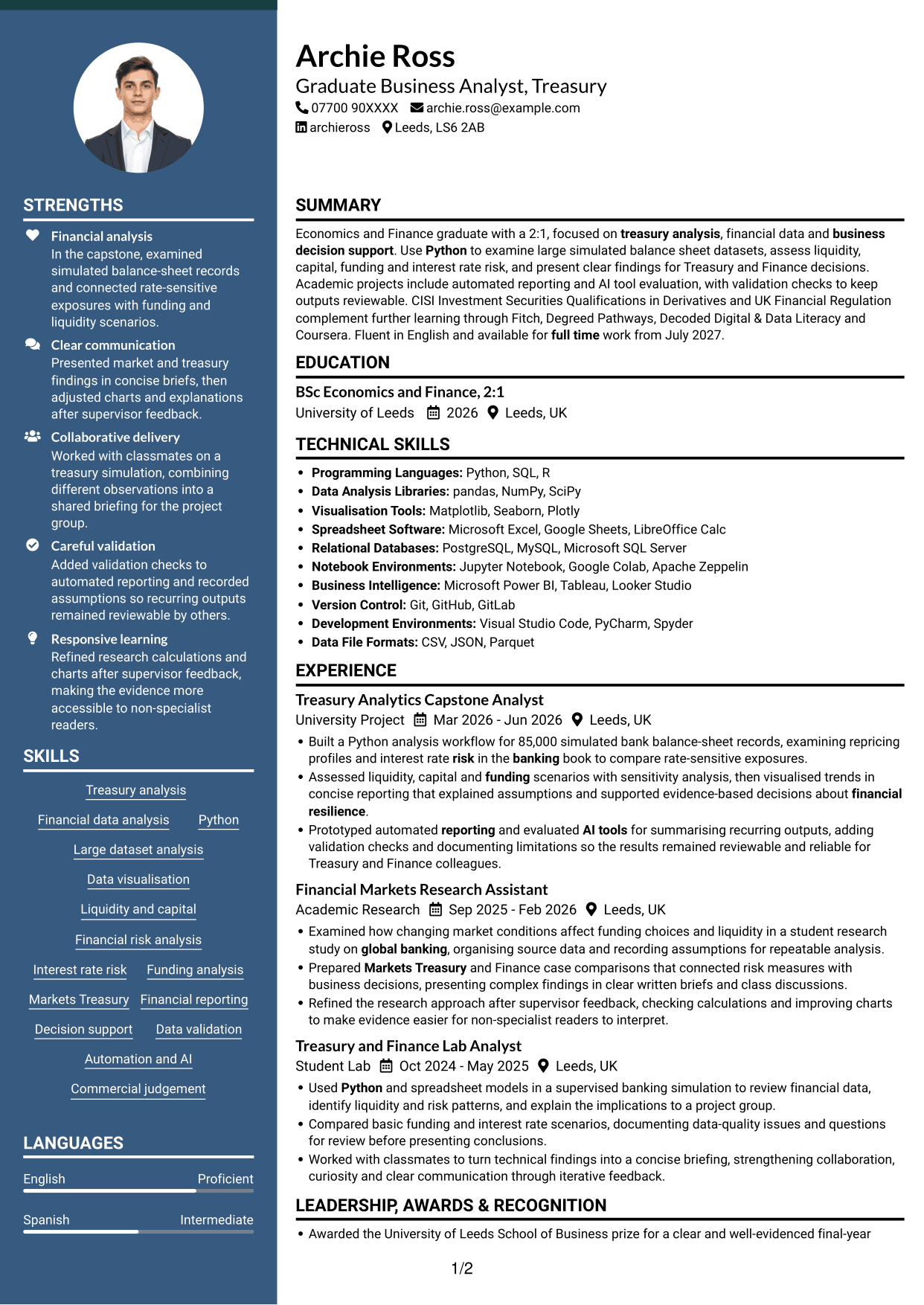
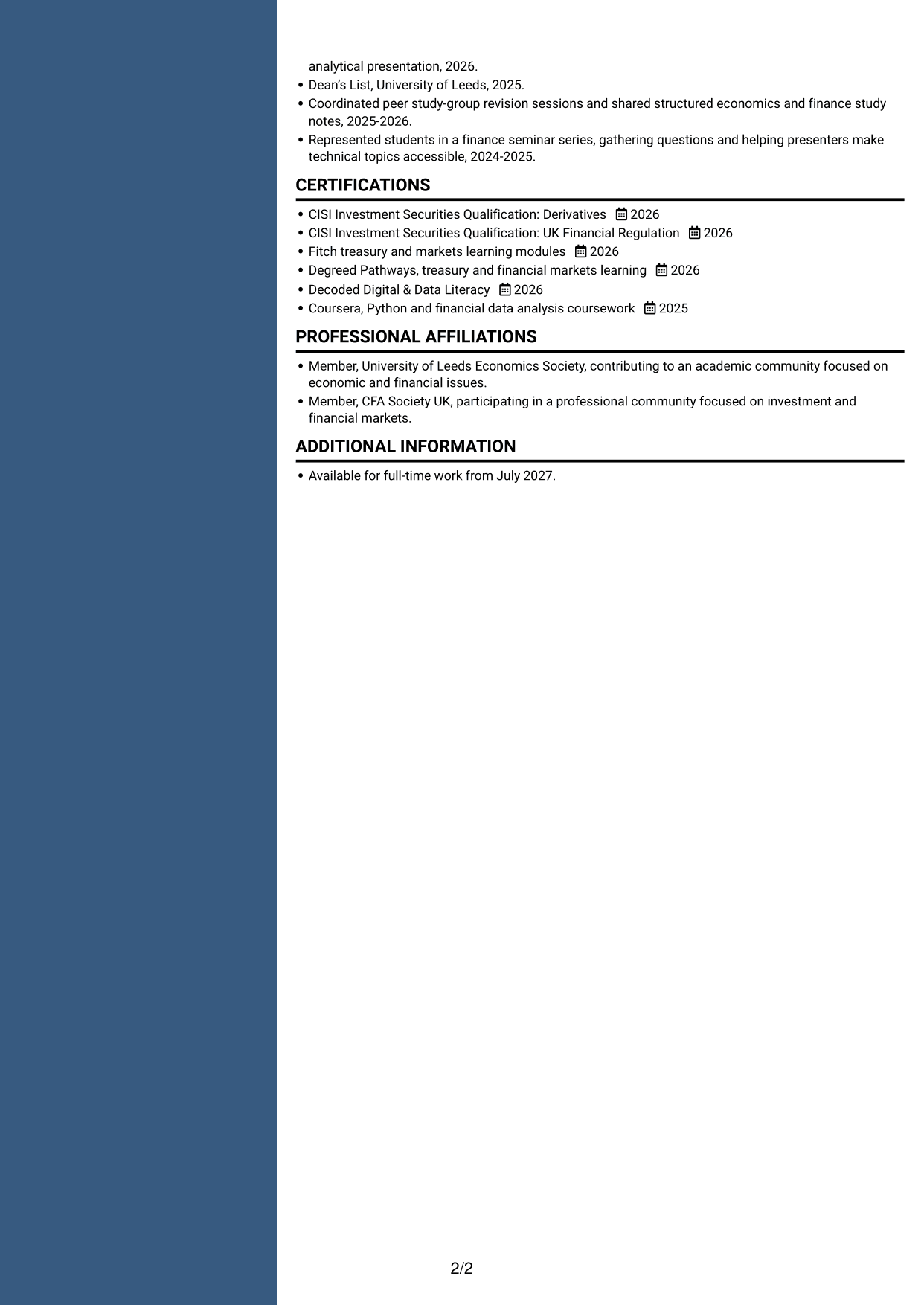
#6 Two Column Format CV Example
The two-column body places CV information in separate areas, helping readers move between work history and supporting sections.
Why This Format Works
- Separate areas make skills and education easier to locate beside career history.
- Experience entries remain distinct from other CV sections.
- The layout supports scanning across several types of information.
Best For
- Career history with supporting sections
- Skills and education access
- Fast section scanning
- Varied CV information
- Two-area organisation
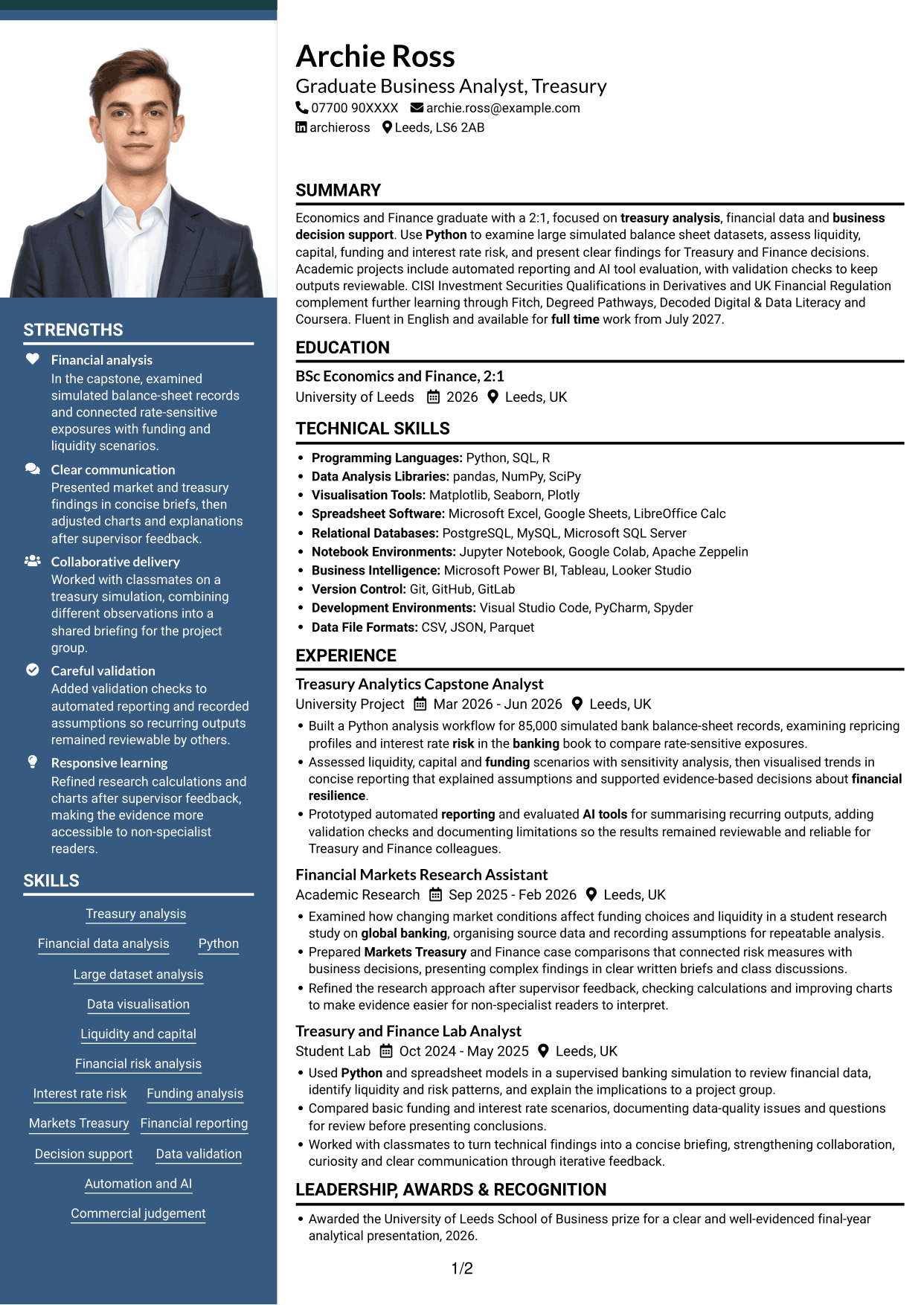
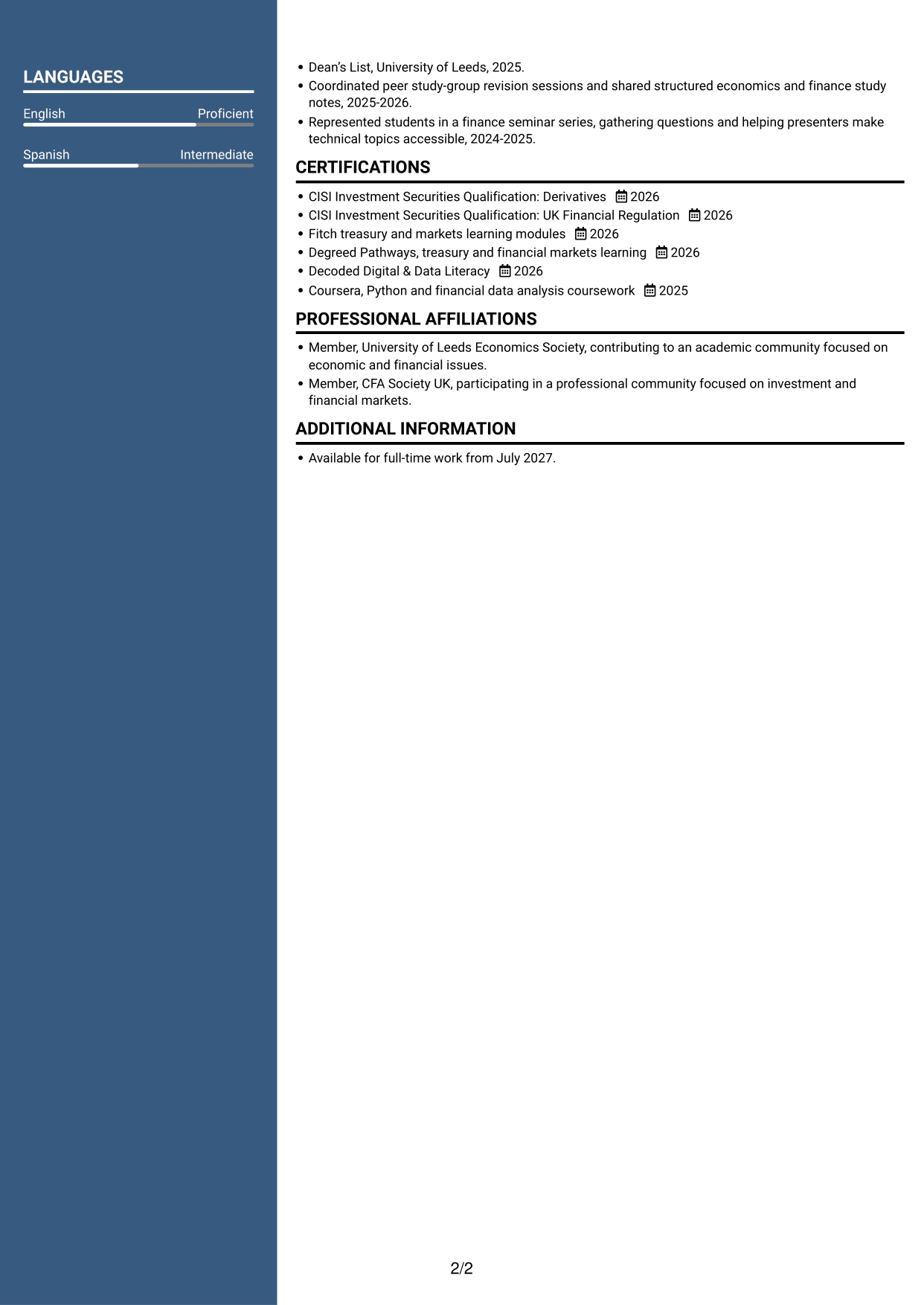
#7 Photo Header Two Column Format CV Example
A photo header pairs a portrait with a two-column body, combining a visual preference with compact section organisation.
Why This Format Works
- The two-column body separates experience from other CV sections.
- Readers can find education and credentials without following one long column.
- The portrait offers a visual choice without changing the section order.
Best For
- Photo-inclusive CV preference
- Compact section organisation
- Experience beside supporting information
- Quick access to education
- Two-column reading
Why Build Your Graduate Business Analyst - Treasury CV with ResumeInMinutes
ResumeInMinutes helps you organise your Treasury analysis, skills and education in a clear CV. Compare the PNG image previews, then open an example in the editor to customise its content and layout.
- Clear CV layouts
- Readable section structure
- Space for relevant keywords
- Organised skills and experience
- PNG image previews
- CV customisation in the editor
Choose a format that makes your analysis and evidence easy to follow. Keep attention on financial data, sound checks and the business value of your findings.
See Also
- 7 Graduate Analyst - US Funds Tax CV Templates with Example
- 7 Implementation and Test Analyst - Finance CV Templates with Example
- 7 Insights Analyst - Customer and Marketing Insights CV Templates with Example
- 7 Director, US Funds Tax CV Templates with Example
- 7 Systems Engineer - Defence Training Systems CV Templates with Example
- 7 Branch Manager - Automotive Parts Distribution CV Templates with Example
- 7 Brand Specialist (Supervisor) - Menswear, Accessories CV Templates with Example
- 7 Pathway Support CV Templates with Example
- 7 Graduate Business Analyst - Treasury Cover Letter Templates with Example
- 7 Graduate Analyst - US Funds Tax Cover Letter Templates with Example
Frequently Asked Questions
Are these Graduate Business Analyst - Treasury CV templates ATS-friendly?
The examples use clear headings and sections that are easy to scan. Include relevant terms naturally, such as Python, liquidity, funding, Markets Treasury, financial reporting and data validation.
Are these separate CV examples or different layouts of one example?
This page presents one role-focused CV example in different layouts. Compare the PNG image previews, then open an example in the editor to customise it.
What should a Graduate Business Analyst - Treasury CV include?
Include a focused summary, relevant experience, education, skills and certifications. Show how you have analysed financial data, checked your work and presented useful findings. Relevant evidence may include Python analysis, liquidity and funding scenarios, or automated reporting.
Which CV layout works well for this role?
Choose a layout with clear headings and an easy-to-follow order for your experience, skills and education. A simple structure helps recruiters and applicant tracking systems find key details.
How can I show treasury analysis achievements on my CV?
Write concise bullet points that explain the task, your action and the result. Add supported figures where useful, such as the number of records analysed, and explain how your findings informed decisions.
Should I include a photo on my CV?
A photo is not usually needed for UK applications. Use the space for relevant analysis, skills and evidence instead.




