
7 Investment Banking Intern - Infrastructure Project Finance Cover Letter Templates with Example
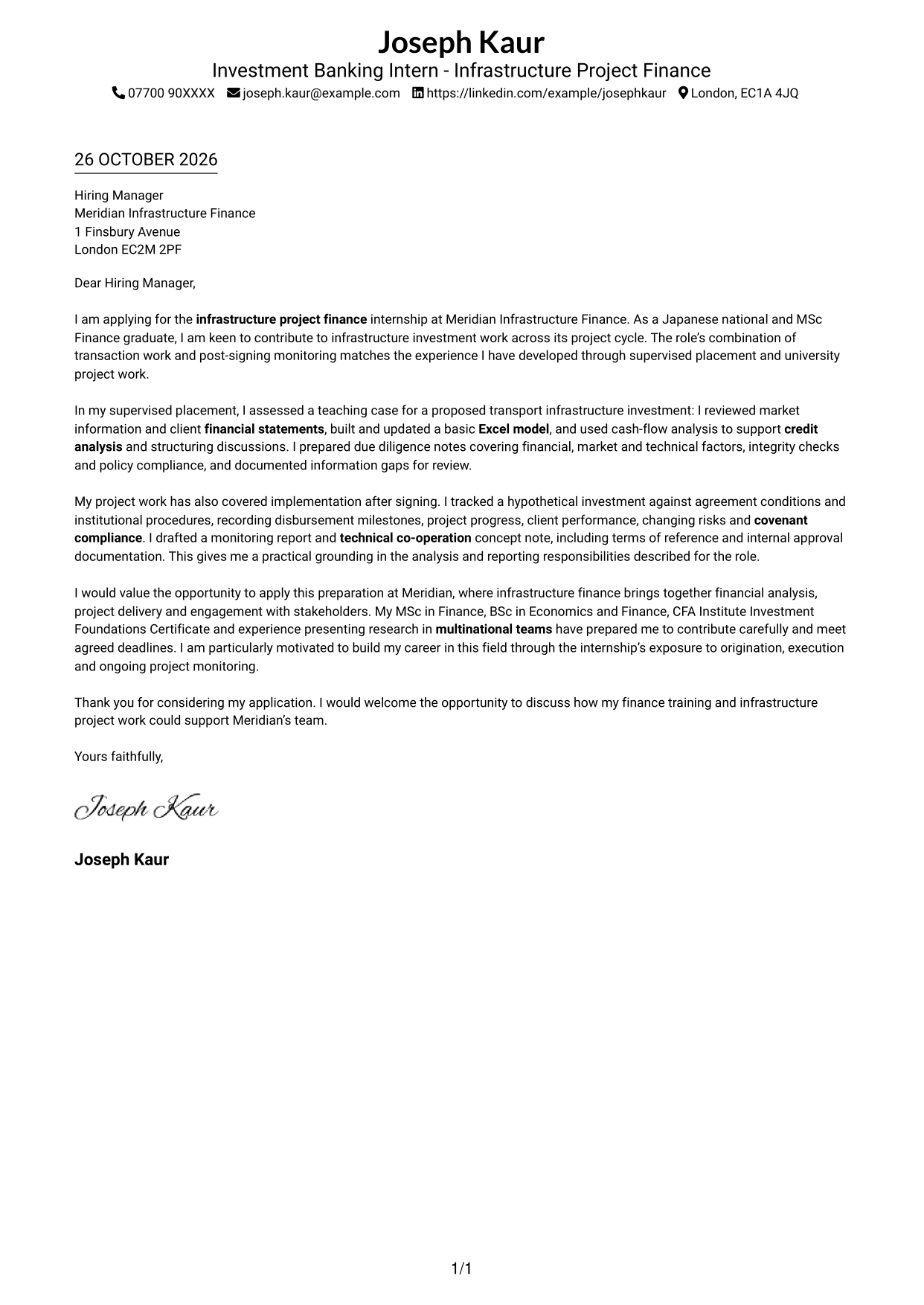
This practical guide to an Investment Banking Intern - Infrastructure Project Finance cover letter shows how to present your motivation and relevant evidence across seven layouts.
What Makes a Great Investment Banking Intern - Infrastructure Project Finance Cover Letter in 2026
A strong letter makes your interest in infrastructure project finance clear and links it to the work across a project’s life cycle. A focused opening, useful evidence and a confident close help the reader follow your case.
Choose examples that show your financial analysis, modelling, due diligence or project monitoring work. Explain what you contributed, then connect it to the employer’s needs and the responsibilities of the role.
The featured example moves from interest in the role to evidence from financial analysis and project monitoring, then closes with a clear expression of interest; adapt this focused progression while choosing a presentation suited to the employer and communication context.
#1 Simple One Column Format Cover Letter Example
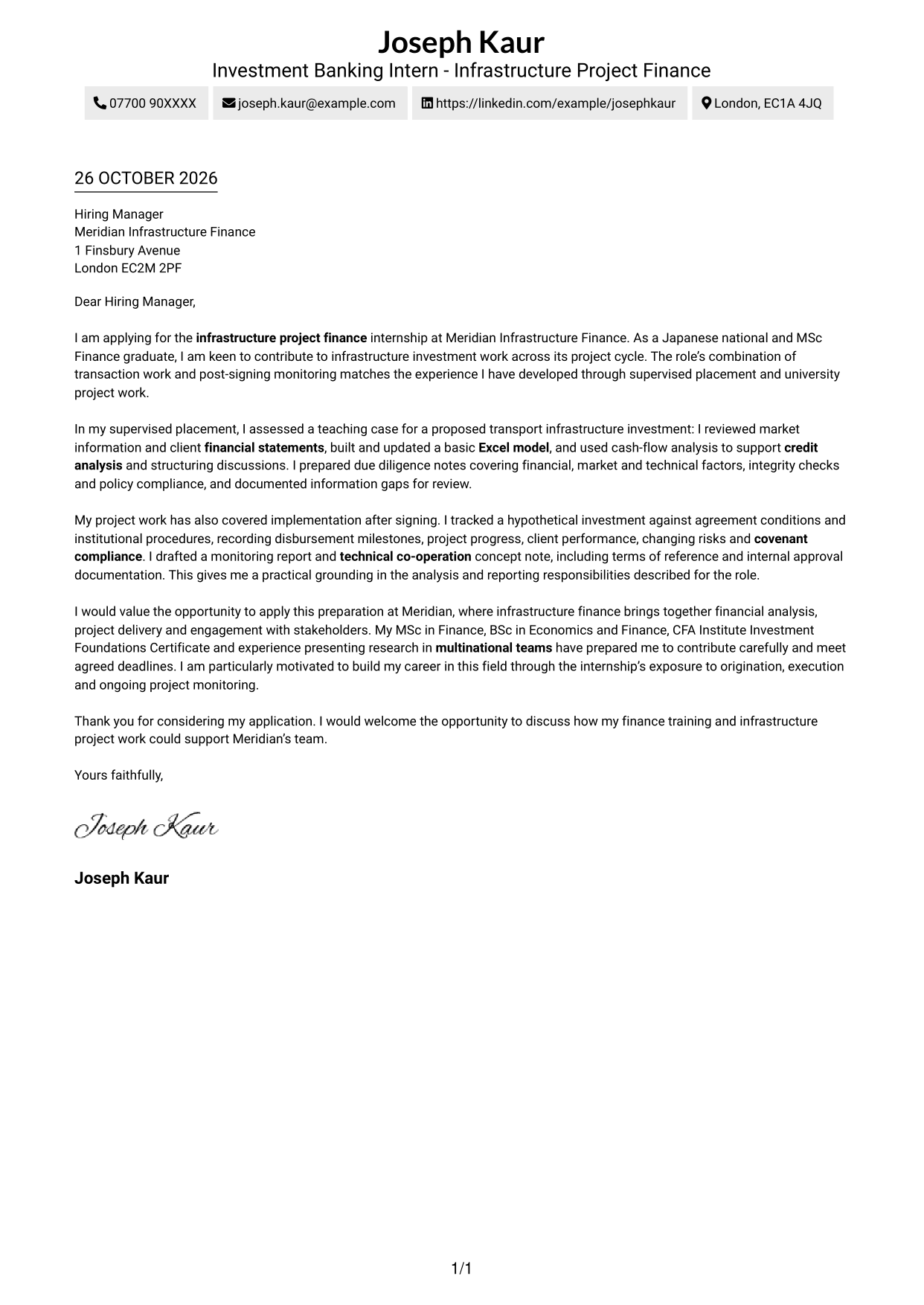
For a direct reading path, the Simple One Column Format keeps sender details in the header and the letter body in one column.
Why This Format Works
- Sender details in the header keep contact information easy to locate.
- The single-column body lets readers follow the message from opening to close.
- Without a portrait, the page suits applicants who prefer a text-led look.
Best For
- Single-column letter layouts
- Sender details in the header
- Continuous letter paragraphs
- Photo-free presentation
- Direct reading order
#2 Two Column Format Cover Letter Example
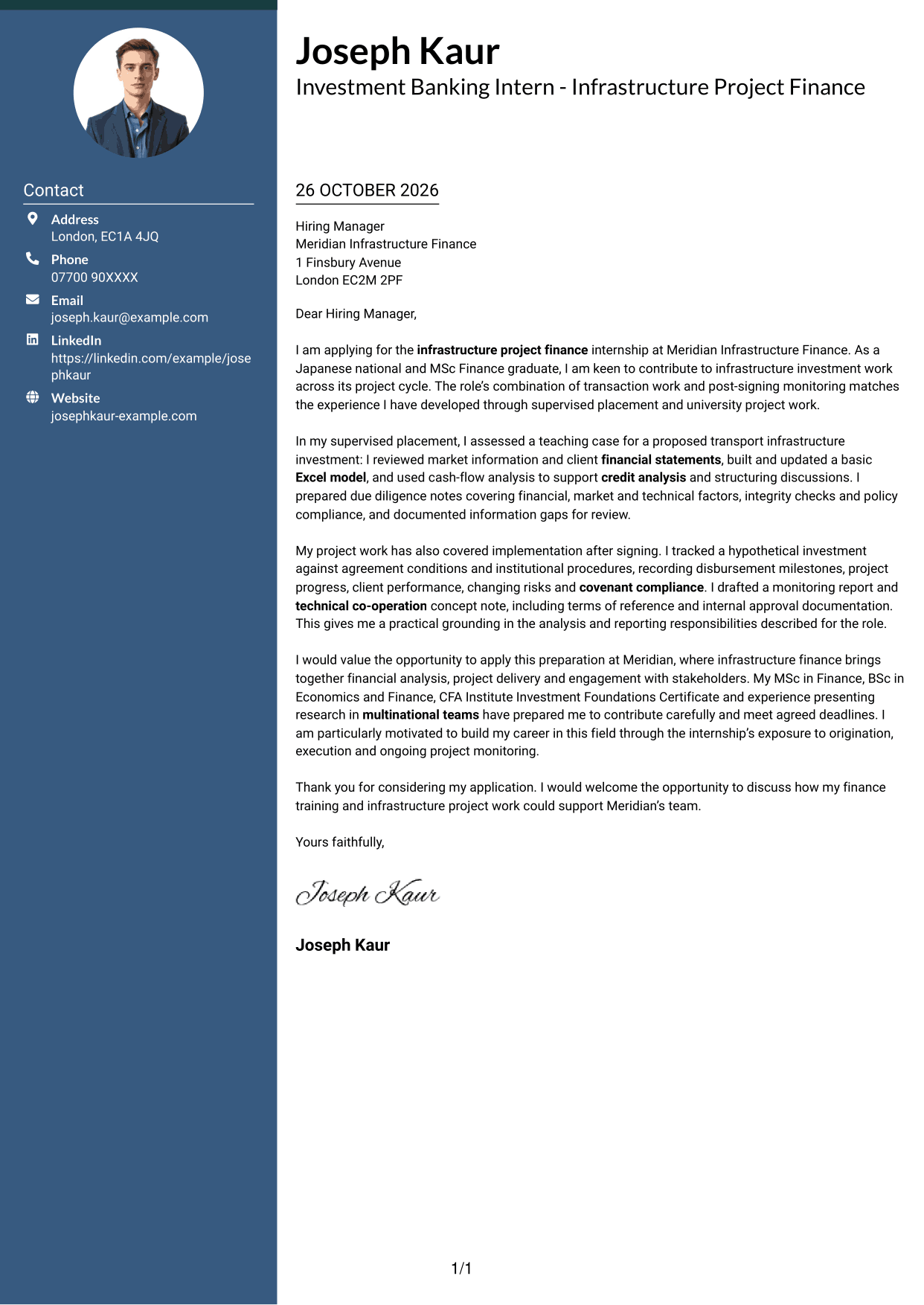
The Two Column Format places a contact sidebar beside one continuous letter body, so readers can see where the details end and the message begins.
Why This Format Works
- Contact details have their own sidebar, separate from the letter’s argument.
- One continuous body carries the message from its opening through its closing.
- A separate contact area lets readers find sender information without searching the paragraphs.
Best For
- Contact details beside the message
- A single letter argument
- Side-by-side page organisation
- Quick contact reference
- Distinct sender information
#3 Photo Header Two Column Format Cover Letter Example
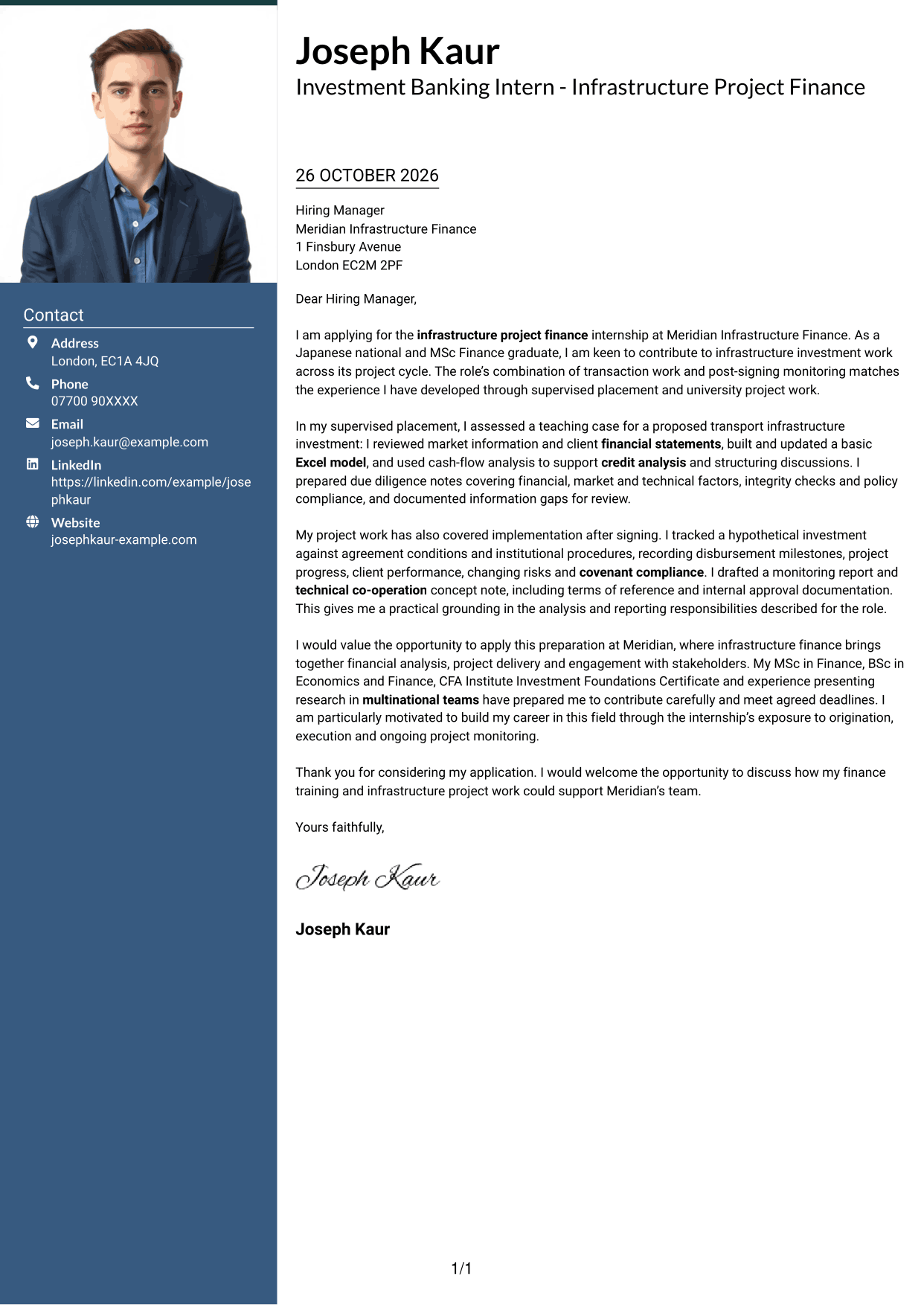
With a portrait and contact sidebar beside the letter, the Photo Header Two Column Format adds a personal visual element without dividing the message.
Why This Format Works
- Contact details sit in a sidebar, apart from the letter’s main paragraphs.
- The uninterrupted body carries the message from its opening to its closing.
- A portrait adds a personal visual element without splitting the letter body.
Best For
- Portrait-led letter layouts
- Contact details in a sidebar
- One continuous letter body
- Personal visual presentation
- Two-column page organisation
#4 One Column Format with Photo Cover Letter Example
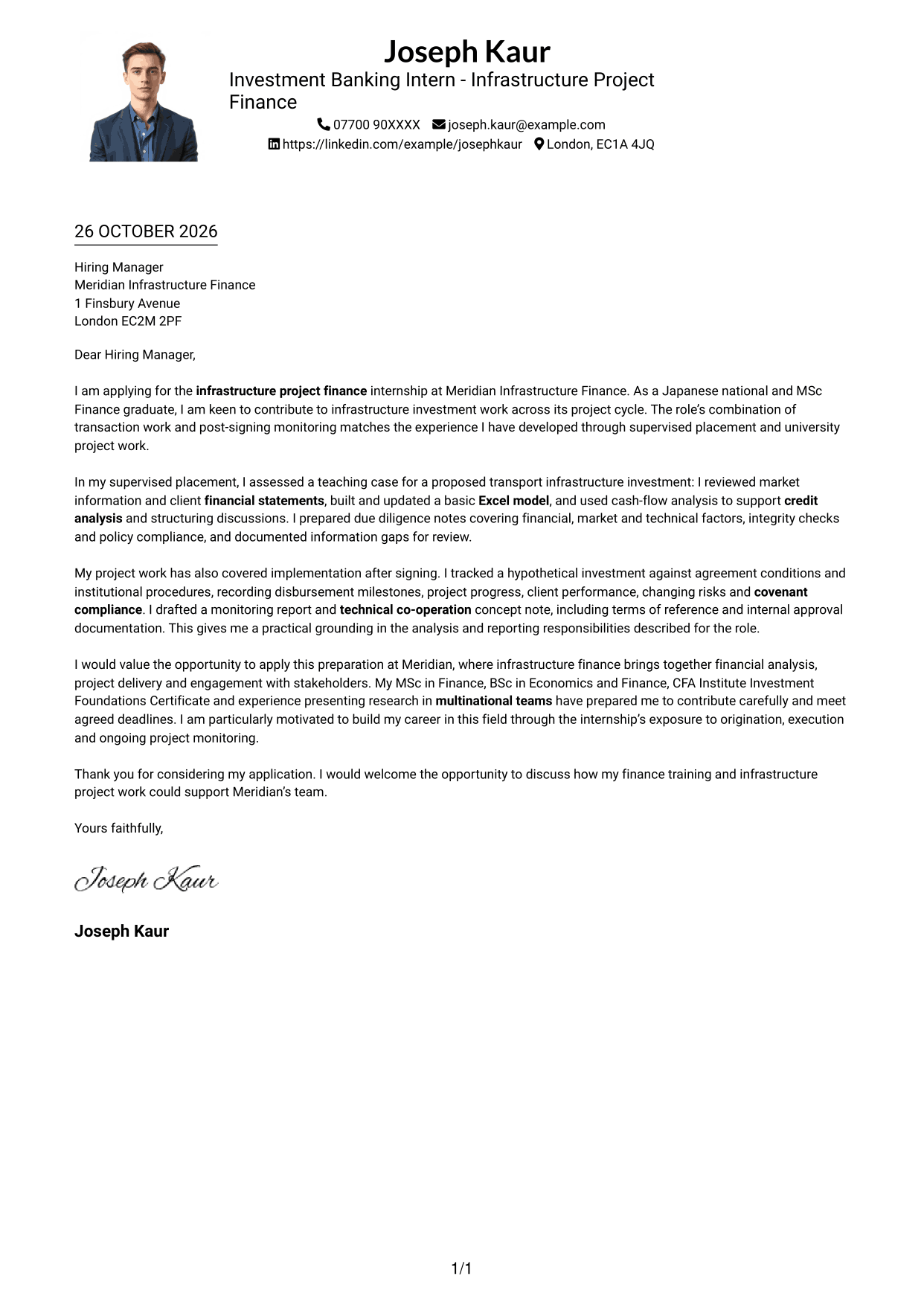
The One Column Format with Photo pairs a portrait with a single-column letter body, keeping the message in one reading sequence.
Why This Format Works
- Sender details in the header give contact information a familiar place.
- A single-column body keeps the greeting, argument and sign-off in one sequence.
- The portrait adds a visual element without changing how the letter reads.
Best For
- Single-column reading
- Portrait-inclusive letters
- Header-based contact details
- Uninterrupted letter paragraphs
- Personal image preference
#5 Simple Two Column Format Cover Letter Example
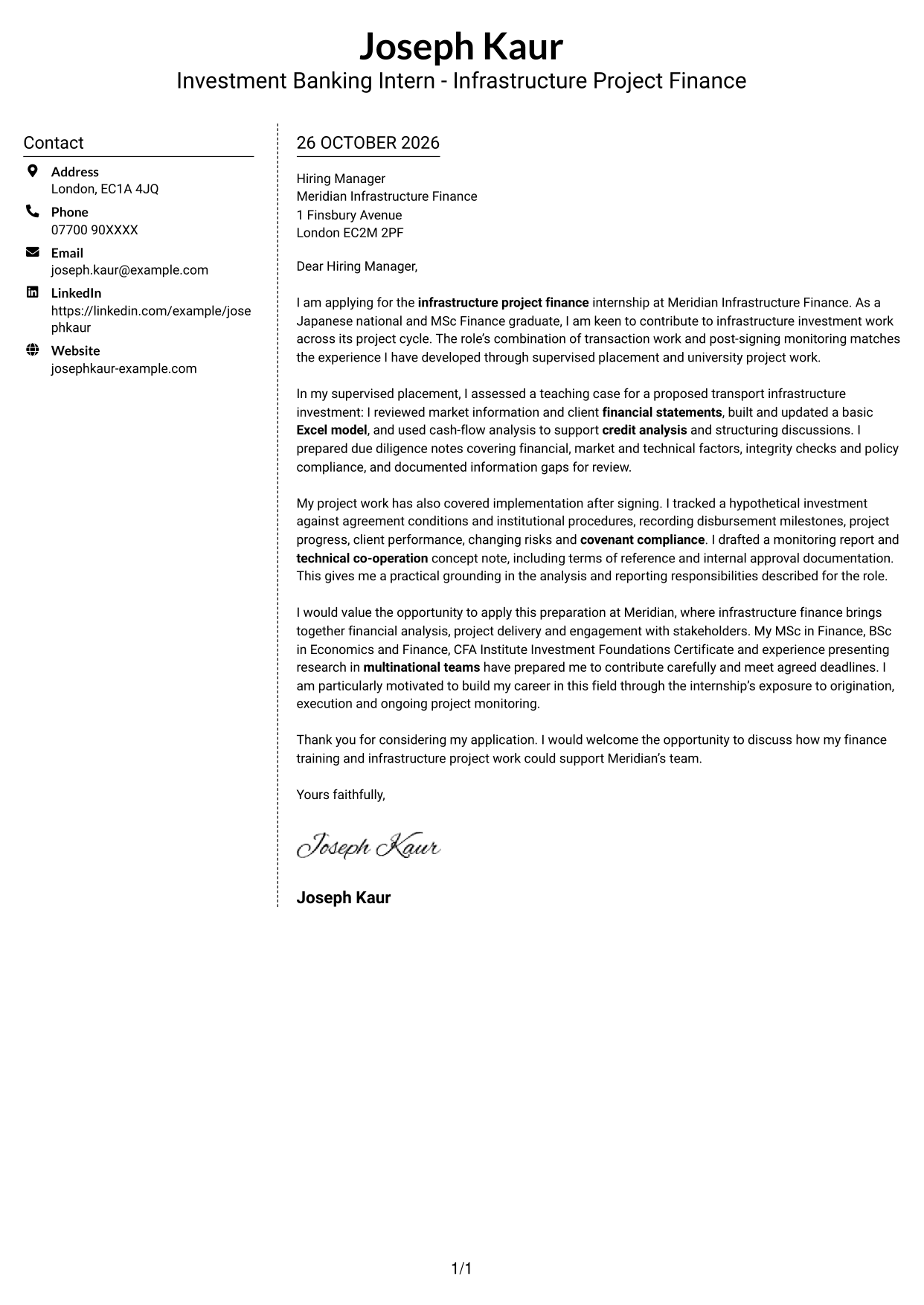
The Simple Two Column Format sets a contact sidebar alongside one continuous letter body, giving contact details and the message separate places.
Why This Format Works
- Contact details sit apart from the message in a dedicated sidebar.
- The letter itself remains one continuous body, from greeting to closing.
- A photo-free page suits applicants who want the written message to take visual focus.
Best For
- Contact sidebar organisation
- Continuous letter body
- Two-column page layouts
- Photo-free letter pages
- Written-message focus
#6 Modern Icon Format Cover Letter Example
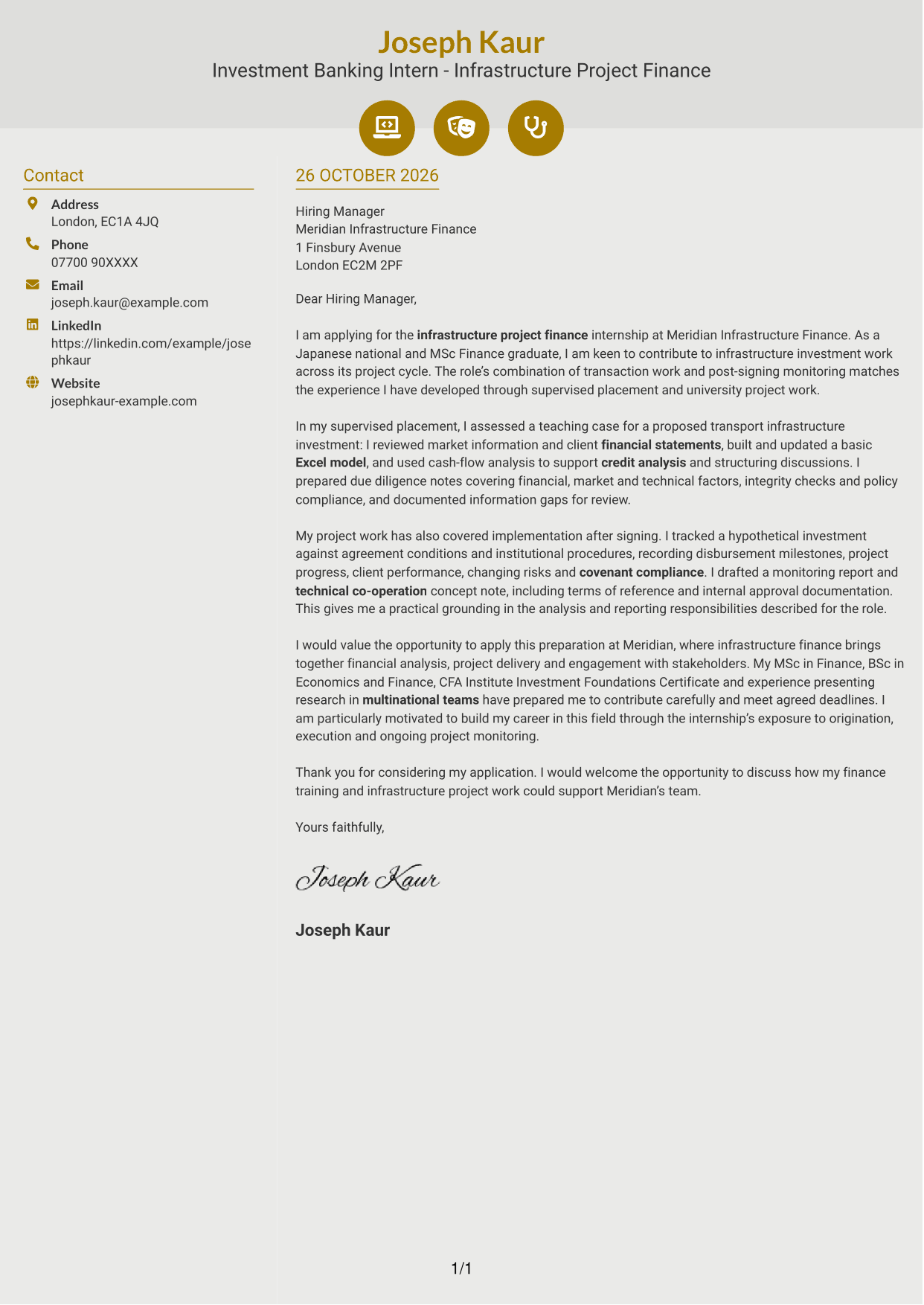
In Modern Icon Format, icons cue contact details in a sidebar beside one continuous letter body.
Why This Format Works
- Contact icons give the sidebar’s details simple visual cues.
- The letter body stays continuous, so contact labels do not split its message.
- Icons relate to contact details, not to stages in the letter’s argument.
Best For
- Icon-led contact details
- Contact sidebar layouts
- Continuous letter paragraphs
- Two-column letter pages
- Visual contact cues
#7 Creative Two Tone Format Cover Letter Example
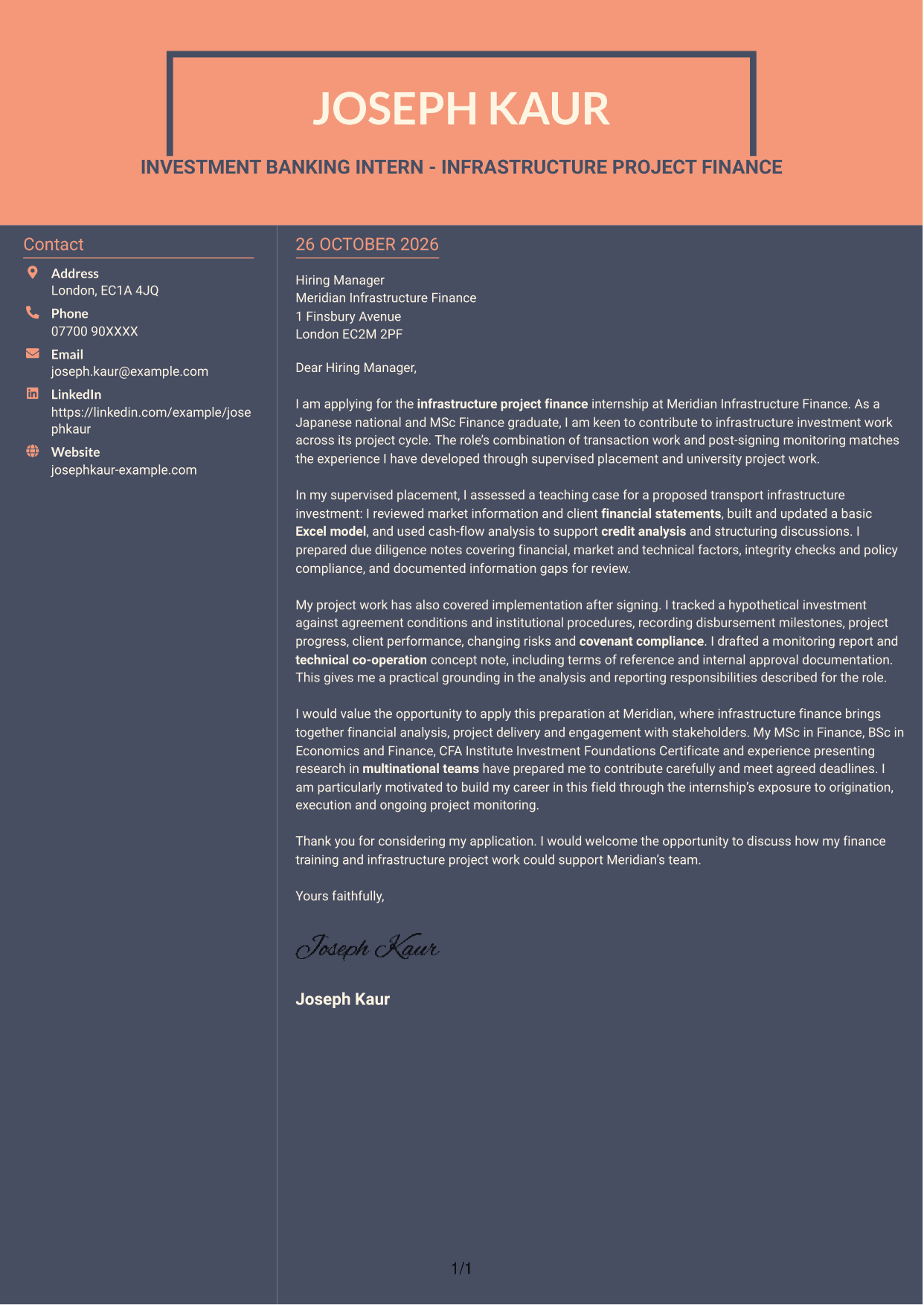
The Creative Two Tone Format uses two columns, with contact details beside rather than within the continuous letter body.
Why This Format Works
- Contact details occupy a sidebar, while the letter body remains one continuous sequence.
- The separate areas distinguish sender information from the message to the employer.
- Without a portrait, the page suits applicants who prefer a text-focused appearance.
Best For
- Two-column letter pages
- Contact details beside the message
- Continuous letter paragraphs
- Photo-free presentation
- Text-focused appearance
See Also
- 7 Investment Banking Intern - Infrastructure Project Finance CV Templates with Example
- 7 Assistant Banking Manager - Lending Administration CV Templates with Example
- 7 Assistant - Executive and Banking Administration CV Templates with Example
- 7 Senior Solutions Architect - Core Banking Architecture CV Templates with Example
- 7 Solutions Architect - Open Banking Integration CV Templates with Example
- 7 Global People Business Partner Marine and Offshore CV Templates with Example
- 7 Paraplanner - Financial Planning CV Templates with Example
- 7 Office Administrator - Building Control CV Templates with Example
- 7 Assistant Banking Manager - Lending Administration Cover Letter Templates with Example
- 7 Assistant - Executive and Banking Administration Cover Letter Templates with Example
Frequently Asked Questions
What should an Investment Banking Intern - Infrastructure Project Finance cover letter highlight?
Show why you are interested in infrastructure project finance and give relevant evidence of your preparation. This could include financial statement analysis, Excel modelling, credit analysis, due diligence or monitoring project progress.
How can I make academic or supervised project work relevant?
Describe the work accurately and make your contribution clear. For example, explain how you assessed market or financial information, tested model assumptions or recorded risks, then show how that experience relates to the role.
How should I explain my interest in the employer?
Choose a genuine feature of the employer’s infrastructure finance work that interests you. Link it to the project-cycle responsibilities you hope to support, without making claims about the employer that you cannot verify.
What is a clear way to structure this cover letter?
Open with the role and your reason for applying. Use the body to give focused evidence of analysis, transaction support or monitoring, then close by restating your interest and welcoming a discussion.
Should I include every detail of my finance experience?
No. Select a few examples that match the role, such as financial modelling, due diligence or project monitoring. Clear, relevant evidence is easier to follow than a long list of duties.




