
7 IT Infrastructure Architect Cover Letter Templates with Example
This practical guide helps you write an IT Infrastructure Architect cover letter and compare its presentation across seven layouts.
What Makes a Great IT Infrastructure Architect Cover Letter in 2026
A strong letter connects architectural judgement with secure, practical infrastructure design. Its opening should show clear interest in the role and its body should explain how your approach supports business and customer needs.
Choose relevant evidence, such as leading design authority reviews, documenting regulated design decisions or planning a PBX migration. Link that evidence to the employer’s priorities, and state why its work is a good fit for your professional aims.
The featured IT Infrastructure Architect example moves from role motivation to architectural governance, relevant service-design evidence and a clear close; adapt this focused progression while choosing a presentation suited to the employer and communication context.
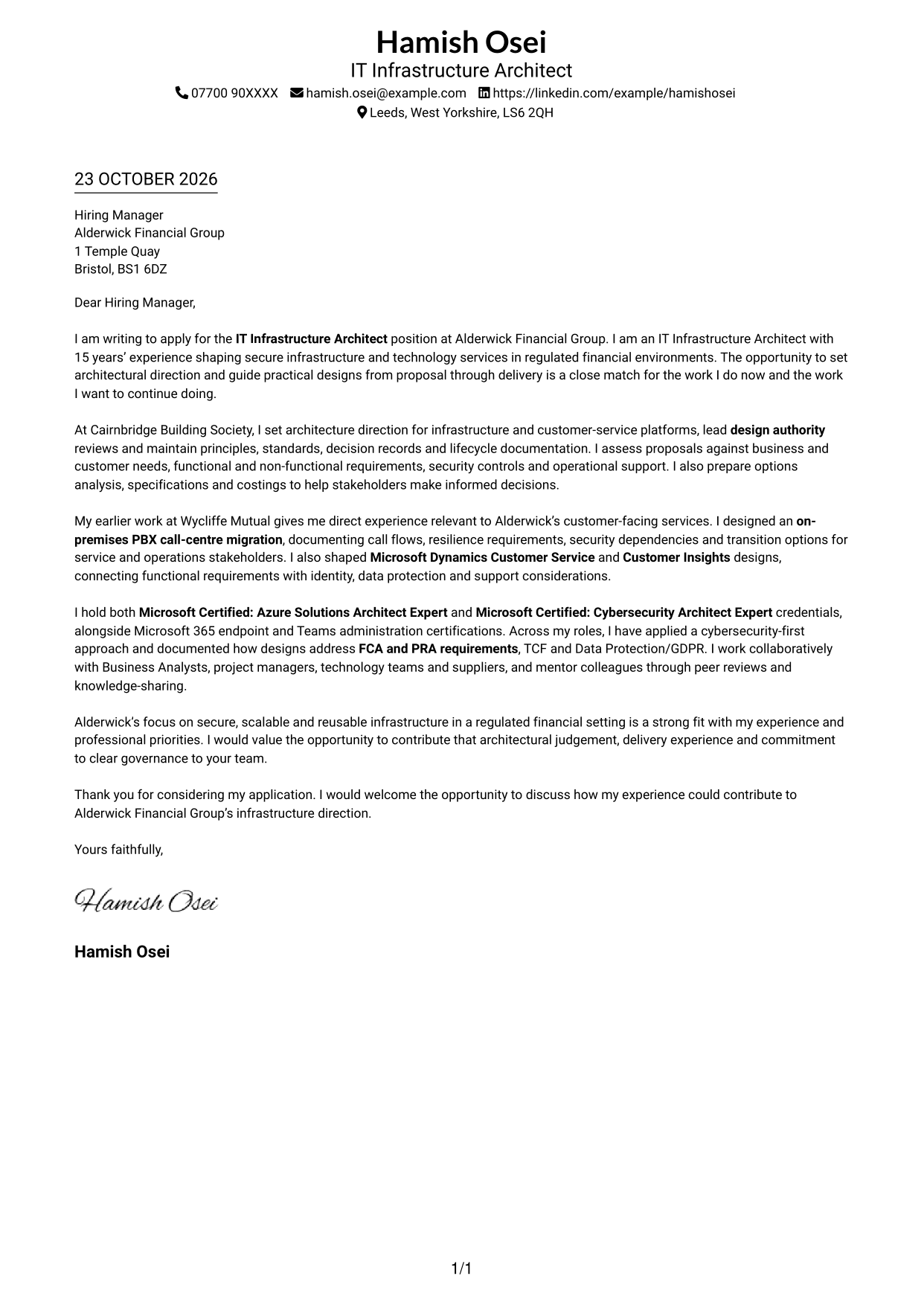
#1 Simple One Column Format Cover Letter Example
The single-column layout keeps sender details and the continuous letter body easy to follow, making it a practical choice for a direct, text-led presentation.
Why This Format Works
- Sender details stay in the header, clearly apart from the letter message.
- Opening, supporting points and closing paragraphs follow a familiar reading order.
- One text column avoids competing paths through the letter body.
Best For
- A straightforward letter layout
- One clear reading path
- Continuous paragraph-based writing
- Contact details in the header
- Text-led applications
#2 Two Column Format Cover Letter Example
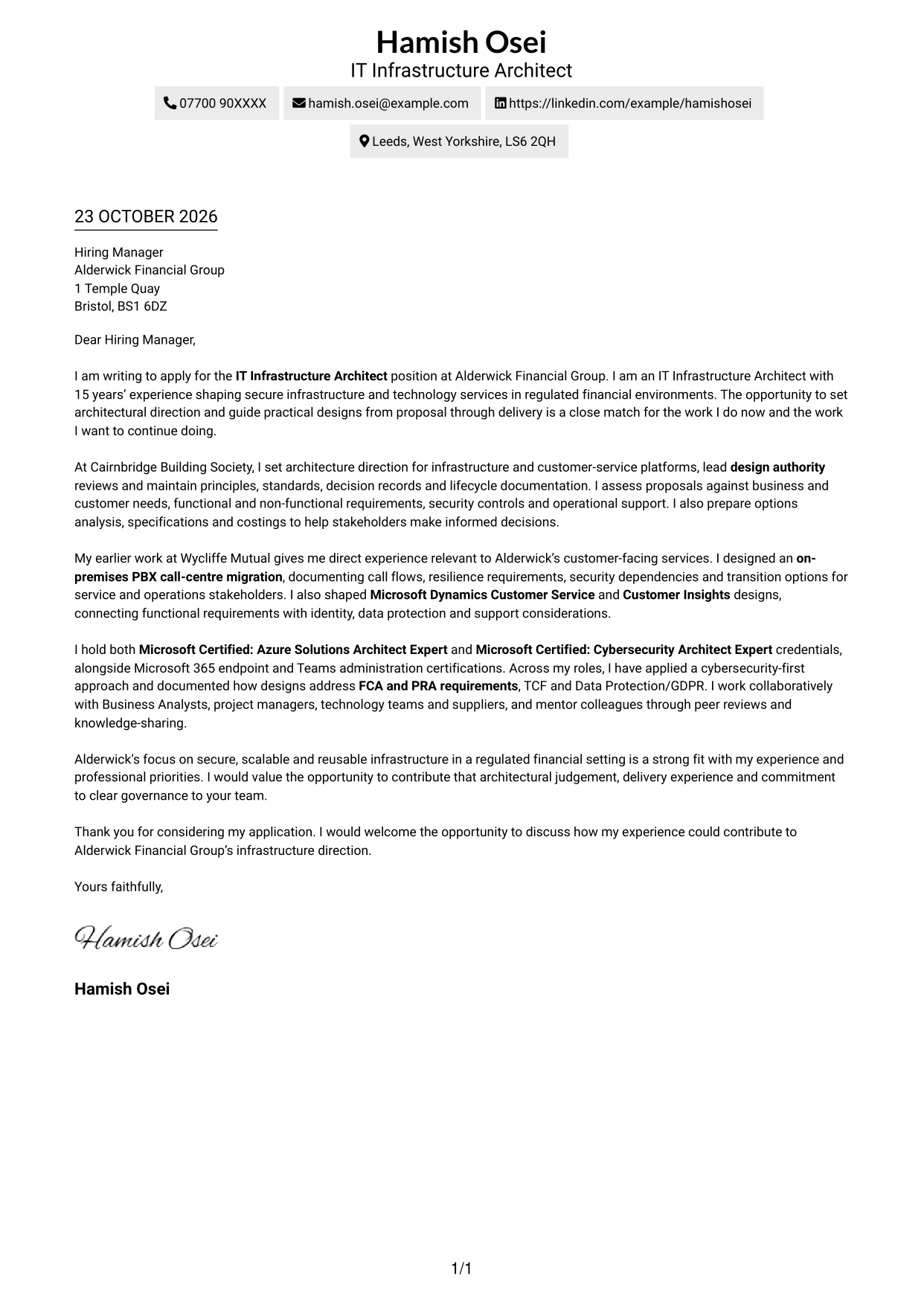
A contact sidebar sits beside the continuous letter body, suiting readers who want correspondence details separate from the message.

Why This Format Works
- The sidebar gives sender details a distinct place beside the letter.
- The body remains one column, keeping the argument together from opening to close.
- Readers can locate contact information without searching through the message.
Best For
- Contact details beside the letter
- A separate contact area
- One continuous message
- Clear contact-to-letter distinction
- Side-by-side document organisation
#3 Photo Header Two Column Format Cover Letter Example
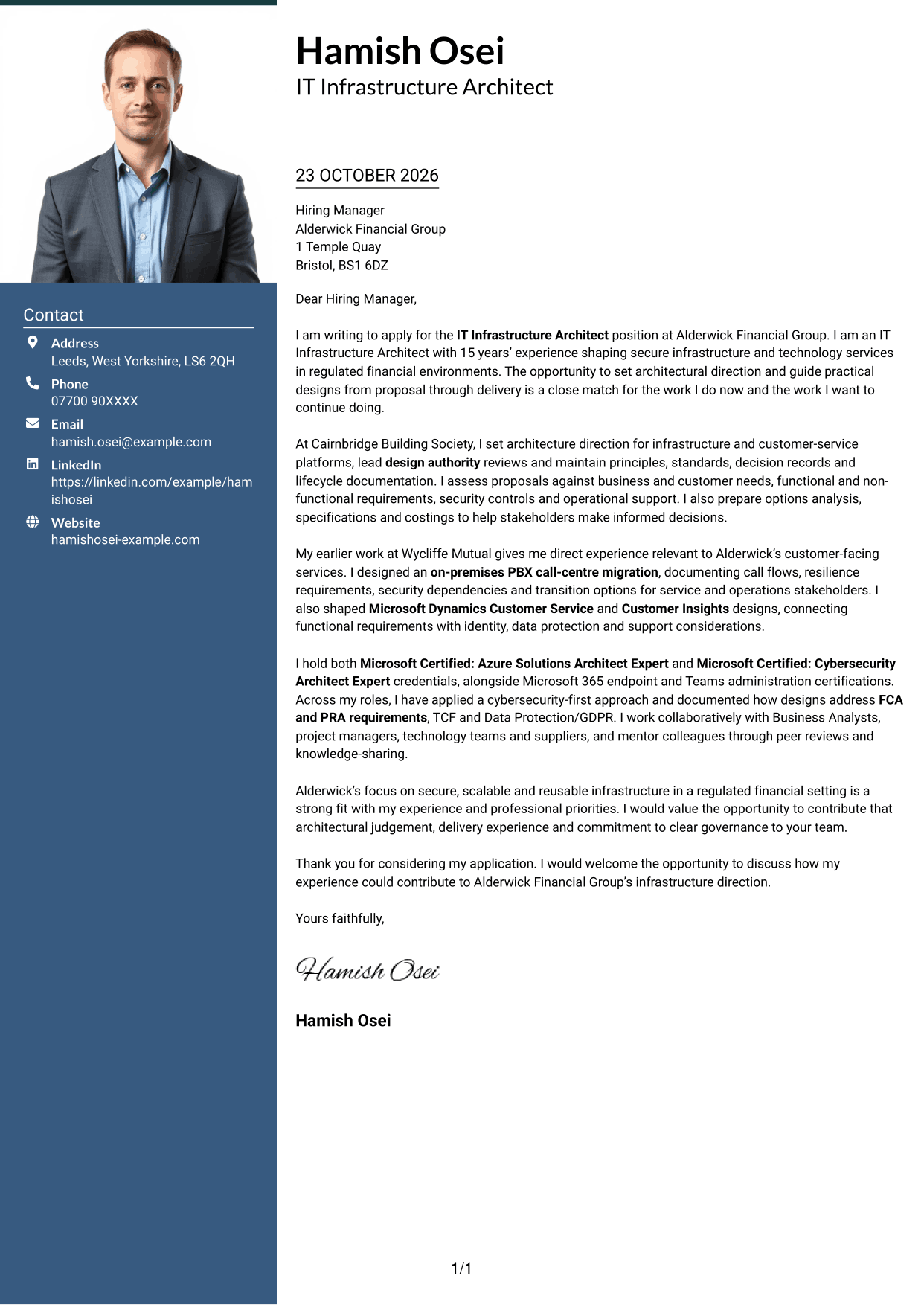
A portrait is included in this two-column layout, a suitable choice when a photo is part of the preferred application presentation.
Why This Format Works
- The portrait gives the document a clear visual point of identification.
- Sender details sit apart from the single-column letter body.
- The continuous paragraphs keep the opening, evidence and closing together.
Best For
- Applications using a portrait
- A photo-led document preference
- Contact details beside the message
- A continuous letter body
- Distinct contact and message areas
#4 One Column Format with Photo Cover Letter Example
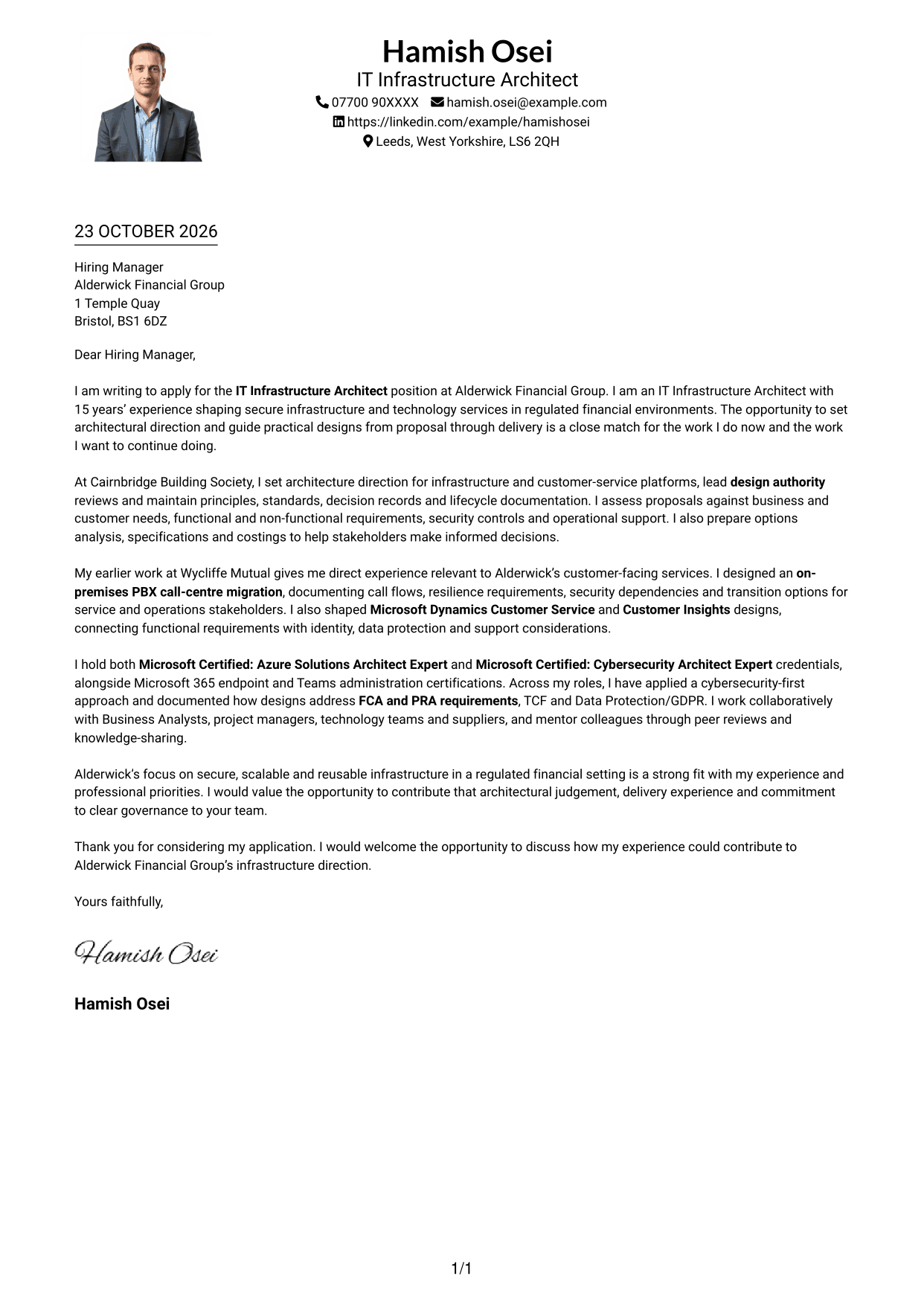
This one-column design includes a photo while keeping the letter body continuous, for applicants who prefer a portrait with a direct reading flow.
Why This Format Works
- A single body column keeps paragraphs in sequence without parallel text paths.
- The message remains a continuous account rather than separate argument panels.
- A portrait adds a visual point of identification to the document.
Best For
- Portrait-inclusive applications
- One-column letter reading
- Continuous paragraph flow
- A direct message presentation
- A photo with a simple body layout
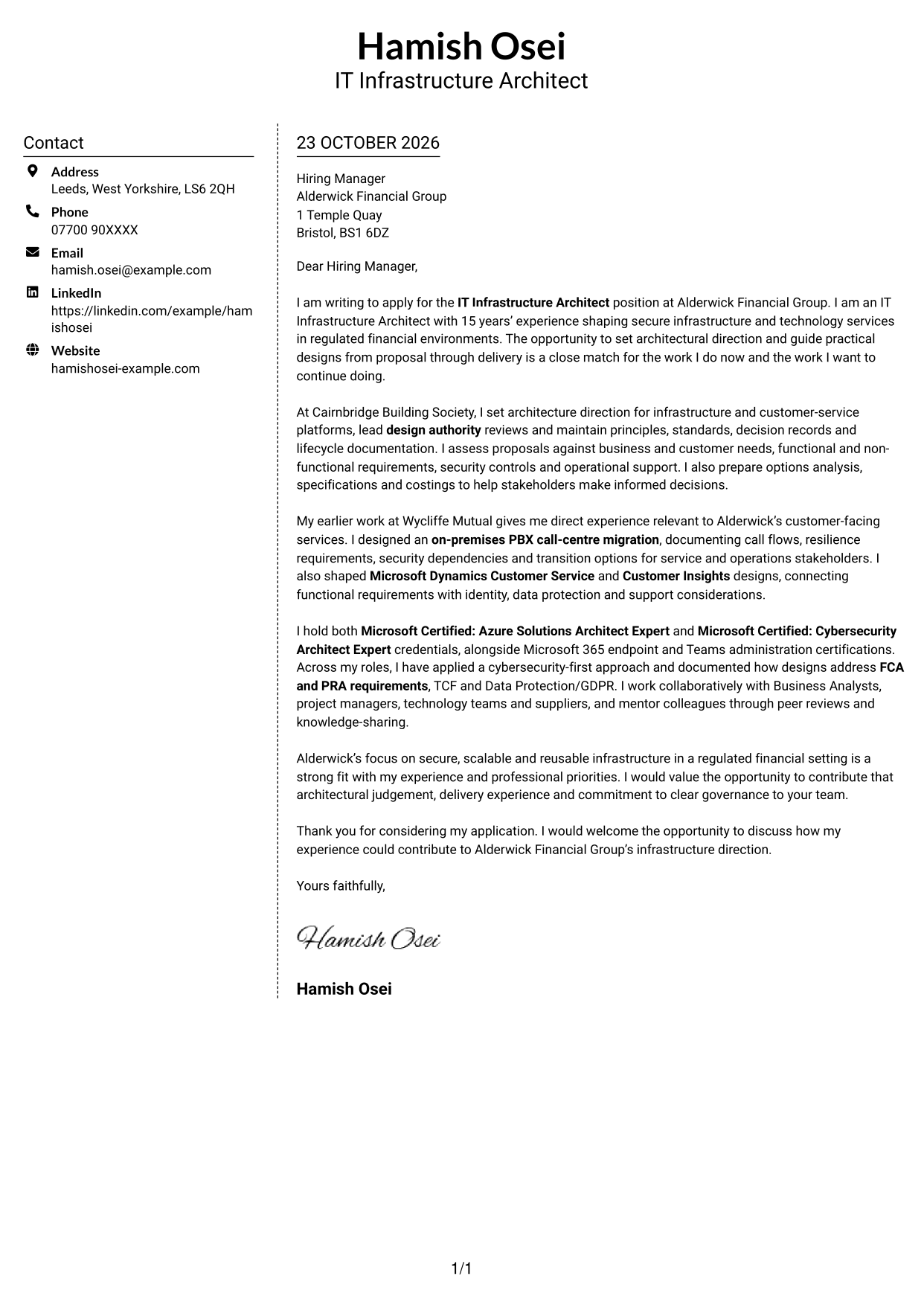
#5 Simple Two Column Format Cover Letter Example
The contact sidebar gives this two-column format a clear division between correspondence details and the uninterrupted letter, useful when both should remain visible.
Why This Format Works
- Contact information has its own area, separate from the letter paragraphs.
- The body stays together in one column, preserving the message sequence.
- The sidebar places sender details alongside the letter for easy reference.
Best For
- Visible sender details beside the message
- A dedicated contact area
- A letter with one body column
- Easy reference to correspondence details
- A clear two-area layout
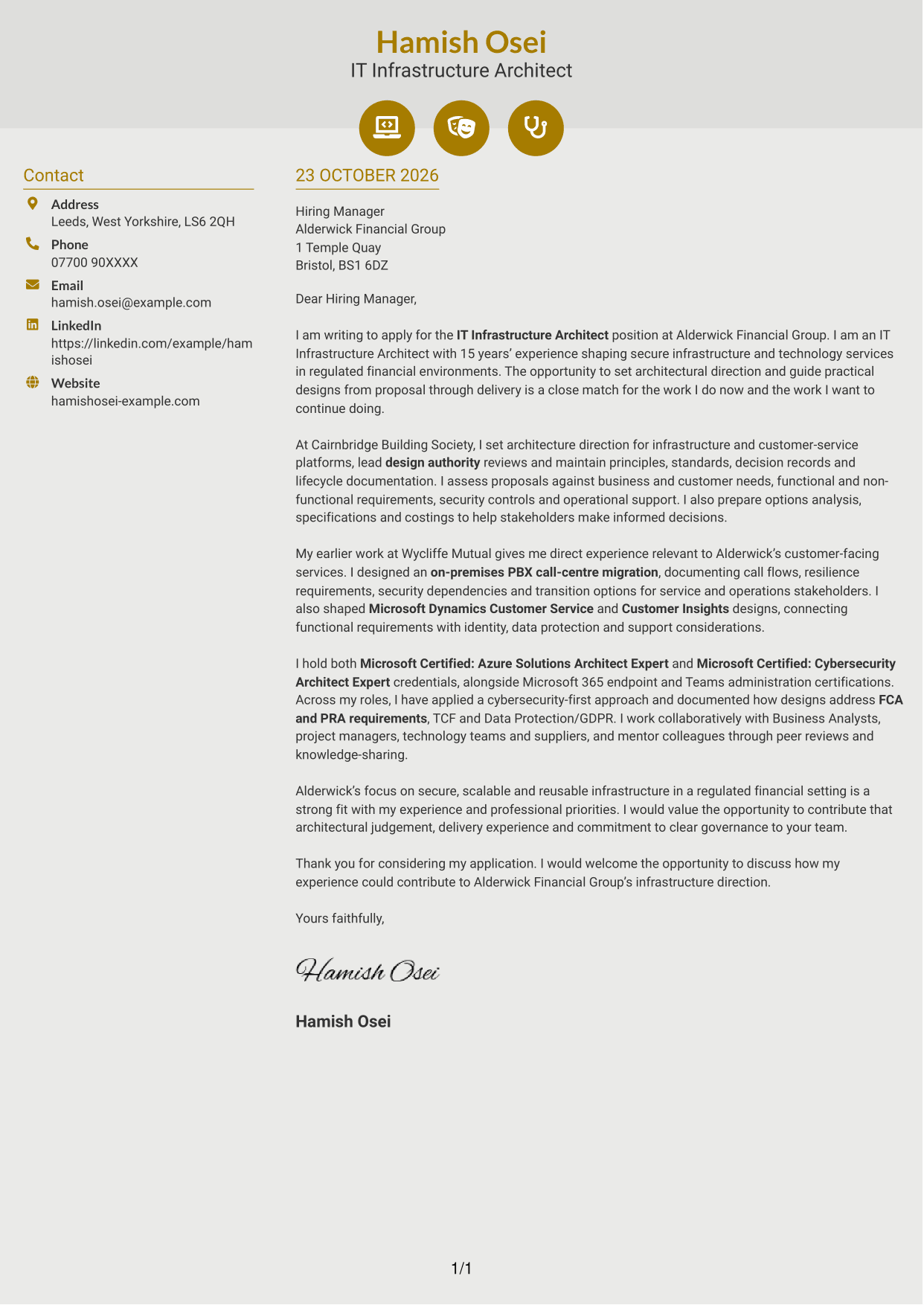
#6 Modern Icon Format Cover Letter Example
Icons mark contact details in the sidebar, giving this two-column format a visual cue for correspondence information while the letter remains one continuous body.
Why This Format Works
- Contact icons help distinguish correspondence details from the letter text.
- The separate sidebar keeps contact information outside the message sequence.
- One continuous body lets readers follow the letter without argument labels.
Best For
- Icon-marked contact details
- A sidebar beside the message
- One continuous letter body
- Quick identification of correspondence information
- A visual contact area
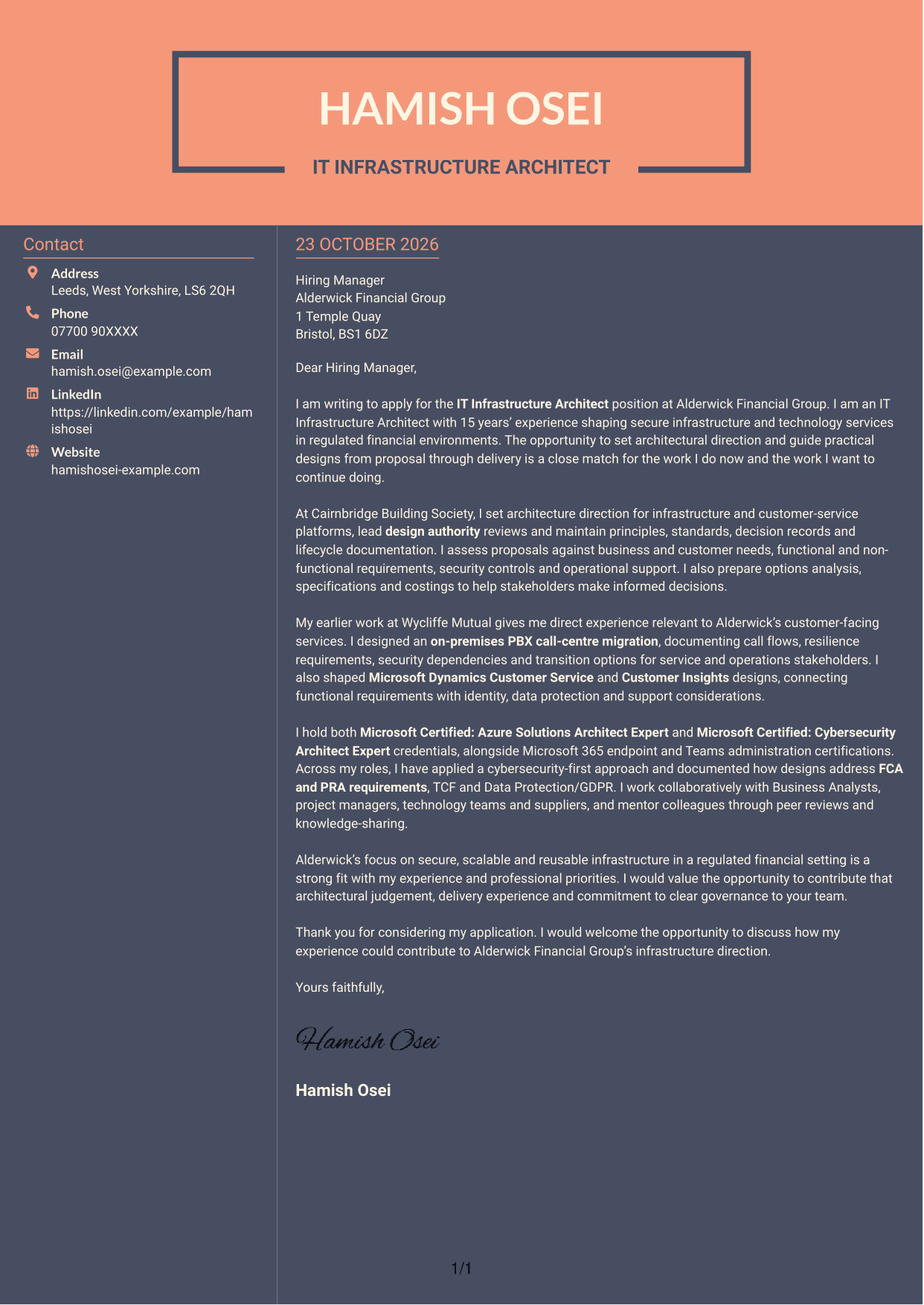
#7 Creative Two Tone Format Cover Letter Example
A contact sidebar sits alongside one continuous letter body, offering a two-column arrangement for readers who prefer contact information apart from the message.
Why This Format Works
- The sidebar separates sender details from the letter's persuasive message.
- A single letter body keeps motivation and supporting points in sequence.
- Contact information remains distinct without adding headings to the letter.
Best For
- Contact details apart from the message
- A continuous persuasive letter
- One clear body column
- A separate sender information area
- Letters without argument headings
See Also
- 7 ISP Solution Architect - IT Infrastructure and Service Management CV Templates with Example
- 7 IT Infrastructure Architect CV Templates with Example
- 7 Infrastructure Solutions Architect CV Templates with Example
- 7 AI Solution Architect - Agentic AI CV Templates with Example
- 7 AI Solution Architect - GCP / Agentic AI CV Templates with Example
- 7 Architect - Retail and Commercial CV Templates with Example
- 7 Associate Architect - Architectural Project Delivery CV Templates with Example
- 7 Associate Architect - Education and Healthcare CV Templates with Example
- 7 ISP Solution Architect - IT Infrastructure and Service Management Cover Letter Templates with Example
- 7 Infrastructure Solutions Architect Cover Letter Templates with Example
Frequently Asked Questions
What should an IT Infrastructure Architect cover letter highlight?
Show how your architectural work turns business needs into secure, workable infrastructure designs. You could discuss design authority reviews, cloud-native or hybrid services, architecture standards and clear communication with technical and non-technical teams.
How can I show that my experience fits this role?
Use one or two specific examples and explain your contribution. For instance, describe how you documented a PBX call-centre migration or shaped a Microsoft Dynamics Customer Service design, then connect the work to service needs, security and support.
How should I explain my interest in the employer?
Refer to a genuine reason for applying, such as the employer’s focus on secure, scalable infrastructure in a regulated financial setting. Explain how that focus connects with your experience and the contribution you hope to make.
What is a clear way to structure an IT Infrastructure Architect cover letter?
Open with the role and your reason for applying. Use the body to show relevant architectural decisions and service-design work, then close by restating your interest and welcoming a discussion.
Should I include every part of my work history?
No. Focus on the experience that best supports your fit for this position. A small number of clear examples, such as design governance, regulated services or customer-facing infrastructure, will keep the letter focused.




