
7 Junior AI Engineer - Data Analytics and AI Tools Cover Letter Templates with Example
This practical guide to a Junior AI Engineer - Data Analytics and AI Tools cover letter presents seven layouts to help you make your motivation and role fit clear.
What Makes a Great Junior AI Engineer - Data Analytics and AI Tools Cover Letter in 2026
A strong letter explains why the role interests you and connects data analysis and AI learning to its practical work. Keep the opening direct and make your main reason for applying clear.
Use specific evidence, such as preparing and validating data with Python, writing optimised SQL queries, or presenting findings in dashboards. Link that evidence to the programme’s practical learning and explain your interest in developing responsible AI skills.
The featured example moves from interest in the programme to clear evidence of data and AI learning, then closes with a focused statement of fit; adapt this progression while choosing a presentation suited to the employer and communication context.
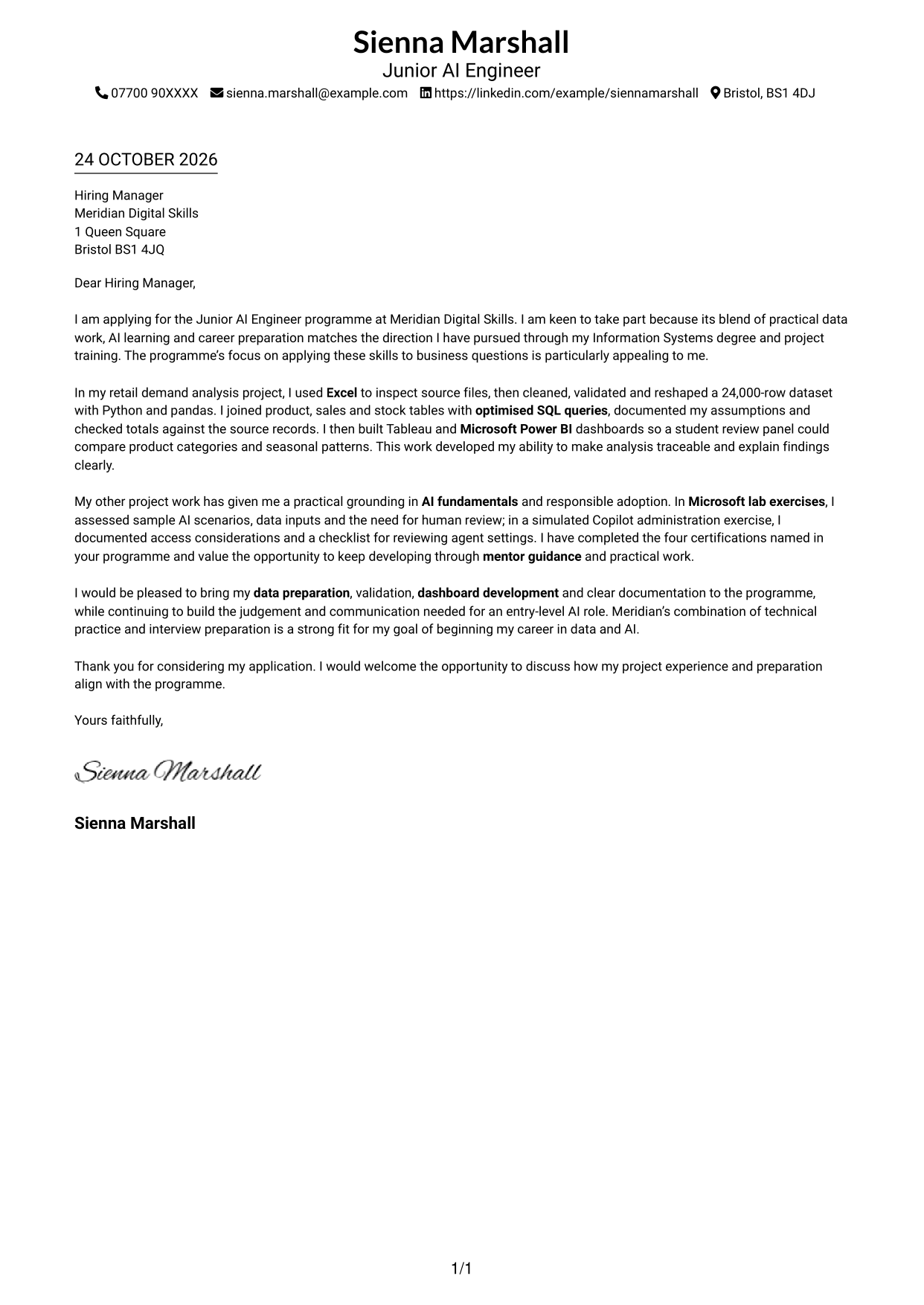
#1 Simple One Column Format Cover Letter Example
With sender details in the header and one continuous letter body, this single-column format gives the application a direct, familiar reading path.
Why This Format Works
- Sender details in the header stay separate from the greeting and sign-off.
- Uninterrupted paragraphs let motivation and project evidence build towards the close.
- One text column gives the application a clear route from opening to sign-off.
Best For
- Single-column reading preference
- Contact details presented in the header
- Multi-paragraph application letters
- Direct opening-to-close flow
- Letters with project evidence
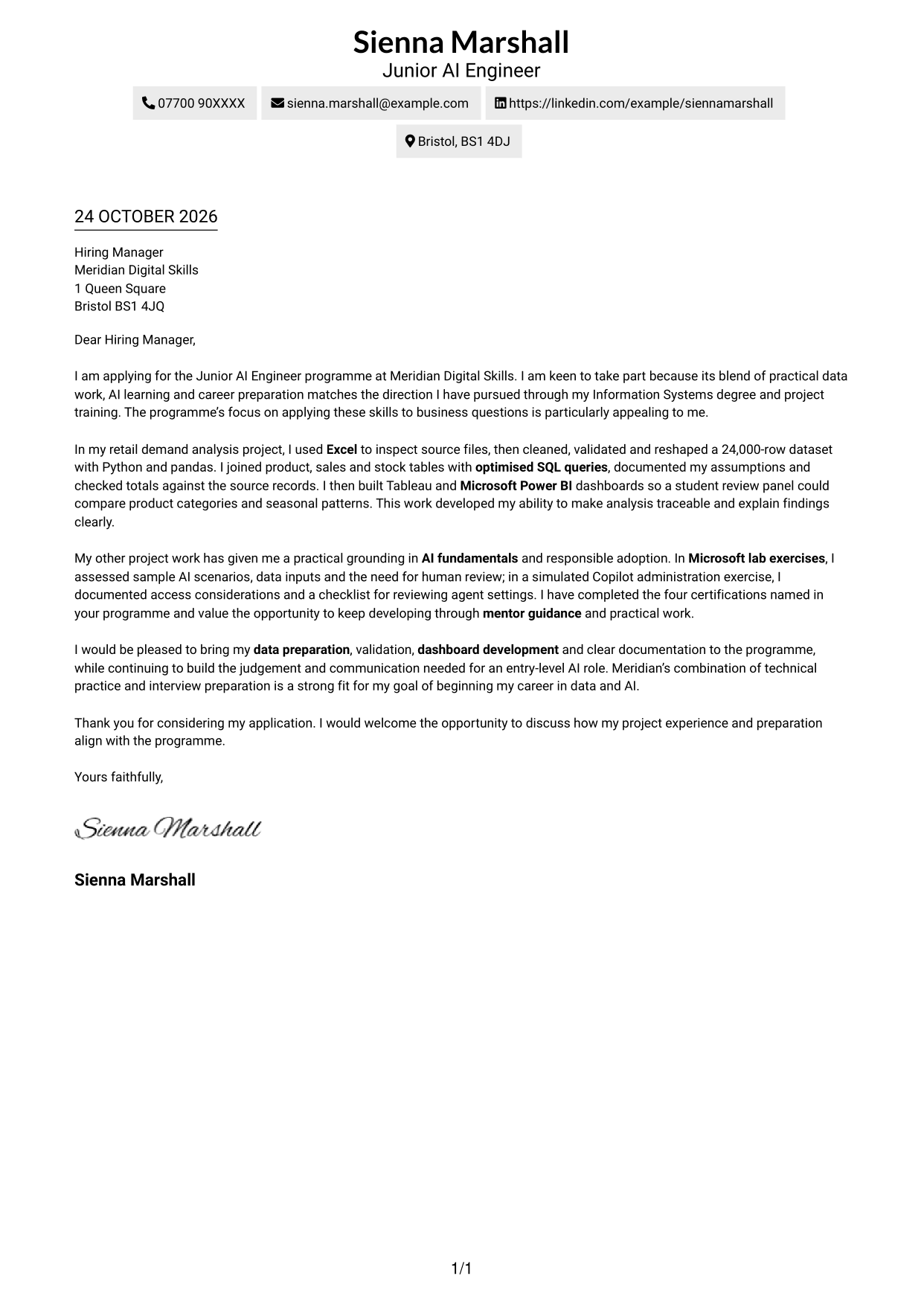
#2 Two Column Format Cover Letter Example
A contact sidebar sits beside the uninterrupted letter body, making this two-column format useful when sender details should stay separate from the case for the role.
Why This Format Works
- The sidebar separates contact details from the letter without splitting its argument.
- Readers can follow motivation and supporting evidence within one continuous body.
- Sender information is easy to distinguish from the main letter text.
Best For
- Two-column reading preference
- A distinct area for contact details
- Letters with several evidence paragraphs
- Continuous opening-to-close arguments
- Applications balancing motivation and evidence
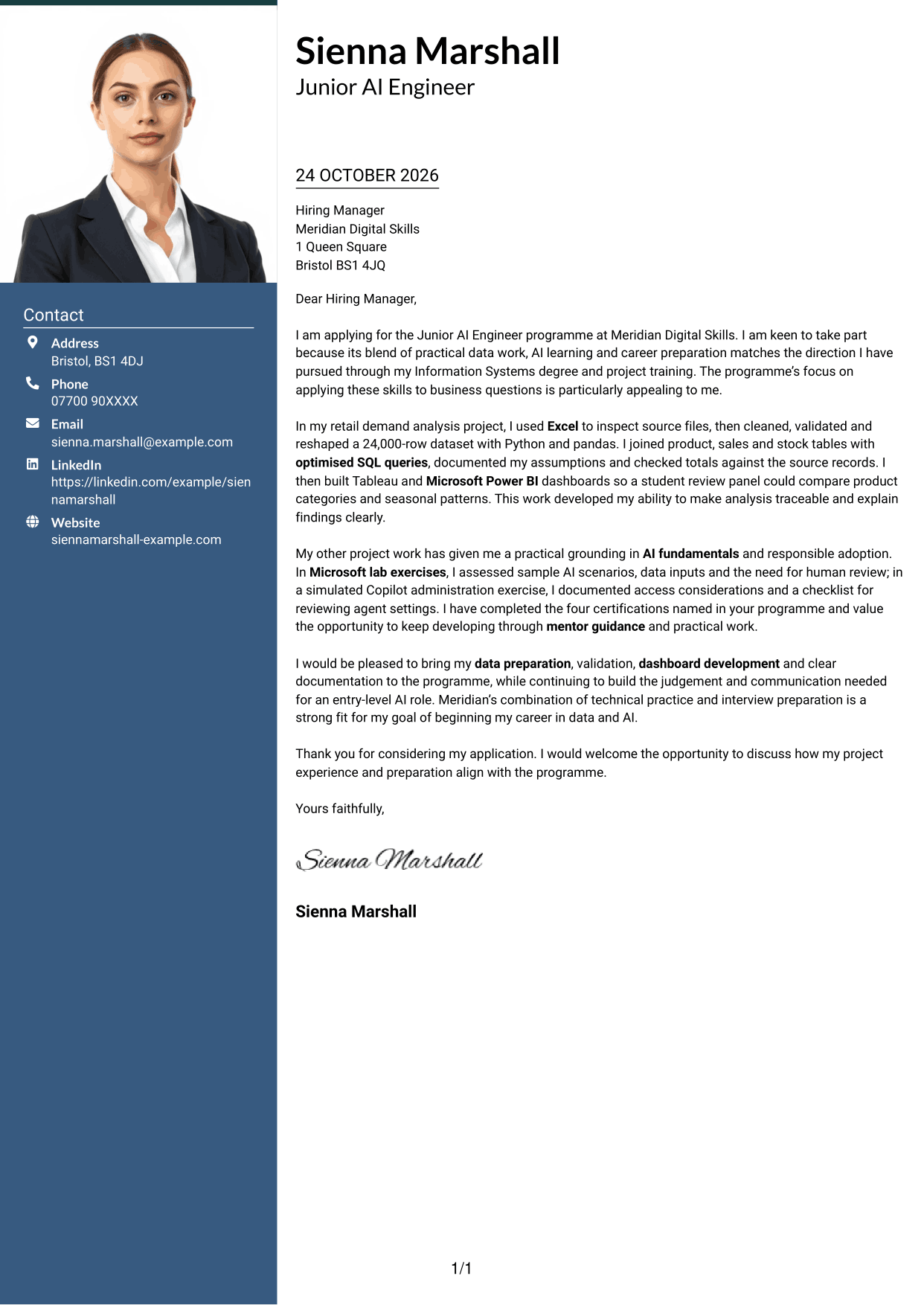
#3 Photo Header Two Column Format Cover Letter Example
A photo in the header gives this two-column layout a personal visual element, while its contact sidebar sits beside one continuous letter body.
Why This Format Works
- The header photo offers a visual option for applicants who want a portrait included.
- Contact details remain in a sidebar, apart from the letter paragraphs.
- The uninterrupted body lets motivation and project evidence develop in sequence.
Best For
- Portrait-inclusive letter design
- Contact details in a sidebar
- Two-column page preference
- Continuous paragraph-led letters
- Applications with several evidence paragraphs
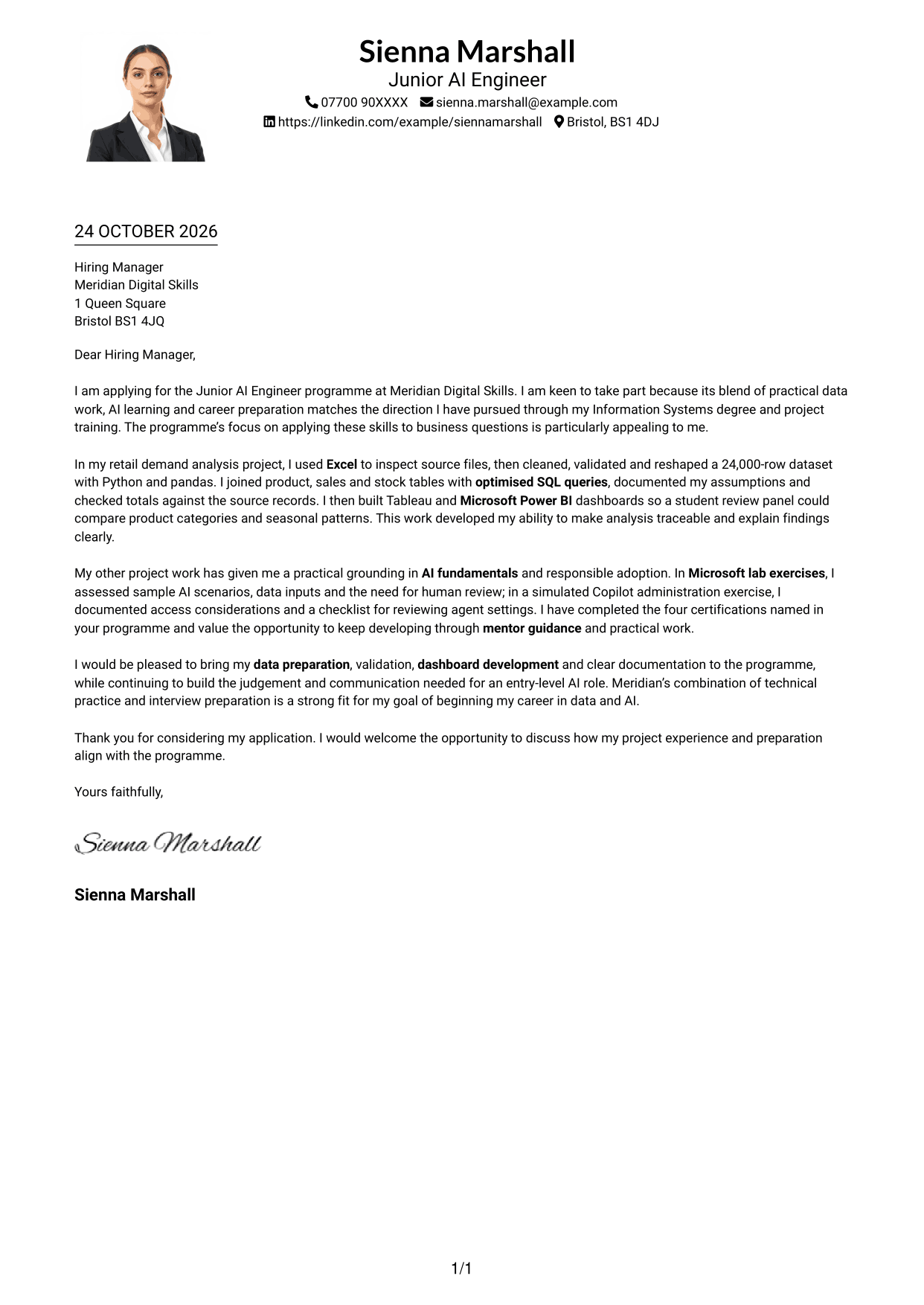
#4 One Column Format with Photo Cover Letter Example
The one-column page pairs a photo with a continuous letter body, suiting applicants who want a personal image without splitting the letter into parallel columns.
Why This Format Works
- The photo adds a personal visual element without dividing the letter into sections.
- One-column reading carries the reader from sender details through the closing.
- Motivation and evidence stay together in a single paragraph-led argument.
Best For
- Photo-inclusive letters
- Single-column reading
- Header-based contact details
- Multi-paragraph application letters
- Direct greeting-to-sign-off sequence
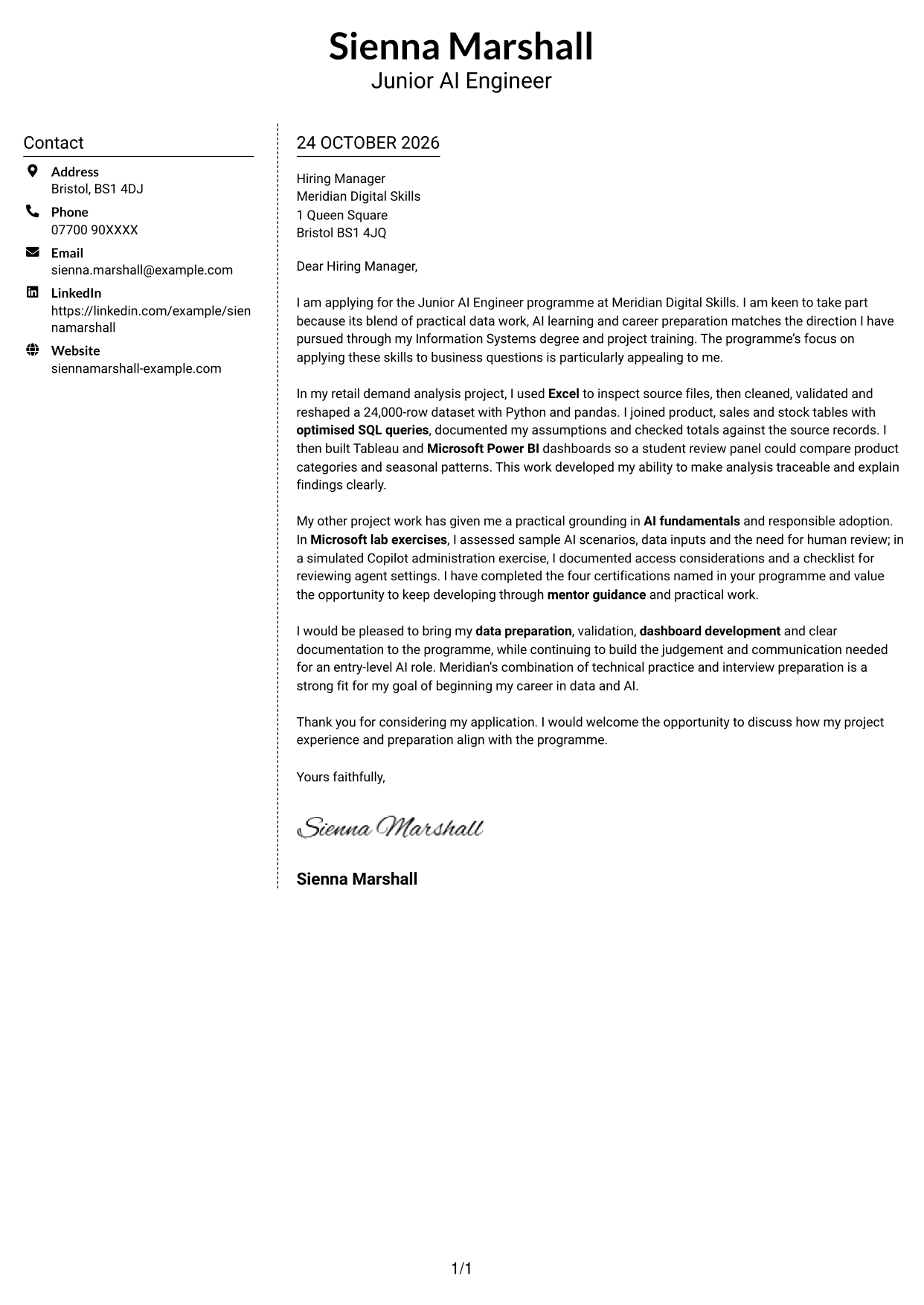
#5 Simple Two Column Format Cover Letter Example
Here the contact sidebar sits apart from one continuous body, offering a clear two-column choice for letters that keep every part of the argument in prose.
Why This Format Works
- Contact details occupy their own sidebar, apart from the letter’s argument.
- The main body keeps motivation and supporting evidence in one reading sequence.
- The separate areas make sender information easy to find before reading.
Best For
- Two-column page preference
- A separate contact area
- Unbroken letter paragraphs
- Multi-paragraph project evidence
- Letters focused on written persuasion
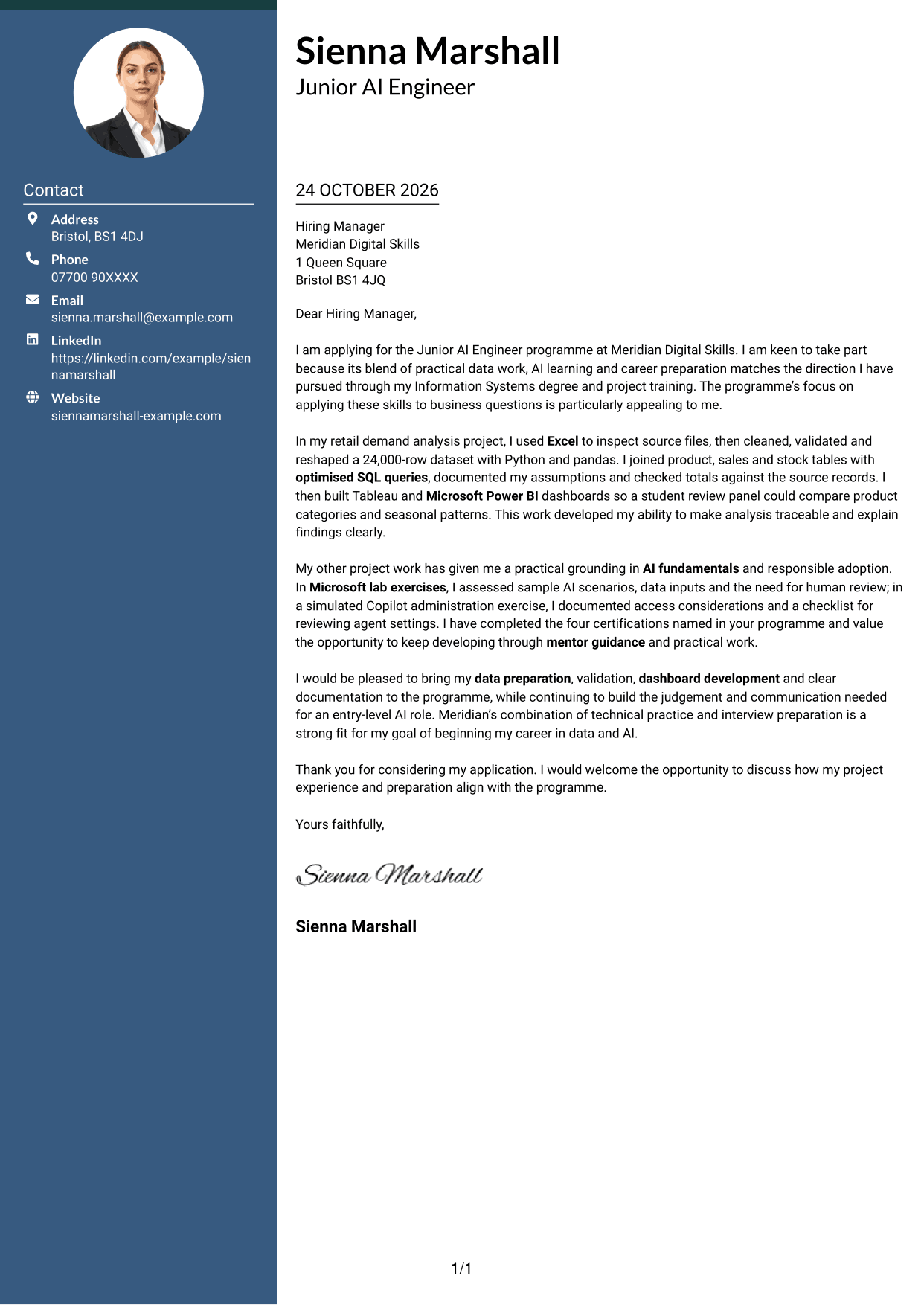
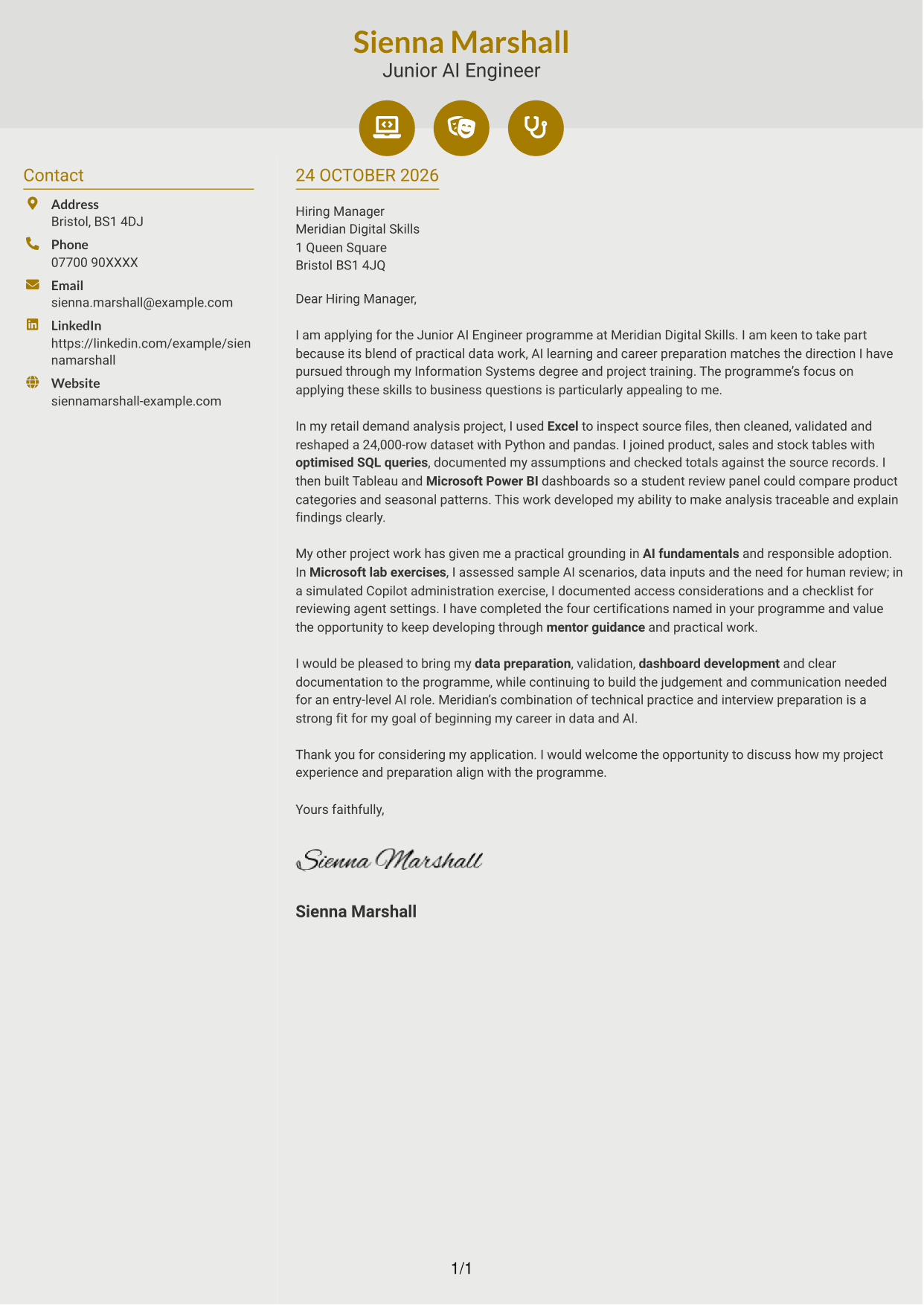
#6 Modern Icon Format Cover Letter Example
Icons cue the contact details in this two-column format, while the letter itself stays in one continuous body.
Why This Format Works
- Icons provide cues for contact details, not for stages of the letter.
- The sidebar keeps sender information apart from the application’s paragraphs.
- A continuous body lets motivation and evidence unfold in their natural order.
Best For
- Contact details with visual cues
- Two-column reading preference
- Continuous paragraph-led letters
- Several supporting evidence paragraphs
- Applications with a clear written argument
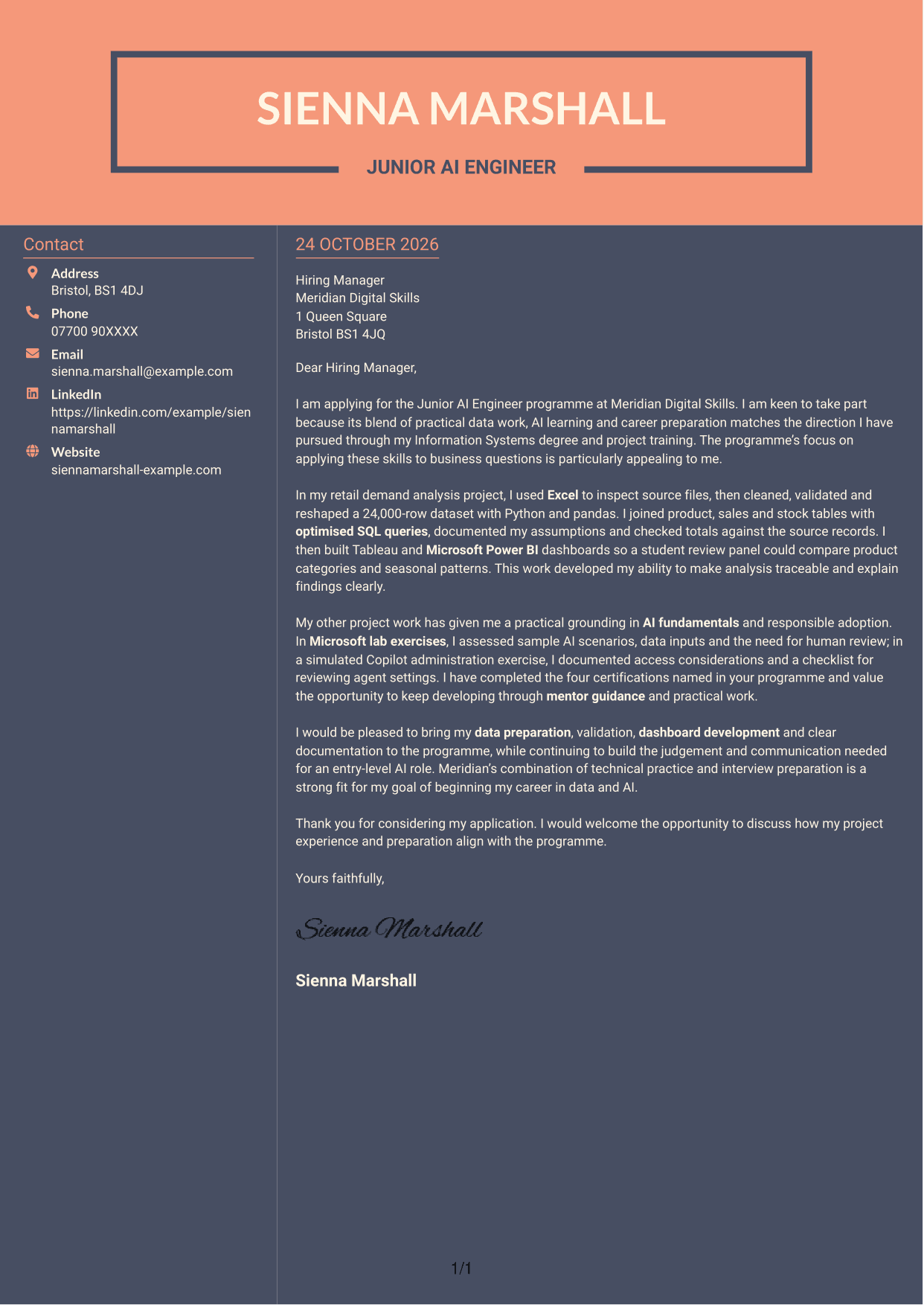
#7 Creative Two Tone Format Cover Letter Example
A contact sidebar beside the continuous letter body gives this two-column format a straightforward way to keep sender details apart from the application text.
Why This Format Works
- The sidebar gives contact details a place beside, not within, the letter.
- The body preserves one sequence for motivation, project evidence and the closing.
- Readers can distinguish sender information from the application’s main text.
Best For
- Two-column page preference
- Contact details beside the letter
- Continuous opening-to-close prose
- Letters with project evidence
- Clear separation of sender and application details
See Also
- 7 Junior AI Engineer - Data Analytics and AI Tools CV Templates with Example
- 7 AI Data Engineer - Data Analytics CV Templates with Example
- 7 Junior AI Engineer - AI and Data CV Templates with Example
- 7 Principal Full-Stack Software Engineer - Python, Data and AI CV Templates with Example
- 7 AI Automation Engineer CV Templates with Example
- 7 AI Engineer Apprentice - Generative AI CV Templates with Example
- 7 AI Engineer - Generative AI CV Templates with Example
- 7 AI/ML Engineer - Media and Audience Intelligence CV Templates with Example
- 7 AI Data Engineer - Data Analytics Cover Letter Templates with Example
- 7 Junior AI Engineer - AI and Data Cover Letter Templates with Example
Frequently Asked Questions
What should a Junior AI Engineer - Data Analytics and AI Tools cover letter highlight?
Explain your interest in combining data work with AI learning. Support your fit with relevant examples, such as cleaning and checking data, writing SQL queries, creating dashboards, or assessing AI scenarios with suitable human review.
How can I show that my data analysis experience is relevant?
Choose one clear example and explain your actions and the care you took. For instance, describe how you cleaned and validated a dataset, checked query results against source records, or presented findings in Tableau or Microsoft Power BI.
How should I explain my interest in Meridian Digital Skills?
Refer to a real feature of the programme, such as its practical exercises, mentor guidance or career preparation. Explain how that feature supports your goal of developing skills in data analytics and AI tools.
What is a clear structure for this cover letter?
Start with the role and your reason for applying. Use the body to show relevant data and AI learning, then close by linking your strengths to the programme and inviting a conversation.
Should I include every tool and qualification in my cover letter?
No. Select the tools and learning that best support your point. A focused example showing how you used Excel, Python, SQL, Tableau or Microsoft Power BI is usually clearer than a long list.




