
7 Junior Data Scientist - Data Analytics and AI Cover Letter Templates with Example
This guide helps you write a Junior Data Scientist - Data Analytics and AI cover letter and compare seven layouts.
What Makes a Great Junior Data Scientist - Data Analytics and AI Cover Letter in 2026
A strong letter connects your interest in the role with clear evidence of careful data work and communication. Show how your approach can support useful analysis and sound decisions.
Choose relevant examples, such as cleaning and checking data, writing SQL queries, or presenting findings in dashboards. Link this evidence to the employer’s focus on practical analytics and AI learning.
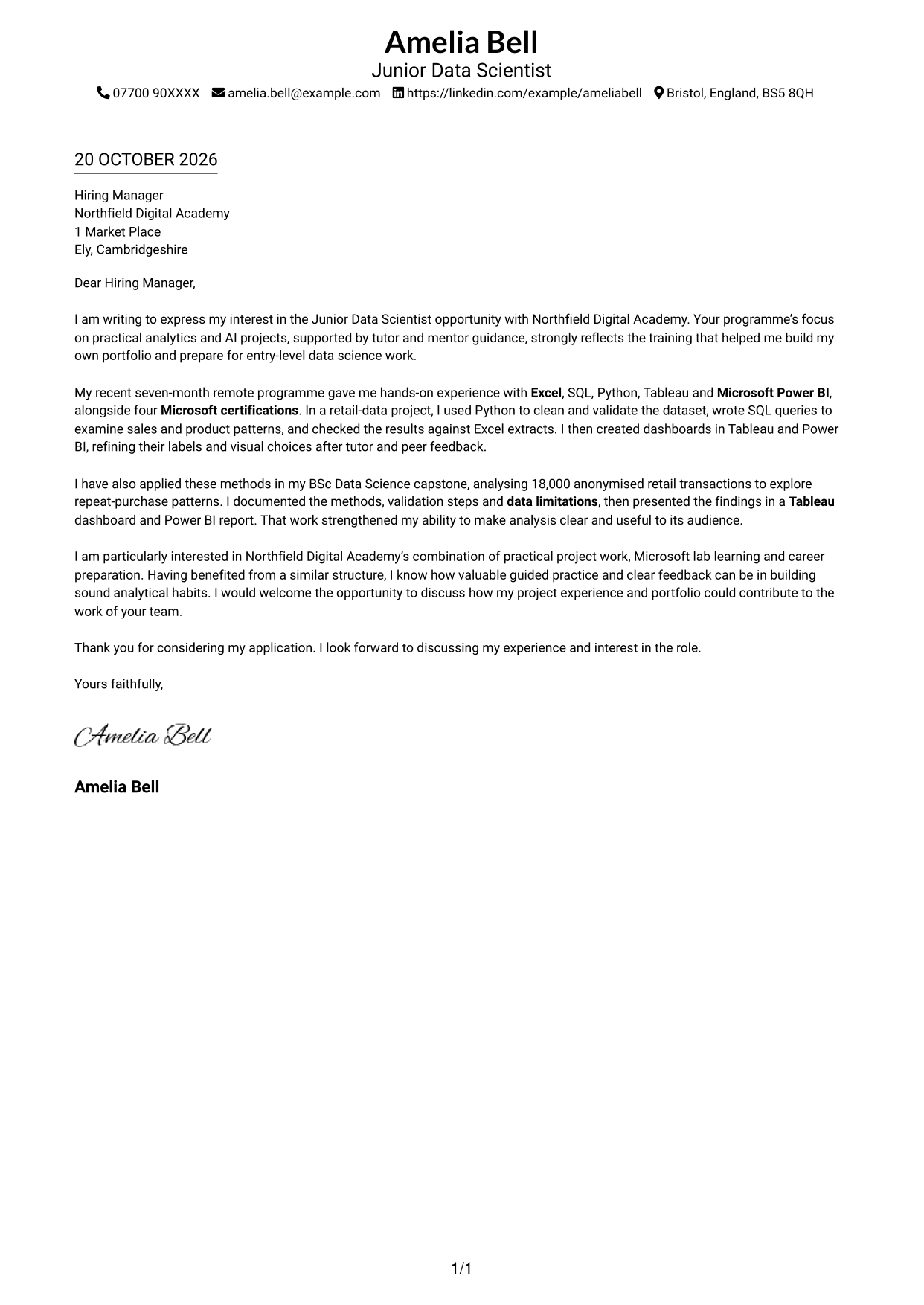
The featured example moves from interest in Northfield Digital Academy’s practical analytics and AI programme to evidence from retail-data work, then closes with a clear request to talk. Adapt this focused progression while choosing a presentation that suits the employer and communication context.
#1 Simple One Column Format Cover Letter Example
The Simple One Column Format places sender details in the header above one continuous letter body, giving readers a direct top-to-bottom sequence.
Why This Format Works
- Sender details in the header remain distinct from the letter's continuous text body.
- The single text column gives the opening, evidence and closing a direct reading order.
- No argument headings let the letter read as one connected case.
Best For
- Direct top-to-bottom reading
- Contact details in the header
- Uninterrupted letter paragraphs
- Text-led correspondence
- Applications without a photo
#2 Two Column Format Cover Letter Example
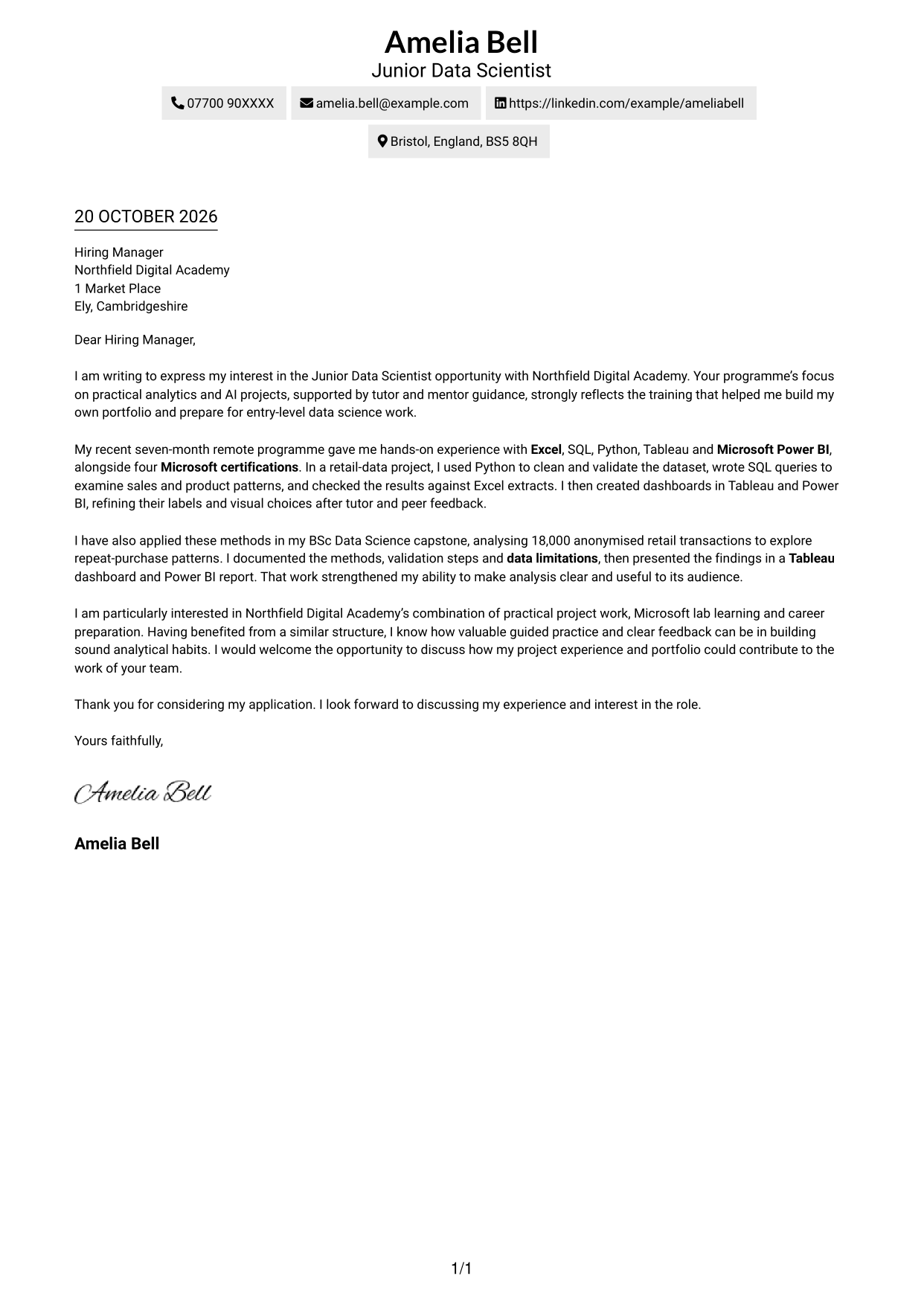
The Two Column Format places contact details in a sidebar beside one continuous letter body, keeping the message intact while giving contact information its own area.
Why This Format Works
- Contact details occupy a sidebar, so the letter body remains visually separate.
- The opening, evidence and closing stay together in the continuous letter body.
- A two-column page suits readers who prefer a visibly divided document.
Best For
- Sidebar contact presentation
- Continuous paragraph-based correspondence
- Two-area page organisation
- Contact details beside the message
- Applications without a photo
#3 Photo Header Two Column Format Cover Letter Example
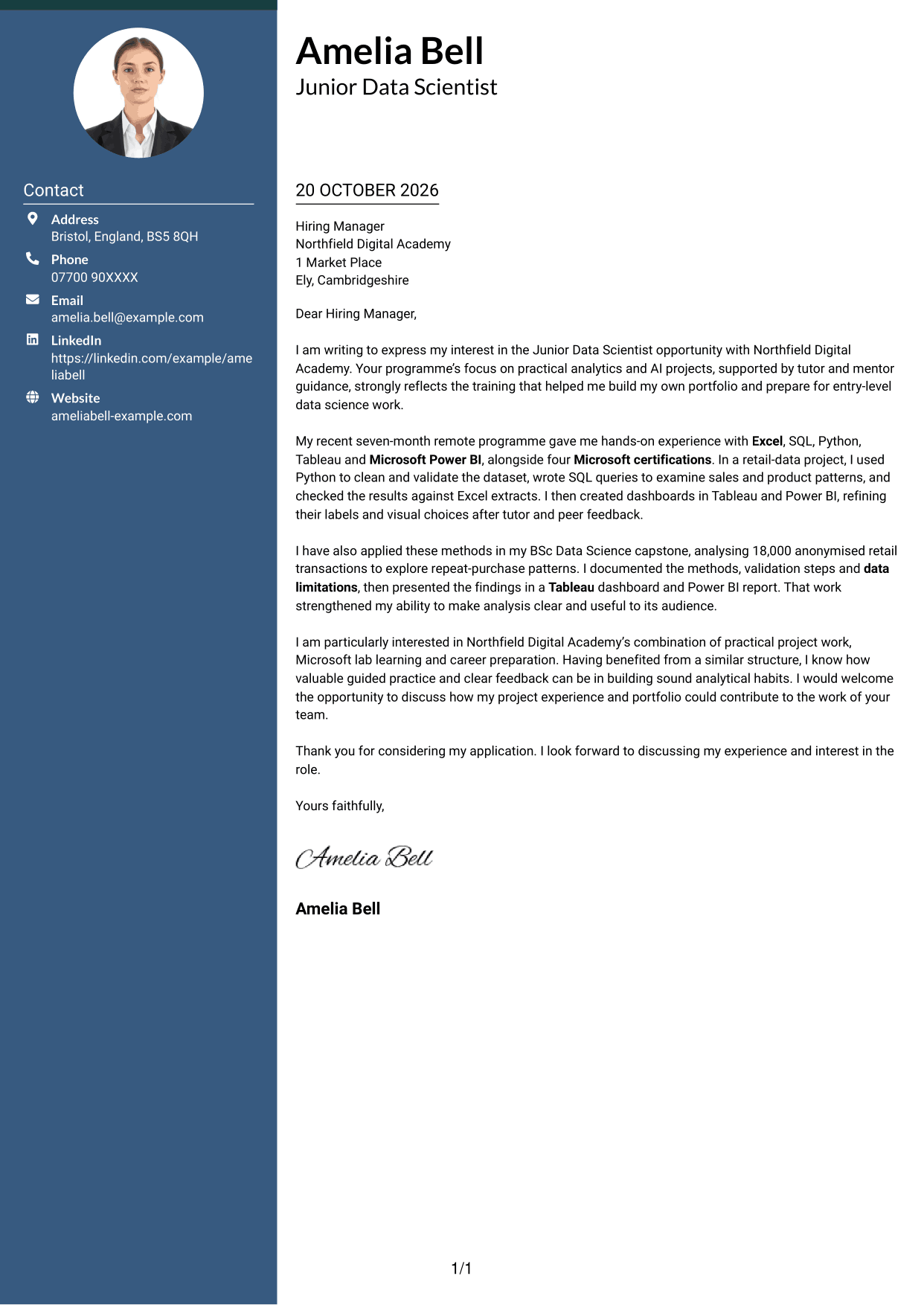
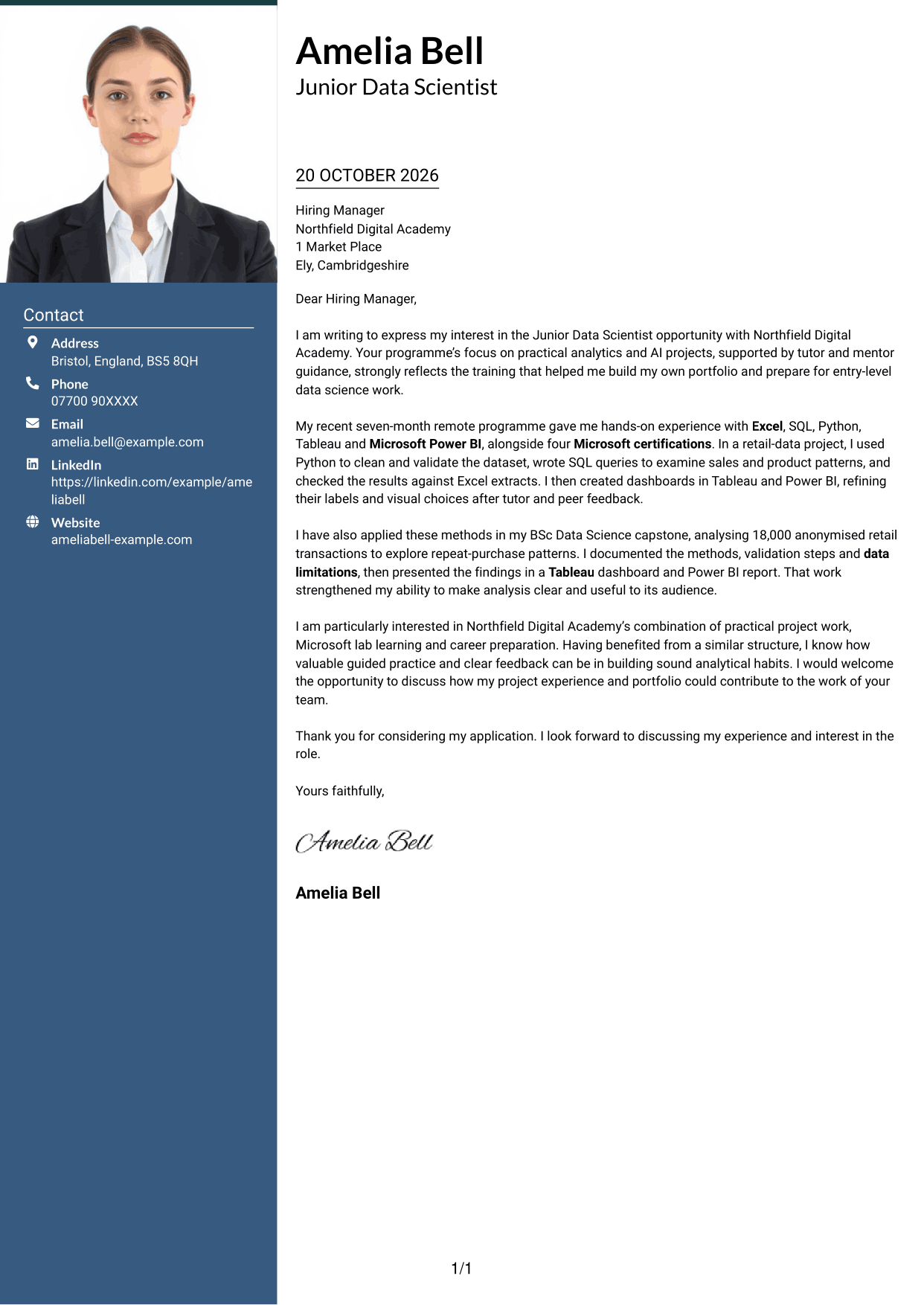
The Photo Header Two Column Format includes a photo and places contact details beside one continuous letter body, for a visual introduction without splitting the message.
Why This Format Works
- The photo adds a personal visual element without changing the letter's reading order.
- Contact details stay in a sidebar, separate from the letter's persuasive paragraphs.
- One continuous body keeps the opening, supporting evidence and closing in sequence.
Best For
- Photo-inclusive correspondence
- Sidebar contact details
- Uninterrupted letter paragraphs
- A visual introduction
- Two-area page organisation
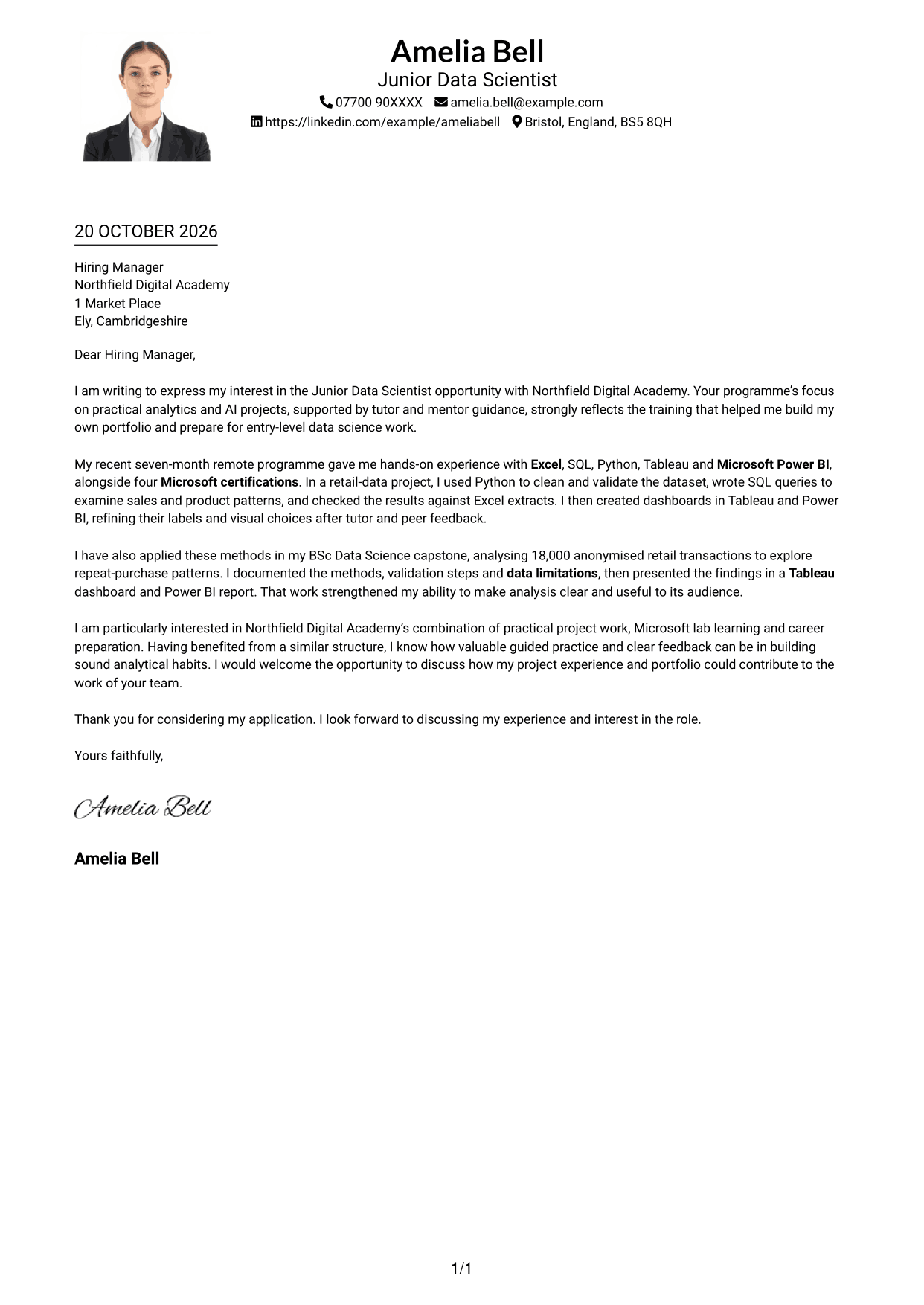
#4 One Column Format with Photo Cover Letter Example
The One Column Format with Photo pairs a photo with one continuous letter body, adding a visual point of identification while keeping the message in a direct reading sequence.
Why This Format Works
- One text column keeps every paragraph in a familiar top-to-bottom order.
- Sender details in the header stay distinct from the letter's main text.
- The photo adds a visual point of identification without dividing the correspondence.
Best For
- Photo-inclusive letters
- Direct paragraph sequence
- Header contact details
- Text-led correspondence with a photo
- Uninterrupted letter flow
#5 Simple Two Column Format Cover Letter Example
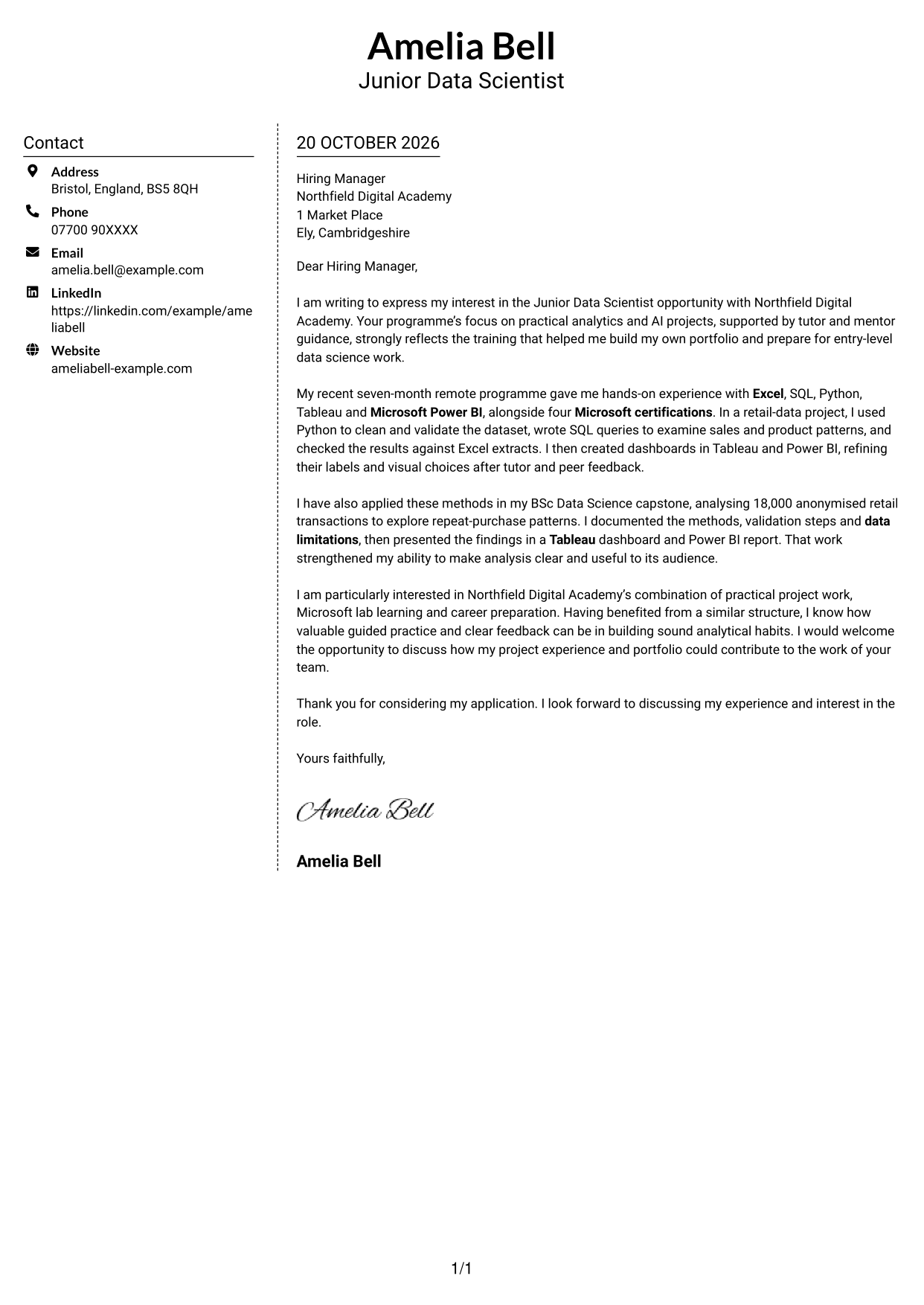
The Simple Two Column Format separates contact details into a sidebar beside one continuous letter body, making the page's two areas easy to distinguish.
Why This Format Works
- The contact sidebar gives sender details a separate place beside the continuous letter.
- All persuasive paragraphs remain in one body, not parallel columns.
- The side-by-side page offers a divided alternative to a single-column letter.
Best For
- Separate contact presentation
- One continuous letter argument
- Side-by-side page organisation
- Sender details beside correspondence
- Applications without a photo
#6 Modern Icon Format Cover Letter Example
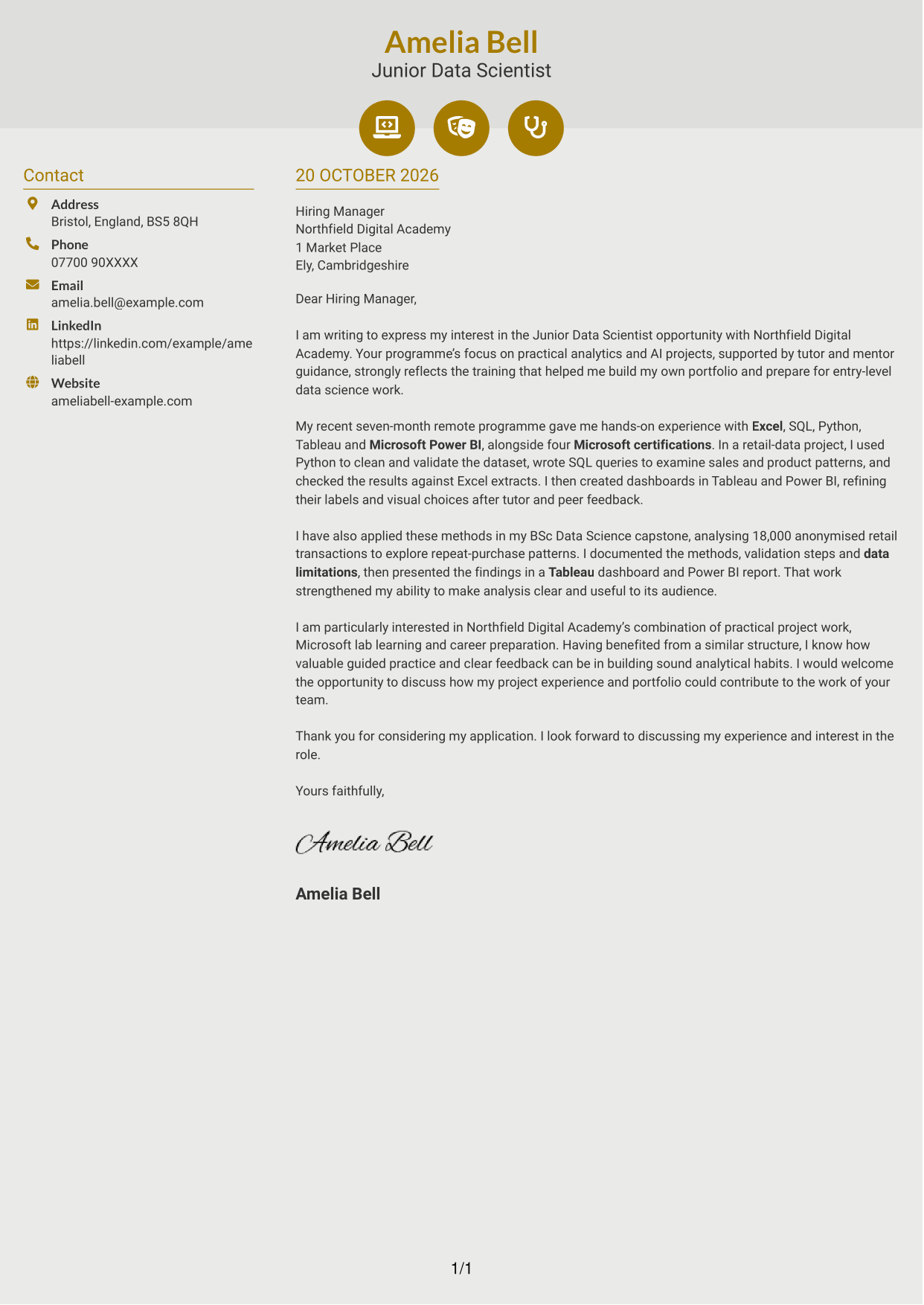
The Modern Icon Format uses two columns for contact details and one continuous letter body, with icons providing visual cues for contact information.
Why This Format Works
- Contact icons cue where address and communication details appear in the sidebar.
- Despite the two-column layout, the full argument stays in one continuous body.
- Decorative header accents add visual interest without labelling stages of the letter.
Best For
- Icon-cued contact details
- A continuous letter body
- Two-column page organisation
- Visual cues in the header
- Applications without a photo
#7 Creative Two Tone Format Cover Letter Example
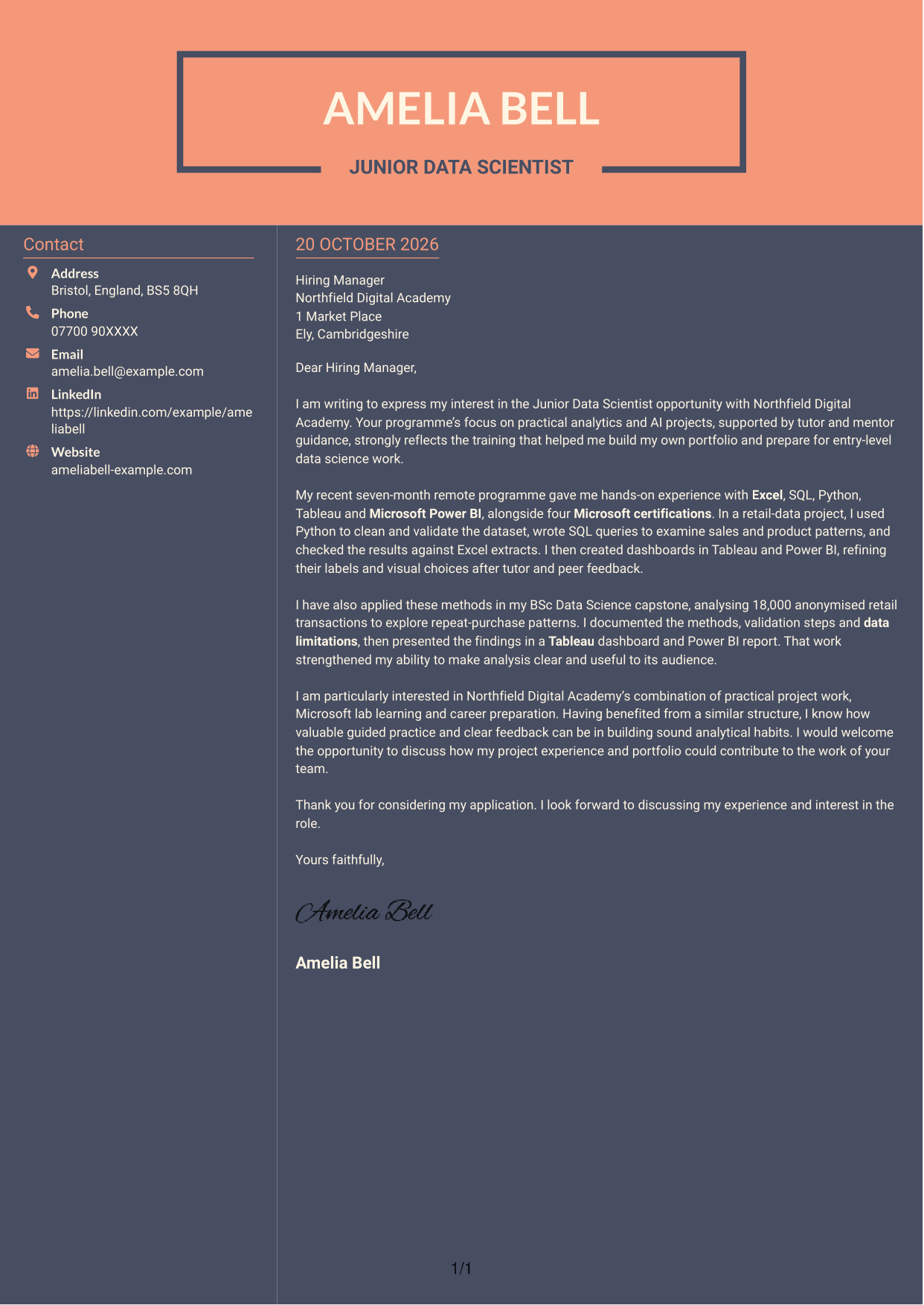
The Creative Two Tone Format places contact details in a sidebar beside one continuous letter body, giving the page distinct areas while keeping the message together.
Why This Format Works
- The sidebar keeps sender information apart from the letter's persuasive paragraphs.
- The letter's opening, evidence and closing remain together in one body.
- Separate page areas suit readers who prefer contact details beside the message.
Best For
- Sidebar contact information
- Continuous persuasive correspondence
- Distinct page areas
- Contact details beside the message
- Applications without a photo
See Also
- 7 Junior Data Scientist - Data Analytics and AI CV Templates with Example
- 7 Director, US Funds Tax CV Templates with Example
- 7 Systems Engineer - Defence Training Systems CV Templates with Example
- 7 Branch Manager - Automotive Parts Distribution CV Templates with Example
- 7 Brand Specialist (Supervisor) - Menswear, Accessories CV Templates with Example
- 7 Pathway Support CV Templates with Example
- 7 Senior Research Associate - Liver Cancer Bioinformatics CV Templates with Example
- 7 Operations Manager - Higher Education Operations CV Templates with Example
- 7 Team Assistant - Executive and Office Support CV Templates with Example
- 7 Admin Officer - Court Administration CV Templates with Example
Frequently Asked Questions
What should a Junior Data Scientist - Data Analytics and AI cover letter highlight?
Explain your interest in the role and give clear examples of relevant data work. You could describe how you cleaned and checked data, used SQL to examine patterns, or presented findings in Tableau or Microsoft Power BI.
How can I make my experience relevant to this role?
Choose an example that shows your actions and the result. For instance, the featured letter explains how Python was used to prepare retail data, SQL queries were checked against Excel extracts, and dashboards were refined after feedback.
How should I explain my interest in the employer?
Refer to a genuine feature of the programme, such as practical analytics and AI work, guided learning or career preparation. Explain why that approach matters to you and how your own experience relates to it.
What is a clear way to structure this cover letter?
Start with your interest in the role and the employer. Use the body to give focused evidence from your data work, then close by restating your interest and inviting a conversation.
Should I include every detail of my data work?
No. Select the examples that best support your message. A focused account of your methods, checks and findings is easier to follow than a long list of every task.




