
7 Junior Data Scientist - Data Analytics and AI CV Templates with Example
This guide shows you how to create a clear, focused Junior Data Scientist - Data Analytics and AI CV. You will learn how to present relevant evidence so readers can quickly understand your analytical approach and results.
For this role, make data preparation, checking and interpretation easy to follow. Use concise bullets to explain how you worked with datasets, checked findings and shared them through dashboards or reports.
Compare the example in 7 layouts using the PNG image previews, then open a preferred version in the editor to customise it. The guide also covers ATS-friendly structure, useful CV sections and relevant terms such as Python, SQL, Excel, Tableau, Microsoft Power BI and data validation.
What Makes a Great Junior Data Scientist - Data Analytics and AI CV in 2026
A strong CV makes data preparation, analysis and communication clear. Focus each bullet on the task, the method and the result, using figures only when you can support them.
Show relevant tools and evidence, such as Python data cleaning, SQL queries, Excel checks and dashboards in Tableau or Microsoft Power BI. Include data-quality checks and documented methods where they help explain your work.
Note: CV examples are for educational purposes only. Use only information that accurately reflects your experience and qualifications. References to real organisations do not imply affiliation or endorsement.
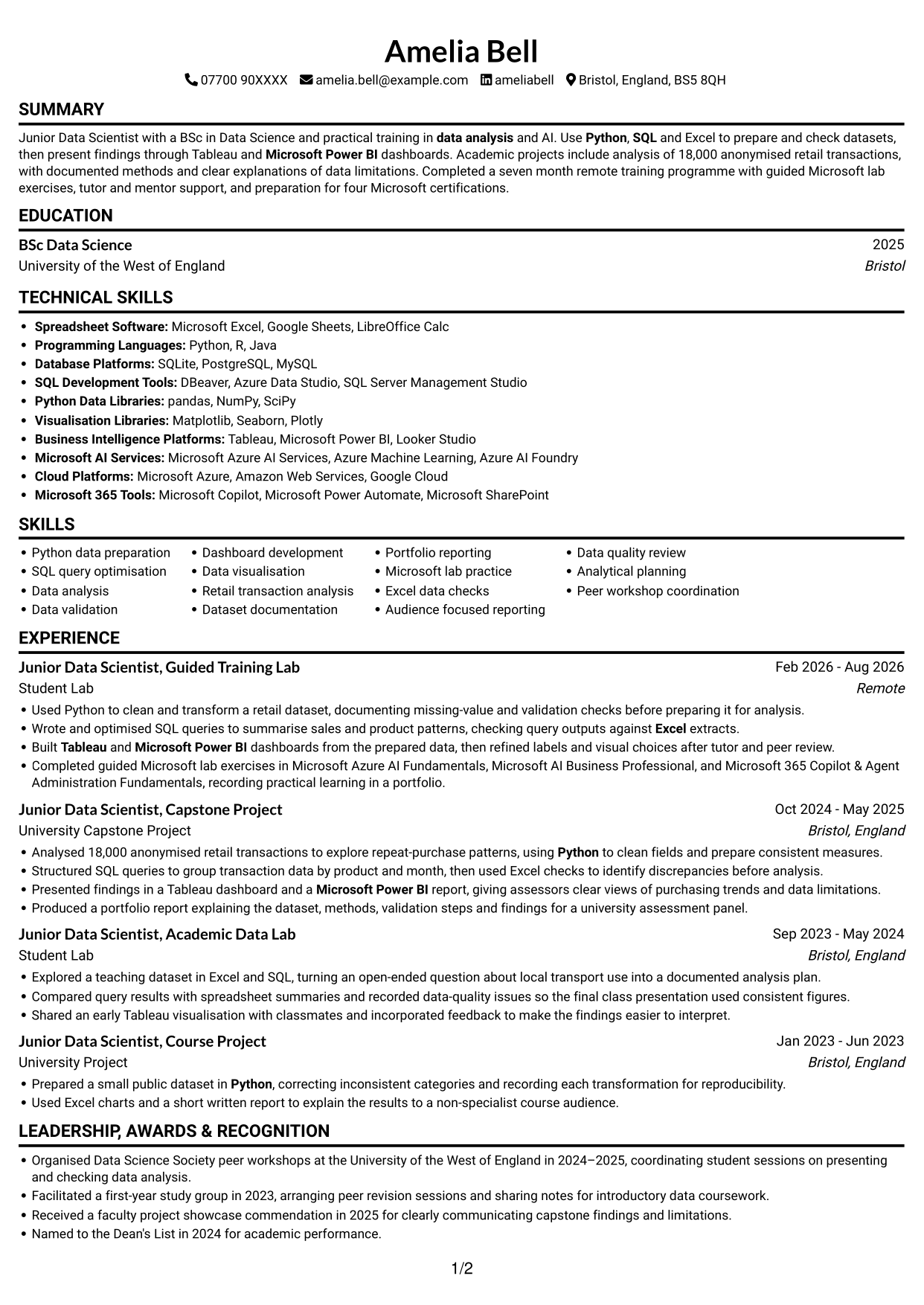
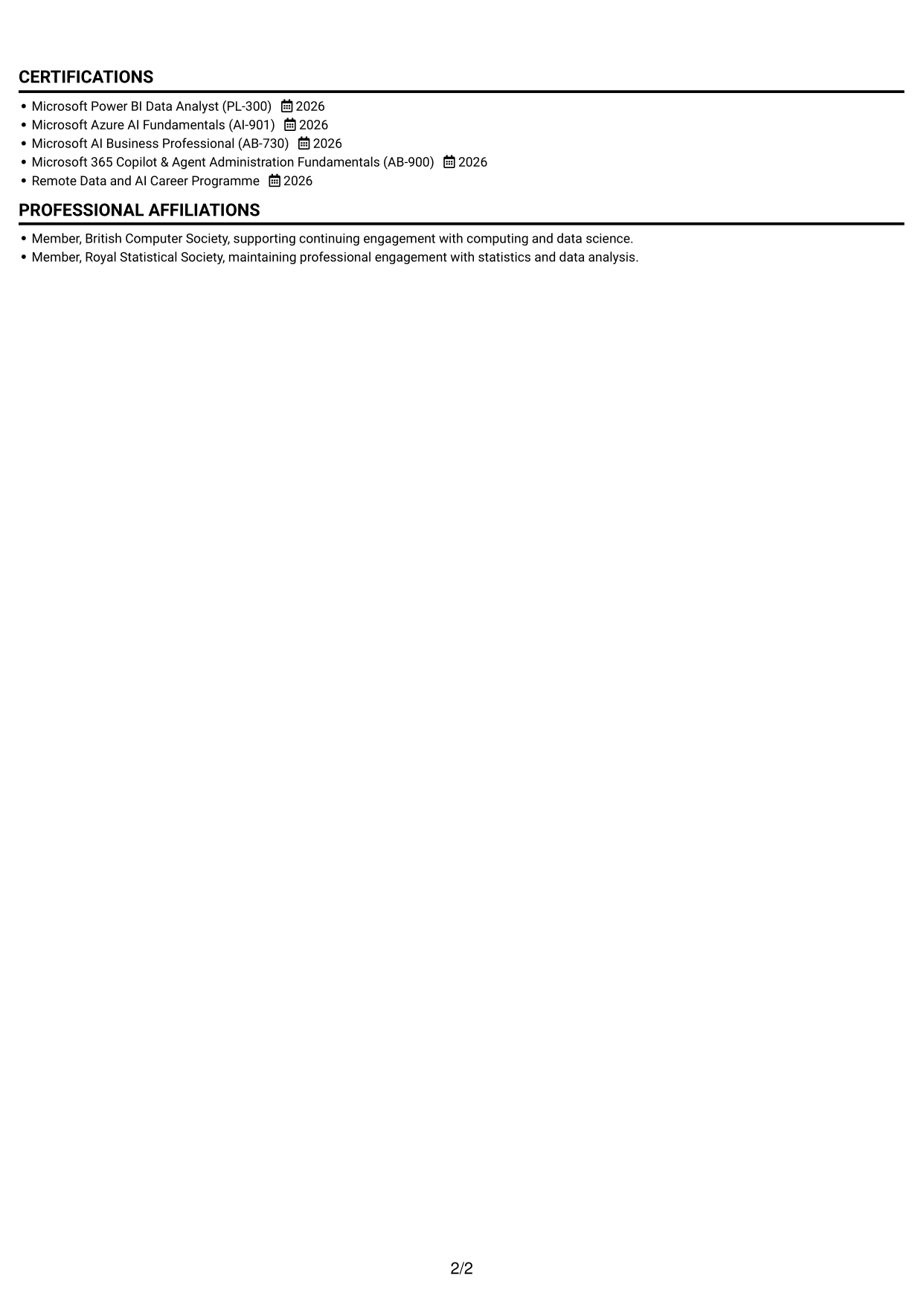
#1 Simple One Column Format CV Example
The one-column body presents each CV section in a vertical sequence, helping reviewers follow career progression from one area to the next.
Why This Format Works
- One vertical reading path lets reviewers follow experience and education in sequence.
- Consistent section order makes skills, credentials and project evidence easier to locate.
- Full-width sections give achievement bullets room to retain useful context.
Best For
- Linear career histories
- Experience and education records
- Skills with supporting credentials
- Achievement bullets needing context
- CVs with several evidence sections
CV Keywords
- Python
- SQL
- Used Python to clean and transform a retail dataset
- Wrote and optimised SQL queries
- Microsoft Power BI
- Tableau
- Dashboard development
- Excel
- data analysis
- Microsoft Azure AI Fundamentals (AI-901)
- Microsoft Power BI Data Analyst (PL-300)
- Microsoft AI Business Professional (AB-730)
- Microsoft 365 Copilot & Agent Administration Fundamentals (AB-900)
- Completed guided Microsoft lab exercises
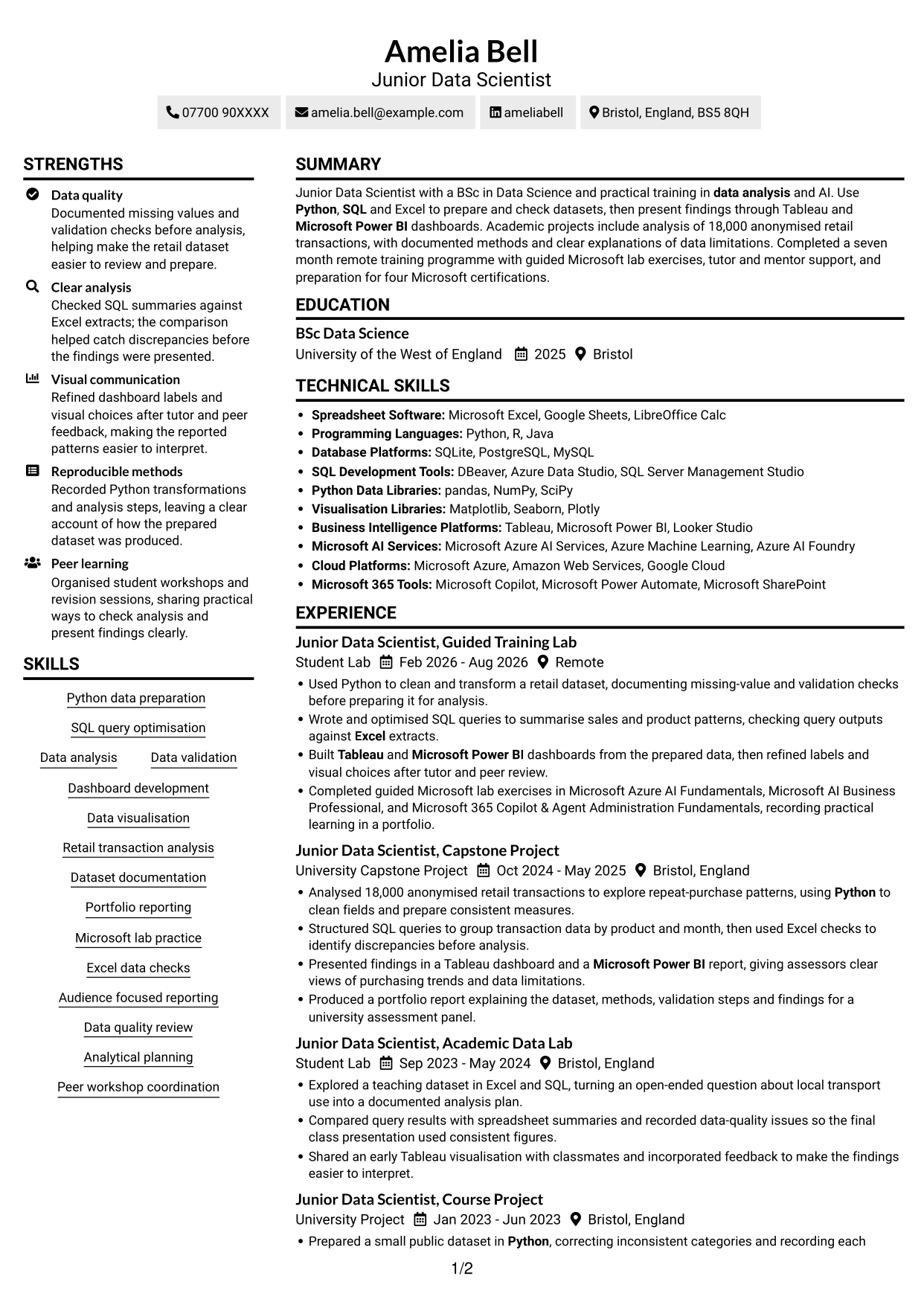
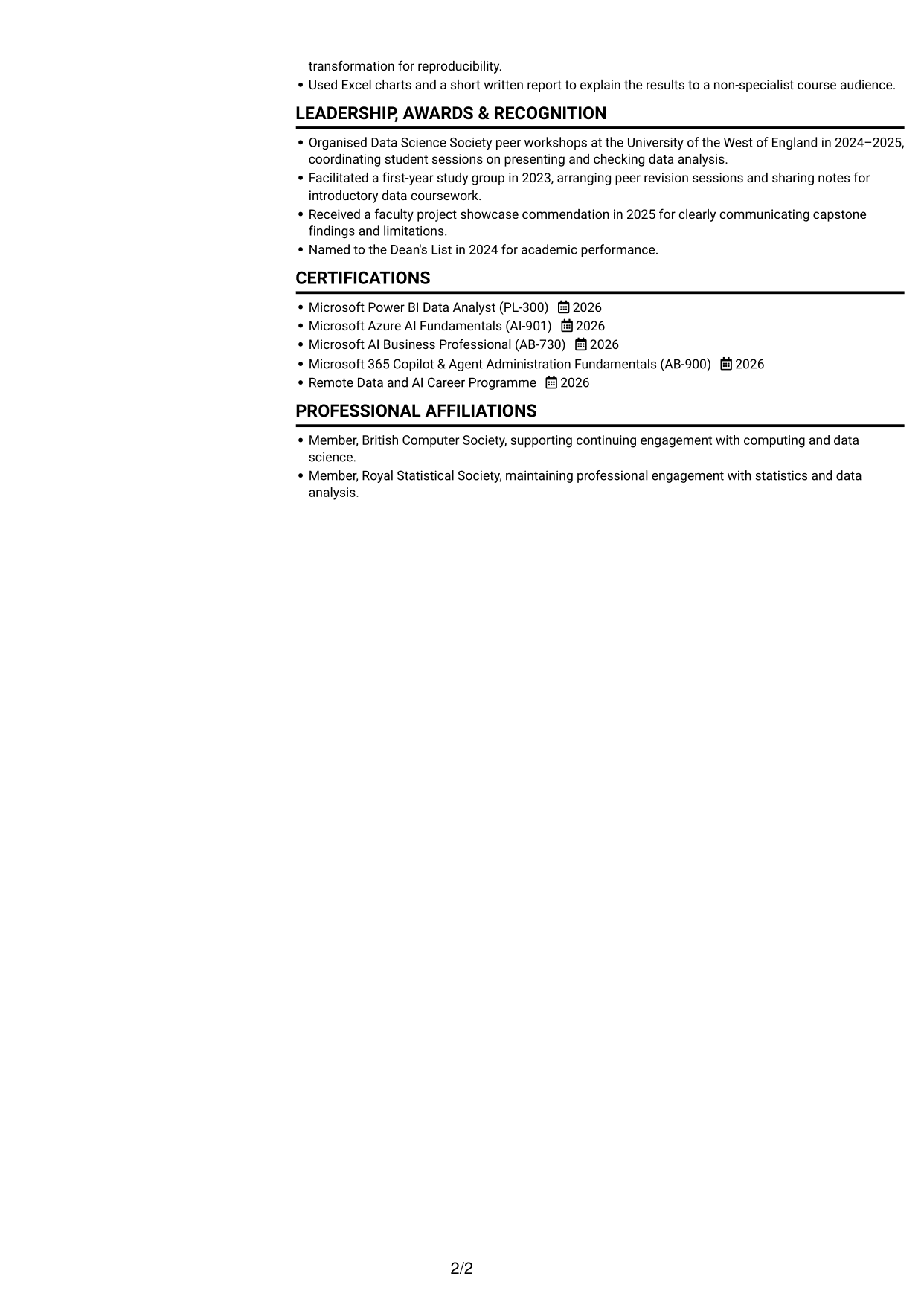
#2 Simple Two Column Format CV Example
The two-column body gives the CV two reading areas, a practical choice when reviewers need to compare sections at a glance.
Why This Format Works
- Separate reading areas help reviewers distinguish career history from other CV sections.
- The two-column structure makes skills and education easier to find during a scan.
- A clear division helps achievement bullets remain distinct from supporting credentials.
Best For
- Side-by-side section organisation
- CVs with varied evidence
- Quick section-by-section review
- Skills and education records
- Achievement details with supporting credentials
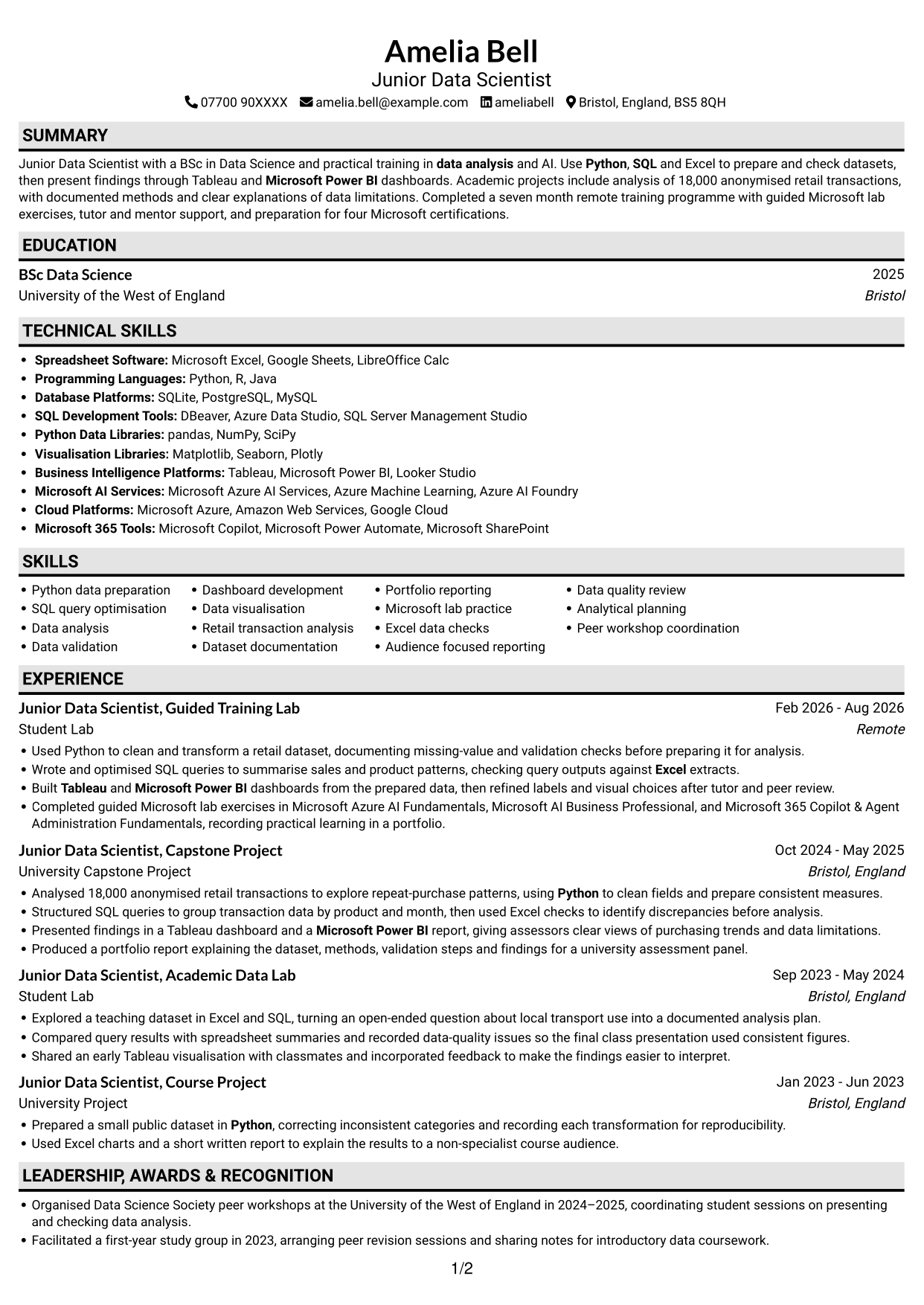
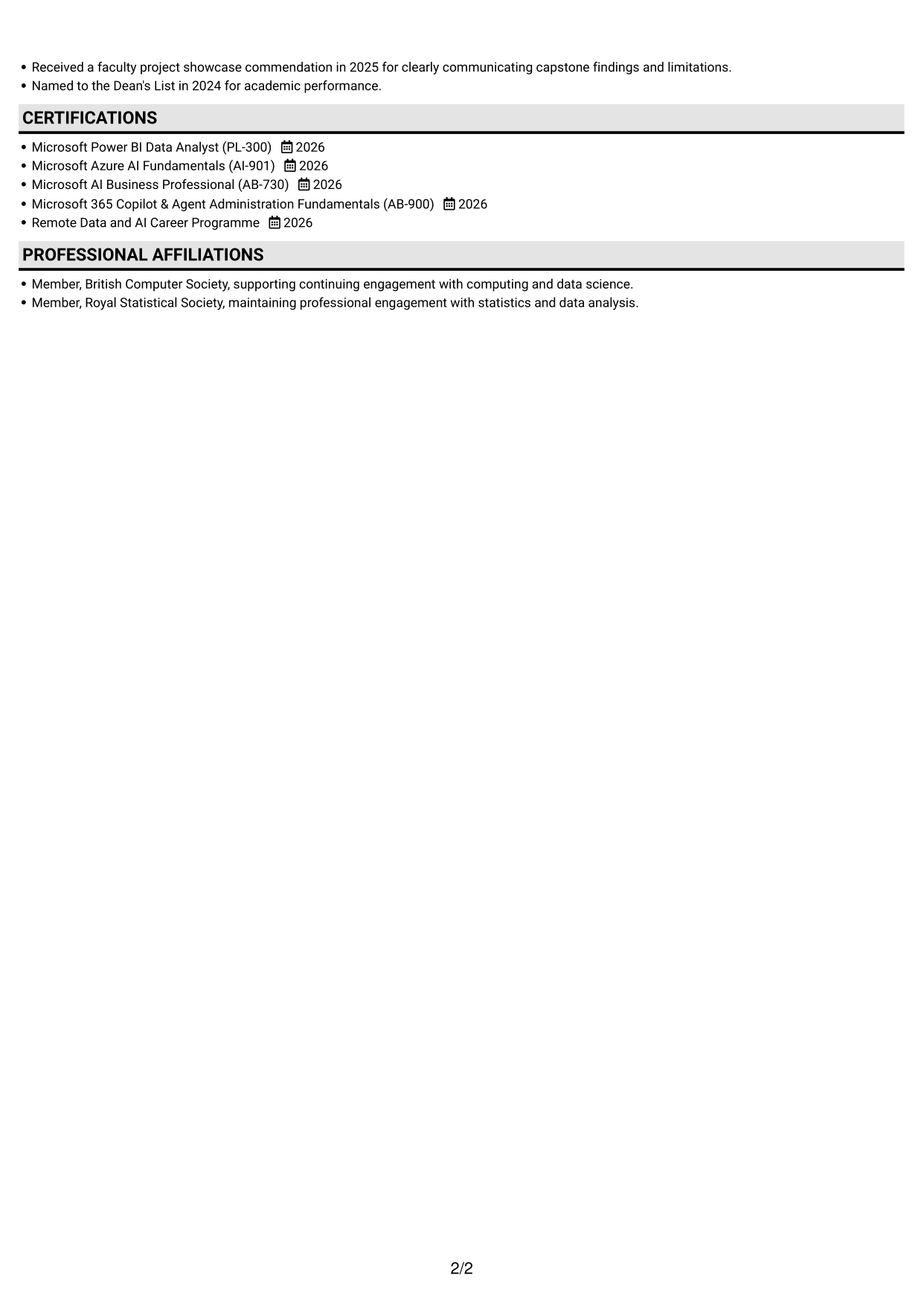
#3 Plain One Column with Shaded Labels CV Example
The one-column layout keeps CV content in a single vertical sequence, making it useful when a straightforward reading order matters most.
Why This Format Works
- A single sequence helps reviewers trace experience from earlier roles to later work.
- The vertical structure keeps education and credentials within the same reading path.
- Full-width content gives project descriptions space to explain methods and findings.
Best For
- Straight-through CV reading
- Chronological experience records
- Project detail with context
- Education beside career history
- CVs with a simple section order
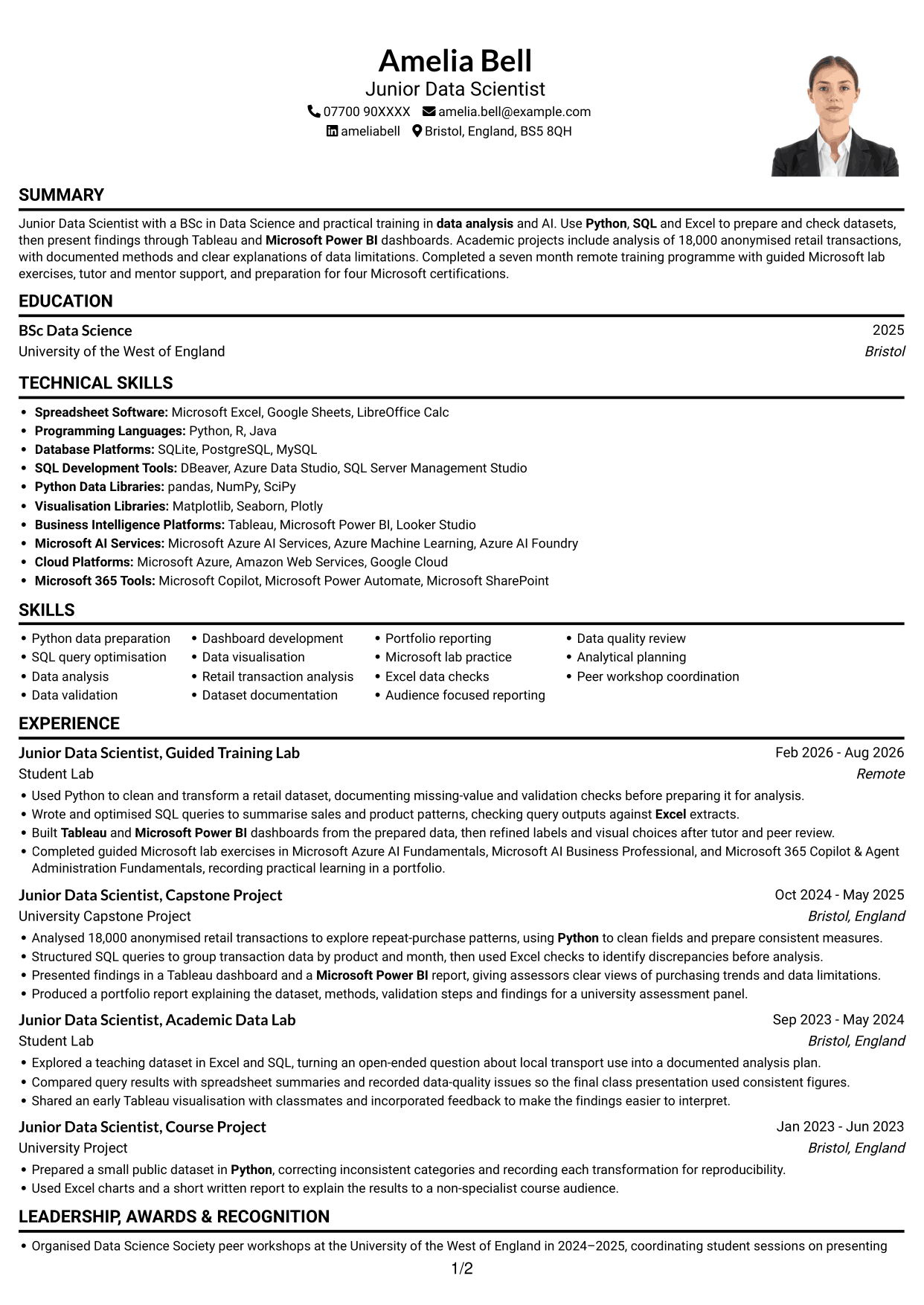
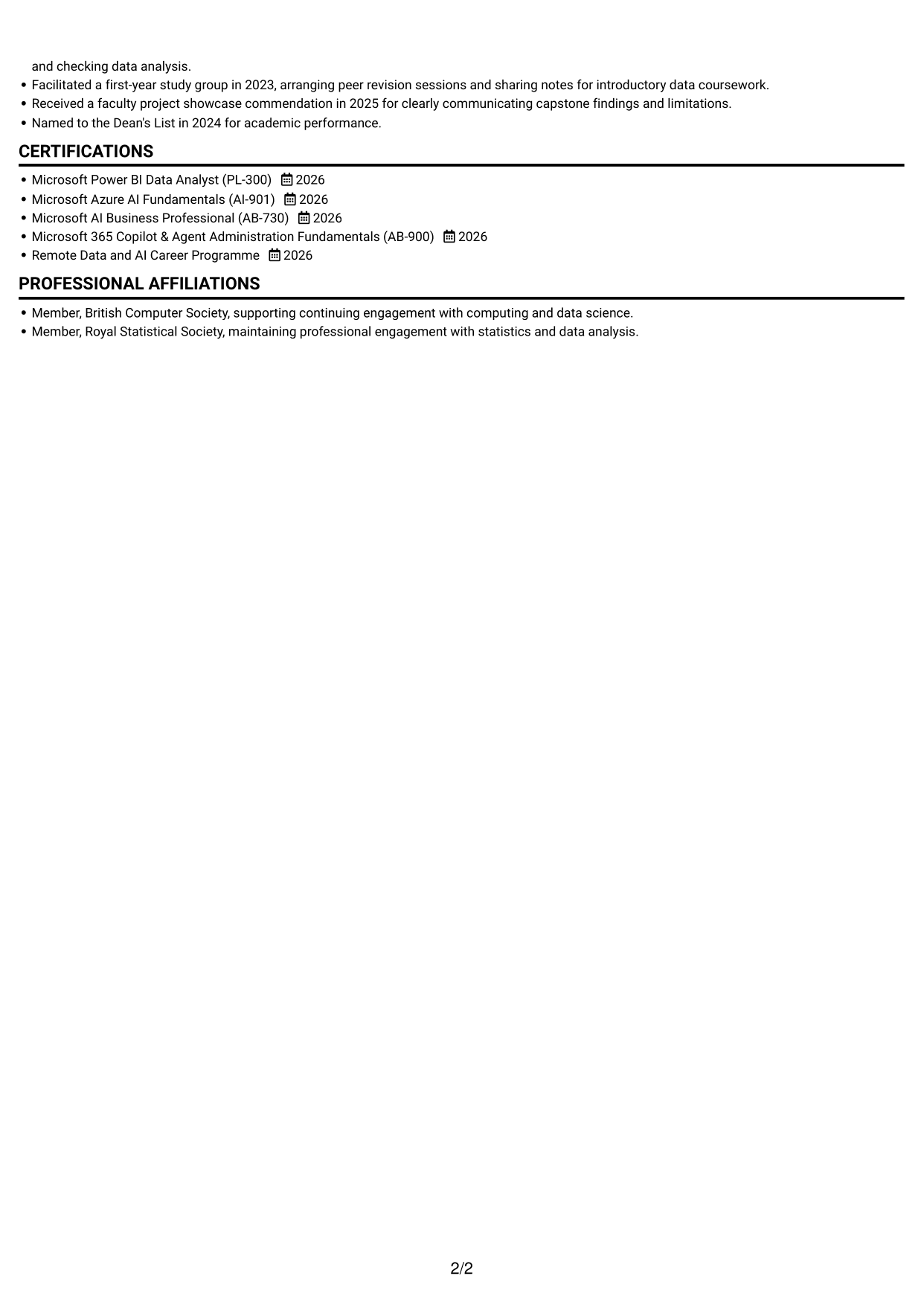
#4 One Column Format with Photo Right CV Example
This one-column CV includes a photo, combining a direct reading path with a personal visual element.
Why This Format Works
- The single-column body lets reviewers follow experience and education without switching reading areas.
- A consistent vertical order makes skills and credentials straightforward to locate.
- The photo adds a visual point of identification without changing the CV section order.
Best For
- CVs where a photo is preferred
- One-direction reading
- Experience and education together
- Skills beside credentials
- CVs with a clear section sequence
#5 Clean Two Column Sidebar Format CV Example
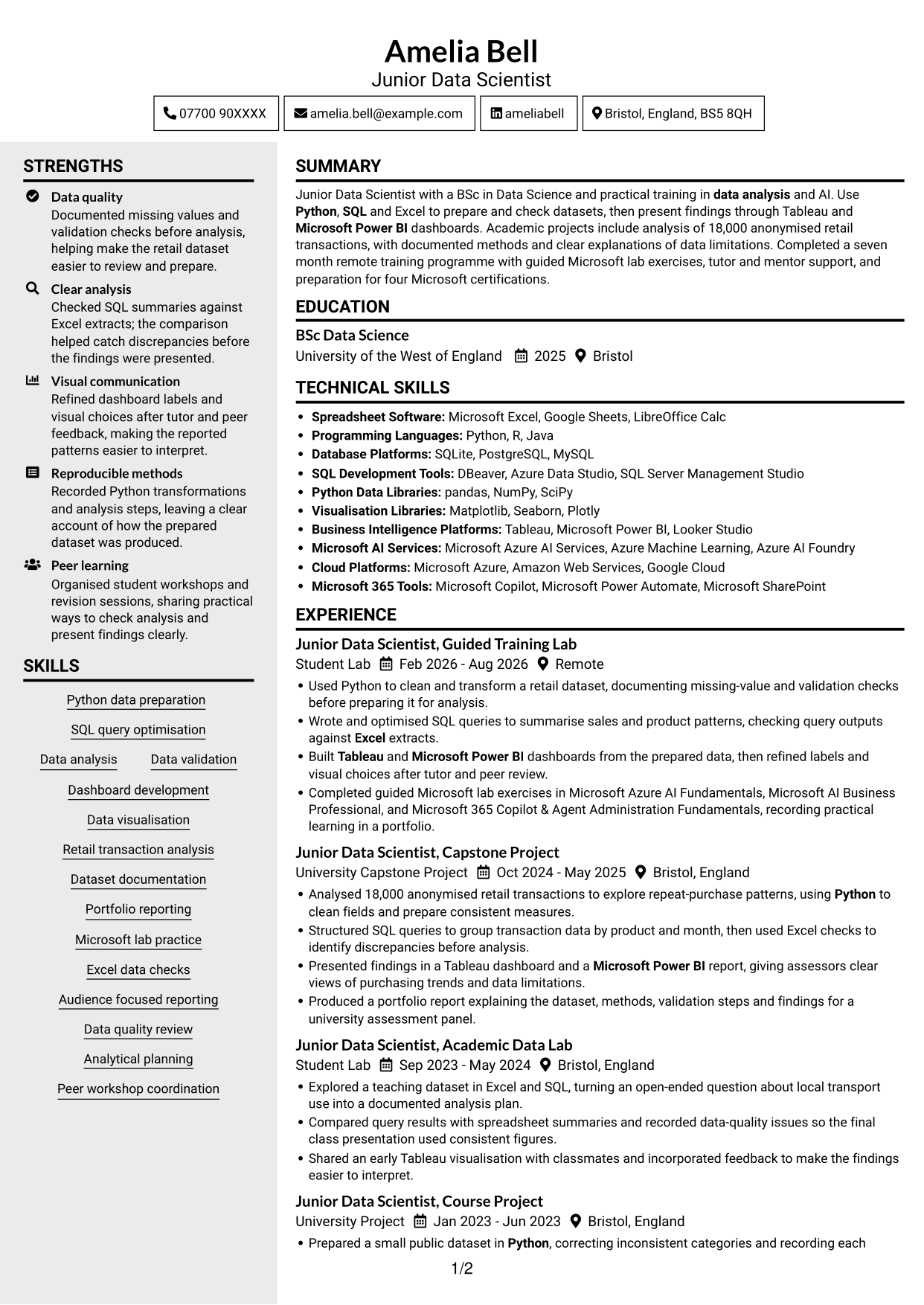
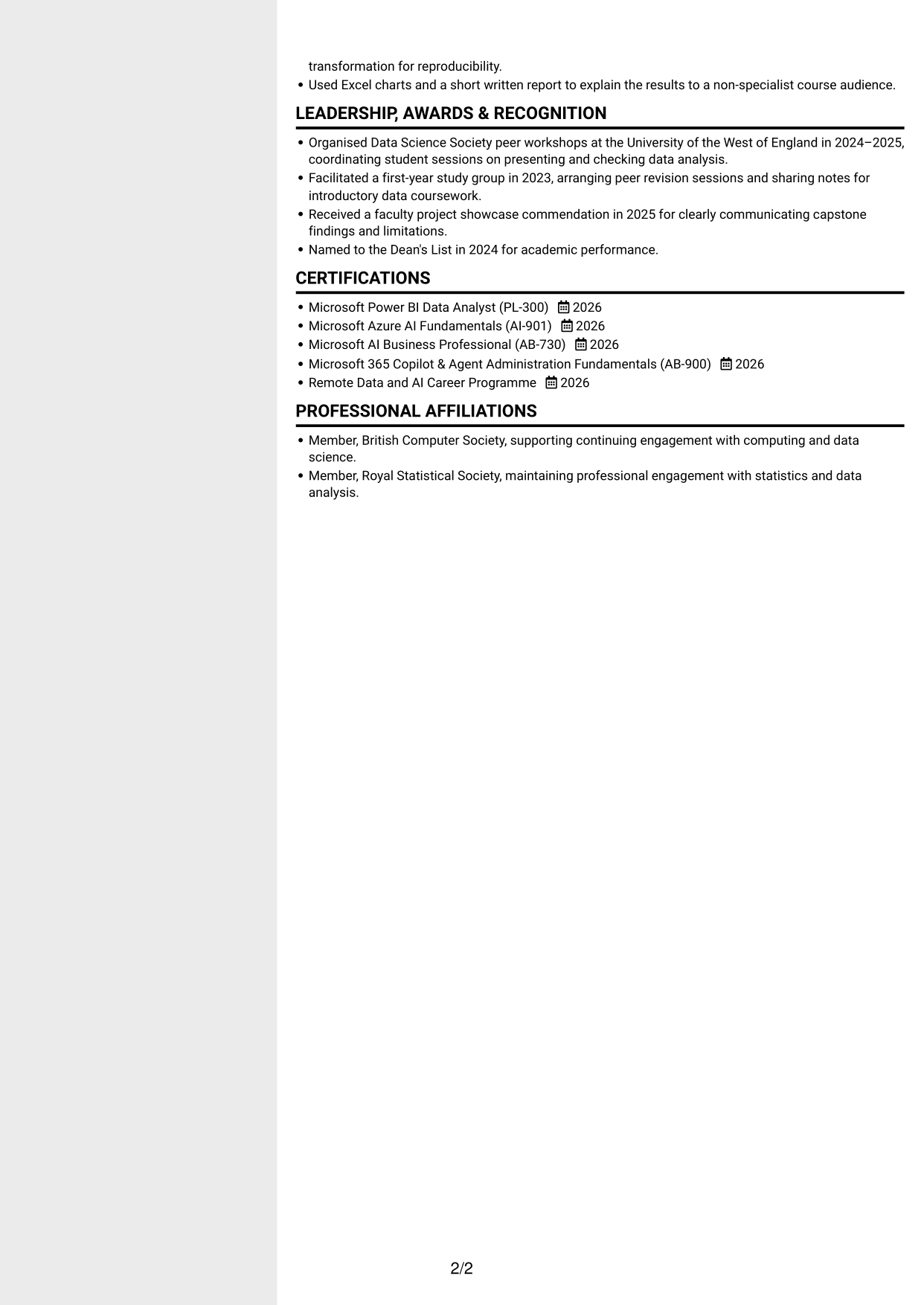
The two-column layout pairs a main reading area with a sidebar, helping reviewers distinguish career details from supporting sections.
Why This Format Works
- The separate sidebar gives supporting CV sections a clear place beside experience.
- Two reading areas help reviewers find skills without losing the career-history sequence.
- The divided layout keeps education and credentials distinct from achievement details.
Best For
- Sidebar-based section organisation
- CVs with broad skill sets
- Career history and supporting details
- Credentials beside experience
- Quick reference to key sections
#6 Two Column Format CV Example
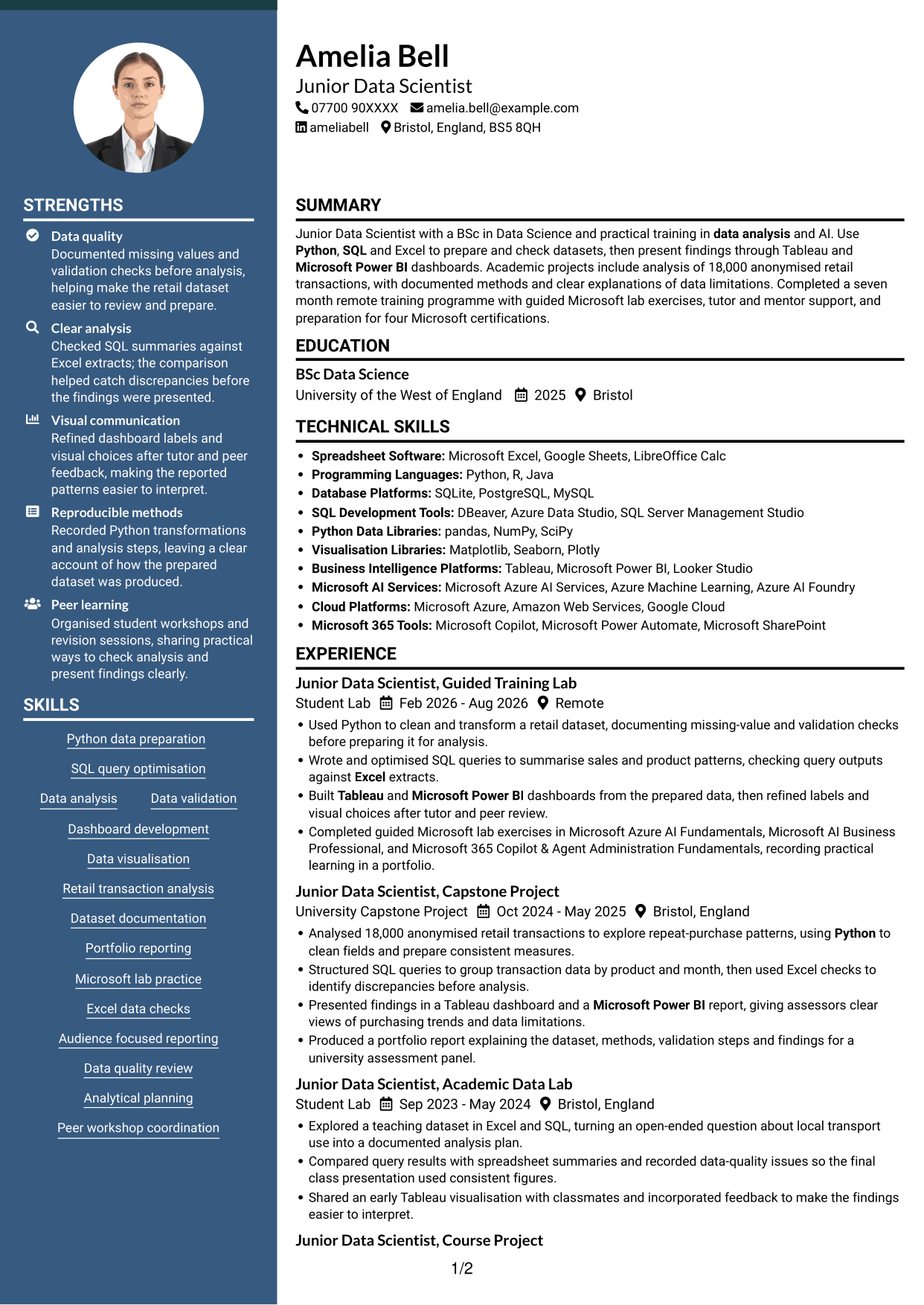
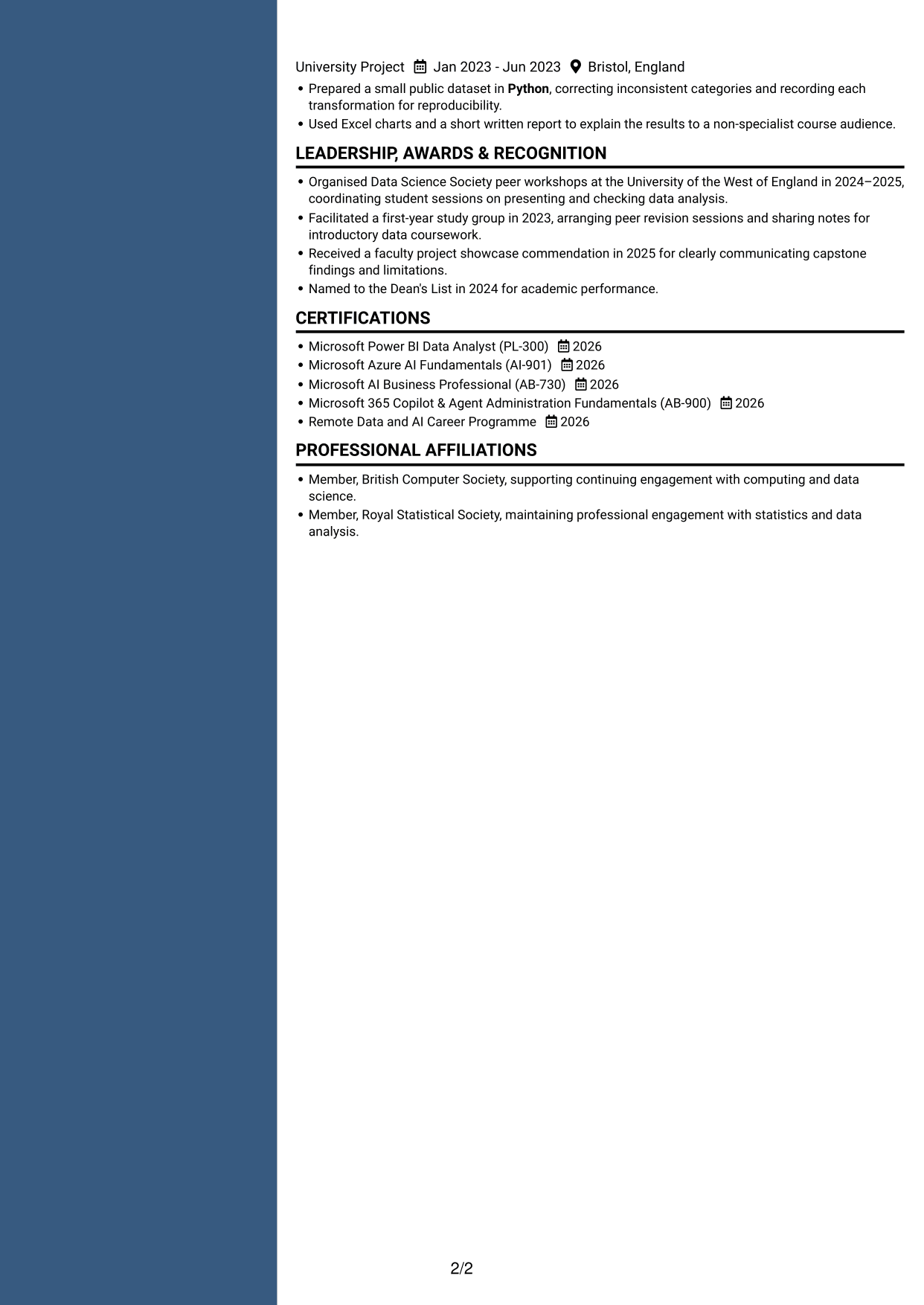
The two-column body separates CV content into parallel areas, giving reviewers a compact way to move between sections.
Why This Format Works
- Parallel content areas help reviewers locate education without losing sight of experience.
- A divided reading order makes skills and credentials easier to scan separately.
- The layout gives achievement details and supporting sections distinct visual space.
Best For
- Parallel section organisation
- CVs with varied content
- Separate skills and education
- Experience with supporting evidence
- Scanning across key sections
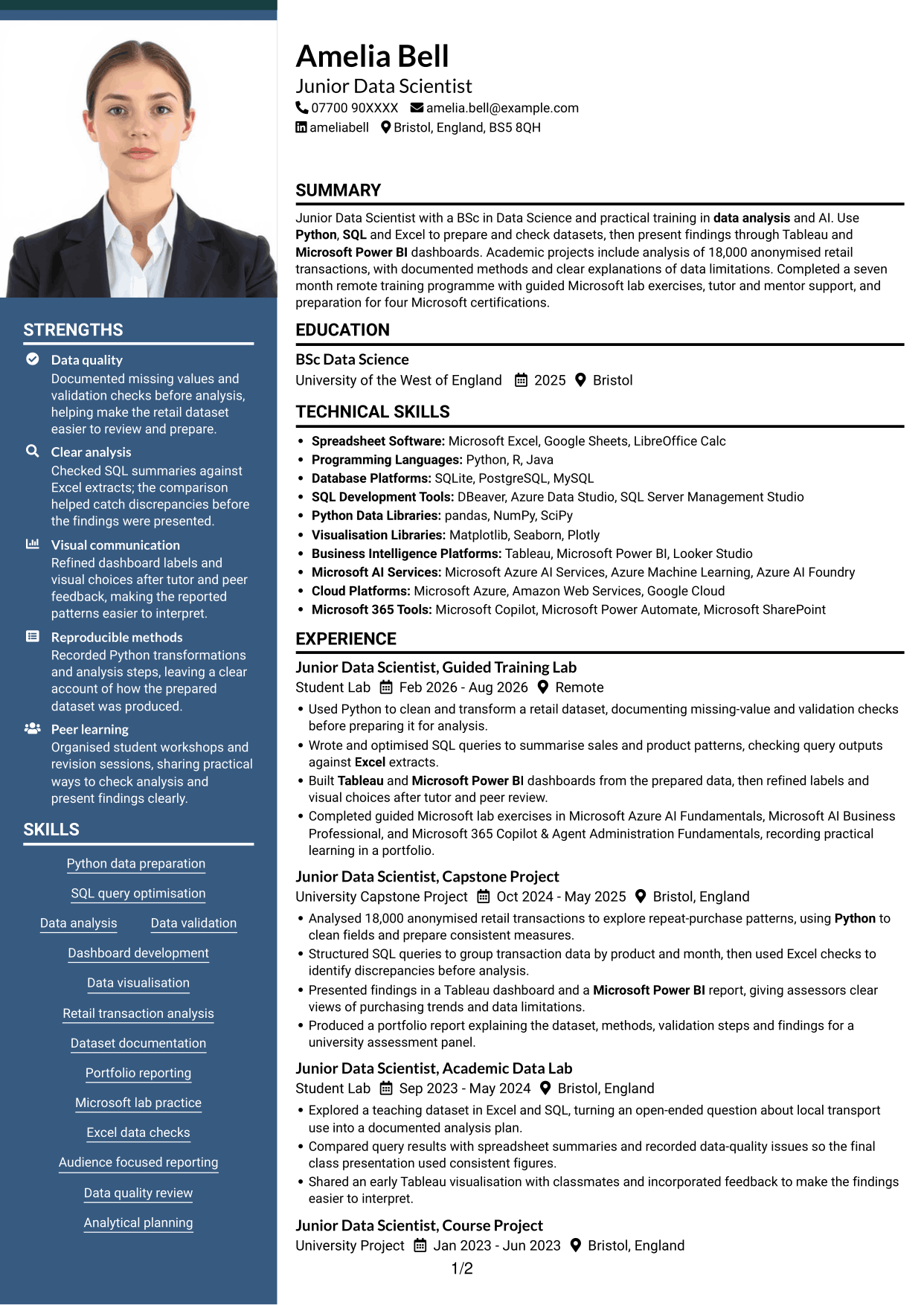
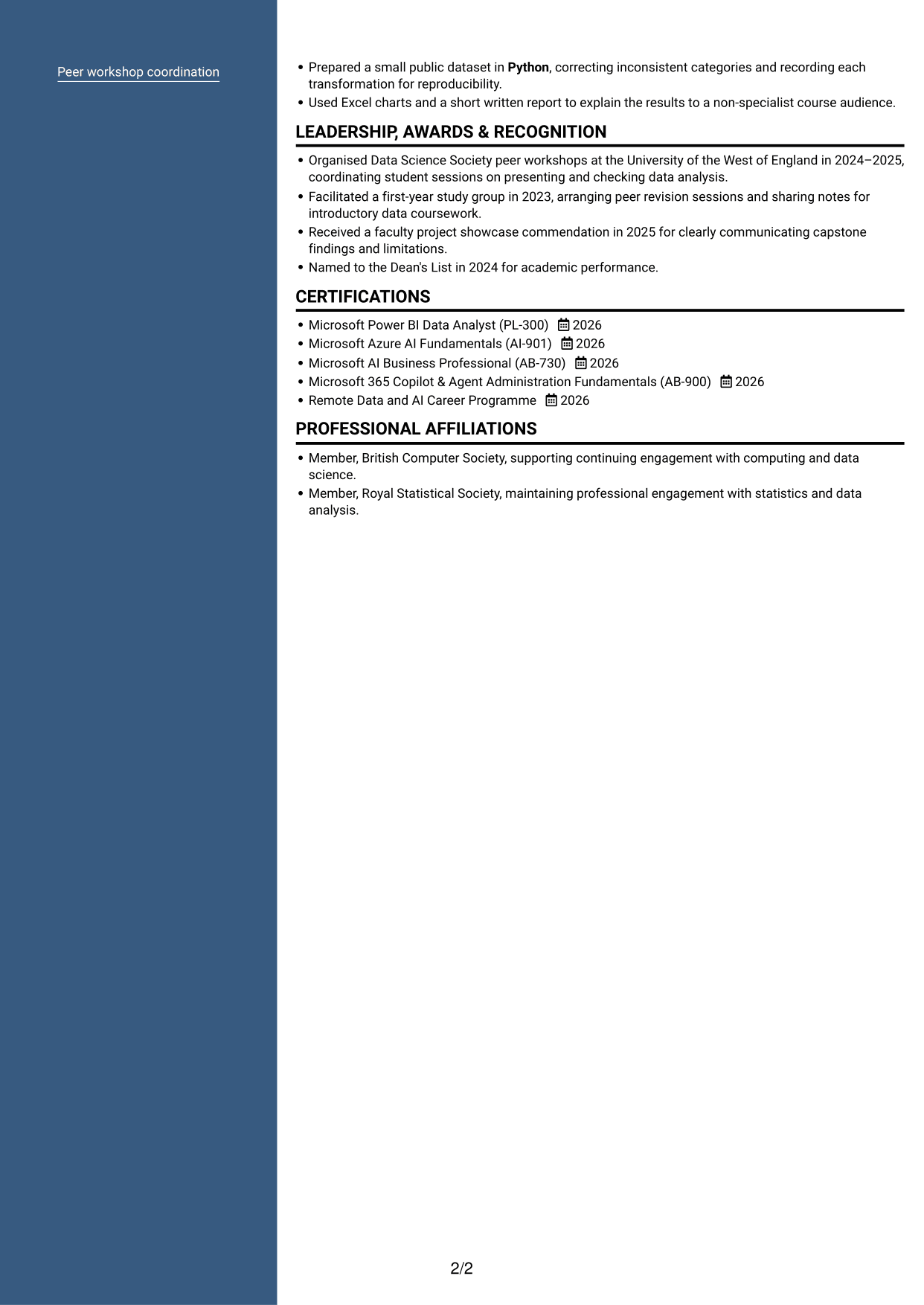
#7 Photo Header Two Column Format CV Example
This two-column CV includes a photo, pairing a personal visual element with separate areas for the document content.
Why This Format Works
- The two-column reading areas help reviewers distinguish experience from supporting CV sections.
- Separate content areas make education and credentials easier to locate during a scan.
- The photo adds a visual point of identification while leaving the section organisation clear.
Best For
- Two-column section organisation
- CVs where a photo is preferred
- Experience with supporting records
- Education and credentials together
- Scanning distinct content areas
Why Build Your Junior Data Scientist - Data Analytics and AI CV with ResumeInMinutes
ResumeInMinutes lets you compare PNG image previews and open an example in the editor to customise its content and layout. Use a clear structure to make your skills, project evidence and education easy to review.
- Different CV layouts
- Clear, readable section structure
- Space for relevant data keywords
- Organised skills and experience
- PNG image previews
- CV customisation in the editor
Choose a format that makes your analysis easy to scan. Give clear space to dataset preparation, validation, tools and the findings you shared.
See Also
- 7 Director, US Funds Tax CV Templates with Example
- 7 Systems Engineer - Defence Training Systems CV Templates with Example
- 7 Branch Manager - Automotive Parts Distribution CV Templates with Example
- 7 Brand Specialist (Supervisor) - Menswear, Accessories CV Templates with Example
- 7 Pathway Support CV Templates with Example
- 7 Senior Research Associate - Liver Cancer Bioinformatics CV Templates with Example
- 7 Operations Manager - Higher Education Operations CV Templates with Example
- 7 Team Assistant - Executive and Office Support CV Templates with Example
- 7 Admin Officer - Court Administration CV Templates with Example
- 7 Junior Data Scientist - Data Analytics and AI Cover Letter Templates with Example
Frequently Asked Questions
Are these Junior Data Scientist - Data Analytics and AI CV templates ATS-friendly?
The examples use readable headings and clear sections to support scanning. Include relevant terms naturally, such as Python, SQL, Excel, data validation, Tableau and Microsoft Power BI, when they reflect your experience.
Are these separate CV examples or different layouts of one example?
This page presents one role-focused CV example in different layouts. Compare the PNG image previews, then open a version in the editor to customise it.
What should a Junior Data Scientist - Data Analytics and AI CV include?
Include a focused summary, relevant experience or projects, education, skills and certifications. Explain how you prepared and checked data, analysed it, and presented findings, naming tools such as Python, SQL, Excel, Tableau or Microsoft Power BI when relevant.
Which CV layout works well for this role?
Choose a layout with clear headings and an easy-to-follow order for skills, projects, experience and education. A simple structure helps readers find key details quickly.
How can I show data analysis achievements on my CV?
Use concise bullets that explain the dataset, your method and the result. Add supported figures, such as the size of a dataset, and note validation steps or data limits when they matter to the findings.
Should I include a photo on my CV?
For UK applications, a photo is usually not needed. Use the space for relevant skills, project evidence and results instead.




