
7 Lead Interior Designer - Revit Cover Letter Templates with Example
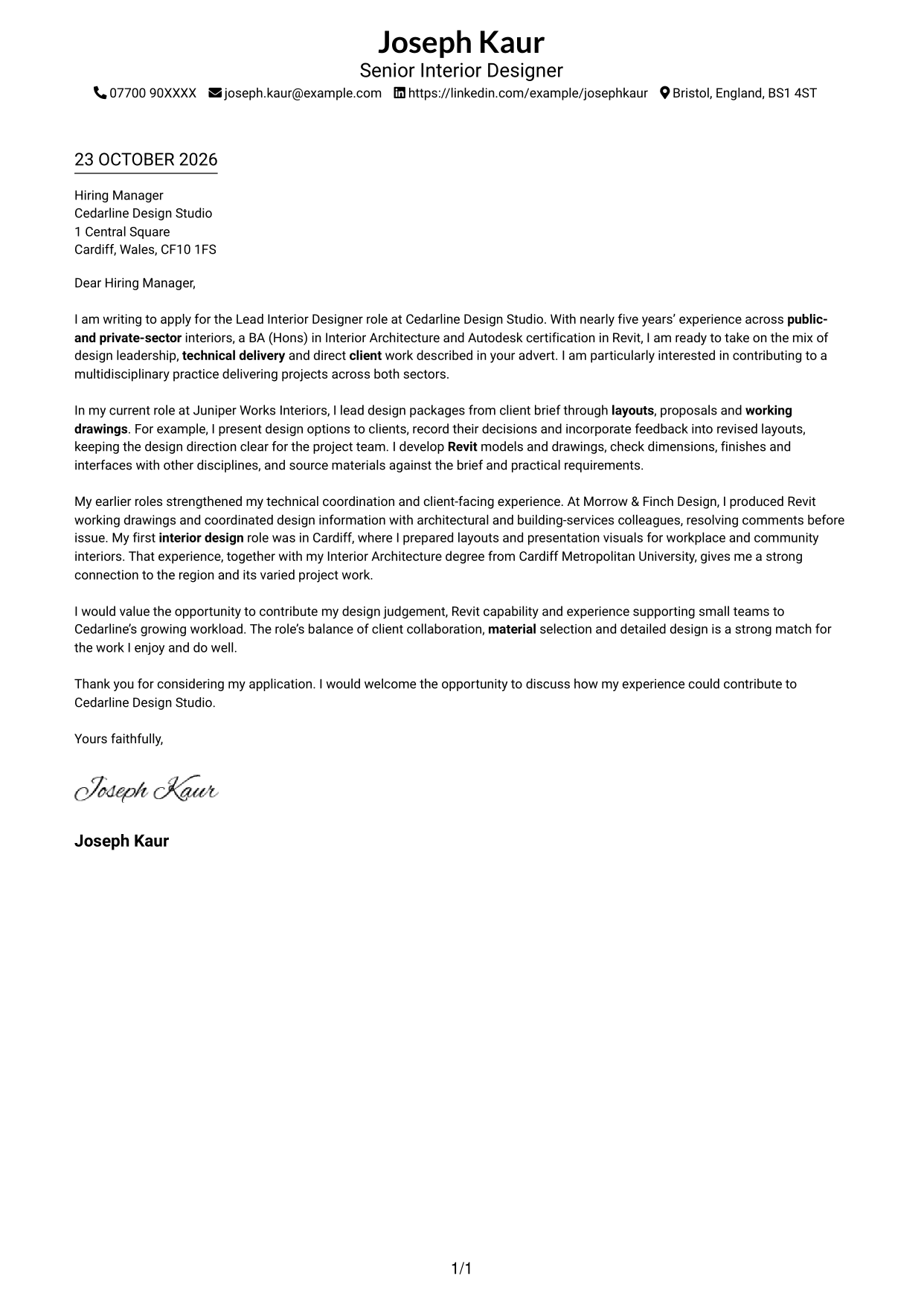
This practical guide to a Lead Interior Designer - Revit cover letter shows how to present your role fit and motivation across seven layouts.
What Makes a Great Lead Interior Designer - Revit Cover Letter in 2026
A strong letter connects design judgement with clear client communication and sound technical delivery. Open with your interest in the role, then show how you can develop layouts, proposals and working drawings.
Use specific evidence of presenting options, responding to client feedback, checking Revit drawings and sourcing suitable materials. Link that evidence to the employer’s public- and private-sector work and the value of close team coordination.
The featured example moves from interest in the role and practice, to current design and client work, then to earlier technical experience and a clear close; adapt this focused progression while choosing a presentation suited to the employer and communication context.
#1 Simple One Column Format Cover Letter Example
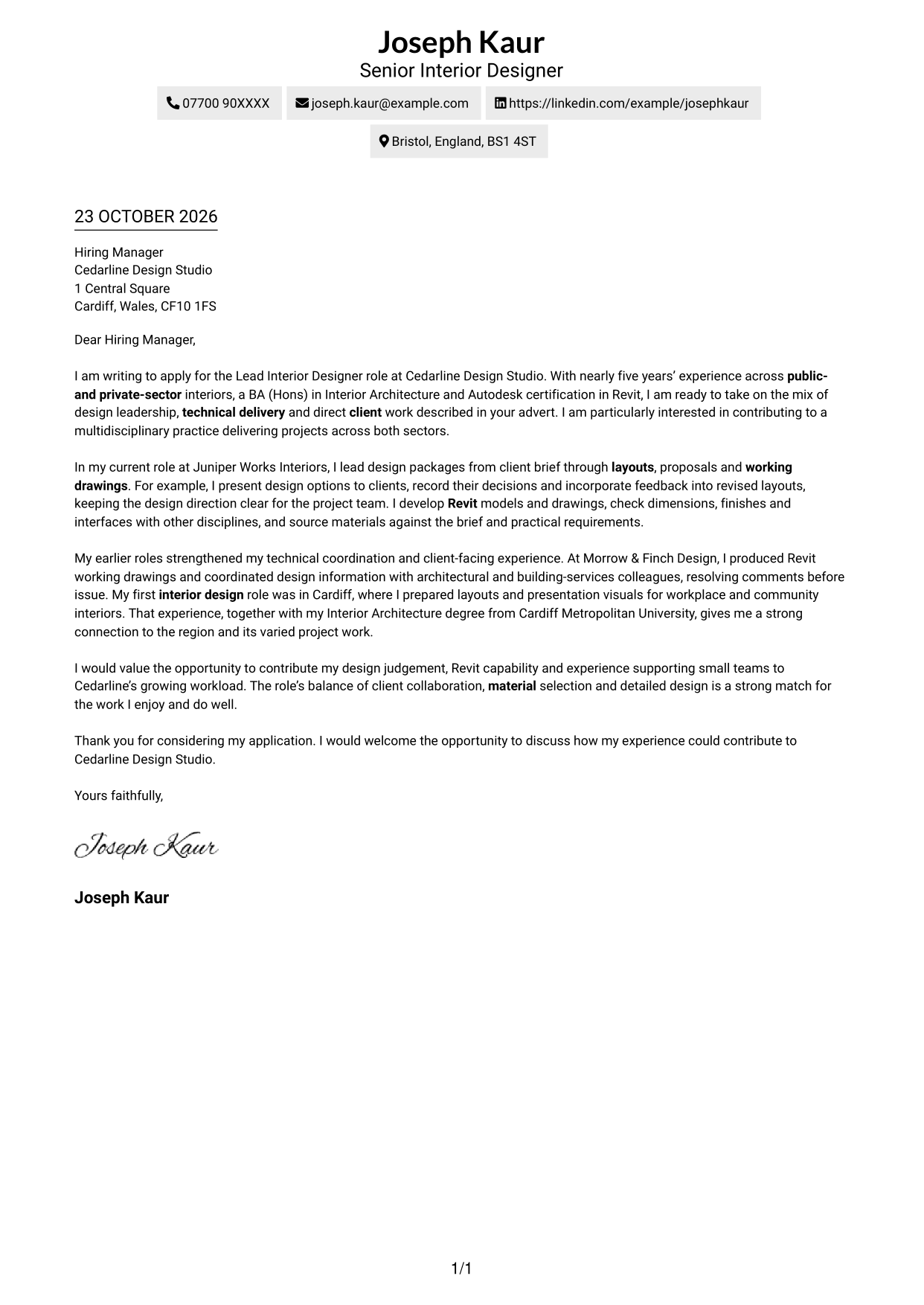
The Simple One Column Format keeps sender details in the header and gives the letter a direct reading path.
Why This Format Works
- Sender details remain in the header, leaving the page for the letter itself.
- One continuous body carries motivation, evidence and the closing in sequence.
- Reviewers who prefer a direct page structure can follow one reading column.
Best For
- Single-column correspondence
- Sender details in the header
- Letters centred on written persuasion
- Formal design studio applications
- Multidisciplinary practice applications
#2 Two Column Format Cover Letter Example
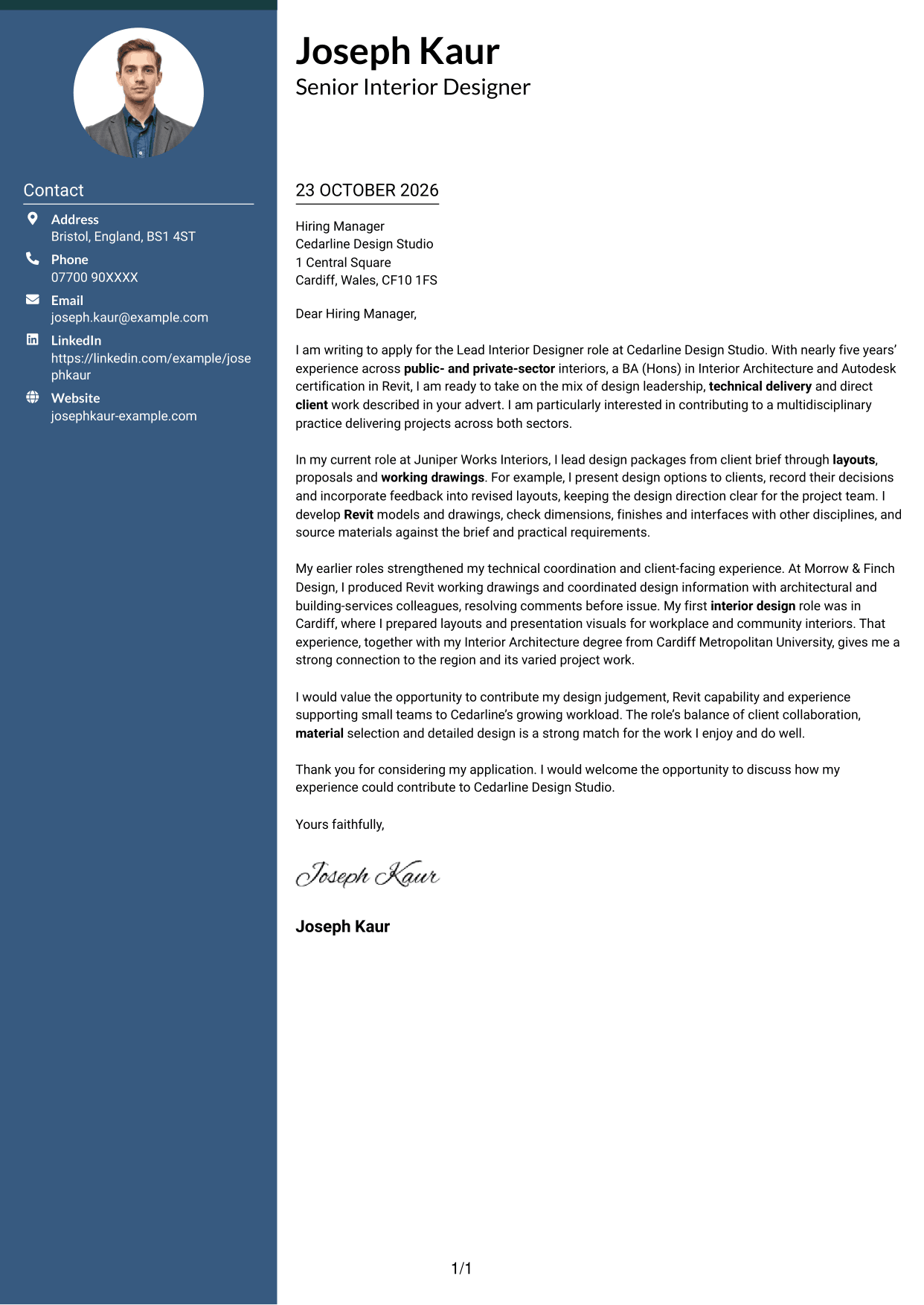
The Two Column Format places contact details in a sidebar beside one continuous letter body, keeping the two areas distinct.
Why This Format Works
- A separate contact area helps reviewers find sender details without entering the letter.
- One continuous body carries the opening, evidence and closing in sequence.
- The side-by-side page suits readers who want contact information beside the message.
Best For
- Side-by-side contact and message layout
- Continuous paragraph-based letters
- Client-facing design applications
- Formal studio correspondence
- Multidisciplinary practice applications
#3 Photo Header Two Column Format Cover Letter Example
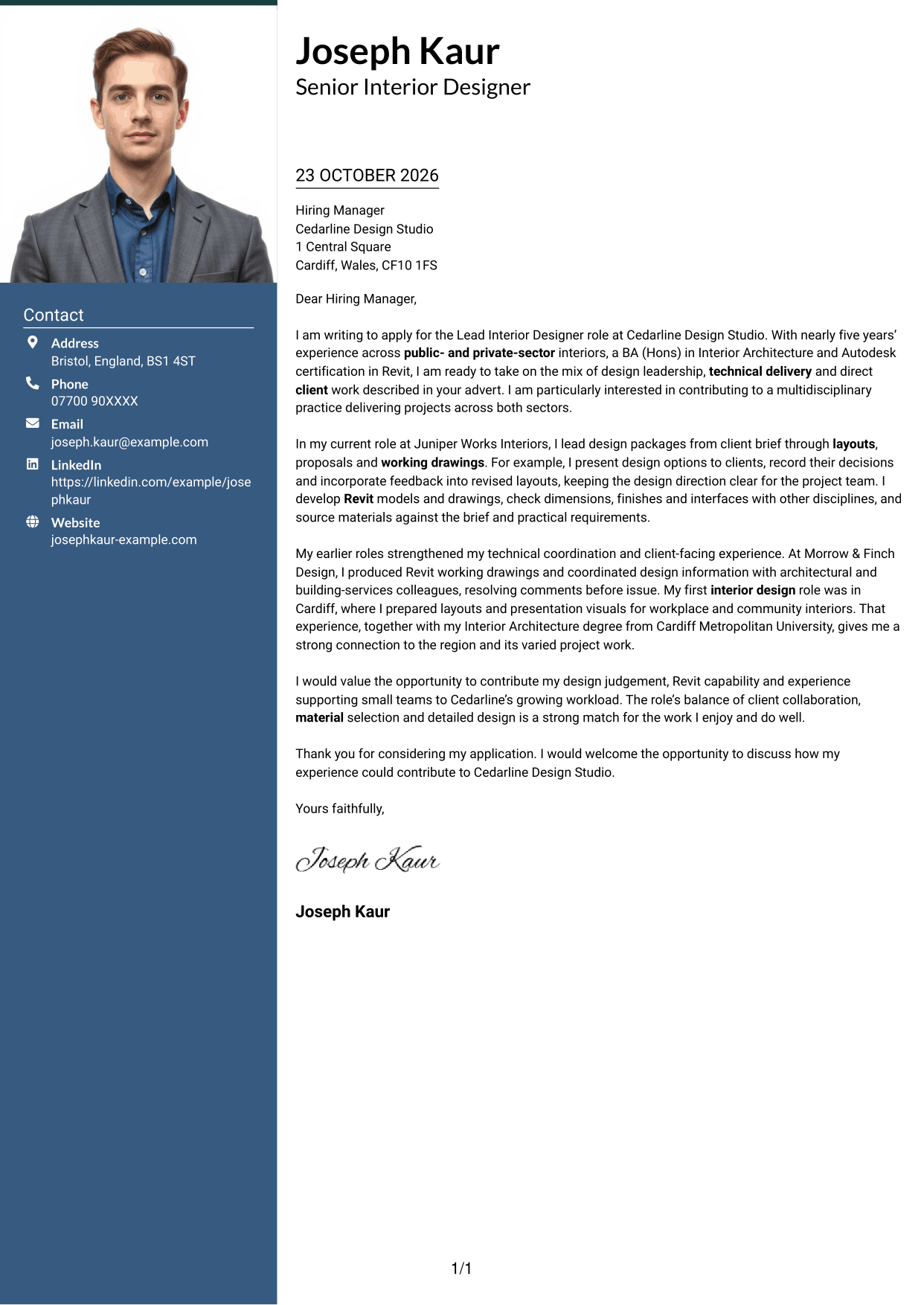
The Photo Header Two Column Format pairs a contact sidebar with one continuous letter body, while a portrait adds a personal cue to the header.
Why This Format Works
- The sidebar keeps sender details apart from the letter's persuasive message.
- A portrait in the header adds a personal visual cue without interrupting the text.
- The paragraph sequence lets reviewers follow motivation, evidence and the closing.
Best For
- Portrait-led correspondence
- Contact details beside the letter
- Continuous paragraph-based arguments
- Client-facing design applications
- Applications where a personal photo is preferred
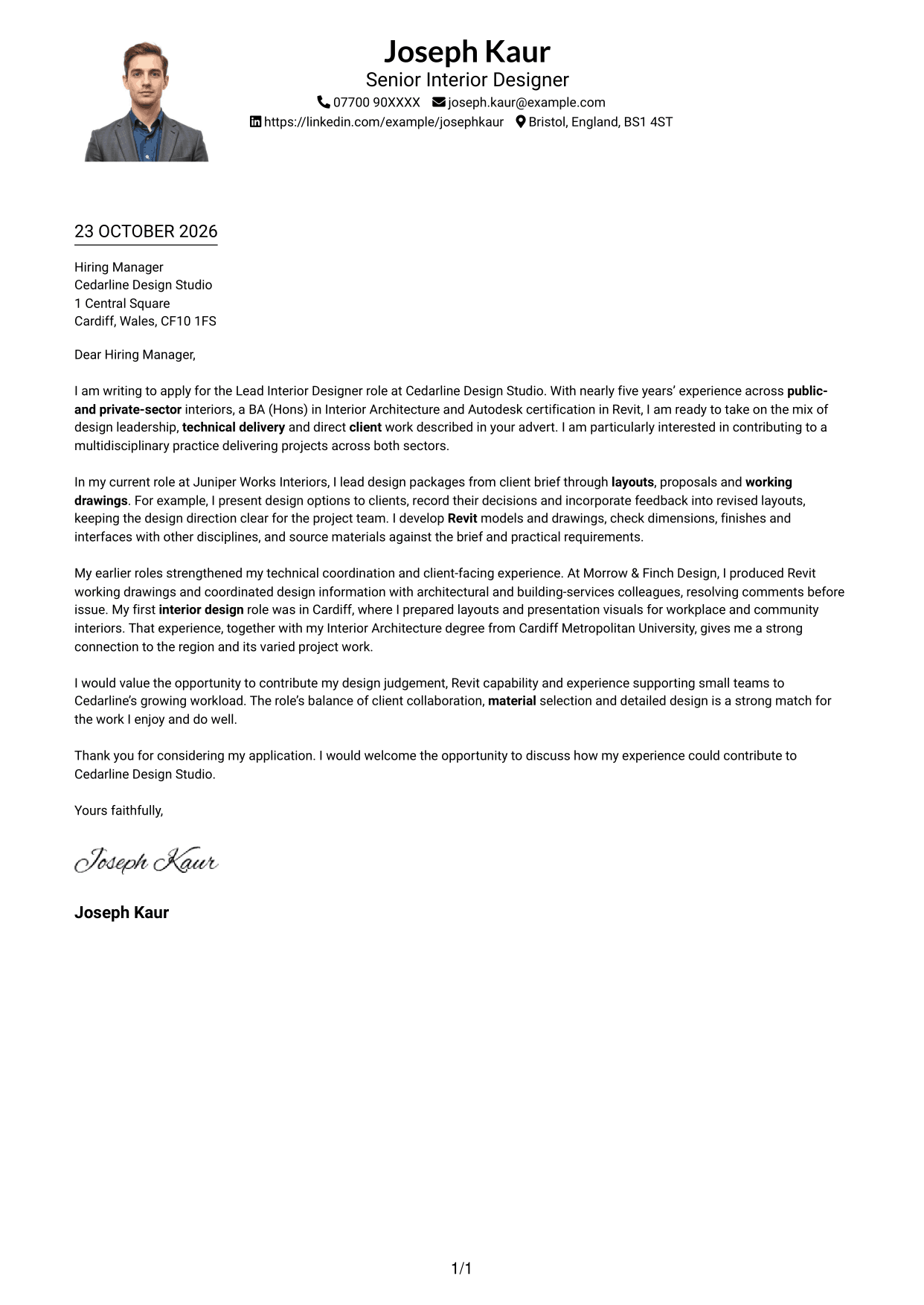
#4 One Column Format with Photo Cover Letter Example
The One Column Format with Photo keeps the letter in a single body column and adds a portrait to its presentation.
Why This Format Works
- A single body column gives each paragraph a clear reading path.
- Sender details in the header leave the main column for the letter.
- The portrait adds a personal visual element without dividing the message.
Best For
- Single-column correspondence
- Portrait-led applications
- Sender details in the header
- Letters centred on written persuasion
- Formal design studio applications
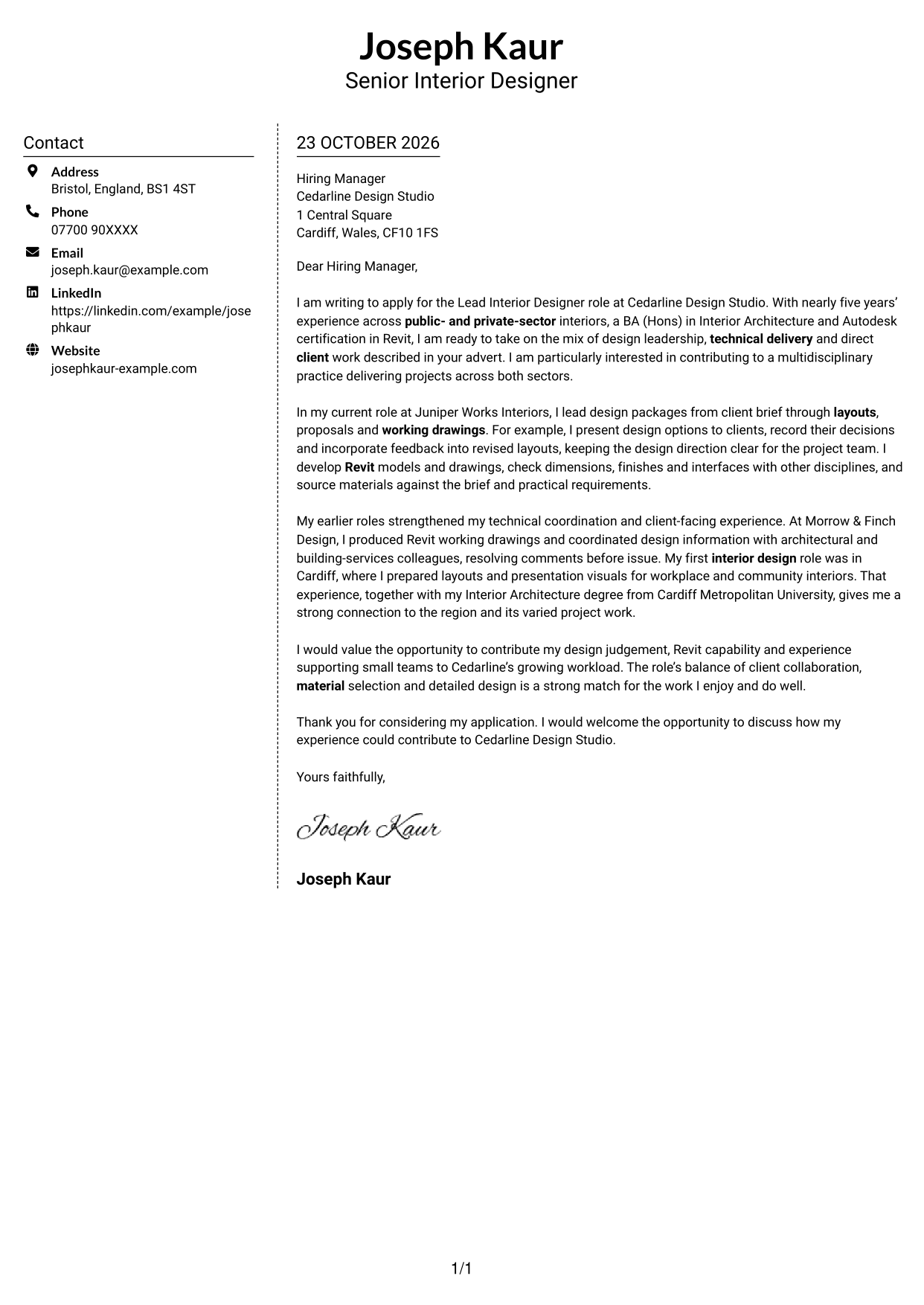
#5 Simple Two Column Format Cover Letter Example
The Simple Two Column Format sets sender contact details in a sidebar beside the letter, making the page structure easy to see.
Why This Format Works
- The sidebar gives sender details a separate place beside the correspondence.
- A continuous body keeps the opening, supporting points and closing together.
- The two-area layout suits readers who prefer clear separation between contact details and text.
Best For
- Side-by-side contact and message layout
- Paragraph-based application letters
- Client-facing design applications
- Formal studio correspondence
- Multidisciplinary practice applications
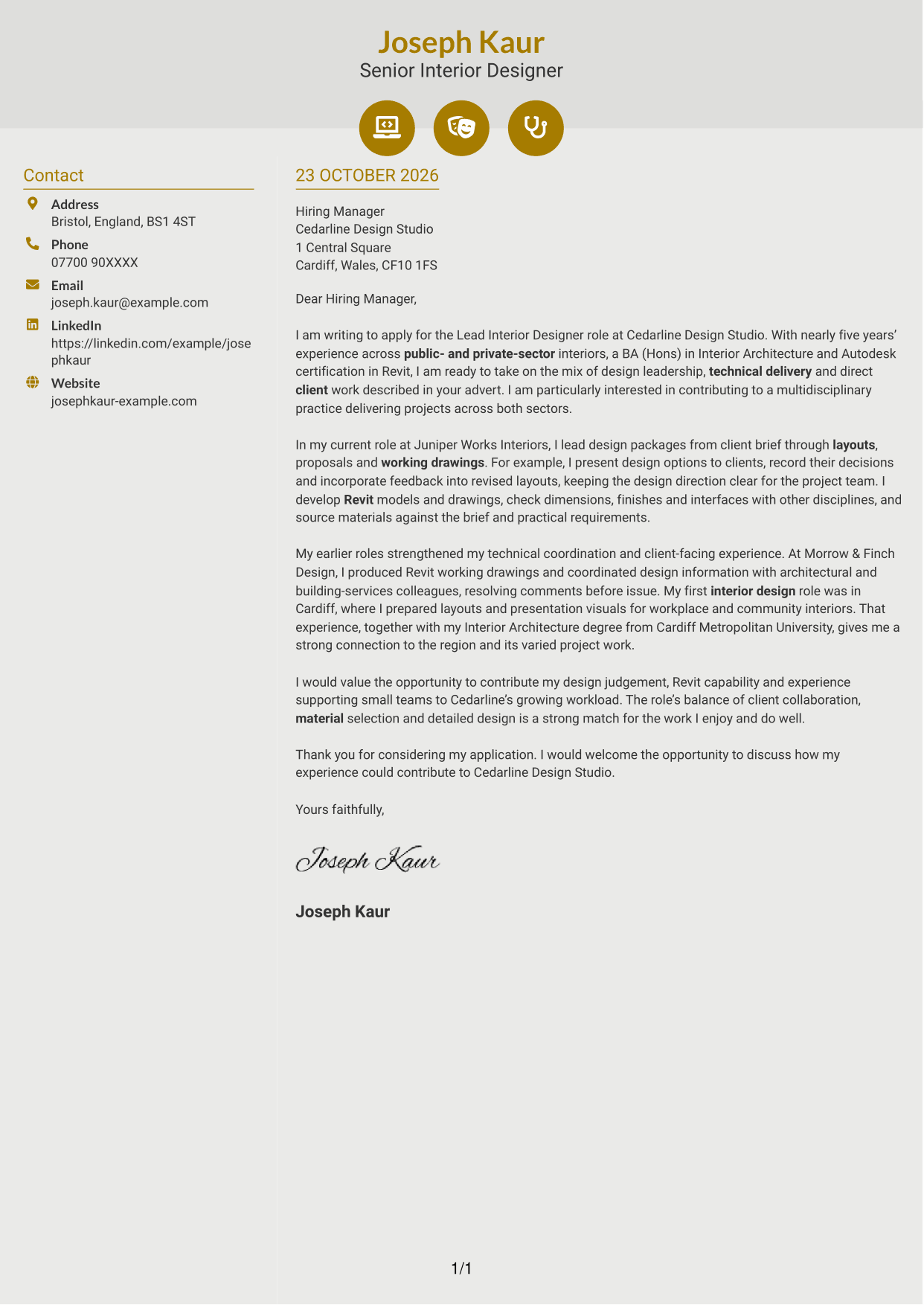
#6 Modern Icon Format Cover Letter Example
The Modern Icon Format uses a contact sidebar beside the continuous letter body, with icons serving as cues for contact details.
Why This Format Works
- Contact icons help reviewers identify sender details in the sidebar.
- The letter remains one continuous body, so its case reads in sequence.
- A distinct contact area keeps practical details apart from the application message.
Best For
- Icon-led contact details
- Side-by-side contact and message layout
- Continuous paragraph-based letters
- Client-facing design applications
- Letters with clear sender information
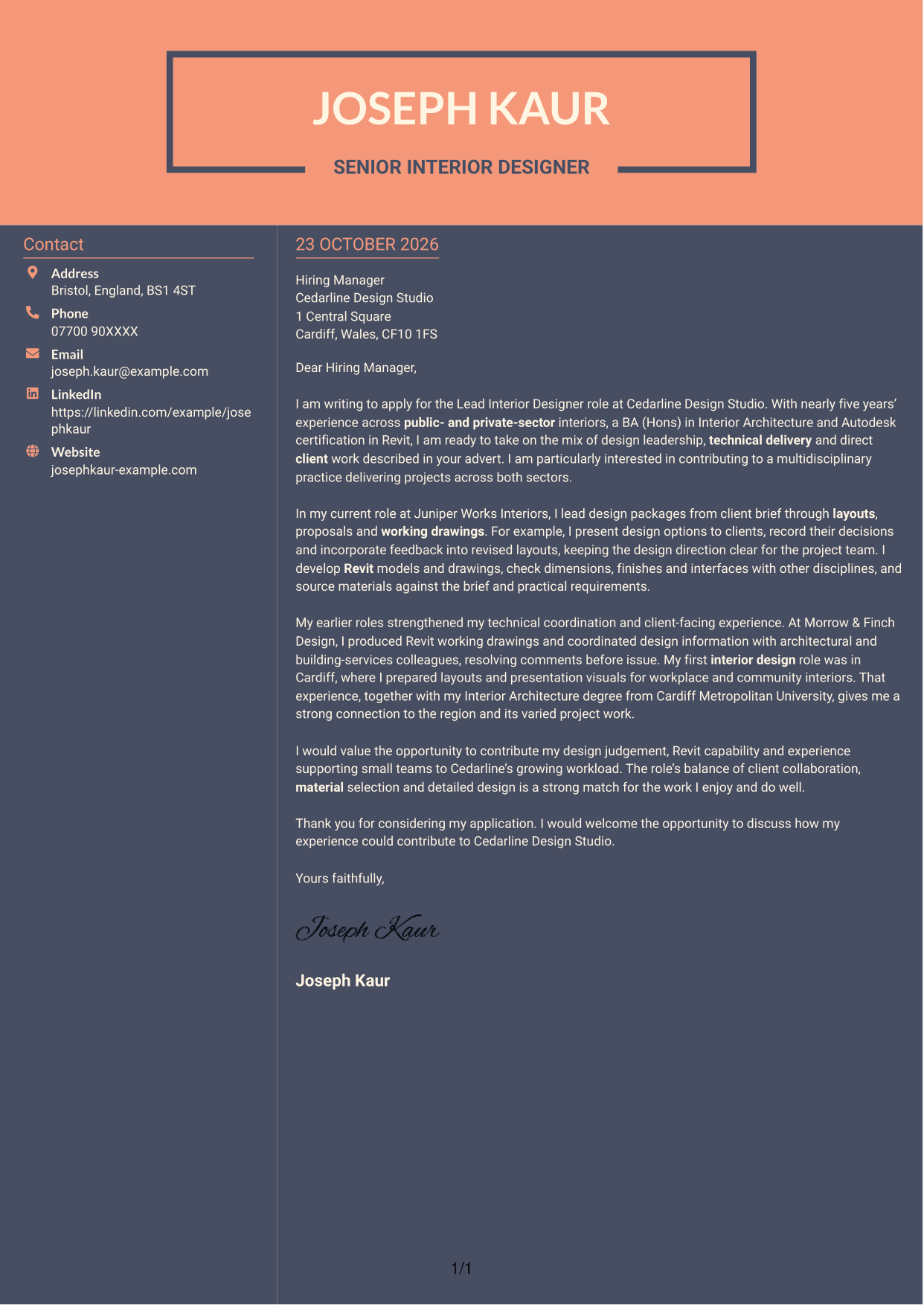
#7 Creative Two Tone Format Cover Letter Example
The Creative Two Tone Format places a contact sidebar beside one continuous letter body, offering a side-by-side way to present details and correspondence.
Why This Format Works
- Sender contact details have their own area beside the letter.
- The continuous body keeps motivation, evidence and the closing in reading order.
- Side-by-side placement suits readers who want contact details visible alongside the message.
Best For
- Side-by-side contact and letter layout
- Continuous persuasive paragraphs
- Client-facing design applications
- Formal studio correspondence
- Multidisciplinary practice applications
See Also
- 7 Lead Interior Designer - Revit CV Templates with Example
- 7 Department Manager - Women's Designer Galleries CV Templates with Example
- 7 Façade Designer - Curtain Walling CV Templates with Example
- 7 Yacht Designer - Exterior Systems CV Templates with Example
- 7 AI Engineer Apprentice - Generative AI CV Templates with Example
- 7 AI Solutions Engineer CV Templates with Example
- 7 Data Scientist & Engineer - Legal Data Products CV Templates with Example
- 7 Projects Manager - Bespoke Joinery CV Templates with Example
- 7 Department Manager - Women's Designer Galleries Cover Letter Templates with Example
- 7 Façade Designer - Curtain Walling Cover Letter Templates with Example
Frequently Asked Questions
What should a Lead Interior Designer - Revit cover letter highlight?
Show how your design work meets client needs and supports reliable project delivery. Useful evidence can include Revit models and working drawings, client presentations, material choices and coordination with other disciplines.
How can I show that my experience fits this role?
Choose a clear example that shows your actions and their purpose. For instance, describe how you presented design options, recorded client decisions and revised layouts to keep the project direction clear.
How should I explain my interest in the practice?
Refer to a genuine feature of the practice’s work, such as its projects across the public and private sectors. Explain why that work interests you and how your design and client experience could support the team.
How should I structure this cover letter?
Start with the role and your main reason for applying. Use the body to connect relevant design, Revit and client examples to the position, then close by restating your interest and inviting a discussion.
Should I include every part of my work history?
No. Focus on the experience that best supports your fit for this position. A few relevant examples of design delivery, client work and technical coordination will make your case more clearly.




