
7 Lead Interior Designer - Revit CV Templates with Example
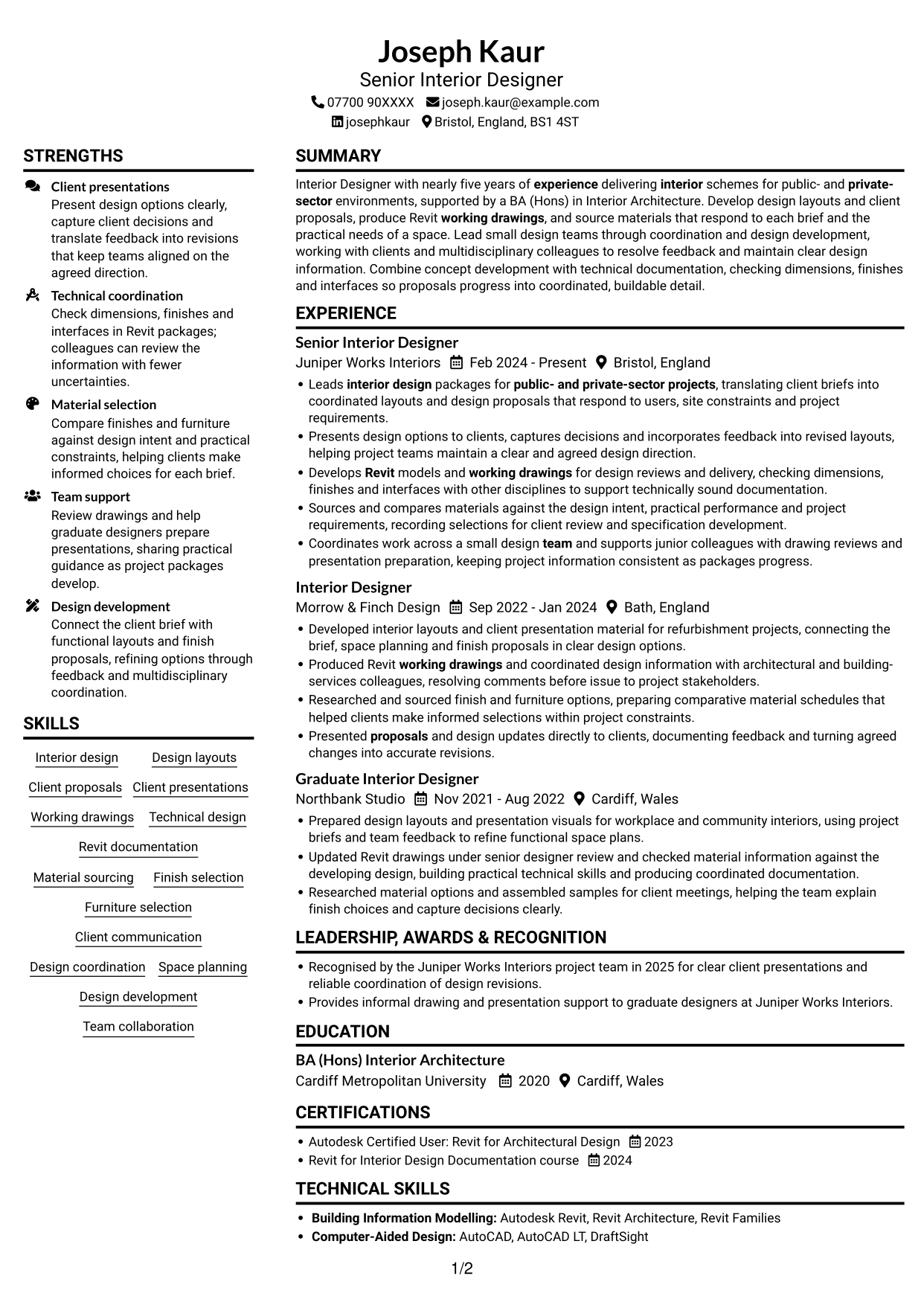
This guide shows you how to create a clear, focused Lead Interior Designer - Revit CV. Learn how to organise your evidence so readers can quickly see your design, technical and client-facing strengths.
A strong CV for this role links design layouts and client proposals with accurate working drawings and thoughtful material choices. Use concise evidence to show how you coordinate design development, respond to feedback and support buildable detail.
Compare the example in 7 layouts through PNG image previews, then open an example in the editor to customise it. The guide also explains ATS readability, useful CV sections and how to present Revit documentation, client presentations, material sourcing and team coordination.
What Makes a Great Lead Interior Designer - Revit CV in 2026
A strong CV makes design work, technical delivery and client contribution easy to scan. Clear bullet points connect each responsibility to a useful outcome.
Use relevant terms such as Revit working drawings, design coordination, material sourcing and client presentations. Include figures only when you can support them.
Note: CV examples are for educational purposes only. Use only information that accurately reflects your experience and qualifications. References to real organisations do not imply affiliation or endorsement.
#1 Plain Two Column Format CV Example
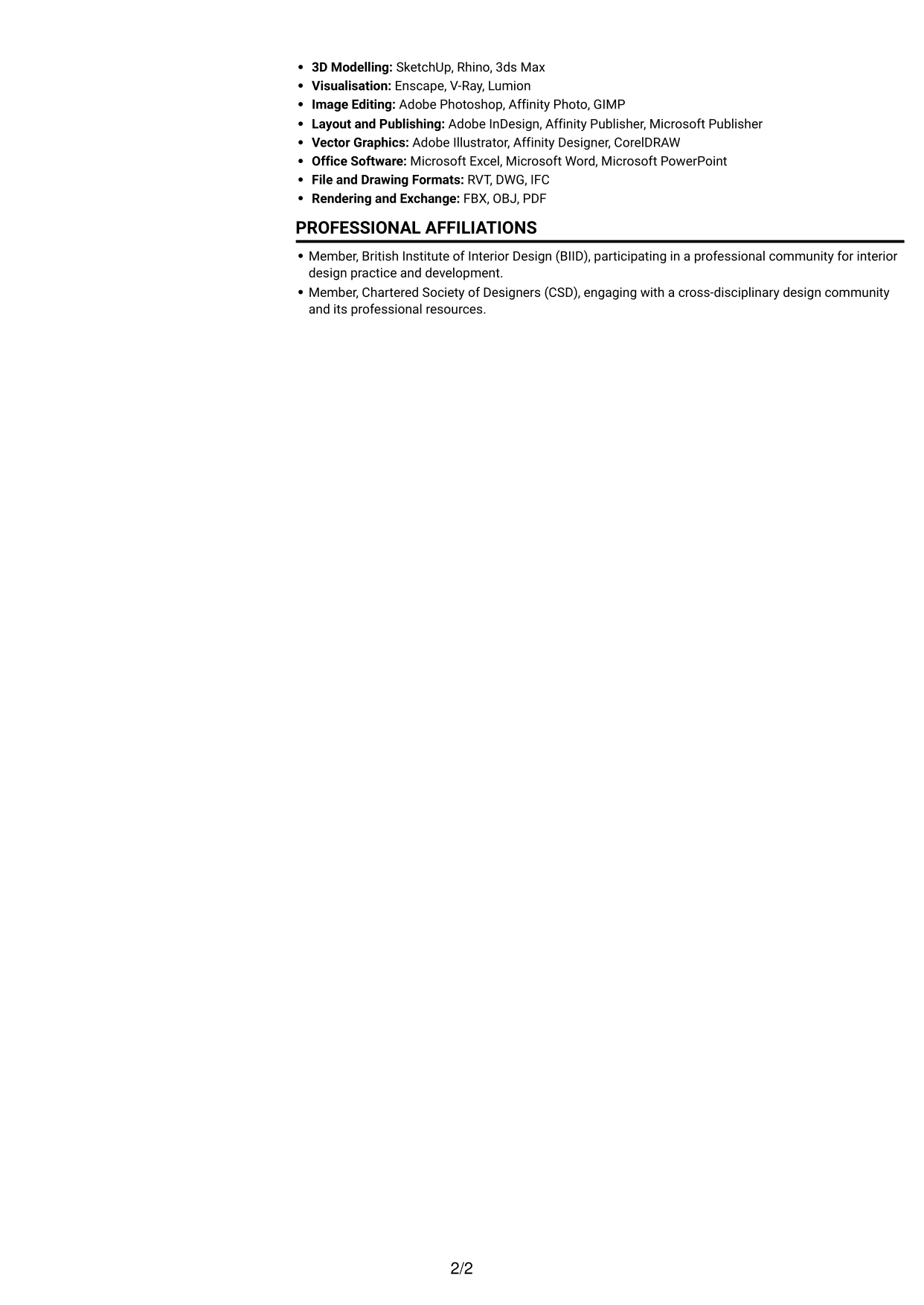
Plain Two Column Format uses a two-column body, giving reviewers a direct way to move between career history and supporting information.
CV Snapshot
- Target role: Lead Interior Designer - Revit
- Experience: nearly five years in interior design
- Education: BA (Hons) Interior Architecture
- Technical focus: Revit working drawings, design coordination and material sourcing
Why This Format Works
- Two body columns give reviewers separate routes to career history and supporting sections.
- Education and credentials can be found without tracing every experience entry.
- Skills and career details remain easy to compare across the document.
Best For
- CVs balancing career history with supporting details
- Readers who prefer two-column navigation
- Applications with several distinct CV sections
- Employment records spanning multiple roles
- CVs with substantial skills and education sections
CV Keywords
- Interior design
- nearly five years of experience delivering interior schemes for public- and private-sector environments
- BA (Hons) Interior Architecture
- coordinated layouts
- Presented proposals and design updates directly to clients
- Working drawings
- Technical design
- Revit
- Material sourcing
- Coordinates work across a small design team
- public- and private-sector projects
#2 Simple One Column Format CV Example
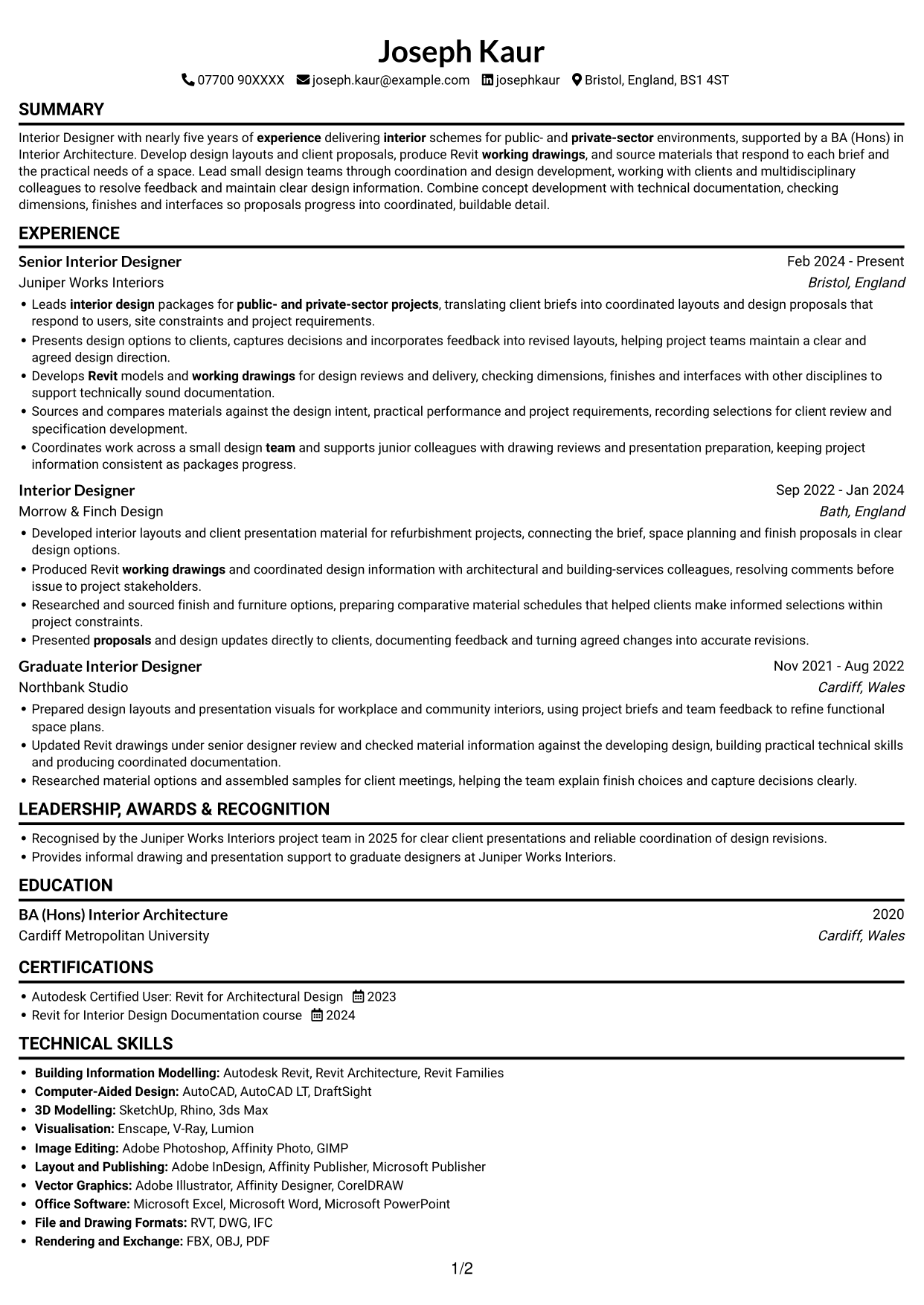
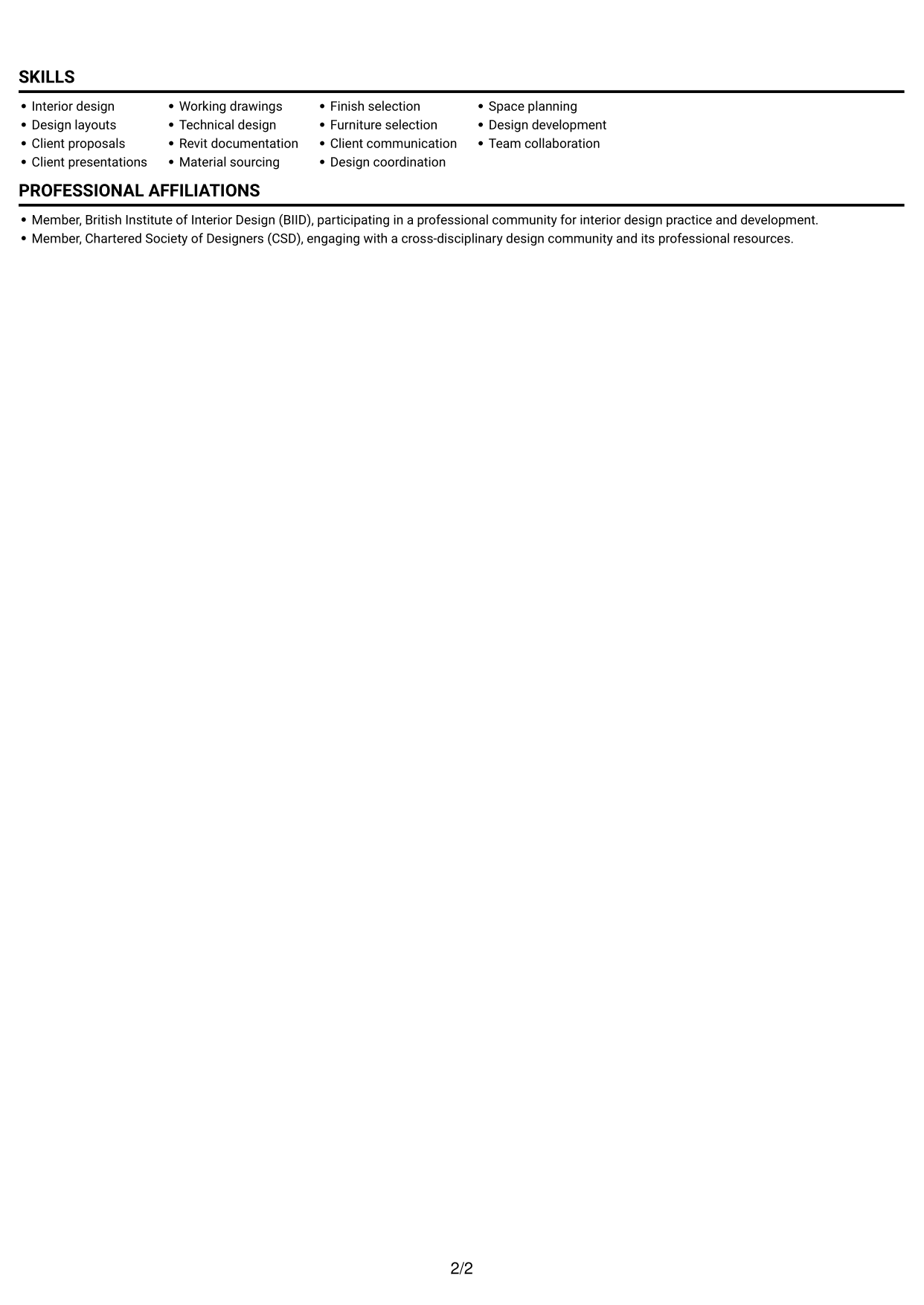
Simple One Column Format keeps all CV sections in one vertical sequence, so reviewers can follow the work history from role to role.
Why This Format Works
- One continuous column keeps dated experience in a clear reading sequence.
- Education and credentials sit within the same flow as employment history.
- Skills and technical information can be reviewed without switching between columns.
Best For
- Chronological employment records
- Readers preferring a single reading path
- CVs with several experience entries
- Detailed education and qualification sections
- Skills needing clear section order
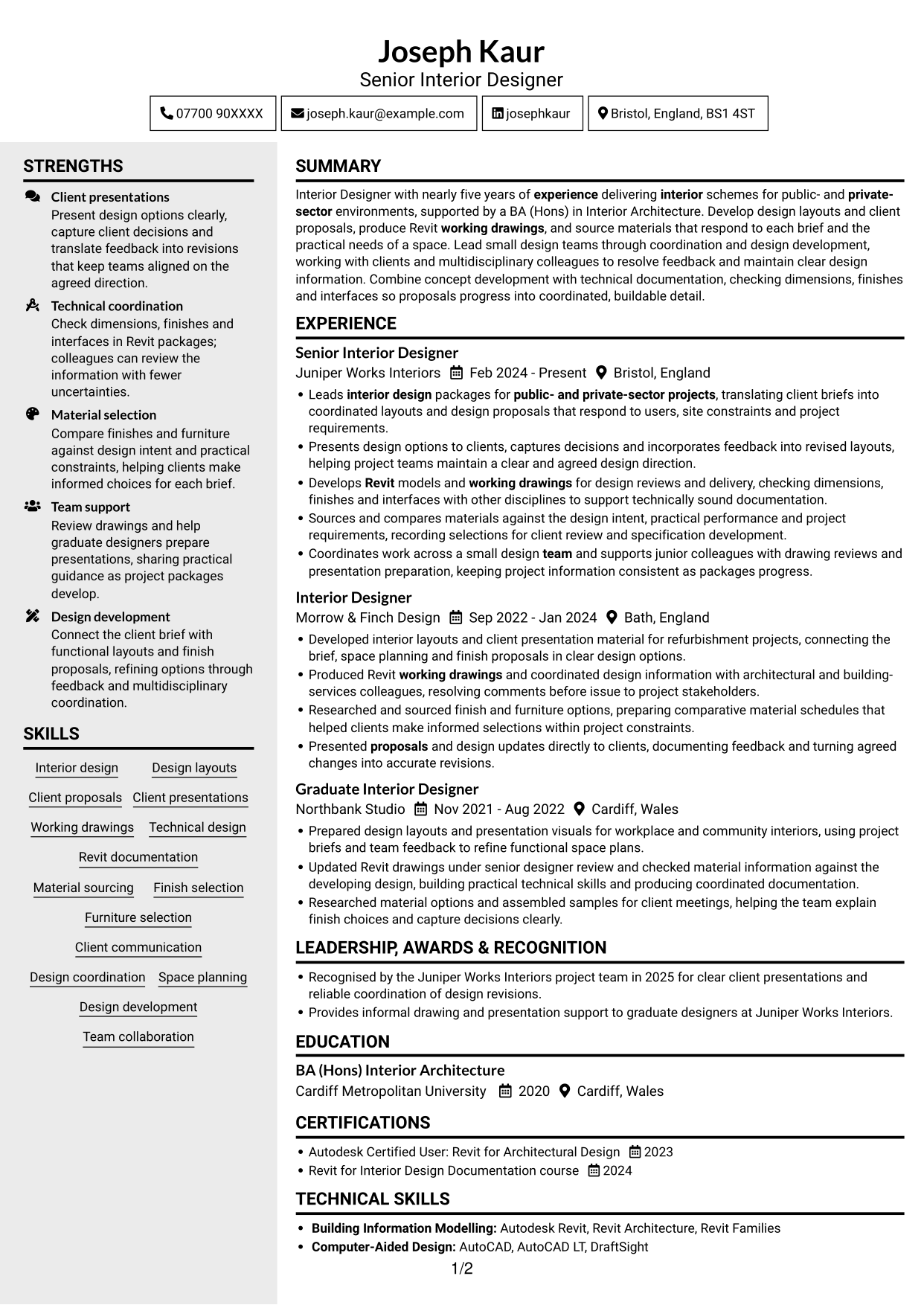
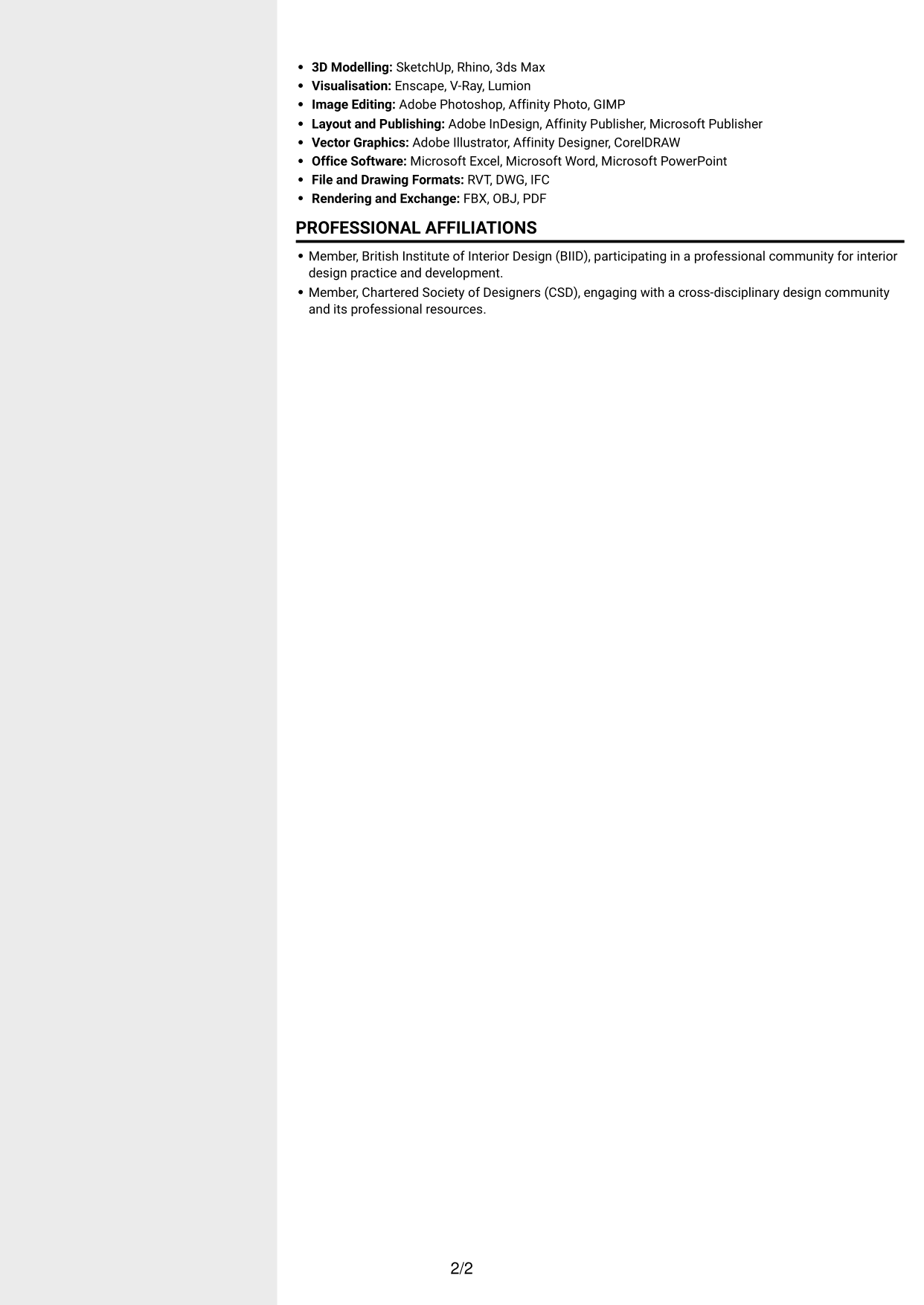
#3 Clean Two Column Sidebar Format CV Example
Clean Two Column Sidebar Format sets the CV content in two columns, helping reviewers move between experience and supporting sections.
Why This Format Works
- A defined two-column structure lets reviewers move between work history and key supporting sections.
- Career progression is easier to follow when experience entries share a clear reading area.
- Education and professional credentials remain simple to locate during a quick review.
Best For
- Readers comparing experience with supporting information
- CVs with several separate content sections
- Career histories needing easy navigation
- Education and credential details
- Applications with varied skills and qualifications
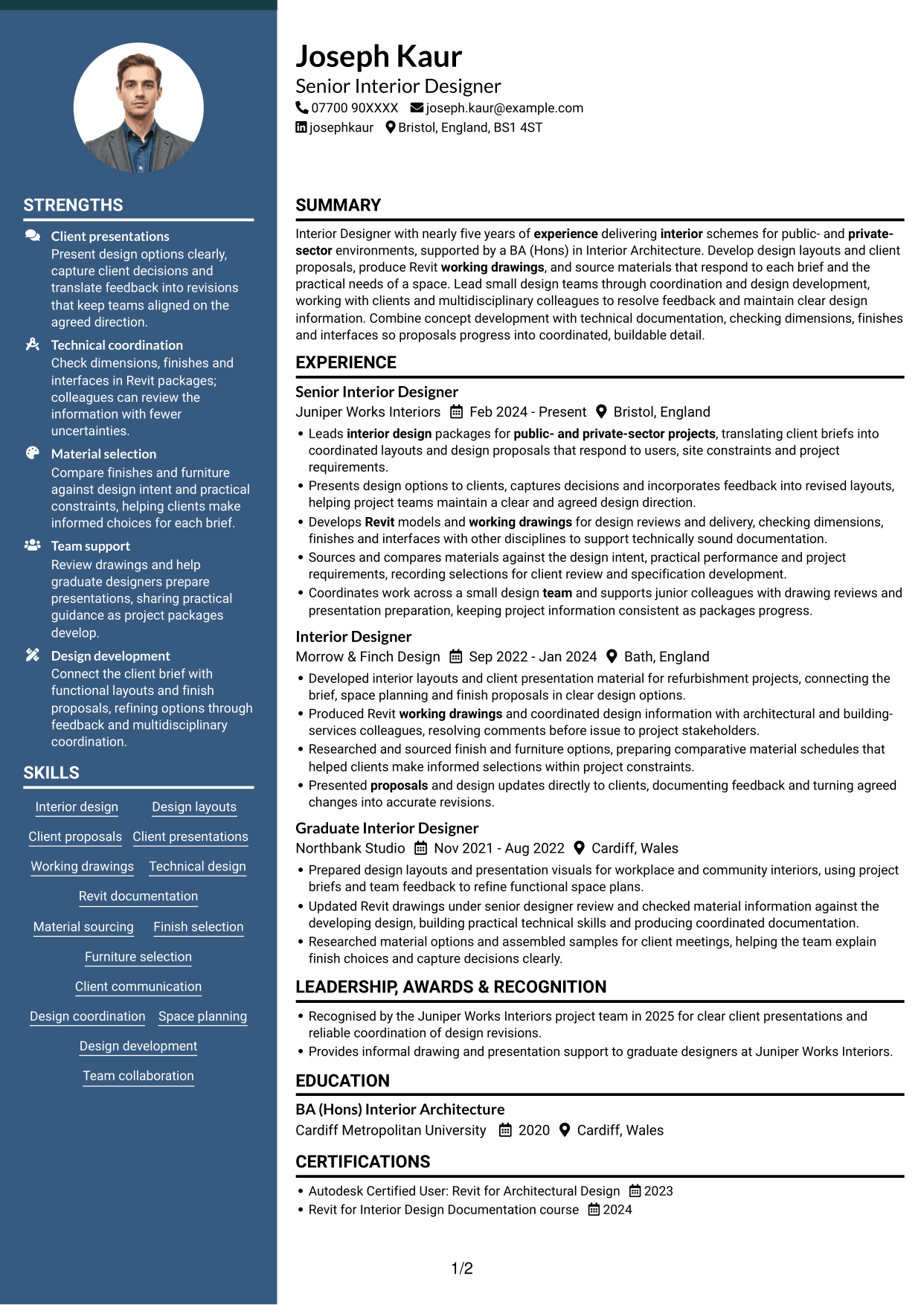
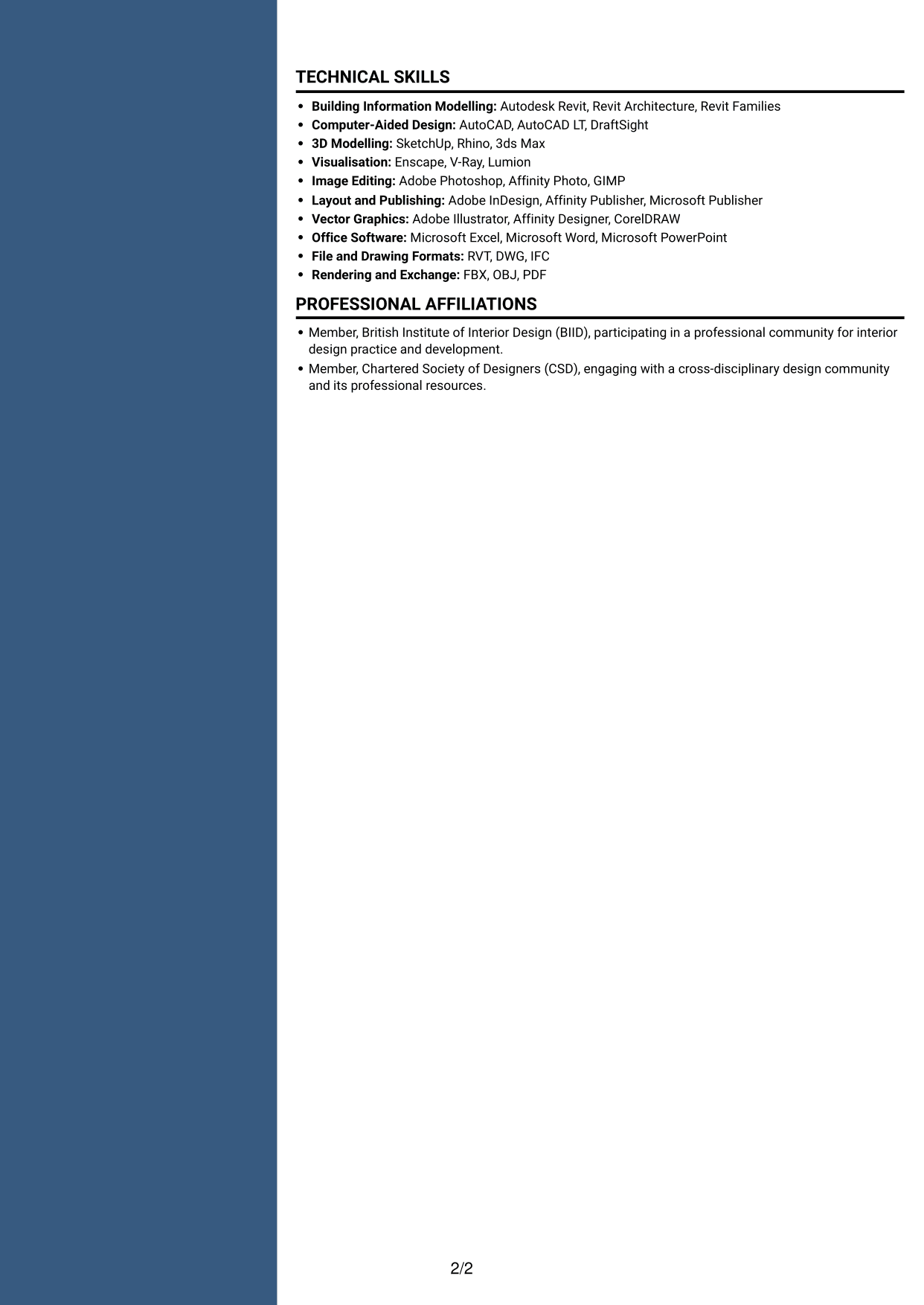
#4 Two Column Format CV Example
Two Column Format divides the body into two reading areas, offering a parallel route through experience and supporting sections.
Why This Format Works
- Two columns give work history and supporting sections distinct places in the overall CV.
- Reviewers can locate skills and education without scanning every employment entry.
- Experience details remain easier to revisit during comparisons across roles.
Best For
- CVs with extensive work history
- Reviewers who scan by section
- Applications containing varied supporting details
- Experience and education in one document
- Skills records alongside professional history
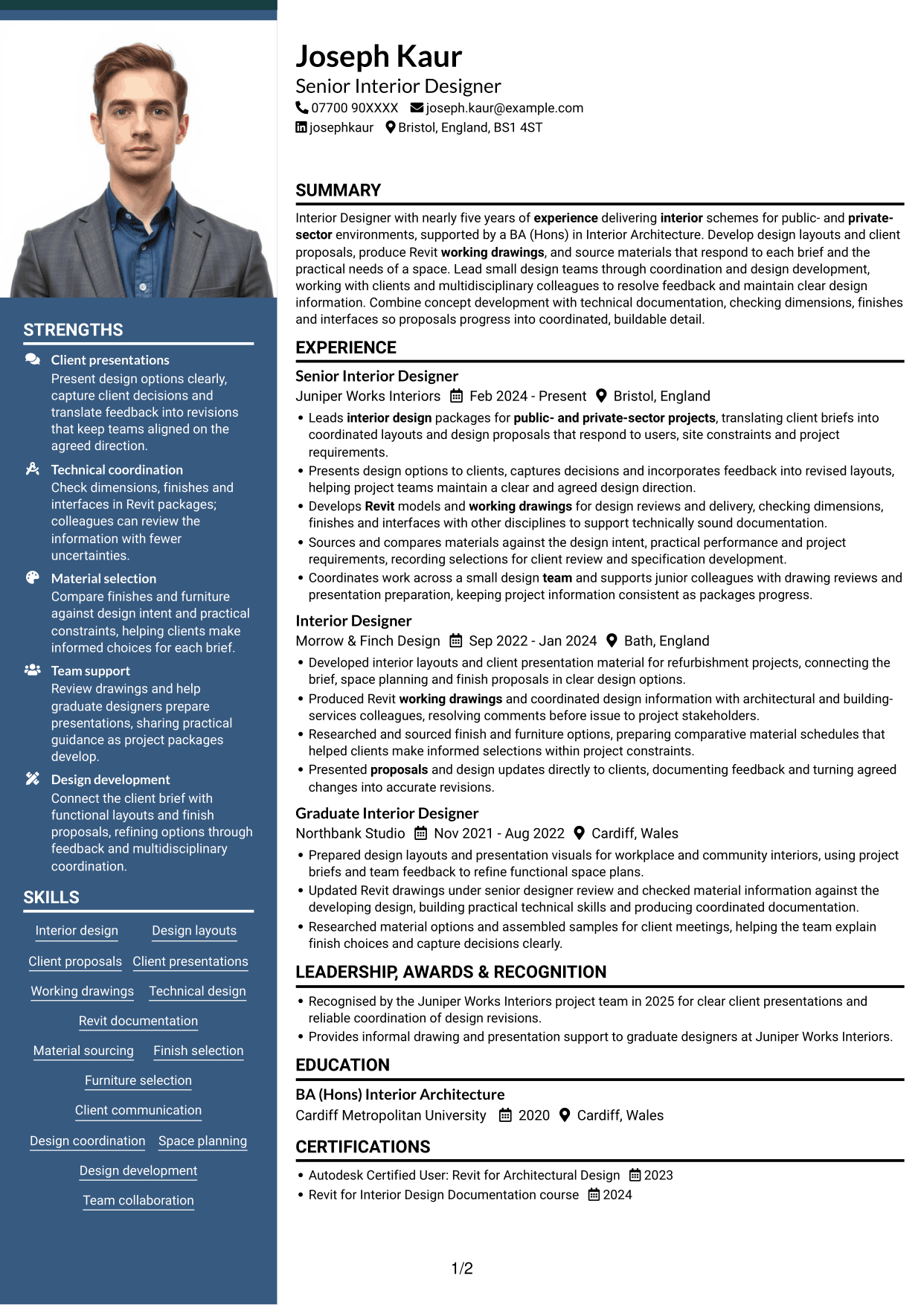
#5 Photo Header Two Column Format CV Example
Photo Header Two Column Format places a portrait in the header above a two-column body, combining a visible profile image with separate content routes.
Why This Format Works
- Two body columns keep the main career record and supporting sections in separate reading areas.
- Reviewers can move from experience to education without losing the document's overall order.
- Distinct content areas make skills and credentials easier to find during a scan.
Best For
- CVs where a portrait is preferred
- Readers wanting two-column section access
- Applications combining career and supporting details
- Employment histories with several roles
- Skills, education and credentials in one CV
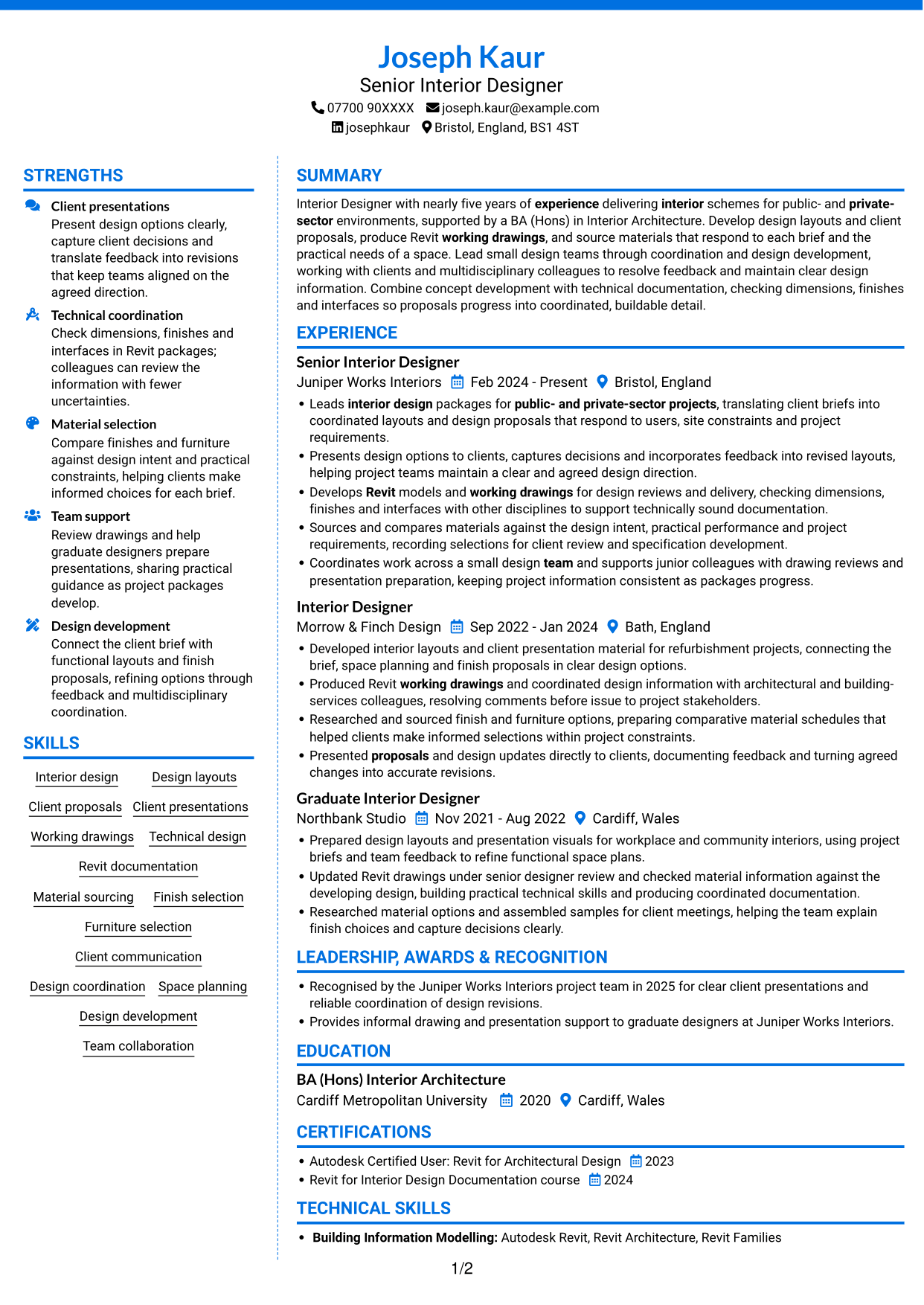
#6 Coloured Two Column Format CV Example
Coloured Two Column Format uses two body columns, allowing reviewers to move between career history and related CV sections.
Why This Format Works
- Two columns let reviewers scan career history and supporting details through separate paths.
- Education and credentials are easier to spot beside the experience record.
- Skills remain accessible without interrupting a review of dated work history.
Best For
- CVs with experience and supporting details
- Readers moving between distinct sections
- Applications with several qualification records
- Career histories needing clear section access
- Skills and education listed alongside experience
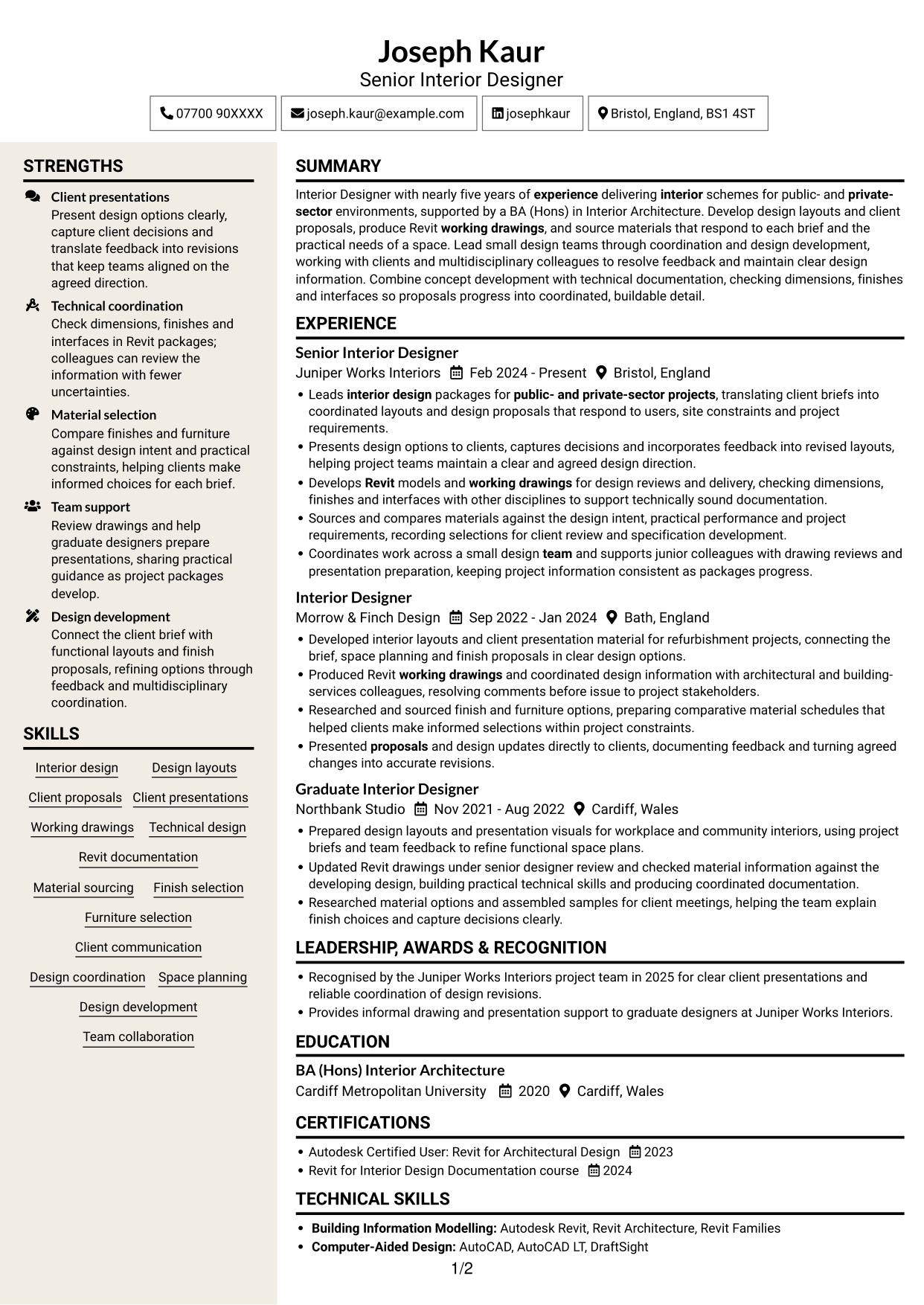
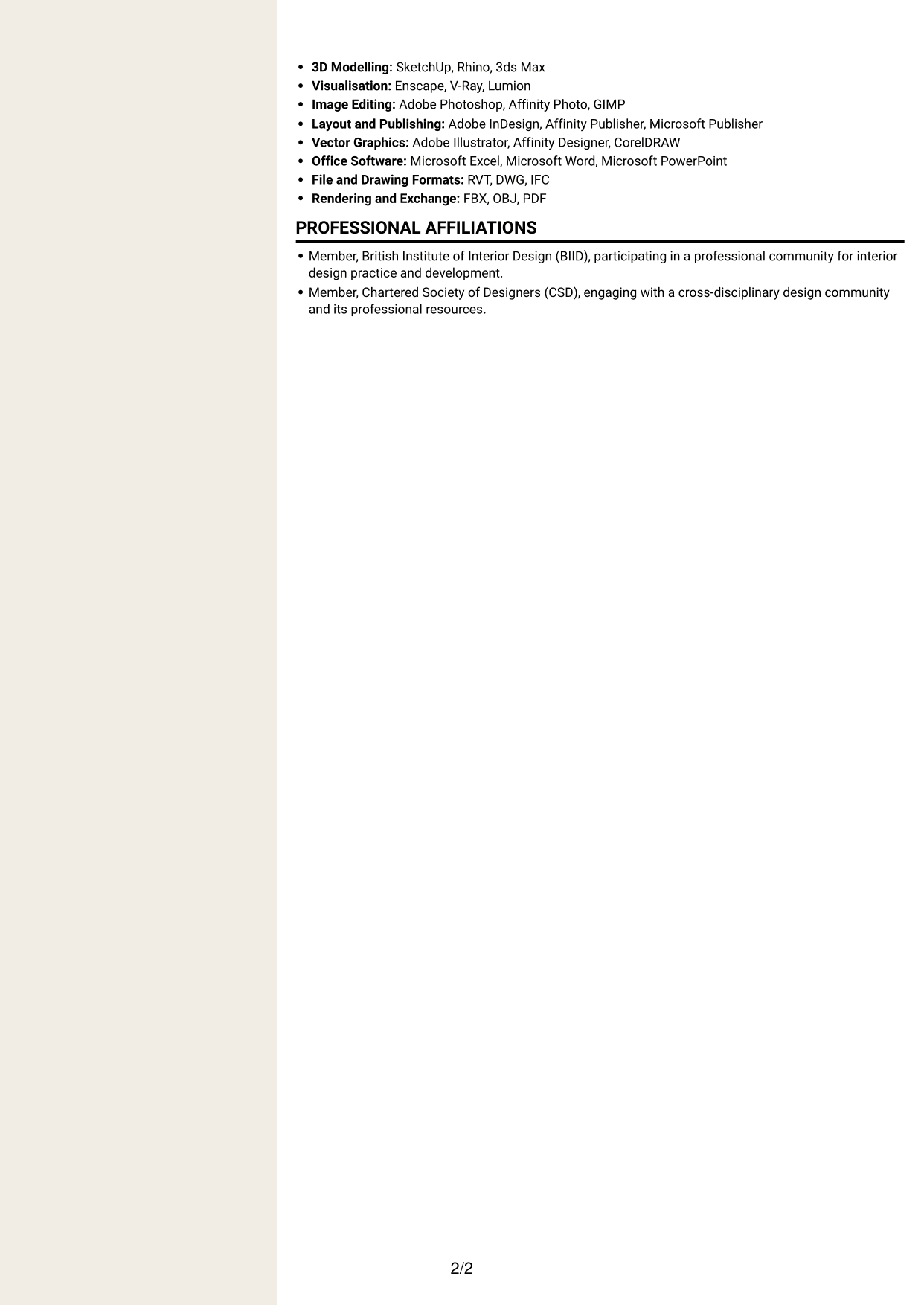
#7 Stylish Two Column Designer Format CV Example
Stylish Two Column Designer Format arranges the body in two columns, giving reviewers a structured way to scan experience and supporting sections.
Why This Format Works
- Two-column organisation gives experience and supporting details distinct places in the reading order.
- Reviewers can return to skills or education without rereading the full career record.
- Separate content areas help keep employment details and qualifications easy to navigate.
Best For
- CVs with several work history entries
- Readers who prefer parallel section access
- Applications with detailed supporting sections
- Employment and education in one document
- Skills lists needing a separate review route
Why Build Your Lead Interior Designer - Revit CV with ResumeInMinutes
ResumeInMinutes helps you organise your interior design experience, skills and education in a clear CV. Compare PNG image previews, then open an example in the editor to customise its content and layout.
- Different CV layouts
- Clear, readable section structure
- Space for role-specific keywords
- Organised skills and experience
- PNG image previews
- CV customisation in the editor
Choose the format that makes your design work easiest to follow. Keep the focus on layouts, technical drawings, client decisions and well-considered material choices.
See Also
- 7 Department Manager - Women's Designer Galleries CV Templates with Example
- 7 Façade Designer - Curtain Walling CV Templates with Example
- 7 Yacht Designer - Exterior Systems CV Templates with Example
- 7 AI Engineer Apprentice - Generative AI CV Templates with Example
- 7 AI Solutions Engineer CV Templates with Example
- 7 Data Scientist & Engineer - Legal Data Products CV Templates with Example
- 7 Projects Manager - Bespoke Joinery CV Templates with Example
- 7 Senior Project Manager - Premium Doors, Joinery and Installation CV Templates with Example
- 7 Lead Interior Designer - Revit Cover Letter Templates with Example
- 7 Department Manager - Women's Designer Galleries Cover Letter Templates with Example
Frequently Asked Questions
Are these Lead Interior Designer - Revit CV templates ATS-friendly?
The examples use clear headings and sections that are easier to scan. Add relevant terms naturally, such as Revit, interior design layouts, working drawings, material sourcing and design coordination.
Are these separate CV examples or different layouts of one example?
This page shows one role-focused CV example in different layouts. Compare the PNG image previews, then open an example in the editor to customise it.
What should a Lead Interior Designer - Revit CV include?
Include a focused summary, relevant experience, education and skills. Show how you develop layouts, prepare client proposals, produce working drawings, source materials and coordinate design work.
Which CV layout works well for this role?
Choose a layout with clear headings and an easy-to-follow order for experience, skills and education. A simple structure helps readers find your design and technical evidence quickly.
How can I show Revit experience on my CV?
Use concise bullet points to explain the drawings or models you produced, the checks you carried out and how you coordinated information with other disciplines. Include only tools and tasks you have used.
Should I include a photo on my CV?
For UK applications, a photo is usually not needed. Use the space for relevant experience, skills and evidence of your design work instead.




