
7 Lead Solutions Architect - Legacy-to-Cloud Migration Cover Letter Templates with Example
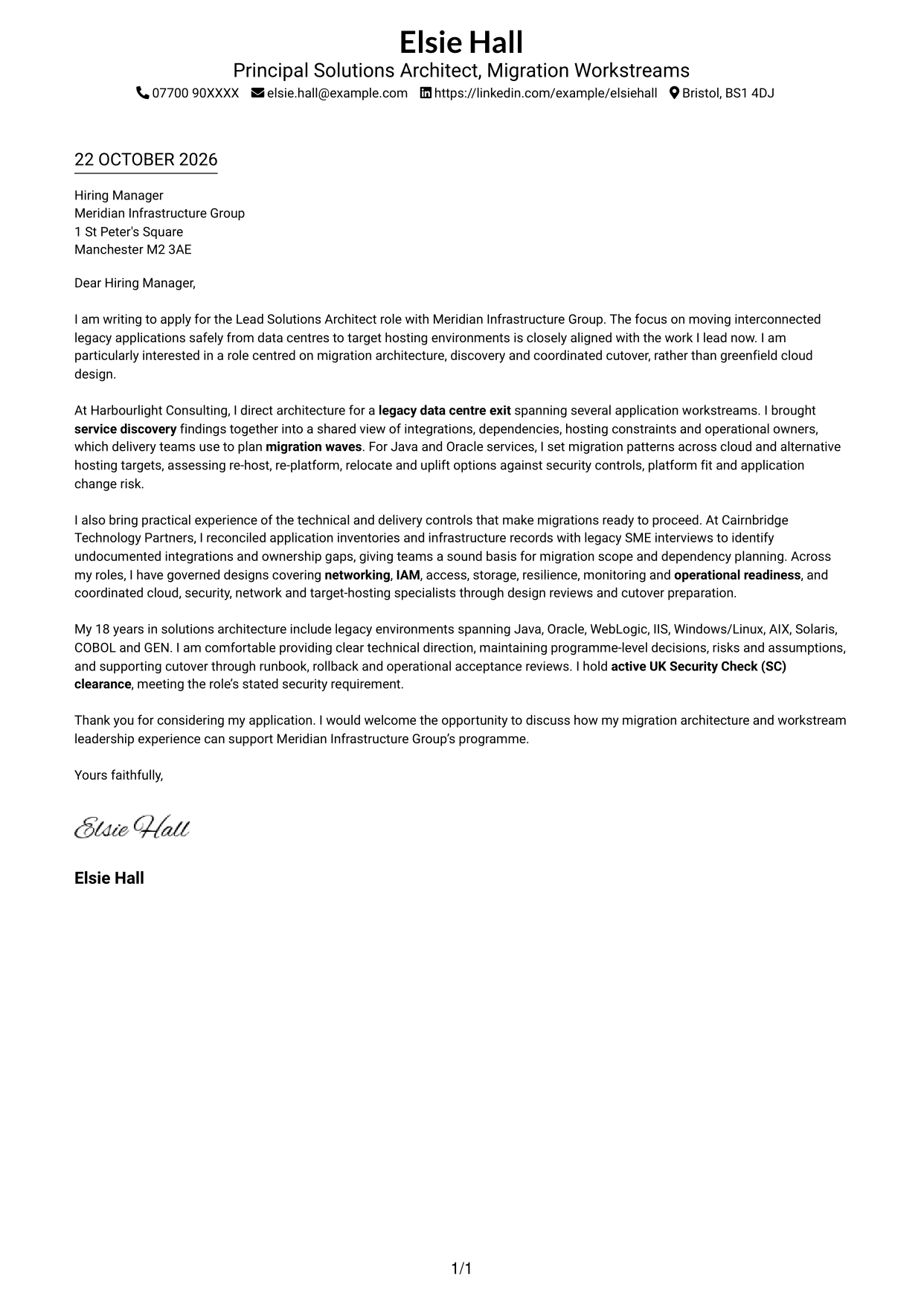
This guide to a Lead Solutions Architect - Legacy-to-Cloud Migration cover letter offers seven layouts to help you present migration leadership clearly.
What Makes a Great Lead Solutions Architect - Legacy-to-Cloud Migration Cover Letter in 2026
A strong letter connects your migration architecture experience to safe, coordinated movement from legacy data centres to target hosting. Open with your interest in the role and the contribution you can make.
Use clear evidence of discovery, migration choices, dependency planning and cutover readiness. Explain how your approach supports the employer’s stated needs, including sound governance and active UK Security Check (SC) clearance where relevant.
The featured example follows a focused progression from role interest to service discovery, migration decisions and delivery controls, then closes with a clear next step; adapt this approach while choosing a presentation suited to the employer and communication context.
#1 Simple One Column Format Cover Letter Example
Sender details sit in the header above one continuous letter column, a straightforward choice for keeping the application’s message in a familiar reading order.
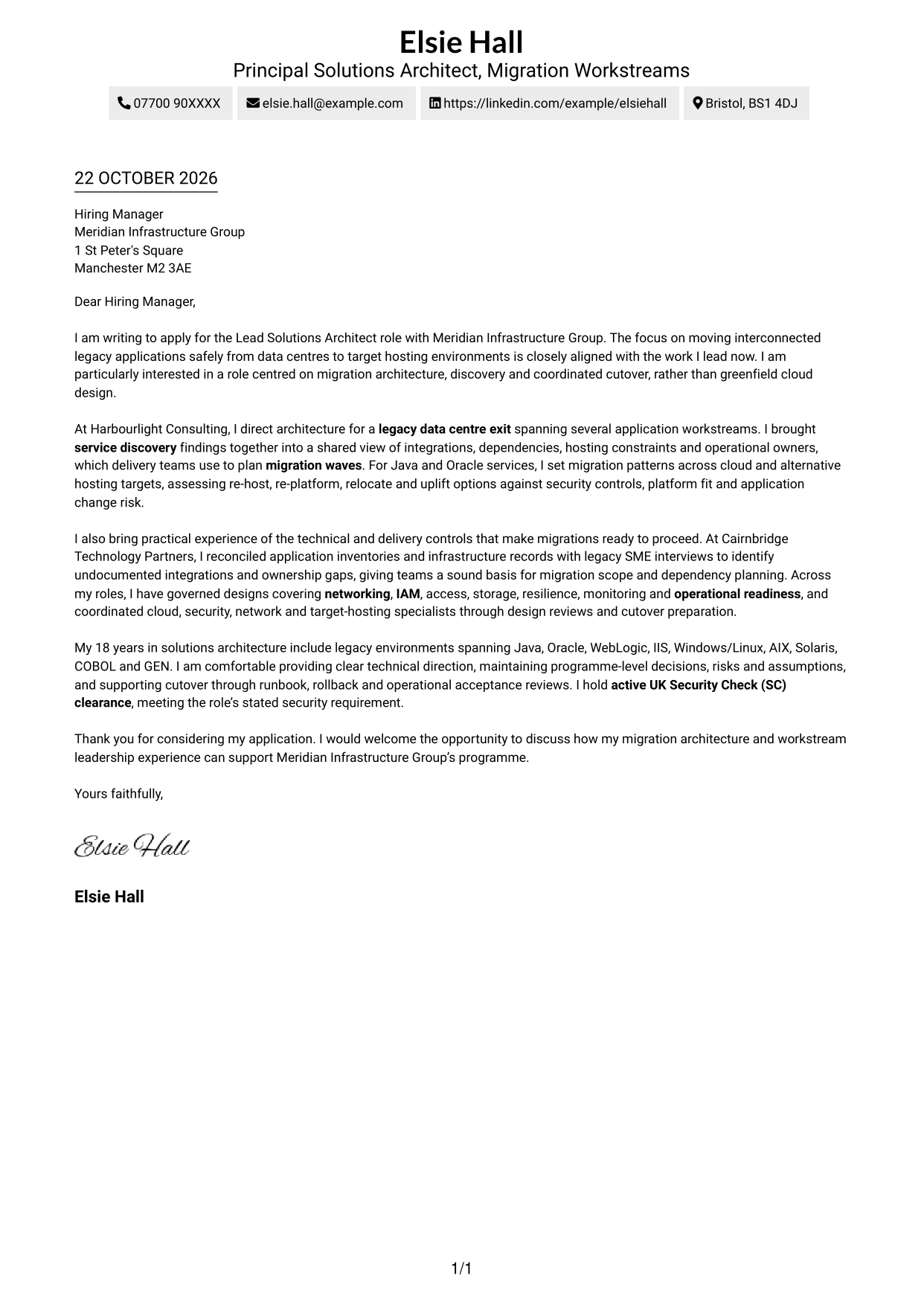
Why This Format Works
- Header contact details remain distinct from the salutation and letter text.
- The single-column page keeps each paragraph in a clear top-to-bottom order.
- No portrait is included, suiting applications that call for a text-led look.
Best For
- Direct, top-to-bottom reading
- A text-led application
- Simple contact details
- Continuous letter paragraphs
- A familiar page layout
#2 Two Column Format Cover Letter Example
A contact sidebar sits beside a single continuous letter body, giving sender information a separate place while keeping the application’s message together.
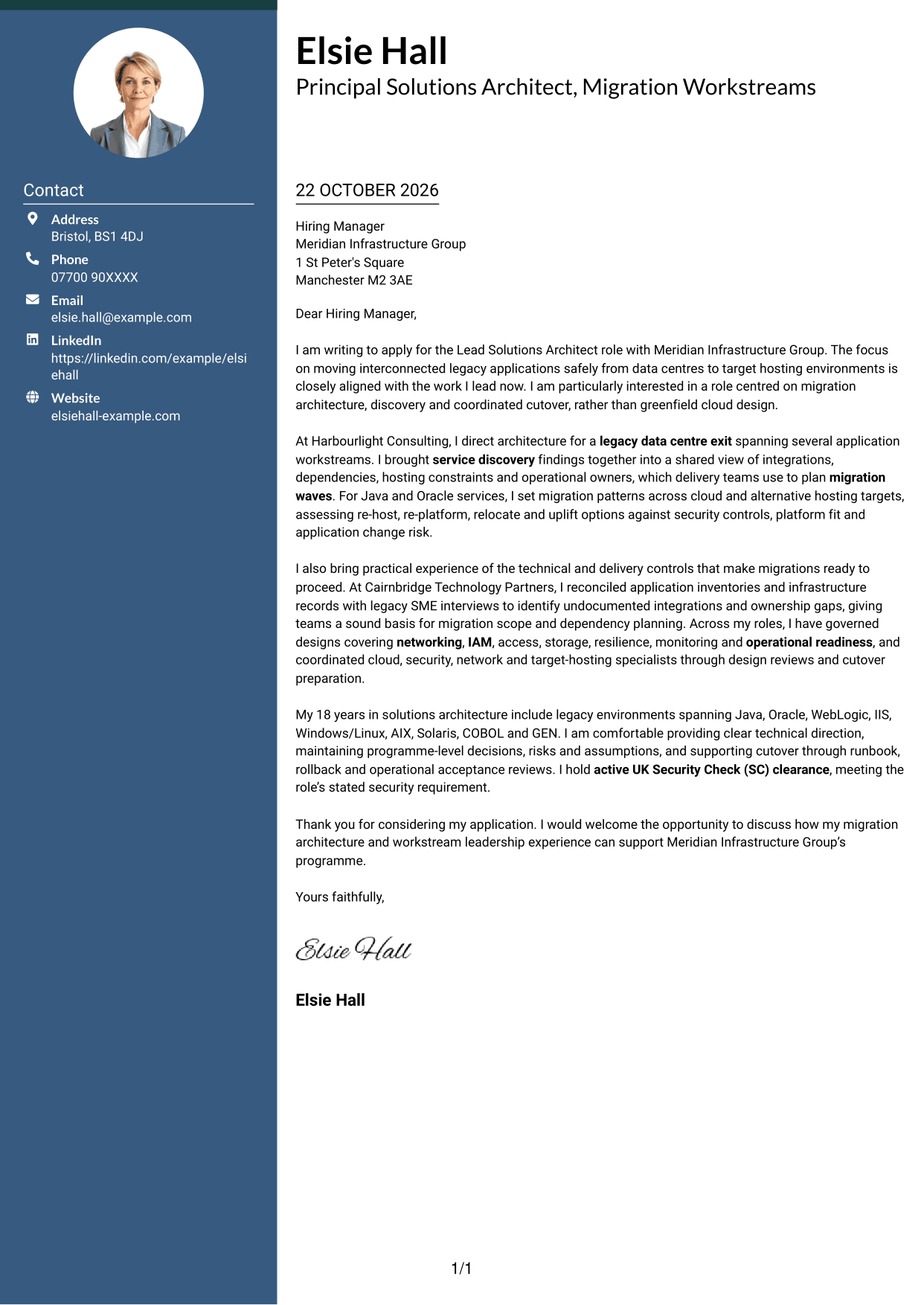
Why This Format Works
- Contact details sit apart from the letter, making sender information easy to find.
- A single body column lets the argument read naturally from opening to close.
- The portrait-free presentation suits readers who prefer a message-led application.
Best For
- Contact details kept separate
- One continuous letter argument
- A clear distinction between sender and message
- Applications without a portrait
- Readers who prefer a sidebar
#3 Photo Header Two Column Format Cover Letter Example
A portrait accompanies the two-column layout, while the letter remains one continuous body, a useful choice for adding a personal visual element without dividing the message.
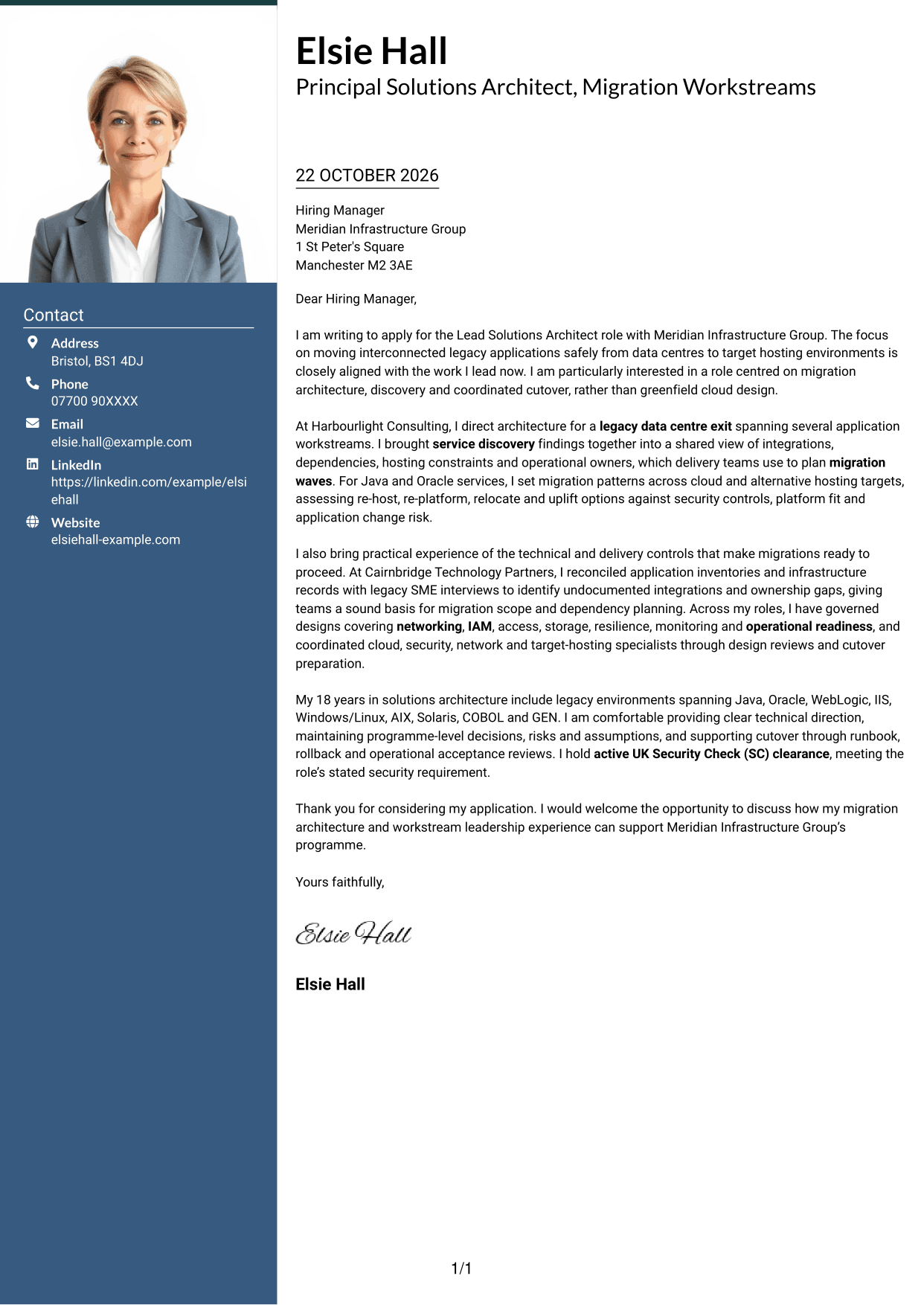
Why This Format Works
- The portrait adds a personal visual element alongside the written application.
- The contact sidebar keeps sender information distinct from the letter body.
- Continuous paragraphs let the opening, supporting points and close read in sequence.
Best For
- A portrait alongside contact details
- One uninterrupted letter body
- A personal visual element
- Contact information set apart
- Applications with a clear paragraph flow
#4 One Column Format with Photo Cover Letter Example
This layout pairs a photo with a single-column letter, offering a personal visual detail while keeping the message in one direct reading path.
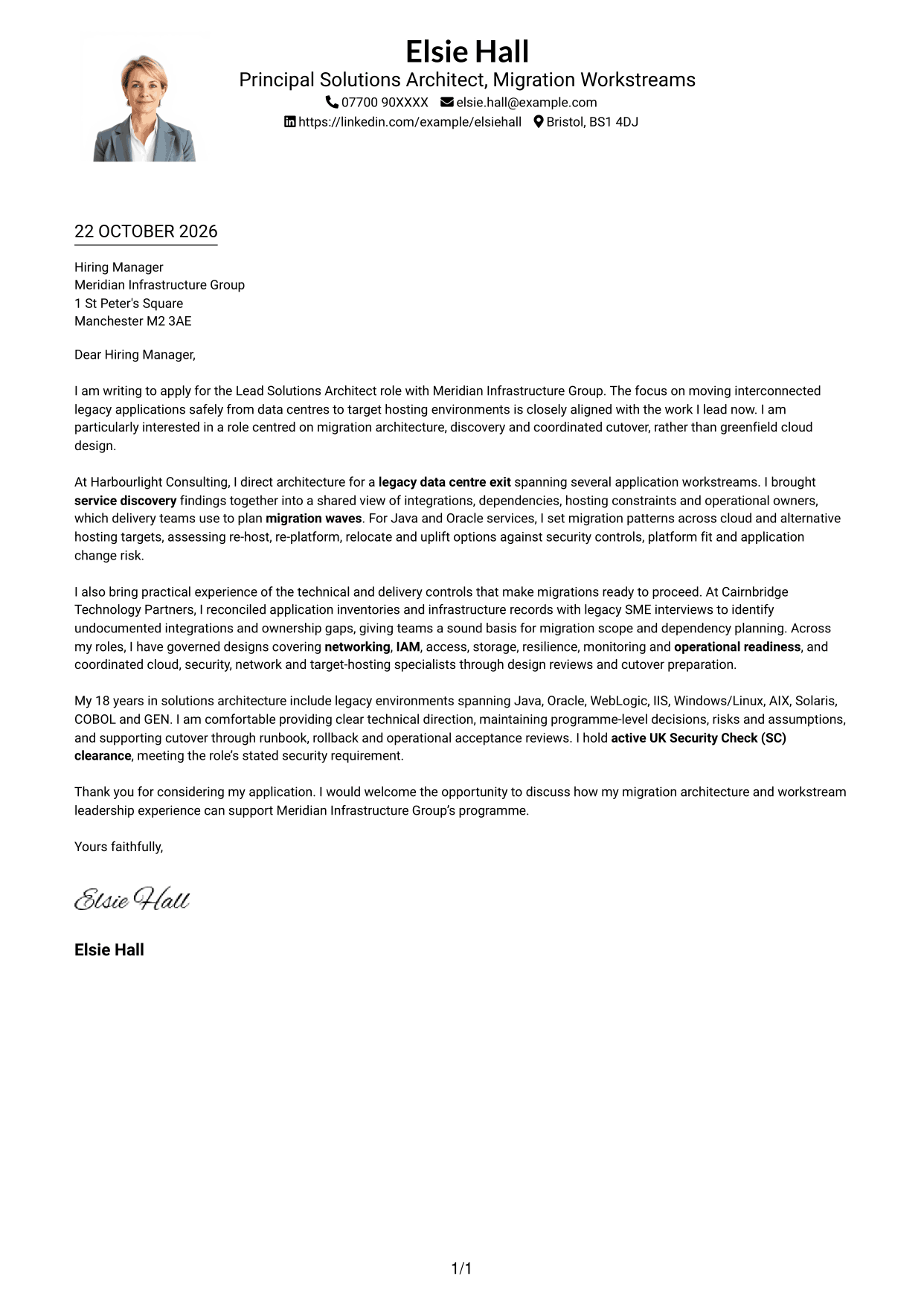
Why This Format Works
- The photo provides a visible personal touch without splitting the letter into columns.
- A single body column keeps the paragraphs in a straightforward reading order.
- Sender details in the header remain apart from the letter’s main message.
Best For
- A photo with a single-column letter
- One direct reading path
- A personal visual detail
- Header contact information
- Continuous application paragraphs
#5 Simple Two Column Format Cover Letter Example
The contact sidebar and continuous letter body occupy separate columns, making this a practical choice when sender details should be easy to distinguish from the application message.
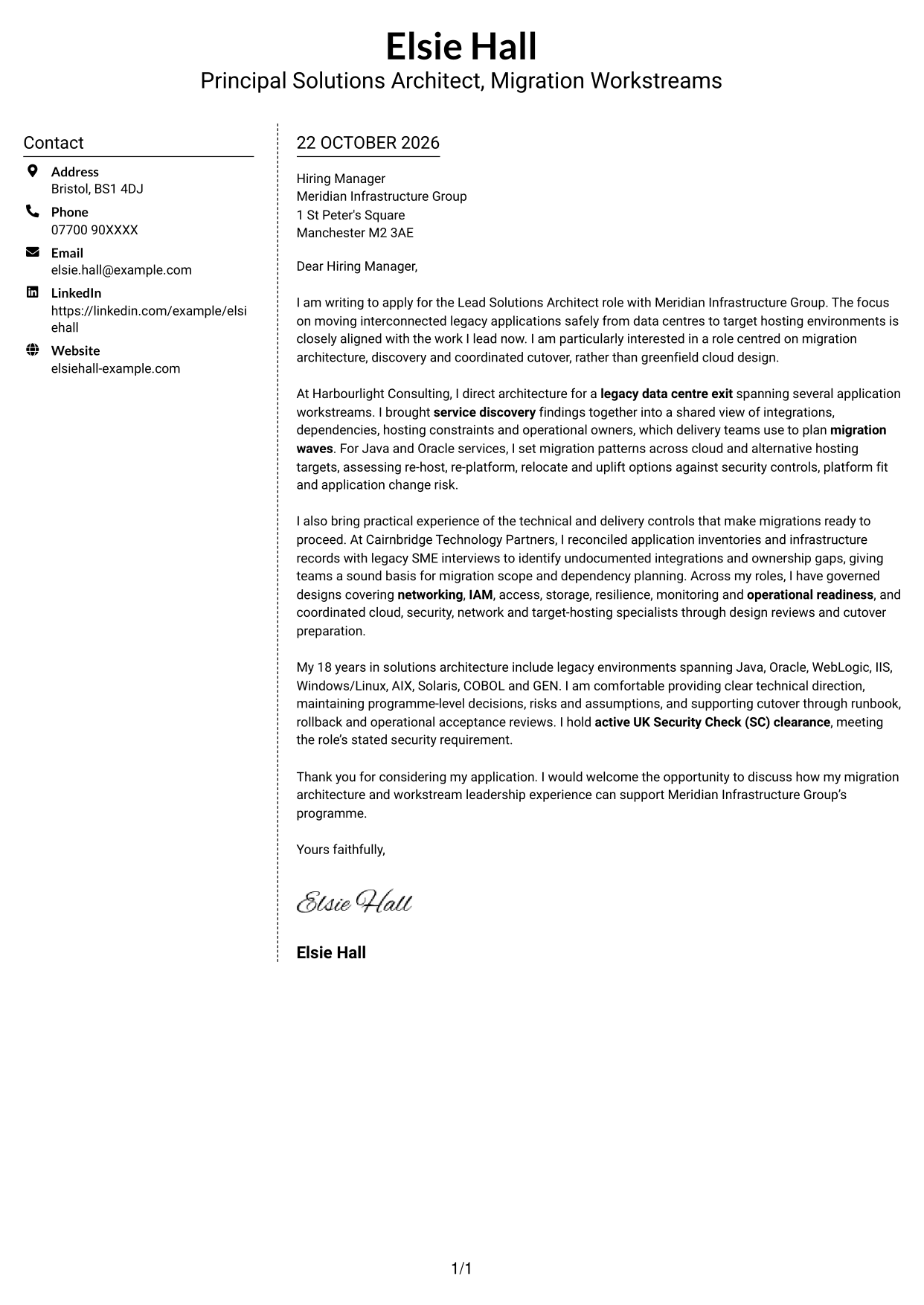
Why This Format Works
- The sidebar gives sender details a defined place beside the letter.
- The message stays in one body column rather than splitting across columns.
- Without a photo, the layout keeps its visual focus on text.
Best For
- Sender details beside the letter
- A single-column message
- Text-focused applications
- Separate contact information
- A straightforward two-column layout
#6 Modern Icon Format Cover Letter Example
Contact icons accompany the two-column layout, providing visual cues for sender details while the letter itself remains one continuous body.
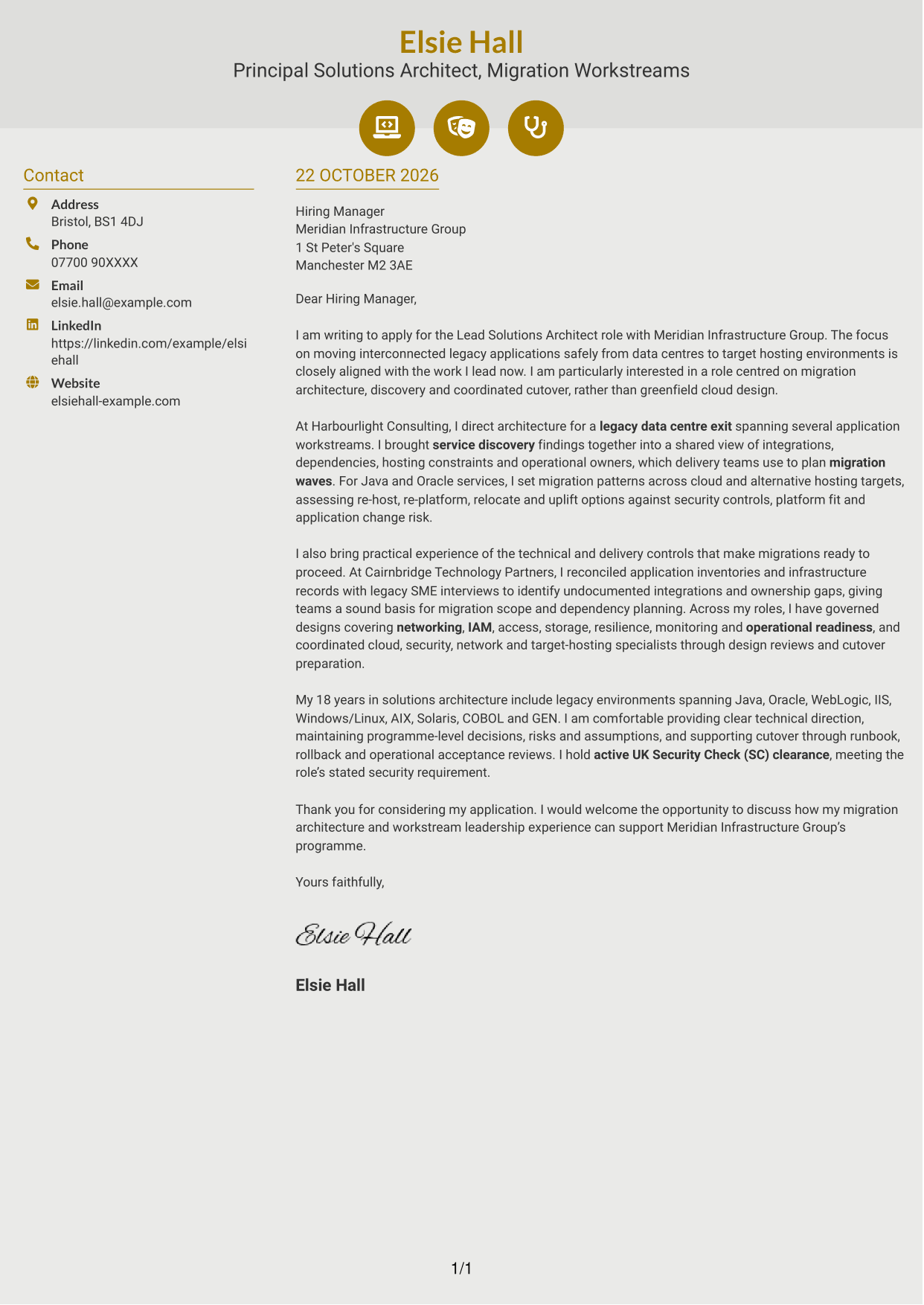
Why This Format Works
- Icons act as cues for contact details, not for stages of the letter.
- The sidebar separates sender information from the main message.
- One continuous body lets readers follow the application from greeting to close.
Best For
- Icon-led contact details
- A distinct contact sidebar
- One continuous letter body
- A visual cue for sender information
- Applications with clear reading order
#7 Creative Two Tone Format Cover Letter Example
A contact sidebar sits beside one continuous letter body, a useful arrangement when sender details need a separate place and the message should remain together.
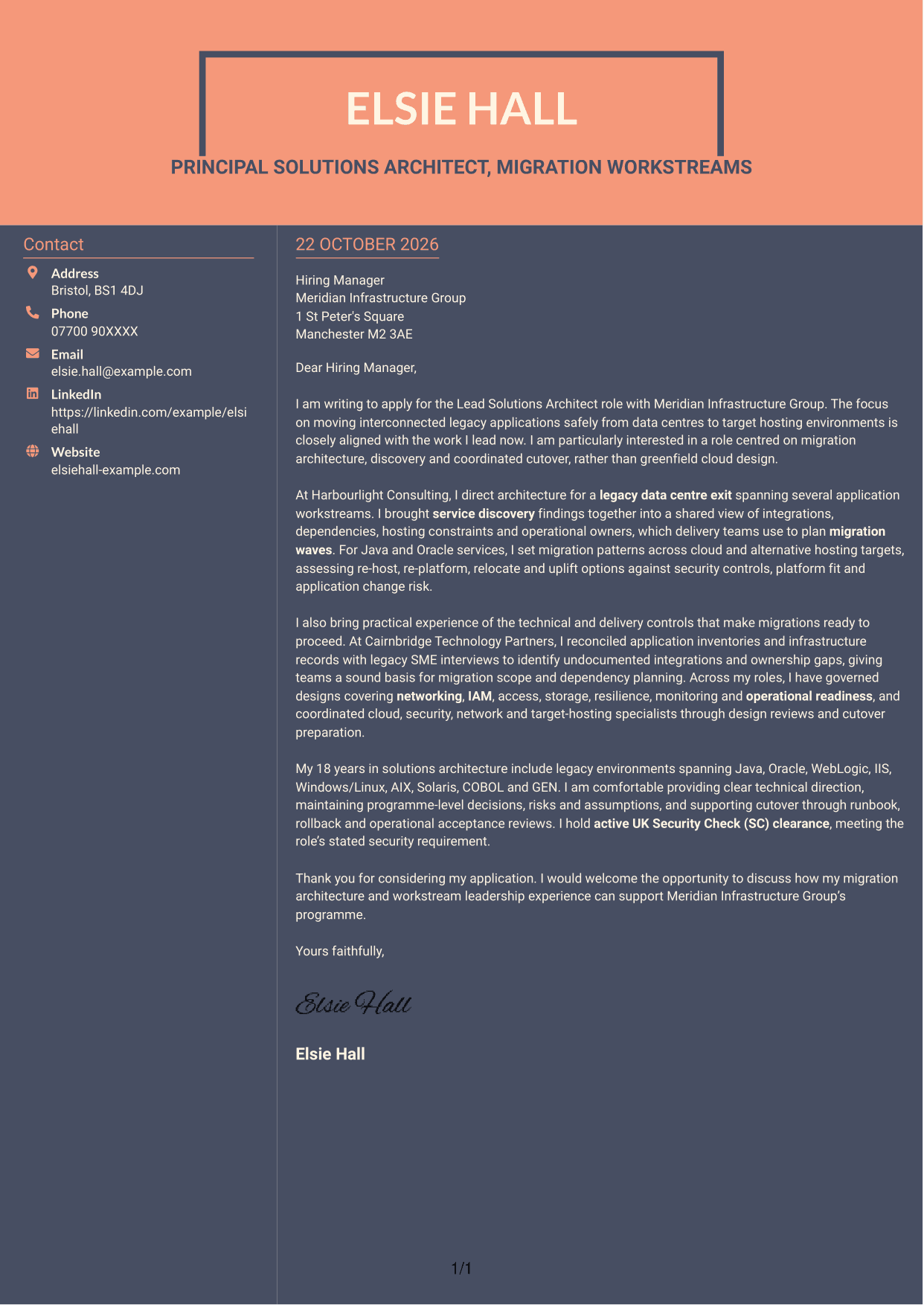
Why This Format Works
- Sender details have a separate column, distinct from the letter’s main text.
- The continuous body keeps the application’s message in one reading sequence.
- The layout has no photo, keeping the page centred on the written message.
Best For
- Contact details in a separate column
- A connected letter message
- Text-centred applications
- A distinct sender area
- One continuous body of paragraphs
See Also
- 7 Lead Solutions Architect - Legacy-to-Cloud Migration CV Templates with Example
- 7 Lead Solution Architect - Cloud Migration CV Templates with Example
- 7 Data & Analytics Solution Architect - Cloud Data Platforms CV Templates with Example
- 7 AI Solution Architect - Agentic AI CV Templates with Example
- 7 Commercial SAP Solution Architect CV Templates with Example
- 7 Data Protection Solution Architect CV Templates with Example
- 7 Data & Solution Architect - Defence CV Templates with Example
- 7 Data Solution Architect - Reinsurance CV Templates with Example
- 7 Lead Solution Architect - Cloud Migration Cover Letter Templates with Example
- 7 Data & Analytics Solution Architect - Cloud Data Platforms Cover Letter Templates with Example
Frequently Asked Questions
What should a Lead Solutions Architect - Legacy-to-Cloud Migration cover letter highlight?
Show how you guide service discovery, select migration routes and coordinate safe transitions. Relevant evidence may include dependency mapping, target-hosting design, governance, cutover planning and operational readiness.
How can I show my migration architecture experience?
Choose a specific example and explain your role, the technical decision and its effect on delivery. You might describe how you brought discovery findings together, identified dependencies or prepared a service for cutover.
How can I explain my interest in this role?
Refer to the role’s focus on moving interconnected legacy applications to cloud or other target hosting. Explain why migration architecture, coordinated delivery or safe cutover is work you want to lead.
How should I structure this cover letter?
Start with your interest and the link between your experience and the role. Use the body for focused evidence of discovery, design and cutover work, then close with a concise statement of fit and an invitation to discuss your application.
Should I mention every technology in my background?
No. Select the technologies and platform concerns that best support your examples. Keep the focus on how you make migration decisions, manage dependencies and help teams prepare services for transition.




