
7 Lead Solutions Architect - Legacy-to-Cloud Migration CV Templates with Example
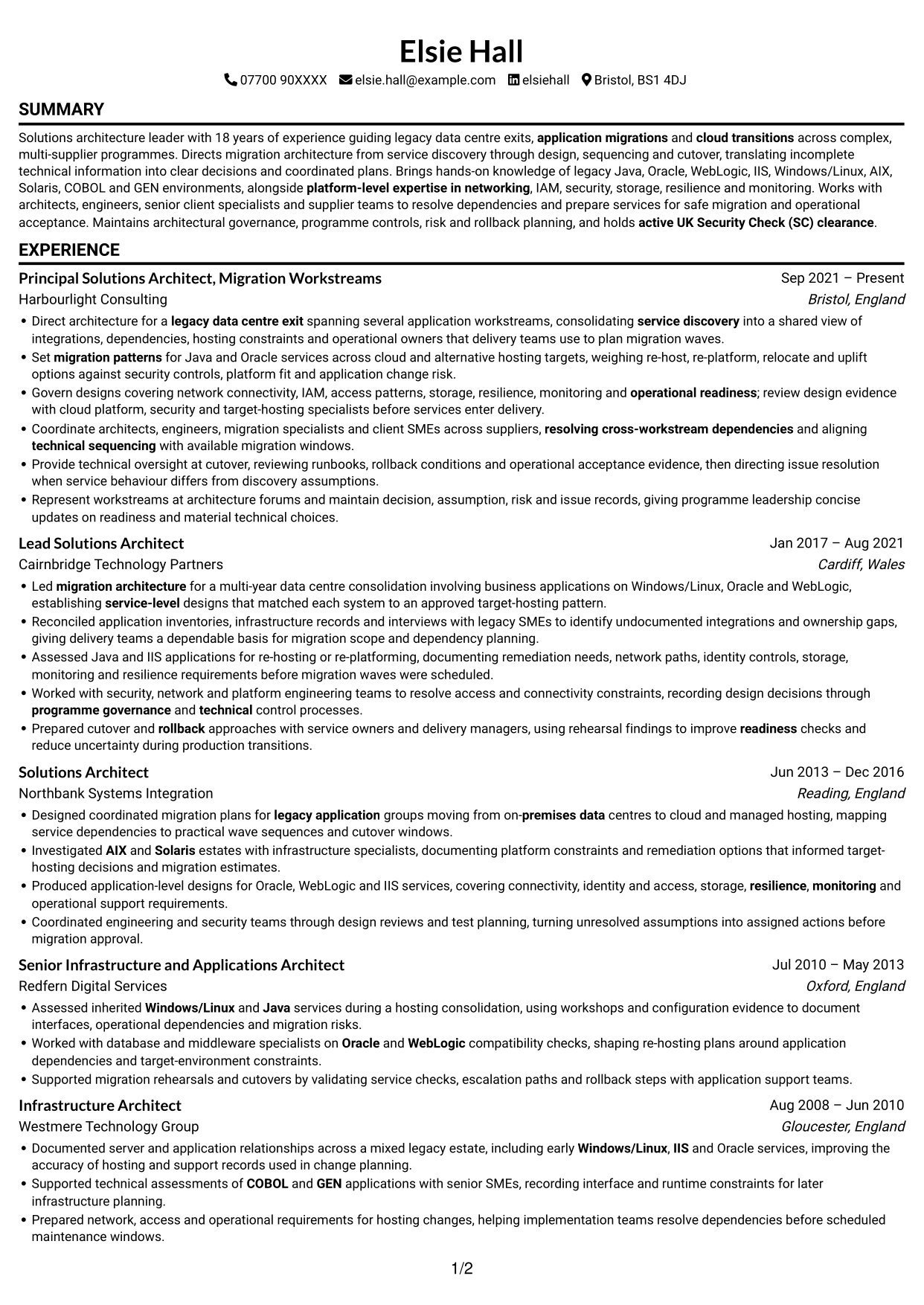
This guide shows you how to create a Lead Solutions Architect - Legacy-to-Cloud Migration CV that makes your architecture decisions and delivery impact clear. It explains how to organise your evidence for a focused, easy-to-review CV.
Strong evidence for this role connects service discovery with migration design, sequencing and safe cutover. Show how you assess migration routes, map dependencies, address platform needs and prepare services for operational acceptance.
Compare the example presented in 7 layouts, review the PNG image previews and open a preferred example in the editor to customise it. The guide also covers ATS readability, useful CV sections and relevant terms such as re-host, re-platform, relocate, uplift, IAM and rollback planning.
What Makes a Great Lead Solutions Architect - Legacy-to-Cloud Migration CV in 2026
A strong CV makes migration decisions, technical direction and delivery outcomes easy to scan. Clear bullets show how you guide services from discovery through cutover.
Use relevant terms such as service discovery, dependency mapping, migration patterns, IAM, resilience and rollback planning. Add measurable results only when you can support them.
Note: CV examples are for educational purposes only. Use only information that accurately reflects your experience and qualifications. References to real organisations do not imply affiliation or endorsement.
#1 Simple One Column Format CV Example
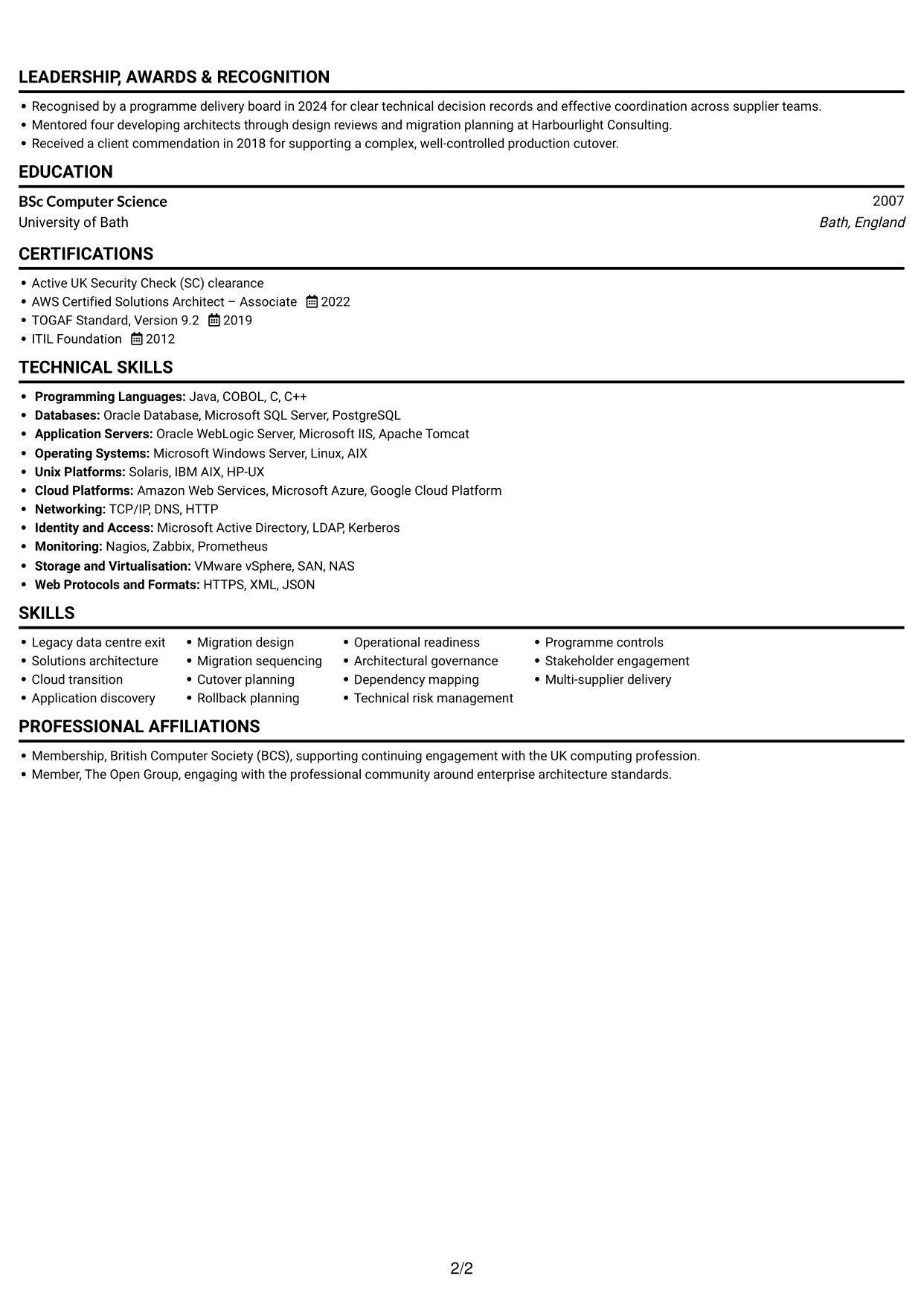
Simple One Column Format keeps the CV in one reading path, which suits a detailed work history.
Why This Format Works
- One reading path lets reviewers follow work history in its stated sequence.
- Single-column text can make section order easier for applicant tracking systems to parse.
- Experience, education and skills can be reviewed within one continuous text flow.
Best For
- Detailed career histories
- Linear recruiter review
- Chronological experience records
- Skills alongside education
- Text-first application documents
CV Keywords
- legacy data centre exit
- migration architecture
- application migrations
- cloud transitions
- legacy application groups moving from on-premises data centres to cloud and managed hosting
- Set migration patterns for Java and Oracle services across cloud and alternative hosting targets, weighing re-host, re-platform, relocate and uplift options
- Migration sequencing
- Cutover planning
- service discovery
- Led migration architecture for a multi-year data centre consolidation involving business applications on Windows/Linux, Oracle and WebLogic
- Directs migration architecture
- establishing service-level designs that matched each system to an approved target-hosting pattern
- architectural governance
- recording design decisions through programme governance and technical control processes
- resolving cross-workstream dependencies
#2 Simple Two Column Format CV Example
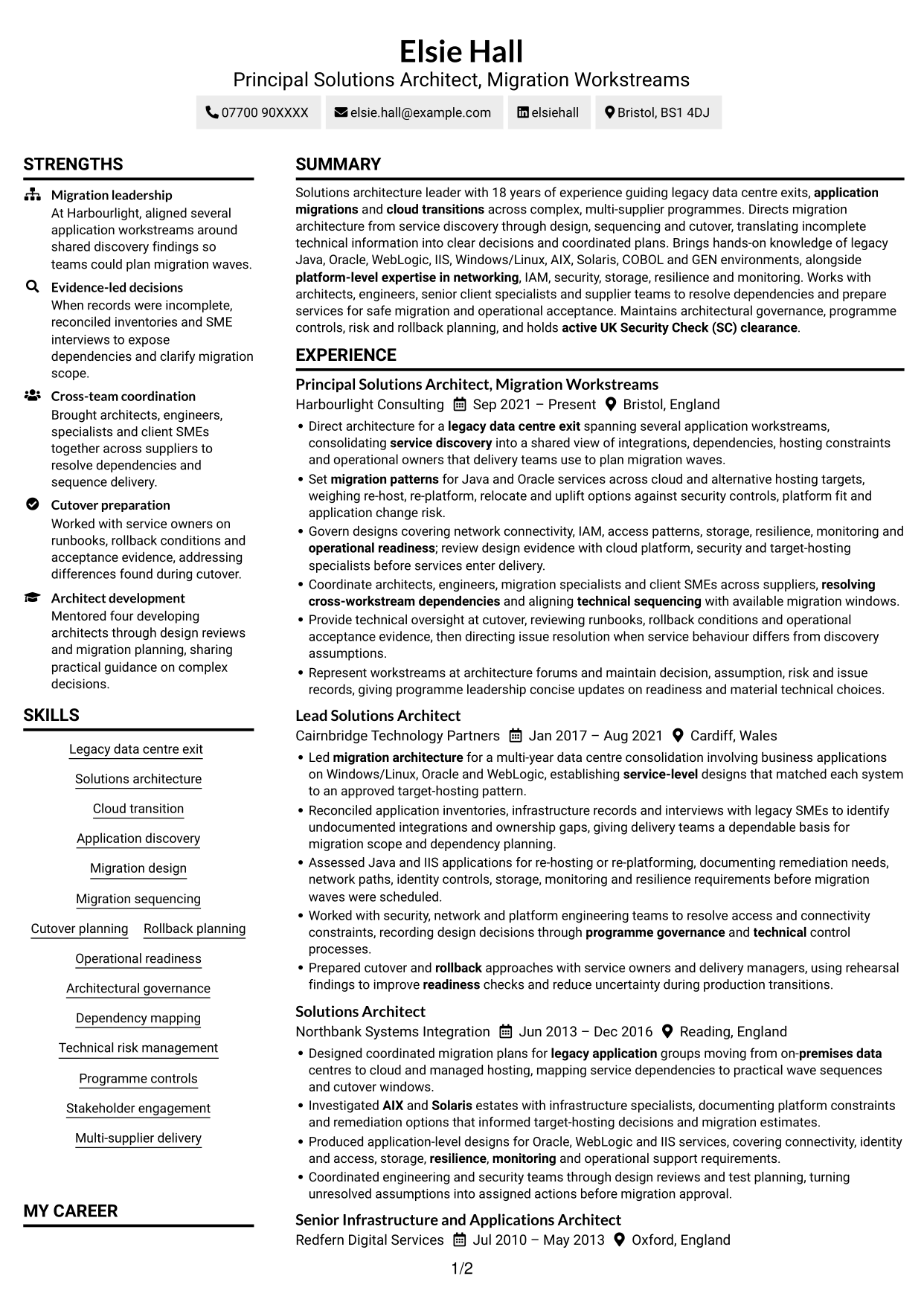
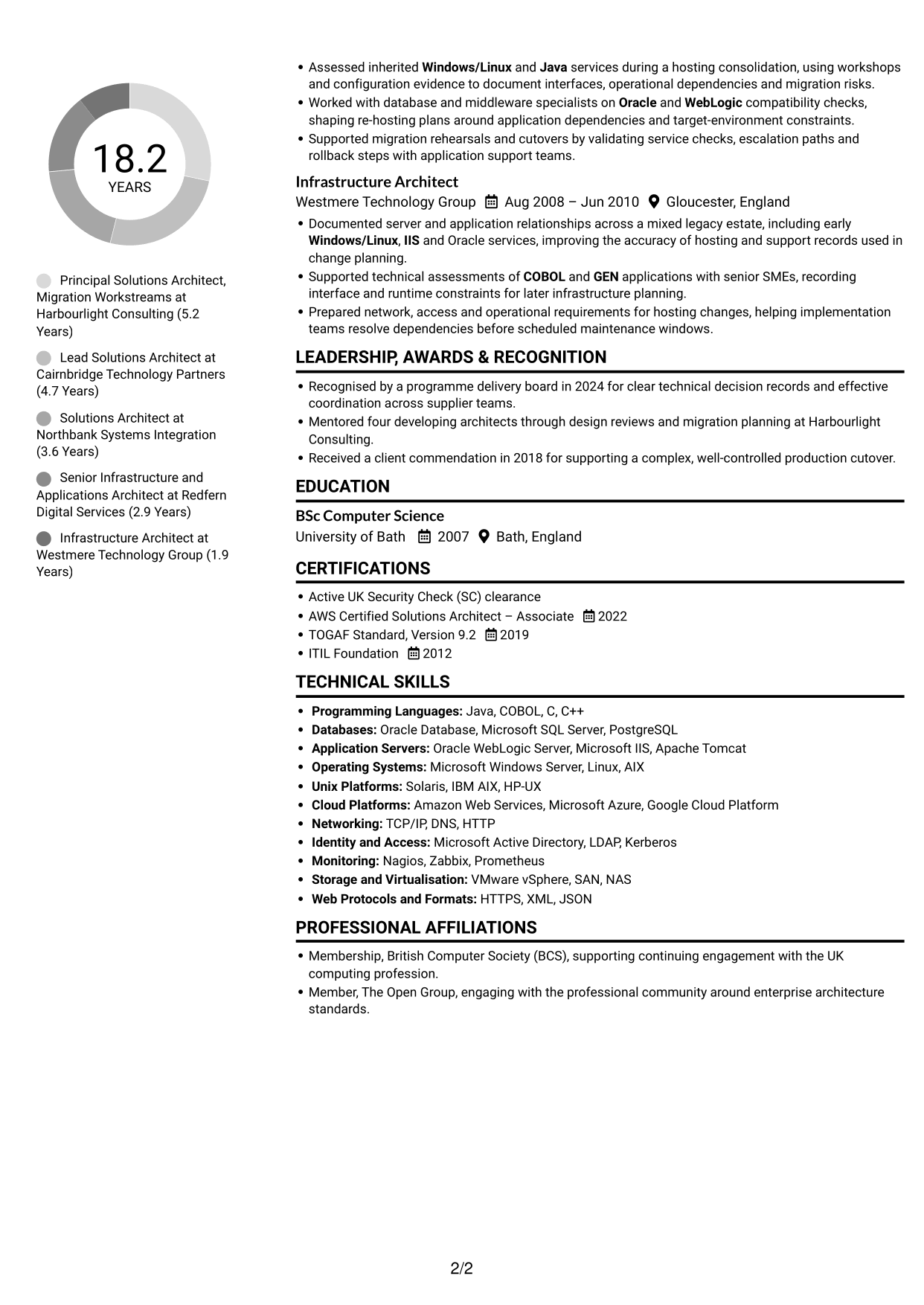
Simple Two Column Format places information in parallel areas, giving career history and supporting details room to sit side by side.
Why This Format Works
- Parallel content areas separate career history from supporting skills and education.
- Distinct areas let reviewers locate qualifications without searching through every experience entry.
- The layout can balance detailed role entries with shorter skills and education sections.
Best For
- Career history with supporting details
- Side-by-side section organisation
- Detailed experience with concise qualifications
- Quick access to skills and education
- CVs with varied content lengths
#3 Plain One Column with Shaded Labels CV Example
Plain One Column with Shaded Labels presents the CV in a single column, making it a practical choice for a direct, section-by-section read.
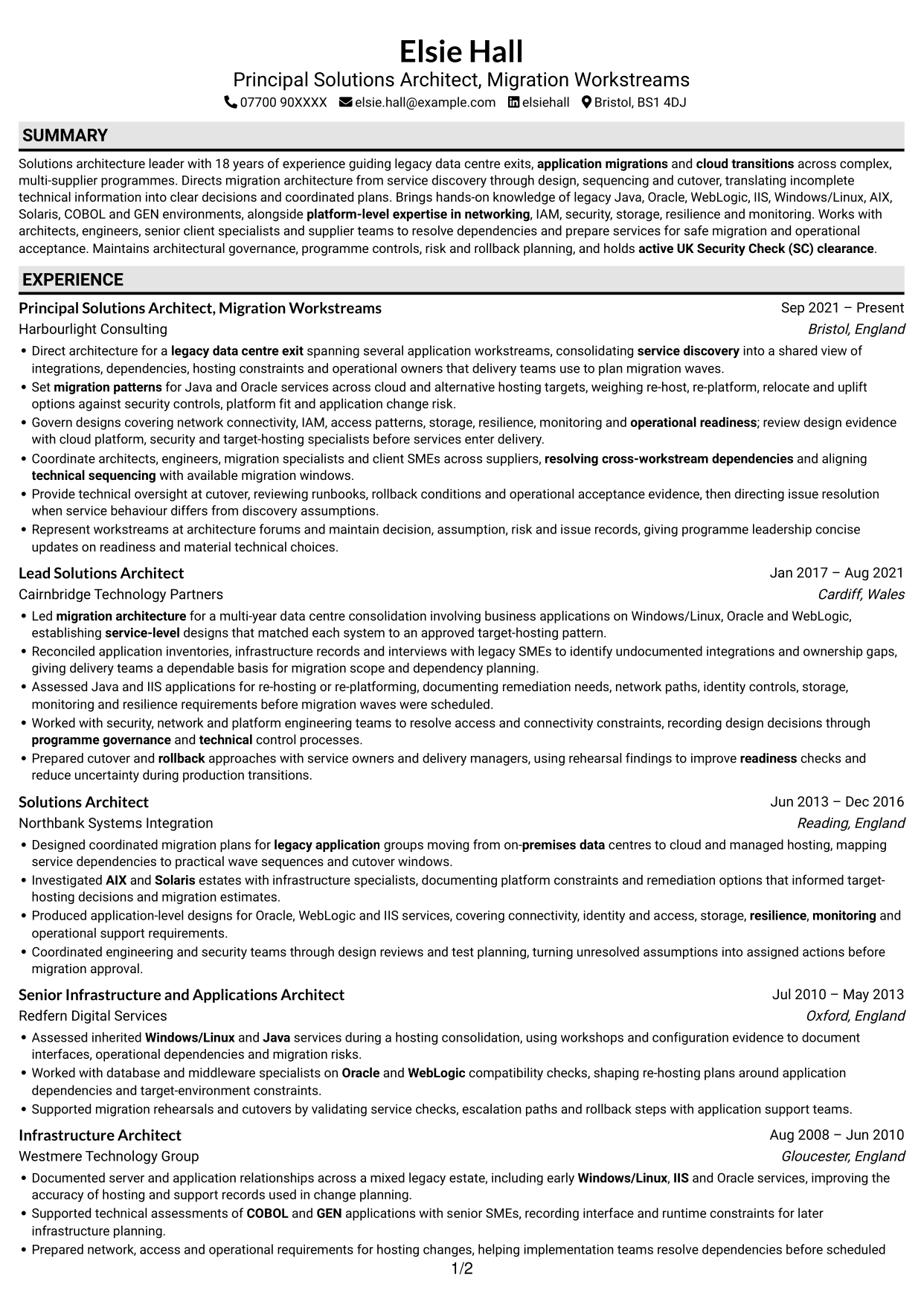
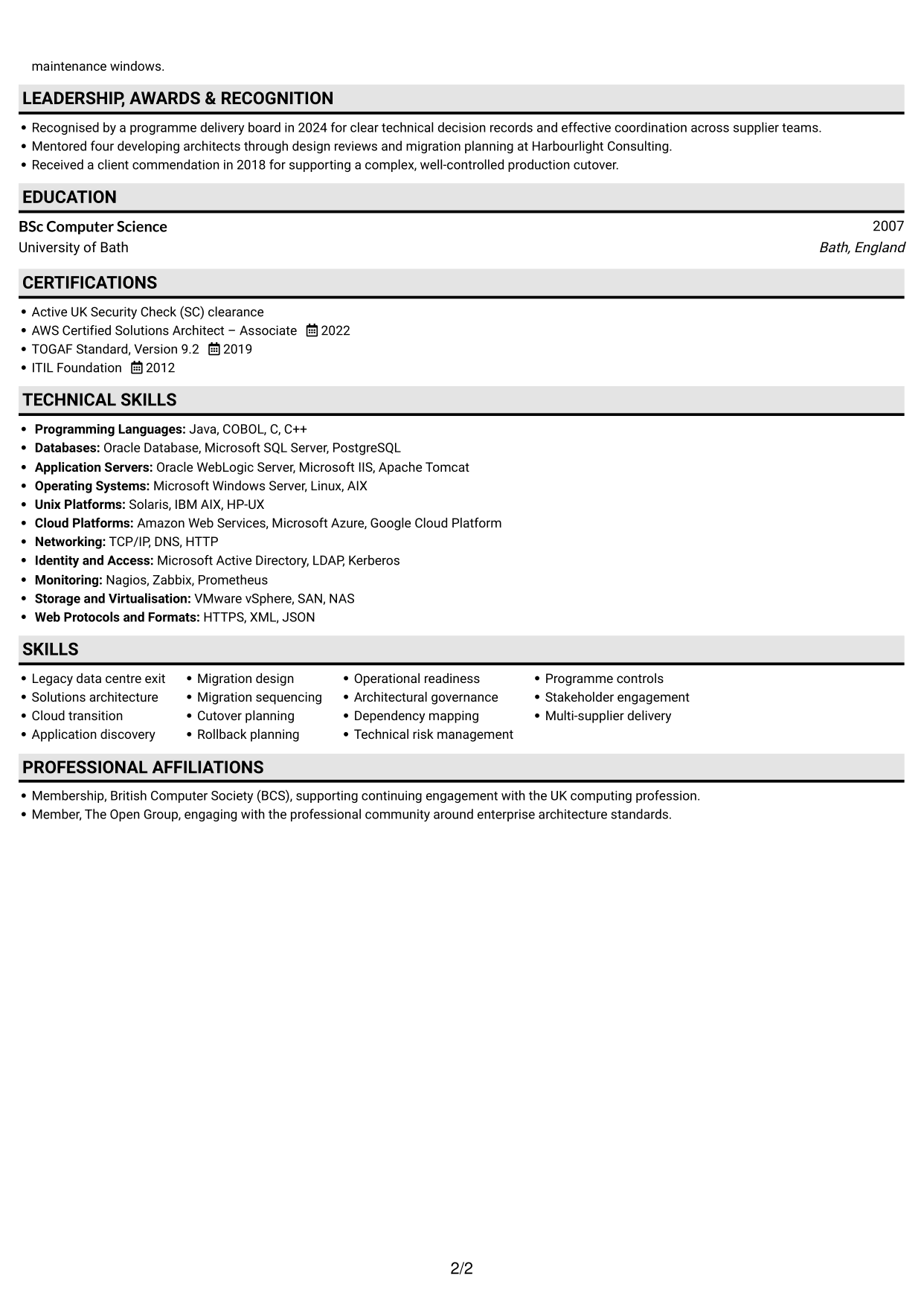
Why This Format Works
- A single column gives career history a straightforward route from one entry to the next.
- Education and credentials remain part of the same continuous reading order.
- Skills and achievements can be reviewed without moving between separate body columns.
Best For
- Direct section-by-section review
- Continuous career timelines
- Consecutive experience entries
- Education beside work history
- Single-column document preferences
#4 One Column Format with Photo Right CV Example
One Column Format with Photo Right includes a portrait while keeping the CV body in one reading path, suited to readers who want both features.
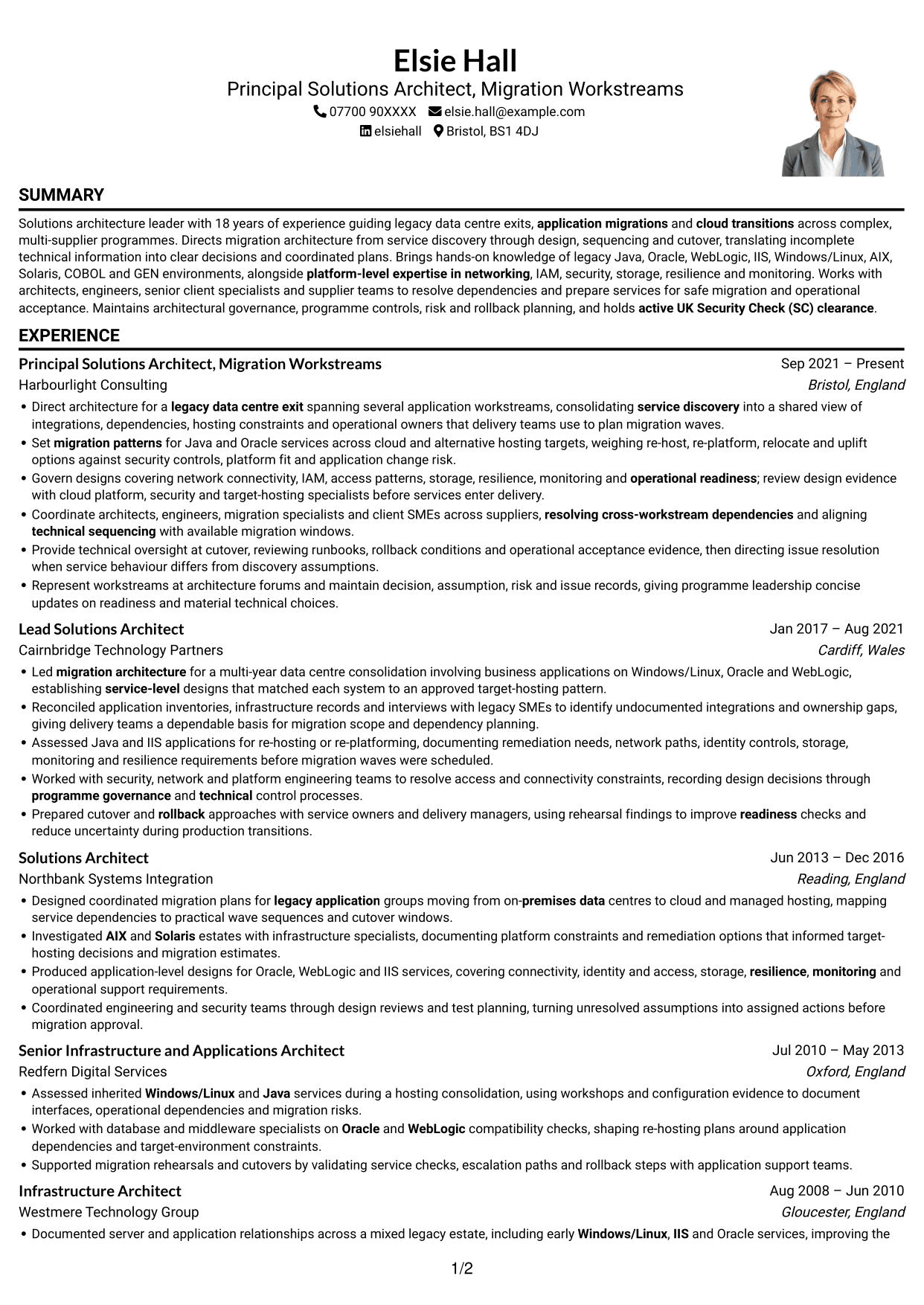
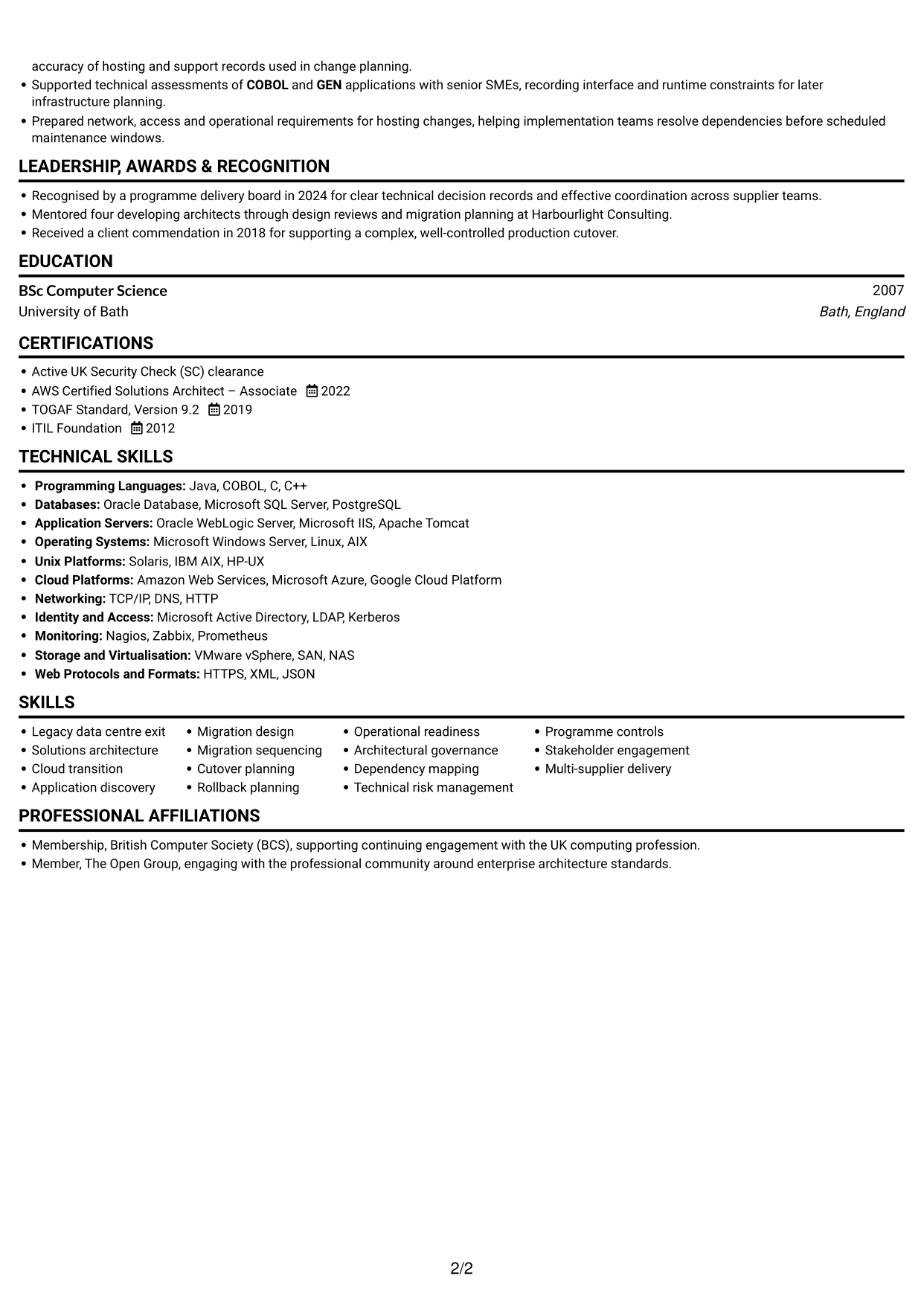
Why This Format Works
- The one-column body keeps work history in a clear sequence for review.
- Experience and achievements remain within one continuous reading path.
- Skills, education and credentials follow the same direct route through the CV.
Best For
- CVs that include a portrait
- Single-path career histories
- Direct review of experience
- Skills and education in sequence
- Portrait-inclusive document preferences
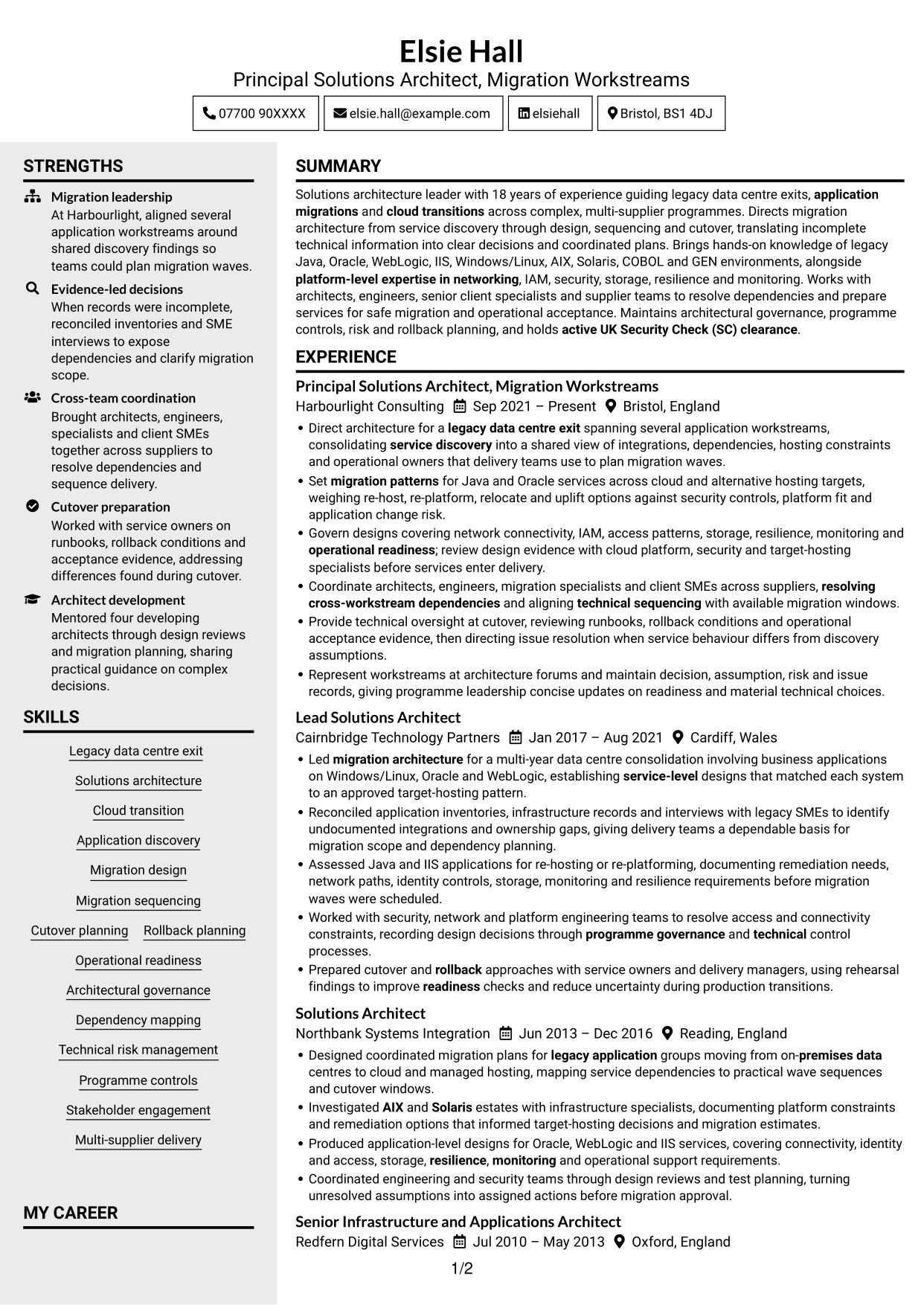
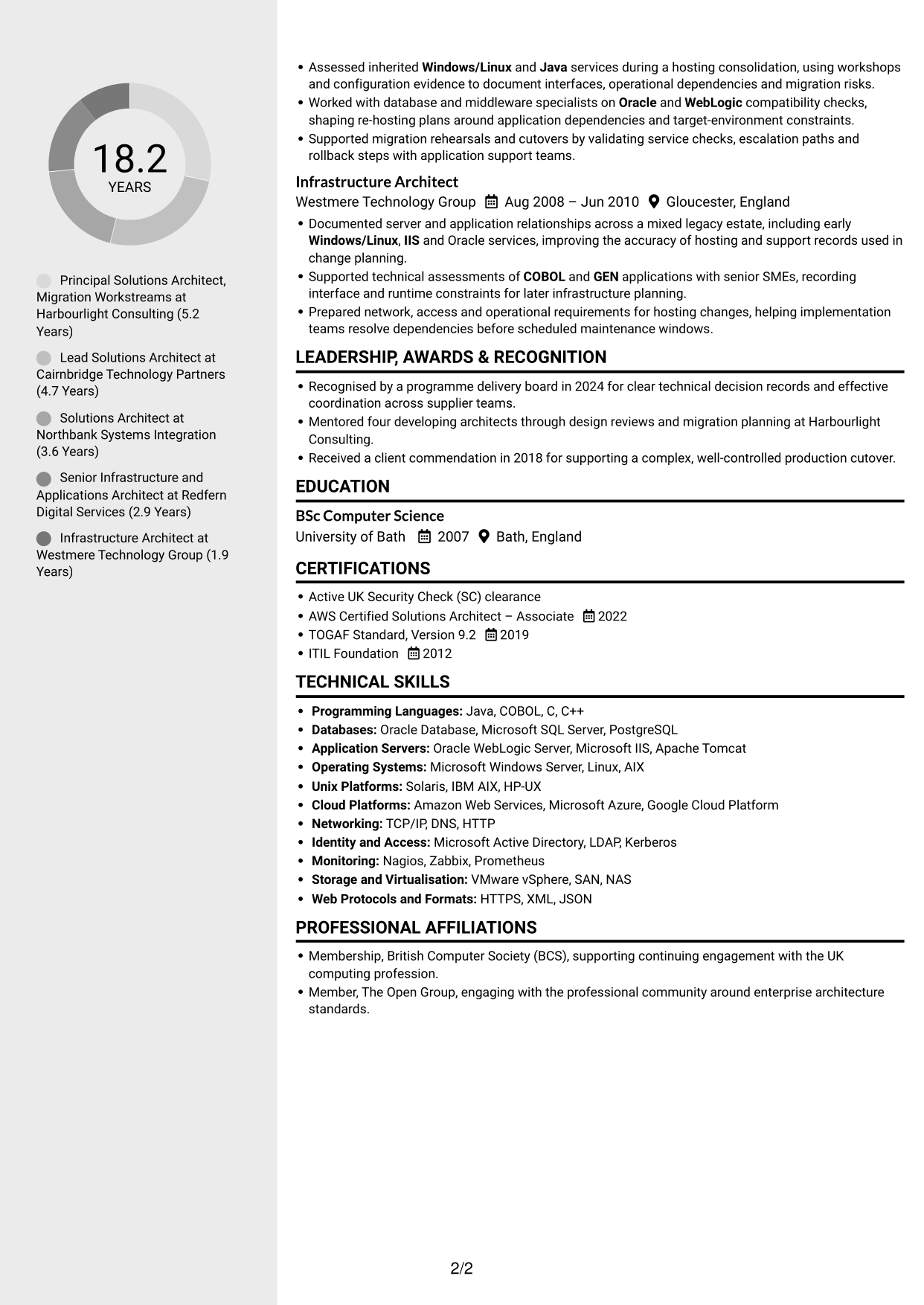
#5 Clean Two Column Sidebar Format CV Example
Clean Two Column Sidebar Format uses two body columns to keep related CV information in separate areas for easier navigation.
Why This Format Works
- Separate content areas help reviewers find supporting details without losing the career timeline.
- Two-column organisation keeps skills and education distinct from longer experience entries.
- The layout offers a clear route between career history and other CV sections.
Best For
- Separate career and supporting sections
- CVs with detailed work history
- Easy access to skills and education
- Several distinct information groups
- Two-column document preferences
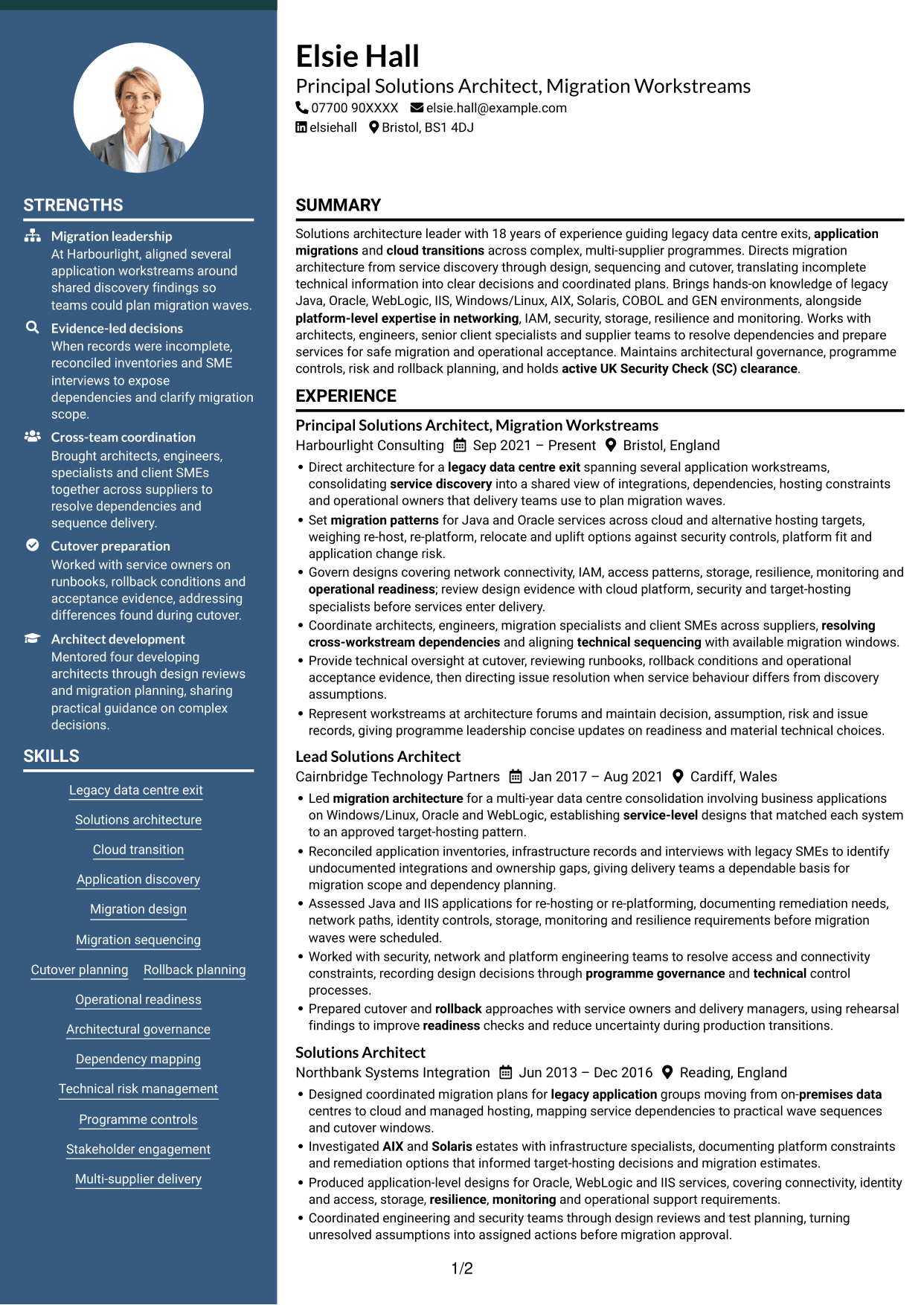
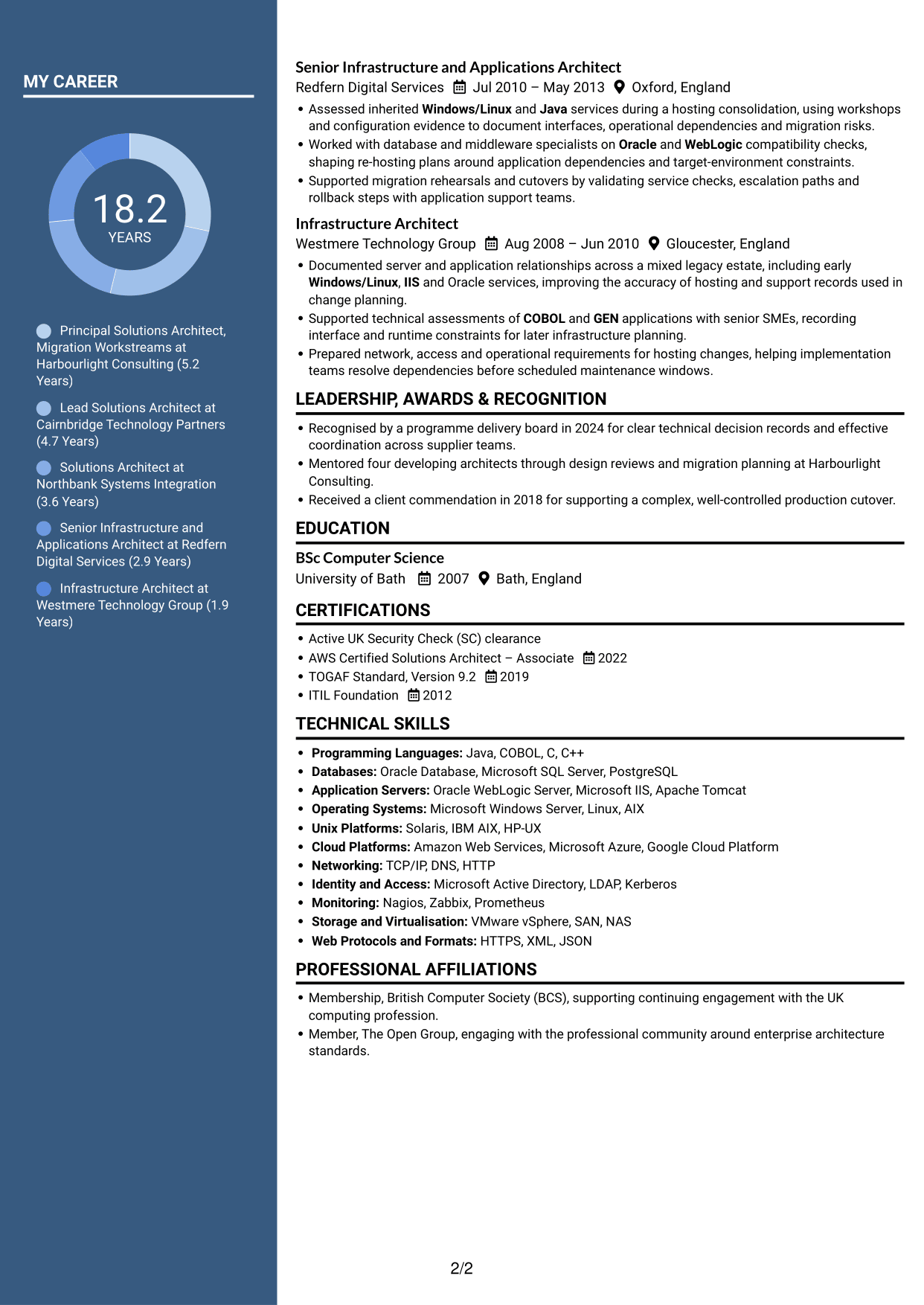
#6 Two Column Format CV Example
Two Column Format arranges CV content across two columns, making it useful when readers want distinct sections visible together.
Why This Format Works
- The two-column body keeps career history and supporting details visible together.
- Reviewers can move between experience and qualifications without following one long text sequence.
- Separate areas give skills and education their own space alongside work history.
Best For
- Related sections visible together
- Experience alongside qualifications
- CVs with several content groups
- Flexible section lengths
- Two-column reading preferences
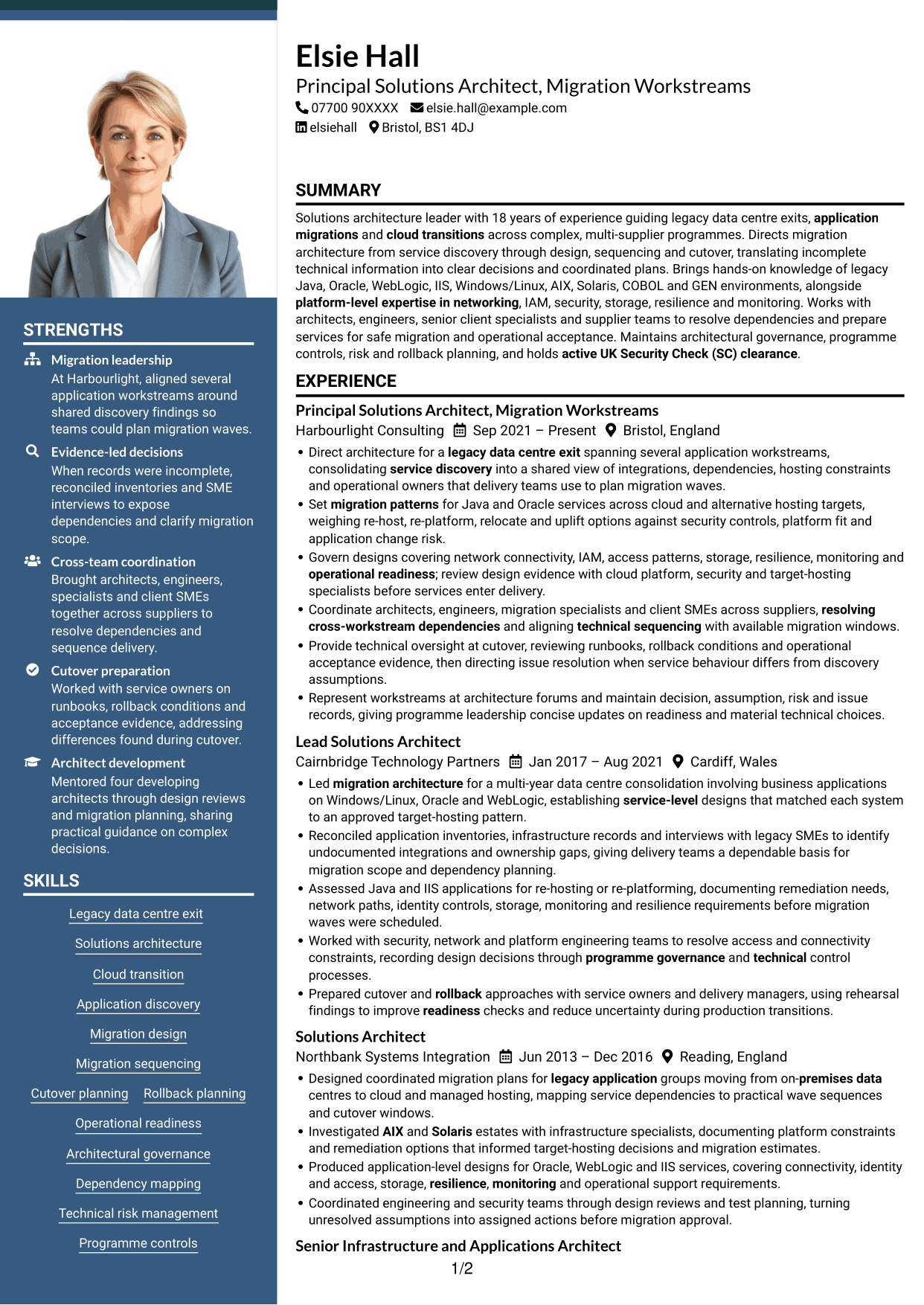
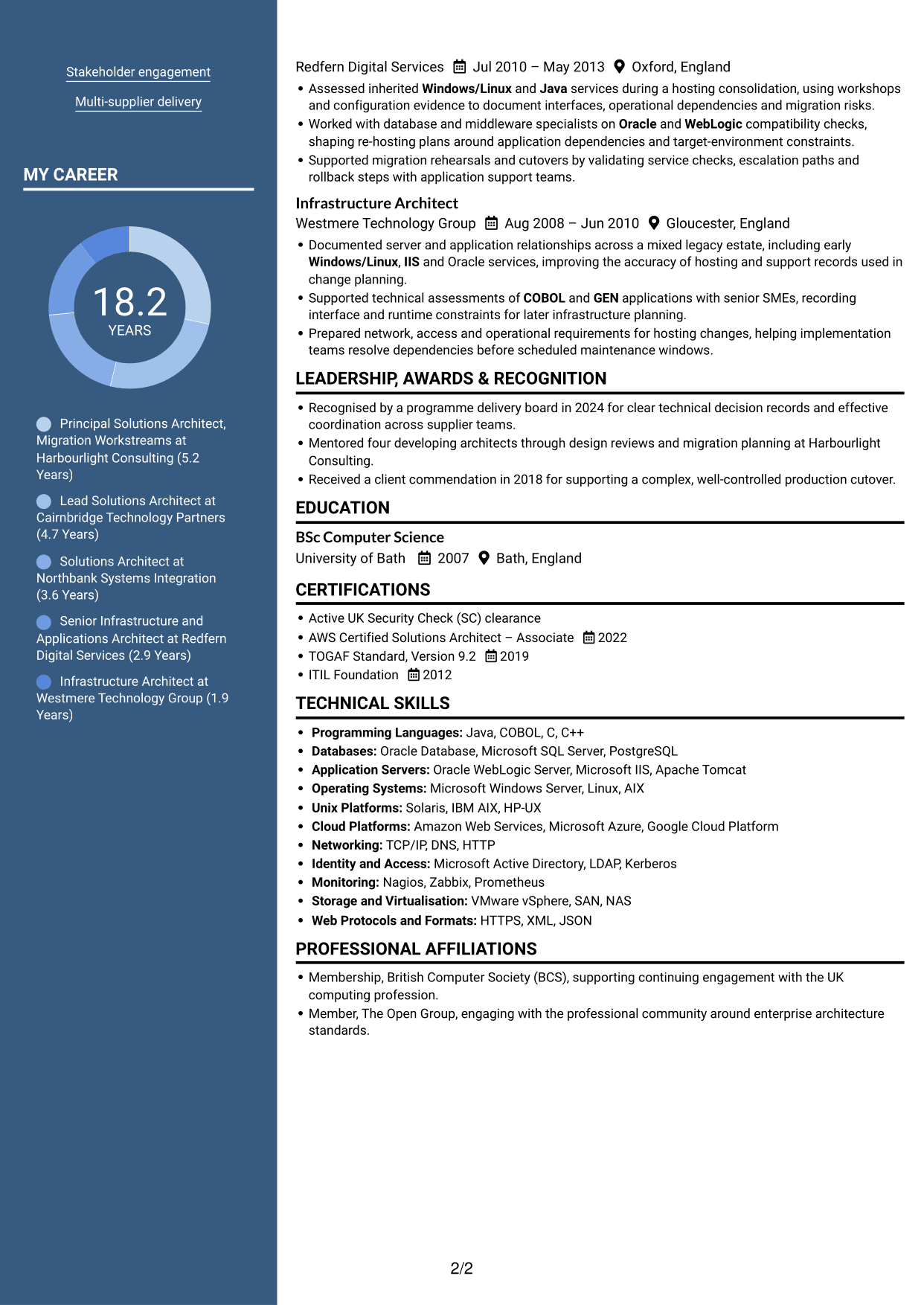
#7 Photo Header Two Column Format CV Example
Photo Header Two Column Format pairs a portrait with a two-column body, suited to readers who want a photo and separated content areas.
Why This Format Works
- Two body columns let reviewers locate career history and supporting sections separately.
- Related details can sit in distinct areas while experience retains a clear sequence.
- The column structure makes skills and education easy to find beside career information.
Best For
- Portrait with two-column organisation
- Career history with related sections
- Skills beside work experience
- CVs with distinct content groups
- Readers who prefer parallel sections
Why Build Your Lead Solutions Architect - Legacy-to-Cloud Migration CV with ResumeInMinutes
ResumeInMinutes helps you arrange architecture experience, technical skills and education in a clear CV. Compare PNG image previews, then open an example in the editor to customise its content and layout.
- Different CV layouts
- Clear, readable section structure
- Space for role-specific keywords
- Organised skills and experience
- PNG image previews
- CV customisation in the editor
Choose a format that makes your discovery work, migration choices and cutover evidence easy to follow. Keep technical detail relevant to the services and outcomes you describe.
See Also
- 7 Lead Solution Architect - Cloud Migration CV Templates with Example
- 7 Data & Analytics Solution Architect - Cloud Data Platforms CV Templates with Example
- 7 AI Solution Architect - Agentic AI CV Templates with Example
- 7 Commercial SAP Solution Architect CV Templates with Example
- 7 Data Protection Solution Architect CV Templates with Example
- 7 Data & Solution Architect - Defence CV Templates with Example
- 7 Data Solution Architect - Reinsurance CV Templates with Example
- 7 Digital Solution Architect - Financial Services CV Templates with Example
- 7 Lead Solutions Architect - Legacy-to-Cloud Migration Cover Letter Templates with Example
- 7 Lead Solution Architect - Cloud Migration Cover Letter Templates with Example
Frequently Asked Questions
Are these Lead Solutions Architect - Legacy-to-Cloud Migration CV templates ATS-friendly?
The examples use clear headings and sections that support scanning. Include relevant terms naturally, such as application discovery, migration sequencing, IAM, resilience, operational readiness and rollback planning.
Are these separate CV examples or different layouts of one example?
This page shows one role-focused CV example in different layouts. Compare the PNG image previews, then open an example in the editor to customise it.
What should a Lead Solutions Architect - Legacy-to-Cloud Migration CV include?
Include a focused summary, relevant experience, skills, education and certifications. Use evidence of service discovery, migration design, dependency management, technical governance, cutover planning and operational acceptance.
Which CV layout works well for this role?
Choose a layout with clear headings and an easy-to-follow order for your experience, skills and education. A simple structure helps recruiters and applicant tracking systems find key details.
How can I show migration achievements on my CV?
Use concise bullet points to explain the situation, your actions and the result. Where you have reliable figures, use them to show scale, delivery progress or improved readiness.
Should I include a photo on my CV?
For UK applications, a photo is usually not needed. Use the space for relevant experience, technical skills and measurable results instead.




