
7 Meeting & Events Coordinator Cover Letter Templates with Example
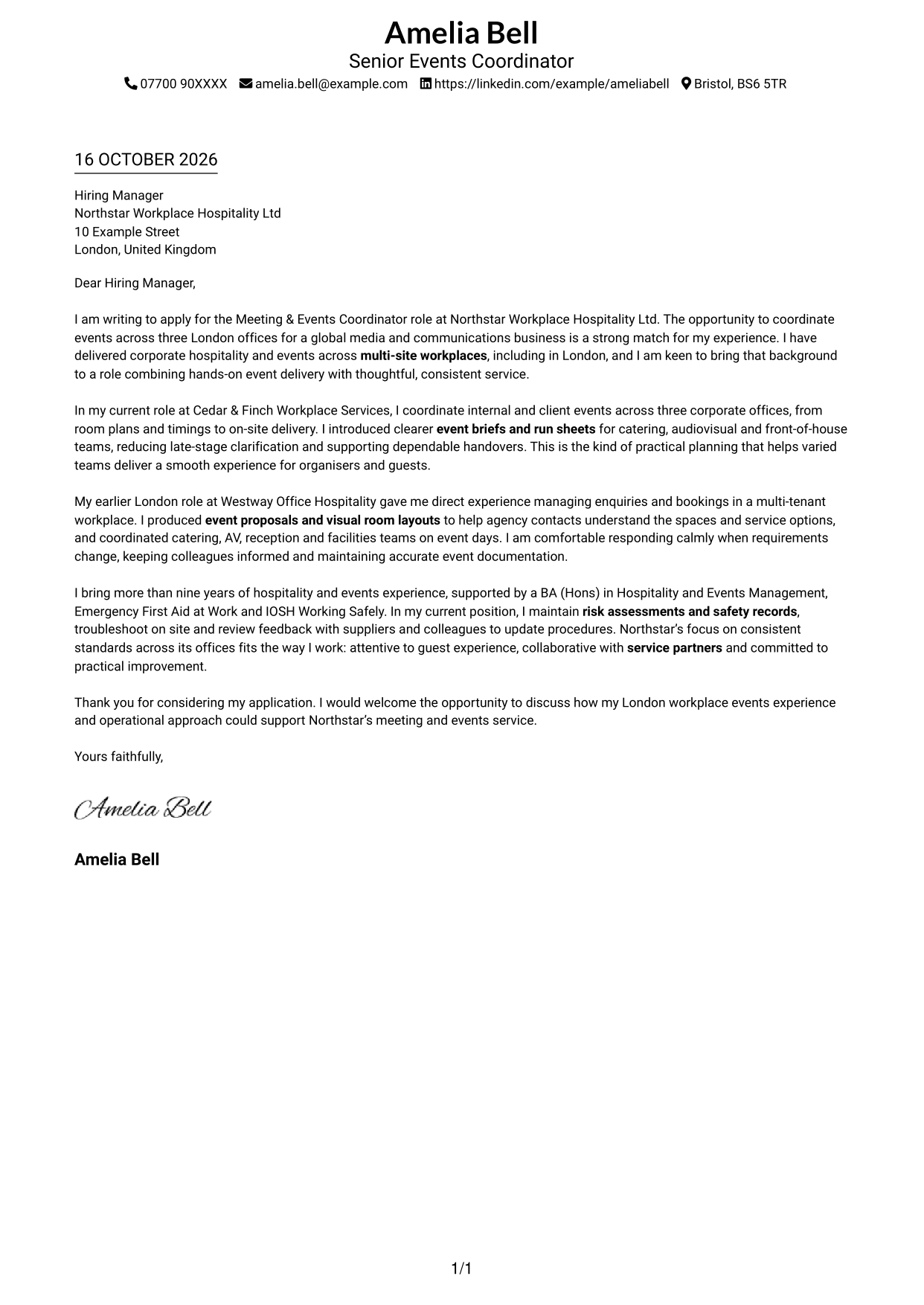
This practical guide to a Meeting & Events Coordinator cover letter shows how to present your role fit across seven layouts.
What Makes a Great Meeting & Events Coordinator Cover Letter in 2026
A strong letter connects your interest in the role with clear examples of planning and delivering workplace events. Show how you help organisers, guests and service teams work well together.
Use relevant evidence, such as writing event briefs, coordinating suppliers, handling live changes or keeping safety records current. Link these examples to the employer’s needs and explain why its approach to service appeals to you.
The featured example moves from interest in the role to multi-office event planning, relevant London workplace experience, safety and service improvement, then a clear close; adapt this progression while choosing a presentation suited to the employer and communication context.
#1 Simple One Column Format Cover Letter Example
A single-column page places sender details in the header above one continuous letter body.
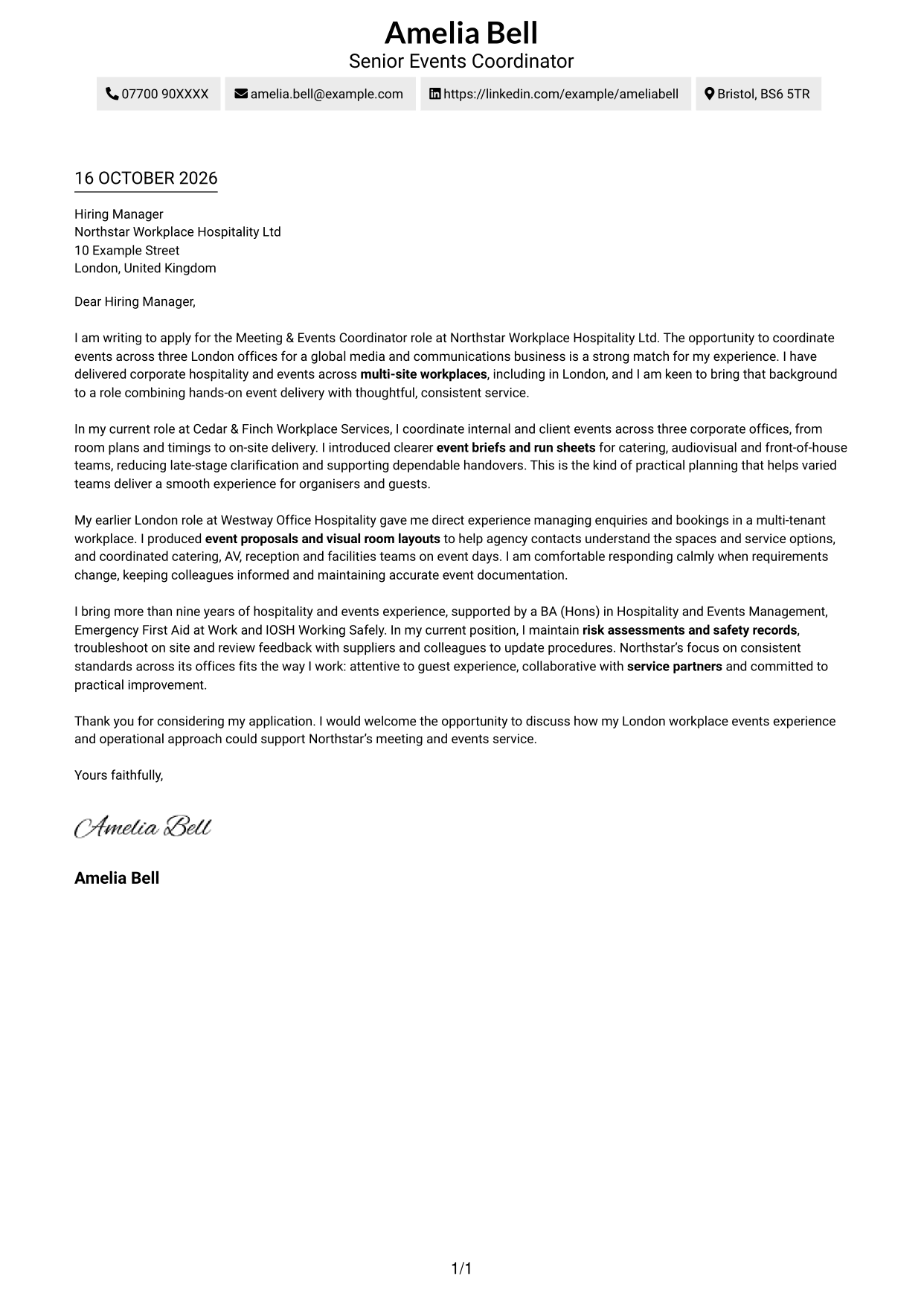
Why This Format Works
- One column lets the opening, supporting points and close follow a clear sequence.
- Sender details stay in the header, apart from the letter’s main message.
- Paragraphs carry the case without section labels interrupting the writer’s tone.
Best For
- Single-column reading preference
- Sender details in the header
- Continuous letter narratives
- Simple page structure
- A direct written case
#2 Two Column Format Cover Letter Example
A contact sidebar sits beside a single-column letter body, keeping the message continuous.
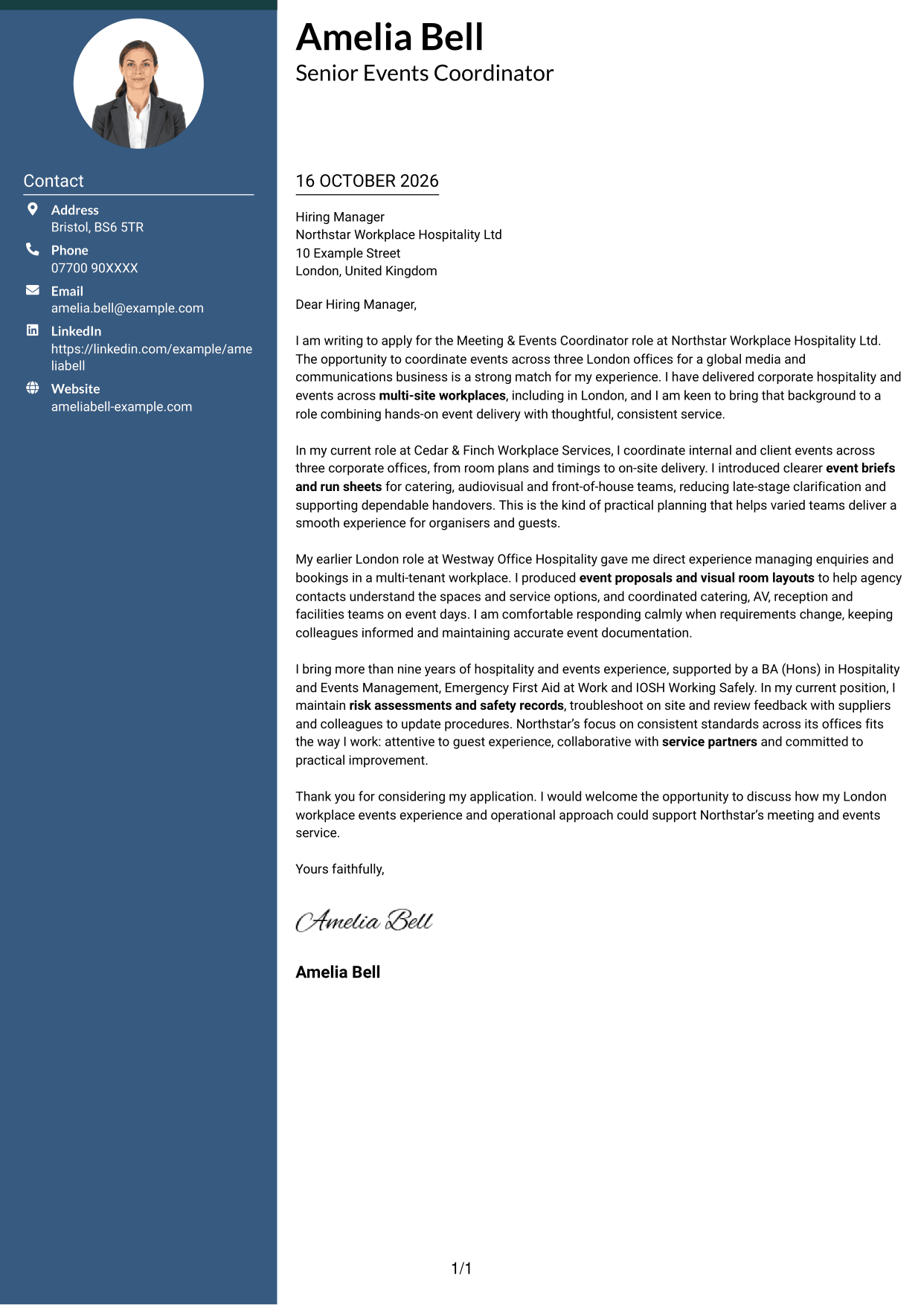
Why This Format Works
- Contact information sits apart from the letter, so readers can locate it quickly.
- One continuous body keeps the opening and supporting points in a single reading order.
- The body stays free of section headings, keeping the letter’s voice consistent.
Best For
- Separate contact details
- A continuous letter argument
- Clear contact and message areas
- Single-column body text
- Meeting and events applications
#3 Photo Header Two Column Format Cover Letter Example
A header portrait adds a personal visual element above a contact sidebar and continuous letter body.
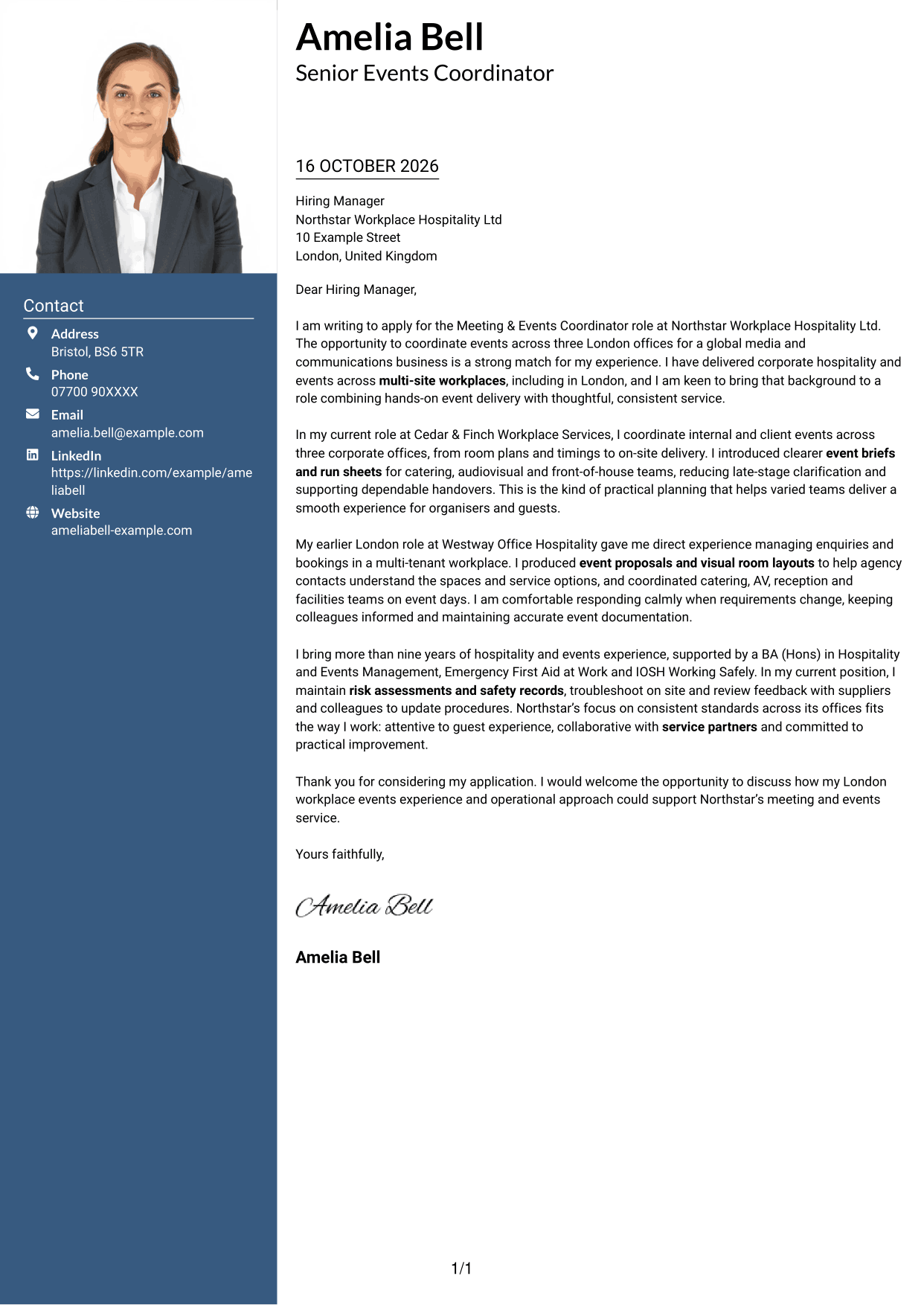
Why This Format Works
- The contact sidebar has its own space, while the letter remains one continuous body.
- A header portrait offers a personal visual choice without changing the letter’s argument.
- Keeping the message in one column lets its paragraphs progress in order.
Best For
- A header portrait
- Separate contact information
- One-column letter reading
- A personal visual element
- Continuous persuasive writing
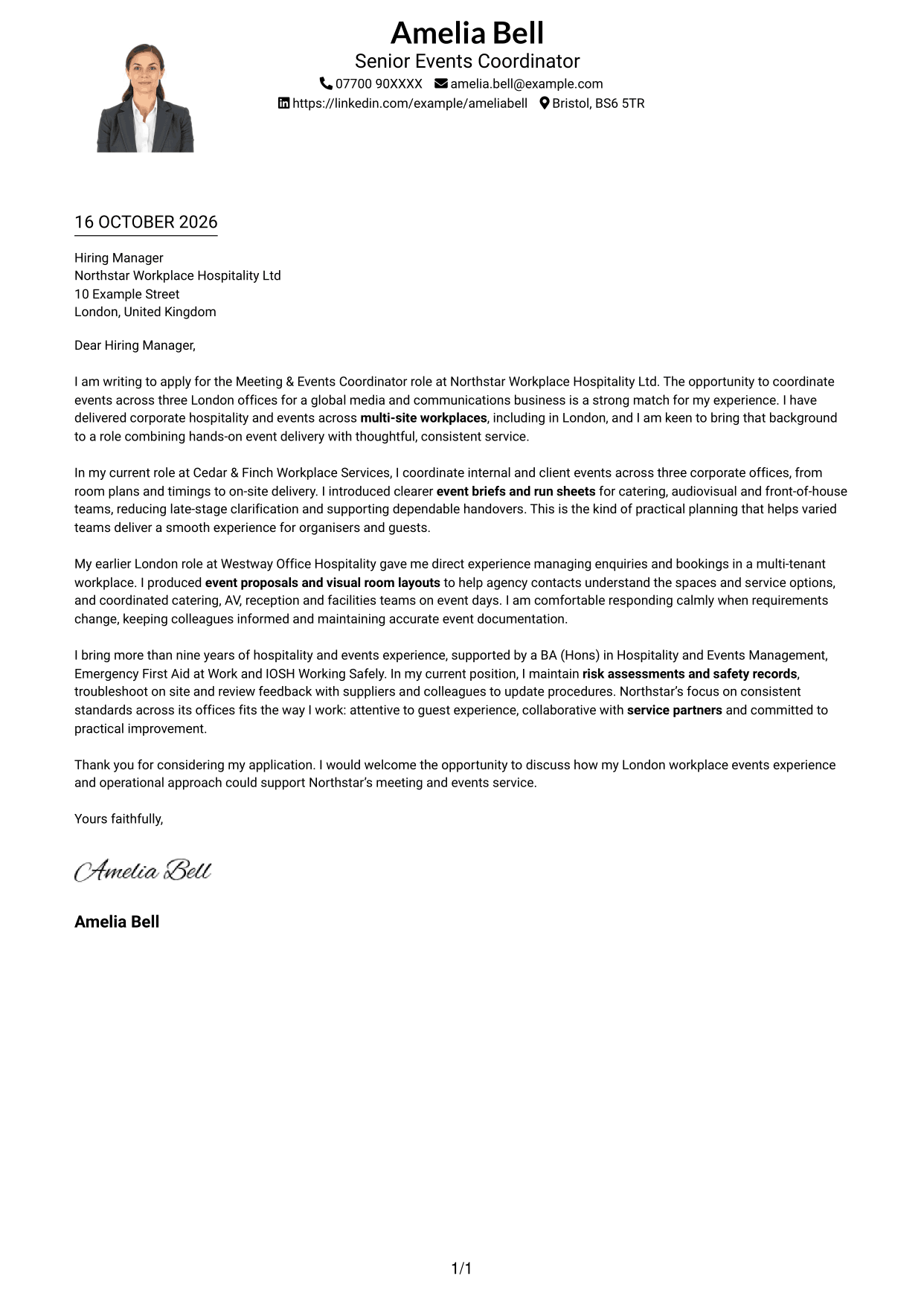
#4 One Column Format with Photo Cover Letter Example
A header portrait sits above a single-column letter body, keeping the page in one reading path.
Why This Format Works
- One column carries the message from opening through closing without parallel text.
- Header contact details remain separate from the letter’s persuasive paragraphs.
- The portrait adds a personal image while leaving the letter’s message unchanged.
Best For
- One-column letter flow
- A portrait in the header
- Contact details above the message
- A personal visual touch
- Connected letter paragraphs
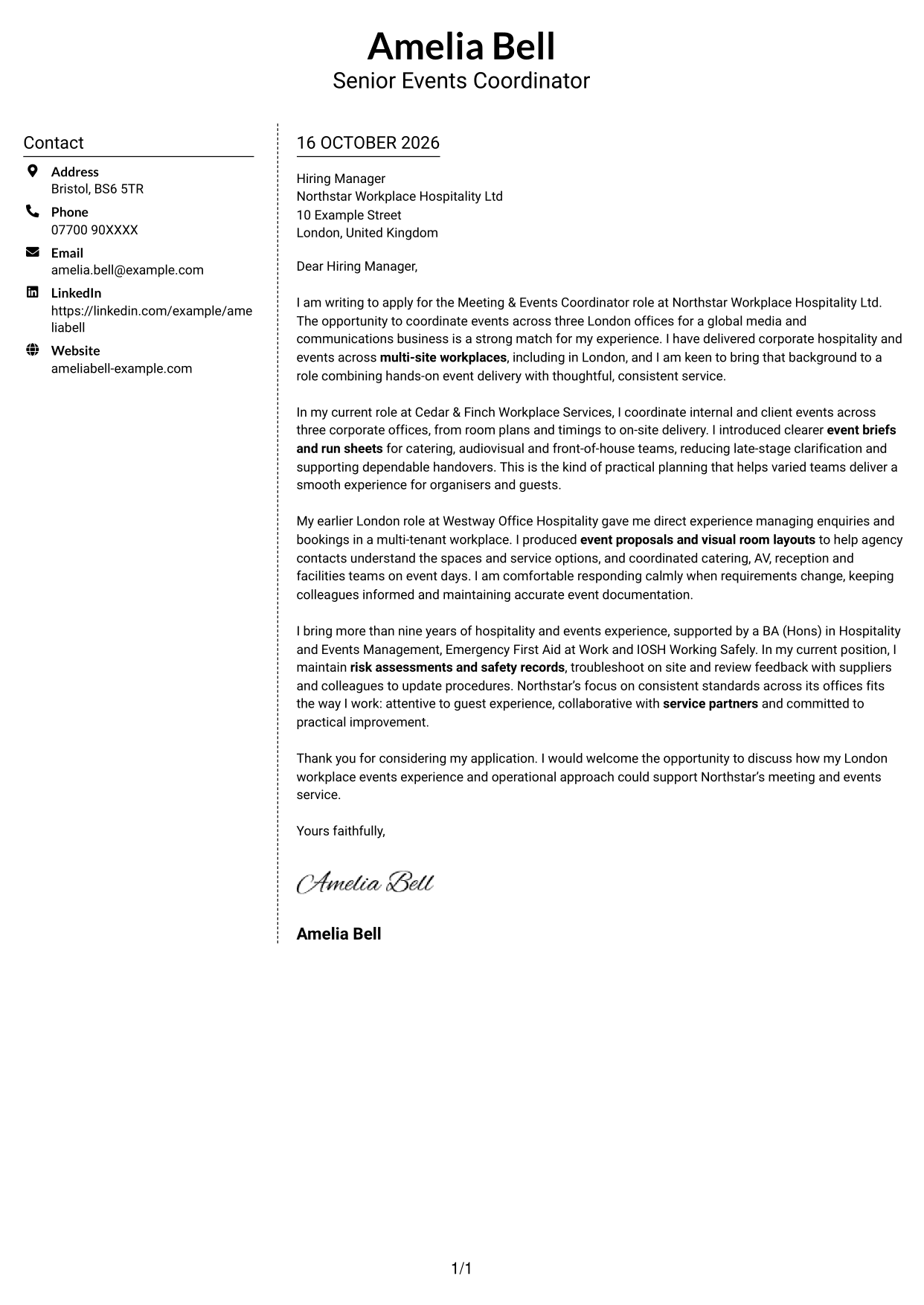
#5 Simple Two Column Format Cover Letter Example
A contact sidebar pairs with one uninterrupted letter column, without a photo.
Why This Format Works
- Contact details remain in a sidebar, separate from the continuous letter body.
- One body column lets the case develop through connected paragraphs.
- The photo-free page keeps its visual focus on written correspondence.
Best For
- Contact details in a sidebar
- Connected letter paragraphs
- A photo-free layout
- Separate contact and message areas
- A direct written application
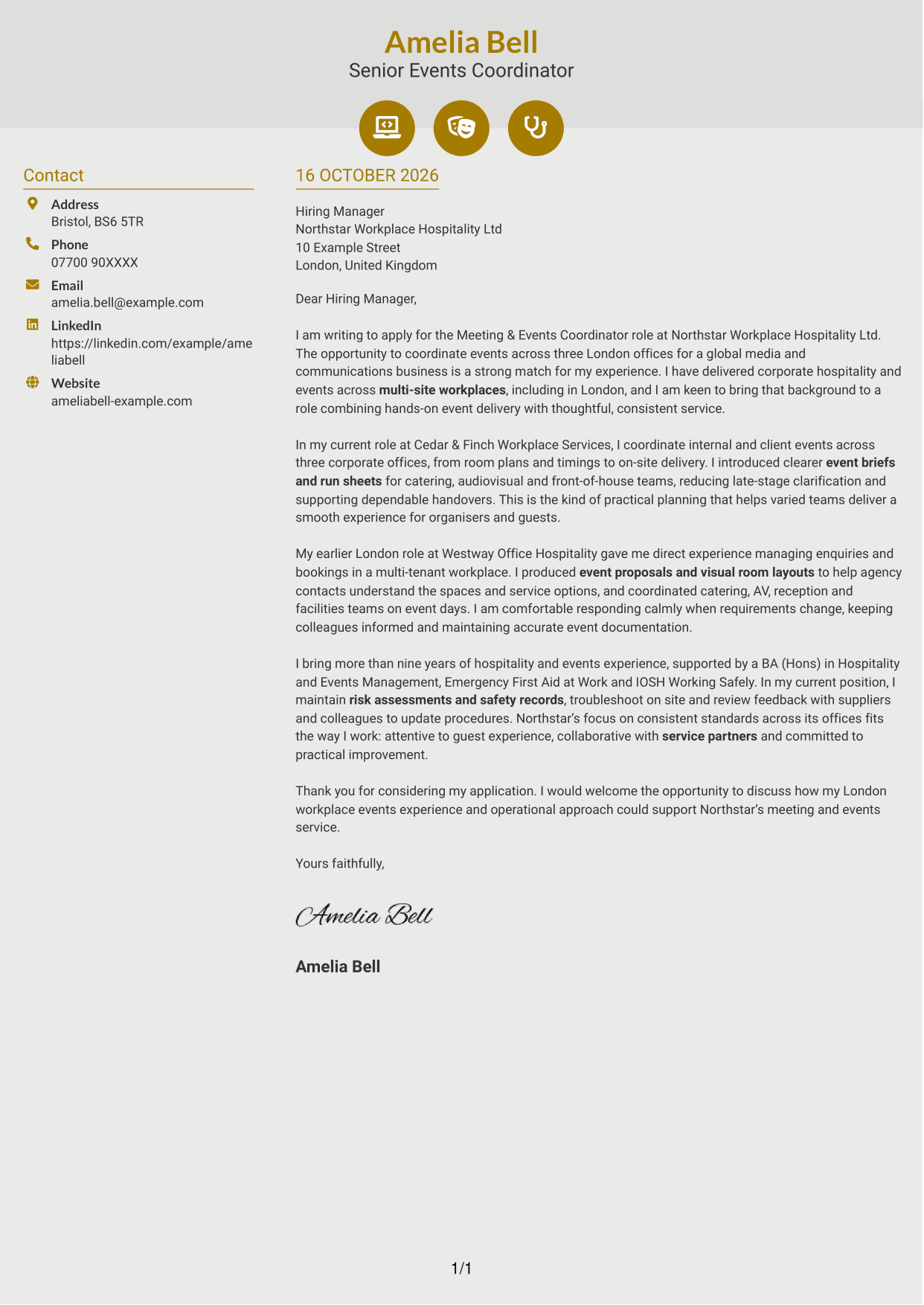
#6 Modern Icon Format Cover Letter Example
Two columns separate contact details from the letter body, with icons used only for contact cues or header accents.
Why This Format Works
- Contact cues help readers identify contact details beside the single-column letter body.
- Icons stay within the contact or header area, not the letter’s argument.
- Opening, evidence and closing remain within one continuous body column.
Best For
- Contact details with visual cues
- A single-column letter body
- Clear separation from contact details
- A continuous written argument
- A restrained use of icons
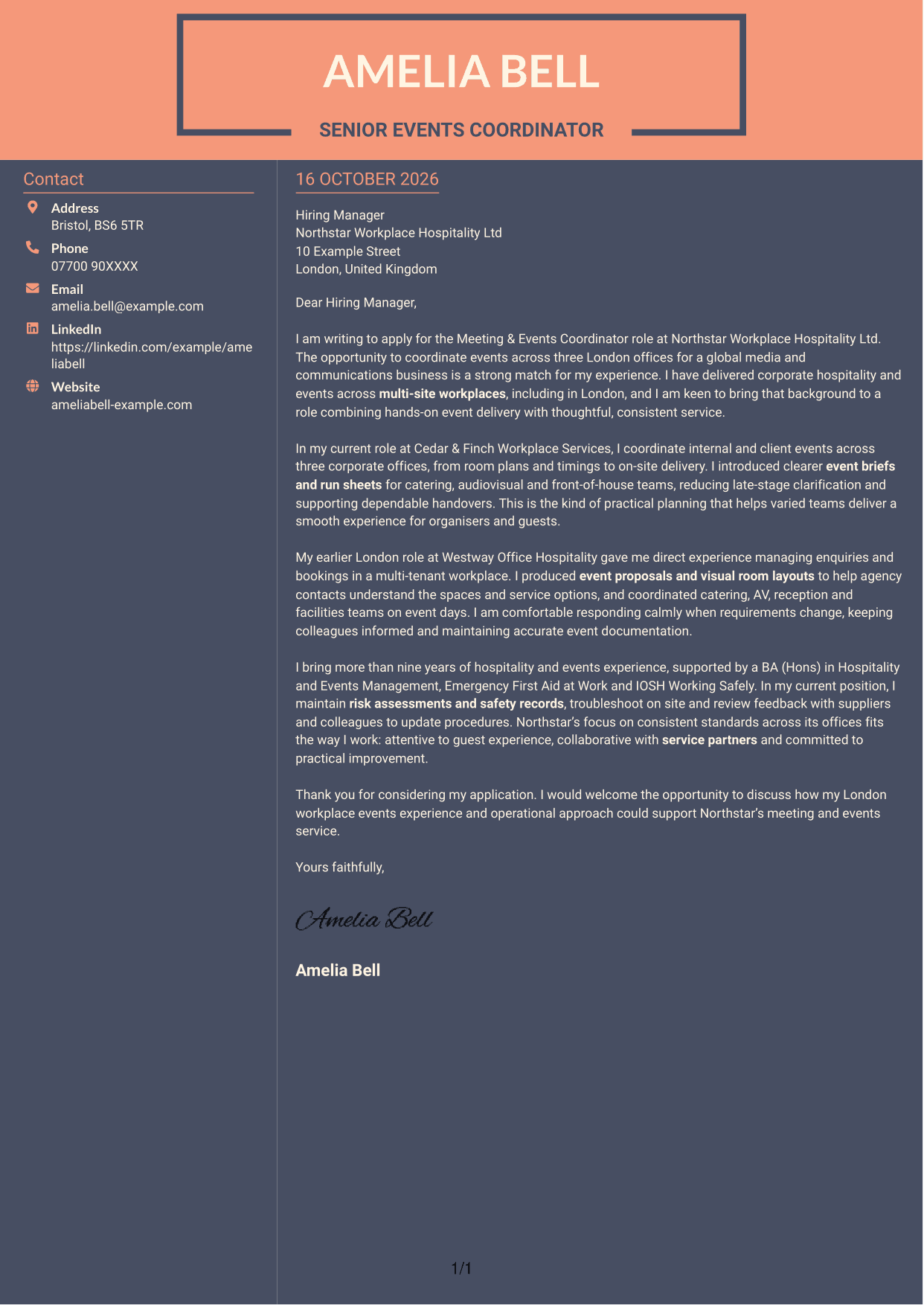
#7 Creative Two Tone Format Cover Letter Example
The contact sidebar sits alongside one continuous letter body, keeping contact details apart from the message.
Why This Format Works
- Contact details sit in a sidebar, apart from the letter’s continuous body.
- The body stays in one column, so each paragraph follows the last.
- With no photo, the page keeps its focus on the written message.
Best For
- A separate contact sidebar
- One-column letter reading
- A photo-free page
- A continuous written case
- Contact details apart from the message
See Also
- 7 Meeting & Events Coordinator CV Templates with Example
- 7 New Business Senior Manager - Financial Sponsor Coverage CV Templates with Example
- 7 Assistant Manager - Digital and Cyber Governance CV Templates with Example
- 7 Content Editor - Digital Rewards CV Templates with Example
- 7 Sales Associate - Activewear and Womenswear CV Templates with Example
- 7 Strategic Finance Lead - Technical Finance CV Templates with Example
- 7 Store Manager - Retail Sales and Store Operations CV Templates with Example
- 7 Graduate Analyst - US Funds Tax CV Templates with Example
- 7 Stock Operative - Menswear CV Templates with Example
- 7 Senior Manager - Third Party Assurance Methodology, Reporting and Risk Management CV Templates with Example
Frequently Asked Questions
What should a Meeting & Events Coordinator cover letter highlight?
Show how you plan events from enquiry to follow-up and work with service partners on the day. Useful examples include clear event materials, accurate bookings, calm problem-solving and attention to guest experience.
How can I show that my event experience fits a multi-site role?
Describe how you manage plans across different locations and keep organisers and colleagues informed. A specific example of coordinating room plans, timings or service teams can make your experience clear.
How can I demonstrate supplier coordination?
Explain how you work with partners such as catering, audiovisual, reception and facilities teams. Show how clear briefs, timely updates or practical handovers help an event run smoothly.
How should I write about live-event problem-solving?
Give a brief example of a change or issue you handled. Explain how you stayed calm, kept the right people informed and protected a safe, welcoming experience for guests.
How should I close a Meeting & Events Coordinator cover letter?
Restate your interest in the role and connect your relevant event experience to the service the employer needs. End with a polite line that welcomes a discussion about your fit.




