
7 Office Administrator - Building Control Cover Letter Templates with Example
This practical guide to an Office Administrator - Building Control cover letter gives you seven layouts and a clear way to present relevant experience.
What Makes a Great Office Administrator - Building Control Cover Letter in 2026
A strong letter links your interest in the role to the work of processing Building Control applications, preparing legal documents and keeping financial records accurate. Keep the opening direct and explain why your experience fits this office-based role.
Use specific examples of checking applications, managing calls and correspondence, or keeping cases on track. Show how your careful, dependable approach can support Westmere's client-facing service and building compliance work.
The featured example moves from interest in the role to relevant application and documentation work, then to communication strengths and a courteous close; adapt this focused progression while choosing a presentation suited to the employer and communication context.
#1 Simple One Column Format Cover Letter Example
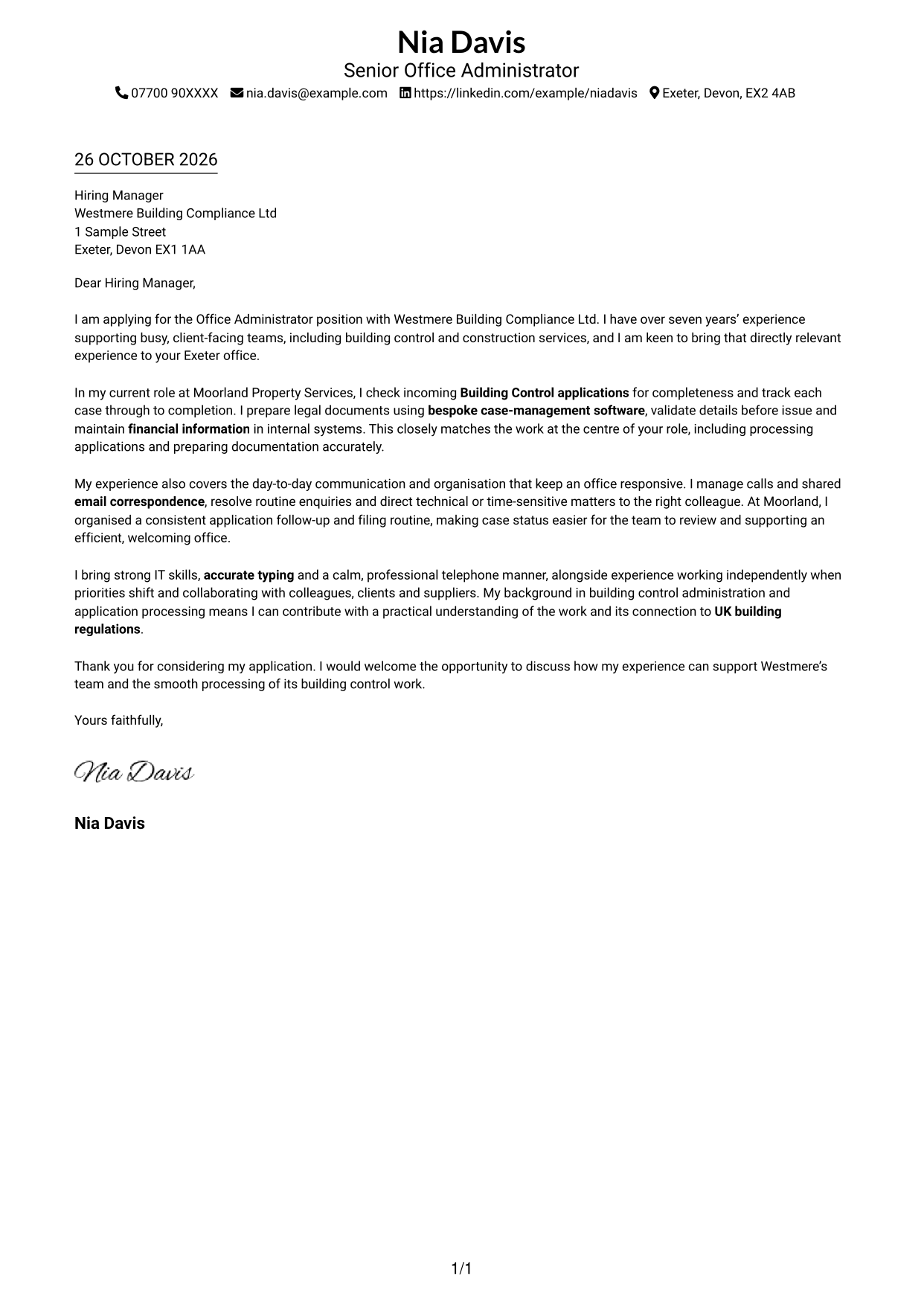
The Simple One Column Format keeps sender details and the letter body together for a direct reading path.
Why This Format Works
- One text path lets reviewers follow the letter without moving between columns.
- Sender details share the page with the message, avoiding a separate contact area.
- Unheaded paragraphs let the opening, evidence and closing read as one letter.
Best For
- Single-column letter layouts
- A direct opening-to-close argument
- Contact details beside the message
- Letters without a portrait
- Paragraph-based applications
#2 Two Column Format Cover Letter Example
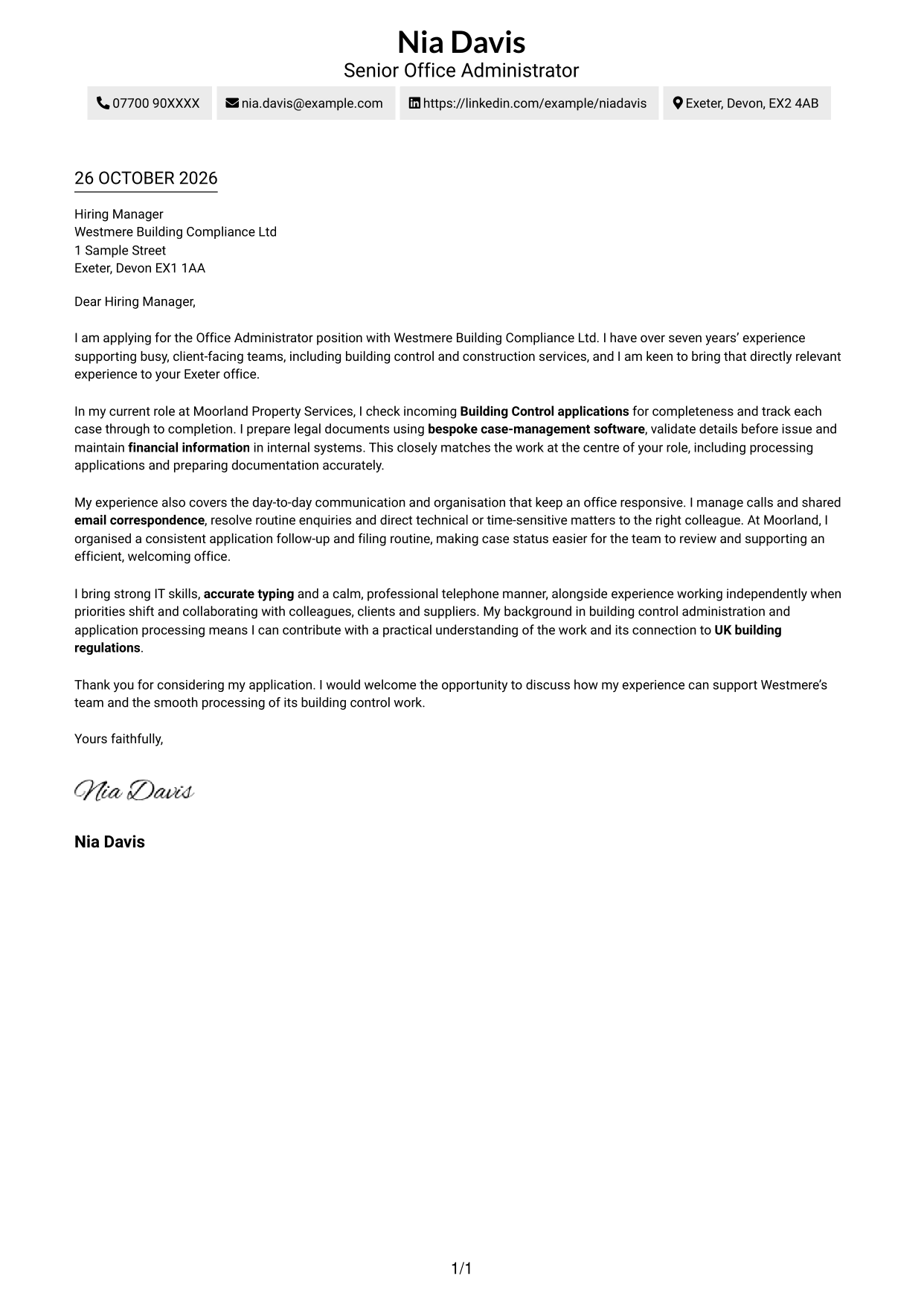
The Two Column Format places contact details beside one continuous letter body, giving practical information a separate place.
Why This Format Works
- A contact sidebar makes sender information easy to locate apart from the message.
- The main text area keeps the opening, evidence and closing in continuous prose.
- Reviewers can read the letter without contact details interrupting its paragraphs.
Best For
- Separate contact and message areas
- Continuous body paragraphs
- Quick access to sender details
- Letters with a clear reading order
- Applications without a portrait
#3 Photo Header Two Column Format Cover Letter Example
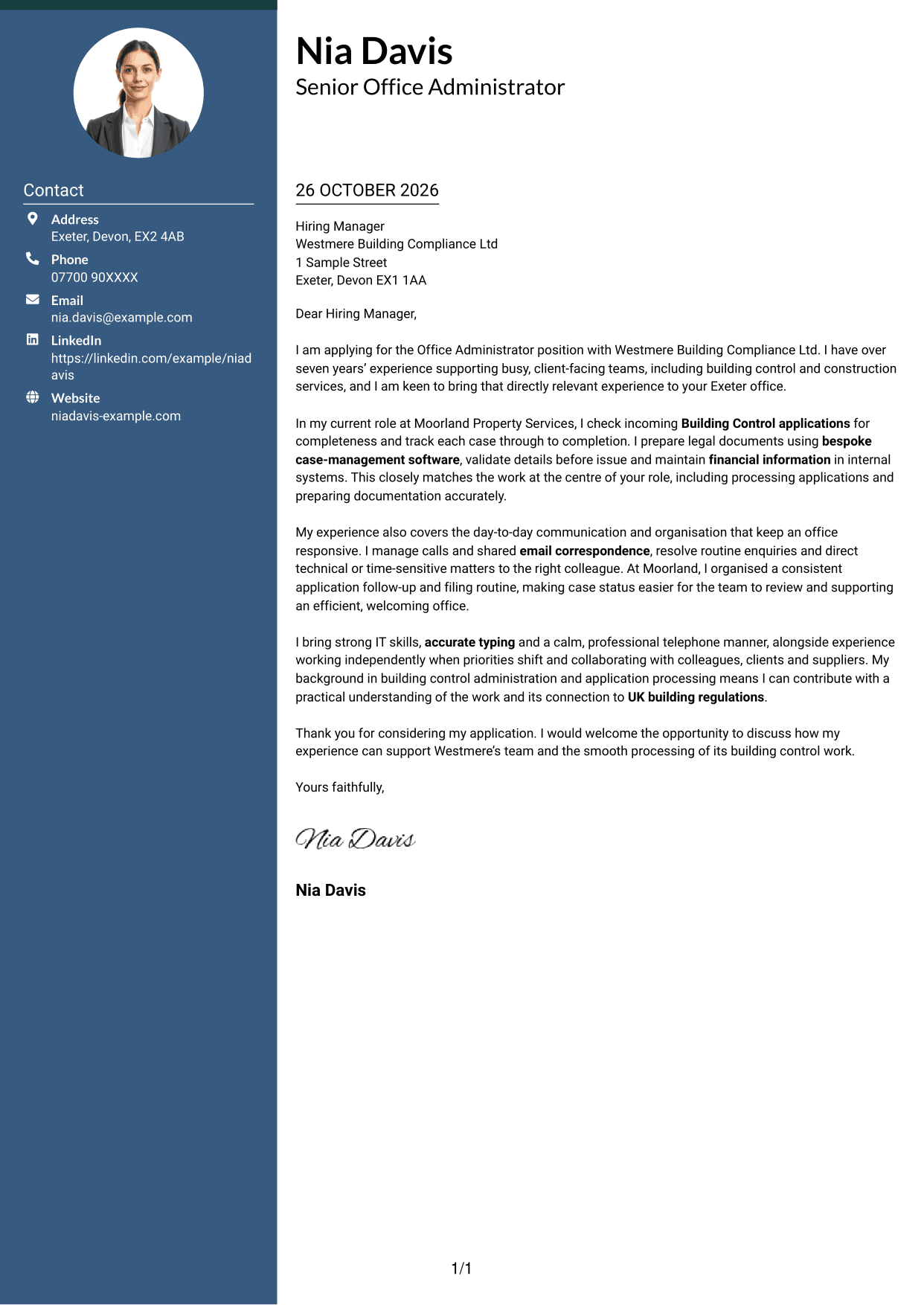
The Photo Header Two Column Format combines a portrait with a contact sidebar beside the continuous letter body.
Why This Format Works
- The sidebar keeps contact information distinct from the letter’s main message.
- A single text area lets reviewers follow the argument from greeting to sign-off.
- The portrait adds a visible personal element without dividing the letter body.
Best For
- Portrait-led letter layouts
- Contact details beside the message
- A continuous written argument
- Applications where a photo is preferred
- Letters with several points of evidence
#4 One Column Format with Photo Cover Letter Example
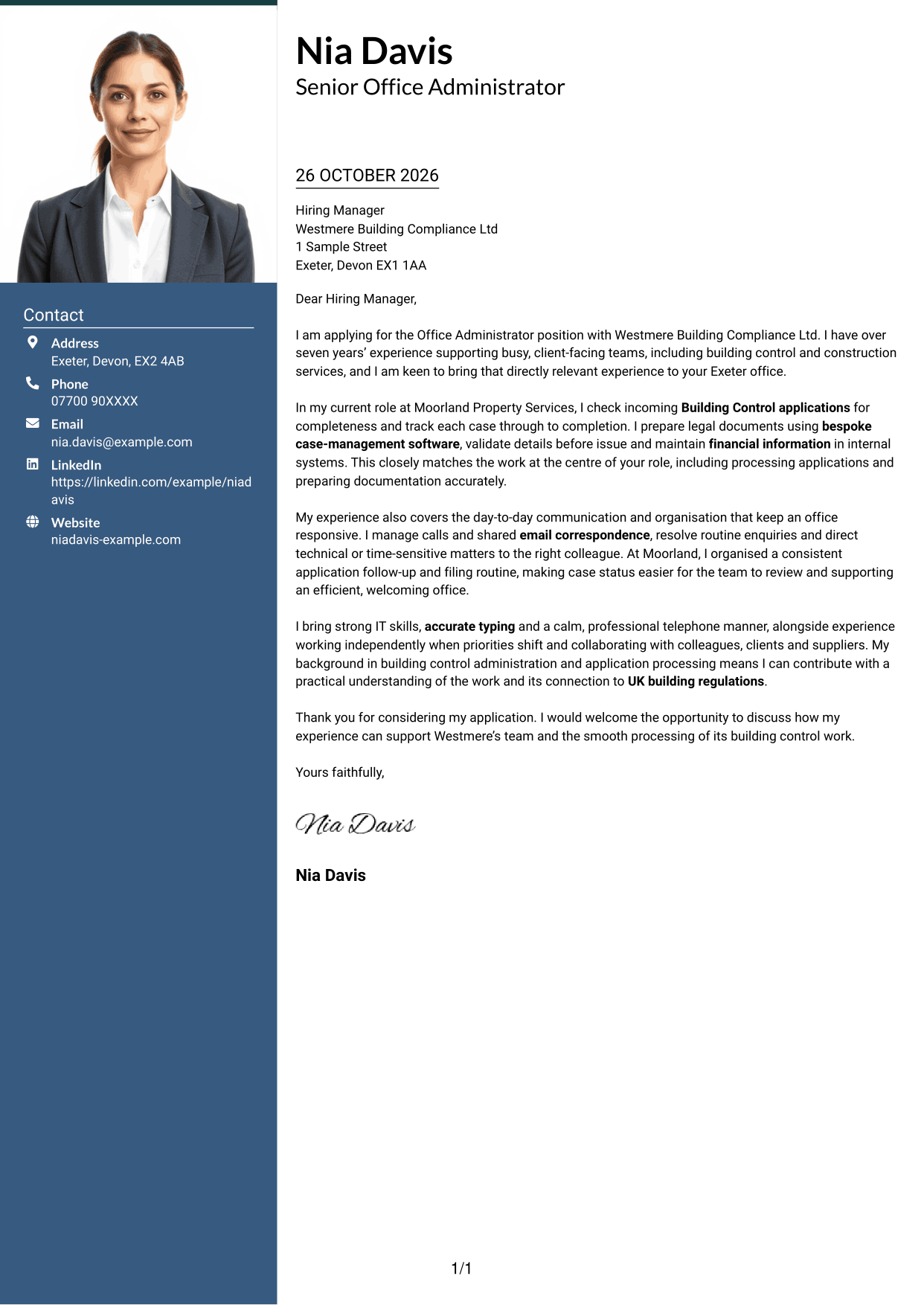
The One Column Format with Photo pairs a portrait with one continuous letter column for a unified page.
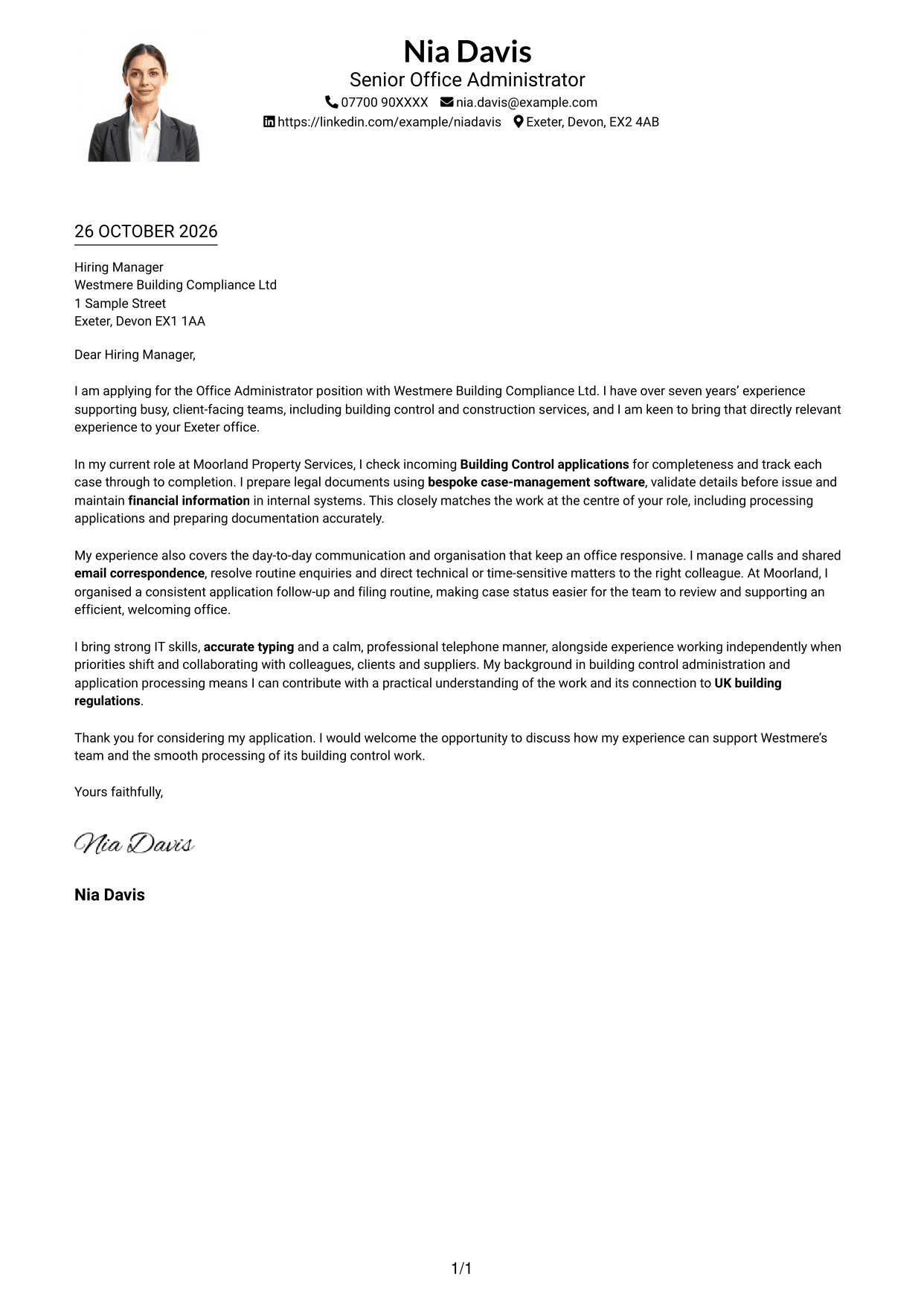
Why This Format Works
- One text column keeps the letter’s paragraphs in a familiar reading order.
- The portrait offers a visual point of personal presentation beside the written message.
- Sender details and the letter body remain together without a contact sidebar.
Best For
- Single-column letters with a portrait
- A visible personal element
- Contact details in the header
- A unified reading path
- Paragraph-based applications
#5 Simple Two Column Format Cover Letter Example
The Simple Two Column Format sets a contact sidebar beside the continuous letter body, keeping sender details distinct from the message.
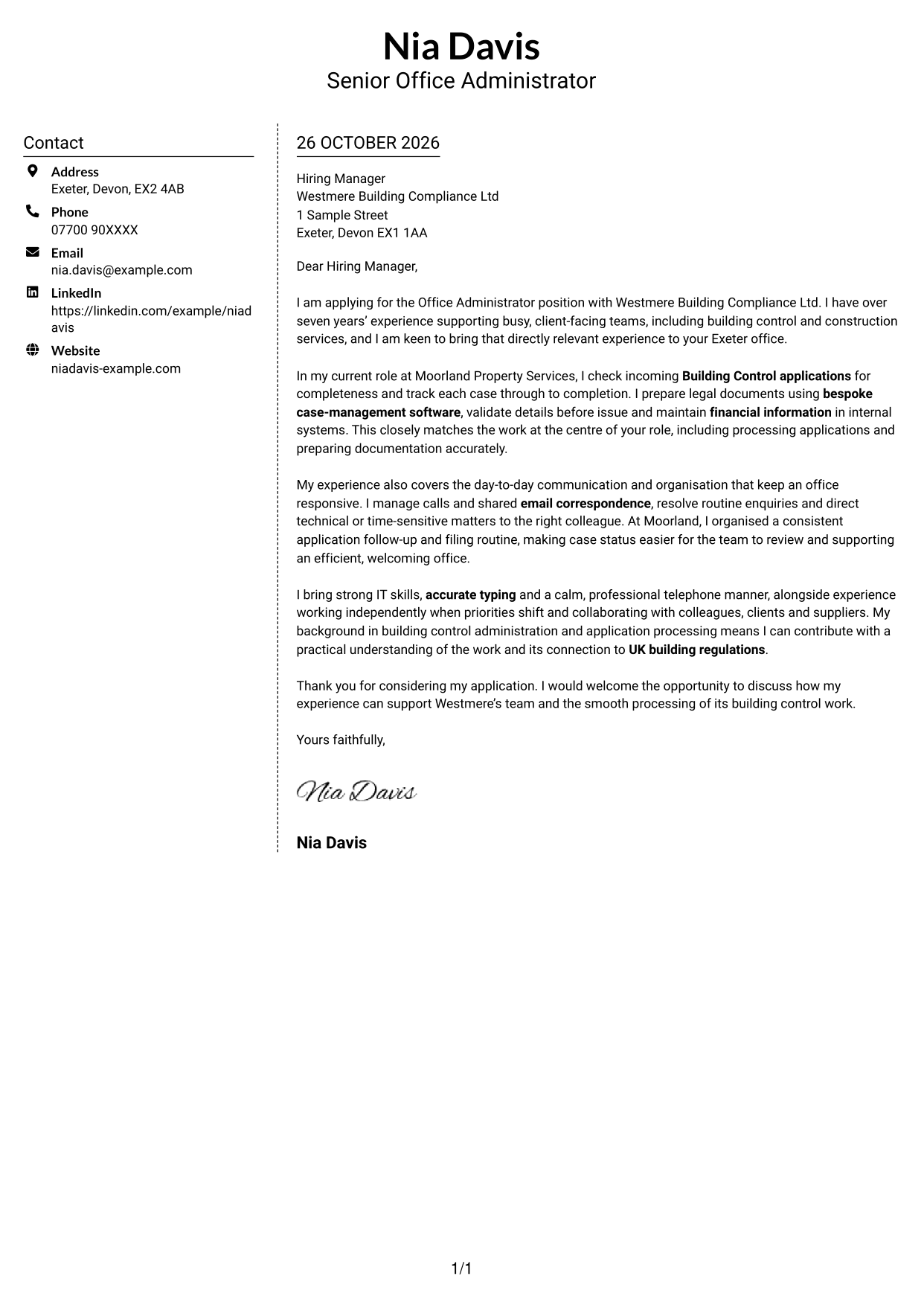
Why This Format Works
- A distinct contact area gives practical sender details a clear place on the page.
- The letter itself stays in one text area, preserving its natural paragraph sequence.
- Reviewers can distinguish correspondence details from the application message at a glance.
Best For
- A separate contact sidebar
- One continuous letter body
- Fast contact detail lookup
- Photo-free letter layouts
- Applications with a direct argument
#6 Modern Icon Format Cover Letter Example
The Modern Icon Format uses contact icons in its two-column layout, helping readers identify contact details without dividing the letter’s argument.
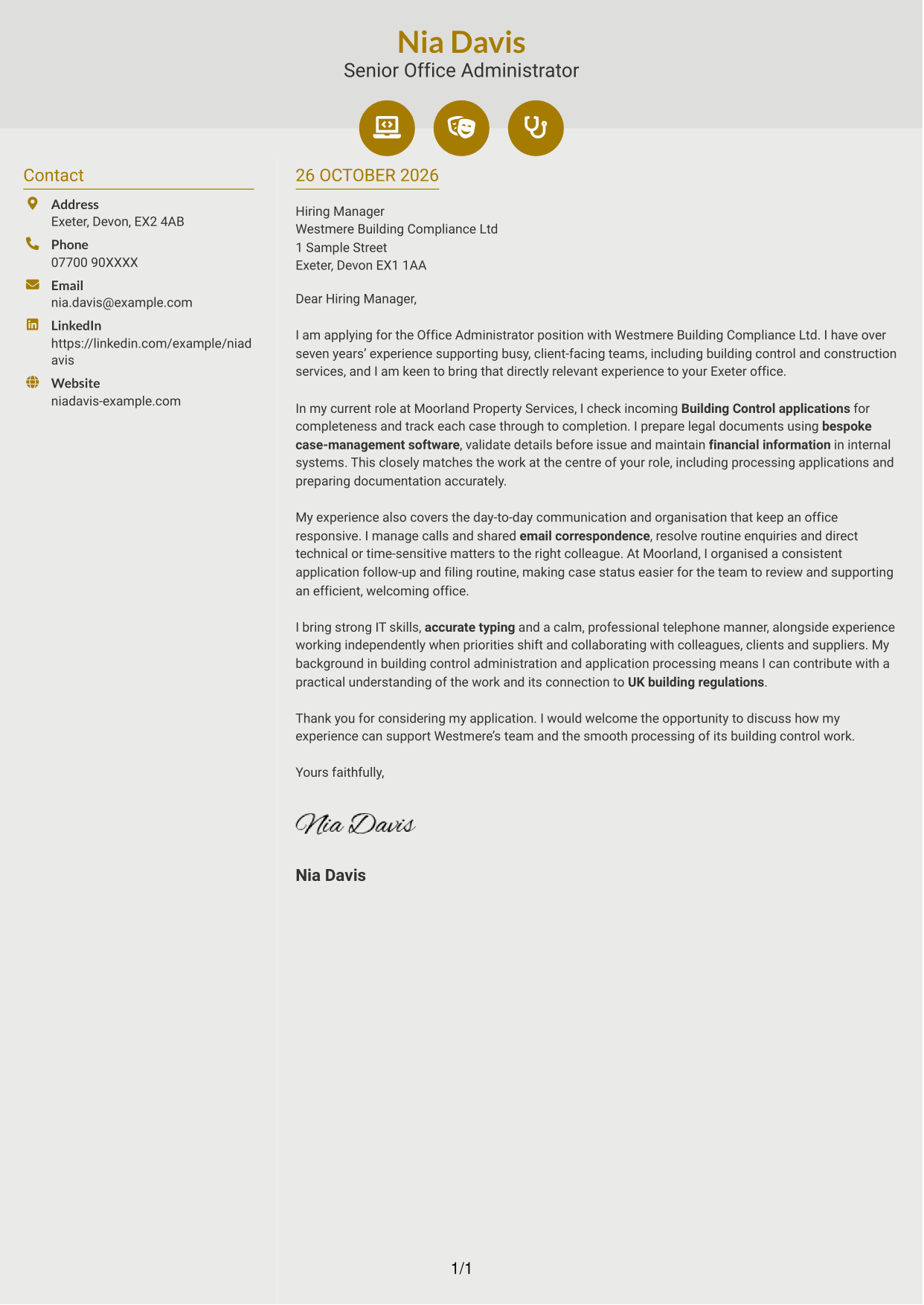
Why This Format Works
- Contact icons act as visual cues for details in the sidebar, not letter sections.
- The main text area keeps the message continuous from its opening to its close.
- A separate contact area lets reviewers find sender information without scanning the paragraphs.
Best For
- Icon-led contact information
- A separate contact sidebar
- Uninterrupted letter paragraphs
- Decorative header accents
- Applications without a portrait
#7 Creative Two Tone Format Cover Letter Example
The Creative Two Tone Format places a contact sidebar beside one continuous letter body, keeping sender details apart from the message.
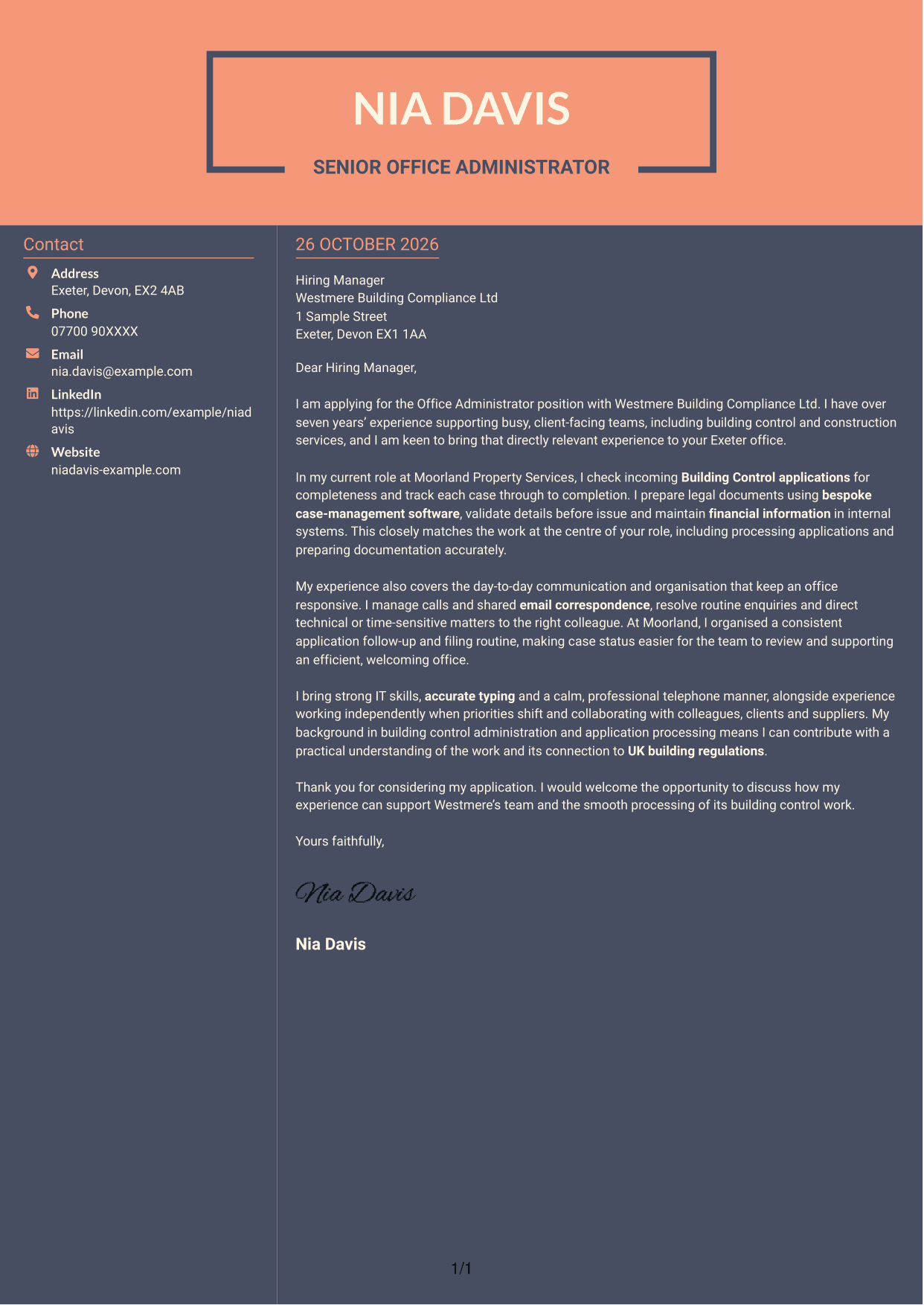
Why This Format Works
- Contact details remain available in a sidebar without taking space in the letter text.
- The main body keeps the application’s opening, evidence and closing in one sequence.
- The two-column arrangement separates practical information from the written message.
Best For
- Side-by-side contact and message areas
- Uninterrupted letter prose
- Contact information kept apart
- No-photo letter layouts
- Applications with a clear written case
See Also
- 7 Office Administrator - Building Control CV Templates with Example
- 7 Office Administrator - Engineering Service Coordination CV Templates with Example
- 7 School Office Administrator - Attendance and Pupil Administration CV Templates with Example
- 7 Credit Control Administrator Apprentice CV Templates with Example
- 7 Credit Control Administrator Apprentice - Dealer Accounts and Cash Management CV Templates with Example
- 7 Team Assistant - Executive and Office Support CV Templates with Example
- 7 Accounts Administrator - Accounts and Payroll CV Templates with Example
- 7 Accounts Administrator - Payroll and Finance CV Templates with Example
- 7 Office Administrator - Engineering Service Coordination Cover Letter Templates with Example
- 7 School Office Administrator - Attendance and Pupil Administration Cover Letter Templates with Example
Frequently Asked Questions
What should an Office Administrator - Building Control cover letter highlight?
Show how your experience relates to the role's daily work. Useful examples include processing Building Control applications, preparing legal documentation, entering financial data and responding to client enquiries.
How can I show that I can manage Building Control applications?
Describe how you check application details, follow up missing information and track cases through to completion. Explain how your process helps the team keep accurate records and move work forward.
How can I demonstrate strong communication skills?
Give an example of handling calls or shared email correspondence, responding to routine questions and passing more complex matters to the right colleague. Keep the focus on clear, professional service.
How should I explain my interest in Westmere Building Compliance Ltd?
Refer to a genuine reason for wanting to support its client-facing building compliance work. Link that interest to relevant experience with applications, documentation or office administration.
What is a clear way to structure this cover letter?
Open by naming the role and giving a concise reason for applying. Use the body to connect relevant application, documentation and communication experience to the position, then close with a polite invitation to discuss your fit.




