
7 Optical Assistant Apprentice Cover Letter Templates with Example
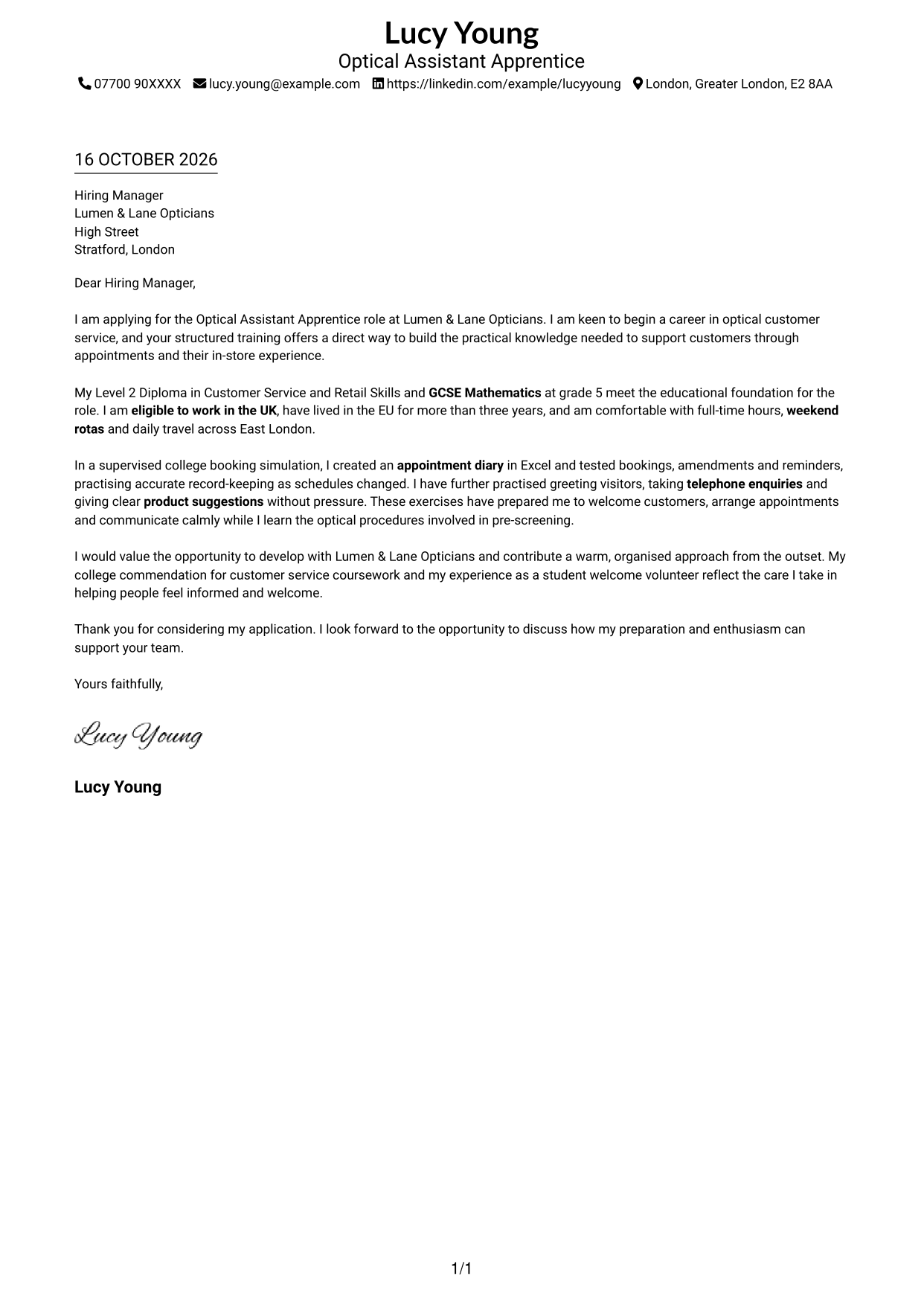
This practical guide to an Optical Assistant Apprentice cover letter shows how to present your motivation and customer-service preparation across seven layouts.
What Makes a Great Optical Assistant Apprentice Cover Letter in 2026
A strong letter shows why you want to learn optical customer service and how you can help customers feel welcome. Make your opening clear, then connect your interest to the training and duties of the role.
Use brief evidence from supervised practice, such as recording appointment details accurately or explaining product suggestions without pressure. Show how this preparation can support the employer’s customers while you learn trained procedures such as pre-screening.
The featured example moves from role interest to eligibility, practical customer-service preparation and a clear close; adapt this focused progression while choosing a presentation suited to the employer and communication context.
#1 Simple One Column Format Cover Letter Example
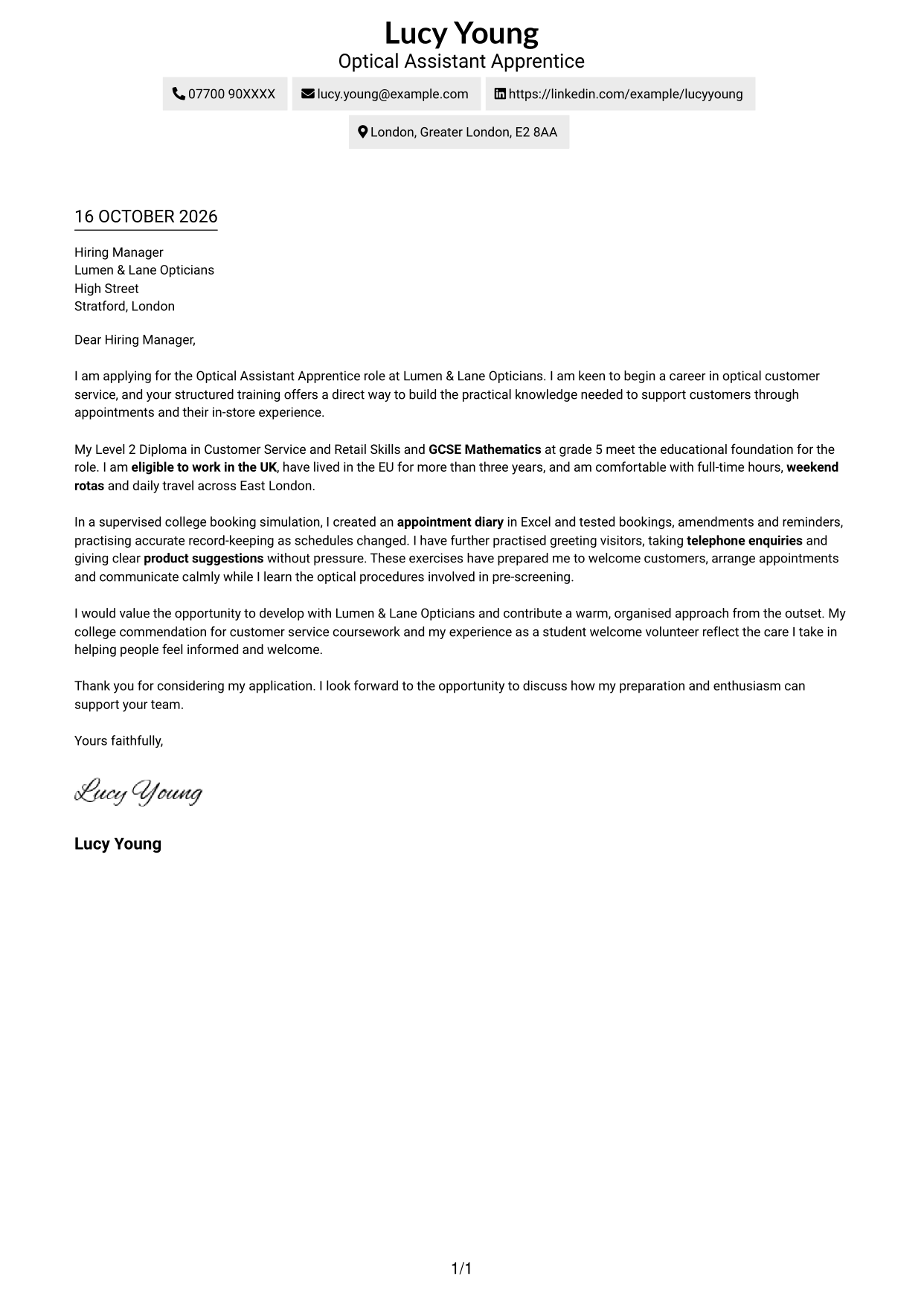
The Simple One Column Format keeps sender details in the header and the letter in one column, giving the message a direct reading path.
Why This Format Works
- One column gives the opening, supporting points and closing a clear reading order.
- Sender details sit in the header, separate from the letter's message.
- Without a contact sidebar, the letter remains the page's main focus.
Best For
- Single-column letter layouts
- Header-based contact details
- Photo-free applications
- Paragraph-led messages
- Direct application correspondence
#2 Two Column Format Cover Letter Example
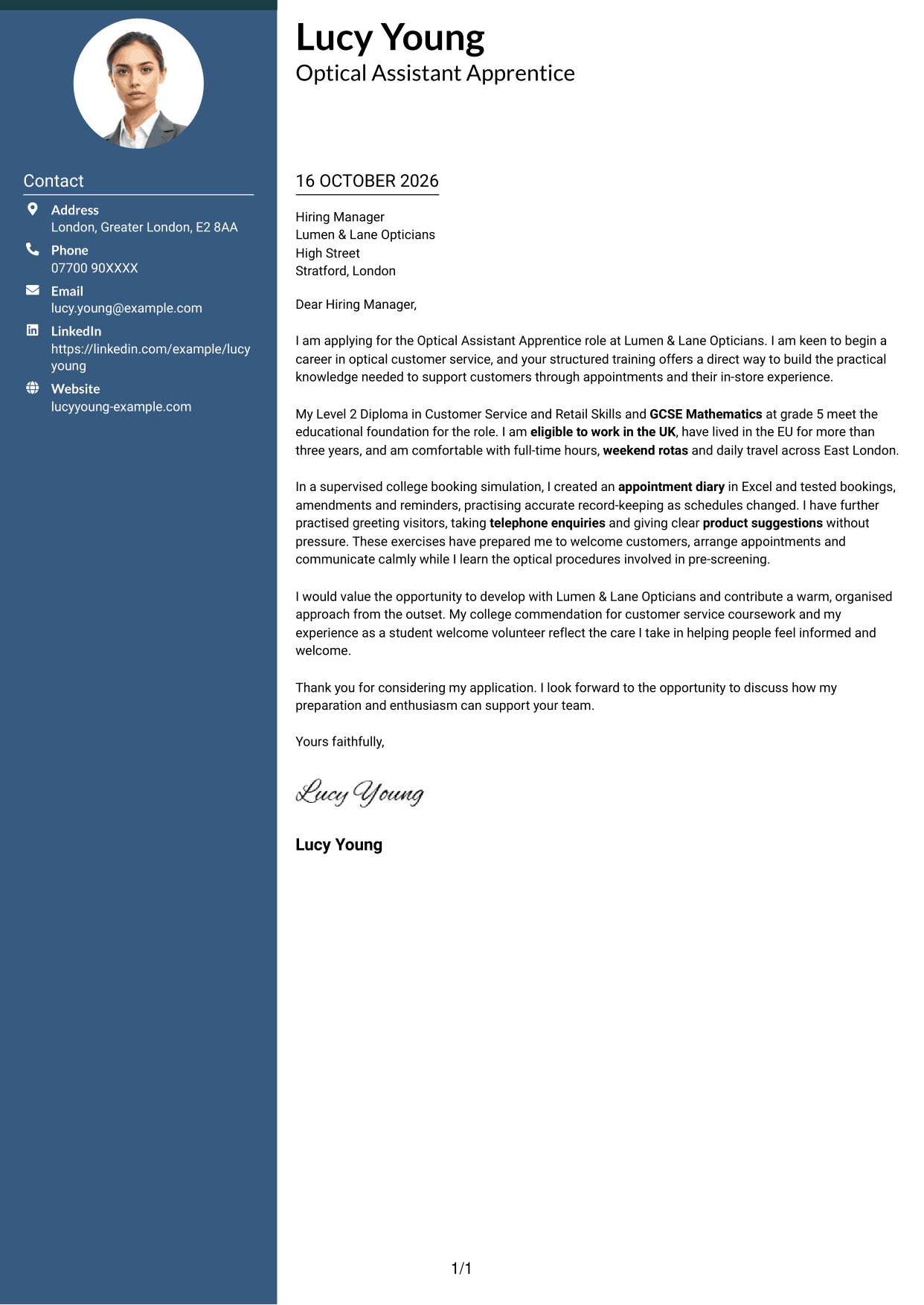
The Two Column Format places a contact sidebar beside one continuous letter body, keeping practical details close to the message.
Why This Format Works
- A contact sidebar keeps sender details distinct from the letter's message.
- The continuous body lets motivation and supporting points read in sequence.
- The letter's paragraphs remain free of headings that might break its direct tone.
Best For
- Two-column reading preference
- Contact details outside the letter body
- Continuous paragraph-based messages
- Photo-free letter layouts
- Applications with several linked points
#3 Photo Header Two Column Format Cover Letter Example
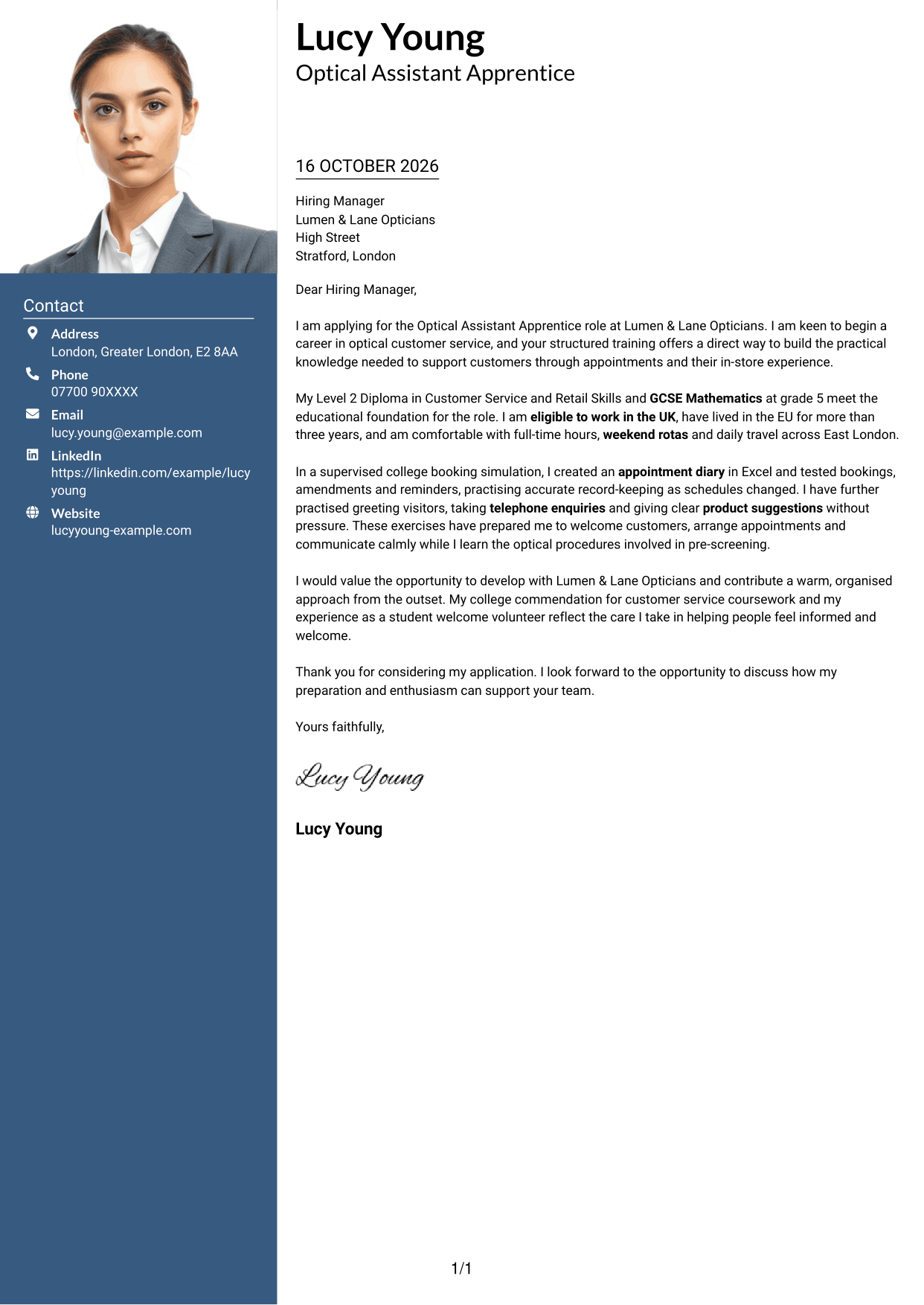
The Photo Header Two Column Format combines a photo with a contact sidebar, while the letter stays in one continuous body.
Why This Format Works
- Portrait display adds a personal visual element without changing the letter's argument.
- A contact sidebar separates sender details from the continuous letter body.
- Paragraphs keep motivation and supporting points in one reading sequence.
Best For
- Photo-inclusive applications
- Contact sidebar layouts
- Continuous letter arguments
- Two-column reading preference
- Paragraph-led application messages
#4 One Column Format with Photo Cover Letter Example
The One Column Format with Photo pairs a portrait with a single-column letter, keeping the message on one direct reading path.
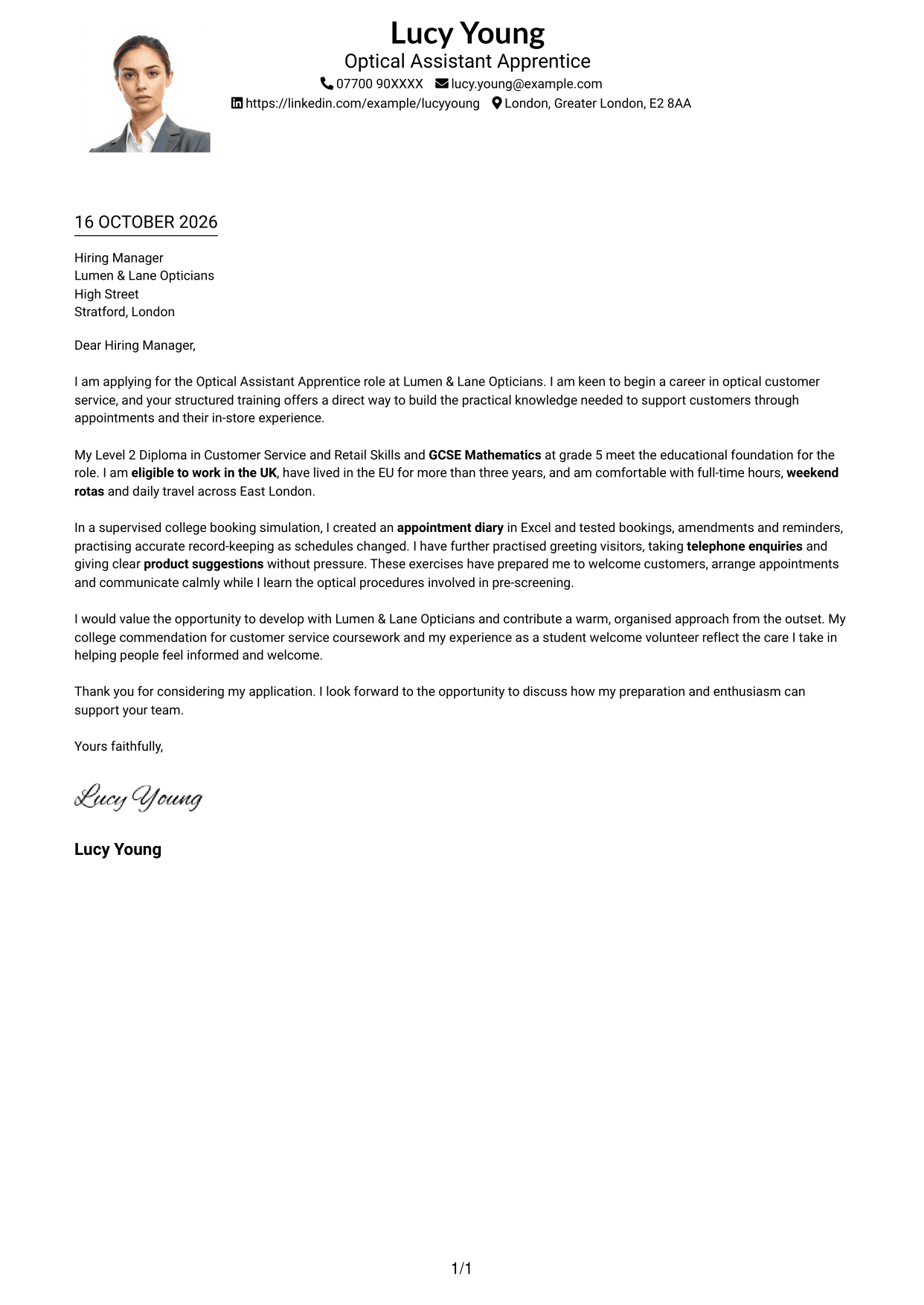
Why This Format Works
- One column keeps the message in a direct reading path.
- Sender details remain in the header rather than beside the body.
- The photo is a visual choice, not a marker for the letter's argument.
Best For
- Single-column correspondence
- Photo-inclusive applications
- Header-based contact details
- No-sidebar letter layouts
- Paragraph-led messages
#5 Simple Two Column Format Cover Letter Example
The Simple Two Column Format gives contact details a sidebar beside the letter, whose paragraphs remain in one continuous body.
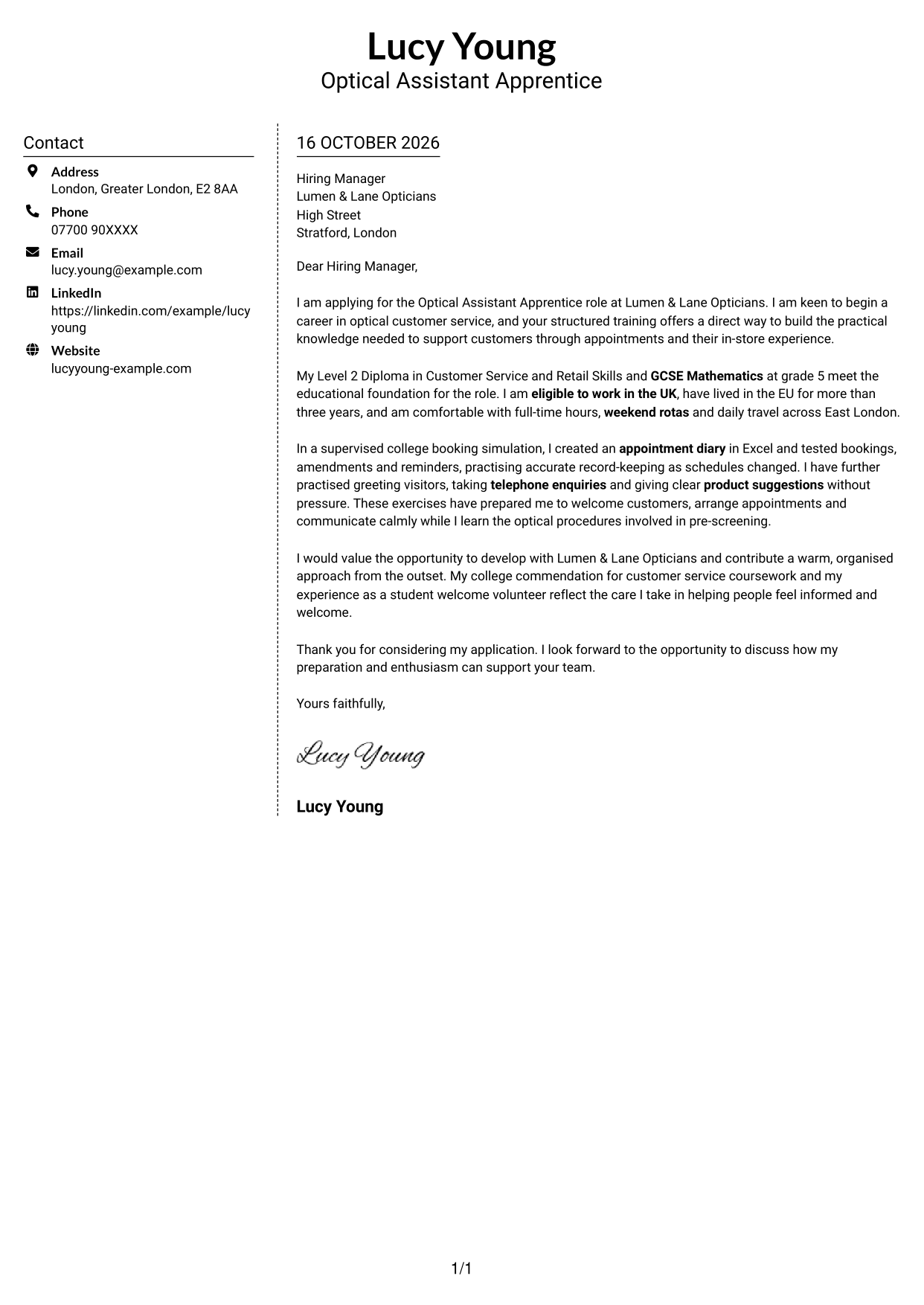
Why This Format Works
- Contact details occupy a sidebar, apart from the letter's continuous paragraphs.
- One body keeps the opening, evidence and closing in their intended order.
- The lack of body headings lets the message retain a straightforward letter tone.
Best For
- Side-by-side contact presentation
- Photo-free correspondence
- Continuous letter arguments
- Messages with linked points
- Unheaded letter bodies
#6 Modern Icon Format Cover Letter Example
The Modern Icon Format uses two columns, with contact cues in the sidebar and the letter in one continuous body.
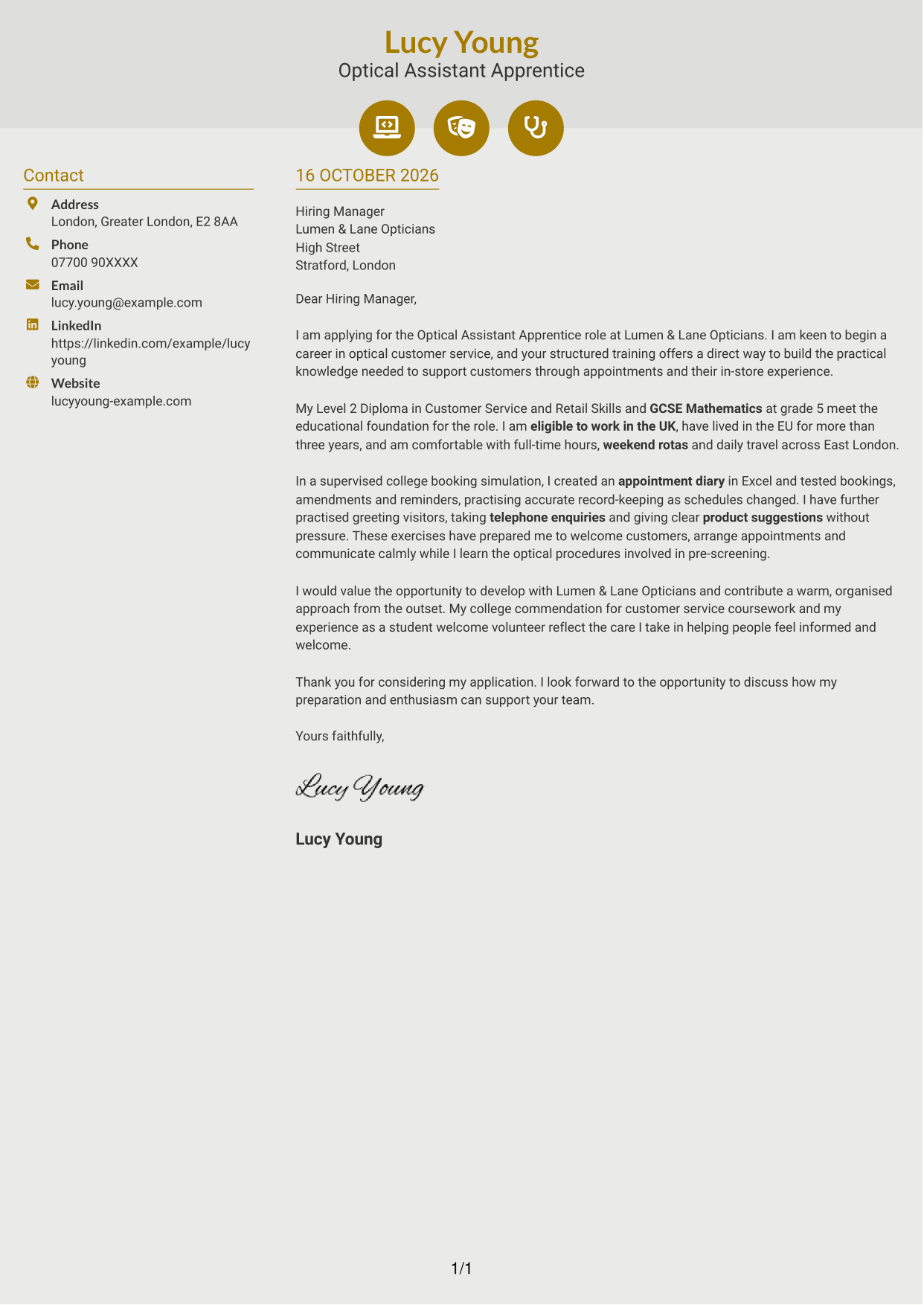
Why This Format Works
- Contact icons help distinguish details in the sidebar from the letter body.
- All argument paragraphs remain together, so the message reads in order.
- Decorative header accents add visual detail without breaking the letter's text.
Best For
- Contact icons in the sidebar
- Two-column reading preference
- Photo-free applications
- Continuous letter messages
- Decorative header accents
#7 Creative Two Tone Format Cover Letter Example
The Creative Two Tone Format places a contact sidebar beside one continuous letter body, keeping contact details apart from the message.
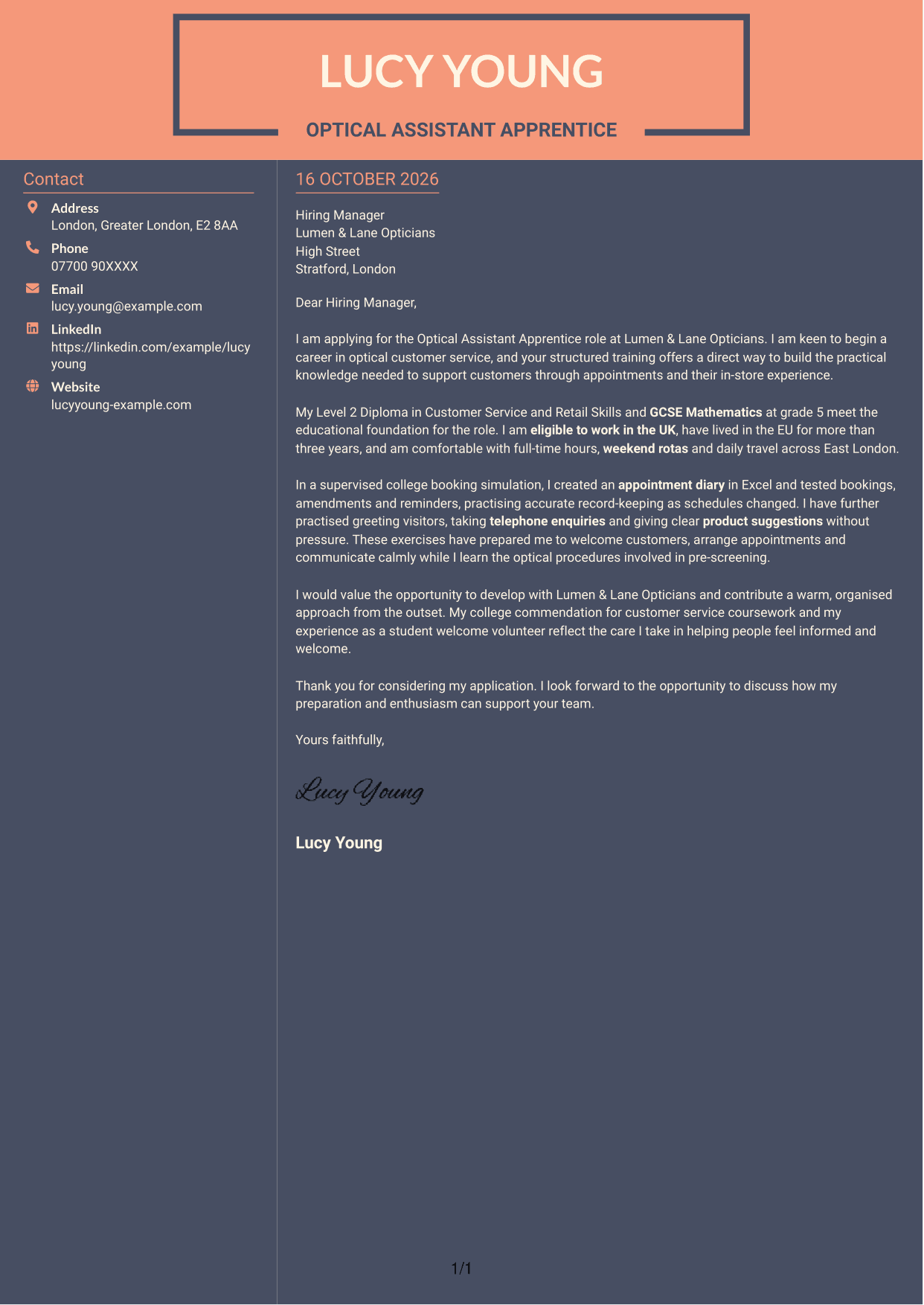
Why This Format Works
- The sidebar gives sender details a separate place beside the message.
- One continuous body keeps motivation, evidence and closing in sequence.
- The letter's paragraphs remain free of headings that divide its message.
Best For
- Side-by-side contact details
- Photo-free letters
- Continuous paragraph messages
- Unheaded correspondence
- Two-column reading preference
See Also
- 7 Optical Assistant Apprentice CV Templates with Example
- 7 Assistant Banking Manager - Lending Administration CV Templates with Example
- 7 Assistant Manager - Digital and Cyber Governance CV Templates with Example
- 7 Audit Assistant Manager - Consumer Markets CV Templates with Example
- 7 New Business Senior Manager - Financial Sponsor Coverage CV Templates with Example
- 7 Content Editor - Digital Rewards CV Templates with Example
- 7 Sales Associate - Activewear and Womenswear CV Templates with Example
- 7 Strategic Finance Lead - Technical Finance CV Templates with Example
- 7 Assistant Banking Manager - Lending Administration Cover Letter Templates with Example
- 7 Assistant Manager - Digital and Cyber Governance Cover Letter Templates with Example
Frequently Asked Questions
What should an Optical Assistant Apprentice cover letter highlight?
Show your interest in learning optical customer service and helping customers have a welcoming store experience. You can mention relevant practice with appointment booking, telephone enquiries and thoughtful product advice, as well as your readiness to learn pre-screening procedures.
How can I use college practice as evidence in my letter?
Describe a specific task and what it helped you practise. For example, explain how you created and tested an appointment diary in Excel, including bookings, changes and reminders, then link that practice to accurate appointment handling.
How can I explain my interest in Lumen & Lane Opticians?
Connect your interest in customer care with the role’s structured training. You can explain that you want to build optical knowledge while helping customers with appointments, enquiries and their in-store experience.
What is a clear way to structure this cover letter?
Open by naming the role and explaining your reason for applying. Use the body to show your relevant preparation and how it relates to the duties, then close by restating your interest and inviting a discussion.
How should I describe optical tasks I have not done before?
Be clear about what you have practised and what you are ready to learn. For example, describe your customer-service and booking practice, then say that you are keen to learn pre-screening by following training and established procedures.




