
7 Optical Assistant Apprentice CV Templates with Example
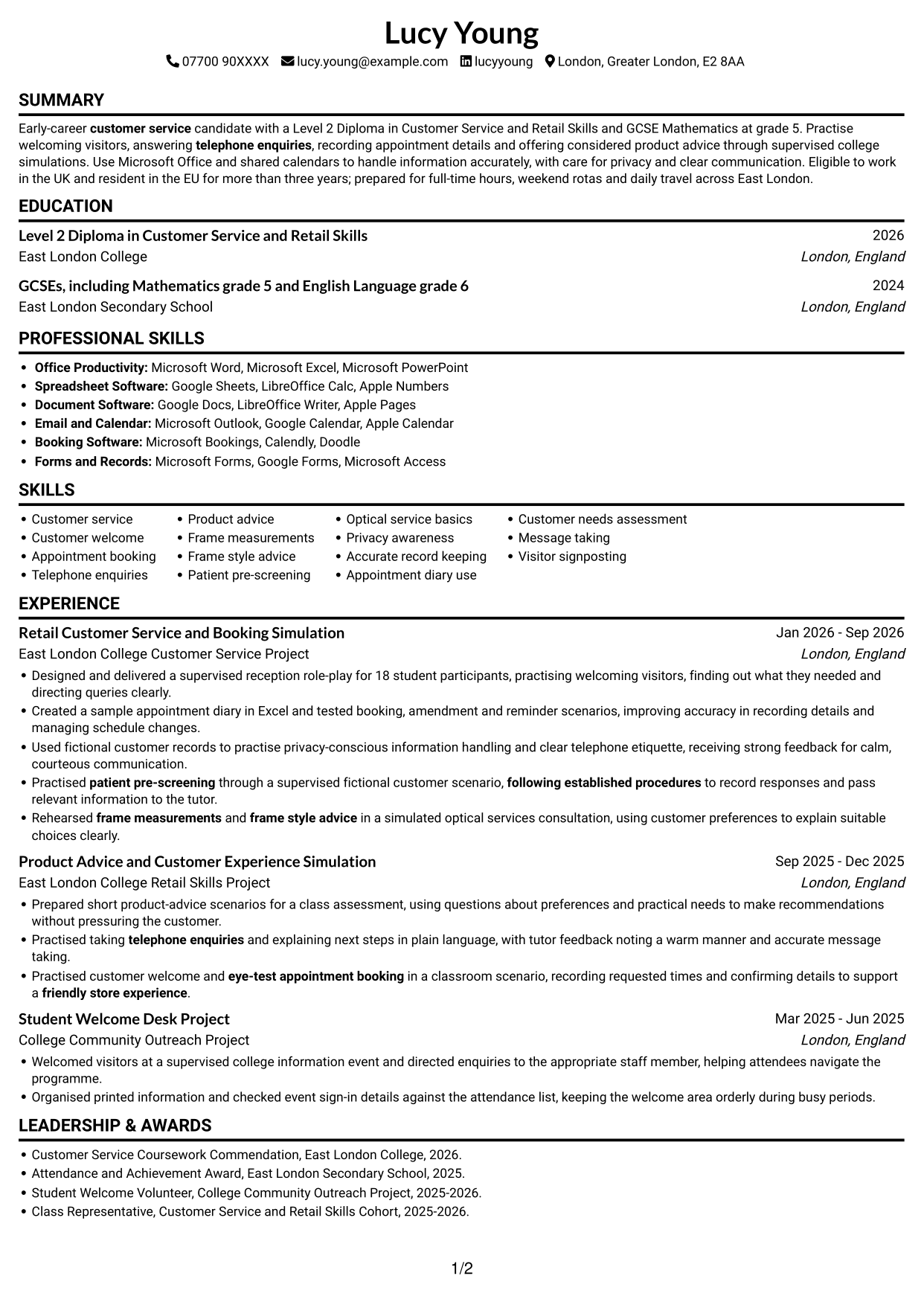
This practical guide shows you how to create an Optical Assistant Apprentice CV that is clear, focused and easy to review. You will learn how to organise your evidence and choose a format that presents your skills well.
For this role, make customer welcome, eye-test appointment booking and telephone enquiries easy to find. Include relevant training and education, and describe supervised practice with patient pre-screening, frame measurements or frame style advice accurately as simulated experience.
Compare the example in 7 layouts using the PNG image previews, then open one in the editor to customise it. The guide also covers ATS readability, useful CV sections and role-specific terms such as accurate record keeping, privacy awareness and following established procedures.
What Makes a Great Optical Assistant Apprentice CV in 2026
A strong CV puts customer service, appointment booking and clear communication where readers can find them quickly. Use concise bullets to show how you welcomed visitors, handled enquiries and kept booking details accurate.
Include relevant education, such as a customer service qualification and GCSE Mathematics, plus any customer confidentiality training. Use role terms like patient pre-screening and frame measurements only when your evidence supports them, and label practice as simulated where needed.
Note: CV examples are for educational purposes only. Use only information that accurately reflects your experience and qualifications. References to real organisations do not imply affiliation or endorsement.
#1 Simple One Column Format CV Example
The single-column body gives the CV one clear reading path, a practical choice when a straightforward section order matters.
Why This Format Works
- Experience bullets follow a simple sequence, so reviewers can track each entry clearly.
- Education and credentials stay within the same easy-to-follow section order.
- Skills are easy to check without moving between body columns.
Best For
- A clear, linear reading path
- Detailed experience entries
- A familiar section sequence
- Text-led applications
- A concise qualifications record
CV Keywords
- customer service
- Customer welcome
- eye-test appointment booking
- telephone enquiries
- Patient pre-screening
- Frame measurements
- Frame style advice
- optical services
- following established procedures
- friendly store experience
#2 Simple Two Column Format CV Example
Two body columns give this CV a compact, side-by-side structure, useful when readers want to find different sections quickly.
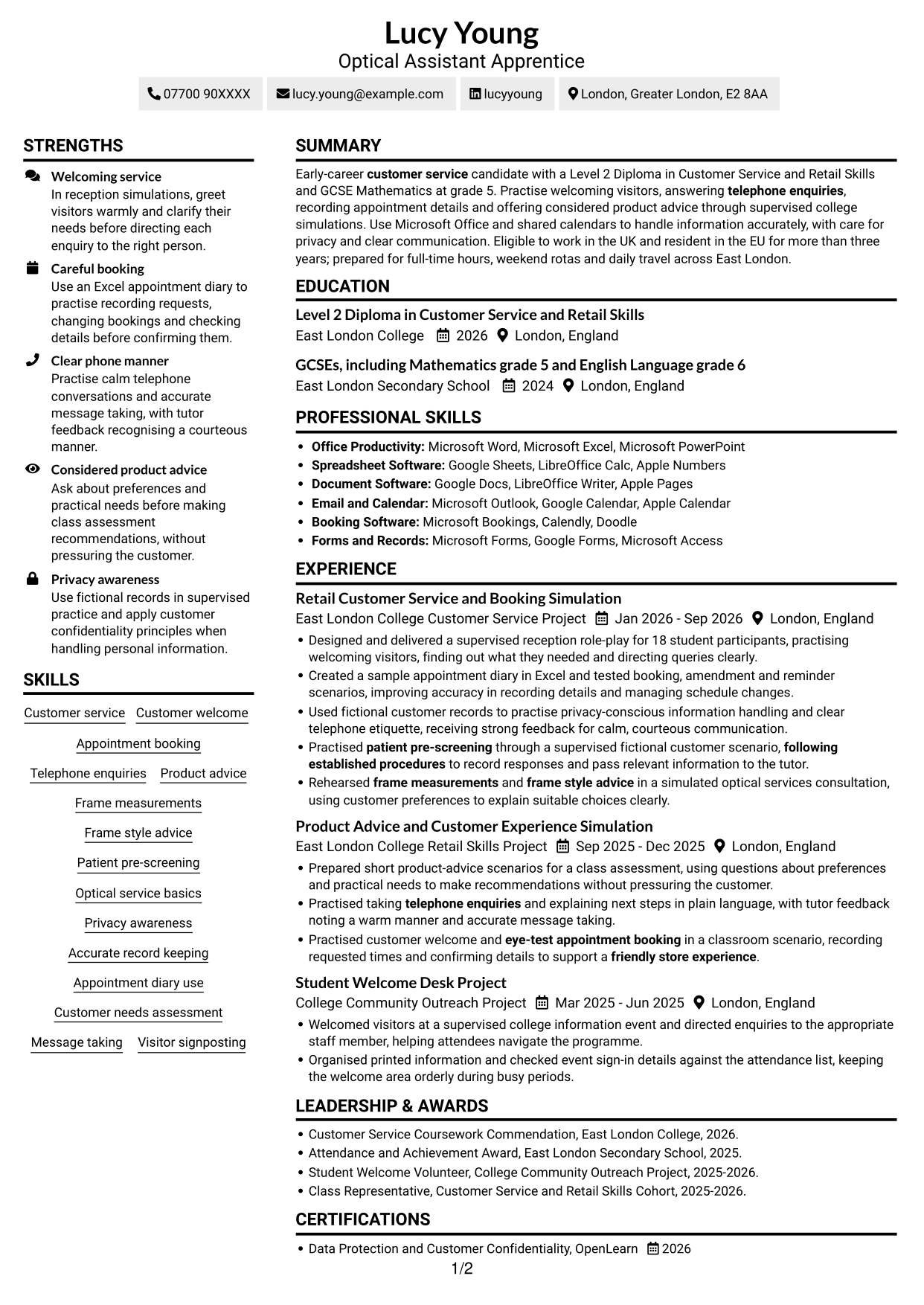

Why This Format Works
- Separate column areas help reviewers locate experience and education without searching one long sequence.
- Skills and credentials can be checked apart from detailed experience bullets.
- The two-column structure keeps several CV sections in view together.
Best For
- A side-by-side section overview
- Quick access to key details
- Several sections in a compact layout
- Skills alongside qualifications
- A varied mix of experience and education
#3 Plain One Column with Shaded Labels CV Example
The one-column body keeps each CV section in a direct reading order, a useful choice for clear, steady review.
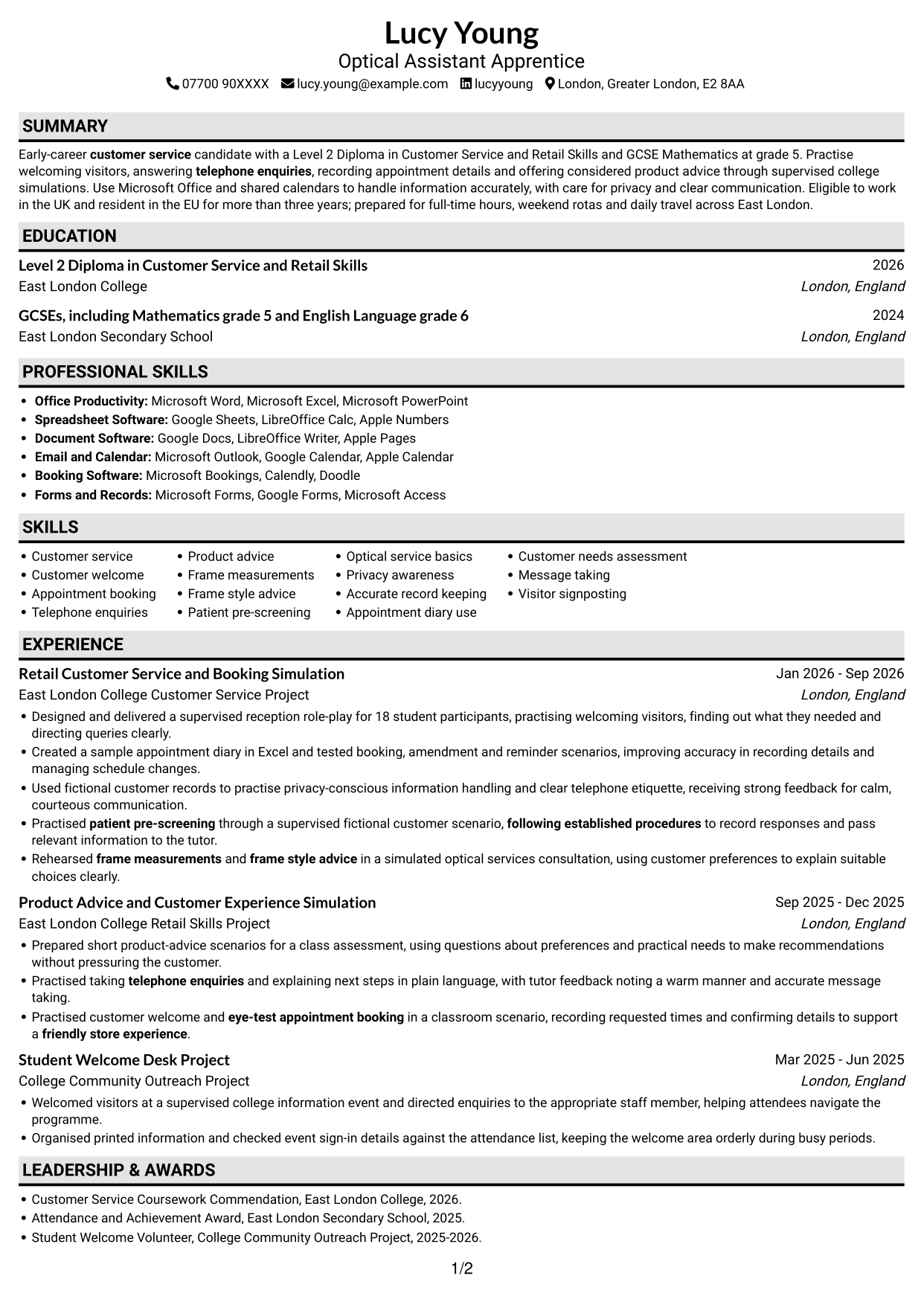
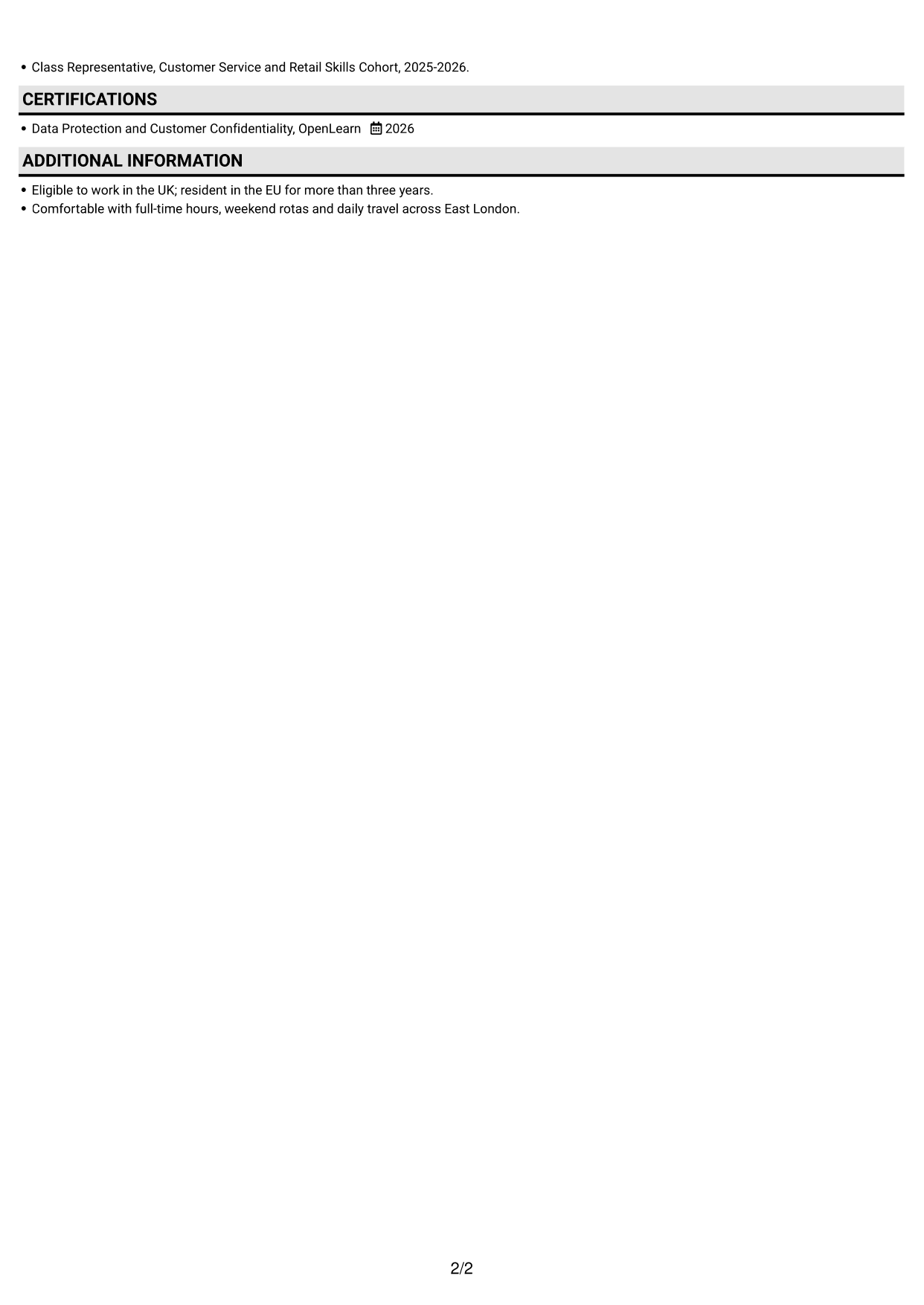
Why This Format Works
- Reviewers can follow experience entries in sequence without switching between body columns.
- Education details remain part of the same continuous section order.
- The single-column structure keeps skills within the main reading path.
Best For
- A direct reading order
- Experience listed by entry
- Education within a simple sequence
- Skills in the main body
- Straightforward section navigation
#4 One Column Format with Photo Right CV Example
A single-column body and a photo provide a clear content path with a personal visual element, for readers who want both.
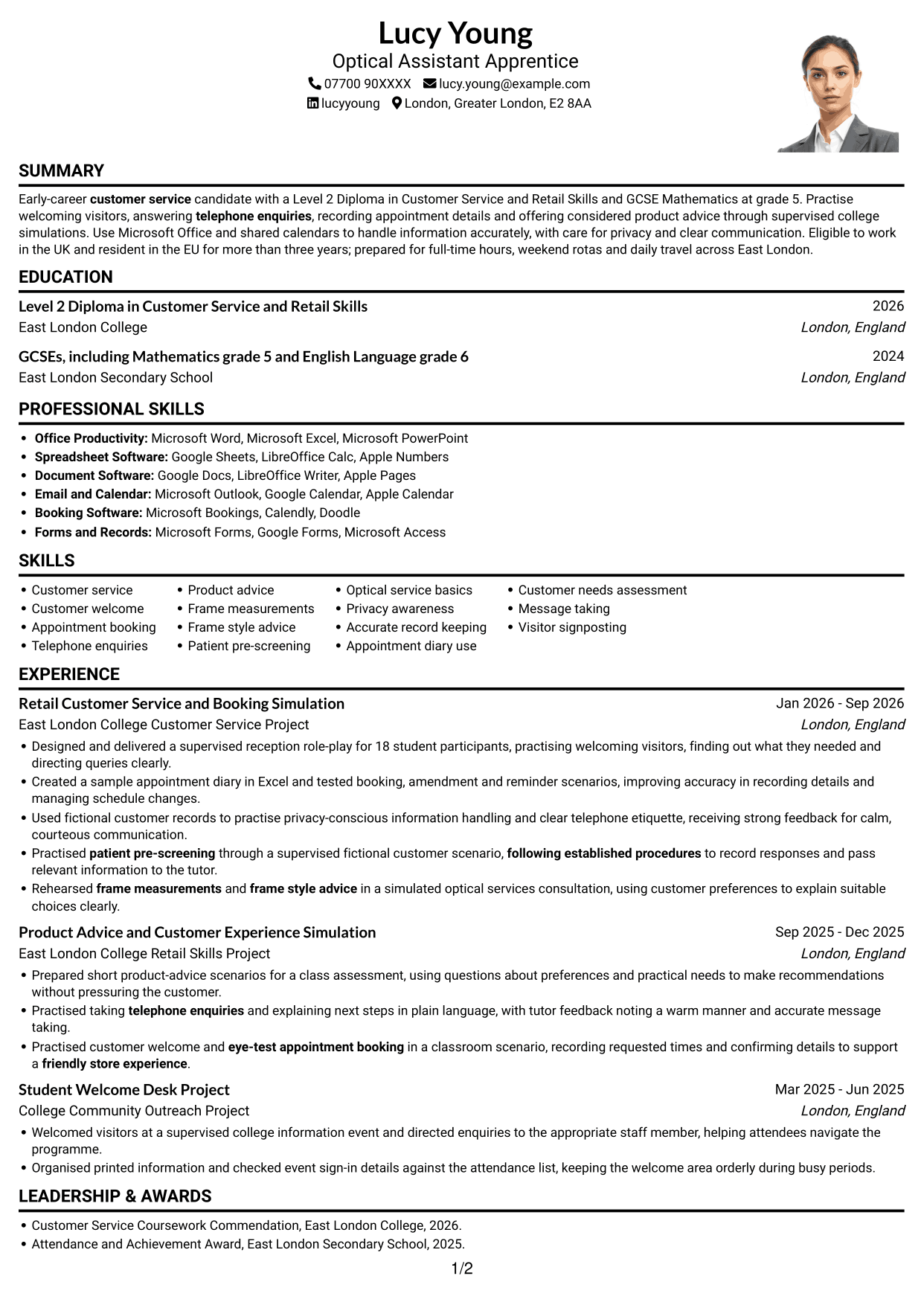
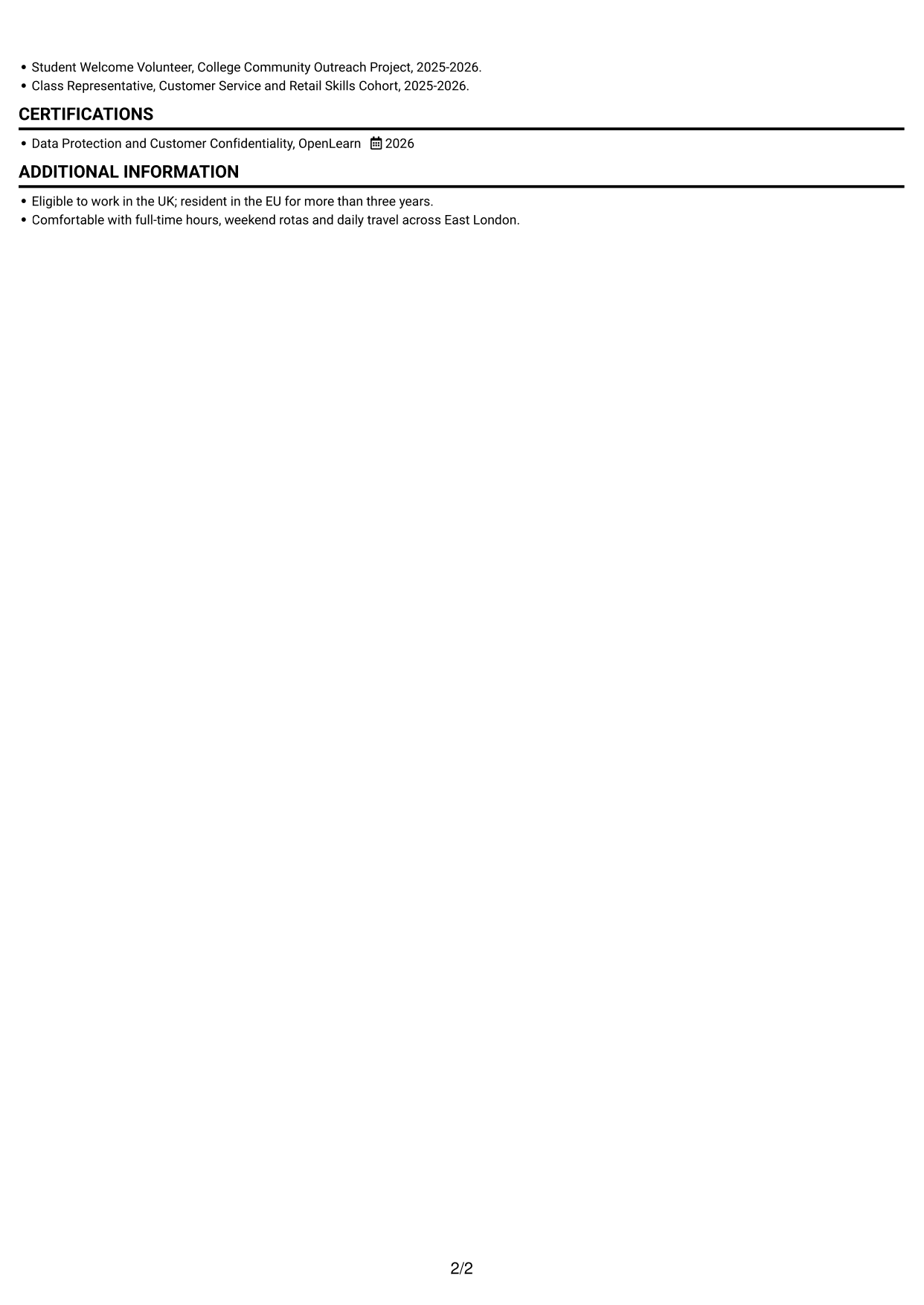
Why This Format Works
- Experience remains in one reading sequence, helping reviewers follow entries from one role to the next.
- Education and credentials appear within the same clear body structure.
- Skills can be checked without navigating between separate content columns.
Best For
- A single reading sequence
- A CV with a personal photo
- Experience-led career histories
- Education and credentials together
- A direct review of skills
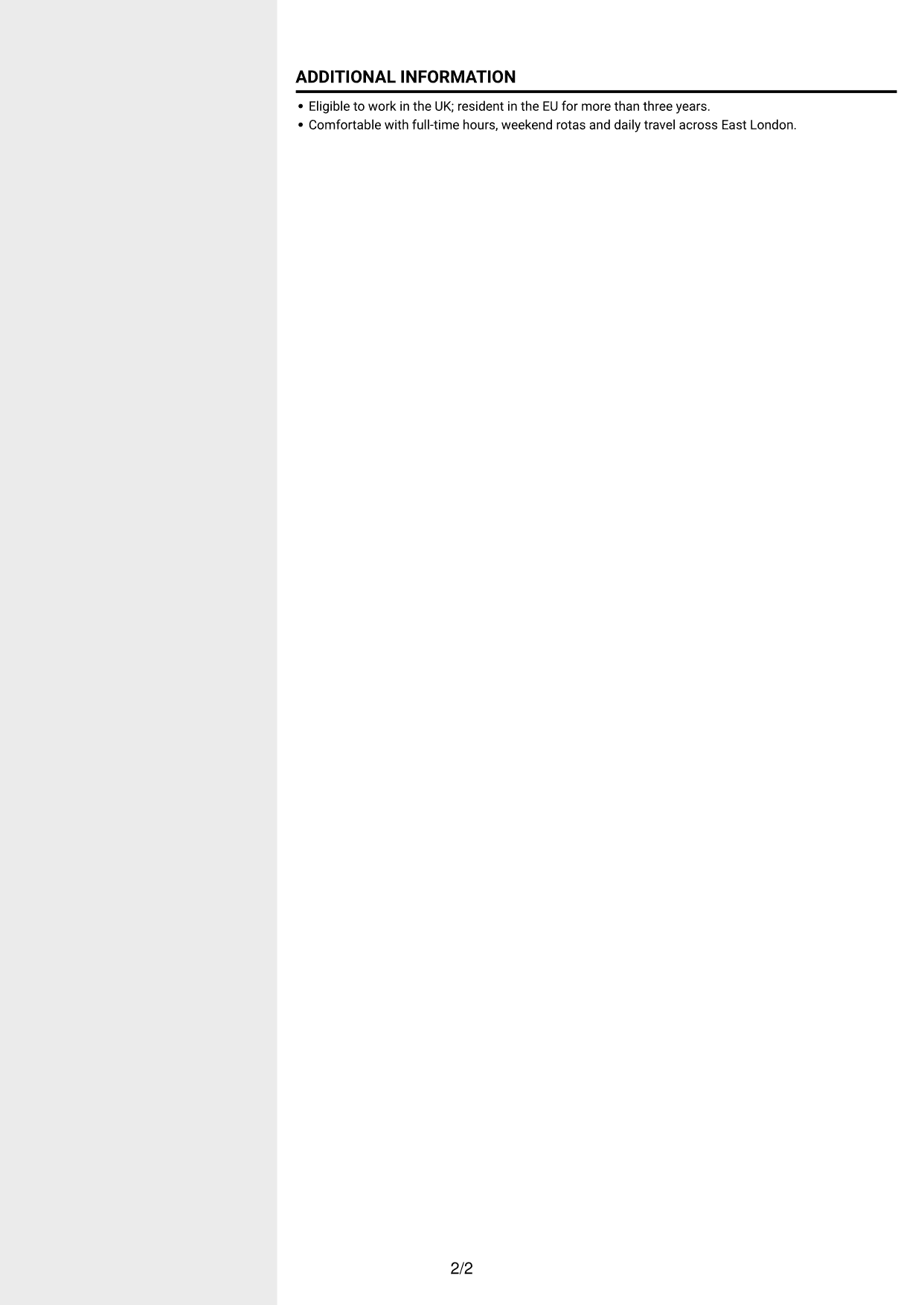
#5 Clean Two Column Sidebar Format CV Example
The two-column body presents CV information in parallel areas, a practical fit for readers who prefer a compact overview.
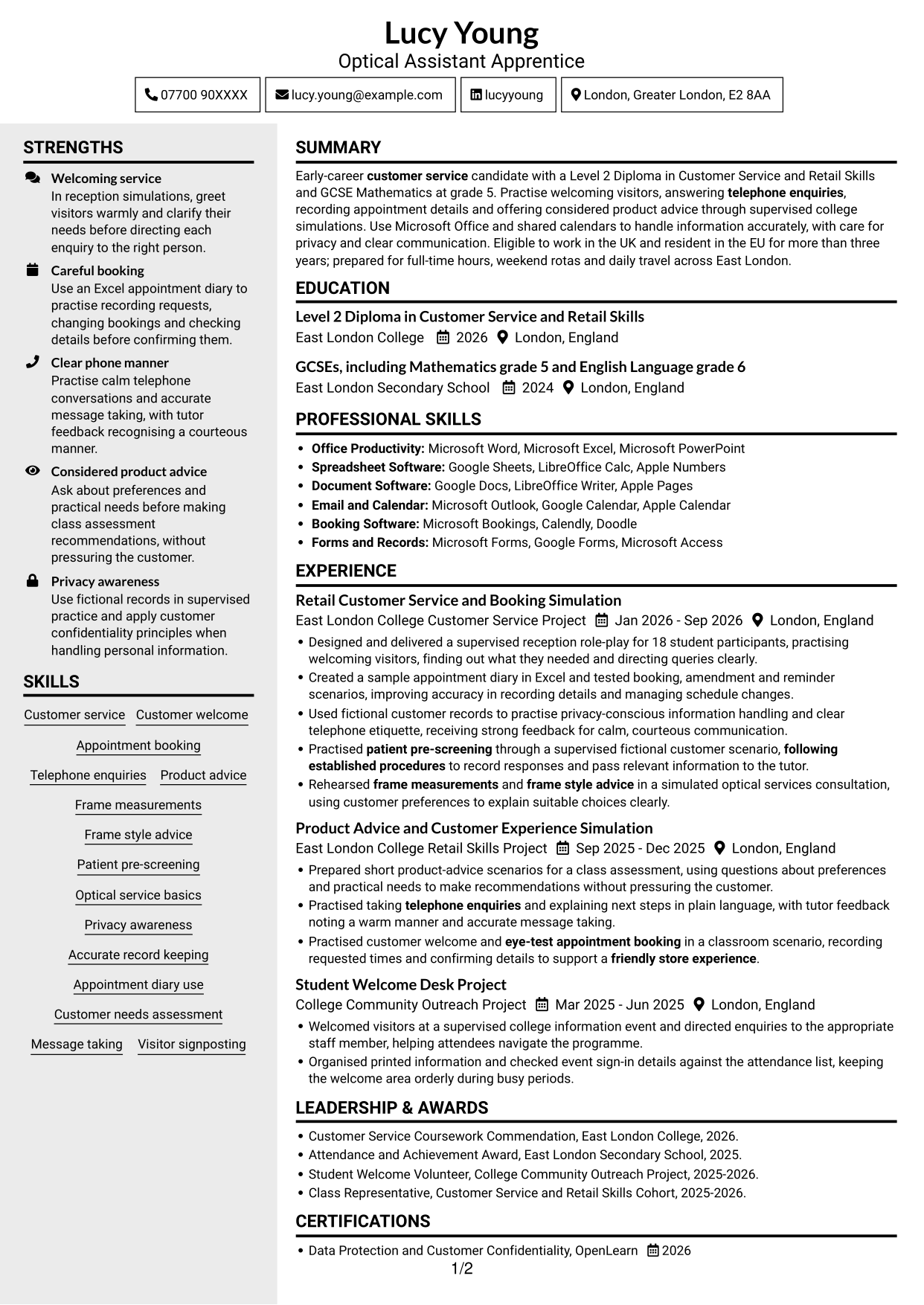
Why This Format Works
- Two reading areas help reviewers move between experience and other CV sections.
- The column structure gives skills and education distinct places in the body.
- Experience bullets can be reviewed without losing sight of the wider section layout.
Best For
- A compact overview of CV sections
- Separate reading areas
- Quick review of skills and education
- Experience beside other information
- Applications with several content sections
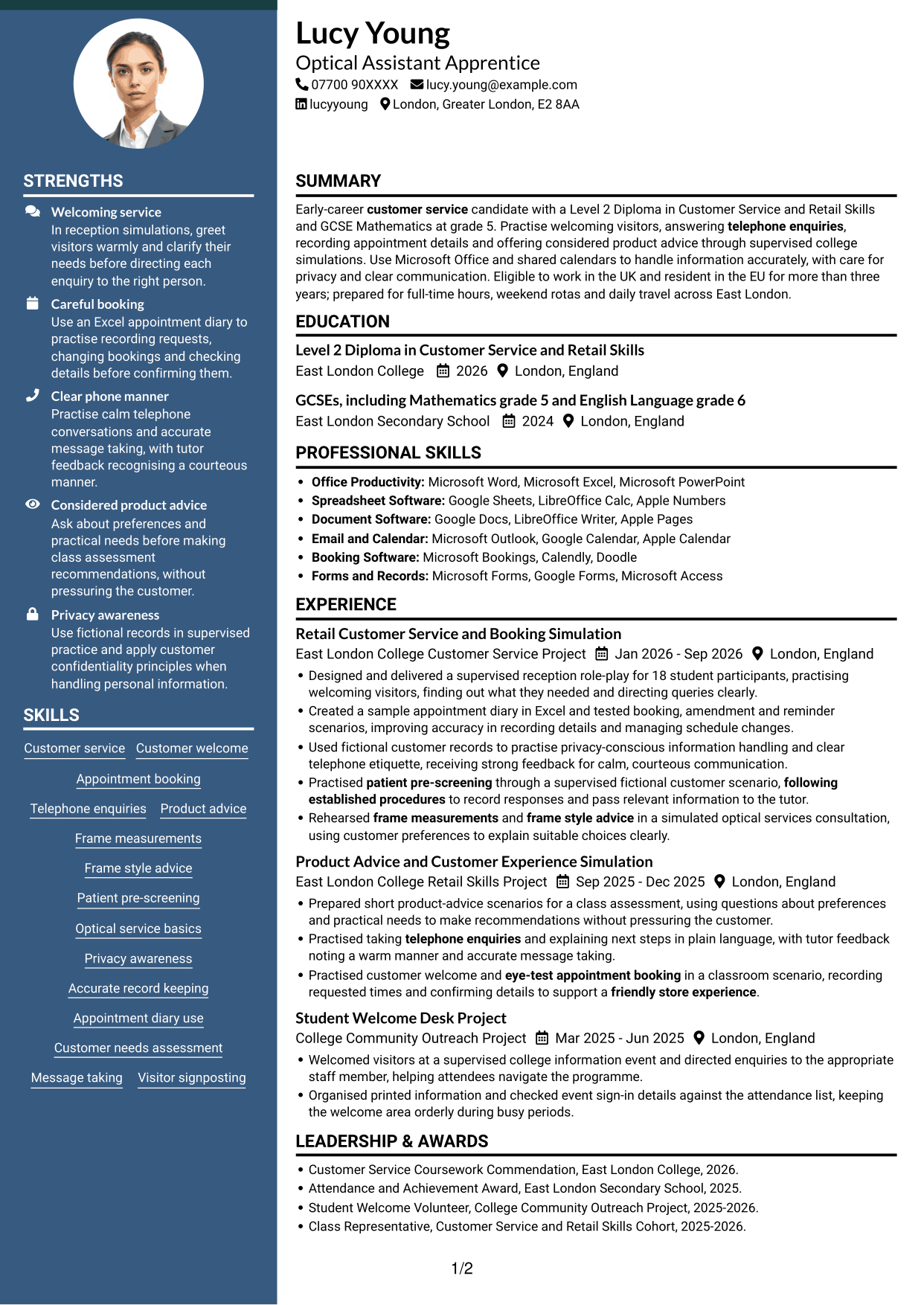
#6 Two Column Format CV Example
The two-column body gives the CV a balanced, compact structure, suited to readers who want to move between sections with ease.

Why This Format Works
- The two-column reading order helps reviewers find experience and qualifications across separate areas.
- Skills can be reviewed without reading every experience bullet first.
- The layout keeps a broad range of CV sections together in one view.
Best For
- A broad section overview
- Skills easy to locate
- Experience and qualifications in parallel areas
- Compact presentation of varied information
- Readers who scan by section
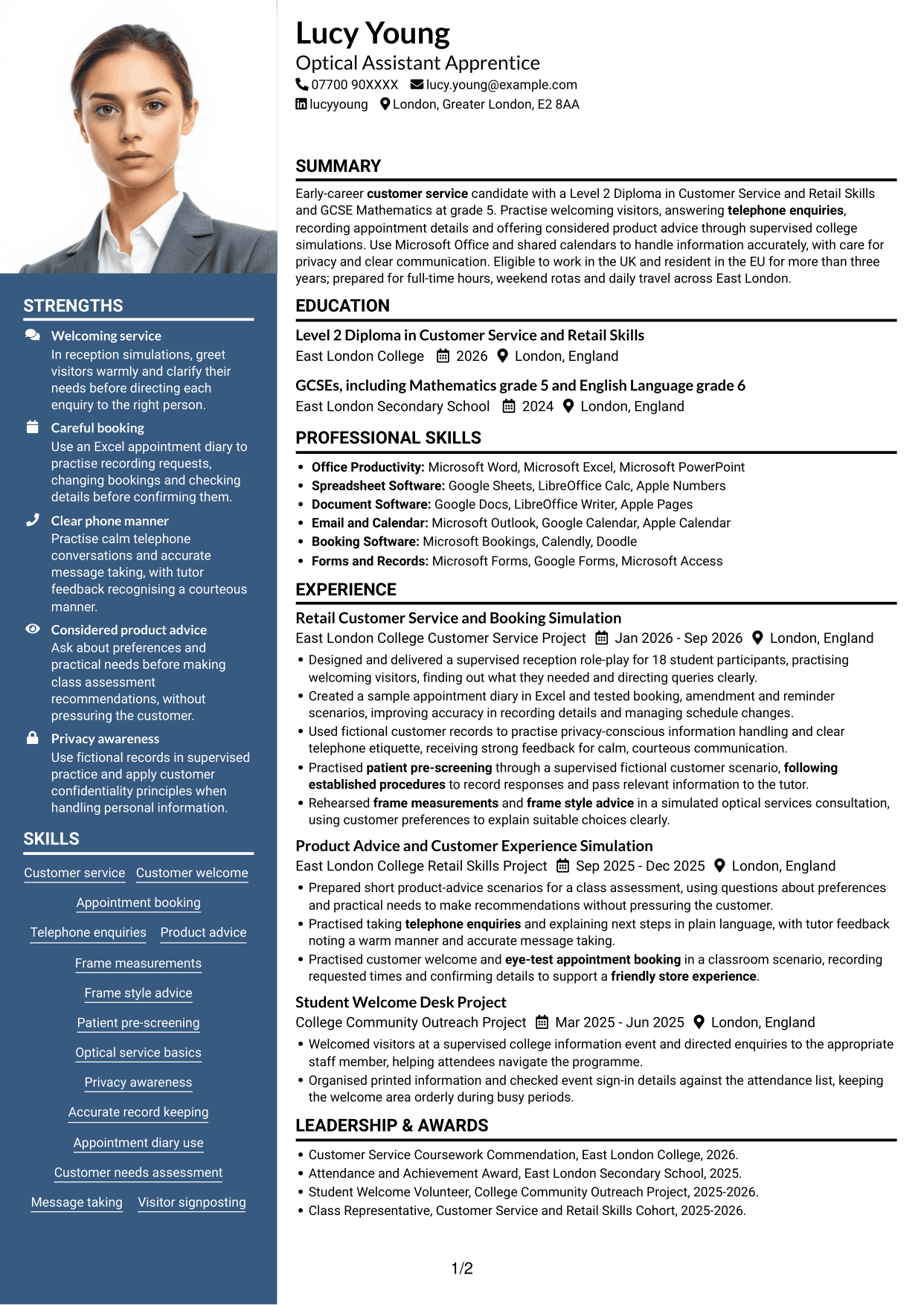
#7 Photo Header Two Column Format CV Example
Two body columns and a photo give this CV a compact layout with a personal visual element for readers who value both.

Why This Format Works
- The two-column body lets reviewers find experience and education across distinct reading areas.
- Skills and credentials can be checked without tracing every experience entry.
- The parallel structure keeps several CV sections together for a broad review.
Best For
- A two-column section overview
- A CV with a personal photo
- Separate areas for key details
- Experience and education together
- A broad review of qualifications
Why Build Your Optical Assistant Apprentice CV with ResumeInMinutes
ResumeInMinutes lets you compare CV layouts through PNG image previews and open an example in the editor to customise its content and layout. Keep your skills, education and practical examples easy to scan.
- Different CV layouts
- Clear, readable sections
- Space for relevant keywords
- Organised skills and experience
- PNG image previews
- CV customisation in the editor
Choose a format that makes your customer service practice, appointment booking and education easy to follow. Keep claims accurate, especially when describing classroom simulations or training.
See Also
- 7 Assistant Banking Manager - Lending Administration CV Templates with Example
- 7 Assistant Manager - Digital and Cyber Governance CV Templates with Example
- 7 Audit Assistant Manager - Consumer Markets CV Templates with Example
- 7 New Business Senior Manager - Financial Sponsor Coverage CV Templates with Example
- 7 Content Editor - Digital Rewards CV Templates with Example
- 7 Sales Associate - Activewear and Womenswear CV Templates with Example
- 7 Strategic Finance Lead - Technical Finance CV Templates with Example
- 7 Store Manager - Retail Sales and Store Operations CV Templates with Example
- 7 Optical Assistant Apprentice Cover Letter Templates with Example
- 7 Assistant Banking Manager - Lending Administration Cover Letter Templates with Example
Frequently Asked Questions
Are these Optical Assistant Apprentice CV templates ATS-friendly?
The examples use clear sections and headings to make details easier to scan. Add relevant terms naturally, such as customer welcome, eye-test appointment booking, telephone enquiries and accurate record keeping.
Are these separate CV examples or different layouts of one example?
This page presents one role-focused CV example in different layouts. Compare the PNG image previews, then open an example in the editor to customise it.
What should an Optical Assistant Apprentice CV include?
Include a focused summary, relevant education, skills and experience. Show evidence of customer service, appointment booking, telephone communication and privacy awareness. Clearly label any optical tasks completed in a supervised simulation.
Which CV layout works well for this role?
Choose a layout with clear headings and a simple order for skills, experience and education. This helps readers find key details quickly and supports clear ATS parsing.
How can I show optical service skills on my CV?
Use concise bullets that explain what you practised and how you handled it. You can describe simulated appointment booking, patient pre-screening, frame measurements or frame advice, but make clear when the work took place in training or a classroom scenario.
Should I include a photo on my CV?
A photo is usually not needed for UK applications. Use the space for relevant skills, education and clear examples of your work instead.




