
7 Paraplanner - Financial Planning Cover Letter Templates with Example
This practical guide helps you write a Paraplanner - Financial Planning cover letter and compare its presentation across seven layouts.
What Makes a Great Paraplanner - Financial Planning Cover Letter in 2026
A strong letter explains how you help turn client needs into clear, suitable financial planning advice. Open with your reason for applying, then show how your approach supports accurate work and good client service.
Use relevant evidence, such as preparing suitability reports or reviewing Voyant cashflow scenarios for annual reviews. Link that work to the employer’s priorities, including clear communication, sound governance and lasting client relationships.
The featured example follows a focused progression from interest in the role to practical evidence and a clear close. Adapt that order while choosing a presentation that suits the employer and communication context.
#1 Simple One Column Format Cover Letter Example
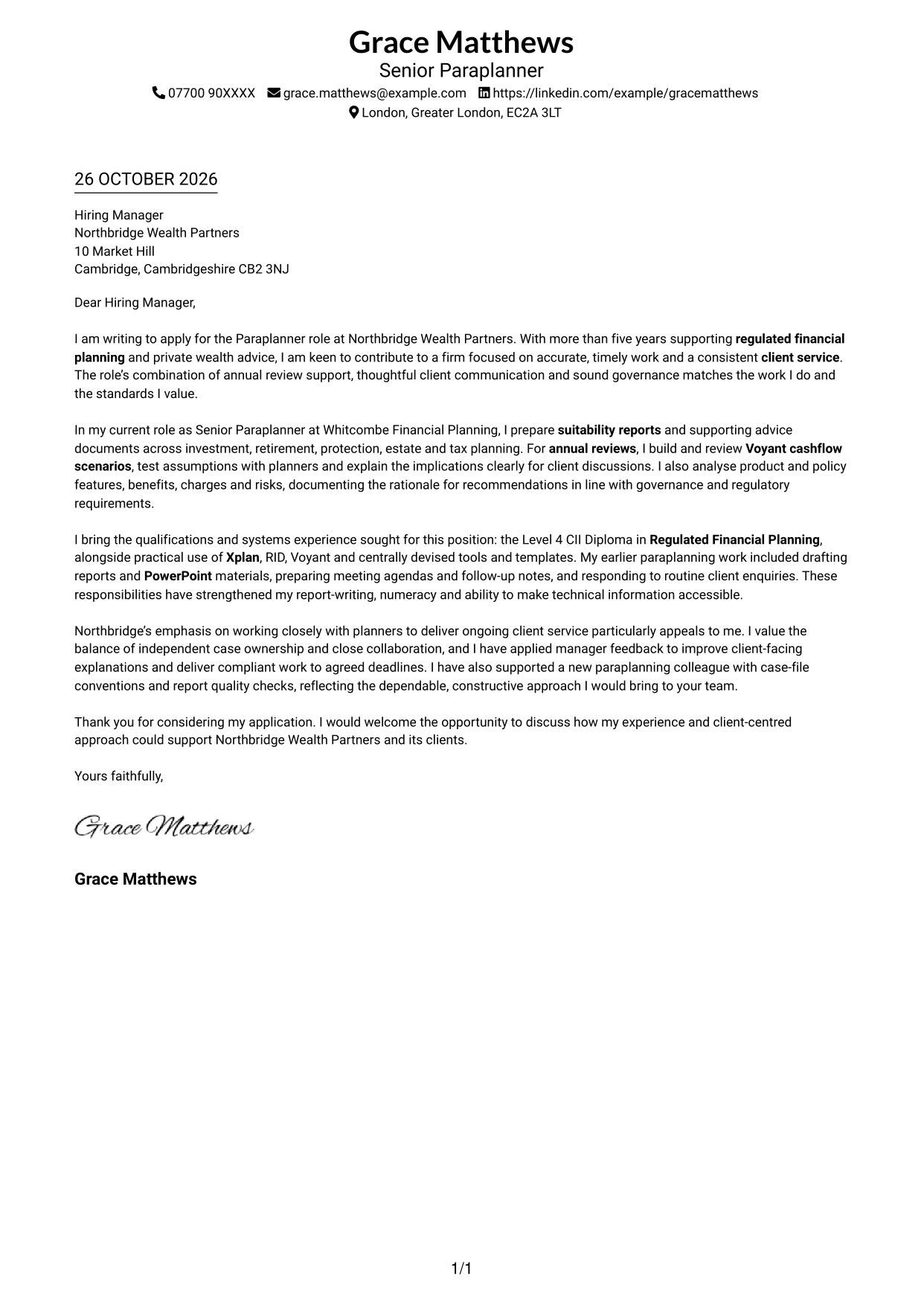
A single-column layout keeps sender details in the header and gives the letter one direct reading path.
Why This Format Works
- Sender details remain easy to locate in the header, apart from the main message.
- Unlabelled paragraphs let motivation, evidence and closing points form one connected letter.
- The single text column gives reviewers a direct route through the argument.
Best For
- Single-column reading preferences
- Paragraph-led application letters
- Letters with several supporting points
- Straightforward contact presentation
- Client-centred applications
#2 Two Column Format Cover Letter Example
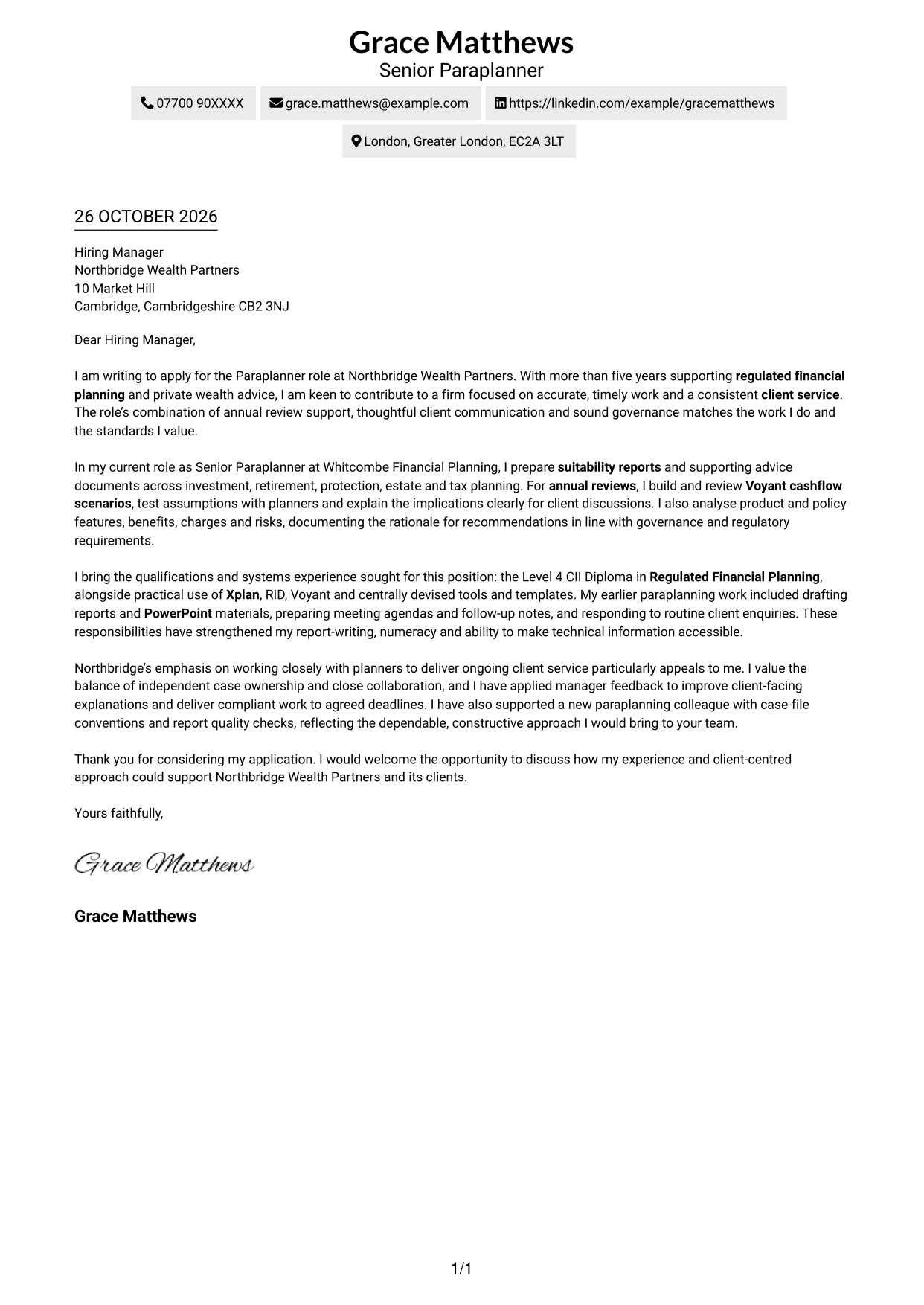
A contact sidebar sits beside one continuous letter body, keeping contact details apart from the message.
Why This Format Works
- A dedicated contact area keeps sender details distinct from the letter's main message.
- The body stays in one sequence, so the opening and supporting points remain connected.
- Reviewers can read the letter without moving between parallel argument columns.
Best For
- Detailed supporting paragraphs
- Formal business correspondence
- Applications with clear company motivation
- Client communication needs
- Frequent access to sender details
#3 Photo Header Two Column Format Cover Letter Example
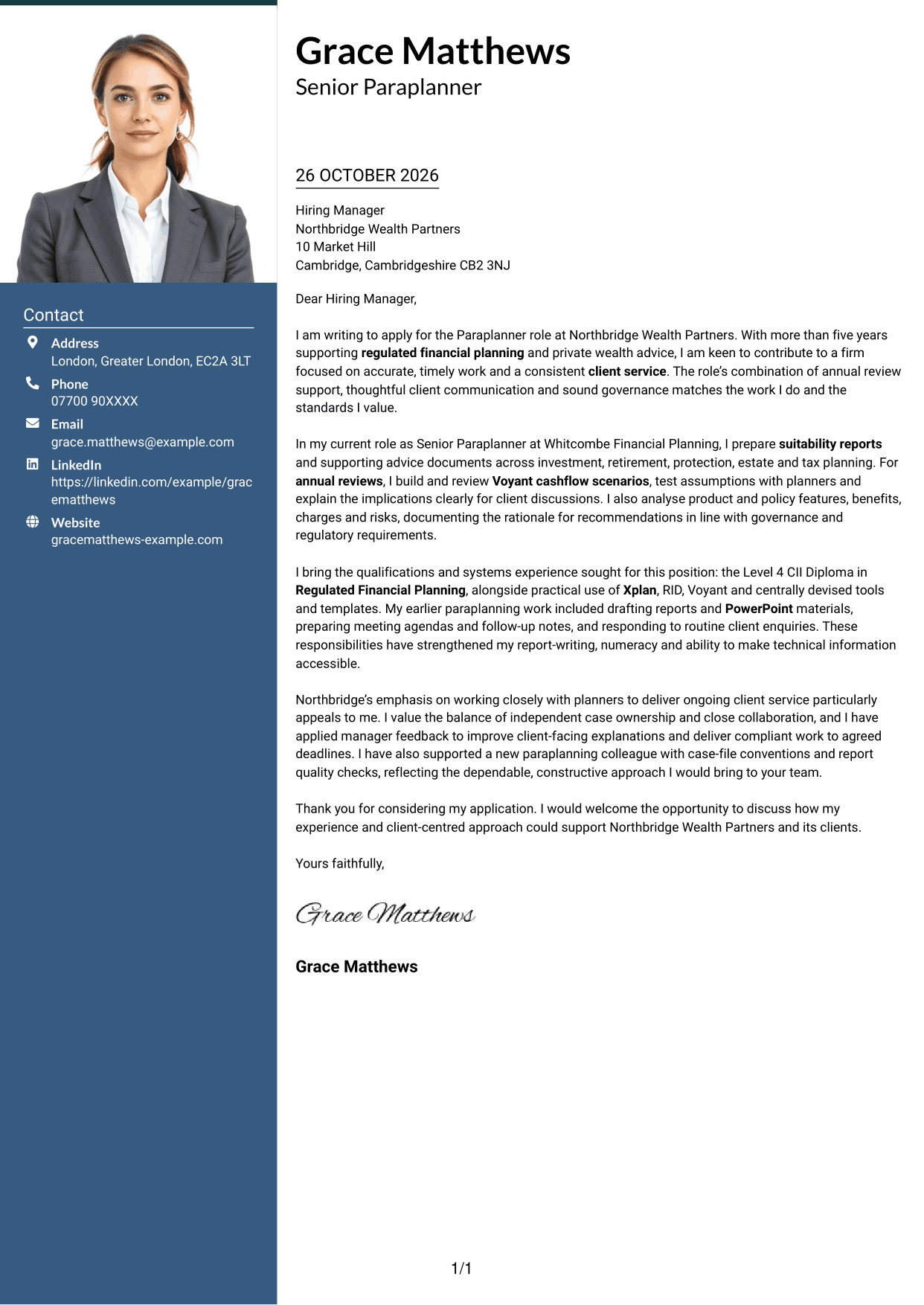
A portrait appears with the contact sidebar and continuous letter body, suiting applications where a photo is part of the chosen presentation.
Why This Format Works
- The portrait adds a personal visual element without dividing the letter's argument.
- Contact details have their own area, separate from the continuous message.
- The paragraph sequence lets the case develop without section labels.
Best For
- Applications where a portrait is preferred
- Letters with detailed written evidence
- Client-facing application materials
- A personal visual touch
- Continuous letter arguments
#4 One Column Format with Photo Cover Letter Example
This single-column letter includes a photo while keeping sender details in the header, for applications that call for a portrait and direct reading order.
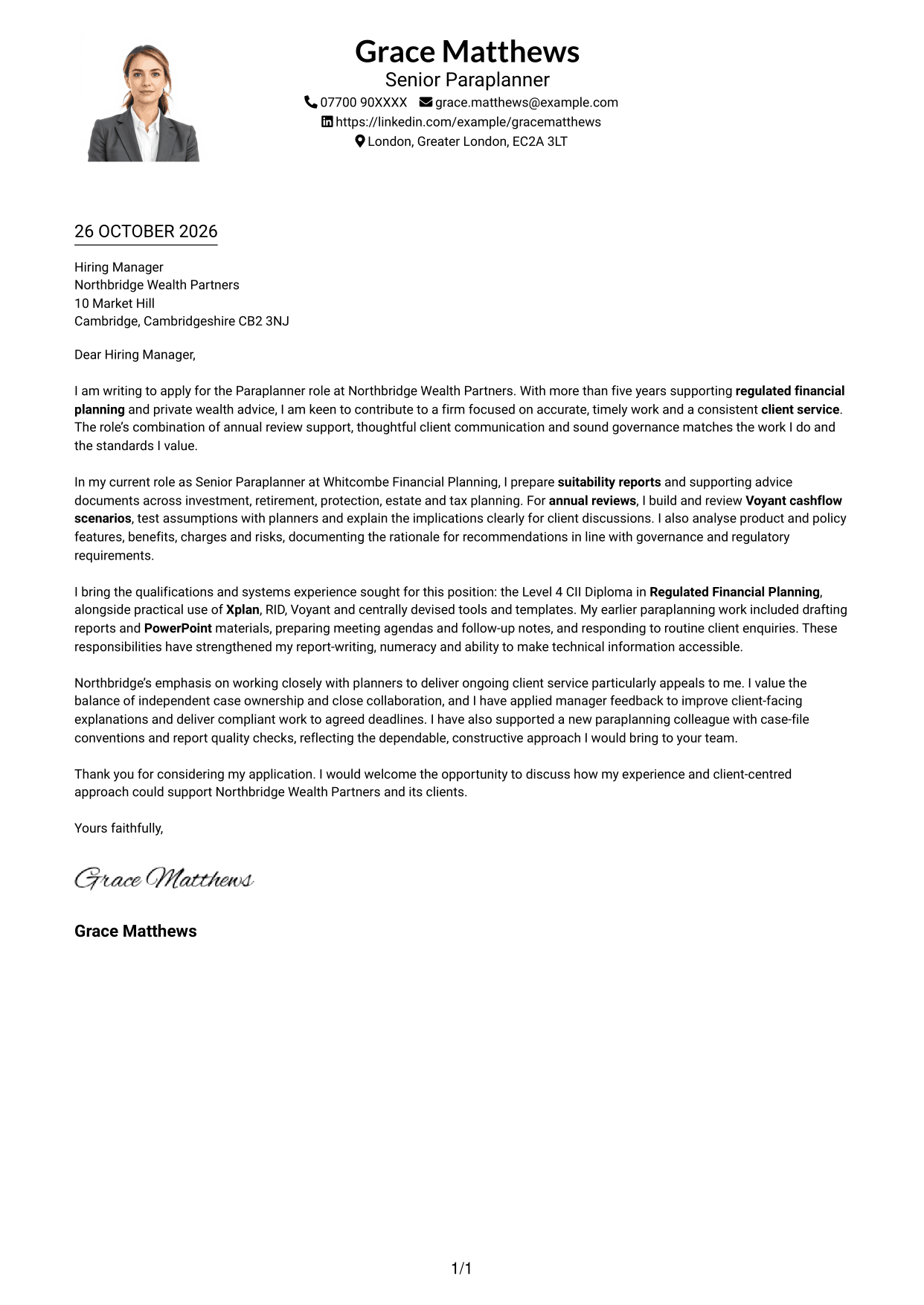
Why This Format Works
- The portrait adds a visible personal detail while the letter remains in one column.
- Header contact information stays apart from the message itself.
- The connected paragraphs let reviewers follow the letter from opening to close.
Best For
- Single-column letter preferences
- Applications with a personal portrait
- Letters with a clear closing message
- Direct reading order
- Client-centred written applications
#5 Simple Two Column Format Cover Letter Example
A contact sidebar beside one uninterrupted letter body separates correspondence details while keeping the message in paragraph form.
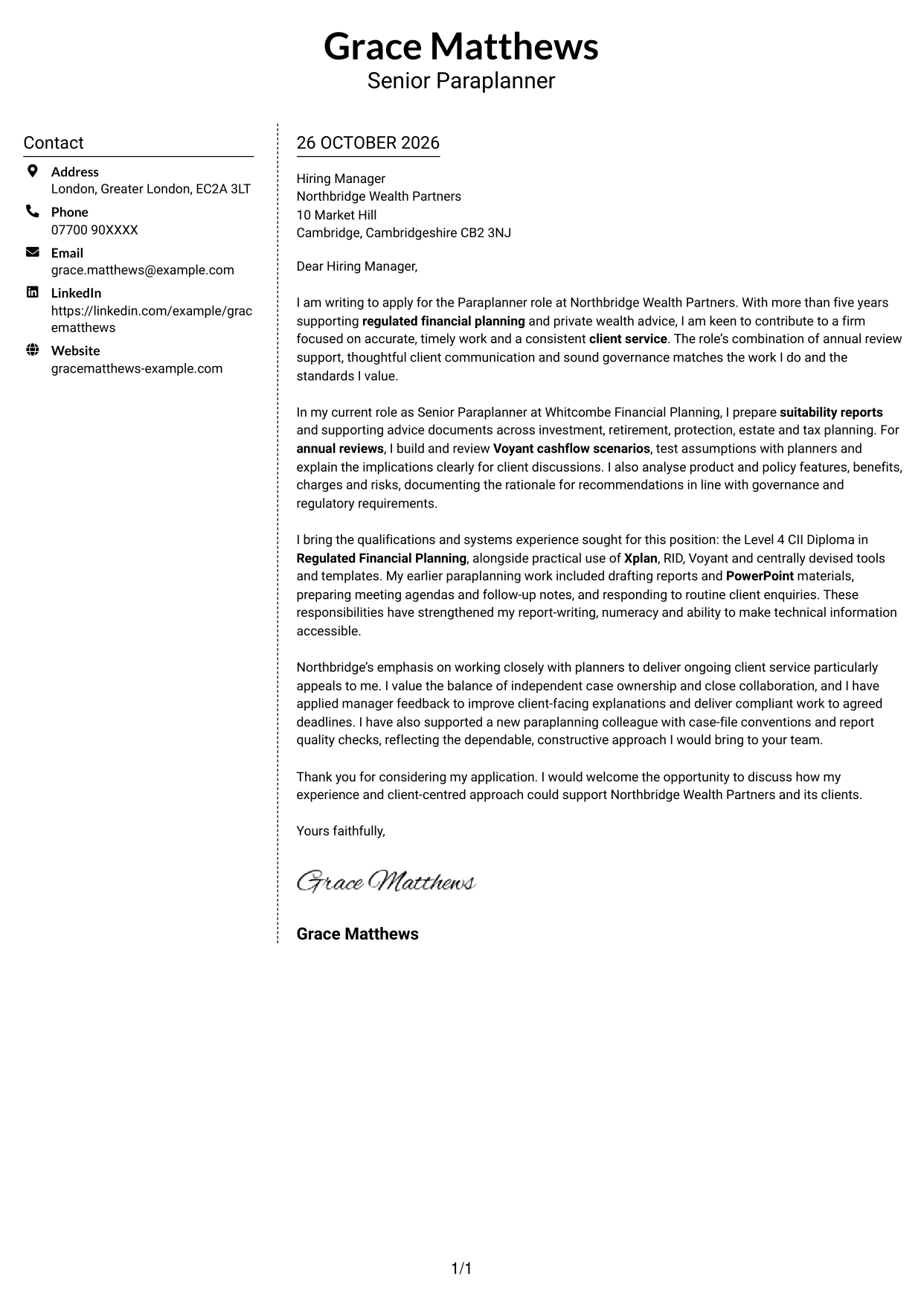
Why This Format Works
- Sender contact details are set apart, giving the letter body its own space.
- The message remains a continuous sequence rather than parallel columns of text.
- Paragraph form suits a letter that moves from interest to supporting evidence.
Best For
- Compact contact information
- Letters moving from motivation to evidence
- Formal written applications
- Applications with a clear personal case
- Client-service correspondence
#6 Modern Icon Format Cover Letter Example
Contact icons and a separate sidebar make sender details easy to spot, while the letter remains one continuous body.
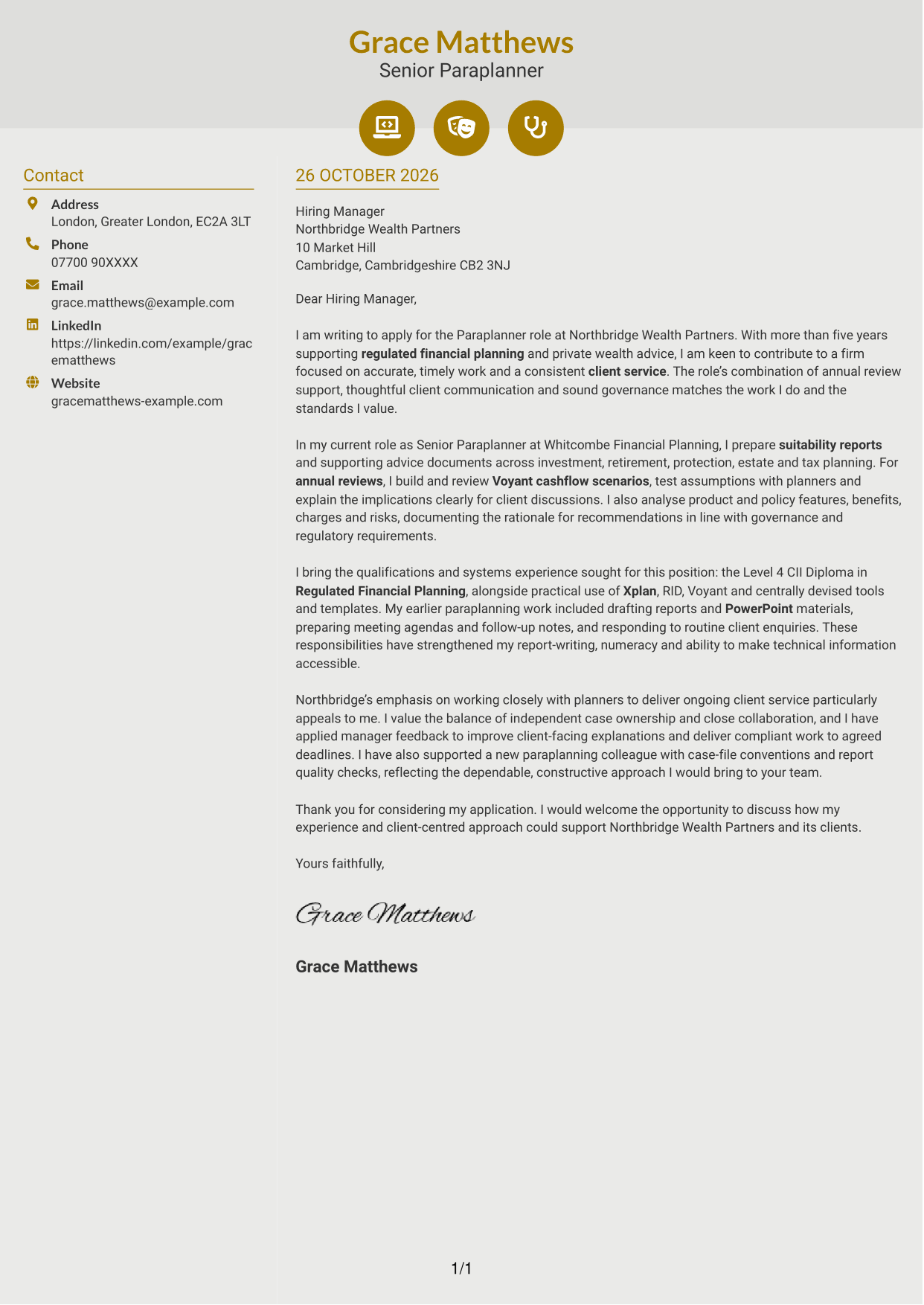
Why This Format Works
- Icons act as contact cues, not labels for the letter's argument.
- The sidebar keeps sender information separate from the main paragraphs.
- Reviewers can follow the opening, supporting points and close in one body.
Best For
- Icon-led contact details
- Applications with several supporting points
- A continuous written case
- Easy-to-find sender information
- Regulated advice correspondence
#7 Creative Two Tone Format Cover Letter Example
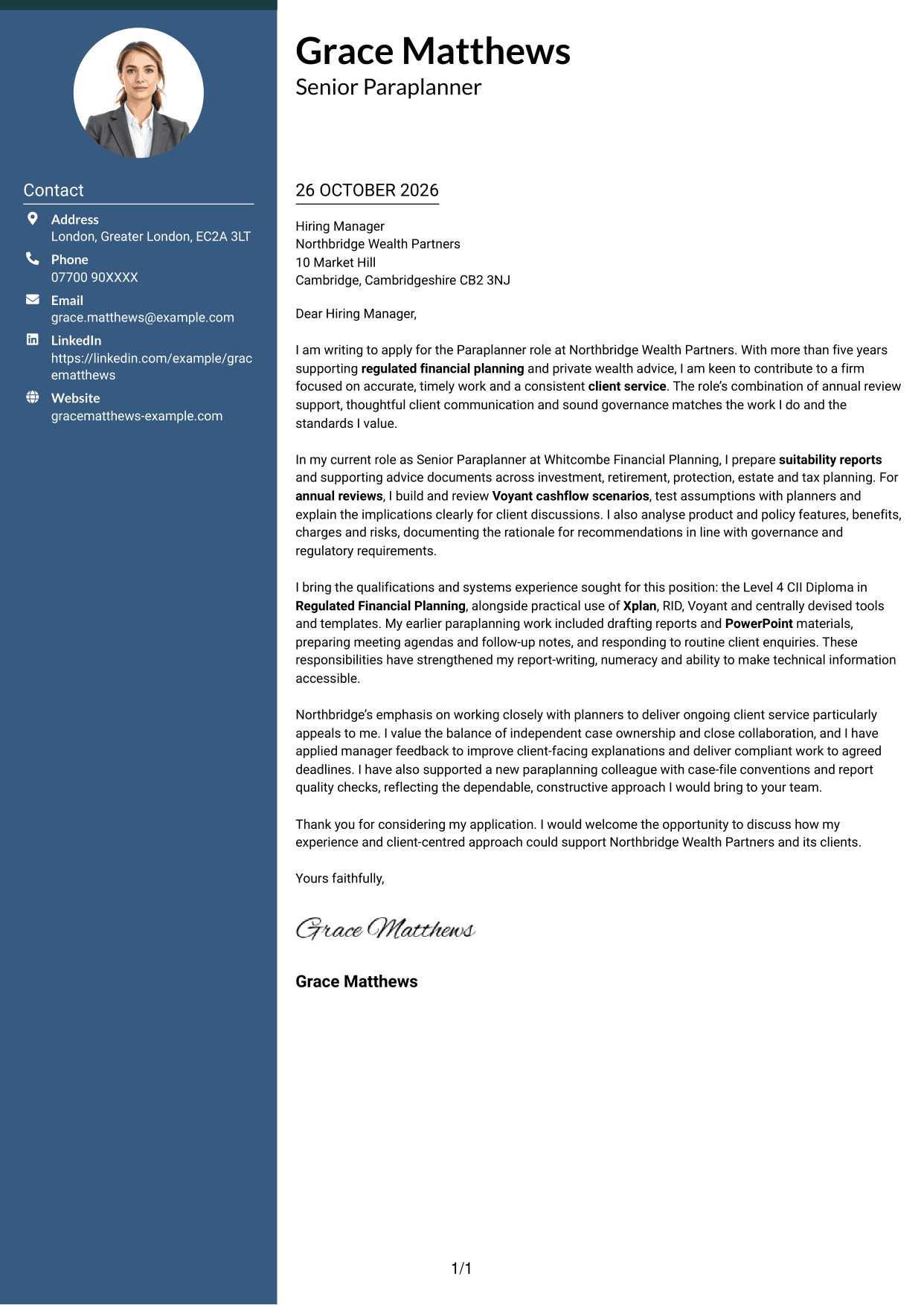
The two-column layout places contact details beside the continuous letter body, keeping correspondence information separate from the message.
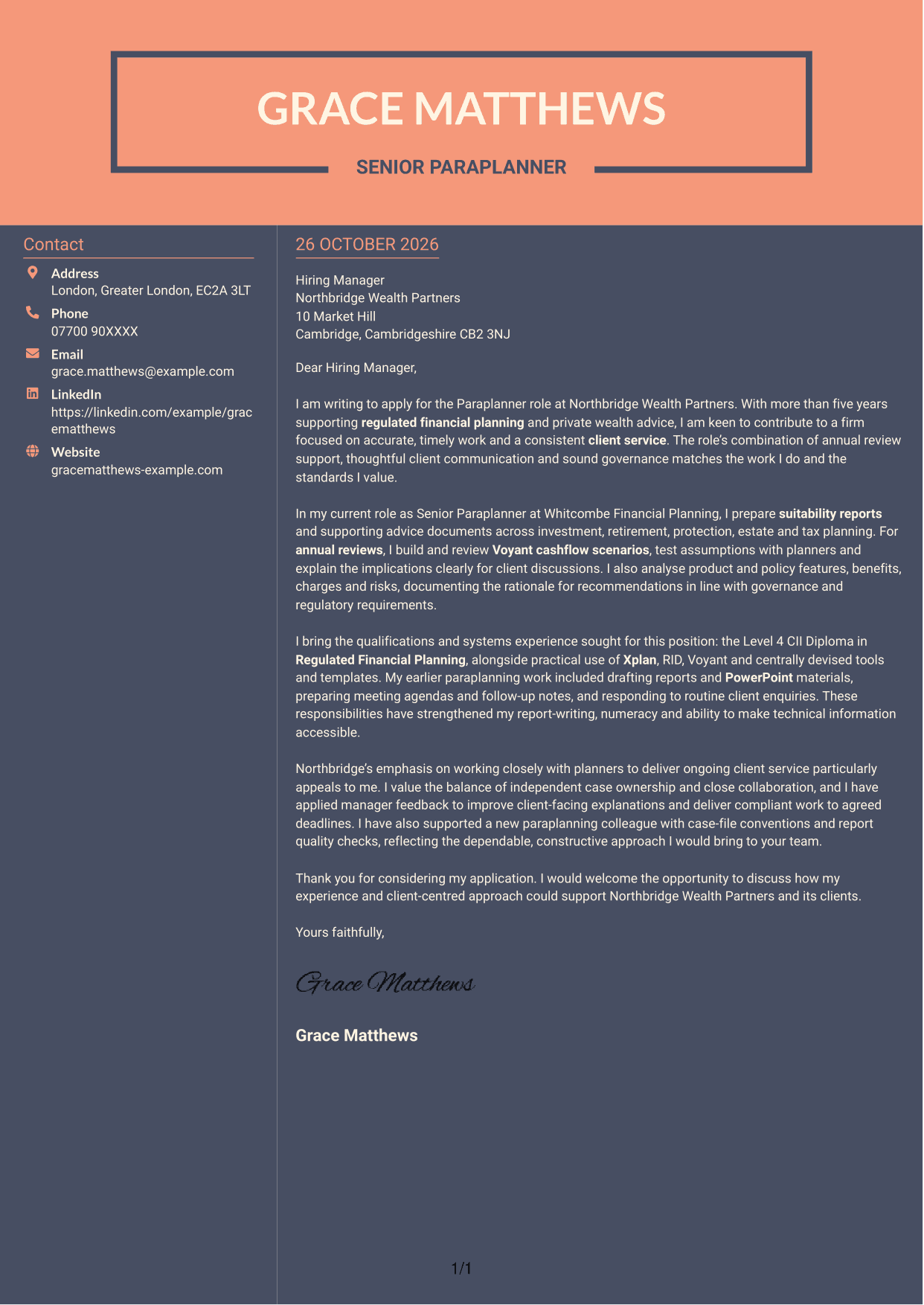
Why This Format Works
- Contact details occupy a separate area, leaving the letter body uninterrupted.
- The argument stays in one paragraph sequence, not parallel text columns.
- Reviewers can distinguish sender information from the main written message.
Best For
- Separate contact information
- Letters with a detailed written case
- Applications with a clear closing
- Client-centred correspondence
- Two-column reading preferences
See Also
- 7 Paraplanner - Financial Planning CV Templates with Example
- 7 Global People Business Partner Marine and Offshore CV Templates with Example
- 7 Office Administrator - Building Control CV Templates with Example
- 7 Technical Field Research Lead - Plant Science CV Templates with Example
- 7 Disputes and Investigations Graduate Programme CV Templates with Example
- 7 Building Control Surveyor - Residential and Low-Risk Commercial CV Templates with Example
- 7 Space Policy Lead - Spaceflight Regulation CV Templates with Example
- 7 Investment Banking Intern - Infrastructure Project Finance CV Templates with Example
- 7 Structured ETF Product Specialist CV Templates with Example
- 7 Assistant - Executive and Banking Administration CV Templates with Example
Frequently Asked Questions
What should a Paraplanner - Financial Planning cover letter highlight?
Show how your work supports planners and helps clients understand suitable advice. Useful evidence may include annual review preparation, suitability reports, cashflow modelling, product analysis and careful handling of governance requirements.
How can I show my experience is relevant to this paraplanner role?
Choose one or two examples that connect your work to the role’s needs. For example, explain how you prepared a suitability report or reviewed a Voyant cashflow scenario, then show how you made the information useful for a planner or client.
How should I mention my financial planning qualification and systems experience?
State your Level 4 CII Diploma in Regulated Financial Planning and name relevant systems you have used, such as Xplan, RID and Voyant. Briefly explain how they support accurate case records, reports or cashflow work.
How can I explain why I want to work for this employer?
Choose a real point from the job advert, such as its focus on ongoing client service or close work with financial planners. Explain why that matters to you and how your way of working could support it.
What is a clear structure for this cover letter?
Start with the role and your reason for applying. Use the body to connect relevant evidence, skills and motivation to the employer’s needs, then close by thanking the reader and inviting further discussion.




