
7 Private Sector Housing Technical Support Officer CV Templates with Example
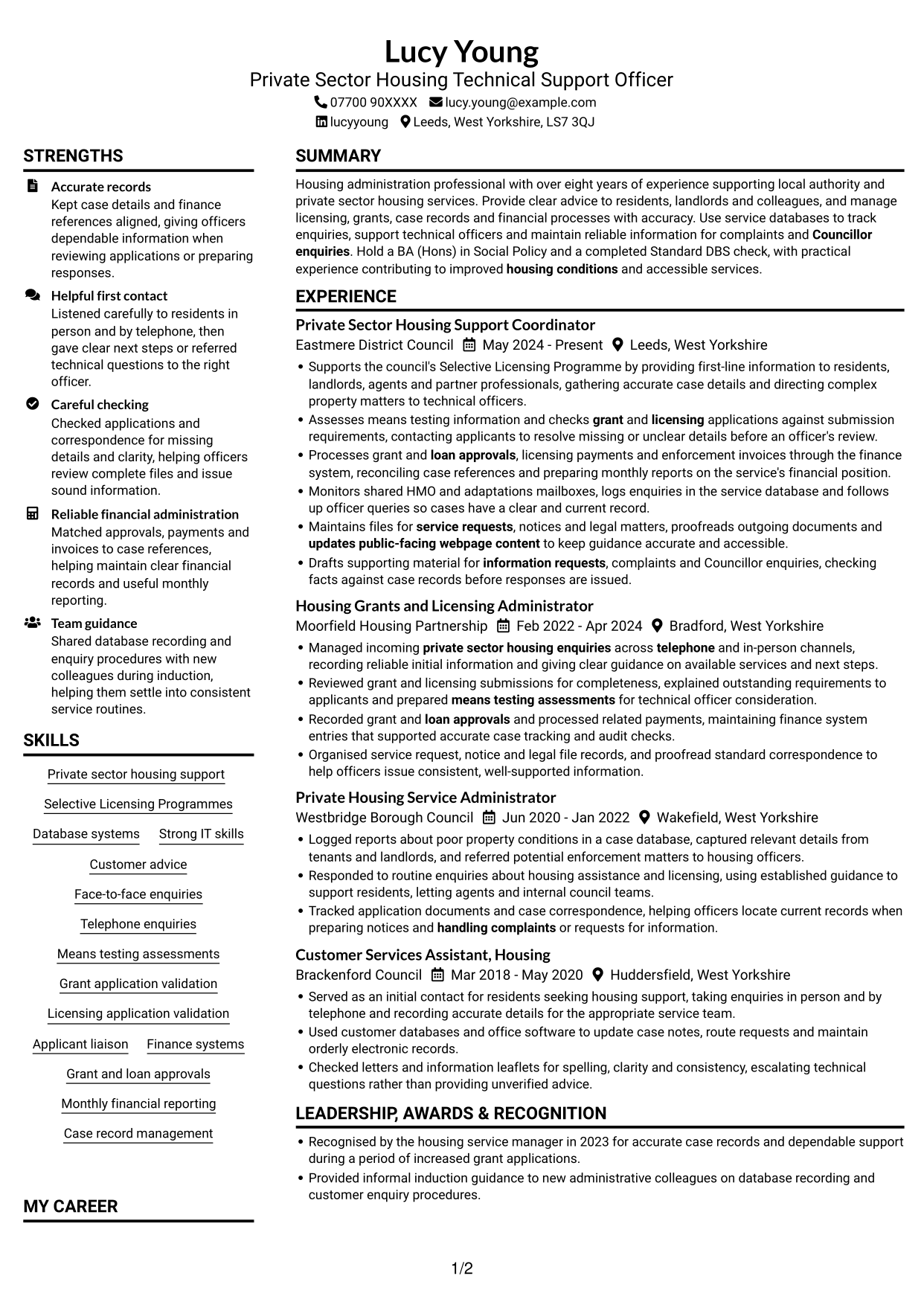
This guide shows you how to create a clear, focused CV for a Private Sector Housing Technical Support Officer role. It explains how to present relevant evidence and choose a layout that makes your skills and experience easy to review.
A strong CV for this role shows how you handle enquiries, support licensing and grant applications, maintain accurate records and assist technical officers. Use specific examples of database work, financial processes and customer service to make your contribution clear.
Compare the example in 7 layouts using the PNG image previews, then open a preferred version in the editor to customise it. This guide also covers ATS readability, useful CV sections and role-specific terms such as Selective Licensing Programmes, means testing, HMO enquiries and monthly financial reporting.
What Makes a Great Private Sector Housing Technical Support Officer CV in 2026
A strong CV makes customer support, application checks and case administration easy to follow. Clear bullet points show how you support residents and officers while keeping records and financial details accurate.
Include relevant terms such as Selective Licensing Programmes, means testing assessments, grant and licensing applications, finance systems and case record management. Add figures only when they are accurate and supported by your records.
Note: CV examples are for educational purposes only. Use only information that accurately reflects your experience and qualifications. References to real organisations do not imply affiliation or endorsement.
#1 Plain Two Column Format CV Example
The Plain Two Column Format sets out the CV in two reading areas, helping reviewers compare career history with supporting information.
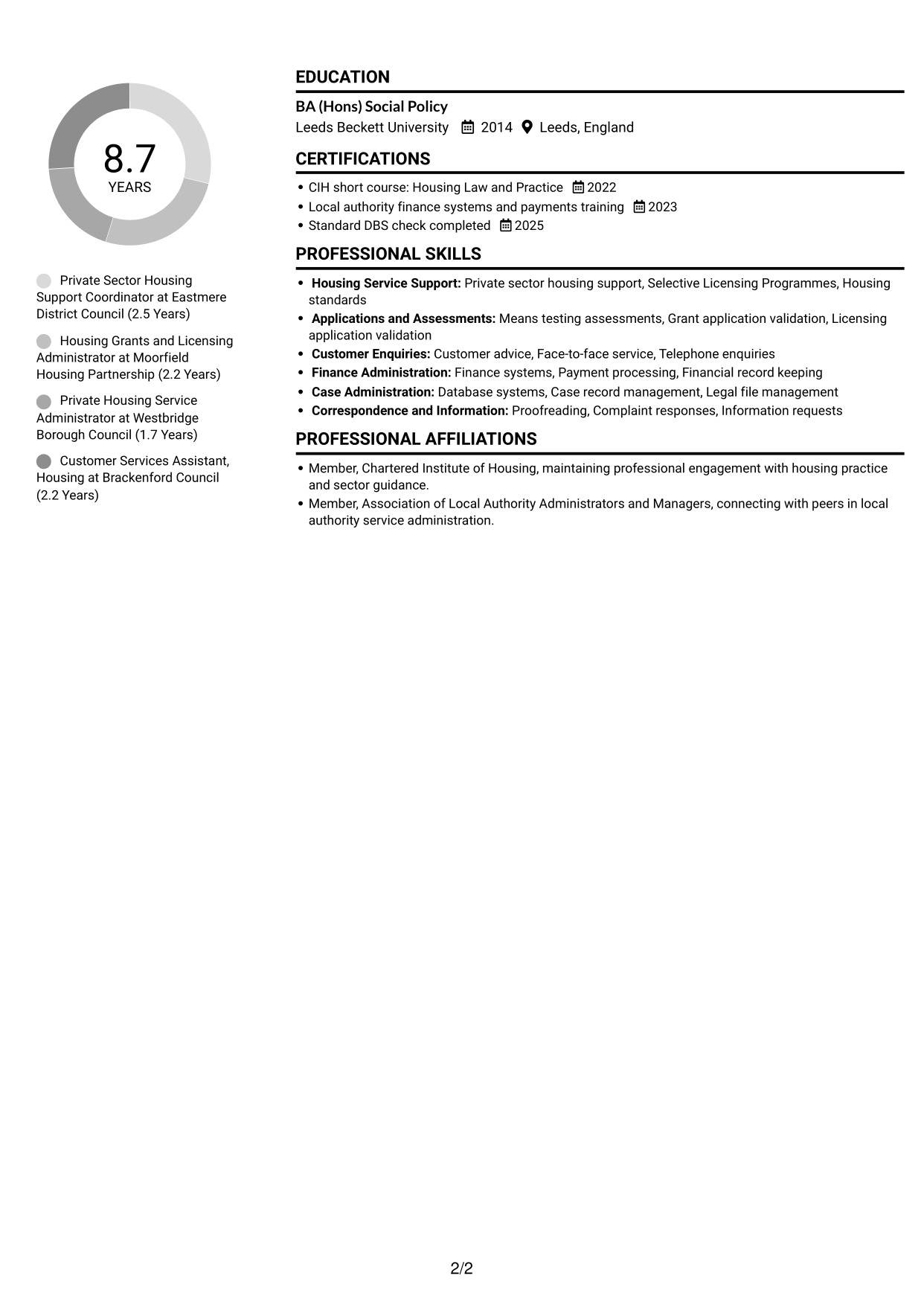
CV Snapshot
- Target role: Private Sector Housing Technical Support Officer
- More than eight years supporting local authority and private sector housing
- BA (Hons) Social Policy, Leeds Beckett University
- Standard DBS check completed, 2025
Why This Format Works
- Separate areas help reviewers compare career history with supporting skills and education.
- Clear section boundaries make credentials and training easier to locate during a scan.
- The divided reading path keeps detailed experience entries distinct from other information.
Best For
- Experience beside supporting details
- Quick access to skills and education
- Concise histories with clear section changes
- Several supporting credentials
- Readers who prefer two-column pages
CV Keywords
- Private sector housing support
- Selective Licensing Programmes
- Database systems
- Strong IT skills
- Customer advice
- Managed incoming private sector housing enquiries across telephone and in-person channels
- Means testing assessments
- checks grant and licensing applications against submission requirements
- Applicant liaison
- Grant and loan approvals
- Finance systems
- Recorded grant and loan approvals and processed related payments
- Processes grant and loan approvals, licensing payments and enforcement invoices through the finance system
- Financial record keeping
- Monthly financial reporting
#2 Simple One Column Format CV Example
The Simple One Column Format follows a single vertical path, making it a practical choice for readers who prefer a direct sequence through the CV.
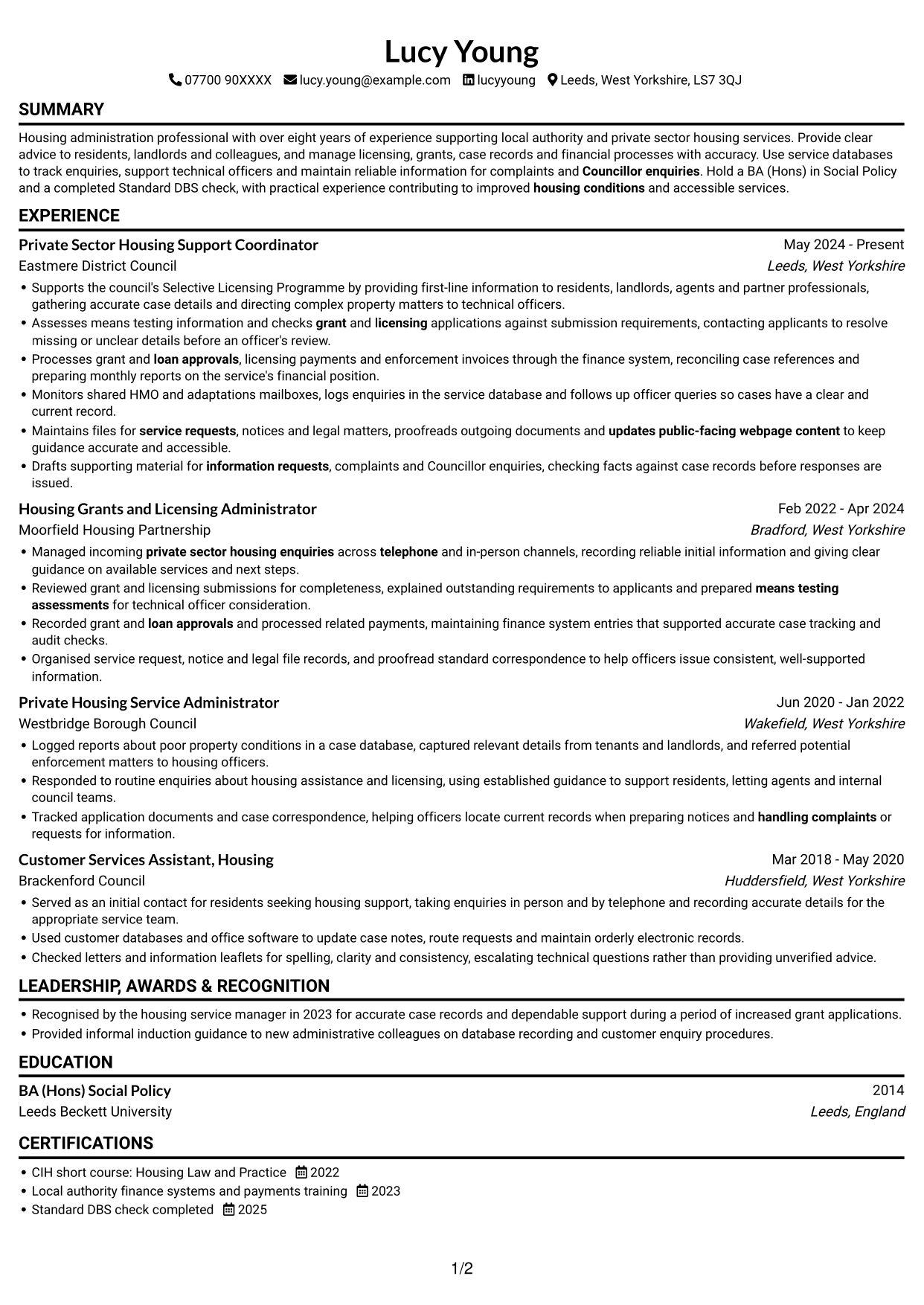
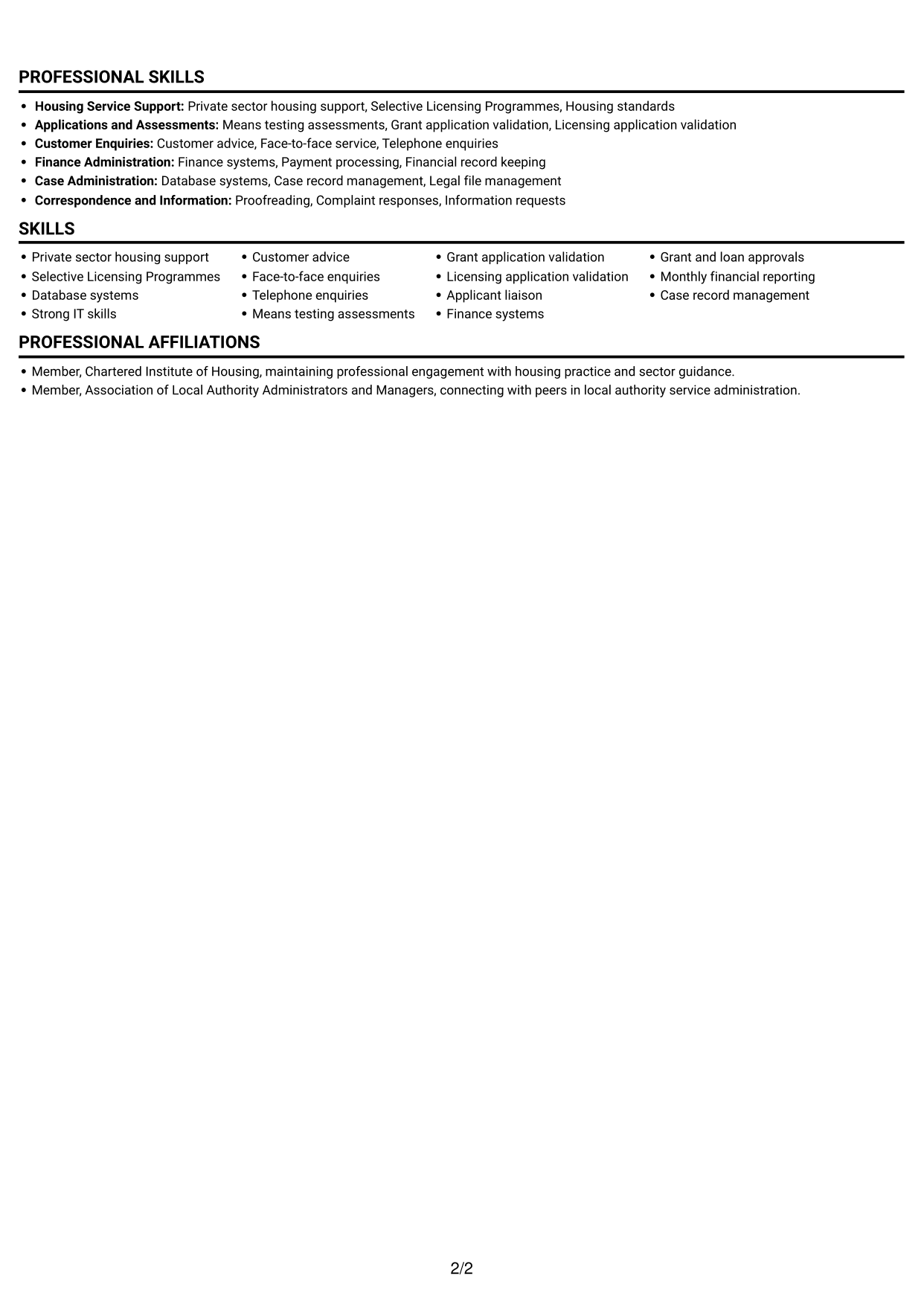
Why This Format Works
- One vertical sequence supports steady review of roles and their dated experience.
- Skills and education remain in the same direct path as work history.
- The continuous section flow suits detailed records without splitting the reader's attention.
Best For
- A direct reading path
- Chronological work histories
- Detailed experience entries
- Simple section navigation
- Readers who prefer one column
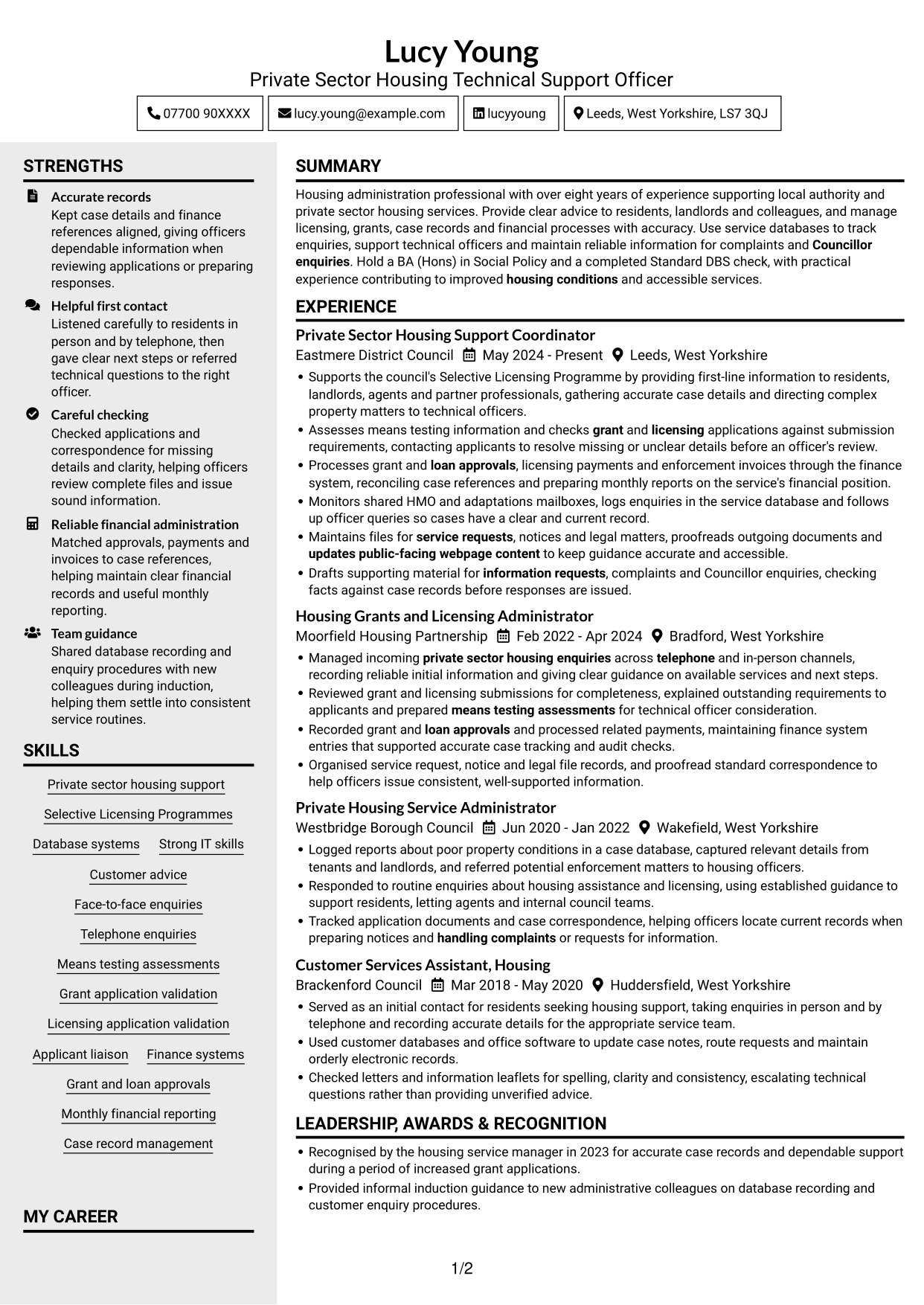
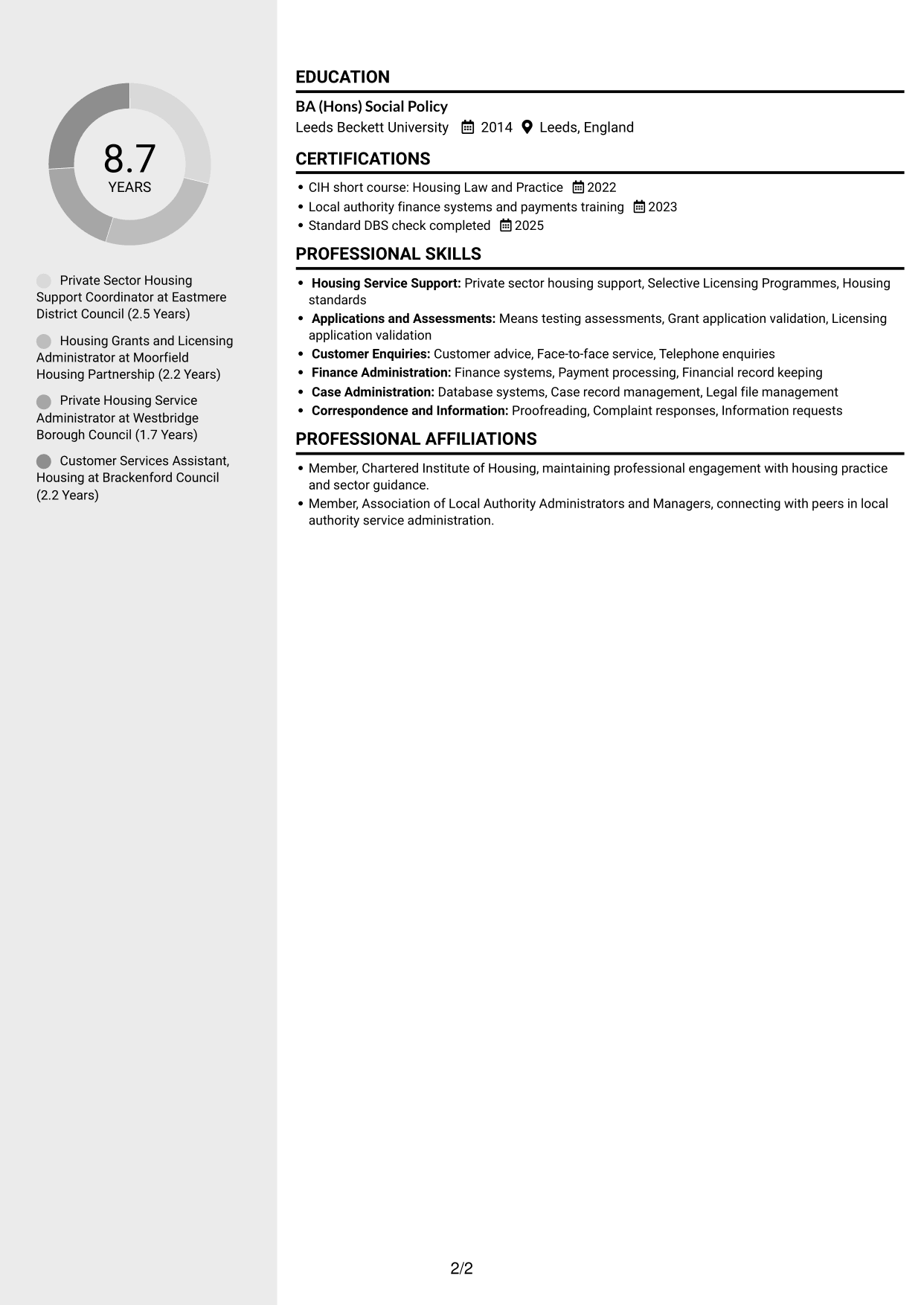
#3 Clean Two Column Sidebar Format CV Example
The Clean Two Column Sidebar Format uses two reading areas, giving reviewers a clear way to move between experience and supporting sections.
Why This Format Works
- Distinct columns let reviewers check career history while keeping supporting qualifications in view.
- Grouped information makes skills and education easier to find during a review.
- Separate reading areas keep experience details distinct from concise supporting content.
Best For
- Career history with supporting qualifications
- Skills grouped apart from experience
- Readers who scan for key sections
- CVs with varied information types
- Two-column reading preferences
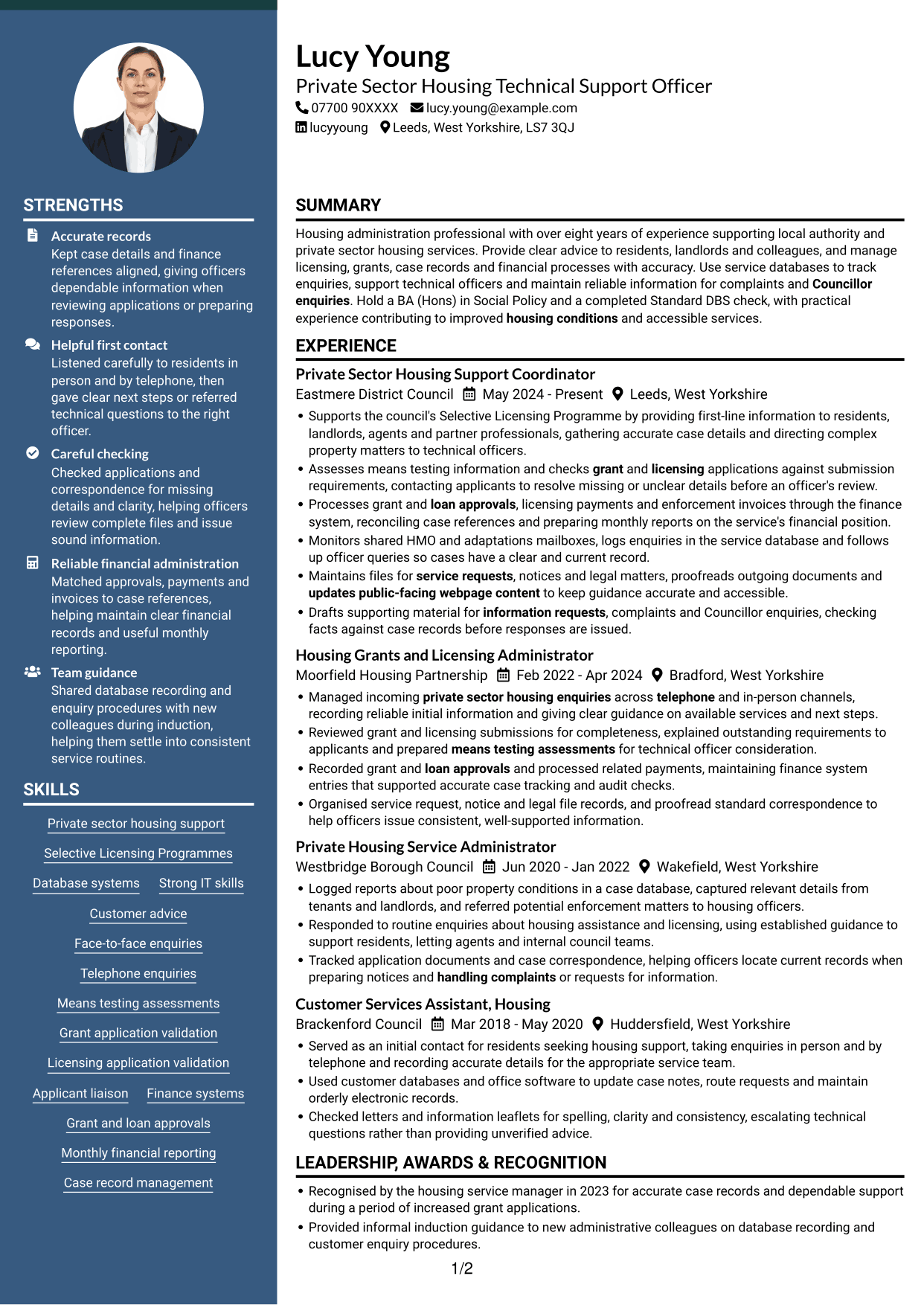
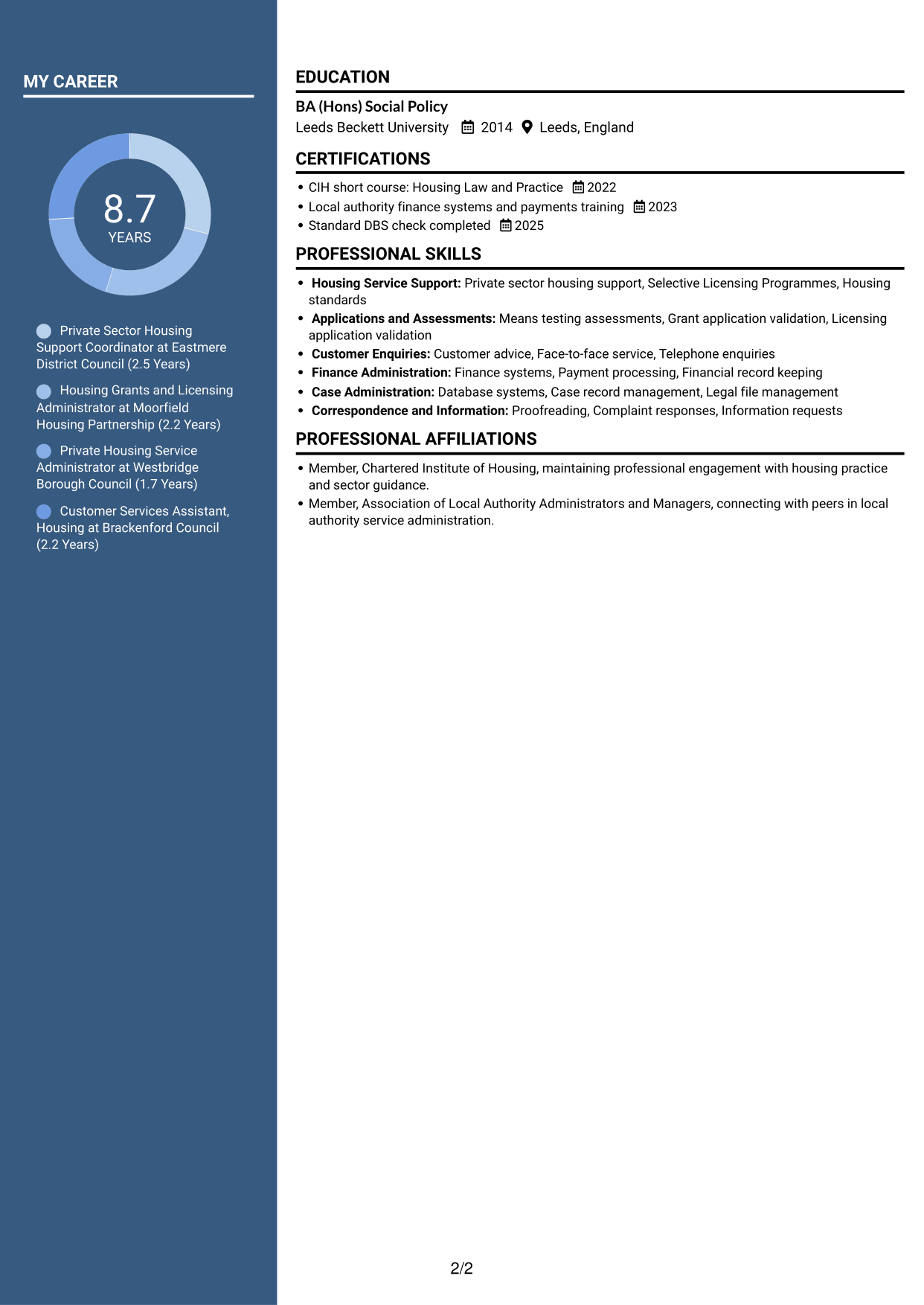
#4 Two Column Format CV Example
The Two Column Format divides the CV into two areas, which can make work history and supporting information easier to scan.
Why This Format Works
- Two reading areas help reviewers distinguish employment history from supporting information.
- Career progression is easier to follow when roles sit apart from other sections.
- Skills and credentials can be checked without interrupting the experience sequence.
Best For
- Work history with supporting sections
- Clear separation between content areas
- Readers comparing roles and qualifications
- CVs with several section types
- Side-by-side information preferences
#5 Photo Header Two Column Format CV Example
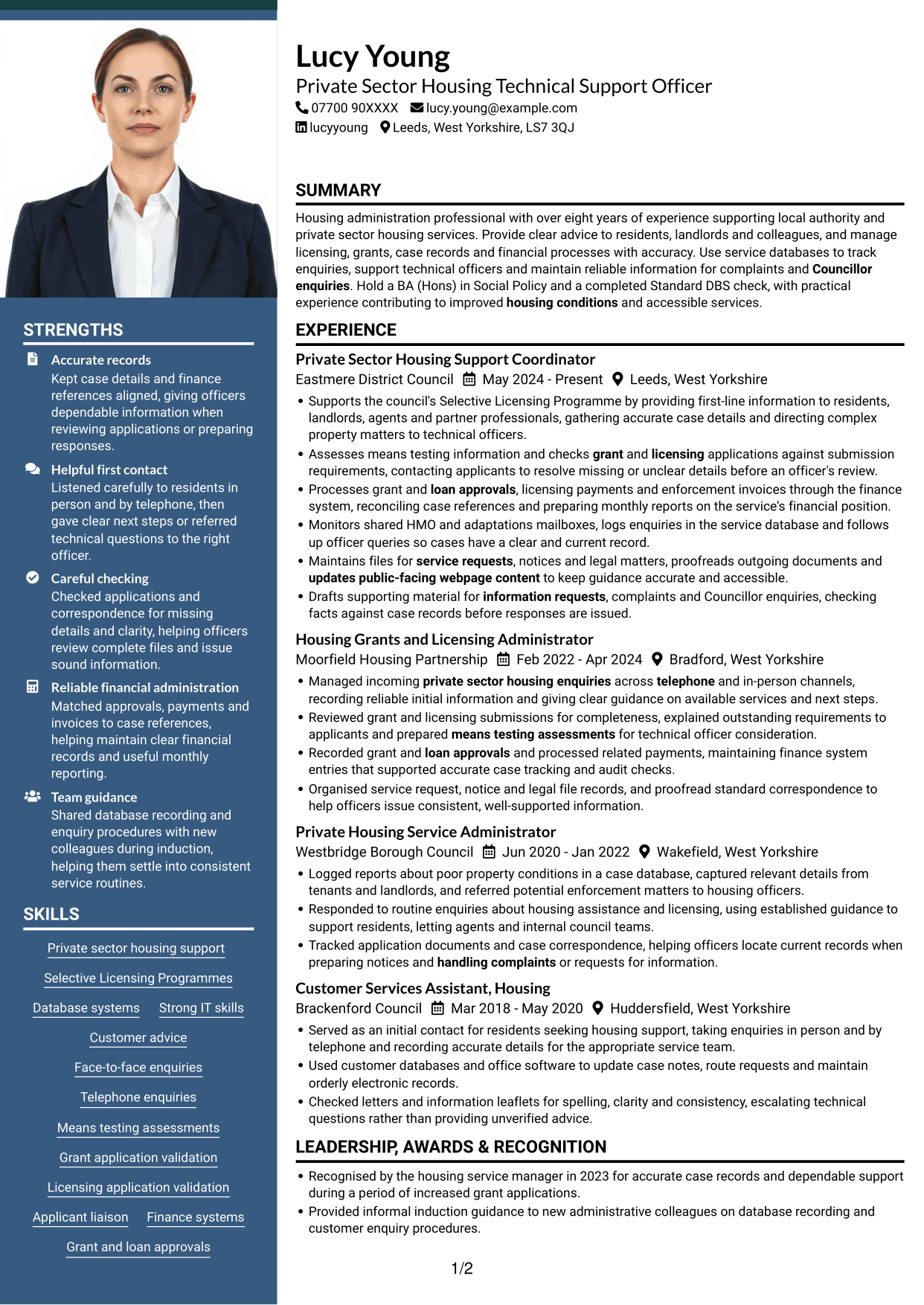
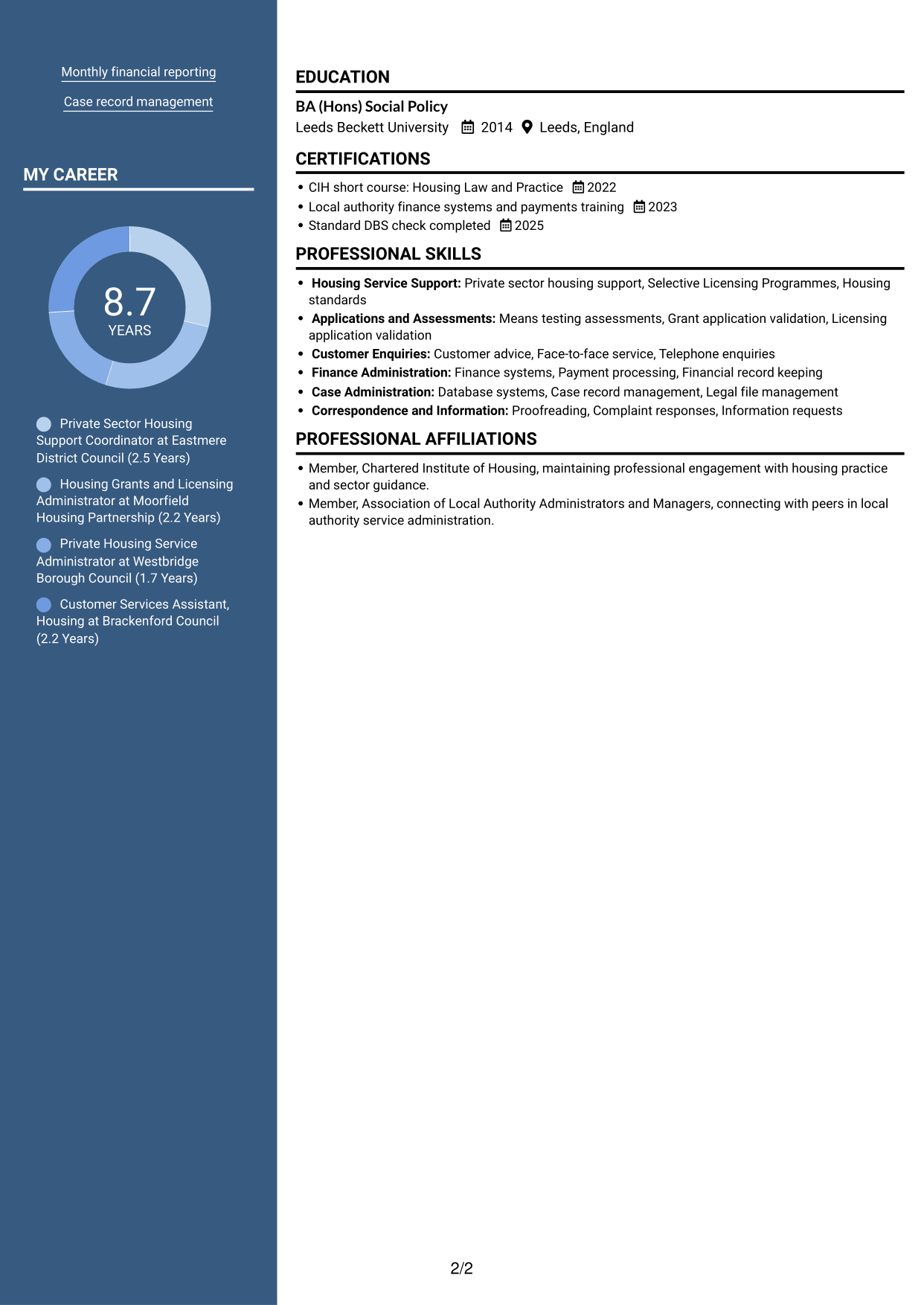
The Photo Header Two Column Format combines a portrait in the header with two body columns, for readers who want both features.
Why This Format Works
- The two-column body gives career history and supporting details distinct reading areas.
- Separate content areas help reviewers locate education and skills alongside experience.
- A clear reading order makes the move between roles and credentials straightforward.
Best For
- Portrait-led header presentation
- Career history with related details
- Readers who prefer two-column pages
- Skills and education alongside experience
- CVs with several information sections
#6 Coloured Two Column Format CV Example
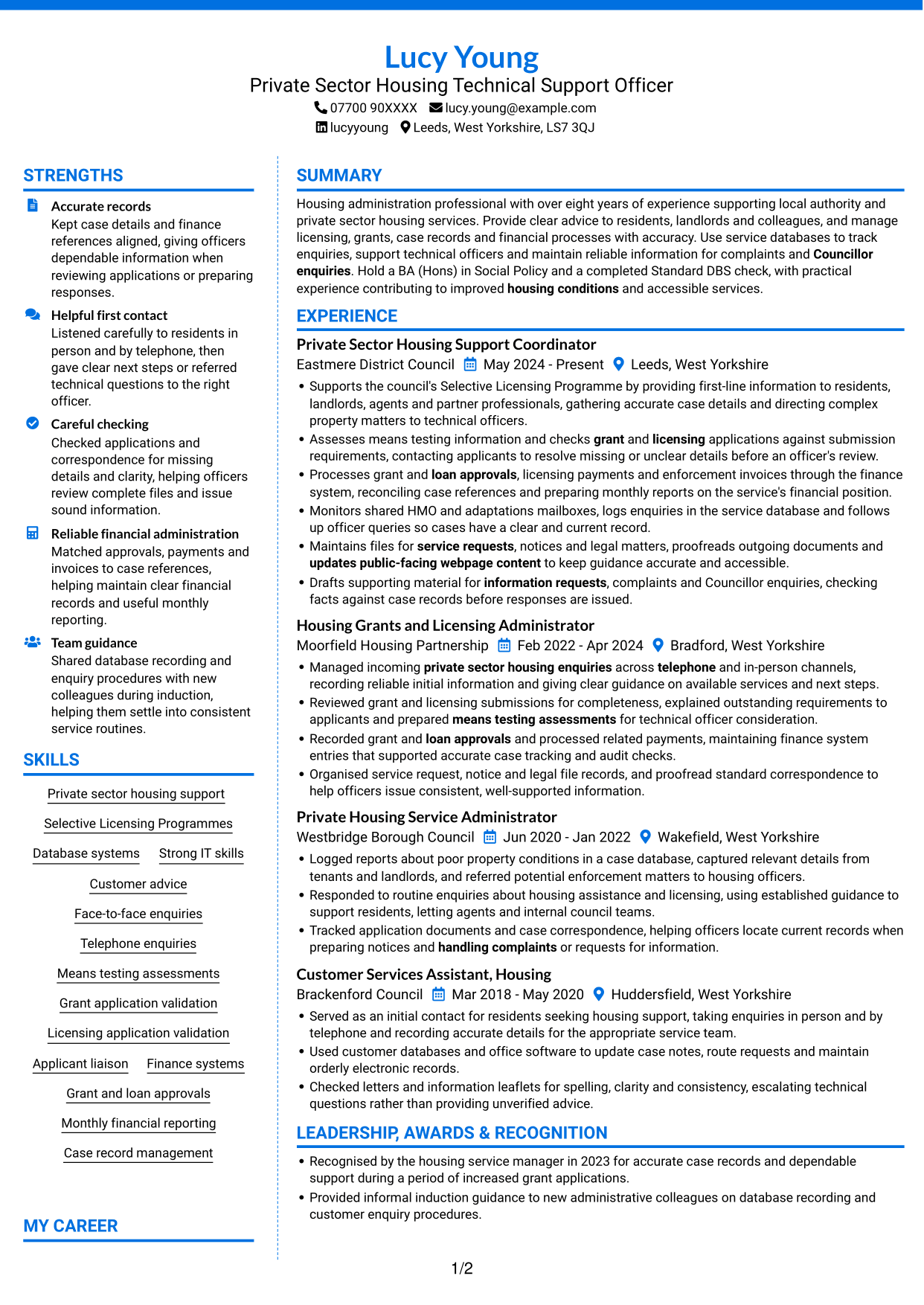
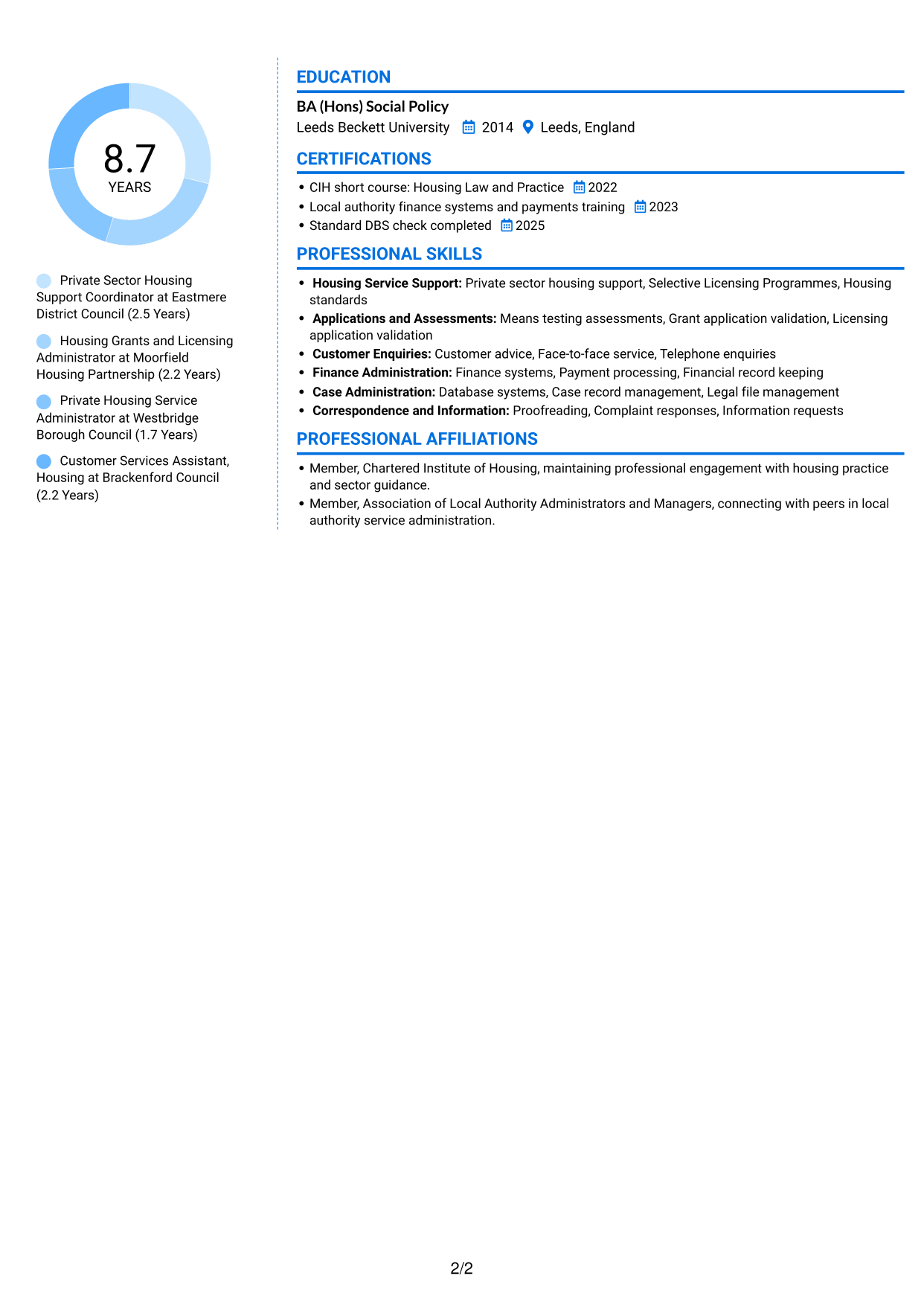
The Coloured Two Column Format arranges the CV across two areas, suiting readers who want career history and supporting details presented together.
Why This Format Works
- The separate areas help reviewers move between experience and relevant supporting information.
- Skills and education can be located without reading every experience entry first.
- A two-part reading order keeps career details distinct from other sections.
Best For
- Experience with supporting information
- Readers seeking easy section access
- Skills and education in the same document
- Career details with varied credentials
- Two-area information organisation
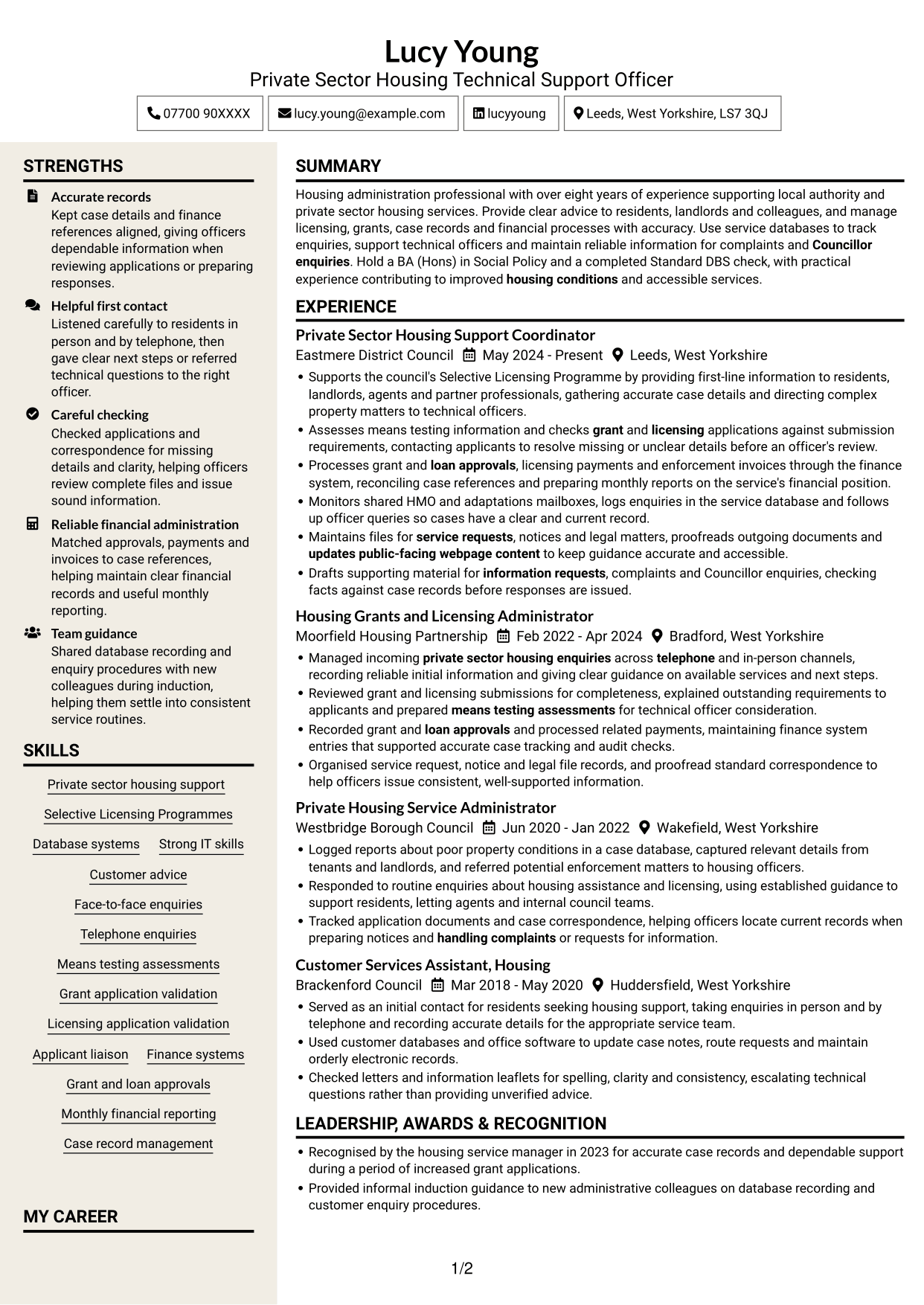
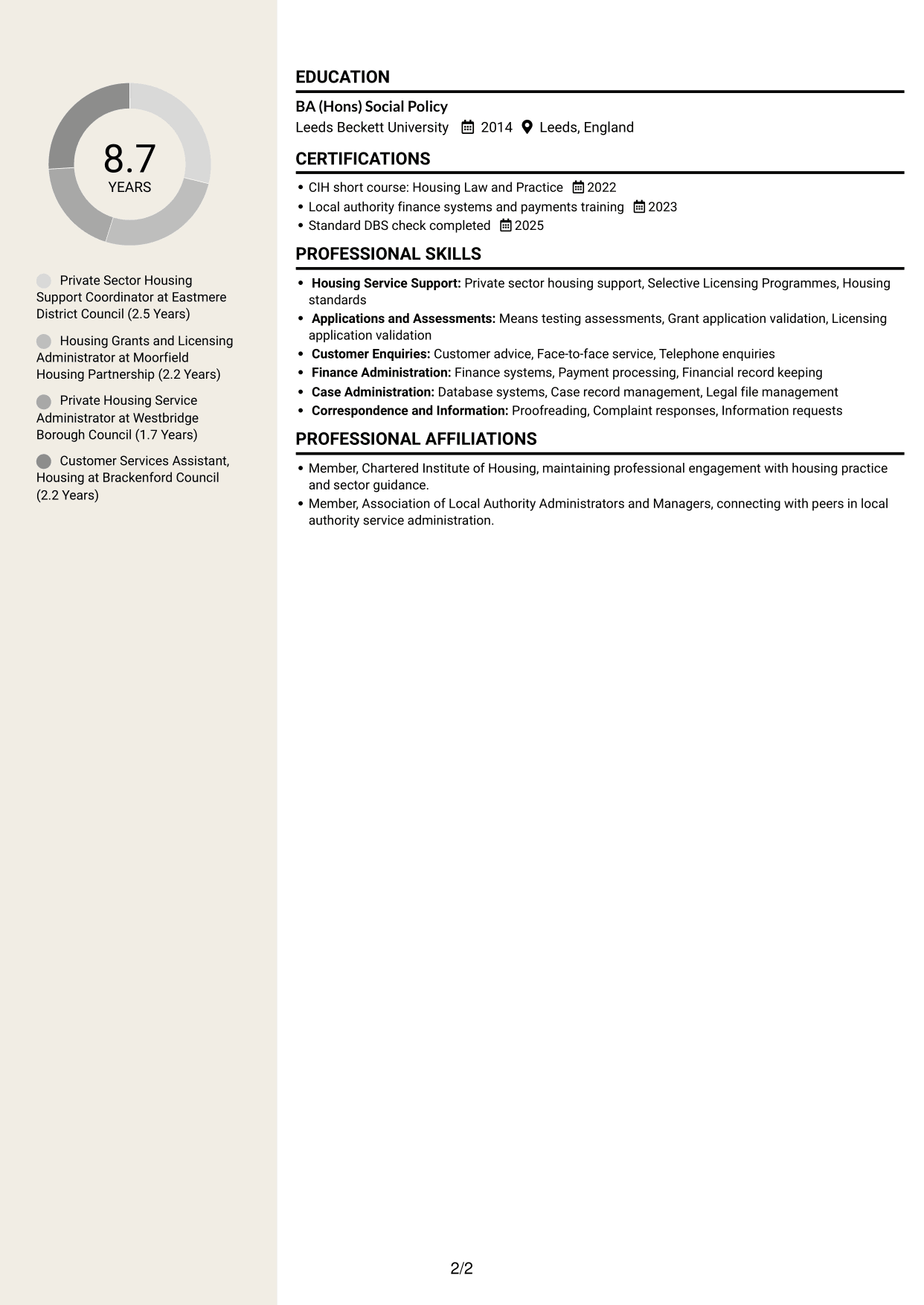
#7 Stylish Two Column Designer Format CV Example
The Stylish Two Column Designer Format sets out content in two areas, giving reviewers a clear route through experience and related sections.
Why This Format Works
- The divided layout helps reviewers distinguish work history from supporting qualifications.
- Readers can move between experience and education without losing the overall section order.
- Separate content areas give skills and credentials space alongside career details.
Best For
- Work history with supporting qualifications
- Easy movement between CV sections
- Readers comparing experience and education
- Skills and credentials alongside career details
- Preference for two-column organisation
Why Build Your Private Sector Housing Technical Support Officer CV with ResumeInMinutes
ResumeInMinutes helps you organise housing support experience, skills and education in a clear CV. Compare PNG image previews, then open an example in the editor to customise its content and layout.
- Different CV layouts
- Clear, readable section structure
- Space for role-specific keywords
- Organised skills and experience
- PNG image previews
- CV customisation in the editor
Choose a format that makes your experience easy to scan. Keep the focus on accurate records, helpful first contact, application checks and reliable financial administration.
See Also
- 7 Housing Officer - Resident and Estate Management CV Templates with Example
- 7 Business Support Officer - Operations Support CV Templates with Example
- 7 Admin Officer - Court Administration CV Templates with Example
- 7 Attendance & Family Liaison Officer CV Templates with Example
- 7 Attendance Officer - Student Attendance Administration CV Templates with Example
- 7 Compliance Assurance Officer - FCA-Regulated Financial Services CV Templates with Example
- 7 Development Services Officer - Planning Applications CV Templates with Example
- 7 Due Diligence Officer - Third-Party Relationship Risk CV Templates with Example
- 7 Private Sector Housing Technical Support Officer Cover Letter Templates with Example
- 7 Housing Officer - Resident and Estate Management Cover Letter Templates with Example
Frequently Asked Questions
Are these Private Sector Housing Technical Support Officer CV templates ATS-friendly?
The examples use clear headings and sections to help readers scan key details. Include relevant terms naturally, such as Selective Licensing Programmes, means testing, grant and licensing applications, finance systems and case records.
Are these separate CV examples or different layouts of one example?
This page shows one role-focused CV example in different layouts. Compare the PNG image previews, then open an example in the editor to customise it.
What should a Private Sector Housing Technical Support Officer CV include?
Include a focused summary, relevant experience, education, skills and any relevant training or checks. Show how you handle enquiries, check applications, support grant and loan processes, maintain case records and contribute to clear service information.
Which CV layout works well for this role?
Choose a layout with clear headings and an easy-to-follow order for experience, skills and education. A simple structure helps recruiters and applicant tracking systems find key information.
How can I show housing support achievements on my CV?
Use concise bullet points to explain the task, your contribution and the result. You could describe accurate case records, complete application checks, reliable payment processing or clear support for residents, using figures only when you can verify them.
Should I include a photo on my CV?
For UK applications, a photo is usually not needed. Use the space for relevant experience, skills and evidence of your work instead.




