
7 Python Developer - AI / LLM Platform Cover Letter Templates with Example
This practical guide to a Python Developer - AI / LLM Platform cover letter presents seven layouts to help you shape a clear, evidence-led application.
What Makes a Great Python Developer - AI / LLM Platform Cover Letter in 2026
A strong letter connects practical LLM integration with the care needed to keep secure Python services reliable. Make your opening clear about the role and why its mix of AI platform work and production support interests you.
Use specific evidence, such as integrating OpenAI or Azure OpenAI, improving established services with regression tests, or strengthening production monitoring. Link that work to the employer’s needs and explain your interest in its secure, business-critical platforms.
The featured example moves from role motivation to LLM integration, production reliability and a clear close; adapt this focused progression while choosing a presentation suited to the employer and communication context.
#1 Simple One Column Format Cover Letter Example
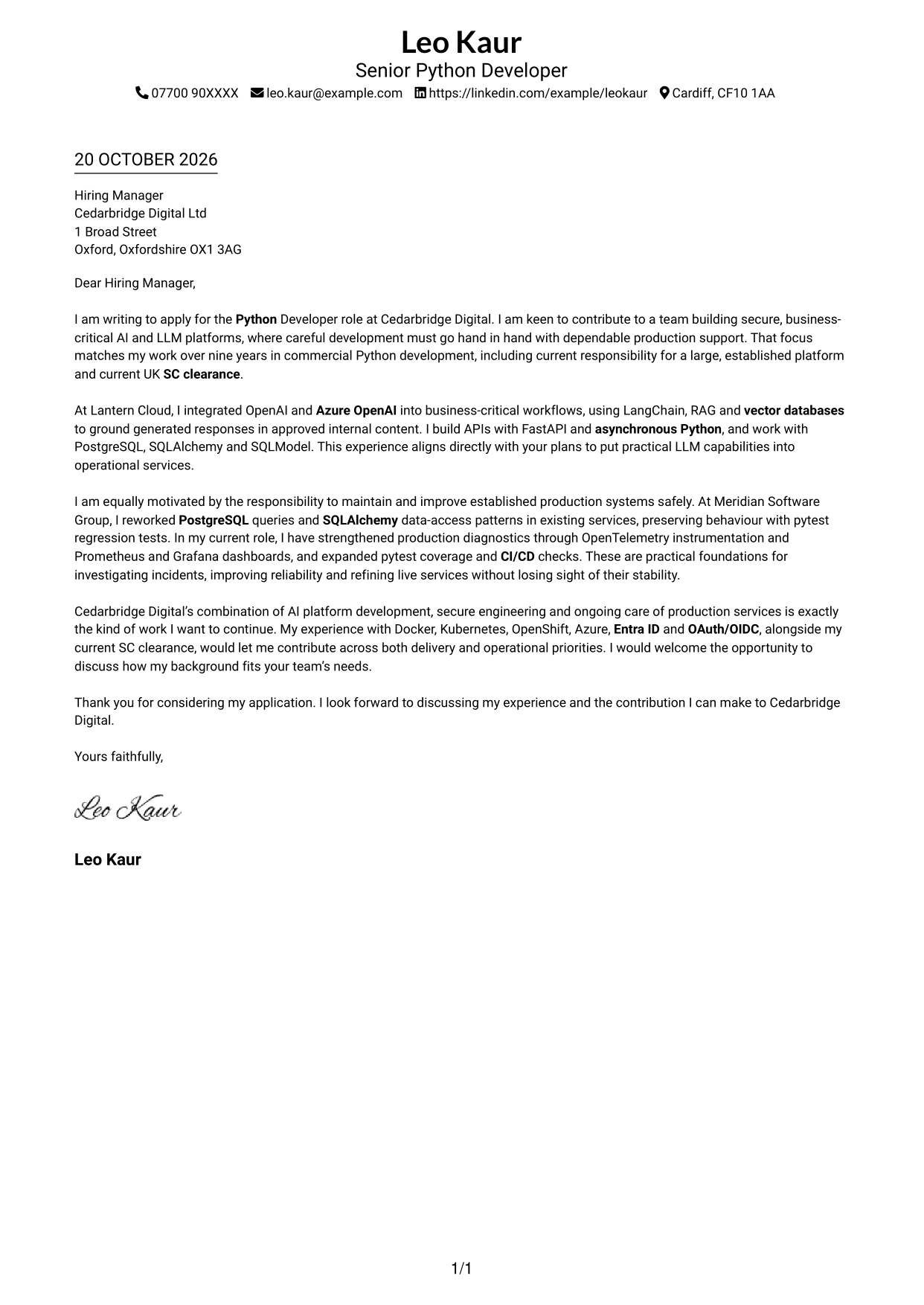
The Simple One Column Format keeps sender details in the header and the letter in one continuous column, giving reviewers a direct path through the message.
Why This Format Works
- Sender details stay in the header, apart from the letter’s main message.
- One reading path lets reviewers follow motivation, evidence and closing in order.
- A single column suits readers who prefer no parallel content areas.
Best For
- Single-column reading preference
- Header-based contact details
- Uninterrupted letter prose
- Simple employer correspondence
- No-photo letter layouts
#2 Two Column Format Cover Letter Example
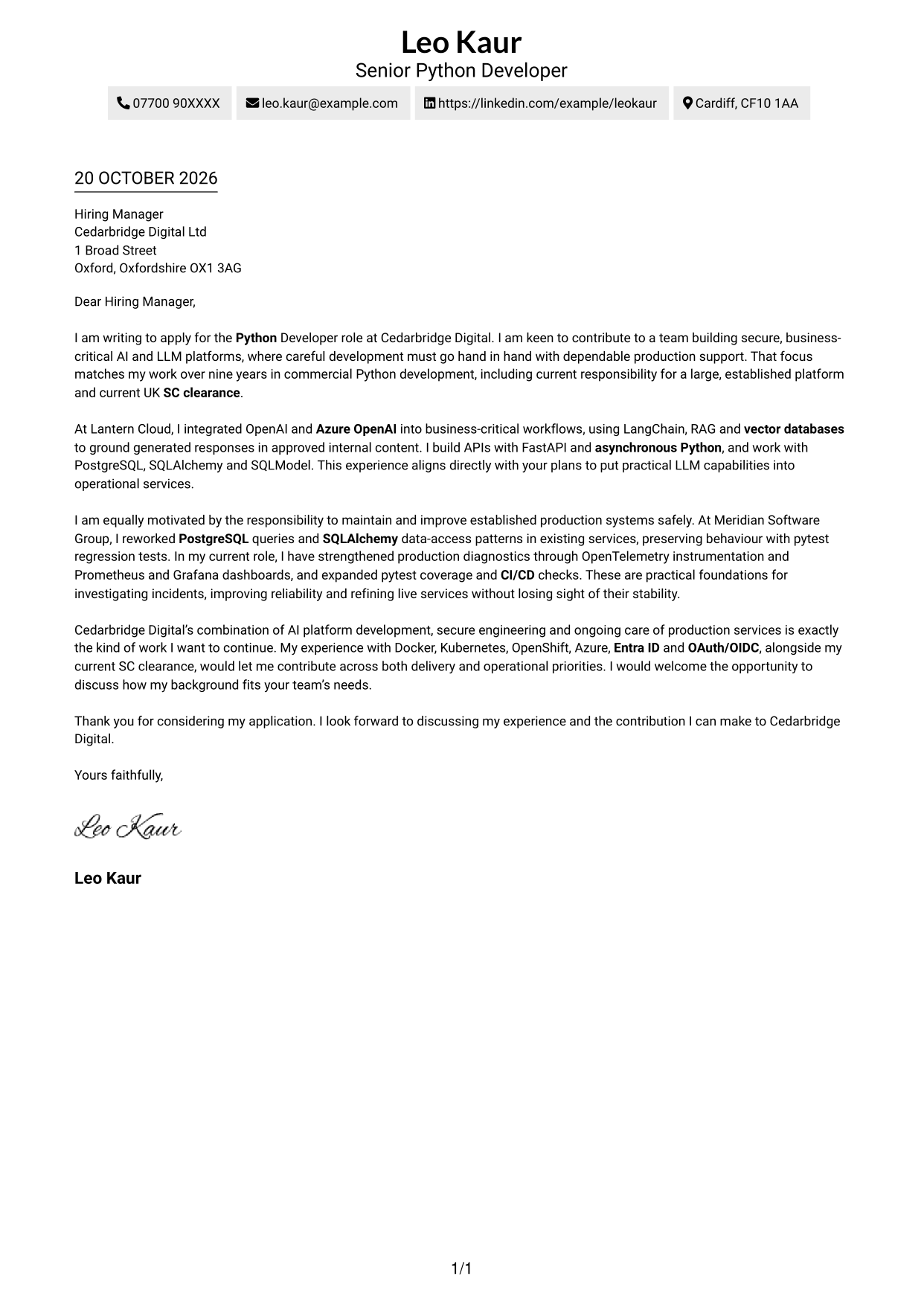
The Two Column Format places contact details in a sidebar beside one continuous letter body, keeping reference information separate from the message.
Why This Format Works
- The contact sidebar groups sender information apart from the employer-facing message.
- The letter body stays continuous, helping reviewers follow its points in sequence.
- The contact area remains available for reference while the letter is read.
Best For
- Contact details beside the message
- One continuous letter body
- Side-by-side page organisation
- No-photo correspondence
- Letters with a clear contact area
#3 Photo Header Two Column Format Cover Letter Example
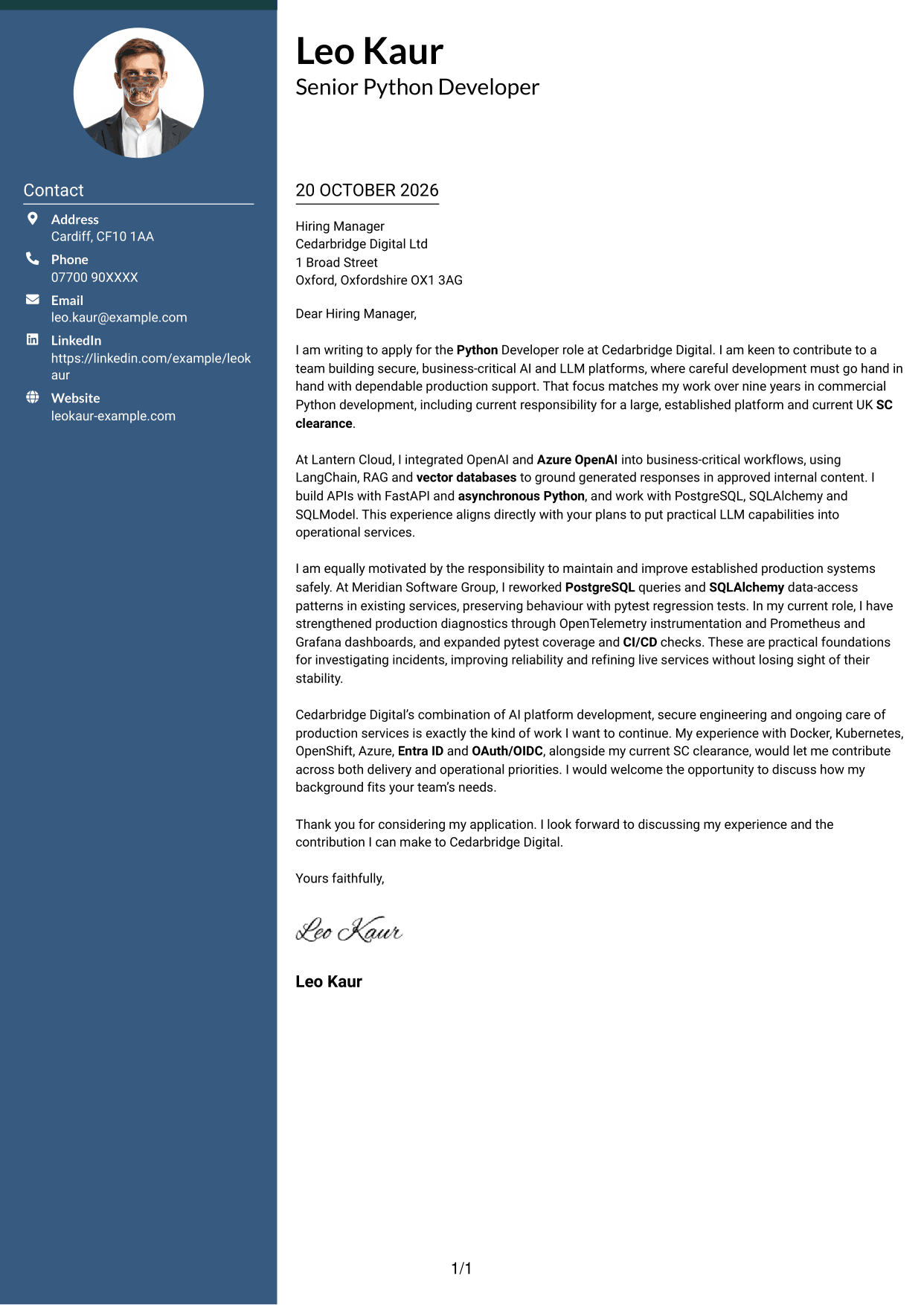
The Photo Header Two Column Format combines a photo and contact sidebar with one continuous letter body, pairing a personal visual element with a clear reading route.
Why This Format Works
- A contact sidebar keeps sender information distinct from the employer-facing letter.
- The continuous body lets reviewers follow the message in its written order.
- Including a photo suits readers who want a visual element in the layout.
Best For
- Photo-inclusive correspondence
- Contact details in a sidebar
- Continuous letter prose
- Visual identity alongside written content
- Two-column page organisation
#4 One Column Format with Photo Cover Letter Example
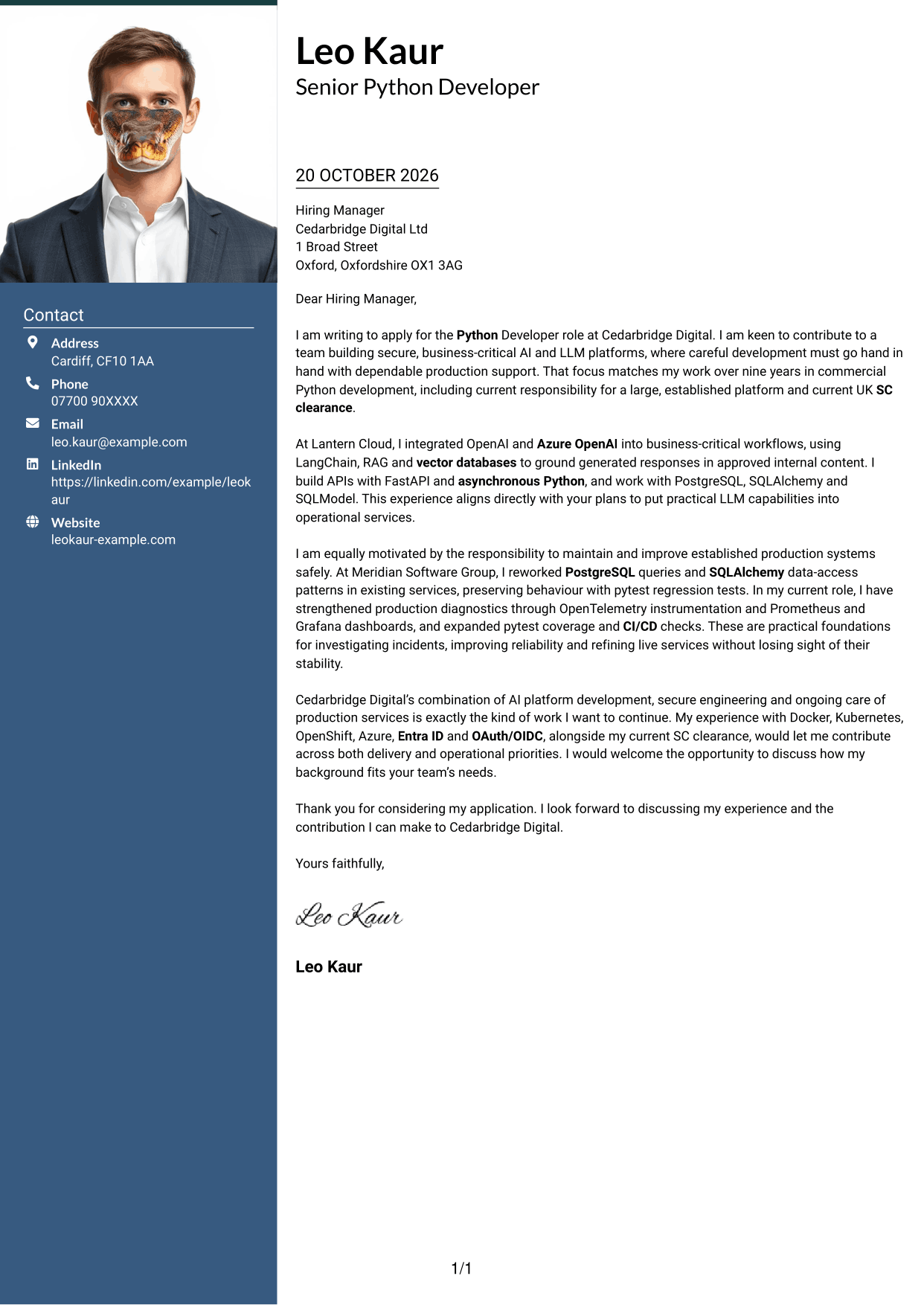
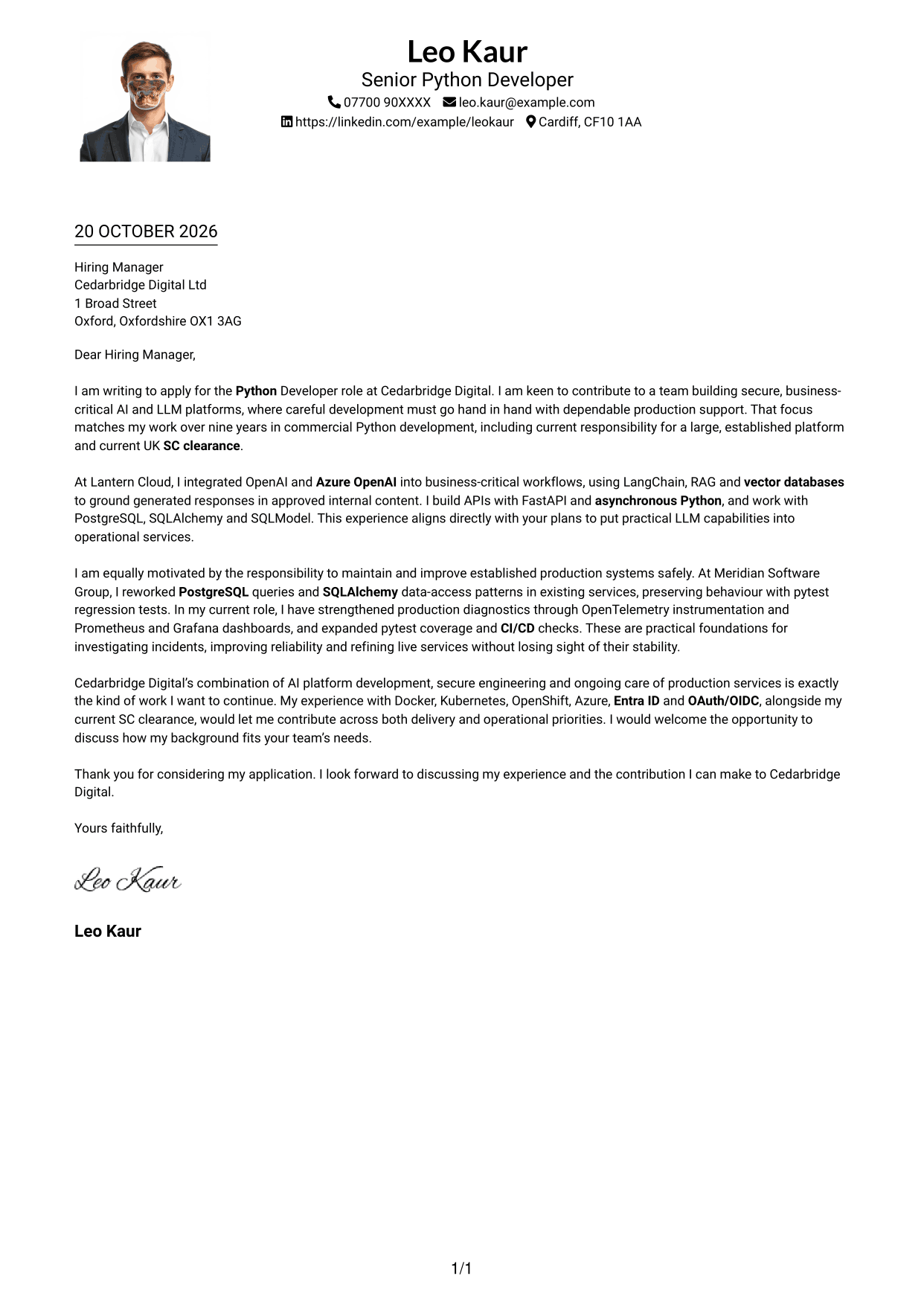
The One Column Format with Photo places a photo in a layout with sender details in the header and one continuous letter column.
Why This Format Works
- The photo adds a personal visual feature without dividing the letter body.
- Sender details in the header remain apart from the letter’s message.
- One column lets reviewers follow motivation, evidence and closing in order.
Best For
- Photo-inclusive letters
- Single-column reading
- Header-based contact details
- Uninterrupted letter paragraphs
- Portrait-led document preference
#5 Simple Two Column Format Cover Letter Example
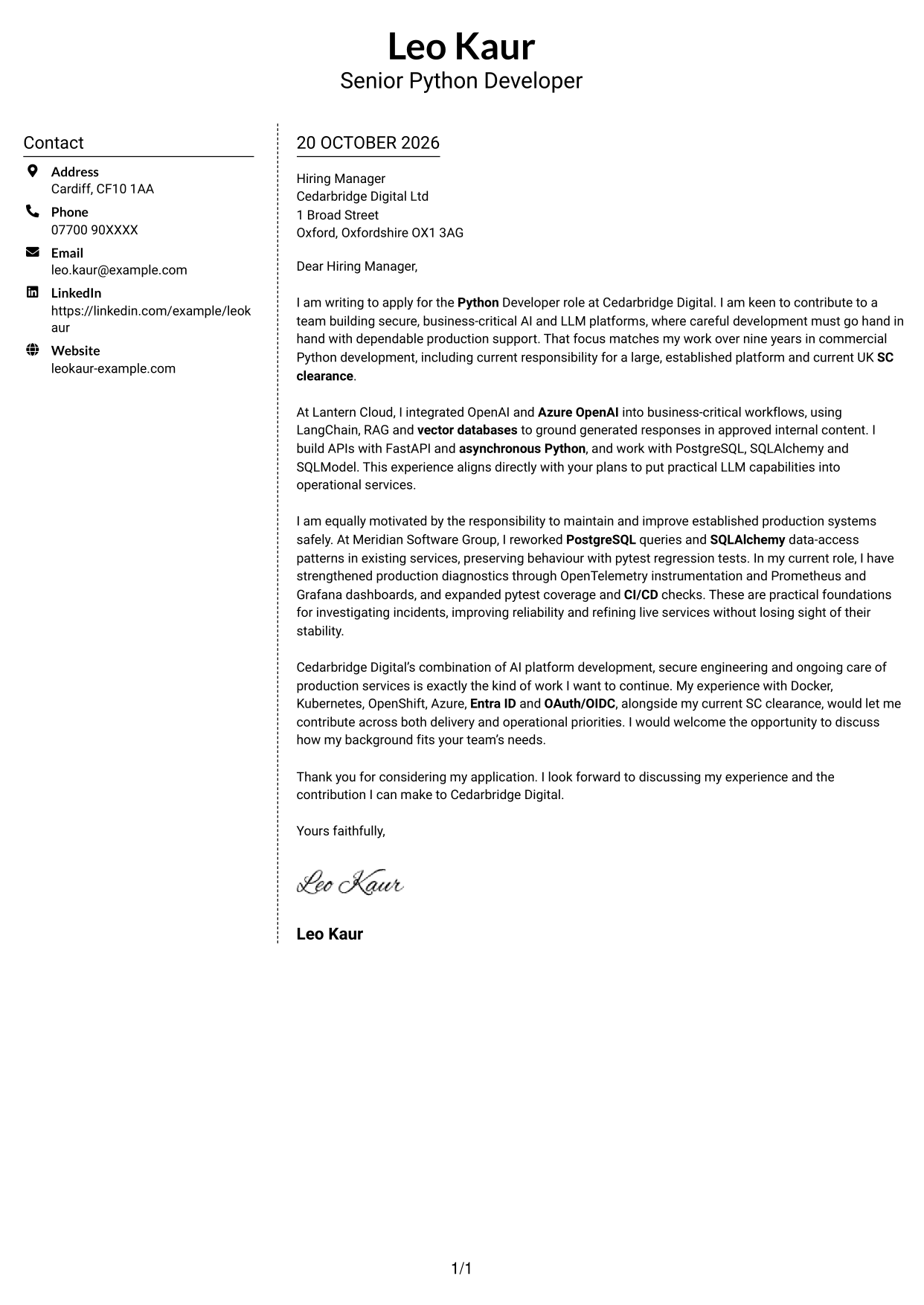
The Simple Two Column Format sets a contact sidebar beside one continuous letter body, separating sender details from the employer-facing message.
Why This Format Works
- A dedicated contact sidebar makes sender details distinct from the letter’s prose.
- The message remains in one column, so its points stay in reading order.
- The two areas give contact information and letter text separate places.
Best For
- Separate contact and message areas
- One-column letter reading
- No-photo application documents
- Clear sender information
- Continuous persuasive prose
#6 Modern Icon Format Cover Letter Example
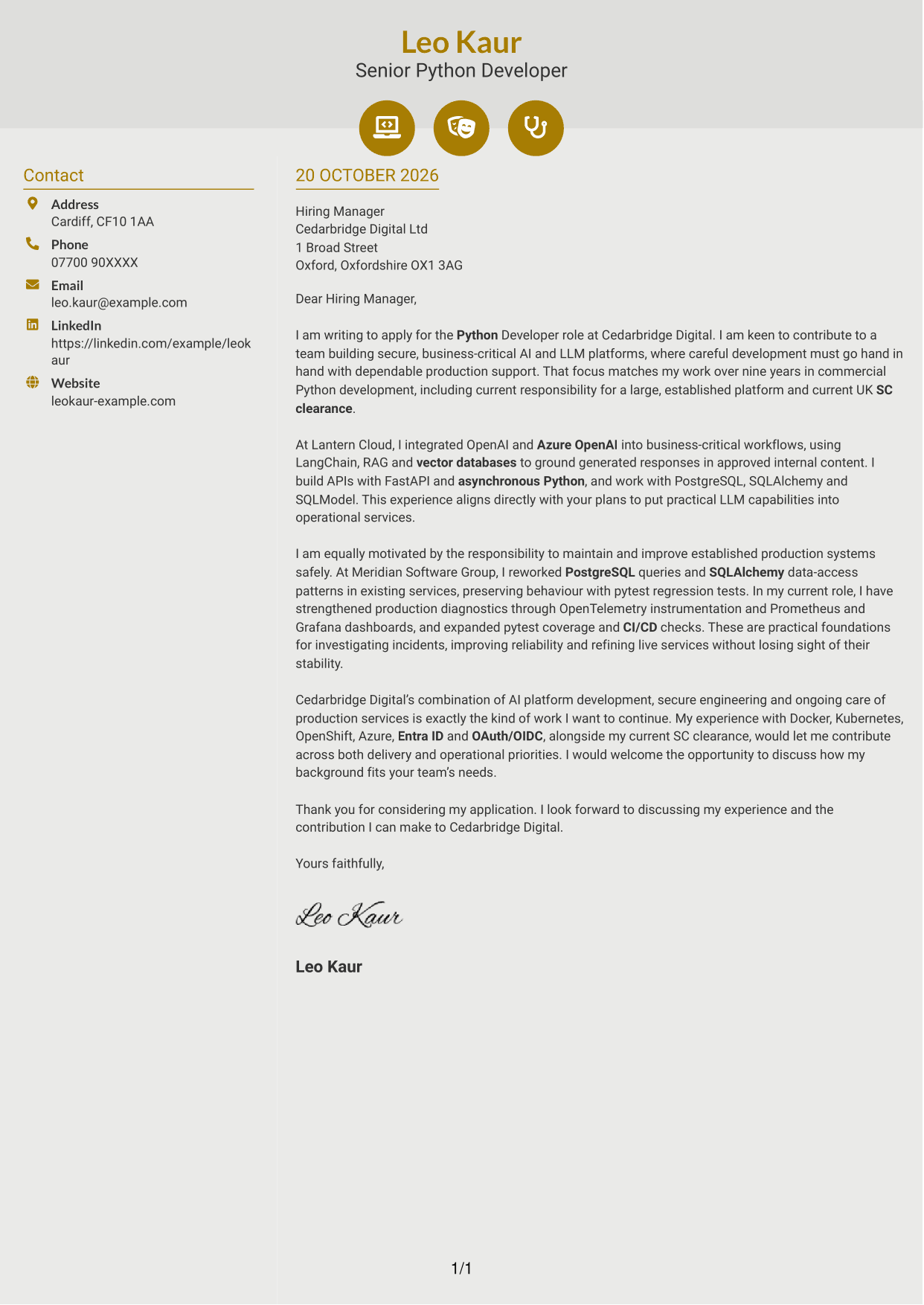
The Modern Icon Format uses two columns for a contact sidebar and one continuous letter body, with icons serving as contact cues or header accents.
Why This Format Works
- Contact icons act as visual cues for sender details, not argument stages.
- The sidebar separates contact information from the continuous letter body.
- Reviewers can follow the message in one column without parallel argument sections.
Best For
- Icon-cued contact details
- Two-column page organisation
- One continuous letter body
- No-photo correspondence
- A decorative header accent
#7 Creative Two Tone Format Cover Letter Example
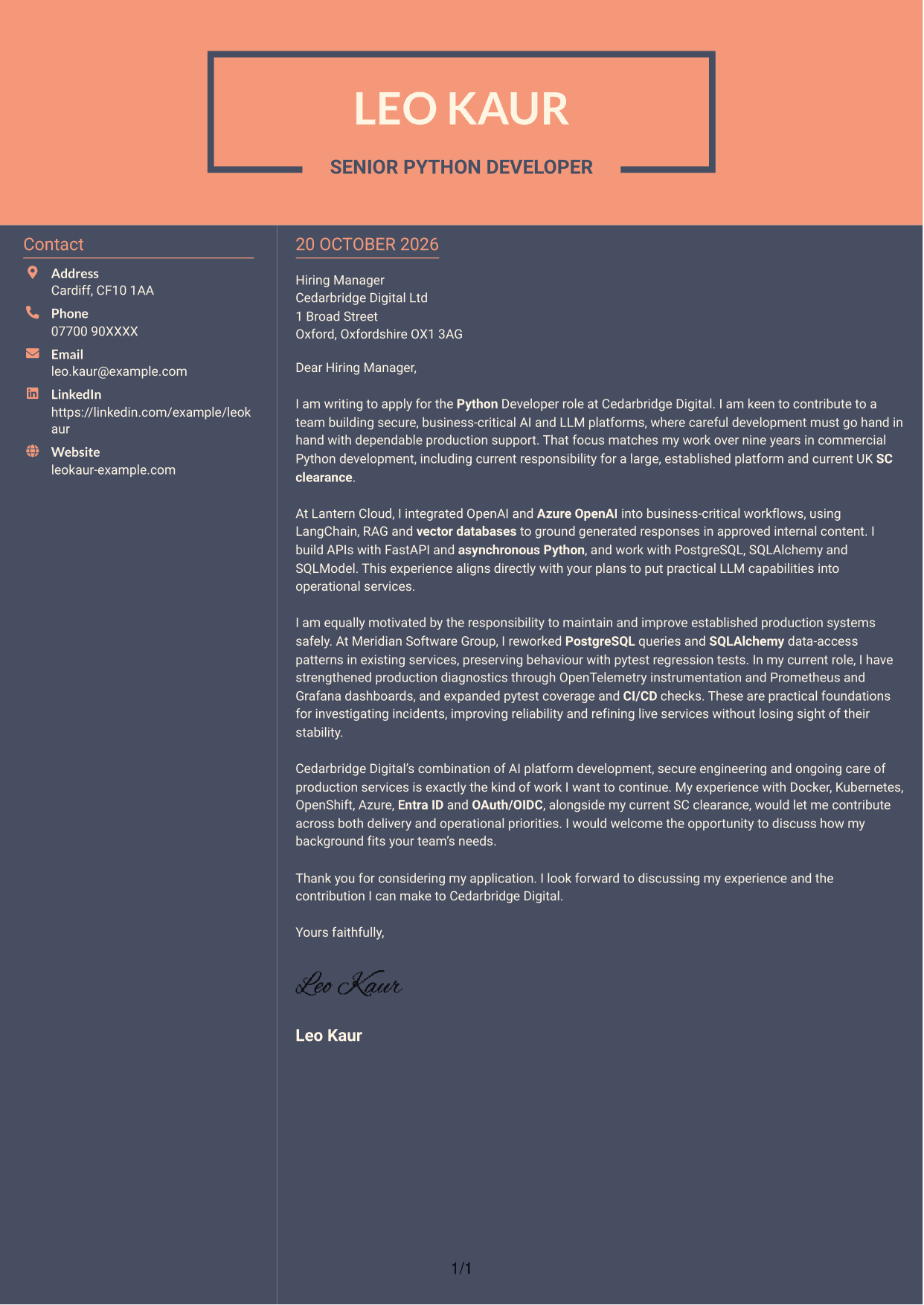
The Creative Two Tone Format pairs a contact sidebar with one continuous letter body, giving contact information a separate place beside the message.
Why This Format Works
- The sidebar keeps sender details separate from the employer-facing letter.
- A single letter body preserves the message’s natural paragraph order.
- Contact information sits beside the message rather than within its prose.
Best For
- Contact details beside letter text
- Continuous paragraph structure
- Two-column reading preference
- No-photo correspondence
- Letters with distinct contact information
See Also
- 7 Python Developer - AI / LLM Platform CV Templates with Example
- 7 Graduate / Junior Developer - Python, Linux, C# and Java CV Templates with Example
- 7 Infrastructure Python Developer CV Templates with Example
- 7 Junior Python Developer CV Templates with Example
- 7 Mid Python Developer - Reporting and API Engineering CV Templates with Example
- 7 Python Django Developer CV Templates with Example
- 7 Senior Python Developer - Cloud Automation CV Templates with Example
- 7 Senior Python Developer CV Templates with Example
- 7 Graduate / Junior Developer - Python, Linux, C# and Java Cover Letter Templates with Example
- 7 Infrastructure Python Developer Cover Letter Templates with Example
Frequently Asked Questions
What should a Python Developer - AI / LLM Platform cover letter highlight?
Show how your Python development supports useful AI features and dependable services. Relevant evidence could include LLM API integration, careful changes to established code, automated tests or production monitoring.
How can I show my LLM experience clearly?
Name the integration work you carried out, such as connecting OpenAI or Azure OpenAI to an operational service. Explain how you used tools such as LangChain or retrieval-augmented generation (RAG) to ground responses in approved information, if this reflects your experience.
How should I explain my interest in the employer?
Refer to the role’s focus on secure AI platforms and the continued support of business-critical services. Explain why that combination matters to you and connect it to the contribution you would like to make.
How can I show that I can improve live Python services safely?
Choose a clear example of improving an established service without changing its expected behaviour. Explain how tests, observability or careful deployment checks helped you manage the change and support reliability.
Should I mention UK Security Check clearance?
If you hold current UK Security Check (SC) clearance, state that clearly and accurately. It is a stated requirement for this role, so include it where it supports your application.




