
7 Python Developer - AI / LLM Platform CV Templates with Example
This guide shows you how to build a Python Developer - AI / LLM Platform CV that presents your technical evidence clearly. You will learn how to organise your experience and choose a layout that helps readers follow your work.
For this role, make production Python services, API development and secure LLM integration easy to find. Use focused bullets to show careful refactoring, automated testing, service reliability and the outcomes of your work.
Compare the example presented in 7 layouts using the PNG image previews, then open a version in the editor to customise it. The guidance also covers ATS readability and role-specific terms such as FastAPI, asynchronous Python, PostgreSQL, OpenAI, Azure OpenAI, LangChain and RAG.
What Makes a Great Python Developer - AI / LLM Platform CV in 2026
A strong CV makes production Python work, secure service development and AI integration easy to scan. Clear bullets show what you changed and how you supported reliable live systems.
Use relevant terms such as FastAPI, asynchronous Python, PostgreSQL, pytest and LLM APIs where they match your evidence. Add supported results, and include current security clearance and certifications when relevant.
Note: CV examples are for educational purposes only. Use only information that accurately reflects your experience and qualifications. References to real organisations do not imply affiliation or endorsement.
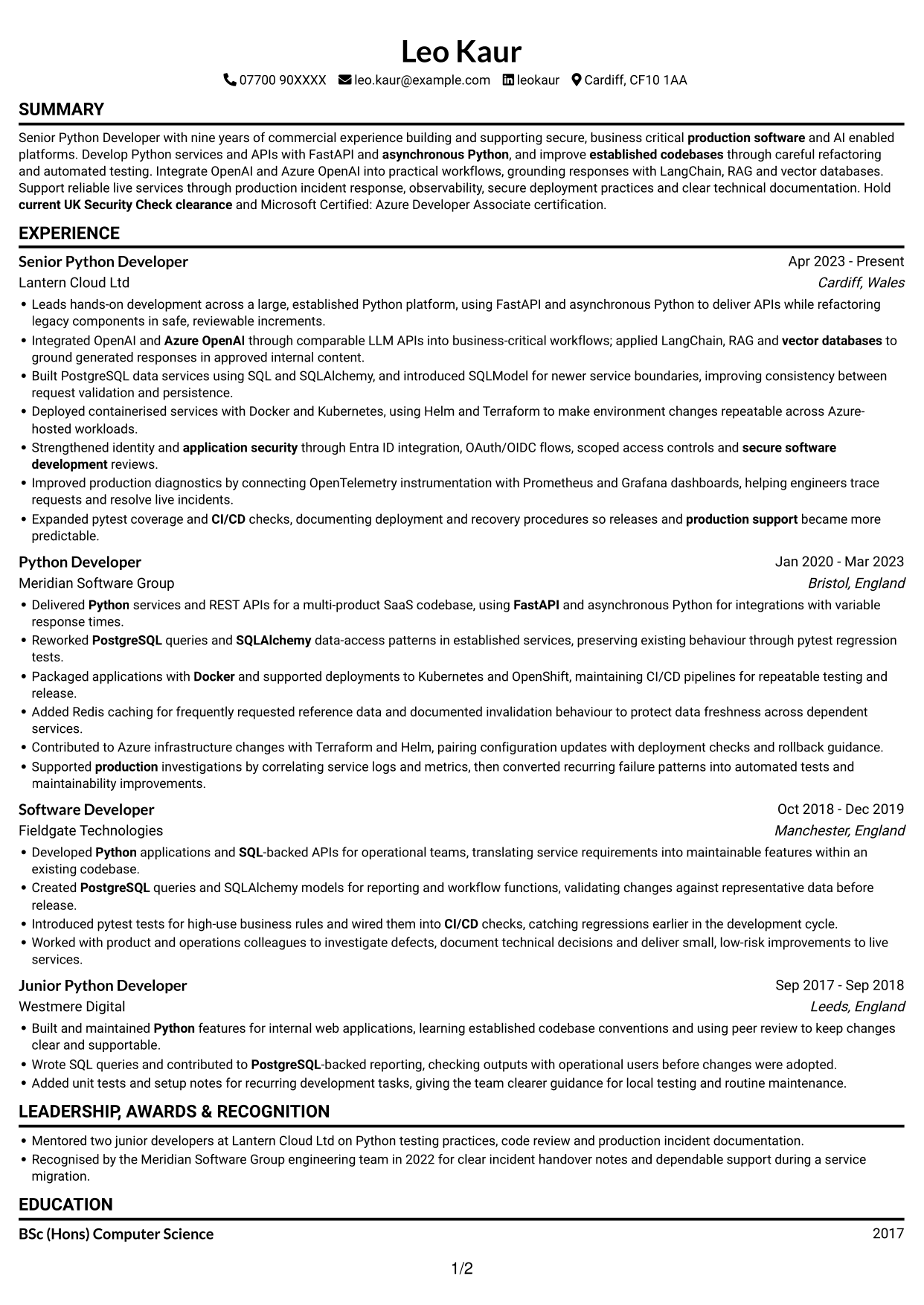
#1 Simple One Column Format CV Example
The Simple One Column Format keeps the CV body on one vertical route, a straightforward choice for readers who prefer familiar section order.
Why This Format Works
- Experience entries share one vertical route, helping reviewers trace career progression in order.
- Skills, education and credentials remain within the same clear section sequence.
- Related detail can be read without moving between separate columns.
Best For
- Single-column reading preference
- Chronological career histories
- CVs with several experience entries
- Detailed supporting sections
- Plain-text reading preference
CV Keywords
- nine years of commercial experience building and supporting secure, business critical production software
- current UK Security Check clearance
- Python
- Develop Python services and APIs
- asynchronous Python
- FastAPI
- Azure OpenAI
- PostgreSQL
- SQL
- SQLAlchemy
- improve established codebases through careful refactoring and automated testing
- secure software development
- refactoring legacy components in safe, reviewable increments
- Docker
- CI/CD
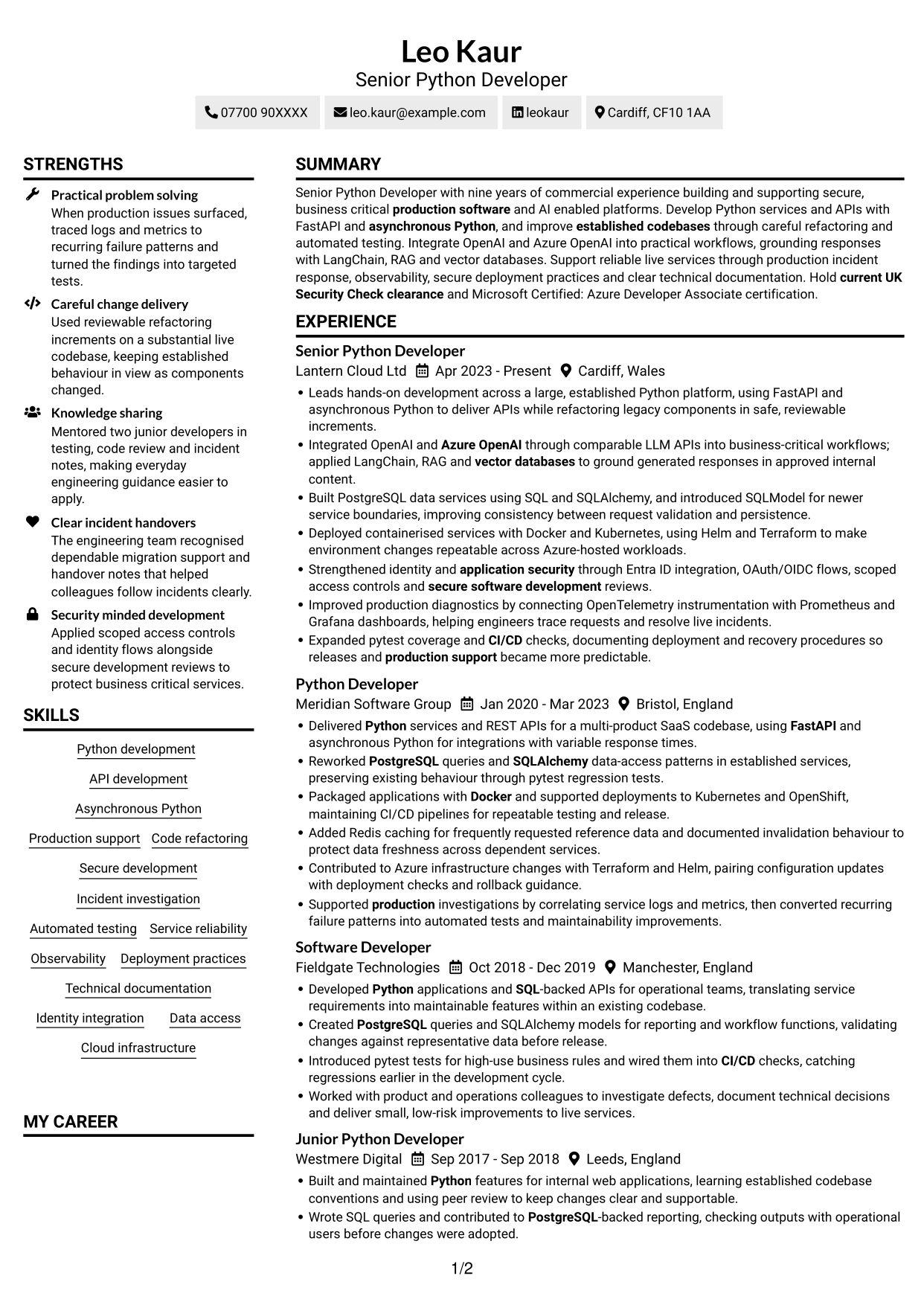
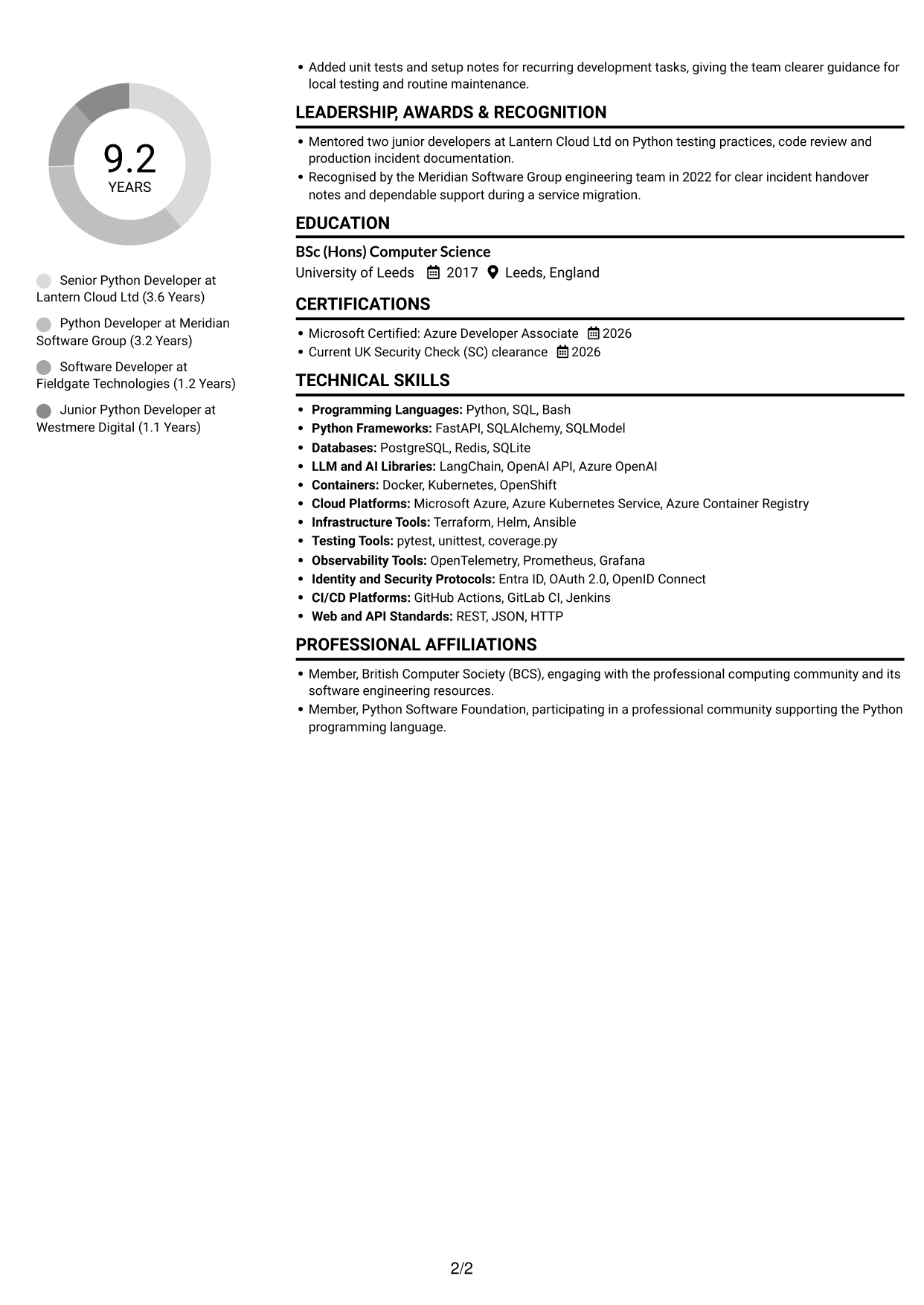
#2 Simple Two Column Format CV Example
The Simple Two Column Format uses two columns to organise CV sections, giving readers a clear route through separate content areas.
Why This Format Works
- Separate columns let reviewers locate skills without scanning every experience entry.
- Career history can remain easy to follow within its own reading area.
- Education and credentials can be reviewed apart from longer work details.
Best For
- Parallel section navigation
- CVs balancing experience and supporting details
- Quick access to skills information
- Readers who prefer divided content
- Several distinct CV sections
#3 Plain One Column with Shaded Labels CV Example
Plain One Column with Shaded Labels presents the CV in a single vertical sequence, a useful choice for readers who want to follow sections in order.
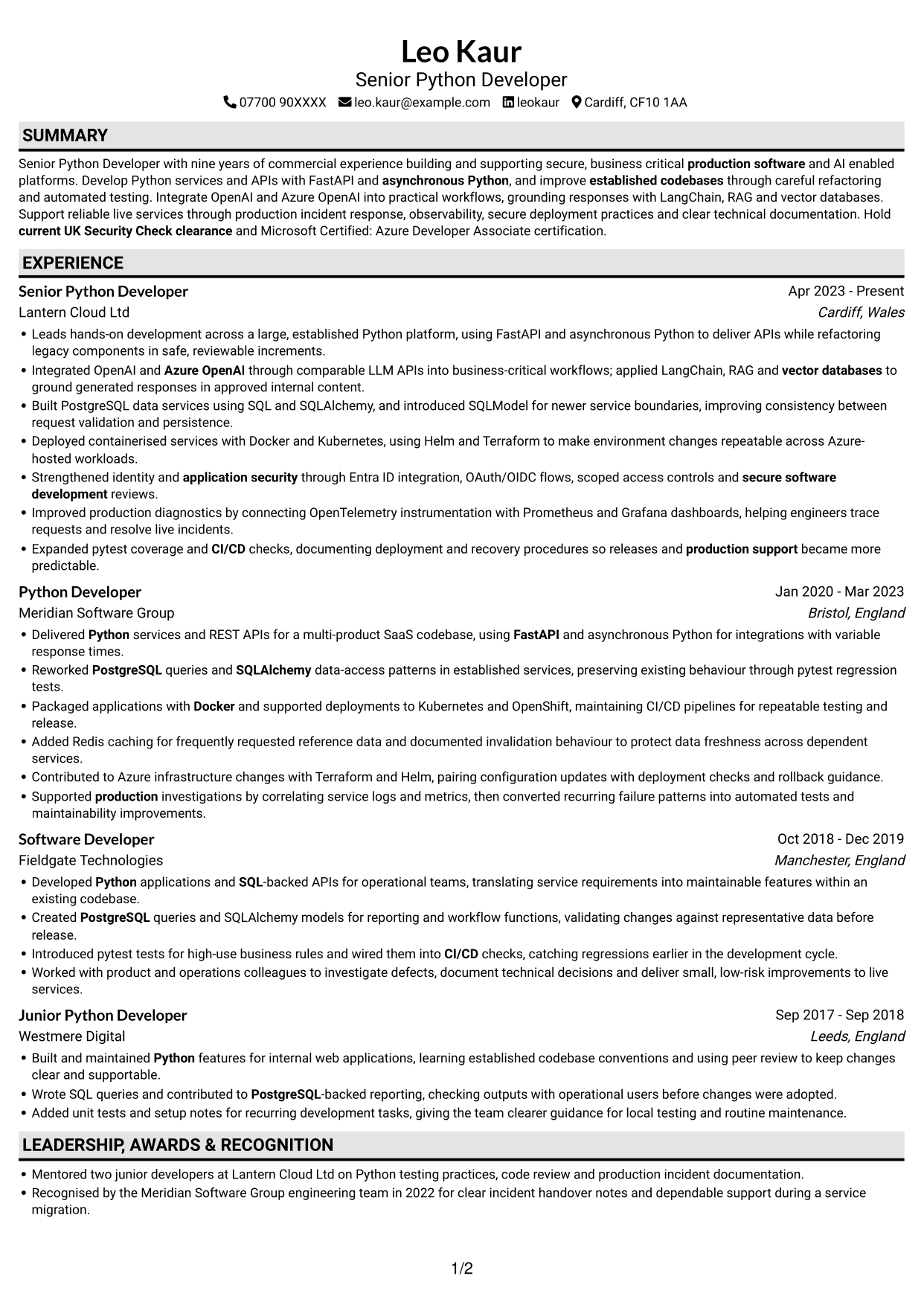
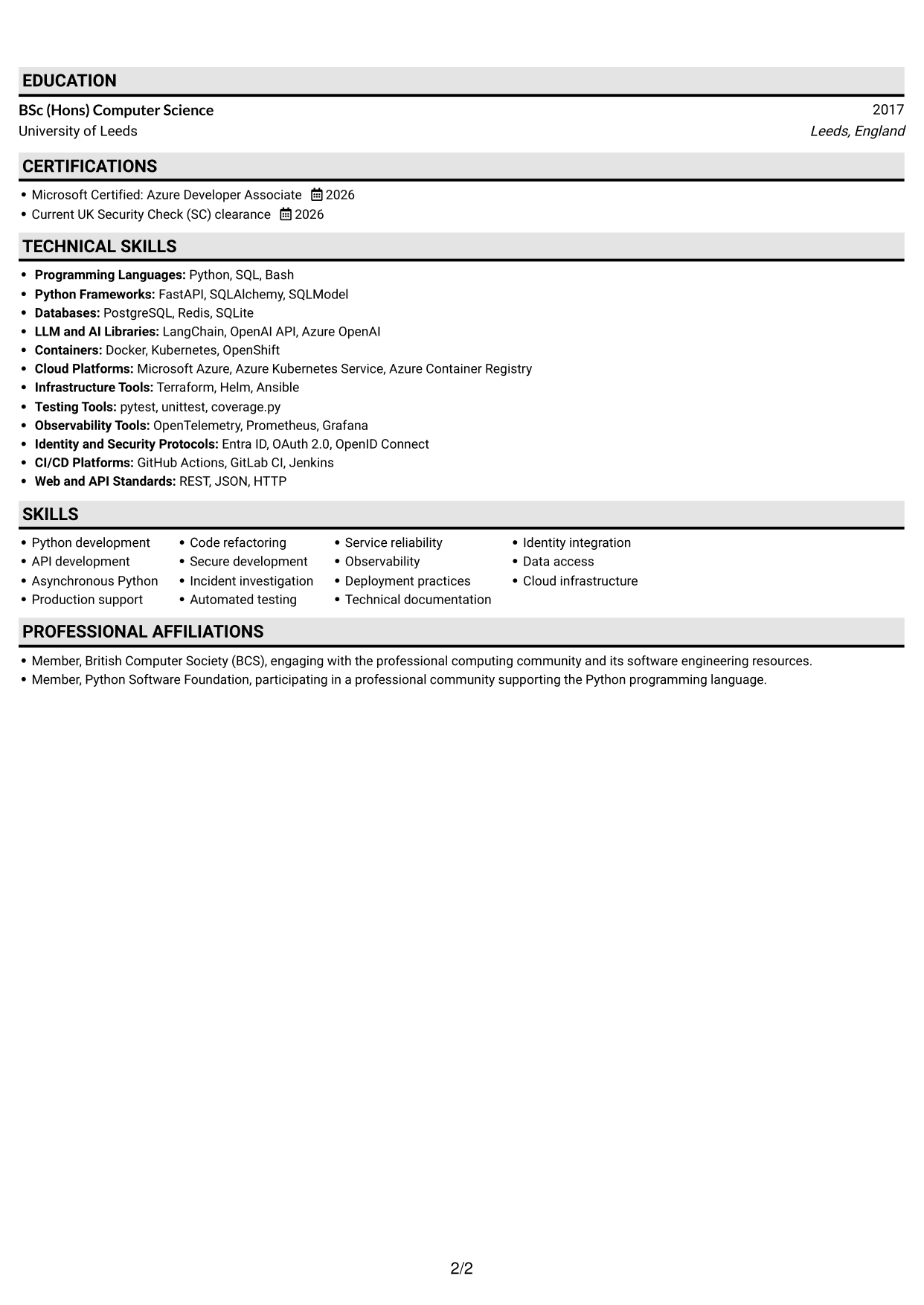
Why This Format Works
- One vertical sequence helps reviewers follow roles and dates from newer to older.
- Skills and education can be found by moving through a single section path.
- Supporting credentials remain connected to the wider CV rather than a side column.
Best For
- Sequential section review
- Chronological experience records
- CVs without parallel columns
- Detailed education and credentials
- Single-path document navigation
#4 One Column Format with Photo Right CV Example
One Column Format with Photo Right pairs a right-side portrait with a single-column CV body, for readers who want a visual identifier and a straightforward section sequence.
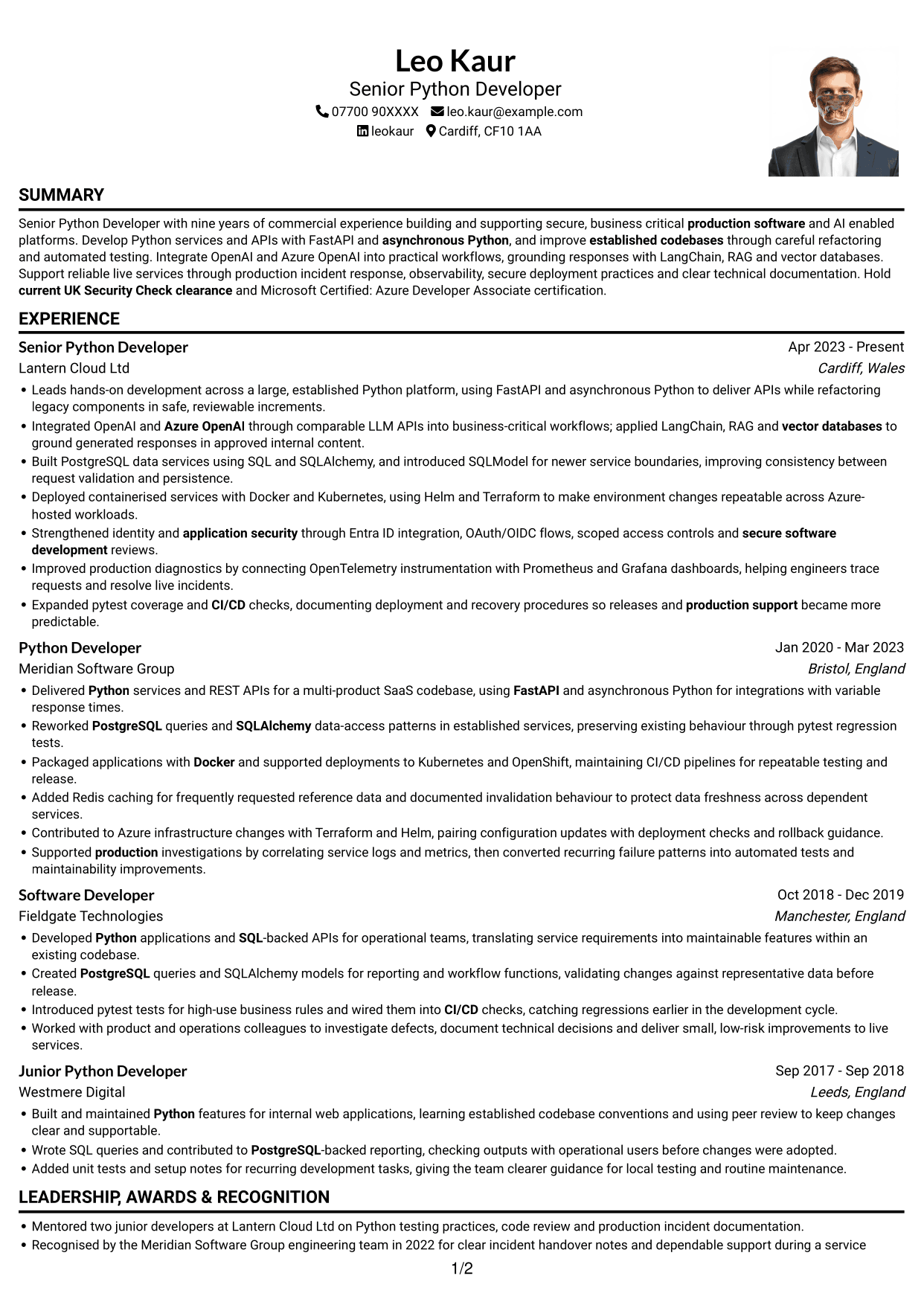
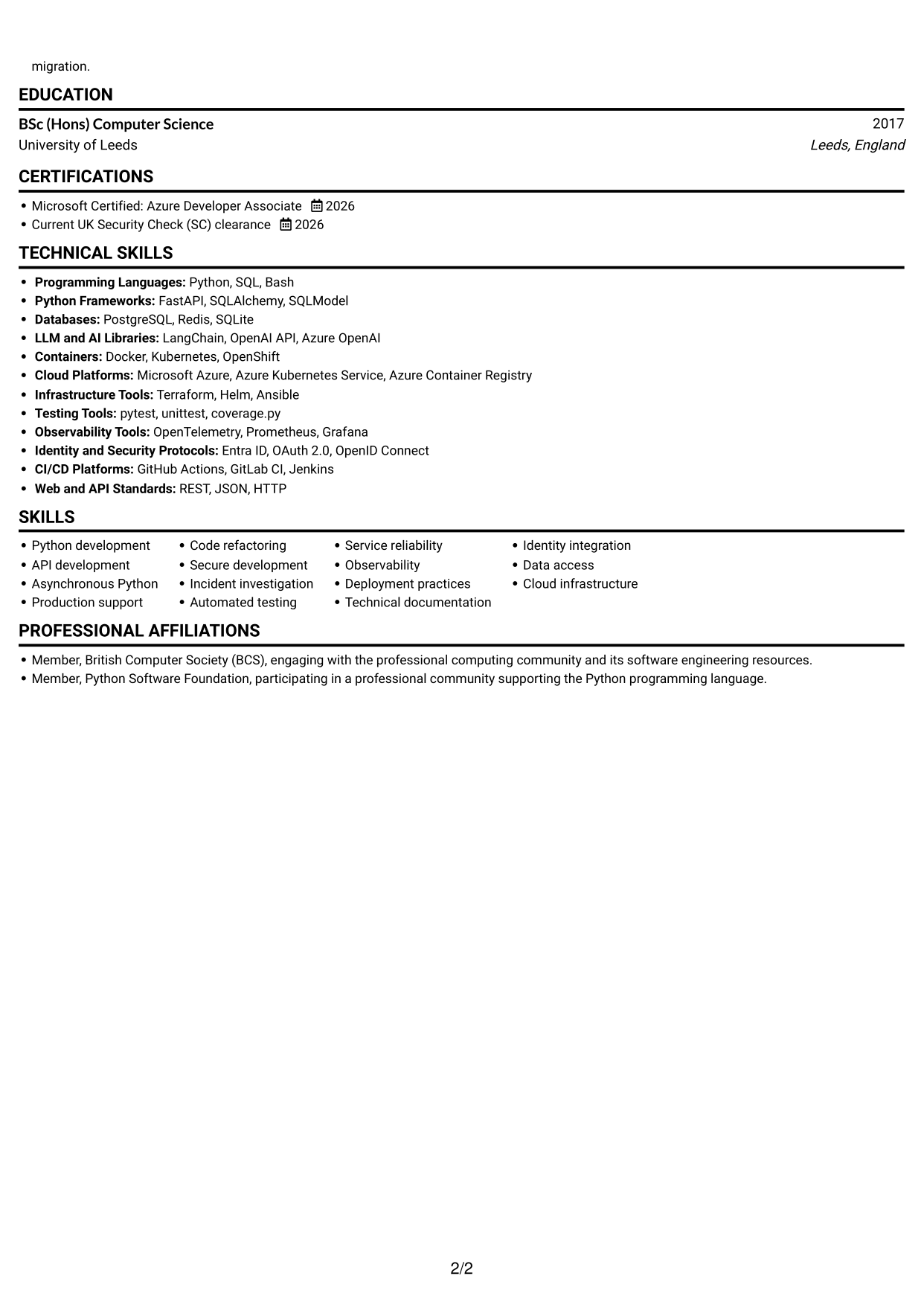
Why This Format Works
- A single-column body keeps experience and skills in one reading sequence.
- Career dates stay in a clear vertical order for quick progression checks.
- The right-side photo gives the profile a visible personal identifier.
Best For
- CVs with a right-side portrait
- Single-column reading preference
- Career histories needing clear chronology
- Applications where a portrait is requested
- Section-by-section review
#5 Clean Two Column Sidebar Format CV Example
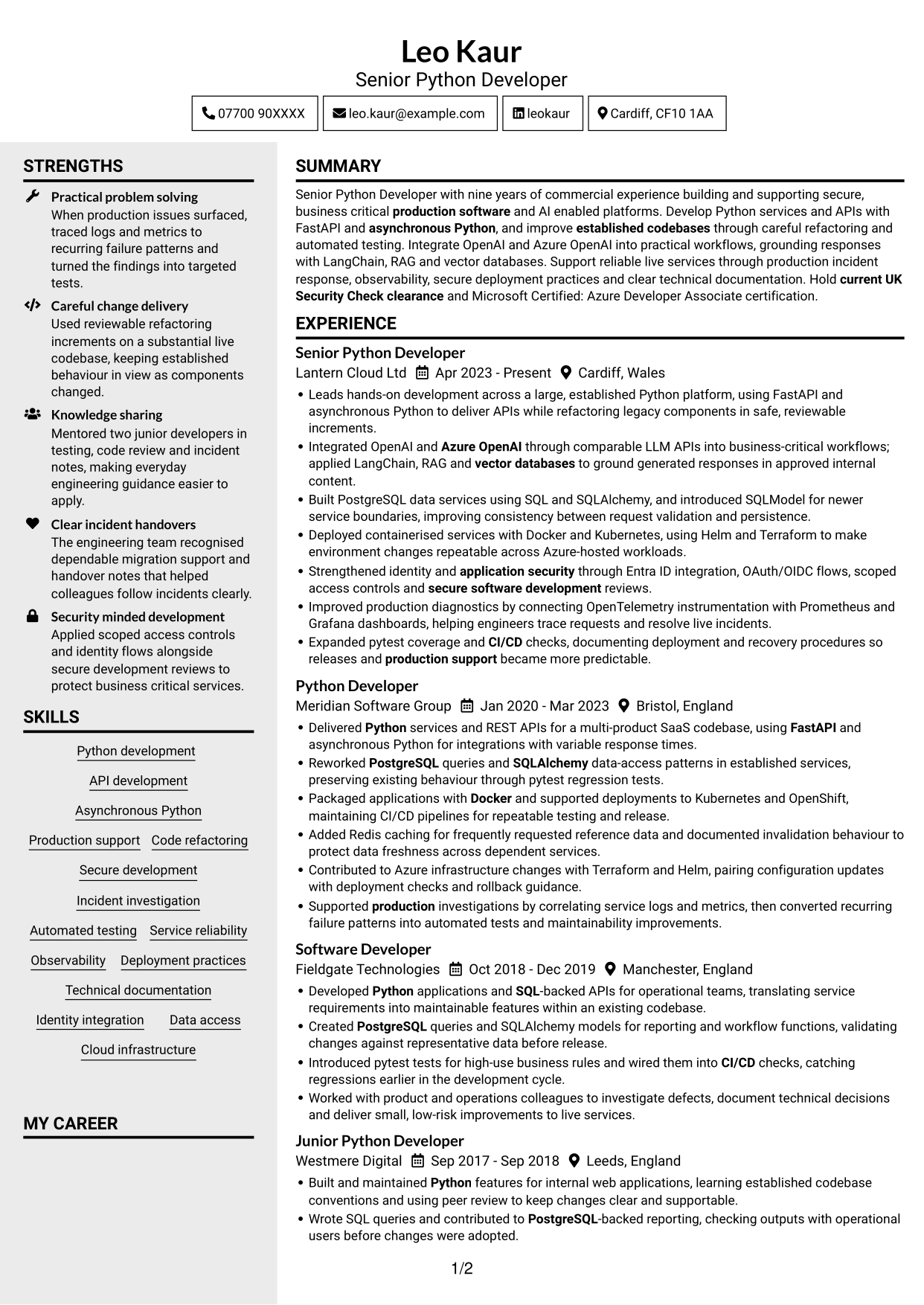
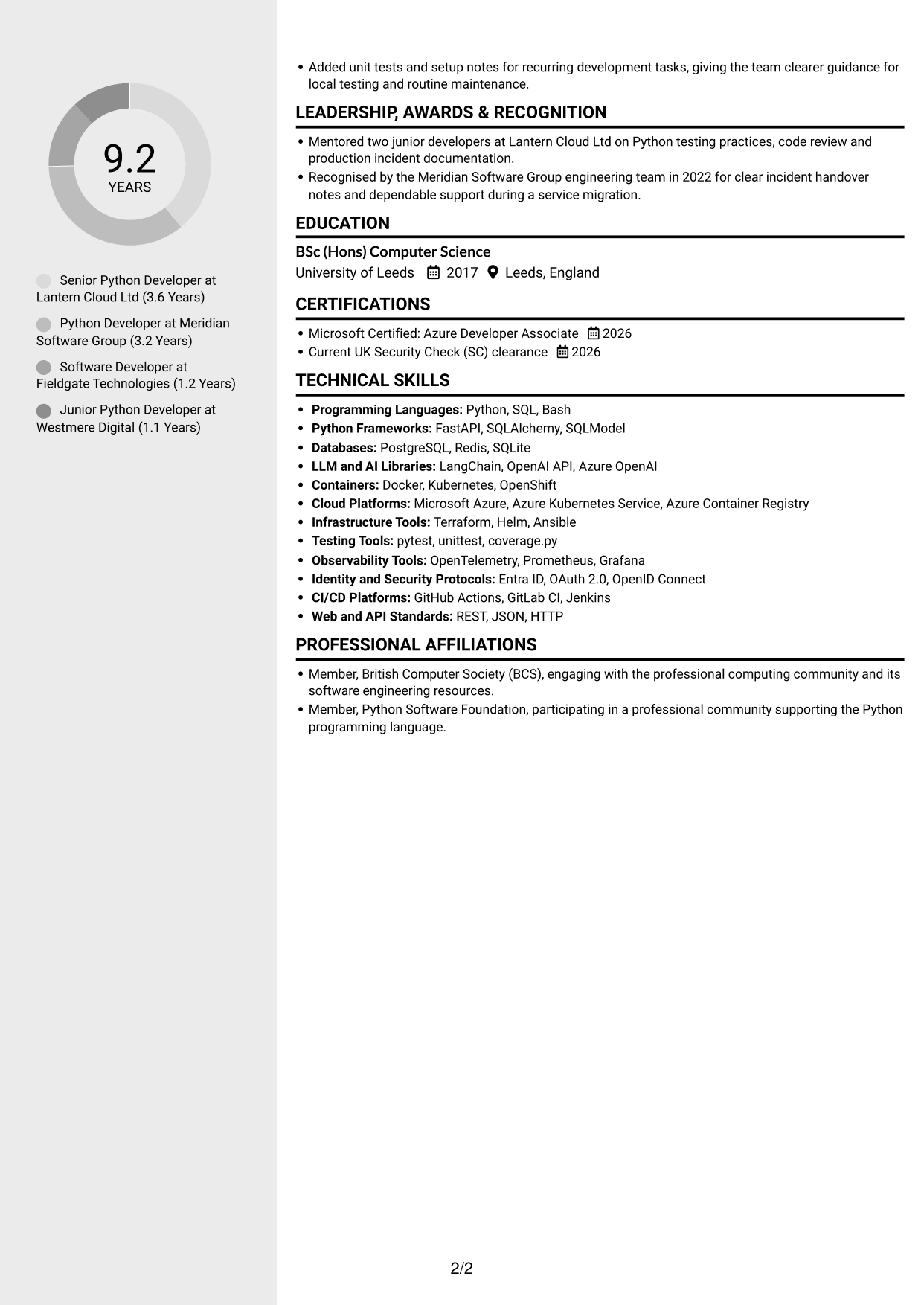
Clean Two Column Sidebar Format divides the CV into a main area and a sidebar, a practical choice for readers who prefer clear routes between sections.
Why This Format Works
- Distinct columns help reviewers move between career history and other CV sections.
- Skills and credentials can be reached without reading every role entry.
- Separate content areas help keep detailed work history from crowding supporting information.
Best For
- Sidebar-based section navigation
- CVs with extensive experience detail
- Skills alongside longer work histories
- Readers seeking separate content areas
- Quick reference to supporting sections
#6 Two Column Format CV Example
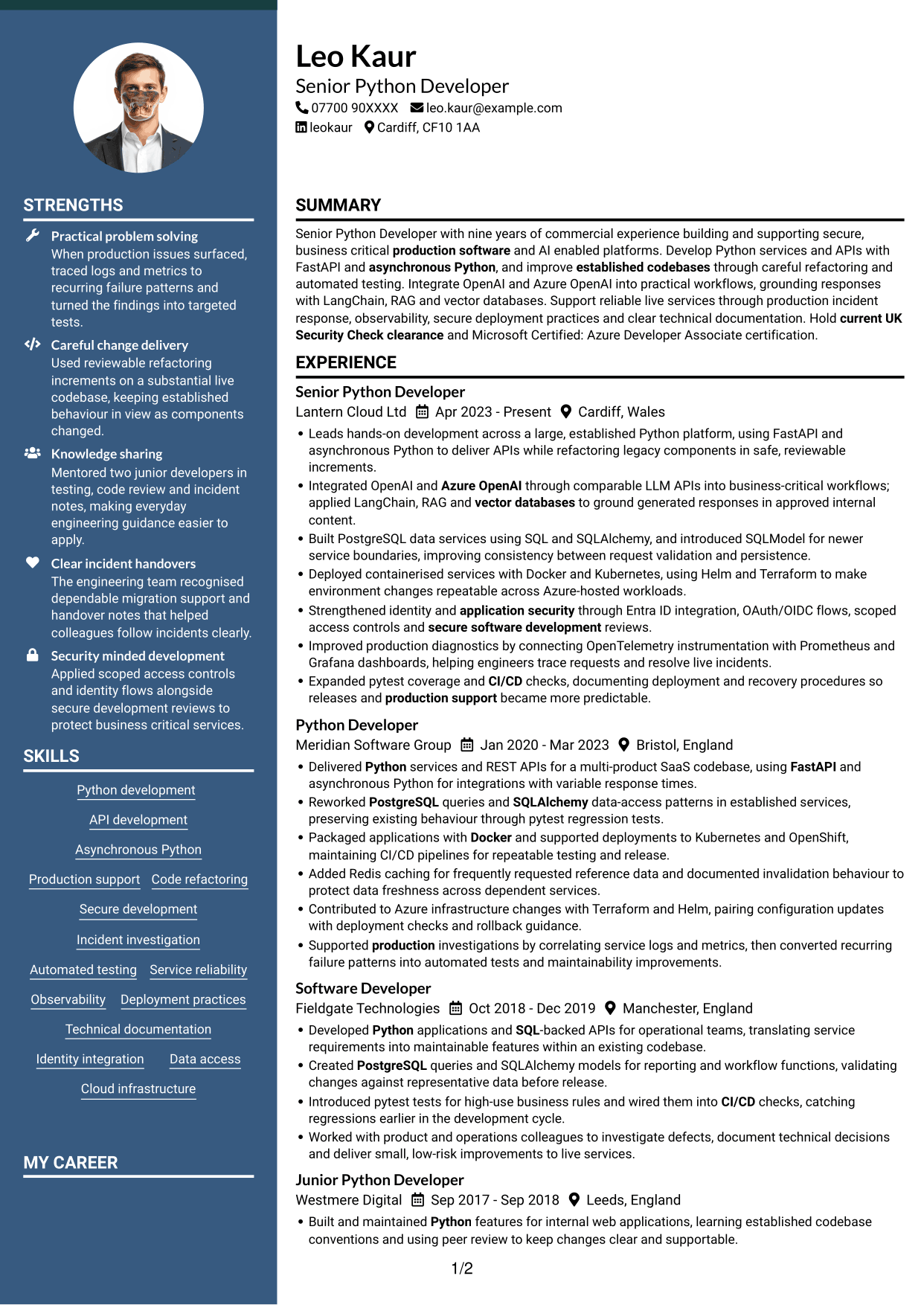
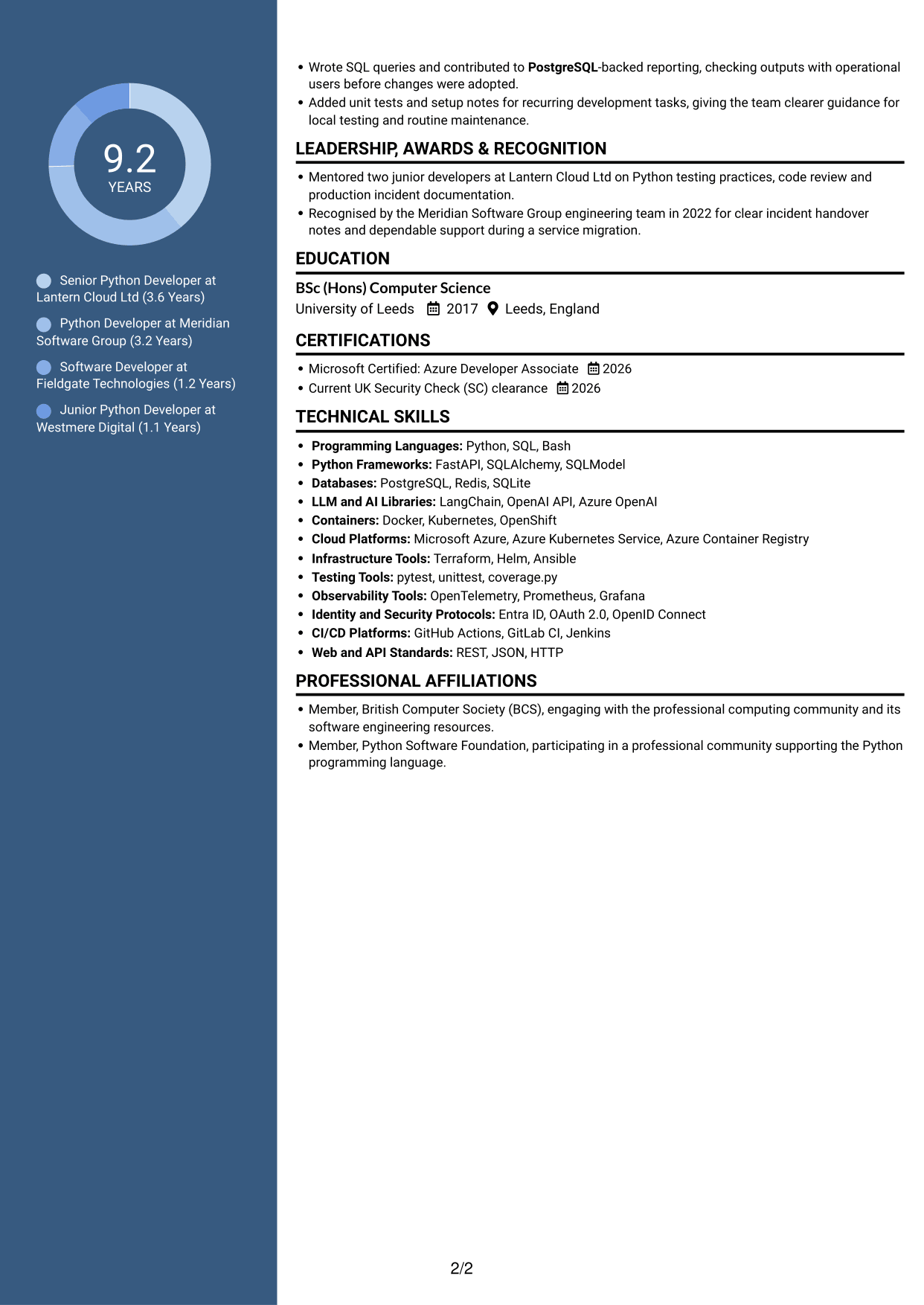
The Two Column Format places CV content across two columns, giving readers a divided layout for reviewing experience and supporting sections.
Why This Format Works
- Two columns provide distinct routes to experience and supporting CV information.
- Career progression remains easy to trace through clearly grouped role details.
- Education and credentials can be found without interrupting work-history review.
Best For
- Two-column reading preference
- CVs with varied section content
- Readers comparing section groups
- Experience with supporting qualifications
- Divided information for quick review
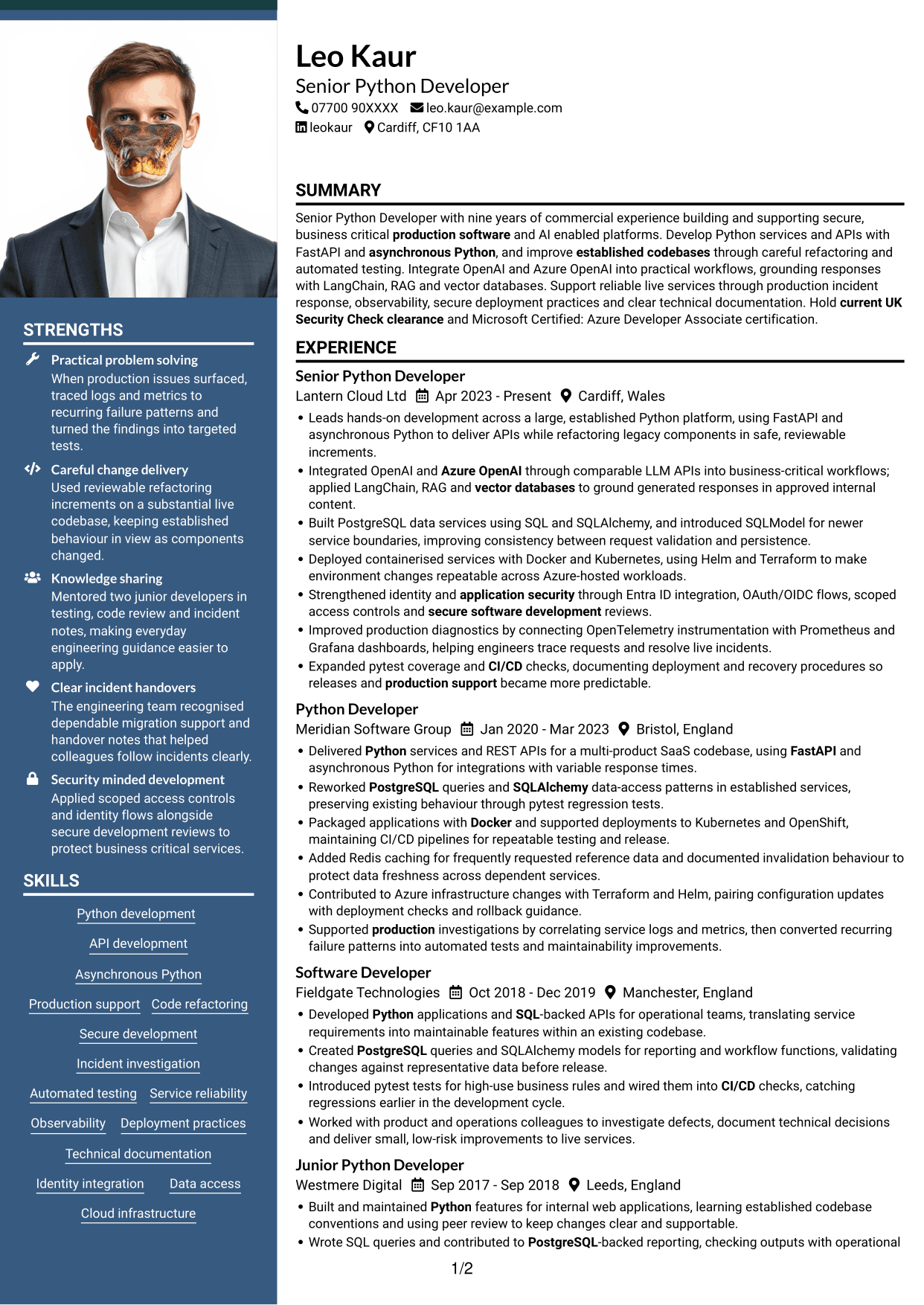
#7 Photo Header Two Column Format CV Example
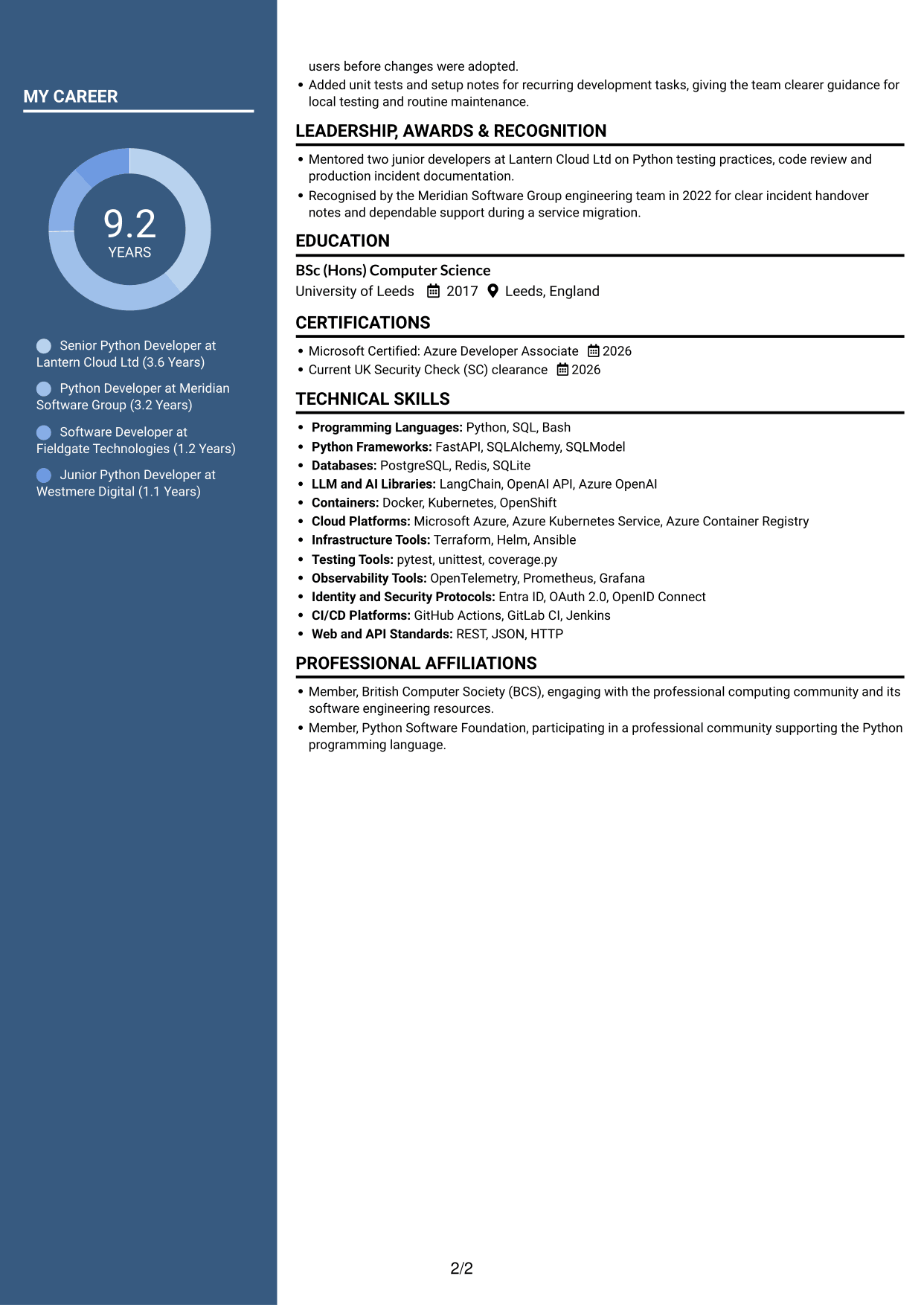
Photo Header Two Column Format combines a portrait in the header with a two-column body, for readers who want a visual profile and divided content.
Why This Format Works
- Two body columns make it easier to move between experience and supporting sections.
- Work history can be reviewed separately from skills and education details.
- The header portrait gives readers a clear visual point of identification.
Best For
- Photo-led CV headers
- Two-column section navigation
- CVs balancing work history and supporting details
- Applications where a portrait is requested
- Readers who prefer divided content
Why Build Your Python Developer - AI / LLM Platform CV with ResumeInMinutes
ResumeInMinutes helps you organise your Python development experience, skills and education in a clear CV. Compare PNG image previews, then open an example in the editor to customise its content and layout.
- Different CV layouts
- Clear, readable section structure
- Space for role-specific keywords
- Organised skills and experience
- PNG image previews
- CV customisation in the editor
Choose the format that makes your evidence easiest to follow. Keep the focus on production services, secure AI integrations, testing and the work you did to improve reliability.
See Also
- 7 Graduate / Junior Developer - Python, Linux, C# and Java CV Templates with Example
- 7 Infrastructure Python Developer CV Templates with Example
- 7 Junior Python Developer CV Templates with Example
- 7 Mid Python Developer - Reporting and API Engineering CV Templates with Example
- 7 Python Django Developer CV Templates with Example
- 7 Senior Python Developer - Cloud Automation CV Templates with Example
- 7 Senior Python Developer CV Templates with Example
- 7 Graduate Quantitative Developer - HFT / Low-Latency Systems CV Templates with Example
- 7 Python Developer - AI / LLM Platform Cover Letter Templates with Example
- 7 Graduate / Junior Developer - Python, Linux, C# and Java Cover Letter Templates with Example
Frequently Asked Questions
Are these Python Developer - AI / LLM Platform CV templates ATS-friendly?
The examples use clear headings and sections that are easy to scan. Include relevant terms naturally, such as FastAPI, PostgreSQL, pytest, Azure OpenAI and secure software development, when they reflect your experience.
Are these separate CV examples or different layouts of one example?
This page shows one role-focused CV example in different layouts. Compare the PNG image previews, then open an example in the editor to customise it.
What should a Python Developer - AI / LLM Platform CV include?
Include a focused summary, relevant experience, skills and education. Show evidence of Python services and APIs, LLM integrations, secure development, testing, deployment and production support.
Which CV layout works well for this role?
Choose a layout with clear headings and an easy-to-follow order for experience, skills and education. A simple structure helps recruiters and applicant tracking systems find key details.
How can I show Python development achievements on my CV?
Use concise bullet points to explain the task, your contribution and the result. Include figures only when you can support them, and describe changes to testing, reliability or service performance clearly.
Should I include a photo on my CV?
For UK applications, a photo is usually not needed. Use the space for relevant experience, skills and measurable results instead.




