
7 School Office Administrator - Attendance and Pupil Administration Cover Letter Templates with Example
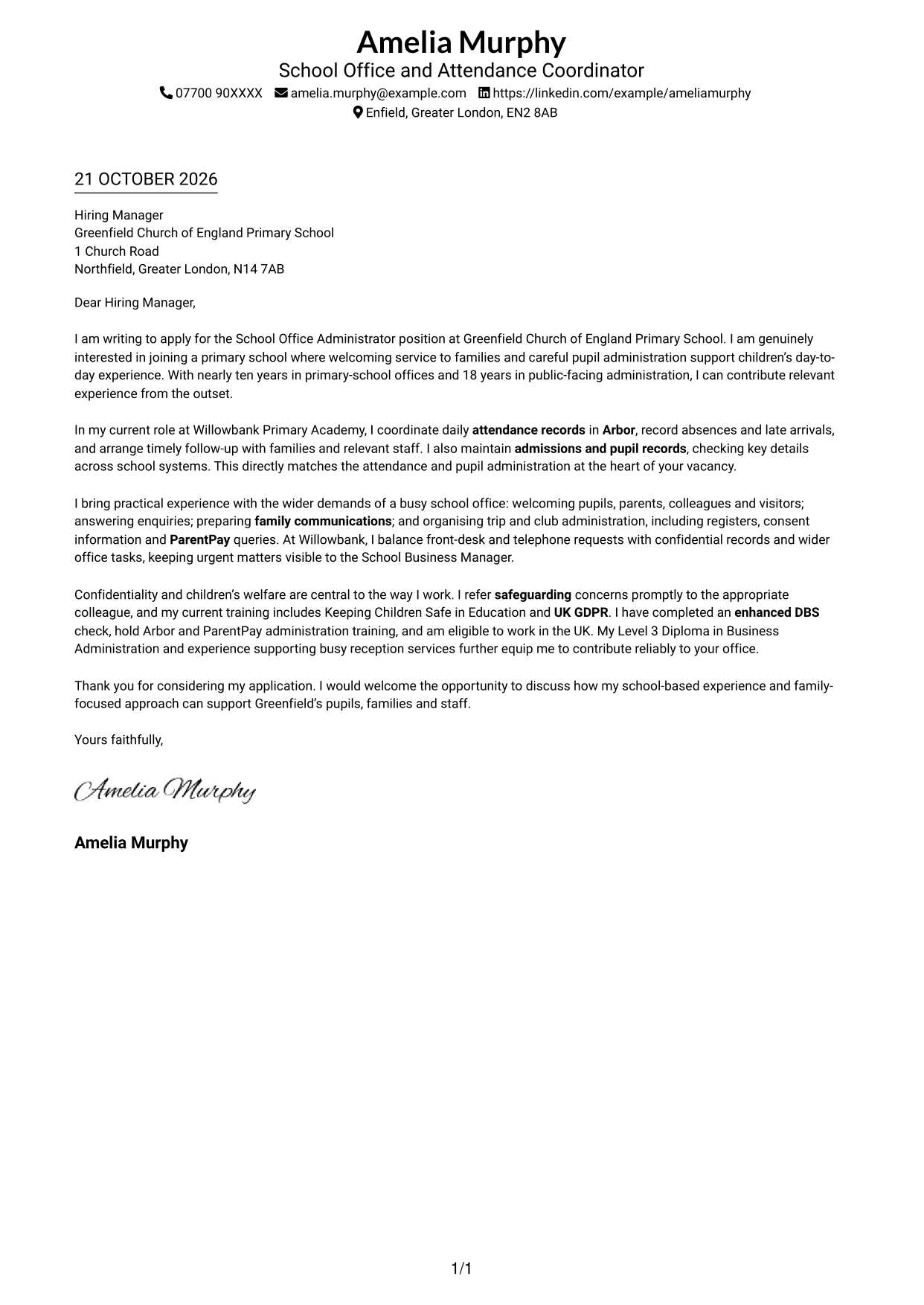
This guide helps you write a School Office Administrator - Attendance and Pupil Administration cover letter, with seven layouts to compare.
What Makes a Great School Office Administrator - Attendance and Pupil Administration Cover Letter in 2026
A strong letter shows how you can support attendance, pupil administration and a welcoming school office. Make your opening clear about your interest in the role.
Use relevant evidence, such as maintaining attendance records in Arbor, supporting admissions or handling ParentPay queries. Link your experience to the school’s needs, and explain your genuine interest in its work with pupils and families.
The featured example moves from interest in the role to attendance experience, wider school office duties and a clear close; adapt this focused progression while choosing a presentation suited to the employer and communication context.
#1 Simple One Column Format Cover Letter Example
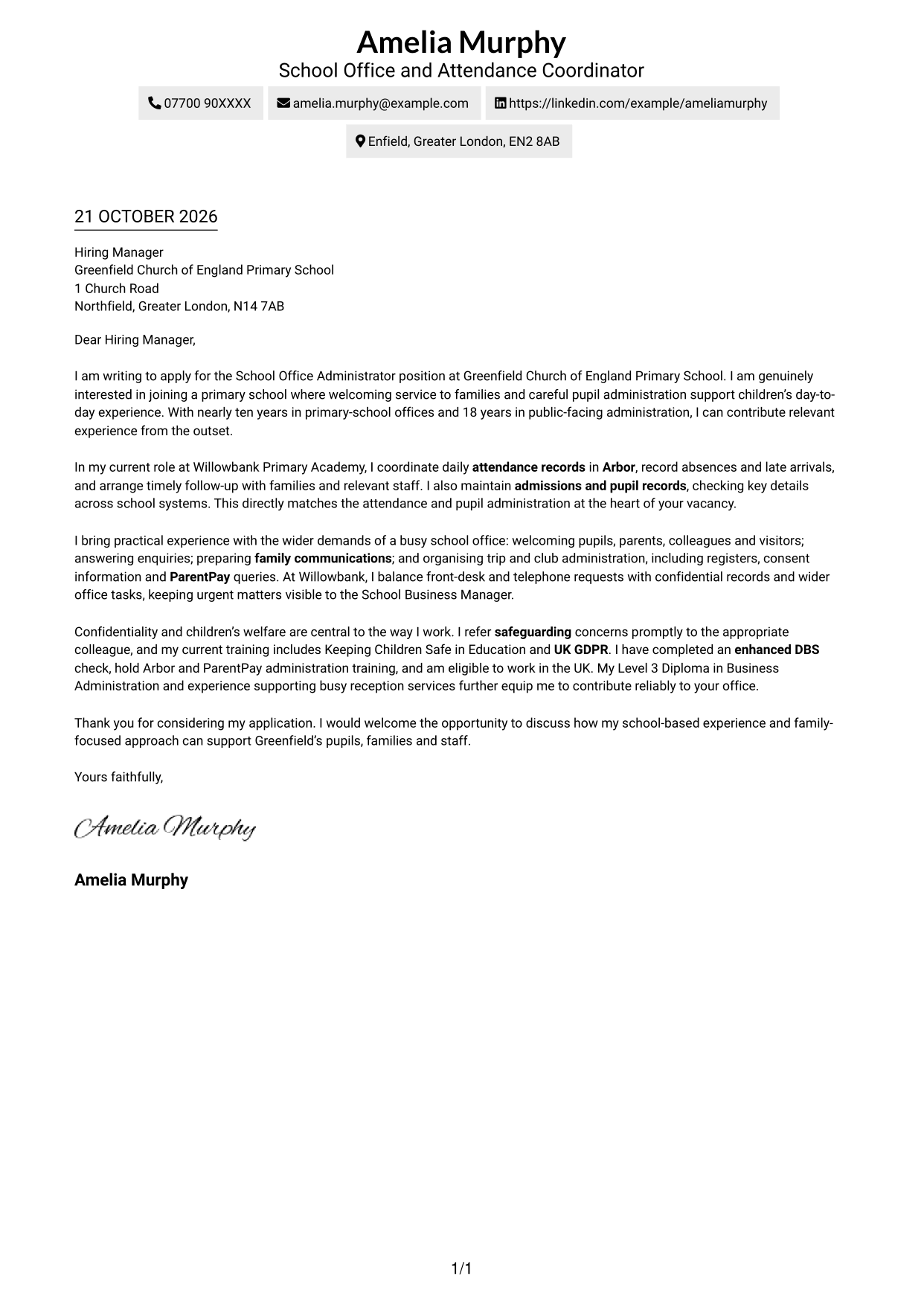
Simple One Column Format keeps sender details in the header and the complete letter body in one reading path.
Why This Format Works
- Sender details remain easy to locate without interrupting the letter body.
- Opening, motivation, evidence and closing follow one clear reading order.
- A single text column suits readers who prefer a familiar letter layout.
Best For
- Single-column letter layouts
- Sequential application messages
- Letters with a concise argument
- Familiar document structures
- Header-based contact details
#2 Two Column Format Cover Letter Example
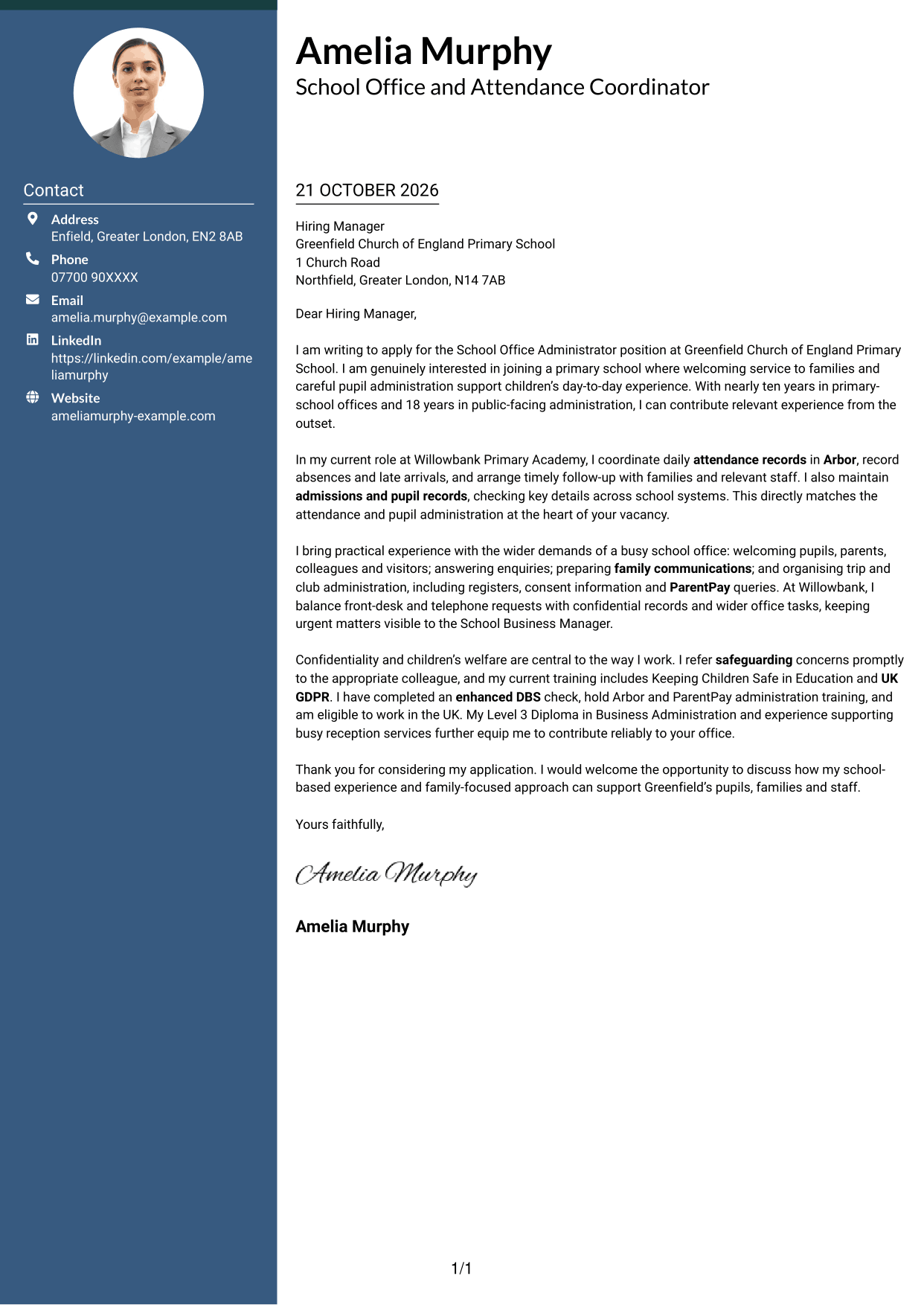
Two Column Format places contact details in a sidebar beside one continuous letter body, keeping correspondence details apart from the message.
Why This Format Works
- Contact details sit apart from the message, making them easy to check.
- Opening, supporting evidence and closing remain together in one reading sequence.
- Reviewers can move between correspondence details and the letter without parallel body columns.
Best For
- Letters with separate contact details
- Continuous application messages
- Side-by-side document layouts
- Clear contact information
- Sequential persuasive writing
#3 Photo Header Two Column Format Cover Letter Example
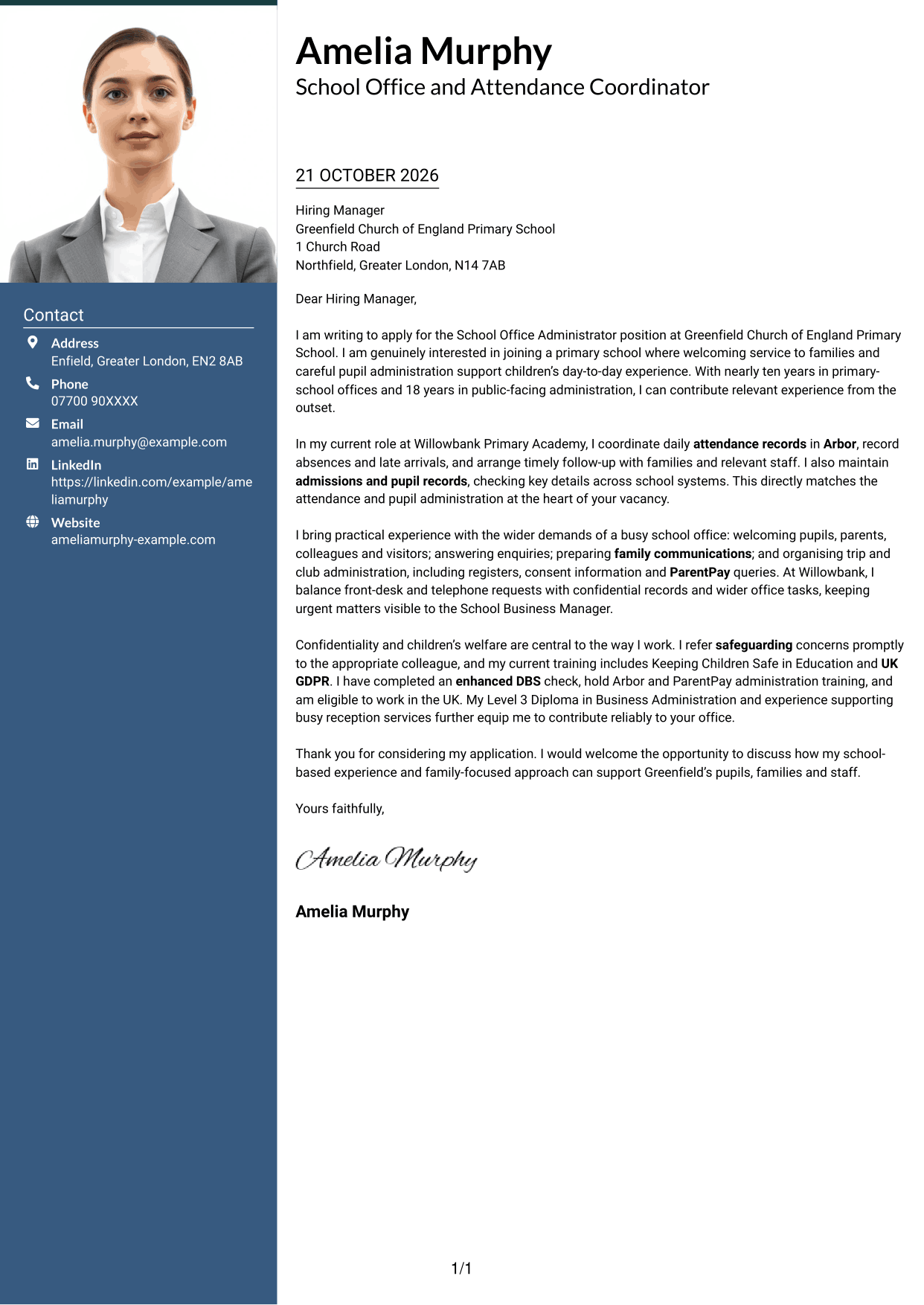
Photo Header Two Column Format combines a contact sidebar and continuous letter body with a photo, for readers who want a portrait included.
Why This Format Works
- Contact details have their own area beside the letter's continuous body.
- A portrait offers a clear visual choice for applicants who want an image included.
- The opening, evidence and closing remain together in one letter body.
Best For
- Applications with a portrait
- Contact details beside the message
- Continuous letter formats
- Applicants who prefer a photo
- Clear separation of correspondence details
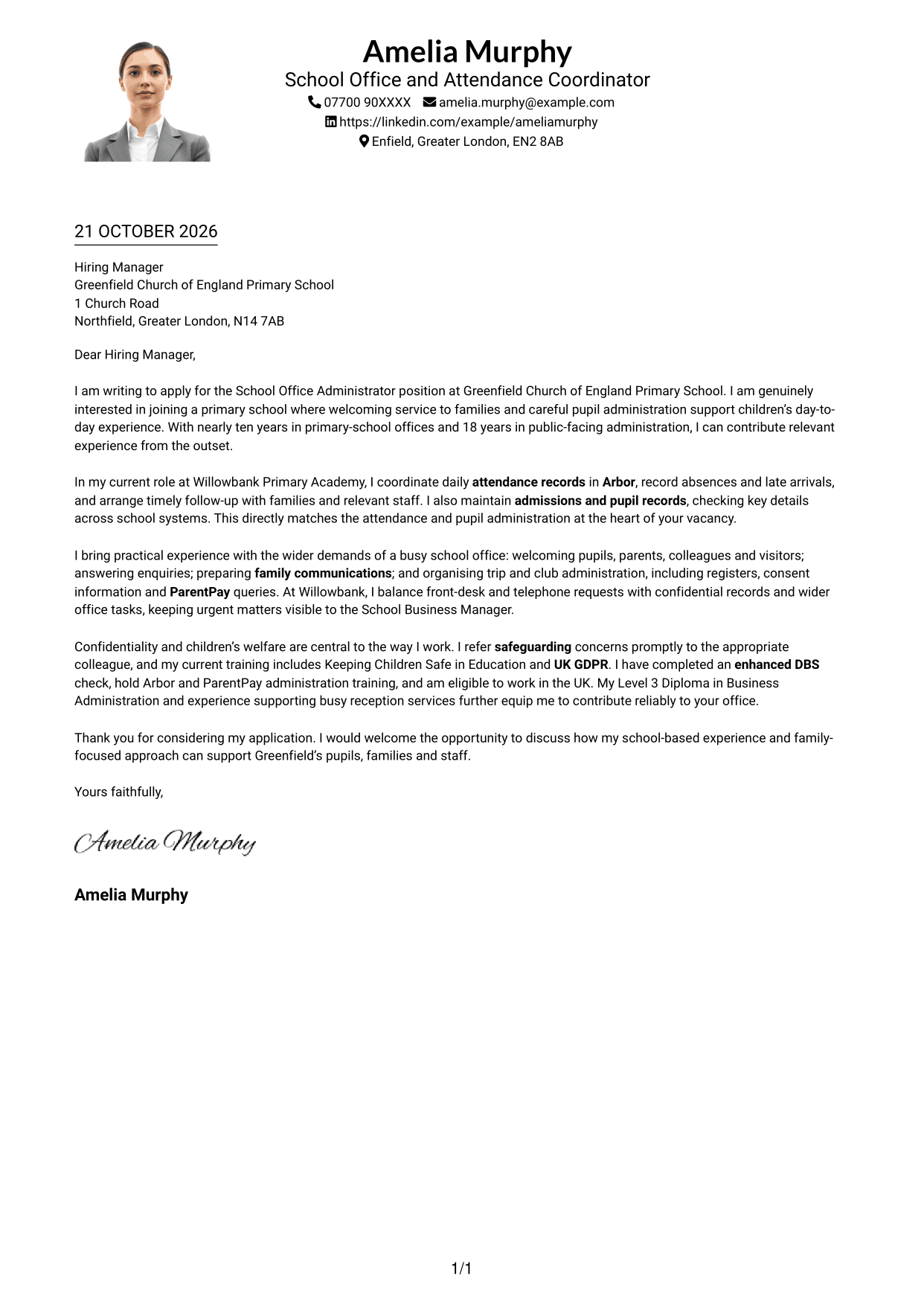
#4 One Column Format with Photo Cover Letter Example
One Column Format with Photo keeps the sender details in the header and the continuous letter body in one column, with a photo included.
Why This Format Works
- One text column keeps the letter's opening, evidence and close in sequence.
- Sender details remain in the header rather than competing with the body text.
- The photo provides a personal visual element while the message stays in one column.
Best For
- Single-column letter layouts
- Applications that include a photo
- Header-based sender details
- One continuous application message
- Familiar reading order
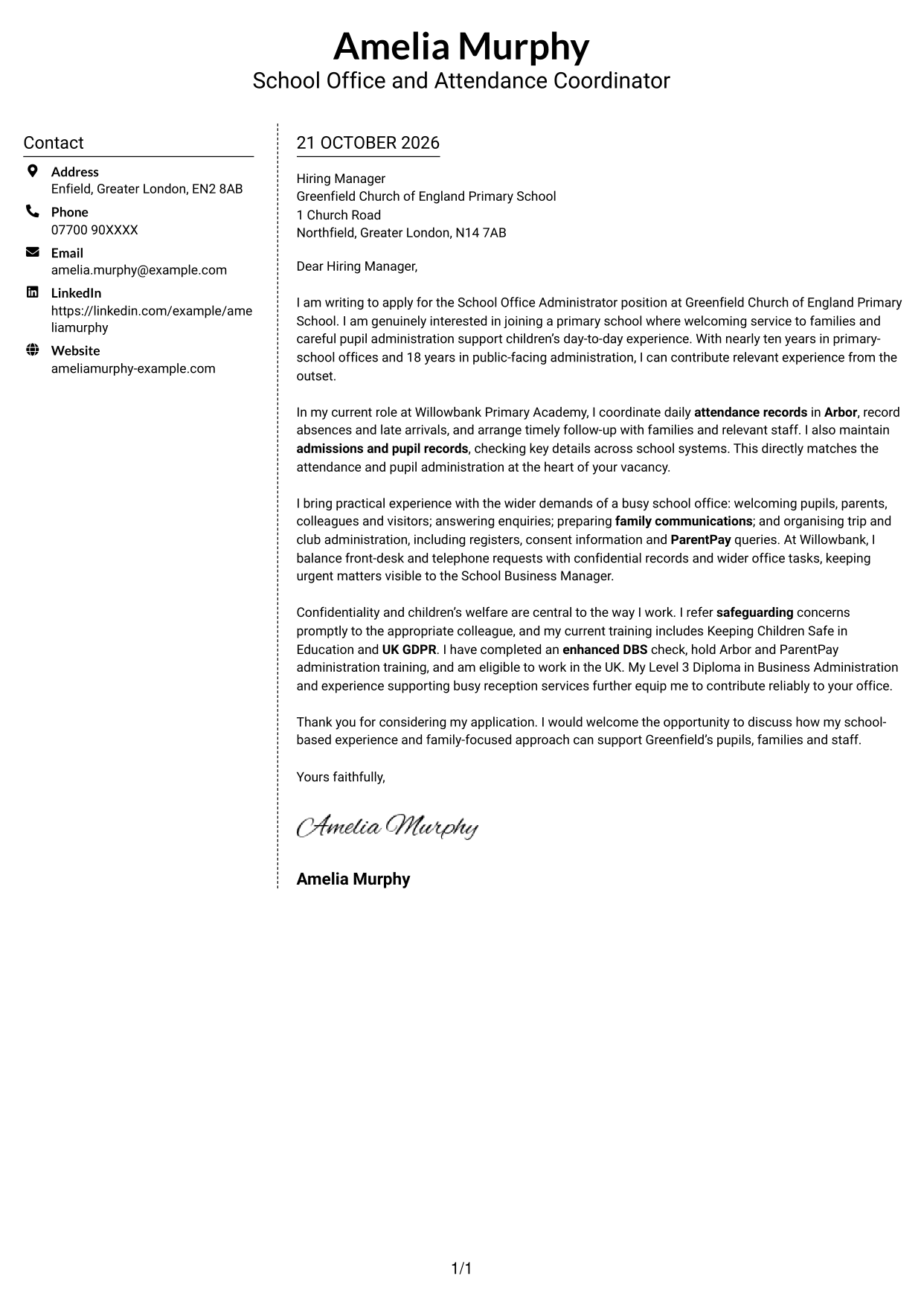
#5 Simple Two Column Format Cover Letter Example
Simple Two Column Format sets contact details in a sidebar beside the continuous letter body, giving both areas a clear place.
Why This Format Works
- The contact sidebar keeps correspondence details apart from the letter's paragraphs.
- One body column keeps motivation and supporting evidence in their intended order.
- The continuous message does not suggest that its paragraphs are separate argument sections.
Best For
- Letters with a contact sidebar
- Continuous persuasive messages
- Side-by-side information areas
- Applications without a photo
- A clear start-to-close reading path
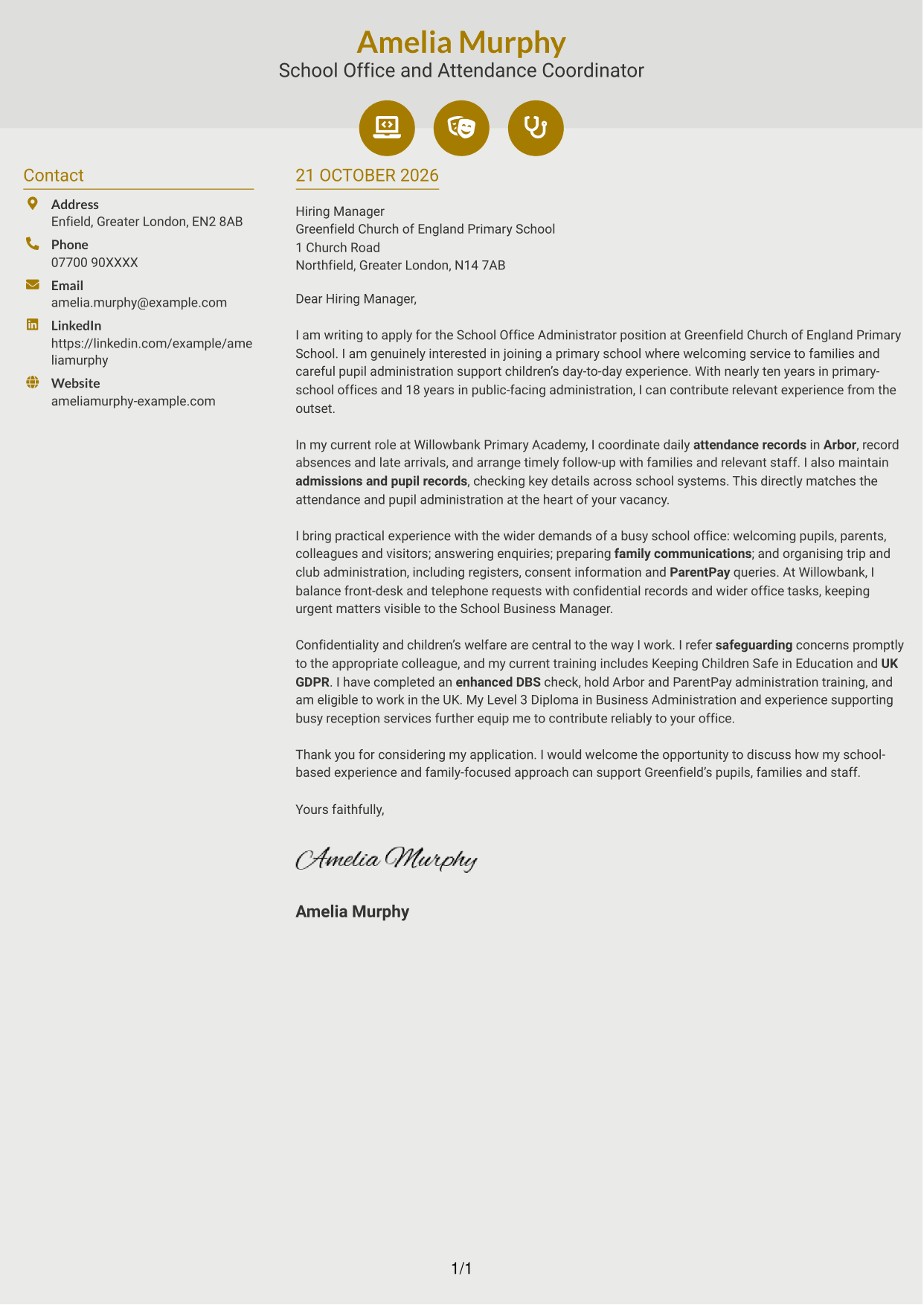
#6 Modern Icon Format Cover Letter Example
Modern Icon Format uses a contact sidebar beside the continuous letter body, with icons serving as cues for contact details.
Why This Format Works
- Icons act as cues for contact details, not labels for the letter's argument.
- The separate contact area and letter body support a clear reading order.
- Opening, evidence and closing stay in one continuous body, not parallel columns.
Best For
- Icon-led contact details
- Two-column letter layouts
- Continuous application messages
- Quickly identifiable sender information
- Letters with a clear reading sequence
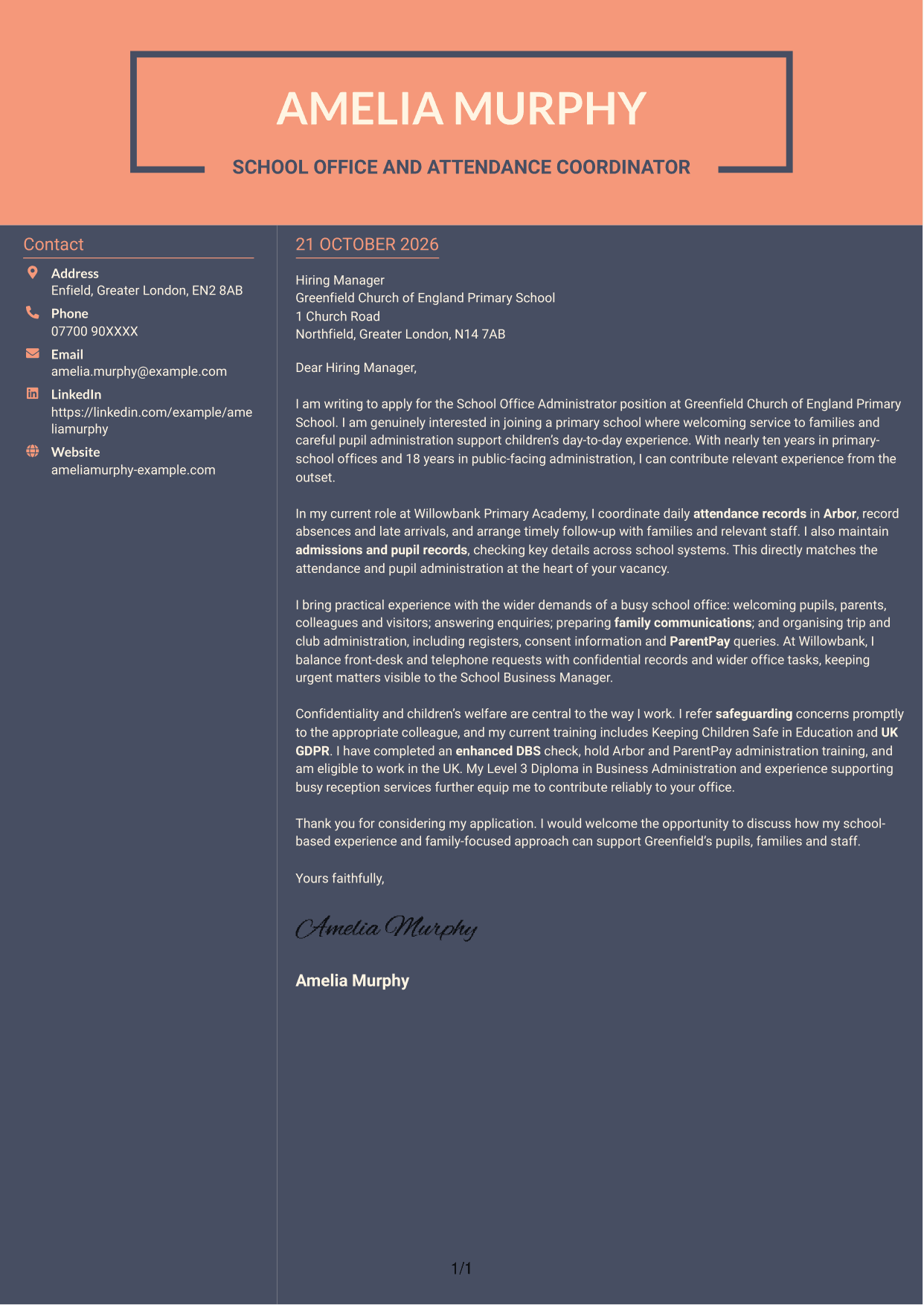
#7 Creative Two Tone Format Cover Letter Example
Creative Two Tone Format places contact details in a sidebar beside one continuous letter body, allowing readers to distinguish the sender information from the message.
Why This Format Works
- The sidebar gives sender information a dedicated place beside the letter.
- A continuous body lets readers follow the message from opening to close.
- Contact details remain available alongside the application without dividing its paragraphs.
Best For
- Sidebar contact information
- Letters with a continuous argument
- Two-column page organisation
- Sender details beside the message
- Applications needing a clear reading path
See Also
- 7 School Office Administrator - Attendance and Pupil Administration CV Templates with Example
- 7 Office Administrator - Engineering Service Coordination CV Templates with Example
- 7 School Administrator - Business Support CV Templates with Example
- 7 Admin Assistant - School Administration CV Templates with Example
- 7 Administrative Assistant - School Administration CV Templates with Example
- 7 Service Administrator - Ophthalmology Patient Administration CV Templates with Example
- 7 Team Assistant - Executive and Office Support CV Templates with Example
- 7 After School Club Assistant CV Templates with Example
- 7 Office Administrator - Engineering Service Coordination Cover Letter Templates with Example
- 7 School Administrator - Business Support Cover Letter Templates with Example
Frequently Asked Questions
What should a School Office Administrator - Attendance and Pupil Administration cover letter highlight?
Show how your experience fits the main duties, including attendance records, admissions, pupil information and reception service. You can also describe how you communicate with families and handle sensitive information carefully.
How can I show that my experience is relevant?
Choose a clear example of work you have done, such as recording absences in Arbor or arranging follow-up with families. Explain what you handled and how it supported accurate administration or a helpful service.
How should I explain my interest in the school?
Give a genuine reason for applying and connect it to the school’s role in supporting pupils and families. Avoid general praise that could be used for any employer.
What is a clear way to structure this cover letter?
Open with the position and your reason for applying. Use the body to connect your attendance, pupil administration and communication experience to the role, then close by restating your interest and inviting a discussion.
Should I include every part of my work history?
No. Focus on the experience that best supports your fit for this position. A few relevant examples, such as school office duties, safeguarding and careful record handling, can make your case clearly.




