
7 Senior AI Engineer - RAG and AI Assistants Cover Letter Templates with Example
This guide to the Senior AI Engineer - RAG and AI Assistants cover letter helps you use seven layouts to present your role fit clearly.
What Makes a Great Senior AI Engineer - RAG and AI Assistants Cover Letter in 2026
A strong letter links your interest in practical AI delivery to clear evidence, such as developing a RAG assistant to review cloud infrastructure designs. Explain how your work helped users spot missing details and completeness issues.
Show how you improve prompts and model settings, manage responsible AI controls, and work with technical teams. Connect this evidence to the employer’s needs for secure, maintainable AI assistants.
The featured example moves from role interest to a focused RAG assistant example, broader delivery strengths and a clear close; adapt this progression while choosing a presentation suited to the employer and communication context.
#1 Simple One Column Format Cover Letter Example
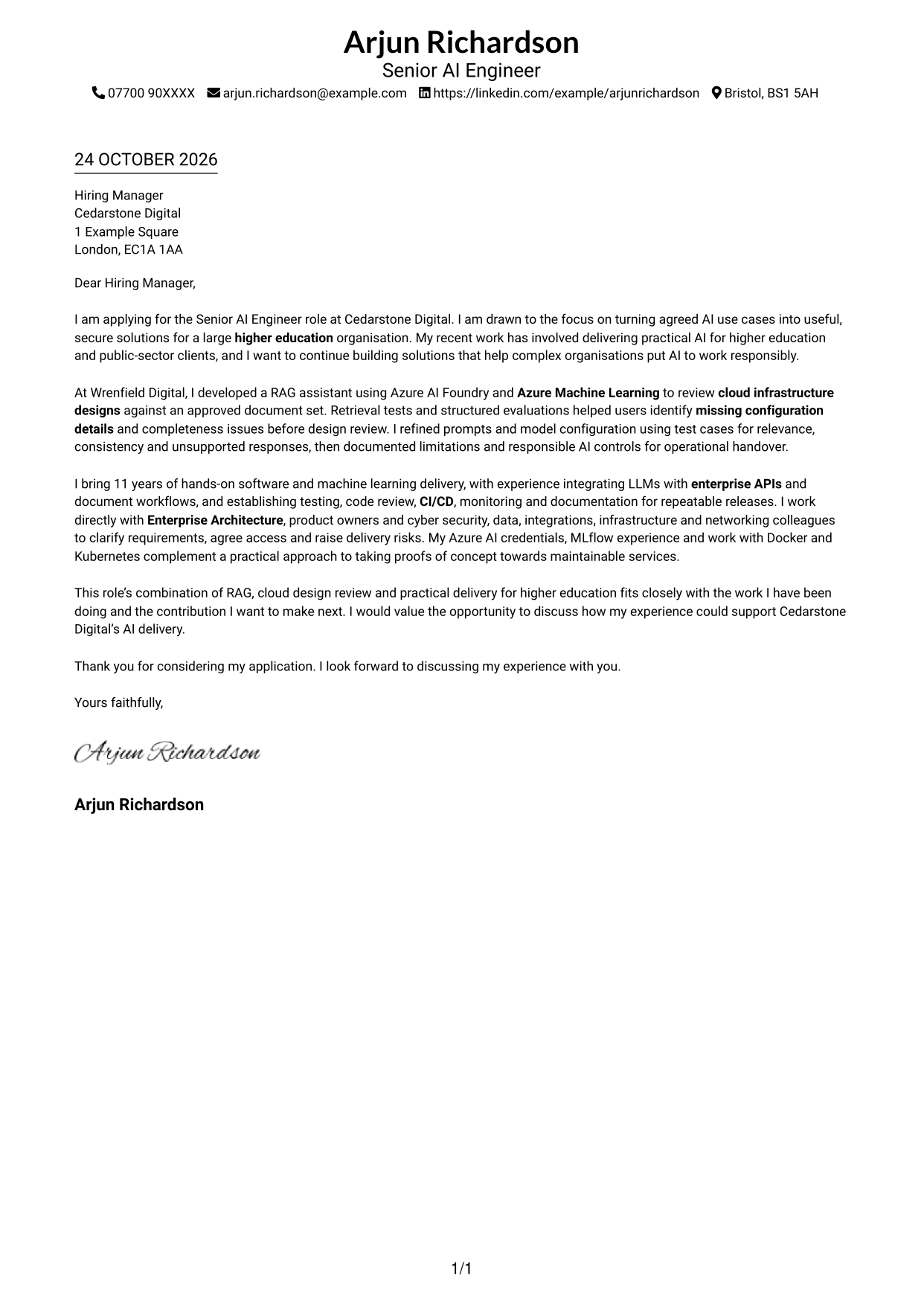
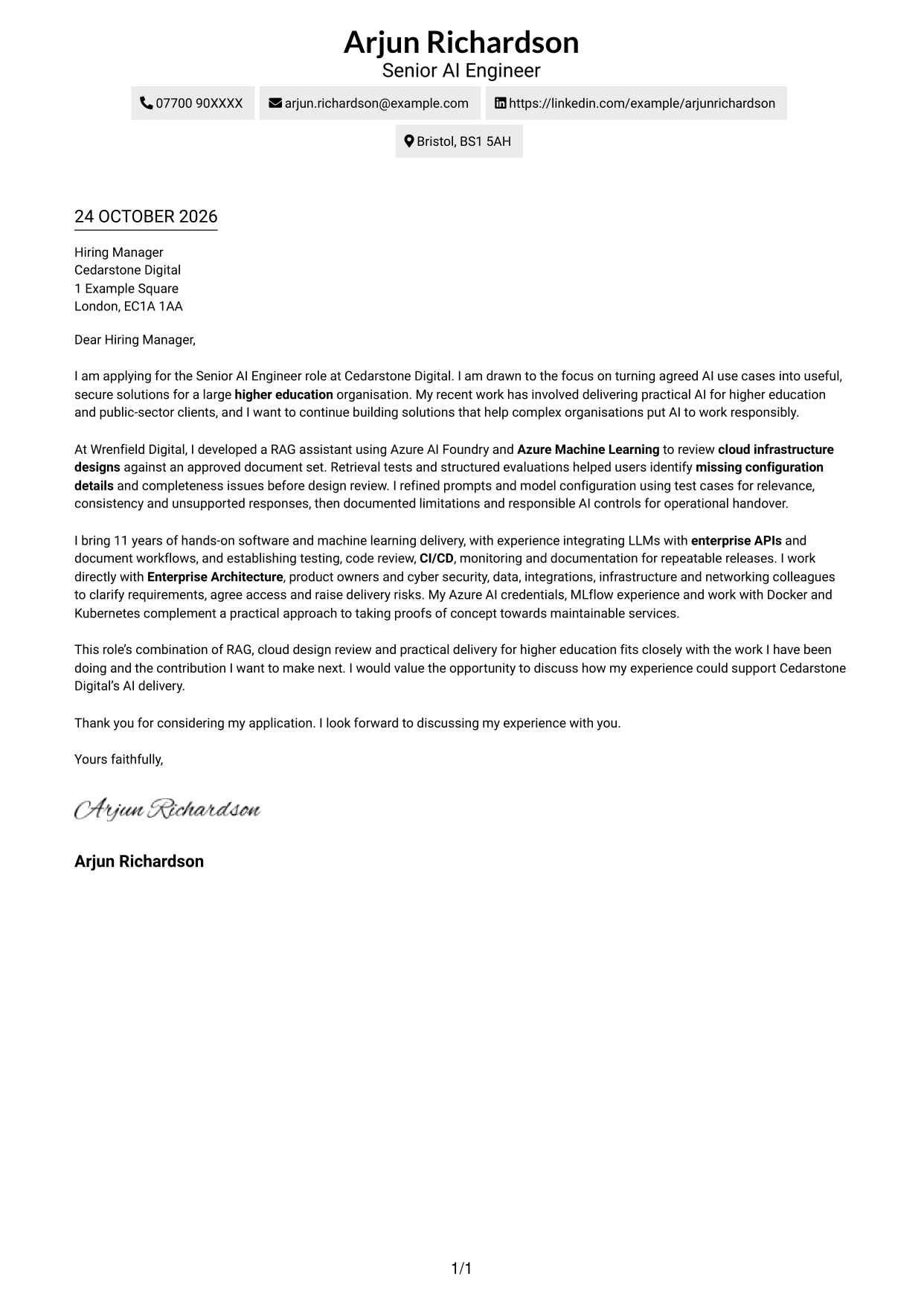
A single-column page keeps sender details in the header and the letter body in one reading path, which suits readers who prefer a straightforward layout.
Why This Format Works
- Sender details stay in the header, apart from the letter’s message.
- One body column carries the opening, evidence and close in sequence.
- No argument headings leave the paragraphs to present the full case.
Best For
- Single-column reading preference
- Header-based contact details
- Paragraph-led persuasion
- Letters without argument headings
- Opening-to-close reading order
#2 Two Column Format Cover Letter Example
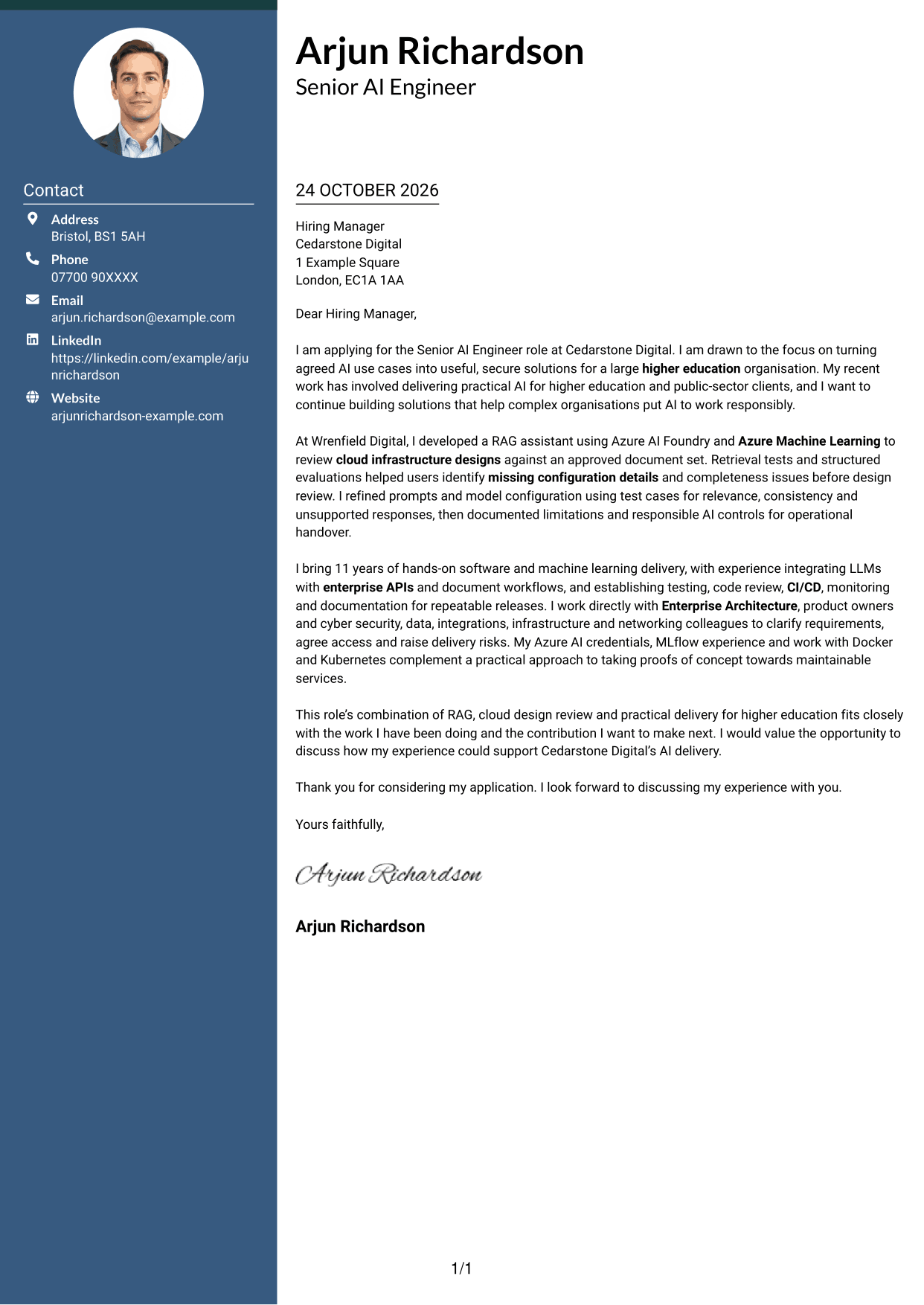
A contact sidebar sits beside one continuous letter body, offering a clear way to keep contact information apart from the message.
Why This Format Works
- The sidebar gives sender details a distinct place beside the letter.
- The single body column keeps motivation, evidence and closing in order.
- Readers can refer to contact information without interrupting the letter’s paragraphs.
Best For
- A separate contact area
- One-column letter paragraphs
- Contact details outside the message
- Quick reference to sender details
- Side-by-side page organisation
#3 Photo Header Two Column Format Cover Letter Example
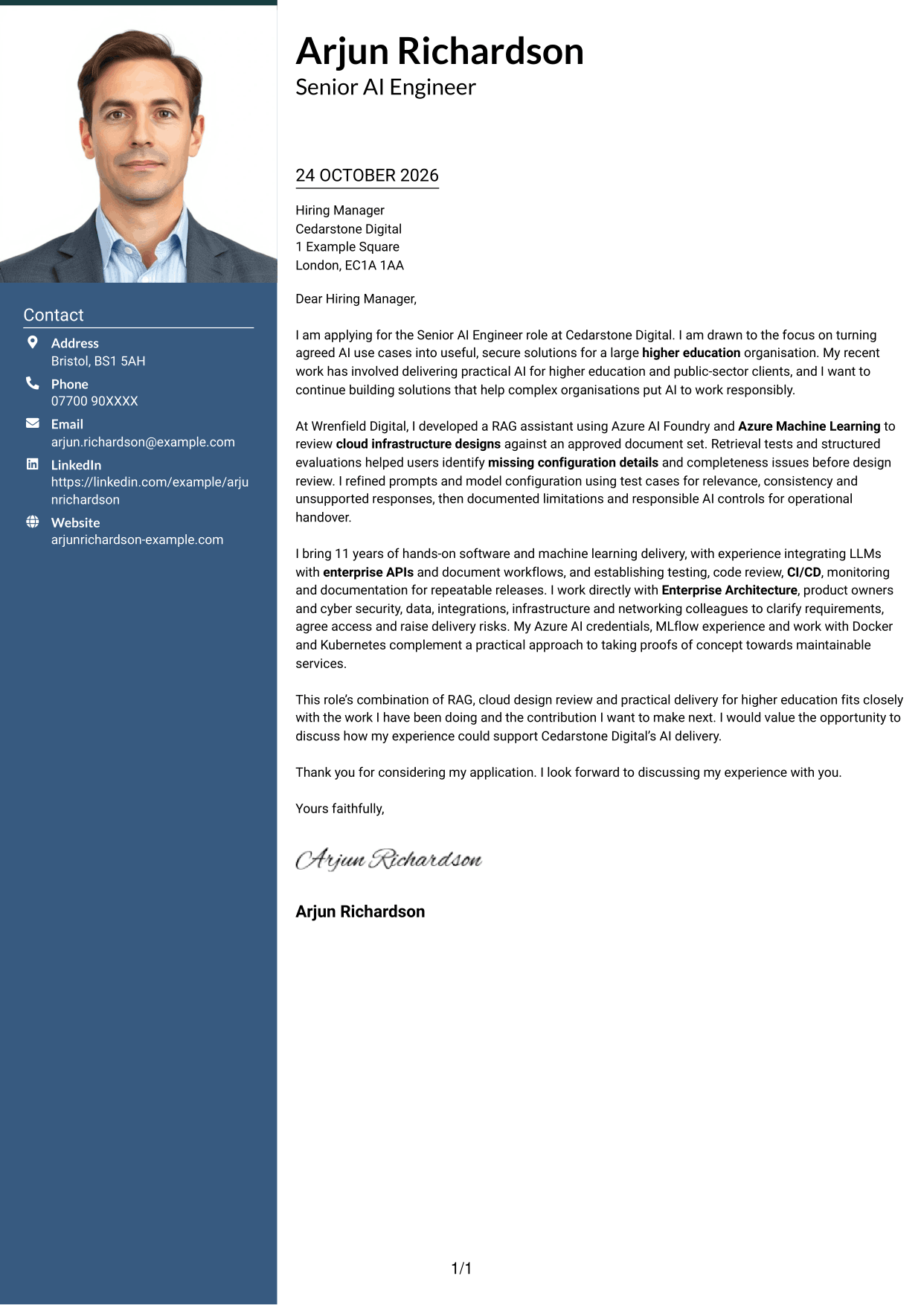
A photo accompanies the contact sidebar and continuous letter body, giving this two-column layout a photo-inclusive presentation.
Why This Format Works
- The sidebar keeps sender details apart from the main letter text.
- One continuous body lets readers follow the case from opening to close.
- The included photo suits readers who want a personal image in the layout.
Best For
- Photo-inclusive letter layouts
- A distinct contact sidebar
- Continuous letter paragraphs
- One-column message flow
- Personal image presentation
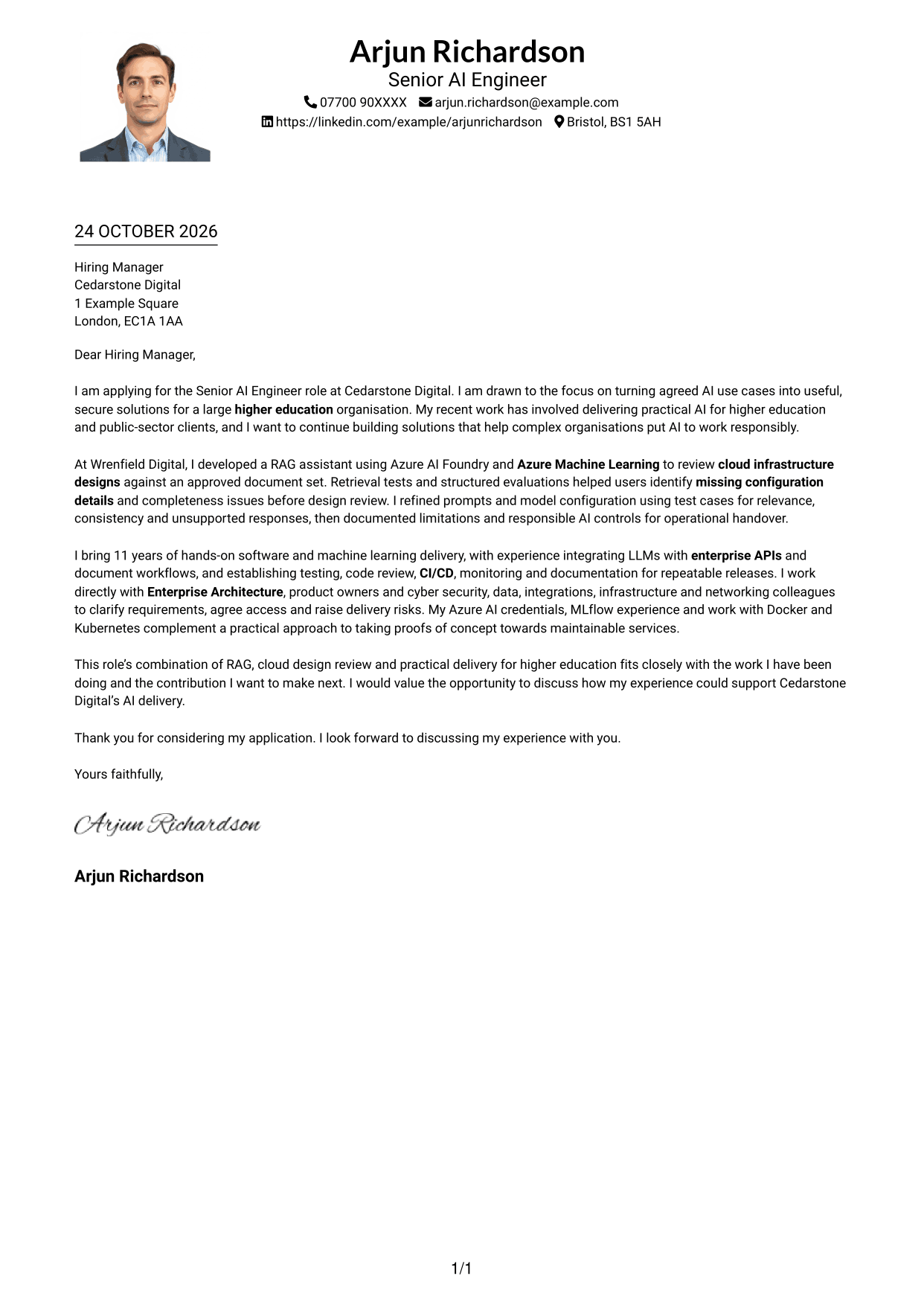
#4 One Column Format with Photo Cover Letter Example
The photo appears with a single-column letter, while sender details remain in the header and the body follows one reading path.
Why This Format Works
- The header keeps sender details distinct from the letter’s paragraphs.
- One column lets the message unfold without a parallel text area.
- A photo offers a personal visual element alongside the letter.
Best For
- Photo with a single-column letter
- Header-based contact information
- A single message reading path
- Paragraph-led letters
- Personal image as part of the layout
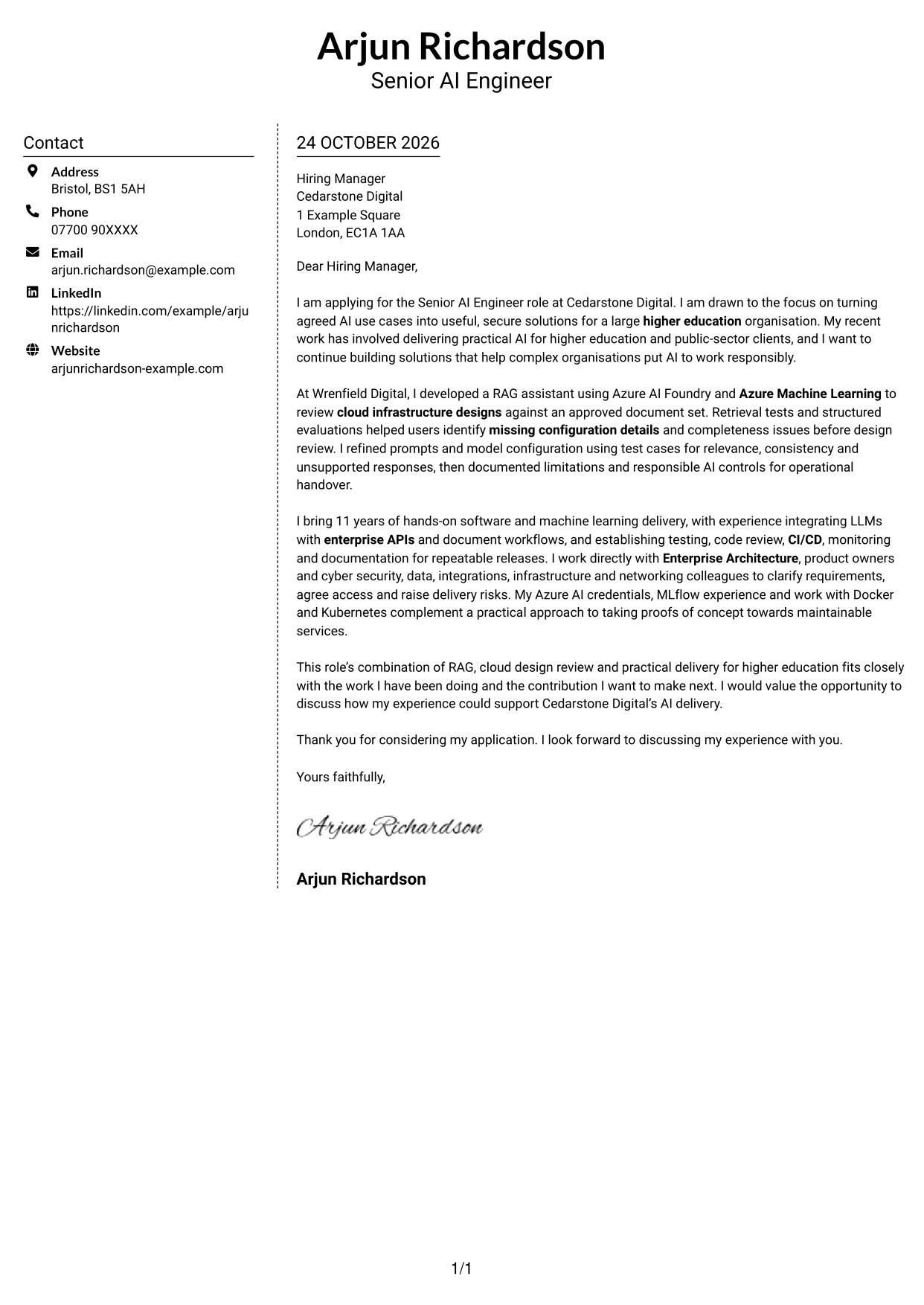
#5 Simple Two Column Format Cover Letter Example
A contact sidebar sits alongside a single continuous letter body, pairing separate contact details with a direct reading path through the message.
Why This Format Works
- The contact area sits apart from the letter’s main message.
- A single body column keeps the argument together from start to finish.
- The layout gives readers a clear place to find sender details.
Best For
- Separate contact and message areas
- One-column argument flow
- Sender details beside the letter
- Continuous body paragraphs
- A two-area page layout
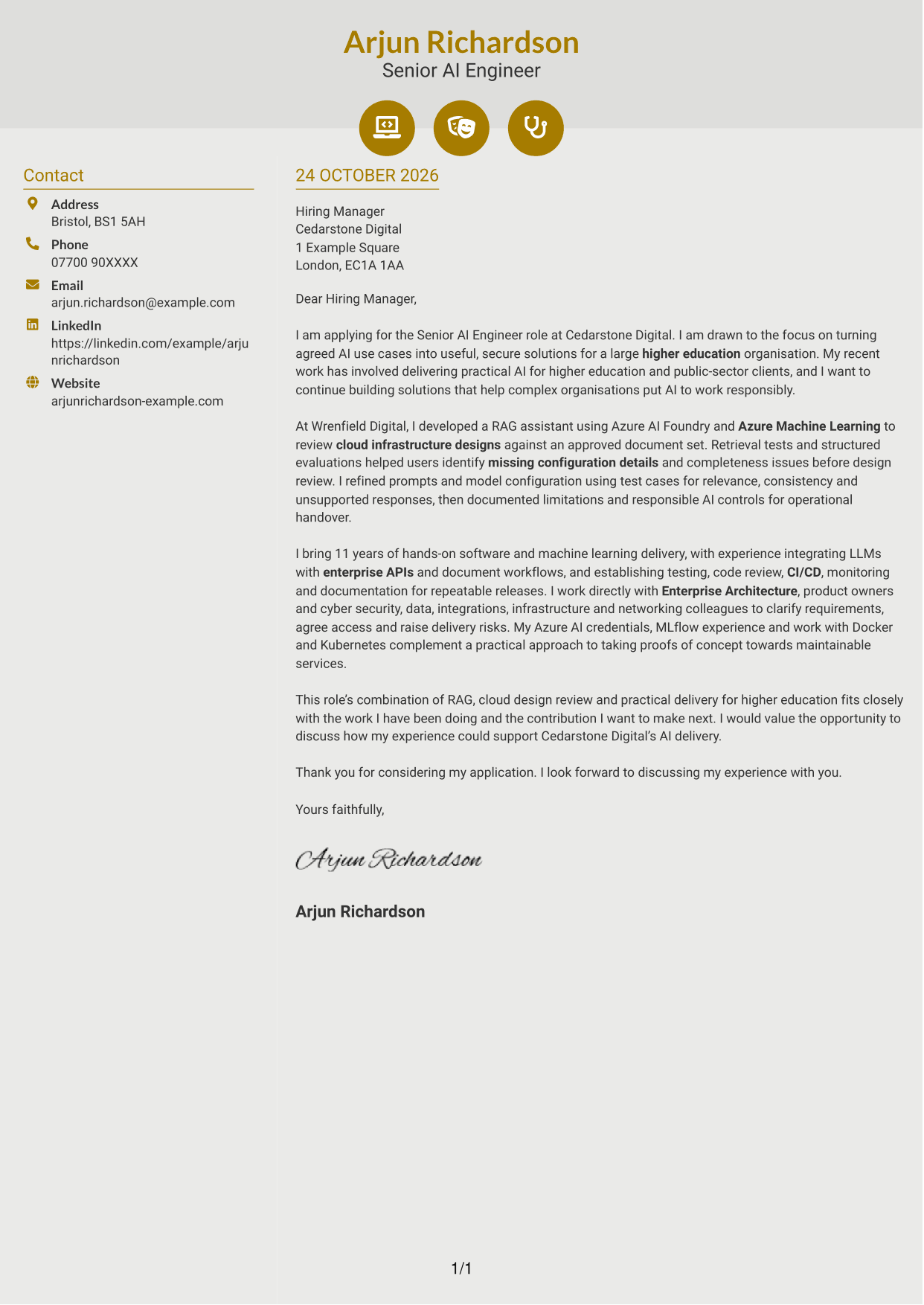
#6 Modern Icon Format Cover Letter Example
Contact-detail icons accompany the sidebar in this two-column layout, while the letter itself remains one continuous body.
Why This Format Works
- Icons act as cues for contact details, not for the letter’s argument.
- The sidebar separates sender information from the continuous letter body.
- One body column keeps the opening, evidence and close together.
Best For
- Icon cues for contact details
- A distinct contact sidebar
- One-column letter body
- Continuous paragraph arguments
- Visual markers in the contact area
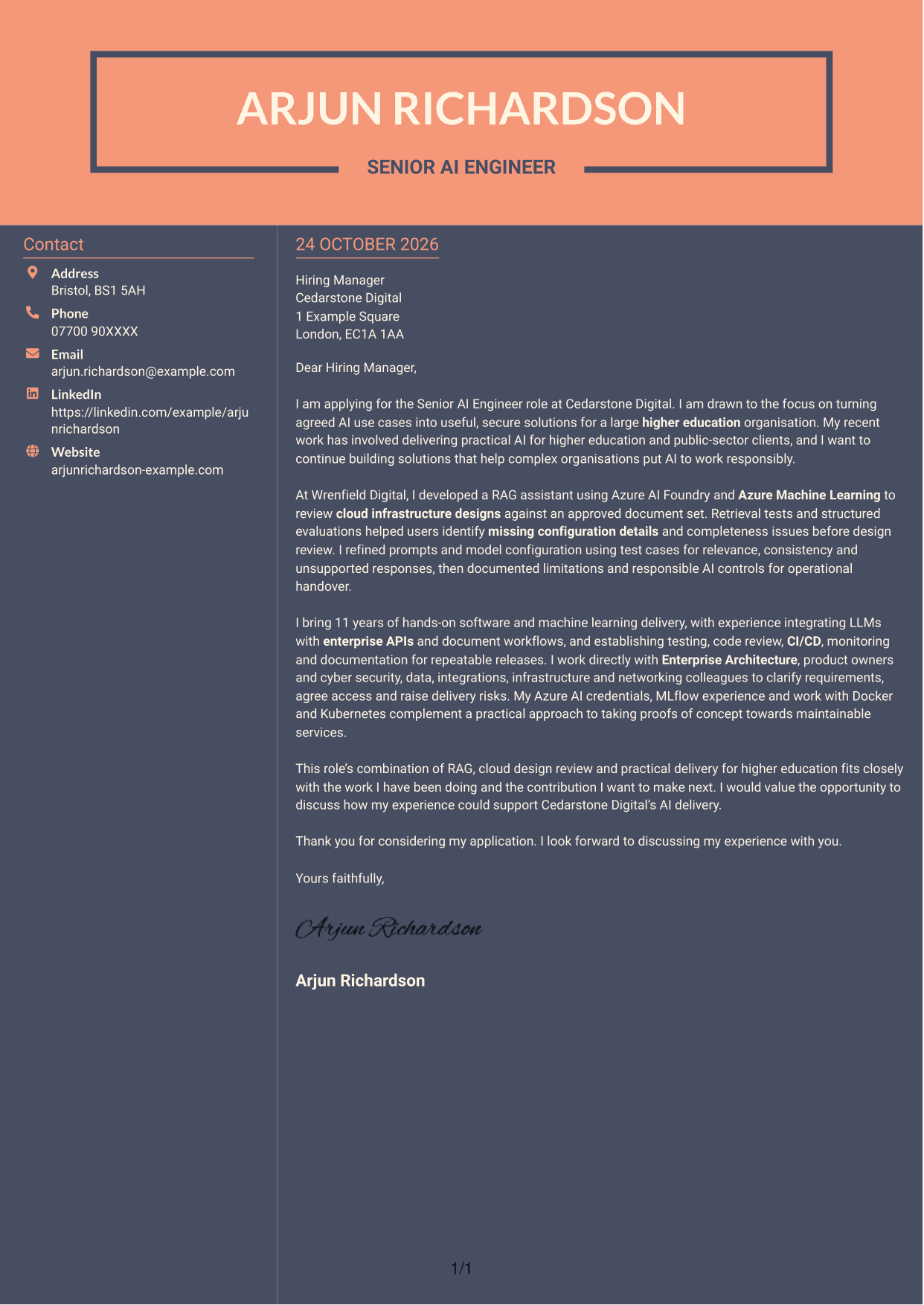
#7 Creative Two Tone Format Cover Letter Example
A contact sidebar beside a continuous letter body defines this two-column layout, keeping the sender details separate from the message.
Why This Format Works
- The sidebar places sender details outside the letter’s main text.
- The continuous body gives the message a clear opening-to-close order.
- A separate contact area makes the two parts easy to distinguish.
Best For
- Contact information beside the letter
- A distinct message area
- Continuous letter paragraphs
- Two-column page organisation
- Separate sender details
See Also
- 7 Senior AI Engineer - RAG and AI Assistants CV Templates with Example
- 7 AI Automation Engineer CV Templates with Example
- 7 AI Data Engineer - Data Analytics CV Templates with Example
- 7 AI Engineer Apprentice - Generative AI CV Templates with Example
- 7 AI Engineer - Generative AI CV Templates with Example
- 7 AI/ML Engineer - Media and Audience Intelligence CV Templates with Example
- 7 AI Product Engineer - AI/Hardware/Manufacturing CV Templates with Example
- 7 AI Research Engineer - Financial Crime Compliance CV Templates with Example
- 7 AI Automation Engineer Cover Letter Templates with Example
- 7 AI Data Engineer - Data Analytics Cover Letter Templates with Example
Frequently Asked Questions
What should a Senior AI Engineer - RAG and AI Assistants cover letter highlight?
Explain your interest in building useful AI assistants and give specific evidence of RAG delivery. You could describe how retrieval tests and structured evaluations helped users find missing configuration details in cloud infrastructure designs.
How can I explain my RAG experience clearly?
Briefly describe the knowledge sources, the task the assistant supported and how you checked its responses. For example, explain how you used an approved document set and tested relevance, consistency and unsupported responses.
How can I show that I can deliver secure AI assistants?
Give an example of how you considered access, data handling and responsible AI controls during delivery. You can also explain how testing, monitoring and clear handover notes helped support reliable use.
How should I connect my experience to this role?
Link your work with Azure AI Foundry, Azure Machine Learning or enterprise integrations to the role’s practical needs. Explain how you worked with product owners and technical teams to clarify requirements and move a proof of concept towards a maintainable service.
What is a clear structure for this cover letter?
Open with your reason for applying, then use the body to present a relevant assistant example and your approach to safe delivery. Close by connecting your experience to the role and inviting a conversation.




