
7 Senior AI Engineer - RAG and AI Assistants CV Templates with Example
This guide shows you how to create a clear, focused CV for a Senior AI Engineer - RAG and AI Assistants role. You will learn how to present relevant evidence so recruiters can quickly see your fit for the work.
Strong examples connect RAG and AI assistant delivery to practical results, such as testing document retrieval, checking completeness and moving proofs of concept towards secure services. We also cover how to present model evaluation, Azure AI tools, enterprise integration and responsible AI in a way that is easy to scan.
Explore the example presented in 7 layouts, compare the PNG image previews, and open a preferred example in the editor to customise it. The guide also explains ATS readability, useful CV sections and keywords for this specialist role.
What Makes a Great Senior AI Engineer - RAG and AI Assistants CV in 2026
A strong CV makes AI delivery, technical decisions and results easy to follow. Use concise experience bullets to show how you tested assistants and moved useful proofs of concept towards reliable services.
Include relevant terms such as Retrieval Augmented Generation, Azure AI Foundry, Azure Machine Learning, MLflow, model evaluation and responsible AI. Support claims with clear evidence, including measurable results where available.
Note: CV examples are for educational purposes only. Use only information that accurately reflects your experience and qualifications. References to real organisations do not imply affiliation or endorsement.
#1 Simple One Column Format CV Example
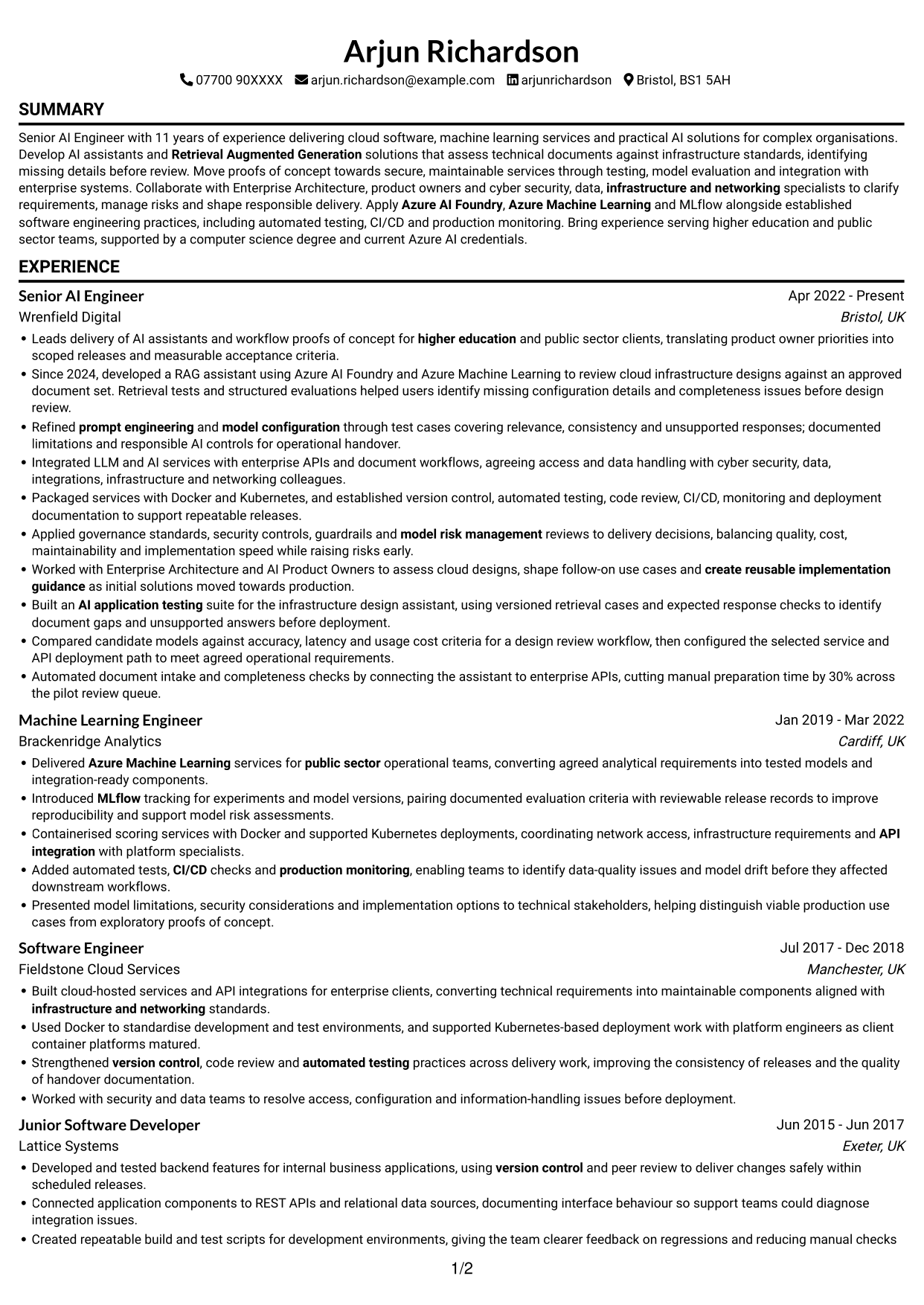
Simple One Column Format presents CV content in one clear sequence, helping reviewers follow each section from top to bottom.
Why This Format Works
- A single-column sequence lets reviewers follow career progression without switching between parallel areas.
- Consistent section order makes experience, education and credentials easy to locate.
- Full-width text gives achievement bullets room to explain outcomes and context.
Best For
- Single-column reading order
- Chronological career history
- Detailed achievement bullets
- Supporting sections in sequence
- ATS-oriented text structure
CV Keywords
- AI application development
- Retrieval Augmented Generation
- Develop AI assistants and Retrieval Augmented Generation solutions
- AI assistants
- Leads delivery of AI assistants and workflow proofs of concept for higher education and public sector clients
- Move proofs of concept towards secure, maintainable services
- AI workflow automation
- prompt engineering
- model configuration
- AI application testing
- configured the selected service and API deployment path
- Compared candidate models against accuracy, latency and usage cost criteria for a design review workflow, then configured the selected service
- Retrieval tests and structured evaluations
- Integrated LLM and AI services with enterprise APIs and document workflows
- API integration
#2 Simple Two Column Format CV Example
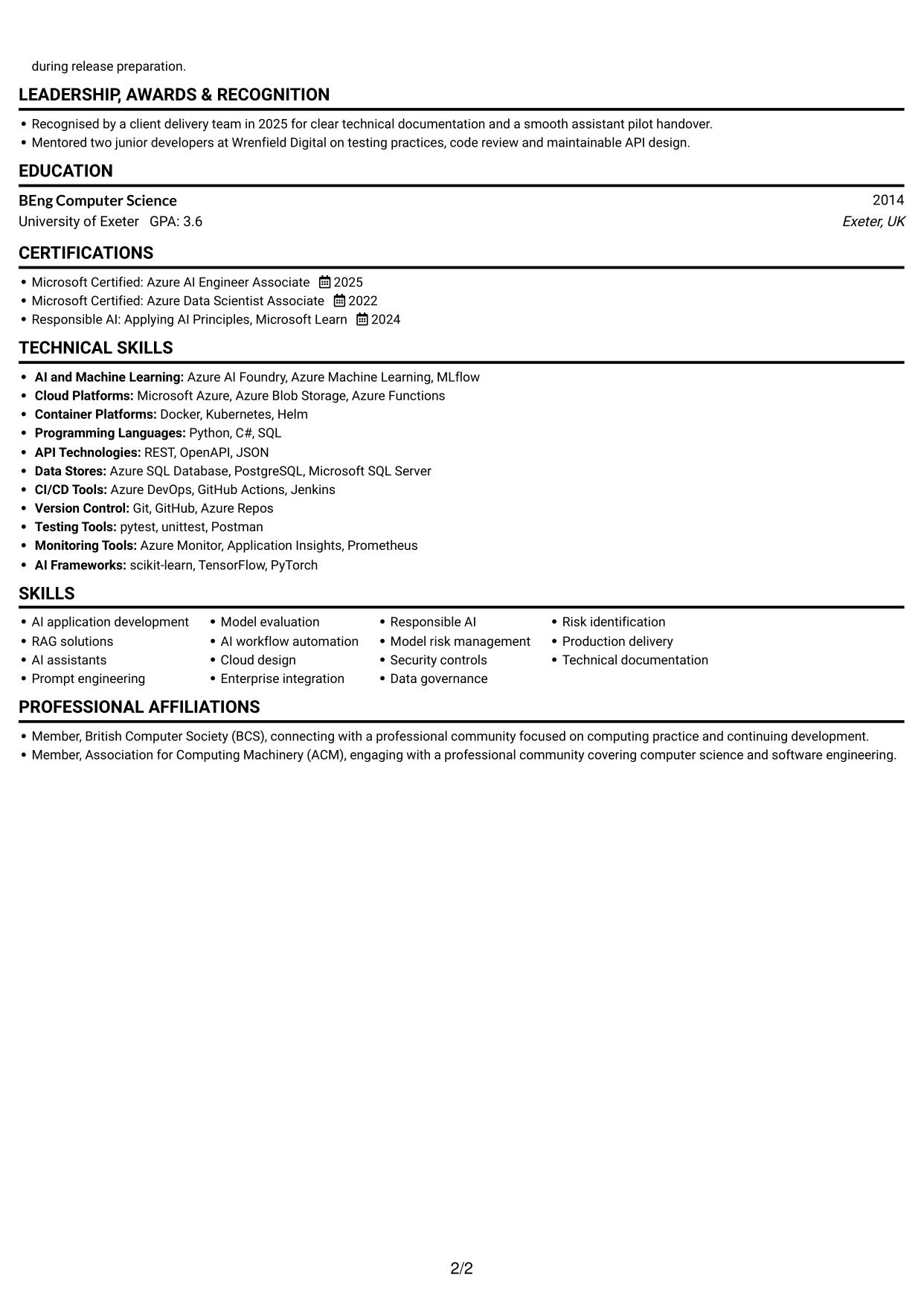
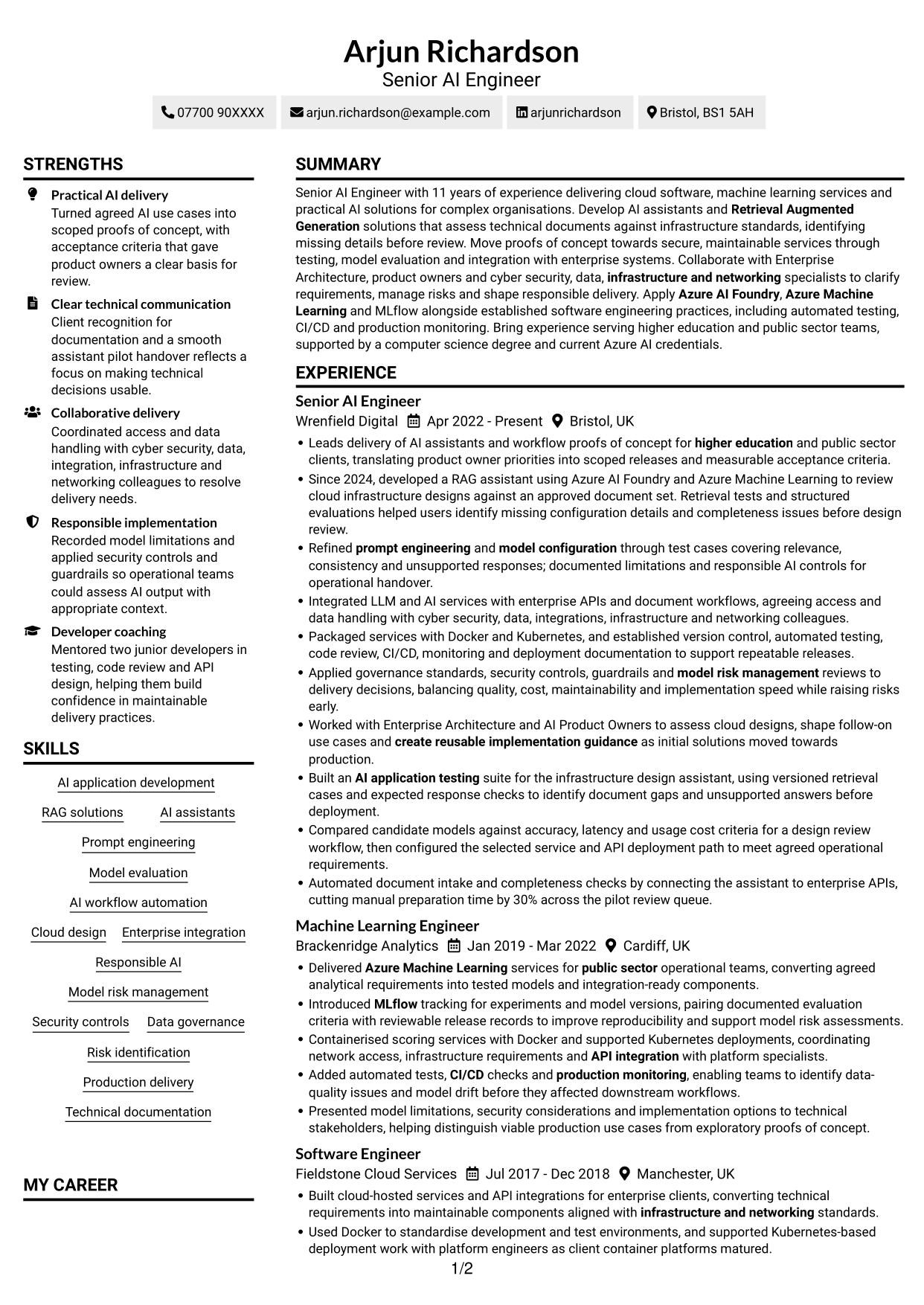
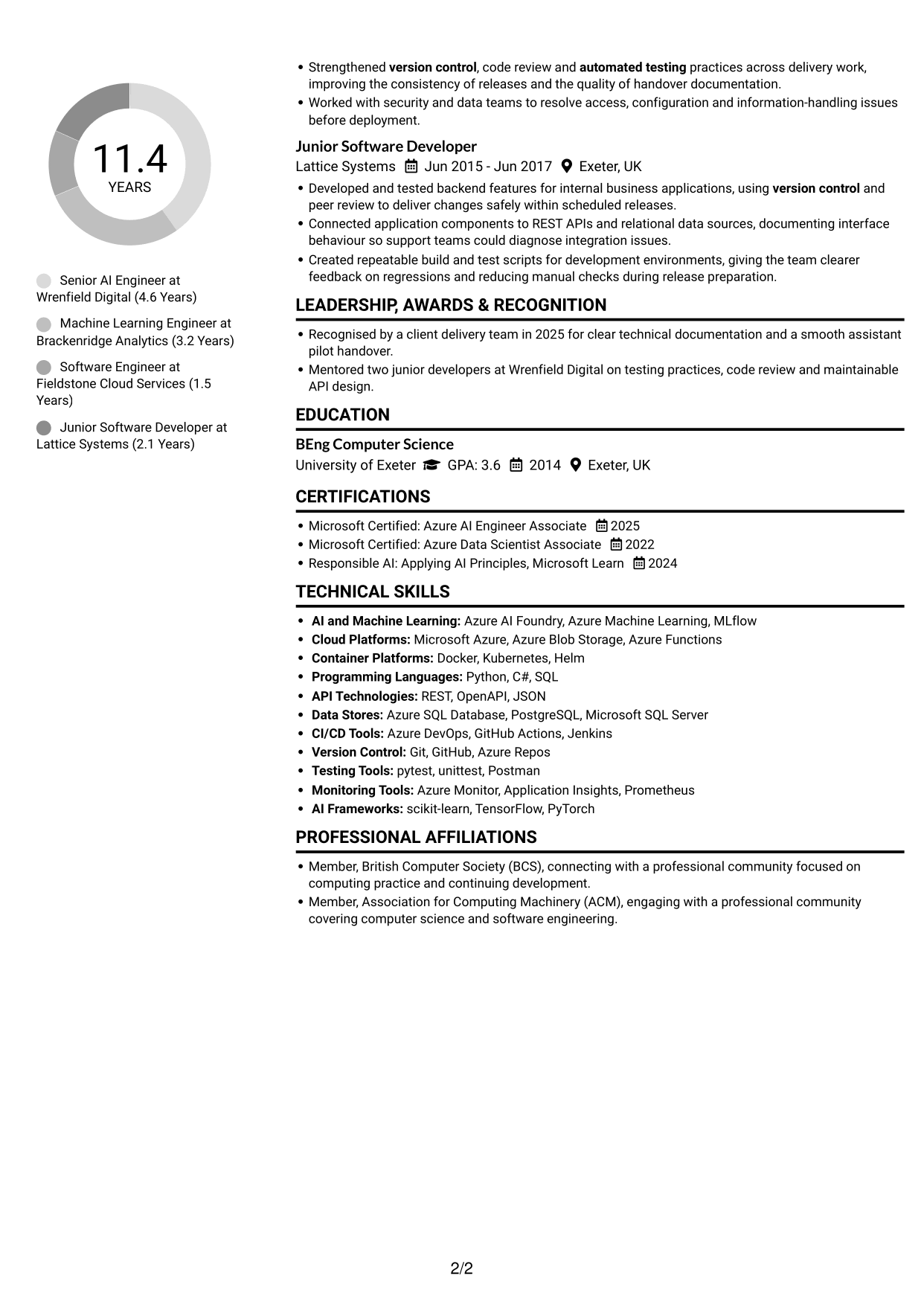
Simple Two Column Format places CV information in two columns, giving reviewers a direct way to scan distinct content areas.
Why This Format Works
- Two columns let reviewers compare career history with supporting CV sections in one view.
- Separate column areas help skills and education stand apart from experience.
- Side-by-side reading suits CVs with several distinct information groups.
Best For
- Side-by-side section review
- Several distinct CV sections
- Experience with supporting details
- Compact information grouping
- Scanning separate content areas
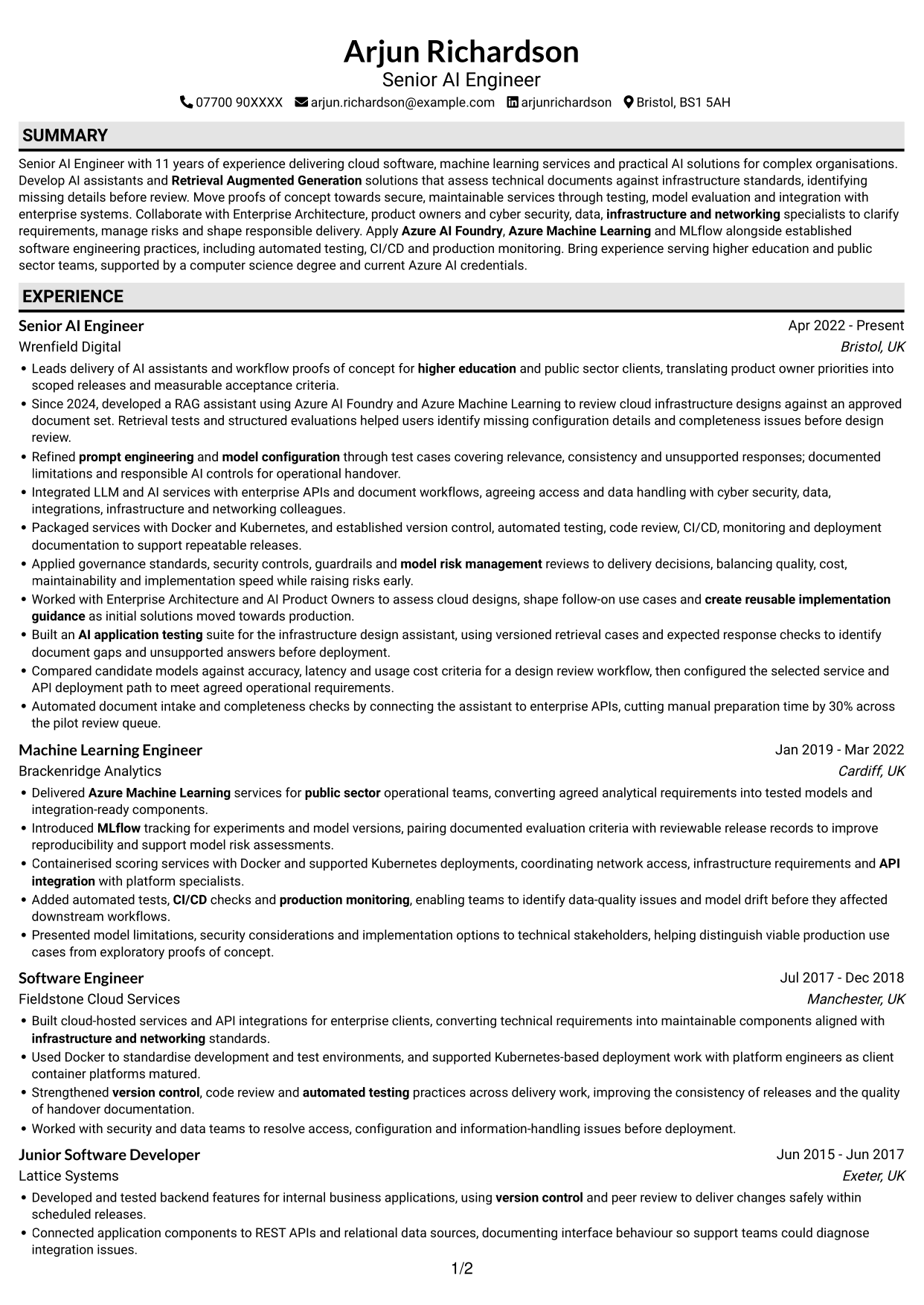
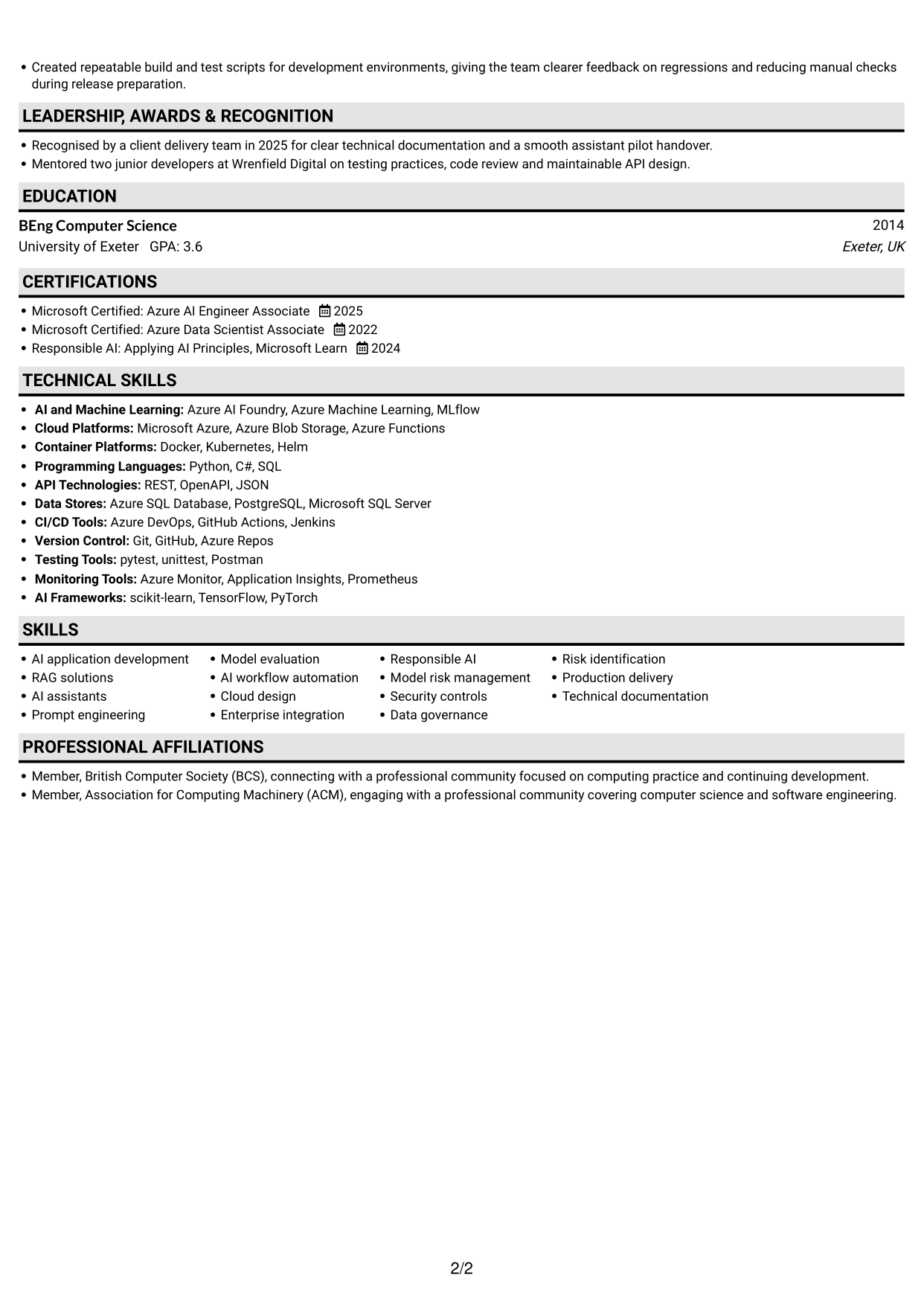
#3 Plain One Column with Shaded Labels CV Example
Plain One Column with Shaded Labels keeps the CV in a single column, so reviewers can follow sections in sequence.
Why This Format Works
- One-column reading keeps achievement bullets in a clear top-to-bottom order.
- A consistent sequence helps reviewers locate experience, education and credentials.
- The single-column structure keeps career history together for an uninterrupted review.
Best For
- One-column section navigation
- Continuous career history
- Detailed achievement bullets
- Sequential section review
- Text-first CV presentation
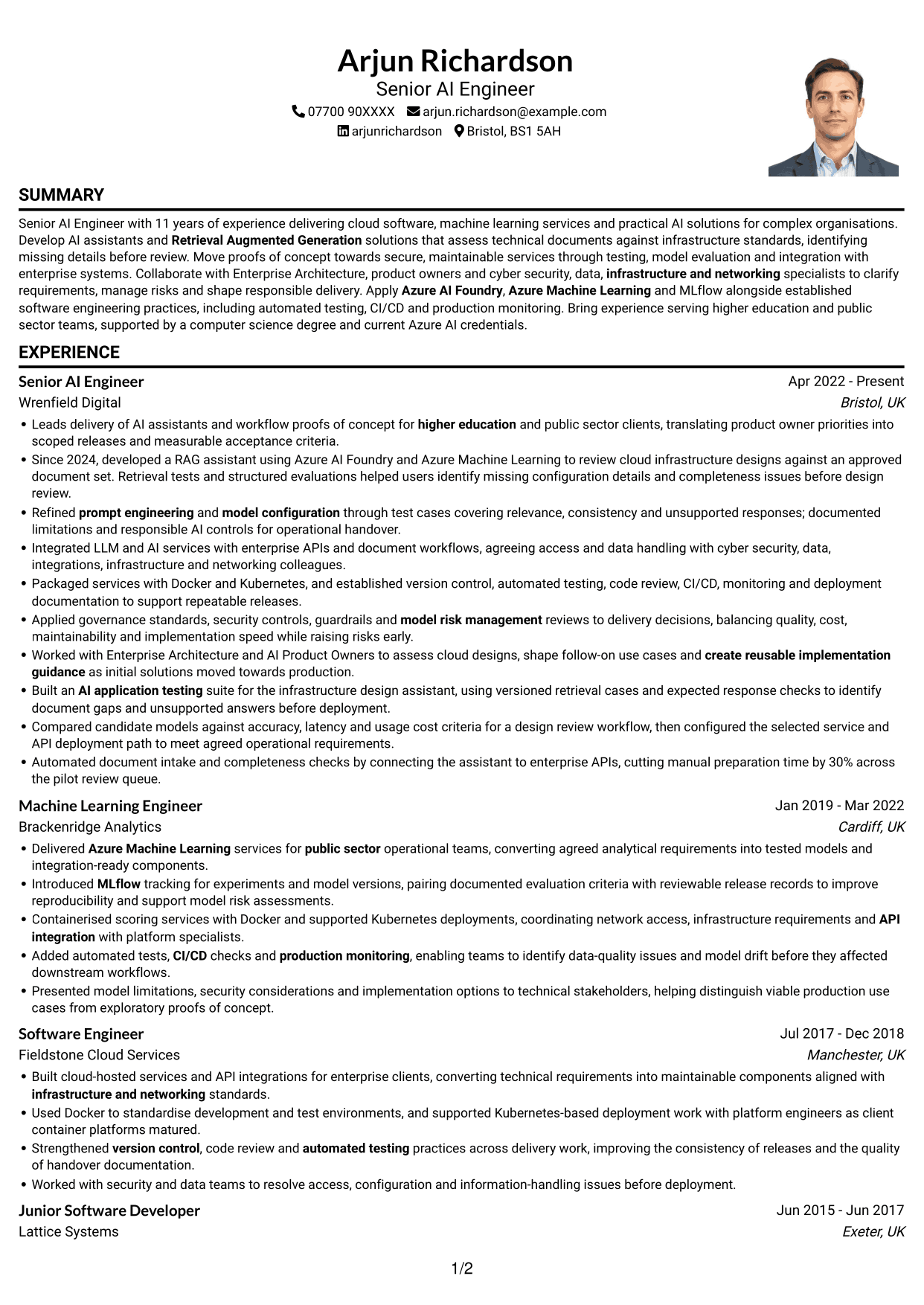
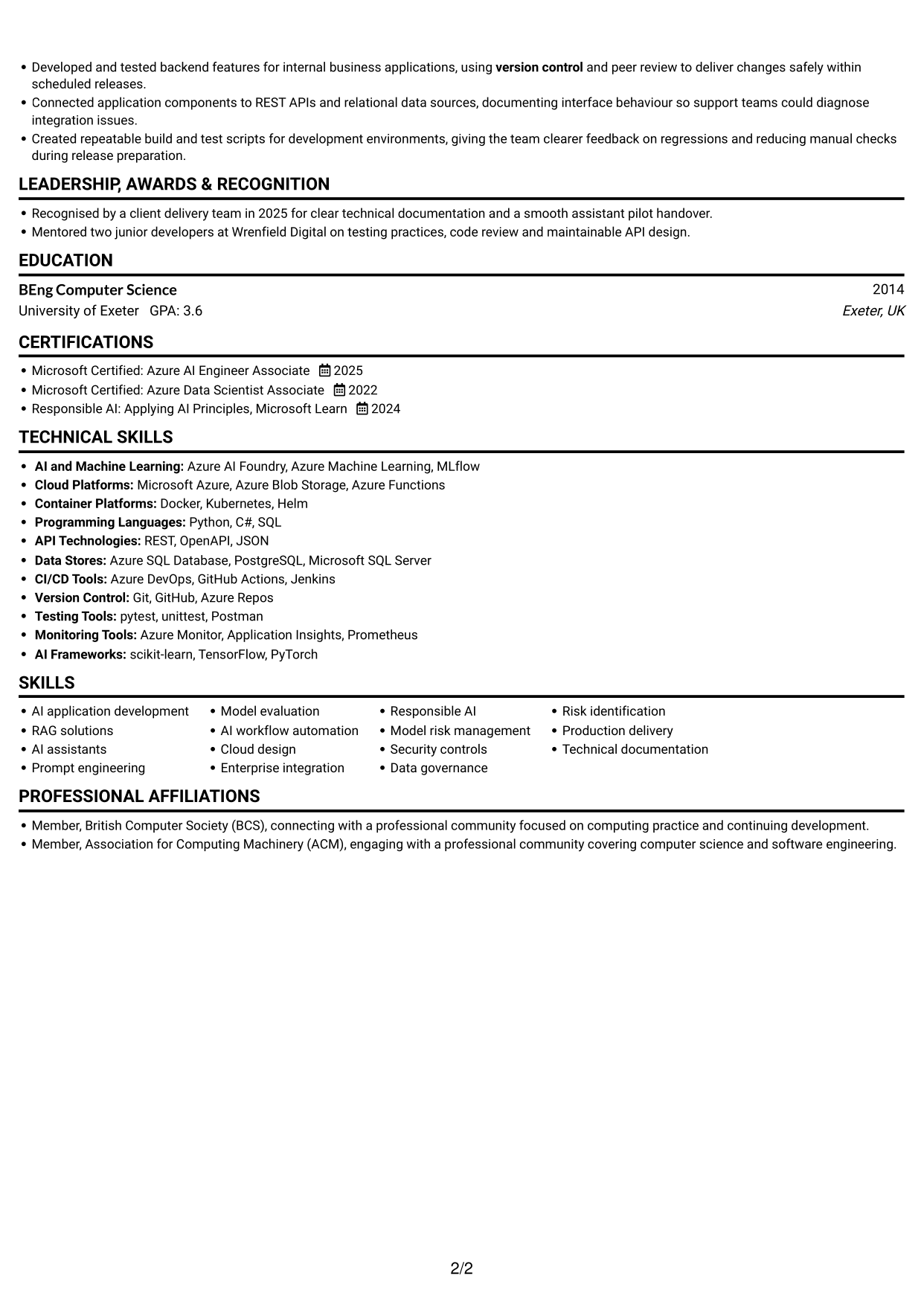
#4 One Column Format with Photo Right CV Example
One Column Format with Photo Right includes a photo and keeps CV content in one column, suiting readers who prefer both features.
Why This Format Works
- One continuous column keeps experience and achievement bullets in a familiar reading order.
- A single text sequence helps reviewers move from career history to education.
- The photo adds a personal visual element without changing the CV's content order.
Best For
- CVs with a photo
- Single-column reading order
- Career history with detailed bullets
- Sequential supporting sections
- A personal visual element
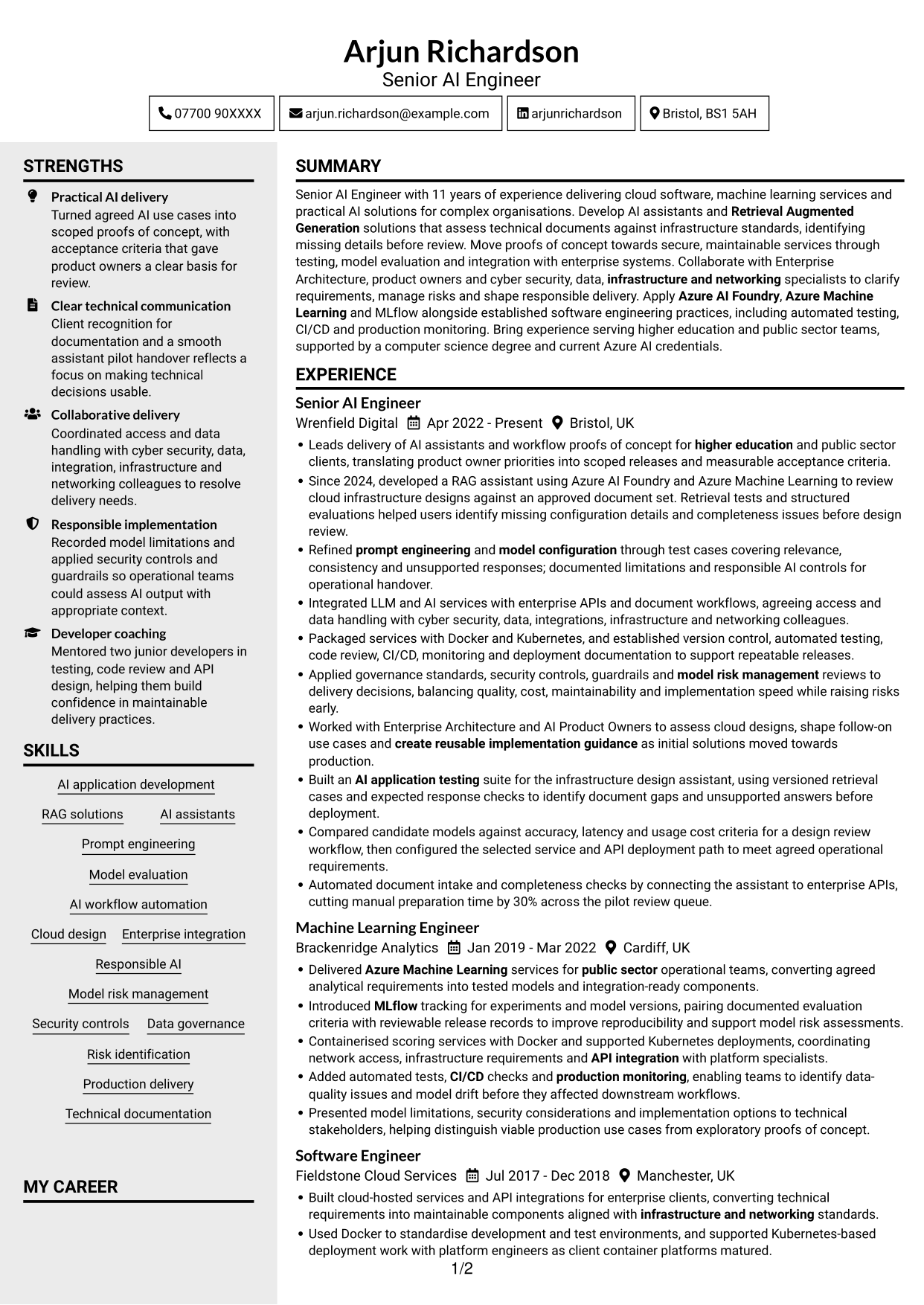
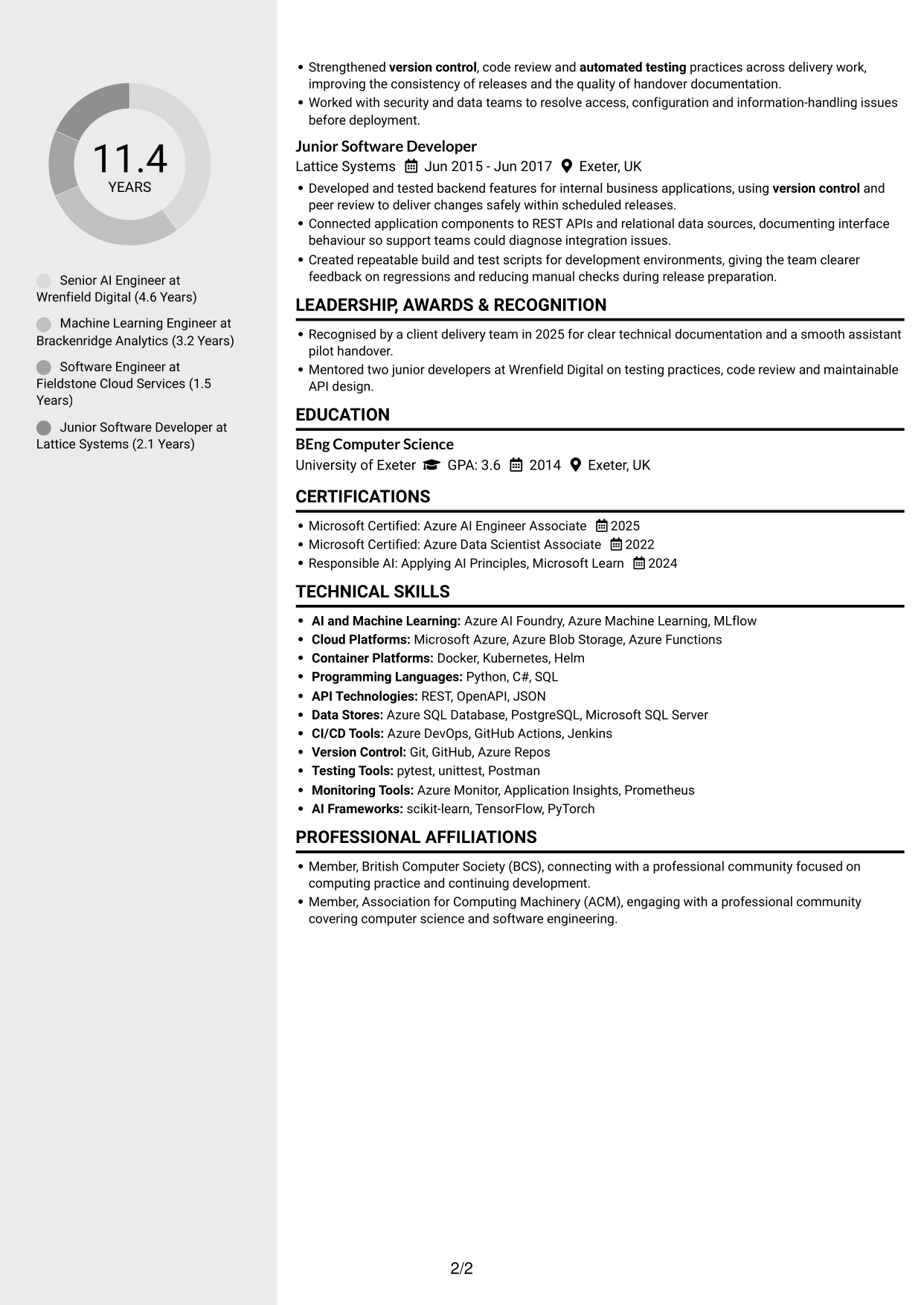
#5 Clean Two Column Sidebar Format CV Example
Clean Two Column Sidebar Format divides CV content across two columns, giving reviewers separate areas to scan.
Why This Format Works
- Two distinct areas let reviewers scan career history and supporting sections separately.
- The column layout helps skills and education remain distinct from experience.
- Separate content areas support quick movement between achievements and credentials.
Best For
- Two-area information review
- Experience with supporting details
- Skills and education kept distinct
- Quick access to CV sections
- Several information groups
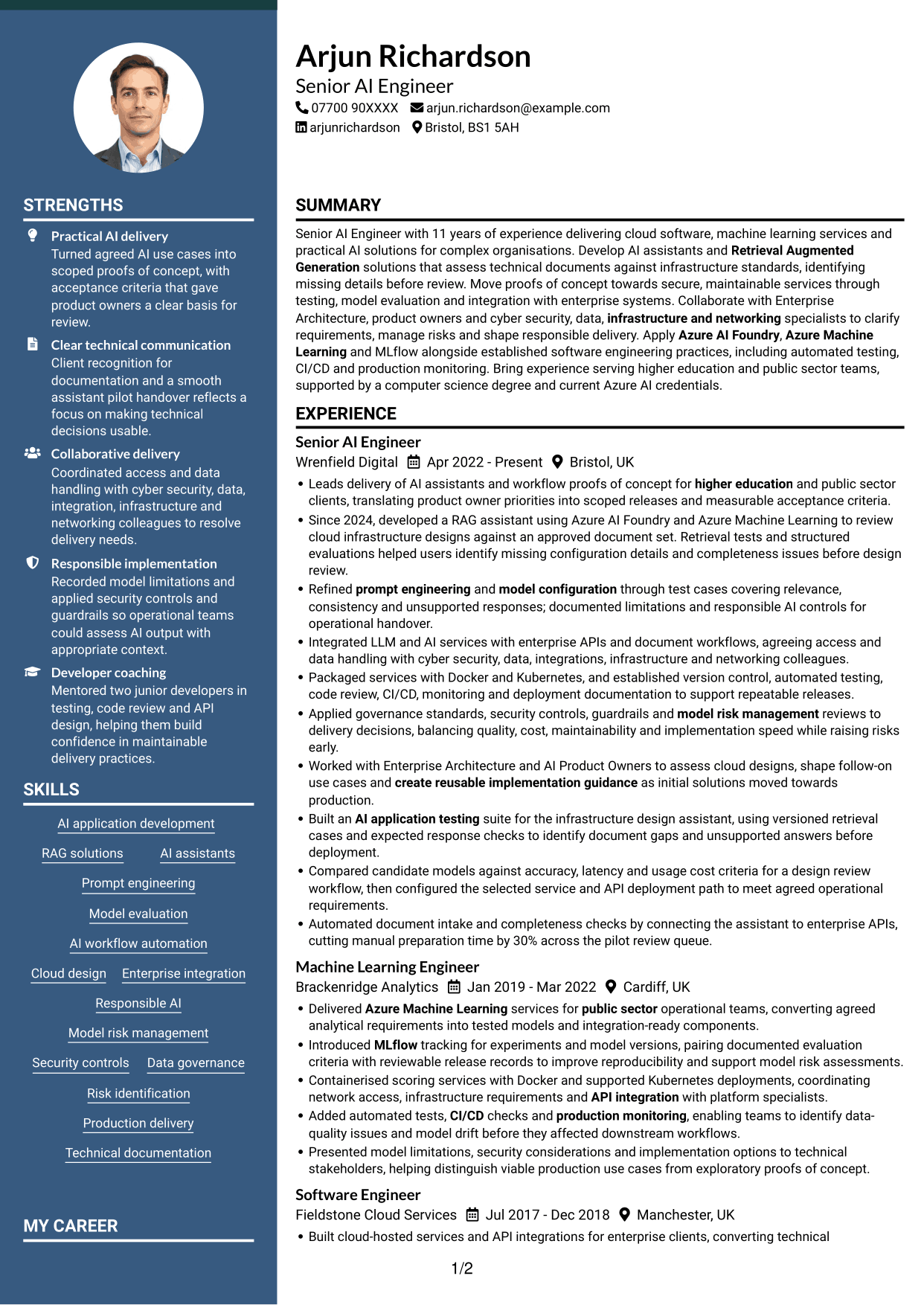
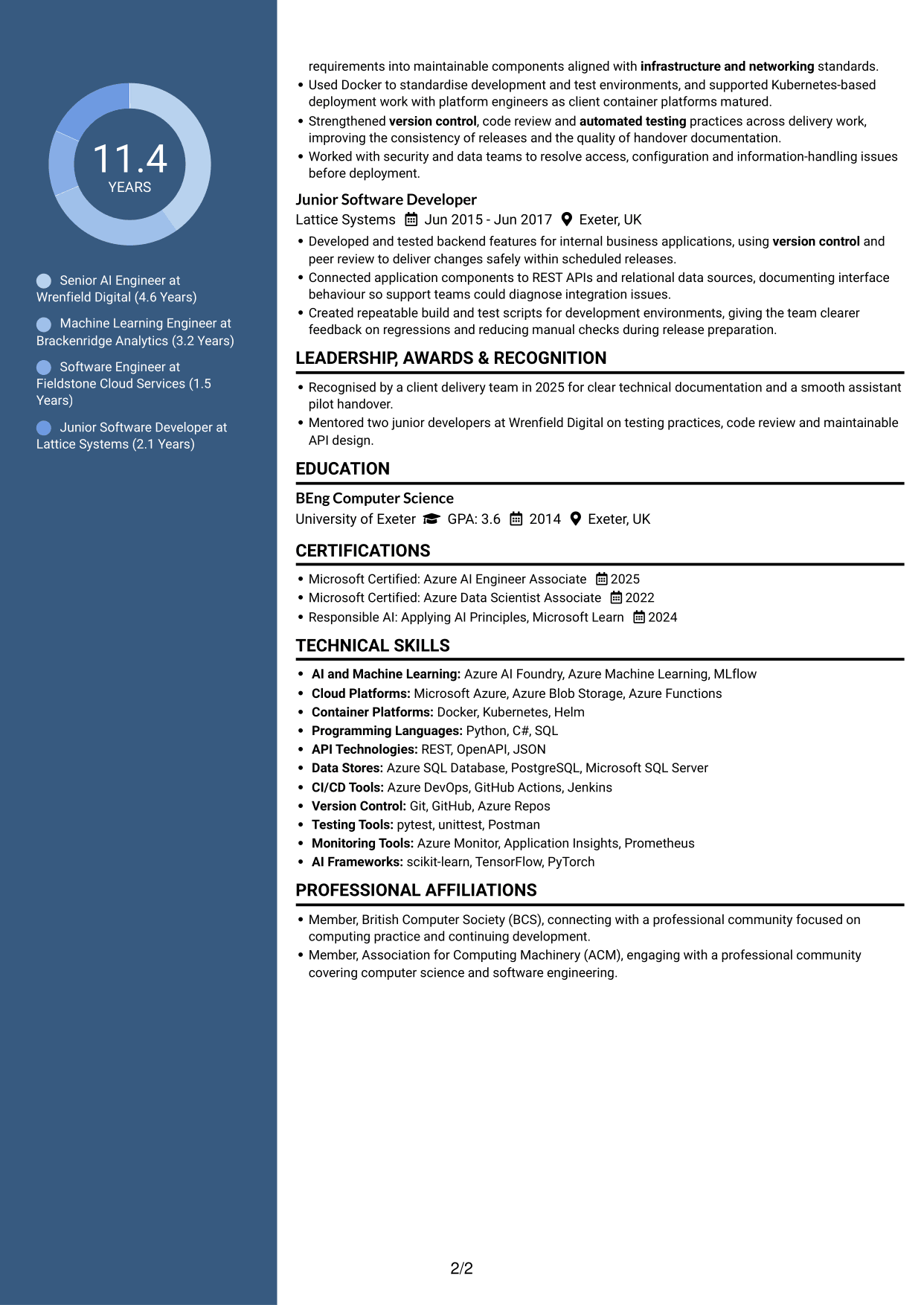
#6 Two Column Format CV Example
Two Column Format arranges CV information in two columns, offering a clear way to review several sections together.
Why This Format Works
- Two columns provide distinct areas for career history and supporting CV information.
- Reviewers can move between achievements and skills while keeping section context.
- Education and credentials remain easy to scan alongside the wider work history.
Best For
- Two-column section grouping
- Parallel review of CV sections
- Career history with supporting details
- Compact content organisation
- Several information groups
#7 Photo Header Two Column Format CV Example
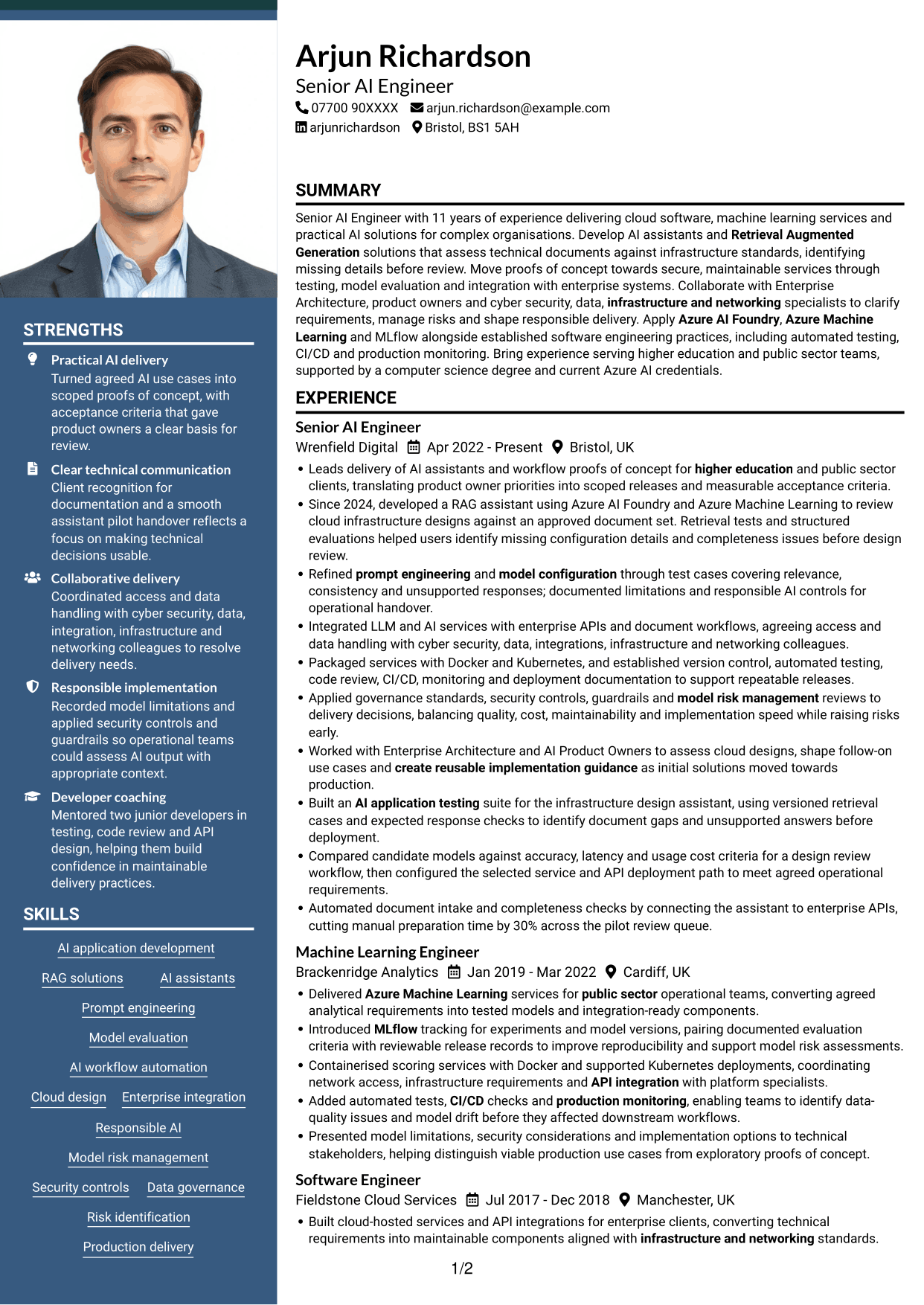
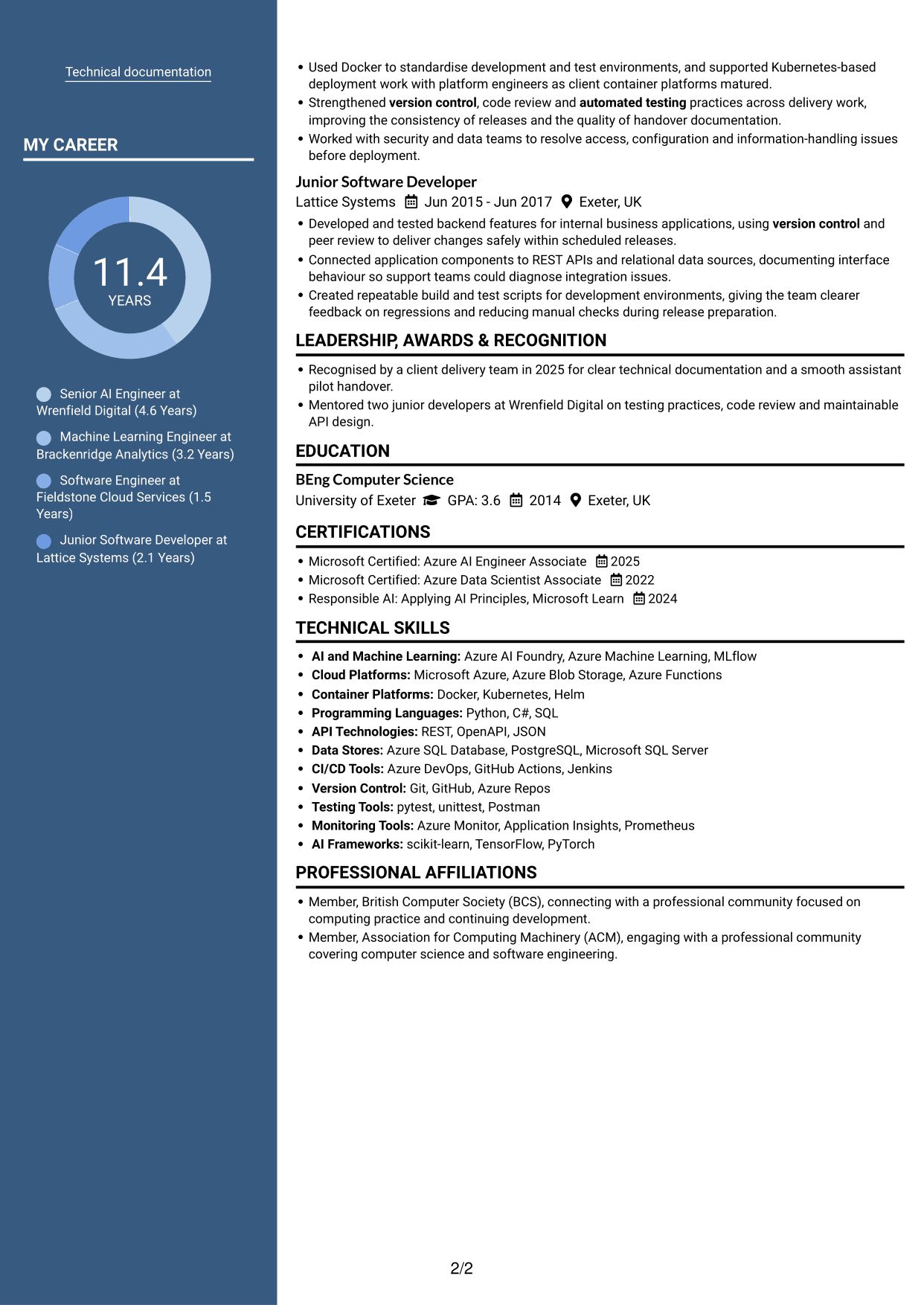
Photo Header Two Column Format combines a photo with a two-column CV body for readers who want both features.
Why This Format Works
- The two-column body separates career progression from supporting sections for a clear review path.
- Two columns help reviewers compare experience with other CV information.
- A photo adds a visual element while the body keeps its two-column reading structure.
Best For
- CVs with a photo
- Two-column content organisation
- Supporting sections alongside experience
- Visual element with structured content
- Several CV information groups
Why Build Your Senior AI Engineer - RAG and AI Assistants CV with ResumeInMinutes
ResumeInMinutes lets you compare CV layouts using PNG image previews, then open an example in the editor to customise its content and appearance. Choose a structure that makes your technical experience easy to review.
- Different CV layouts
- Clear, readable section structure
- Space for role-specific keywords
- Organised skills and experience
- PNG image previews
- CV customisation in the editor
Keep the focus on RAG systems, AI assistants, careful evaluation and dependable delivery. Make it easy to find your experience with cloud platforms, APIs, software engineering practices and responsible AI controls.
See Also
- 7 AI Automation Engineer CV Templates with Example
- 7 AI Data Engineer - Data Analytics CV Templates with Example
- 7 AI Engineer Apprentice - Generative AI CV Templates with Example
- 7 AI Engineer - Generative AI CV Templates with Example
- 7 AI/ML Engineer - Media and Audience Intelligence CV Templates with Example
- 7 AI Product Engineer - AI/Hardware/Manufacturing CV Templates with Example
- 7 AI Research Engineer - Financial Crime Compliance CV Templates with Example
- 7 AI Security Engineer CV Templates with Example
- 7 Senior AI Engineer - RAG and AI Assistants Cover Letter Templates with Example
- 7 AI Automation Engineer Cover Letter Templates with Example
Frequently Asked Questions
Are these Senior AI Engineer - RAG and AI Assistants CV templates ATS-friendly?
The examples use readable headings and clear sections to support scanning. Include relevant terms naturally, such as Retrieval Augmented Generation, Azure AI Foundry, Azure Machine Learning, MLflow, model evaluation and CI/CD.
Are these separate CV examples or different layouts of one example?
This page presents one role-focused CV example in different layouts. Compare the PNG image previews, then open an example in the editor to customise it.
What should a Senior AI Engineer - RAG and AI Assistants CV include?
Include a focused summary, relevant experience, technical skills, education and certifications. Show how you develop and evaluate RAG assistants, connect AI services to enterprise systems, and apply testing, monitoring and security controls.
Which CV layout works well for this role?
Choose a layout with clear headings and an easy-to-follow order for your experience, skills and education. A simple structure helps recruiters and applicant tracking systems find important details.
How can I show AI assistant achievements on my CV?
Use concise bullet points to explain the problem, your contribution and the result. Where you have evidence, include figures such as the 30% reduction in manual preparation time achieved during a pilot.
Should I include a photo on my CV?
For UK applications, a photo is usually not needed. Use the space for relevant experience, technical skills and clear results instead.




