
7 Senior Project Manager Health and Social Care Cover Letter Templates with Example
This practical guide helps you shape a Senior Project Manager Health and Social Care cover letter, with seven layouts to compare and a clear way to show your fit.
What Makes a Great Senior Project Manager Health and Social Care Cover Letter in 2026
A strong letter makes a clear case for leading complex change across people-centred services. Open with your interest, then show how your approach supports delivery from definition through handover.
Use specific evidence, such as coordinating supplier milestones, data migration, user testing and service readiness for a referral platform. Link your governance and budget experience to Alderway's focus on well-planned change and practical transition into ongoing services.
The featured example follows a focused progression from role interest to a clear delivery example, governance strengths and a direct close; adapt this structure while choosing a presentation suited to the employer and communication context.
#1 Simple One Column Format Cover Letter Example
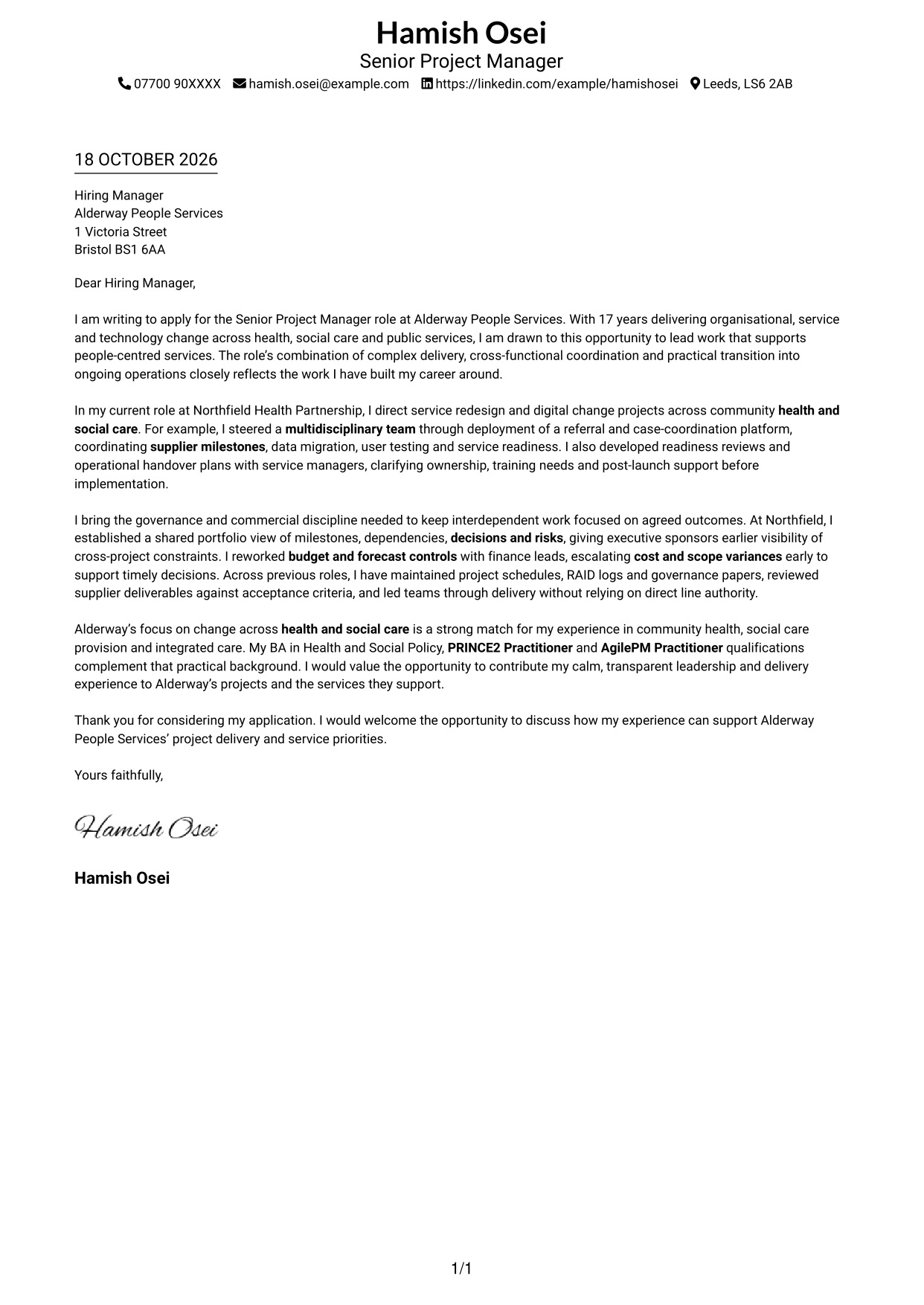
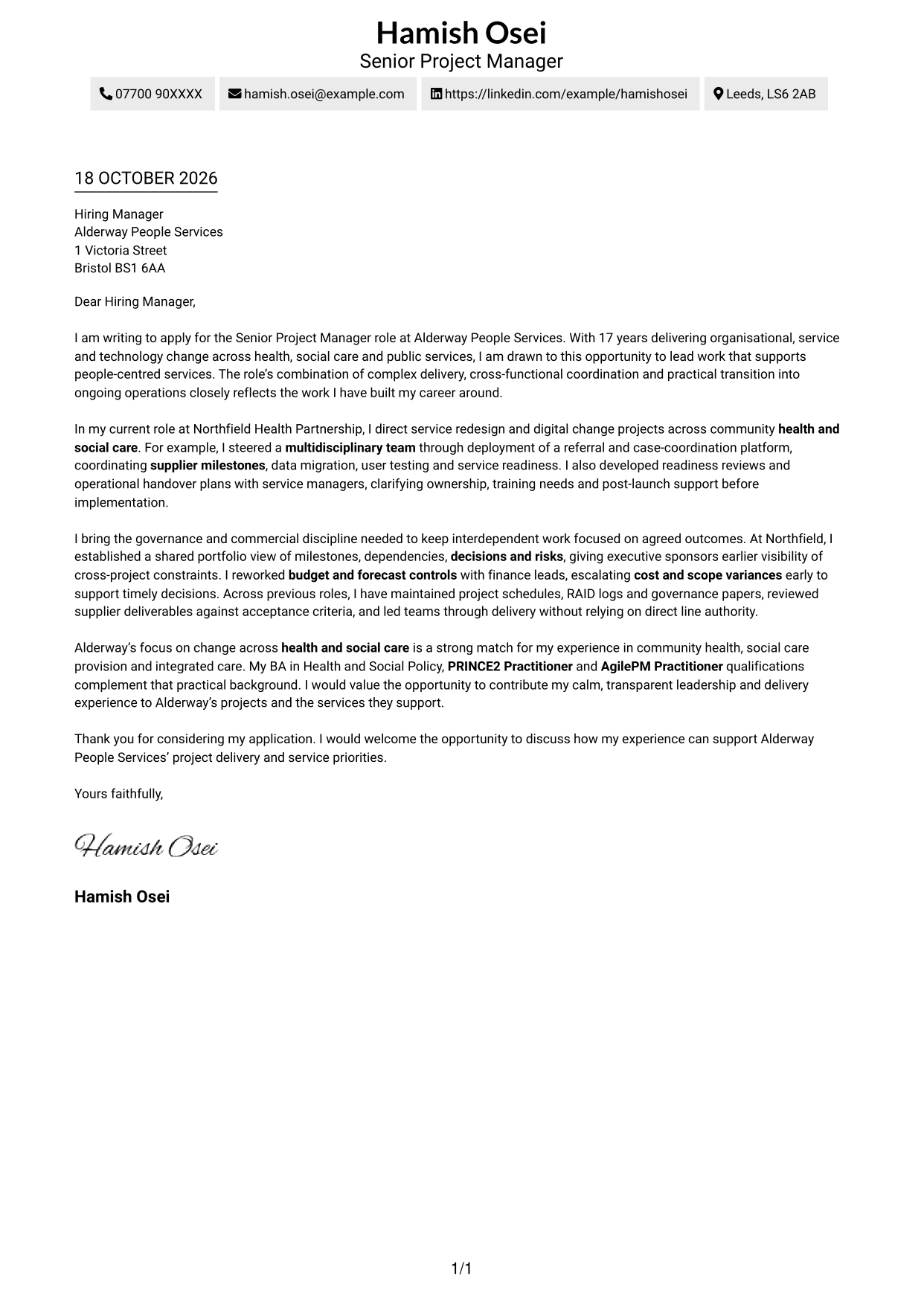
The Simple One Column Format keeps sender details in the header and the letter in one continuous body, giving readers a direct reading path.
Why This Format Works
- One body column keeps sender details and the letter on a familiar reading path.
- Paragraphs carry motivation, evidence and closing without invented section breaks.
- The photo-free header suits applications where a portrait is not wanted.
Best For
- Single-column letter layouts
- Contact details in the header
- Applications without a portrait
- Letters linking motivation and evidence
- Paragraph-led closing messages
#2 Two Column Format Cover Letter Example
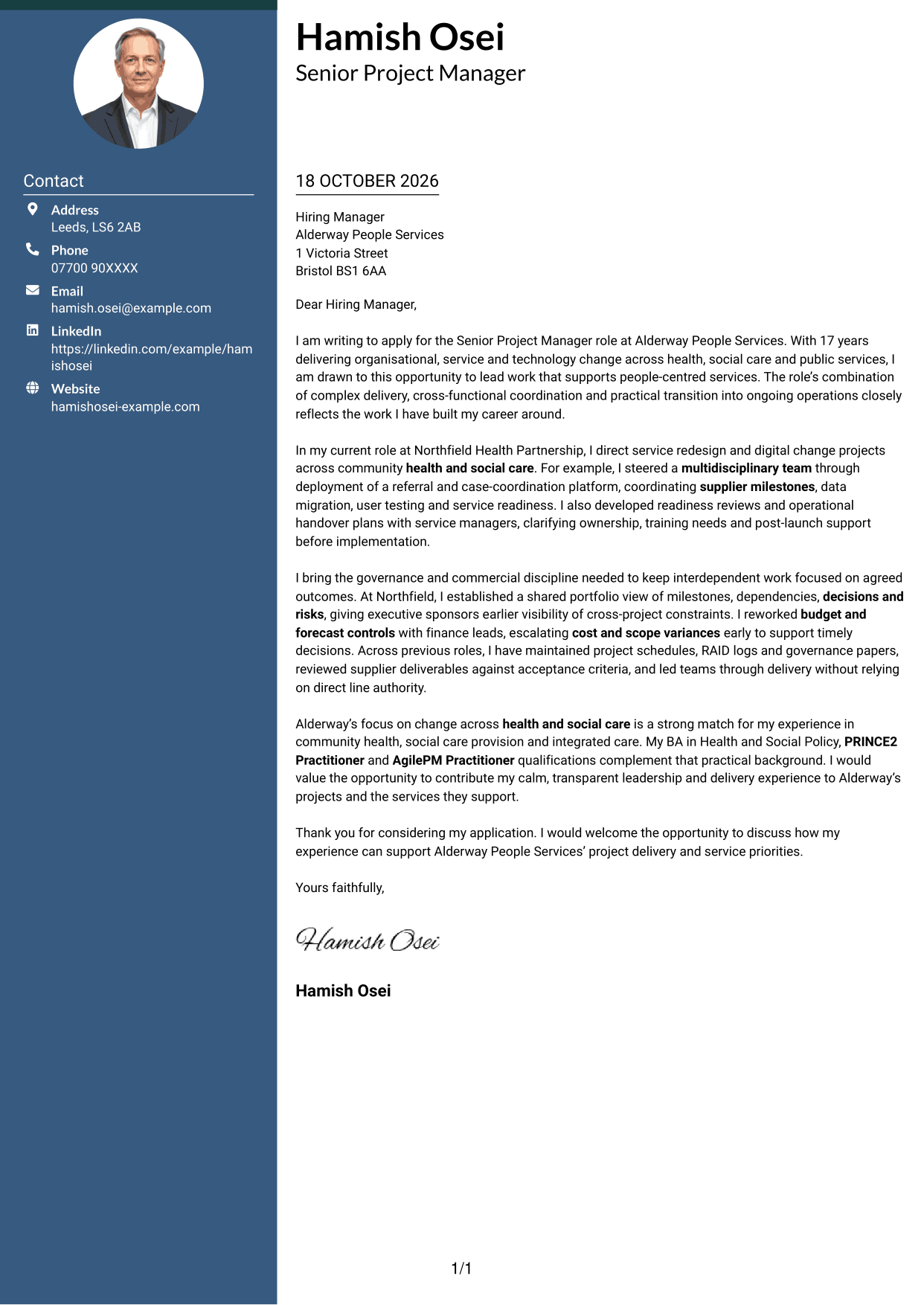
The Two Column Format places a contact sidebar beside one continuous letter body, keeping sender details apart from the message.
Why This Format Works
- A contact sidebar separates sender information from the continuous letter message.
- The body column keeps motivation, evidence and closing in reading order.
- No portrait keeps the design focused on written contact details.
Best For
- Side-by-side contact access
- Letters with one continuous message
- Applications without a portrait
- Several connected points in one letter
- Senior project leadership applications
#3 Photo Header Two Column Format Cover Letter Example
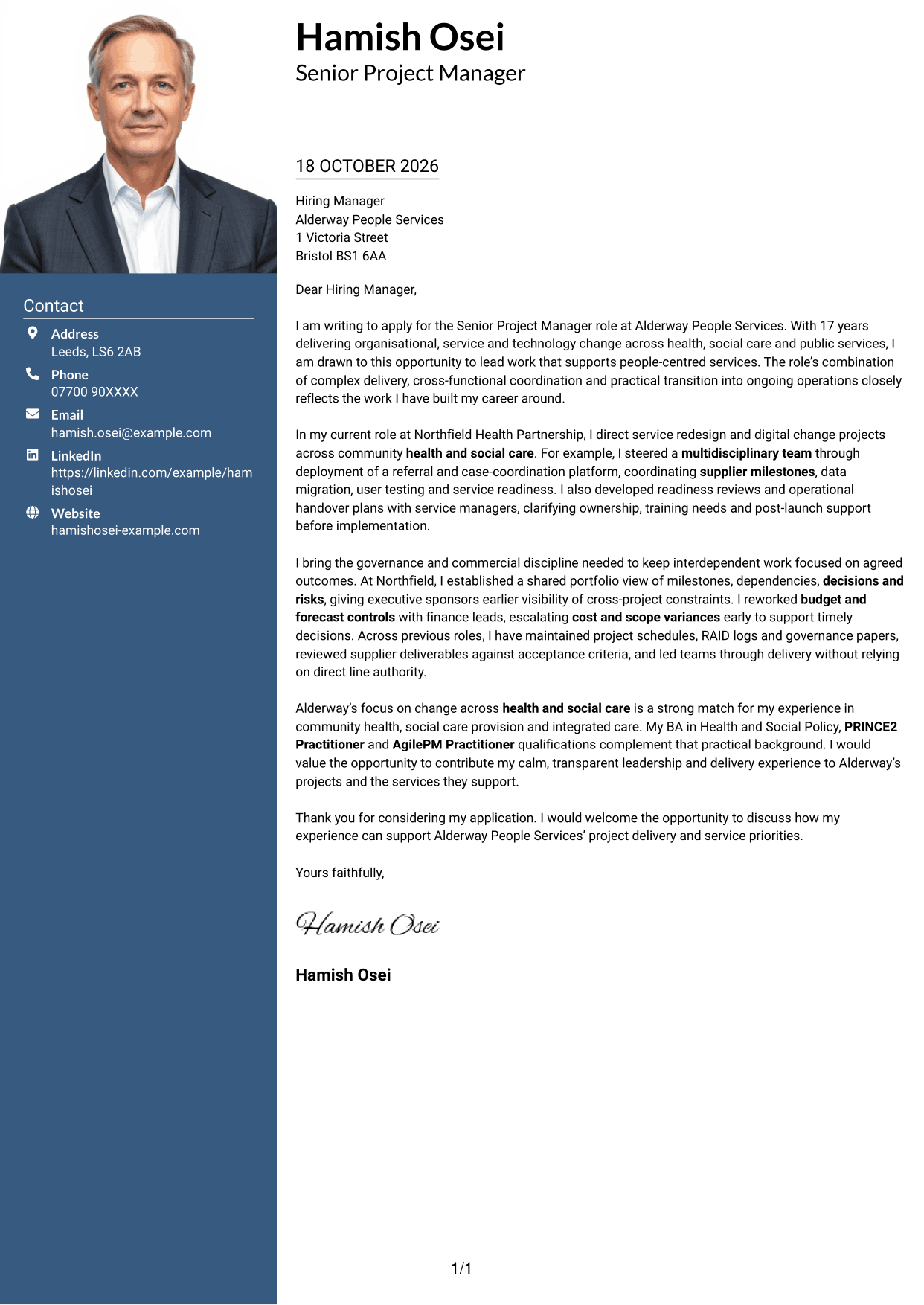
The Photo Header Two Column Format pairs a portrait and contact sidebar with one continuous letter body, placing a personal visual element beside the message.
Why This Format Works
- The portrait adds a personal visual element beside the separate letter body.
- Contact details in the sidebar stay apart from the persuasive paragraphs.
- One continuous body lets the opening, supporting points and close read in order.
Best For
- Contact details beside the letter
- Applications that request a portrait
- Letters with several evidence paragraphs
- A continuous message body
- Senior health and social care applications
#4 One Column Format with Photo Cover Letter Example
The One Column Format with Photo keeps the letter in one body column and places a portrait in the header, combining a direct message with a visible personal touch.
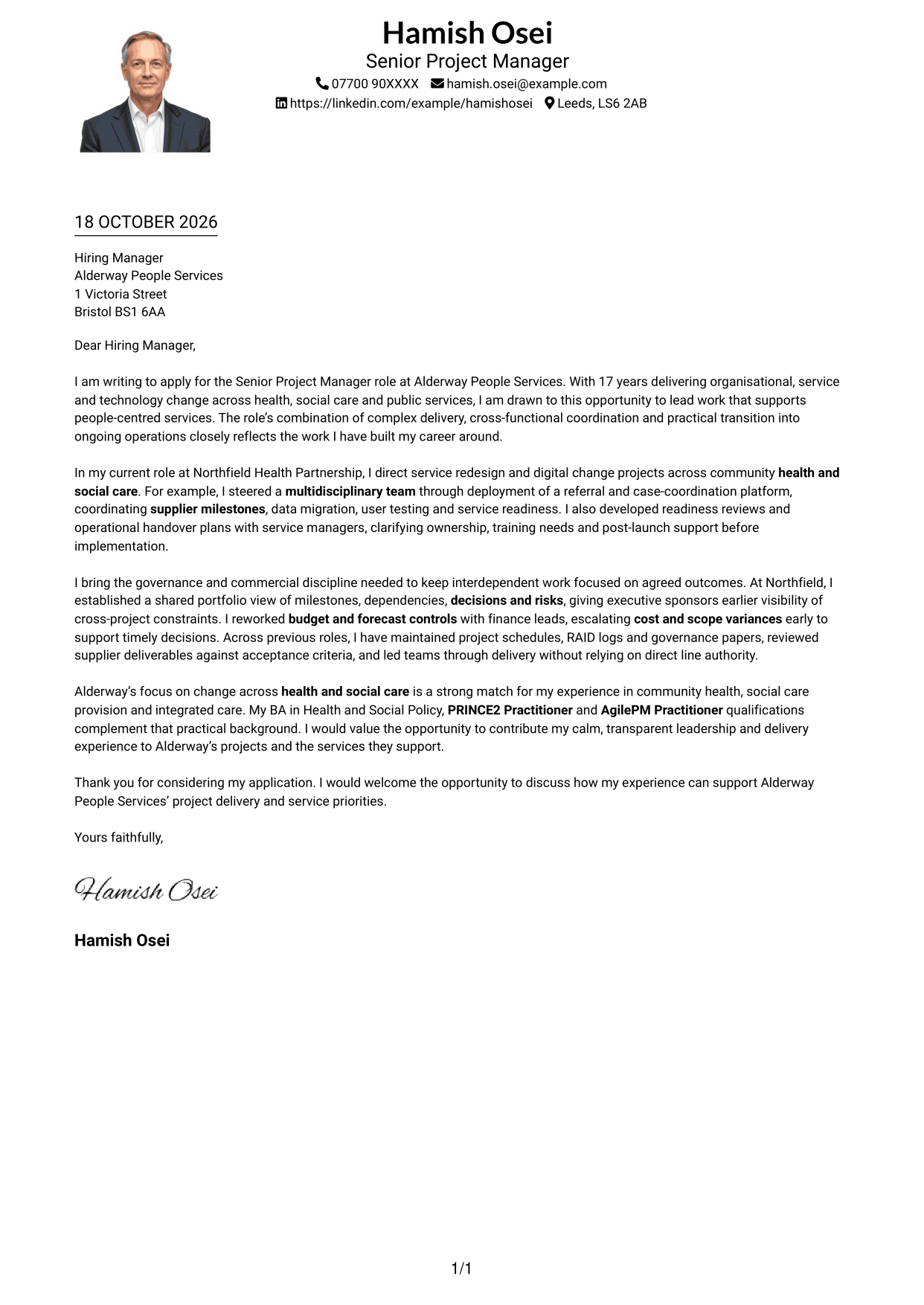
Why This Format Works
- A header portrait adds a visual point of identity without dividing the letter body.
- One-column paragraphs keep motivation and supporting points in a single reading line.
- Sender details remain in the header, separate from the letter's argument.
Best For
- Single-column letter reading
- A header portrait preference
- Applications with header contact details
- Letters with connected paragraphs
- Senior project leadership applications
#5 Simple Two Column Format Cover Letter Example
The Simple Two Column Format sets a contact sidebar beside the continuous letter body, so readers can distinguish sender information from the message at a glance.
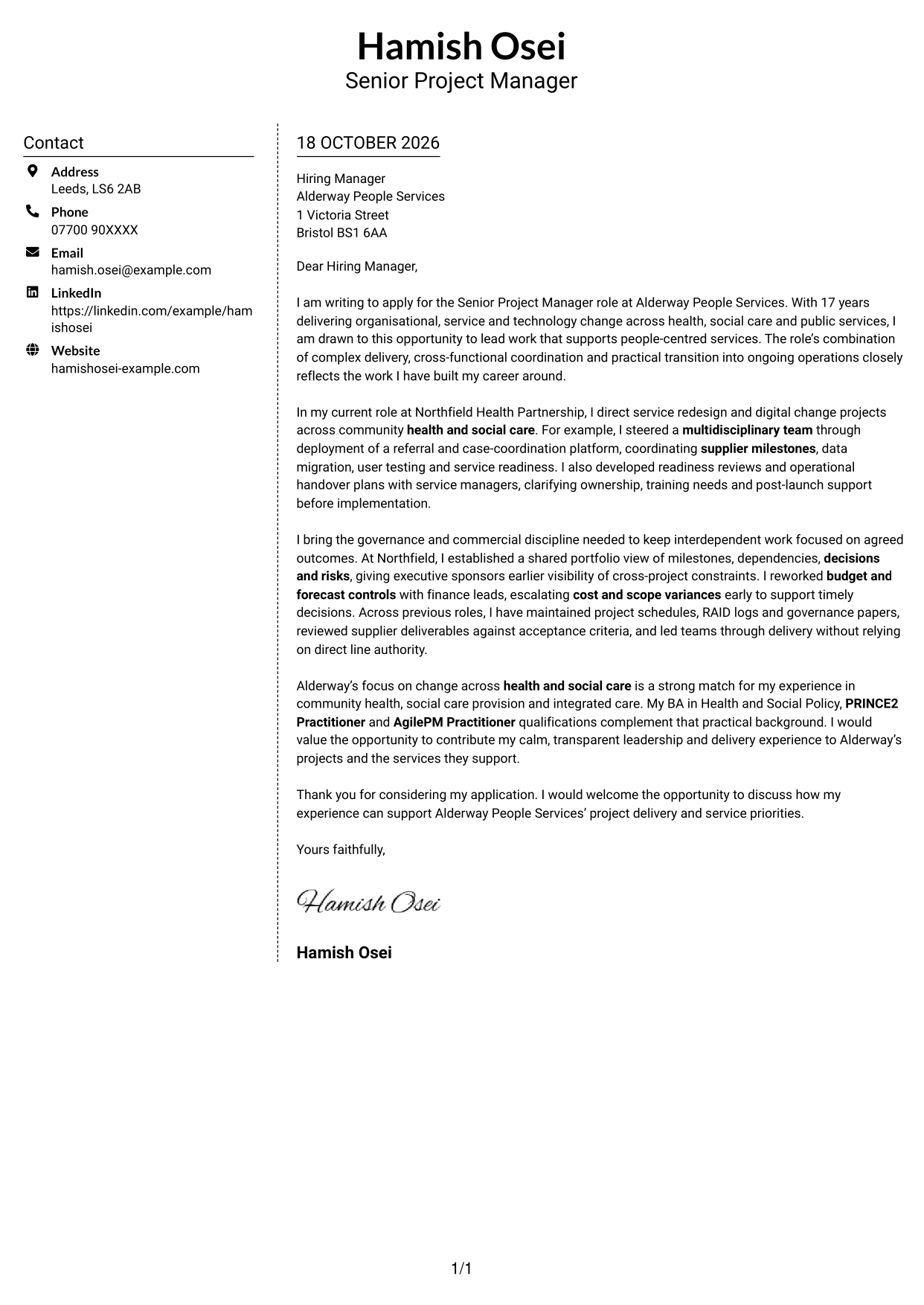
Why This Format Works
- The contact sidebar gives sender details a separate, easy-to-find place.
- A single body column keeps the letter's argument together from opening to close.
- The photo-free layout suits applications that call for text without a portrait.
Best For
- Separate contact and message areas
- Letters with a continuous argument
- Applications without a portrait
- Messages with several linked points
- A clear personal motivation
#6 Modern Icon Format Cover Letter Example
The Modern Icon Format uses two columns, with contact details in a sidebar and one continuous letter body; icons cue contact information or add a decorative header accent.
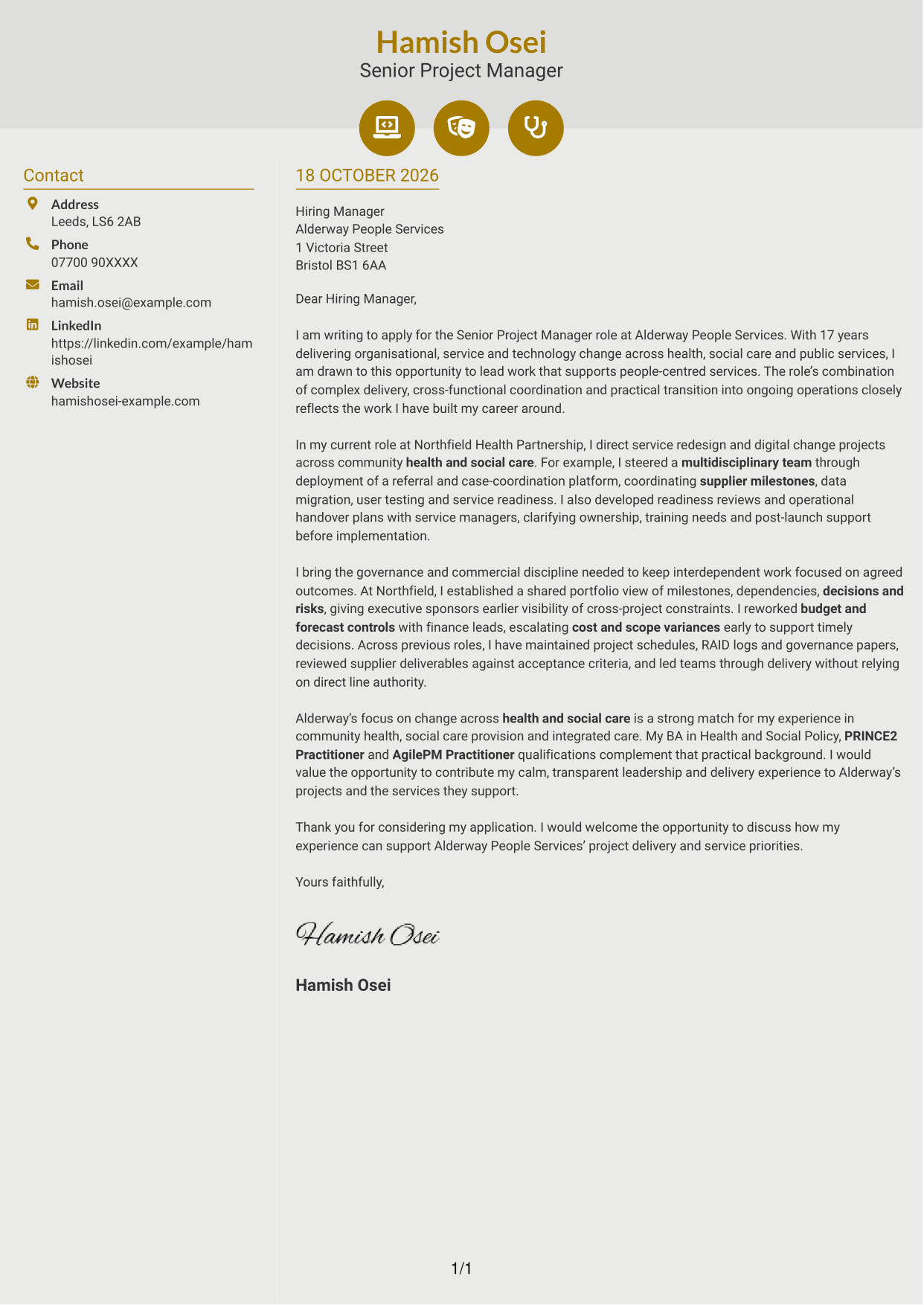
Why This Format Works
- Contact icons act as cues for sender details, not labels for letter paragraphs.
- The sidebar and body column keep contact information apart from the message.
- Opening, evidence and closing remain together in uninterrupted paragraphs.
Best For
- Icon-cued contact details
- Two-column letter layouts
- Letters with uninterrupted paragraphs
- Applications without a portrait
- Distinct opening and closing paragraphs
#7 Creative Two Tone Format Cover Letter Example
The Creative Two Tone Format places a contact sidebar beside one continuous letter body, giving sender details a separate space from the message.
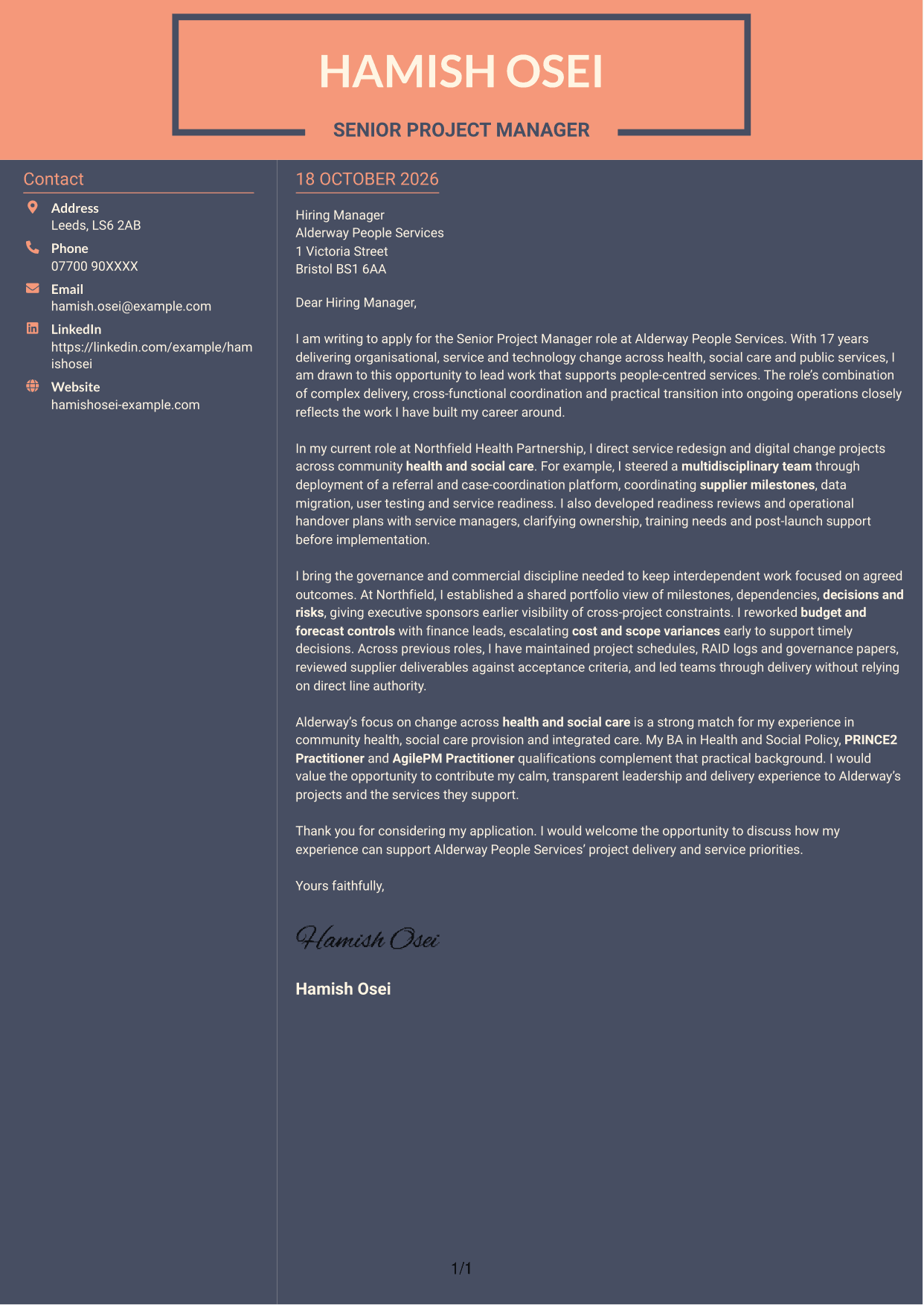
Why This Format Works
- A distinct contact sidebar keeps sender information separate from the letter body.
- The continuous text column carries motivation and evidence in natural paragraph order.
- Without body headings, paragraph transitions guide the reader towards the close.
Best For
- A separate sender contact area
- One continuous letter body
- Applications without a portrait
- Letters with a clear paragraph sequence
- Messages connecting motivation and evidence
See Also
- 7 Senior Project Manager Health and Social Care CV Templates with Example
- 7 Programme Coordinator - Adult English and Maths Projects CV Templates with Example
- 7 Assistant Chef - Residential Care Catering CV Templates with Example
- 7 Customer Care Advisor - Continence Care CV Templates with Example
- 7 Quantity Surveyor - Residential Construction CV Templates with Example
- 7 Senior Buying Manager - Fashion Retail CV Templates with Example
- 7 Head of Data & Analytics Retail CV Templates with Example
- 7 Machine Operative - Chilled Food Production CV Templates with Example
- 7 Programme Coordinator - Adult English and Maths Projects Cover Letter Templates with Example
- 7 Assistant Chef - Residential Care Catering Cover Letter Templates with Example
Frequently Asked Questions
What should a Senior Project Manager Health and Social Care cover letter highlight?
Show how you lead complex change across health and social care, bring teams and suppliers together, and keep delivery under control. Include relevant evidence of governance, budgets, risks, readiness and handover.
How can I make my project delivery experience relevant?
Choose one example that shows your role and the steps you led. For instance, describe how you coordinated supplier milestones, data migration, user testing and service readiness for a referral and case-coordination platform.
How can I show that I can lead teams without direct authority?
Explain how you brought operational, digital and supplier teams together around shared plans and decisions. A clear example of managing dependencies or resolving competing priorities can make this strength easier to understand.
How should I explain my interest in Alderway People Services?
Connect your interest to the organisation's focus on health and social care change. Then show how your experience with community health, social care and integrated care could support its service priorities.
What is a clear way to structure this cover letter?
Start with the role and your reason for applying. Use the body to show a relevant delivery example and your approach to governance, suppliers or budgets, then close by restating your interest and inviting a discussion.
Should I include every project from my career?
No. Select the examples that best show your fit for this role. A focused account of a few relevant projects will make your contribution and approach clearer.




