
7 Senior ServiceNow Solution Architect - AI and Workflow Automation Cover Letter Templates with Example
This practical guide shows you how to write a Senior ServiceNow Solution Architect - AI and Workflow Automation cover letter in seven layouts.
What Makes a Great Senior ServiceNow Solution Architect - AI and Workflow Automation Cover Letter in 2026
A strong letter makes a clear case for your fit in enterprise ServiceNow architecture, AI-enabled services and workflow automation. Open with your interest in the role and the value you can bring.
Use focused evidence, such as platform guardrails, connected workflows or AI risk controls. Explain how your approach supports reliable services and aligns with the employer’s needs.
The featured example moves from role interest to architecture and integration evidence, then to AI governance, delivery leadership and a clear close. Adapt this focused progression while choosing a presentation that suits the employer and communication context.
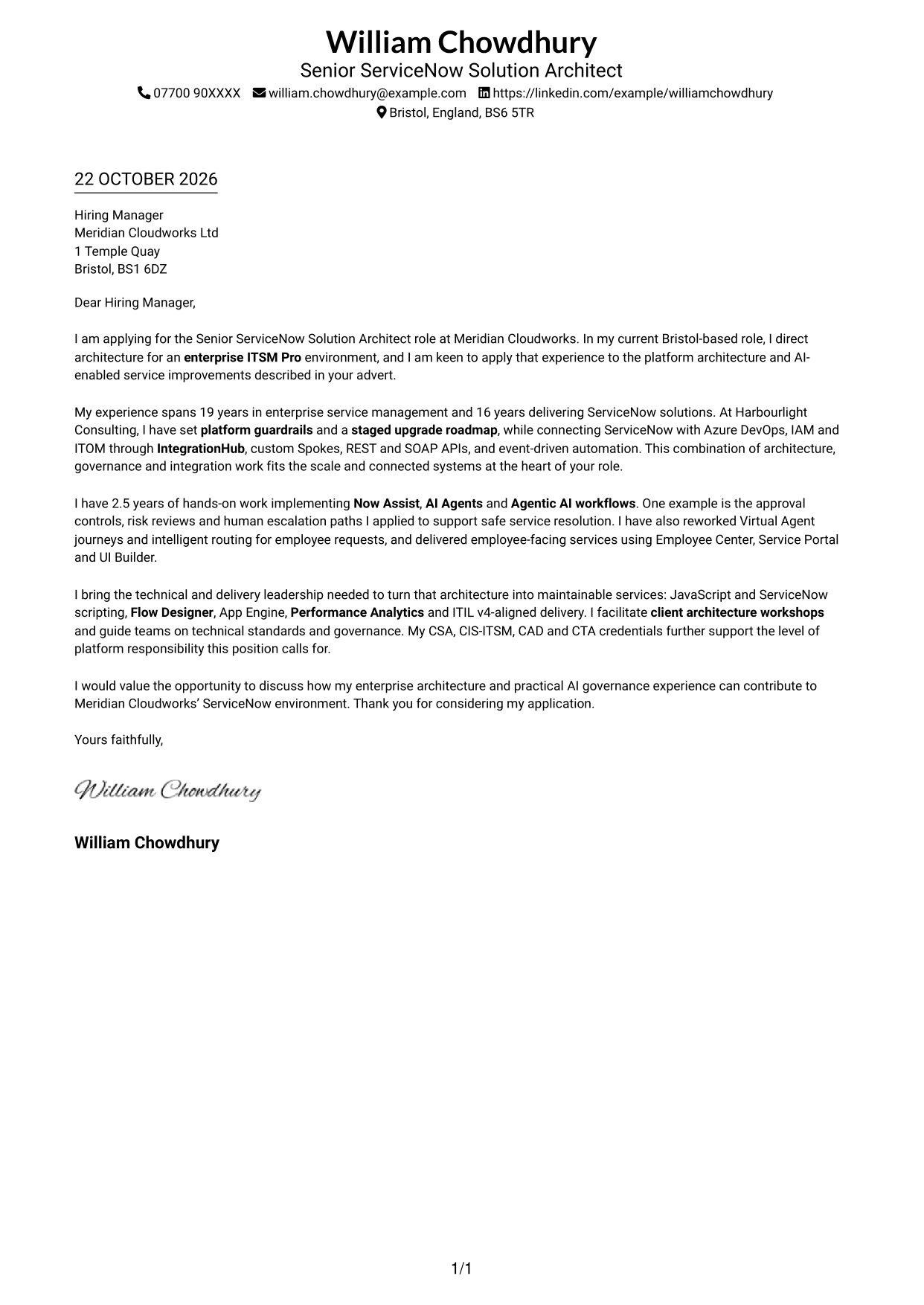
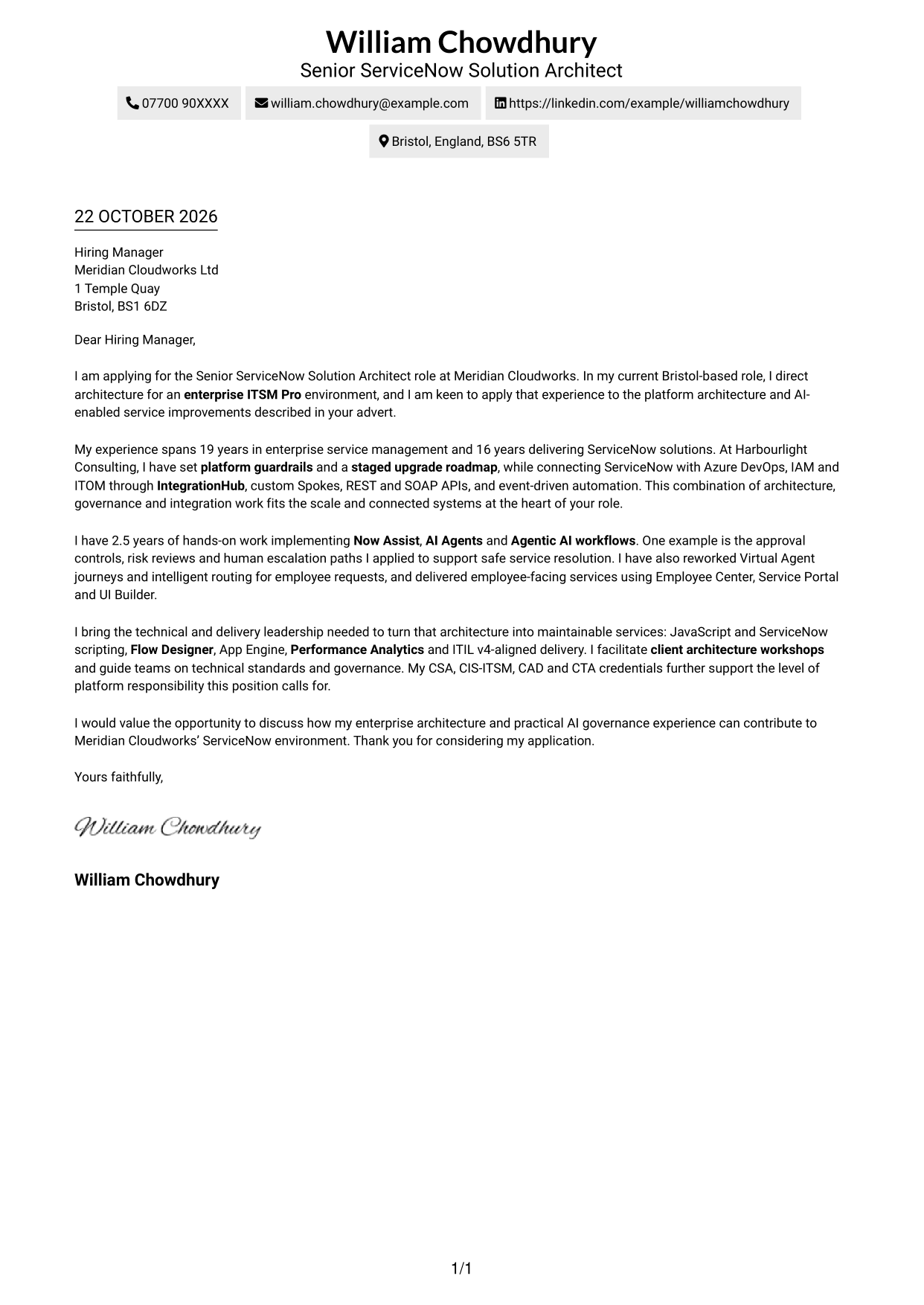
#1 Simple One Column Format Cover Letter Example
Sender details sit in the header above one continuous letter column, giving the message a direct reading path.
Why This Format Works
- Sender details stay in the header, leaving the letter body as one clear column.
- Continuous paragraphs let reviewers follow motivation, evidence and the closing in order.
- A single reading path suits letters where direct, connected persuasion matters.
Best For
- Single-column letter layouts
- Header-based contact details
- Direct, continuous correspondence
- Text-led applications
- Letters with a clear opening and close
#2 Two Column Format Cover Letter Example
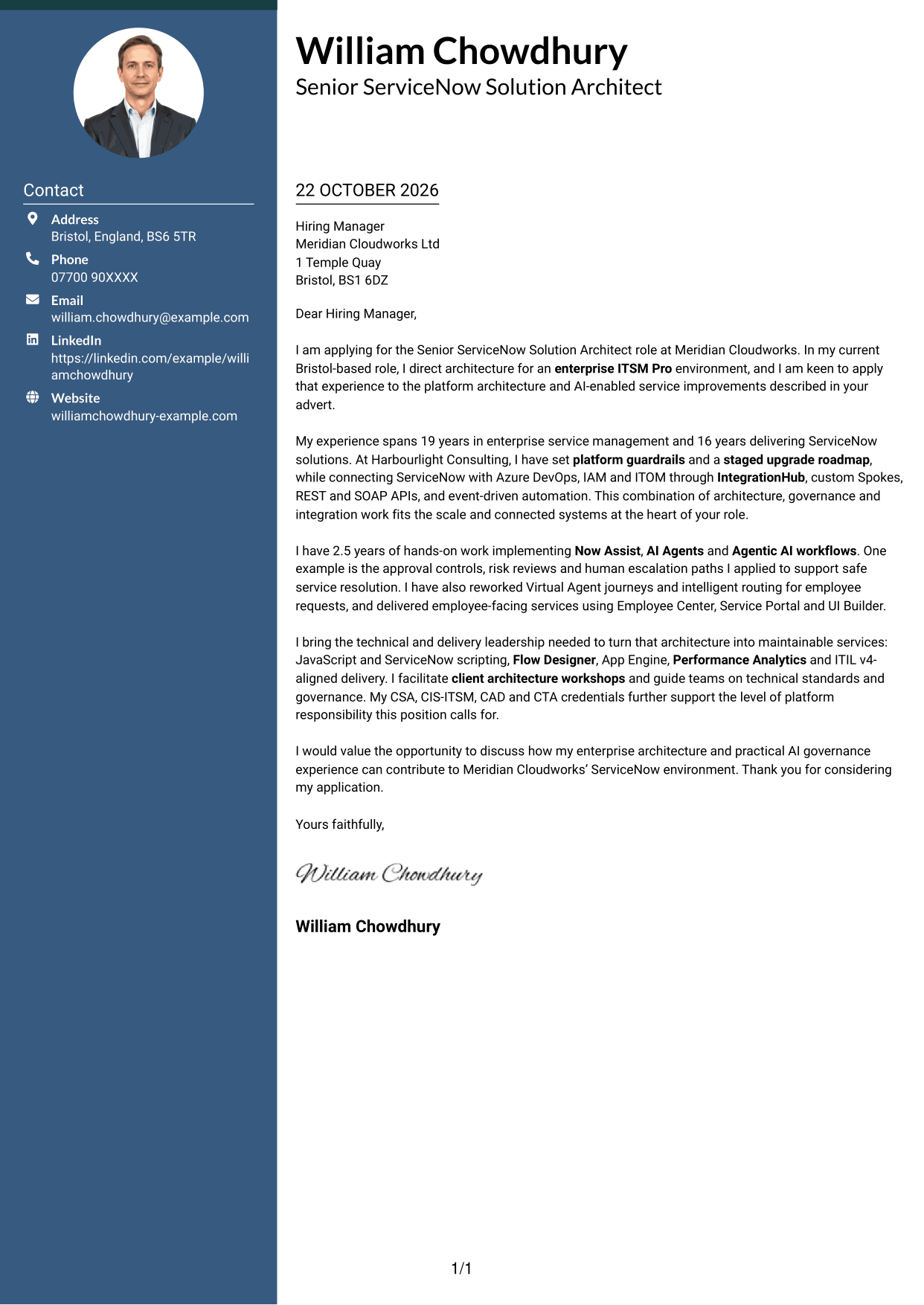
A contact sidebar sits beside one continuous letter body, keeping essential details separate from the message.
Why This Format Works
- Contact details sit apart, giving reviewers a clear place to find them.
- One continuous body keeps the opening, evidence and close in a natural reading order.
- The two areas distinguish correspondence details from the persuasive message.
Best For
- Separate contact and letter areas
- Continuous argument paragraphs
- Easy access to sender details
- Letters with several supporting points
- Readers who prefer a clear reading order
#3 Photo Header Two Column Format Cover Letter Example
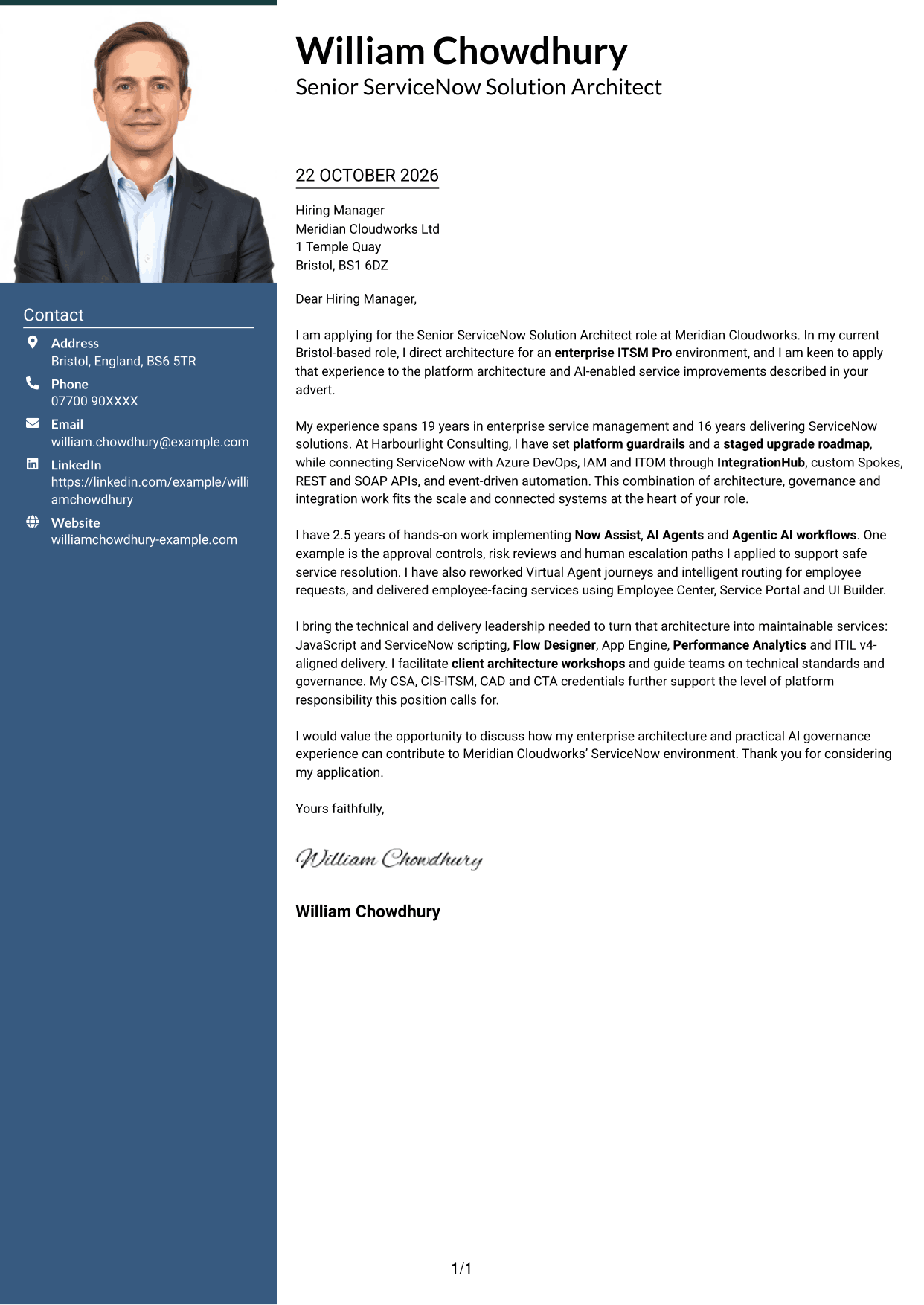
A contact sidebar and continuous letter body share the page, with a photo for readers who prefer a personal visual element.
Why This Format Works
- The sidebar keeps contact details distinct from the letter’s persuasive paragraphs.
- A continuous body lets reviewers follow the message from opening to close.
- The photo offers a visual point of recognition without interrupting the letter.
Best For
- Contact details beside the letter
- A continuous persuasive message
- Applications with a photo
- Readers who value a visual identifier
- Letters with several linked points
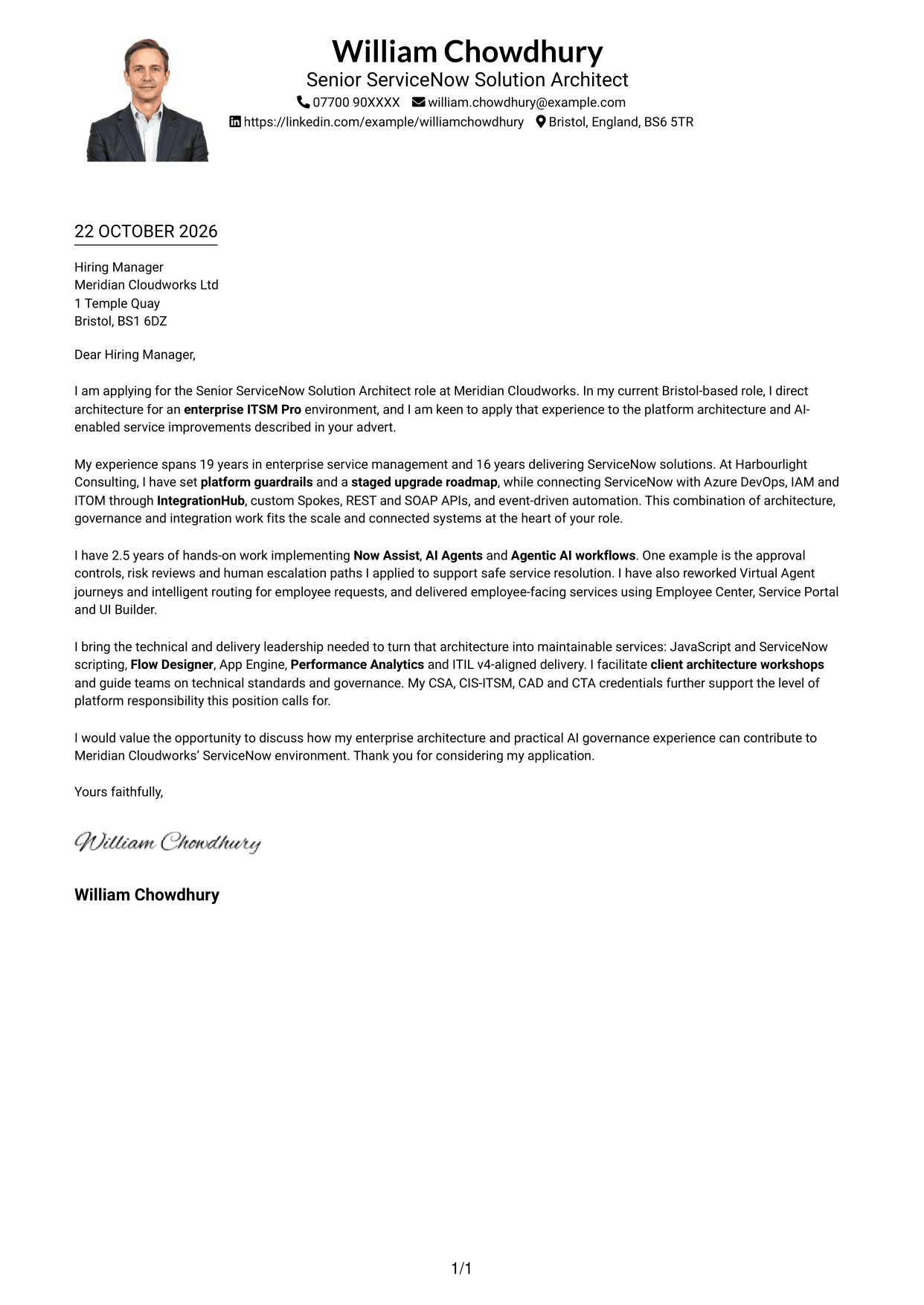
#4 One Column Format with Photo Cover Letter Example
Sender details appear in the header above a single letter column, with a photo for a personal visual touch.
Why This Format Works
- The header keeps sender details together before the letter begins.
- One column gives the opening, supporting points and close a straightforward reading order.
- The photo adds a visual element while the argument remains in continuous paragraphs.
Best For
- Single-column correspondence
- Header-based sender information
- Applications with a photo
- A direct opening-to-close message
- Readers who prefer a personal visual touch
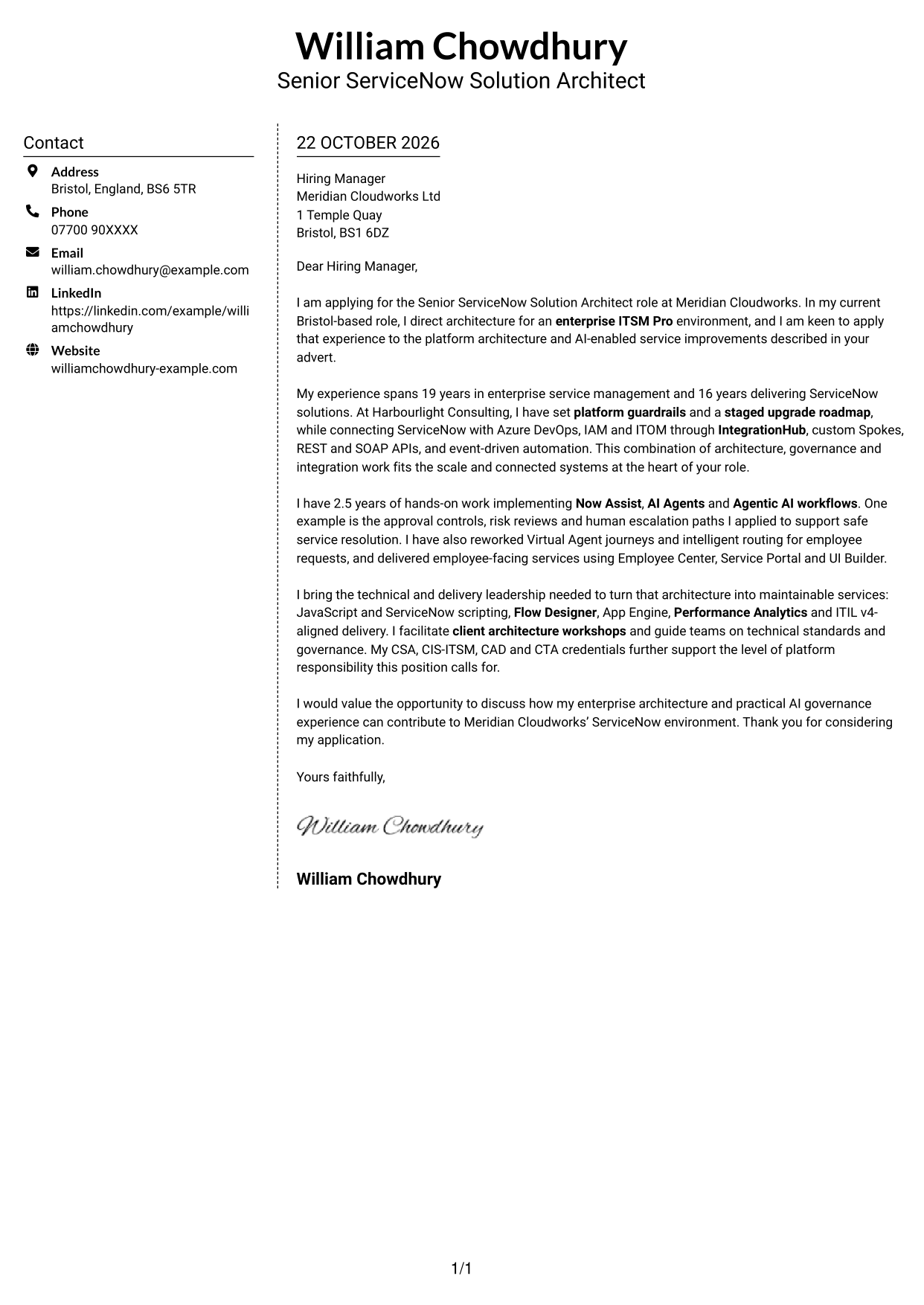
#5 Simple Two Column Format Cover Letter Example
The contact sidebar sits alongside a continuous letter body, giving each area a clear place on the page.
Why This Format Works
- The sidebar gathers contact information away from the letter’s message.
- Reviewers can follow the continuous body without switching between argument columns.
- A clear division keeps correspondence details from being mistaken for letter content.
Best For
- Contact information set apart
- One continuous letter argument
- Distinct correspondence and message areas
- Applications with connected evidence
- Readers seeking a clear page structure
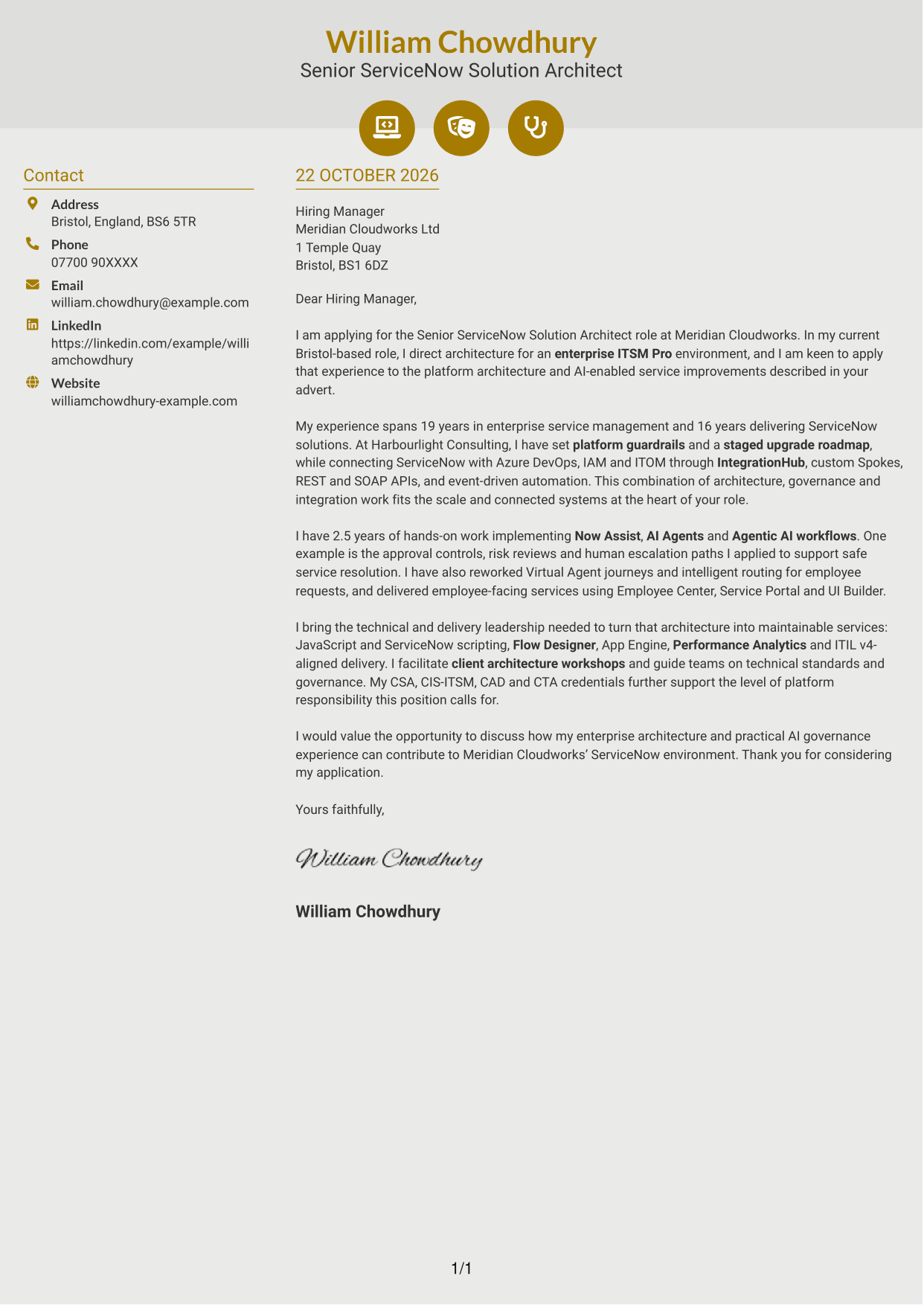
#6 Modern Icon Format Cover Letter Example
A contact sidebar and one continuous letter body form the two-column layout, with icons used for contact cues or header decoration.
Why This Format Works
- Icons help identify contact details, not the letter’s argument or evidence.
- The separate sidebar keeps sender information outside the continuous message.
- Reviewers can read the letter from its opening through to its close.
Best For
- Icon cues for contact details
- Separate contact and letter areas
- Continuous persuasive correspondence
- Readers who prefer visual contact markers
- Letters with an ordered argument
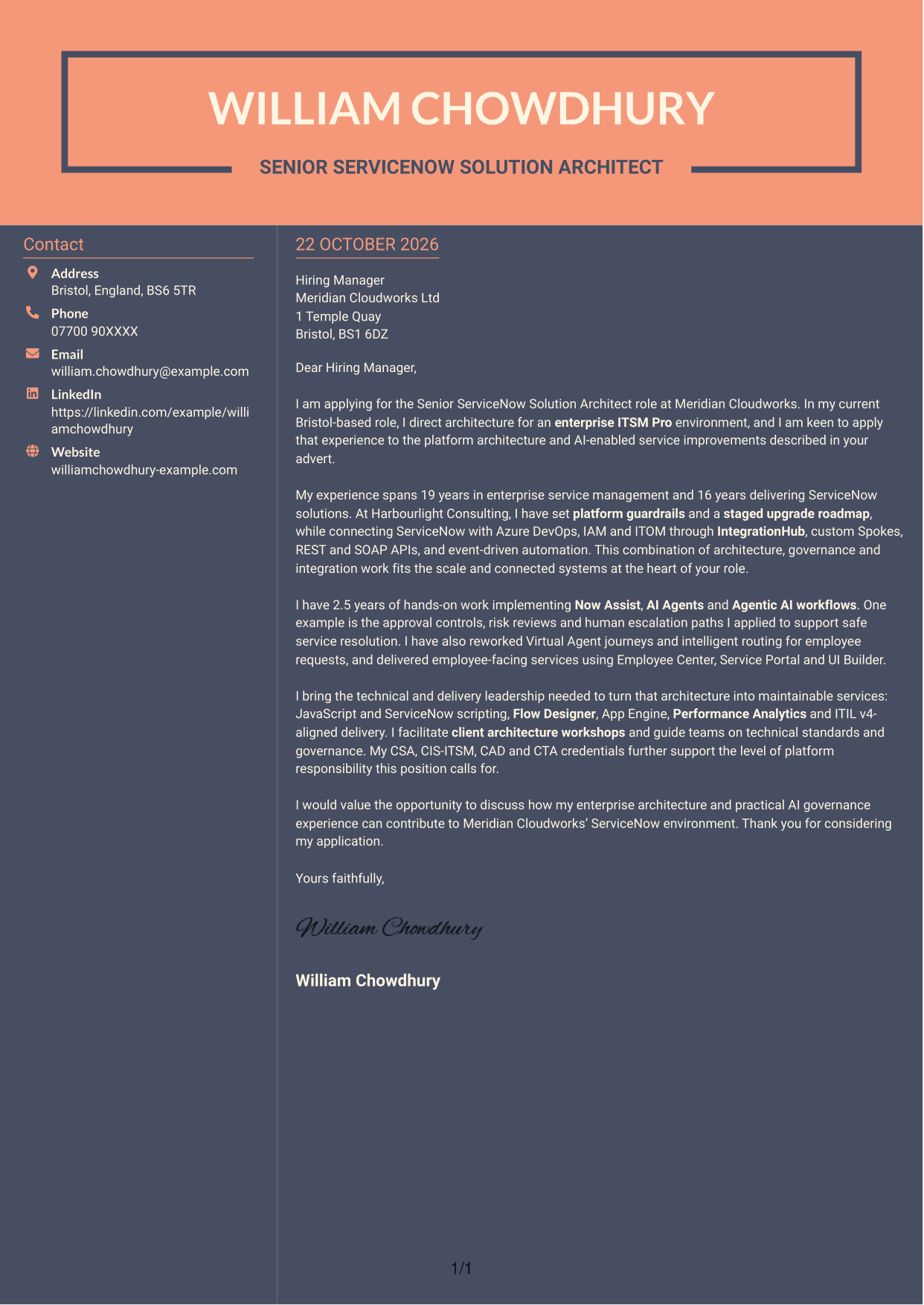
#7 Creative Two Tone Format Cover Letter Example
The two-column layout places a contact sidebar beside one continuous letter body, keeping the contact details distinct from the message.
Why This Format Works
- The contact sidebar gives sender information its own area beside the letter.
- A continuous body lets reviewers follow the message without parallel argument columns.
- The layout keeps the opening, supporting points and close in one reading sequence.
Best For
- Sidebar contact information
- A single, connected letter message
- Clear separation of details and correspondence
- Letters with a step-by-step case
- Readers who prefer a two-column page
See Also
- 7 Senior ServiceNow Solution Architect - AI and Workflow Automation CV Templates with Example
- 7 ServiceNow HRSD Solution Architect CV Templates with Example
- 7 AI Solution Architect - Agentic AI CV Templates with Example
- 7 Commercial SAP Solution Architect CV Templates with Example
- 7 Data & Analytics Solution Architect - Cloud Data Platforms CV Templates with Example
- 7 Data Protection Solution Architect CV Templates with Example
- 7 Data & Solution Architect - Defence CV Templates with Example
- 7 Data Solution Architect - Reinsurance CV Templates with Example
- 7 ServiceNow HRSD Solution Architect Cover Letter Templates with Example
- 7 AI Solution Architect - Agentic AI Cover Letter Templates with Example
Frequently Asked Questions
What should a Senior ServiceNow Solution Architect - AI and Workflow Automation cover letter highlight?
Show how your architecture decisions support a scalable ServiceNow platform and useful employee services. Include relevant evidence of AI-enabled workflows, governance, integrations and delivery leadership.
How can I show my fit for this ServiceNow role?
Choose specific examples that show your actions and their purpose. You could explain how you set platform guardrails, connected systems through IntegrationHub, or used approval controls and human escalation paths in AI workflows.
How should I discuss AI and workflow automation in my letter?
Be clear about your direct contribution. Explain how you designed or implemented tools such as Now Assist, AI Agents or Virtual Agent, and describe the governance or risk controls that supported safe use.
How should I structure this cover letter?
Open by naming the role and your reason for applying. Use the body to connect architecture, AI and delivery examples to the position, then close by restating your interest and inviting a discussion.
Should I include every ServiceNow skill and credential?
No. Select the skills and credentials that best support your case for this position. Explain the value of a few relevant examples instead of adding a long list.




