
7 Service Administrator - Ophthalmology Patient Administration Cover Letter Templates with Example
This practical guide helps you create a Service Administrator - Ophthalmology Patient Administration cover letter, with seven layouts to compare and guidance on showing your fit for the role.
What Makes a Great Service Administrator - Ophthalmology Patient Administration Cover Letter in 2026
A strong letter quickly shows your interest in ophthalmology patient administration and your ability to support appointments, waiting lists and clear patient communication.
Use specific evidence, such as checking clinic correspondence, managing enquiries or flagging waiting-list follow-up. Link your examples to the Trust’s need for accurate, considerate support for patients and clinical teams.
The featured example moves from interest in the ophthalmology service to relevant booking and communication experience, then closes with a clear statement of interest; adapt this focused progression while choosing a presentation suited to the employer and communication context.
#1 Simple One Column Format Cover Letter Example
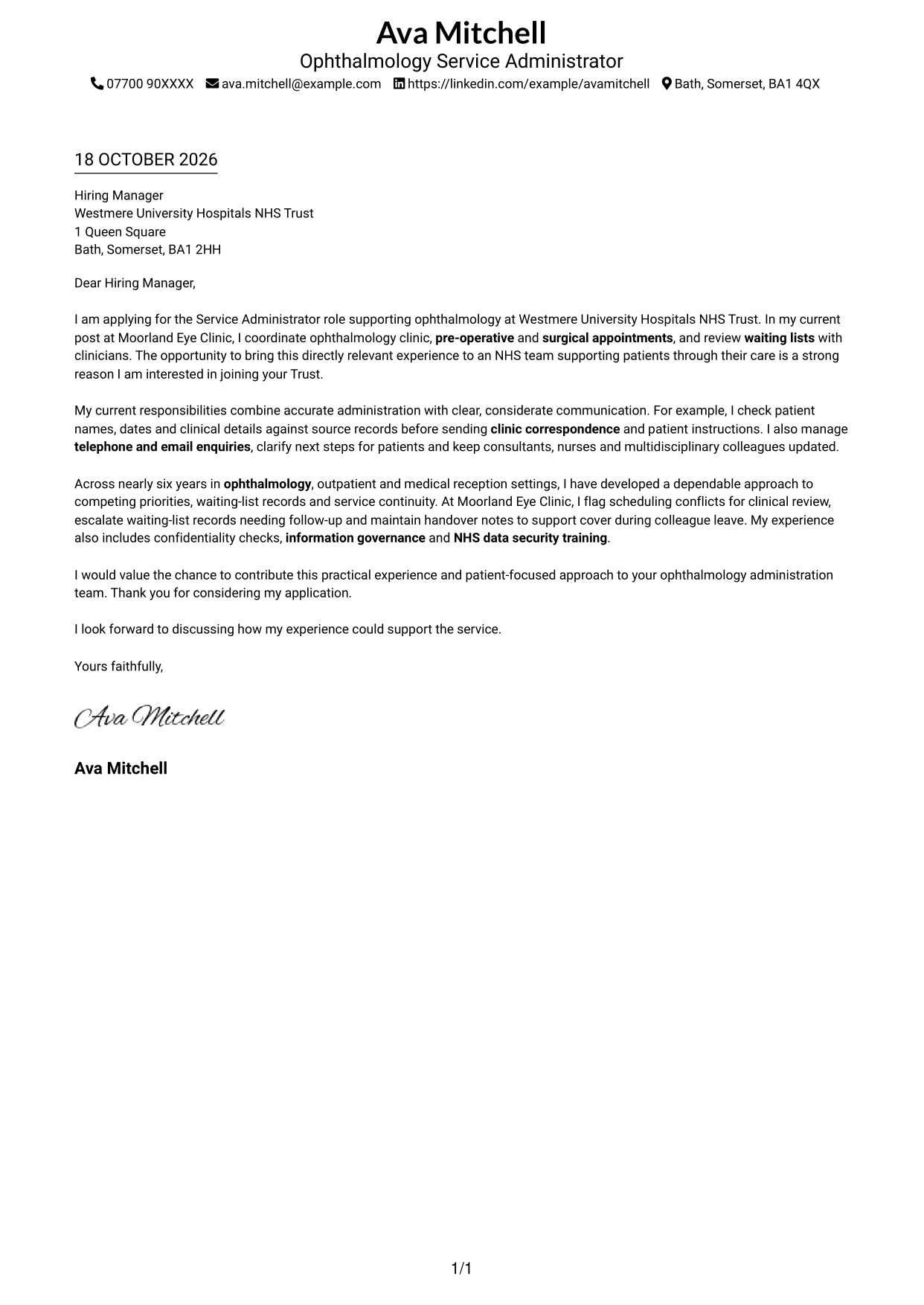
The Simple One Column Format keeps sender details in the header and the letter body in one column, giving the application a direct reading path.
Why This Format Works
- One body column carries the opening, evidence and close in a steady reading order.
- Sender details stay in the header, separate from the letter's main message.
- Without body headings, the paragraphs make the case through a continuous message.
Best For
- Single-column correspondence
- Header-based sender details
- Direct opening-to-close flow
- Applications with linked evidence
- No-sidebar page preference
#2 Two Column Format Cover Letter Example
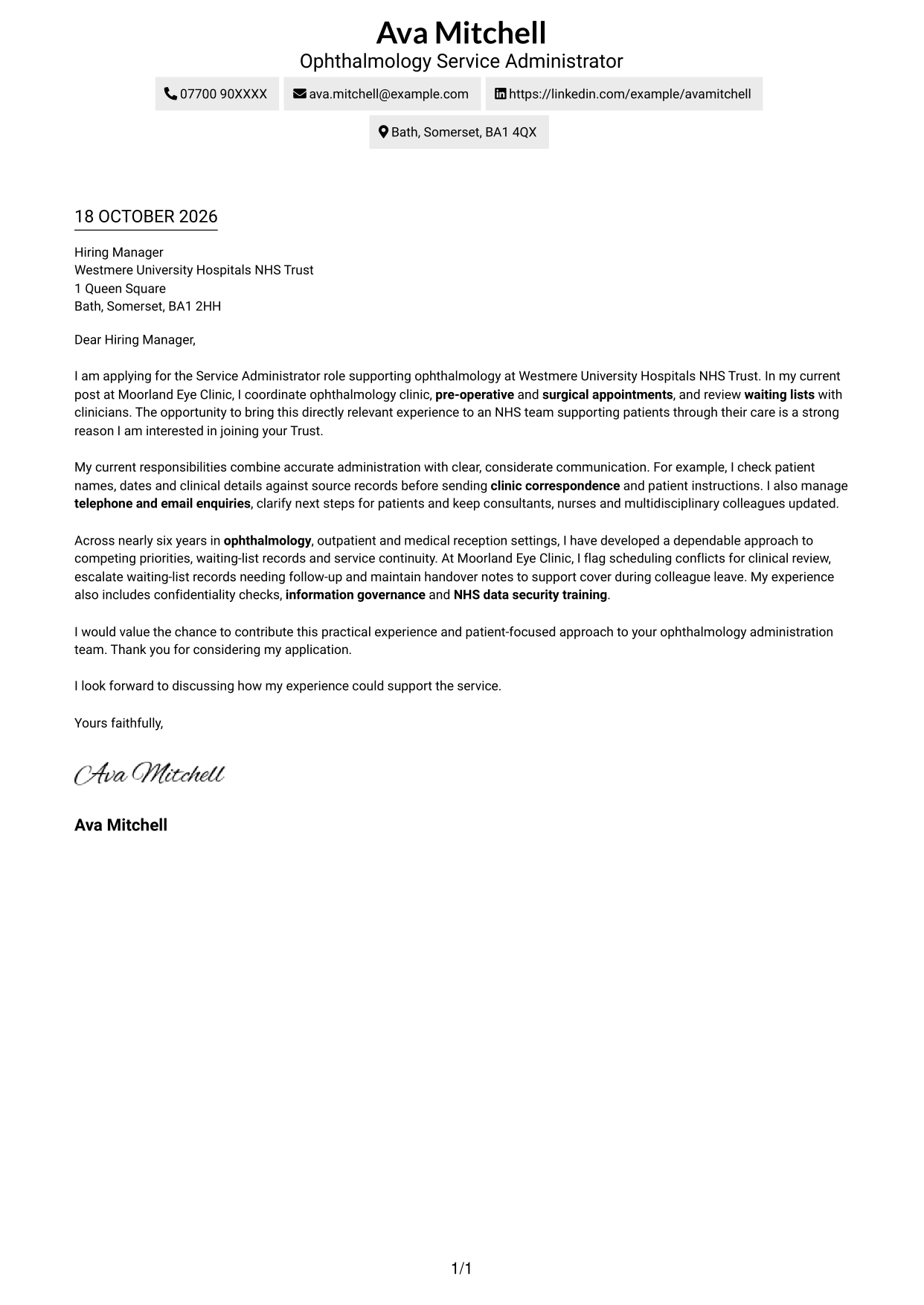
The Two Column Format places contact details in a sidebar beside one continuous letter body, keeping the sender information distinct from the application message.
Why This Format Works
- Contact details sit apart from the single-column letter body for quick reference.
- The argument remains in one body column, rather than splitting across panels.
- Readers can follow motivation and supporting evidence in their original sequence.
Best For
- Distinct contact and message areas
- One-column letter body
- At-a-glance sender details
- Applications with connected evidence
- Two-column page preference
#3 Photo Header Two Column Format Cover Letter Example
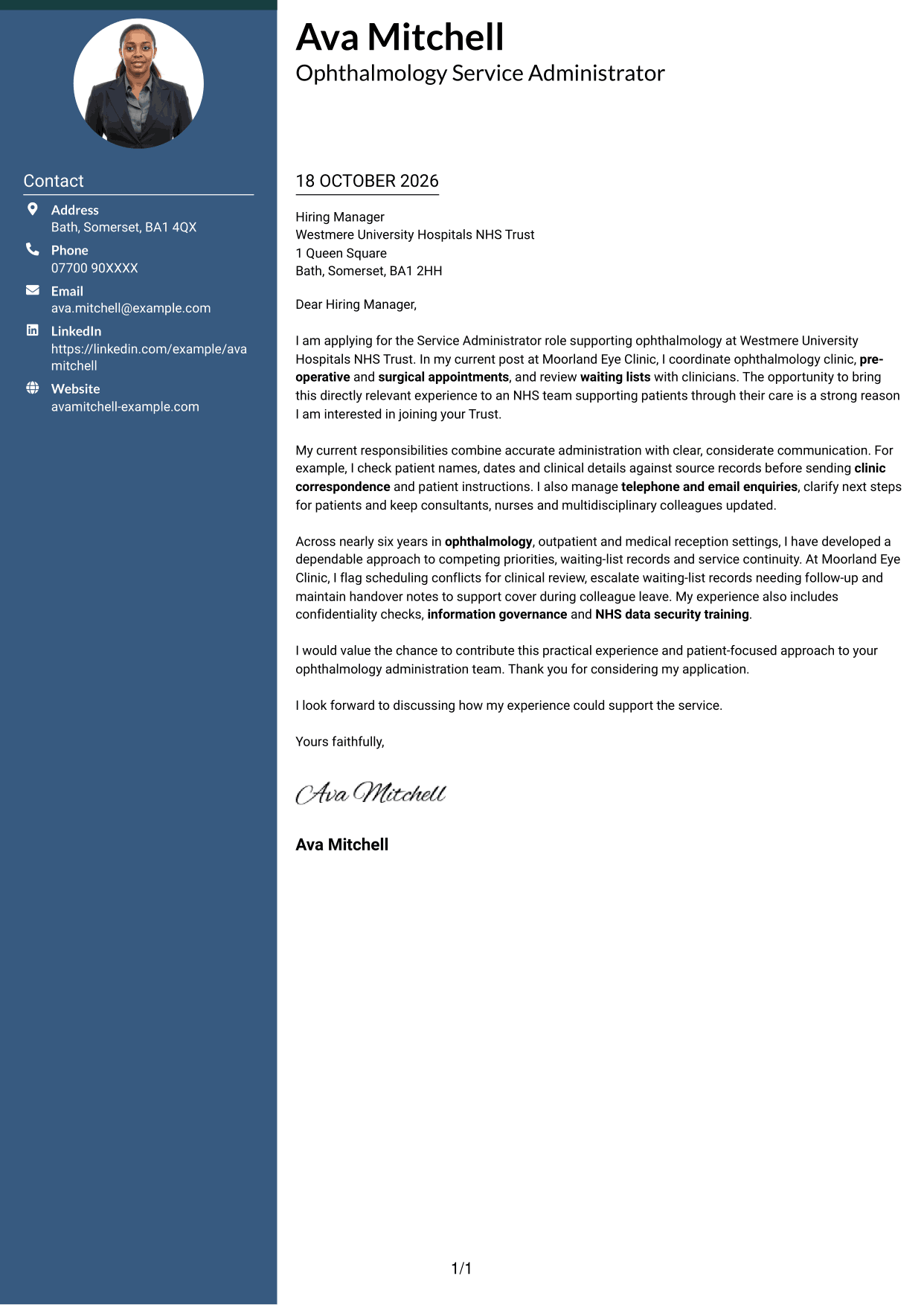
The Photo Header Two Column Format pairs a photo in the header with a contact sidebar and one continuous letter body, giving the sender a clear visual introduction.
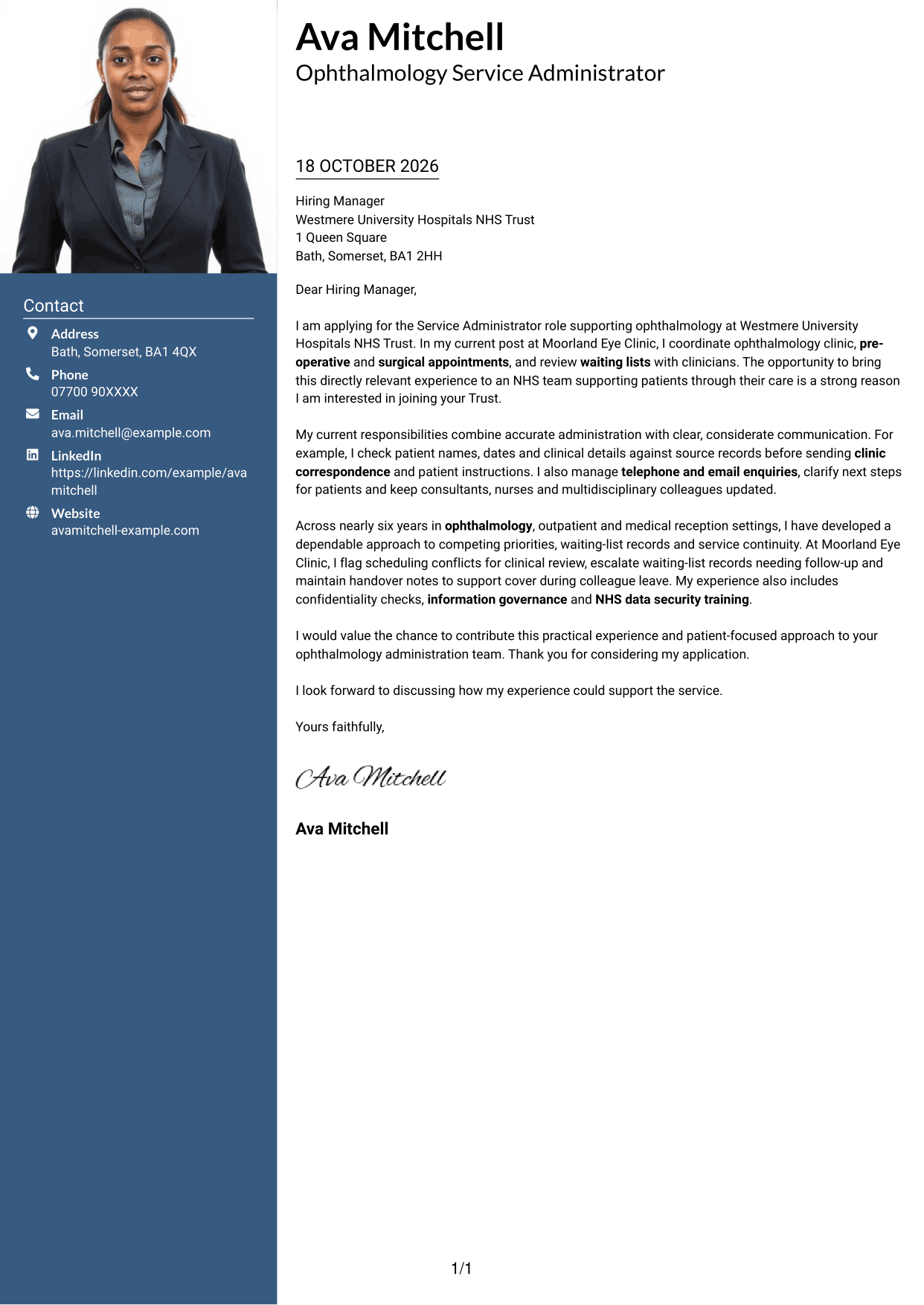
Why This Format Works
- The header photo adds a visual point of identification before the letter text.
- A separate contact sidebar keeps sender details apart from the message.
- The letter body stays in one column, preserving a clear paragraph sequence.
Best For
- Photo-led header preference
- Contact sidebar layouts
- One-column letter arguments
- Applications with a personal introduction
- Separate sender details
#4 One Column Format with Photo Cover Letter Example
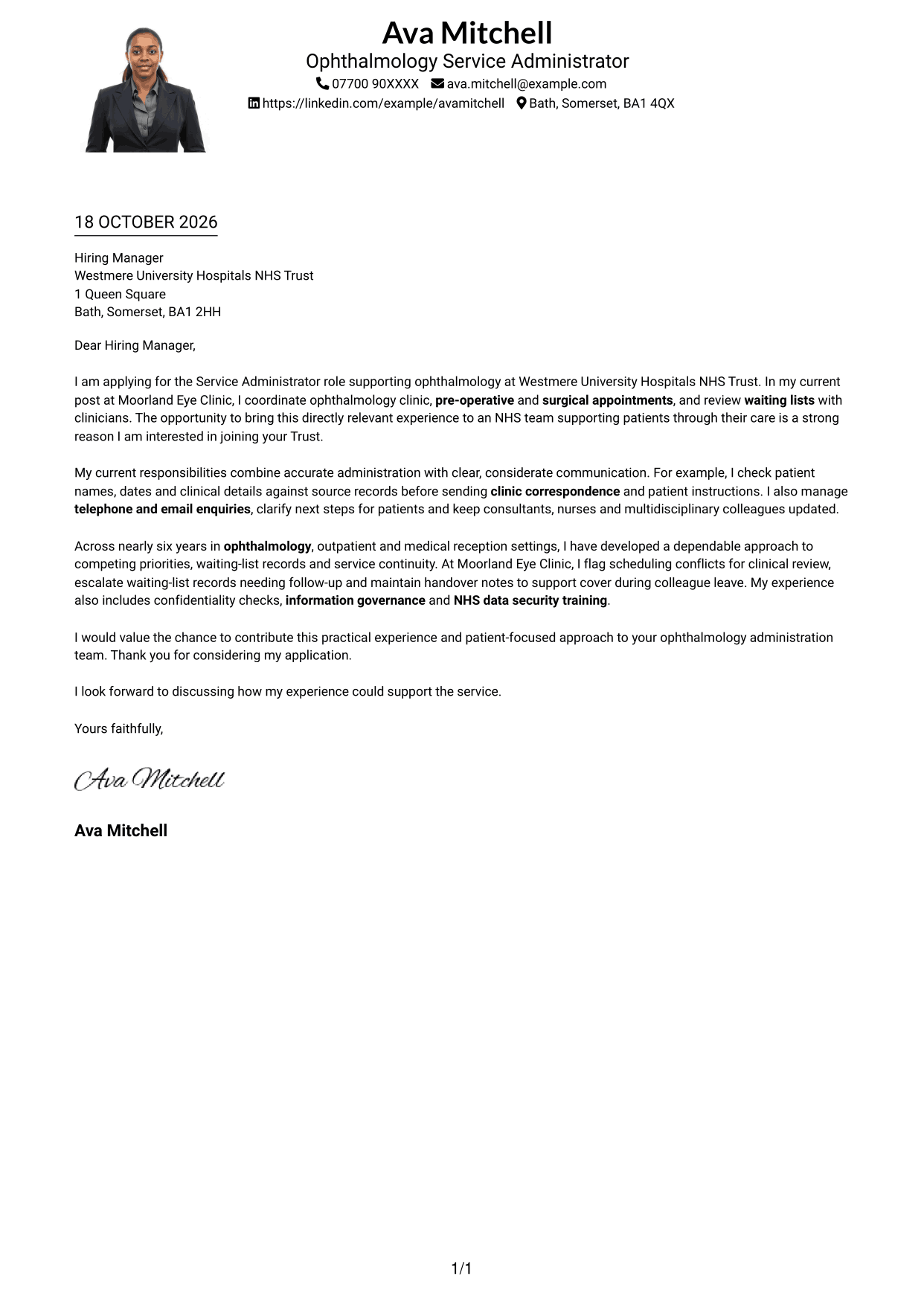
The One Column Format with Photo combines a portrait with a single letter column, keeping the message in a direct reading path while adding a visual sender cue.
Why This Format Works
- A single body column lets the opening, evidence and closing follow one another.
- The portrait offers a visual introduction without dividing the letter text.
- Sender details remain in the header, away from the main message.
Best For
- Single-column letter layouts
- Portrait-inclusive correspondence
- Header-based contact details
- Applications with a clear central message
- Uninterrupted paragraph flow
#5 Simple Two Column Format Cover Letter Example
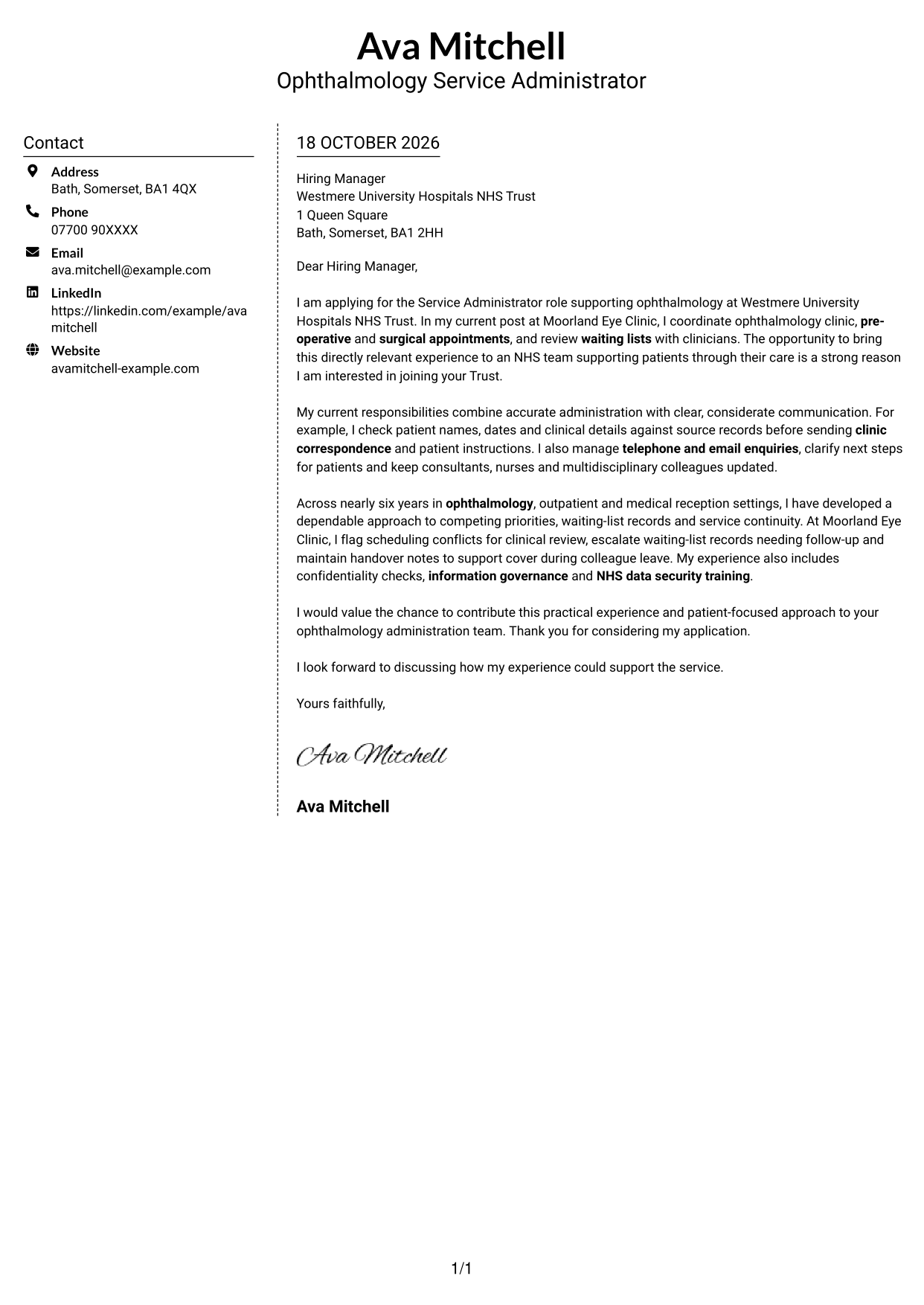
The Simple Two Column Format sets a contact sidebar beside one continuous letter body, giving sender details their own space without dividing the message.
Why This Format Works
- A dedicated sidebar makes sender information easy to locate beside the letter.
- The body remains a single column, so the message reads in sequence.
- Contact details and persuasive paragraphs have distinct areas on the page.
Best For
- Separate contact and message areas
- Single-column letter text
- Fast access to sender information
- Applications with several supporting points
- Simple two-column organisation
#6 Modern Icon Format Cover Letter Example
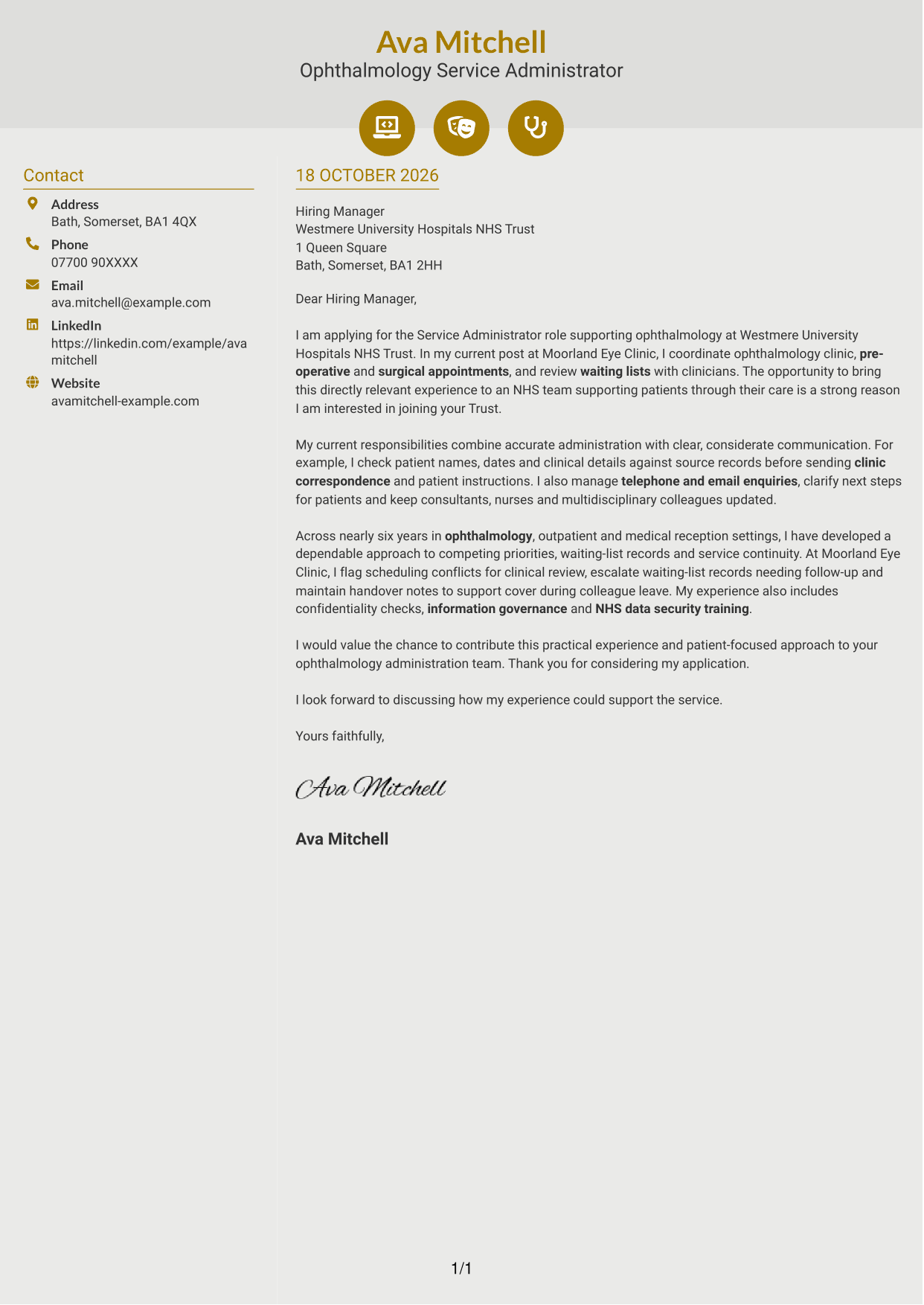
The Modern Icon Format uses two columns, with contact cues in the sidebar and the full letter in one body column, keeping the icons focused on sender details.
Why This Format Works
- Contact icons help readers identify sender details without labelling letter arguments.
- The sidebar sits apart from the continuous body of the message.
- One body column keeps the letter's paragraphs in a clear reading order.
Best For
- Icon-led contact details
- Two-column page layouts
- Uninterrupted letter paragraphs
- Quick identification of sender information
- Applications with connected paragraphs
#7 Creative Two Tone Format Cover Letter Example
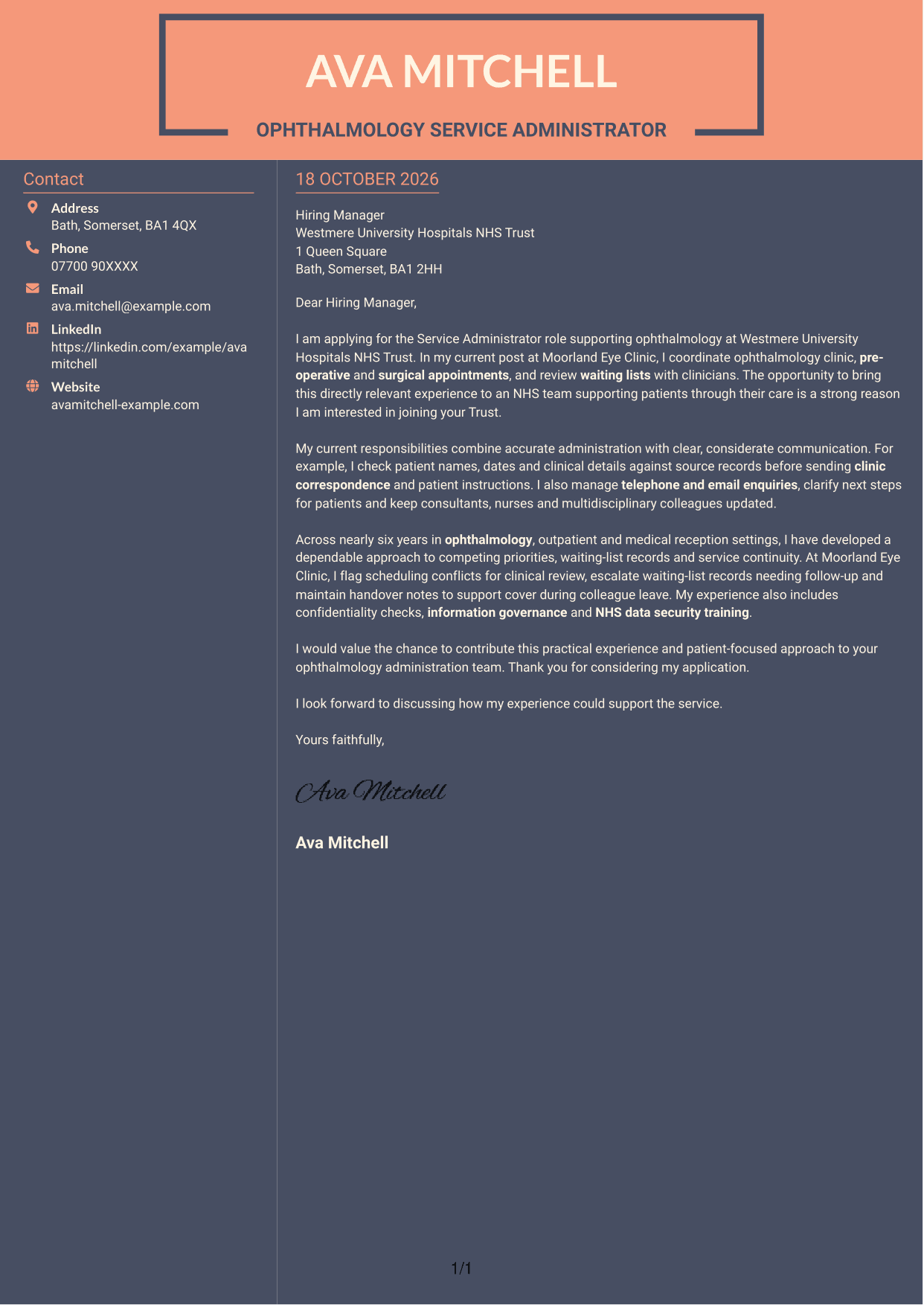
The Creative Two Tone Format places contact details in a sidebar beside one continuous letter body, separating sender information from the application message.
Why This Format Works
- The sidebar gives contact details a separate place beside the letter.
- A single body column keeps the argument together from opening to close.
- Readers can move through the supporting points in the order presented.
Best For
- Sidebar-based contact details
- One-column letter arguments
- Clear opening-to-close sequence
- Applications with linked evidence
- Two-column reading preference
See Also
- 7 Service Administrator - Ophthalmology Patient Administration CV Templates with Example
- 7 Clinical Administrator CV Templates with Example
- 7 Postgraduate Administrator - Admissions and Student Support CV Templates with Example
- 7 Research Grants Administrator - Post-Award Finance CV Templates with Example
- 7 Quantity Surveyor - Residential Construction CV Templates with Example
- 7 Senior Buying Manager - Fashion Retail CV Templates with Example
- 7 Head of Data & Analytics Retail CV Templates with Example
- 7 Machine Operative - Chilled Food Production CV Templates with Example
- 7 Clinical Administrator Cover Letter Templates with Example
- 7 Postgraduate Administrator - Admissions and Student Support Cover Letter Templates with Example
Frequently Asked Questions
What should a Service Administrator - Ophthalmology Patient Administration cover letter highlight?
Show how your experience supports ophthalmology appointments, pre-operative assessments, surgical bookings and waiting-list follow-up. Include evidence of accurate correspondence and considerate communication with patients and clinical colleagues.
How can I show that my experience fits this role?
Choose a clear example from healthcare administration or another relevant setting. Explain what you did, such as checking patient details before sending correspondence or managing booking enquiries, and how it helped keep the service organised.
How should I explain my interest in the Trust?
Give a genuine reason for wanting to support the Trust’s ophthalmology team and its patients. Link that reason to the work of the role, such as helping patients receive clear updates and supporting reliable clinic administration.
How should I structure this cover letter?
Open by naming the role and explaining your interest. Use the body to show relevant appointment, correspondence and patient communication experience, then close by restating your interest and welcoming a conversation.
Should I include every part of my work history?
No. Focus on the examples that best show your fit for ophthalmology patient administration. A few relevant details about appointments, waiting lists and communication can make your case clearer than a full account of every duty.




