
7 Service Administrator - Ophthalmology Patient Administration CV Templates with Example
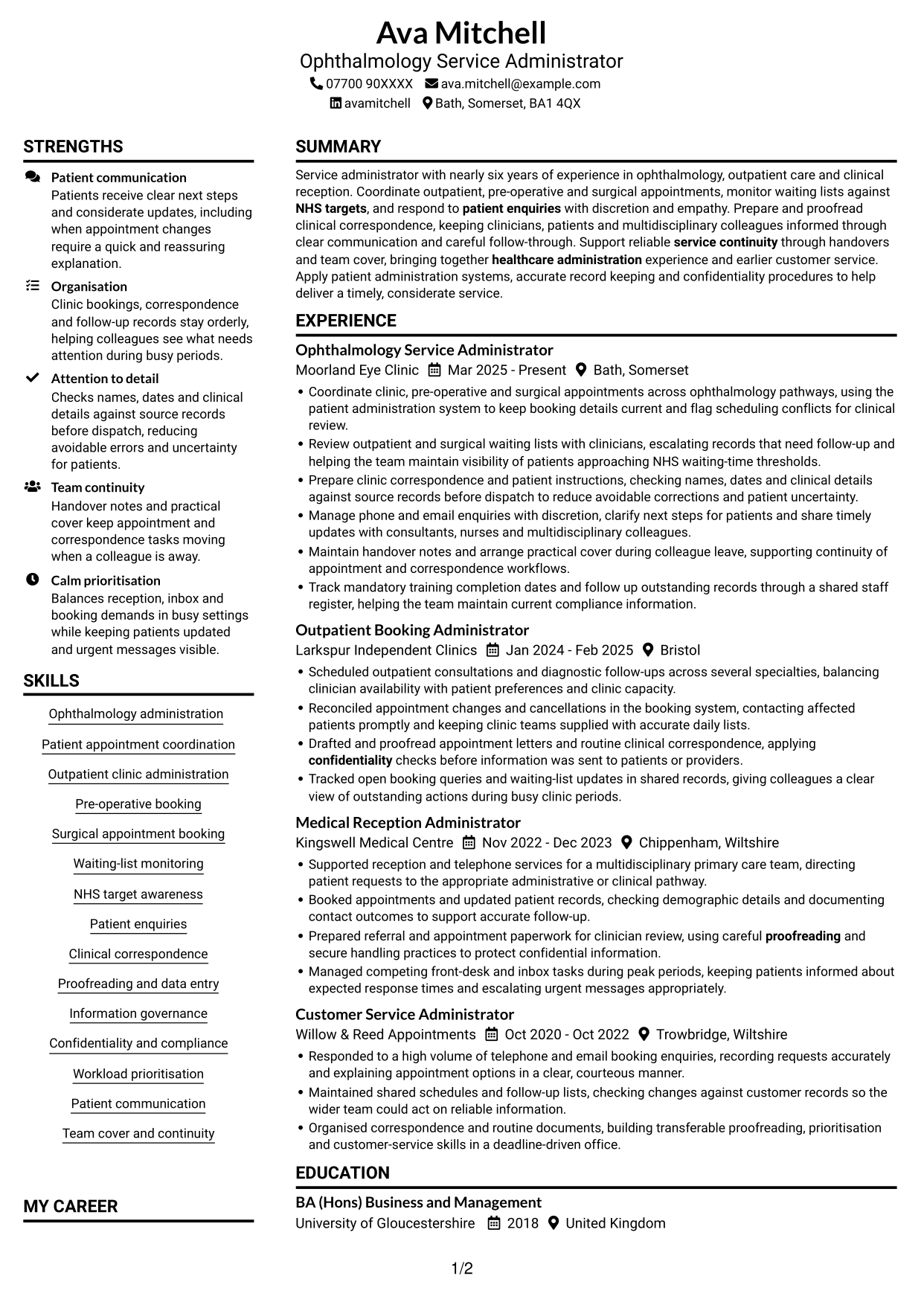
This guide shows you how to create a Service Administrator - Ophthalmology Patient Administration CV that is clear, focused and easy to review. It explains how to organise relevant evidence for this role and choose a format that helps readers find key details.
A strong CV for this work connects appointment coordination, waiting-list monitoring and patient communication with careful record keeping. Clear examples can also show how you prepare correspondence, support clinical teams and help maintain service continuity.
Compare the example in 7 layouts using the PNG image previews, then open a preferred version in the editor to customise it. The guide also covers ATS readability, useful CV sections and relevant terms such as outpatient clinics, pre-operative appointments, surgical bookings, confidentiality and NHS waiting-time targets.
What Makes a Great Service Administrator - Ophthalmology Patient Administration CV in 2026
A strong CV makes appointment work, patient communication and clinical administration easy to scan. Use clear examples to show accuracy, organisation and reliable support for the ophthalmology team.
Include relevant terms such as outpatient appointments, waiting-list monitoring, clinical correspondence, patient administration systems and confidentiality. Add figures only when you can support them.
Note: CV examples are for educational purposes only. Use only information that accurately reflects your experience and qualifications. References to real organisations do not imply affiliation or endorsement.
#1 Plain Two Column Format CV Example
The Plain Two Column Format uses two body columns, giving CV sections separate space while keeping a clear reading order for recruiters.
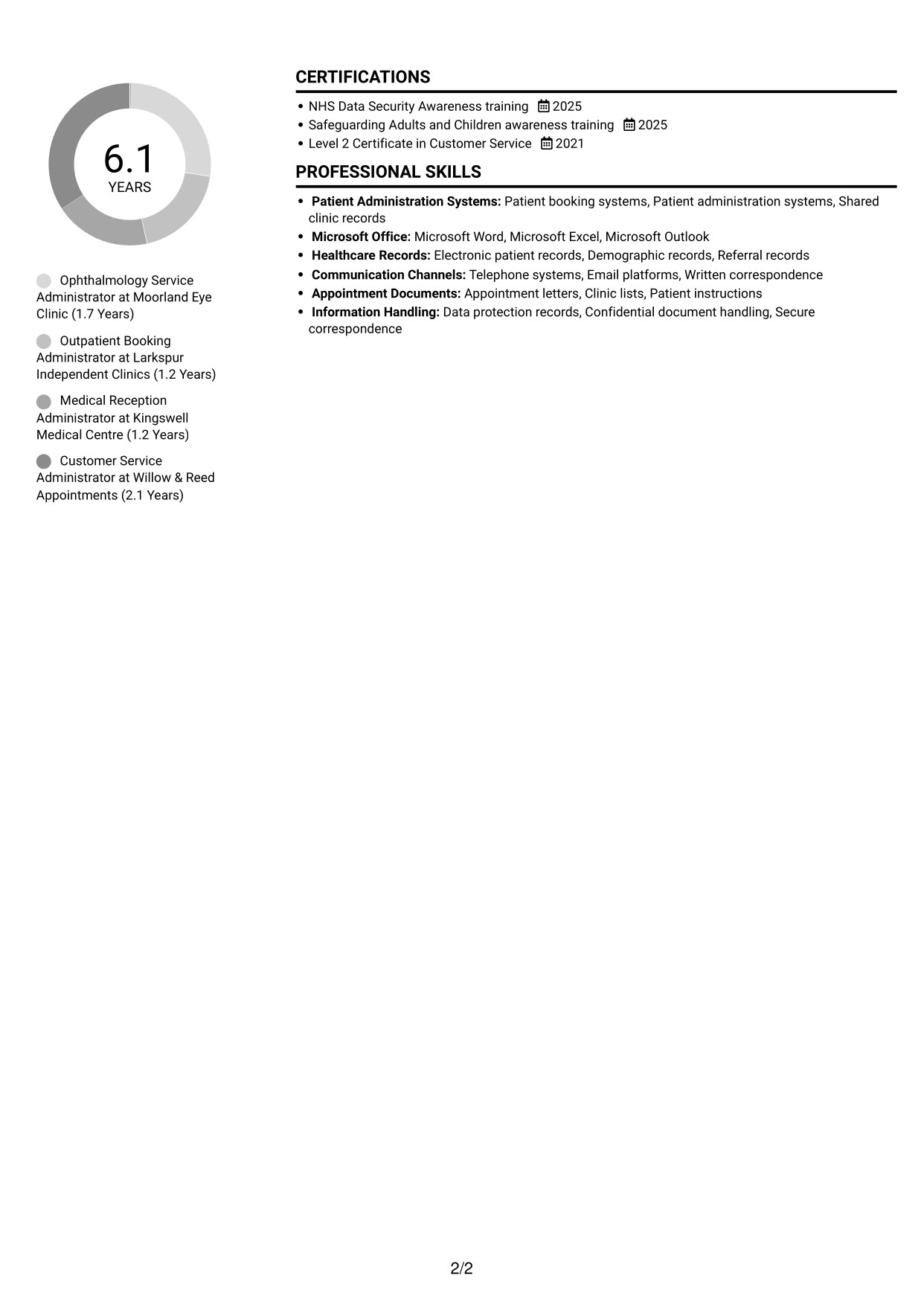
CV Snapshot
- Nearly six years across ophthalmology, outpatient care and clinical reception
- Coordinates outpatient, pre-operative and surgical appointments
- Monitors waiting lists against NHS targets and prepares clinical correspondence
- BA (Hons) Business and Management, with data security, safeguarding and customer service training
Why This Format Works
- Two body columns give career history and supporting sections distinct space.
- A clear reading order helps reviewers follow roles from current to earlier work.
- Education and training details remain easy to find alongside experience.
Best For
- Two-column reading preference
- CVs with several supporting sections
- Quick movement between section groups
- Text-led applications without a photo
- Career histories with clear role progression
CV Keywords
- Ophthalmology administration
- Patient appointment coordination
- Outpatient clinic administration
- NHS targets
- Patient enquiries
- Proofreading
- healthcare administration
- Organisation
- Workload prioritisation
- Attention to detail
- Patient communication
- Confidentiality
- service continuity
- Team cover
#2 Simple One Column Format CV Example
The Simple One Column Format presents the CV body in one continuous column, a practical choice for readers who prefer a direct route through each section.
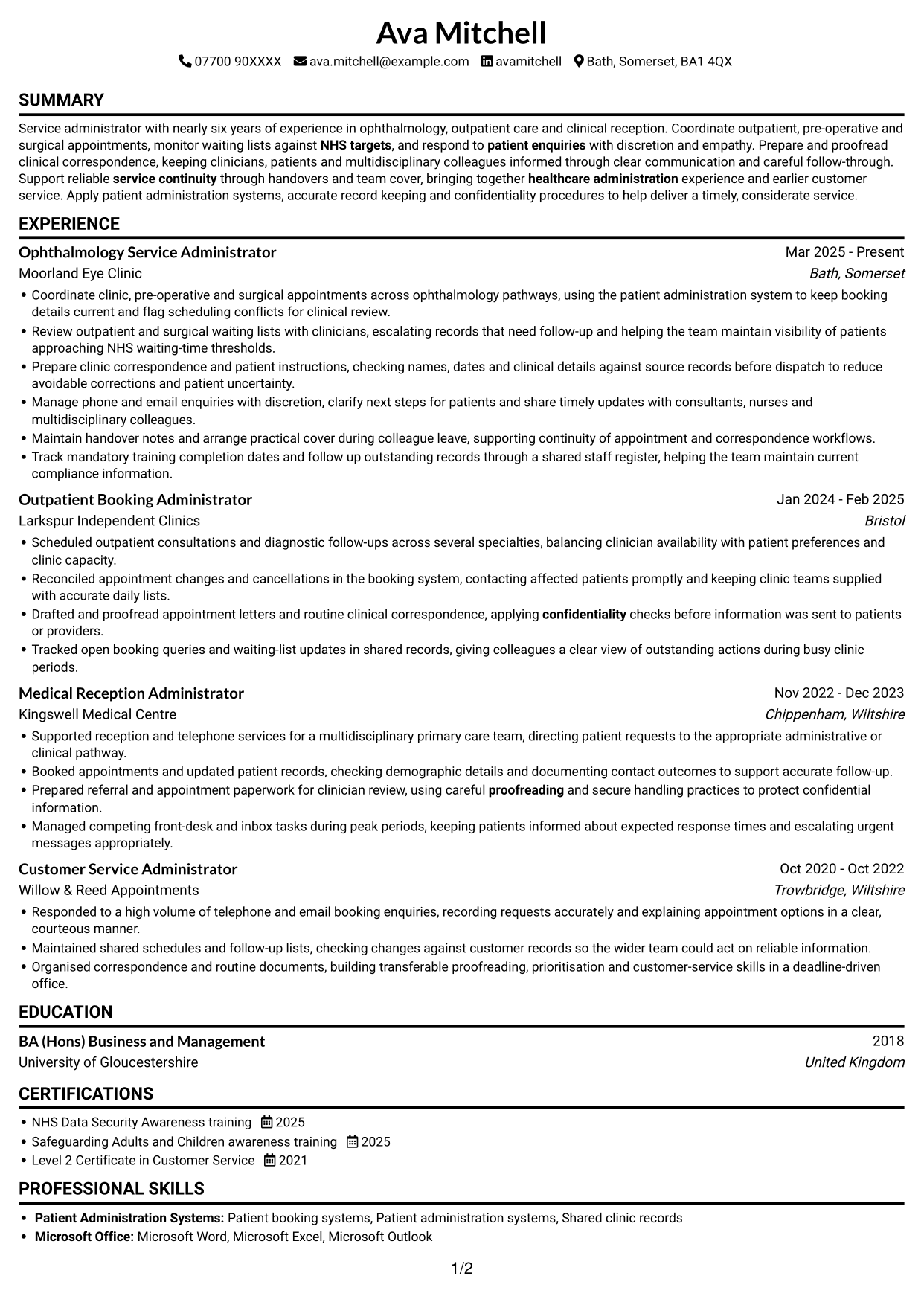

Why This Format Works
- One continuous column gives career history a direct top-to-bottom reading path.
- Consistent section flow helps reviewers compare roles and dates in sequence.
- Skills, education and credentials can be reviewed without a side column.
Best For
- Single-column reading preference
- Chronological work histories
- CVs with several sections
- Direct section-by-section review
- Text-led application documents
#3 Clean Two Column Sidebar Format CV Example
The Clean Two Column Sidebar Format separates the CV body into two columns, a useful option when readers want the main work record and supporting sections set apart.
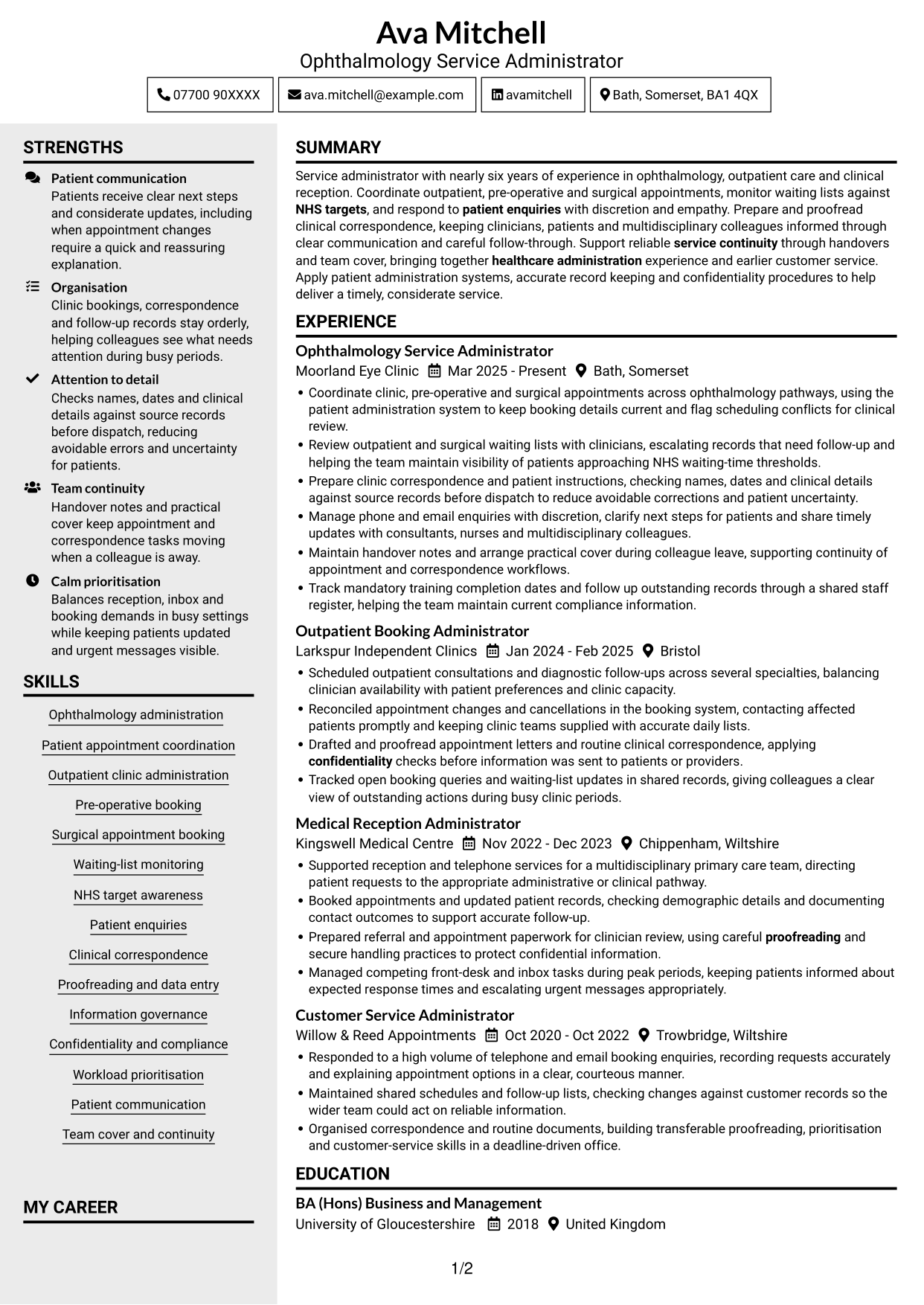
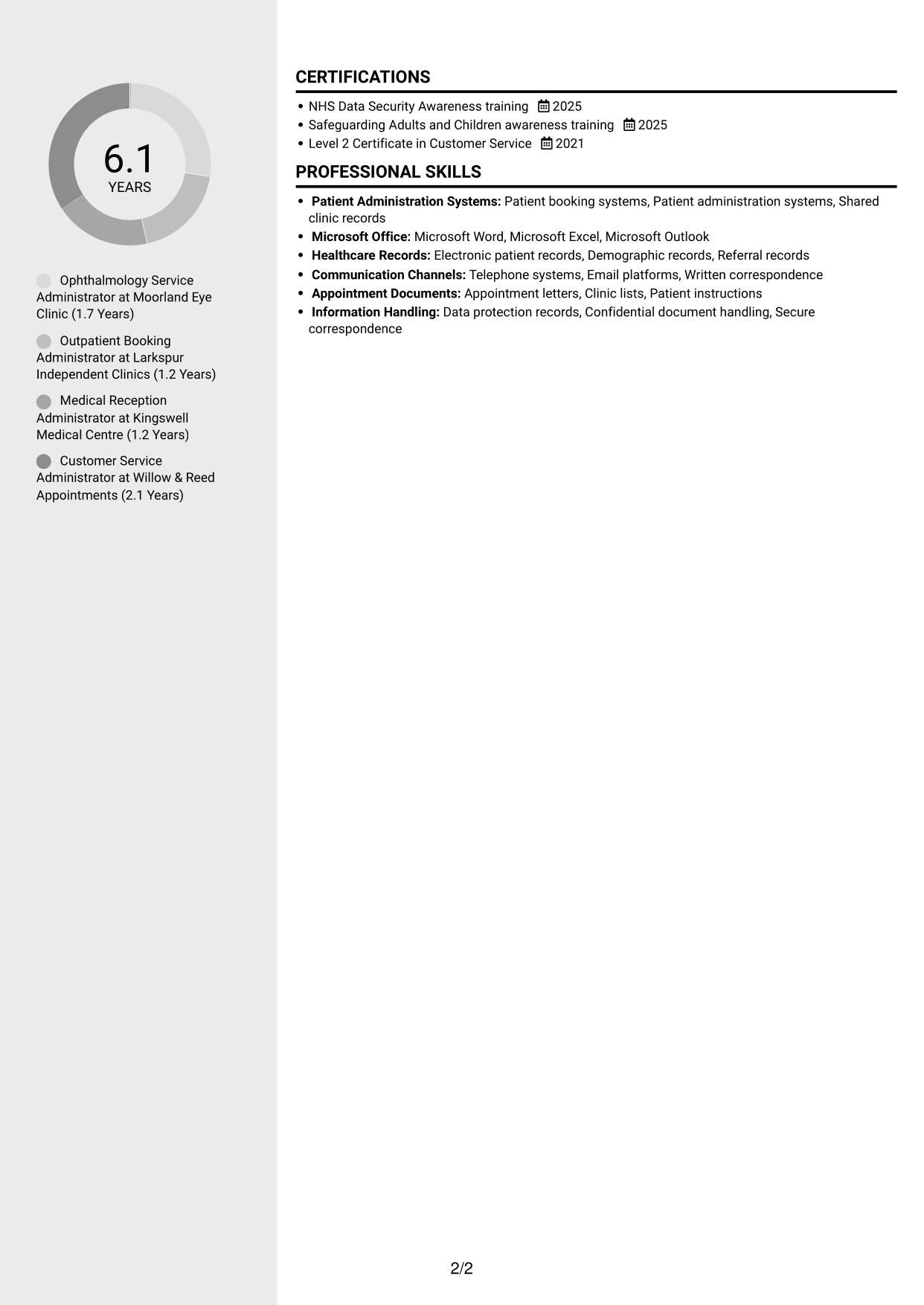
Why This Format Works
- Two body columns give the career record and supporting sections separate areas.
- The sidebar offers reviewers another route to locate key sections.
- A clean reading order keeps role details clear beside education and credentials.
Best For
- Two-column CVs with a sidebar
- Career history beside supporting sections
- Readers who use section groups
- CVs with varied information types
- Separate areas for education and credentials
#4 Two Column Format CV Example
The Two Column Format arranges the CV body in two columns, helping readers move between career details and other sections without treating the document as one long text block.
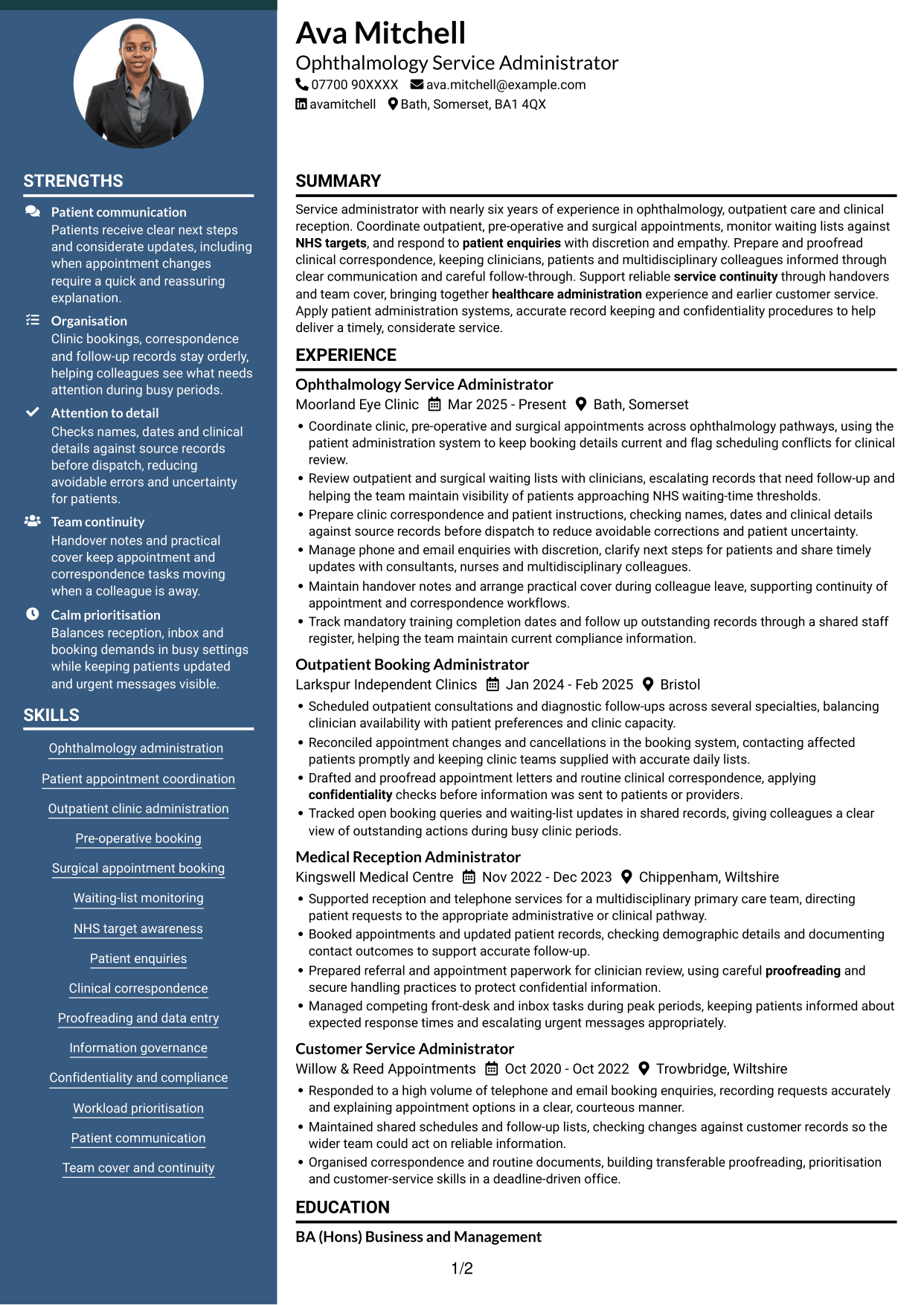
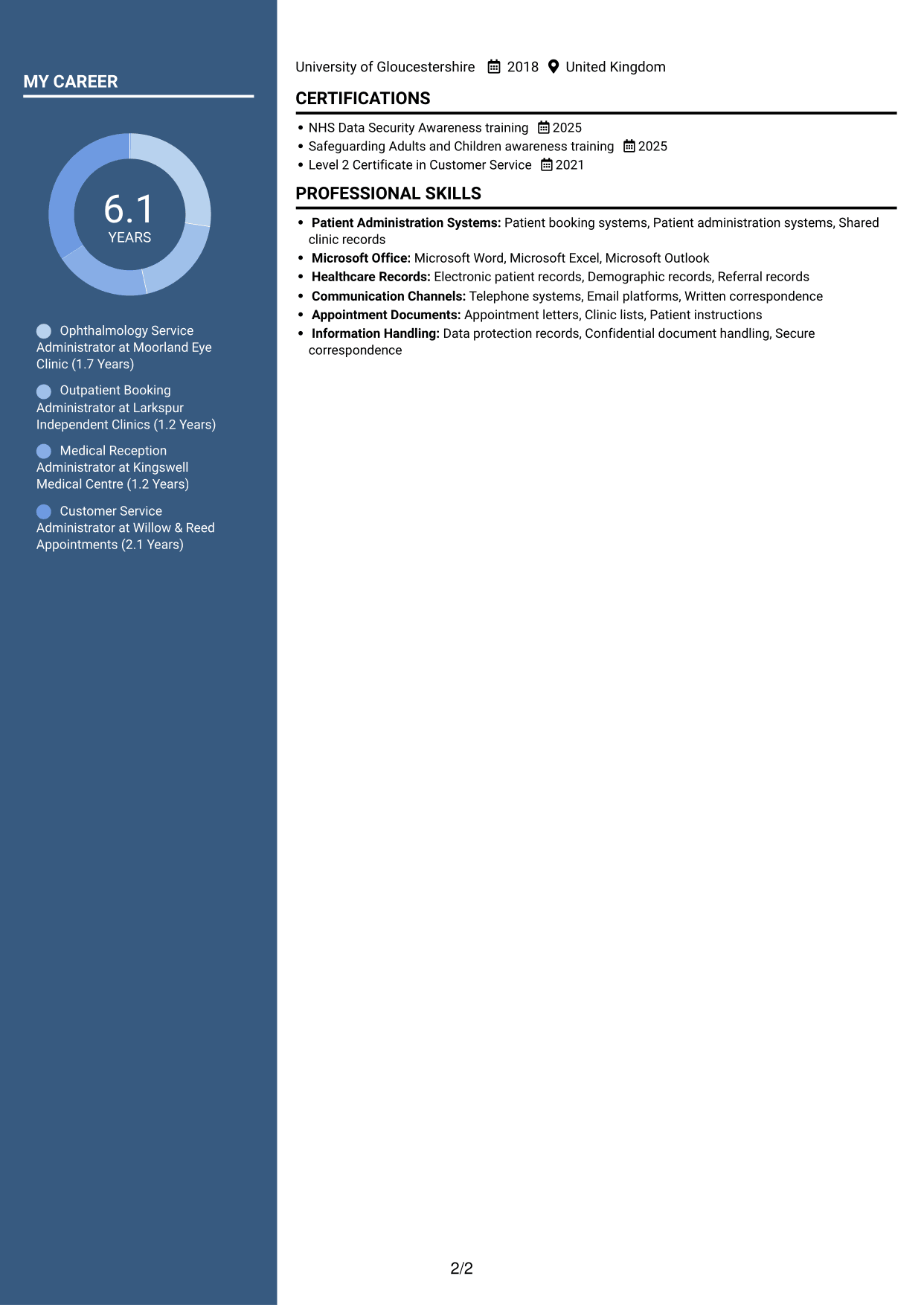
Why This Format Works
- Two body columns help reviewers find skills without scanning every role.
- The divided reading area keeps career history distinct from supporting details.
- Education and credentials can be reviewed apart from the work record.
Best For
- Two-column document preference
- CVs combining work and supporting details
- Quick review of skills and experience
- Separate education and career records
- Readers who compare section groups
#5 Photo Header Two Column Format CV Example
The Photo Header Two Column Format includes a photo and a two-column body, suited to readers who want a personal visual identifier with divided CV sections.
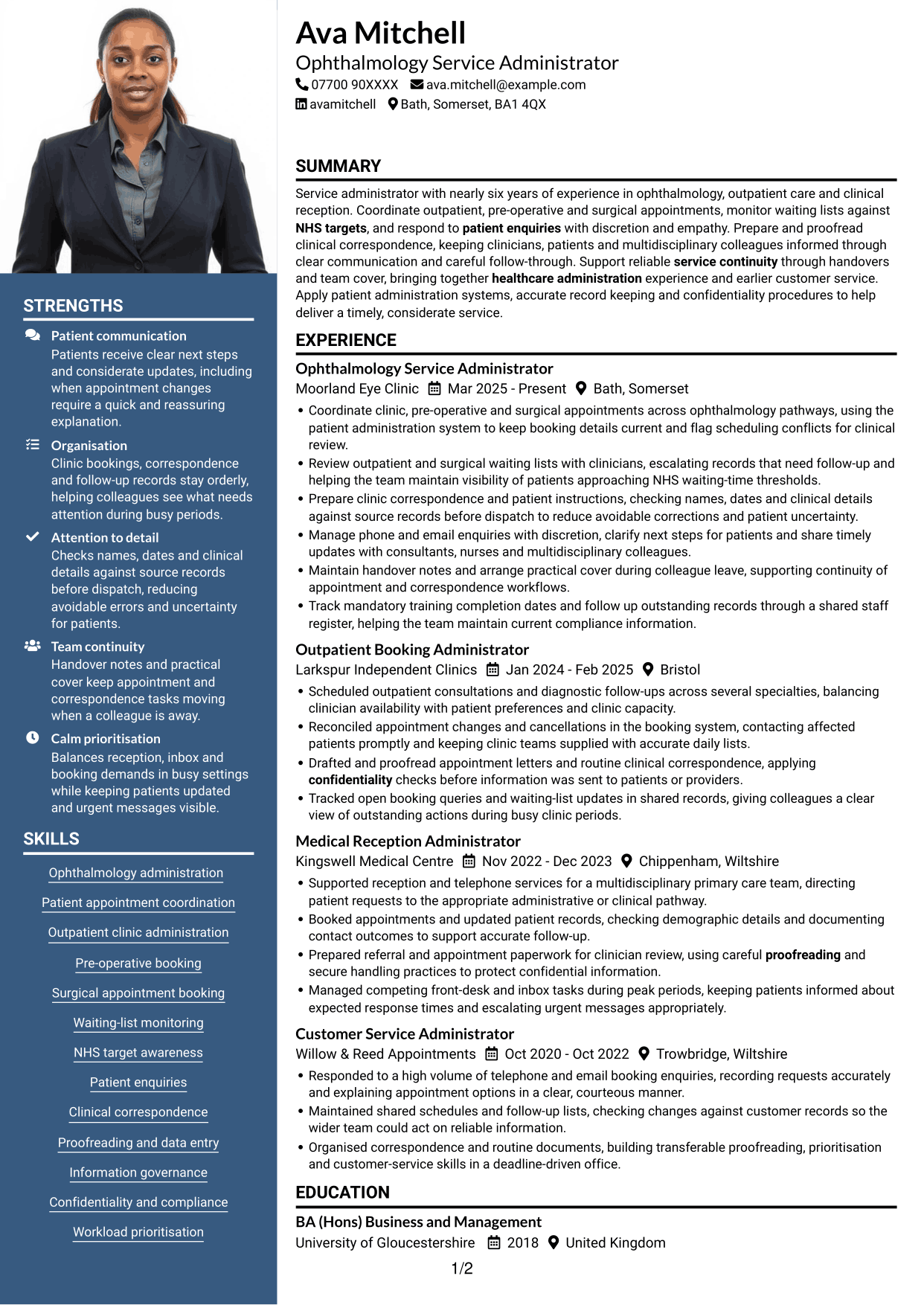
Why This Format Works
- The photo provides a visual identifier, while two columns organise the CV body.
- Career history and supporting sections can occupy distinct areas for review.
- A clear reading order helps reviewers follow roles and locate qualifications.
Best For
- CVs that include a photo
- Two-column reading preference
- Career histories with supporting sections
- Personal visual identification
- Readers who prefer grouped information
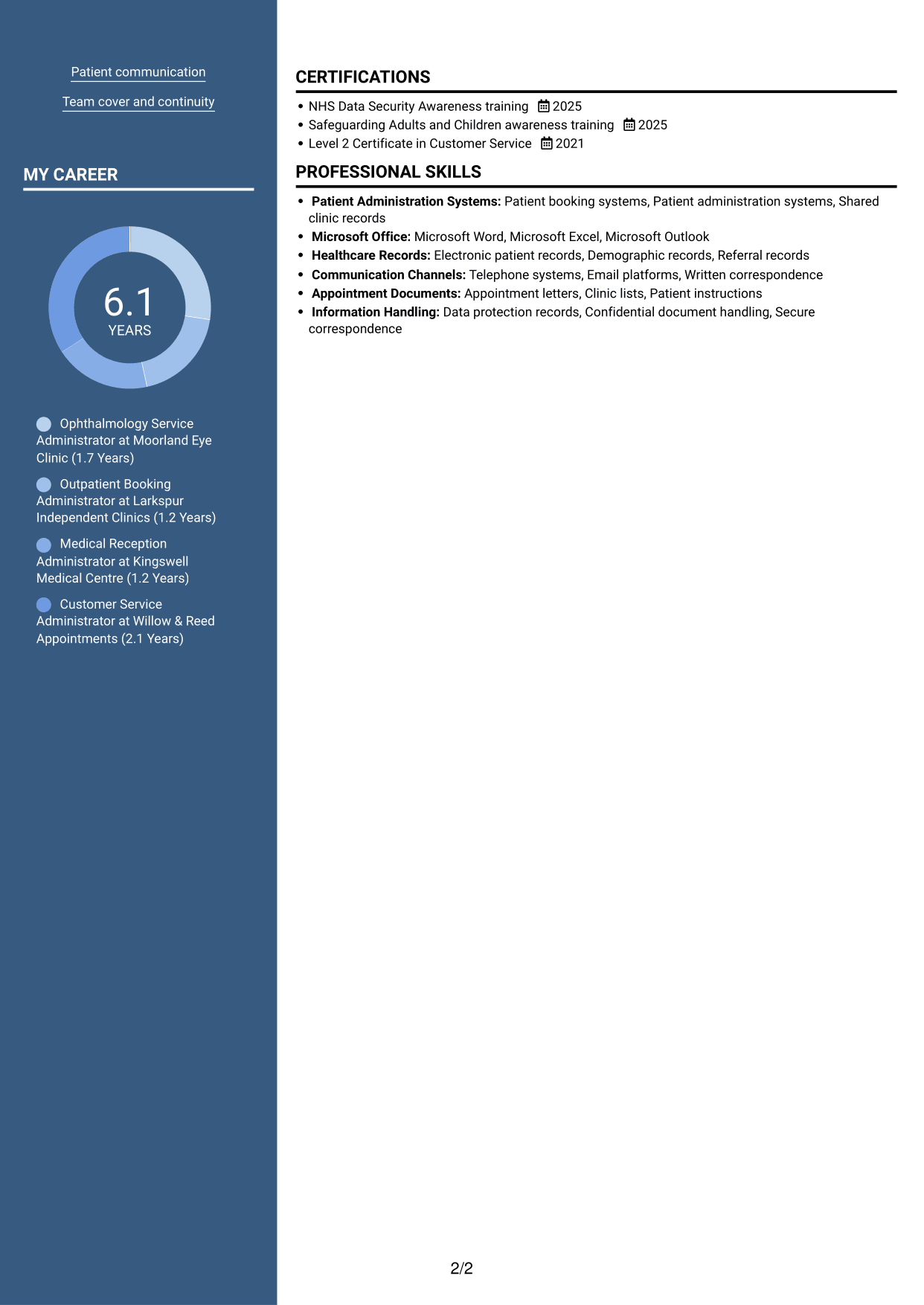
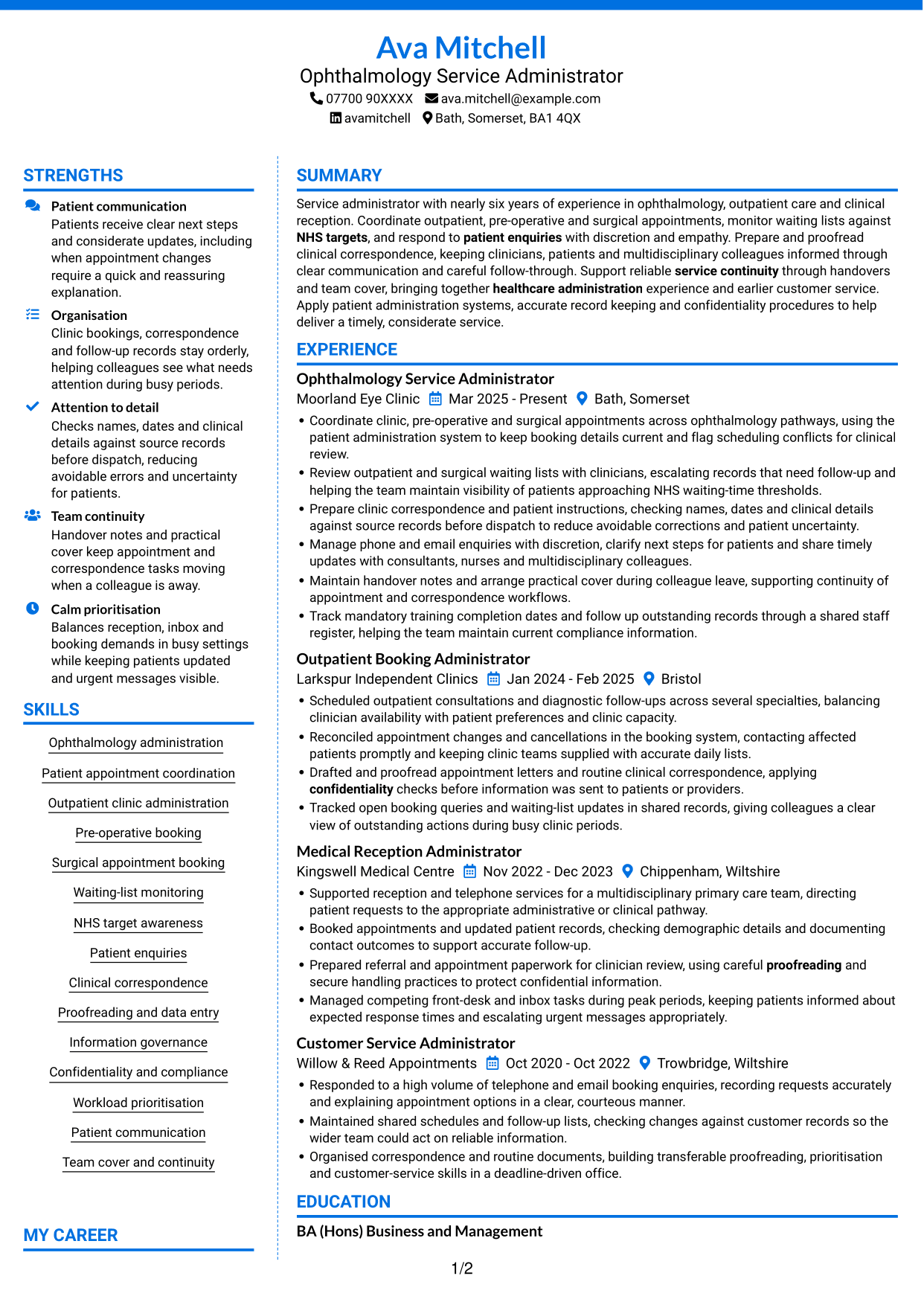
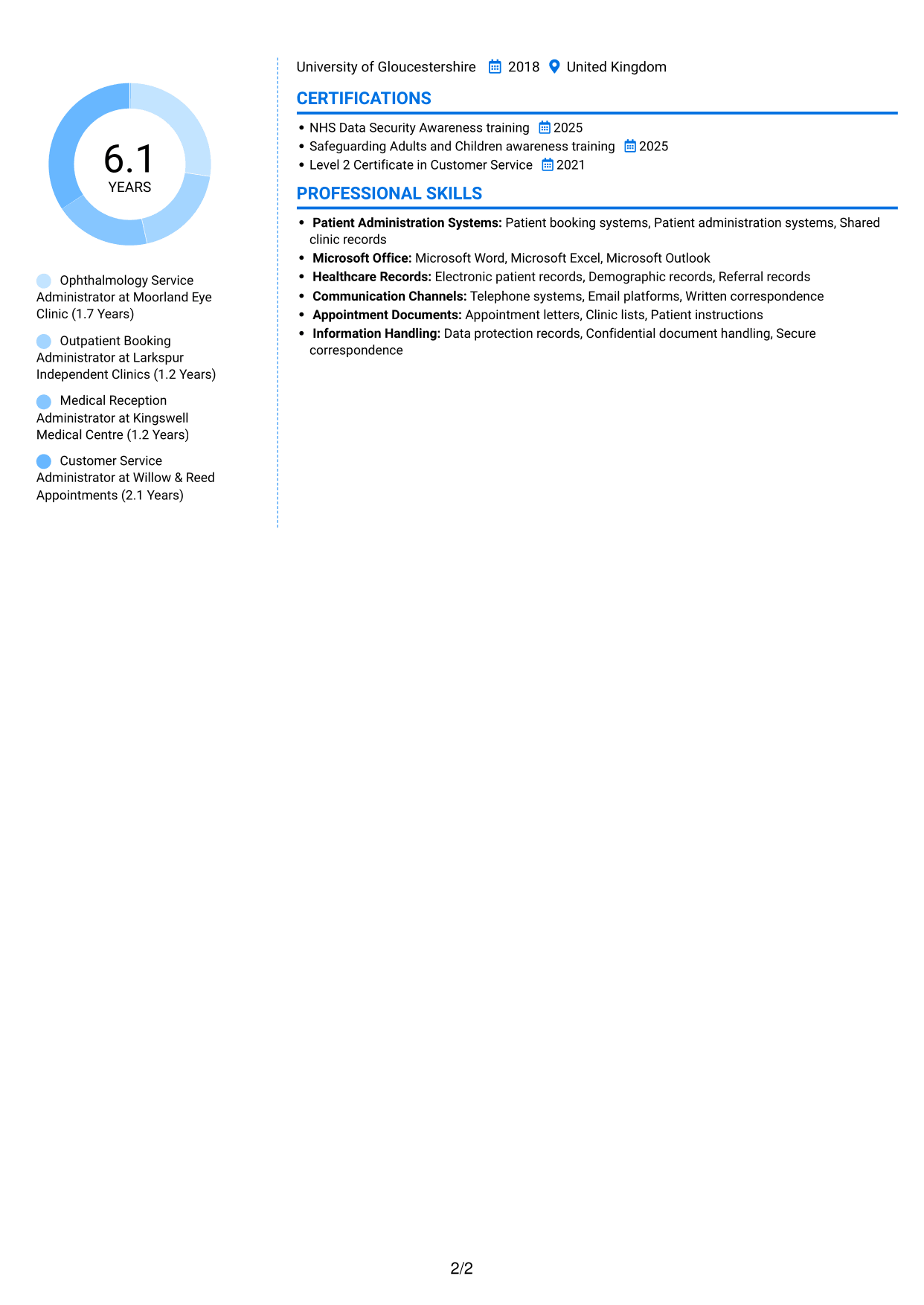
#6 Coloured Two Column Format CV Example
The Coloured Two Column Format uses two body columns, offering a structured option for readers who want CV sections grouped across the page.
Why This Format Works
- Two body columns let reviewers move between experience and supporting sections.
- Grouped content helps readers locate skills without reading every role in full.
- Education and credentials remain distinct from the detailed career record.
Best For
- Coloured two-column CV preference
- CVs with grouped sections
- Experience alongside supporting information
- Quick access to skills and credentials
- Readers who favour divided content
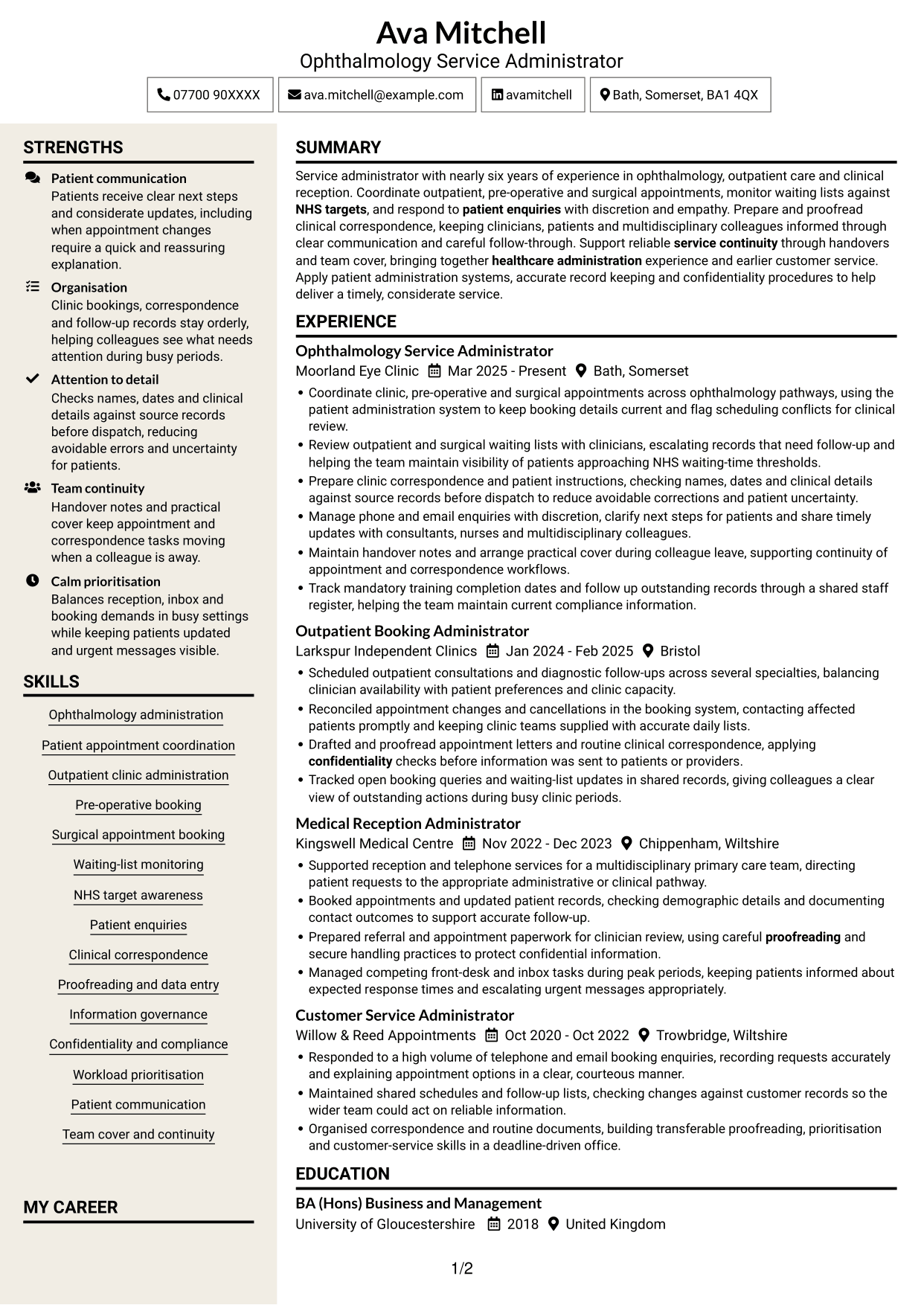
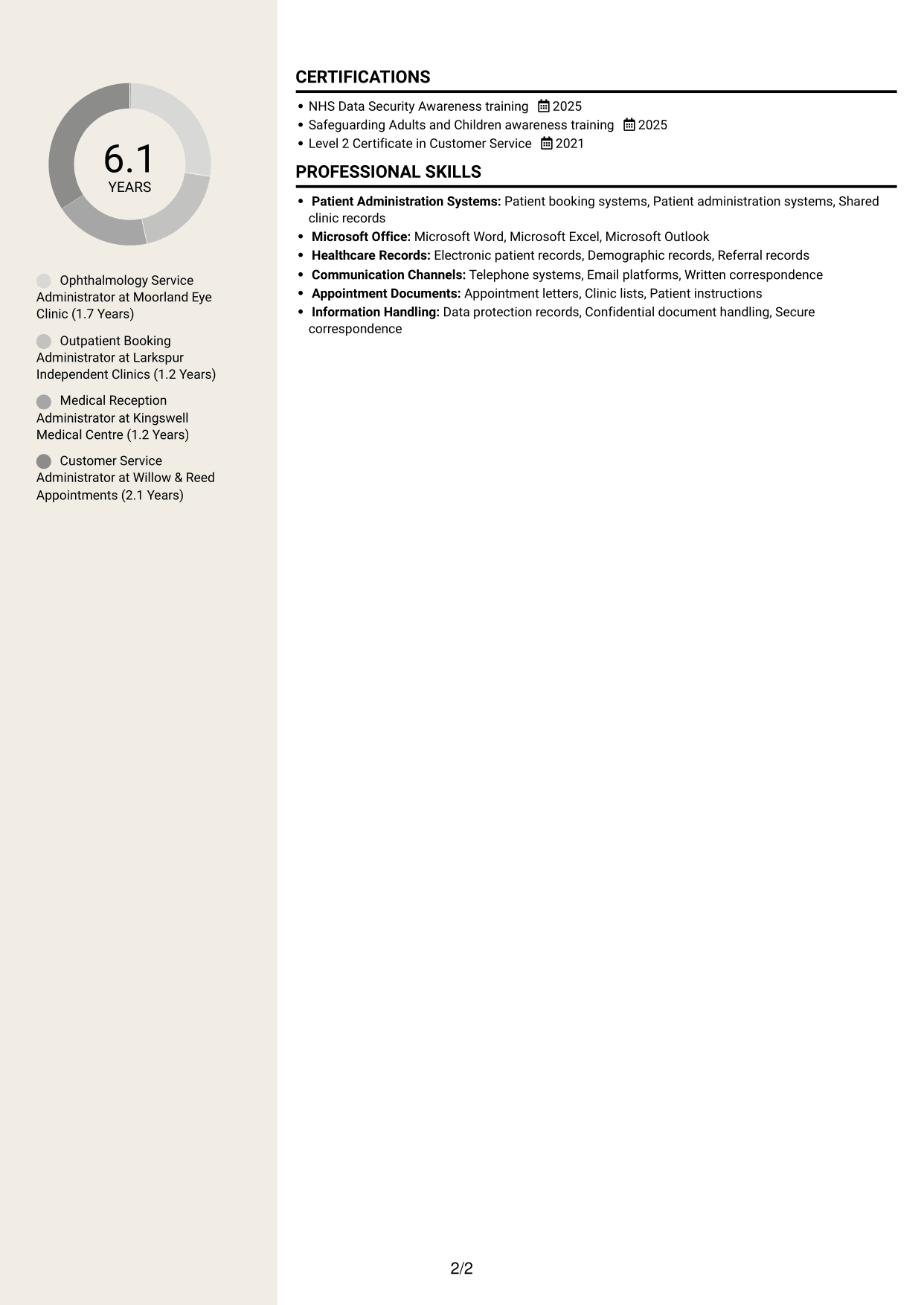
#7 Stylish Two Column Designer Format CV Example
The Stylish Two Column Designer Format sets CV content in two body columns, helping reviewers move between career details and other sections in an organised reading order.
Why This Format Works
- The two-column body lets readers move between career history and supporting sections.
- Separate areas help reviewers locate education without losing the work record.
- The reading order supports a clear review of roles and credentials.
Best For
- Two-column CV layout preference
- Career history with supporting sections
- CVs balancing experience and education
- Readers who scan by section
- Grouped career and credential details
Why Build Your Service Administrator - Ophthalmology Patient Administration CV with ResumeInMinutes
ResumeInMinutes helps you organise your experience, skills and education in a clear CV. Compare PNG image previews, then open an example in the editor to customise its content and layout.
- Different CV layouts
- Clear, readable section structure
- Space for relevant role keywords
- Organised skills and experience
- PNG image previews
- CV customisation in the editor
Choose a format that makes your appointment coordination, patient administration and correspondence work easy to follow. Keep the focus on accurate records, considerate communication and dependable service support.
See Also
- 7 Clinical Administrator CV Templates with Example
- 7 Postgraduate Administrator - Admissions and Student Support CV Templates with Example
- 7 Research Grants Administrator - Post-Award Finance CV Templates with Example
- 7 Quantity Surveyor - Residential Construction CV Templates with Example
- 7 Senior Buying Manager - Fashion Retail CV Templates with Example
- 7 Head of Data & Analytics Retail CV Templates with Example
- 7 Machine Operative - Chilled Food Production CV Templates with Example
- 7 Payments Co-ordinator - Accounts Payable CV Templates with Example
- 7 Service Administrator - Ophthalmology Patient Administration Cover Letter Templates with Example
- 7 Clinical Administrator Cover Letter Templates with Example
Frequently Asked Questions
Are these Service Administrator - Ophthalmology Patient Administration CV templates ATS-friendly?
The examples use clear headings and sections to support scanning. Include relevant terms naturally, such as ophthalmology administration, patient appointment coordination, waiting-list monitoring, clinical correspondence and confidentiality.
Are these separate CV examples or different layouts of one example?
This page presents one role-focused CV example in different layouts. Compare the PNG image previews, then open an example in the editor to customise it.
What should a Service Administrator - Ophthalmology Patient Administration CV include?
Include a focused summary, relevant experience, skills, education and training. Show evidence of coordinating outpatient, pre-operative and surgical appointments, handling patient enquiries, preparing correspondence and monitoring waiting lists.
Which CV layout works well for this role?
Choose a layout with clear headings and an easy-to-follow order for experience, skills and education. A simple structure helps recruiters and applicant tracking systems find important details.
How can I show my administration achievements on a CV?
Use concise bullet points to explain the task, your contribution and the result. Include supported details about appointment coordination, record accuracy, patient updates or service continuity.
Should I include a photo on my CV?
For UK applications, a photo is usually not needed. Use the space for relevant experience, skills and evidence of your work instead.




