
7 Service Manager - Digital Clinical Services Cover Letter Templates with Example
This guide helps you create a focused Service Manager - Digital Clinical Services cover letter and compare its presentation across seven layouts.
What Makes a Great Service Manager - Digital Clinical Services Cover Letter in 2026
A strong letter shows why you want the role and how you can support reliable digital clinical services. Keep the opening direct, then link your service leadership to access, performance and patient experience.
Use clear evidence, such as validating referral and waiting-list reports or working with clinical and administrative teams to improve pathways. Connect those examples to the employer’s stated needs and explain your interest in its digital services.
The featured example moves from role-specific motivation to evidence of service improvement and broader leadership, then closes with a clear expression of interest; adapt this focused progression while choosing a presentation suited to the employer and communication context.
#1 Simple One Column Format Cover Letter Example
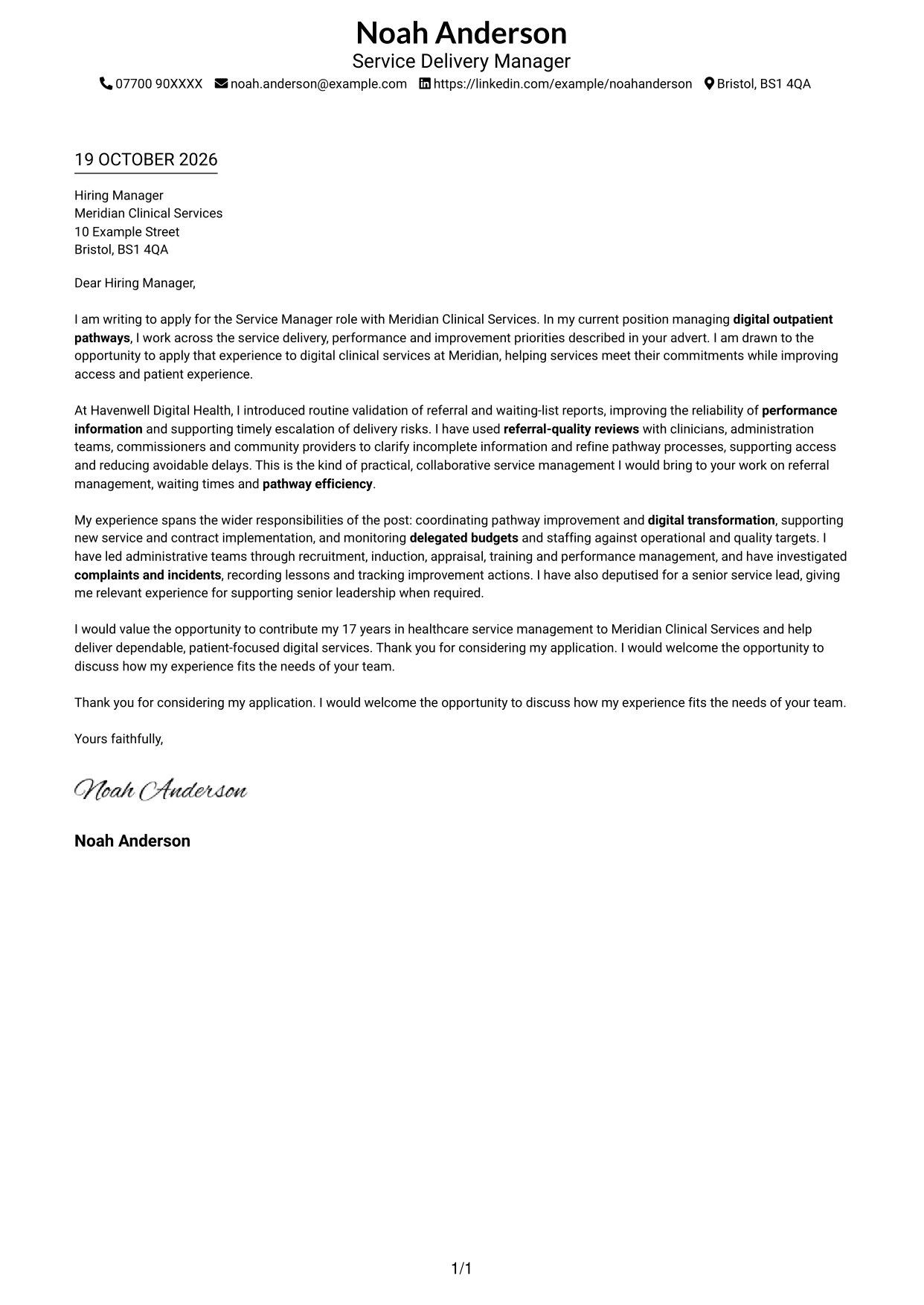
A single-column page keeps sender details in the header and the letter body in one clear reading path.
Why This Format Works
- Header contact details stay distinct from the message, keeping the opening easy to locate.
- A single reading path lets reviewers follow motivation, evidence and closing in order.
- Connected paragraphs suit a letter that makes its case through a clear written argument.
Best For
- Single-column reading preference
- Header-based sender details
- Unheaded letter text
- Paragraph-led persuasion
- Minimal layout preference
#2 Two Column Format Cover Letter Example
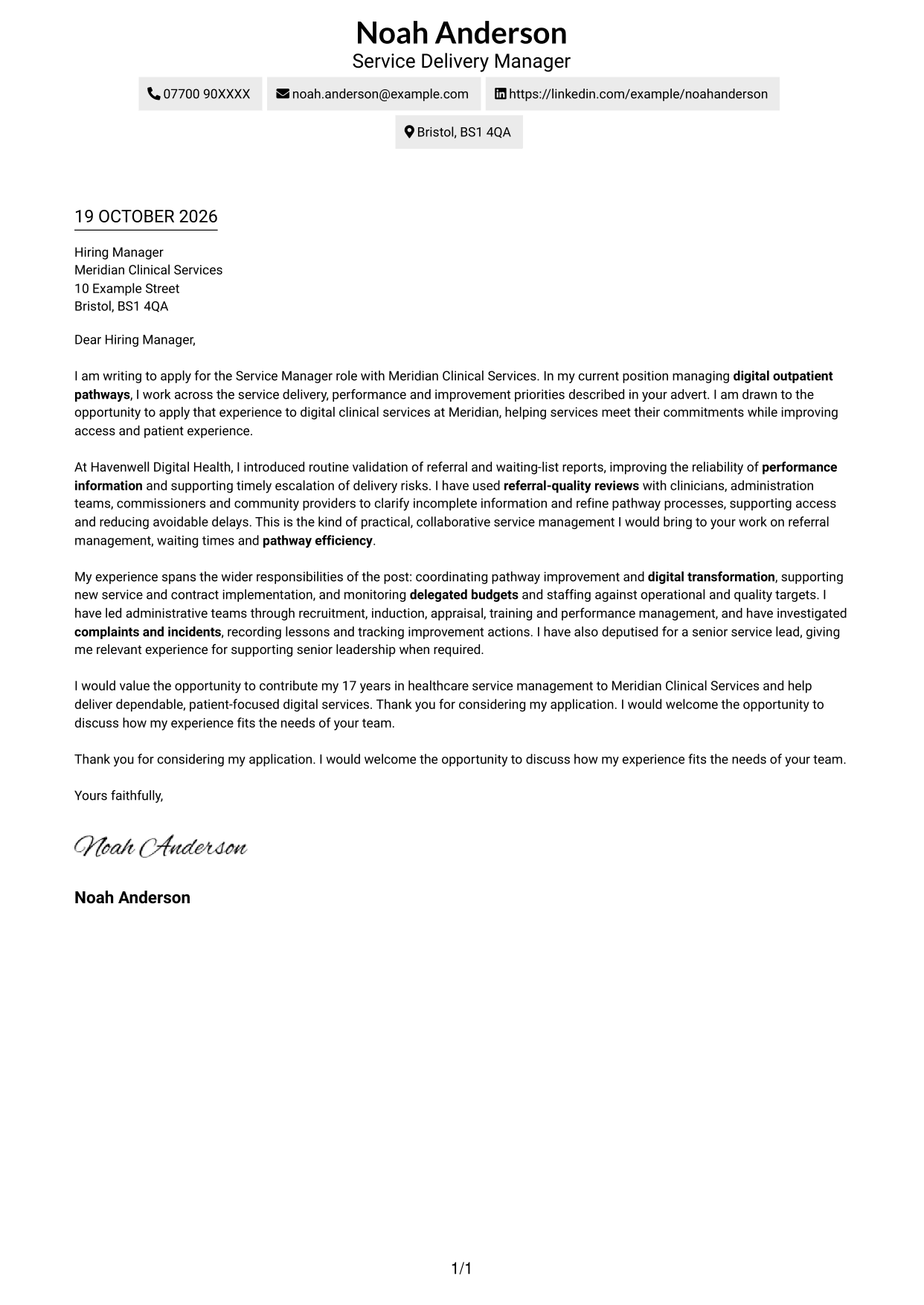
A contact sidebar sits beside one continuous letter body, keeping correspondence details separate from the case for appointment.
Why This Format Works
- The sidebar gives sender contact details a separate, predictable place beside the letter.
- One continuous body keeps motivation, supporting evidence and closing together.
- Without body headings, the reader can follow the message as a connected argument.
Best For
- Side-by-side contact layout
- Quick access to sender details
- Uninterrupted letter text
- Unheaded letter content
- Separate message and contact areas
#3 Photo Header Two Column Format Cover Letter Example
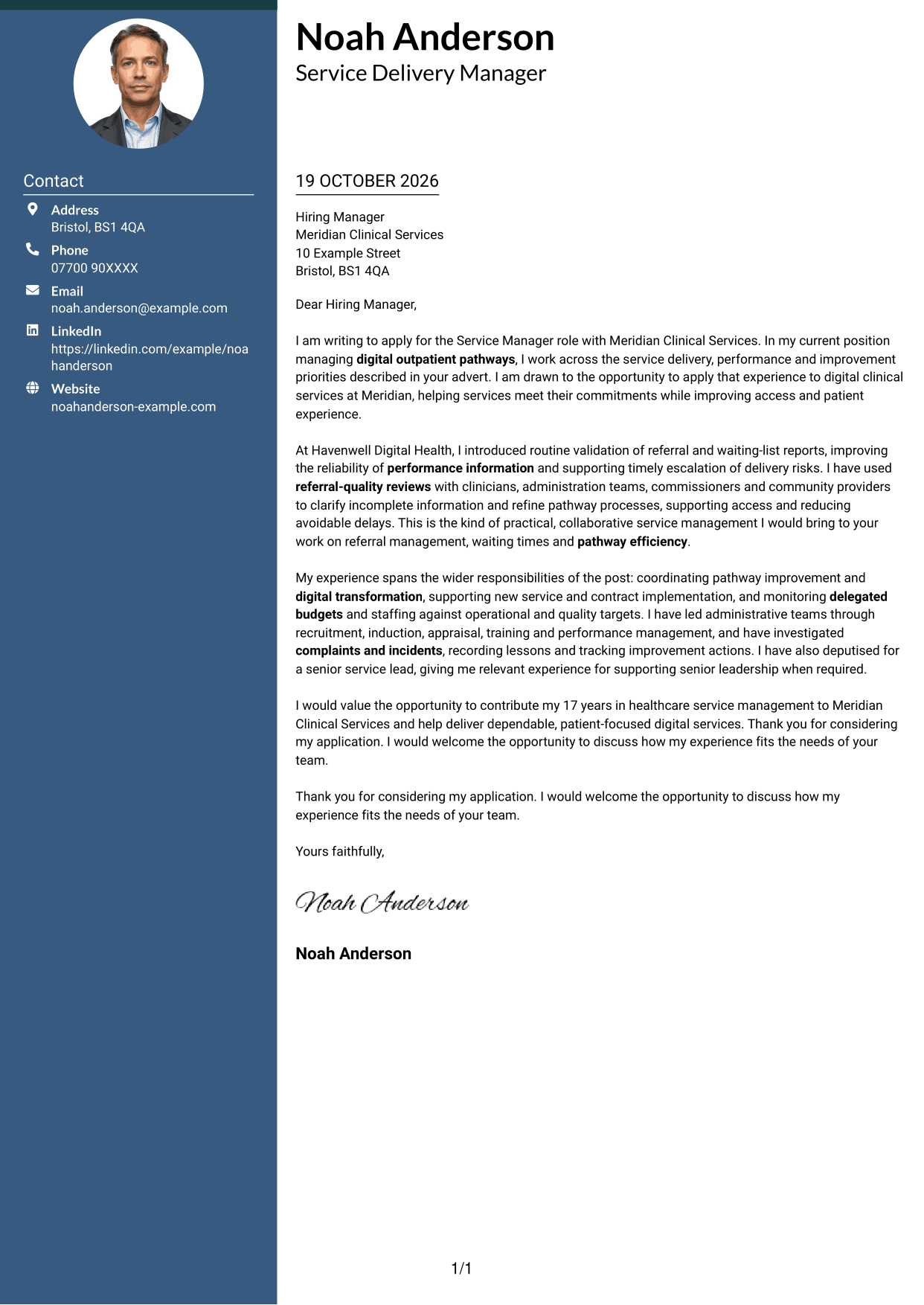
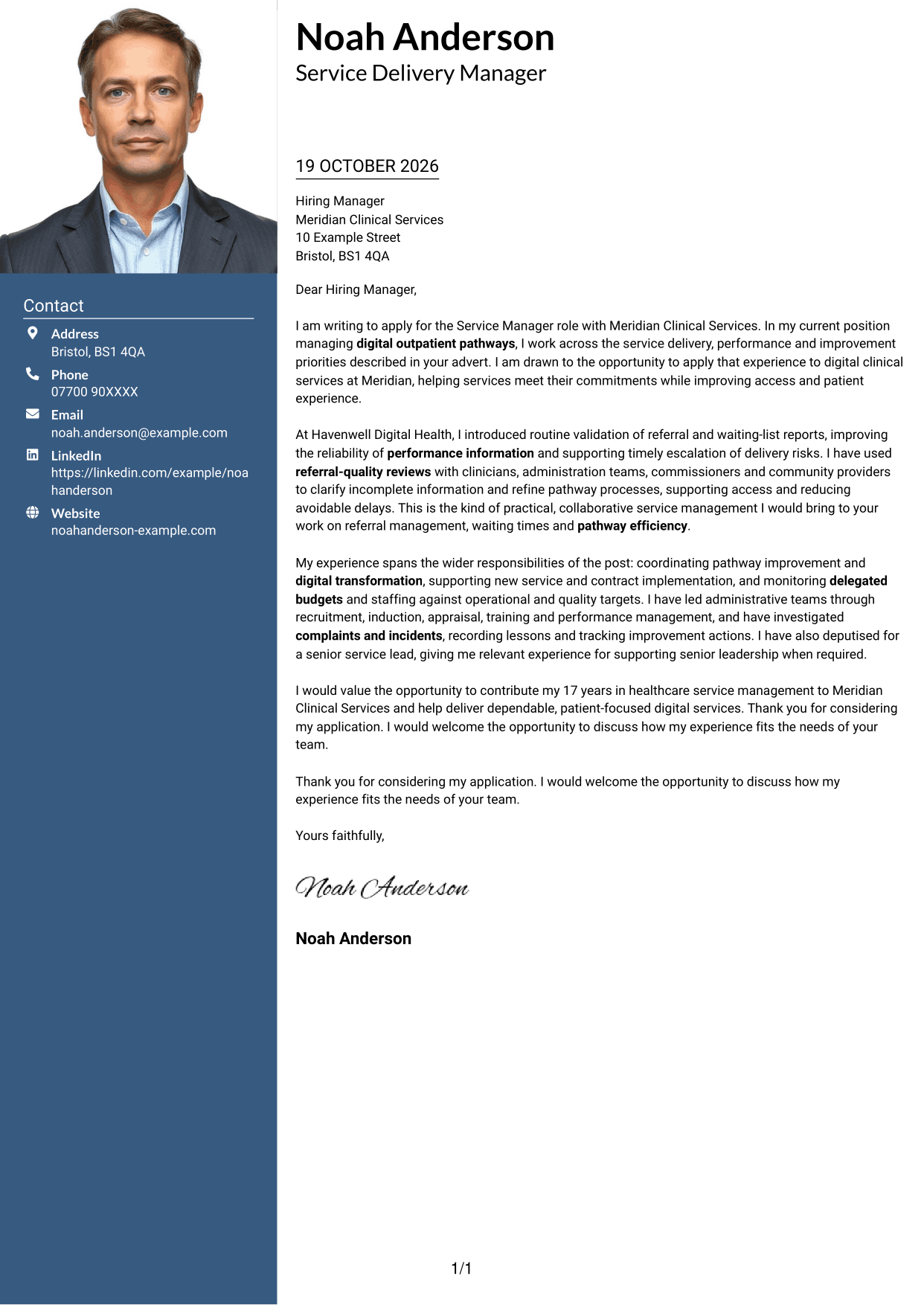
A photo in the header adds a personal visual element, with a contact sidebar beside the continuous letter body.
Why This Format Works
- The header photo adds a personal visual choice without interrupting the letter's text.
- Contact details remain grouped in the sidebar, apart from the message itself.
- The single body lets the opening, evidence and closing read as one letter.
Best For
- Header-photo preference
- Two-column contact arrangement
- Connected letter paragraphs
- Distinct sender information
- Portrait-inclusive correspondence
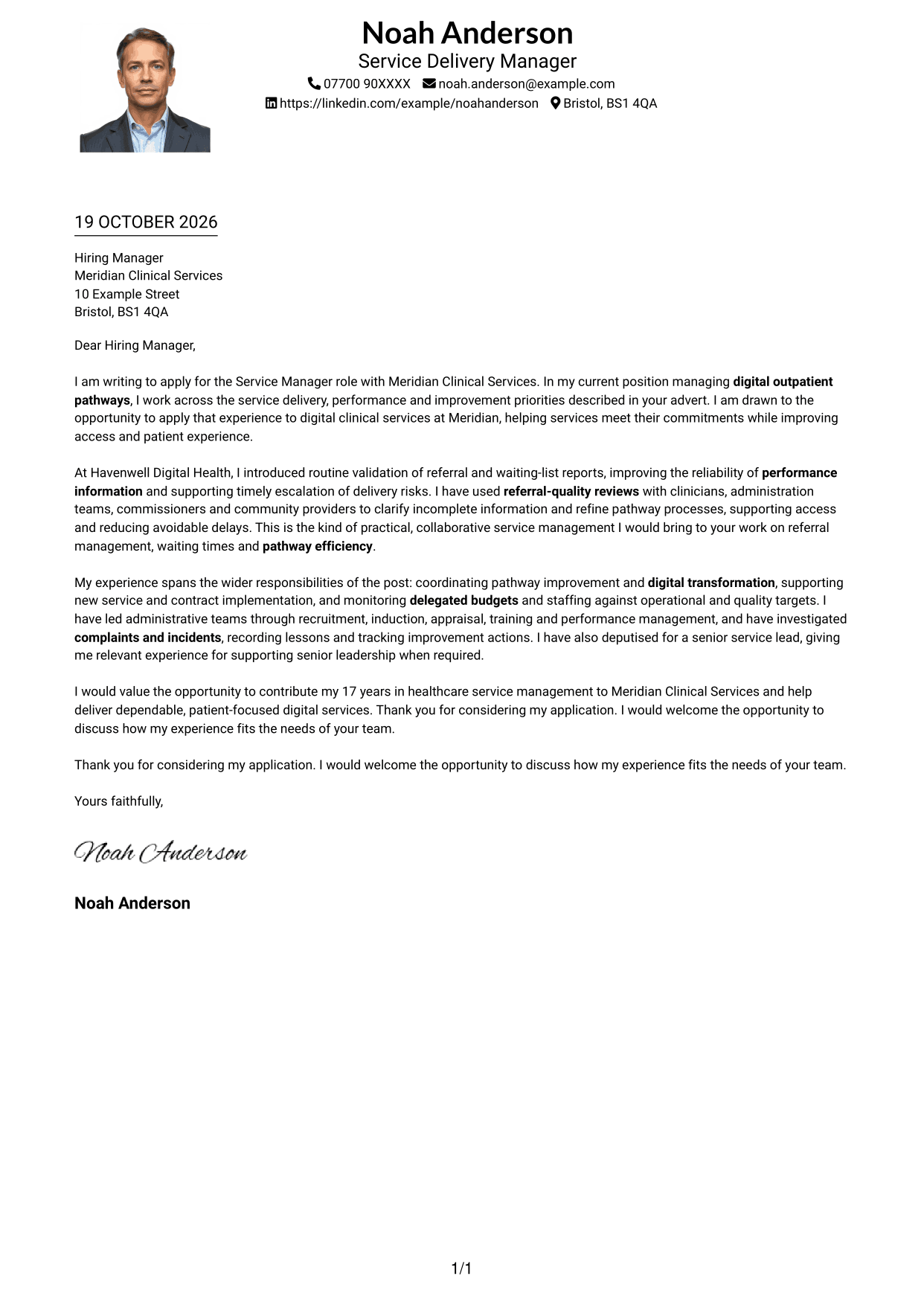
#4 One Column Format with Photo Cover Letter Example
This one-column letter includes a photo while keeping the message in a single reading path, suiting readers who prefer a portrait with a straightforward layout.
Why This Format Works
- One column gives the letter a direct reading order from greeting through sign-off.
- The photo adds a visual element while the message remains the main continuous text.
- Sender details in the header stay separate from the letter body.
Best For
- One-column letter layout
- Portrait-inclusive applications
- Direct paragraph reading
- Header-based sender information
- Straightforward visual structure
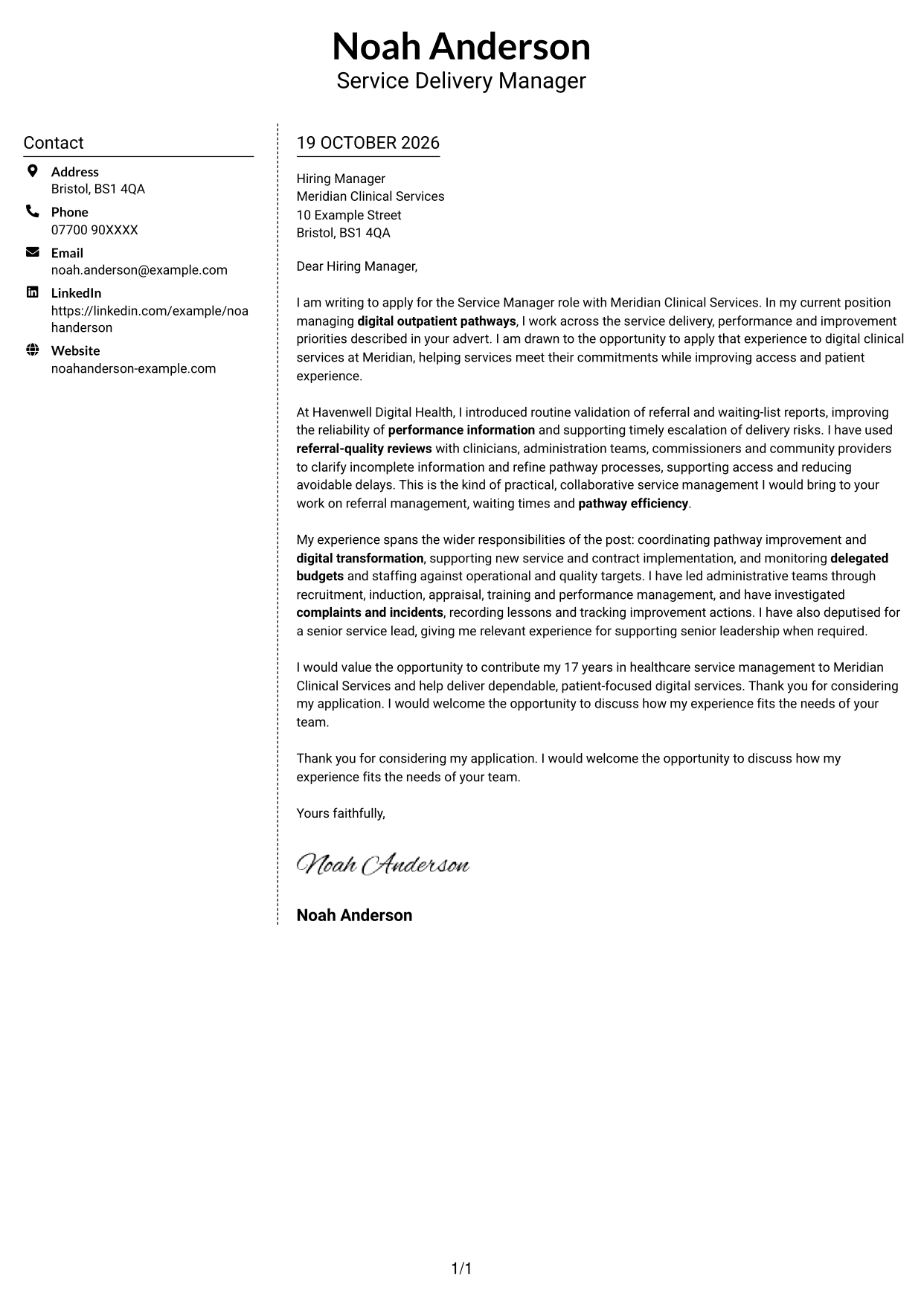
#5 Simple Two Column Format Cover Letter Example
A contact sidebar sits beside the continuous letter body, separating correspondence details from the message while keeping the letter in one reading area.
Why This Format Works
- Contact information has its own sidebar, leaving the letter's argument in one body.
- Paragraphs stay together in reading order, from motivation to supporting evidence and close.
- The reviewer can locate correspondence details without searching through the message.
Best For
- Sidebar contact information
- One-body letter text
- Easy access to sender details
- Connected persuasive paragraphs
- Two-column reading preference
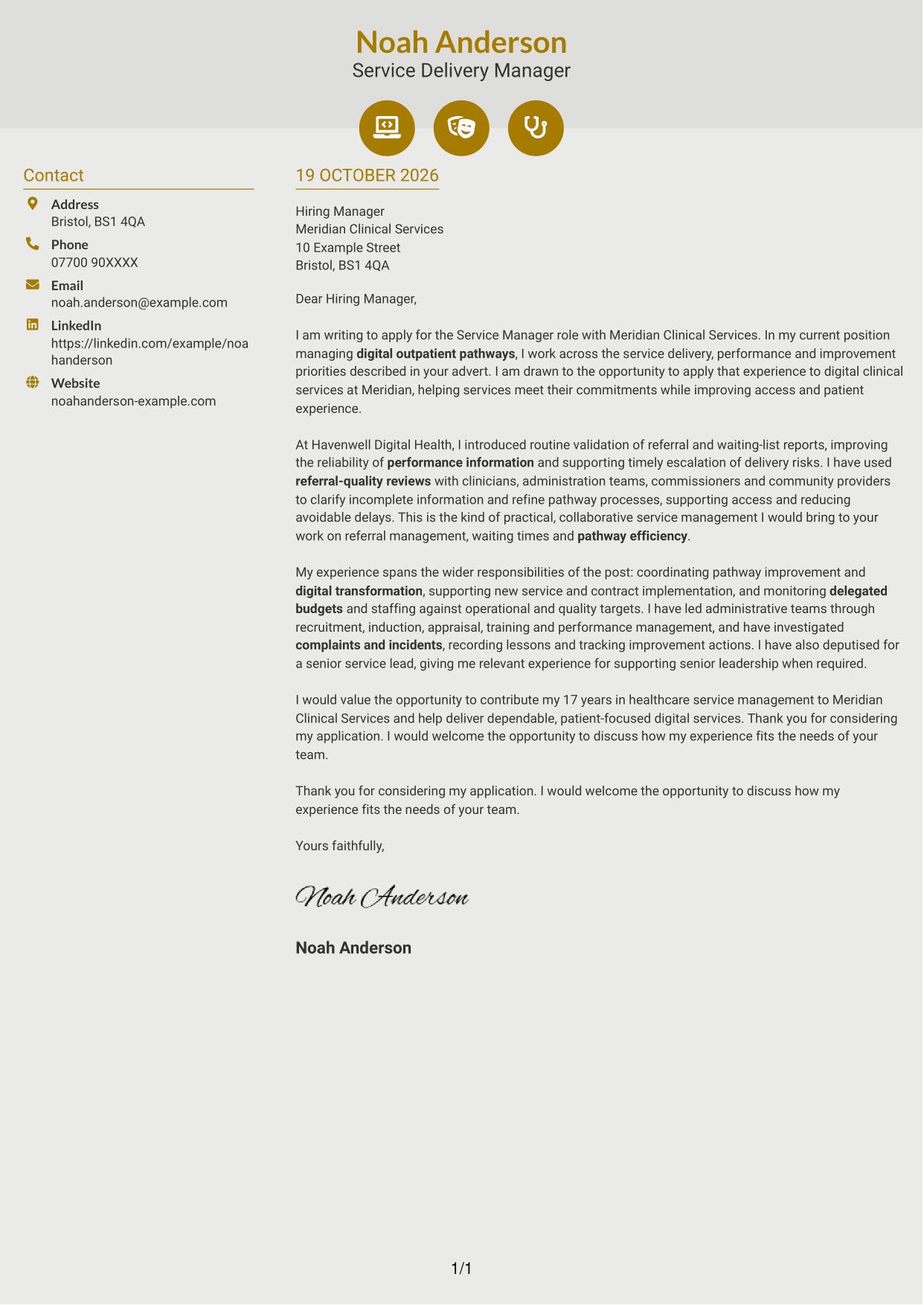
#6 Modern Icon Format Cover Letter Example
Contact icons sit with the details in the sidebar, while a single letter body carries the message from opening to close.
Why This Format Works
- Icons act as cues for contact details, not labels within the letter's argument.
- Sidebar placement keeps contact information apart from the continuous message.
- One body preserves the sequence from opening through evidence to closing.
Best For
- Icon-led contact details
- Sidebar-based correspondence information
- Uninterrupted letter paragraphs
- Unlabelled argument flow
- Two-column contact layout
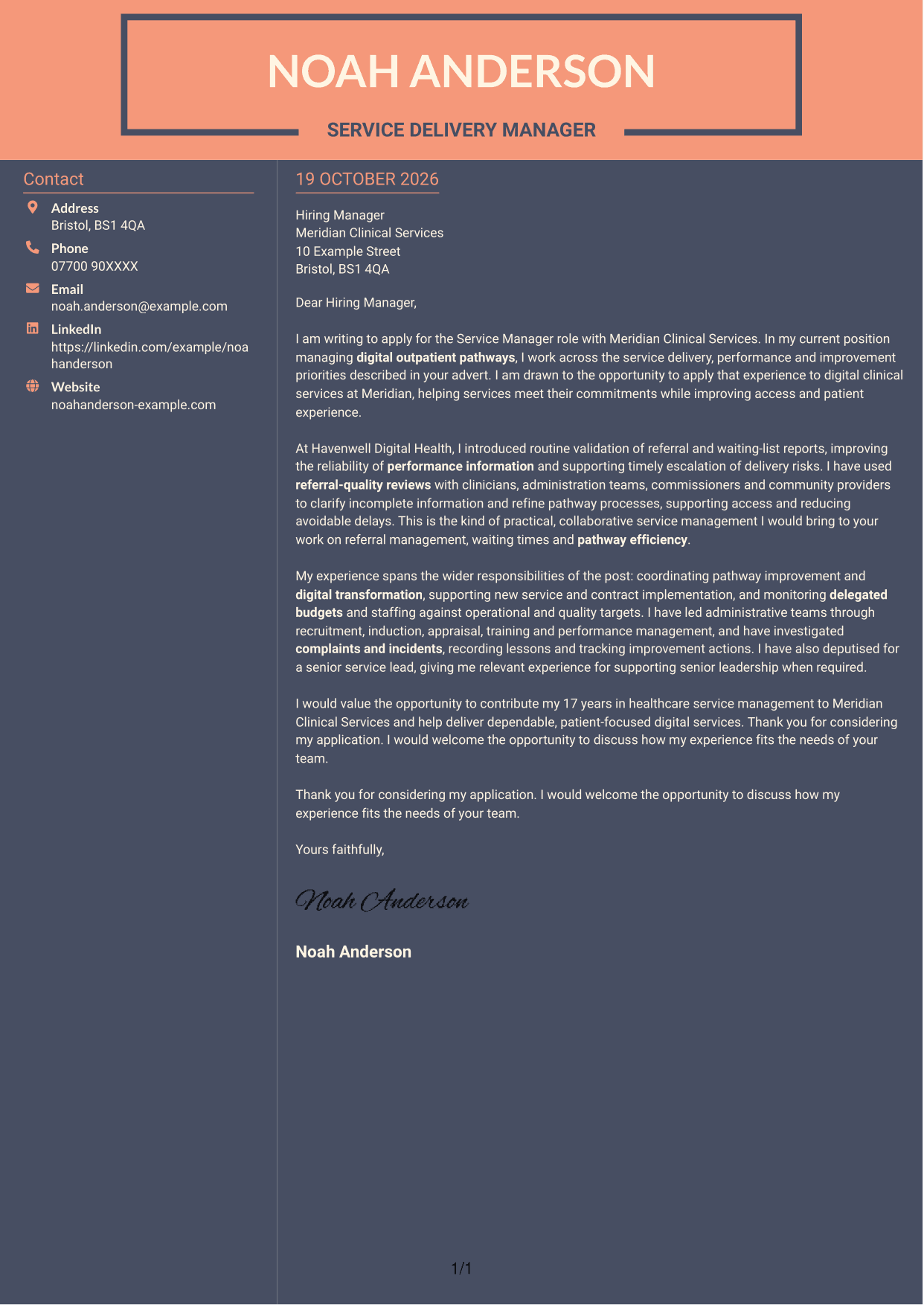
#7 Creative Two Tone Format Cover Letter Example
Contact details occupy a sidebar, while the argument remains in one continuous letter body, keeping identification apart from the message.
Why This Format Works
- The separate contact area helps readers find sender information without interrupting paragraph reading.
- Opening, motivation, evidence and close remain part of the same unheaded message.
- The contact sidebar keeps correspondence details apart from the letter's central text.
Best For
- Sidebar contact presentation
- Continuous letter arguments
- Easy-to-find sender details
- Unheaded message text
- Separate contact and letter areas
See Also
- 7 Service Manager - Digital Clinical Services CV Templates with Example
- 7 Senior Sales Manager - Digital Fund Services CV Templates with Example
- 7 Bar Operative - Barista and Food Service CV Templates with Example
- 7 Front of House Team Leader - Luxury Guest Services CV Templates with Example
- 7 Guest Services Ambassador - Corporate Reception CV Templates with Example
- 7 Head of Business Services - Workplace and Facilities Management CV Templates with Example
- 7 Housekeeping Assistant - Hotel Guest Services CV Templates with Example
- 7 Internal Communications and Engagement Partner - Customer Services CV Templates with Example
- 7 Senior Sales Manager - Digital Fund Services Cover Letter Templates with Example
- 7 Bar Operative - Barista and Food Service Cover Letter Templates with Example
Frequently Asked Questions
What should a Service Manager - Digital Clinical Services cover letter highlight?
Show how your experience relates to digital service delivery, performance monitoring and patient access. Useful evidence may include data validation, referral-quality work, pathway improvement and support for administrative teams.
How can I make my experience relevant to this role?
Choose one or two examples that show your actions and their purpose. For example, explain how you checked referral and waiting-list information, worked with service partners and helped address delivery risks or avoidable delays.
How should I explain my interest in the employer?
Refer to the employer’s focus on digital clinical services and explain why improving service delivery, access or patient experience matters to you. Keep the reason specific and genuine.
What is a clear way to structure this cover letter?
Open by naming the role and giving your reason for applying. Use the body for focused evidence of service performance and improvement, then close by restating your interest and inviting further discussion.
Should I include every part of my work history?
No. Select the examples most relevant to digital clinical service management. A small number of clear examples can make your fit easier to understand than a full account of every responsibility.




