
7 Service Manager - Digital Clinical Services CV Templates with Example
This guide shows you how to create a Service Manager - Digital Clinical Services CV that presents your experience clearly. You will learn how to organise evidence of service delivery and make key details easy to find.
A strong CV for this role links service performance with practical action. Show how you review activity, demand, capacity and KPIs, improve referral management and patient access, and support safe, efficient pathways.
Compare the example presented in 7 layouts using the PNG image previews, then open a preferred example in the editor to customise it. The guide also covers ATS readability, useful CV sections and relevant terms such as data validation, service mobilisation, governance and standard operating procedures.
What Makes a Great Service Manager - Digital Clinical Services CV in 2026
A clear CV connects service delivery with results in patient access, waiting times, pathway efficiency and quality. Use concise bullets to show how you review performance and turn concerns into practical action.
Include relevant terms such as KPI reporting, data validation, referral management, digital transformation and governance. Add figures only when you can verify them, and make your role in each outcome clear.
Note: CV examples are for educational purposes only. Use only information that accurately reflects your experience and qualifications. References to real organisations do not imply affiliation or endorsement.
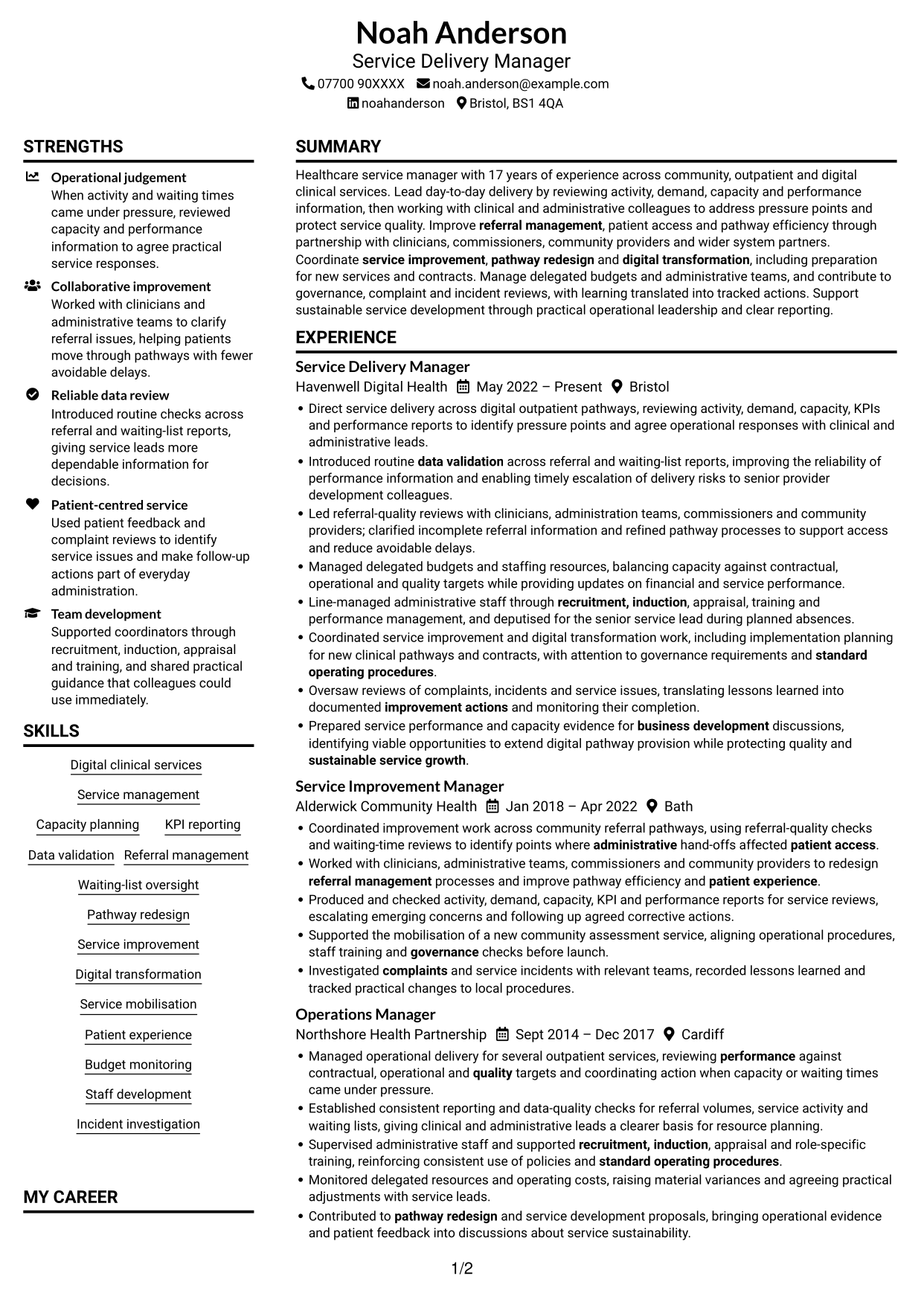
#1 Plain Two Column Format CV Example
The Plain Two Column Format uses two columns, offering a divided layout for CV sections and supporting information.
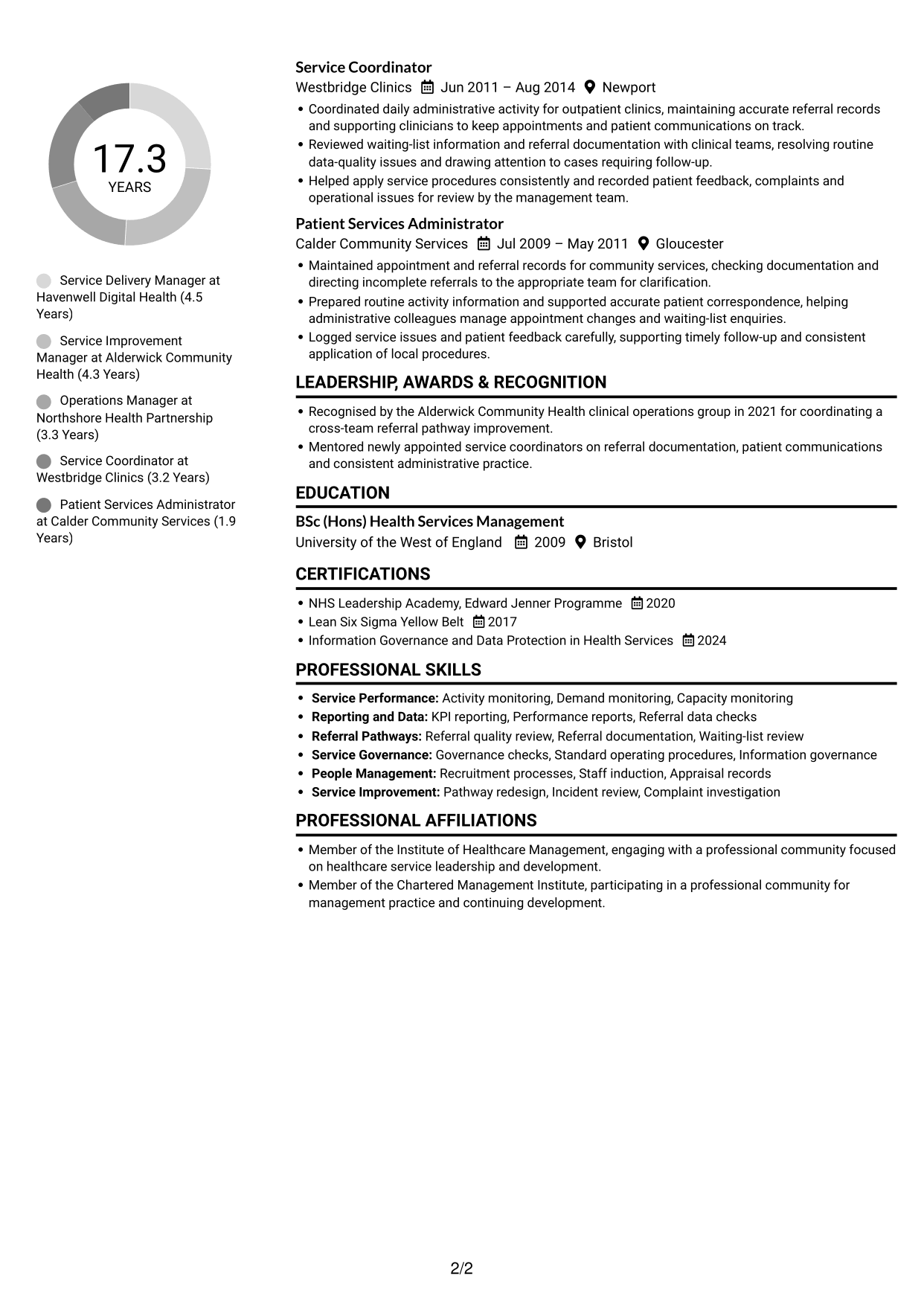
CV Snapshot
- 17 years across community, outpatient and digital clinical services
- Service delivery and pathway improvement
- Performance reporting and data validation
- BSc (Hons) Health Services Management
Why This Format Works
- Two visual areas can keep experience distinct from supporting CV sections.
- Reviewers can follow career progression while checking skills and education nearby.
- Section separation helps locate qualifications without searching through one continuous text block.
Best For
- CVs with several section types
- Experience beside supporting details
- Quick section-to-section review
- Skills and education alongside career history
- Compact supporting information
CV Keywords
- Direct service delivery across digital outpatient pathways
- Healthcare service manager
- reviewing activity, demand, capacity, KPIs and performance reports
- Data validation
- Referral management
- using referral-quality checks and waiting-time reviews to identify points where administrative hand-offs affected patient access
- Pathway redesign
- Service improvement
- Digital transformation
- Service mobilisation
- implementation planning for new clinical pathways and contracts
- Patient experience
- through partnership with clinicians, commissioners, community providers and wider system partners
- agree operational responses with clinical and administrative leads
- business development
#2 Simple One Column Format CV Example
The Simple One Column Format presents CV content in one column, giving sections a direct top-to-bottom reading path.
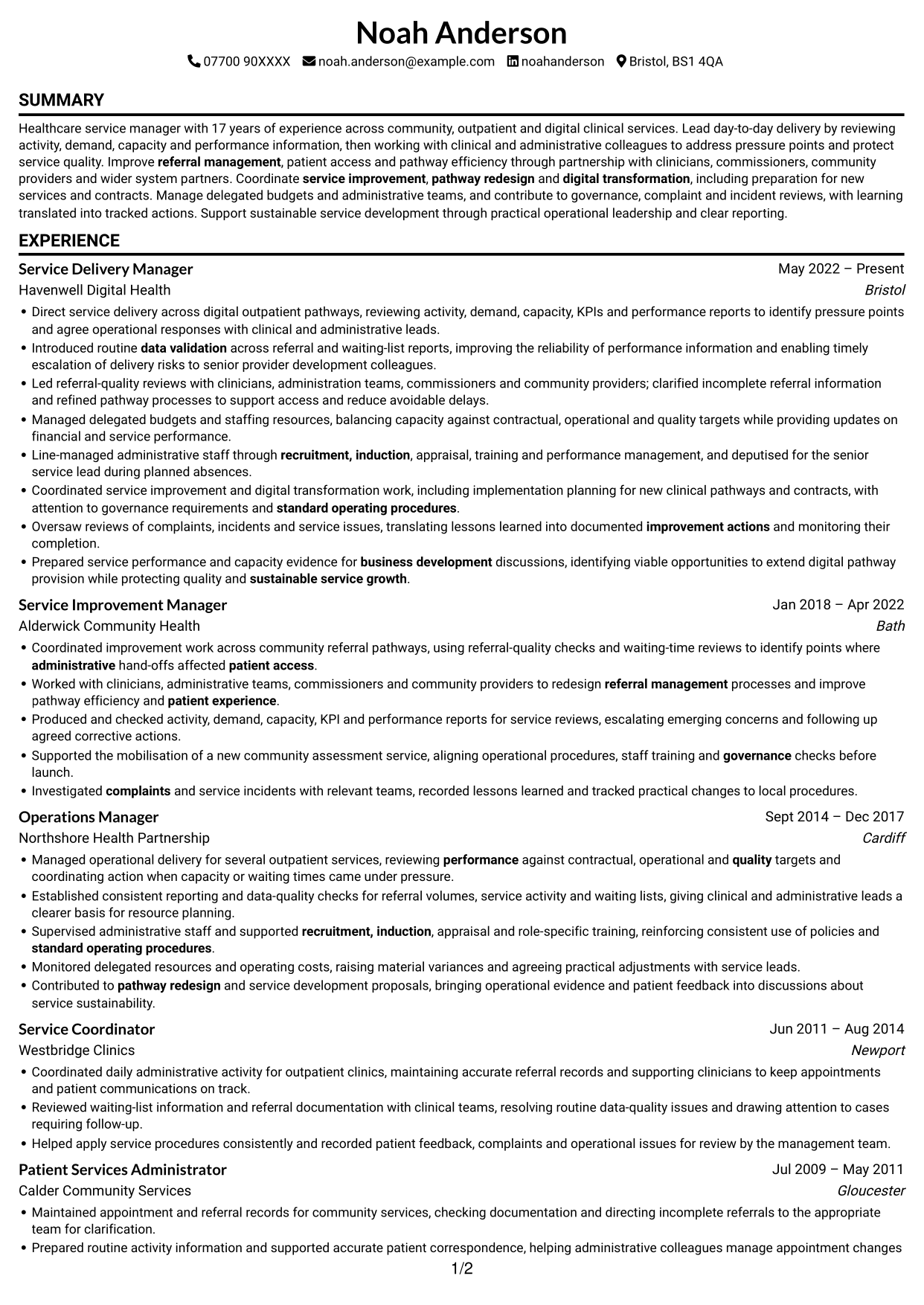
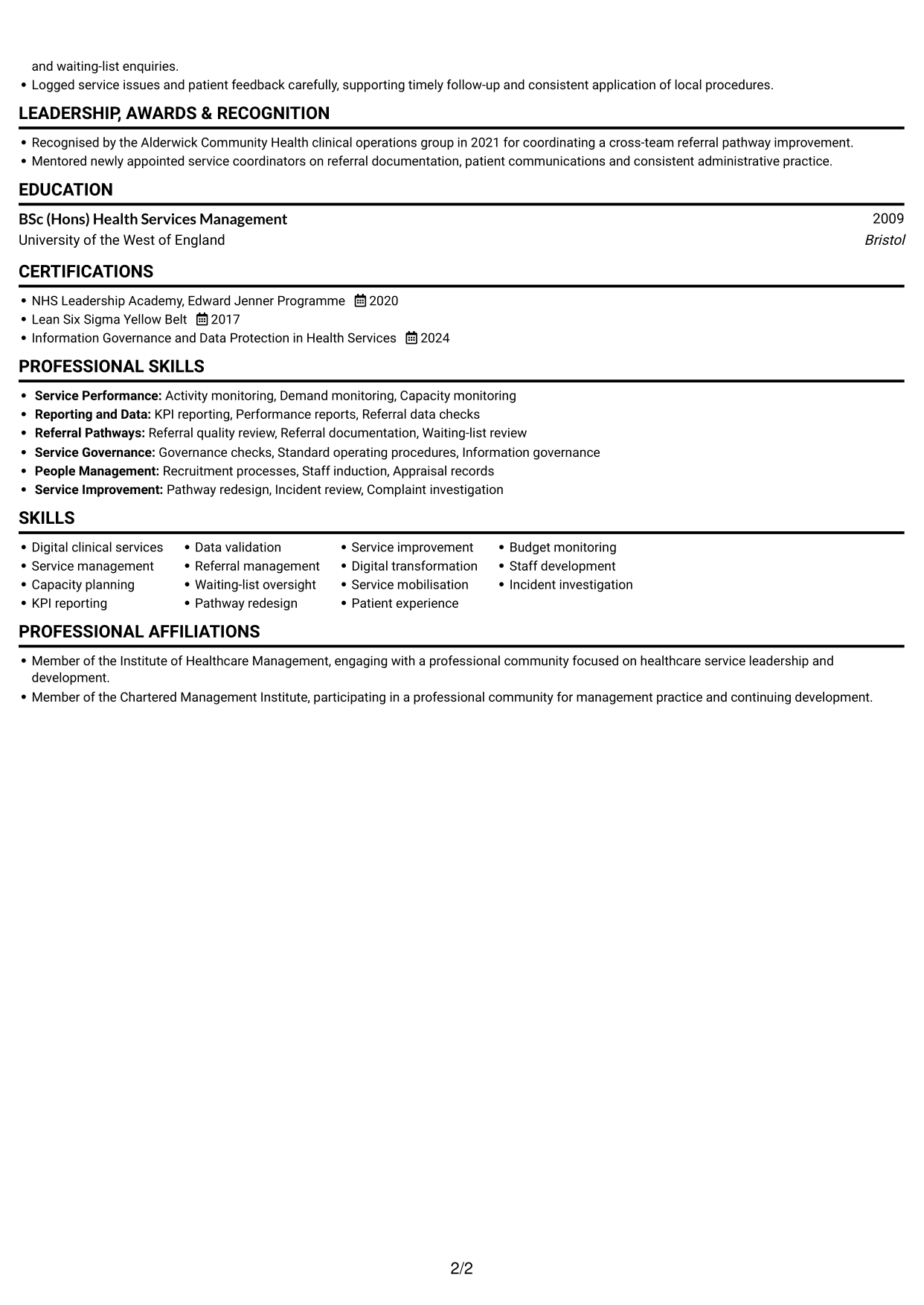
Why This Format Works
- One reading path helps reviewers follow experience entries in chronological sequence.
- Skills, education and credentials can sit within the same clear section order.
- Vertical reading avoids switching between parallel content areas.
Best For
- Straightforward section order
- Chronological career histories
- CVs with detailed experience
- Direct digital reading
- Simple section-by-section review
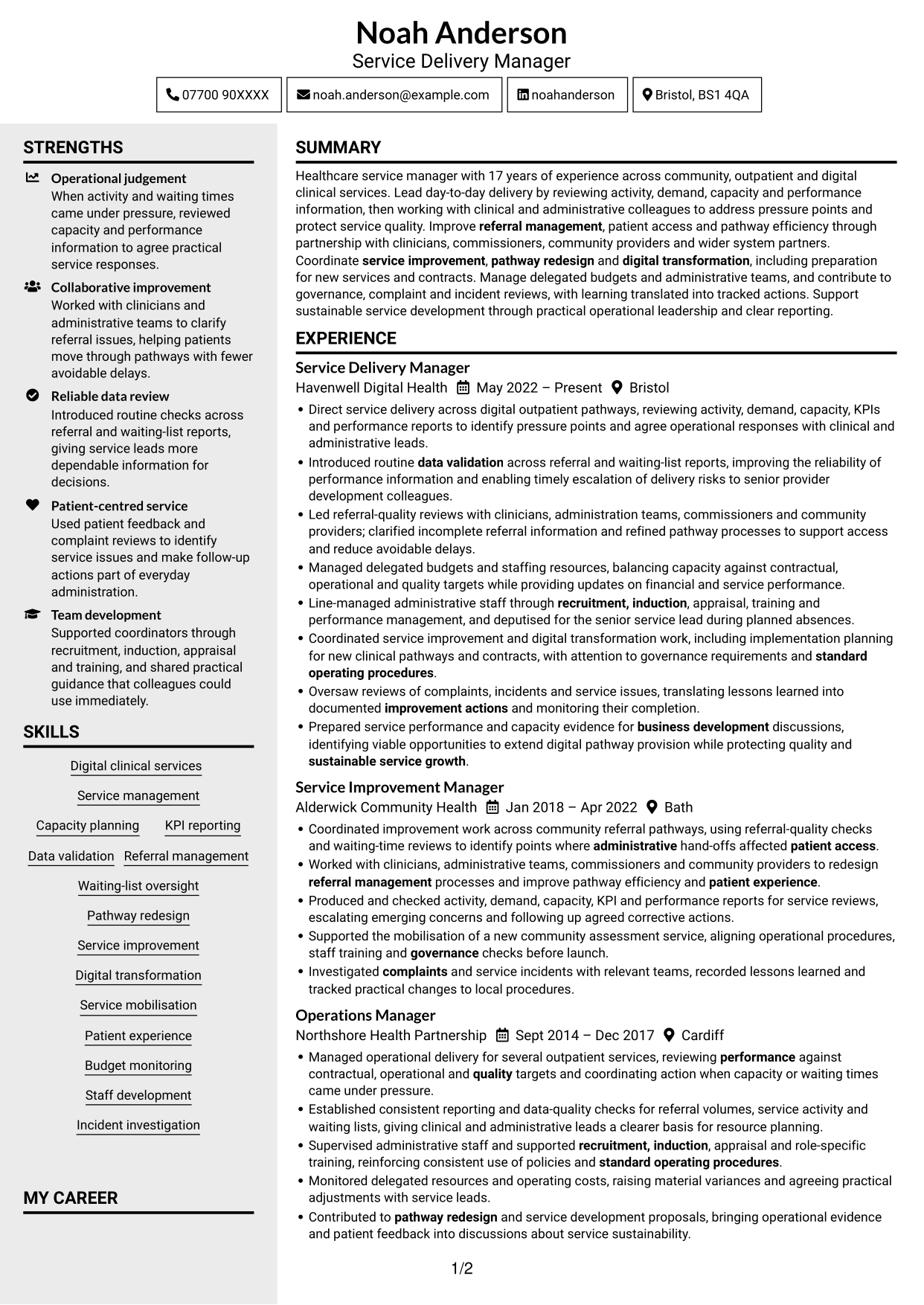
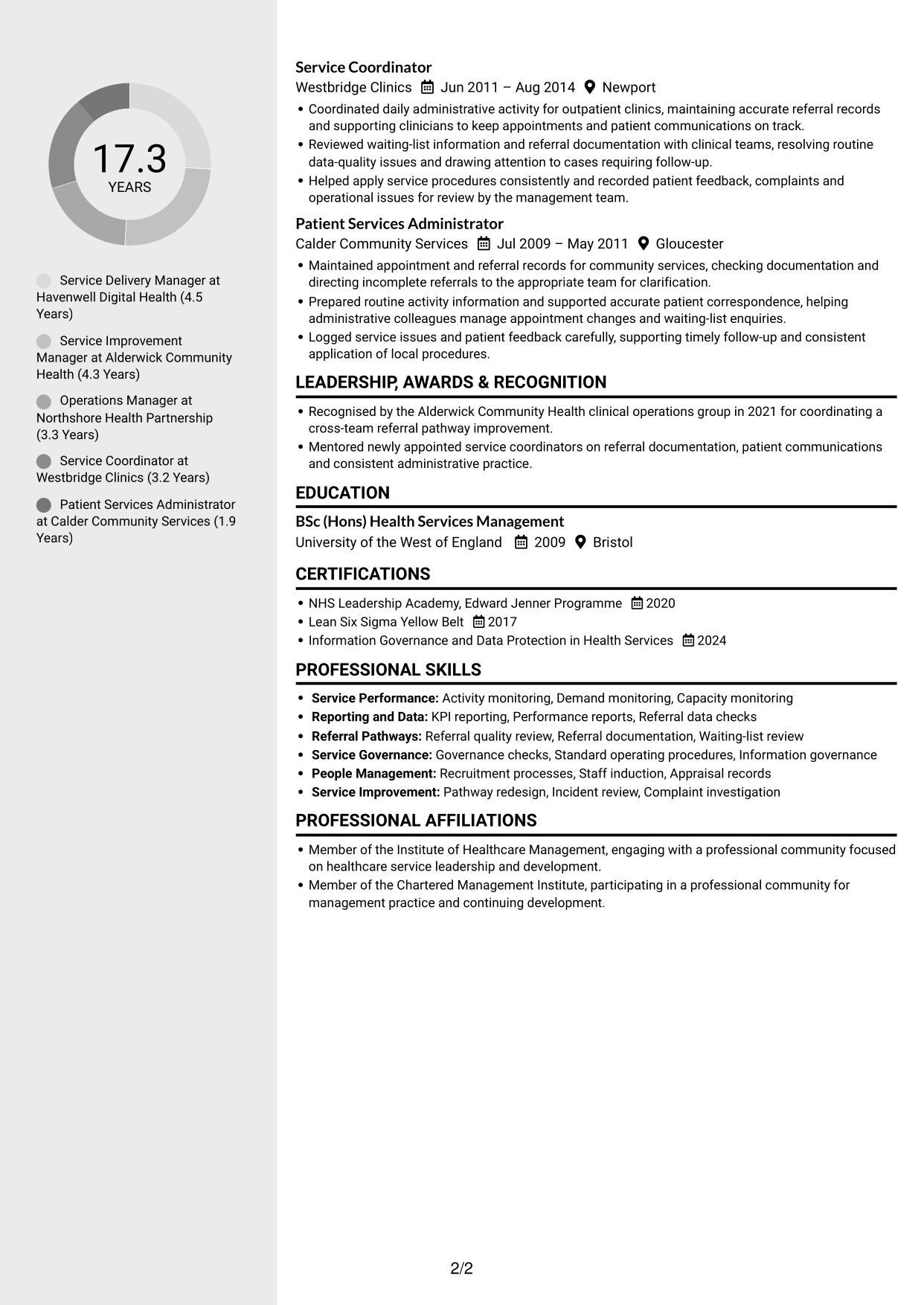
#3 Clean Two Column Sidebar Format CV Example
The Clean Two Column Sidebar Format uses two columns, providing distinct areas for the CV’s sections and details.
Why This Format Works
- Separate content areas help distinguish career history from other CV sections.
- Reviewers can locate education and credentials without losing the experience sequence.
- The two-column reading order makes section changes easier to spot.
Best For
- CVs with varied sections
- Clear separation of information
- Experience with supporting details
- Quick location of qualifications
- Organised digital applications
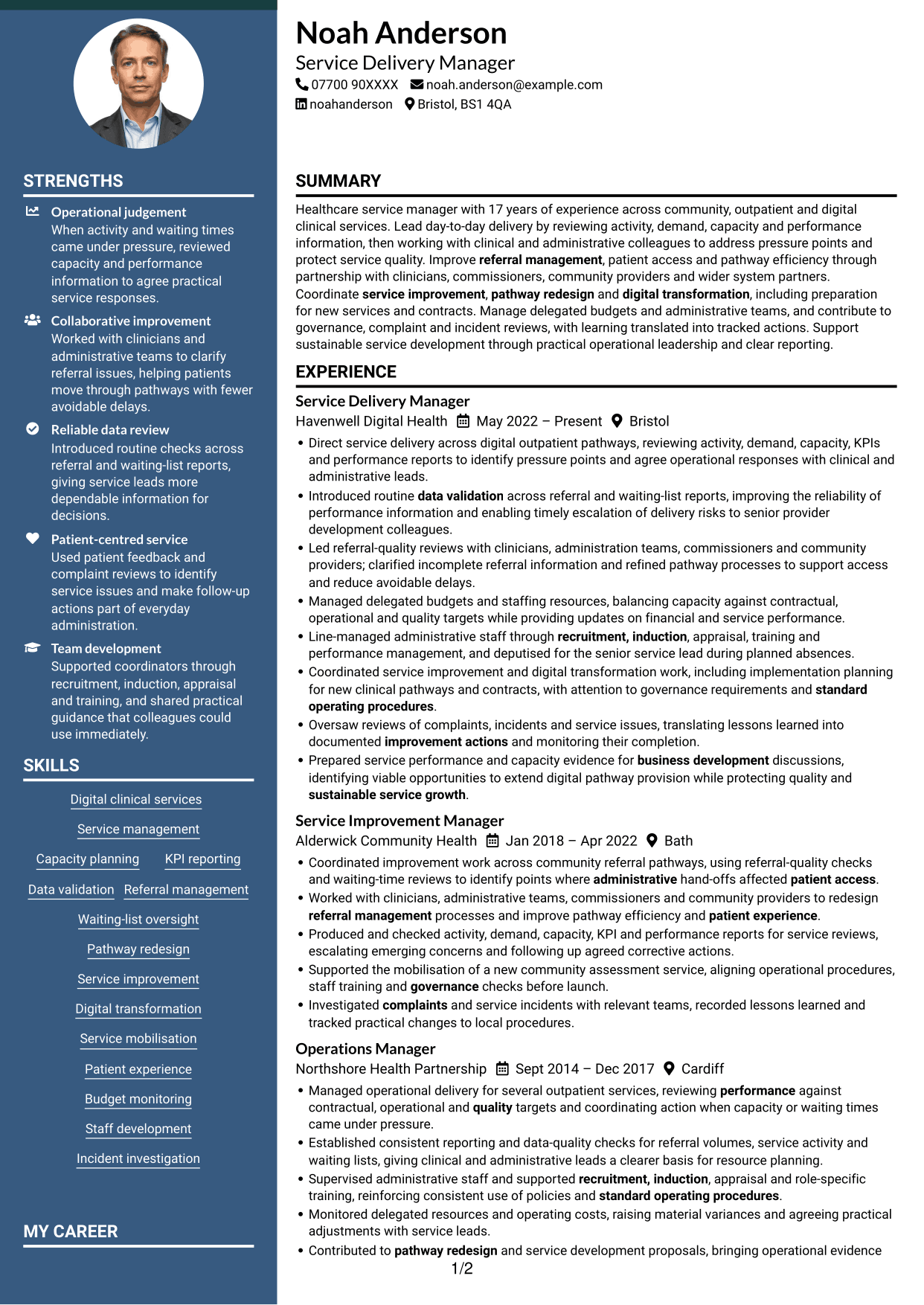
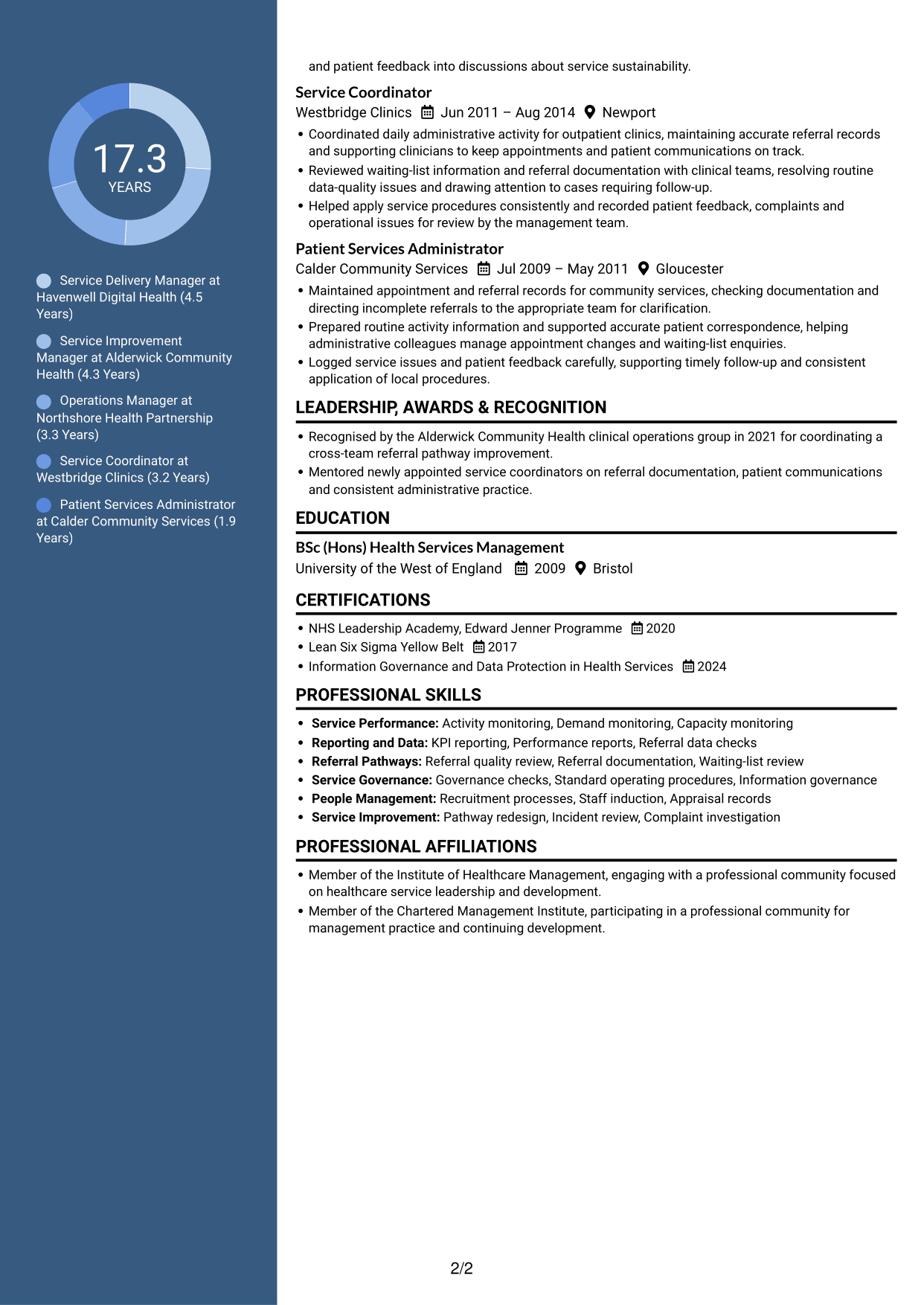
#4 Two Column Format CV Example
The Two Column Format sets CV content across two columns, creating a divided view of its sections.
Why This Format Works
- The divided layout separates experience from skills, education and credentials.
- Reviewers can scan section groups while keeping the career timeline in view.
- Two columns give supporting details their own visible space.
Best For
- Distinct CV section groups
- Career history with supporting details
- Fast review of qualifications
- CVs with varied content
- Side-by-side section scanning
#5 Photo Header Two Column Format CV Example
The Photo Header Two Column Format combines a portrait in the header with two columns for CV content.
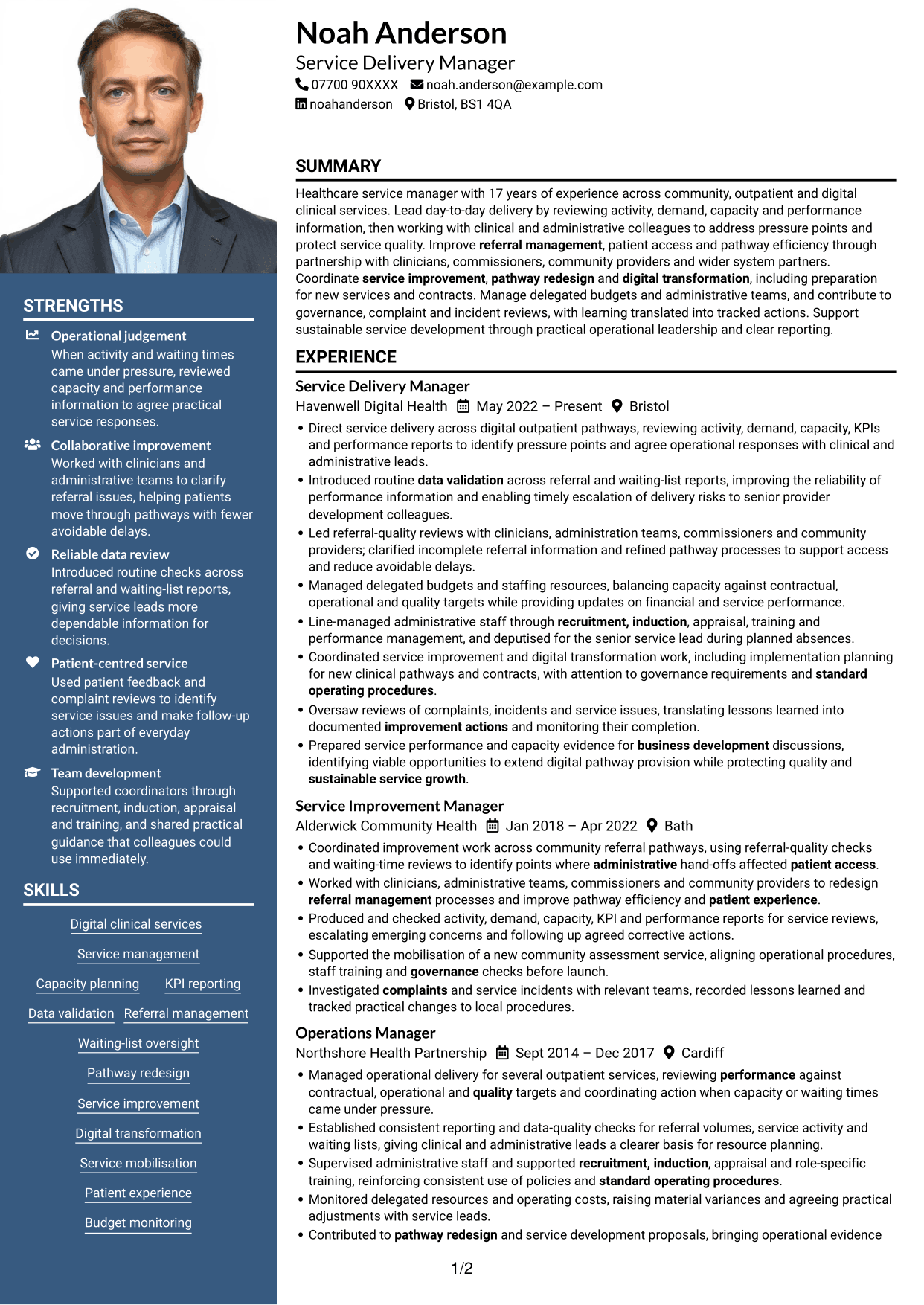
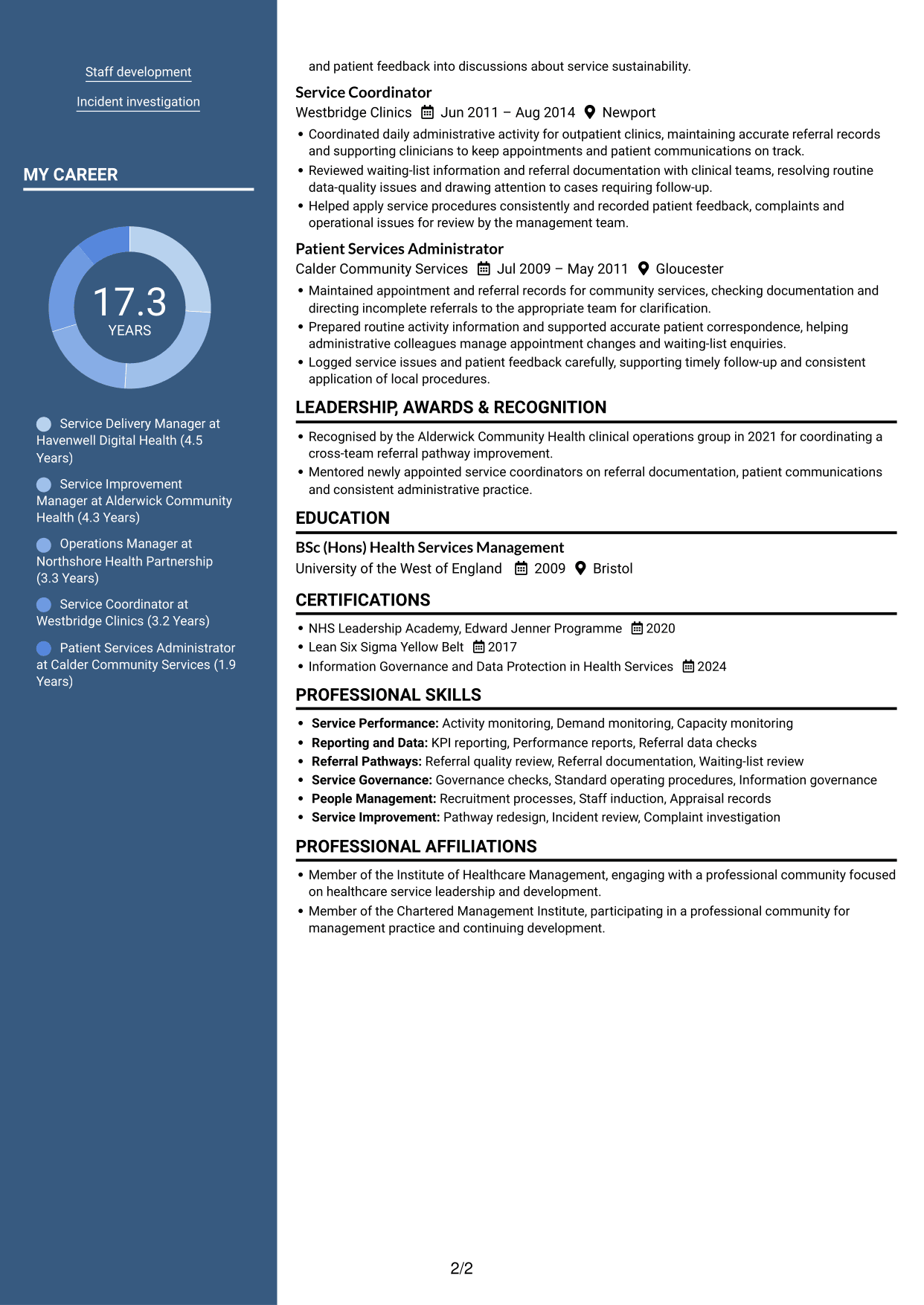
Why This Format Works
- The two-column body gives experience and supporting sections separate visual areas.
- Reviewers can check career history while referring to skills and credentials.
- The header portrait gives the document a clear visual point of identification.
Best For
- CVs using a professional portrait
- Two-column section organisation
- Experience with supporting details
- Quick review of qualifications
- Portrait-led document headers
#6 Coloured Two Column Format CV Example
The Coloured Two Column Format uses two columns, with colour adding a visual distinction to the CV layout.
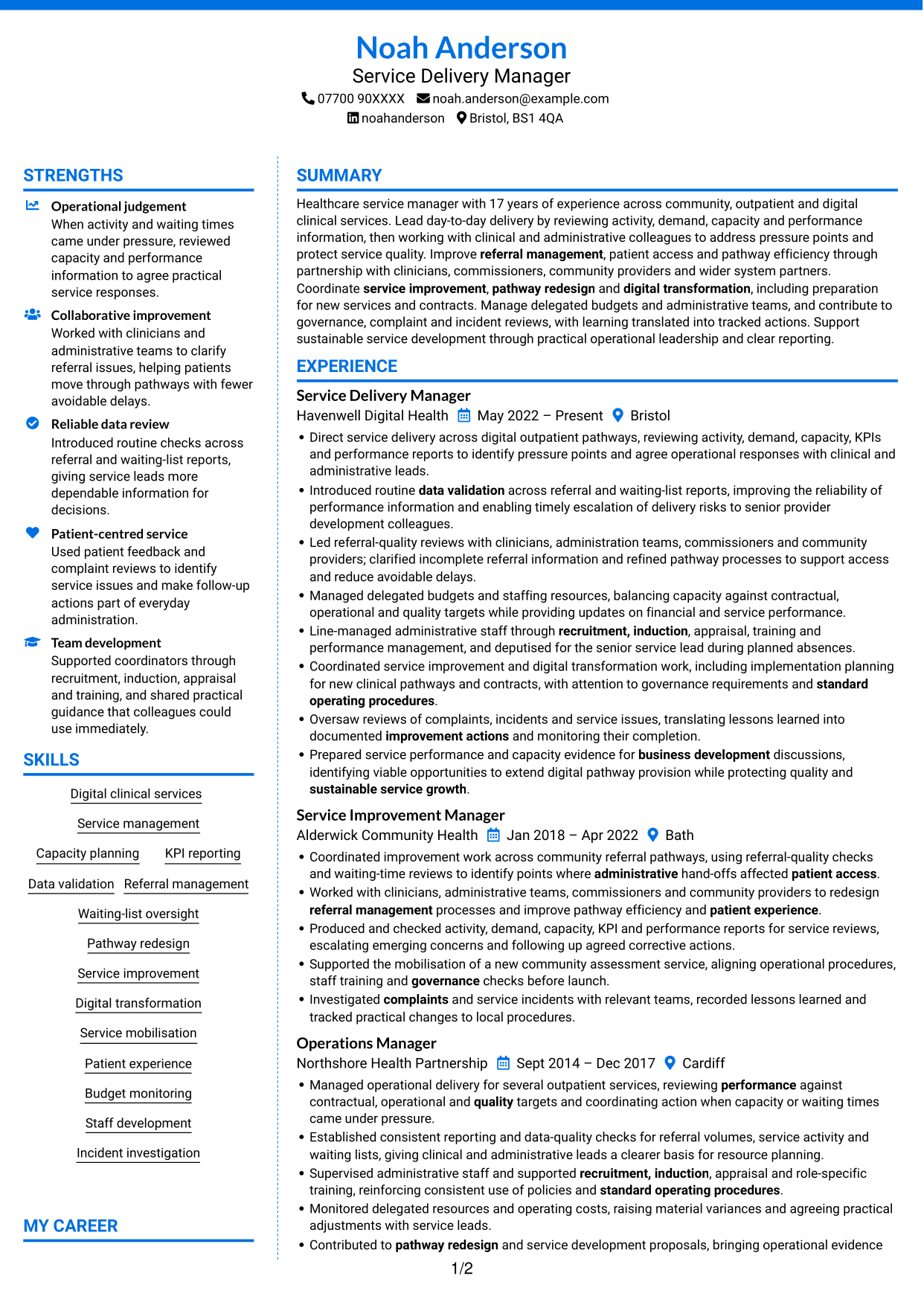
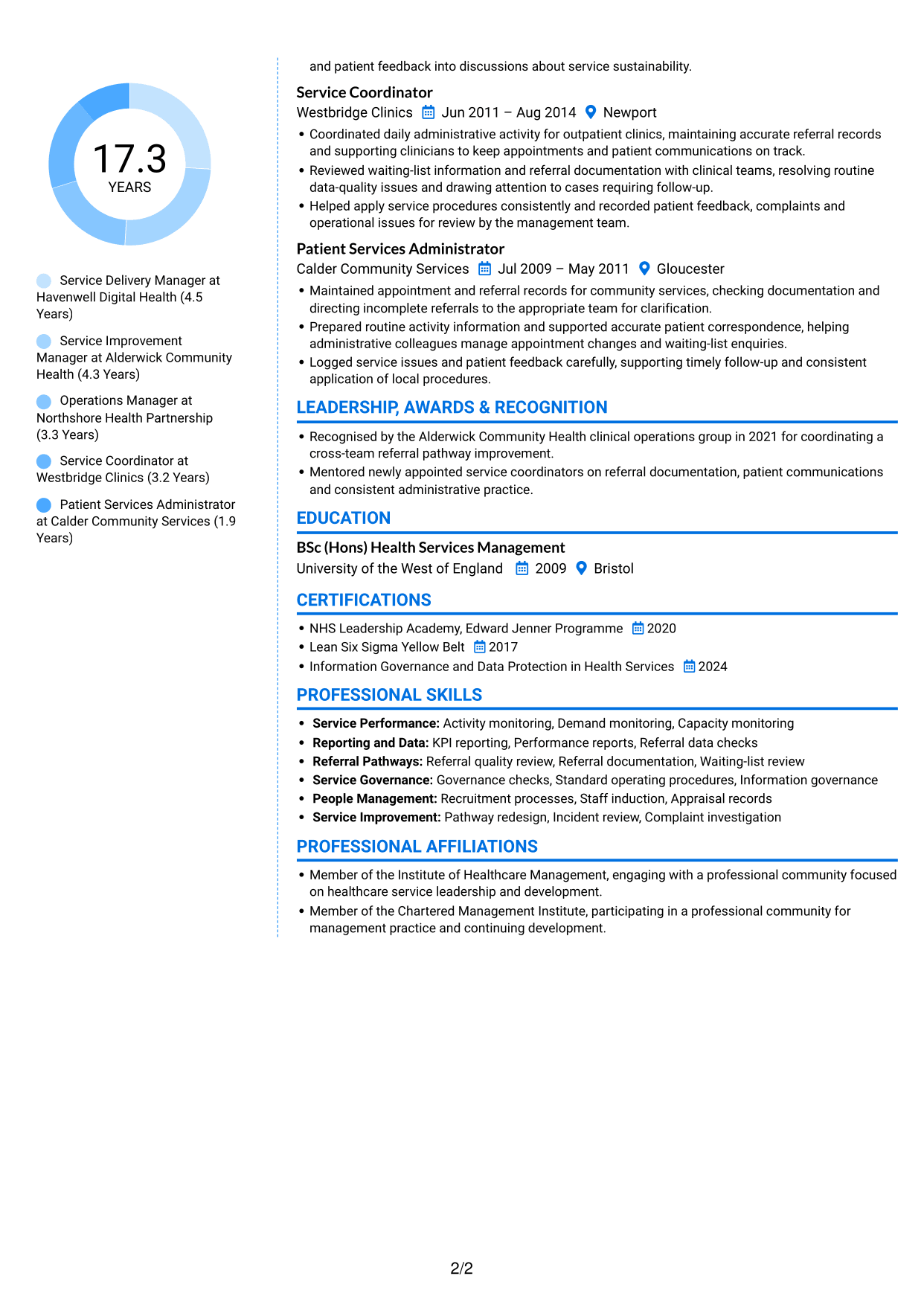
Why This Format Works
- Two content areas help separate career history from other CV sections.
- The column structure lets reviewers move between experience and qualifications clearly.
- Colour provides a visible distinction between parts of the document.
Best For
- Colour in a CV layout
- CVs with several content areas
- Experience alongside qualifications
- Section-by-section navigation
- Clear visual separation
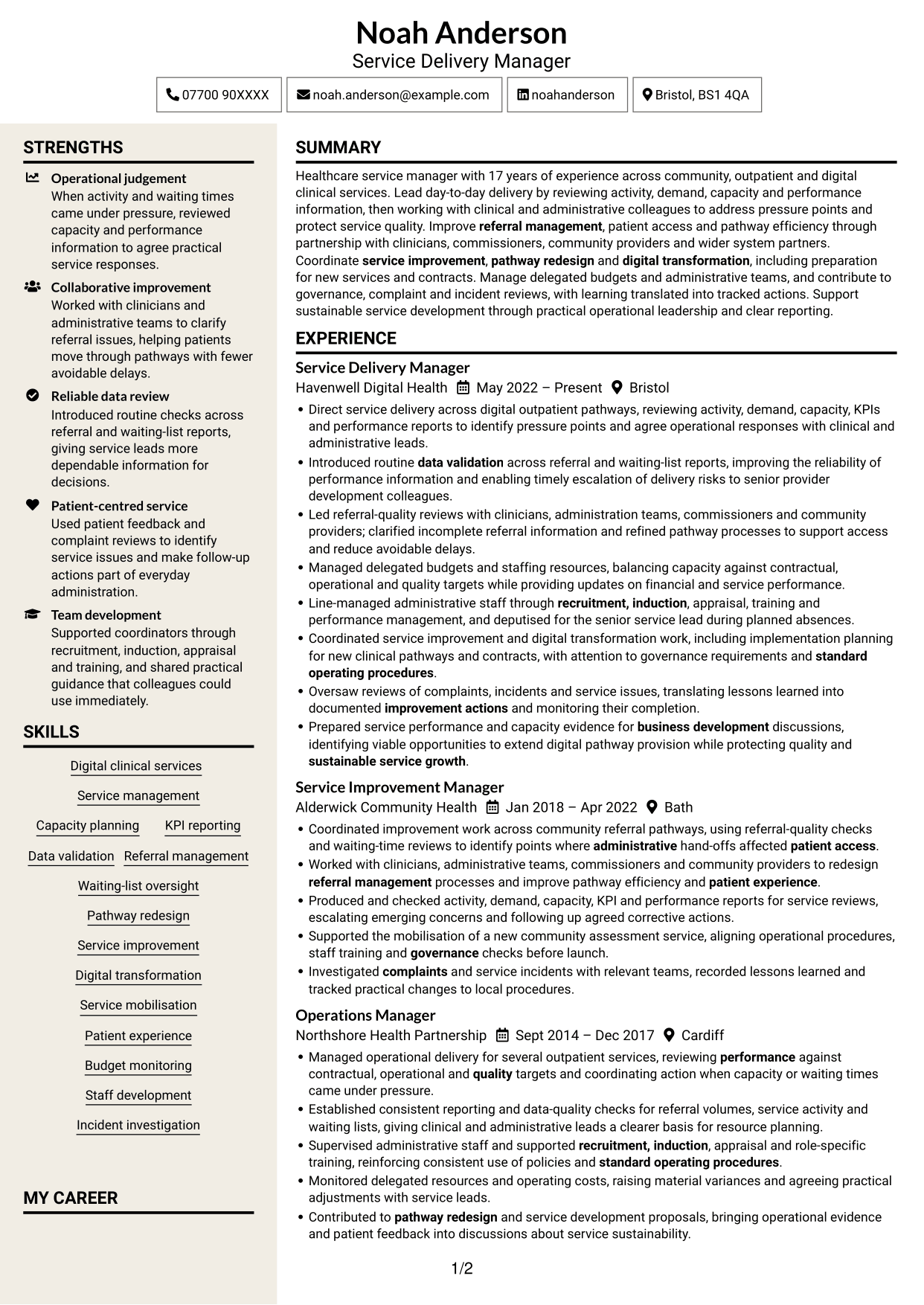
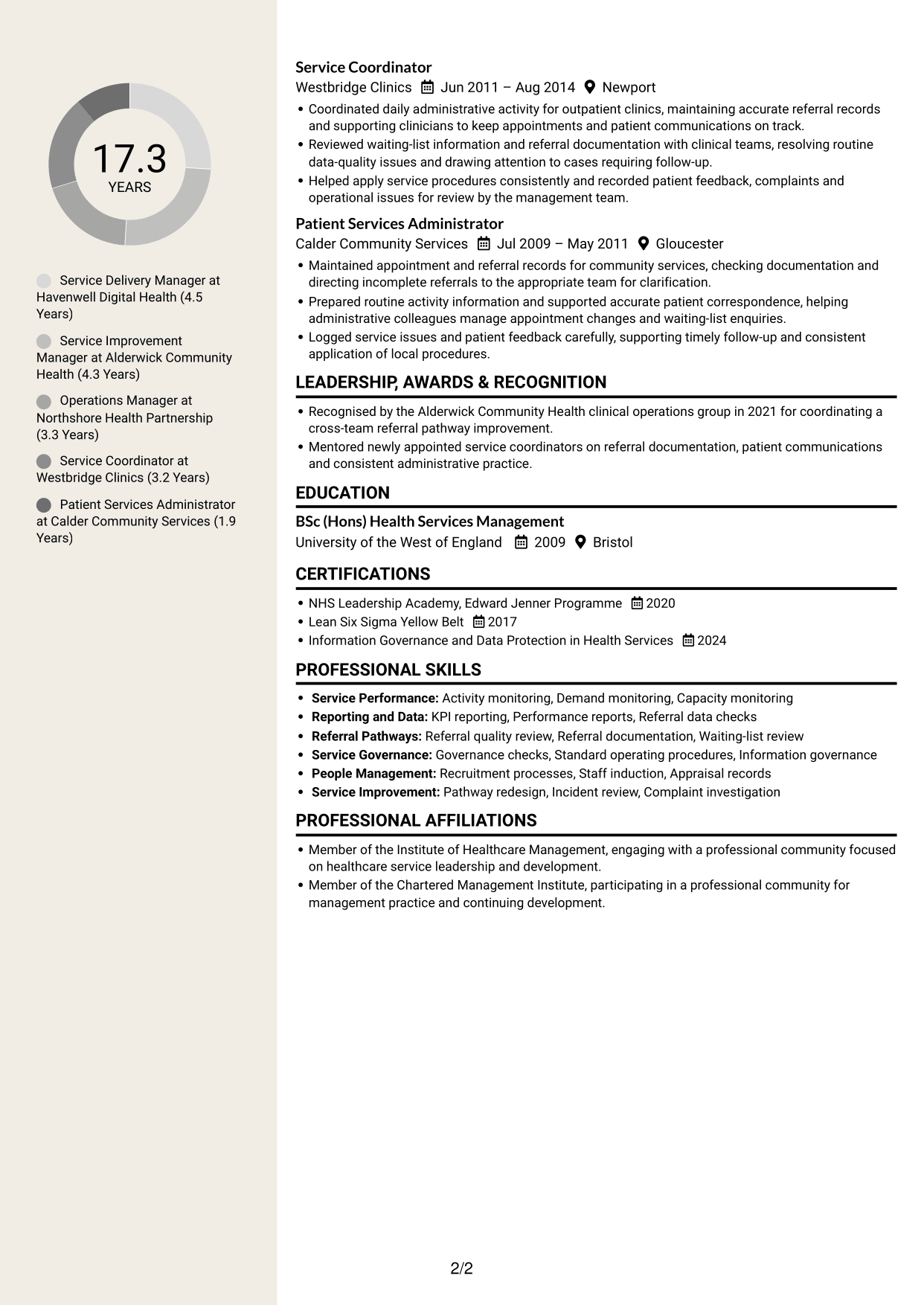
#7 Stylish Two Column Designer Format CV Example
Two columns define the Stylish Two Column Designer Format, giving CV sections a divided visual arrangement.
Why This Format Works
- Distinct column areas help reviewers tell experience apart from supporting sections.
- The layout keeps career progression and qualifications visible within one CV.
- Separated content areas make the document’s section changes easy to notice.
Best For
- CVs with distinct section groups
- Career progression with supporting details
- Easy-to-spot section changes
- Review of experience and qualifications
- Two-column document organisation
Why Build Your Service Manager - Digital Clinical Services CV with ResumeInMinutes
ResumeInMinutes helps you organise service management experience, skills and education in a clear CV. Compare PNG image previews, then open an example in the editor to customise its content and layout.
- Different CV layouts
- Clear, readable section structure
- Space for role-specific keywords
- Organised skills and experience
- PNG image previews
- CV customisation in the editor
Choose a format that makes your service delivery, performance evidence and team leadership easy to follow. Keep the focus on clear responsibilities and outcomes supported by your experience.
See Also
- 7 Senior Sales Manager - Digital Fund Services CV Templates with Example
- 7 Bar Operative - Barista and Food Service CV Templates with Example
- 7 Front of House Team Leader - Luxury Guest Services CV Templates with Example
- 7 Guest Services Ambassador - Corporate Reception CV Templates with Example
- 7 Head of Business Services - Workplace and Facilities Management CV Templates with Example
- 7 Housekeeping Assistant - Hotel Guest Services CV Templates with Example
- 7 Internal Communications and Engagement Partner - Customer Services CV Templates with Example
- 7 Office Administrator - Engineering Service Coordination CV Templates with Example
- 7 Service Manager - Digital Clinical Services Cover Letter Templates with Example
- 7 Senior Sales Manager - Digital Fund Services Cover Letter Templates with Example
Frequently Asked Questions
Are these Service Manager - Digital Clinical Services CV templates ATS-friendly?
The examples use readable headings and clear sections to support scanning. Include relevant terms naturally, such as KPI reporting, data validation, referral management, pathway redesign and service mobilisation.
Are these separate CV examples or different layouts of one example?
This page shows one role-focused CV example in different layouts. Compare the PNG image previews, then open an example in the editor to customise it.
What should a Service Manager - Digital Clinical Services CV include?
Include a focused summary, relevant experience, skills, education and certifications. Show evidence of performance reporting, referral pathways, service improvement, governance, budget monitoring and team leadership where these match your background.
Which CV layout works well for this role?
Choose a layout with clear headings and an easy-to-follow order for experience, skills and education. A simple structure helps recruiters and applicant tracking systems find key details.
How can I show service improvement achievements on my CV?
Use concise bullet points to explain the issue, the action you took and the result. Include supported measures, such as changes in waiting times or referral quality, only when you can confirm the figures.
Should I include a photo on my CV?
For UK applications, a photo is usually not needed. Use the space for relevant experience, skills and measurable results instead.




