
7 Sixth Form Administrator Cover Letter Templates with Example
This practical guide to a Sixth Form Administrator cover letter shows how to express your role fit and motivation across seven layouts.
What Makes a Great Sixth Form Administrator Cover Letter in 2026
A strong letter shows how you can support students and help Sixth Form services run smoothly. Make your opening clear about your interest in the role and the value of a responsive, student-focused approach.
Use relevant evidence, such as handling student enquiries, responding appropriately to sensitive concerns, keeping accurate records and working with staff and families. Link that evidence to the employer’s stated needs and explain why this work matters to you.
The featured example moves from motivation to practical evidence of student support, daily administration and teamwork, then closes with a clear statement of interest; adapt this focused progression while choosing a presentation suited to the employer and communication context.
#1 Simple One Column Format Cover Letter Example
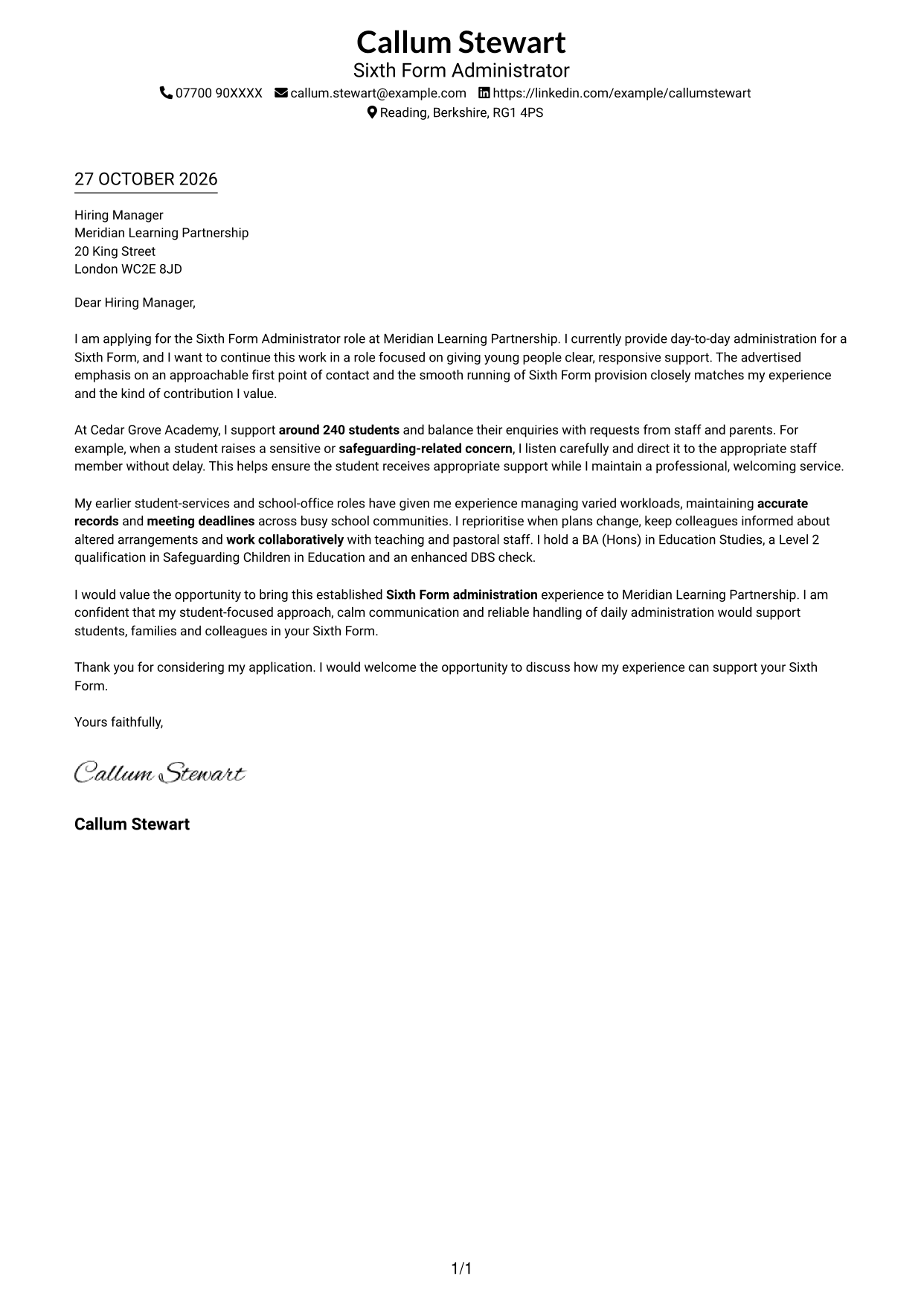
The Simple One Column Format keeps sender details in the header and the letter in a single column, giving the message a direct reading path.
Why This Format Works
- Sender details stay in the header, leaving the letter body in one clear column.
- Continuous paragraphs let reviewers follow motivation, evidence and closing in order.
- Paragraphs retain a natural letter form, with no headings interrupting the prose.
Best For
- Single-column letter layouts
- Header-based contact details
- Continuous letter paragraphs
- Direct opening-to-closing structure
- Paragraph-led application writing
#2 Two Column Format Cover Letter Example
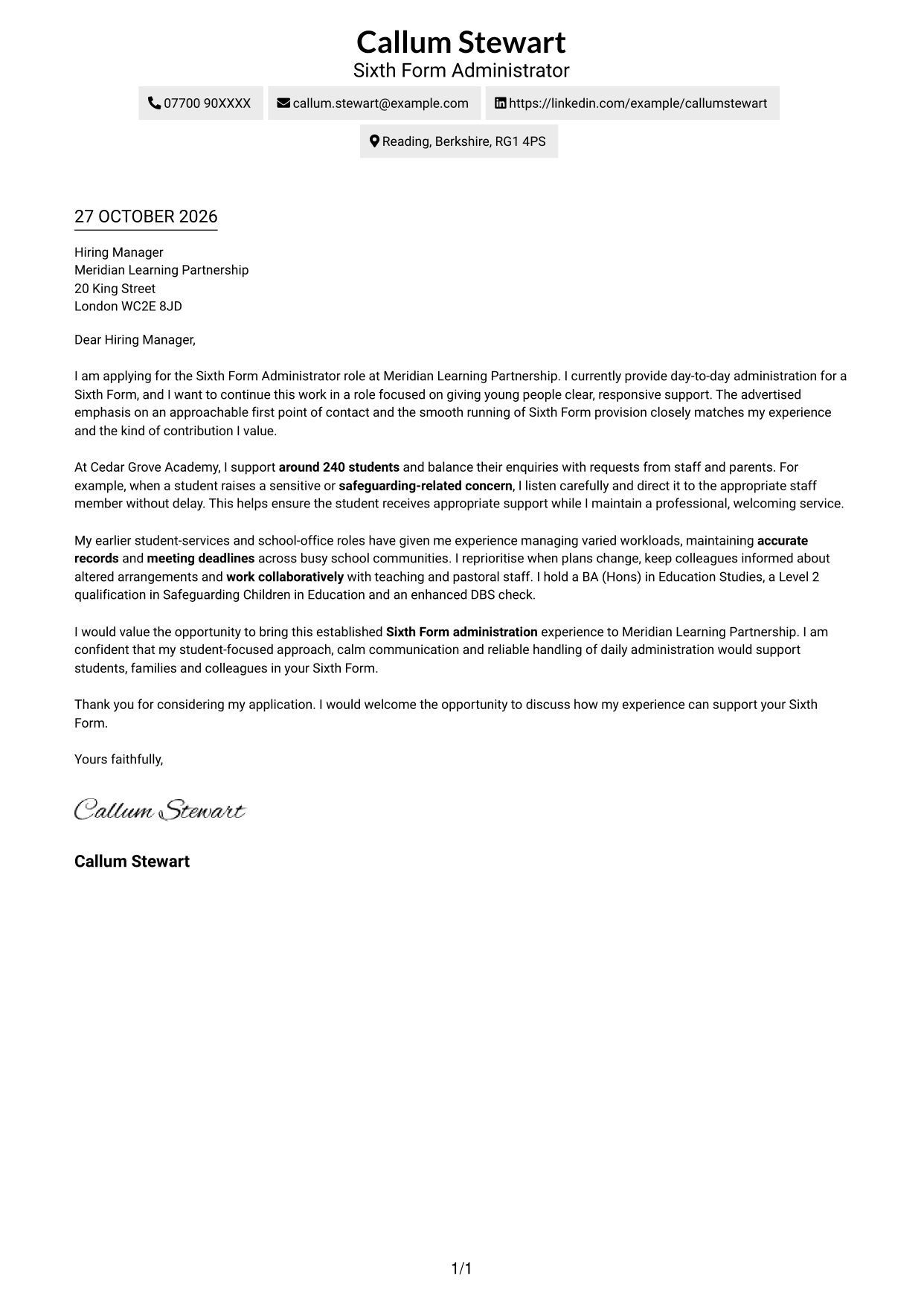
The Two Column Format places contact details in a sidebar beside one continuous letter body, keeping contact information apart from the message.
Why This Format Works
- The sidebar gives contact details a dedicated place beside the letter.
- Reviewers can follow motivation, evidence and closing in one reading column.
- Paragraphs retain a natural letter form, with no headings interrupting the prose.
Best For
- Sidebar contact details
- A single-column letter body
- Applications with full sender details
- Paragraph-based persuasive writing
- Letters without internal headings
#3 Photo Header Two Column Format Cover Letter Example
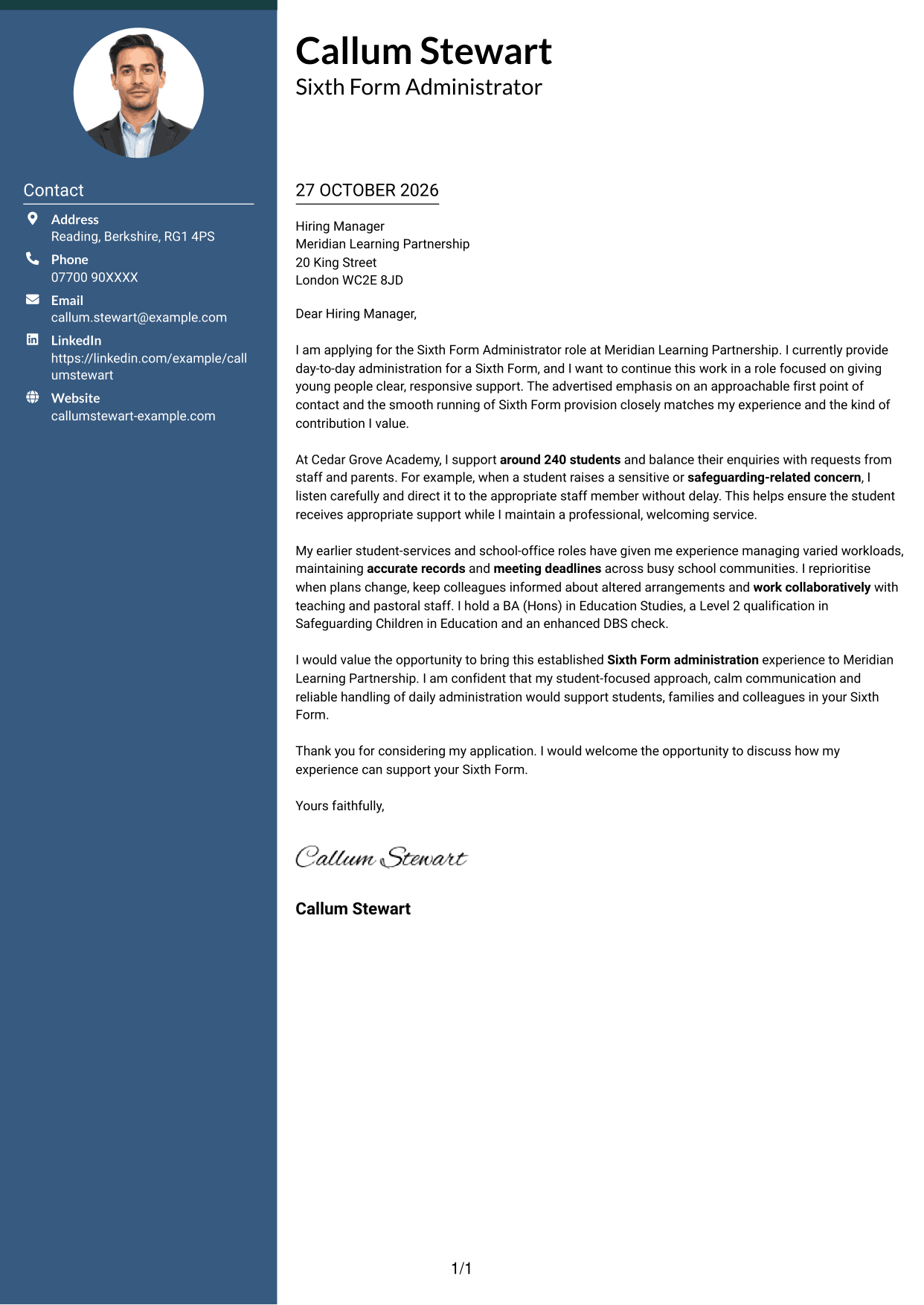
The Photo Header Two Column Format pairs a portrait in the header with a contact sidebar and one continuous letter body, for readers who prefer a visible personal element.
Why This Format Works
- The header portrait adds a visible personal element to the page.
- Contact details sit in a sidebar, separate from the letter's paragraphs.
- Reviewers can read the opening, evidence and closing in one continuous body.
- Paragraphs retain a natural letter form, without headings dividing the message.
Best For
- Portrait-led header presentation
- Sidebar contact details
- Continuous letter paragraphs
- Applications with full sender details
- Paragraph-led persuasive writing
#4 One Column Format with Photo Cover Letter Example
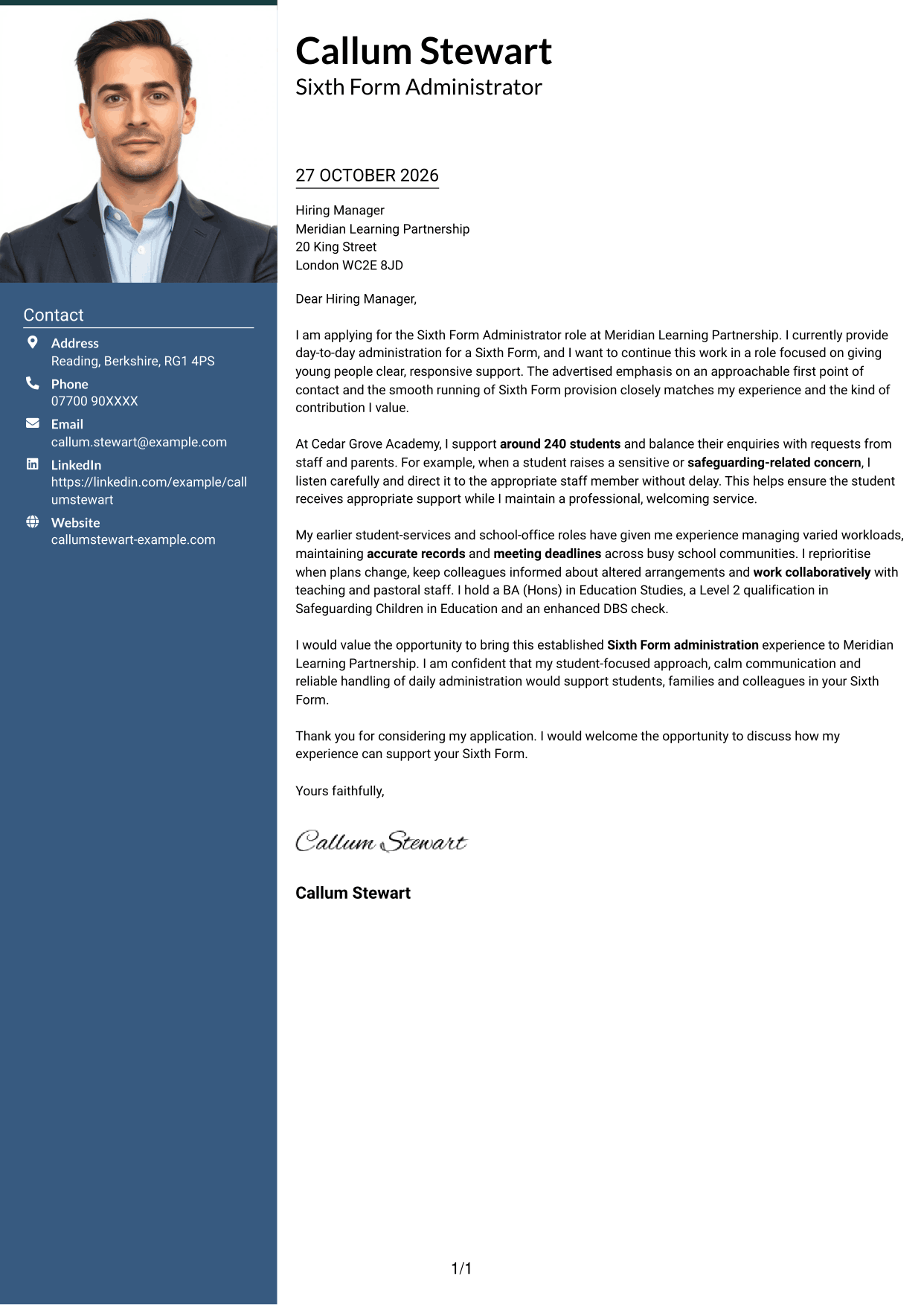
The One Column Format with Photo combines a single letter column with a portrait, adding a personal visual touch while keeping the body together.
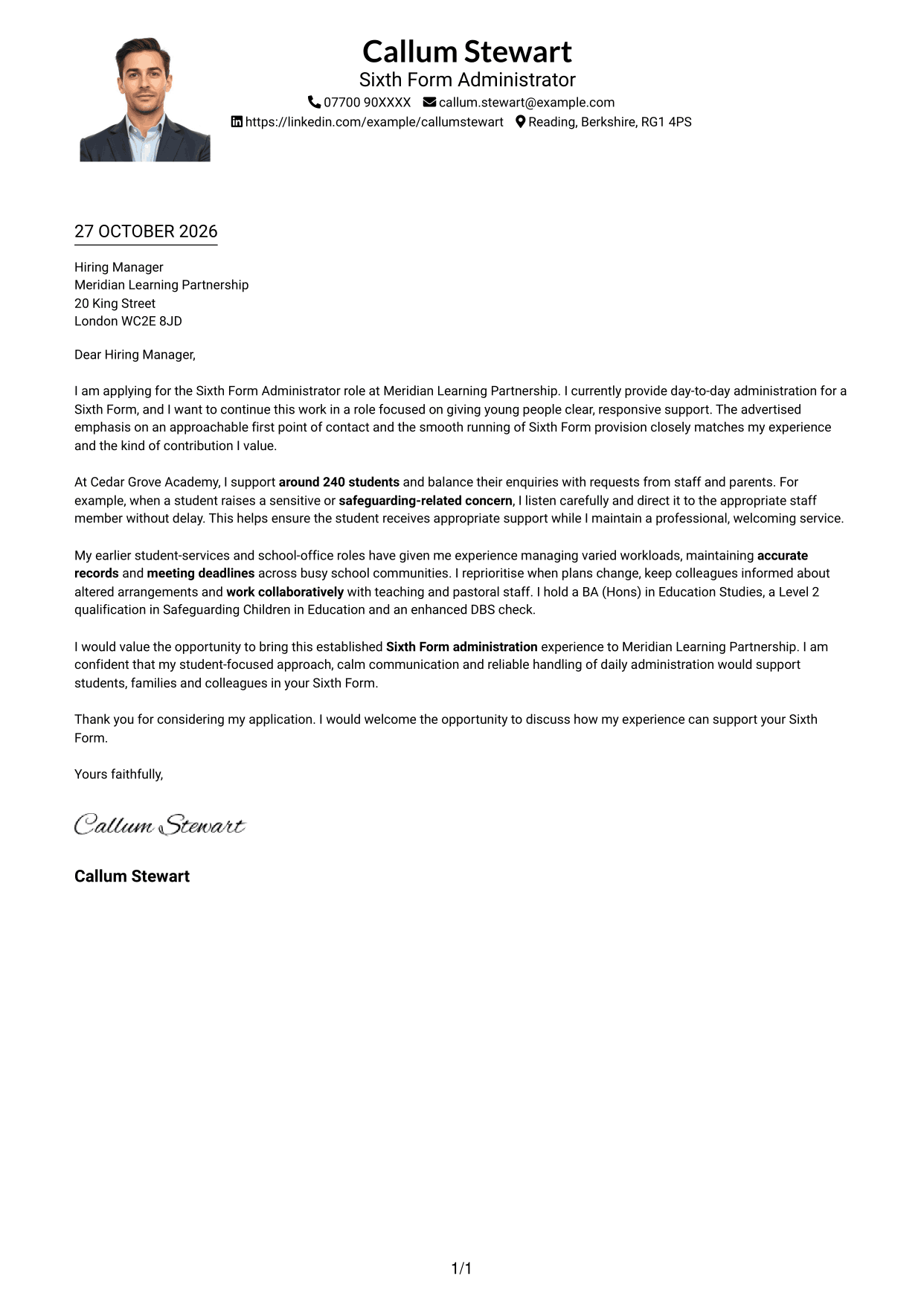
Why This Format Works
- The portrait adds a personal visual element without dividing the letter body.
- A single column keeps the message in one direct reading path.
- Reviewers can follow motivation, supporting evidence and closing in sequence.
- Paragraphs retain a familiar letter form, with no internal headings.
Best For
- Single-column letter layouts
- Portrait-inclusive presentation
- Continuous paragraph flow
- Letters with a direct reading path
- Paragraph-led application writing
#5 Simple Two Column Format Cover Letter Example
The Simple Two Column Format sets contact details beside a single continuous letter body, a straightforward choice when sender information should sit apart from the message.
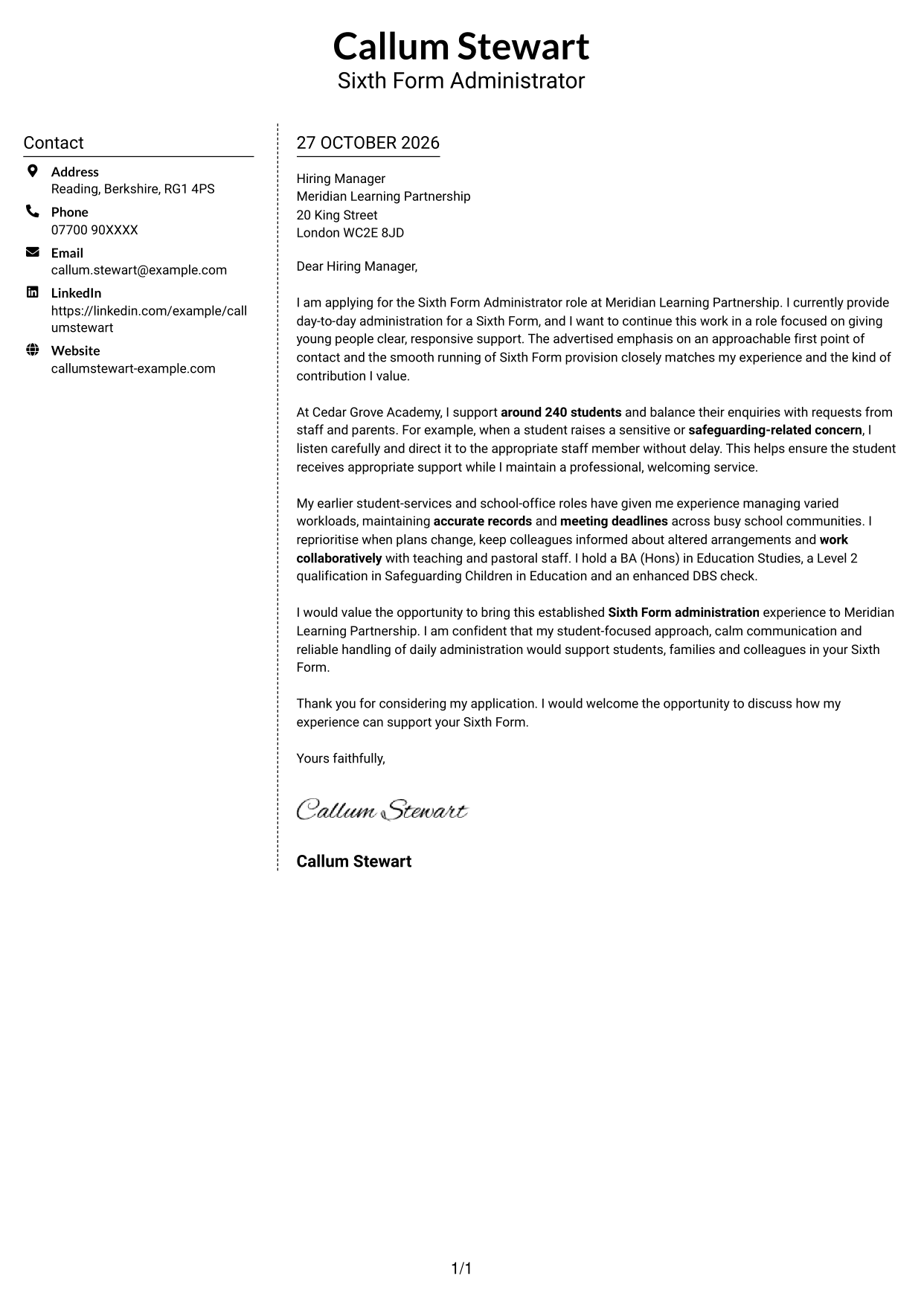
Why This Format Works
- Contact details have a dedicated sidebar beside the continuous letter body.
- The main column keeps motivation, evidence and closing together.
- Reviewers can distinguish sender information from the letter's persuasive message.
- Paragraphs retain a natural letter form, with no headings interrupting the prose.
Best For
- Sidebar contact presentation
- One continuous letter body
- Applications with several contact details
- Paragraph-based persuasive writing
- Letters without internal headings
#6 Modern Icon Format Cover Letter Example
The Modern Icon Format uses two columns for contact details and the continuous letter body, with icons acting as contact cues rather than labels for the letter's argument.
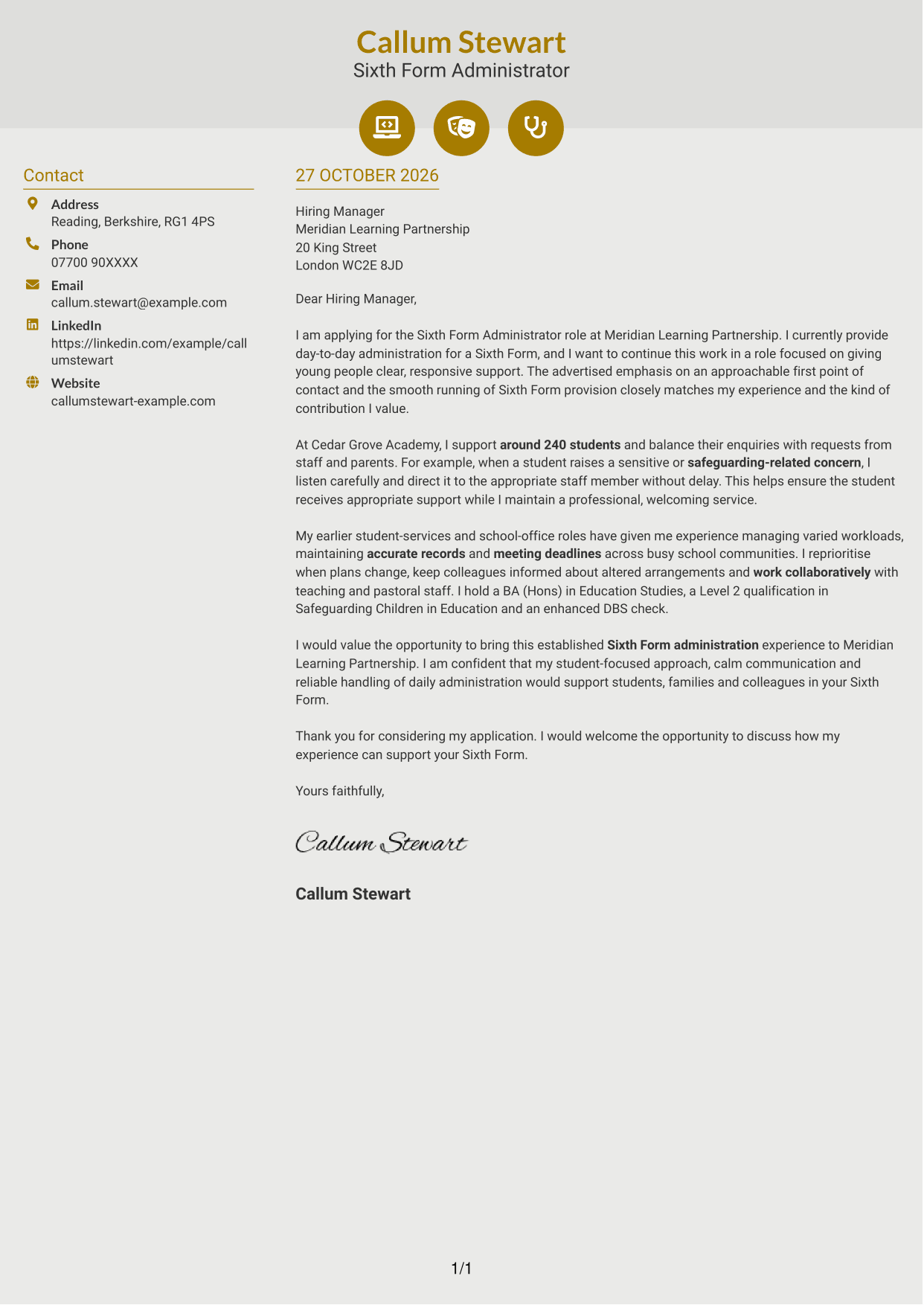
Why This Format Works
- Icons act as visual cues for contact details, not for letter paragraphs.
- The sidebar keeps sender information distinct from the continuous letter body.
- A single body lets reviewers follow the message from opening to closing.
- Paragraphs keep the familiar letter form without internal headings.
Best For
- Icon-led contact details
- Two-column document layouts
- Continuous letter paragraphs
- Applications with several contact methods
- Paragraph-led persuasive writing
#7 Creative Two Tone Format Cover Letter Example
The Creative Two Tone Format places contact details in a sidebar beside one continuous letter body, keeping sender information separate from the message.
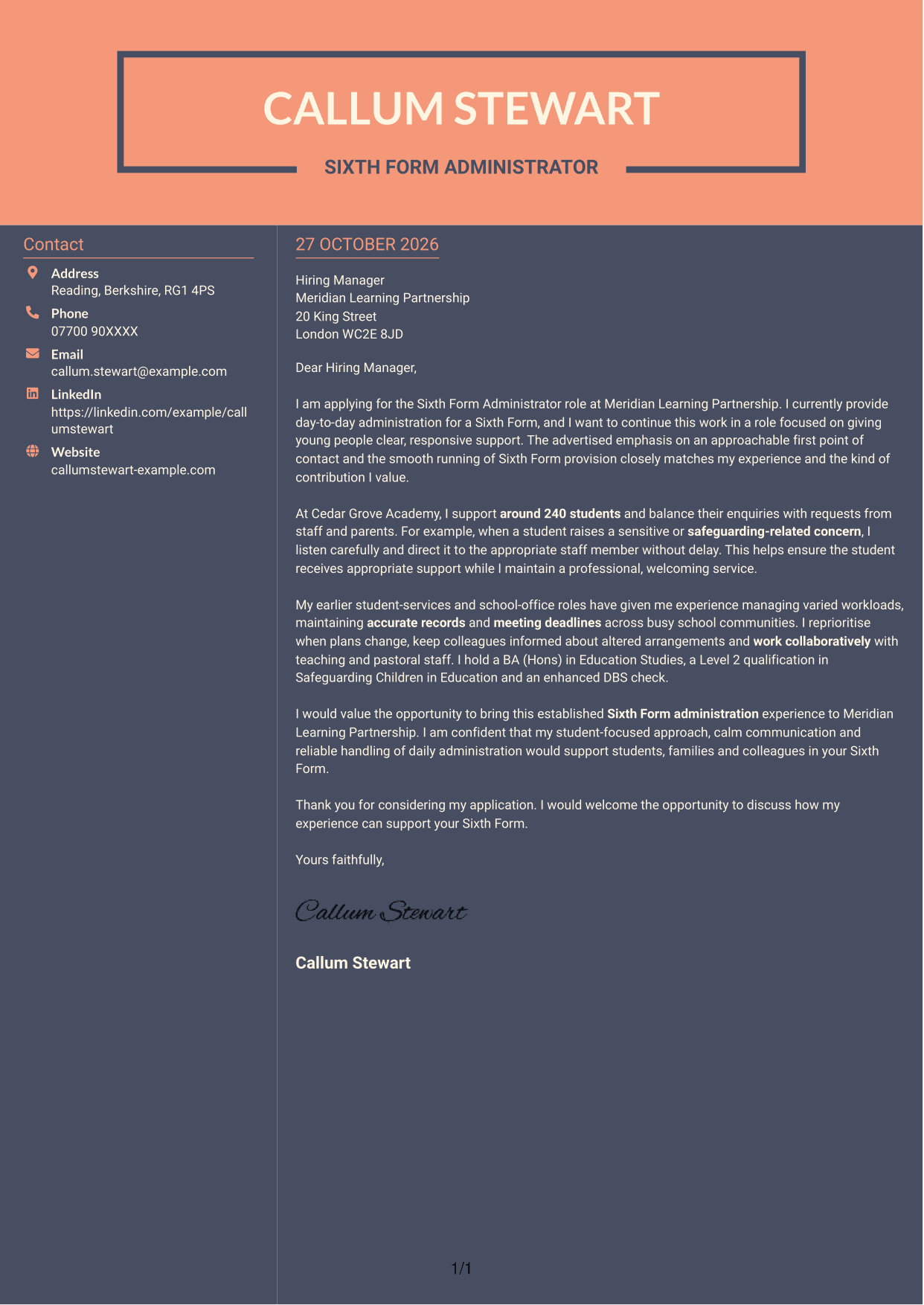
Why This Format Works
- The sidebar sets contact details apart from the letter's persuasive paragraphs.
- Reviewers can follow motivation, evidence and closing within one continuous body.
- Separate columns distinguish sender information from the main letter text.
- Paragraphs preserve a familiar letter form without internal headings.
Best For
- Sidebar contact presentation
- Single-body letter reading
- Applications with full sender details
- Continuous paragraph-based letters
- Letters without internal headings
See Also
- 7 Sixth Form Administrator CV Templates with Example
- 7 Accounts Administrator - Accounts and Payroll CV Templates with Example
- 7 Accounts Administrator - Payroll and Finance CV Templates with Example
- 7 Accounts Payable Administrator - Supplier Payments CV Templates with Example
- 7 Administrator - Programme Coordination CV Templates with Example
- 7 Apprenticeship Administrator - Compliance and Records CV Templates with Example
- 7 Business Administrator Apprentice - Vehicle and Asset Finance CV Templates with Example
- 7 Client Services Administrator - Reception and Client Experience CV Templates with Example
- 7 Accounts Administrator - Payroll and Finance Cover Letter Templates with Example
- 7 Accounts Payable Administrator - Supplier Payments Cover Letter Templates with Example
Frequently Asked Questions
What should a Sixth Form Administrator cover letter highlight?
Show how you can provide a welcoming first point of contact and support the daily running of a Sixth Form. Relevant evidence may include student and parent communication, careful record-keeping, prioritising tasks and handling sensitive concerns with appropriate care.
How can I make my experience relevant to this role?
Choose a clear example that shows what you did and how it helped students, families or colleagues. For instance, explain how you responded to an enquiry, kept information accurate or adjusted priorities when plans changed.
How should I explain my interest in Meridian Learning Partnership?
Connect your motivation to the advertised focus on approachable student support and the smooth running of Sixth Form provision. Explain why this work suits the contribution you want to make, using details you can discuss with confidence.
What is a clear way to structure this cover letter?
Open by naming the role and explaining your interest. Use the body to give focused evidence of student support, administration and teamwork, then close by restating your interest and welcoming a discussion.
Should I include every part of my work history?
No. Select the examples that best show your fit for this Sixth Form Administrator position. A few relevant details about student service, accurate administration and working with colleagues will keep your letter focused.




