
7 Solution Architect - Applications & Technology Cover Letter Templates with Example
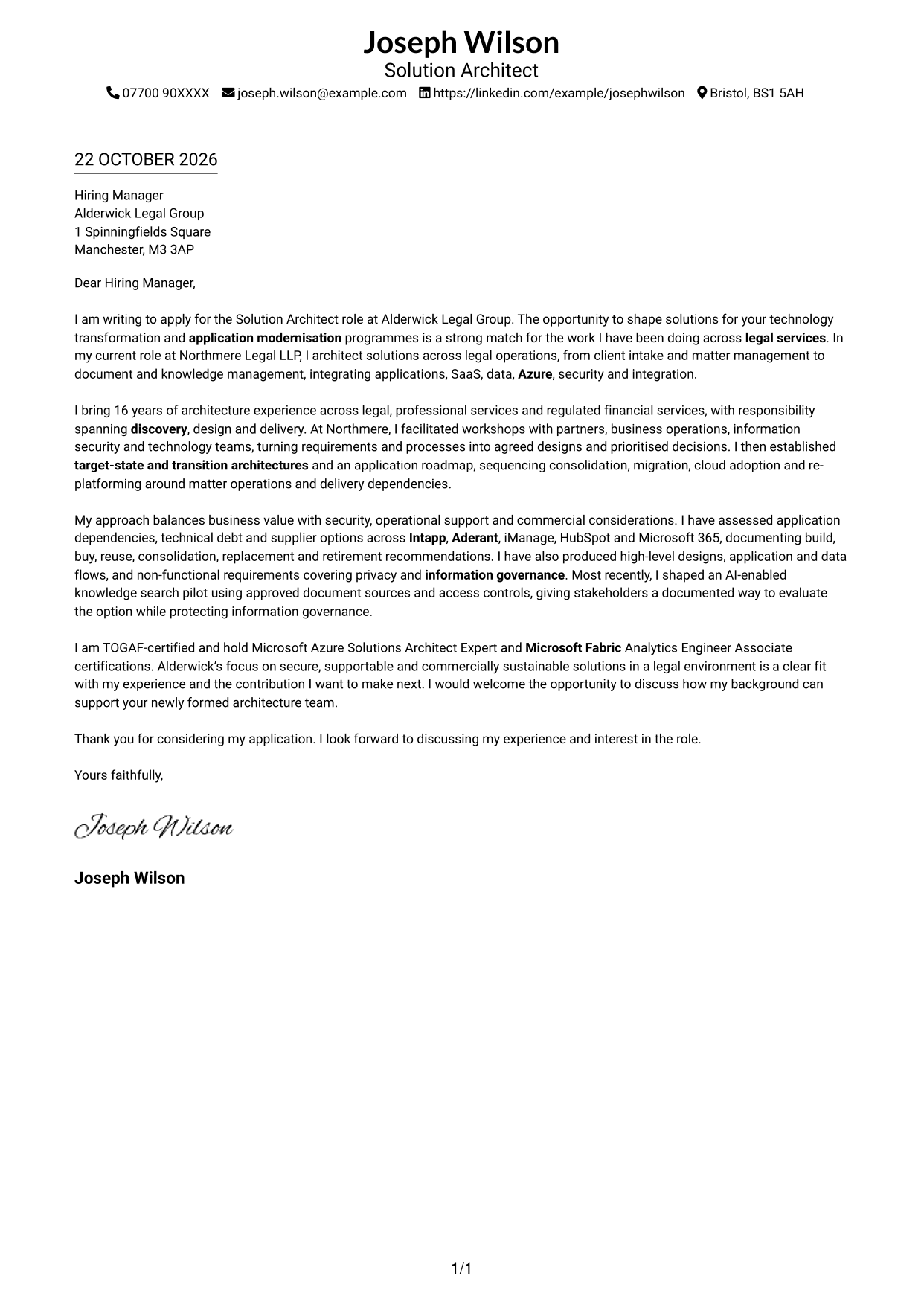
This practical guide to a Solution Architect - Applications & Technology cover letter shows how to present persuasive role fit across seven layouts.
What Makes a Great Solution Architect - Applications & Technology Cover Letter in 2026
A strong letter links business needs to secure, supportable application and technology solutions. Its opening states your interest, while the body shows how you guide design through delivery.
Use evidence such as leading discovery workshops, shaping architecture roadmaps and assessing application options. Explain how this work aligns with the employer’s needs for modernisation, sound governance and practical delivery.
The featured example moves from role interest to relevant architecture experience, then supports its case with evidence and a clear close; adapt this focused progression while choosing a presentation suited to the employer and communication context.
#1 Simple One Column Format Cover Letter Example
The one-column layout keeps sender details in the header and the letter body in a direct reading order, suiting readers who prefer a straightforward presentation.
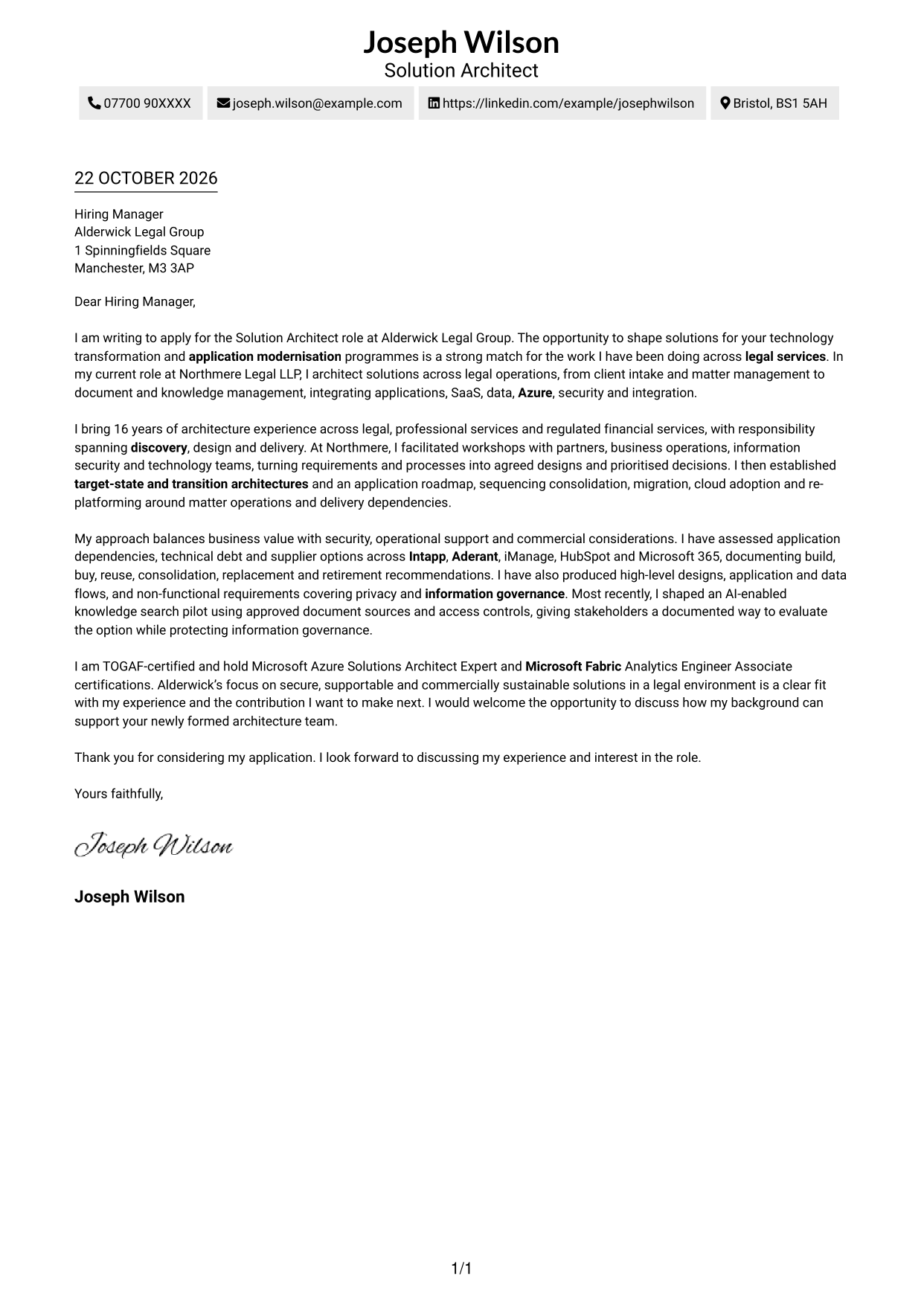
Why This Format Works
- Continuous paragraphs carry the opening, fit and closing in one readable sequence.
- Sender details in the header remain distinct from the persuasive letter body.
- One-column reading order avoids shifting between separate areas of the page.
Best For
- Single-column letter reading
- Uninterrupted paragraph flow
- Header-based contact details
- No-sidebar preference
- Straightforward letter presentation
#2 Two Column Format Cover Letter Example
The Two Column Format places contact details in a sidebar beside one continuous letter body, helping readers find sender information while keeping the message intact.
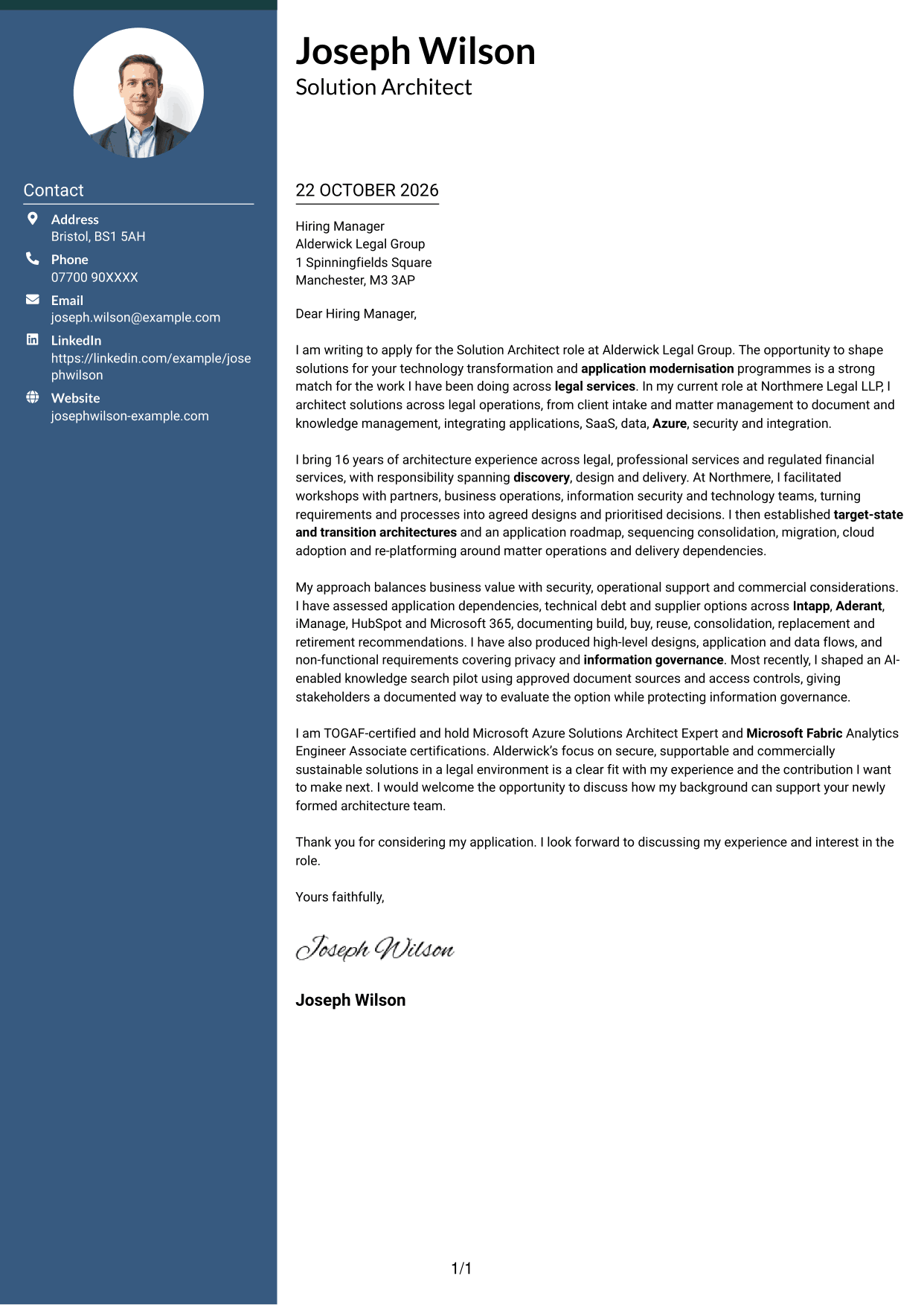
Why This Format Works
- The sidebar makes contact information easy to locate beside the letter.
- One continuous body keeps the opening, motivation and closing together.
- Separate areas distinguish sender details from the persuasive message.
Best For
- Contact details beside the letter
- Continuous paragraph reading
- Quick access to sender information
- Distinct contact and message areas
- Two-column visual organisation
#3 Photo Header Two Column Format Cover Letter Example
The Photo Header Two Column Format pairs a portrait-led header with a contact sidebar and one continuous letter body, suiting readers who want a personal visual element alongside a clear message.
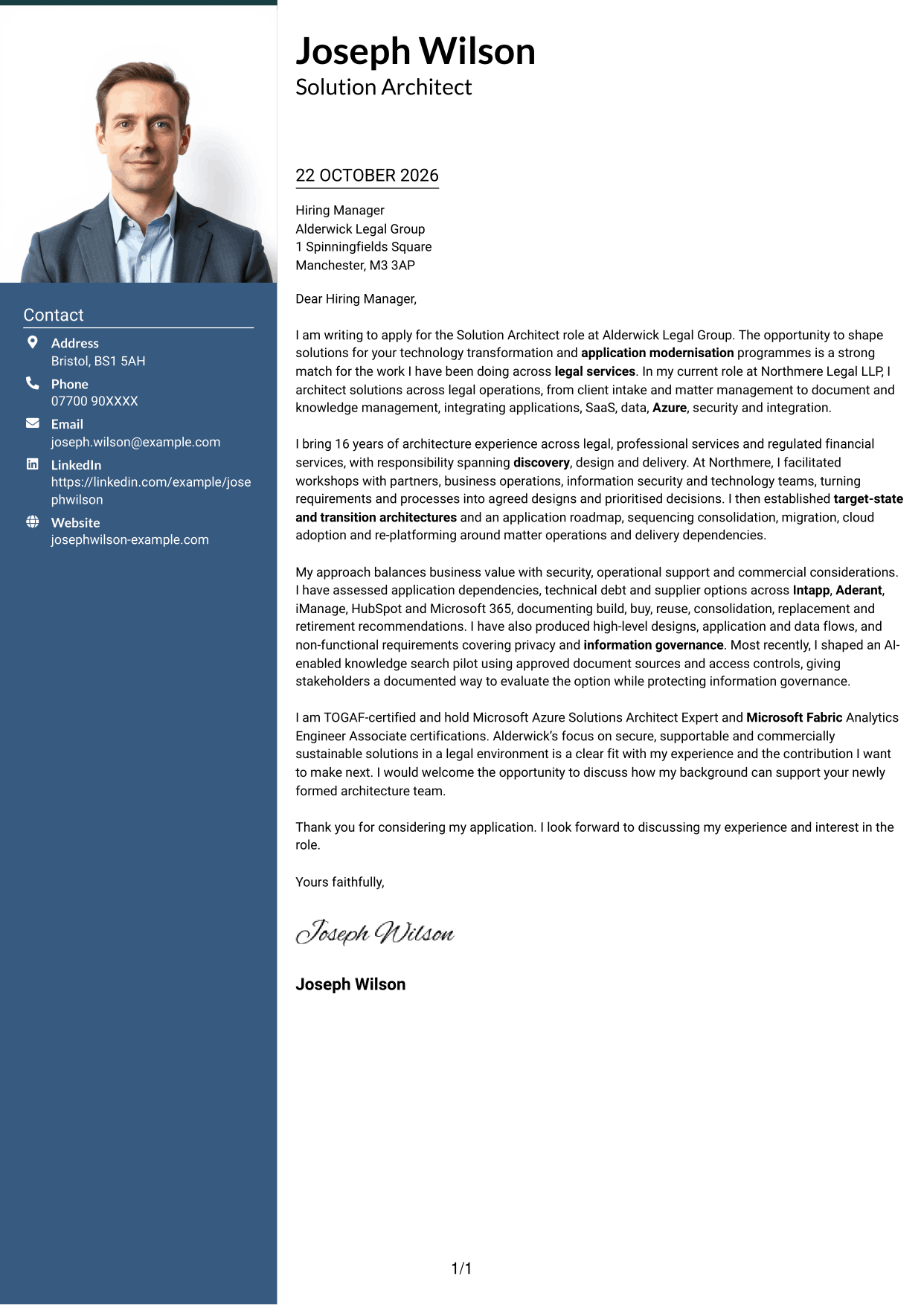
Why This Format Works
- Contact details remain in the sidebar, apart from the persuasive letter body.
- The continuous body lets reviewers follow the opening, motivation and close in sequence.
- The portrait adds a visual feature without dividing the letter's argument.
Best For
- Portrait-led letter presentation
- Contact details in a sidebar
- One continuous letter body
- Personal visual elements
- Clear separation of contact and message
#4 One Column Format with Photo Cover Letter Example
The One Column Format with Photo combines a single letter-reading line with a portrait, a practical choice when personal visual presentation matters without a contact sidebar.
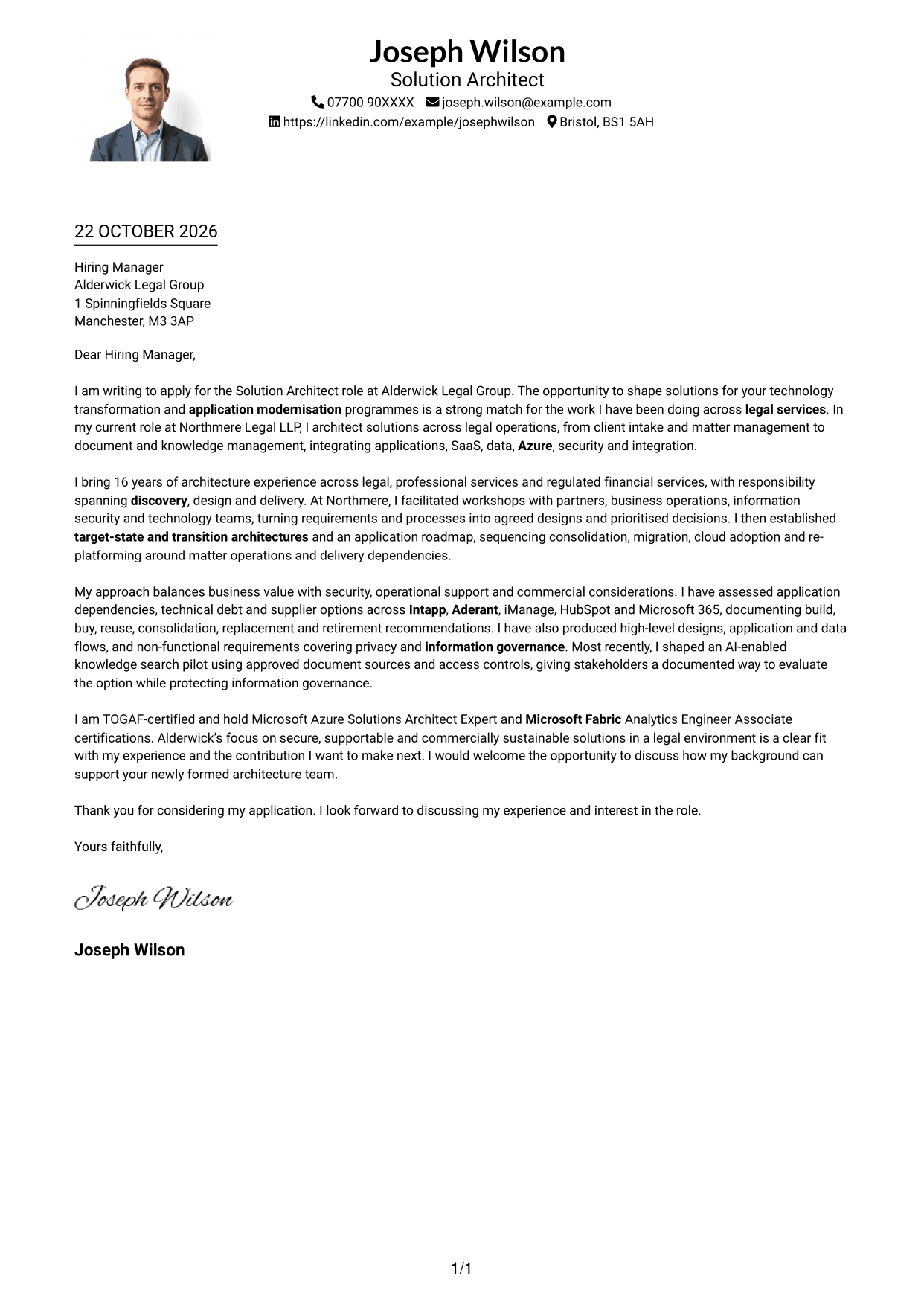
Why This Format Works
- One reading column keeps the message in a familiar letter sequence.
- Sender details stay in the header rather than beside the letter body.
- The portrait adds a personal visual detail while the argument remains continuous.
Best For
- Single-column letter reading
- Portrait in the layout
- Header-based sender details
- Continuous letter argument
- No-sidebar preference
#5 Simple Two Column Format Cover Letter Example
The Simple Two Column Format separates contact details from the continuous letter body, a clear option for readers who prefer distinct areas for these two elements.
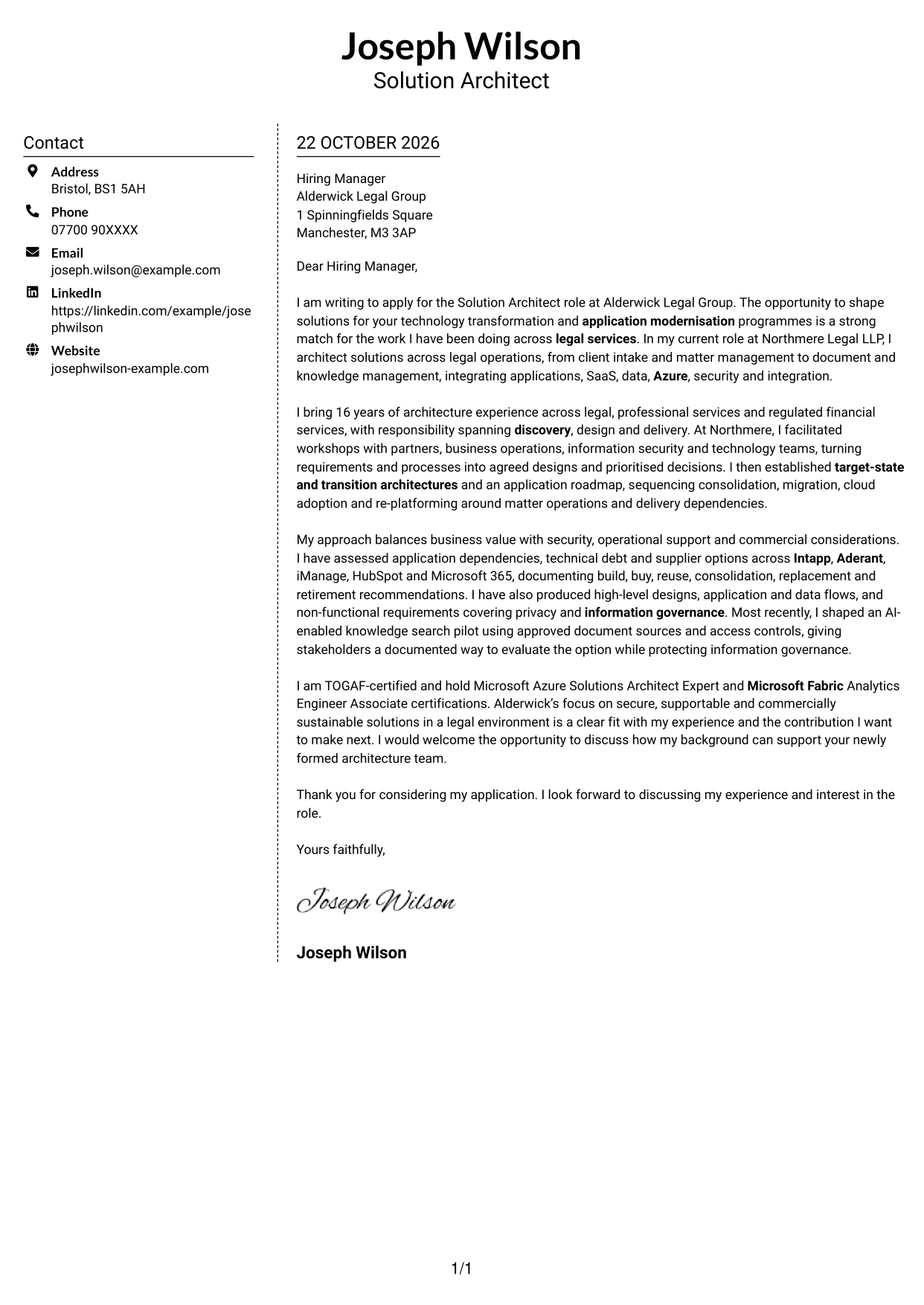
Why This Format Works
- The sidebar keeps contact information apart from the letter's persuasive paragraphs.
- A continuous body preserves the natural order from opening to closing.
- Its simple presentation suits readers who prefer familiar visual organisation.
Best For
- Separate contact and letter areas
- Opening-to-closing paragraph order
- Simple two-column organisation
- Contact details kept to one side
- Familiar letter presentation
#6 Modern Icon Format Cover Letter Example
The Modern Icon Format uses contact cues and decorative header accents alongside a contact sidebar and continuous letter body, suiting readers who prefer visual markers around the sender details.
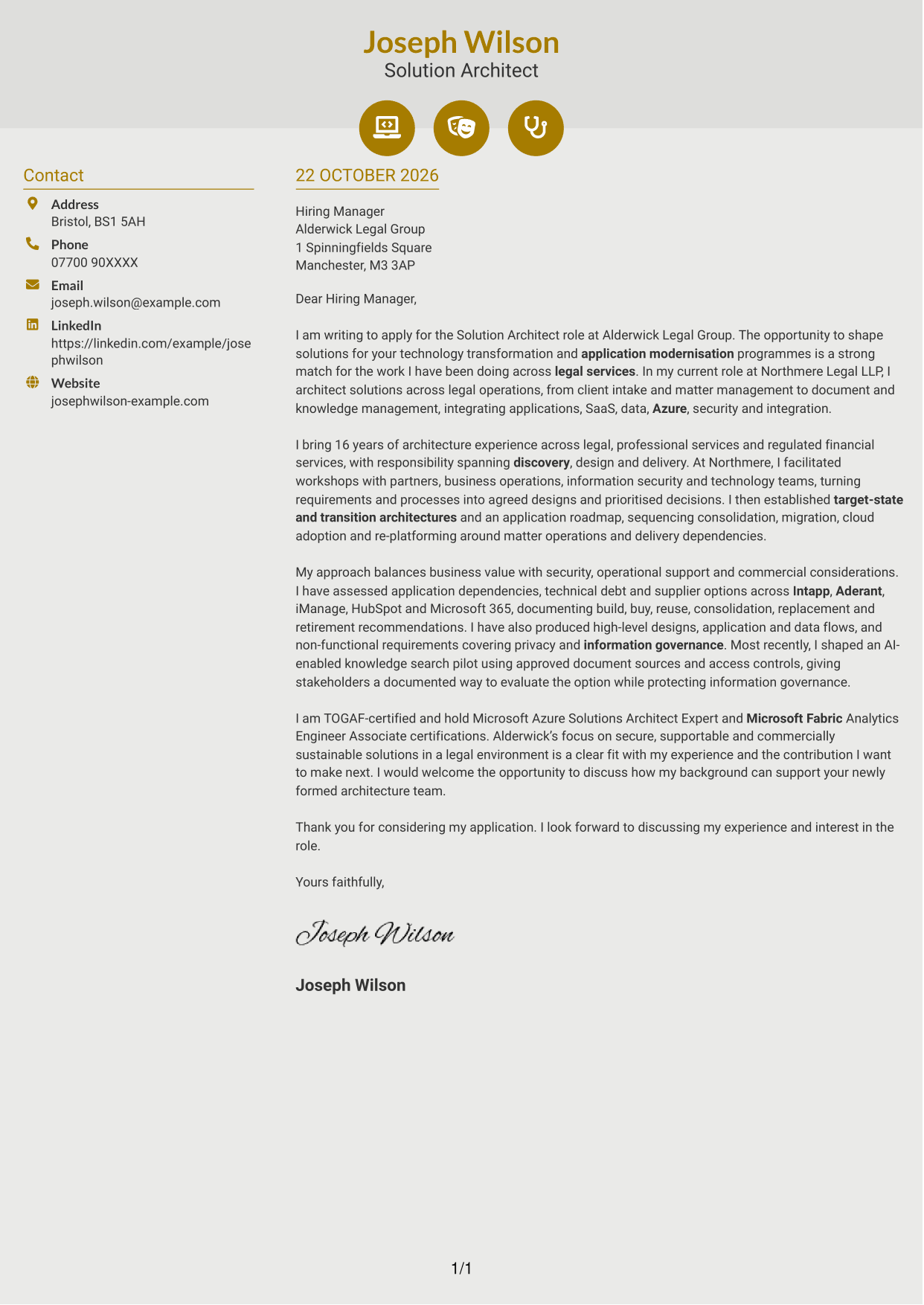
Why This Format Works
- The contact sidebar separates sender information from the letter's argument.
- Contact icons help distinguish details such as email and telephone information.
- The continuous body keeps the message together from opening through closing.
Best For
- Icon-led contact details
- Continuous letter paragraphs
- Sender information in a sidebar
- Decorative header accents
- Clear contact and message separation
#7 Creative Two Tone Format Cover Letter Example
The Creative Two Tone Format combines a two-colour look with a contact sidebar beside one continuous letter body, suiting readers who want colour contrast without splitting the message.
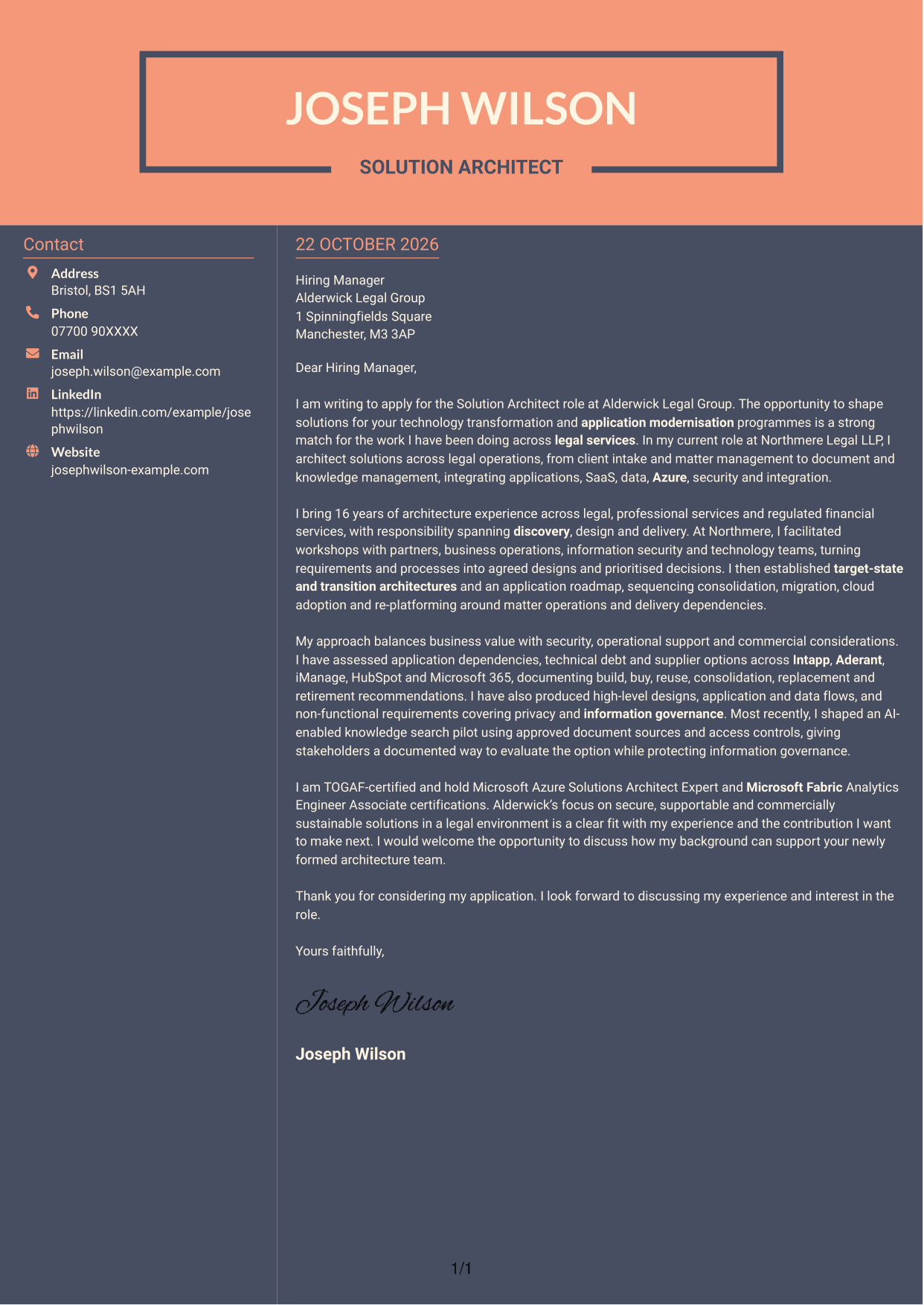
Why This Format Works
- The sidebar gives sender details a separate place beside the letter.
- The uninterrupted body keeps the persuasive message in its natural sequence.
- Two-tone colour provides a clear visual difference between areas.
Best For
- Two-tone colour preference
- Contact sidebar beside the message
- Continuous letter reading
- Clear visual contrast
- Separate sender details
See Also
- 7 Solution Architect - Applications & Technology CV Templates with Example
- 7 AI Solution Architect - Agentic AI CV Templates with Example
- 7 Commercial SAP Solution Architect CV Templates with Example
- 7 Data & Analytics Solution Architect - Cloud Data Platforms CV Templates with Example
- 7 Data Protection Solution Architect CV Templates with Example
- 7 Data & Solution Architect - Defence CV Templates with Example
- 7 Data Solution Architect - Reinsurance CV Templates with Example
- 7 Digital Solution Architect - Financial Services CV Templates with Example
- 7 AI Solution Architect - Agentic AI Cover Letter Templates with Example
- 7 Commercial SAP Solution Architect Cover Letter Templates with Example
Frequently Asked Questions
What should a Solution Architect - Applications & Technology cover letter highlight?
Show how you turn business needs into clear application and technology solutions. Relevant evidence may include discovery workshops, target-state and transition architectures, application modernisation, security and support for delivery teams.
How can I make my architecture experience relevant to this role?
Choose examples that show your decisions and contribution. You could explain how you mapped application dependencies, compared supplier options or planned consolidation and migration, then link that work to the needs of the role.
How should I explain my interest in the employer?
Refer to a genuine point in the employer’s stated plans or working context. Connect it to your interest in shaping secure, supportable solutions and explain the contribution you could make.
What is a clear way to structure this cover letter?
Open with the role and your reason for applying. Use the body to connect relevant architecture work to the employer’s needs, then close by restating your interest and inviting a discussion.
Should I include every part of my work history?
No. Select the experience that best supports your fit for this position. Focused examples of solution design, stakeholder communication and delivery support make a clearer case than a full account of every duty.




