
7 Solution Architect - Applications & Technology CV Templates with Example
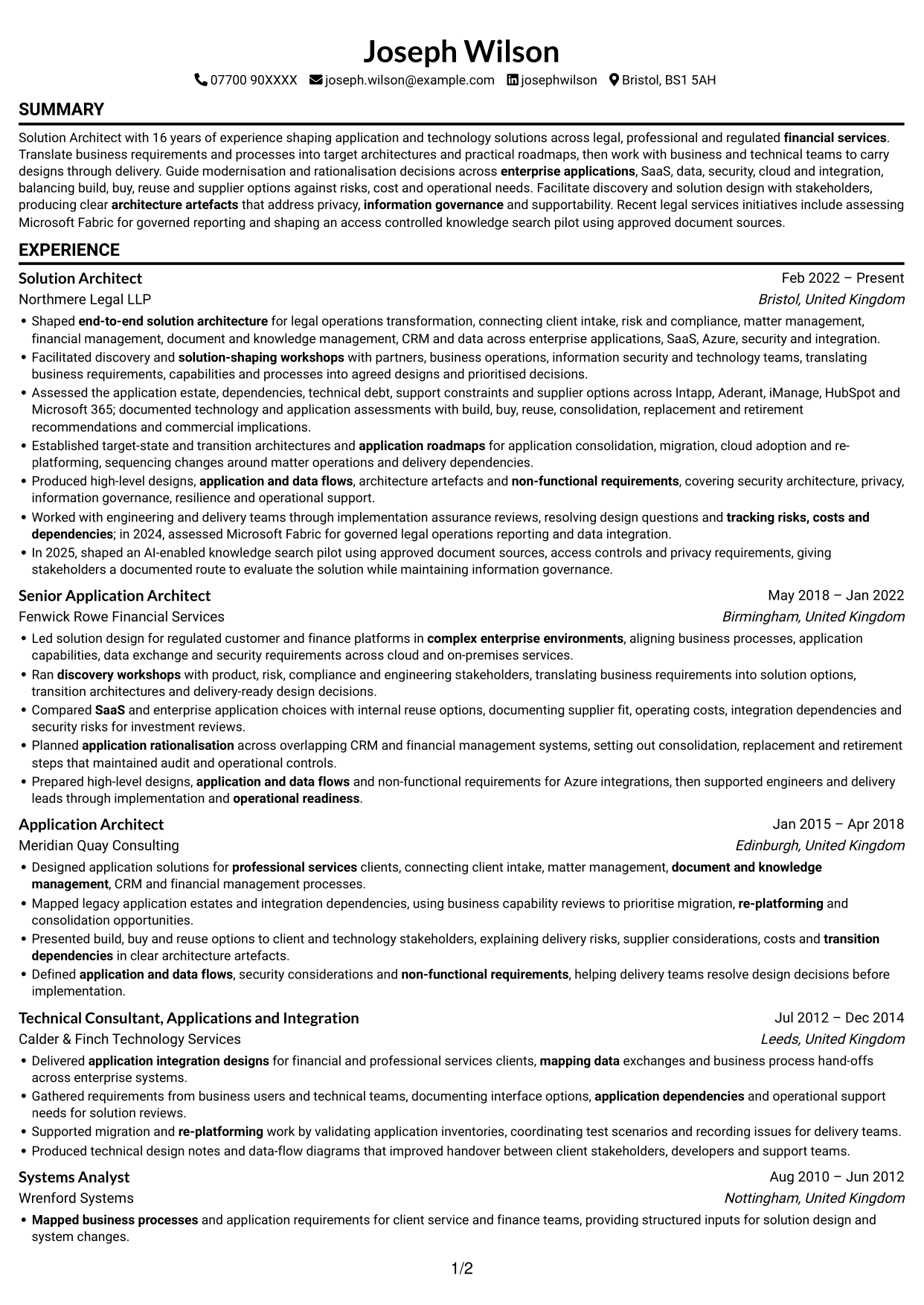
This guide shows you how to build a Solution Architect - Applications & Technology CV that presents your architecture work clearly. Learn how to organise your evidence and choose a format that helps reviewers find key information.
A strong CV for this role connects business needs with application, data, security, cloud and integration decisions. Use focused experience bullets to explain how you shape target-state designs, modernisation plans and delivery choices.
Explore the example presented in 7 layouts, compare the PNG image previews, and open a preferred example in the editor to customise it. The guide also covers ATS readability and role-specific terms such as application rationalisation, transition architecture, Azure, TOGAF and information governance.
What Makes a Great Solution Architect - Applications & Technology CV in 2026
A strong CV makes architecture decisions, delivery work and results easy to scan. Show how you connect business requirements to practical designs and support implementation.
Use relevant terms such as target-state architecture, application roadmaps, SaaS, Azure, security and information governance. Support claims with evidence, such as assessing Microsoft Fabric or shaping an access-controlled knowledge search pilot.
Note: CV examples are for educational purposes only. Use only information that accurately reflects your experience and qualifications. References to real organisations do not imply affiliation or endorsement.
#1 Simple One Column Format CV Example
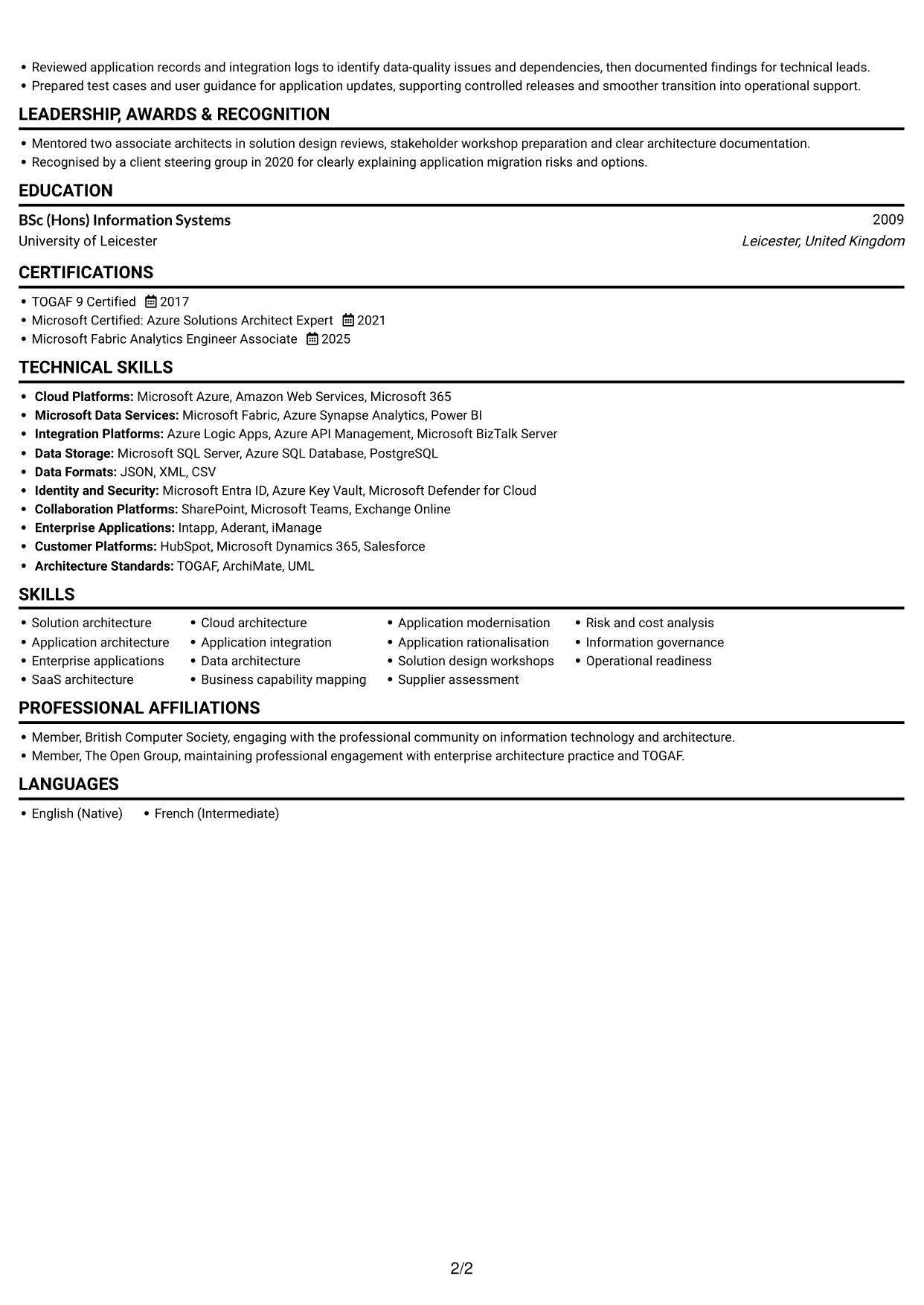
One column keeps the CV on a single reading path, a practical choice for following experience from role to role.
Why This Format Works
- One reading path helps reviewers follow career progression without switching between columns.
- Experience entries can retain a clear sequence across earlier and later roles.
- Education and credentials remain part of the same straightforward review.
Best For
- Linear career histories
- Detailed experience records
- Chronological role progression
- Sections read in sequence
- Simple ATS review
CV Keywords
- end-to-end solution architecture
- Application architecture
- complex enterprise environments
- enterprise applications
- Application modernisation
- application rationalisation
- Established target-state and transition architectures
- application roadmaps
- translating business requirements, capabilities and processes into agreed designs and prioritised decisions
- Business capability mapping
- Mapped business processes
- Delivered application integration designs for financial and professional services clients, mapping data exchanges and business process hand-offs across enterprise systems.
- Cloud architecture
- Azure
- SaaS
#2 Simple Two Column Format CV Example
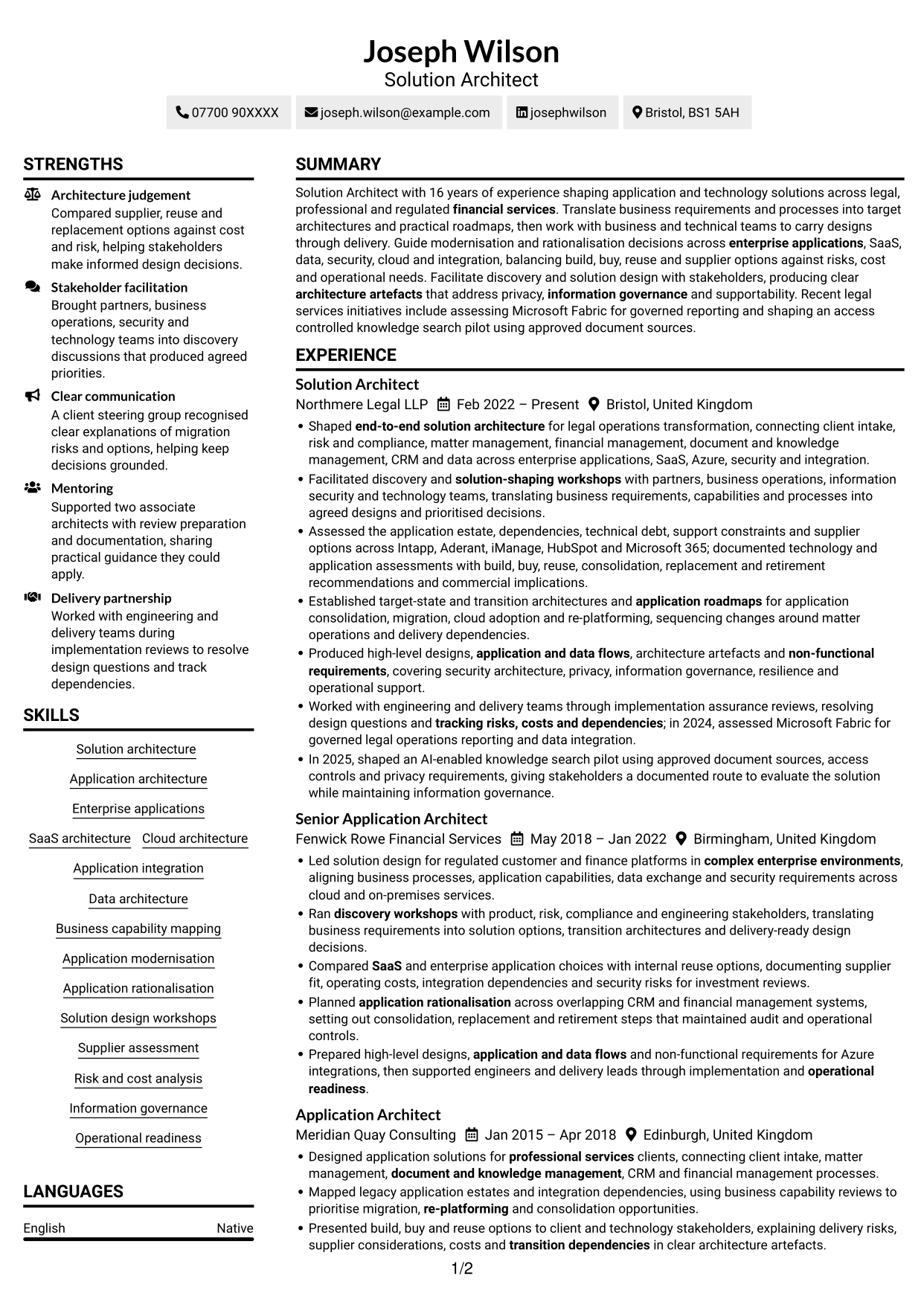
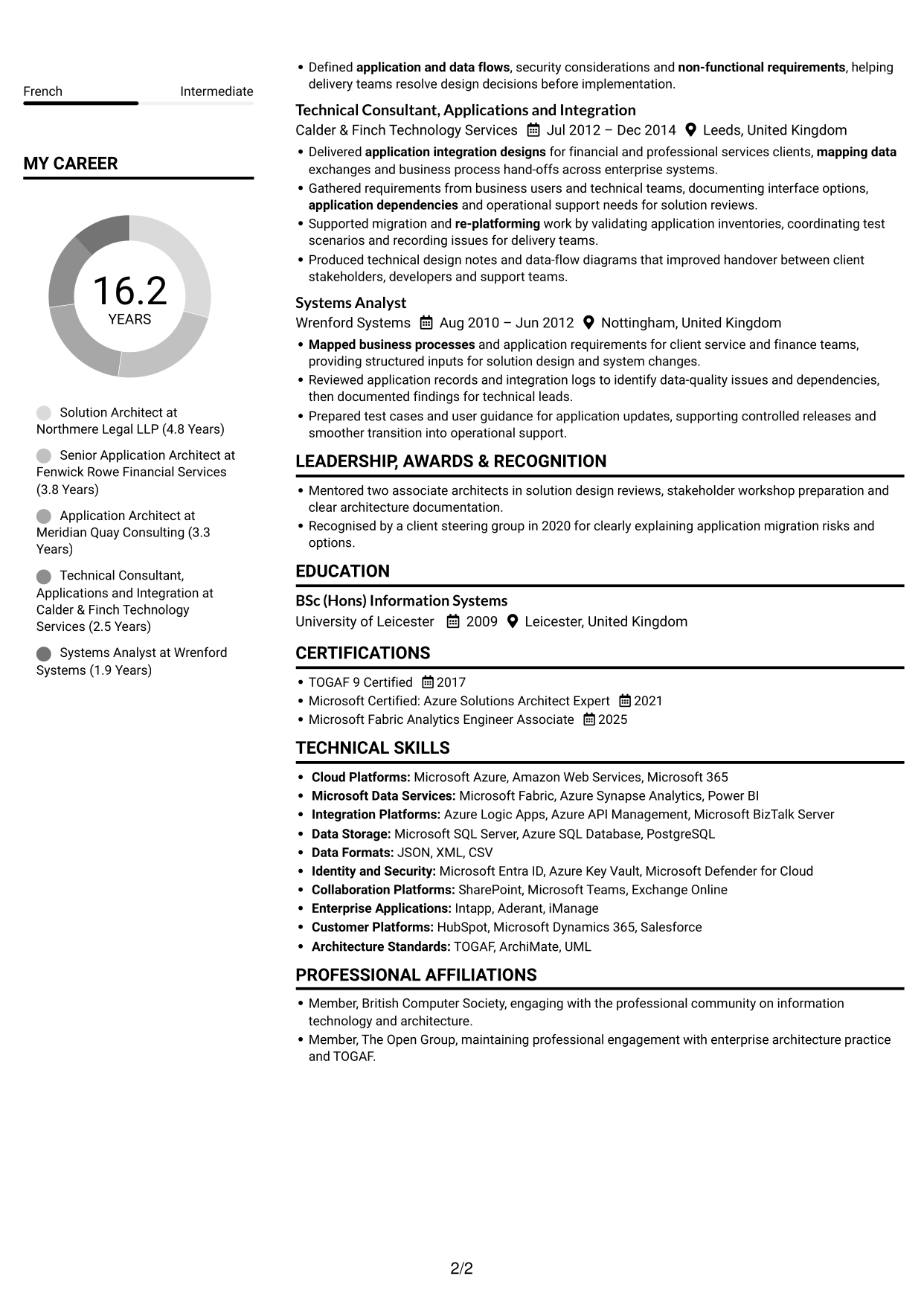
Two columns arrange CV information side by side, a practical choice for readers who want a compact view of experience and supporting sections.
Why This Format Works
- Separate content areas let reviewers move between career history and supporting qualifications.
- Skills and education sections can be easier to locate during a focused review.
- The two-column reading order offers an alternative to one long vertical sequence.
Best For
- Compact section organisation
- Experience with supporting details
- CVs with varied information
- Side-by-side content review
- Readers comparing CV sections
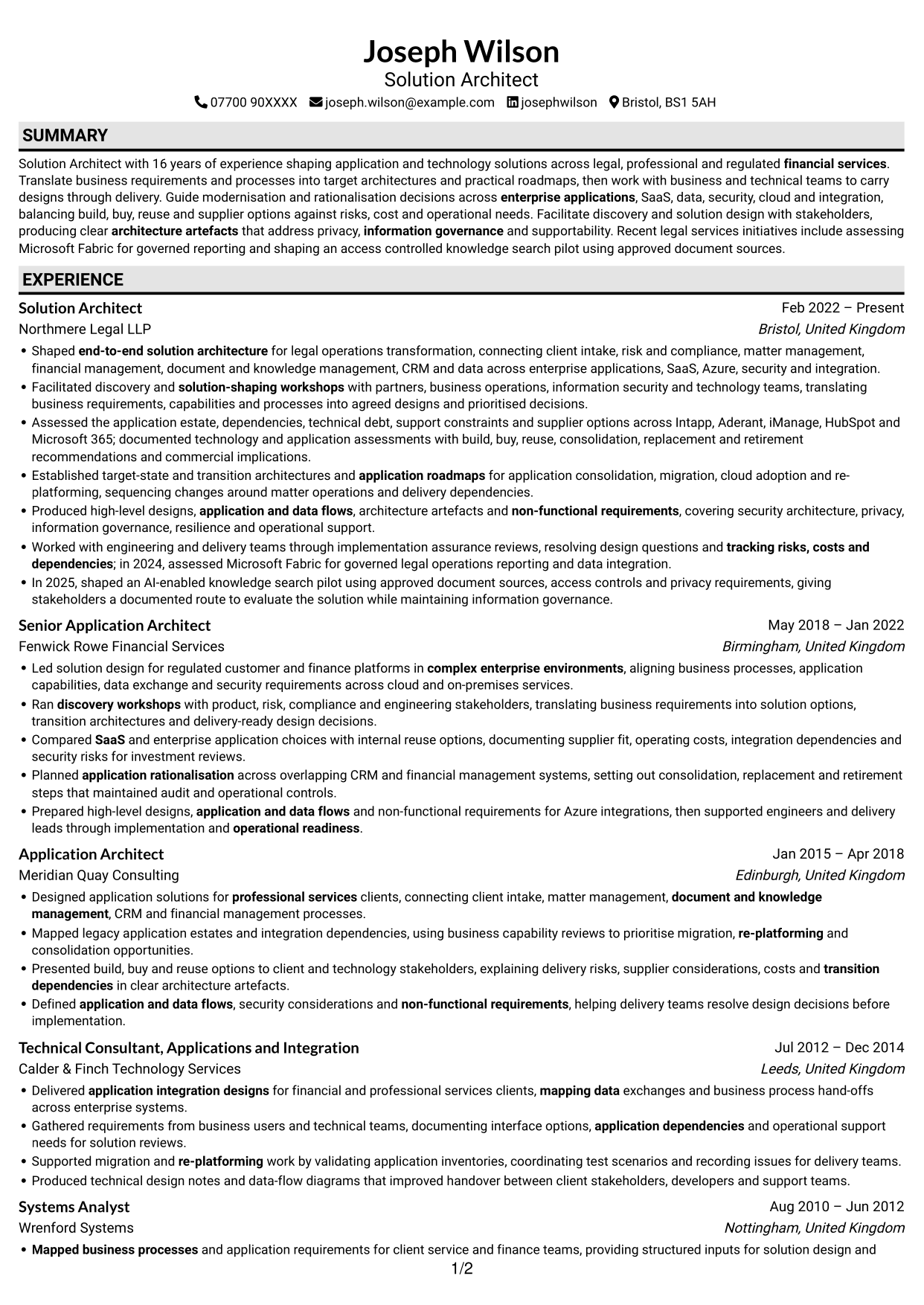
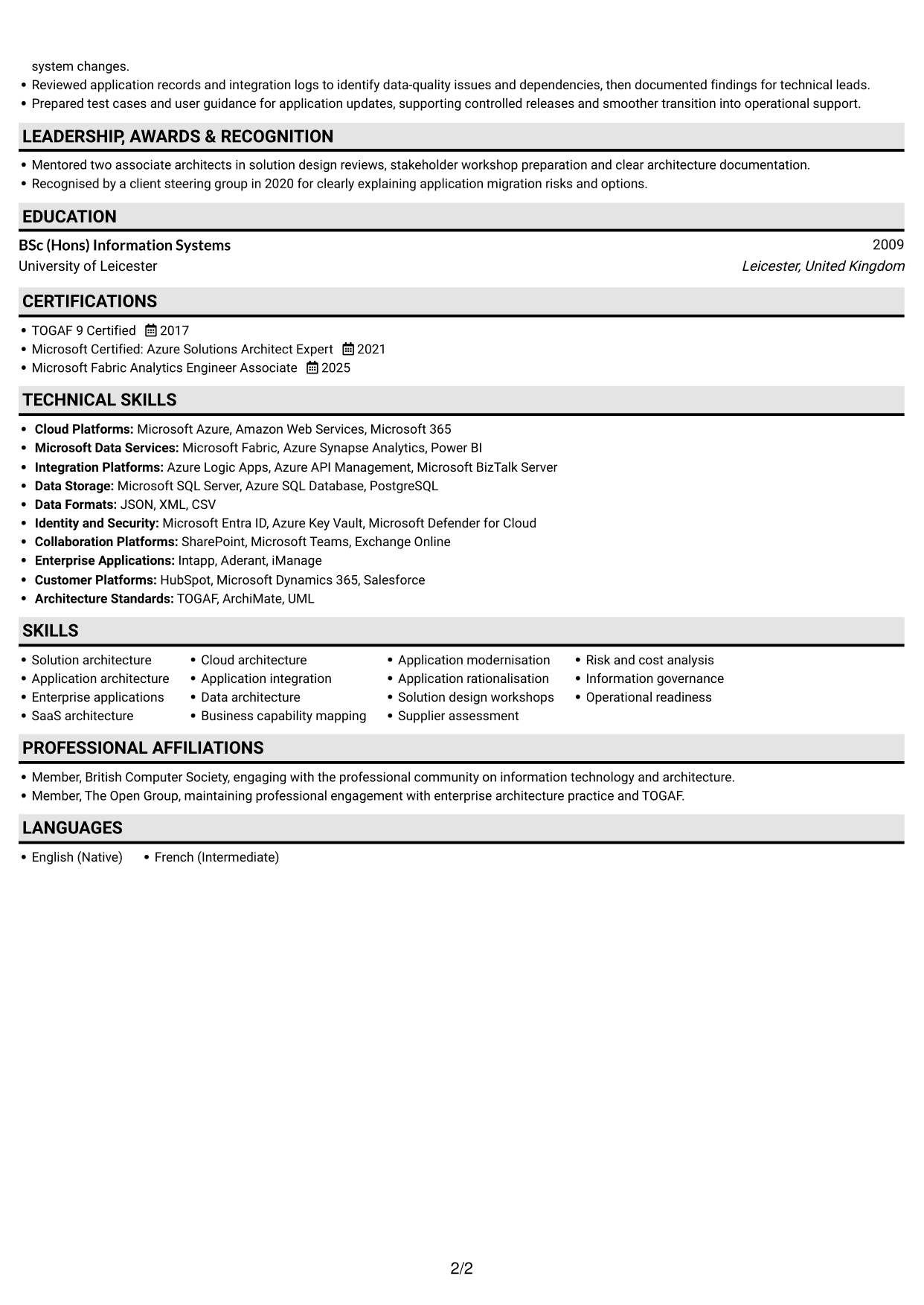
#3 Plain One Column with Shaded Labels CV Example
A one-column body keeps the CV in a familiar top-to-bottom order, suited to readers who prefer a direct route through each section.
Why This Format Works
- A direct reading order helps reviewers trace roles and career progression.
- Experience, education and credentials can be reviewed in one continuous sequence.
- The single-column structure avoids competing paths through the CV.
Best For
- Direct section-by-section review
- Chronological work histories
- CVs with detailed experience
- One clear reading sequence
- Straightforward ATS review
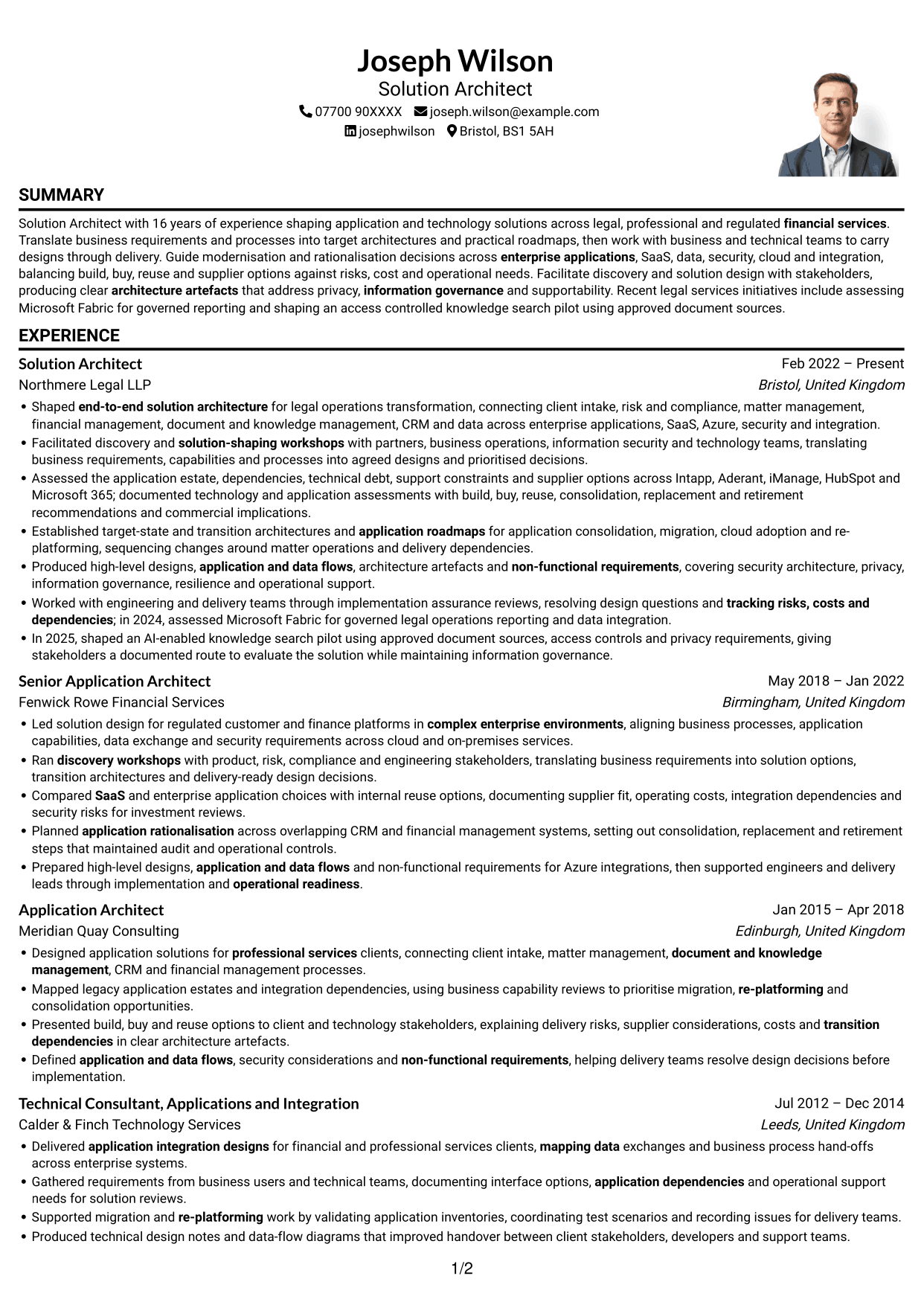
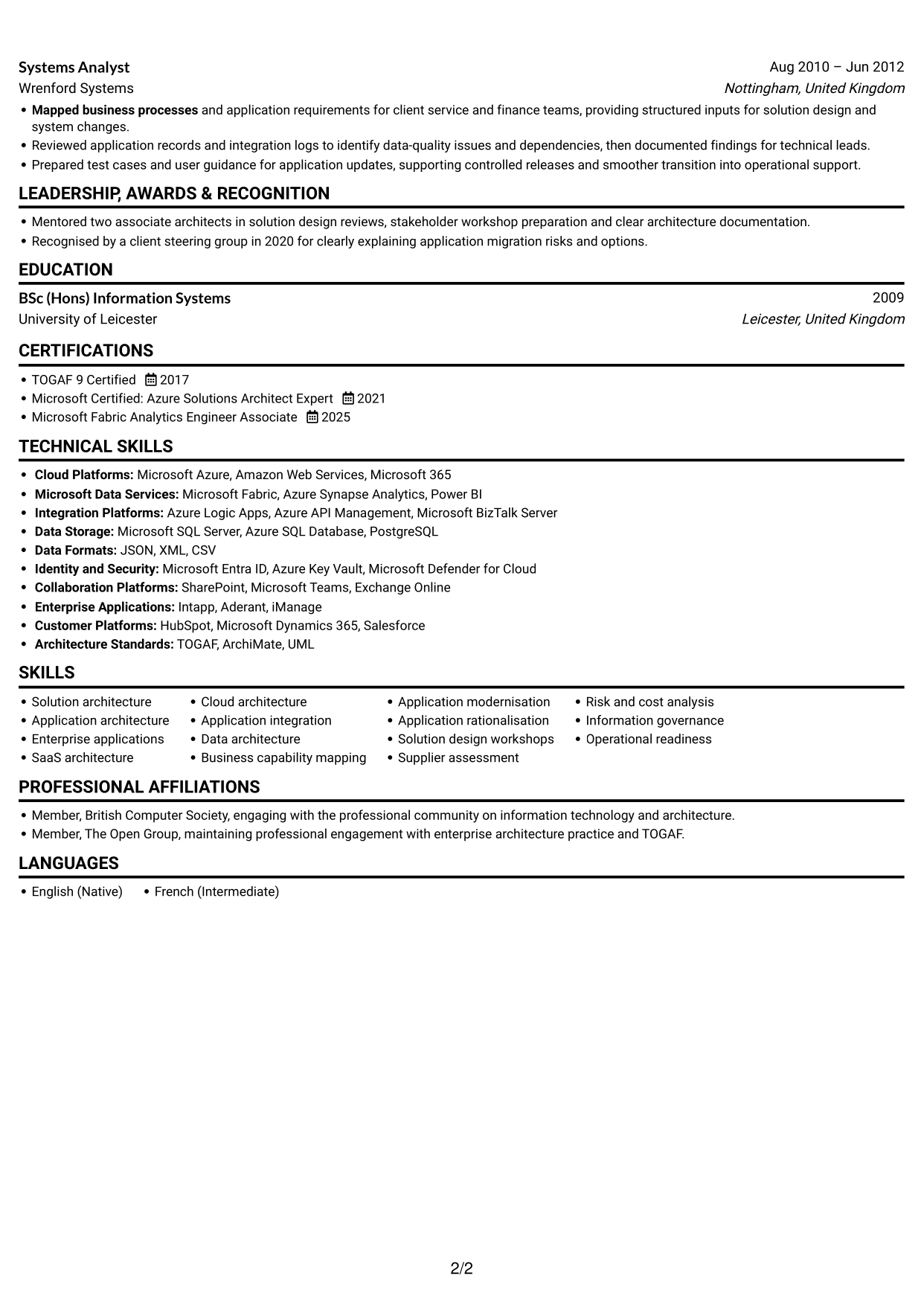
#4 One Column Format with Photo Right CV Example
The one-column body pairs a photo on the right with a single reading path, for readers who want a portrait alongside a familiar section flow.
Why This Format Works
- The single reading path keeps career history in a clear sequence.
- Experience and supporting sections remain part of one vertical review.
- The right-side photo adds a portrait without splitting the CV body.
Best For
- Portrait-led CV presentation
- One-direction section reading
- Chronological experience details
- CVs with supporting credentials
- Readers who prefer a photo
#5 Clean Two Column Sidebar Format CV Example
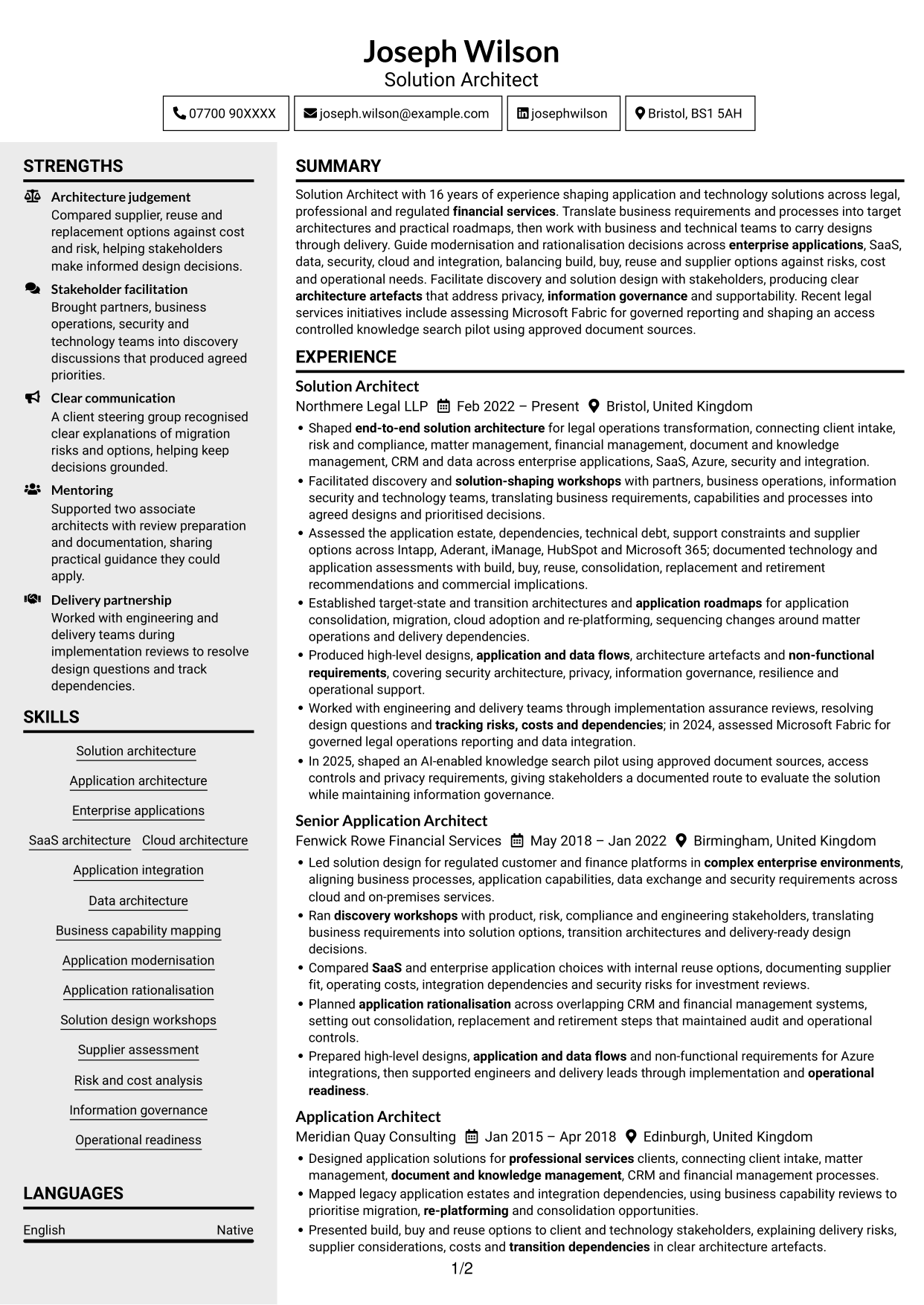
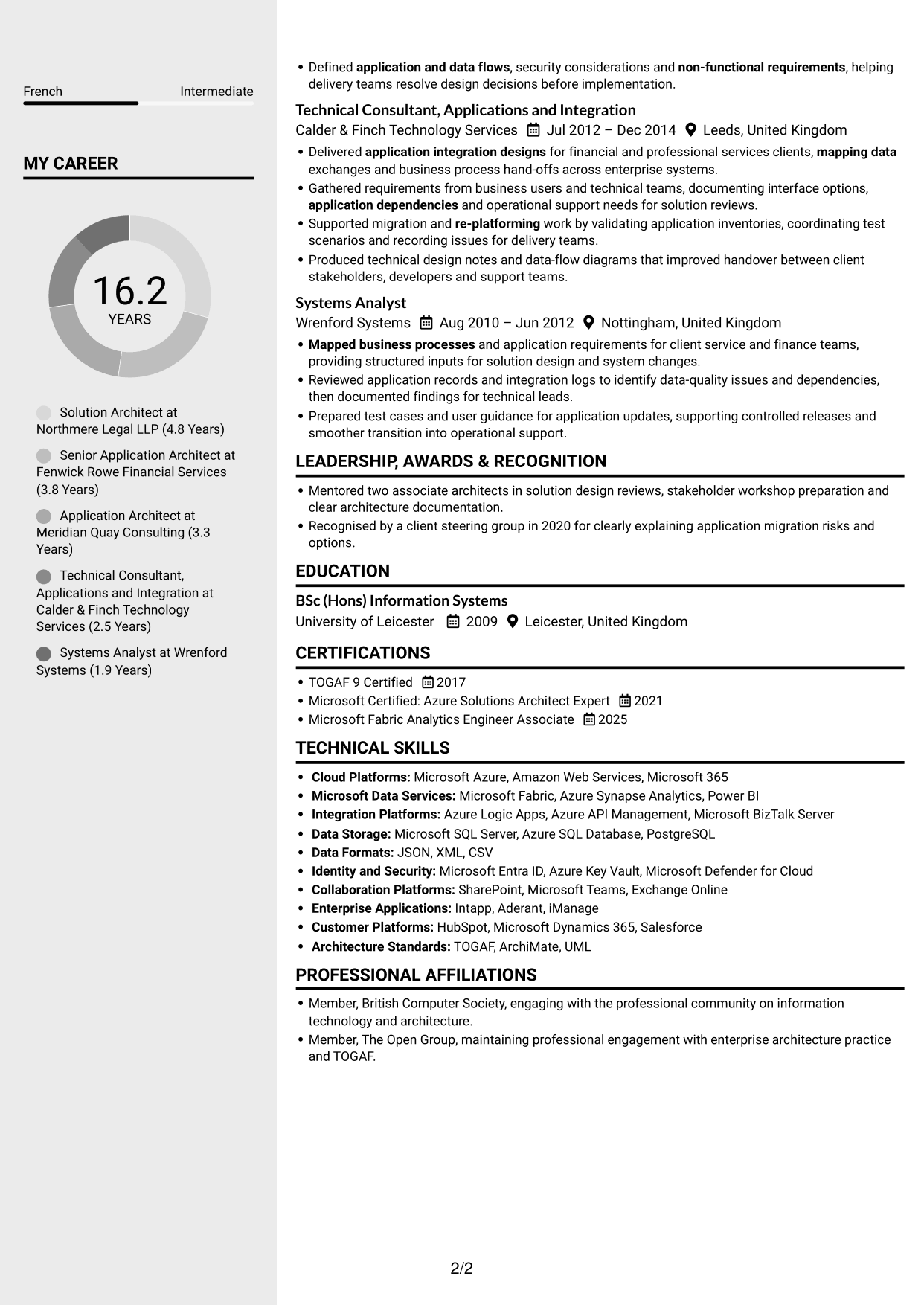
A two-column body with a sidebar suits readers who want a compact structure that keeps different CV information areas distinct.
Why This Format Works
- The sidebar gives supporting details a distinct place beside career history.
- Separate areas help reviewers locate experience and qualifications without reading every section in order.
- Two columns can make a CV with varied sections easier to navigate.
Best For
- Distinct information areas
- Compact CV organisation
- Experience with supporting details
- Readers seeking quick section access
- CVs with varied sections
#6 Two Column Format CV Example
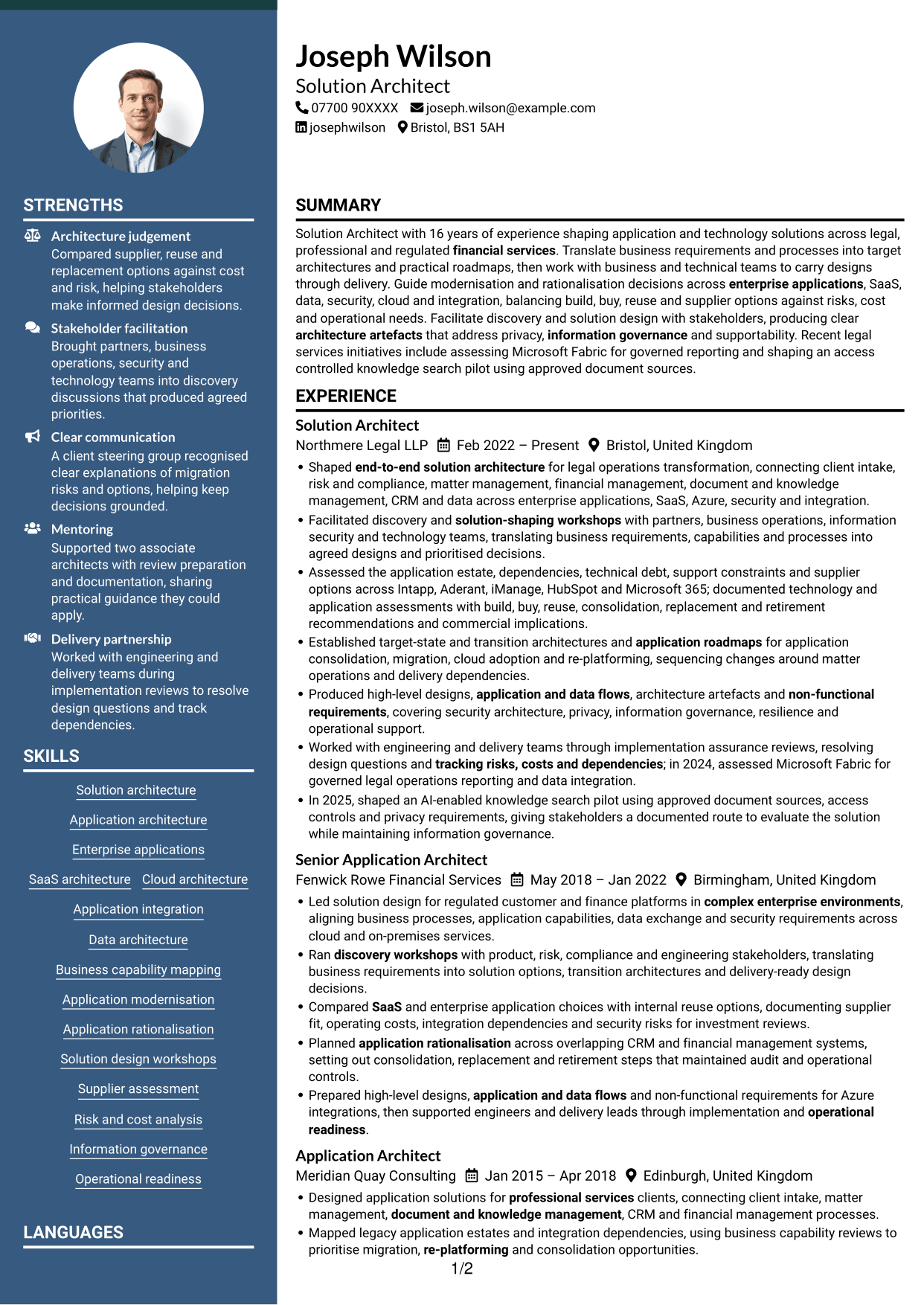
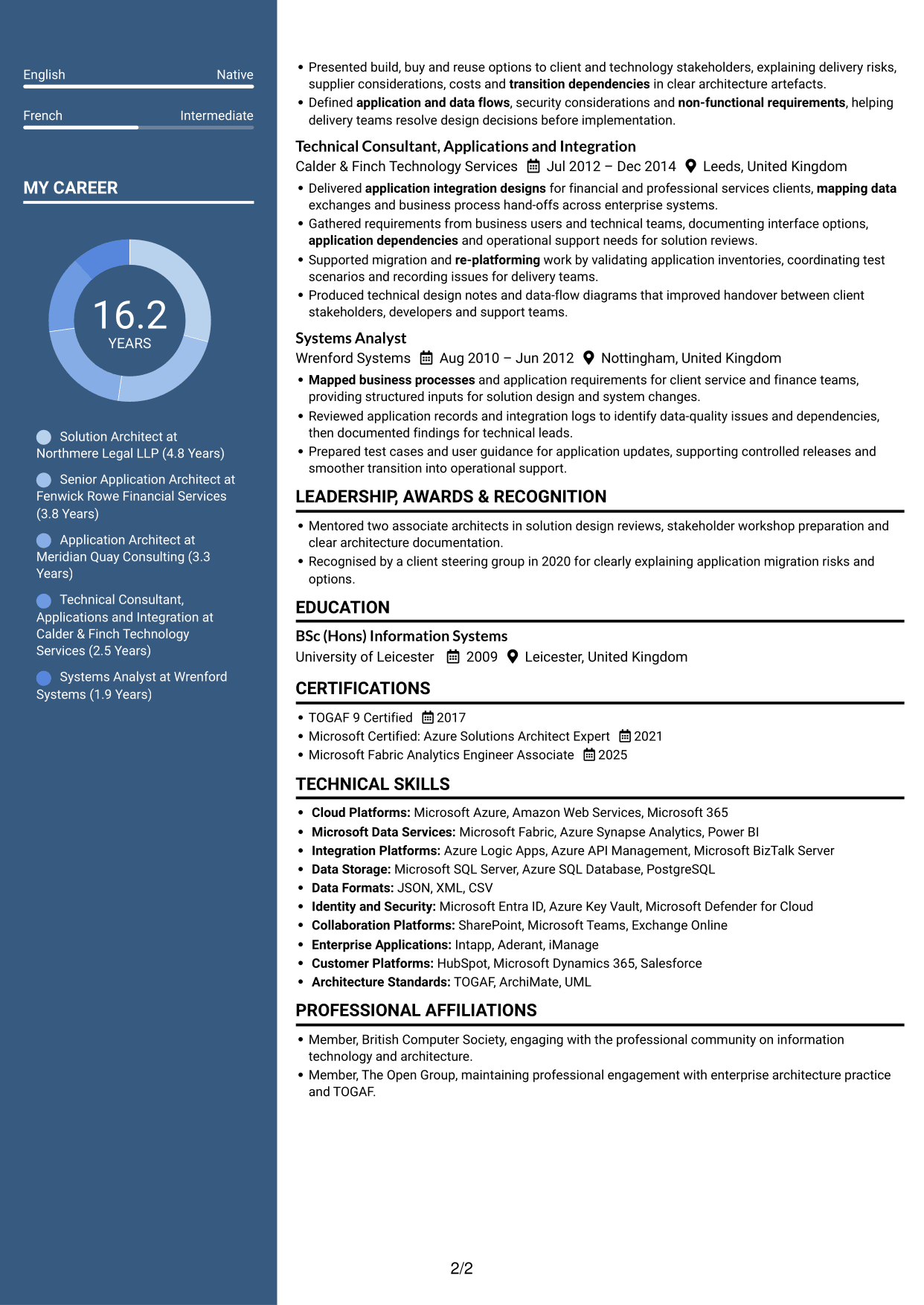
The two-column body presents CV details in parallel areas, a useful option for readers who want an alternative to a single vertical sequence.
Why This Format Works
- Parallel areas let reviewers scan career history and supporting information separately.
- The layout can help skills and credentials stand out among detailed work records.
- Two columns offer a clear reading choice for CVs with several sections.
Best For
- Parallel content review
- Detailed work records
- CVs with several sections
- Separate skills and experience
- Readers comparing qualifications
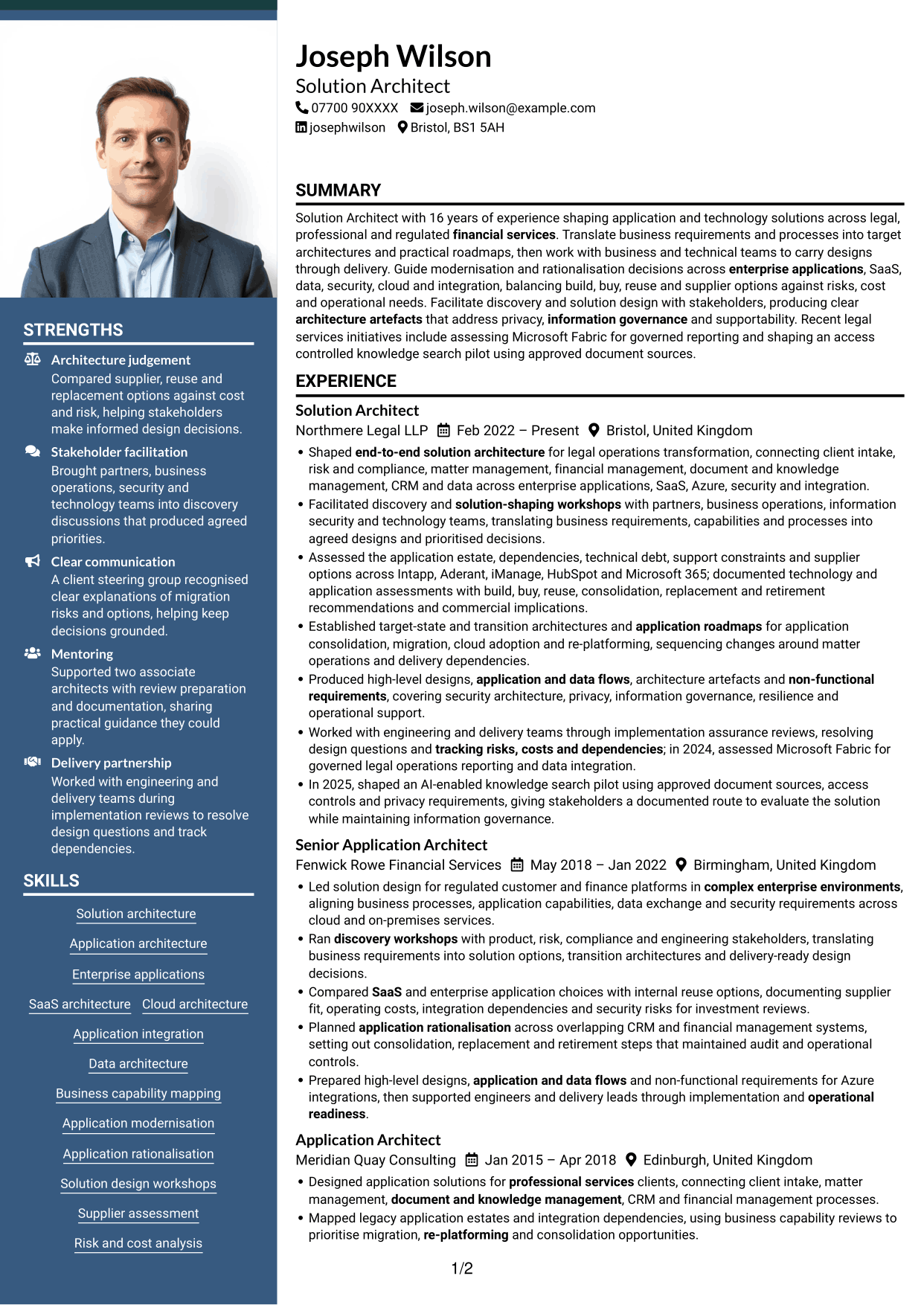
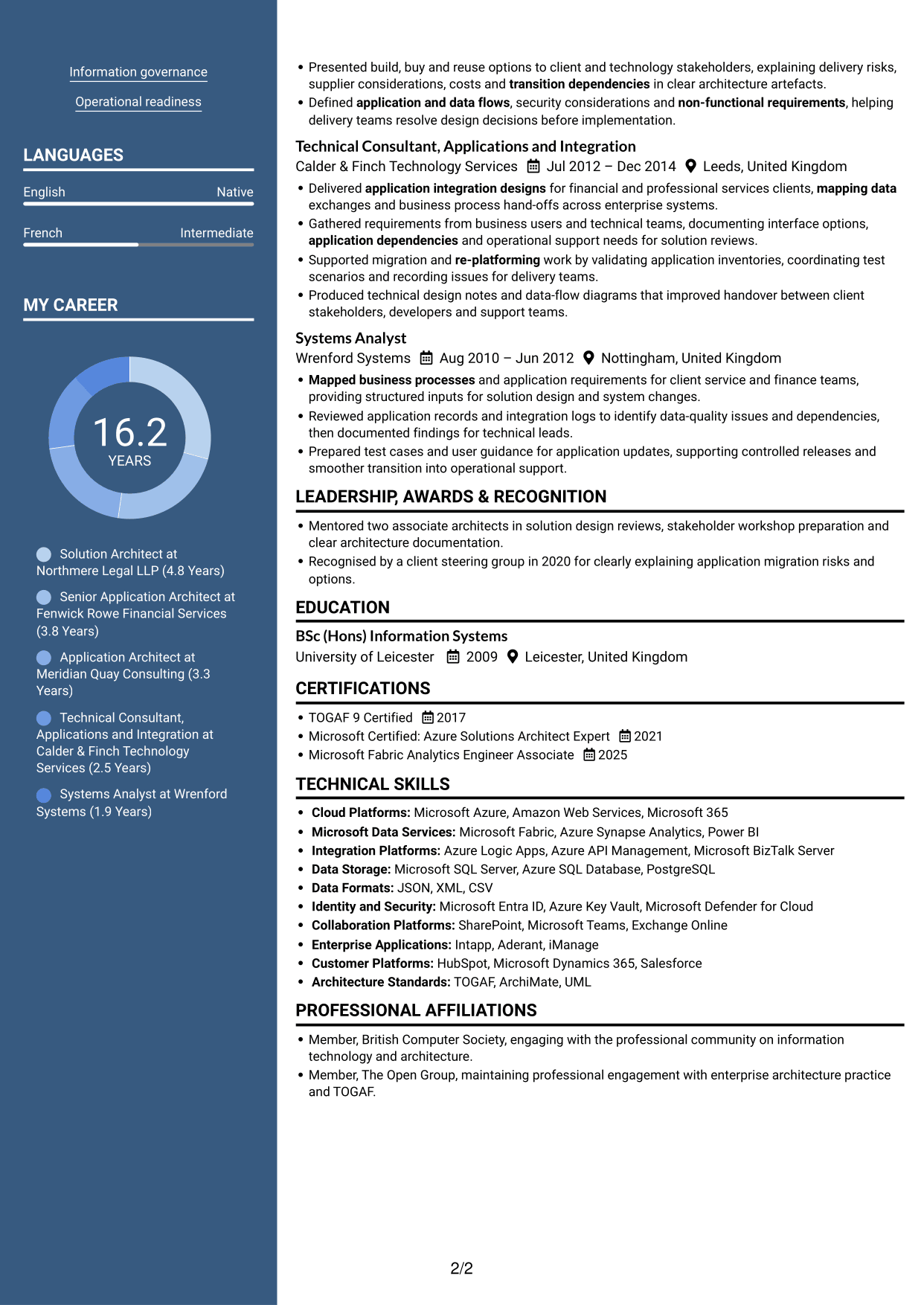
#7 Photo Header Two Column Format CV Example
A photo header sits above a two-column CV body, a practical choice for readers who want a clear identity area before the supporting detail.
Why This Format Works
- The photo header gives the CV a clear visual starting point.
- Two columns separate information areas while keeping the body compact.
- Reviewers can scan career history and supporting sections in parallel.
Best For
- Photo-led header presentation
- Two-column information structure
- Compact CV sections
- Parallel review of experience
- CVs with supporting details
Why Build Your Solution Architect - Applications & Technology CV with ResumeInMinutes
ResumeInMinutes helps you arrange architecture experience, technical skills and education in a clear CV. Compare PNG image previews, then open an example in the editor to customise its content and layout.
- Professional CV layouts
- Clear section structure
- Space for role-specific keywords
- Organised skills and experience
- PNG image previews
- CV customisation in the editor
Choose a format that makes your architecture decisions and delivery evidence easy to follow. Keep the focus on application design, modernisation, stakeholder decisions and implementation support.
See Also
- 7 AI Solution Architect - Agentic AI CV Templates with Example
- 7 Commercial SAP Solution Architect CV Templates with Example
- 7 Data & Analytics Solution Architect - Cloud Data Platforms CV Templates with Example
- 7 Data Protection Solution Architect CV Templates with Example
- 7 Data & Solution Architect - Defence CV Templates with Example
- 7 Data Solution Architect - Reinsurance CV Templates with Example
- 7 Digital Solution Architect - Financial Services CV Templates with Example
- 7 Enterprise Solutions Architect - Microsoft Stack CV Templates with Example
- 7 Solution Architect - Applications & Technology Cover Letter Templates with Example
- 7 AI Solution Architect - Agentic AI Cover Letter Templates with Example
Frequently Asked Questions
Are these Solution Architect - Applications & Technology CV templates ATS-friendly?
The examples use clear headings and sections that support scanning. Add relevant terms naturally, such as application architecture, target-state architecture, SaaS, Azure, integration, TOGAF and non-functional requirements.
Are these separate CV examples or different layouts of one example?
This page shows one role-focused CV example in different layouts. Compare the PNG image previews, then open an example in the editor to customise it.
What should a Solution Architect - Applications & Technology CV include?
Include a focused summary, relevant experience, skills, education and certifications. Show evidence of application and data design, discovery workshops, modernisation decisions, supplier assessment and delivery support.
Which CV layout works well for this role?
Choose a format with clear headings and an easy-to-follow order for experience, skills and education. A simple structure helps recruiters and applicant tracking systems find key details.
How can I show architecture achievements on my CV?
Write concise bullets that explain the challenge, your contribution and the outcome. Use supported details, such as architecture decisions, risks or dependencies addressed, and the Microsoft Fabric assessment or knowledge search pilot where relevant.
Should I include a photo on my CV?
For UK applications, a photo is usually not needed. Use the space for relevant experience, skills and evidence of your work instead.




