
7 Solution Architect - Azure, .NET Cover Letter Templates with Example
This guide helps you create a focused Solution Architect - Azure, .
What Makes a Great Solution Architect - Azure, .NET Cover Letter in 2026
A strong letter shows how you turn business goals into secure, practical Azure designs, while linking your .NET and C# background to the needs of the role.
Use clear evidence, such as architecture decisions, API and data integrations, or security and resilience choices. Connect that evidence to the employer’s modernisation goals and explain why the work interests you.
The featured example moves from interest in the role to relevant architecture evidence, then closes with a clear expression of fit; adapt this focused progression while choosing a presentation suited to the employer and communication context.
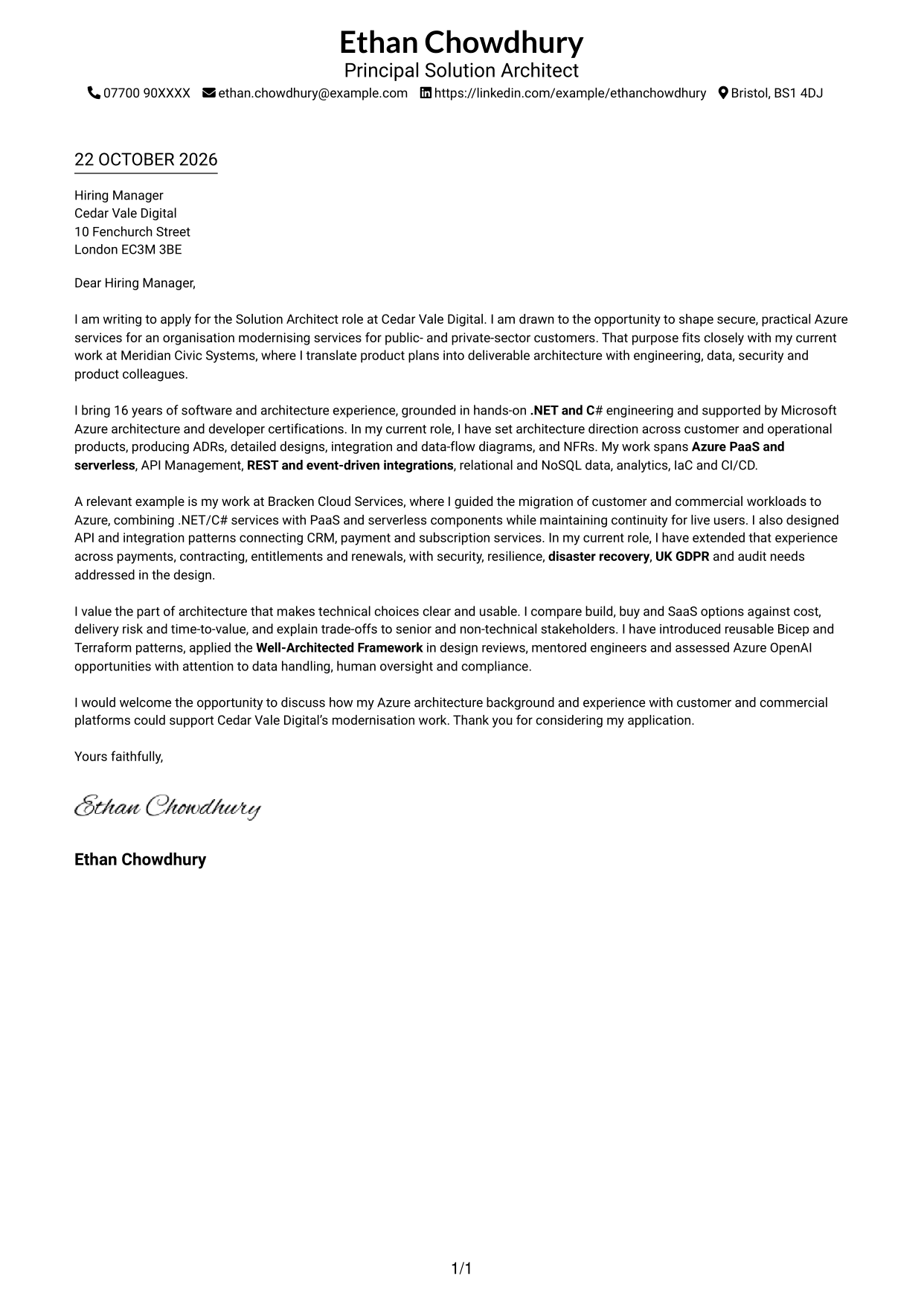
#1 Simple One Column Format Cover Letter Example
This one-column format keeps the letter in a simple vertical layout, a familiar choice for readers who prefer a direct page structure.
Why This Format Works
- Header contact details remain easy to locate without interrupting the letter.
- One text column carries the opening, supporting case and closing in order.
- Without a photo, the presentation suits readers who prefer written details.
Best For
- One-column reading
- Header contact details
- Paragraph-led reasoning
- Photo-free applications
- Detailed letter arguments
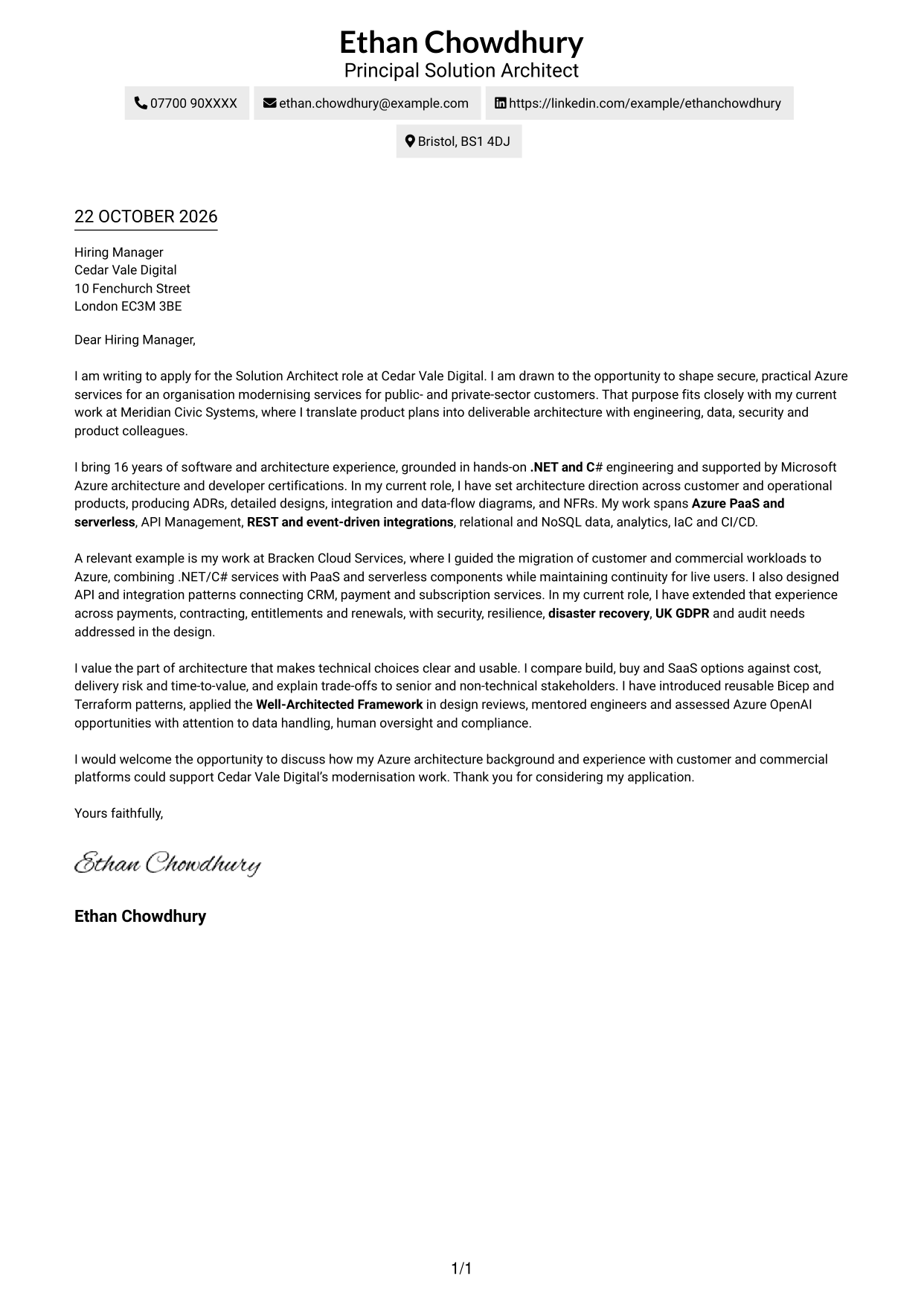
#2 Two Column Format Cover Letter Example
A contact sidebar sits beside one continuous letter body, a useful arrangement for readers who want contact details close at hand.
Why This Format Works
- One body column keeps the opening, evidence and close in sequence.
- Contact details can be checked without interrupting the letter's paragraphs.
- Photo-free styling suits readers who prefer a text-led page.
Best For
- Contact details beside the letter
- Single-column body reading
- Photo-free applications
- Paragraph-based case for fit
- Azure architecture applications
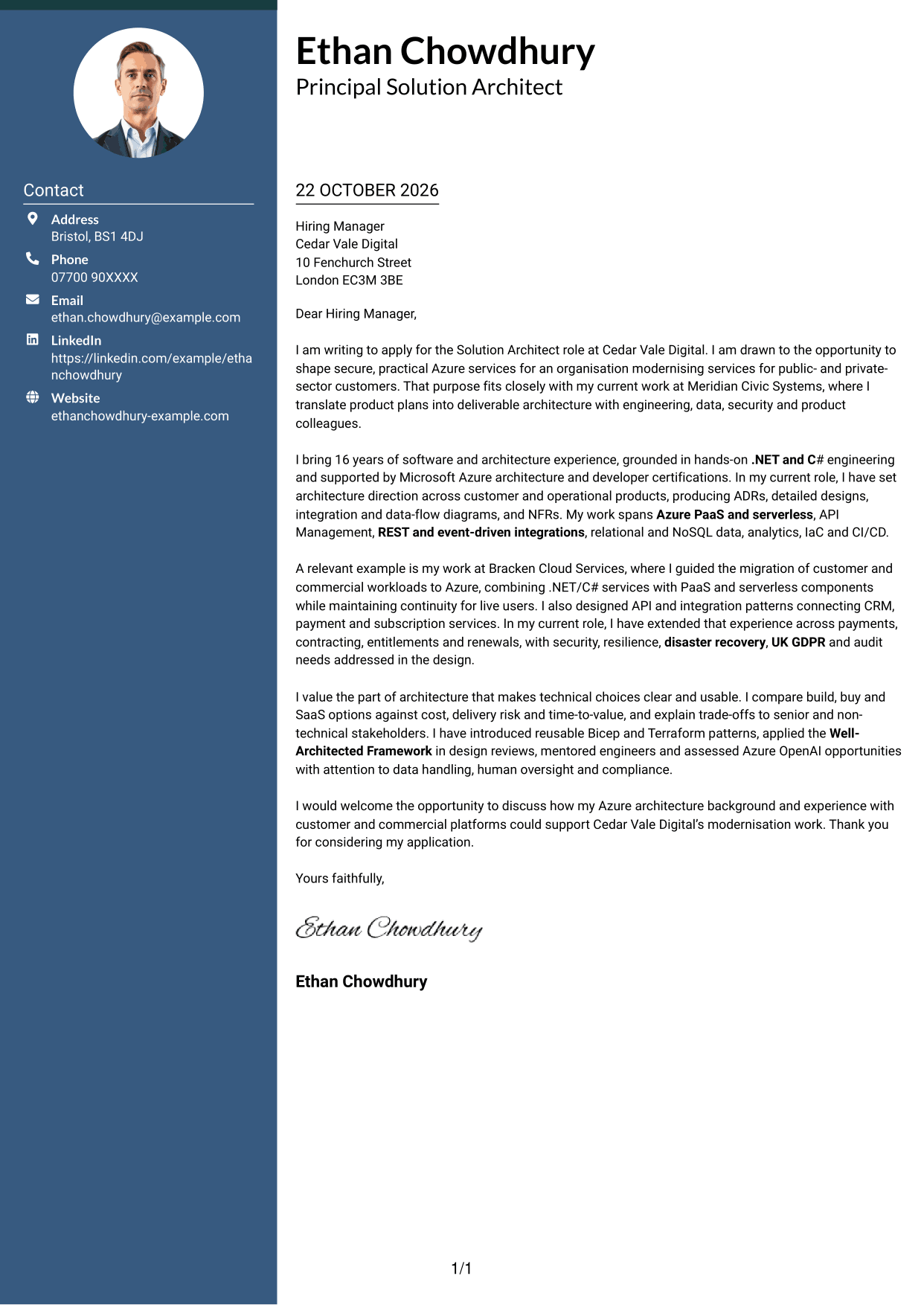
#3 Photo Header Two Column Format Cover Letter Example
A photo and contact sidebar sit with one continuous letter body, suiting readers who prefer a portrait alongside the written case.
Why This Format Works
- The photo offers a visible personal element without dividing the letter's argument.
- Contact details have a separate place beside the continuous body text.
- The opening, supporting paragraphs and close remain in one reading column.
Best For
- Photo-inclusive letters
- Contact sidebar reference
- Single-column letter text
- Letters with several supporting points
- Portrait-presenting applications
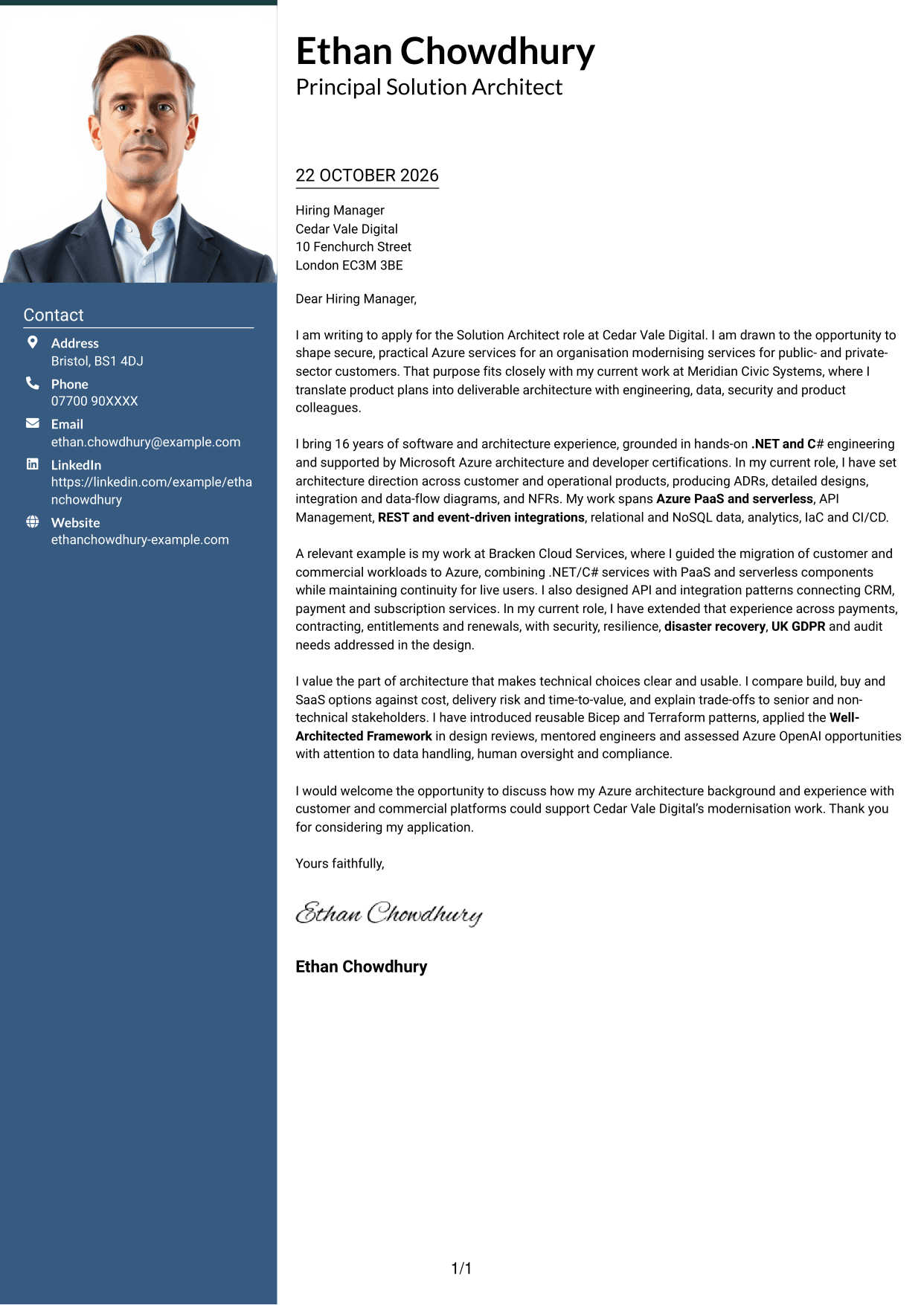
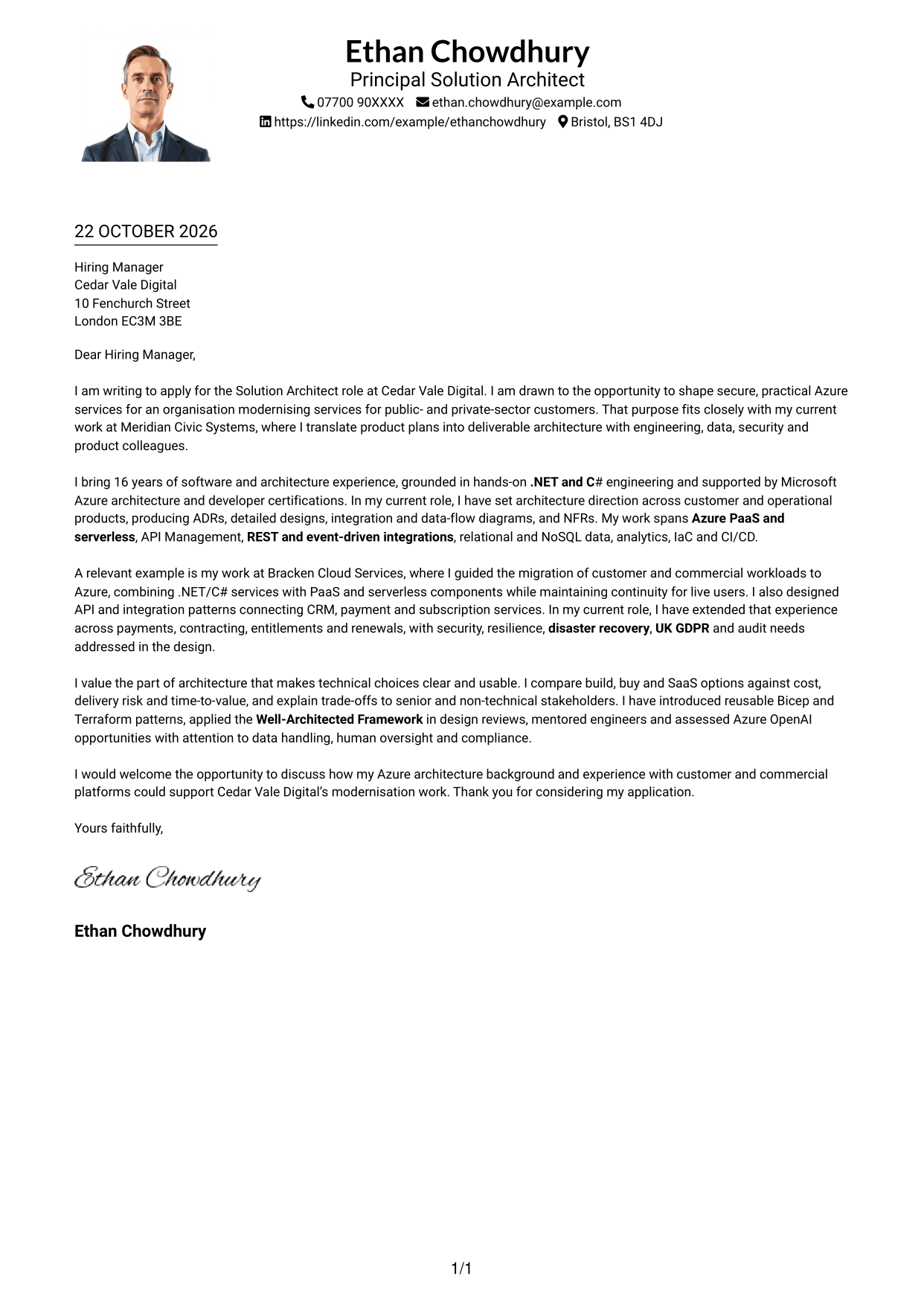
#4 One Column Format with Photo Cover Letter Example
This one-column format includes a photo with the letter, a suitable choice for readers who want a portrait alongside a direct text layout.
Why This Format Works
- A single body column keeps the letter's paragraphs together from opening to close.
- The photo is a visual choice, separate from the written case for fit.
- Sender details in the header stay apart from the continuous letter body.
Best For
- One-column reading preference
- Photo-inclusive applications
- Header contact details
- Paragraph-led case for fit
- Solution Architect applications
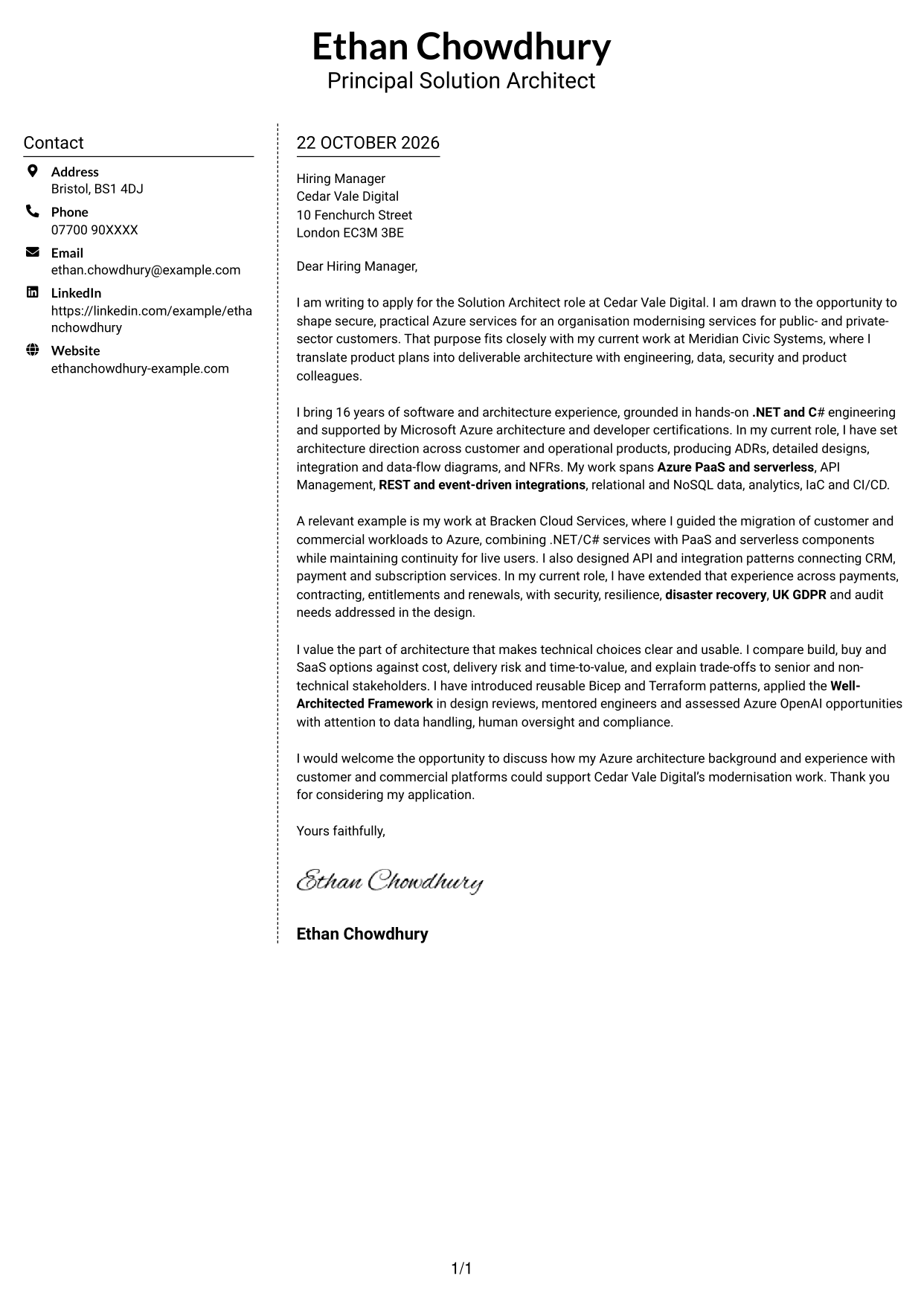
#5 Simple Two Column Format Cover Letter Example
The contact sidebar sits beside a single letter column, giving readers a clear choice between a compact contact area and continuous text.
Why This Format Works
- The body stays in one column, keeping the case for fit in paragraph order.
- A separate contact area gives sender details a consistent reference point.
- With no photo, the layout keeps its focus on written information.
Best For
- Contact sidebar preference
- One-column letter body
- Photo-free document style
- Paragraph-based role alignment
- Side-by-side page structure
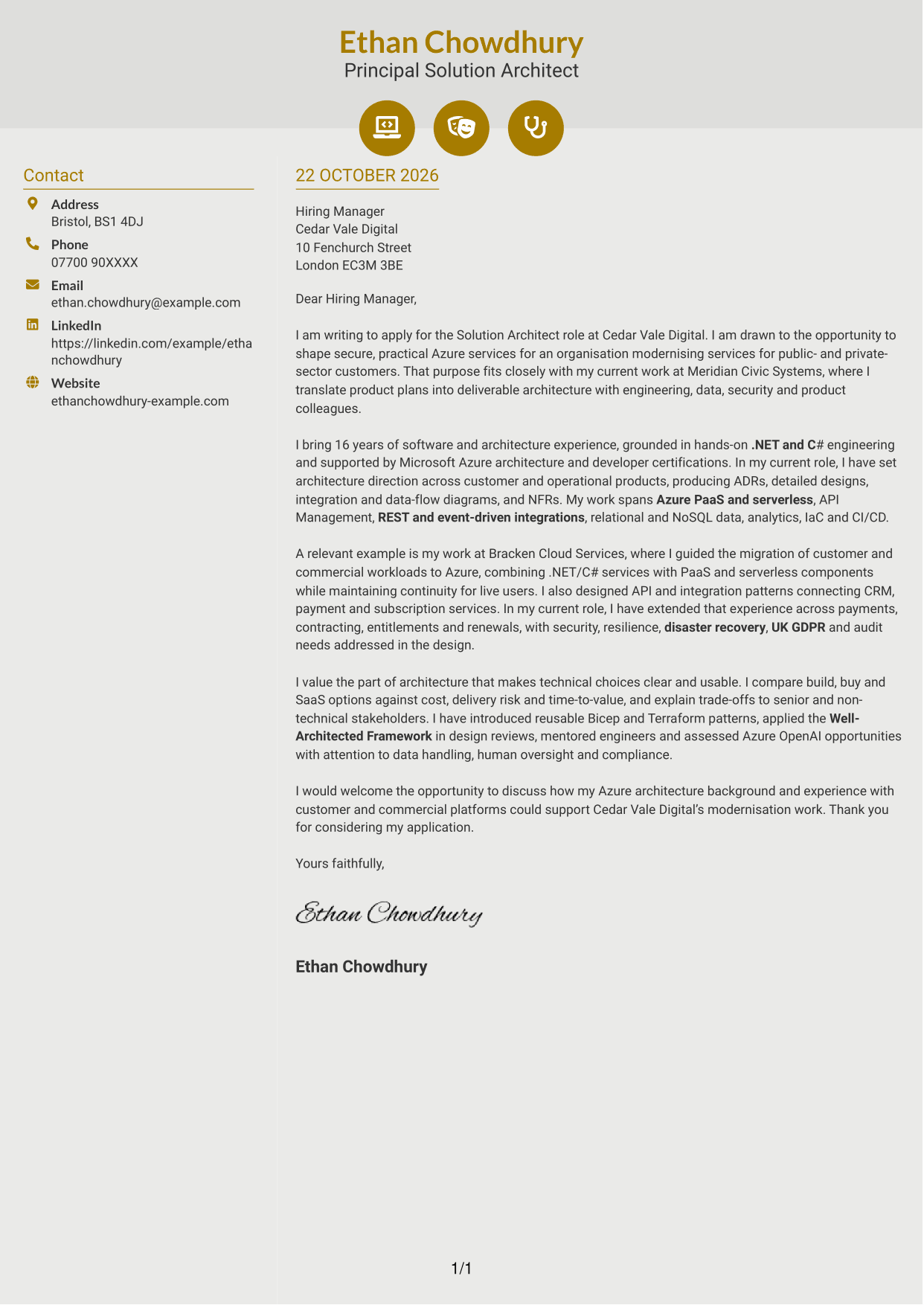
#6 Modern Icon Format Cover Letter Example
Contact icons sit in a sidebar beside one continuous letter body, helping readers identify contact details while keeping the argument together.
Why This Format Works
- Icons act as cues for contact details, not for stages of the letter.
- The main text remains in one column, preserving the letter's natural order.
- Contact information stays apart from the paragraphs that make the case.
Best For
- Icon-based contact cues
- Contact sidebar information
- One-column letter argument
- Photo-free correspondence
- Azure solution architecture applications
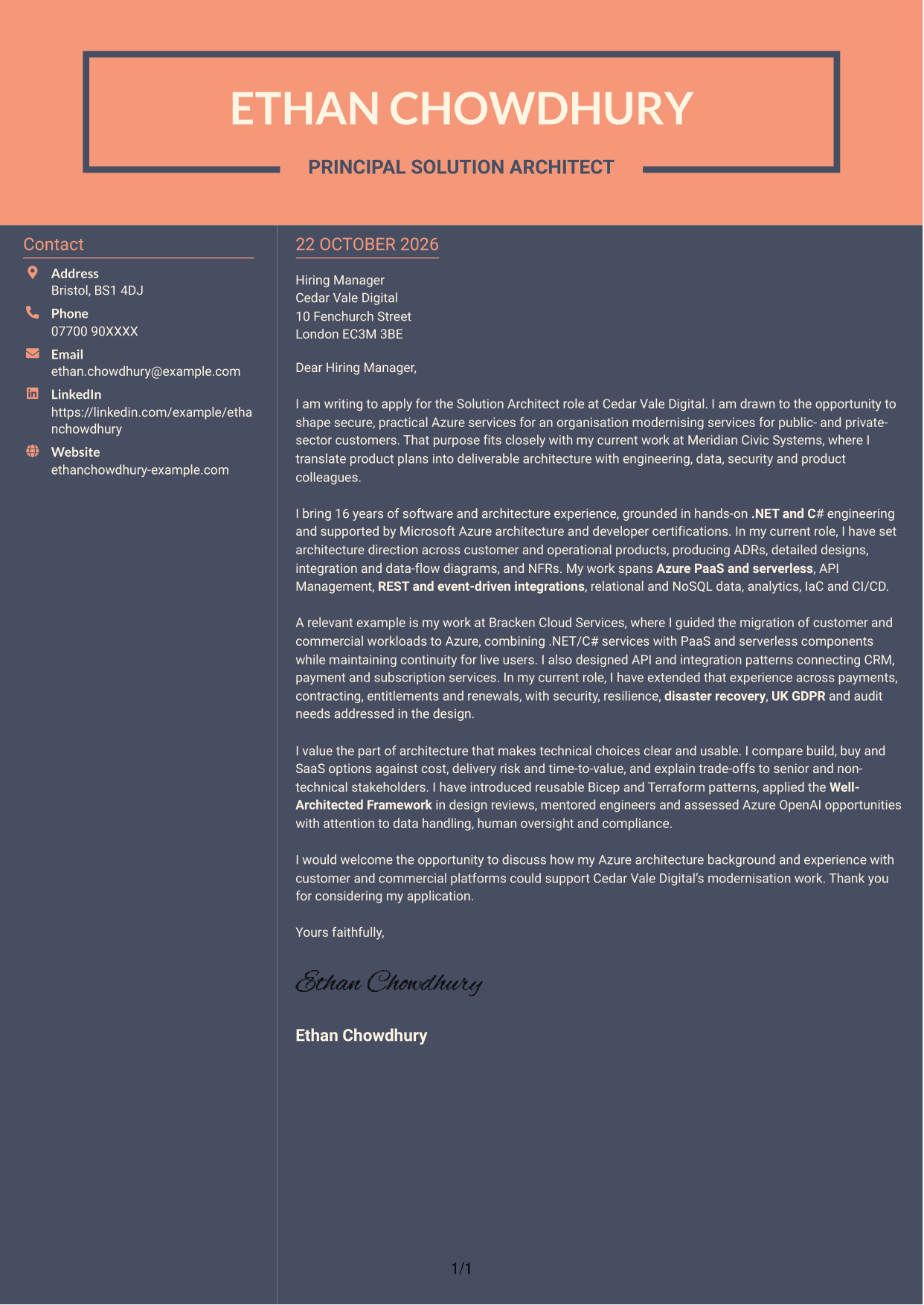
#7 Creative Two Tone Format Cover Letter Example
A contact sidebar beside one continuous letter body gives this two-column layout a useful separation between details and the written case.
Why This Format Works
- The single letter column keeps the opening, evidence and closing together.
- A sidebar provides a separate reference area for contact information.
- The body can be read as continuous paragraphs, without parallel argument columns.
Best For
- Contact sidebar reference
- One-column body preference
- Photo-free documents
- Detailed case in paragraphs
- Azure architecture applications
See Also
- 7 Solution Architect - Azure, .NET CV Templates with Example
- 7 Solution Architect - Mobile App, Azure, IAM, Transformation CV Templates with Example
- 7 AI Solution Architect - Agentic AI CV Templates with Example
- 7 Commercial SAP Solution Architect CV Templates with Example
- 7 Data & Analytics Solution Architect - Cloud Data Platforms CV Templates with Example
- 7 Data Protection Solution Architect CV Templates with Example
- 7 Data & Solution Architect - Defence CV Templates with Example
- 7 Data Solution Architect - Reinsurance CV Templates with Example
- 7 Solution Architect - Mobile App, Azure, IAM, Transformation Cover Letter Templates with Example
- 7 AI Solution Architect - Agentic AI Cover Letter Templates with Example
Frequently Asked Questions
What should a Solution Architect - Azure, .NET cover letter highlight?
Explain how your .NET and C# foundation supports your Azure architecture work. Choose relevant examples of cloud services, APIs, data design, security or commercial-system integrations, and show how they connect to the role.
How can I show that my architecture experience fits this role?
Describe a specific design or delivery decision and your part in it. For example, explain how you documented an architecture choice, shaped an integration, or balanced security, resilience, cost and delivery needs.
How should I explain my interest in Cedar Vale Digital?
Connect your interest to the organisation’s service modernisation work for public- and private-sector customers. Then explain how your experience shaping practical Azure designs could support that work.
What is a clear structure for this cover letter?
Open with your interest in the role and its purpose. Use the body to connect your architecture background to the work, support your fit with a relevant example, then close by inviting a discussion.
Which technical details should I include?
Choose only the details that support your main points. Azure PaaS and serverless, API and messaging patterns, data platforms, security, IaC and CI/CD may be useful when they match your experience and the role.




